

Progressive profiling is one of the smartest moves a high-growth team can make. Instead of overwhelming visitors with a 15-field form on first contact, you collect data incrementally: asking a few questions now, a few more on the next interaction, until you've built a complete lead profile without killing your conversion rate. The result is better data, less friction, and leads that actually convert.
But not every form builder supports true progressive profiling. Some bolt it on as an afterthought; others make it a core capability. This guide covers the best progressive profiling form software tools available in 2026, evaluated on adaptive field logic, CRM and MAP integration depth, UX quality, and lead qualification features. Whether you're a SaaS team nurturing trial signups or a B2B marketer qualifying enterprise leads, there's a right tool for your stack.
1. Orbit AI
Best for: High-growth SaaS and B2B teams that want AI-driven lead qualification built into their forms.
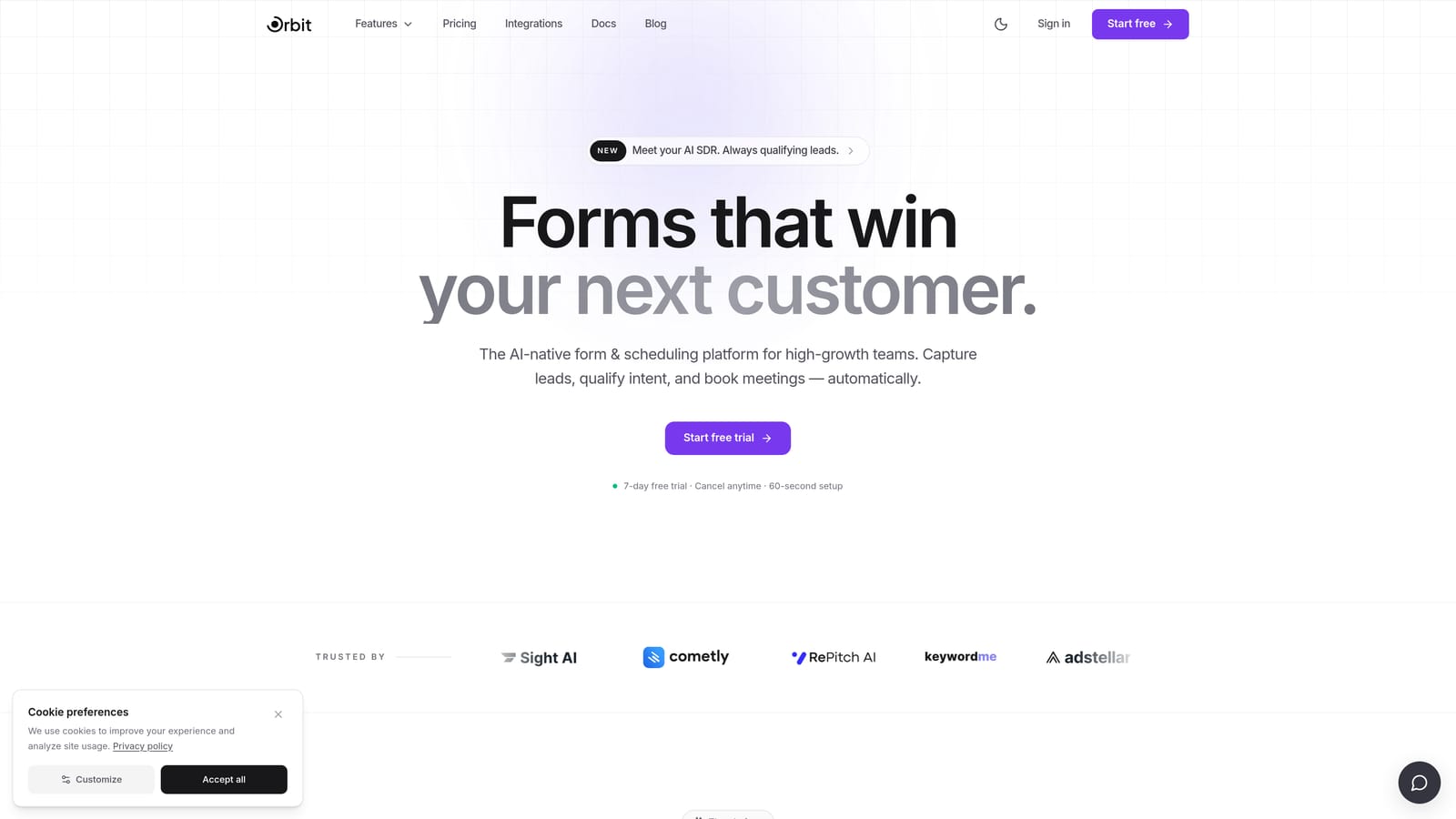
Orbit AI is an AI-powered form builder with native lead qualification and adaptive progressive profiling, designed specifically for conversion-focused teams.
Where This Tool Shines
What separates Orbit AI from the rest of this list is its purpose. Most form builders were designed as general-purpose tools that happen to support conditional logic. Orbit AI was built from the ground up for lead generation and qualification, which means progressive profiling isn't a workaround here — it's the core workflow.
The AI qualification layer is particularly compelling. Rather than manually configuring scoring rules and routing conditions, Orbit AI handles that logic automatically based on the data collected across form interactions. For teams that want a complete top-of-funnel system without stitching together five different tools, this is the closest thing to a single-platform solution.
Key Features
AI-Driven Lead Qualification: Automatically scores and routes leads based on collected data, removing the need to manually configure scoring rules in a separate CRM.
Adaptive Form Logic: Forms respond to prior submissions and user behavior, showing only the fields that are relevant at each stage of the lead journey.
Conversion-Optimized Design System: Visually polished form templates built specifically for high-conversion lead generation, not generic data collection.
Purpose-Built for Lead Generation: Unlike general-purpose form builders, every feature in the platform is oriented around capturing and qualifying leads effectively.
Modern UX: Clean, mobile-optimized form experiences that feel native to contemporary SaaS products rather than bolted-on widgets.
Best For
Orbit AI is the strongest fit for SaaS marketing teams, demand generation managers, and B2B growth teams who want progressive profiling and lead qualification in one platform. If you're currently managing form logic in one tool and lead scoring in another, Orbit AI is worth evaluating as a consolidation play.
Pricing
Check orbitforms.ai for current plan details and pricing tiers.
2. Typeform
Best for: Marketing teams that want a polished, conversational form experience with strong CRM integrations.
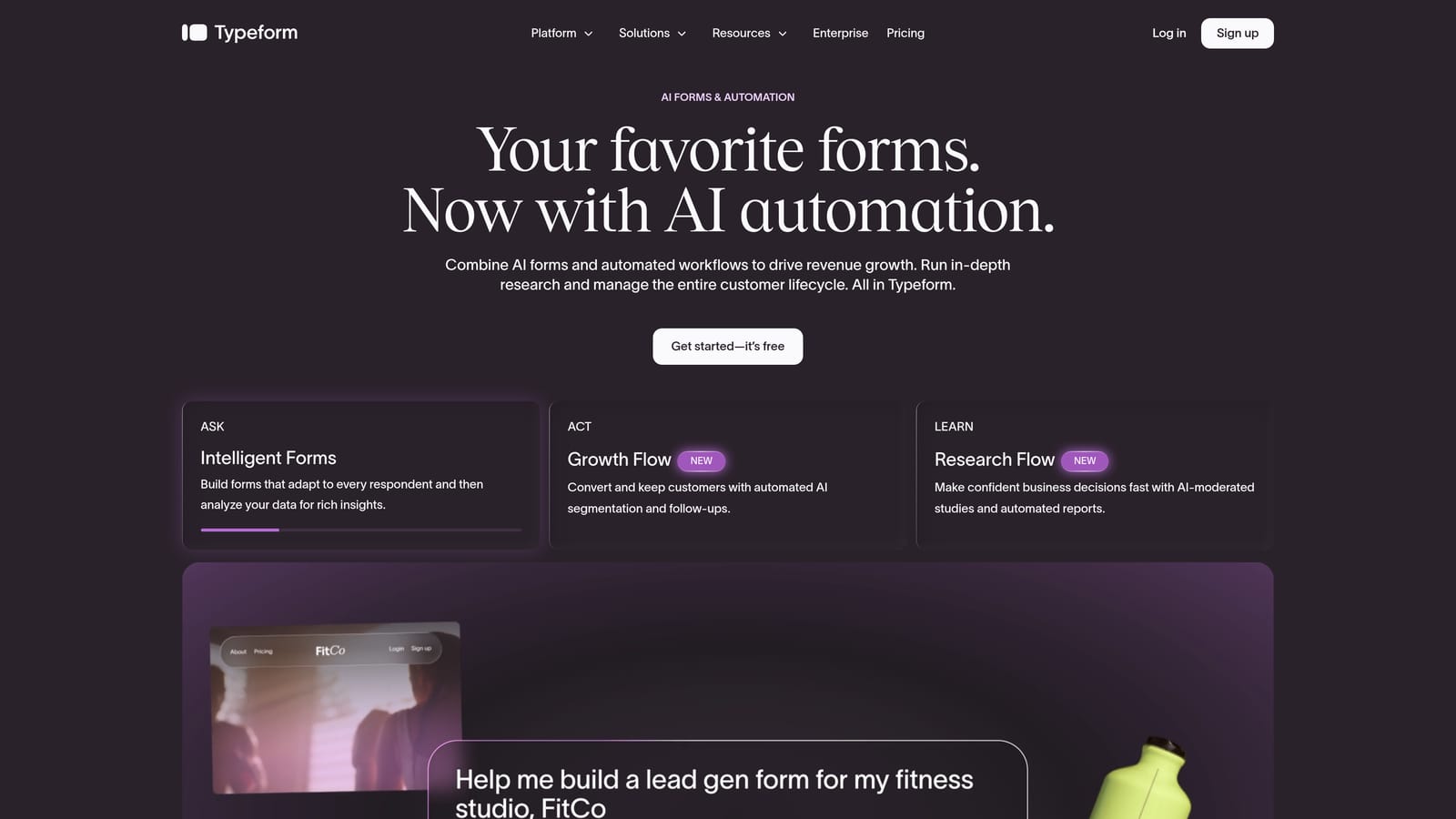
Typeform is a conversational form platform known for its one-question-at-a-time format and Logic Jumps that enable progressive-style data collection.
Where This Tool Shines
Typeform's core UX mechanic, showing one question at a time in a conversational flow, naturally reduces the psychological weight of a long form. Respondents rarely feel like they're filling out a lengthy questionnaire, even when the total field count is substantial. This makes it well-suited to progressive profiling scenarios where you want to collect detailed information without triggering form abandonment.
The Logic Jumps feature allows branching based on previous answers, so you can build flows that adapt to what a respondent tells you. Combined with hidden fields for pre-populating known contact data from your CRM, Typeform can approximate progressive profiling effectively, though it does require CRM or MAP integration to handle returning-visitor detection.
Key Features
Conversational One-Question UI: Reduces perceived form length and keeps completion rates high by presenting fields sequentially rather than all at once.
Logic Jumps: Branch the form flow based on prior answers, enabling adaptive question paths tailored to each respondent's profile.
Hidden Fields: Pre-populate known contact data from CRM or URL parameters so returning leads aren't asked questions you already have answers to.
CRM Integrations: Native connections to HubSpot, Salesforce, and Zapier for syncing enriched lead data downstream.
Brand-Quality Design: One of the most visually refined form experiences available, with strong customization options for on-brand presentation.
Best For
Typeform works well for marketing teams that prioritize form UX and already have a CRM or MAP in place to handle the returning-visitor logic. It's a strong choice when brand experience matters and you're comfortable managing progressive profiling at the integration layer rather than natively within the form tool.
Pricing
Free tier available. Paid plans start at approximately $25/month. Verify current pricing at typeform.com.
3. Jotform
Best for: Teams managing high-volume, operationally complex form workflows with diverse integration requirements.
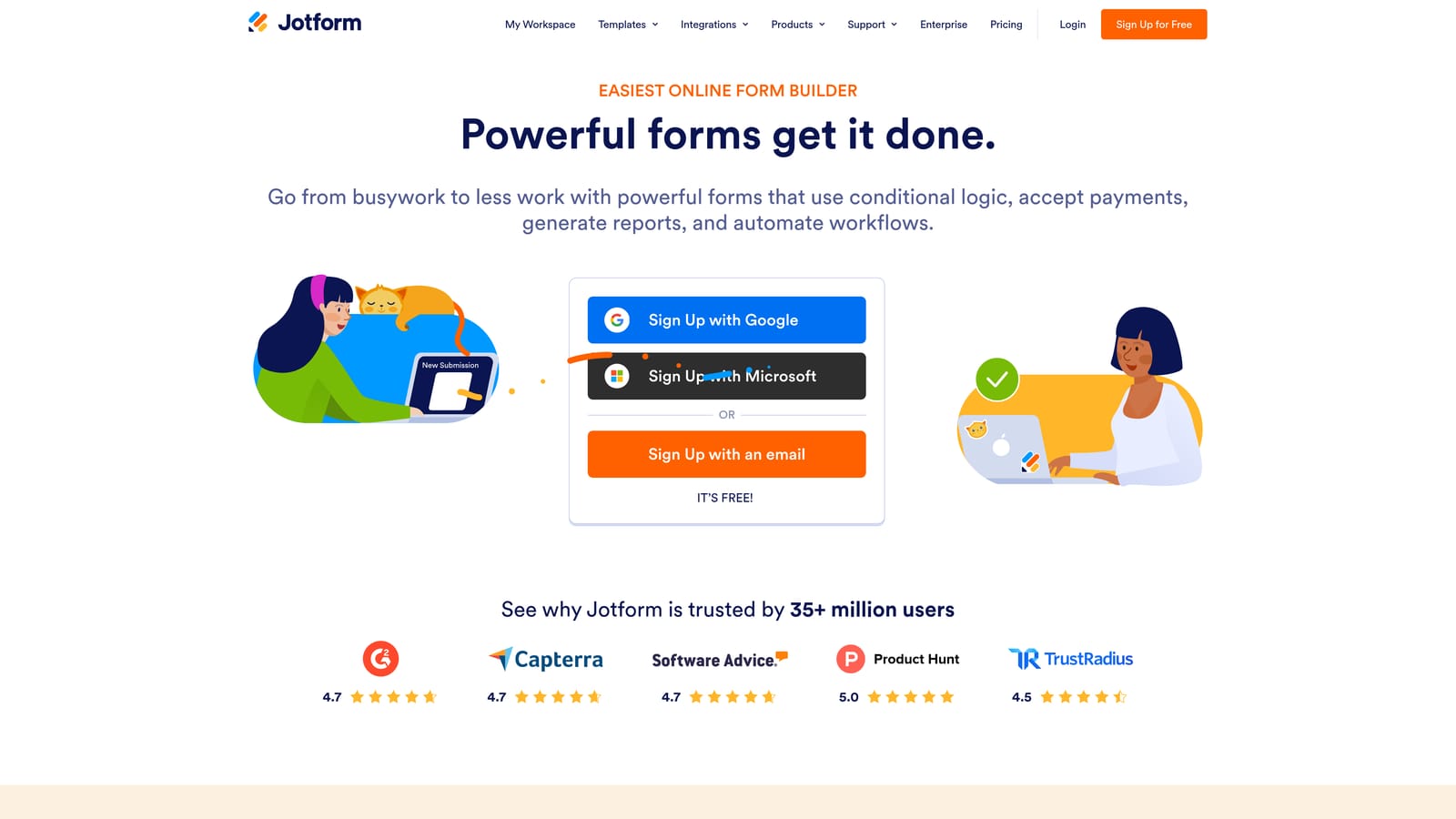
Jotform is a feature-rich form builder with robust conditional logic, multi-page form support, and one of the largest native integration libraries available.
Where This Tool Shines
Jotform's strength is breadth. With over 100 native integrations and support for URL parameter and API-based prefill, it can slot into almost any existing tech stack. For teams with complex operational requirements, such as multi-department workflows, HIPAA-compliant data handling, or high submission volumes, Jotform provides the infrastructure to handle it without requiring custom development.
Progressive profiling in Jotform is achievable through conditional logic and CRM-driven prefill, though it requires more manual configuration than purpose-built tools. If your team has the technical capacity to set it up properly, the payoff is a highly flexible system that can handle a wide range of form use cases within a single platform.
Key Features
Advanced Conditional Logic: Show or hide fields based on prior answers, enabling adaptive form flows across multi-page form sequences.
URL Parameter and API Prefill: Pre-populate fields with known contact data from your CRM, reducing repeat questions for returning leads.
100+ Native Integrations: Connects to a broad range of CRMs, marketing platforms, payment processors, and productivity tools.
Jotform Tables and Inbox: Built-in data management tools for reviewing and organizing submission data without leaving the platform.
HIPAA-Compliant Plans: Available for healthcare and regulated-industry use cases where data handling requirements are strict.
Best For
Jotform is a strong fit for operations teams, agencies, and organizations in regulated industries that need a versatile, high-volume form platform. It's less ideal for lean marketing teams looking for out-of-the-box progressive profiling without significant configuration overhead.
Pricing
Free tier available. Paid plans vary by feature tier. Verify current pricing at jotform.com.
4. Paperform
Best for: Teams building narrative-driven, content-rich form experiences where context and brand storytelling matter.
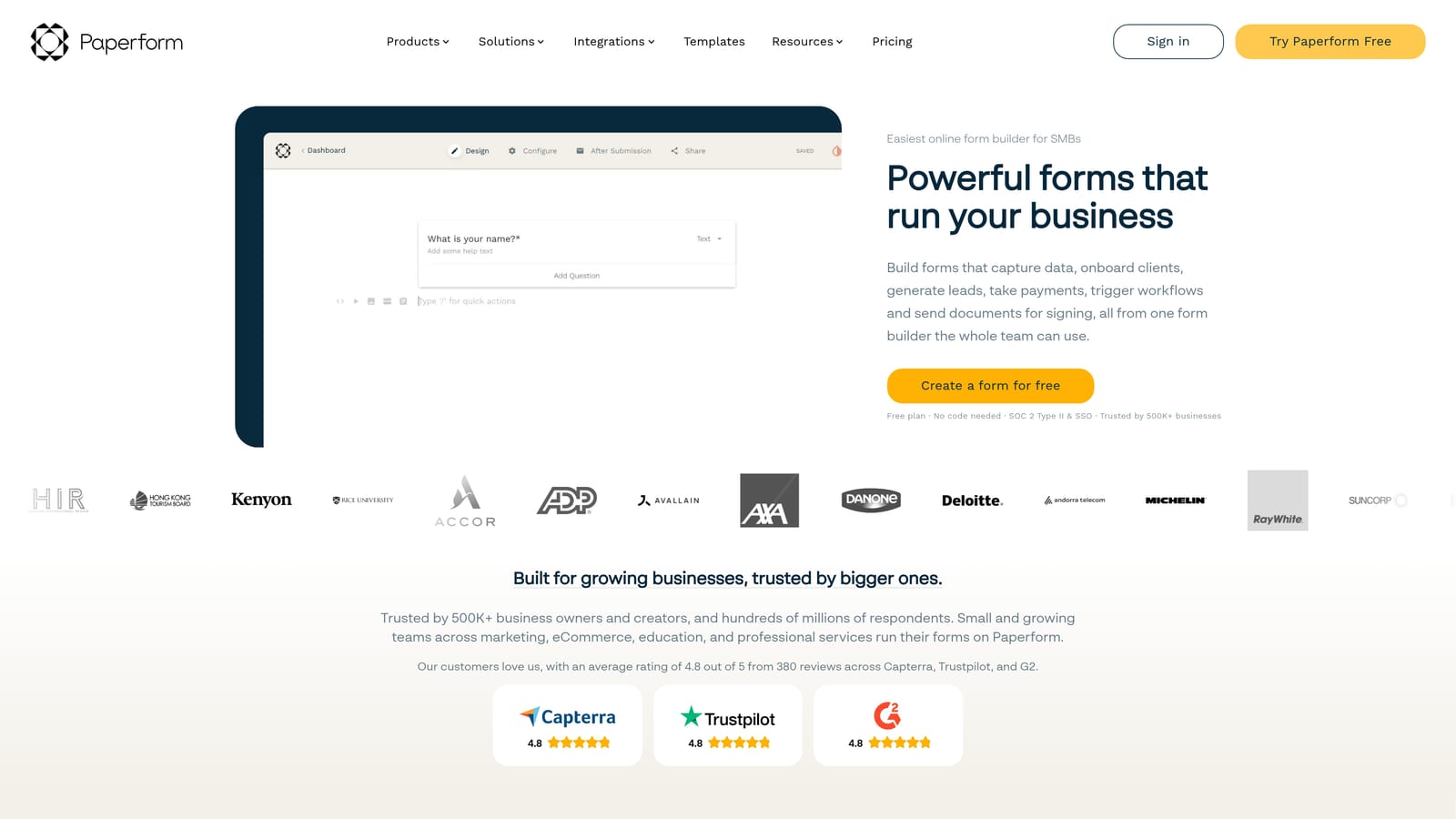
Paperform is a canvas-style form builder that blends form fields with rich text, images, and media to create guided experiences that feel more like branded content than traditional forms.
Where This Tool Shines
Paperform occupies a unique niche: the intersection of form builder and landing page. Its editor lets you weave explanatory copy, images, and video directly into the form flow, which makes it particularly effective for nurture-oriented sequences where context helps respondents understand why they're being asked certain questions. That narrative framing can meaningfully improve completion rates for longer or more personal form flows.
Conditional sections allow you to show or hide entire content blocks, not just individual fields, based on prior answers. This gives you more expressive control over the progressive experience than most field-level conditional logic systems provide.
Key Features
Canvas-Style Editor: Combine form fields with rich text, images, and video in a single editing environment for fully branded, narrative form experiences.
Conditional Sections: Show or hide entire content blocks based on prior answers, enabling nuanced progressive flows beyond simple field-level logic.
Nurture-Oriented UX: Ideal for form experiences where providing context alongside questions improves respondent trust and completion rates.
CRM Connectivity: Integrates with popular CRMs via native connections and Zapier for downstream lead data sync.
Best For
Paperform suits content marketers, consultants, and brand-focused teams that want their forms to feel like an extension of their content rather than a data collection exercise. It's a particularly good fit for mid-funnel nurture sequences, onboarding questionnaires, and any form where context-setting improves the respondent experience.
Pricing
No free tier. Paid plans start at approximately $24/month. Verify current pricing at paperform.co.
5. Formstack
Best for: Enterprise teams in regulated industries with deep Salesforce dependencies and complex compliance requirements.
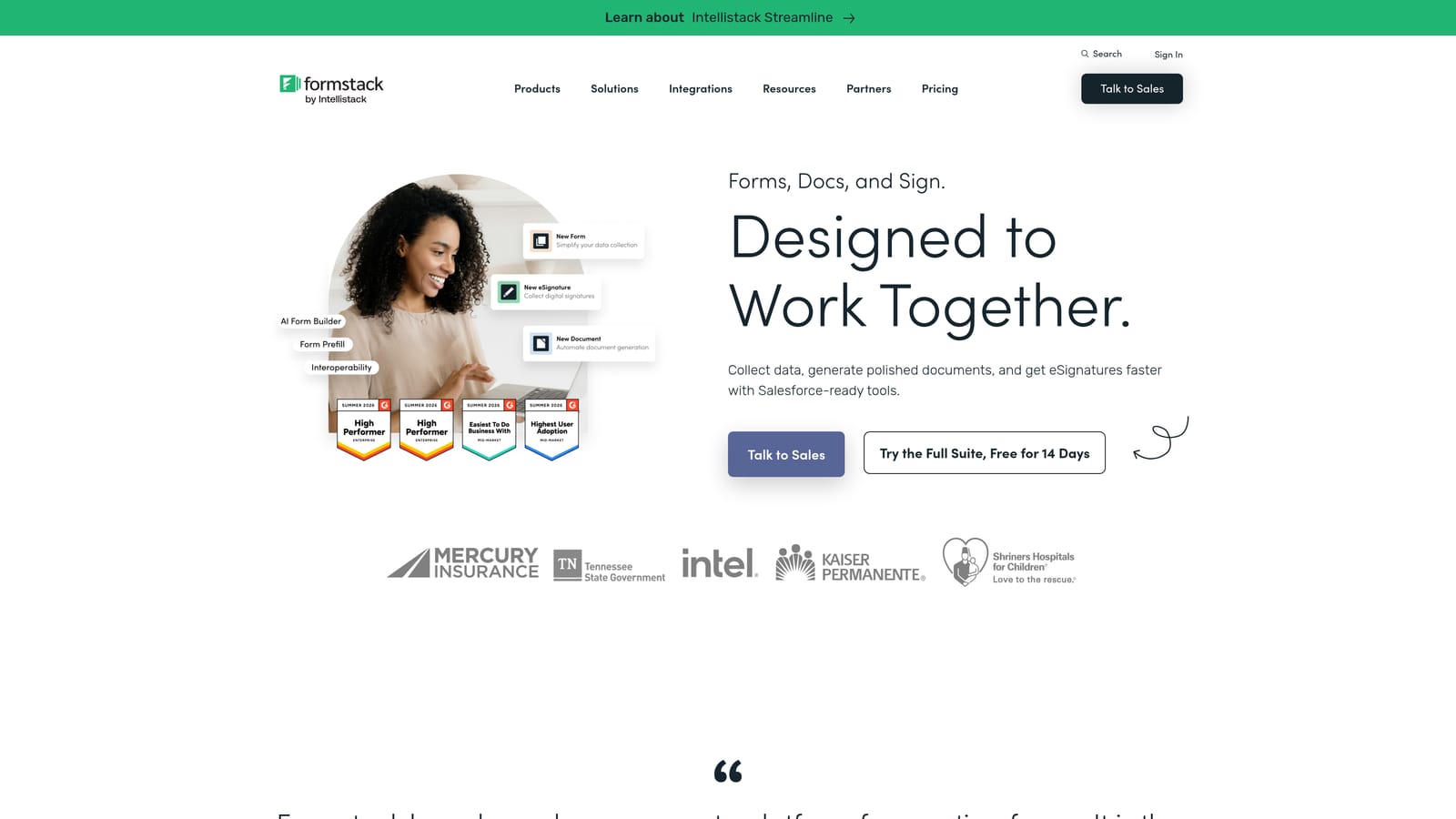
Formstack is an enterprise form and workflow platform with strong compliance credentials, advanced conditional logic, and a deep Salesforce integration that makes it a natural fit for large organizations.
Where This Tool Shines
Formstack's differentiator is its enterprise-grade compliance and Salesforce depth. For organizations operating under HIPAA, GDPR, or SOC 2 requirements, Formstack provides the audit trails, data handling controls, and access management that compliance teams need. This makes it one of the few form platforms that can serve both marketing and legal/compliance stakeholders simultaneously.
The Salesforce integration goes beyond basic field mapping. Formstack can read from and write to Salesforce records in ways that enable genuine CRM-driven progressive profiling: surfacing only the fields that aren't already populated in a contact record, then writing new data back automatically. For Salesforce-heavy organizations, this is a meaningful capability.
Key Features
Compliance Credentials: HIPAA, GDPR, and SOC 2 compliance built in, covering regulated industries and enterprise data handling requirements.
Deep Salesforce Integration: Read existing CRM data to pre-populate and suppress known fields, then write new data back to Salesforce records automatically.
Advanced Conditional Logic: Sophisticated field branching and conditional display rules for building adaptive form flows.
Extended Workflow Platform: Formstack Documents and Formstack Sign extend the platform into document generation and e-signature workflows beyond form collection.
Best For
Formstack is best suited to enterprise marketing operations teams, IT-supported departments, and organizations in healthcare, finance, or legal sectors where compliance is non-negotiable. It's a heavier platform than most self-serve marketers need, but for the right use case it's difficult to match.
Pricing
Enterprise-focused pricing. Verify current plans and pricing at formstack.com.
6. Tally
Best for: Lean teams, startups, and budget-conscious builders who need conditional logic and unlimited forms without a large monthly commitment.
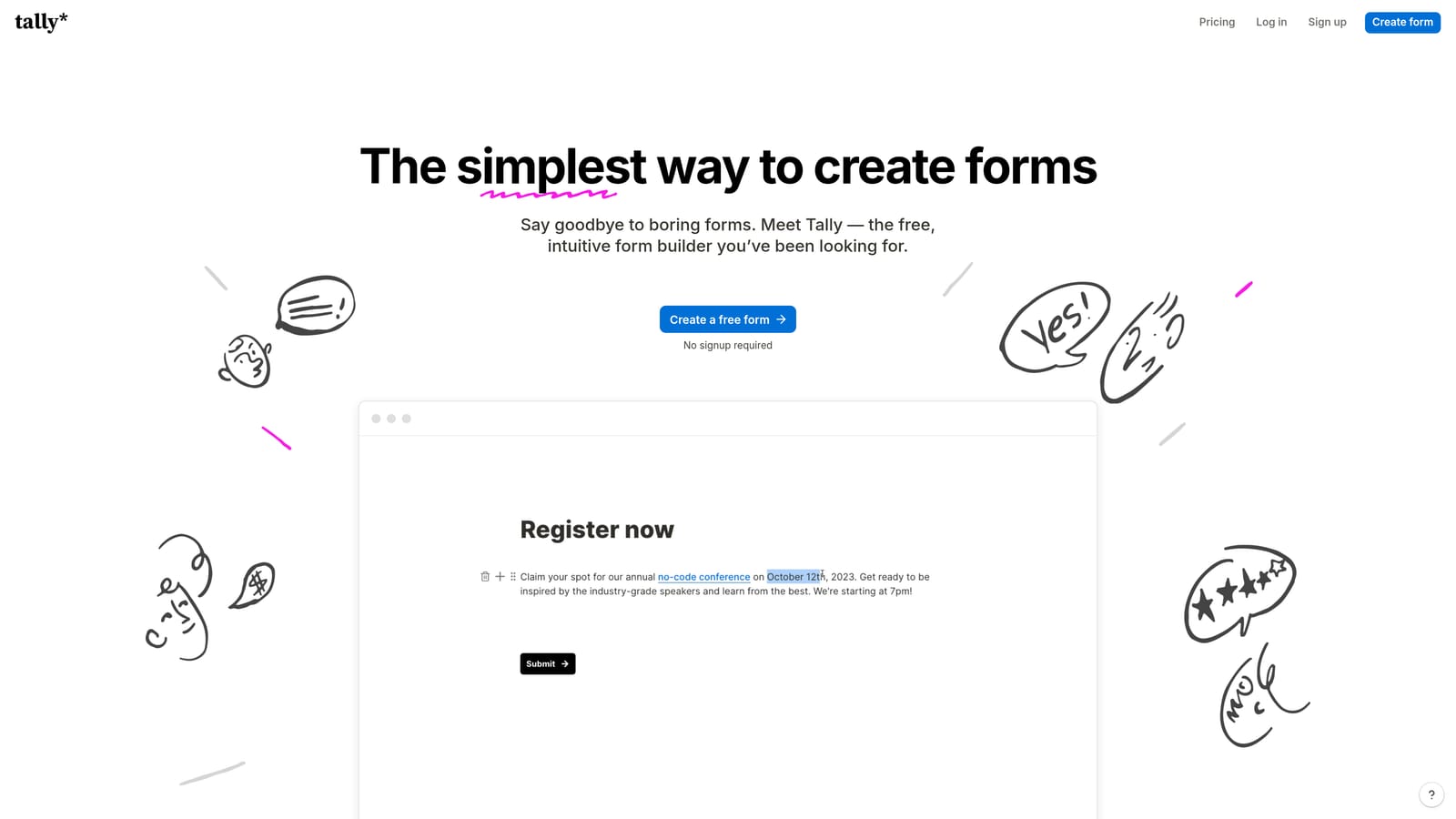
Tally is a Notion-inspired form builder with a generous free tier that includes unlimited forms and conditional logic, making it the most accessible entry point for progressive profiling on a budget.
Where This Tool Shines
Tally's free tier is genuinely unusual in this market. Most platforms gate conditional logic, multi-step flows, or form volume behind paid plans. Tally includes all of these on the free plan, which means small teams and early-stage startups can build reasonably sophisticated progressive profiling flows without any upfront cost.
The Notion-like editor is fast and intuitive. If your team already lives in Notion, the mental model transfers immediately, which reduces the learning curve significantly. Hidden field support allows you to pre-populate known contact data from URL parameters, enabling basic progressive data collection when paired with a CRM or email platform.
Key Features
Unlimited Forms on Free Plan: Build as many forms as you need with conditional logic included, without hitting a paywall for core progressive profiling functionality.
Notion-Like Editor: Intuitive block-based editing that makes building conditional, multi-step forms fast and approachable for non-technical users.
Hidden Fields: Pre-populate known contact data via URL parameters to reduce repeat questions for returning leads.
Lightweight Integrations: Connects to common tools via Zapier and native integrations, though the ecosystem is smaller than larger platforms.
Best For
Tally is the right choice for early-stage startups, lean growth teams, and anyone who needs functional progressive profiling without enterprise pricing. It's also a solid option for internal tools, research surveys, and lightweight lead capture flows where simplicity is more valuable than advanced qualification features.
Pricing
Free tier available with unlimited forms and conditional logic. Pro plan at approximately $29/month. Verify current pricing at tally.so.
Which Tool Is Right for Your Team?
The right progressive profiling tool depends almost entirely on what your team needs beyond the form itself. Here's a quick way to think through the decision.
If you want AI-driven lead qualification built into the form layer, without manually configuring scoring rules in a separate CRM, Orbit AI is the strongest fit. It's the only tool on this list purpose-built for lead generation and qualification, which means progressive profiling is a native capability rather than a workaround. It's the natural choice for SaaS and B2B growth teams who want a single platform for capturing, enriching, and qualifying leads.
If your priority is conversational UX and brand quality, and you already have a CRM handling the returning-visitor logic, Typeform delivers the most polished respondent experience. For teams in regulated industries with deep Salesforce dependencies, Formstack is the enterprise-grade choice. If you need a narrative-rich, content-driven form experience, Paperform is in a category of its own. For high-volume operational complexity, Jotform's integration breadth is hard to beat. And if budget is the primary constraint, Tally gives you more for free than almost any competitor.
The common thread across all of them: progressive profiling works best when your form tool and your CRM are speaking the same language. The more tightly integrated those two systems are, the richer the profiles you'll build over time, and the better your conversion outcomes.
Ready to see what AI-powered progressive profiling looks like in practice? Start building free forms today and experience how intelligent form design can transform the way your team captures and qualifies leads.


