

Choosing a form builder for your small business sounds simple until you realize how wildly pricing structures vary. One tool offers unlimited forms for free; another caps you at 100 monthly responses on its paid plan. Some gate basic features like conditional logic or payment collection behind premium tiers. The sticker price rarely tells the whole story.
The real cost of a form builder depends on what you actually need: how many responses you collect each month, whether you need payment processing, which integrations matter to your workflow, and how fast your business is growing. A tool that's free today might become expensive the moment you hit a submission cap or need a CRM connection.
To build this list, we evaluated each tool on free tier generosity, paid plan value, ease of use, and the features small businesses rely on most: lead capture, integrations, and payment collection. Here are the top form builders worth considering in 2026, compared by price and real-world value.
1. Orbit AI
Best for: Small businesses and high-growth teams that want forms to qualify leads automatically.
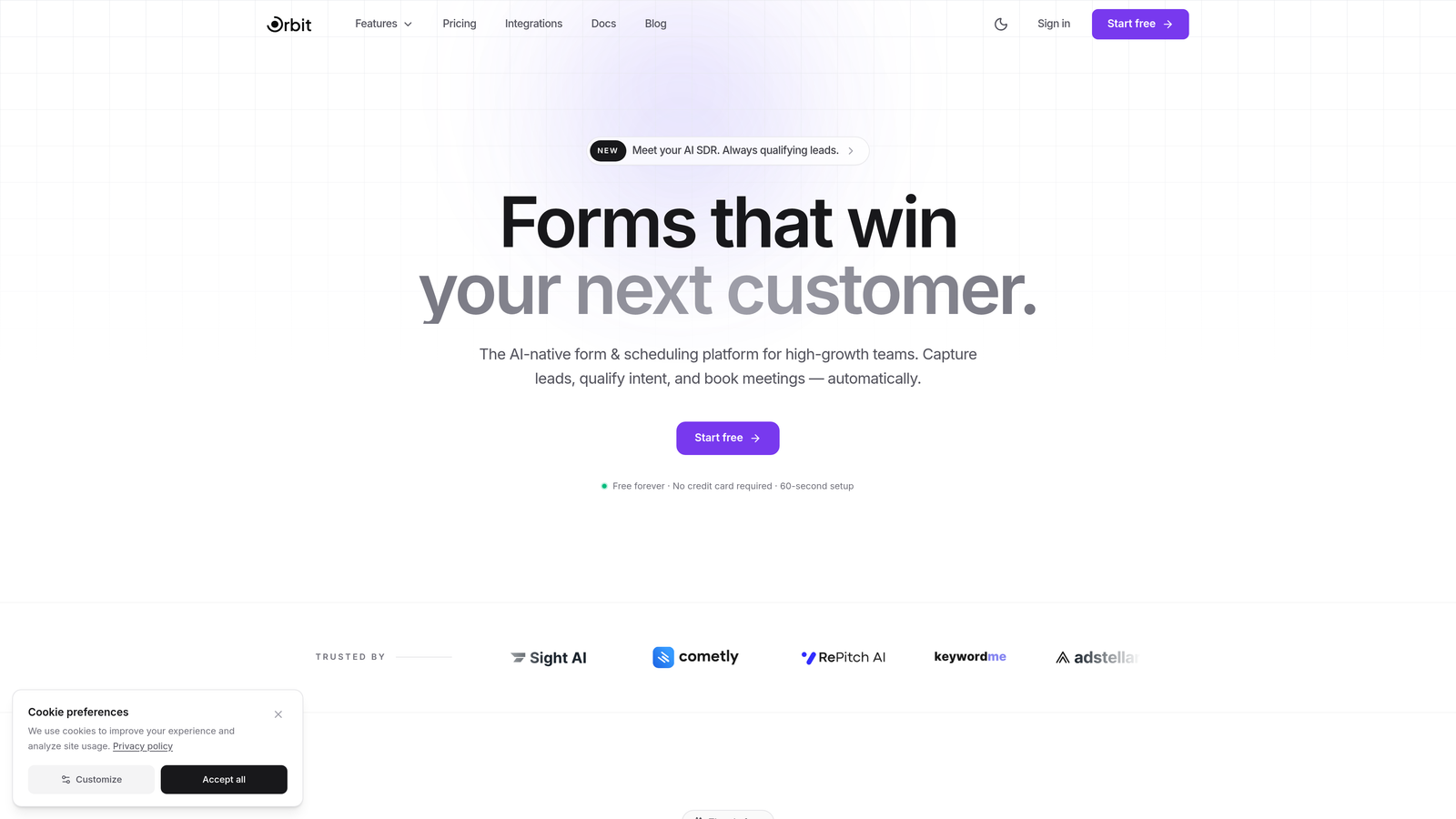
Orbit AI is an AI-powered form builder built for teams that need more than a data collection box.
Where This Tool Shines
Most form builders stop at collecting responses. Orbit AI goes further by using AI agents to automatically qualify and score leads the moment someone submits a form. For small businesses running lean sales teams, this means you're not manually sorting through every inquiry to figure out who's worth following up with first.
The platform is also built with conversion in mind from the ground up. Templates are designed to maximize completion rates, and built-in workflows let you trigger follow-up sequences, schedule calls, or route leads to your CRM without needing a separate automation tool layered on top.
Key Features
AI Lead Qualification: AI agents automatically score and qualify leads based on form responses, so your team focuses on the right prospects.
Conversion-Optimized Templates: Pre-built templates designed specifically for lead generation with completion rates in mind.
Built-In Workflows and Sequences: Trigger follow-up emails, scheduling links, or CRM updates directly from form submissions without third-party automation tools.
CRM Integrations: Native connections with HubSpot, Close, Attio, and other popular CRMs that small sales teams actually use.
Modern Form Design: Clean, branded form experiences that don't look like they were built in 2015.
Best For
Small businesses and growing teams where lead quality matters as much as lead volume. If you're spending time manually triaging form submissions or you've outgrown basic contact forms and need something that actively supports your sales process, Orbit AI is built for exactly that situation.
Pricing
Free plan available. Paid plans start at an accessible tier with expanded features. Check orbitforms.ai/pricing for current details, as pricing may be updated.
2. Tally
Best for: Budget-conscious businesses that need unlimited forms without paying anything.
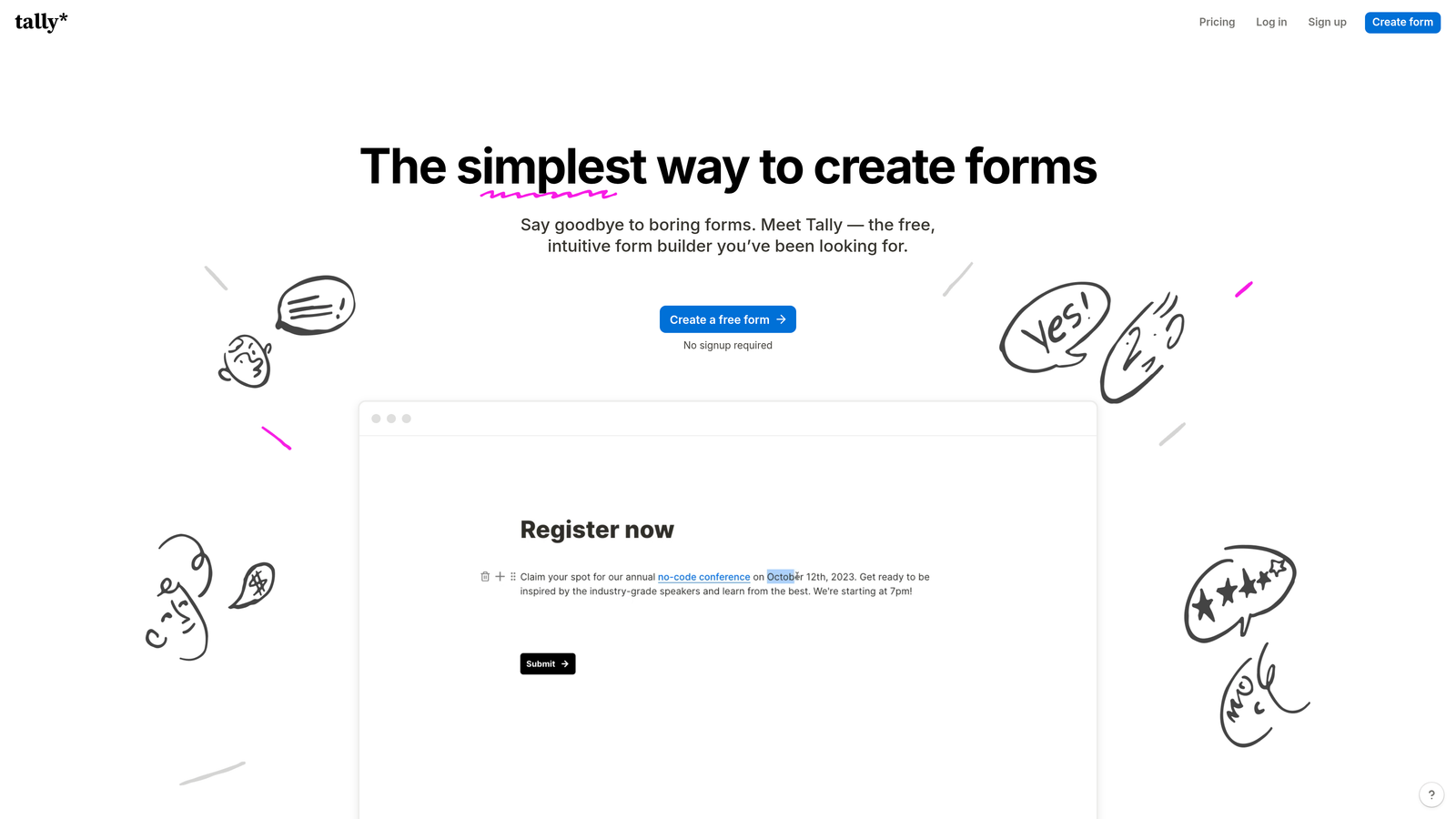
Tally is a minimalist form builder offering one of the most generous free tiers in the market.
Where This Tool Shines
Tally's free plan is genuinely remarkable: unlimited forms and unlimited submissions with no monthly caps. For a small business collecting inquiries, feedback, or applications, this removes the anxiety of hitting a wall mid-month and being forced to upgrade.
The editor feels like a lighter version of Notion, which makes it intuitive for anyone already familiar with block-based editing. Conditional logic and calculation fields are also included on the free tier, which most competitors lock behind paid plans.
Key Features
Unlimited Free Forms and Submissions: No response caps, no form limits on the free plan.
Notion-Like Block Editor: Familiar, distraction-free editing experience that's quick to learn.
Conditional Logic (Free): Show or hide questions based on previous answers without upgrading.
Custom Domains and Branding Removal: Available on Tally Pro for a clean, branded experience.
Best For
Solopreneurs, freelancers, and small businesses that need reliable form collection without a monthly bill. Also great as a starting point before committing to a paid platform.
Pricing
Free plan with unlimited forms and submissions. Tally Pro starts at $29/month billed annually, adding custom domains, branding removal, and priority support.
3. Jotform
Best for: Small businesses that need a wide template library and strong payment collection features.
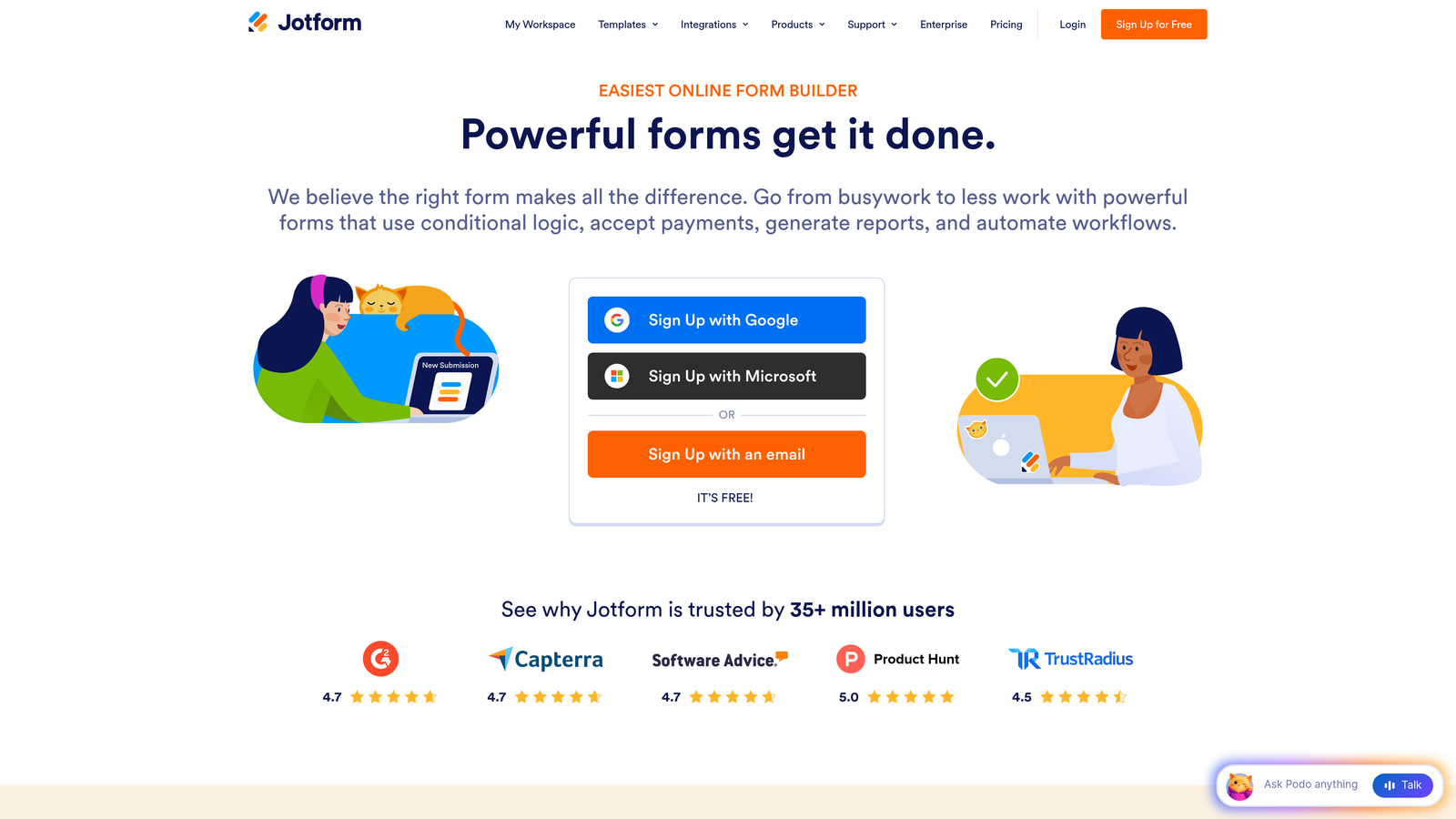
Jotform is a veteran form builder with over 10,000 templates and robust payment processing built in.
Where This Tool Shines
Jotform's template library is unmatched. Whatever industry you're in, there's almost certainly a starting point already built: registration forms, order forms, intake forms, event RSVPs, and much more. This saves meaningful time for small business owners who don't want to build from scratch.
Payment collection is a particular strength. Jotform connects with PayPal, Stripe, Square, and several other processors, making it a practical choice for businesses that collect deposits, sell products, or handle event registrations directly through forms.
Key Features
10,000+ Templates: Industry-specific templates covering nearly every small business use case imaginable.
Multi-Gateway Payment Processing: Accept payments via Stripe, PayPal, Square, and more without a separate tool.
PDF Report Generation: Automatically generate formatted PDFs from form submissions for records or client delivery.
Approval Workflows and E-Signatures: Route submissions for internal review and collect legally binding signatures.
Best For
Small businesses in service industries, event management, healthcare, or education that need versatile forms with payment collection and document workflows already built in.
Pricing
Free plan includes 5 forms and 100 monthly submissions. Paid plans start at $34/month billed annually with higher limits and additional features.
4. Typeform
Best for: Businesses prioritizing form completion rates and a polished user experience.
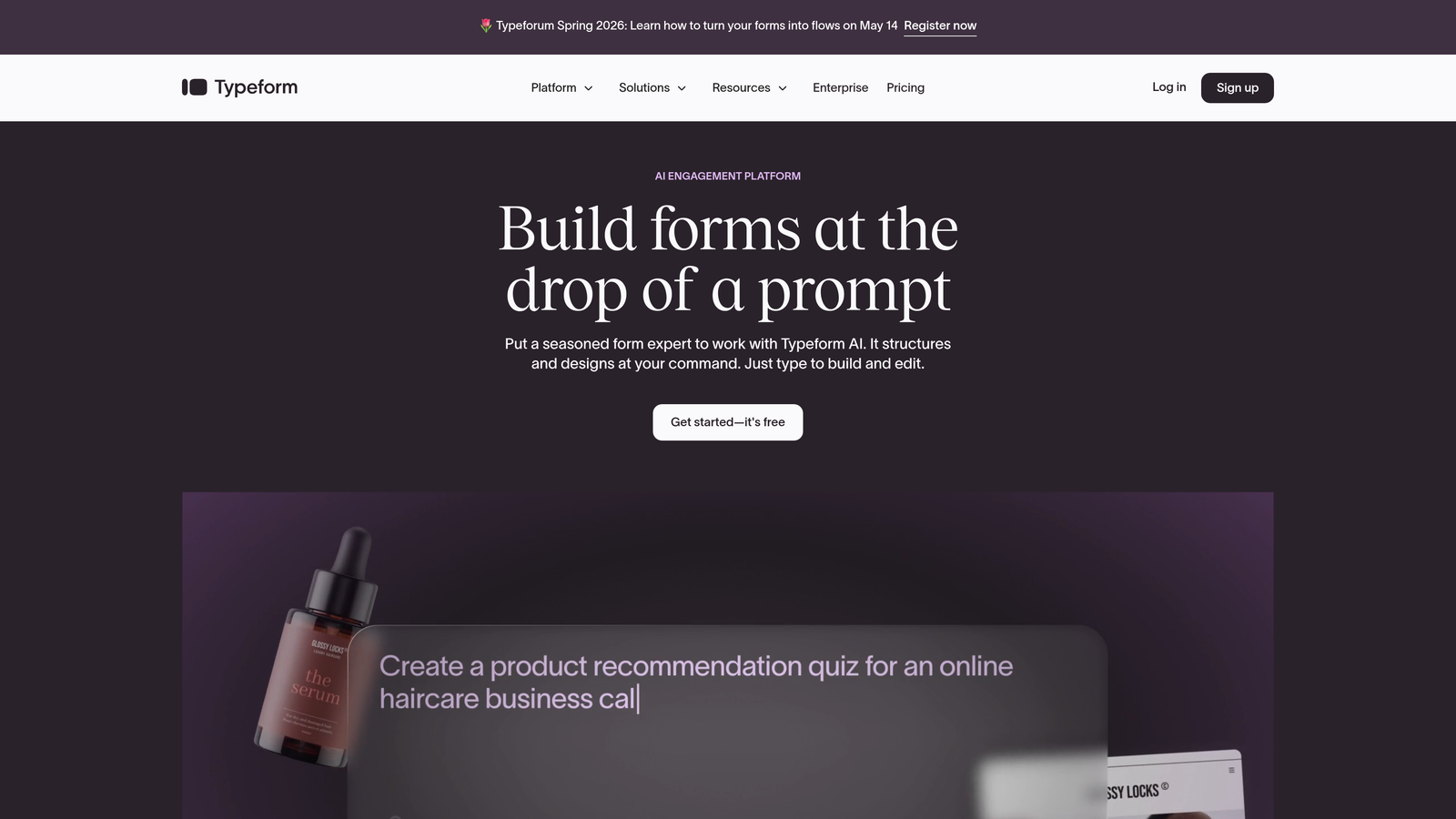
Typeform is the original conversational form builder, presenting one question at a time to keep respondents engaged.
Where This Tool Shines
Typeform's one-question-at-a-time interface feels less like filling out a form and more like having a conversation. For customer surveys, lead qualification questionnaires, or brand perception studies, this format tends to produce more thoughtful, complete responses compared to traditional multi-field forms.
The platform also handles personalization well. You can use previous answers to customize later questions, creating a dynamic experience that feels tailored to each respondent rather than generic.
Key Features
Conversational Interface: One question per screen keeps respondents focused and reduces abandonment.
Advanced Logic Branching: Route respondents through different question paths based on their answers.
Native Integrations: Connects with HubSpot, Salesforce, Mailchimp, Slack, and dozens of other tools.
Video and Image Embedding: Add visual context directly within form questions for richer experiences.
Best For
Businesses focused on customer research, lead qualification surveys, or onboarding flows where response quality and user experience matter more than volume.
Pricing
Free plan available with limited responses. Basic plan starts at $25/month billed annually, capped at 100 responses per month. Higher tiers unlock more responses and features.
5. Google Forms
Best for: Businesses that need completely free, no-frills data collection with zero maintenance.
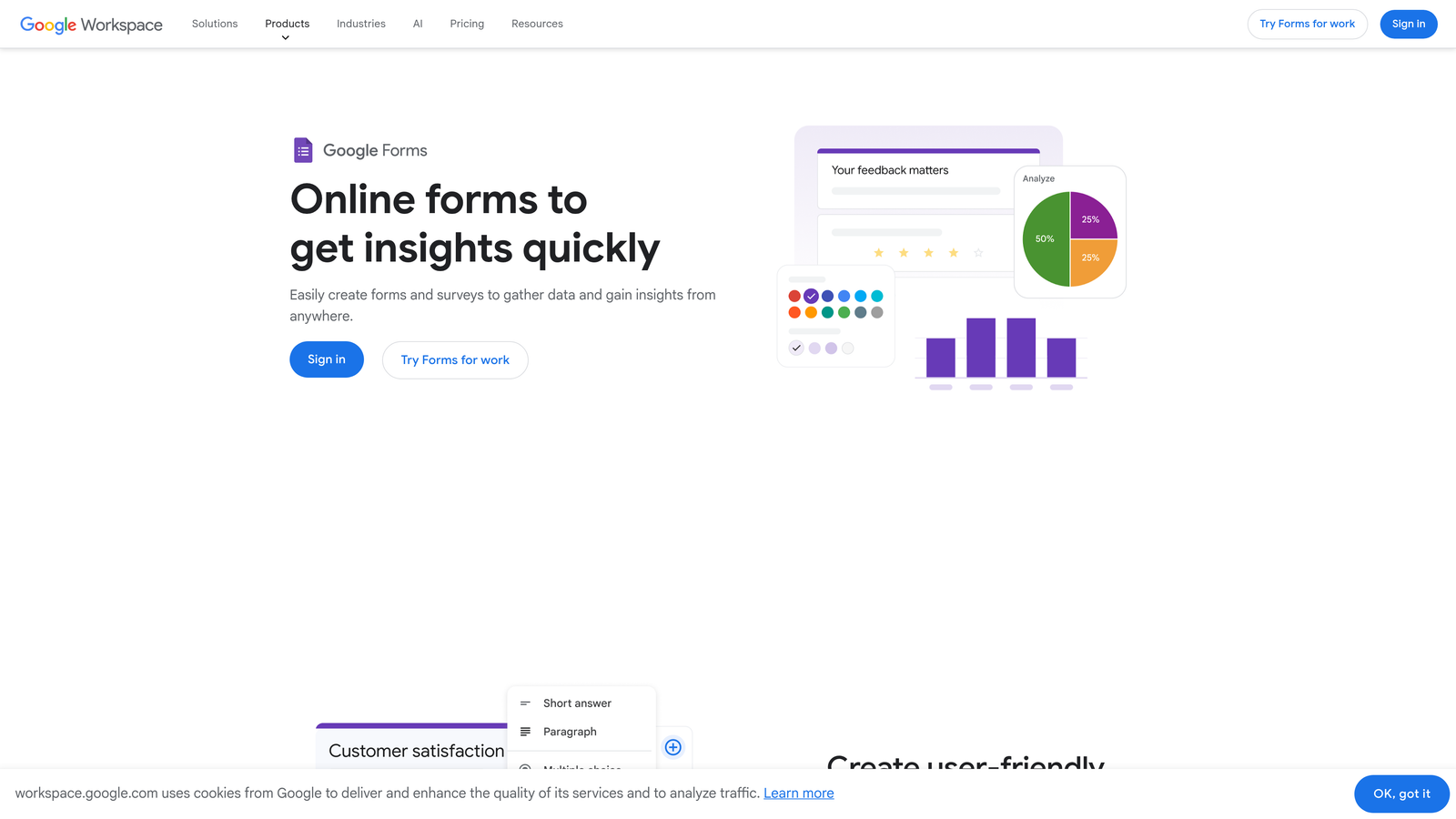
Google Forms is Google's free form tool with no submission limits and seamless Google Workspace integration.
Where This Tool Shines
Google Forms is the easiest recommendation when someone needs a form today and doesn't want to think about pricing, accounts, or setup. It's completely free, responses flow directly into Google Sheets, and the entire team can collaborate on a form in real time.
For internal business processes like employee feedback, event RSVPs, or simple intake forms, Google Forms handles the job reliably. The tradeoff is a utilitarian design that doesn't offer much in the way of branding or advanced features.
Key Features
Completely Free, No Limits: No submission caps, no form limits, no paid tiers required for core functionality.
Google Sheets Integration: Responses automatically populate a connected spreadsheet for easy analysis.
Real-Time Collaboration: Multiple team members can edit and manage forms simultaneously.
Basic Conditional Logic: Show different sections based on respondent answers.
Best For
Businesses already using Google Workspace for internal operations, or anyone who needs a functional, no-cost form solution without branding requirements or advanced integrations.
Pricing
Completely free. Google Workspace business plans start at $7/user/month if you need the broader suite of Google business tools.
6. Fillout
Best for: Operations-driven businesses that run on Airtable, Notion, or Smartsheet.
Fillout is a modern form builder built to connect natively with the databases and productivity tools small teams already use.

Where This Tool Shines
Fillout's standout capability is bidirectional database integration. Forms don't just send data somewhere; they can read from and write to existing Airtable bases, Notion databases, Smartsheet tables, and Google Sheets. This means you can build forms that show users their existing records, allow edits, or pull in dynamic content based on who's filling out the form.
For small businesses running their operations in Airtable or Notion, this eliminates the friction of maintaining separate systems. Your form and your database stay in sync automatically.
Key Features
Native Database Integrations: Connect directly with Airtable, Notion, Smartsheet, and Google Sheets for bidirectional data flow.
Dynamic Form Content: Forms can read from existing records and pre-populate fields with live data.
Scheduling, Payments, and File Uploads: Advanced field types included without needing to upgrade.
Generous Free Plan: 1,000 submissions per month on the free tier, well above most competitors.
Best For
Small businesses and operations teams that use Airtable or Notion as their primary database and want forms that integrate seamlessly rather than creating duplicate data entry workflows.
Pricing
Free plan includes 1,000 submissions per month. Paid plans start at $19/month billed annually with higher submission limits and additional features.
7. Paperform
Best for: Small businesses that want forms to double as branded landing pages.
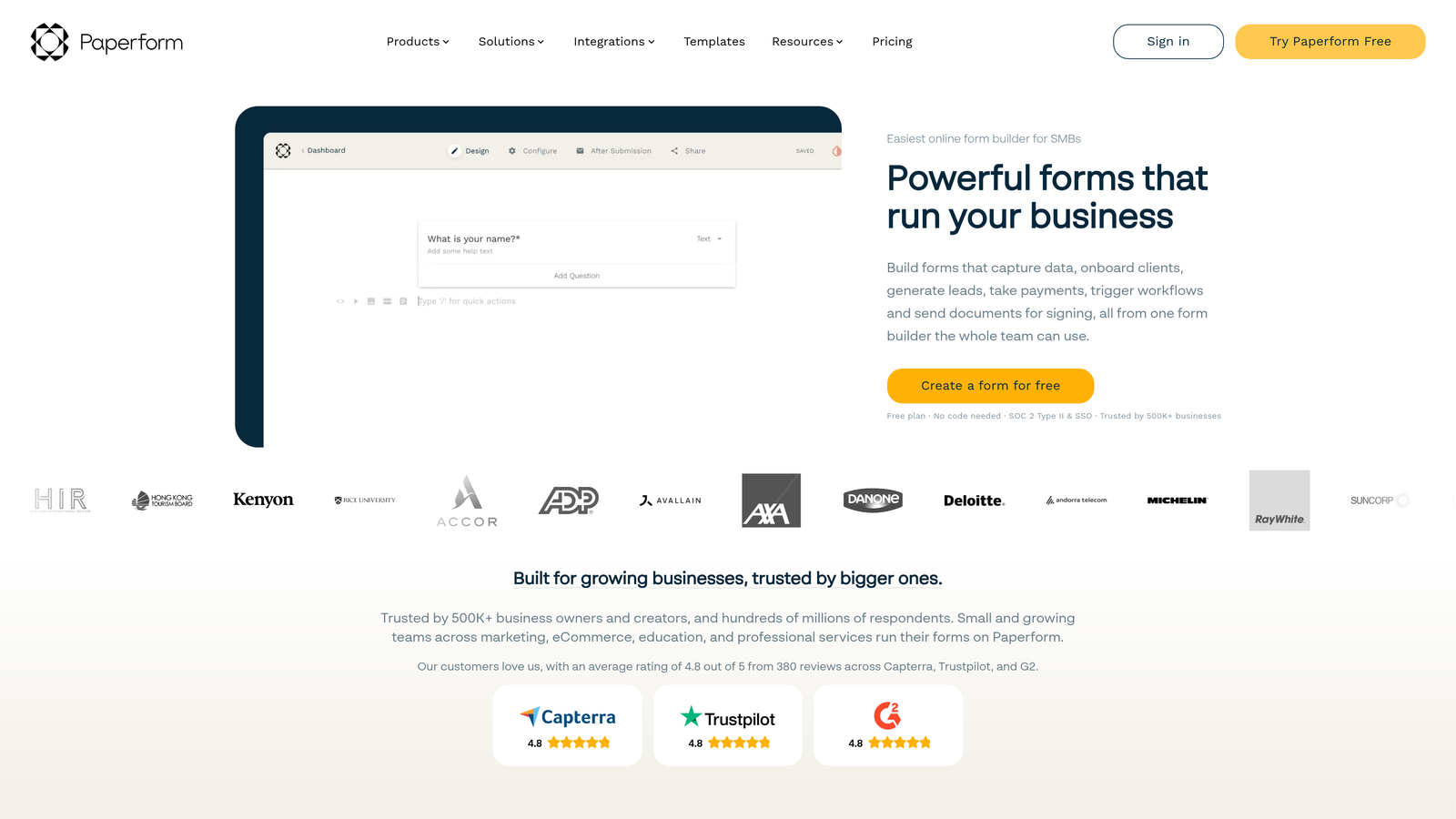
Paperform is a form builder that blends rich content creation with form functionality, creating experiences closer to a landing page than a traditional form.
Where This Tool Shines
Paperform lets you embed text, images, videos, and other content directly alongside form fields. The result is a single page that can introduce your product, explain your service, and capture information all at once. For small businesses without dedicated landing page tools, this is a practical way to consolidate.
The built-in product catalog and payment processing make it particularly useful for businesses selling a small number of products or services directly through a form-based checkout experience.
Key Features
Rich Content Embedding: Mix text, images, and video with form fields on the same page.
Built-In Product Catalog and Payments: Sell products or services directly through Paperform without a separate e-commerce tool.
Custom Branding: Full control over themes, fonts, and colors for a polished, on-brand experience.
Conditional Logic and Calculations: Advanced logic and calculation fields for dynamic forms.
Best For
Small businesses in creative services, coaching, or consulting that want a single page to tell their story and capture leads or payments without maintaining a separate landing page builder.
Pricing
No free plan. Essentials plan starts at $24/month billed annually. A 14-day free trial is available to test the platform before committing.
8. Cognito Forms
Best for: Price-sensitive businesses that need advanced calculation fields and payment collection.
Cognito Forms is an underrated form builder offering powerful logic, calculations, and payment features at prices well below the market average.
Where This Tool Shines
Cognito Forms punches above its price point with calculation fields that can handle complex pricing formulas, quantity-based totals, and conditional pricing logic. For businesses that need order forms, quote calculators, or registration forms with dynamic pricing, this capability is genuinely impressive at the cost.
The approval workflow routing is another feature that typically commands a premium elsewhere. Cognito Forms includes it at lower price tiers, making it accessible for small teams that need submissions reviewed before processing.
Key Features
Advanced Calculation Fields: Build dynamic pricing formulas, totals, and conditional calculations directly in forms.
Repeating Sections: Allow respondents to add multiple entries within a single form submission.
Payment Collection: Accept payments via Stripe, PayPal, and Square with calculated totals.
Workflow Routing and Approvals: Route submissions to team members for review before finalizing.
Best For
Small businesses that need order forms, service quote calculators, or multi-step intake forms with conditional pricing, especially those working with a tight budget who don't want to sacrifice on logic capabilities.
Pricing
Free plan includes unlimited forms and 500 entries per month. Pro plan starts at $15/month, making it one of the most affordable paid options on this list.
9. HubSpot Free Form Builder
Best for: Small businesses actively building a sales pipeline who already use or plan to use HubSpot CRM.
HubSpot's form builder is a free tool that feeds submissions directly into HubSpot's CRM, making it a natural fit for sales-focused small businesses.
Where This Tool Shines
The core value proposition is straightforward: every form submission automatically becomes a contact record in HubSpot CRM. There's no Zapier integration to maintain, no CSV import to manage. The connection is native and immediate, which matters when you're trying to move quickly on new leads.
HubSpot also includes follow-up email automation on the free tier, letting you send an immediate response to new form submissions without a paid marketing tool. For a small business just starting to build its outreach infrastructure, this combination of free CRM and free form automation is hard to beat on cost.
Key Features
Direct CRM Integration: Form submissions instantly create or update contact records in HubSpot CRM.
Follow-Up Email Automation: Trigger automated response emails from form submissions on the free plan.
Multiple Form Types: Build embedded forms, pop-ups, and standalone form pages from the same interface.
Drag-and-Drop Builder: Add custom fields and rearrange form structure without any technical knowledge.
Best For
Small businesses that are building or already running their sales process through HubSpot CRM. The form builder's value multiplies the more embedded you are in the HubSpot ecosystem.
Pricing
Free with HubSpot's free CRM. Marketing Hub paid plans start at $20/month for advanced features like A/B testing, additional automation, and higher email send limits.
Finding the Right Fit for Your Budget
The honest truth about form builders is that the cheapest option isn't always the best value, and the most expensive isn't always the most capable. What matters is matching the tool to where your business actually is right now, and where it's heading.
If your budget is as tight as it gets, start with Tally for its genuinely unlimited free tier, Google Forms for zero-friction simplicity, or Cognito Forms if you need calculation fields and payment collection without spending much. These three give you real capability without a monthly bill.
For the best balance of features and price, Fillout at $19/month and Cognito Forms at $15/month stand out as exceptional value, especially for businesses with operational workflows tied to databases or complex form logic.
If you're building a sales pipeline and lead quality is your primary concern, HubSpot's free form builder is the obvious entry point for CRM-connected capture. But if you're ready to go further, Orbit AI represents the next generation of what a form builder can do. Rather than simply collecting responses and routing them to a spreadsheet, it uses AI to qualify and score leads automatically, triggers follow-up sequences, and integrates with the CRMs your sales team already uses.
For high-growth teams that need forms to actively support their revenue process rather than just sit on a contact page, the difference is significant. Start building free forms today and see how intelligent form design can elevate your conversion strategy. The right form builder doesn't just capture data; it helps you act on it faster.


