

Lead capture forms are often the single highest-leverage element in a growth stack, yet most teams are still using tools built for a different era. Whether you're qualifying inbound leads at scale, running multi-step funnels, or trying to squeeze more conversions out of existing traffic, the right form software can make or break your pipeline.
This guide covers the best lead capture form software tools available in 2026, evaluated on conversion optimization features, lead qualification capabilities, integrations, ease of use, and pricing. We've included options for lean startups, enterprise teams, and everyone in between. If you want to go deeper on strategy before choosing a tool, check out our guides on how to qualify leads with forms and how to improve form conversion rates.
1. Orbit AI
Best for: High-growth SaaS and lead gen teams that want AI-powered qualification built into the form itself.
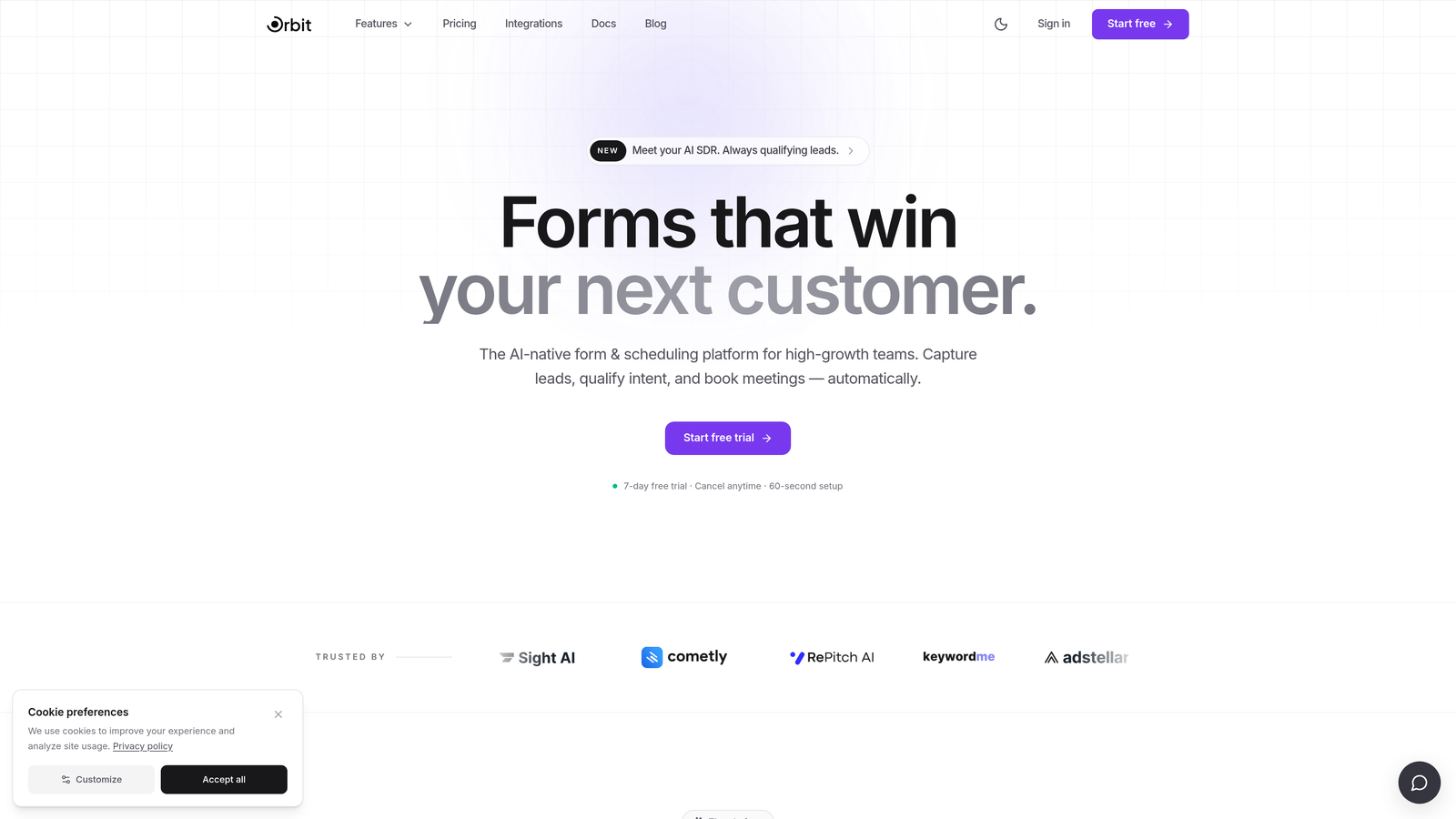
Orbit AI is an AI-powered form builder designed specifically for lead capture and qualification at scale.
Where This Tool Shines
Most form tools collect submissions and leave the qualification work to your CRM or sales team. Orbit AI flips that model entirely. The AI qualification engine works inside the form experience itself, scoring and routing leads before they ever reach your pipeline. That means your sales team receives pre-qualified prospects rather than a raw, unfiltered list of names and emails.
The builder is also built with conversion optimization as a first principle, not an afterthought. Multi-step flows, conditional logic, and a clean modern UI come together in a way that feels purpose-built for high-growth teams rather than adapted from a generic survey tool.
Key Features
AI-Powered Lead Qualification: Scores and qualifies leads directly within the form flow, so sales receives pre-vetted pipeline automatically.
Multi-Step Form Builder: Conversion-optimized multi-step forms with conditional logic that adapts the experience to each respondent's answers.
No-Code Design Customization: Beautiful, modern form design that can be tailored to match your brand without touching a line of code.
CRM and Automation Integrations: Connects with major CRM and marketing automation platforms for automatic lead routing on submission.
Real-Time Lead Intelligence: Enrichment capabilities that surface additional context about leads as they come in, giving your team a richer starting point for follow-up.
Best For
Orbit AI is the strongest fit for SaaS companies, growth marketers, and demand generation teams that are serious about lead quality, not just volume. If your sales team spends meaningful time manually qualifying inbound leads, this tool is worth exploring as a way to reclaim that time.
Pricing
Paid plans are available. Visit orbitforms.ai for current pricing details, as plans are updated regularly.
2. Typeform
Best for: Teams that prioritize respondent experience, brand aesthetics, and conversational form design.
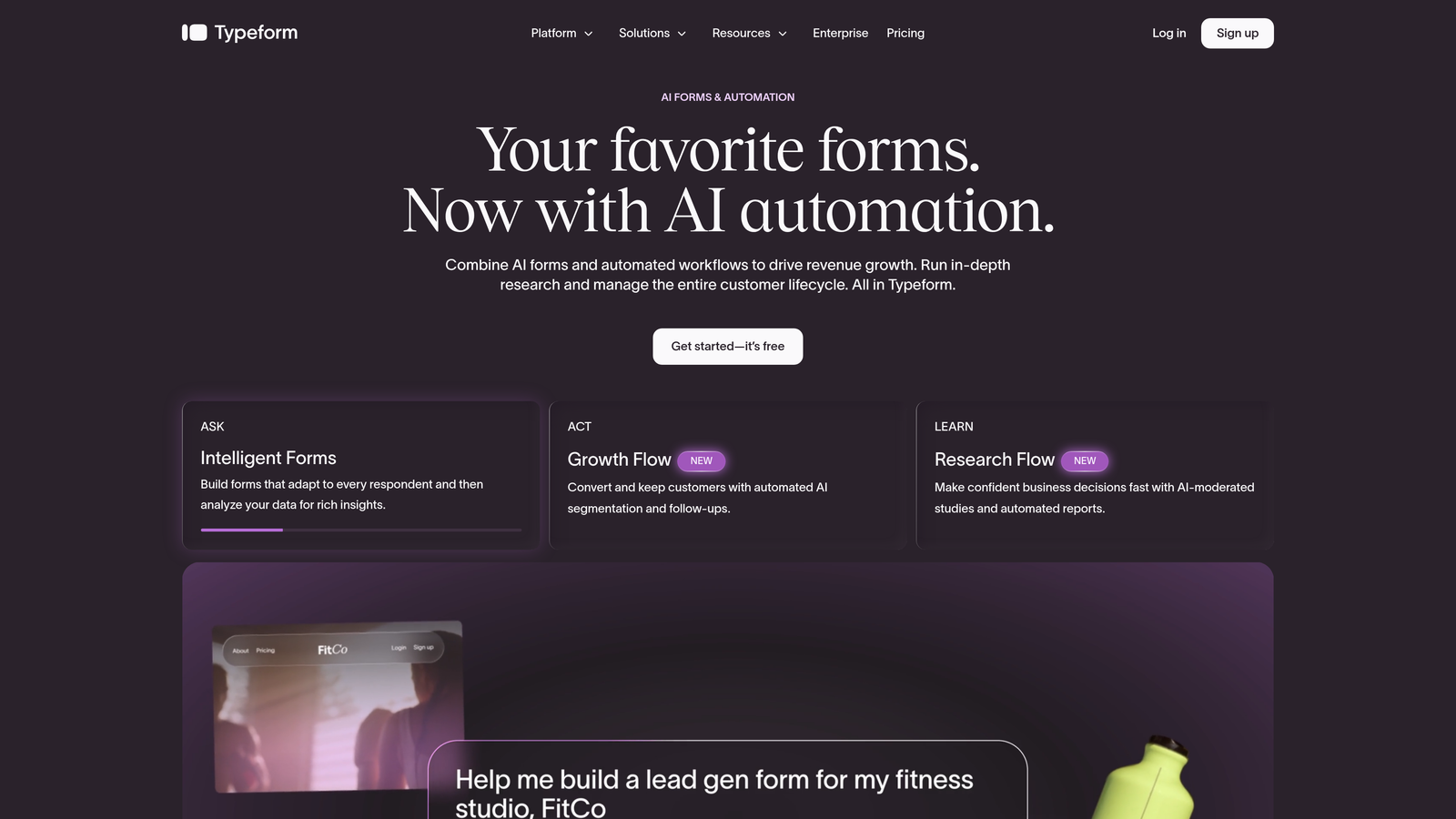
Typeform is one of the most recognized names in form software, known for its polished one-question-at-a-time format.
Where This Tool Shines
Typeform's signature conversational format presents one question at a time, which can meaningfully reduce the cognitive load on respondents and improve completion rates for longer forms. The visual design is consistently polished, and the template library covers a wide range of use cases out of the box.
It integrates well with major platforms including HubSpot, Salesforce, and Zapier, making it relatively easy to slot into an existing marketing stack. The ability to embed video and images within forms is a nice touch for teams with strong brand content to leverage.
Key Features
Conversational Format: One-question-at-a-time presentation that creates a more engaging, less overwhelming form experience.
Template Library: A broad collection of templates spanning lead generation, research, feedback, and more.
Logic Jumps: Conditional branching that personalizes the form path based on previous answers.
Integration Ecosystem: Native connections with HubSpot, Salesforce, Zapier, and other major platforms.
Media Embedding: Supports video and image content within form questions for richer brand experiences.
Best For
Typeform works well for marketing teams that want a branded, experience-forward form for campaigns, events, or top-of-funnel lead capture. It's less suited for teams that need deep lead qualification logic or AI-powered routing built in.
Pricing
Free plan available; paid plans start at approximately $25/month. Verify current pricing at typeform.com as plans change regularly.
3. HubSpot Forms
Best for: Teams already operating inside HubSpot who want seamless, zero-setup CRM data sync.
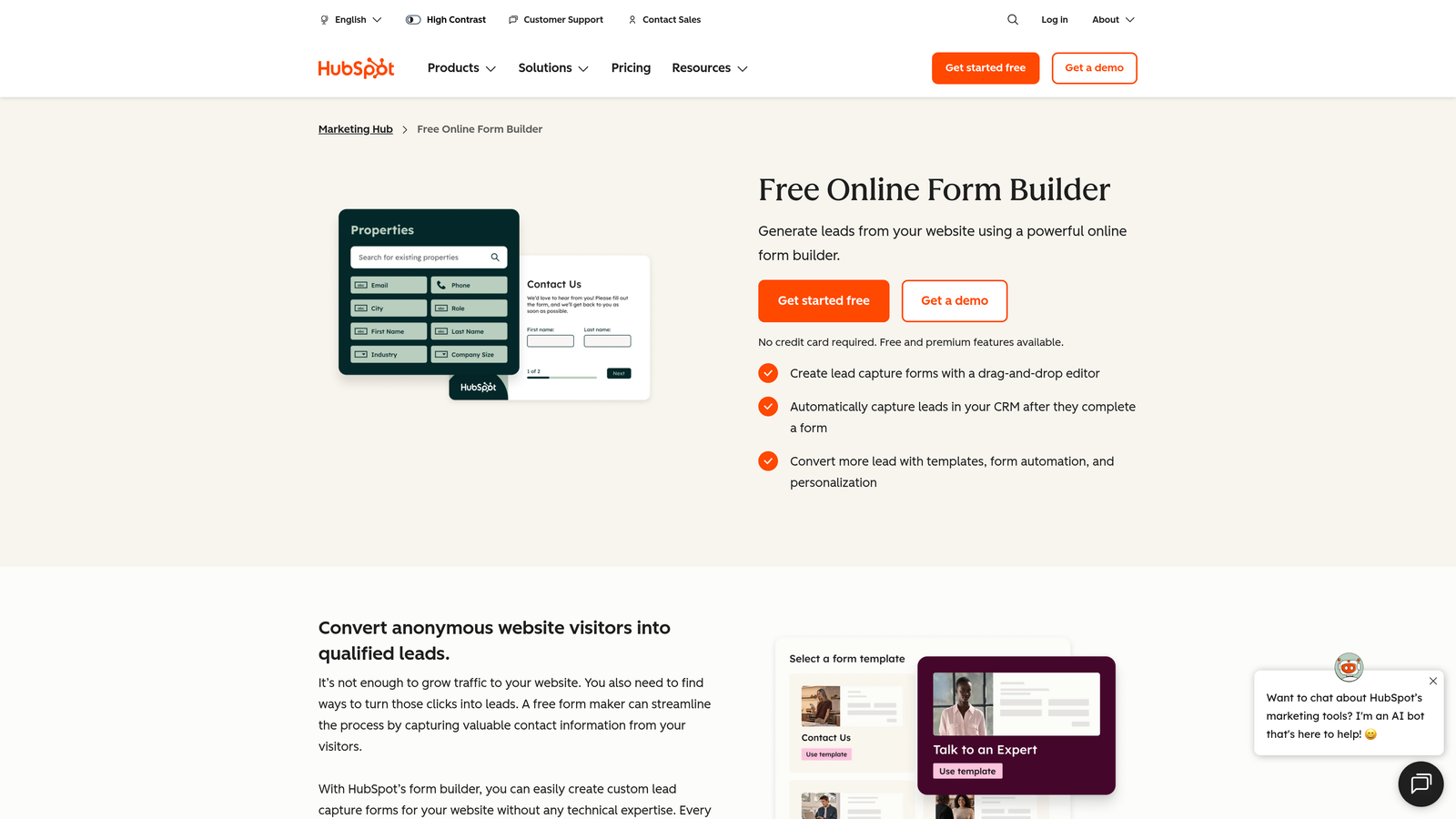
HubSpot Forms is the native form builder embedded within HubSpot's broader CRM and marketing platform.
Where This Tool Shines
The core value proposition is simple: if you're already on HubSpot, this is the path of least resistance. Every submission maps directly to a contact record with no integration setup, field mapping headaches, or sync delays. Workflows trigger automatically, which means your nurture sequences and sales alerts can fire the moment a form is submitted.
Progressive profiling is a standout feature that often gets overlooked. Rather than asking returning visitors the same questions twice, HubSpot Forms surfaces new fields for contacts it already knows, gradually building richer profiles over time without friction.
Key Features
Native CRM Sync: Every submission instantly creates or updates a HubSpot contact record with no integration required.
Progressive Profiling: Shows different fields to returning visitors to build richer contact profiles progressively over time.
Smart Field Auto-Population: Known contact data pre-fills relevant fields, reducing friction for returning visitors.
Automated Workflows: Form submissions can trigger HubSpot workflows immediately, enabling instant lead routing and nurture enrollment.
Flexible Placement: Supports both embedded forms and standalone form pages within the HubSpot ecosystem.
Best For
HubSpot Forms is the natural choice for teams whose entire marketing and sales operation runs on HubSpot. As a standalone form tool evaluated outside that ecosystem, it offers less compelling value compared to purpose-built alternatives.
Pricing
Free with HubSpot's CRM free tier; advanced features require Marketing Hub paid plans starting around $20/month. Verify at hubspot.com.
4. Jotform
Best for: Teams with diverse, complex form needs across payments, approvals, PDFs, and multi-department workflows.
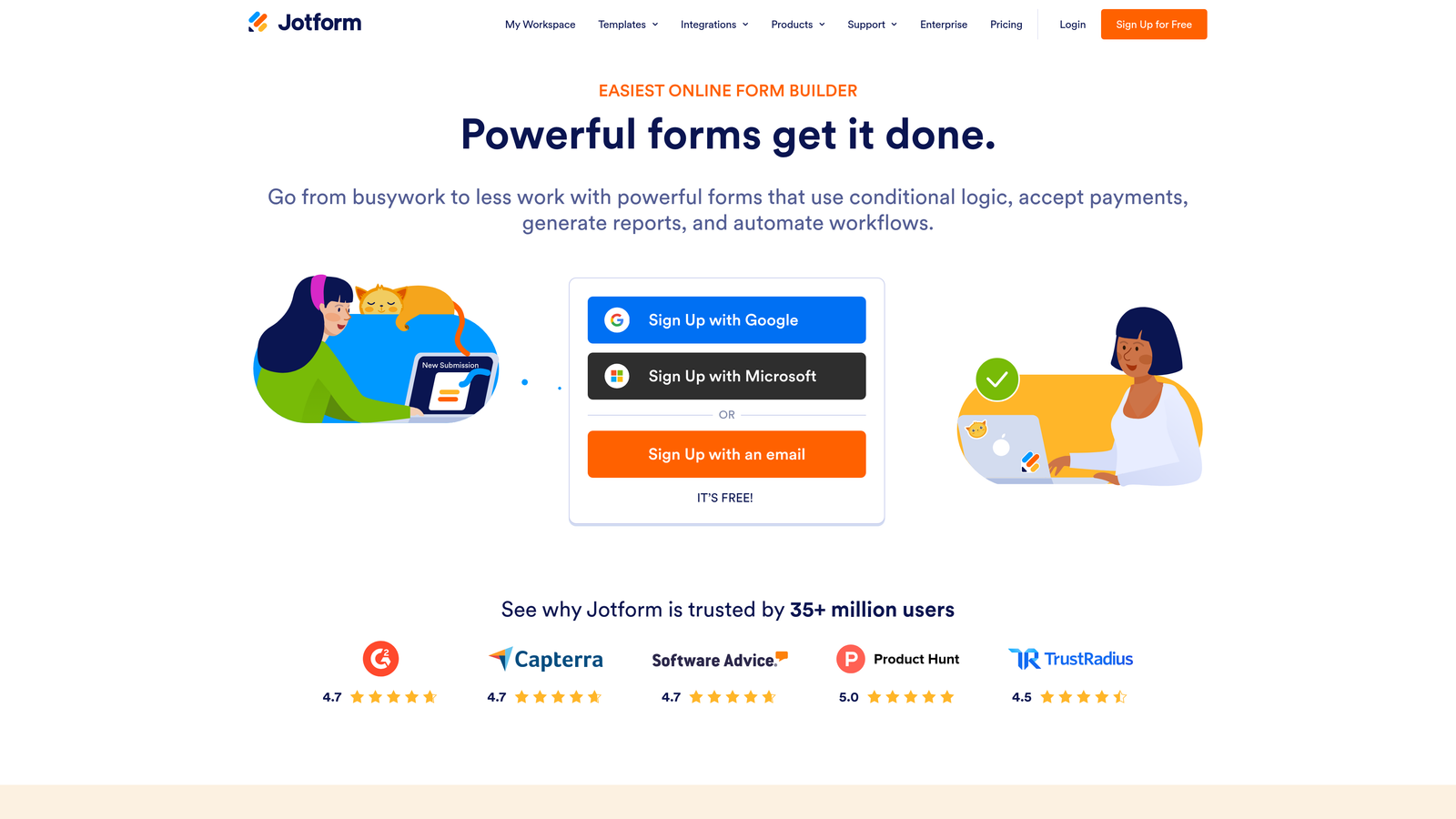
Jotform is one of the most feature-complete form builders on the market, covering an exceptionally wide range of use cases within a single platform.
Where This Tool Shines
Jotform's breadth is genuinely impressive. Beyond standard lead capture, it handles payment collection, approval workflows, document generation, and team collaboration features in a way few competitors match. The template library exceeds 10,000 options, which means most teams can find a starting point close to what they need rather than building from scratch.
For organizations that need forms to do more than capture leads — think contracts, registrations, order forms, or internal HR processes — Jotform can consolidate what might otherwise require several separate tools.
Key Features
Massive Template Library: Over 10,000 templates spanning industries and use cases, from lead gen to legal intake to event registration.
Built-In Payment Collection: Native support for Stripe, PayPal, and Square without needing a third-party integration.
Approval Workflows: Multi-step approval routing and team collaboration features for forms that require sign-off before action.
PDF Generation: Automatically generates formatted PDF documents from form submissions.
Extensive Integration Catalog: Connects with a wide range of CRMs, marketing platforms, and business tools.
Best For
Jotform suits organizations with varied form needs across multiple teams or departments. It can feel like overkill for a team that only needs clean lead capture, but it's excellent when forms need to do heavier operational lifting.
Pricing
Free plan available with limited monthly submissions; paid plans start at approximately $34/month. Verify current pricing at jotform.com.
5. Tally
Best for: Early-stage teams and indie builders who need capable forms without the cost.
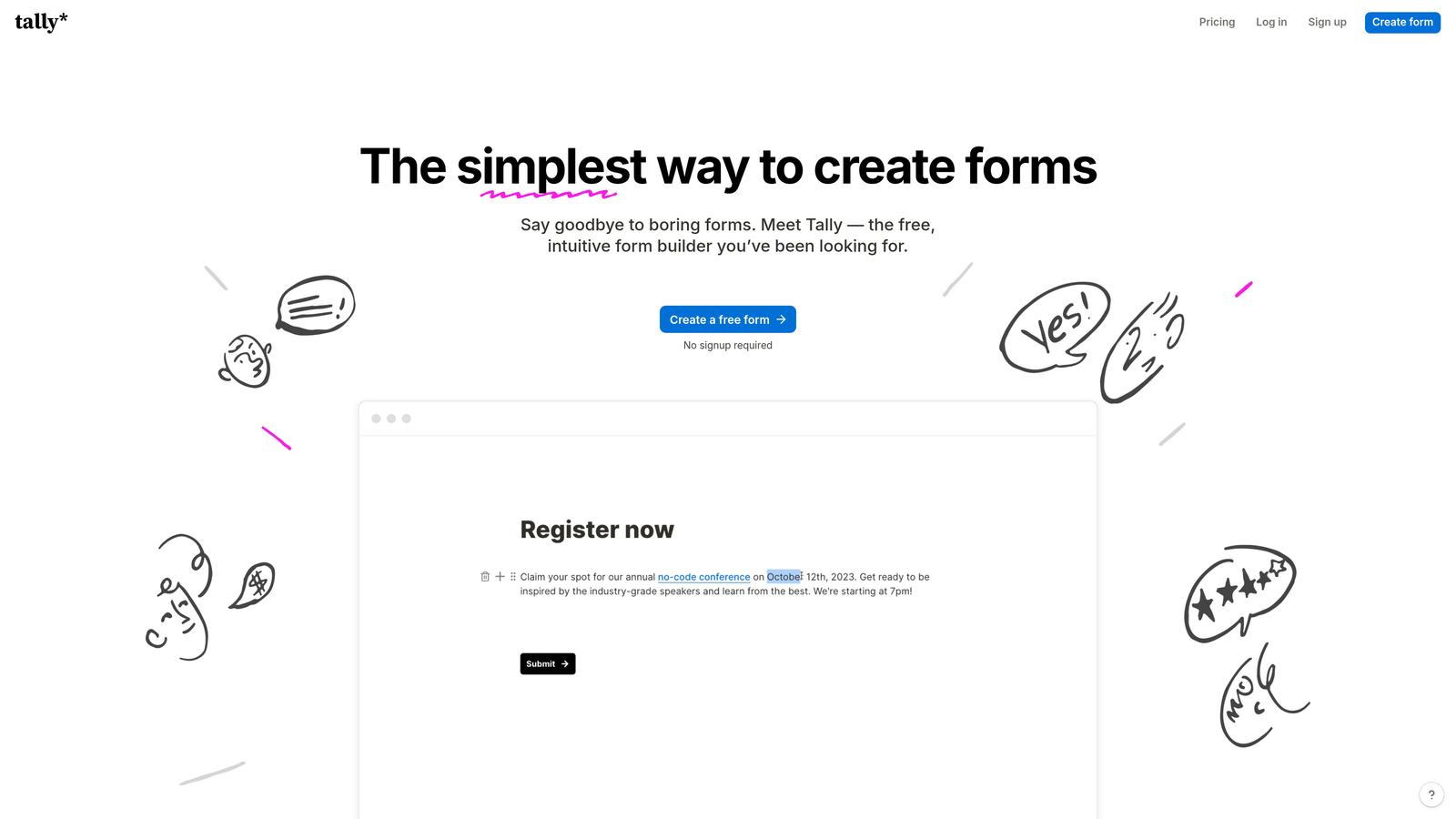
Tally is a Notion-inspired form builder with a block-based editor and one of the most generous free tiers in the category.
Where This Tool Shines
Tally's free plan is genuinely unusual. Unlike most tools that use the free tier as a funnel toward paid conversion, Tally offers unlimited forms, unlimited submissions, and no Tally branding on the free plan. For early-stage companies or bootstrapped teams, that's a meaningful difference.
The block-based editor feels intuitive if you're already comfortable with Notion, and conditional logic plus multi-page forms are available even without upgrading. It's not the most feature-rich tool on this list, but it punches well above its price point for straightforward lead capture use cases.
Key Features
Block-Based Editor: Intuitive Notion-style editing experience that makes form building feel natural and fast.
Generous Free Plan: Unlimited forms and submissions with no Tally branding, available at no cost.
Conditional Logic on Free Tier: Multi-page forms and conditional branching without requiring a paid upgrade.
Clean Embeds: Forms embed smoothly into websites and Notion pages without styling conflicts.
Integration Support: Zapier and native integrations available for routing leads to CRMs and notification tools.
Best For
Tally is the go-to for startups, solo operators, and small teams that need solid form functionality without budget commitment. Teams that need advanced lead qualification or AI-powered routing will eventually outgrow it, but it's an excellent starting point.
Pricing
Free plan available; Tally Pro starts at approximately $29/month. Verify at tally.so.
6. Growform
Best for: Performance marketers and lead generation agencies running paid traffic campaigns.
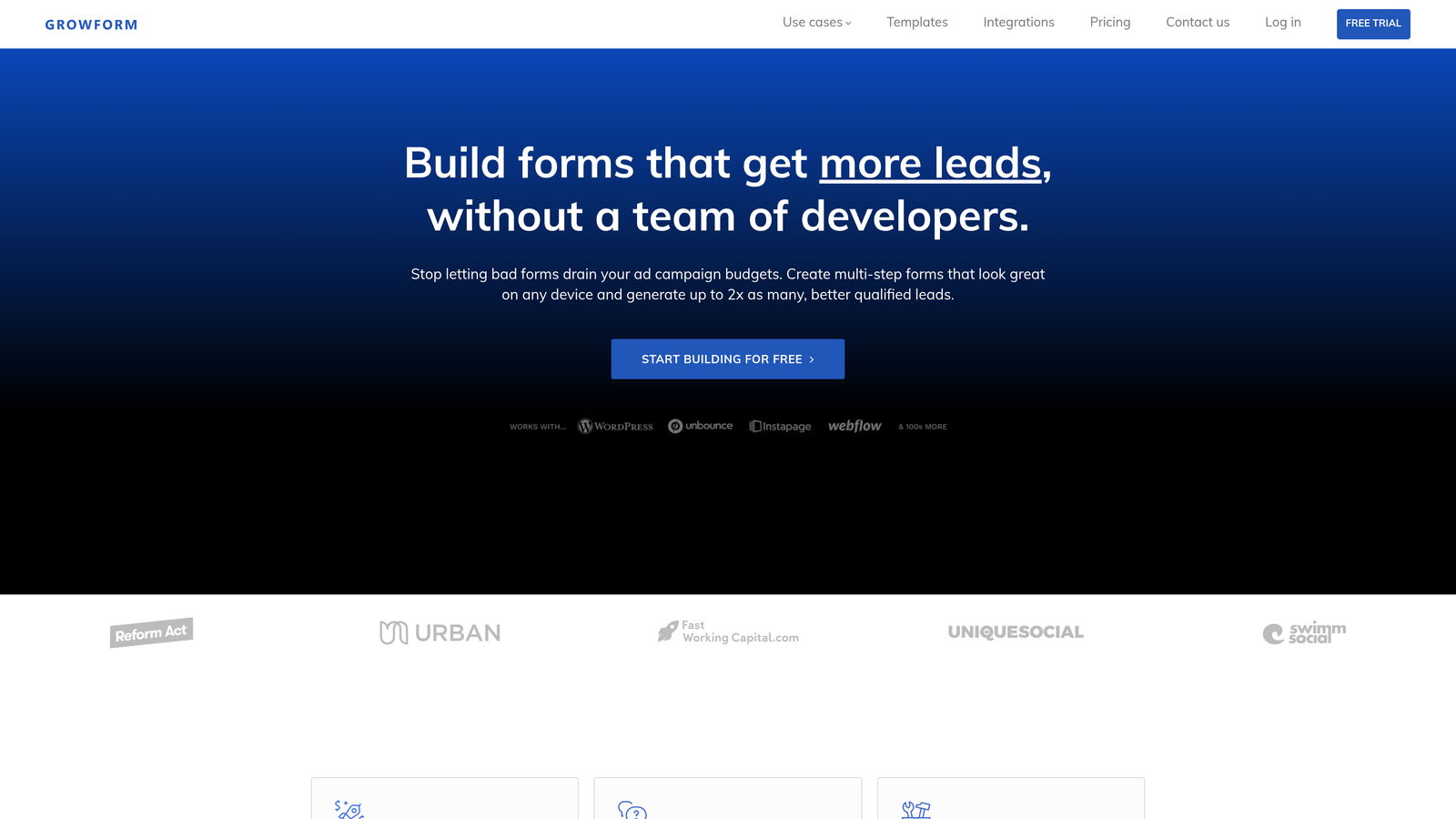
Growform is a multi-step form builder purpose-built for conversion rate optimization in paid traffic environments.
Where This Tool Shines
Growform was designed from the ground up for one specific scenario: getting the highest possible lead volume and quality from paid search and paid social campaigns. Progress indicators, mobile-first design, and conditional logic are baked into the product rather than treated as add-ons. The result is a tool that feels immediately aligned with the priorities of a performance marketing team.
It's particularly popular in verticals like legal services, home improvement, and insurance, where lead quality and volume both matter and the cost-per-lead math is unforgiving. The white-label option makes it a practical choice for agencies managing multiple client campaigns under their own brand.
Key Features
Conversion-Optimized Multi-Step Forms: Built specifically for paid traffic landing pages with CRO best practices built in.
Progress Indicators: Visual progress bars that encourage form completion and reduce abandonment.
Mobile-First Design: Responsive layouts optimized for the mobile traffic that dominates paid campaigns.
Flexible Lead Delivery: Routes leads via webhook, email, or direct CRM integration depending on workflow needs.
White-Label Options: Agency-friendly features for managing client campaigns under custom branding.
Best For
Growform is the strongest fit for agencies and in-house performance marketing teams running paid acquisition. It's less suited for teams that need a general-purpose form tool or deep AI qualification features.
Pricing
Paid plans start at approximately $49/month. Verify current pricing at growform.co.
7. Paperform
Best for: Solo operators and small businesses that want forms, payments, and scheduling in one flexible tool.
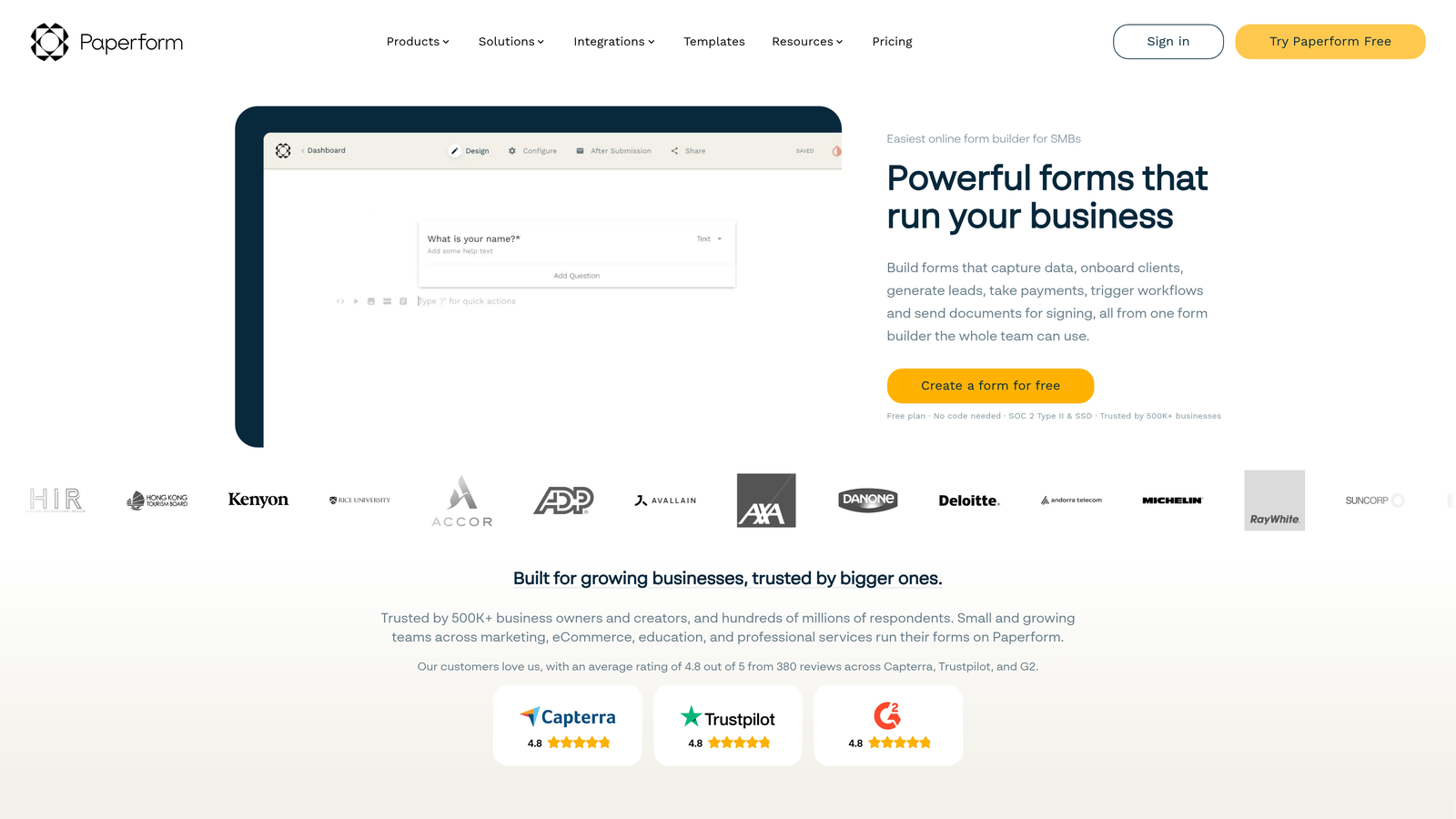
Paperform is a flexible form builder with a document-style editor that blends form creation with lightweight landing page functionality.
Where This Tool Shines
Paperform's freeform editor is genuinely different from most form builders. Instead of a structured field-by-field interface, it lets you compose forms like a document, mixing text, images, and form fields freely. The result is forms that feel more like designed pages than traditional data collection tools.
Beyond lead capture, Paperform handles payments, appointment scheduling, and product sales within the same form, which makes it a compelling option for small businesses that want to consolidate tools rather than manage multiple subscriptions.
Key Features
Document-Style Editor: Freeform composition interface that lets forms feel like polished, designed pages.
Built-In Payment Processing: Native support for Stripe, PayPal, and Braintree for transactions within forms.
Appointment Scheduling: Booking and scheduling functionality built directly into the form experience.
Conditional Logic and Calculations: Branching logic and calculation fields for more dynamic, personalized form paths.
200+ Integrations: Connects with a broad range of tools via native connections and Zapier.
Best For
Paperform suits consultants, coaches, small agencies, and small business owners who want a single tool that handles intake, payments, and scheduling. Teams focused purely on lead generation at scale may find it more flexible than they need.
Pricing
Essentials plan starts at approximately $24/month. Verify current pricing at paperform.co.
8. Leadpages
Best for: Teams building full landing page strategies where the form is part of a complete conversion page.
Leadpages is primarily a landing page builder with robust lead capture form capabilities integrated throughout.
Where This Tool Shines
Leadpages is most powerful when you're thinking about lead capture at the page level, not just the form level. The ability to build, test, and optimize full landing pages alongside the forms on them gives you a more complete picture of what's driving conversions. A/B testing on both page variants and form configurations is built in, which is a meaningful advantage for teams running active optimization programs.
The lead magnet delivery feature is a practical touch: you can automatically deliver a PDF, guide, or other content asset on form submission without needing a separate email sequence to handle it.
Key Features
Full Landing Page Builder: Complete page creation and optimization alongside integrated lead capture forms.
A/B Testing: Native split testing on landing pages and form variants to identify what converts best.
Lead Magnet Delivery: Automatic content asset delivery (PDFs, guides) triggered by form submission.
Alert Bars and Pop-Ups: Site-wide lead capture options beyond embedded forms, including sticky bars and pop-up overlays.
CRM and Email Integrations: Connects with major email platforms and CRMs for lead routing after submission.
Best For
Leadpages works best for marketers who want to own the entire landing page experience, not just the form. If you're embedding forms into an existing site or product, a dedicated form tool will likely serve you better.
Pricing
Standard plan starts at approximately $49/month. Verify current pricing at leadpages.com.
9. Google Forms
Best for: Internal data collection, basic surveys, and non-revenue-critical use cases with zero budget.
Google Forms is Google's free, no-frills form tool included with any Google account.
Where This Tool Shines
Google Forms earns its place on this list for one reason: it's completely free, requires no setup, and integrates instantly with Google Sheets for response tracking. For internal team surveys, event sign-up forms, or quick data collection that doesn't need to look polished, it's hard to argue against.
The unlimited responses with no submission caps is genuinely useful for high-volume internal use cases. But it's worth being clear-eyed: Google Forms was not built for lead generation, and it shows. There's no conversion optimization, no lead scoring, no meaningful design flexibility, and no CRM routing without manual workarounds.
Key Features
Completely Free: No cost, no submission limits, no paid tiers required for any feature.
Google Sheets Integration: Responses sync automatically to a connected spreadsheet for easy tracking and analysis.
Basic Conditional Logic: Simple branching based on multiple-choice answers, though limited compared to purpose-built tools.
Easy Sharing: Share via link or embed with minimal setup required.
Unlimited Responses: No caps on submission volume regardless of form complexity.
Best For
Google Forms is appropriate for internal surveys, employee feedback, event registrations, and any data collection that doesn't directly touch revenue. For growth-focused lead capture, it lacks the conversion optimization and qualification features that make a meaningful difference.
Pricing
Free with any Google account. No paid tiers.
Which Tool Is Right for Your Team?
The right choice depends heavily on what you're optimizing for. Here's a quick breakdown by use case to help you decide.
AI-powered lead qualification: Orbit AI is the clear choice here. It's the only tool on this list that qualifies and scores leads within the form experience itself, so your sales team receives pre-vetted pipeline rather than raw submissions.
Conversational UX and brand aesthetics: Typeform remains the benchmark for form experiences that feel polished and engaging. If respondent experience is your primary concern, it's a strong option.
CRM-native teams on HubSpot: HubSpot Forms wins on pure integration depth. If your team already lives in HubSpot, the seamless sync and progressive profiling make it the path of least resistance.
Budget-conscious startups: Tally's free plan is genuinely hard to beat. Unlimited forms, unlimited submissions, no branding, and conditional logic at no cost gives early-stage teams a capable starting point.
Performance marketing and agencies: Growform was built for exactly this context. Multi-step forms optimized for paid traffic, with white-label options for agencies managing multiple clients.
If you're building a modern lead generation function and want your forms to do more than collect data, start building free forms today with Orbit AI and see how intelligent form design can elevate your conversion strategy. AI-powered qualification, conversion-optimized multi-step flows, and a clean modern builder designed for high-growth teams are all waiting for you.


