

Registration forms are often the first real touchpoint between your business and a potential customer, attendee, or lead. And a clunky, outdated form can kill conversions before they even begin. The right registration form builder software does more than collect names and emails: it qualifies leads, adapts to user behavior, integrates with your existing stack, and looks polished on every device.
This list covers the best options available in 2026, evaluated across ease of use, customization, logic capabilities, integrations, and pricing. Whether you're registering event attendees, onboarding SaaS trial users, or capturing leads for a sales funnel, there's a tool here that fits. We've included AI-powered platforms built for conversion optimization alongside established builders suited to simpler workflows.
1. Orbit AI
Best for: High-growth SaaS and marketing teams focused on lead qualification and conversion optimization.
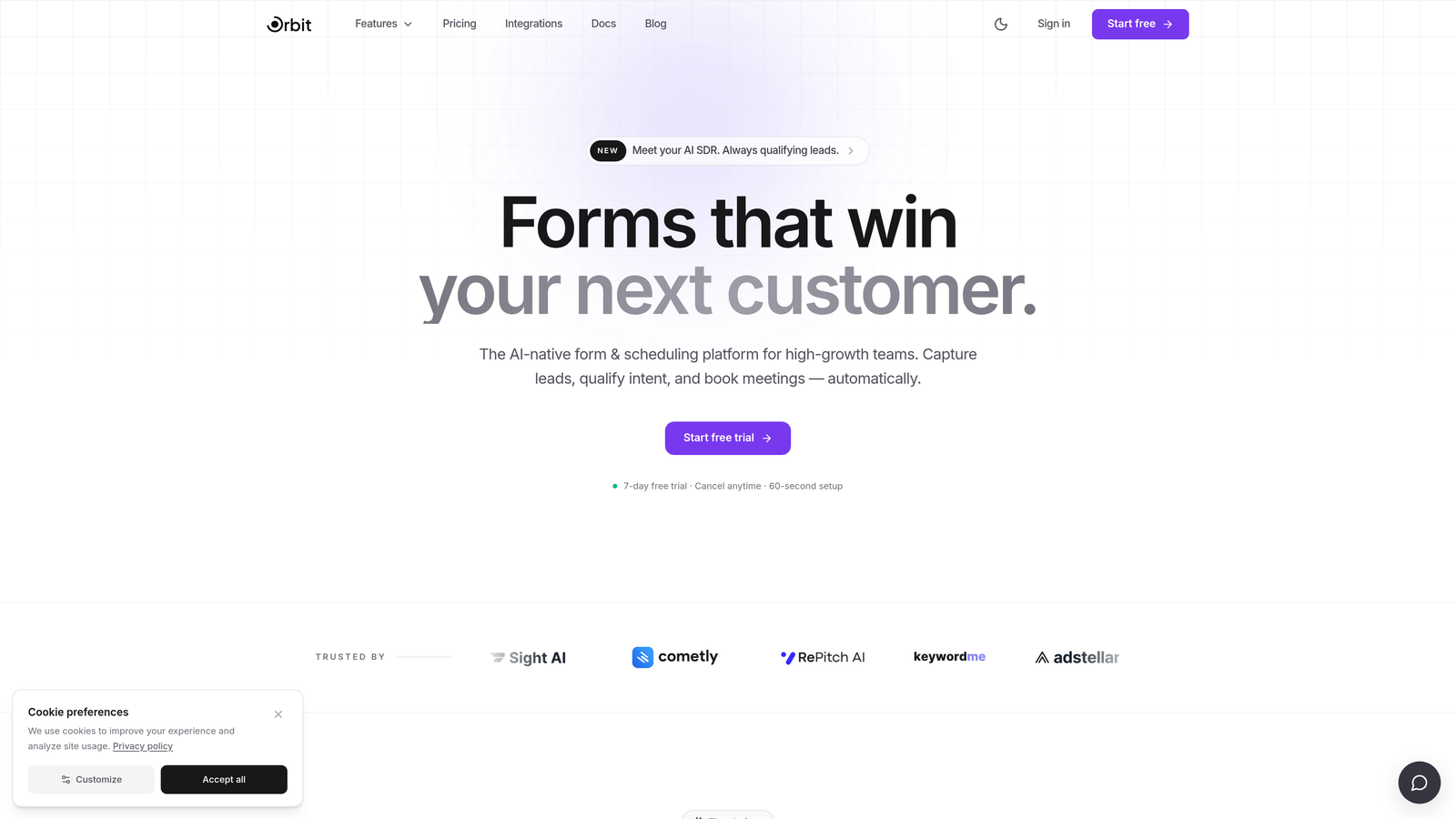
Orbit AI is an AI-powered registration form builder with built-in lead qualification and scoring, designed for teams that treat every form submission as a pipeline event, not just a data point.
Where This Tool Shines
Most form builders stop at data collection. Orbit AI goes a step further by embedding lead qualification directly into the form flow. As registrants move through the form, the AI evaluates their responses in real time, scoring and segmenting leads automatically so your sales or marketing team knows exactly who to prioritize.
The design philosophy is equally intentional. Forms are clean, modern, and conversion-optimized by default, which matters when your registration form is the first impression a prospect has of your brand. Dynamic conditional logic adapts the form experience based on what users answer, keeping the experience relevant and reducing drop-off.
Key Features
AI-Powered Lead Qualification: Automatically scores and qualifies registrants based on their responses, surfacing high-value leads without manual review.
Dynamic Conditional Logic: Form paths adapt in real time based on user inputs, creating a personalized experience without complex setup.
Conversion-Optimized Design: Modern, clean UI built with conversion best practices in mind, so forms look and perform well out of the box.
Lead Scoring: Assigns scores to registrants automatically, helping sales teams triage and prioritize follow-up efficiently.
CRM and Marketing Automation Integrations: Connects with major CRMs and marketing tools so qualified leads flow directly into your existing workflows.
Best For
Orbit AI is the strongest fit for SaaS companies, growth marketers, and demand generation teams who need their registration forms to do double duty: collect data and qualify leads simultaneously. If conversion rate and lead quality are metrics you actively track, this tool is built with you in mind.
Pricing
Paid plans available. Visit orbitforms.ai for current pricing details and plan options.
2. Typeform
Best for: Teams that want a conversational, engaging registration experience that feels less like a form.
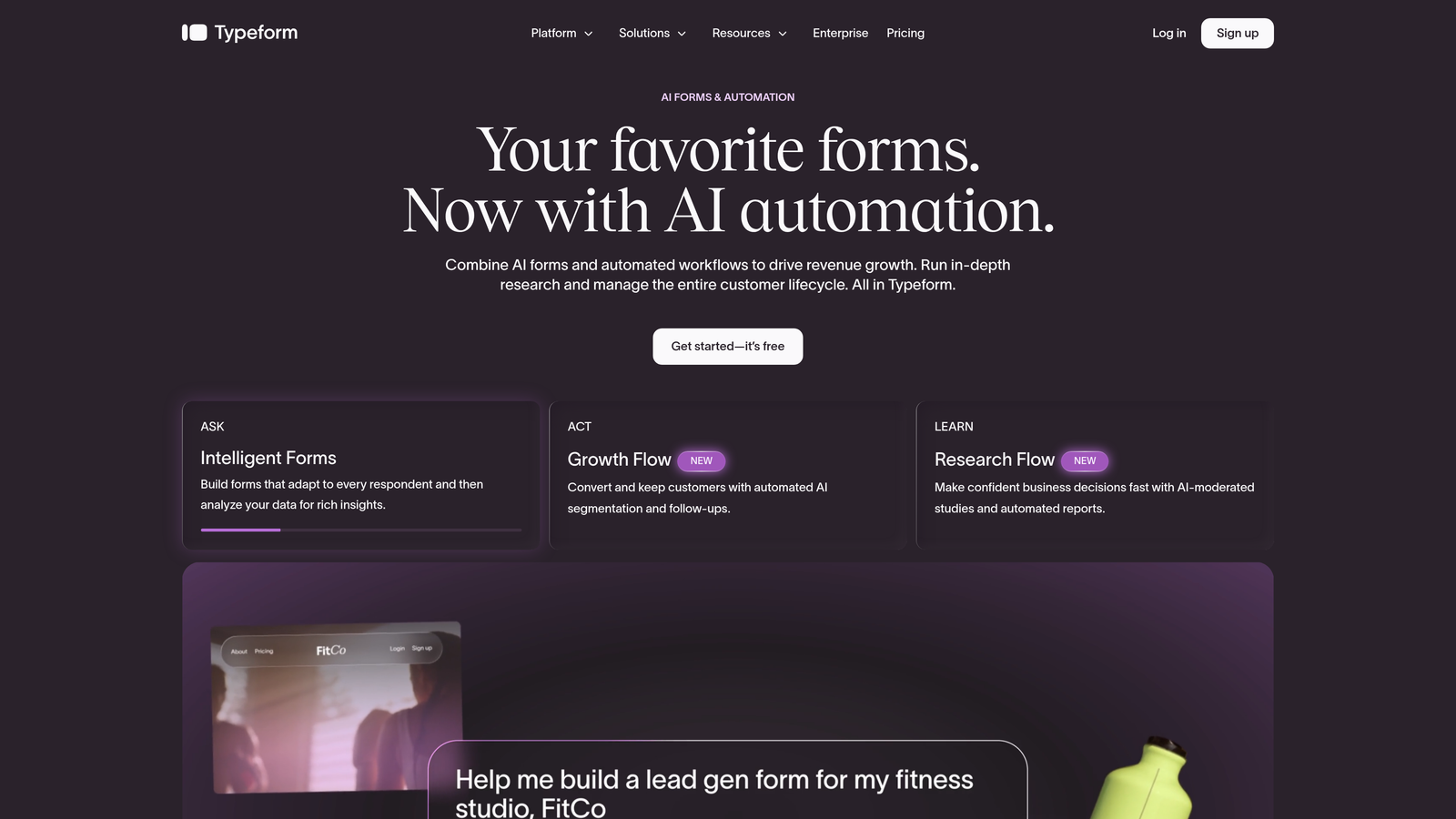
Typeform is a conversational form builder known for its one-question-at-a-time interface that makes registration feel less like filling out paperwork.
Where This Tool Shines
Typeform's signature format presents one question at a time, which tends to feel less overwhelming than staring at a page full of fields. This approach works especially well on mobile, where long traditional forms create friction. The result is a registration experience that feels more like a conversation than a data collection exercise.
Logic jumps let you branch the form based on previous answers, so registrants only see questions relevant to them. The visual customization options are solid, and the native integrations with HubSpot, Salesforce, and Mailchimp make it a practical choice for marketing-heavy workflows.
Key Features
Conversational Format: One-question-at-a-time interface reduces cognitive load and tends to improve completion rates.
Logic Jumps: Conditional branching routes respondents through personalized paths based on their answers.
Native CRM Integrations: Direct connections to HubSpot, Salesforce, Mailchimp, and other major platforms.
Custom Themes and Branding: Fully customizable visual design to match your brand identity.
Video and Image Embedding: Add visual context directly within questions for richer form experiences.
Best For
Typeform suits marketing teams, event organizers, and product teams who prioritize user experience in their registration flows. It's particularly effective for external-facing forms where first impressions matter and completion rate is a key concern.
Pricing
Free plan available with limited responses. Paid plans start at approximately $25/month, with higher tiers unlocking more responses and advanced features.
3. Jotform
Best for: Teams that need a wide variety of ready-made templates and broad integration support without starting from scratch.
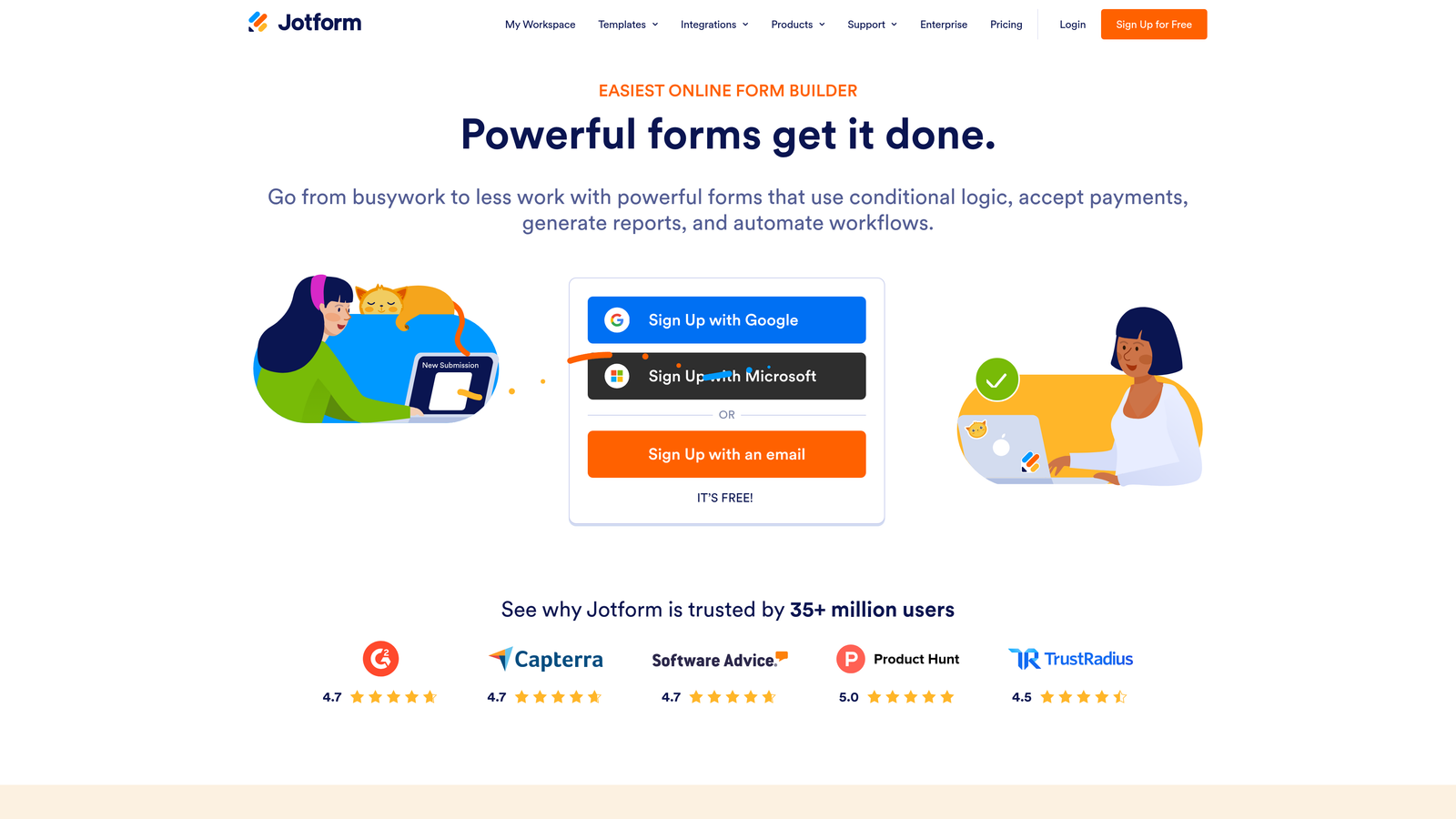
Jotform is a feature-rich, template-heavy form builder with one of the largest libraries of ready-made registration form designs available.
Where This Tool Shines
If you need a registration form up and running quickly, Jotform's template library is hard to beat. With thousands of pre-built designs spanning event registration, course sign-ups, membership forms, and more, you can typically find a starting point that's close to what you need and customize from there.
Beyond templates, Jotform is notably strong in payment collection. Native integrations with Stripe, PayPal, and Square make it straightforward to handle paid registrations without stitching together separate tools. HIPAA-compliant plans extend its usefulness into healthcare and regulated industries.
Key Features
10,000+ Form Templates: Extensive library of registration-specific and general-purpose templates to accelerate setup.
Drag-and-Drop Editor: Visual form builder that requires no technical knowledge to use.
Payment Integrations: Native support for Stripe, PayPal, and Square for paid event or course registrations.
HIPAA-Compliant Plans: Suitable for healthcare organizations with strict data handling requirements.
Jotform Tables: Manage and analyze form submissions in a spreadsheet-style database view.
Best For
Jotform is well-suited for nonprofits, educational institutions, event organizers, and small-to-midsize businesses that need a versatile, template-driven tool. It's especially strong when paid registration is part of the workflow.
Pricing
Free plan supports up to 100 monthly submissions. Paid plans start at approximately $34/month and scale with submission volume and feature access.
4. HubSpot Forms
Best for: Teams already using HubSpot who want registration data to flow directly into their CRM without any integration setup.
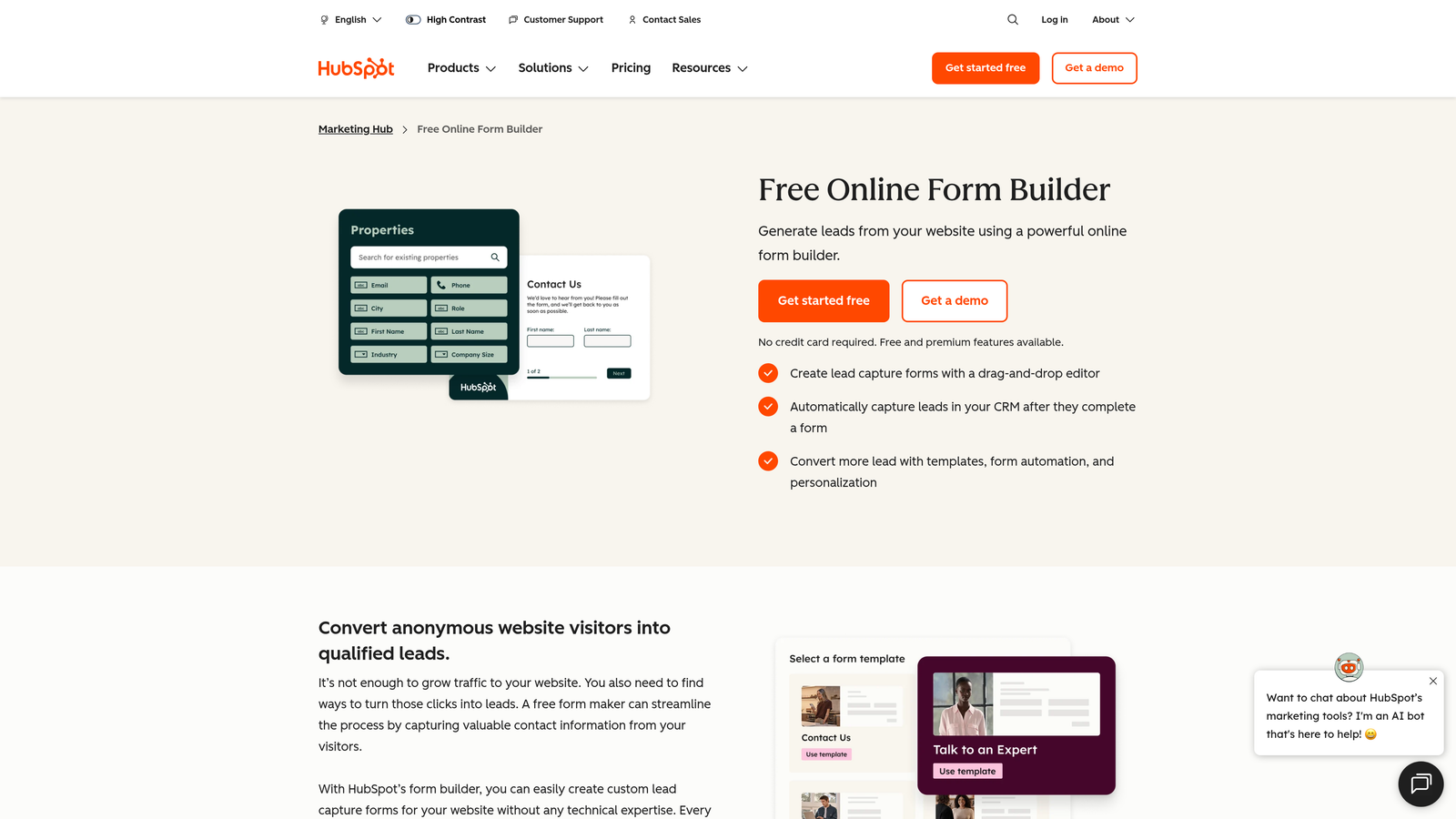
HubSpot Forms is the native form builder inside HubSpot's marketing platform, built to sync registration data directly to CRM contacts and trigger automated workflows.
Where This Tool Shines
The core value of HubSpot Forms is its seamless connection to the HubSpot ecosystem. When someone submits a registration form, their data lands in the CRM as a contact record instantly, with no Zapier connection or manual import required. For teams running nurture sequences or sales workflows out of HubSpot, this is a meaningful time saver.
Progressive profiling is a standout feature: returning contacts won't be asked for information HubSpot already has on file. Instead, the form surfaces new fields to fill in knowledge gaps over time. This keeps forms short without sacrificing the data you need.
Key Features
Direct CRM Sync: Form submissions automatically create or update contact records in HubSpot with no manual integration required.
Progressive Profiling: Replaces known fields with new questions for returning contacts, keeping forms concise.
Workflow Triggers: Submissions can automatically enroll contacts in email sequences or internal workflows.
Flexible Embedding: Embed forms on any website or within HubSpot landing pages.
A/B Testing: Available on higher-tier Marketing Hub plans for conversion optimization.
Best For
HubSpot Forms is the right choice for teams already running their marketing and sales operations inside HubSpot. If you're not a HubSpot shop, the design limitations and high cost of advanced tiers make it harder to justify as a standalone form tool.
Pricing
Free with a HubSpot account. Advanced features require Marketing Hub paid plans, which start at approximately $800/month, reflecting the broader platform cost rather than form building alone.
5. Tally
Best for: Startups, indie teams, and early-stage businesses that need a clean, capable form builder without spending anything.
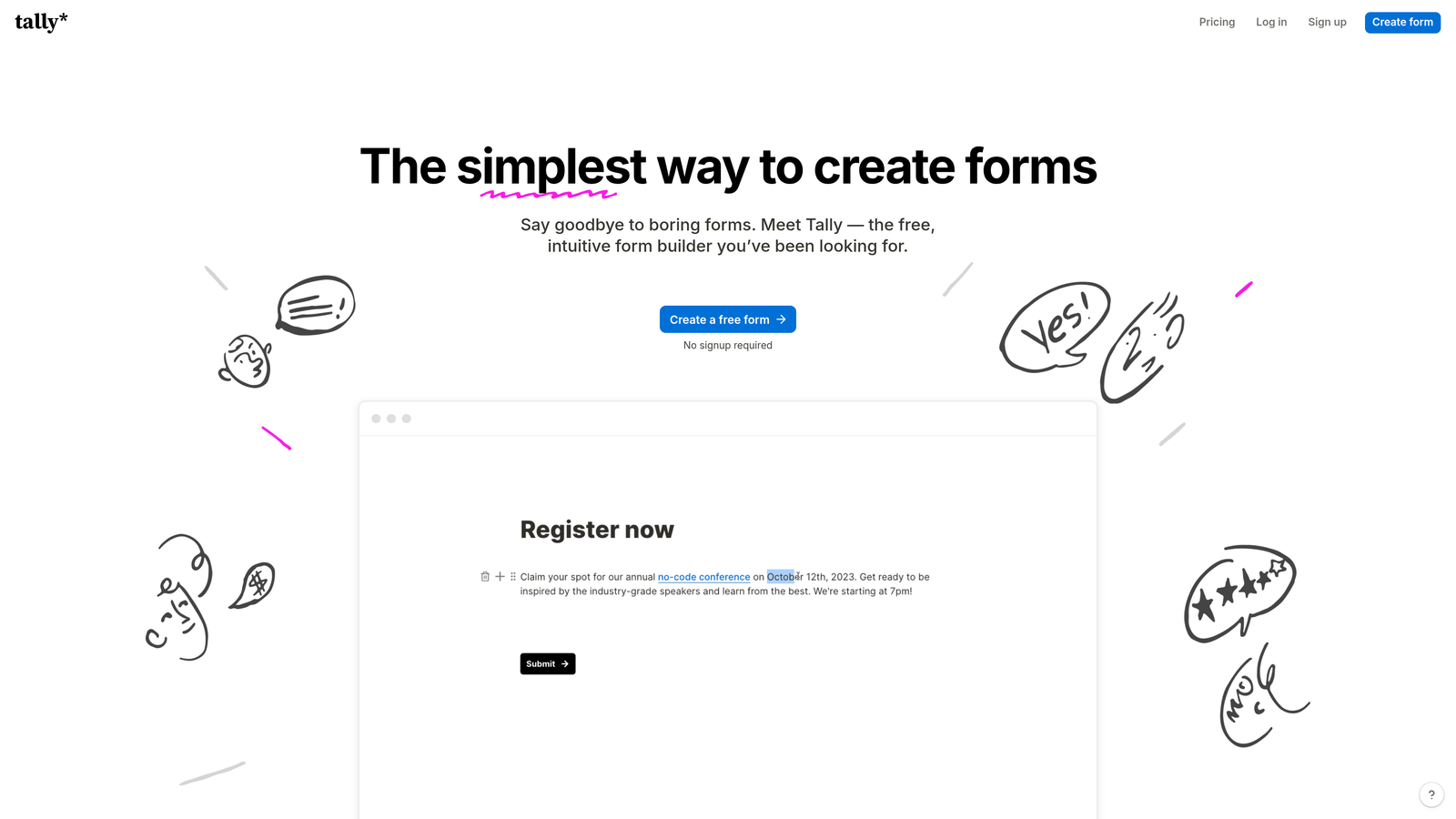
Tally is a minimalist, Notion-inspired form builder with one of the most generous free tiers in the market: unlimited forms and unlimited submissions at no cost.
Where This Tool Shines
Tally's free plan is genuinely unlimited, which sets it apart from most competitors that cap submissions or form counts on free tiers. For teams that need to run multiple registration forms simultaneously without committing to a paid plan, this is a significant practical advantage.
The editor has a clean, block-based feel that Notion users will find immediately familiar. It's fast to learn and produces distraction-free forms that work well for straightforward registration needs. Conditional logic and multi-page forms are available even on the free plan.
Key Features
Unlimited Free Plan: No submission caps or form limits on the free tier, which is genuinely rare in this category.
Clean Block-Based Editor: Intuitive, Notion-style interface that's quick to learn and use.
Conditional Logic: Branch form paths based on responses, available without a paid plan.
Notion Embedding: Forms embed directly into Notion pages, making it a natural fit for Notion-heavy workflows.
Zapier and Make Integrations: Connect to your broader tool stack for automation on the Pro plan.
Best For
Tally is ideal for early-stage startups, solo founders, and small teams that need functional registration forms without design complexity or budget. It's not the right fit when lead qualification, advanced branding, or deep CRM integration is a priority.
Pricing
Free plan with unlimited forms and submissions. Pro plan is approximately $29/month, adding custom branding removal and advanced features.
6. Cognito Forms
Best for: Complex registration scenarios requiring advanced conditional logic, calculated fields, or multi-attendee enrollment.
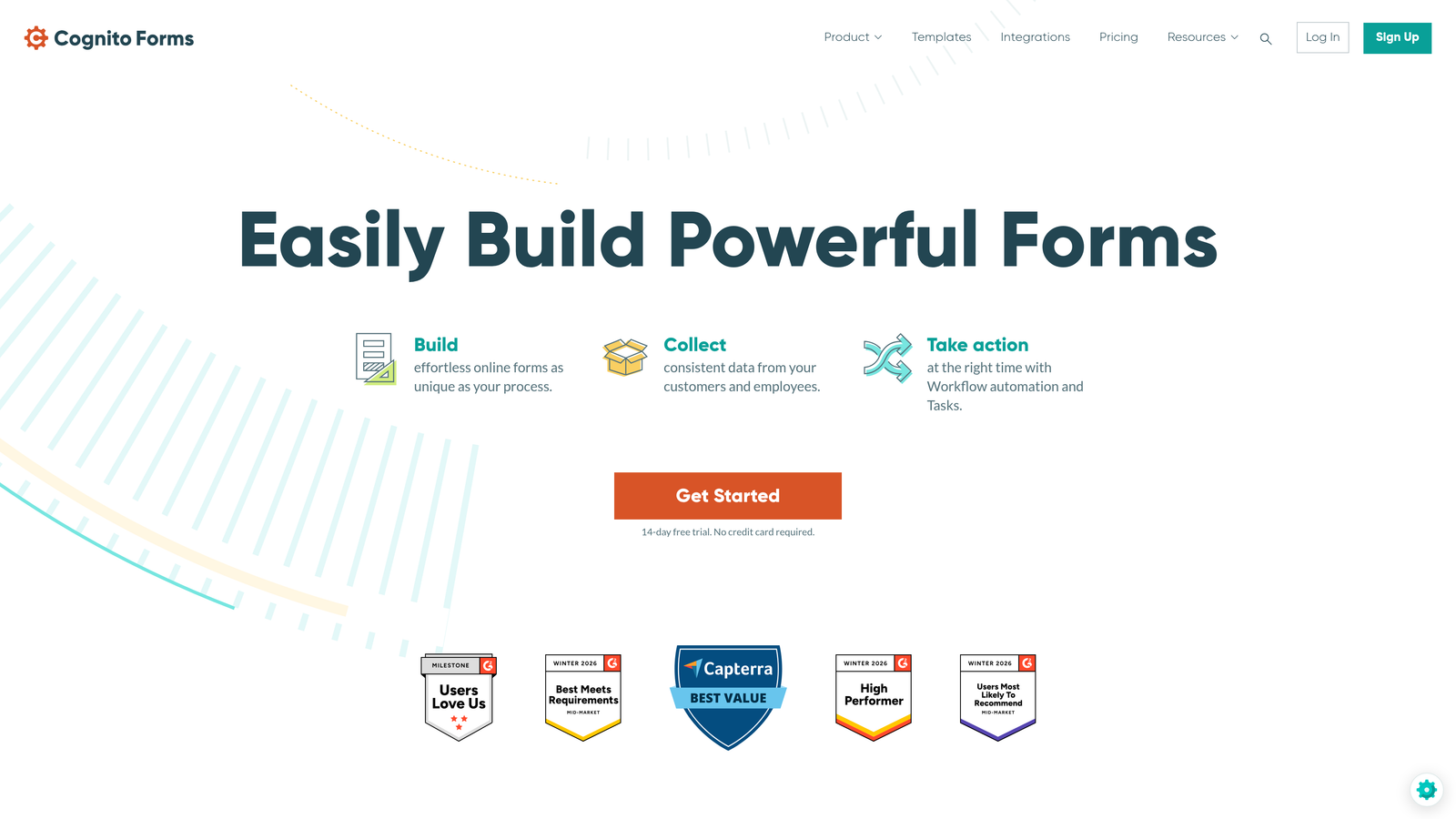
Cognito Forms is a form builder built specifically for complex workflows, offering advanced conditional logic, calculated fields, and repeating sections without writing a single line of code.
Where This Tool Shines
Where most form builders handle basic branching, Cognito Forms handles genuinely complex logic. Calculated fields can dynamically compute registration fees based on selections, apply early-bird discounts, or score responses. Repeating sections let a single form handle group registrations where multiple attendees need to be enrolled in one submission.
This depth of capability makes Cognito Forms a go-to for event organizers managing tiered pricing, legal intake workflows, and compliance-sensitive registration processes where the form needs to do real computational work.
Key Features
Advanced Conditional Logic: Sophisticated branching and visibility rules that go beyond simple show/hide.
Calculated Fields: Dynamic pricing, scoring, and computations built directly into the form without code.
Repeating Sections: Register multiple attendees or items within a single form submission.
Built-in Payment Collection: Stripe integration for processing registration fees directly.
Multi-Page Forms: Progress indicators and paginated layouts for longer registration flows.
Best For
Cognito Forms is the strongest choice for event managers, legal teams, and operations professionals who need a form to handle real complexity: variable pricing, multi-person registration, or conditional compliance fields that other builders can't manage cleanly.
Pricing
Free plan supports up to 500 entries per month. Paid plans start at approximately $15/month, making it one of the more affordable options for advanced functionality.
7. Google Forms
Best for: Internal registrations, simple surveys, and teams that need a completely free, zero-setup solution.
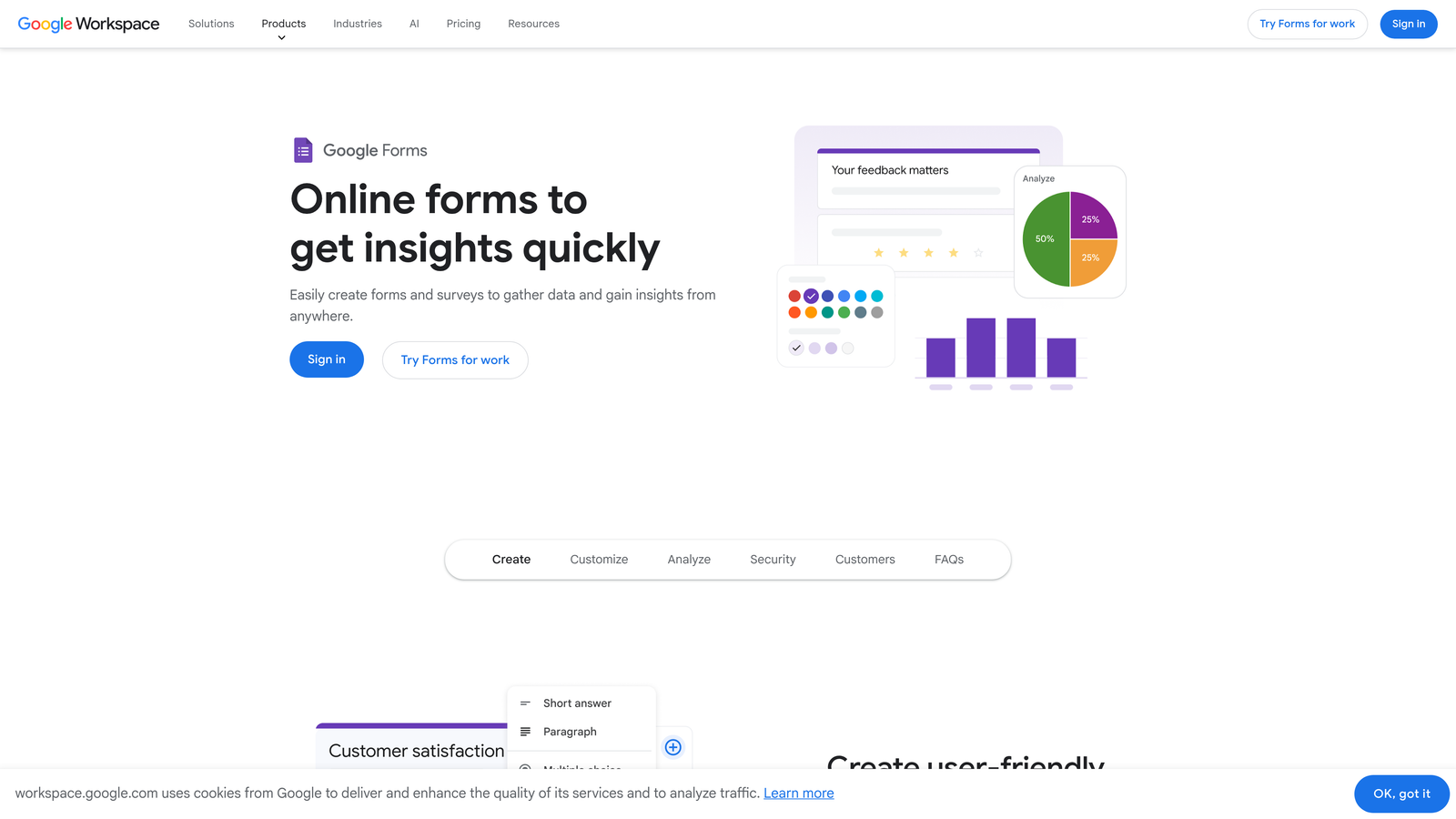
Google Forms is a completely free, Google Workspace-native form builder suited for straightforward internal registration needs where design and advanced logic are not priorities.
Where This Tool Shines
Google Forms wins on simplicity and cost. There are no submission limits, no paid tiers to navigate, and no learning curve. If your team already lives in Google Workspace, building a registration form and having responses flow automatically into a Google Sheet takes minutes.
For internal use cases, such as employee event sign-ups, internal workshop registrations, or team surveys, Google Forms is often more than sufficient. The collaboration features let multiple team members build and manage forms together in real time.
Key Features
Completely Free: No submission limits, no paid tiers, included with any Google account.
Google Sheets Integration: Responses sync directly to a spreadsheet for easy tracking and analysis.
Basic Conditional Logic: Simple branching to show different sections based on answers.
Real-Time Collaboration: Multiple team members can build and edit forms simultaneously.
Easy Sharing: Share via link or embed on a webpage with no technical setup.
Best For
Google Forms is the right choice for internal registrations, educational settings, and any scenario where budget is zero and design requirements are minimal. It is not suitable for branded external-facing forms, lead qualification, or any workflow requiring advanced logic or CRM integration.
Pricing
Completely free. Included with any Google account, with no submission limits or feature paywalls.
8. Formstack
Best for: Enterprise teams and healthcare organizations that need HIPAA compliance, workflow automation, and advanced security.
Formstack is an enterprise-grade form and workflow automation platform that goes well beyond form building into document generation, e-signatures, and complex approval routing.
Where This Tool Shines
Formstack is one of the few registration form tools with genuine HIPAA compliance built in, making it one of a small number of viable options for healthcare organizations collecting patient or participant registration data. The compliance infrastructure extends to enterprise SSO, access controls, and audit trails that regulated industries require.
Beyond compliance, Formstack's workflow routing capabilities are a real differentiator. Registration submissions can trigger multi-step approval chains, route to specific team members based on response content, and generate pre-filled documents automatically. For organizations running complex registration workflows with multiple stakeholders, this saves significant manual coordination.
Key Features
HIPAA-Compliant Forms: Built-in compliance for healthcare registration and other regulated use cases.
Advanced Workflow Routing: Multi-step approval chains and conditional routing based on submission content.
Document Generation and E-Signatures: Auto-generate documents from form data and collect signatures in the same flow.
Salesforce Native Integration: Deep, native Salesforce connector for enterprise CRM workflows.
Enterprise SSO and Access Controls: Role-based permissions and single sign-on for large team management.
Best For
Formstack is built for enterprise organizations, healthcare providers, and compliance-driven teams where data security, workflow automation, and regulatory requirements are non-negotiable. The price point reflects this focus and won't make sense for smaller teams with simpler needs.
Pricing
Plans start at approximately $83/month. Enterprise pricing is available on request and scales with team size and feature requirements.
9. Paperform
Best for: Teams that want registration forms that look and function like fully designed landing pages.
Paperform is a form builder that blurs the line between forms and landing pages, supporting rich media, styled content, and video embeds within the registration experience itself.
Where This Tool Shines
Paperform's defining characteristic is that it treats the form as a full-page experience rather than a widget embedded in a webpage. You can write styled body copy, embed video, add images, and structure the page with real design intent, all within the form editor. The result is a registration page that can stand on its own without needing a separate website.
Custom domains let you publish forms at your own URL, reinforcing brand consistency. This makes Paperform particularly well-suited for course registrations, event sign-up pages, and any scenario where the form itself is the destination rather than a component on a larger page.
Key Features
Rich Media Embedding: Add video, images, and styled text directly within the form for a landing page-quality experience.
Custom Domains: Publish forms at your own domain for consistent branding.
Conditional Sections and Logic: Show or hide form sections dynamically based on user responses.
Payment Collection: Accepts payments via Stripe, PayPal, and Braintree for paid registrations.
Broad Integration Support: Connects with Zapier, Make, and native integrations with major marketing and CRM tools.
Best For
Paperform is the right choice for course creators, event organizers, and marketers who need the registration form to serve as a complete, branded page experience. It's less suited for teams that need deep lead qualification or CRM-native workflows.
Pricing
Plans start at approximately $24/month. No permanent free tier is available, though a 14-day trial lets you evaluate the platform before committing.
Which Registration Form Builder Is Right for You?
The best registration form builder software isn't always the most popular one. It's the one that fits how your team actually works and what you need the form to accomplish.
Here's a quick breakdown by use case to help you decide:
For AI-powered lead qualification: Orbit AI is the clear choice if your registration form is part of a lead generation or sales pipeline. The built-in scoring and qualification features turn form submissions into actionable lead intelligence automatically.
For conversational, high-completion UX: Typeform remains one of the best options when user experience and form completion rate are the primary goals, especially on mobile.
For enterprise and compliance workflows: Formstack is purpose-built for organizations where HIPAA compliance, workflow routing, and enterprise security are requirements, not nice-to-haves.
For free and simple needs: Tally offers unlimited forms and submissions at no cost, making it the strongest free option for teams that don't need advanced qualification or branding. Google Forms works well for purely internal use cases with zero budget.
For complex logic without code: Cognito Forms handles calculated fields, repeating sections, and advanced branching that most builders can't match at its price point.
For landing page-style forms: Paperform is the right fit when the form needs to function as a complete, standalone page experience.
The bottom line: match the tool to your workflow and your conversion goals. For high-growth teams where lead quality matters as much as lead volume, the registration form is a strategic asset, not an afterthought.
Transform your lead generation with AI-powered forms that qualify prospects automatically while delivering the modern, conversion-optimized experience your team needs. Start building free forms today and see how intelligent form design can elevate your conversion strategy.


