

The form builder landscape has changed dramatically. Legacy tools built for a simpler web era are struggling to keep pace with what high-growth teams actually need today: AI-driven qualification, conversational UX, real-time analytics, and seamless CRM integrations, all without a developer on speed dial.
This comparison cuts through the noise. We evaluated nine modern form builders based on ease of use, design quality, lead qualification capabilities, integration depth, and pricing transparency. Whether you're optimizing a landing page for paid traffic, building a multi-step lead capture flow, or replacing a clunky legacy form tool, this guide will help you find the right fit fast.
A quick note on methodology: tools were assessed on their current 2026 feature sets, with particular attention to AI capabilities, mobile responsiveness, and conversion-focused design. Those are the factors that matter most for teams focused on growth.
1. Orbit AI
Best for: High-growth SaaS and B2B teams that need AI-powered lead qualification built into their forms.
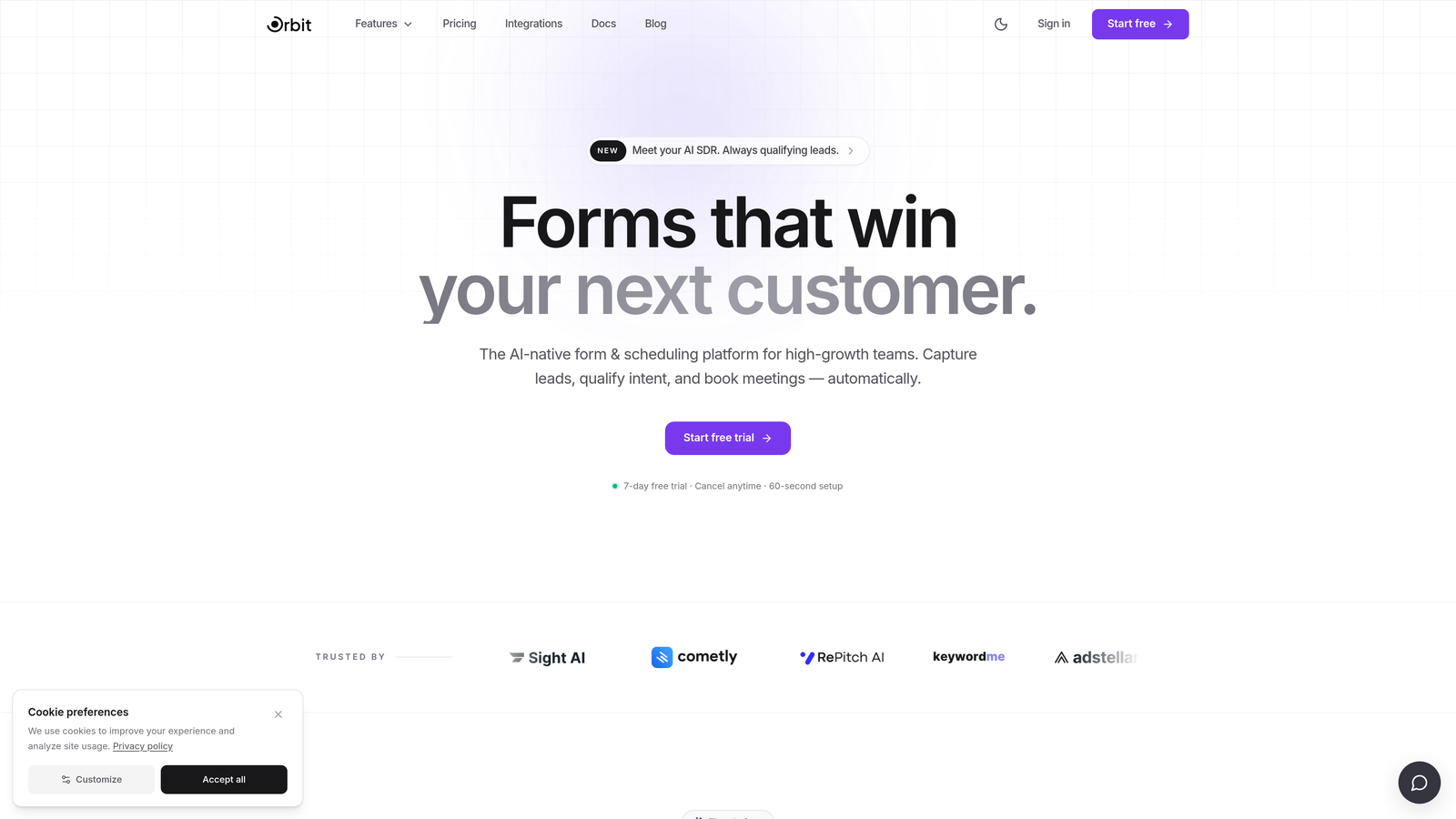
Orbit AI is an AI-powered form builder that goes beyond data collection, scoring and routing leads automatically at the moment of submission.
Where This Tool Shines
Most form builders hand you a spreadsheet of contacts and call it a day. Orbit AI takes a different approach: its built-in lead qualification engine evaluates submissions in real time, so your sales team receives prioritized, pre-scored leads rather than a raw list to sift through manually.
The platform is designed specifically for conversion-focused use cases. Templates are built around landing page and lead capture performance rather than generic data collection, and the drag-and-drop builder produces forms that look polished on mobile without any extra configuration.
Key Features
AI Lead Qualification: Scores and routes submissions automatically in real time, so high-intent leads reach your team faster.
Conversion-Optimized Templates: Purpose-built for landing pages and lead capture, not generic surveys or internal forms.
Drag-and-Drop Builder: Modern, mobile-first interface that requires no developer involvement to produce professional results.
CRM and Marketing Automation Integrations: Connects with the tools your growth stack already relies on, without complex setup.
Form Performance Analytics: Dashboard focused on lead quality and conversion metrics, not just raw submission counts.
Best For
SaaS companies, B2B demand gen teams, and growth marketers who need their forms to do more than collect data. If your goal is building qualified pipeline rather than a contact list, Orbit AI is built with that outcome in mind.
Pricing
Free trial available. Paid plans are designed for growth teams. Visit orbitforms.ai for current pricing details.
2. Typeform
Best for: Teams that prioritize engagement and completion rates through a conversational form experience.
Typeform is a conversational form platform known for its one-question-at-a-time interface that reduces friction and keeps respondents engaged.

Where This Tool Shines
Typeform's core insight is simple: presenting one question at a time feels less like filling out a form and more like having a conversation. This approach tends to improve completion rates, particularly for longer forms where traditional multi-field layouts cause drop-off.
The platform has strong brand recognition in marketing circles, and its integration library is broad. That said, pricing has increased over the years, which makes it a more significant investment for teams with high response volumes or multiple forms running simultaneously.
Key Features
Conversational Interface: One-question-at-a-time UX creates a more engaging, lower-friction experience for respondents.
Logic Jumps: Conditional branching lets you personalize the form path based on previous answers.
Video Questions: Rich media support including embedded video within questions, useful for interactive surveys and assessments.
Integration Library: Connects with HubSpot, Salesforce, Zapier, and many other tools in the modern marketing stack.
Custom Branding: Branded themes and custom domain support for a cohesive on-brand experience.
Best For
Marketing teams, researchers, and agencies that want polished, engaging forms and have the budget to support Typeform's pricing at scale. Particularly strong for customer feedback, onboarding flows, and lead capture where UX quality is a priority.
Pricing
Free plan available. Paid plans start at approximately $25/month. Verify current pricing at typeform.com.
3. Tally
Best for: Bootstrapped teams and indie builders who want modern design and a genuinely useful free tier.
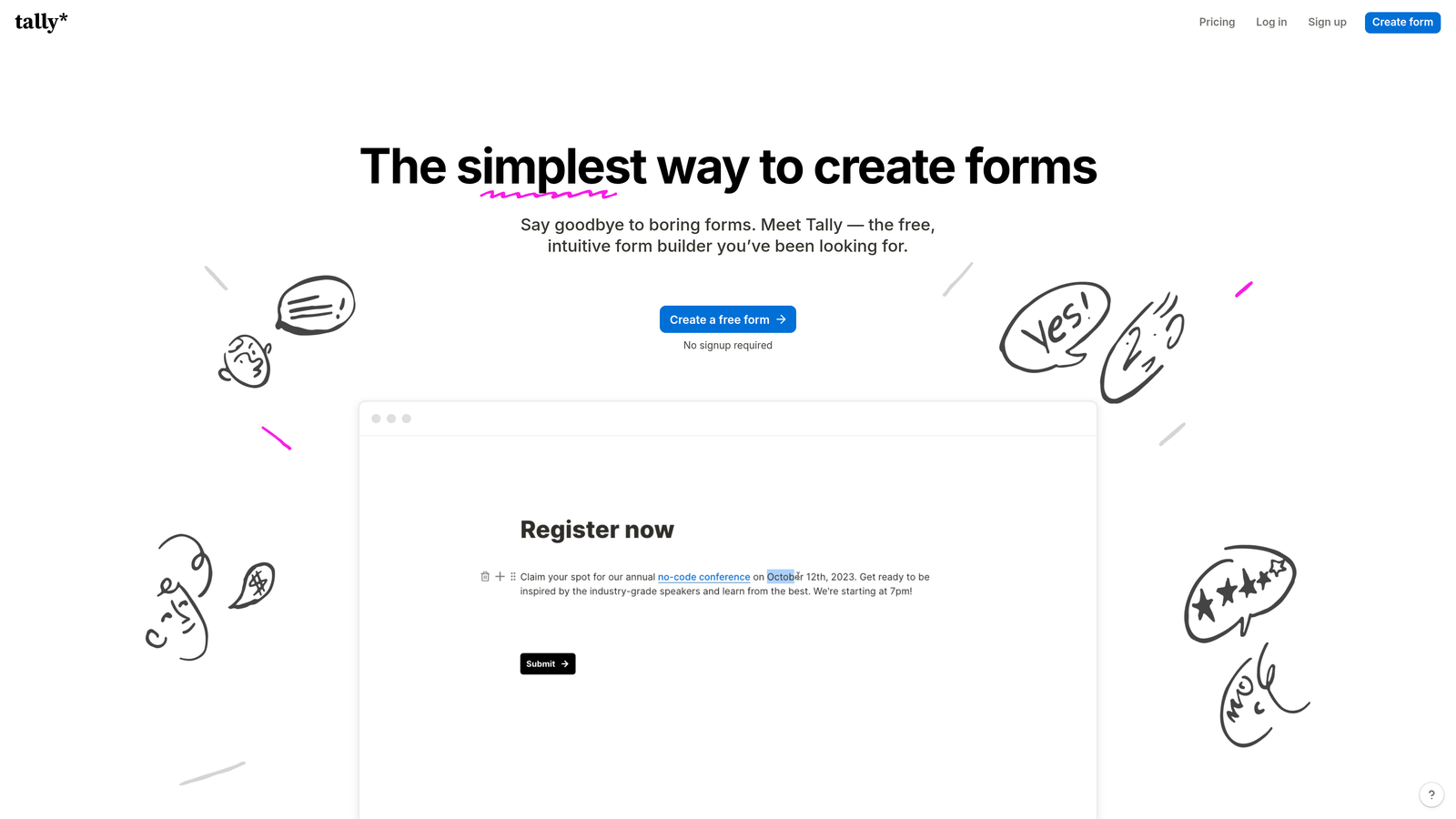
Tally is a Notion-inspired block-based form builder with a clean aesthetic and one of the most generous free plans in the market.
Where This Tool Shines
Tally's editor feels immediately familiar to anyone who uses Notion. You build forms by adding and arranging blocks, which makes the experience more intuitive than traditional drag-and-drop builders for many users. The free plan includes unlimited submissions, which is genuinely rare in this category.
The platform has strong product velocity and a growing community. It handles conditional logic, file uploads, and Stripe payments well. Where it falls short is at the enterprise end: advanced workflow automation and team collaboration features are more limited compared to heavier platforms.
Key Features
Block-Based Editor: Notion-style interface makes form building feel intuitive and familiar for modern teams.
Generous Free Plan: No submission limits on the free tier, which sets Tally apart from most competitors.
Conditional Logic: Branching, file uploads, and Stripe payment collection available across plans.
Clean Embeds: Forms embed cleanly into websites with minimal styling overhead.
Zapier and Make Integrations: Available on paid plans for connecting to broader automation workflows.
Best For
Startups, solopreneurs, and small teams that want a modern-looking form tool without paying for features they don't need yet. Also a strong choice for internal tools and quick-launch projects.
Pricing
Free plan available with no submission limits. Tally Pro starts at approximately $29/month. Verify current pricing at tally.so.
4. HubSpot Forms
Best for: Teams already running on HubSpot who want zero-friction CRM-native form capture.
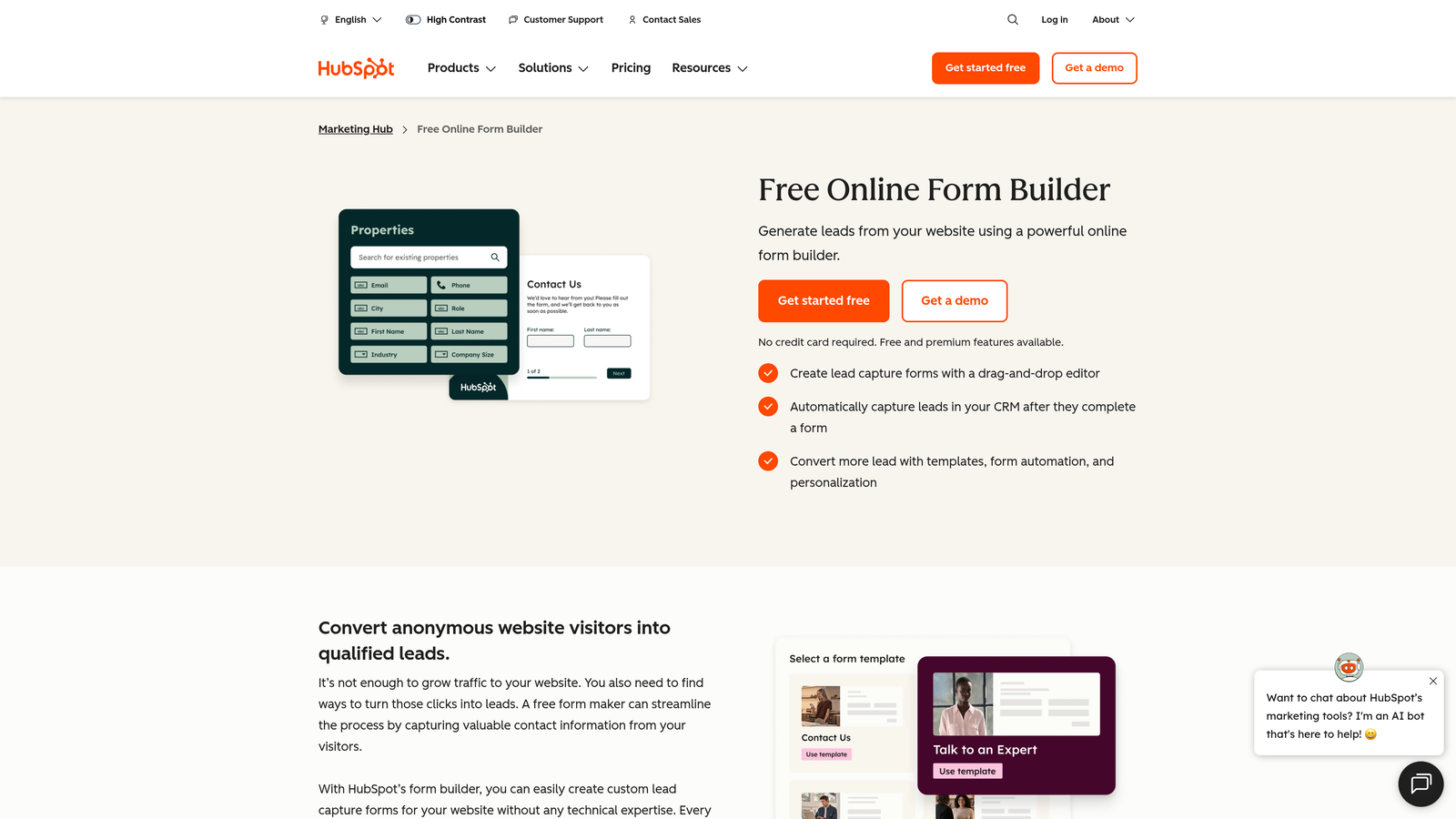
HubSpot Forms is a CRM-native form builder that feeds submissions directly into HubSpot's contact database with no integration setup required.
Where This Tool Shines
If your team lives in HubSpot, this is the path of least resistance. Every submission maps automatically to HubSpot contacts, and the smart fields feature means the form won't ask for information HubSpot already has on a known contact. That kind of frictionless experience can meaningfully improve conversion rates for returning visitors.
Progressive profiling adds another layer of sophistication: each time a known contact fills out a form, HubSpot surfaces new questions to fill gaps in the contact record rather than repeating fields already captured. As a standalone form builder outside the HubSpot ecosystem, though, it offers limited value.
Key Features
Native CRM Sync: Submissions flow directly into HubSpot contacts with zero integration configuration.
Smart Fields: Automatically hides fields for data HubSpot already has on a known contact.
Progressive Profiling: Enriches contact records incrementally across multiple form interactions over time.
Embed and Popup Options: Flexible placement options for landing pages, blog posts, and site overlays.
Free Tier Access: Available as part of HubSpot's free CRM, making it accessible without upfront cost.
Best For
Marketing and sales teams already invested in the HubSpot platform. If you're not on HubSpot, the case for using this tool as your primary form builder weakens considerably.
Pricing
Free with HubSpot CRM. Advanced features require a Marketing Hub subscription starting at approximately $20/month. Verify at hubspot.com.
5. Jotform
Best for: Teams that need a feature-rich platform supporting payments, e-signatures, and complex approval workflows.
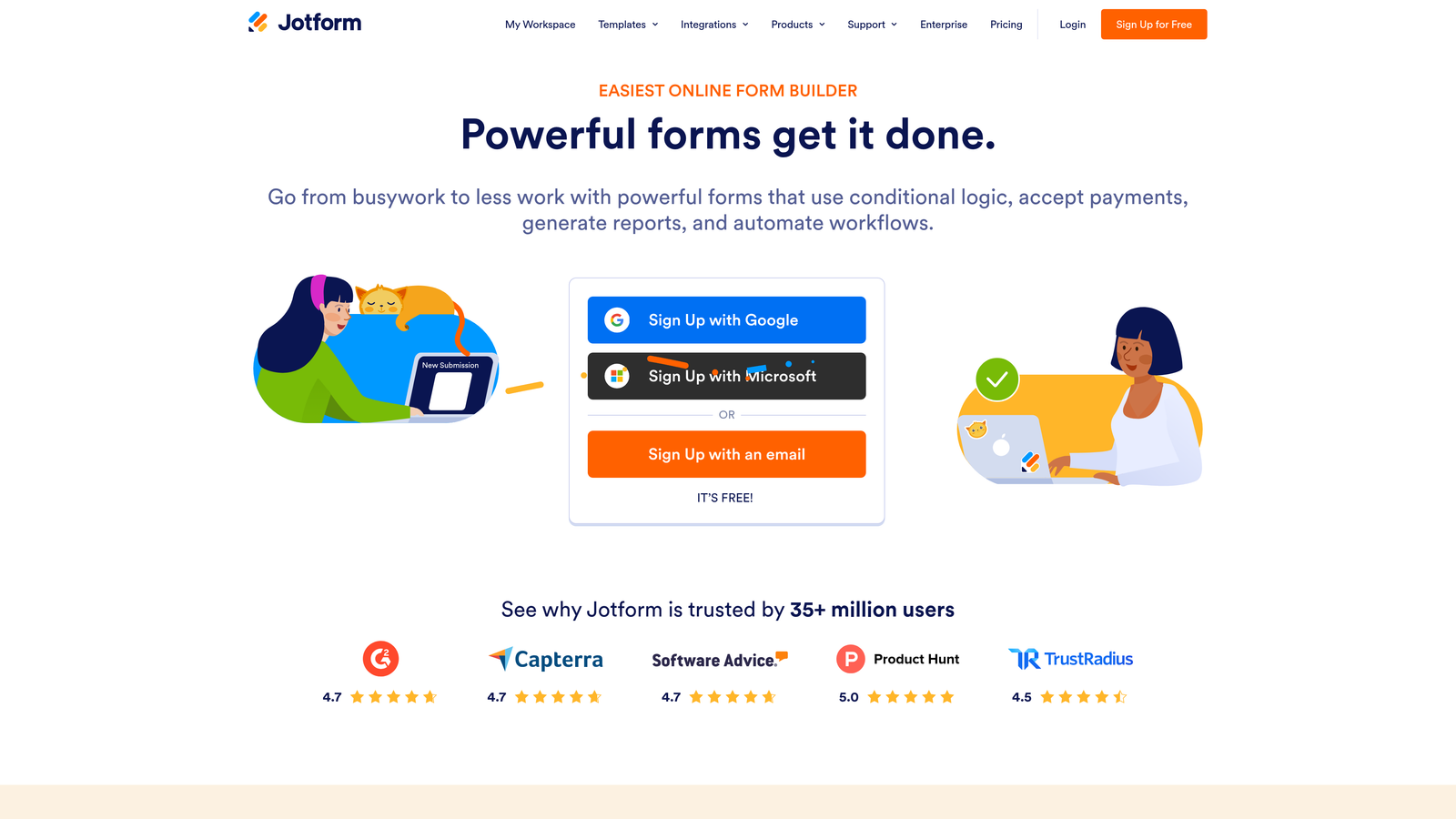
Jotform is one of the most feature-dense form builders available, with over 10,000 templates and support for use cases ranging from healthcare intake to e-commerce orders.
Where This Tool Shines
Jotform's breadth is genuinely impressive. If you need payment collection, e-signature capture, HIPAA-compliant forms, or approval routing, Jotform handles all of it within a single platform. The template library is the largest in this roundup by a wide margin, covering virtually every industry and use case.
The tradeoff is complexity. The interface can feel dense, and teams with simple lead capture needs may find themselves navigating more options than they need. Pricing also scales with submission volume, so high-traffic forms can become expensive as your operation grows.
Key Features
Template Library: Over 10,000 templates spanning industries from healthcare and legal to e-commerce and education.
Payment Collection: Native integrations with Stripe, PayPal, and Square for accepting payments directly through forms.
E-Signatures: Built-in document signing and automation without needing a separate tool.
HIPAA Compliance: Available on higher-tier plans, making Jotform viable for healthcare use cases.
Approval Workflows: Multi-step approval routing for forms that require internal sign-off before processing.
Best For
Operations teams, healthcare organizations, legal firms, and businesses that need a single platform to handle complex, multi-step form workflows beyond standard lead capture.
Pricing
Free plan available with limited monthly submissions. Paid plans start at approximately $34/month. Verify current pricing at jotform.com.
6. Fillout
Best for: Product and ops teams building logic-heavy forms that connect directly to Notion or Airtable databases.
Fillout is a modern form builder with standout native integrations for Notion and Airtable, strong conditional logic, and competitive pricing for its feature depth.

Where This Tool Shines
Fillout has carved out a clear niche with the no-code and ops communities. Its native Notion and Airtable integrations go deeper than what most Zapier-dependent tools can offer, making it a natural fit for teams that manage their data in those platforms and want forms that write directly to their databases.
The conditional logic engine is genuinely capable, handling multi-step flows, branching paths, and calculated fields without requiring workarounds. The UI is clean and the pricing is notably competitive relative to what you get, which has helped Fillout gain traction quickly among product-led teams.
Key Features
Native Notion and Airtable Integrations: Direct database connections that go beyond what webhook-based integrations typically offer.
Advanced Conditional Logic: Multi-step branching and calculated fields for complex form flows.
Scheduling and Payments: Built-in functionality for booking forms and payment collection without additional tools.
Clean Mobile UI: Modern interface with solid mobile responsiveness across form types.
Competitive Pricing: Strong feature-to-price ratio compared to alternatives at a similar tier.
Best For
Product teams, ops managers, and no-code builders who use Notion or Airtable as their data layer and need forms that integrate cleanly without middleware dependencies.
Pricing
Free plan available. Paid plans start at approximately $19/month. Verify current pricing at fillout.com.
7. Paperform
Best for: Small businesses and solopreneurs who want forms that double as branded, media-rich landing pages.
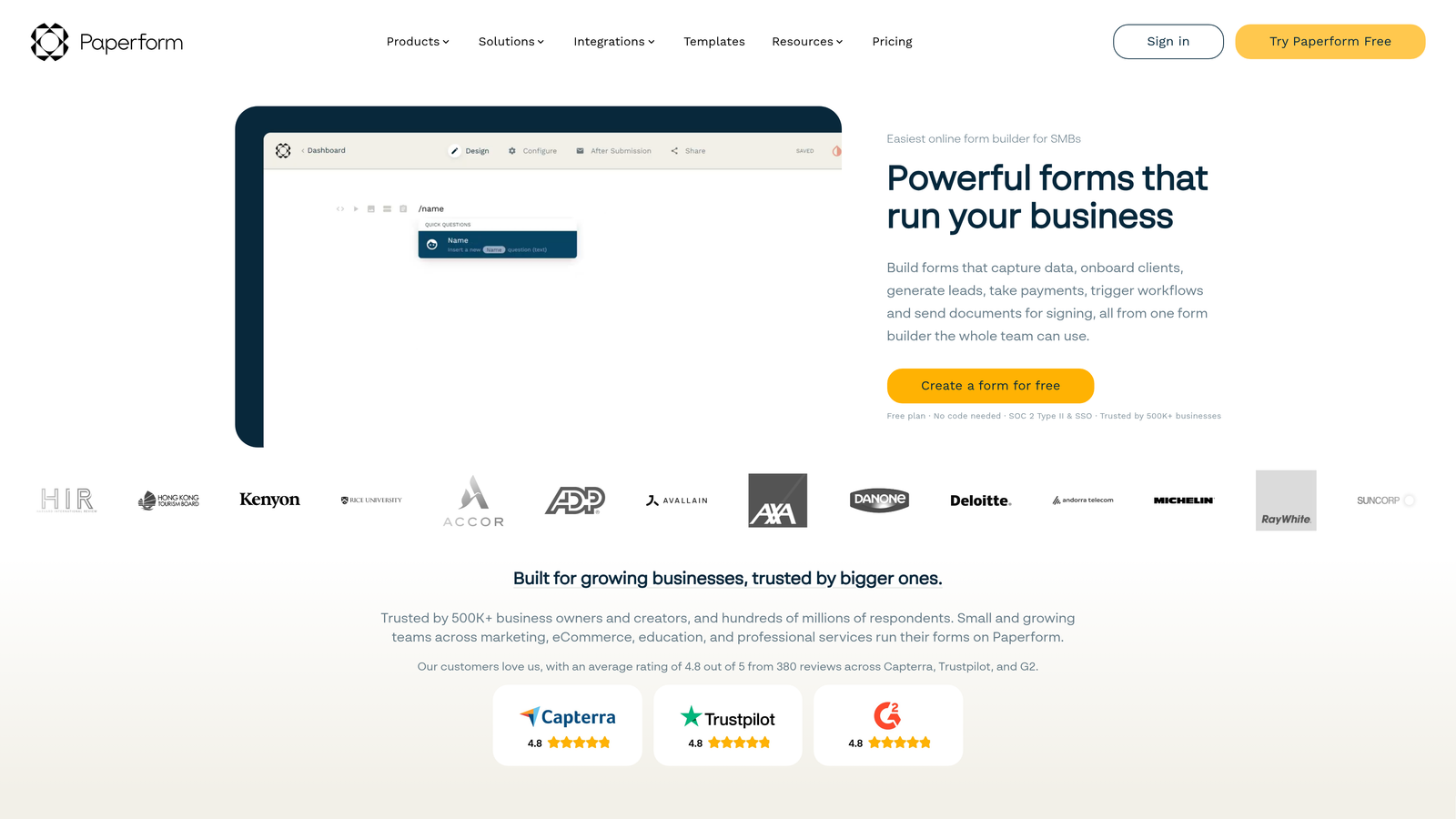
Paperform is a hybrid form-and-landing-page builder that lets you create rich, document-style forms with embedded text, images, and video alongside your questions.
Where This Tool Shines
Paperform occupies a unique space in this comparison. Rather than presenting a traditional form layout, it lets you build something that looks and reads more like a rich document or branded page, with your copy, imagery, and form fields woven together. This makes it particularly effective for product orders, bookings, and service inquiries where context and presentation matter.
Built-in payment processing and scheduling functionality mean Paperform can replace multiple tools for small business owners. It's less focused on lead qualification or CRM-native workflows, so teams with heavy pipeline management needs may find it limiting.
Key Features
Document-Style Editor: Combine text, images, video, and form fields in a rich, free-flowing layout.
Built-In Payments: Accept payments and sell products directly through your form pages.
Booking and Scheduling: Native scheduling functionality for appointment-based businesses.
Custom Domains: Branded form pages with custom domain support for a professional presentation.
Conditional Sections: Logic-based section visibility to personalize the form experience.
Best For
Small business owners, freelancers, and solopreneurs who need a polished, branded form experience that handles payments and bookings without requiring a separate landing page builder.
Pricing
Plans start at approximately $29/month. No permanent free plan is available. Verify current pricing at paperform.co.
8. Google Forms
Best for: Internal surveys, quick polls, and low-stakes data collection where cost is the primary constraint.
Google Forms is a completely free, no-frills form builder from Google with instant Google Sheets integration and zero setup requirements.
Where This Tool Shines
Google Forms wins on exactly one dimension: cost. It's completely free, requires no account beyond a Google login, and integrates instantly with Google Sheets for response collection. For internal team surveys, event registrations, or quick feedback collection within an organization already using Google Workspace, it's hard to argue against it.
The limitations become apparent quickly for customer-facing use cases. Design customization is minimal, conditional logic is basic, and there's no meaningful path to CRM integration or lead qualification without third-party tools. It's a utility, not a growth tool.
Key Features
Completely Free: No submission limits, no response caps, and no paid tier required.
Google Sheets Integration: Responses populate a connected spreadsheet automatically and in real time.
Basic Conditional Logic: Simple branching available, though limited compared to dedicated form builders.
Google Workspace Collaboration: Multiple team members can edit and manage forms simultaneously.
Quiz Functionality: Built-in scoring and answer feedback for assessments and quizzes.
Best For
Teams that need a free, zero-friction tool for internal data collection and are already operating within Google Workspace. Not recommended for customer-facing lead capture or any use case where design quality and conversion optimization matter.
Pricing
Completely free with a Google account. Included in all Google Workspace plans at no additional cost.
9. Gravity Forms
Best for: WordPress-native teams that need deep site integration, developer extensibility, and a proven add-on ecosystem.
Gravity Forms is a WordPress-specific form plugin with a long track record, extensive add-on library, and developer-friendly architecture built around WordPress hooks and filters.
Where This Tool Shines
For teams running on WordPress, Gravity Forms has been the reliable workhorse for years. Its deep integration with the WordPress ecosystem means forms can interact with custom post types, user roles, and third-party plugins in ways that cloud-based form builders simply can't match. The add-on library covers payments, CRM connections, e-signatures, and more.
The honest caveat: the interface feels dated compared to the newer tools in this list, and the annual license model means you're paying ongoing costs for what is fundamentally a WordPress plugin. If you're not on WordPress, Gravity Forms is irrelevant to your stack entirely.
Key Features
Deep WordPress Integration: Hooks, filters, and native compatibility with WordPress themes, plugins, and user systems.
Conditional Logic: Multi-page forms with robust conditional branching built in.
Add-On Ecosystem: Extensive library covering payments, CRM integrations, e-signatures, and more.
Entry Management: Built-in dashboard for viewing, filtering, and managing form submissions within WordPress admin.
Developer Documentation: Strong developer resources and an active community for customization.
Best For
WordPress developers and agencies building complex, site-integrated form experiences where extensibility and WordPress-native behavior are non-negotiable requirements.
Pricing
Annual license starting at approximately $59/year for the basic tier. Higher tiers unlock premium add-ons. Verify current pricing at gravityforms.com.
Which Tool Is Right for Your Team?
The right form builder depends almost entirely on what you're optimizing for. Here's a quick decision framework to cut through the options.
AI lead qualification and pipeline focus: Orbit AI is the clear choice. It's the only tool in this list built specifically around scoring and routing leads at the moment of submission, which matters enormously if your forms feed a sales team rather than a spreadsheet.
Conversational UX and engagement: Typeform remains the benchmark for one-question-at-a-time experiences. If completion rate and respondent experience are your primary metrics, it's worth the investment.
Budget-friendly with modern design: Tally delivers a clean, contemporary form experience with a genuinely useful free tier. It's the strongest option for teams that want quality without committing to paid plans immediately.
CRM-native simplicity: If your team runs on HubSpot, HubSpot Forms eliminates integration friction entirely. The smart fields and progressive profiling features add real value for teams managing large contact databases.
High-volume templates and complex workflows: Jotform's breadth is unmatched. Healthcare, legal, e-commerce, and any team with specialized compliance or workflow needs will find what they're looking for here.
Database-connected logic-heavy forms: Fillout is the natural fit for Notion and Airtable users who need forms that write directly to their data layer with sophisticated conditional logic.
Branded page-forms with payments: Paperform is purpose-built for small business owners and solopreneurs who want a polished, media-rich form experience that handles bookings and payments in one place.
Free internal use: Google Forms. Simple, free, and gets the job done for surveys and internal data collection where design doesn't matter.
WordPress power users: Gravity Forms remains the go-to for developers who need deep WordPress integration and extensibility that cloud-based tools can't replicate.
If your priority is turning form submissions into qualified pipeline rather than just a contact list, Start building free forms today with Orbit AI and see how intelligent form design can elevate your conversion strategy.


