

Small businesses don't need enterprise-grade complexity. They need forms that convert visitors into leads, customers, and booked appointments without a developer on speed dial. The problem is that most form builders are either too basic, with limited logic and no integrations, or too bloated, built for IT teams rather than growth-focused founders.
This list cuts through the noise. We evaluated nine form builders on ease of use, lead qualification capabilities, pricing transparency, and how well they scale as your business grows. Whether you're capturing leads from a landing page, qualifying inbound inquiries, or collecting customer intake data, there's a tool here that fits. Let's get into it.
1. Orbit AI
Best for: Small businesses and SaaS teams focused on lead qualification and conversion optimization
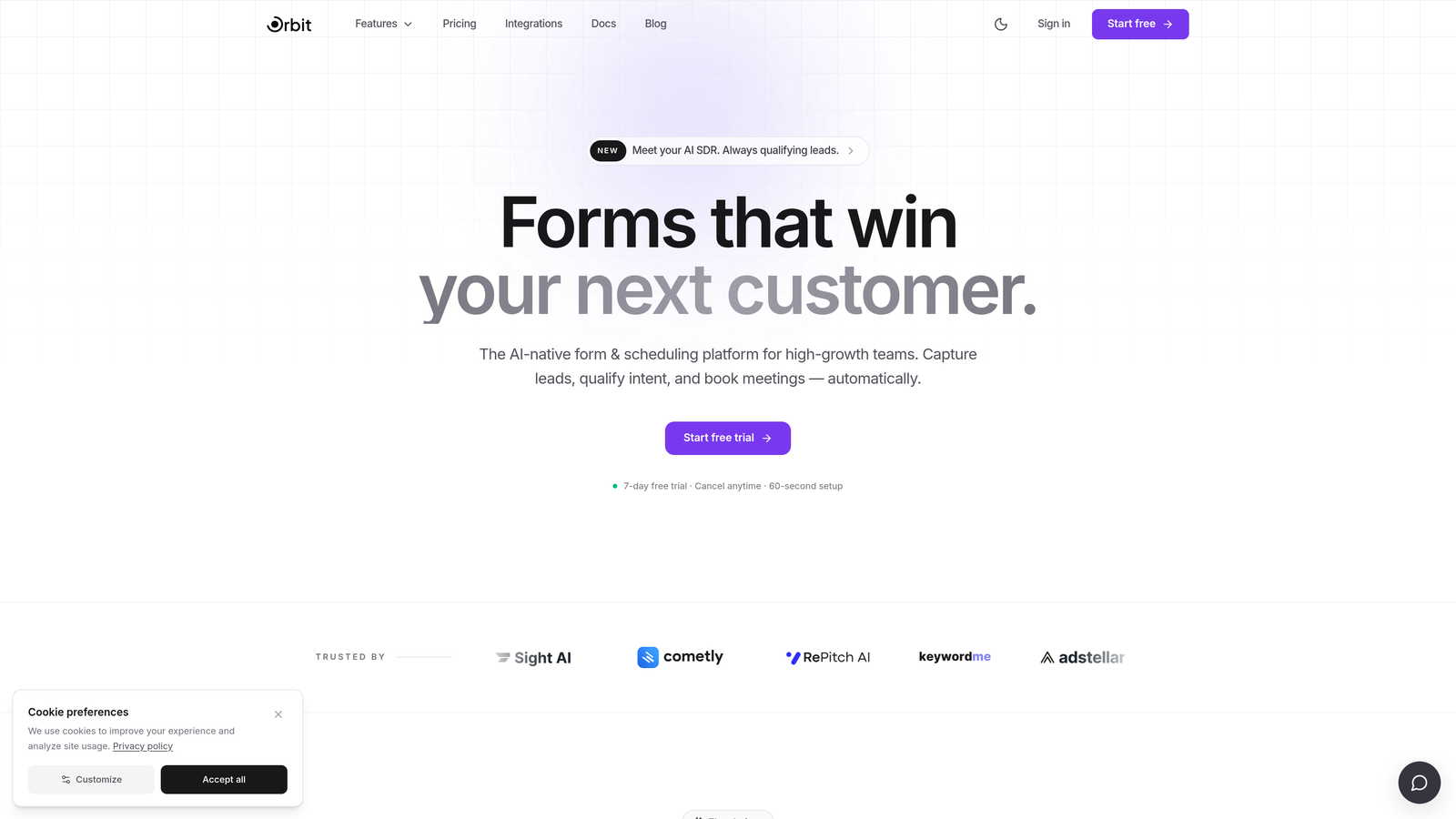
Orbit AI is an AI-powered form builder built specifically for high-growth teams that want forms to do more than collect data.
Where This Tool Shines
Most form builders stop at submission. Orbit AI goes further by scoring and routing leads based on how respondents answer your questions. That means your sales team only follows up with prospects that actually match your ideal customer profile, not every person who clicked submit.
The platform pairs this intelligence with genuinely modern design. Forms are mobile-first, visually clean, and built around conversion principles rather than generic data collection. For small businesses where every lead counts, that combination is hard to beat.
Key Features
AI-Powered Lead Qualification: Automatically scores leads based on form responses, so your team prioritizes the right prospects from the start.
Conversion-Optimized Templates: Templates designed specifically for lead generation rather than generic data capture, giving you a head start on performance.
Conditional Logic and Smart Branching: Personalize the form path based on each respondent's answers, creating a tailored experience without extra complexity.
Real-Time Lead Routing: Sends qualified leads directly to your CRM or sales team the moment a form is submitted, eliminating manual handoffs.
Mobile-First Responsive Design: Clean, modern forms that look and perform well on any device, which matters when a significant share of your traffic is mobile.
Best For
Orbit AI is the strongest fit for SaaS teams, agencies, and service businesses that are actively running lead generation campaigns. If your goal is to turn form traffic into pipeline rather than just a spreadsheet of contacts, this is built for that outcome.
Pricing
Free plan available. Paid plans start at competitive SaaS pricing tiers. Visit orbitforms.ai for current plan details and feature breakdowns.
2. Typeform
Best for: Marketers who want high-engagement, conversational form experiences
Typeform is a conversational form builder known for its one-question-at-a-time format that creates survey-like experiences with strong completion rates.

Where This Tool Shines
Typeform's signature format reduces cognitive load by presenting one question at a time, which tends to feel less intimidating than a wall of fields. For brand surveys, customer feedback forms, and marketing quizzes, this approach genuinely improves engagement.
The integration library is broad, connecting to HubSpot, Slack, Mailchimp, and thousands of tools via Zapier. The analytics dashboard also gives you useful visibility into where respondents drop off, which helps you iterate on form design.
Key Features
Conversational Single-Question Format: Presents one question at a time to reduce friction and improve completion rates.
Logic Jumps and Branching: Routes respondents to different questions based on previous answers for a personalized experience.
Wide Integration Library: Connects natively to HubSpot, Slack, Zapier, and many other tools your team likely already uses.
Video and Image Embedding: Add visual context directly within form questions to enrich the respondent experience.
Completion Analytics: Dashboard showing completion rates and drop-off points so you can identify and fix friction in your forms.
Best For
Typeform works well for marketers, customer experience teams, and businesses running surveys or quizzes. It's less focused on lead qualification out of the box, so teams with heavy lead scoring needs may find it limiting without additional tooling.
Pricing
Free plan available with limited responses. Paid plans start at approximately $25/month. Note that pricing has increased in recent years, which has pushed some budget-conscious small businesses toward alternatives.
3. Jotform
Best for: Businesses needing a wide variety of templates and built-in payment processing
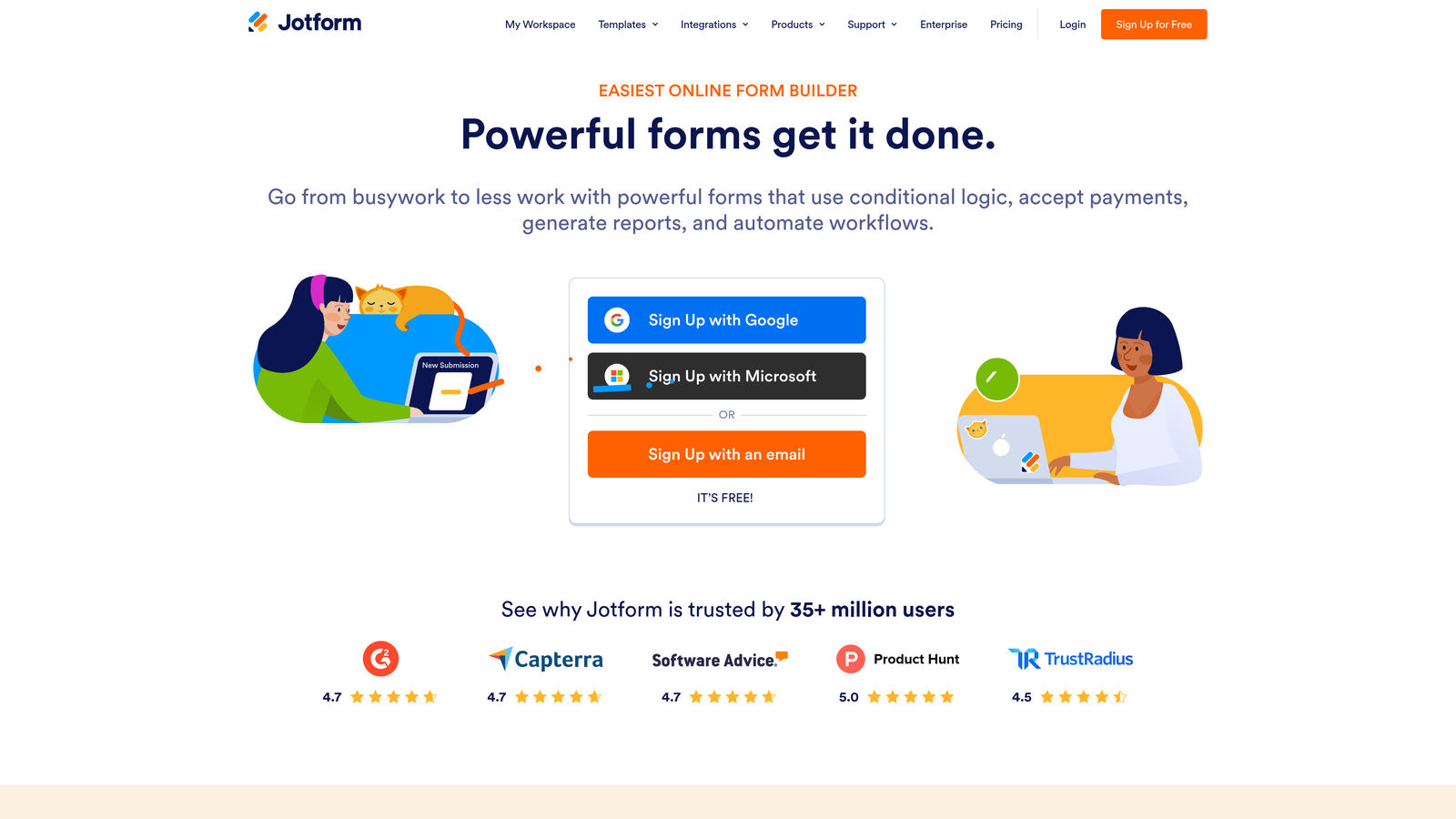
Jotform is one of the most feature-rich form builders available, with one of the largest template libraries covering hundreds of business use cases.
Where This Tool Shines
If you need a form for a very specific use case, Jotform almost certainly has a template for it. The platform covers everything from medical intake forms to event registrations to order forms, and built-in payment processing means you can collect money without stitching together extra tools.
Jotform Tables adds a database-style view of your submissions, which is genuinely useful for teams that need to manage and track responses without exporting to a spreadsheet. It's a capable all-in-one for businesses with diverse form needs.
Key Features
10,000+ Form Templates: One of the largest template libraries available, covering virtually every industry and use case.
Built-In Payment Processing: Native integrations with Stripe, PayPal, and Square for collecting payments directly through forms.
Conditional Logic and Calculation Fields: Smart branching and dynamic field calculations for more complex form workflows.
HIPAA-Compliant Forms: Available on higher-tier plans for healthcare businesses handling sensitive patient data.
Jotform Tables: Database-style submission management that goes beyond basic spreadsheet exports.
Best For
Jotform is a strong fit for small businesses in healthcare, education, nonprofits, and e-commerce where template variety and payment collection matter. Teams that just need a simple lead capture form may find the platform's depth more overwhelming than helpful.
Pricing
Free plan includes 5 forms and 100 monthly submissions. Paid plans start at approximately $34/month with higher submission limits and advanced features.
4. Gravity Forms
Best for: WordPress-based small businesses needing advanced form functionality
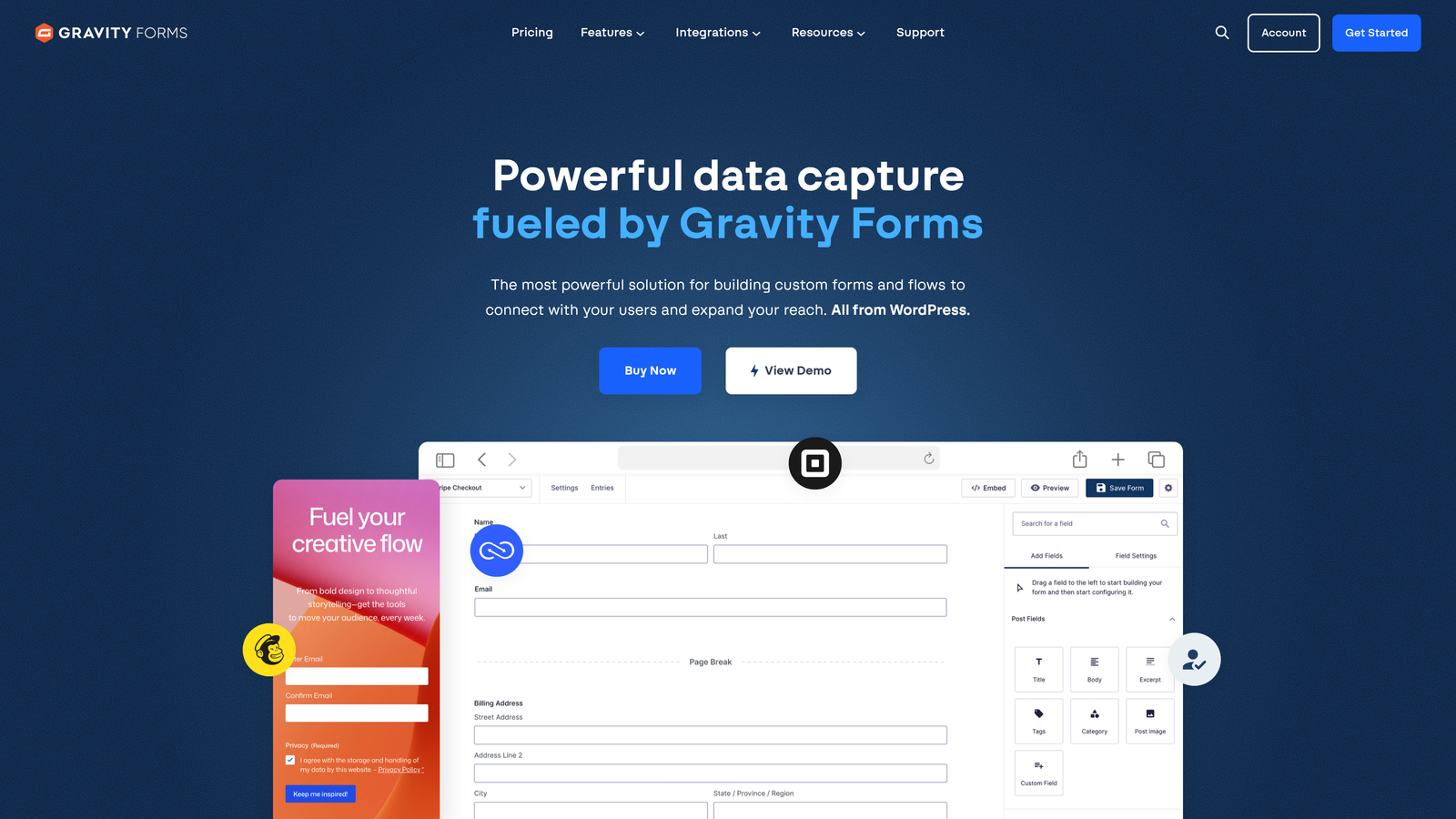
Gravity Forms is the leading WordPress form plugin for businesses that need serious functionality tightly integrated with their existing WordPress site.
Where This Tool Shines
If your website runs on WordPress, Gravity Forms is in a category of its own. The depth of WordPress integration, including custom post type support and a rich hooks-and-filters system for developers, makes it far more capable than most SaaS form builders for WordPress-native workflows.
The add-on ecosystem extends the platform significantly. You can connect to payment processors, CRMs, email marketing tools, and more without leaving the WordPress environment. The annual license model also tends to be more cost-effective over time compared to recurring monthly SaaS subscriptions.
Key Features
Deep WordPress Integration: Custom post type support and native WordPress hooks make it the most tightly integrated option for WordPress sites.
Conditional Logic and Multi-Page Forms: Advanced form logic, multi-step forms, and file upload fields for complex workflows.
Extensive Add-On Ecosystem: Official and community add-ons for payments, CRM, email marketing, and dozens of other integrations.
Developer-Friendly Architecture: Hooks and filters throughout the codebase for teams with development resources who need custom behavior.
Annual License Model: One-time annual fee rather than a per-month subscription, which can reduce total cost of ownership.
Best For
Gravity Forms is the clear choice for WordPress-based small businesses, especially those with some developer support or technical comfort. It's not relevant for businesses on Squarespace, Webflow, or other platforms.
Pricing
Annual licenses range from approximately $59/year (Basic) to $259/year (Elite), with the Elite tier unlocking all add-ons.
5. HubSpot Forms
Best for: Teams already using HubSpot CRM who want seamless lead capture and pipeline integration
HubSpot Forms is a native form builder included in HubSpot's free CRM, designed to feed leads directly into HubSpot's contact and pipeline management tools.

Where This Tool Shines
For businesses already living inside HubSpot, the native forms tool is a natural fit. Every submission automatically creates or updates a contact record, triggers workflows, and feeds into your pipeline without any manual data entry or integration setup. That kind of frictionless data flow is genuinely valuable.
Progressive profiling is a standout feature: HubSpot Forms can detect when a returning visitor already has certain data on file and swap in new questions instead, so you progressively build richer contact profiles without asking the same person for their company name twice.
Key Features
Automatic CRM Contact Creation: Every form submission instantly creates or updates a HubSpot contact record with no manual work required.
Progressive Profiling: Intelligently replaces fields you already have data for, so returning visitors see fresh questions that enrich their contact profile.
Flexible Embedding: Embed on any website or use as a standalone HubSpot-hosted page with a shareable link.
Native Workflow Triggers: Submissions automatically trigger HubSpot email sequences, task assignments, and deal creation.
Contact-Level Analytics: Form performance data is tied directly to contact and deal activity, giving you a fuller picture of form ROI.
Best For
HubSpot Forms is ideal for businesses already committed to the HubSpot ecosystem. As a standalone form builder outside of HubSpot, it's limited. But inside the platform, it's one of the most powerful options available at its price point.
Pricing
Free with HubSpot's free CRM tier. Advanced features like smart forms and A/B testing require Marketing Hub paid plans, which start at a higher price point.
6. Tally
Best for: Lean teams and early-stage businesses looking for a generous free tier with modern design
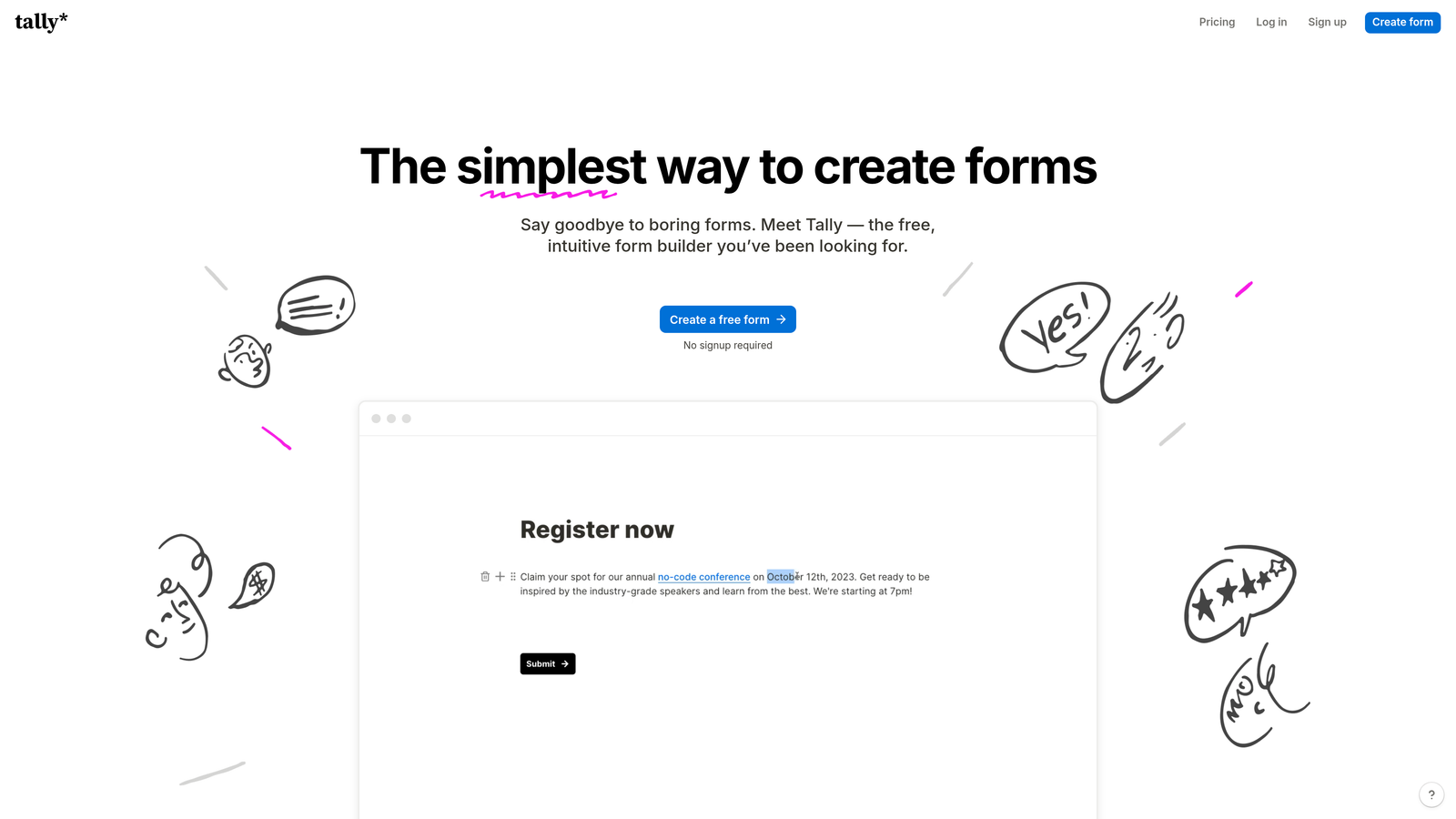
Tally is a modern, Notion-inspired form builder with one of the most genuinely useful free plans in the market, popular among startups and solo operators.
Where This Tool Shines
Tally's free plan is unusually generous: unlimited forms and unlimited submissions with no Tally branding on the form itself. For early-stage businesses watching every dollar, that's a meaningful advantage over tools that cap free usage at 100 submissions per month.
The block-based editor feels familiar to anyone who uses Notion, making it fast to build forms without a learning curve. Conditional logic, hidden fields, and calculated fields are all available on the free tier, which covers most small business use cases without requiring an upgrade.
Key Features
Unlimited Free Forms and Submissions: No submission caps or form limits on the free plan, which is rare in this category.
Notion-Like Block Editor: Familiar, fast-to-use editor that reduces the learning curve for teams already comfortable with block-based tools.
Conditional Logic on Free Tier: Smart branching, hidden fields, and calculated fields available without paying, covering most standard use cases.
Clean Embedding Without Branding: Embed on any website without Tally branding appearing on the free plan, unlike many competitors.
Zapier and Native Integrations: Connect to popular tools via Zapier or native connections for CRM, email, and notification workflows.
Best For
Tally is an excellent starting point for bootstrapped founders, freelancers, and early-stage teams that need capable forms without budget pressure. It lacks some enterprise features, but for straightforward lead capture and data collection, it punches well above its price.
Pricing
Free plan with unlimited forms and submissions. Tally Pro is approximately $29/month, unlocking custom domains, file uploads, and priority support.
7. Google Forms
Best for: Internal data collection and simple surveys within a Google Workspace environment
Google Forms is Google's free, no-frills form tool that integrates natively with Google Sheets and the broader Google Workspace ecosystem.

Where This Tool Shines
Google Forms has one undeniable advantage: it's completely free and requires nothing beyond a Google account. For internal surveys, team feedback forms, or quick data collection tasks, it gets the job done with zero setup friction. Real-time collaboration also makes it easy for multiple team members to build a form together.
The automatic Google Sheets integration is genuinely useful for teams already working in that ecosystem. Every submission populates a spreadsheet in real time, which makes it easy to analyze responses without any export steps.
Key Features
Completely Free: No paid tier required; full functionality available with any Google account.
Google Sheets Integration: Responses automatically populate a connected spreadsheet for instant analysis.
Basic Branching Logic: Simple section routing based on answer selection, covering basic conditional form paths.
Easy Sharing and Embedding: Share via link or embed on a website with a simple embed code.
Real-Time Collaboration: Multiple team members can edit a form simultaneously, similar to Google Docs.
Best For
Google Forms is best for internal use cases: employee surveys, event RSVPs, team feedback, and simple intake forms where design and lead qualification aren't priorities. For customer-facing lead generation or conversion-focused forms, it falls short on design flexibility and advanced logic.
Pricing
Free with any Google account. Also included in Google Workspace business plans at no additional cost.
8. Paperform
Best for: Service-based small businesses that need forms, payments, and bookings in one platform
Paperform is a multi-purpose form builder that combines forms, payment collection, appointment scheduling, and product sales in a single platform.
Where This Tool Shines
Paperform stands out by replacing multiple tools at once. Instead of stitching together a form builder, a payment processor, and a booking tool, service businesses can handle all three from one platform. The form pages are richly designed, supporting embedded media, custom branding, and a polished look that feels more like a landing page than a standard web form.
The product fields feature is particularly useful for service businesses selling packages or add-ons. Clients can select services, see pricing update dynamically, and pay all within the same form experience, which reduces friction in the purchase flow.
Key Features
Combined Forms, Payments, and Bookings: Handles lead capture, payment collection, and appointment scheduling from a single form, reducing the need for multiple tools.
Product Fields for In-Form Sales: Sell services or products directly through a form with dynamic pricing and quantity selection.
Rich Media Embedding: Add images, videos, and custom branding to create form pages that match your brand identity.
Conditional Logic and Custom Calculations: Smart branching and dynamic field calculations for complex service intake or quoting workflows.
600+ Integrations: Native connections and Zapier support for connecting to CRMs, email tools, and other business software.
Best For
Paperform is a strong fit for consultants, coaches, agencies, and service businesses that need to collect information, take payment, and schedule appointments in one seamless flow. It's more expensive than basic form builders but can replace several other subscriptions.
Pricing
Plans start at approximately $24/month (Essentials). Higher tiers unlock more submissions, custom domains, and additional features.
9. Formstack
Best for: Small businesses in regulated industries like healthcare and legal that need compliance-grade forms
Formstack is a workflow-oriented form platform with strong compliance features, suited to small businesses operating in regulated environments.
Where This Tool Shines
Formstack's differentiator is compliance and workflow depth. HIPAA-compliant forms, document generation, e-signature capabilities, and multi-step approval routing make it a serious option for healthcare practices, legal offices, and financial services businesses where data handling requirements are strict.
The Salesforce native integration is also worth noting for CRM-heavy teams. Formstack connects deeply with Salesforce records, making it a strong choice for businesses where Salesforce is the system of record and form data needs to flow in cleanly without mapping errors.
Key Features
HIPAA-Compliant Forms: Meets healthcare data handling requirements for practices collecting sensitive patient information.
Workflow Routing and Approvals: Multi-step approval processes for forms that require review before action, common in legal and HR contexts.
Document Generation and E-Signatures: Create documents from form data and collect legally binding signatures within the same workflow.
Salesforce Native Integration: Deep, reliable connection to Salesforce for teams where CRM data integrity is critical.
Conversion Kit with A/B Testing: Built-in analytics and A/B testing tools for optimizing form performance over time.
Best For
Formstack is best suited to small businesses in healthcare, legal, finance, and HR where compliance, document workflows, and approval routing matter. For general SaaS or e-commerce small businesses, the pricing and complexity may outweigh the benefits.
Pricing
Forms plans start at approximately $83/month, making it one of the pricier options on this list. Pricing scales with features and submission volume.
Which Form Builder Is Right for Your Business?
The best form builder for your small business depends on what you're actually trying to accomplish. Here's a quick way to think through the decision.
If lead qualification and conversion optimization are your primary goals, Orbit AI is built for exactly that. The combination of AI-powered lead scoring, smart branching, and real-time CRM routing makes it the strongest choice for businesses that want their forms to actively contribute to pipeline, not just collect submissions.
If your site runs on WordPress, Gravity Forms is the obvious pick. Nothing else integrates as deeply with the WordPress ecosystem, and the annual license pricing is attractive for businesses that plan to use it long-term.
For teams already inside HubSpot, the native forms tool is a no-brainer. The CRM integration alone removes enough friction to make it the default choice for HubSpot users.
If budget is the primary constraint, start with Tally. Unlimited forms and submissions on the free tier, with conditional logic included, covers most early-stage needs without spending a dollar. Google Forms is another zero-cost option, though better suited to internal use than customer-facing lead gen.
For service businesses that need forms, payments, and bookings in one place, Paperform replaces multiple tools and earns its slightly higher price. And for businesses in regulated industries like healthcare or legal, Formstack's compliance capabilities justify the premium.
The right form builder isn't just about collecting submissions. It's about turning traffic into pipeline. Tools like Orbit AI go further by qualifying those leads automatically, so your team spends time on prospects that actually match your ideal customer profile.
Transform your lead generation with AI-powered forms that qualify prospects automatically while delivering the modern, conversion-optimized experience your high-growth team needs. Start building free forms today and see how intelligent form design can elevate your conversion strategy.


