

Choosing the right form builder subscription isn't just about drag-and-drop fields. It's about finding a platform that scales with your pipeline, qualifies leads automatically, and turns visitors into real opportunities. For high-growth teams, the form builder you choose directly shapes your conversion rates and the quality of data flowing into your CRM.
This guide covers the top form builder subscription options available in 2026, evaluated on pricing flexibility, lead qualification capabilities, integrations, design quality, and scalability. We've included free tiers, mid-market options, and enterprise-grade platforms so there's a clear recommendation regardless of where your team is right now.
Let's get into it.
1. Orbit AI
Best for: High-growth SaaS and B2B teams that need forms to qualify and route leads, not just collect data.
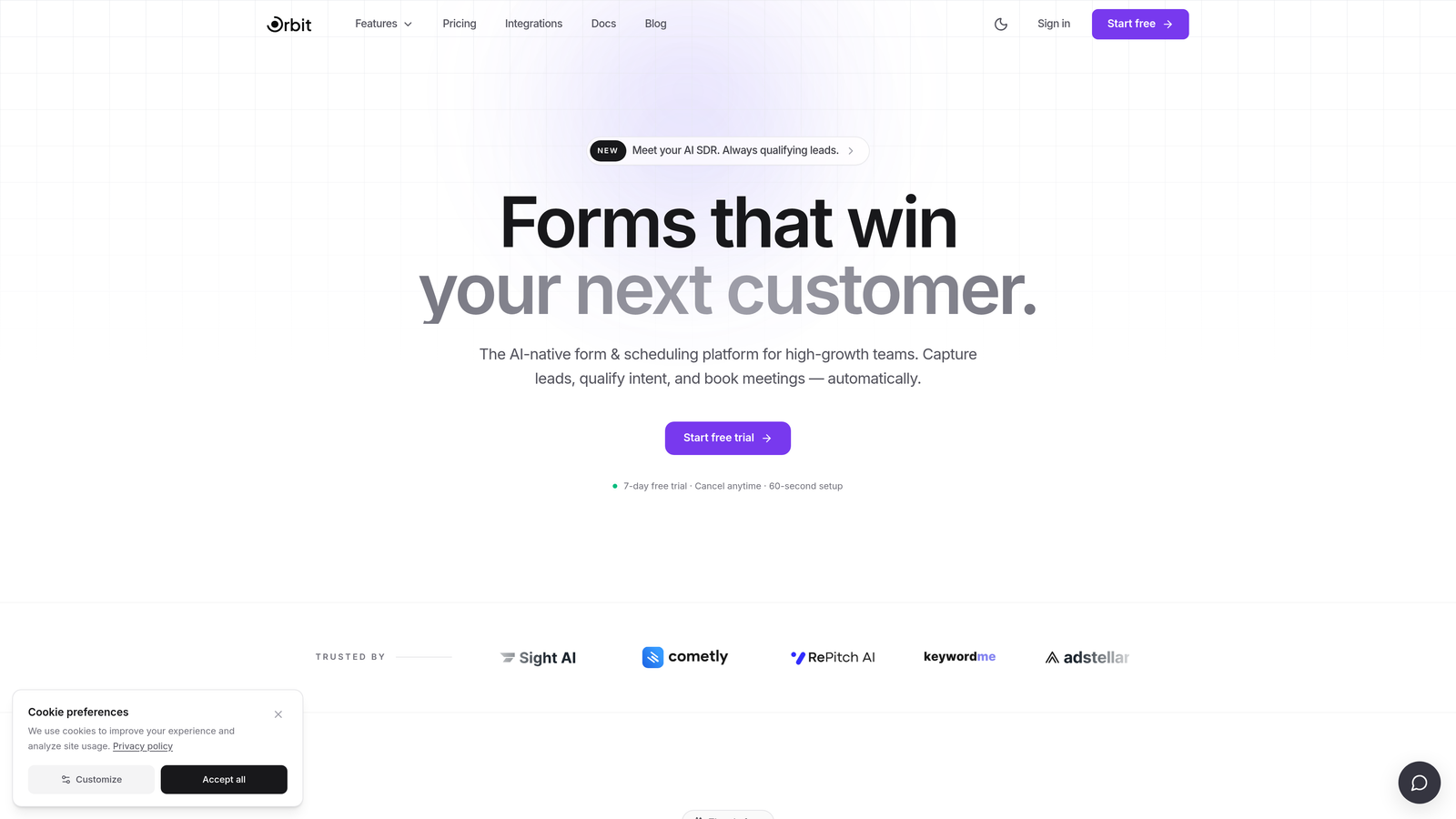
Orbit AI is an AI-powered form builder built specifically for teams where lead quality matters as much as lead volume.
Where This Tool Shines
Most form builders treat every submission the same. Orbit AI doesn't. It layers AI-powered lead scoring directly into the form experience, so your team receives qualified, routed leads rather than a raw list of submissions to sort through manually. That's a meaningful difference when you're processing hundreds or thousands of leads per month.
The design editor is built for brand-forward teams that refuse to compromise on aesthetics. Forms look polished and modern without requiring a designer, and the conversion-optimized templates are purpose-built for lead gen rather than generic data collection.
Key Features
AI-Powered Lead Qualification: Automatically scores submissions based on your criteria, so sales teams focus on the highest-value leads first.
Conversion-Optimized Templates: Pre-built templates designed specifically for lead generation, not generic data capture.
Conditional Logic and Dynamic Fields: Personalize the form experience in real time based on how respondents answer earlier questions.
Lead Routing: Automatically directs qualified leads to the right team member or workflow based on scoring and segmentation rules.
Modern Design Editor: Clean, intuitive editor that produces brand-consistent forms without needing design resources.
Best For
Orbit AI is the strongest fit for SaaS companies, B2B agencies, and growth-stage teams that treat forms as an active part of their lead funnel. If you're spending time manually sorting submissions or losing leads to poor qualification, this platform addresses that problem directly.
Pricing
Subscription plans scale with team size and lead volume. Visit orbitforms.ai for current plan details and to explore the free tier.
2. Typeform
Best for: Marketing teams that prioritize branded, conversational form experiences with high perceived completion rates.
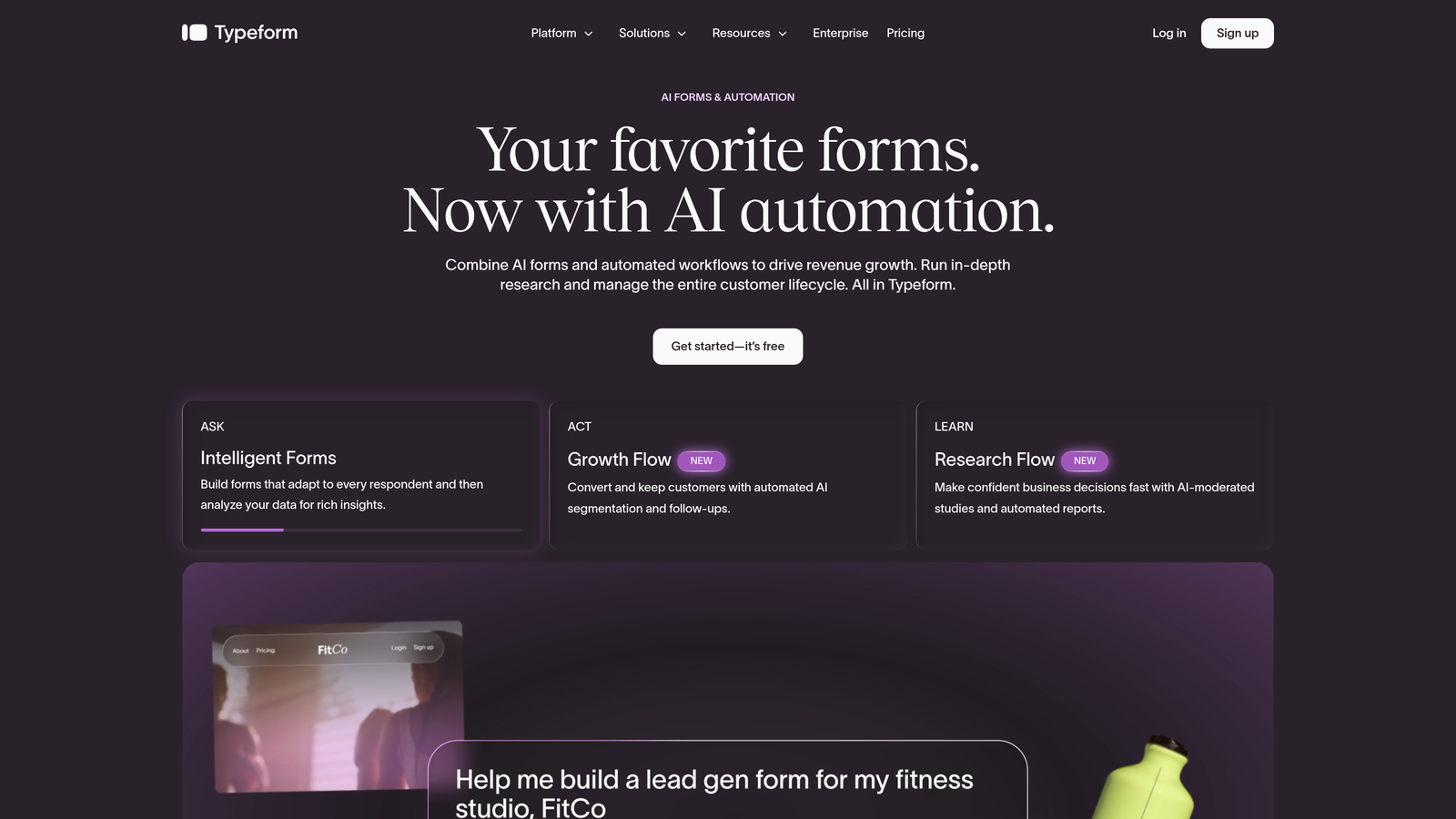
Typeform is a conversational form builder known for its one-question-at-a-time format that creates engaging, brand-forward experiences.
Where This Tool Shines
Typeform's defining characteristic is its format. Rather than presenting a traditional multi-field form, it walks respondents through questions one at a time, which tends to feel less overwhelming and more like a conversation. For brand-conscious teams, this creates a noticeably more polished experience than most alternatives.
The template library is visually rich, and the logic jump system makes it straightforward to build branching flows without technical expertise. It's a solid choice when form aesthetics and respondent experience are top priorities.
Key Features
Conversational Format: One-question-at-a-time flow that reduces friction and improves perceived form quality.
Polished Templates: Visually rich, brand-forward templates across a wide range of use cases.
Logic Jumps: Conditional branching that tailors the form path based on previous answers.
CRM Integrations: Native connections with HubSpot, Salesforce, Zapier, and Slack.
Rich Media Embedding: Add video and images directly within form questions for richer context.
Best For
Typeform works well for marketing and brand teams running campaigns, surveys, or lead gen flows where visual quality is a priority. Teams with high submission volumes should review the tier limits carefully, as lower plans cap the number of responses per month.
Pricing
Paid plans start around $25/month; submission limits apply on lower tiers. Verify current pricing at typeform.com.
3. JotForm
Best for: Teams with diverse form needs across industries who want a large template library and broad integration support.
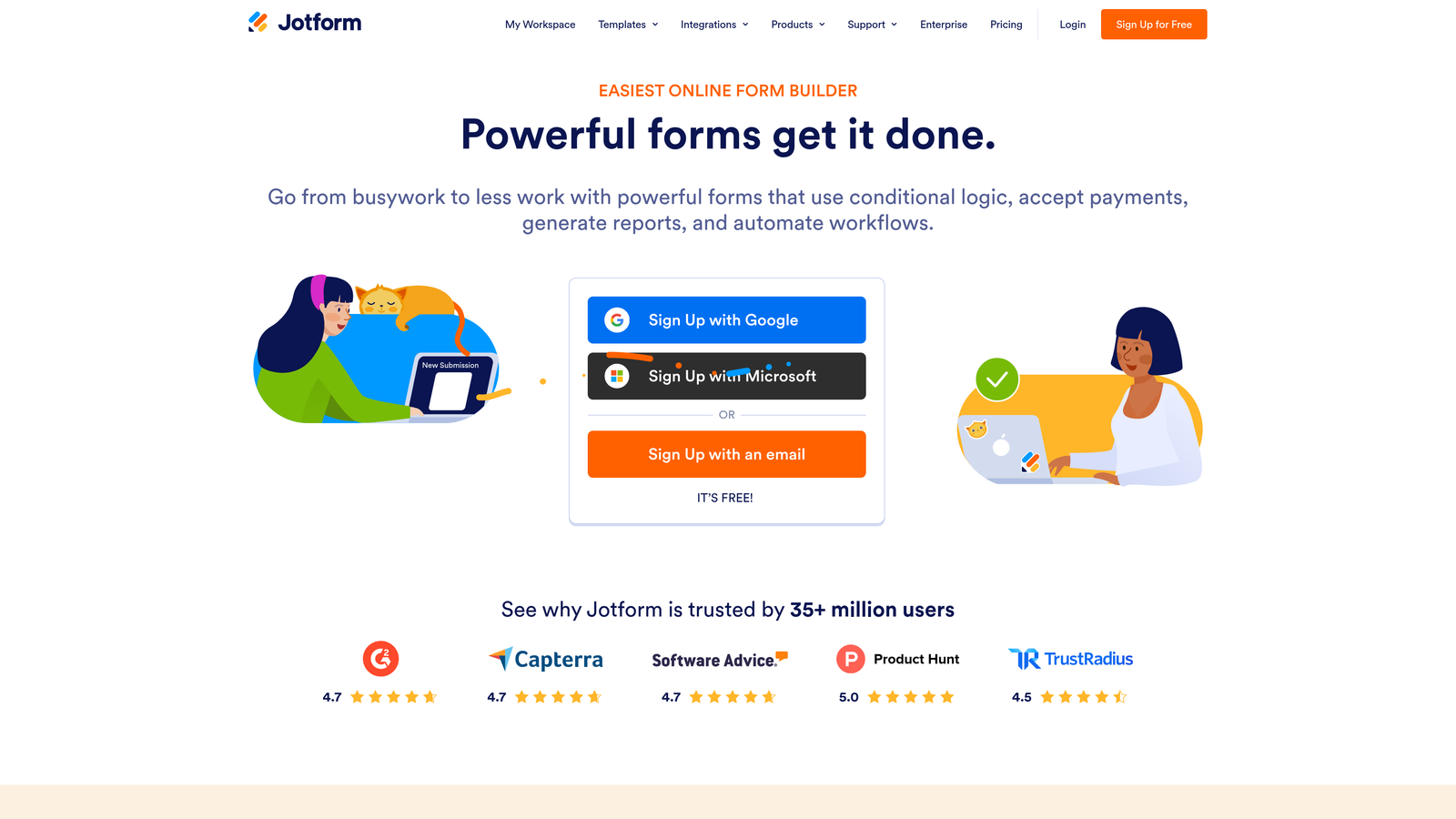
JotForm is a feature-rich form builder offering one of the largest template libraries available alongside a wide-ranging integration ecosystem.
Where This Tool Shines
JotForm's breadth is its biggest advantage. With thousands of pre-built templates spanning industries from healthcare to e-commerce, it's easy to find a starting point that closely matches your use case. The drag-and-drop builder supports an extensive range of field types, and the payment integrations make it a practical choice for teams that need to collect money alongside data.
The HIPAA-compliant plan tier makes JotForm one of the more accessible options for healthcare and regulated organizations that need compliance without moving to a full enterprise platform.
Key Features
Massive Template Library: Thousands of pre-built templates across virtually every industry and use case.
Payment Integrations: Native support for Stripe, PayPal, and Square directly within forms.
HIPAA-Compliant Plans: Available for teams in regulated industries that require data handling compliance.
Extensive Field Types: Drag-and-drop builder with a wide variety of input options beyond standard text fields.
Integration Ecosystem: Connects with Salesforce, Google Sheets, Zapier, and hundreds of other tools.
Best For
JotForm suits SMBs, nonprofits, educational institutions, and teams with varied form needs across departments. It's a general-purpose tool rather than a lead-gen specialist, so teams focused on conversion optimization may find its qualification capabilities limited.
Pricing
Free tier available with submission limits; paid plans start at approximately $34/month. Verify current pricing at jotform.com.
4. Tally
Best for: Startups and indie builders who need powerful, unlimited forms without paying for a subscription.
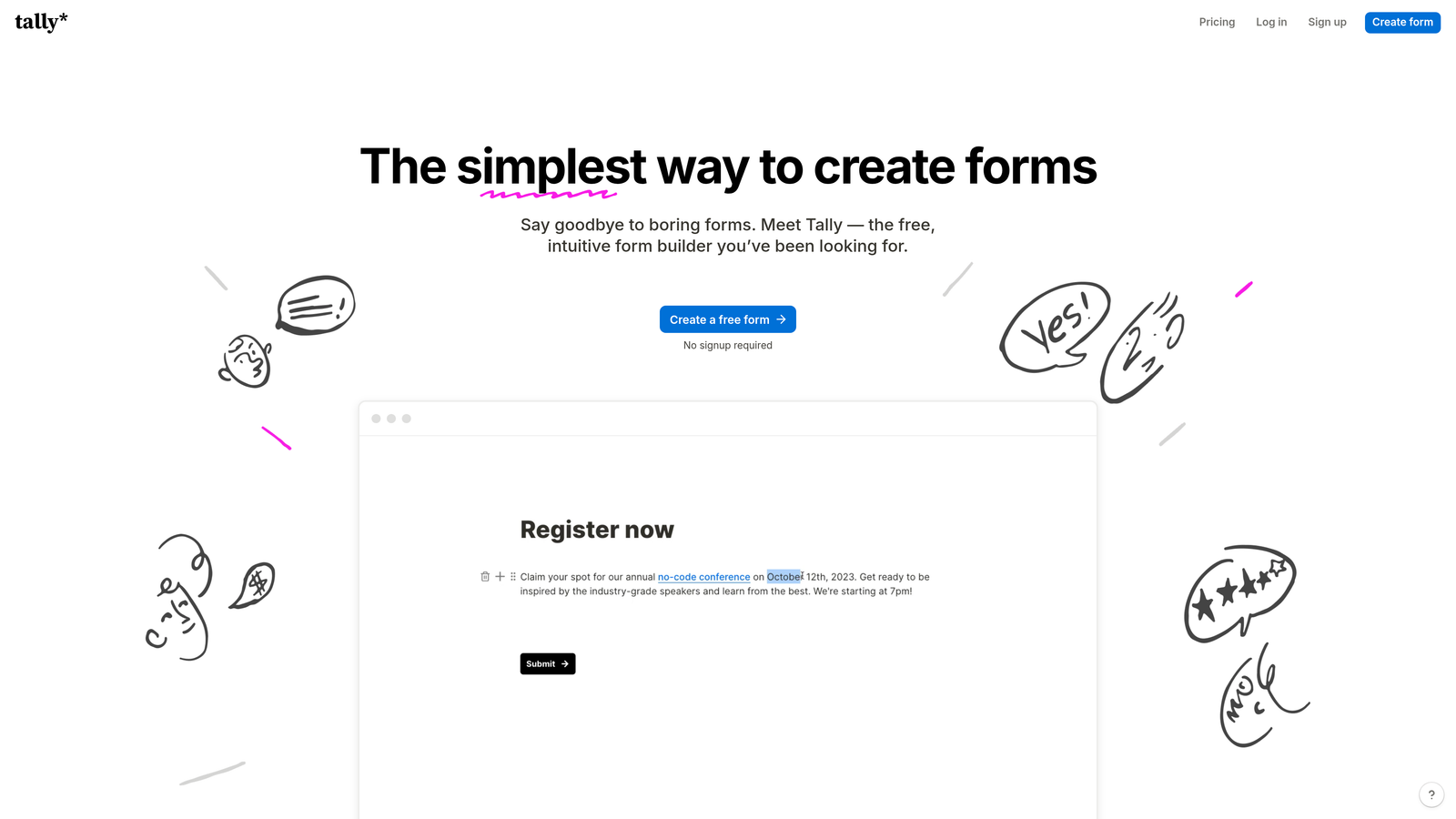
Tally is a Notion-inspired form builder that offers unlimited forms and submissions on its free tier, making it one of the most generous free options in the market.
Where This Tool Shines
Tally's free tier is genuinely impressive. Unlike most tools that cap submissions or features on free plans, Tally lets you build and publish unlimited forms with no submission limits. For early-stage teams or side projects, that's hard to argue with.
The block-based editor will feel immediately intuitive to anyone familiar with Notion. It's clean, fast, and doesn't require any onboarding to start building. The Pro plan unlocks custom domains, hidden fields, and additional automation options for teams that eventually need more.
Key Features
Unlimited Free Tier: No submission caps or form limits on the free plan, which is rare in this market.
Notion-Style Editor: Block-based building experience that's intuitive for teams already in the Notion ecosystem.
Conditional Logic: Multi-step forms with branching logic available even on the free plan.
Custom Domains: Available on the Pro plan for brand-consistent form URLs.
Automation Integrations: Connects with Zapier and Make for workflow automation.
Best For
Tally is the right call for bootstrapped startups, solo founders, and teams running internal workflows or lightweight lead capture. It's not designed for complex lead qualification or enterprise-scale automation, but for its target audience, the value-to-cost ratio is hard to beat.
Pricing
Free tier is highly capable for most basic use cases; Pro plan pricing is competitive. Verify current details at tally.so.
5. HubSpot Forms
Best for: Teams already in the HubSpot ecosystem who want native CRM sync and marketing workflow automation.
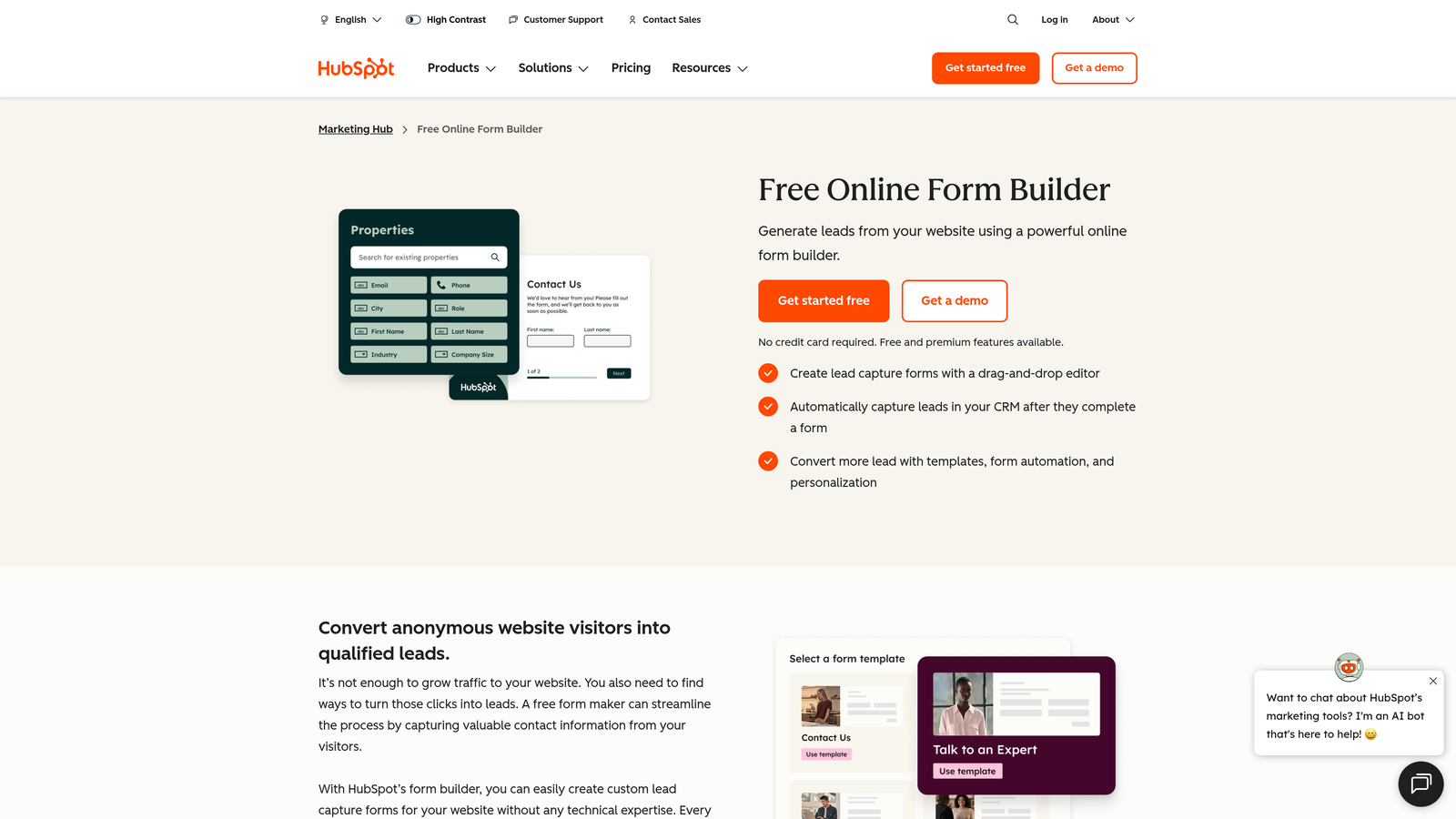
HubSpot Forms is a native form builder built directly into the HubSpot CRM platform, offering seamless contact creation and workflow triggers for inbound marketing teams.
Where This Tool Shines
If your team lives in HubSpot, this is the path of least resistance. Every form submission automatically creates or updates a contact record, triggers list segmentation, and can kick off marketing workflows without any middleware. The tight CRM integration eliminates the data sync headaches that come with connecting third-party form tools to your CRM.
Smart fields are a standout feature: for contacts HubSpot already recognizes, the form pre-populates known data and asks new questions instead, reducing friction and improving data completeness over time.
Key Features
Native CRM Sync: Contacts are created or updated in HubSpot automatically on every submission.
Smart Fields: Pre-populate data for known contacts and collect new information progressively.
Workflow Triggers: Form submissions can instantly activate marketing automation sequences and list enrollments.
A/B Testing: Available on higher Marketing Hub tiers for optimizing form performance.
Multiple Form Formats: Supports embedded forms, pop-ups, and slide-in banners.
Best For
HubSpot Forms is the natural choice for teams already paying for HubSpot Marketing Hub. As a standalone form builder, the design flexibility is more limited than dedicated tools, and the cost jumps significantly once you move beyond the free CRM tier.
Pricing
Free with HubSpot CRM; advanced features require a Marketing Hub subscription starting at approximately $800/month. Verify current pricing at hubspot.com.
6. Paperform
Best for: Service businesses and consultants combining forms, payments, and scheduling in a single platform.
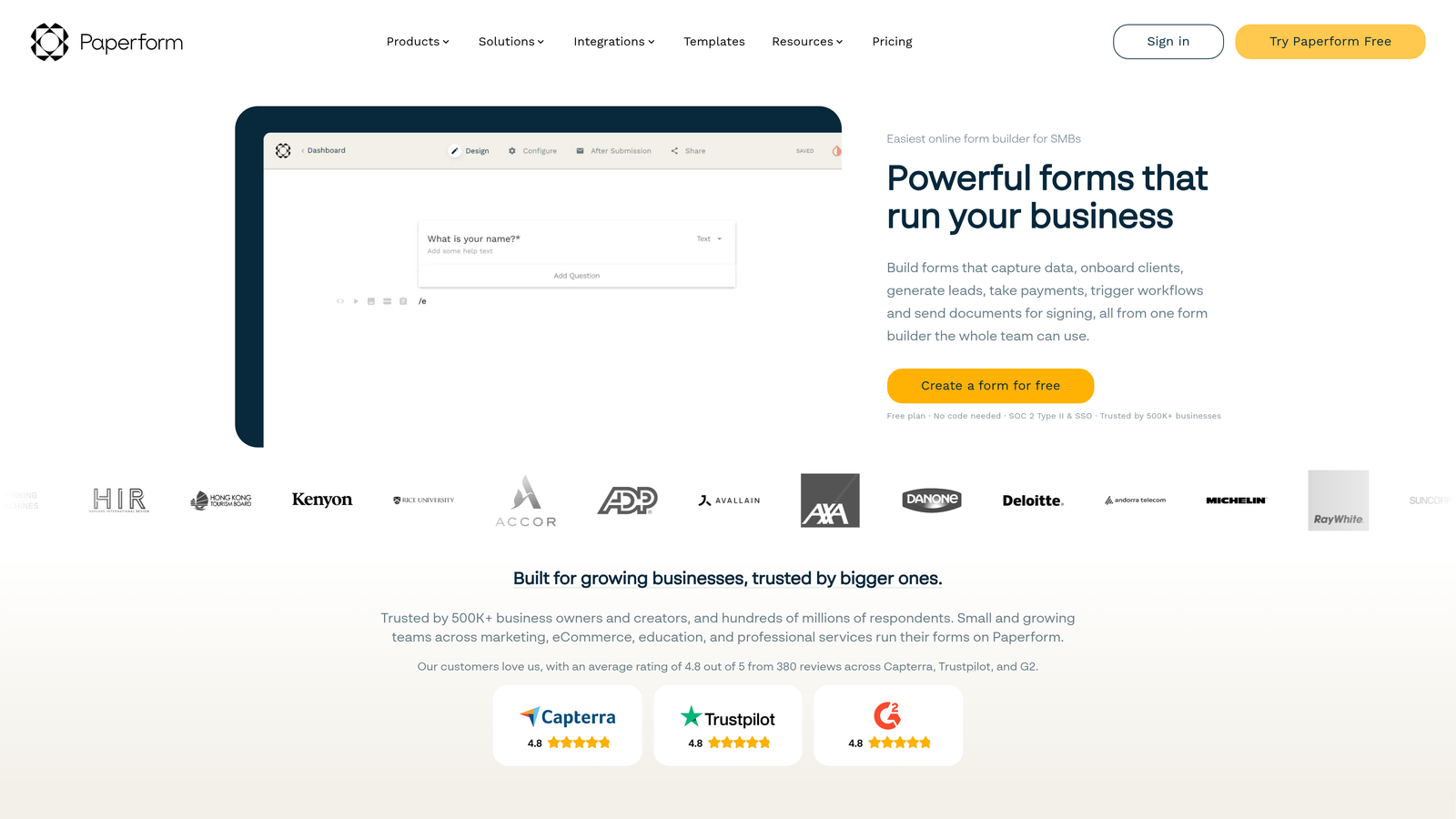
Paperform is a flexible, document-style form builder that merges forms, payment processing, and appointment scheduling into one cohesive tool.
Where This Tool Shines
Paperform's editor produces forms that look more like landing pages than traditional input screens. The freeform document-style layout gives you significantly more design control than most form builders, and the result often feels more like a branded webpage than a generic form.
The built-in payment and scheduling functionality is where Paperform earns its niche. Rather than integrating separate tools for bookings and transactions, service businesses can handle intake, scheduling, and payment collection within a single form experience.
Key Features
Document-Style Editor: Creates landing-page-like forms with flexible layout control beyond standard form builders.
Built-In Payments: Native Stripe integration for collecting payments directly within forms.
Appointment Scheduling: Built-in scheduling functionality for service-based workflows.
Calculation Fields: Dynamic fields that compute values based on respondent inputs, useful for quotes and estimates.
White-Labeling: Custom subdomains and branding options available on higher plans.
Best For
Paperform is well-suited for consultants, coaches, agencies, and service businesses that need to combine intake forms with payment and scheduling. It's less focused on high-volume lead qualification at scale, making it a better fit for service workflows than B2B lead gen pipelines.
Pricing
Essentials plan starts around $24/month; Pro and Agency tiers available. Verify current pricing at paperform.co.
7. Gravity Forms
Best for: WordPress developers and agencies that need deep CMS integration and a large add-on ecosystem.
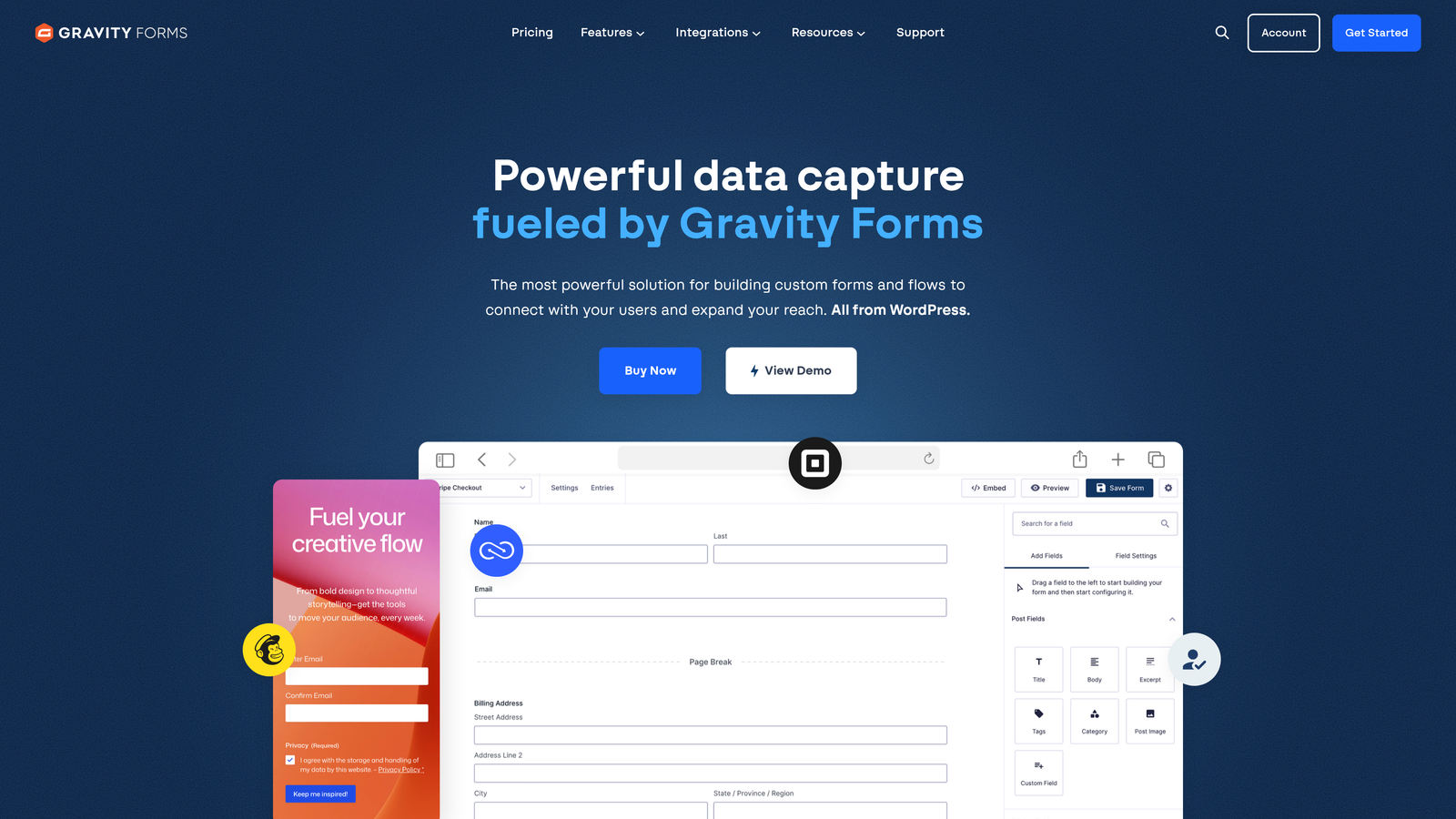
Gravity Forms is the leading WordPress form plugin, offering deep CMS integration, an extensive add-on library, and an annual license model rather than a per-submission subscription.
Where This Tool Shines
For teams building on WordPress, Gravity Forms is in a category of its own. The depth of WordPress integration goes well beyond embedding a form: it supports custom post type creation, conditional notifications, and hooks throughout the submission lifecycle. Developers can extend it extensively through filters, actions, and a REST API.
The add-on ecosystem covers payments, surveys, signatures, user registration, and more. Because it's an annual license rather than a monthly SaaS subscription, the cost model also tends to be more predictable for agencies managing multiple client sites.
Key Features
Deep WordPress Integration: Native support for custom post types, user registration, and CMS-level data handling.
Extensive Add-On Library: Official and third-party add-ons for payments, surveys, electronic signatures, and more.
Developer-Friendly Architecture: Full hook and filter system, plus REST API access for custom integrations.
Multi-Page Forms: Conditional logic, multi-step forms, and file uploads built into the core plugin.
Annual License Model: Flat annual cost with no per-submission pricing, which benefits high-volume use cases on WordPress.
Best For
Gravity Forms is purpose-built for WordPress environments. If your team isn't on WordPress, this tool doesn't apply. For WordPress developers and agencies, it remains the most capable and flexible option available.
Pricing
Annual license starting around $59/year for Basic; Pro and Elite tiers available. Verify current pricing at gravityforms.com. Requires an active WordPress installation.
8. Formstack
Best for: Enterprise teams in regulated industries that need forms, documents, e-signatures, and workflow automation in one platform.
Formstack is an enterprise-grade platform that combines forms, document generation, and e-signatures with advanced compliance and workflow automation capabilities.
Where This Tool Shines
Formstack operates at a different level of organizational complexity than most form builders. Its workflow automation goes beyond simple notifications: it supports multi-step approval routing, conditional document generation, and data population across connected workflows. For organizations where a form submission triggers a chain of internal processes, this level of automation is genuinely valuable.
Compliance is a core strength. Formstack is HIPAA-compliant and SOC 2 certified, and it offers a Salesforce native app for teams where CRM integration is a compliance requirement rather than a convenience.
Key Features
Multi-Step Workflow Automation: Approval routing and conditional process flows that go beyond basic form notifications.
Document Generation: Automatically generate populated documents from form submissions.
E-Signature Capabilities: Built-in signature collection as part of end-to-end document workflows.
Compliance Certifications: HIPAA-compliant and SOC 2 certified for regulated industry requirements.
Salesforce Native App: Deep Salesforce integration for enterprise CRM environments.
Best For
Formstack is the right choice for mid-market and enterprise organizations in healthcare, legal, HR, and financial services where compliance, document workflows, and multi-step approvals are non-negotiable. It's priced and scoped for that audience, not for lean startup teams.
Pricing
Mid-market to enterprise pricing; plans vary significantly by feature set and product combination. Verify current pricing at formstack.com.
9. Google Forms
Best for: Internal surveys, event signups, and basic data collection where cost is the primary constraint.
Google Forms is Google's completely free form builder, offering straightforward data collection with native Google Workspace integration and zero cost.
Where This Tool Shines
Google Forms does exactly what it promises: collect responses, dump them into a Google Sheet, and get out of your way. For internal use cases like team surveys, event RSVPs, or quick feedback collection, it's genuinely hard to beat something that's free, requires no setup, and supports real-time collaboration on form editing.
The zero-cost model makes it the default starting point for many teams before they outgrow it. And for purely internal workflows where brand presentation and lead qualification aren't factors, it may be all you ever need.
Key Features
Completely Free: No submission limits, no paid tiers, no hidden costs with any Google account.
Native Google Sheets Integration: All responses flow automatically into a connected spreadsheet.
Basic Conditional Logic: Simple branching based on multiple-choice answers.
Real-Time Collaboration: Multiple team members can edit forms simultaneously, like any Google Workspace document.
Simple Sharing: Distribute via link, embed, or email with no technical configuration required.
Best For
Google Forms is the right tool for internal data collection, simple surveys, and situations where budget is the deciding factor. It's not appropriate for conversion-focused lead gen, brand-forward public forms, or any use case requiring lead scoring, CRM sync, or design customization.
Pricing
Free with any Google account; included in all Google Workspace subscription tiers at no additional cost.
Which Form Builder Subscription Is Right for Your Team?
The honest answer is that the best form builder subscription depends on what you're actually trying to accomplish. Not every team needs AI-powered lead scoring, and not every team can get away with Google Forms.
Here's a quick way to think through the decision. If your forms are a core part of your lead funnel and you need submissions to be scored, routed, and acted on automatically, Orbit AI is purpose-built for exactly that. If your team already runs on HubSpot and the CRM integration matters more than anything else, HubSpot Forms is the path of least resistance. For teams on a tight budget who still need capable forms, Tally's free tier is genuinely impressive. Enterprise teams with compliance requirements in healthcare, legal, or finance should evaluate Formstack. And if your entire stack is built on WordPress, Gravity Forms is the clear choice.
The broader pattern worth recognizing: basic form builders are fine for data collection, but high-growth teams treating forms as conversion assets consistently benefit from platforms with built-in qualification, routing, and automation. The gap between "form as data entry point" and "form as lead funnel component" is where the right subscription choice pays for itself.
Transform your lead generation with AI-powered forms that qualify prospects automatically while delivering the modern, conversion-optimized experience your high-growth team needs. Start building free forms today and see how intelligent form design can elevate your conversion strategy.


