

If you're evaluating sign up form builders, the free trial is where the real decision gets made. Not the feature comparison page — the actual building experience. Does the logic work the way you think? Can you connect it to your CRM without a support ticket? Does it convert?
This list cuts through the noise. We've rounded up the top form builders worth trialing in 2026, each suited to a different team type, use case, or growth stage. Whether you're a SaaS team optimizing trial signups, a marketing agency juggling client campaigns, or a solo founder launching your first product, there's a tool here that fits your workflow.
Each entry covers what makes the tool genuinely worth your time, who it's best for, and what to watch out for before you commit. No fluff — just what you need to pick the right one and start building.
1. Orbit AI
Best for: High-growth SaaS and marketing teams focused on lead qualification and conversion optimization.
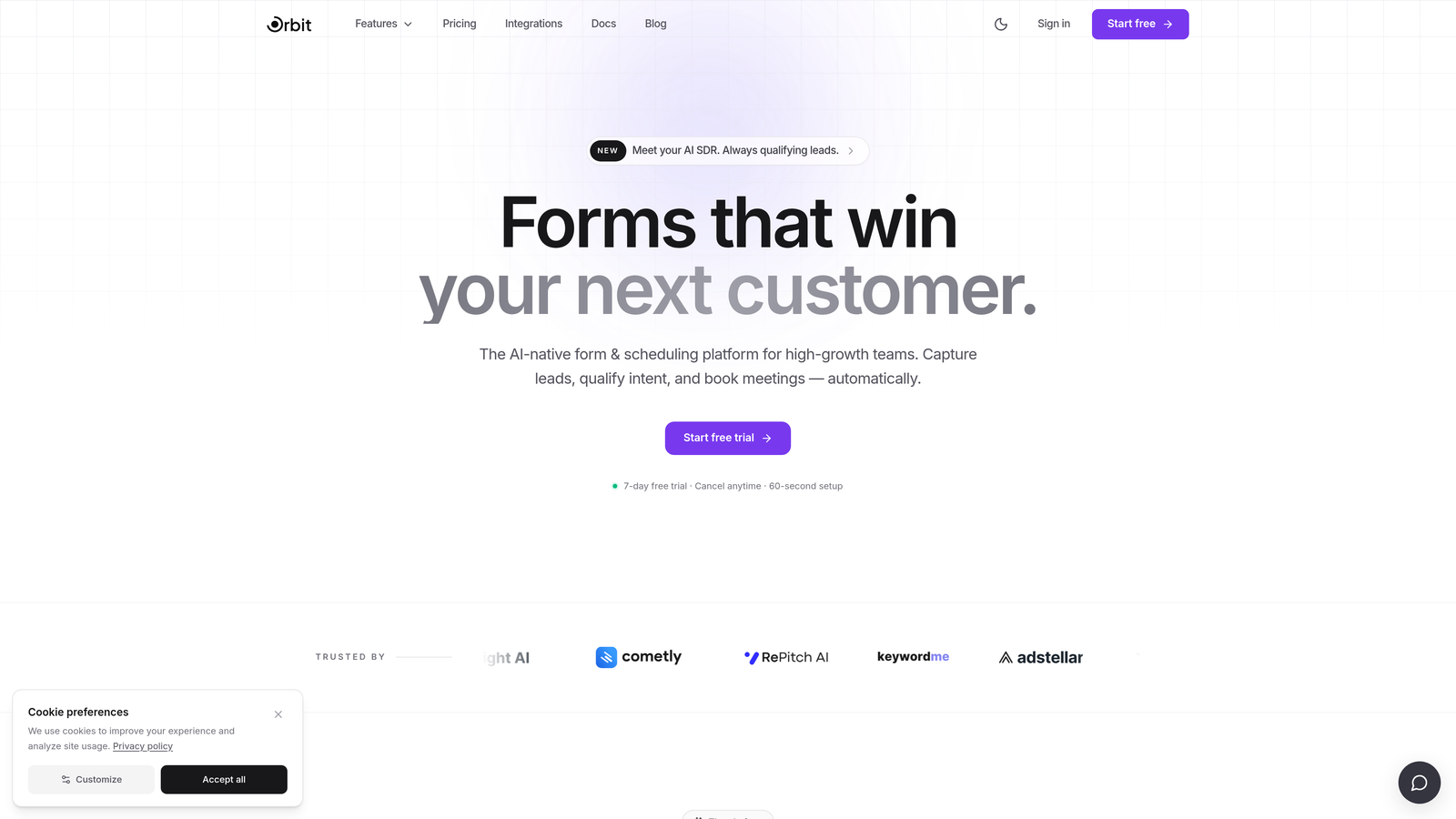
Orbit AI is an AI-powered form builder designed to turn sign up flows into active pipeline generation tools, not just data collection endpoints.
Where This Tool Shines
Most form builders stop at capturing a submission. Orbit AI goes further by qualifying leads as they fill out your form, using AI scoring to surface high-intent prospects before they ever reach your CRM. For teams running paid acquisition or inbound marketing, that distinction matters enormously.
The forms themselves are built for conversion. Layouts are modern and responsive by default, and the conditional logic system lets you create personalized experiences that adapt to each respondent. If you're tired of forms that look like they were built in 2015, the design quality here is a genuine step up.
Key Features
AI-Powered Lead Qualification: Scores leads in real time as they complete your form, so your sales team receives ranked, prioritized submissions rather than a raw list.
Conversion-Optimized Design: Modern, responsive layouts built to reduce drop-off and improve completion rates across devices.
Conditional Logic and Dynamic Fields: Personalize the form experience based on respondent answers, creating branching paths that feel natural rather than interrogative.
CRM and Marketing Stack Integrations: Connect to your existing tools so qualified leads flow directly into your pipeline without manual handoffs.
Pipeline-First Philosophy: The platform is built around the idea that forms should generate revenue, not just records.
Best For
SaaS teams optimizing trial sign up flows, marketing teams running lead gen campaigns, and growth-focused operators who need more than a basic form tool. If lead quality is as important as lead volume, Orbit AI is built for that problem specifically.
Pricing
Free trial available. Check orbitforms.ai for current plan pricing and tier details.
2. Typeform
Best for: Teams wanting a polished, conversational sign up experience that reduces friction on longer forms.
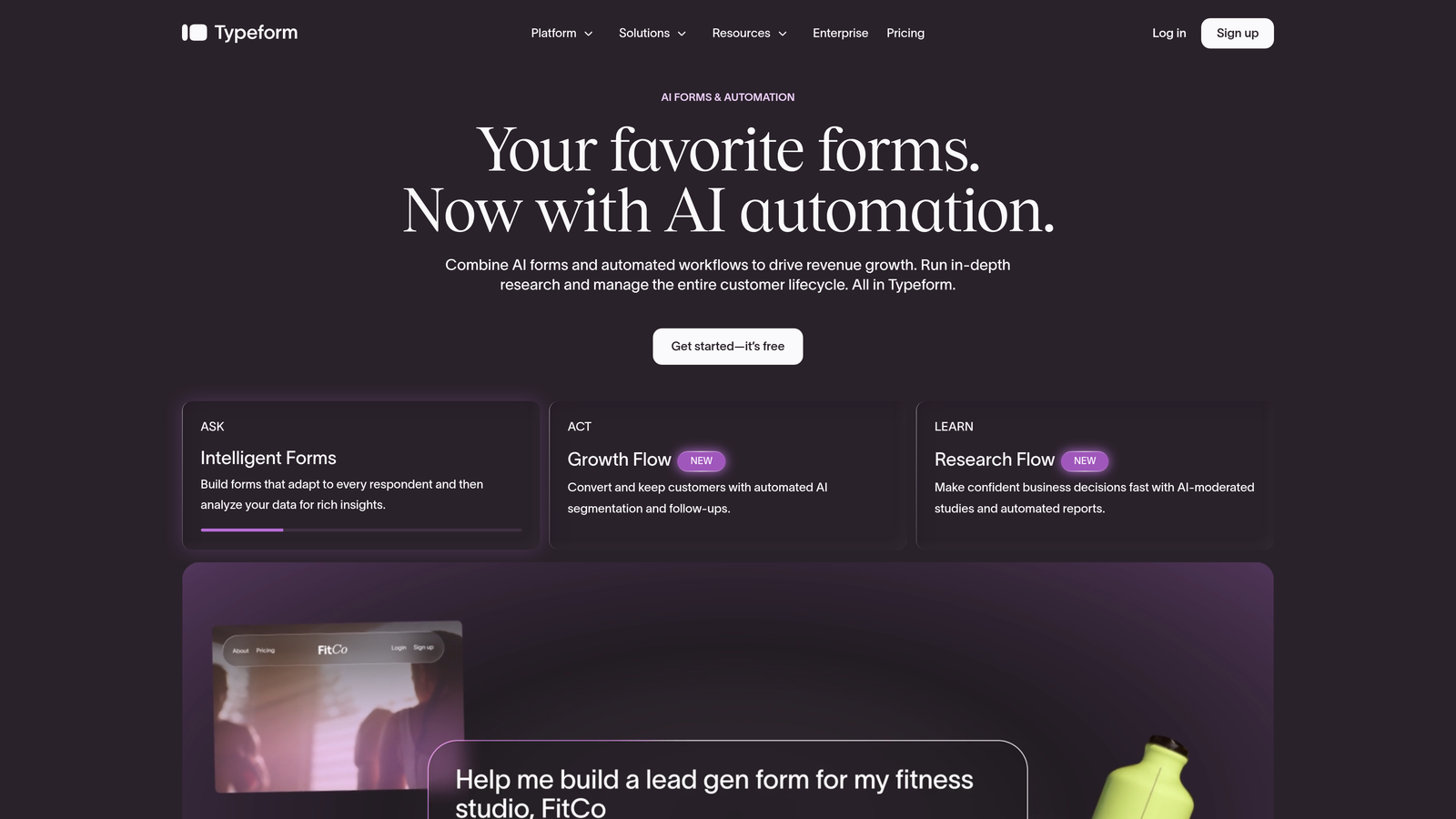
Typeform is a conversational form builder known for its one-question-at-a-time format that makes longer sign up flows feel less overwhelming.
Where This Tool Shines
Typeform's core UX insight is simple: showing respondents one question at a time reduces the intimidation factor of a long form. For sign up flows that need to collect detailed information without scaring people off, that format genuinely helps.
Brand customization is also a strong suit. You can match fonts, colors, and imagery closely enough that the form feels native to your site rather than bolted on. The native integrations with HubSpot, Salesforce, and Slack make it a practical choice for teams with established marketing stacks.
Key Features
Conversational One-Question Format: Presents questions sequentially to reduce cognitive load and improve completion on longer forms.
Logic Jumps and Conditional Branching: Route respondents through different question paths based on their answers.
Brand Customization: Extensive control over visual styling to match your product or campaign aesthetic.
Native Integrations: Direct connections to HubSpot, Salesforce, Slack, Mailchimp, and other common tools.
Video and Image Embedding: Add rich media within the form flow to add context or personality to questions.
Best For
Marketing teams and product teams running sign up flows where form aesthetics matter and where longer question sets are unavoidable. Less ideal if you're on a tight budget, as the free plan is quite limited in responses.
Pricing
Free plan available with limited responses. Paid plans start from $25/month. Worth noting that Typeform has raised prices over the years, so verify current tiers before committing.
3. HubSpot Forms
Best for: Teams already running on HubSpot who want native CRM sync without any integration setup.
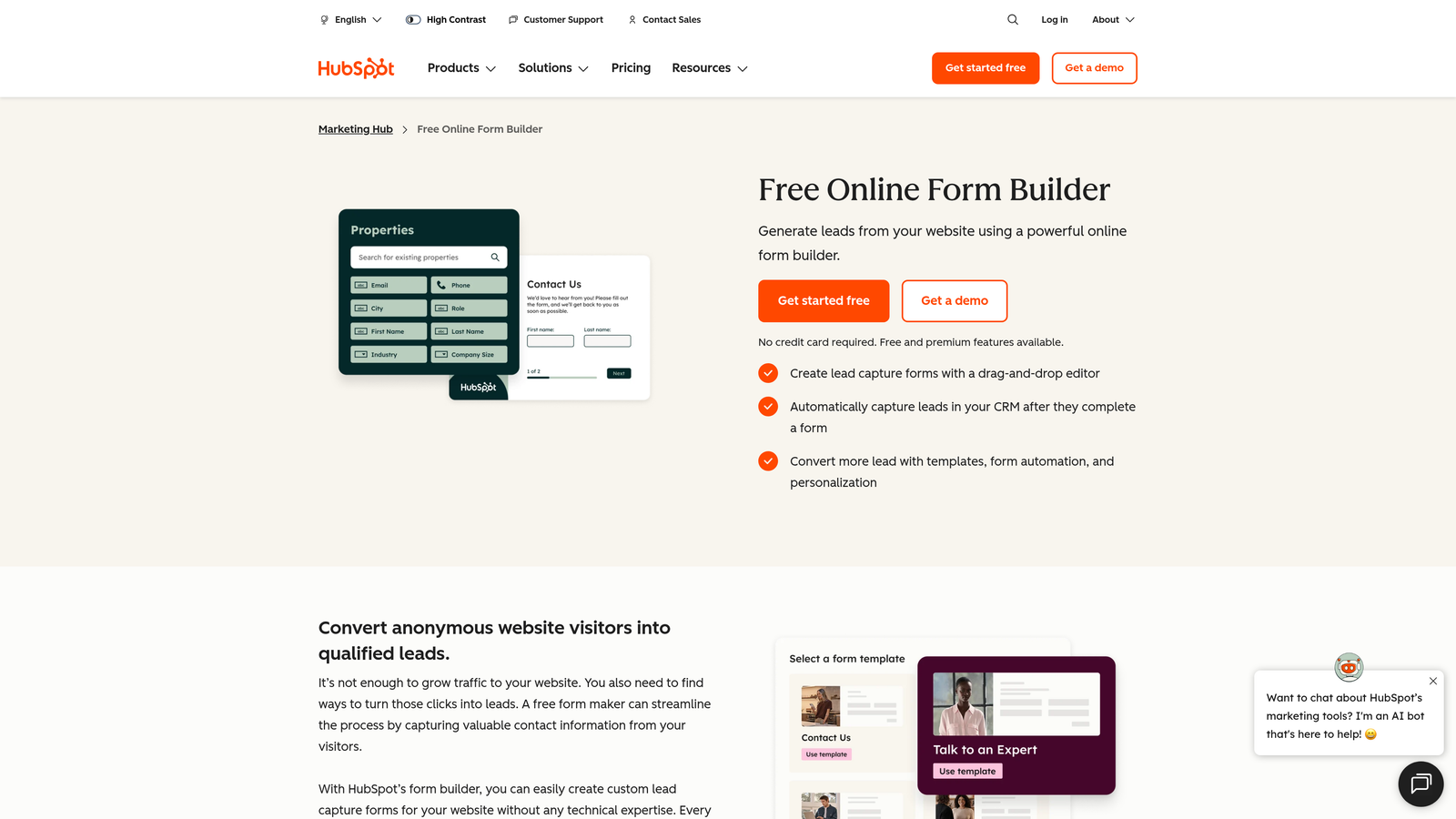
HubSpot Forms is a CRM-native form builder that syncs directly with HubSpot's contact database, workflows, and marketing automation with zero configuration.
Where This Tool Shines
If your team lives in HubSpot, this is the path of least resistance. Every submission lands directly in your CRM as a contact, and you can trigger workflows, sequences, or notifications immediately from the form submission event. There's no Zapier glue required, no field mapping headaches, and no sync delays.
The smart fields feature is particularly useful for returning visitors. Known contacts see pre-populated fields, which reduces friction and signals that you already recognize them. For SaaS trial sign ups where brand experience matters, that small touch adds up.
Key Features
Zero-Setup CRM Sync: Submissions instantly create or update contacts in HubSpot with no integration configuration needed.
Smart Fields: Auto-populate form fields for known contacts to streamline the sign up experience for returning visitors.
Workflow Triggers: Fire HubSpot workflows, email sequences, or internal notifications directly from a form submission.
Flexible Embedding: Embed on any website or use as a standalone HubSpot-hosted page.
Free with HubSpot Account: No additional cost to start using forms if you already have a HubSpot account.
Best For
Teams already invested in the HubSpot ecosystem. As a standalone form builder outside of HubSpot, it's limited. But for HubSpot shops, it's the obvious choice for sign up flows that need to feed directly into marketing automation.
Pricing
Free with any HubSpot account. Advanced marketing automation features require Marketing Hub, which starts from $800/month — a significant jump if you're not already paying for that tier.
4. Jotform
Best for: Teams with complex form requirements, including payments, HIPAA compliance, or extensive conditional logic.
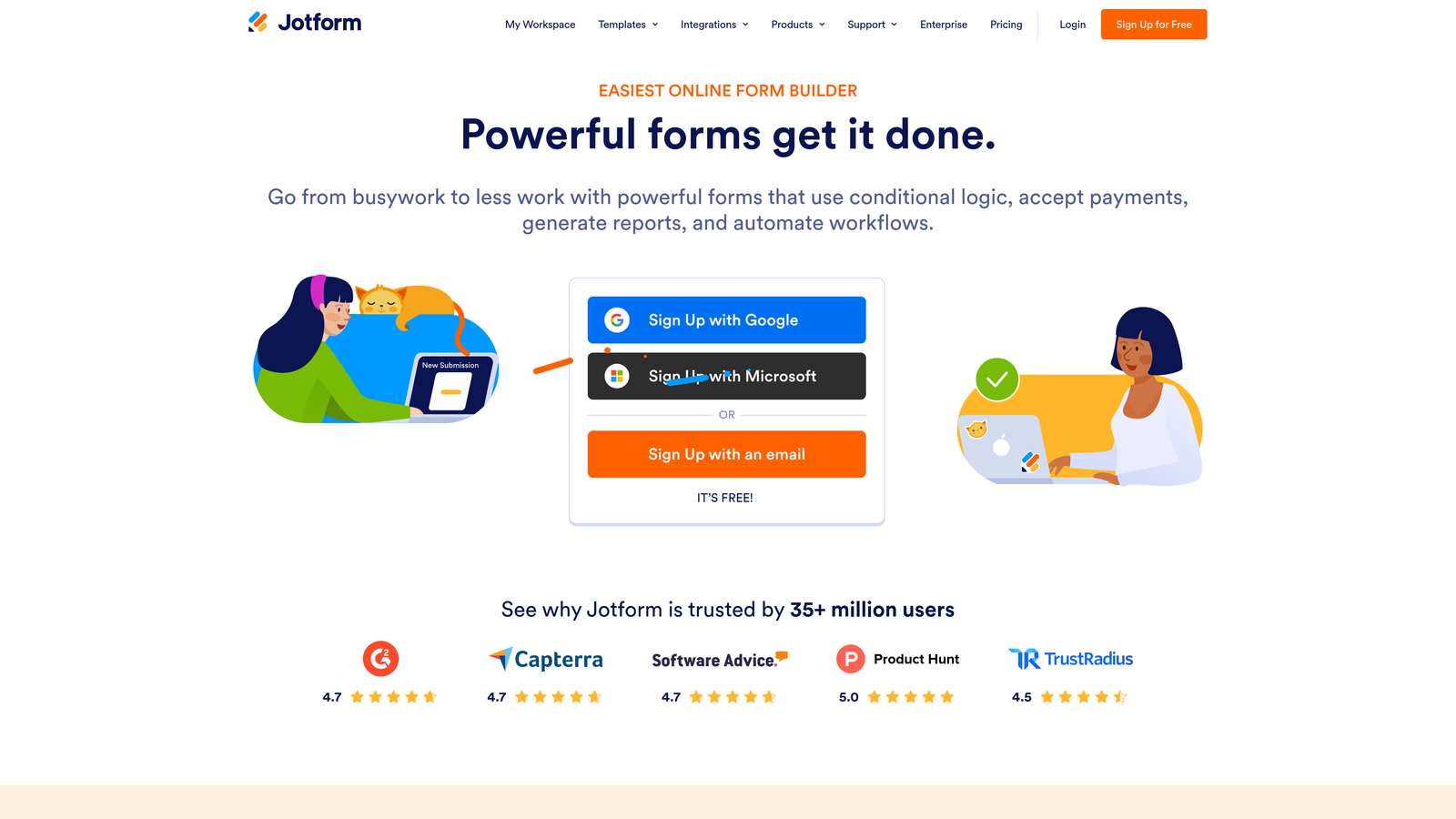
Jotform is a feature-rich form builder with one of the largest template libraries available and deep support for advanced form logic and data collection.
Where This Tool Shines
Jotform's breadth is its defining characteristic. With over 10,000 templates spanning virtually every industry and use case, you can get a complex form up and running faster than almost any other tool. The conditional logic system is mature and handles multi-layered branching scenarios that would break simpler builders.
For teams that need payment collection built into their sign up flow, Jotform handles Stripe, PayPal, and Square natively. The HIPAA-compliant plan also makes it one of the few form builders suitable for healthcare-adjacent use cases.
Key Features
10,000+ Templates: One of the largest template libraries in the category, covering most industries and form types.
Advanced Conditional Logic: Multi-layered branching and calculation fields for complex form flows.
Native Payment Collection: Accept payments via Stripe, PayPal, and Square without a separate integration.
HIPAA-Compliant Plan: Available for teams handling sensitive health information.
Broad Integration Library: Connects to Salesforce, Google Sheets, Zapier, and hundreds of other tools.
Best For
Teams with complex data collection needs, agencies managing diverse client form requirements, and any use case that involves payments or compliance requirements. The free plan is functional for light use, though the 100 monthly submission cap will be a constraint for active campaigns.
Pricing
Free plan covers 5 forms and 100 monthly submissions. Paid plans start from $34/month. Verify current limits on their site as plans have shifted over time.
5. Tally
Best for: Early-stage founders, indie hackers, and small teams who need unlimited forms without a monthly bill.
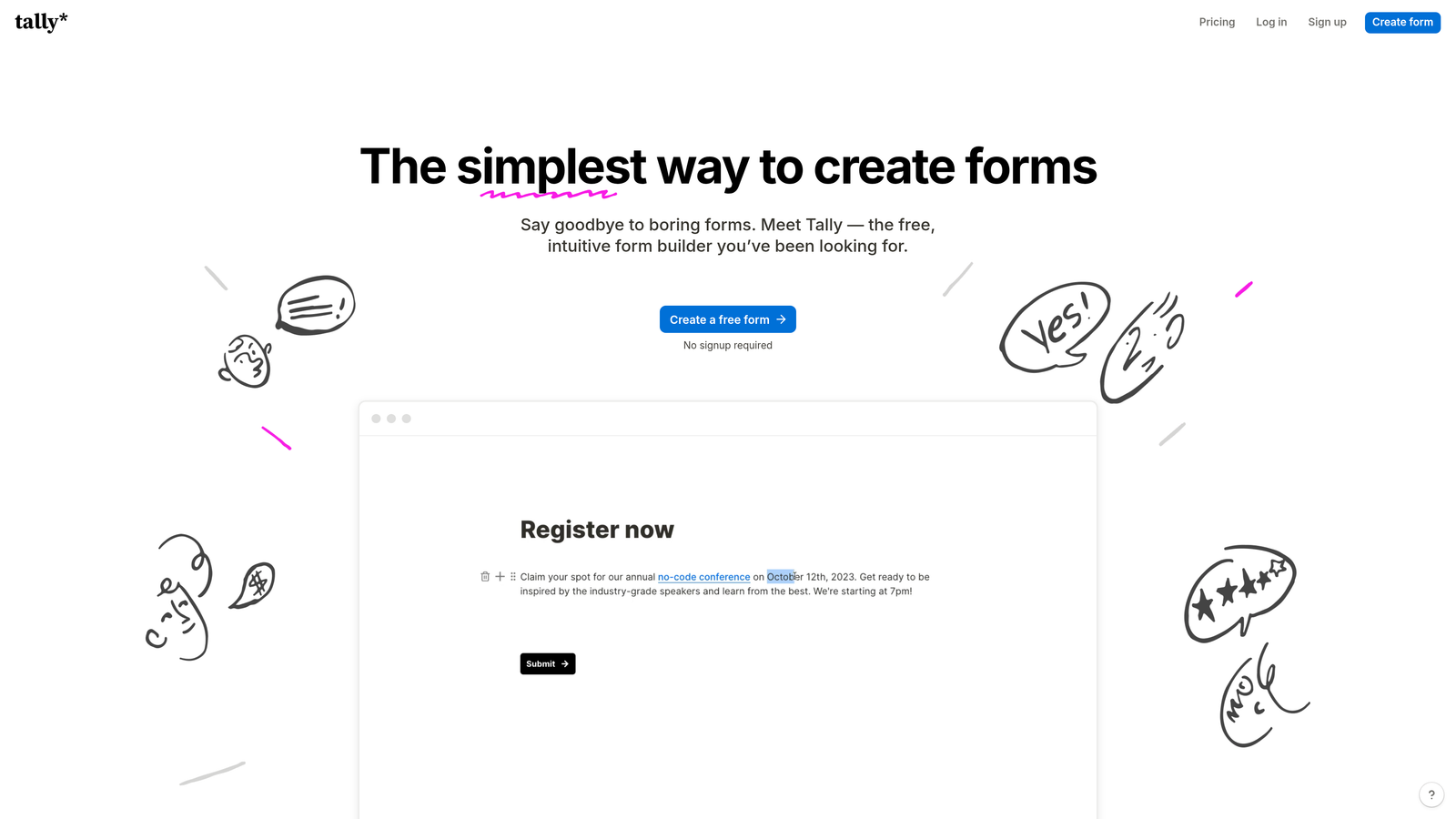
Tally is a Notion-inspired form builder with an unusually generous free tier that includes unlimited forms and unlimited responses at no cost.
Where This Tool Shines
Tally's free plan is genuinely rare in this category. Most tools cap you at a handful of forms or a few hundred monthly submissions before pushing you to upgrade. Tally removes those constraints entirely on the free tier, which makes it the obvious starting point for teams not ready to commit to a paid tool.
The block-based editor feels familiar to anyone who uses Notion, which lowers the learning curve considerably. Logic jumps and conditional fields are available without upgrading, and Zapier and Make integrations work on the free plan too. For the price, it's hard to beat.
Key Features
Unlimited Free Forms and Responses: No caps on form count or submission volume on the free plan.
Notion-Like Block Editor: Intuitive drag-and-drop interface familiar to anyone in the no-code ecosystem.
Logic Jumps and Conditional Fields: Available on the free tier, not locked behind a paywall.
Clean Website Embeds: Forms embed neatly on any site without visual clutter.
Zapier and Make on Free Plan: Automate responses to your existing tools without upgrading.
Best For
Solo founders, early-stage startups, and indie makers who want a capable form tool without a recurring cost. Also a strong option for internal forms and lightweight external sign ups where advanced conversion features aren't the priority.
Pricing
Free plan is genuinely useful with no major artificial limitations. Pro plan starts from $29/month and adds branding removal and advanced customization features.
6. Paperform
Best for: Teams who want forms that look and feel like branded landing pages without hiring a designer.
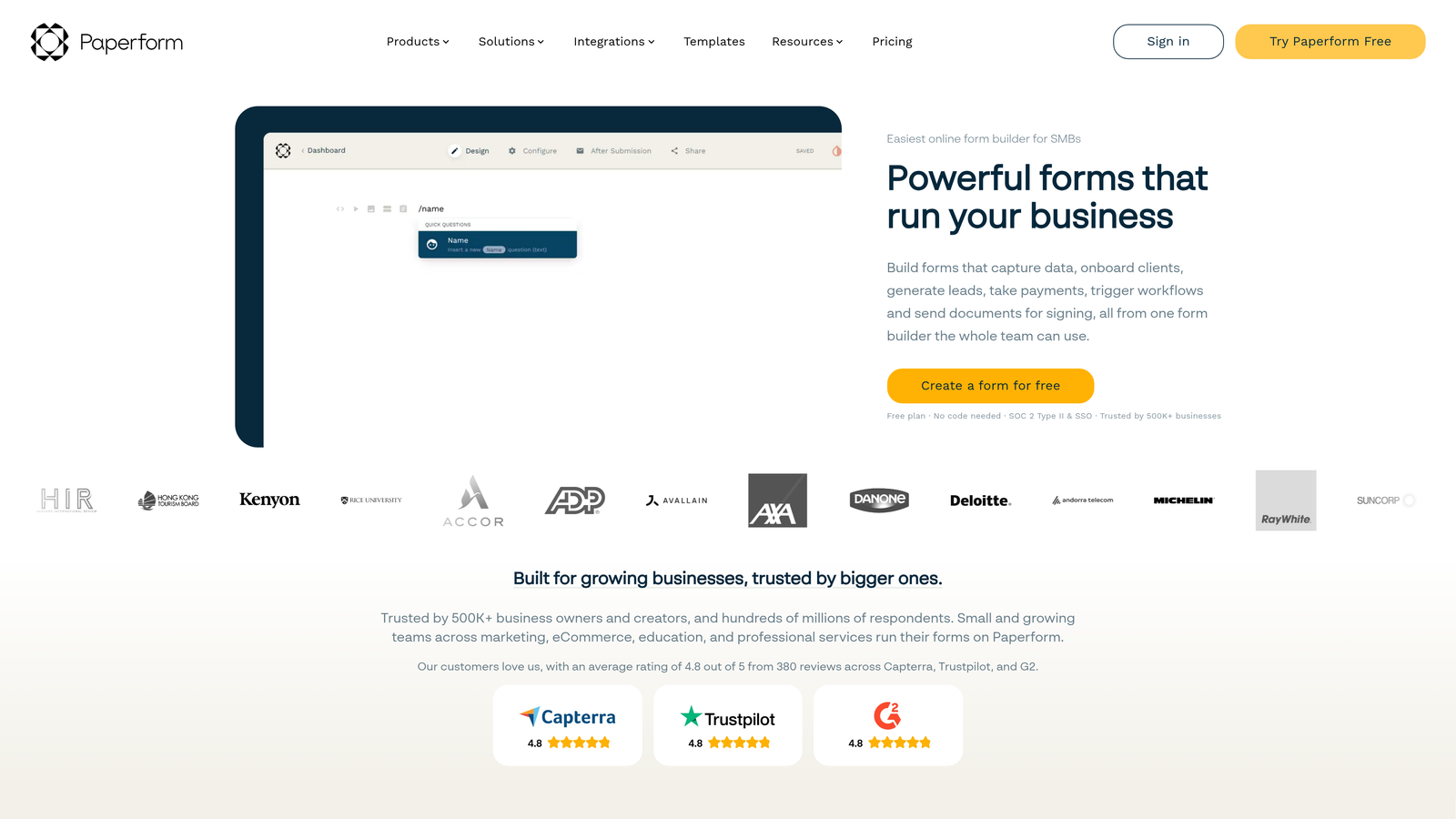
Paperform is a form builder that blends rich content editing with form functionality, so the result feels more like a polished branded page than a traditional data entry form.
Where This Tool Shines
Paperform's editing experience is closer to a page builder than a form builder. You can weave in rich text, images, and video alongside your form fields, which means you can tell a story or provide context within the form itself rather than relying on a separate landing page to do that work.
Design customization is deep without requiring CSS knowledge. If your brand has a specific look and feel, Paperform gives you enough control to match it closely. The built-in payment processing is also a strong addition for teams collecting fees at sign up.
Key Features
Rich Content Editing: Embed text, images, and video directly within the form layout for a landing-page-style experience.
Design Customization: Deep visual control without needing to write custom CSS.
Built-In Payment Processing: Collect payments at sign up without a separate integration layer.
Conditional Sections and Logic: Show or hide sections based on respondent answers.
14-Day Free Trial: All plans include a full-featured trial period before you're charged.
Best For
Small businesses, consultants, and marketing teams who want a form that doubles as a branded experience. Less suited to high-volume lead gen workflows where speed and CRM integration depth matter more than aesthetics.
Pricing
No permanent free plan. Paid plans start from $24/month billed annually. The 14-day trial gives you enough time to evaluate it properly.
7. Fillout
Best for: Ops teams and no-code builders who need forms that sync bidirectionally with Notion, Airtable, or Supabase.
Fillout is a modern form builder with native two-way sync to Notion, Airtable, and Supabase — making it a natural fit for data-connected workflows.

Where This Tool Shines
Fillout's native database integrations are the real differentiator here. Most form builders connect to Airtable or Notion via Zapier, which introduces latency and potential failure points. Fillout's direct two-way sync means form submissions update your database in real time and can even pre-populate fields from existing database records.
The tool also supports multi-step and conversational form modes, so you're not locked into a single layout style. Scheduling and booking templates round out the offering for teams managing appointments or demos alongside standard sign up flows.
Key Features
Native Two-Way Database Sync: Direct integration with Notion, Airtable, and Supabase without relying on Zapier middleware.
Multi-Step and Conversational Modes: Choose your form format based on the use case and audience.
Scheduling and Booking Templates: Built-in templates for appointment and demo booking flows.
Conditional Logic and Calculated Fields: Handle complex branching and math-based field logic.
Free Plan with 1,000 Submissions/Month: A genuinely useful free tier for teams getting started.
Best For
Operations teams, product teams, and no-code builders whose source of truth lives in Notion, Airtable, or Supabase. If your workflow is database-centric, Fillout removes a significant amount of integration friction.
Pricing
Free plan available with 1,000 submissions per month. Paid plans start from $15/month, making it one of the more affordable options with genuine database integration depth.
8. Growform
Best for: Agencies and performance marketers running paid lead generation campaigns on Google or Meta.
Growform is a multi-step form builder purpose-built for paid lead generation — designed specifically to improve lead quality from ad traffic rather than general-purpose data collection.
Where This Tool Shines
Growform is a niche tool, and that's a feature, not a limitation. It's built around the insight that multi-step forms outperform single-page forms in paid traffic contexts because they commit respondents progressively rather than asking for everything upfront. The progress bar and mobile-first design are baked in by default, not optional add-ons.
For agencies managing lead gen campaigns across multiple clients, the CRM and webhook integrations handle lead routing cleanly. The customizable thank-you and disqualification flows let you control the post-submission experience for different lead segments.
Key Features
Multi-Step Format for Paid Traffic: Progressive commitment structure designed to improve lead quality from ad-driven visitors.
Progress Bar and Mobile-First Design: Built-in UX elements that reduce drop-off without requiring manual configuration.
CRM and Webhook Integrations: Route leads to different destinations based on form answers or campaign source.
Disqualification Flows: Handle unqualified leads gracefully with custom post-submission experiences.
14-Day Free Trial: Full access to evaluate the tool before committing to a plan.
Best For
Performance marketing agencies, in-house paid media teams, and lead gen specialists running Google Ads or Meta campaigns where lead quality is the primary KPI. Less relevant for general sign up flows or teams not running paid acquisition.
Pricing
No permanent free plan. Paid plans start from $49/month. The 14-day trial is the entry point for evaluation.
9. Google Forms
Best for: Internal sign ups, low-stakes data collection, and teams already living in Google Workspace.
Google Forms is a free, no-frills form builder from Google that integrates directly with Google Sheets and requires no setup beyond a Google account.
Where This Tool Shines
Google Forms is the baseline most teams start with, and for good reason. It's completely free, requires no onboarding, and automatically pipes every response into a Google Sheet for easy analysis. For internal surveys, event sign ups, or quick data collection within a Google Workspace environment, it does the job without any friction.
The unlimited responses and forms on the free tier are genuinely valuable for teams that need volume without cost. If your use case is simple and your audience doesn't need a polished experience, Google Forms removes every barrier to getting started.
Key Features
Completely Free: Included with any Google account, with no usage caps or paid tiers.
Auto-Populates Google Sheets: Every response flows directly into a spreadsheet for immediate analysis.
Basic Conditional Logic: Show different questions based on previous answers, though logic depth is limited compared to dedicated builders.
Simple Sharing: Share via link or embed on any page with minimal setup.
Unlimited Responses and Forms: No artificial caps on volume.
Best For
Internal team sign ups, event registrations, and simple data collection within Google Workspace organizations. Not recommended for external-facing sign up flows where brand experience, conversion optimization, or CRM integration are priorities.
Pricing
Free, included with any Google account. No paid tier exists because there's nothing to upgrade to.
Which Sign Up Form Builder Is Right for Your Team?
The right tool depends almost entirely on what you're optimizing for. Here's a quick way to cut through the options.
If you're a SaaS or marketing team focused on lead quality and conversion, Orbit AI is the strongest starting point. The AI-powered lead qualification sets it apart from every other tool on this list — you're not just collecting sign ups, you're scoring and prioritizing them in real time. That's a meaningful advantage when pipeline quality matters as much as volume.
If you're already deep in the HubSpot ecosystem, HubSpot Forms is the path of least resistance. If your team runs paid acquisition campaigns, Growform's multi-step format is purpose-built for that context. If you need unlimited forms without spending anything, Tally is the honest answer. And if your workflow lives in Notion or Airtable, Fillout's native sync removes a lot of integration headaches.
For teams who want conversational UX with strong brand customization, Typeform remains a solid choice. If complexity and compliance are your requirements, Jotform covers more edge cases than almost anyone else. And if you're just getting started internally, Google Forms costs nothing and gets out of your way.
The best way to evaluate any of these is to actually build something. Most offer a free trial or free plan that lets you get hands-on before committing.
Transform your lead generation with AI-powered forms that qualify prospects automatically while delivering the modern, conversion-optimized experience your high-growth team needs. Start building free forms today and see how intelligent form design can elevate your conversion strategy.


