

Your forms are often the first real interaction prospects have with your business—and most platforms treat them as an afterthought. Generic templates, clunky builders, and zero intelligence about who's actually filling them out. The result? Low completion rates and leads that go nowhere.
The right form creation platform does more than collect data. It qualifies leads in real-time, adapts to user behavior, and integrates seamlessly with your existing stack.
We evaluated dozens of platforms based on ease of use, conversion optimization features, integration capabilities, and pricing flexibility. Here are the nine that stand out for teams serious about turning form submissions into revenue.
1. Orbit AI
Best for: High-growth teams that need AI-powered lead qualification built directly into their forms.
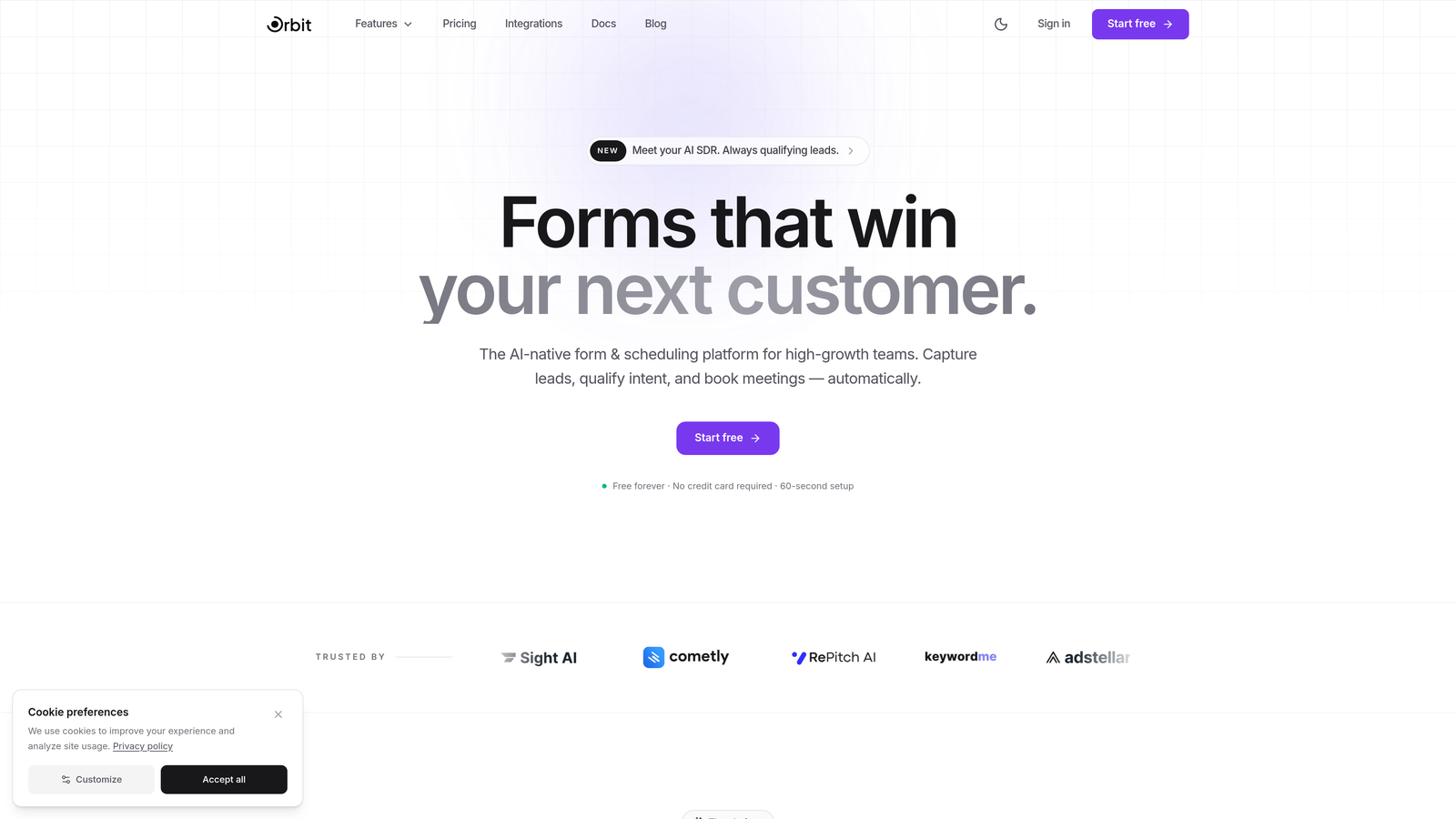
Orbit AI is an AI-powered form builder platform designed specifically for teams focused on conversion optimization and intelligent lead generation.
Where This Tool Shines
Most form builders stop at data collection. Orbit AI goes further by automatically qualifying and scoring leads as they fill out your forms, routing high-value prospects to your sales team instantly.
The platform combines beautiful, modern form designs with conversion intelligence. Your forms don't just look professional—they actively work to identify your best opportunities while they're still engaged.
Key Features
AI-Powered Lead Qualification: Automatically scores and qualifies leads in real-time based on their responses and behavior patterns.
Conversion-Optimized Templates: Pre-built form designs engineered for maximum completion rates across industries and use cases.
Real-Time Lead Routing: Instantly sends qualified leads to the right sales team members based on territory, product interest, or custom criteria.
Native CRM Integrations: Seamlessly connects with major CRMs to ensure every submission flows directly into your existing workflows.
Modern Form Designs: Beautiful, responsive forms that match your brand and create a premium experience for prospects.
Best For
This platform excels for high-growth B2B teams, SaaS companies, and marketing agencies that need to maximize lead quality while maintaining high conversion rates. It's particularly valuable when you're scaling and need automation to handle increasing form volume without losing lead intelligence.
Pricing
Free tier available for teams getting started. Paid plans scale with usage and team needs, making it accessible for startups while supporting enterprise requirements.
2. Typeform
Best for: Creating conversational, engaging form experiences that feel more like a dialogue than a survey.
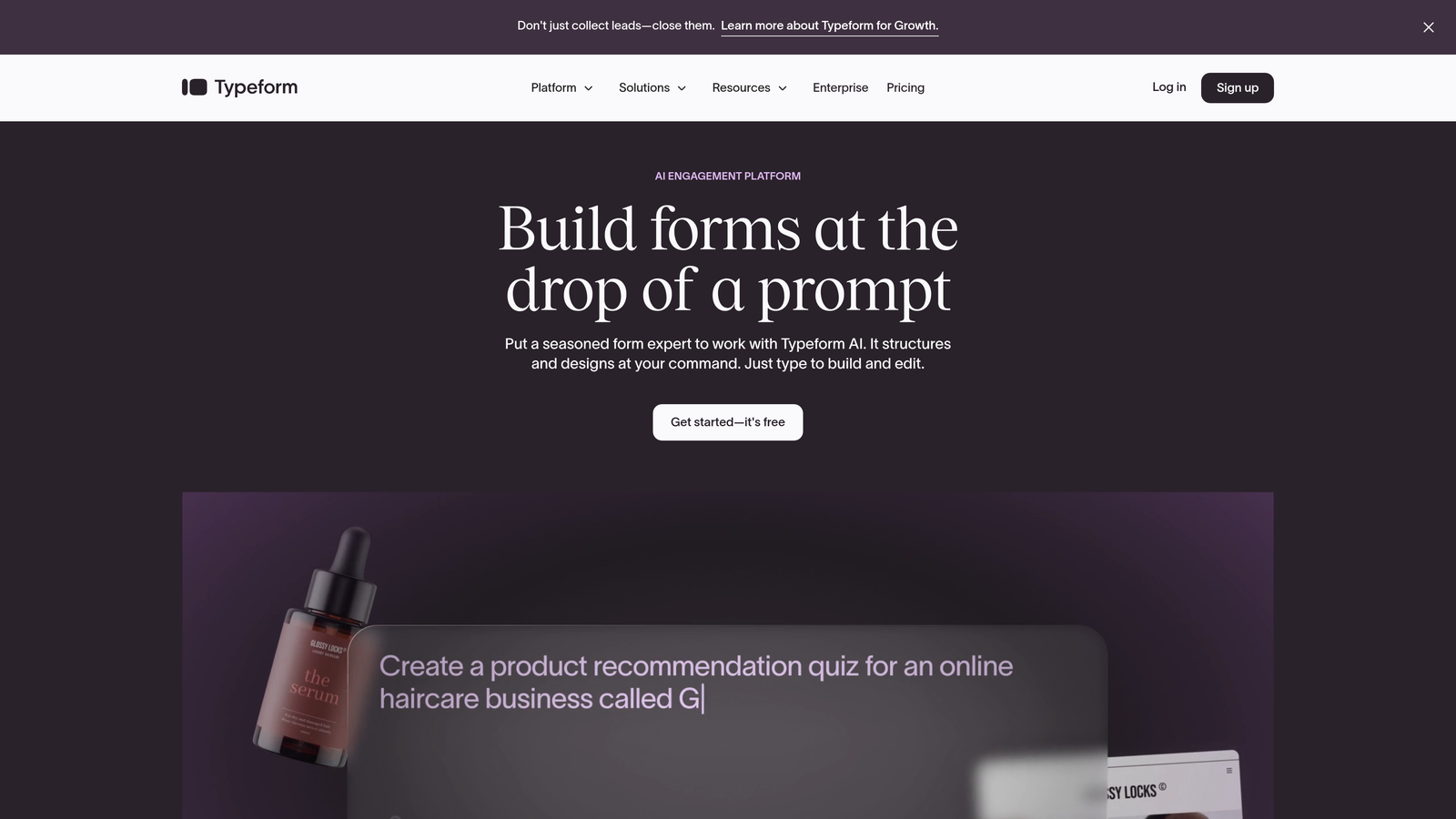
Typeform is a conversational form builder that presents one question at a time, creating a more human, engaging experience.
Where This Tool Shines
Typeform revolutionized form design by ditching the traditional all-questions-on-one-page approach. Instead, it guides users through a conversational flow that feels natural and keeps them focused on one decision at a time.
The platform's strength lies in its ability to create forms that don't feel like forms. Whether you're collecting feedback, qualifying leads, or running surveys, the one-question-at-a-time interface significantly improves completion rates compared to traditional layouts.
Key Features
Conversational Interface: One-question-at-a-time format that reduces cognitive load and improves completion rates.
Brand Customization: Extensive design controls to match your brand identity with custom colors, fonts, and backgrounds.
Logic Jumps: Smart branching that shows different questions based on previous answers, creating personalized experiences.
Rich Media Support: Embed videos, images, and GIFs directly into your forms to create more engaging experiences.
Integration Library: Connects with hundreds of tools including Slack, Google Sheets, HubSpot, and Salesforce.
Best For
Typeform works exceptionally well for customer research, lead qualification surveys, event registrations, and any scenario where engagement matters more than speed. It's ideal for brands that prioritize user experience and want their forms to reflect their premium positioning.
Pricing
Free tier includes basic features with limited monthly responses. Basic plan starts at $25/month, with Plus and Business tiers offering advanced logic, custom branding, and higher response limits.
3. Jotform
Best for: Teams needing extensive template variety and specialized widgets for complex form requirements.
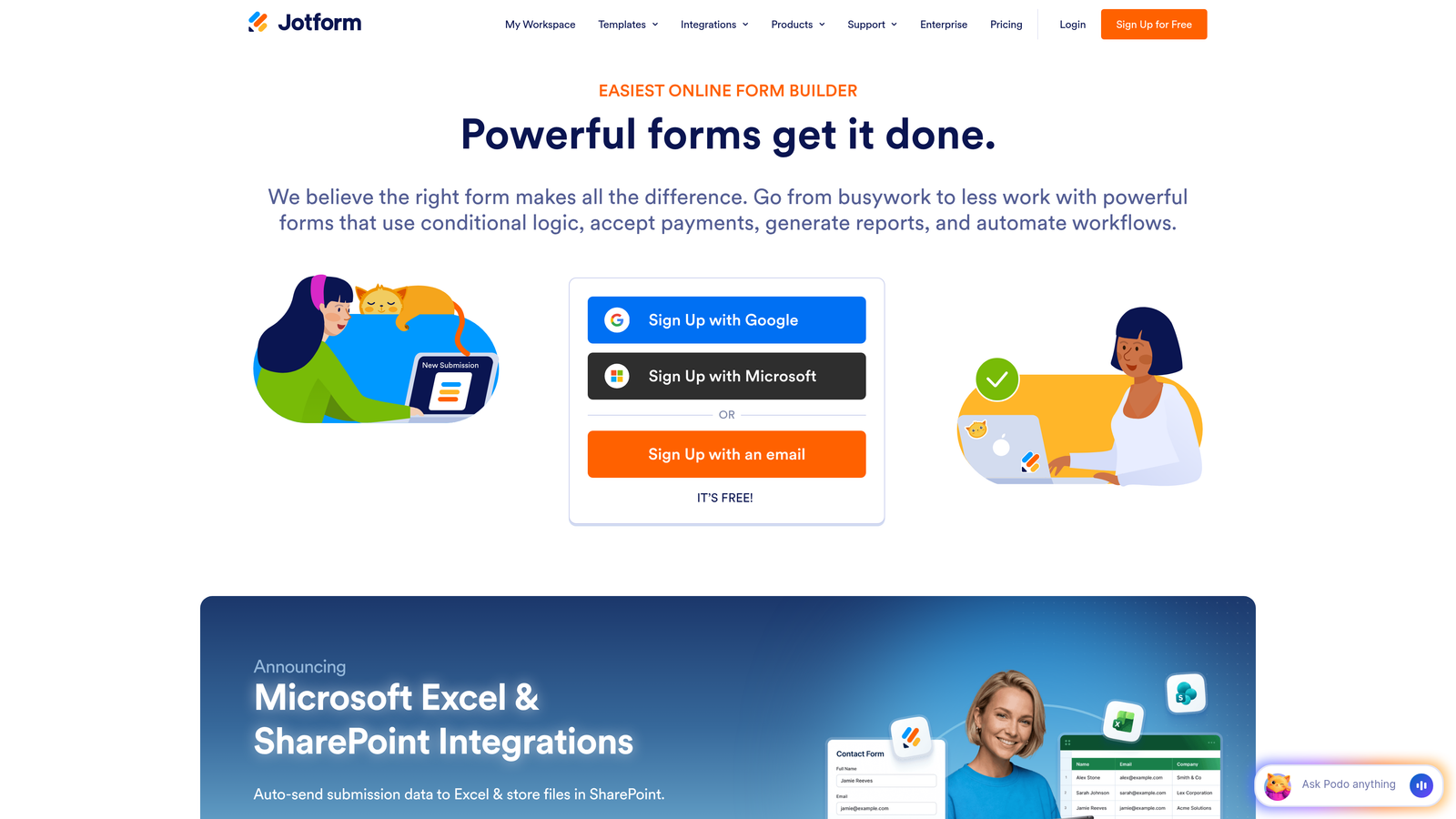
Jotform is a versatile form builder offering over 10,000 templates and a massive widget marketplace for virtually any use case.
Where This Tool Shines
Jotform's superpower is its sheer breadth of functionality. Need to collect payments? There's a widget. Need HIPAA compliance? It's built in. Want to generate PDFs from submissions? Done.
The platform has been around long enough to accumulate solutions for nearly every form-related challenge. This makes it particularly valuable when you have unusual requirements that more streamlined tools can't handle.
Key Features
Template Library: Over 10,000 pre-built form templates covering everything from contact forms to complex applications.
Widget Marketplace: Hundreds of specialized widgets for payments, signatures, calculations, file uploads, and more.
PDF Generation: Automatically create PDF documents from form submissions with custom layouts and branding.
HIPAA Compliance: Built-in compliance features for healthcare organizations collecting sensitive patient information.
Mobile App Builder: Create native mobile apps from your forms for offline data collection.
Best For
Jotform excels for organizations with diverse form needs across departments, healthcare providers requiring HIPAA compliance, and teams that need specialized functionality like payment processing or document generation. It's the Swiss Army knife of form builders.
Pricing
Free tier includes 5 forms and 100 monthly submissions. Bronze plan starts at $34/month, with Silver and Gold tiers offering more forms, submissions, and advanced features.
4. Tally
Best for: Teams wanting unlimited forms on a generous free tier with a clean, minimalist approach.
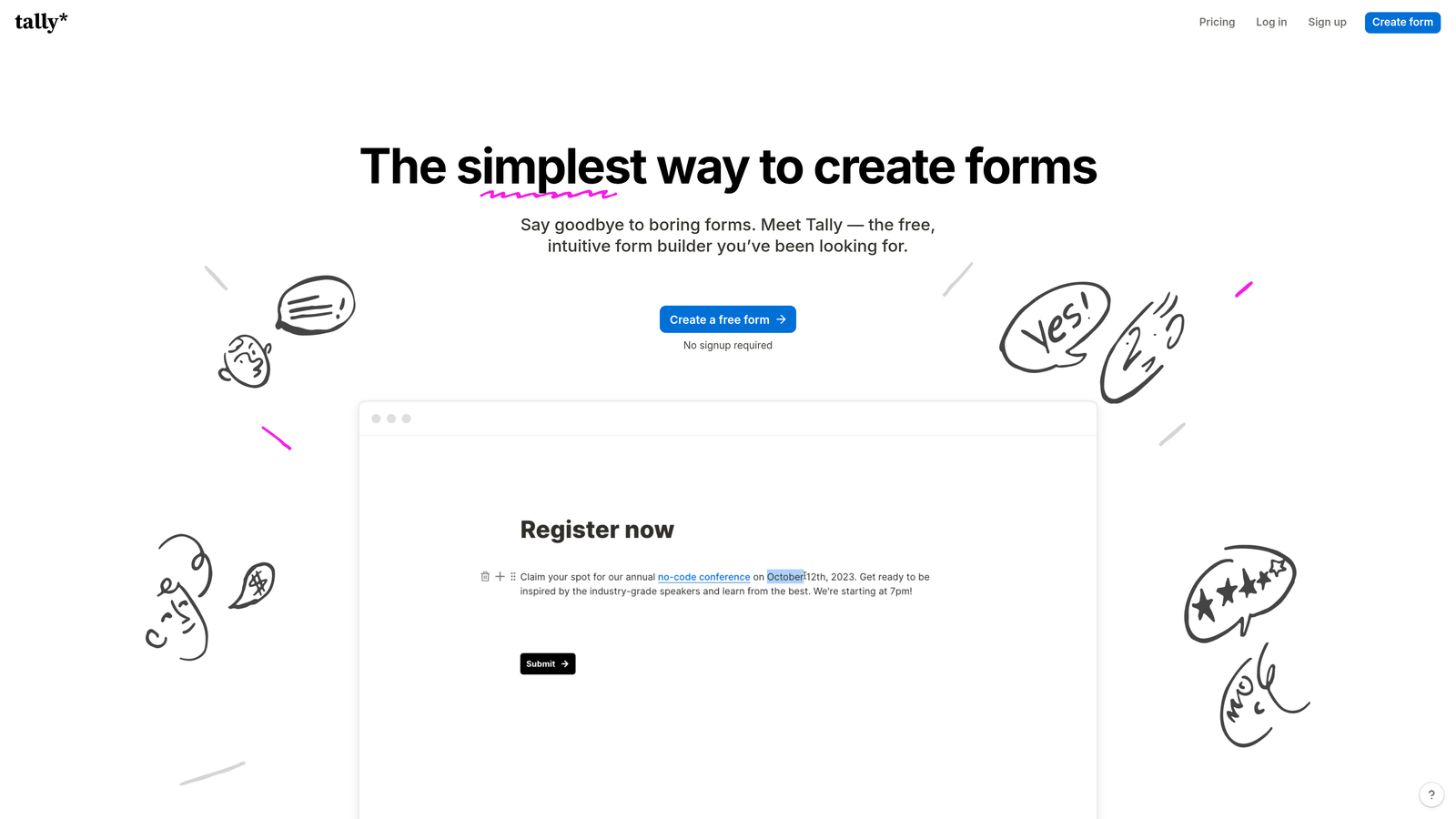
Tally is a Notion-inspired form builder that offers unlimited forms on its free plan with a block-based editing experience.
Where This Tool Shines
Tally takes a refreshingly simple approach in a market full of feature bloat. If you're already using Notion, you'll feel immediately at home with its block-based editor.
The platform's free tier is genuinely generous—unlimited forms and unlimited responses. This makes it perfect for bootstrapped startups, side projects, or teams that need multiple forms without breaking the budget.
Key Features
Unlimited Free Forms: Create as many forms as you need with unlimited responses on the free plan.
Block-Based Editor: Notion-style interface that makes form building intuitive and fast.
Conditional Logic: Show or hide questions based on previous answers to create dynamic forms.
Calculations: Perform mathematical operations on form responses for quotes, assessments, or scoring.
File Uploads and Payments: Collect files and process payments directly through your forms.
Best For
Tally is ideal for startups, indie makers, and teams already invested in the Notion ecosystem. It's particularly valuable when you need multiple forms across different projects and want to avoid per-form pricing limitations.
Pricing
Extremely generous free tier with unlimited forms and responses. Pro plan at $29/month adds custom domains, remove Tally branding, and priority support.
5. HubSpot Forms
Best for: Teams already using HubSpot CRM who need native integration and marketing automation triggers.
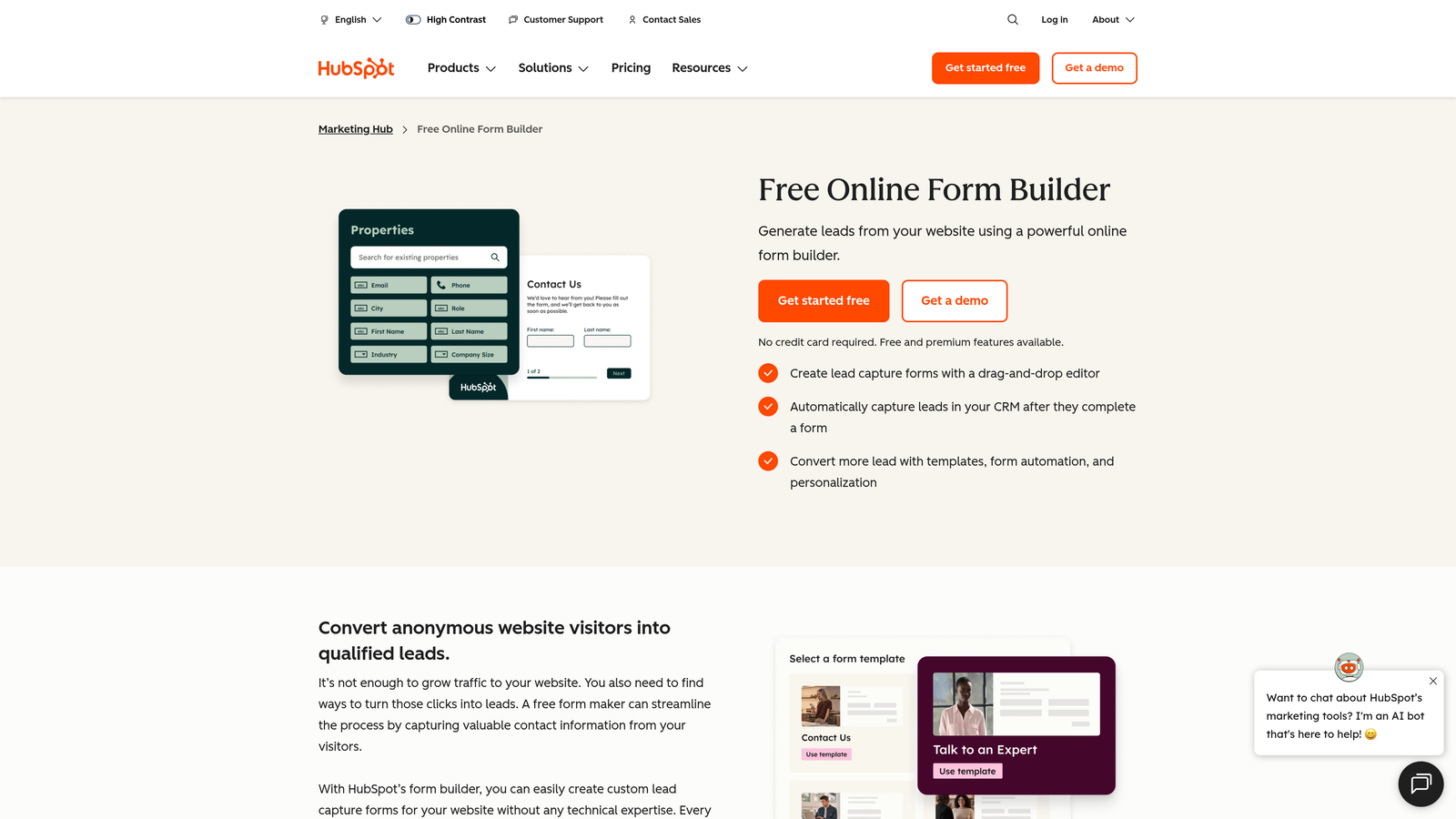
HubSpot Forms is a CRM-native form builder that automatically syncs submissions with contacts and triggers workflows.
Where This Tool Shines
HubSpot Forms isn't just a form builder—it's a fully integrated piece of your CRM and marketing automation system. Every submission automatically creates or updates a contact record, triggers workflows, and feeds your sales pipeline.
Progressive profiling is the standout feature here. Instead of asking the same questions repeatedly, HubSpot remembers what it already knows about a contact and asks new questions each time, building richer profiles without form fatigue.
Key Features
Native CRM Integration: Submissions automatically sync with HubSpot contacts, creating a seamless data flow.
Progressive Profiling: Smart forms that remember previous responses and ask new questions to gradually build detailed contact profiles.
Automatic Contact Creation: New submissions instantly become contacts in your CRM with full interaction history.
Workflow Triggers: Form submissions automatically trigger email sequences, task creation, and sales notifications.
Smart Fields: Pre-populate known information for returning visitors to reduce friction.
Best For
HubSpot Forms is the obvious choice for teams already invested in the HubSpot ecosystem. It's particularly powerful for inbound marketing teams running complex nurture campaigns where form data needs to trigger specific automation sequences.
Pricing
Free with HubSpot CRM, which includes basic form functionality. Advanced features like progressive profiling require Marketing Hub subscriptions starting at higher tiers.
6. Paperform
Best for: Creating content-rich form experiences that blend landing page design with data collection.
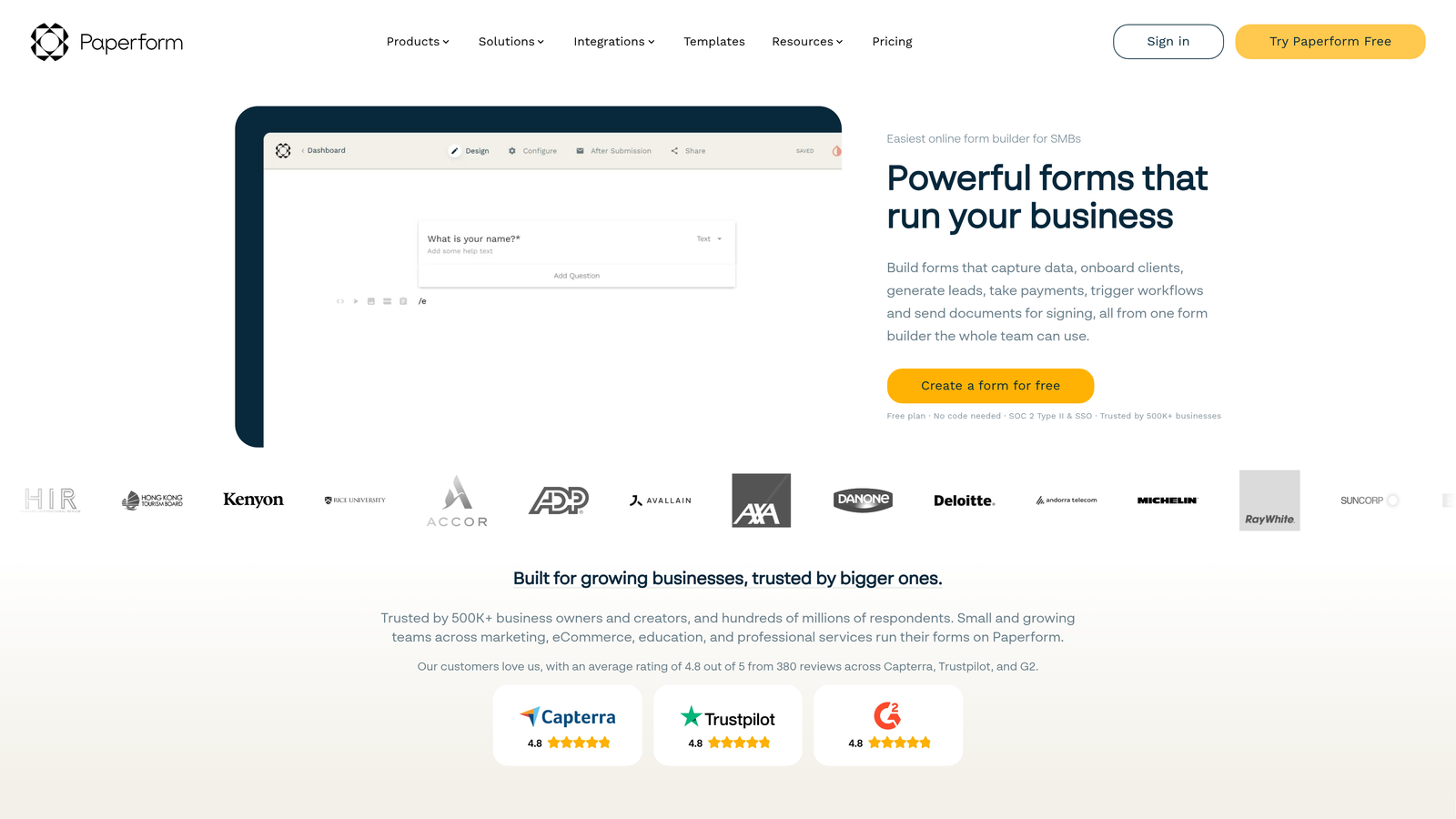
Paperform is a form builder that combines landing page functionality with form capabilities, creating visually stunning, content-rich experiences.
Where This Tool Shines
Paperform blurs the line between landing pages and forms. You can embed rich content, create product catalogs, add detailed explanations, and design compelling layouts—all while collecting form data.
This approach works brilliantly when your form needs context. Instead of sending people to a landing page and then to a separate form, you create one cohesive experience that educates and converts simultaneously.
Key Features
Landing Page Hybrid: Combine rich content, images, videos, and text with form fields in a single, flowing experience.
Content Embedding: Add videos, images, product galleries, and formatted text throughout your forms.
Payment Processing: Built-in integration with Stripe and PayPal for collecting payments directly.
Appointment Scheduling: Include booking functionality within your forms for service-based businesses.
Product Catalogs: Create order forms with product images, descriptions, and variant options.
Best For
Paperform excels for service-based businesses, e-commerce brands, event organizers, and anyone who needs to provide substantial context before asking for information. It's particularly valuable when your offer requires explanation or visual presentation.
Pricing
Essentials plan starts at $24/month with unlimited forms and submissions. Pro plan at $49/month adds advanced features like custom domains and priority support.
7. Fillout
Best for: Teams using Airtable or Notion who want forms that update their databases directly.
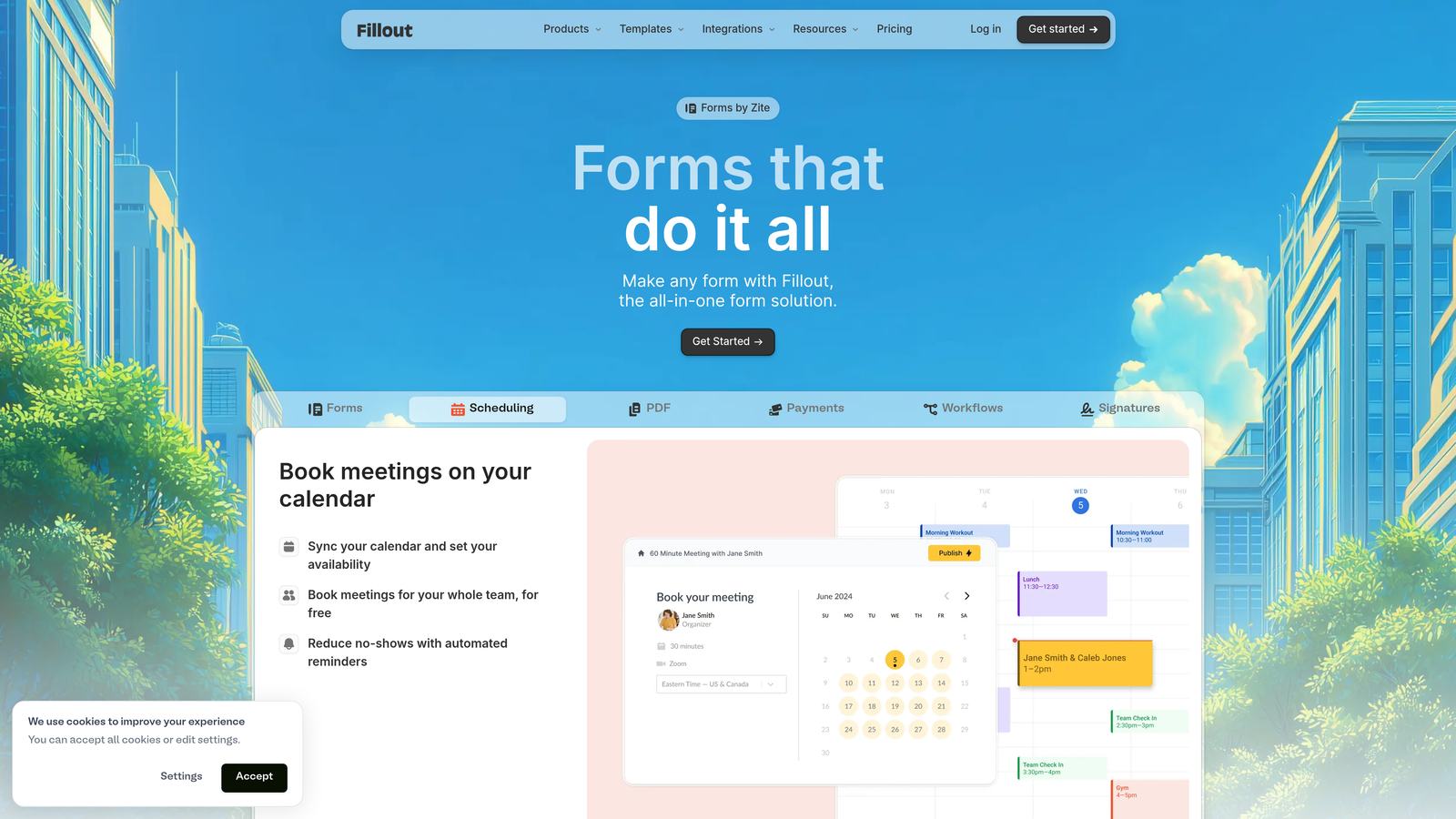
Fillout is a modern form builder with native connections to Airtable, Notion, and other databases for seamless data flow.
Where This Tool Shines
Fillout solves a specific problem brilliantly: getting form data into your existing databases without middleware. If you run your operations in Airtable or Notion, Fillout creates forms that write directly to your tables.
The native integration means no Zapier delays, no sync issues, and no data transformation headaches. Your form submissions appear in your database instantly, exactly as you need them structured.
Key Features
Native Database Integration: Direct connections to Airtable and Notion that write form data straight to your tables.
Multi-Page Forms: Break long forms into multiple pages with progress indicators to improve completion rates.
Conditional Logic: Show or hide questions based on previous answers to create personalized form flows.
File Uploads: Collect documents, images, and other files with configurable size and type restrictions.
Custom Thank-You Pages: Design branded confirmation pages with next steps and additional resources.
Best For
Fillout is perfect for operations teams, project managers, and anyone who's built their workflows around Airtable or Notion. It's particularly valuable when you need external stakeholders to submit data into your internal systems without giving them database access.
Pricing
Free tier available with basic features. Starter plan at $15/month adds advanced logic, file uploads, and custom branding.
8. Formstack
Best for: Enterprise teams needing advanced compliance, workflow automation, and document generation capabilities.
Formstack is an enterprise-grade form platform with advanced workflow automation, document generation, and compliance features for regulated industries.
Where This Tool Shines
Formstack is built for organizations where forms are mission-critical and compliance is non-negotiable. Healthcare, finance, government, and other regulated industries need more than basic data collection—they need audit trails, encryption, and certifications.
The platform's workflow automation goes beyond simple notifications. You can build complex multi-step processes, generate documents from submissions, route approvals through hierarchies, and maintain detailed compliance records.
Key Features
Advanced Workflow Automation: Build complex, multi-step processes with conditional routing and approval chains.
Document Generation: Automatically create contracts, agreements, and reports from form submission data.
Compliance Certifications: HIPAA and SOC 2 compliance with encrypted data storage and transmission.
Electronic Signatures: Collect legally binding signatures directly within your forms.
Salesforce-Native Version: Dedicated version that runs entirely within Salesforce for maximum integration.
Best For
Formstack is designed for enterprise organizations, regulated industries, and teams with complex approval workflows. It's particularly valuable when compliance requirements eliminate simpler alternatives or when you need sophisticated document generation capabilities.
Pricing
Plans start at $50/month for basic features. Enterprise pricing available for advanced compliance, dedicated support, and unlimited forms.
9. Google Forms
Best for: Simple surveys and data collection when you need free, reliable functionality with Google Workspace integration.
Google Forms is a free, straightforward form builder that integrates seamlessly with Google Sheets and other Workspace tools.
Where This Tool Shines
Google Forms doesn't try to be everything. It's a simple, reliable tool that does basic form creation well and costs nothing.
The Google Sheets integration is the key value proposition. Your responses flow directly into a spreadsheet where you can analyze, share, and manipulate data using familiar tools. For internal surveys, event registrations, or quick feedback collection, this simplicity is often exactly what you need.
Key Features
Completely Free: No limits on forms, questions, or responses with any Google account.
Google Sheets Integration: Responses automatically populate a spreadsheet for easy analysis and sharing.
Real-Time Collaboration: Multiple team members can edit forms simultaneously with automatic syncing.
Basic Conditional Logic: Show or hide questions based on previous answers for simple branching.
Quiz Mode: Create assessments with automatic grading and instant feedback.
Best For
Google Forms works well for internal surveys, event RSVPs, simple feedback collection, and educational assessments. It's ideal when you need something quick, free, and integrated with Google Workspace—but not for customer-facing lead generation where brand experience matters.
Pricing
Completely free with any Google account. No premium tiers or paid upgrades.
Making the Right Choice
The best form creation platform depends entirely on what you're trying to accomplish and how forms fit into your broader growth strategy.
If lead quality matters more than volume, platforms with built-in qualification intelligence—like Orbit AI—eliminate the manual sorting that wastes sales time. For teams drowning in unqualified submissions, AI-powered scoring and routing can transform your conversion funnel overnight.
When engagement is the priority, conversational approaches like Typeform significantly improve completion rates. The one-question-at-a-time format works particularly well for longer forms where traditional layouts create overwhelming first impressions.
For teams already invested in specific ecosystems, native integrations deliver the most value. HubSpot Forms for HubSpot users, Fillout for Airtable teams, and Formstack for Salesforce organizations eliminate integration headaches and data sync delays.
Budget considerations matter too. Tally and Google Forms prove you don't need to spend money for basic functionality, while enterprise platforms like Formstack justify their cost through compliance capabilities and advanced automation that smaller tools can't match.
Here's a quick selection guide by primary use case:
High-Volume Lead Generation: Orbit AI for intelligent qualification, Typeform for maximum engagement, or Paperform when you need landing page functionality.
Internal Operations: Fillout if you use Airtable or Notion, Google Forms for simple needs, or Jotform when you need specialized widgets.
Regulated Industries: Formstack for enterprise compliance, Jotform for HIPAA requirements, or HubSpot Forms if you need CRM integration with security.
Budget-Conscious Teams: Tally for generous free features, Google Forms for zero cost, or Fillout for affordable database integration.
The form creation landscape has matured significantly. Generic data collection is table stakes now. The platforms that deliver real value combine beautiful design with conversion intelligence, seamless integrations, and features that match how modern teams actually work.
Your forms represent critical touchpoints in your customer journey. They deserve more than templates and basic field types. The right platform transforms these interactions from data collection exercises into qualified lead generation engines.
Transform your lead generation with AI-powered forms that qualify prospects automatically while delivering the modern, conversion-optimized experience your high-growth team needs. Start building free forms today and see how intelligent form design can elevate your conversion strategy.


