

Building forms shouldn't drain your budget before you've even captured your first lead. Whether you're launching a startup, testing a new product idea, or simply need to collect feedback without financial commitment, free form platforms offer a practical starting point. But not all free plans are created equal—some limit responses to a frustrating trickle, while others pack surprising power into their no-cost tiers.
This guide breaks down nine form platforms with genuinely useful free plans, comparing the features that actually matter: response limits, integrations, design flexibility, and hidden restrictions. We've tested each platform to help you find the right fit for your specific needs, whether that's basic contact forms or sophisticated lead qualification.
1. Orbit AI
Best for: High-growth teams needing AI-powered lead qualification without upfront costs
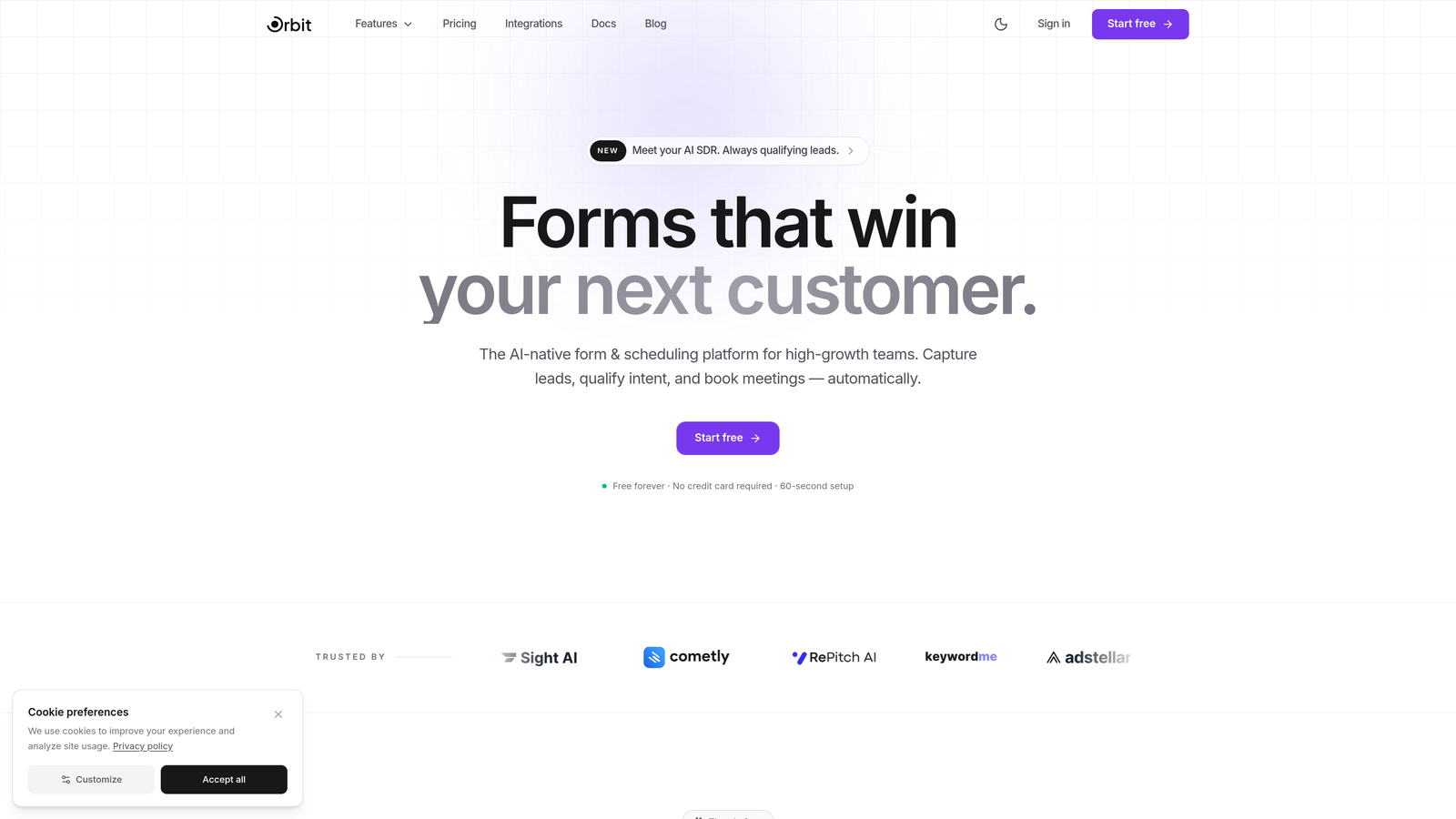
Orbit AI brings artificial intelligence to form building with a free tier that includes features most platforms reserve for premium plans.
Where This Tool Shines
The standout feature is AI-powered lead qualification that works on the free plan. While you're building forms, the platform analyzes responses in real-time to identify high-intent prospects, something that typically requires expensive marketing automation tools.
The modern, conversion-optimized templates are designed specifically for lead generation rather than generic data collection. Each template incorporates design patterns proven to increase completion rates, from progressive disclosure to smart field ordering.
Key Features
AI Lead Qualification: Automatically scores and routes leads based on response patterns and engagement signals.
Unlimited Form Creation: Build as many forms as you need without hitting artificial limits on your free account.
Smart Response Routing: Automatically direct qualified leads to sales while sending lower-priority responses to nurture sequences.
Native CRM Integrations: Connect directly to popular CRMs without requiring third-party tools like Zapier.
Conversion Analytics: Track completion rates, drop-off points, and conversion metrics to optimize performance.
Best For
Startups and growing businesses that need sophisticated lead qualification capabilities without the enterprise price tag. Particularly valuable if you're running paid advertising campaigns where lead quality directly impacts ROI, or if your sales team needs pre-qualified prospects rather than raw form submissions.
Pricing
Free plan includes AI qualification features with generous response limits. Paid plans unlock advanced customization, white-labeling, and enterprise integrations for teams scaling their lead generation efforts.
2. Tally
Best for: Teams wanting unlimited responses without paying a cent
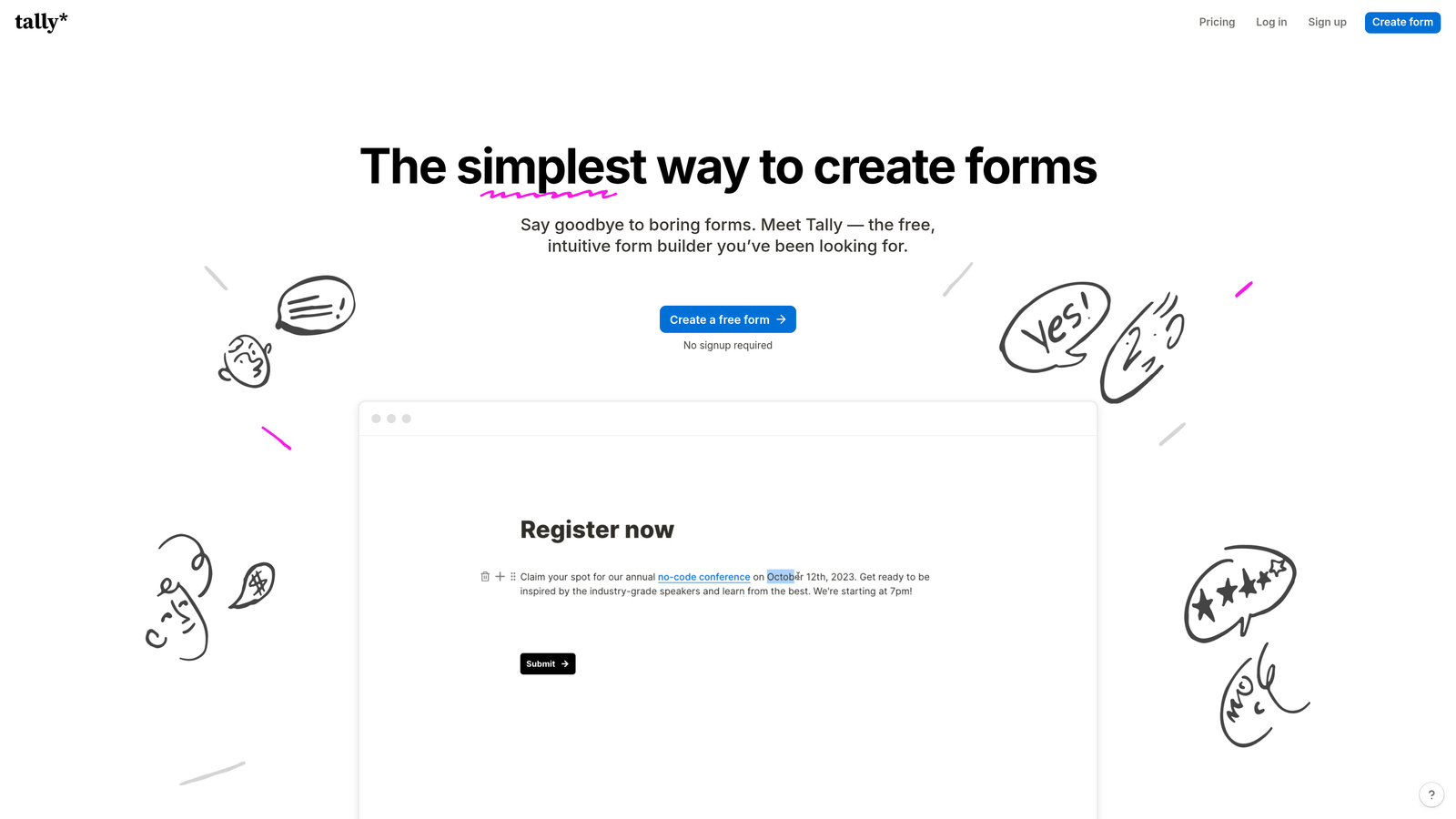
Tally is a refreshingly generous form builder that doesn't artificially restrict your free tier with response limits.
Where This Tool Shines
The unlimited responses on the free plan make Tally genuinely useful for real projects, not just testing. You won't hit a wall mid-campaign when responses start flowing in, which is a game-changer for bootstrapped teams.
The Notion-style block editor feels intuitive if you're already using modern productivity tools. You build forms by stacking blocks rather than filling out configuration panels, making the creation process faster and more visual.
Key Features
Unlimited Everything Free: No caps on forms, responses, or basic features that would force an upgrade.
Block-Based Editor: Drag and drop form elements with the same ease as building a Notion document.
Built-In Calculations: Add dynamic calculations directly in your forms without custom code or paid add-ons.
Conditional Logic: Show or hide questions based on previous answers, even on the free tier.
File Uploads: Collect documents, images, and other files from respondents at no cost.
Best For
Community builders, content creators, and small teams who need to collect high volumes of responses without budget constraints. Perfect for event registrations, feedback collection, or any scenario where you can't predict response volume.
Pricing
Free with unlimited responses. Pro plan at $29/month removes Tally branding and adds custom domains for teams wanting a white-label experience.
3. Google Forms
Best for: Quick, no-frills data collection with automatic spreadsheet integration
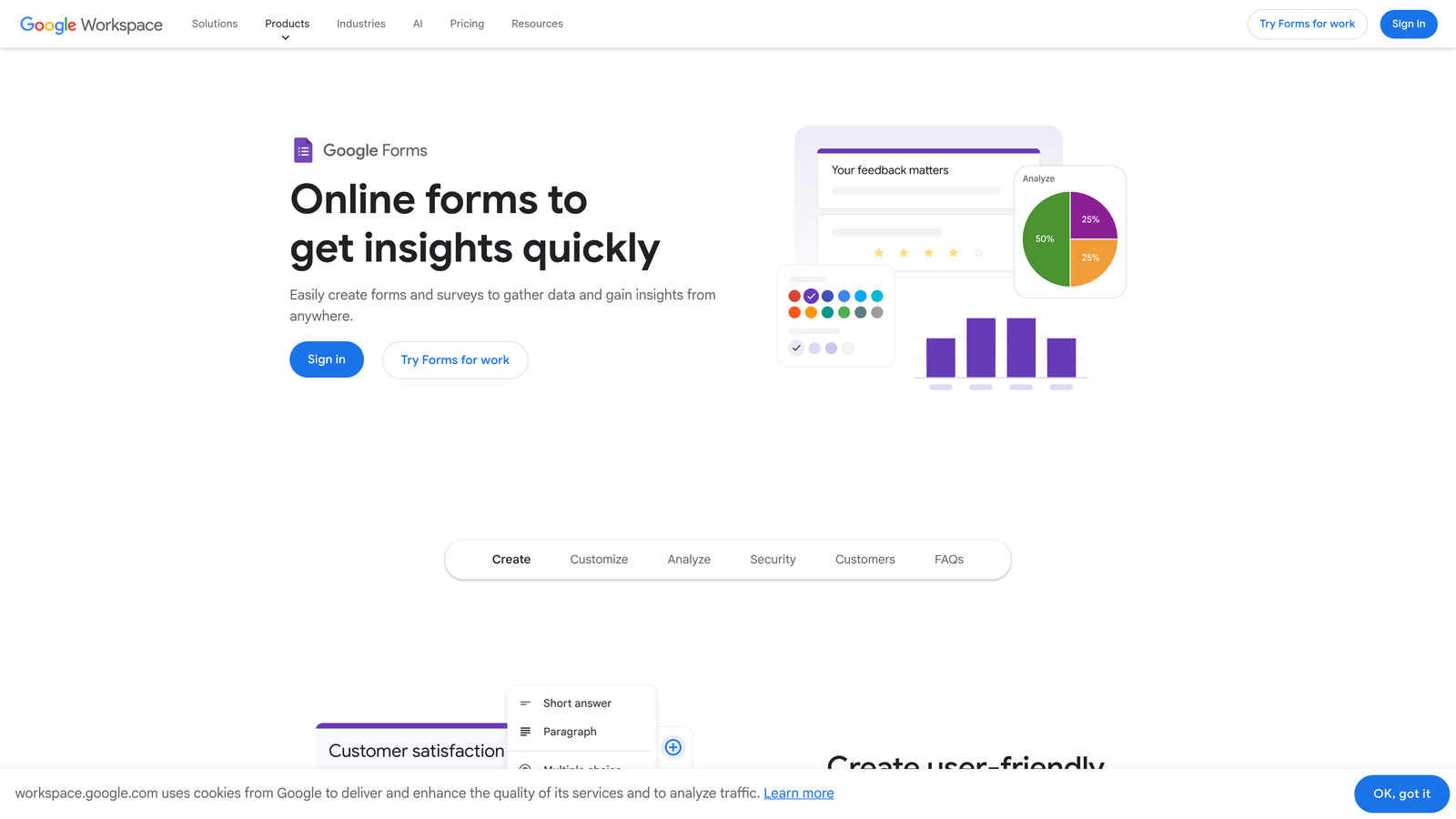
Google Forms is the straightforward option that just works, especially if you're already living in the Google ecosystem.
Where This Tool Shines
The automatic Google Sheets integration means every response lands in a familiar spreadsheet format instantly. No export steps, no third-party connectors—just real-time data you can analyze, share, or visualize immediately.
Collaboration features mirror the rest of Google Workspace. Multiple team members can edit the same form simultaneously, with changes appearing in real-time. This makes it ideal for teams already using Google Docs and Sheets for collaboration.
Key Features
Completely Free Forever: Zero cost with unlimited forms and responses as long as you have a Google account.
Live Sheets Integration: Responses populate a Google Sheet automatically with no configuration required.
Basic Conditional Logic: Show questions based on previous answers using section branching.
Real-Time Collaboration: Multiple editors can work on the same form simultaneously without conflicts.
Quiz Mode: Create self-grading quizzes with automatic scoring and immediate feedback.
Best For
Teams already using Google Workspace who need simple data collection without learning new tools. Excellent for internal surveys, event RSVPs, or educational quizzes where fancy design isn't the priority.
Pricing
Completely free with any Google account. No paid tiers or upgrade paths—what you see is what you get.
4. Typeform
Best for: Creating engaging, conversational form experiences with high completion rates
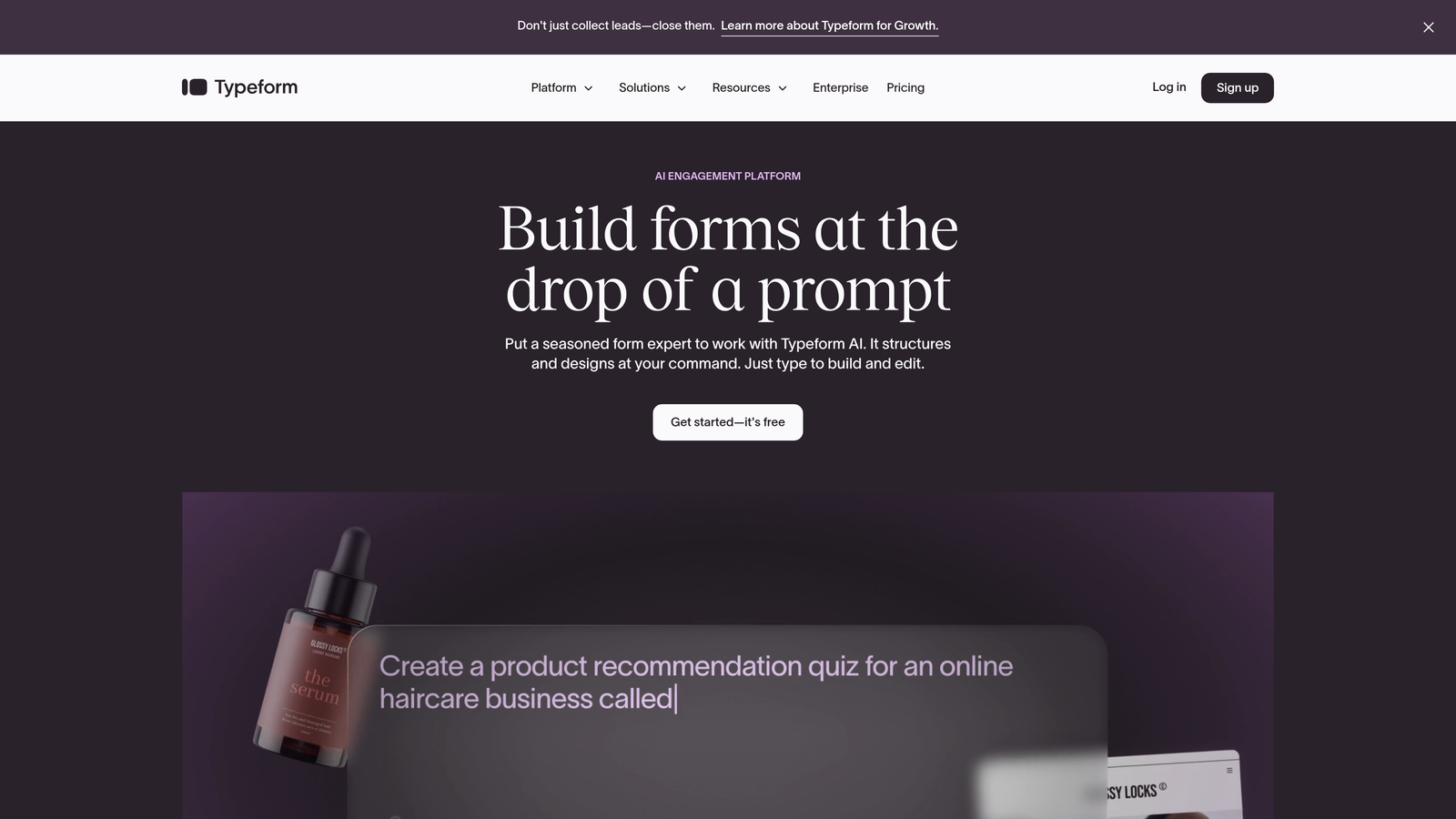
Typeform pioneered the one-question-at-a-time interface that makes forms feel like conversations rather than interrogations.
Where This Tool Shines
The conversational interface genuinely improves completion rates by reducing form anxiety. Instead of facing a wall of fields, respondents answer one thoughtfully designed question at a time, creating a more engaging experience that feels less like work.
The design aesthetic is polished and modern out of the box. Even without customization, Typeform forms look professional and on-brand, which matters when first impressions count.
Key Features
Conversational Interface: Present one question at a time to create a dialogue-style experience that feels natural.
Logic Jumps: Create branching paths based on answers to personalize the experience for each respondent.
Rich Media Support: Embed videos and images throughout your forms to add visual context.
Basic Analytics: Track completion rates and drop-off points to identify optimization opportunities.
Mobile-Optimized: Forms automatically adapt to mobile screens with touch-friendly interactions.
Best For
Marketing teams running lead generation campaigns where completion rate directly impacts ROI. The conversational format works particularly well for customer feedback surveys, application forms, or any scenario where you're asking for significant time investment.
Pricing
Free plan limited to 10 responses per month, which is tight for active campaigns. Basic plan starts at $25/month for 100 responses, scaling up from there.
5. Jotform
Best for: Teams needing extensive templates and widgets for complex form requirements
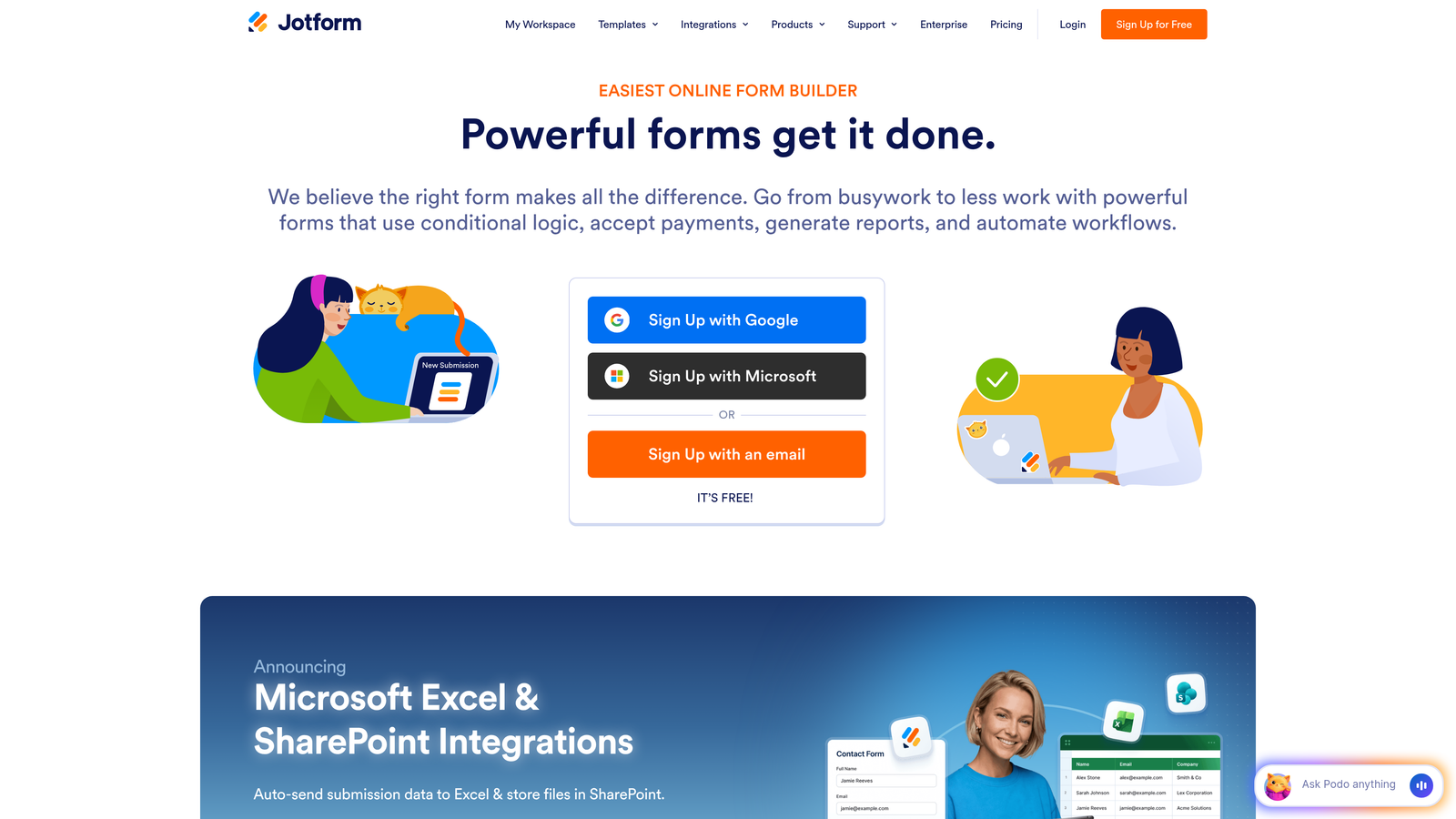
Jotform offers one of the most feature-rich free tiers, with capabilities that extend far beyond basic data collection.
Where This Tool Shines
The template library contains over 10,000 pre-built forms covering nearly every conceivable use case. Rather than starting from scratch, you can customize a template that's already 80% of what you need, dramatically reducing build time.
Payment collection works on the free tier, which is rare. You can accept payments through multiple processors directly in your forms, making it viable for selling products, collecting donations, or processing registration fees without upgrading.
Key Features
Massive Template Library: Over 10,000 templates spanning industries, use cases, and form types.
Payment Processing: Accept payments through Square, PayPal, Stripe, and other processors on free accounts.
PDF Generation: Automatically create PDF documents from form submissions for contracts or receipts.
E-Signature Support: Collect legally binding signatures directly within your forms.
Mobile App: Manage forms and view responses through dedicated iOS and Android apps.
Best For
Small businesses and solopreneurs who need payment collection, e-signatures, or PDF generation without monthly software costs. The 100 submission limit works for lower-volume operations like service bookings or product orders.
Pricing
Free tier includes 100 monthly submissions. Bronze plan at $34/month increases limits and removes Jotform branding for more professional presentation.
6. Microsoft Forms
Best for: Organizations already using Microsoft 365 who want seamless ecosystem integration
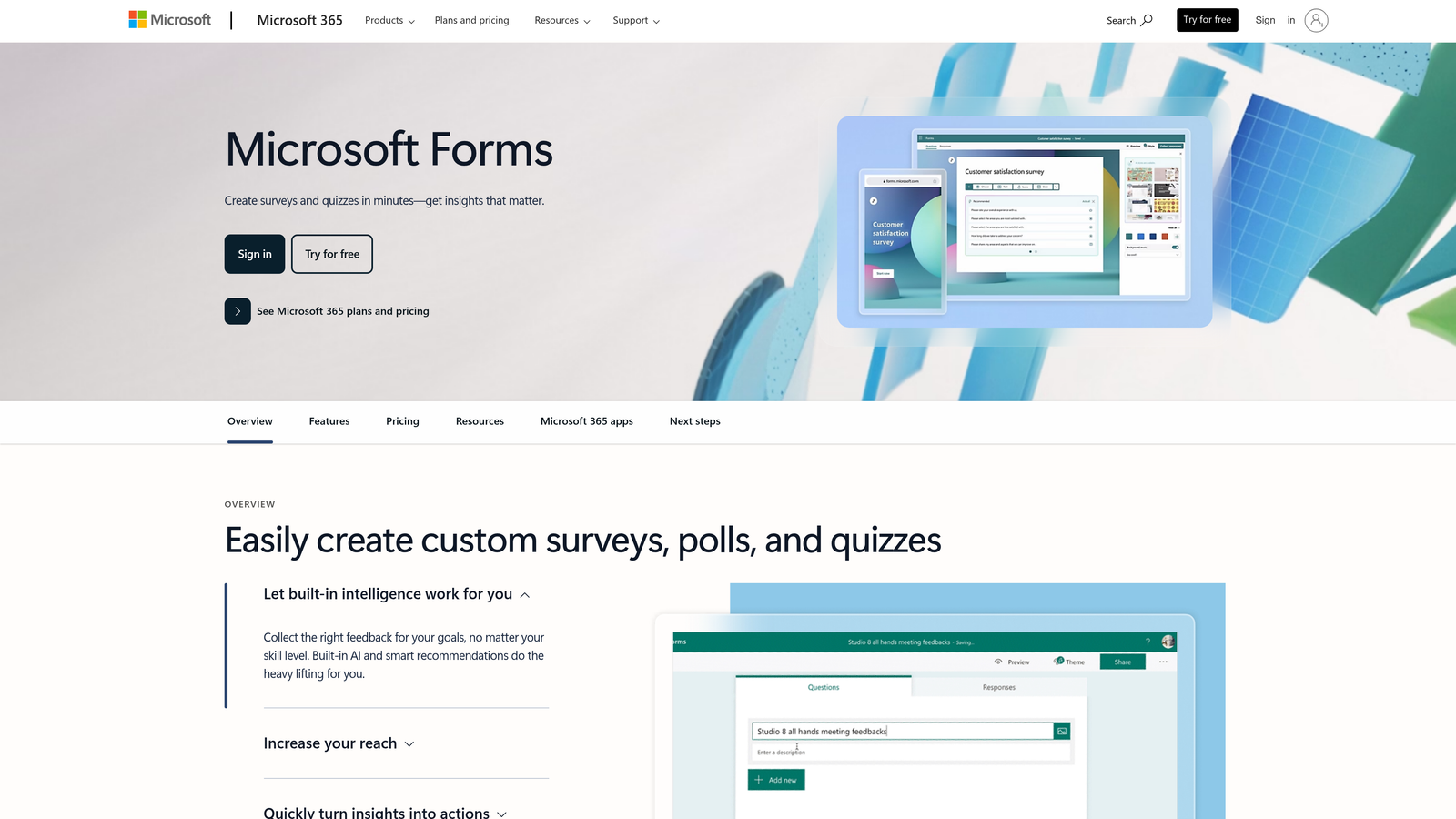
Microsoft Forms is the natural choice if your team lives in Outlook, Teams, and Excel.
Where This Tool Shines
Real-time analytics display response trends as they happen, with visual charts that update automatically. You can watch results come in during live events or presentations, making it excellent for interactive sessions or instant feedback scenarios.
The Excel integration mirrors what Google Forms does with Sheets, but with the added benefit of Excel's more powerful analysis tools. Export happens with one click, and the data arrives in a format ready for pivot tables and advanced formulas.
Key Features
Free with Microsoft Account: No cost if you have any Microsoft account, with enhanced features for Microsoft 365 subscribers.
Live Response Analytics: Watch charts and graphs update in real-time as responses arrive.
Branching Logic: Route respondents to different questions based on their answers.
Excel Export: Download responses directly to Excel with proper formatting and structure.
Quiz Functionality: Create graded quizzes with automatic scoring and answer keys.
Best For
Corporate teams, educational institutions, and any organization already paying for Microsoft 365. The integration with Teams makes it particularly useful for internal communications and employee feedback.
Pricing
Free with any Microsoft account. Microsoft 365 subscribers get additional features like larger file uploads and more sophisticated branching logic.
7. Fillout
Best for: Teams using Airtable or Notion who need native database integration
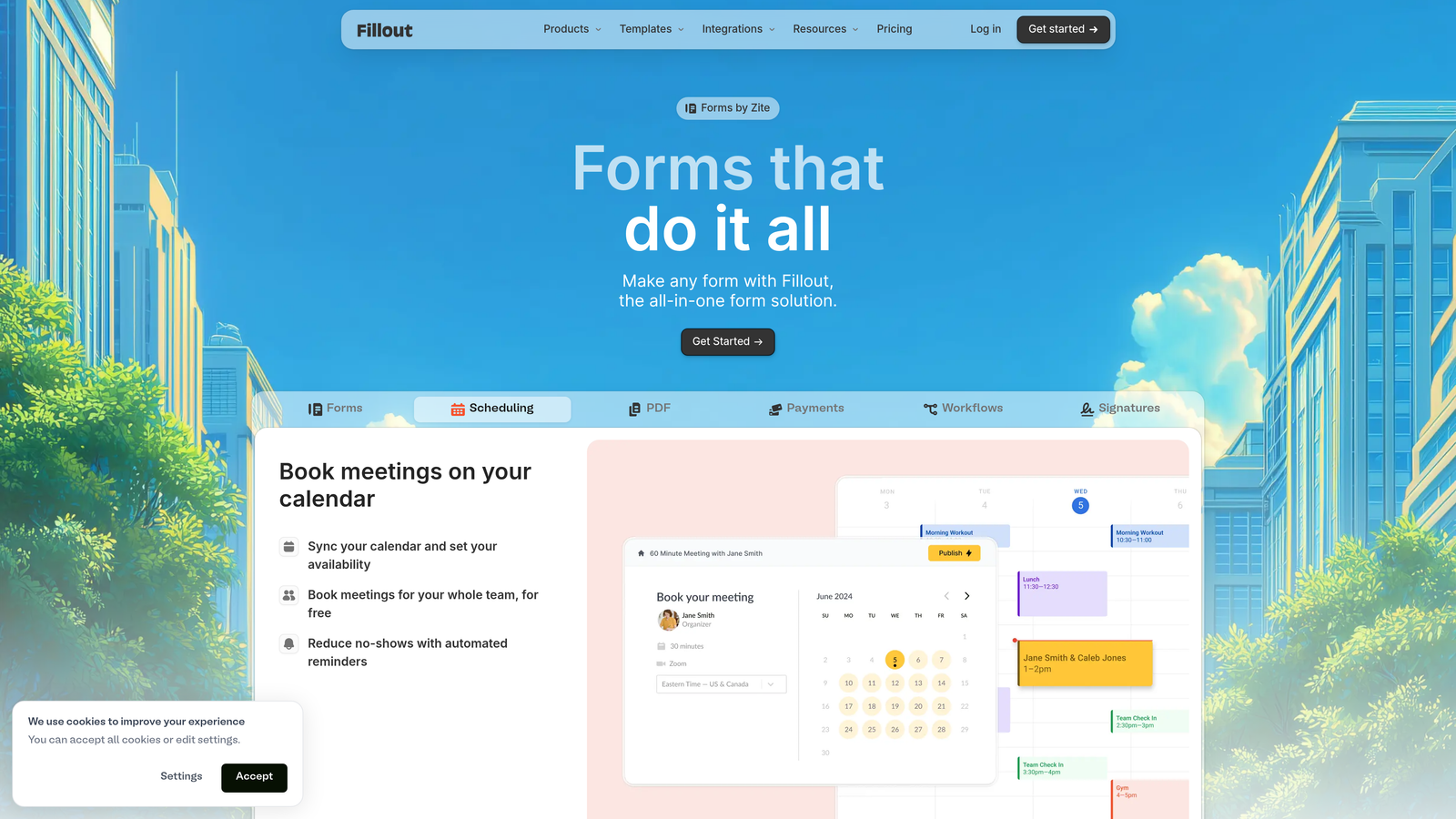
Fillout bridges the gap between form builders and database tools with direct connections to your existing data infrastructure.
Where This Tool Shines
Native Airtable and Notion integration means responses flow directly into your existing databases without middleware. If you're already managing data in these tools, Fillout eliminates the friction of exports, imports, or Zapier connections.
The 1,000 responses per month on the free tier provides genuine runway for growing projects. That's enough volume to validate ideas, run initial campaigns, or support a small community without hitting walls.
Key Features
Database Connections: Send responses directly to Airtable, Notion, or other database tools without third-party integrations.
Generous Free Tier: 1,000 monthly responses gives you room to grow before upgrading becomes necessary.
Conditional Logic: Show or hide fields based on previous answers to create dynamic form experiences.
Calculations: Perform math operations within forms for quotes, scores, or dynamic pricing.
Custom Thank-You Pages: Redirect respondents to specific pages based on their answers.
Best For
Product teams and startups using Airtable or Notion as their primary data layer. Particularly valuable if you're building no-code workflows where forms feed directly into your operational databases.
Pricing
Free plan includes 1,000 responses monthly. Starter plan at $15/month removes limits and adds features like custom domains and advanced integrations.
8. Paperform
Best for: Creating forms that double as landing pages with rich media and branding
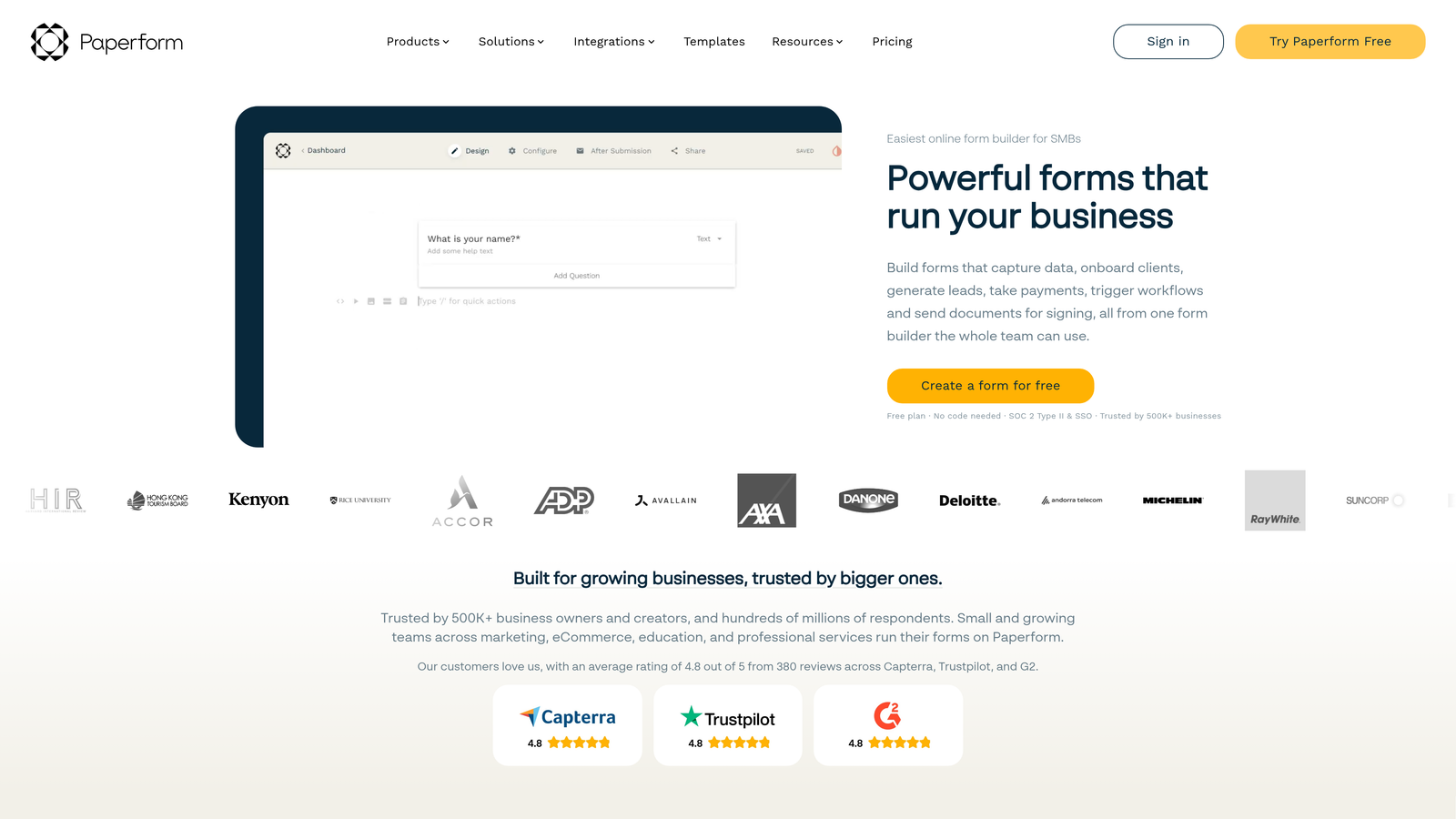
Paperform blurs the line between forms and landing pages with document-style editing that creates beautiful, branded experiences.
Where This Tool Shines
The rich text editor lets you build forms that look like custom web pages rather than generic questionnaires. You can embed images, videos, and formatted text throughout the form to create context and tell your brand story.
Payment and booking capabilities are built-in and sophisticated. You can create product catalogs, process complex pricing calculations, and handle appointment scheduling all within a single form, making it a legitimate alternative to dedicated booking software.
Key Features
Document-Style Editor: Build forms using rich text editing that feels like creating a web page.
Payment Processing: Accept payments with dynamic pricing, product options, and discount codes.
Booking System: Schedule appointments with calendar integration and automatic confirmations.
Advanced Calculations: Create complex formulas for quotes, scores, or conditional pricing.
Extensive Integrations: Connect to thousands of apps through native integrations and Zapier.
Best For
Service businesses, consultants, and creative professionals who need forms that match their brand aesthetic. The ability to combine forms, payments, and bookings makes it particularly valuable for solopreneurs consolidating multiple tools.
Pricing
No permanent free plan—offers a 14-day free trial instead. Essentials plan starts at $24/month, which is reasonable given the feature depth but requires budget commitment upfront.
9. Formspree
Best for: Developers building static sites who need form backend without server infrastructure
Formspree provides form processing for static sites and JAMstack applications without requiring backend code.
Where This Tool Shines
The developer-focused approach means you can add forms to static sites hosted on Netlify, Vercel, or GitHub Pages without spinning up servers. You write standard HTML forms, point them at Formspree, and it handles the rest.
Spam filtering is included on the free tier, which is critical for public-facing forms. The system uses multiple detection methods to block bot submissions without requiring CAPTCHA challenges that hurt conversion rates.
Key Features
No Backend Required: Add form processing to static sites using simple HTML without server-side code.
Email Notifications: Receive submissions directly in your inbox with customizable notification settings.
Spam Protection: Built-in filtering blocks bot submissions without user-facing CAPTCHA challenges.
Autoresponders: Send automatic confirmation emails to respondents after submission.
JAMstack Compatible: Works seamlessly with modern static site generators and hosting platforms.
Best For
Developers building static sites, portfolio sites, or documentation pages who need simple contact forms without backend complexity. The 50 submissions per month works for personal sites and low-traffic projects.
Pricing
Free tier includes 50 submissions monthly. Pro plan at $10/month increases limits to 1,000 submissions and adds features like file uploads and custom redirects.
Making the Right Choice
Your ideal free form platform depends entirely on your specific constraints and goals. Let's break down the decision by common scenarios.
If you're running lead generation campaigns where quality matters more than quantity, Orbit AI's free tier delivers AI-powered qualification that typically requires expensive marketing automation tools. The ability to automatically identify high-intent prospects transforms raw submissions into actionable sales opportunities without manual sorting.
For teams that simply need unlimited responses without budget constraints, Tally stands out as the most generous option. The lack of artificial caps means you can run campaigns, collect feedback, or manage registrations without constantly checking your usage dashboard or facing surprise upgrade requirements.
Google Forms and Microsoft Forms serve different ecosystems but fill similar roles—straightforward data collection with automatic spreadsheet integration. Choose based on whether your team lives in Google Workspace or Microsoft 365. The collaboration features make either option excellent for internal surveys and team feedback.
When completion rates directly impact your ROI, Typeform's conversational interface justifies its tight 10-response free limit. The one-question-at-a-time format genuinely improves engagement, making it worth considering for high-value lead generation even if you need to upgrade quickly.
Jotform's payment processing on the free tier creates unique value for small businesses. If you need to collect registration fees, process orders, or accept donations, the 100 monthly submissions might be sufficient while you validate your offering before committing to monthly software costs.
Teams using Airtable or Notion as their data layer should seriously consider Fillout. The native database integration eliminates the friction of exports and imports, keeping your data workflow streamlined without requiring Zapier or custom scripts.
For developers building static sites, Formspree solves a specific problem elegantly. The 50 submissions per month works perfectly for portfolio contact forms, documentation feedback, or personal project inquiries without the overhead of backend infrastructure.
The platforms with limited free trials—Paperform's 14 days—require different evaluation. They're not truly free options for ongoing use, but the trial period lets you test sophisticated features before committing. Consider these when you know you'll need paid features but want to validate the platform first.
Most teams eventually outgrow free tiers, and that's by design. The key is choosing a platform where the free tier provides genuine value while offering a clear upgrade path that matches your growth trajectory. Look for platforms where paid plans add features you'll actually need rather than simply removing artificial restrictions.
Start building free forms today and see how intelligent form design can elevate your conversion strategy. Transform your lead generation with AI-powered forms that qualify prospects automatically while delivering the modern, conversion-optimized experience your high-growth team needs.


