

Finding form creation software that delivers real conversion power without breaking your budget is trickier than it should be. You need beautiful forms that actually convert, but pricing structures range from completely free to hundreds per month—and the cost doesn't always match the value.
We evaluated dozens of form builders based on four critical factors: pricing transparency, value per dollar spent, scalability as your team grows, and feature-to-cost ratio. This guide covers everything from free tiers perfect for bootstrapped startups to enterprise solutions built for high-growth teams.
Whether you're working with zero budget or ready to invest in conversion optimization, you'll find options that fit your needs. Here are the top form creation software options organized by cost and value in 2026.
1. Orbit AI
Best for: High-growth teams ready to leverage AI for lead qualification and conversion optimization
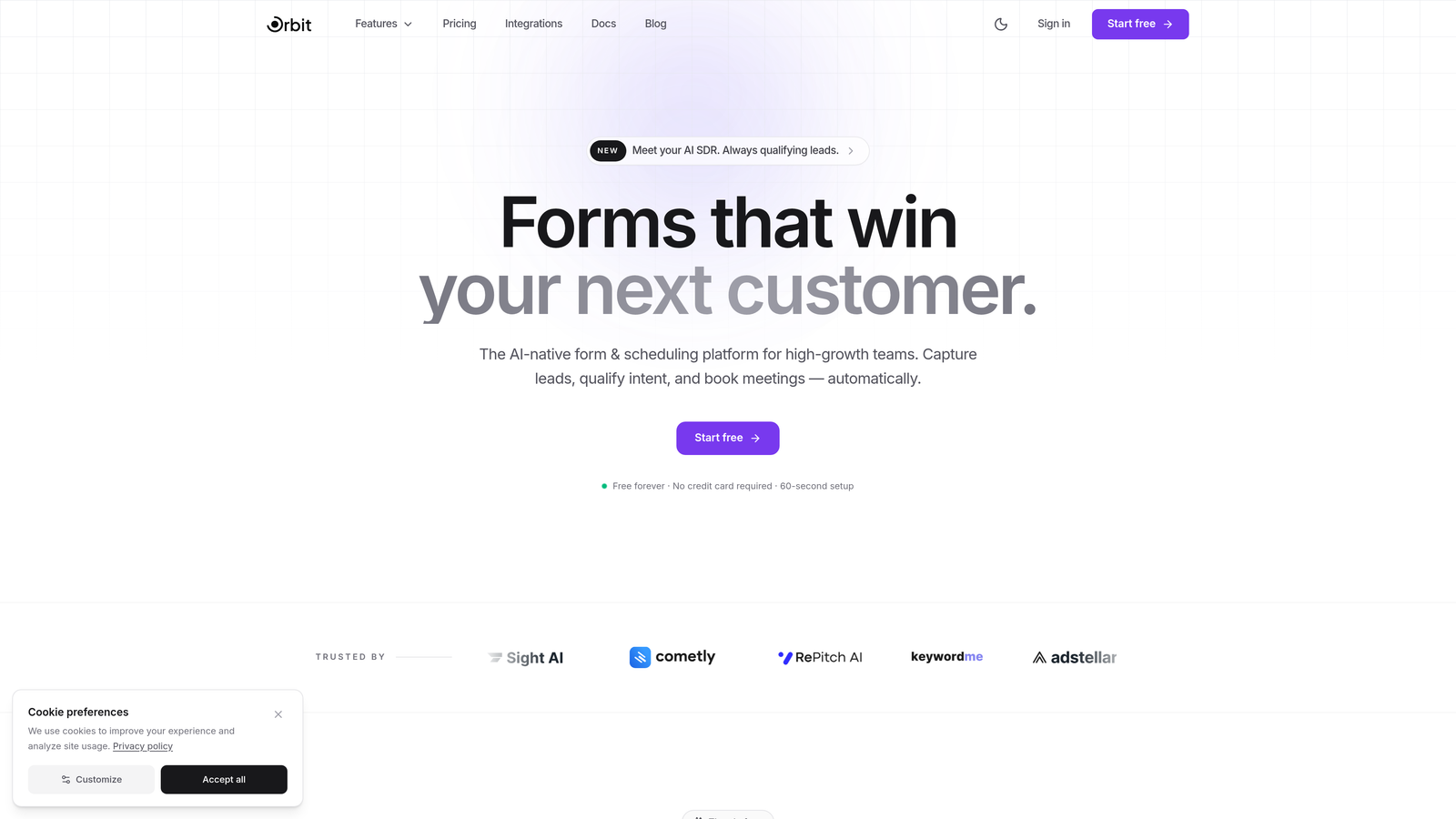
Orbit AI is an AI-powered form builder that automatically qualifies leads while delivering conversion-optimized experiences.
Where This Tool Shines
The AI-powered lead qualification sets Orbit AI apart from traditional form builders. Instead of collecting responses and manually sorting through submissions later, the platform identifies your best prospects in real-time based on criteria you define.
For high-growth teams focused on conversion rates rather than just form submissions, this transforms how you handle inbound leads. The modern interface creates forms that feel premium and professional, which directly impacts completion rates.
Key Features
AI-Powered Lead Qualification: Automatically scores and routes leads based on quality and fit, saving hours of manual review.
Conversion-Optimized Templates: Pre-built form designs tested for maximum completion rates across industries.
Built-In Analytics and Workflows: Track performance metrics and automate follow-up actions without connecting external tools.
Modern Form Design: Beautiful, responsive forms that work seamlessly across all devices and screen sizes.
Intelligent Routing: Send qualified leads directly to sales while nurturing others through automated sequences.
Best For
SaaS companies, B2B businesses, and marketing teams where lead quality matters more than quantity. If you're spending significant time manually qualifying form submissions or losing deals because hot leads sit in a queue, the AI qualification pays for itself quickly.
Pricing
Visit the Orbit AI pricing page for current plan details. The platform is designed for teams serious about conversion optimization and lead quality.
2. Typeform
Best for: Creating engaging conversational forms with high completion rates
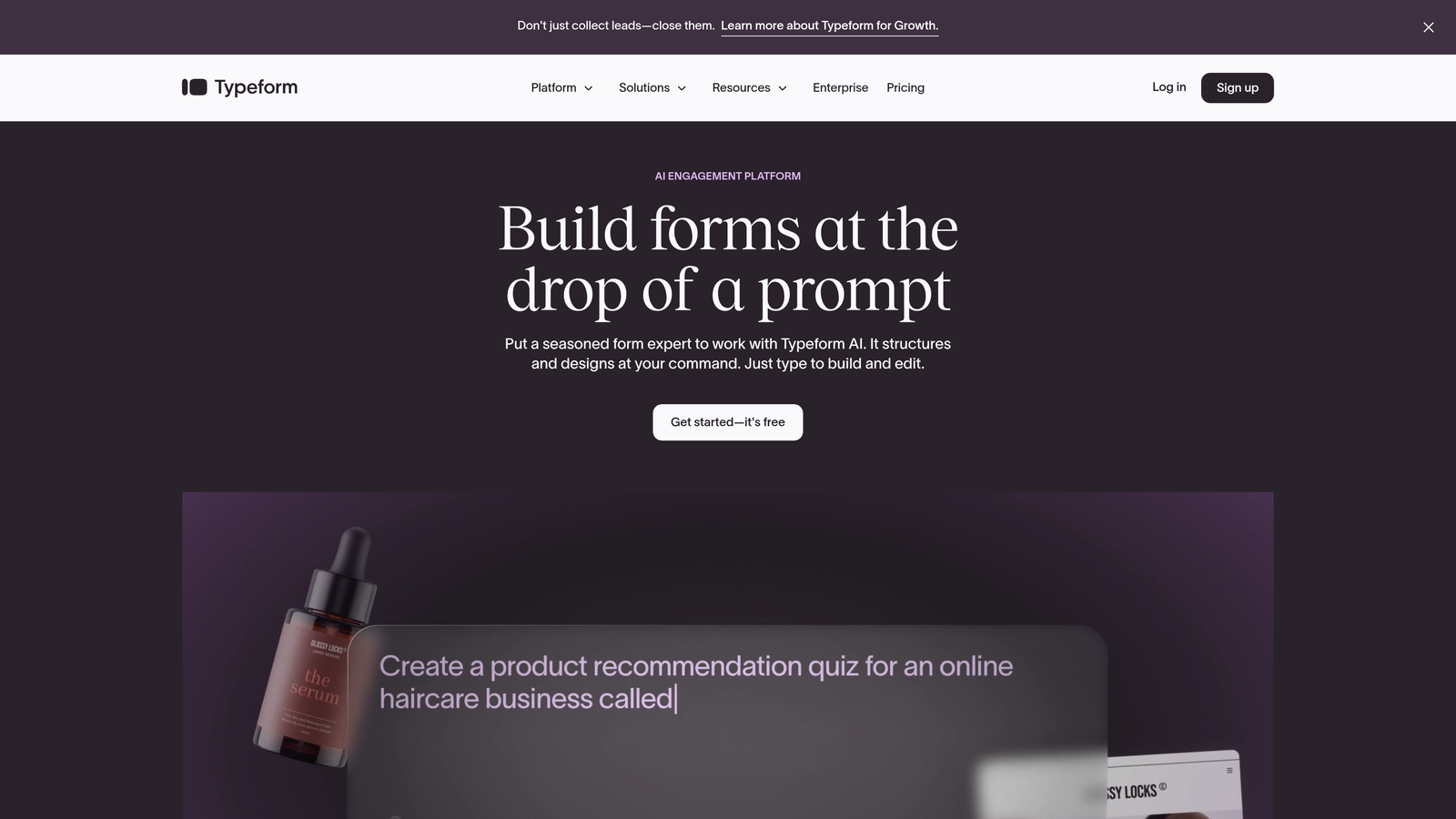
Typeform is a conversational form builder that displays one question at a time for higher engagement.
Where This Tool Shines
The one-question-at-a-time approach makes long forms feel manageable. Instead of overwhelming visitors with a wall of fields, Typeform creates a conversation-like experience that significantly improves completion rates for surveys and lead capture.
The interface is incredibly intuitive to build with, and the forms themselves look polished without any design work. For teams prioritizing user experience and engagement over raw functionality, Typeform delivers consistently.
Key Features
Conversational Flow: One question per screen keeps users focused and reduces form abandonment.
Logic Jumps and Branching: Show different questions based on previous answers to personalize the experience.
Video and Image Embedding: Add rich media directly into your forms for context and engagement.
Native Integrations: Connect to popular tools like Slack, Google Sheets, and Mailchimp without third-party connectors.
Custom Branding: Remove Typeform branding and add your own colors, logos, and custom domains on paid plans.
Best For
Marketing teams creating surveys, feedback forms, or lead generation campaigns where engagement rates directly impact results. The conversational approach works especially well for longer forms that would intimidate users in traditional formats.
Pricing
Free tier available with Typeform branding and limited features. Paid plans start around $25/month, with pricing scaling based on responses and features needed.
3. Jotform
Best for: Teams needing extensive templates and features on a budget-friendly plan
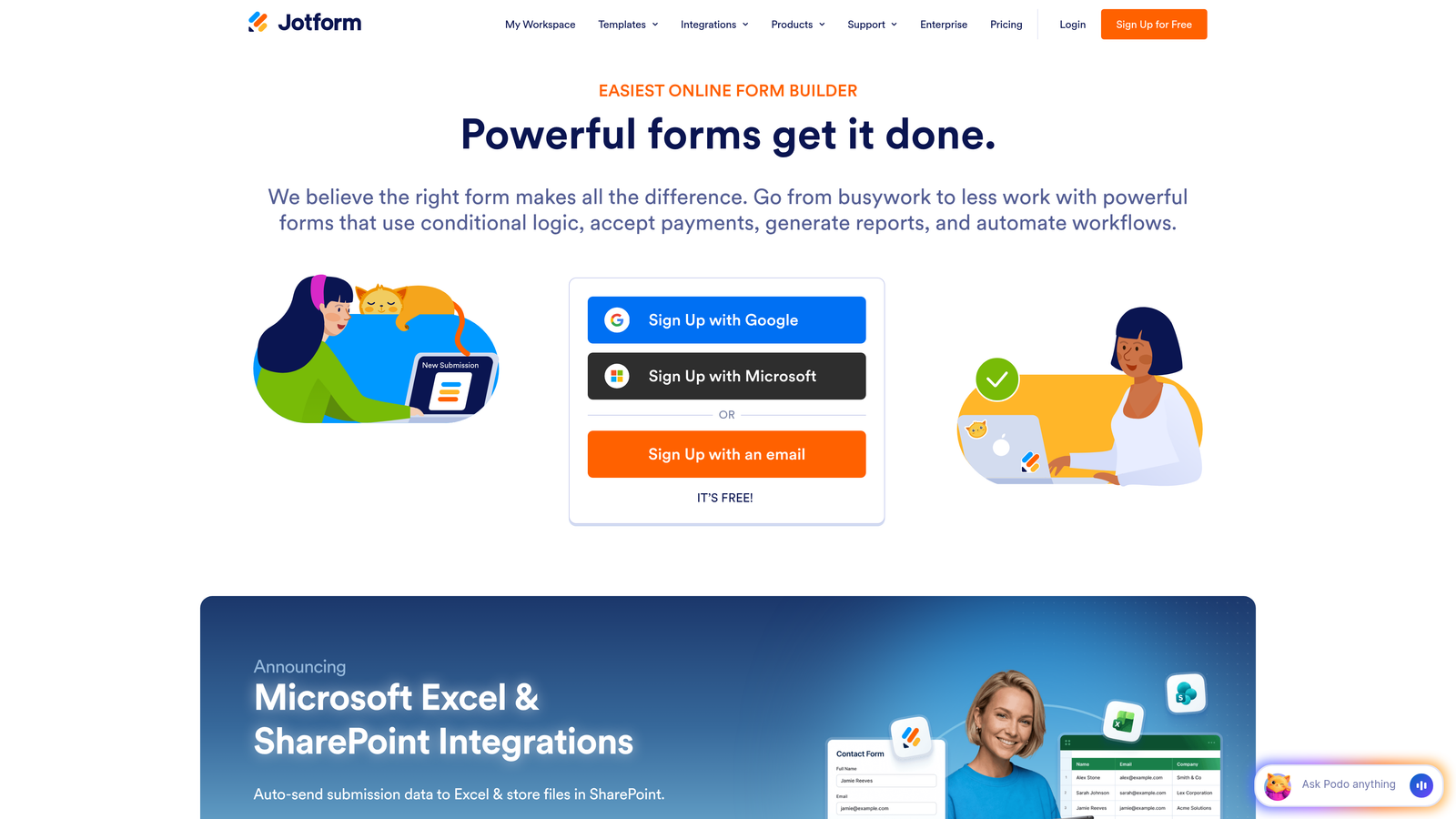
Jotform is a feature-rich form builder offering over 10,000 templates and generous free tier options.
Where This Tool Shines
The sheer breadth of pre-built templates means you'll find something close to what you need regardless of your use case. From registration forms to payment collection, Jotform has likely built a template for it already.
The free tier is remarkably generous compared to competitors, making it viable for small businesses and nonprofits operating on tight budgets. You get real functionality without immediately hitting paywalls.
Key Features
10,000+ Form Templates: Pre-built forms for virtually every industry and use case imaginable.
PDF Form Generation: Automatically convert form submissions into formatted PDF documents for record-keeping.
Payment Integrations: Accept payments directly through forms via PayPal, Stripe, and other processors.
Mobile App Builder: Create mobile apps from your forms for offline data collection.
Conditional Logic: Show or hide fields based on user responses to create dynamic experiences.
Best For
Small businesses, nonprofits, and teams that need diverse form types without paying for multiple specialized tools. The template library saves significant time for non-technical users who want professional results quickly.
Pricing
Free tier includes 5 forms and 100 monthly submissions. Paid plans start at $34/month and scale based on form count, submissions, and storage needs.
4. Google Forms
Best for: Zero-budget teams already using Google Workspace
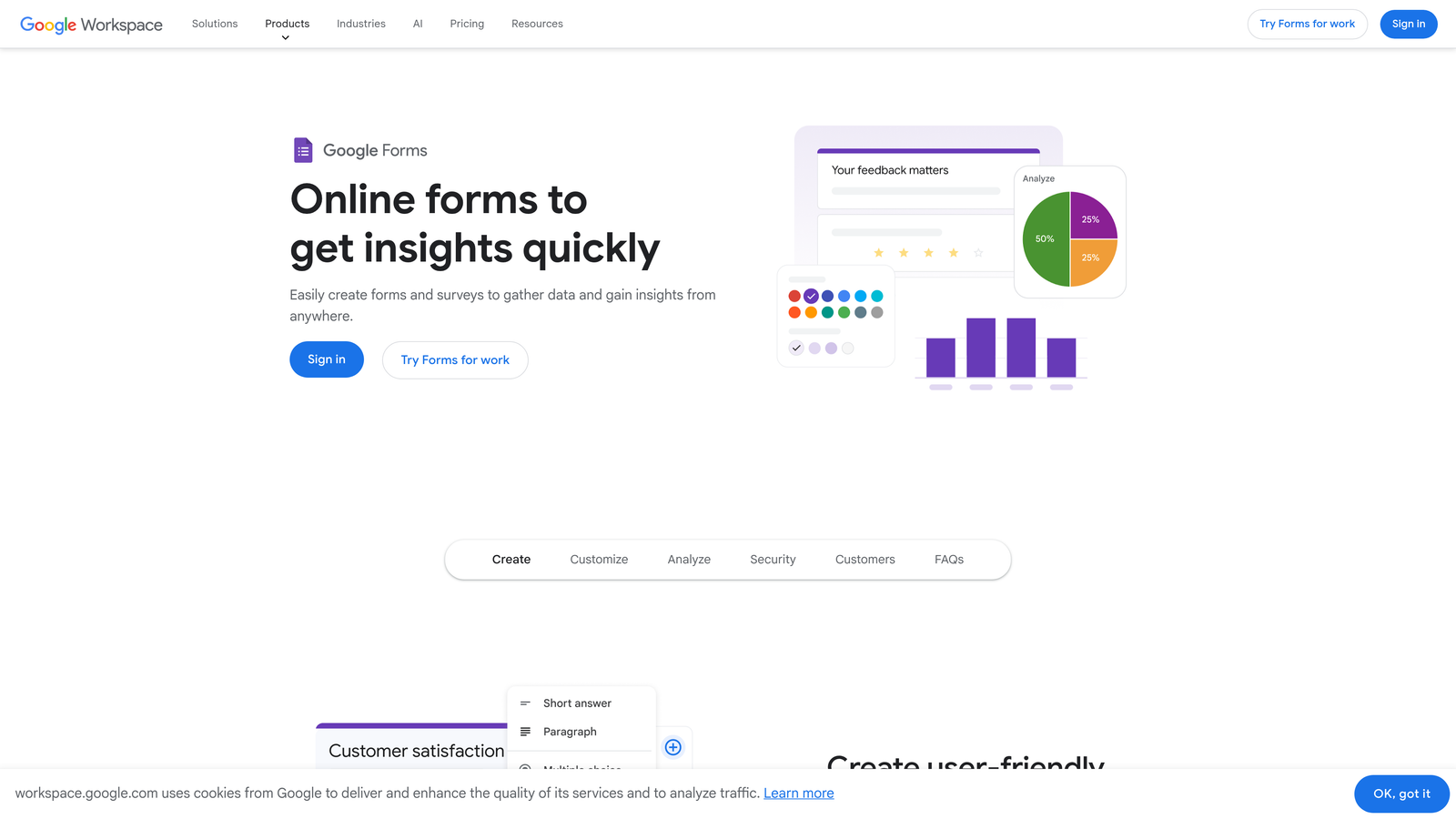
Google Forms is a completely free form builder with seamless integration into Google's ecosystem.
Where This Tool Shines
You cannot beat the price—Google Forms is entirely free with unlimited forms and responses. For internal surveys, event registrations, or basic lead capture where design isn't critical, it handles the job without costing a penny.
The Google Sheets integration means responses flow automatically into spreadsheets you can analyze, share, and manipulate. For teams already living in Google Workspace, the workflow is frictionless.
Key Features
Unlimited Forms and Responses: No caps on how many forms you create or submissions you receive.
Google Sheets Integration: Responses automatically populate spreadsheets for easy analysis and sharing.
Real-Time Collaboration: Multiple team members can edit forms simultaneously like any Google Doc.
Basic Conditional Logic: Show sections based on answers to create somewhat dynamic forms.
Quiz Mode: Add answer keys and automatic grading for educational use cases.
Best For
Bootstrapped startups, educators, nonprofits, and internal team surveys where cost is the primary concern. It's also ideal for quick one-off forms that don't require advanced branding or conversion optimization.
Pricing
Completely free with a Google account. No paid tiers or upgrade paths—what you see is what you get.
5. Tally
Best for: Teams wanting unlimited free forms with a clean, Notion-like interface
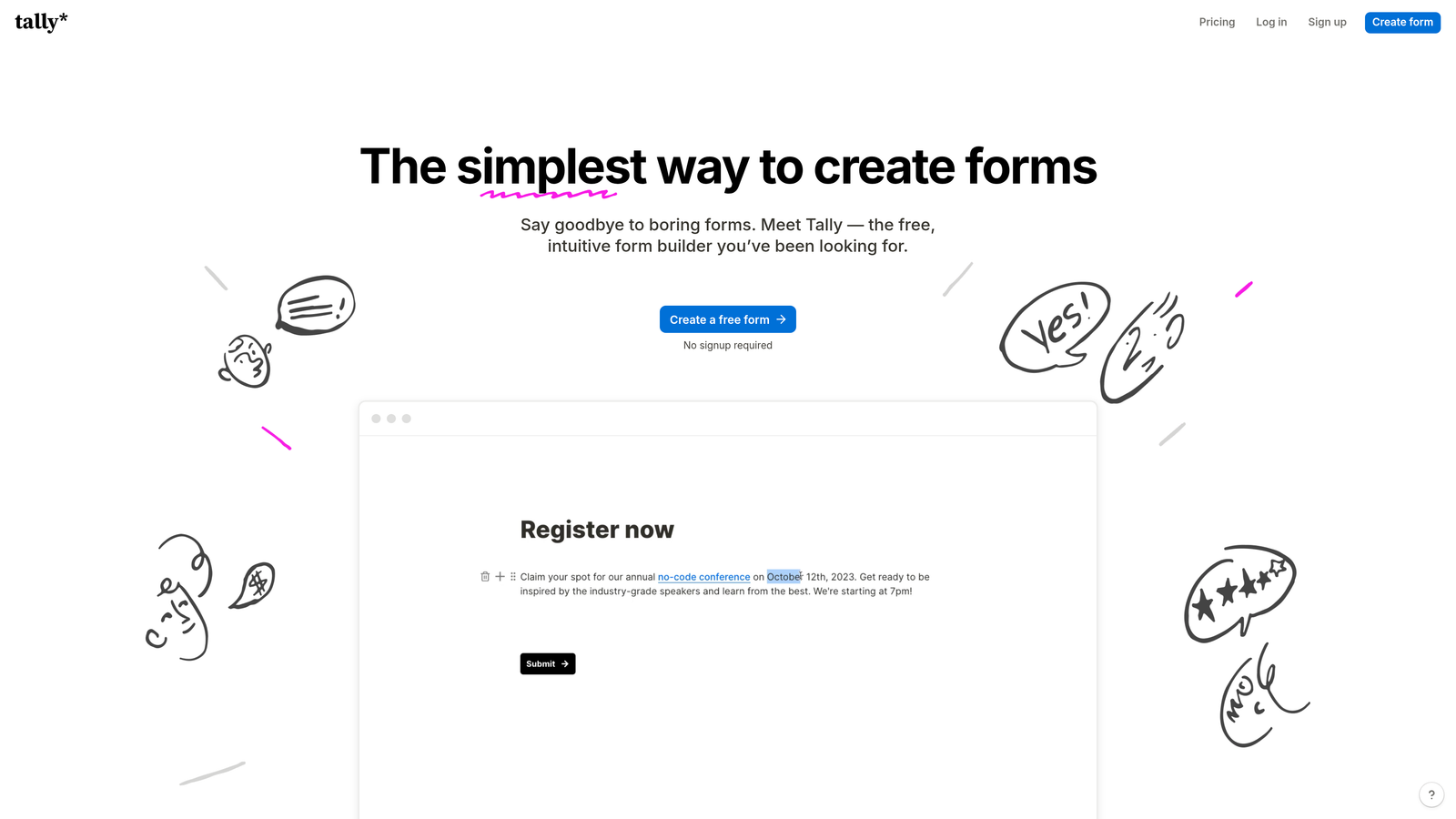
Tally is a form builder offering unlimited forms on its free tier with a Notion-style editing experience.
Where This Tool Shines
The free tier is genuinely generous—unlimited forms, unlimited submissions, and file uploads included at no cost. For teams already comfortable with Notion's block-based editing, Tally feels instantly familiar and intuitive.
The interface is refreshingly clean without the clutter that plagues many form builders. You can create professional-looking forms quickly without wrestling with complex settings or overwhelming feature sets.
Key Features
Unlimited Free Forms: No artificial limits on form count or submissions on the free plan.
Notion-Style Editor: Block-based interface that feels natural if you use Notion for other work.
File Uploads Included: Accept file submissions from users without upgrading to paid plans.
Custom Domains: Connect your own domain on Pro plans for branded form URLs.
Conditional Logic: Show or hide blocks based on previous answers to personalize the experience.
Best For
Startups and small teams that need professional forms without budget for paid tools. The generous free tier makes it viable for growing businesses that will eventually need more advanced features but aren't ready to pay yet.
Pricing
Free tier available with unlimited forms and submissions. Pro plan at $29/month adds custom domains, remove branding, and advanced integrations.
6. Formstack
Best for: Enterprise teams needing compliance, document generation, and advanced workflows
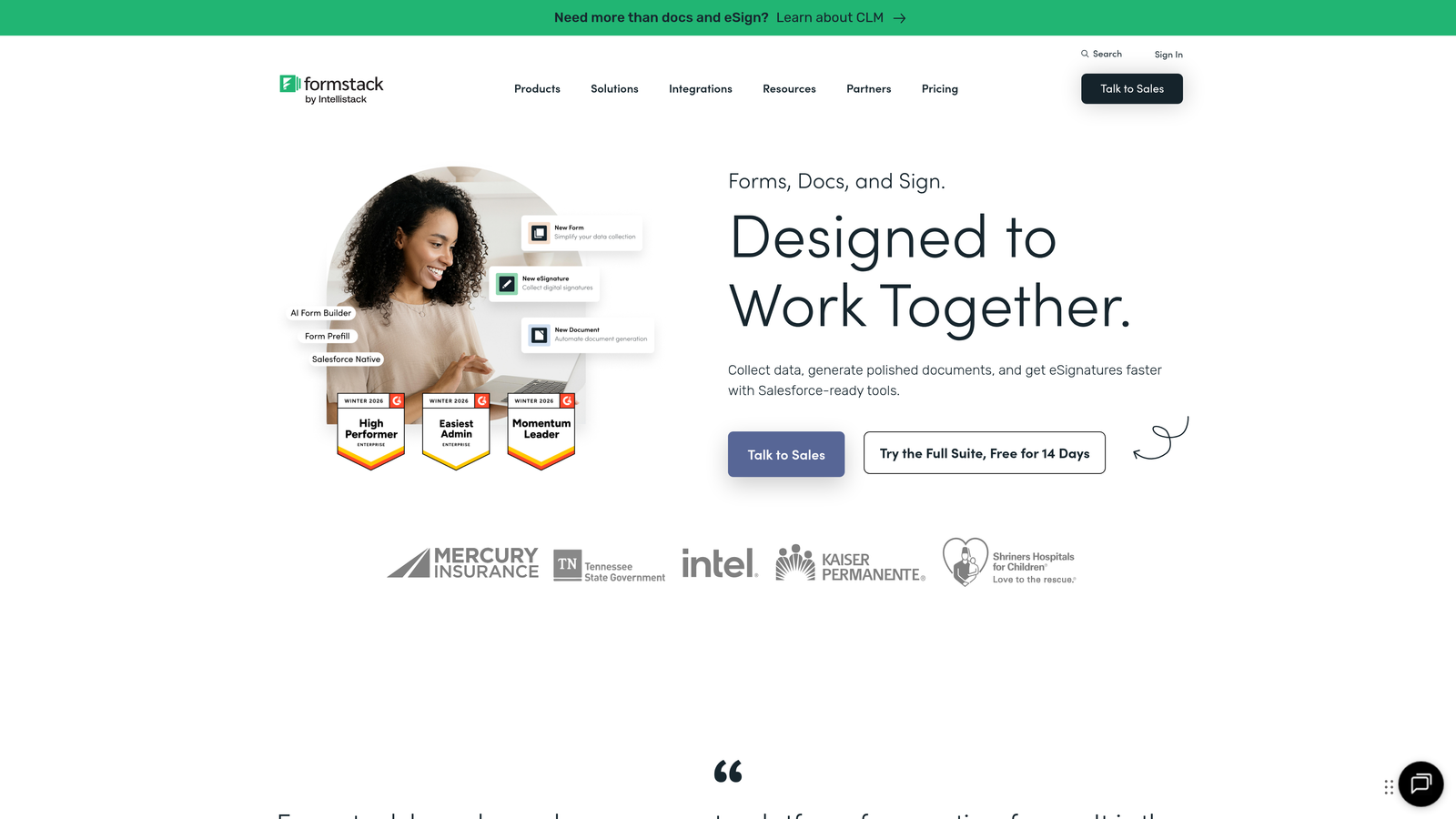
Formstack is an enterprise-grade form platform with workflow automation and document generation capabilities.
Where This Tool Shines
Formstack excels in regulated industries where HIPAA compliance, advanced security, and audit trails matter. The document generation feature automatically creates contracts, agreements, and formatted documents from form submissions—eliminating manual paperwork.
For organizations with complex approval workflows and multiple stakeholders, Formstack's routing and automation capabilities handle processes that would require custom development in simpler tools.
Key Features
Document Generation: Automatically create PDFs, contracts, and formatted documents from form data.
E-Signature Collection: Gather legally binding signatures directly within your forms.
HIPAA Compliance: Meet healthcare data requirements with encrypted storage and audit logs.
Advanced Workflow Automation: Route submissions through multi-step approval processes automatically.
A/B Testing: Test different form versions to optimize conversion rates with built-in analytics.
Best For
Healthcare providers, financial services, government agencies, and enterprises with compliance requirements or complex internal workflows. The higher price point makes sense when regulatory penalties or manual document processing costs exceed the software investment.
Pricing
Plans start around $50/month for basic features. Enterprise pricing varies significantly based on compliance needs, user count, and submission volume.
7. Cognito Forms
Best for: Payment processing and forms requiring complex calculations
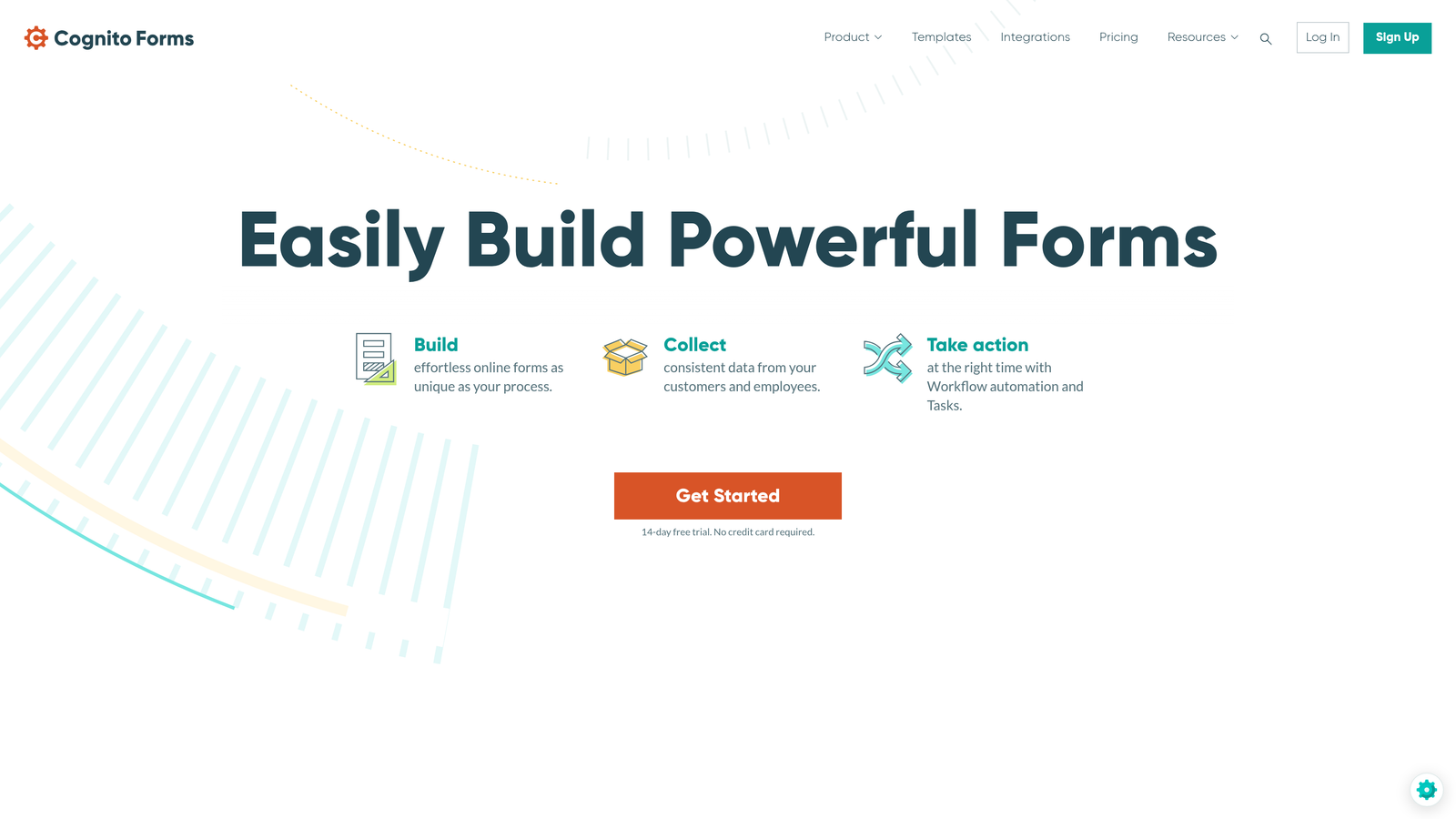
Cognito Forms is a form builder with robust payment processing and advanced calculation capabilities.
Where This Tool Shines
The calculation engine handles complex math that stumps most form builders. If you need order forms that calculate totals, registration forms with dynamic pricing, or applications requiring scored responses, Cognito Forms manages the logic elegantly.
Payment processing is built directly into the platform rather than feeling like a tacked-on feature. For businesses selling products, collecting donations, or processing registrations with fees, the integration is seamless.
Key Features
Built-In Payment Processing: Accept credit cards and payments through Stripe or PayPal without external tools.
Advanced Calculations: Perform complex math, scoring, and conditional pricing within forms.
Repeating Sections: Let users add multiple items or entries within a single form submission.
Workflow Automation: Trigger actions and notifications based on form data and conditions.
Document Merging: Generate customized documents using form submission data.
Best For
E-commerce businesses, event organizers, nonprofits collecting donations, and organizations with order forms requiring dynamic pricing calculations. The calculation features save development time for forms that would otherwise need custom coding.
Pricing
Free tier available with basic features and Cognito Forms branding. Paid plans start at $15/month, scaling based on features and submission volume.
8. Paperform
Best for: Creating branded landing pages and forms as cohesive experiences
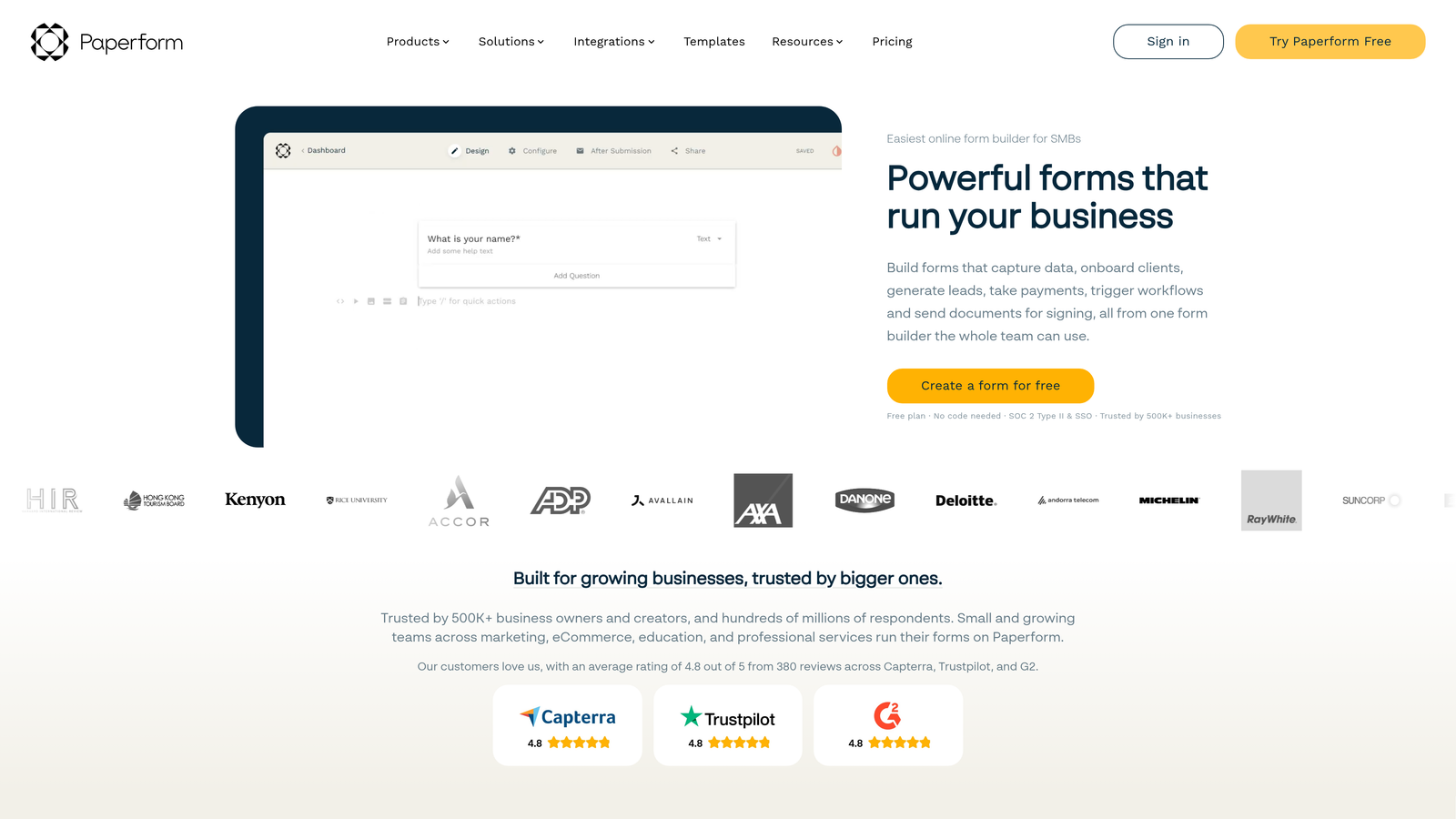
Paperform is a hybrid landing page and form builder for design-forward, branded experiences.
Where This Tool Shines
Paperform blurs the line between forms and landing pages, letting you create entire branded experiences rather than just data collection tools. The page-builder interface gives you design control that most form builders don't offer.
For businesses where brand presentation matters—agencies, consultants, creative professionals—Paperform creates forms that feel like natural extensions of your website rather than generic embedded widgets.
Key Features
Page-Builder Interface: Design complete landing pages with forms embedded naturally in the layout.
Product and Booking Pages: Create checkout experiences and appointment schedulers beyond basic forms.
Advanced Conditional Logic: Show, hide, and calculate based on complex rules and user inputs.
Payment and Scheduling: Accept payments and book appointments directly within your forms.
Custom Branding: Full control over colors, fonts, layouts, and visual presentation.
Best For
Creative agencies, consultants, coaches, and businesses where form aesthetics directly impact conversion rates. If your forms are customer-facing and brand perception matters, Paperform's design flexibility justifies the investment.
Pricing
Plans start at $24/month with all core features included. Pricing scales based on submission volume and team member count.
9. HubSpot Forms
Best for: Teams already using HubSpot CRM wanting native form integration
HubSpot Forms is a CRM-integrated form builder included free with HubSpot's marketing tools.
Where This Tool Shines
The native CRM integration means form submissions automatically become contacts with full history and context. No manual imports, no integration setup, no data sync issues—everything lives in one system from the start.
Progressive profiling is genuinely useful for companies building long-term relationships. Instead of asking the same questions repeatedly, HubSpot remembers what it already knows and asks new questions each time someone fills a form.
Key Features
Native HubSpot CRM Sync: Form submissions automatically create or update contact records with zero configuration.
Progressive Profiling: Gradually collect information over multiple interactions without repeating questions.
Smart Form Fields: Pre-populate known information for returning visitors to reduce friction.
Lead Scoring Integration: Automatically score leads based on form responses and behavior.
A/B Testing: Test different form versions to optimize conversion rates within HubSpot's analytics.
Best For
Companies already invested in HubSpot's ecosystem for CRM, email marketing, or sales automation. The forms are free, but you're paying for HubSpot's broader platform—forms are just one piece of that investment.
Pricing
Free with HubSpot CRM. Advanced features like A/B testing and progressive profiling require paid Marketing Hub subscriptions starting around $50/month.
Finding Your Perfect Fit
Your budget and business stage determine which form builder makes sense right now. Here's how to think about it.
If you're bootstrapped or testing ideas, start with Google Forms or Tally's generous free tier. You'll sacrifice design polish and advanced features, but you'll validate your concept without spending a dollar. These options work perfectly for internal processes, basic lead capture, and situations where conversion optimization isn't yet critical.
Growing businesses typically land in the $20-50/month range with tools like Typeform, Cognito Forms, or Paperform. At this stage, form completion rates start impacting revenue enough that design and user experience justify the investment. You're beyond "just collecting data" and into "optimizing conversion funnels."
For high-growth teams where lead quality directly impacts pipeline, the equation changes completely. Spending time manually qualifying form submissions or losing deals because leads sit unattended costs far more than premium software. This is where AI-powered lead qualification becomes a competitive advantage rather than a nice-to-have feature.
Enterprise teams in regulated industries need Formstack's compliance features and document automation. The higher price point makes sense when you're avoiding regulatory penalties or eliminating entire manual processes that consume staff time.
The smartest approach? Calculate what your time is worth and what each qualified lead means to your business. A tool that costs $50/month but saves 10 hours of manual work or converts 20% more visitors pays for itself immediately. Don't optimize for the lowest sticker price—optimize for total cost including your time and lost opportunities.
Transform your lead generation with AI-powered forms that qualify prospects automatically while delivering the modern, conversion-optimized experience your high-growth team needs. Start building free forms today and see how intelligent form design can elevate your conversion strategy.


