

Converting website visitors into qualified leads shouldn't feel like throwing spaghetti at the wall. Yet for many high-growth teams, that's exactly what lead generation feels like—endless form tweaks, confusing analytics, and leads that go nowhere. The difference between a 2% and a 12% conversion rate often comes down to one thing: the right form software that matches your team's workflow, integrates with your existing stack, and actually helps you qualify prospects instead of just collecting names.
We evaluated dozens of lead generation form platforms based on what actually matters in 2026: AI-powered qualification capabilities, seamless CRM integrations, mobile-first design, real-time analytics, and pricing that scales with your growth. Whether you're a startup optimizing for your first 100 leads or an enterprise team managing complex multi-step funnels, this guide breaks down the tools that are actually moving the needle for conversion-focused teams.
Here are the top lead generation form software tools transforming how modern teams capture and qualify prospects.
1. Orbit AI
Best for: High-growth teams needing AI-powered lead qualification with beautiful, conversion-optimized forms
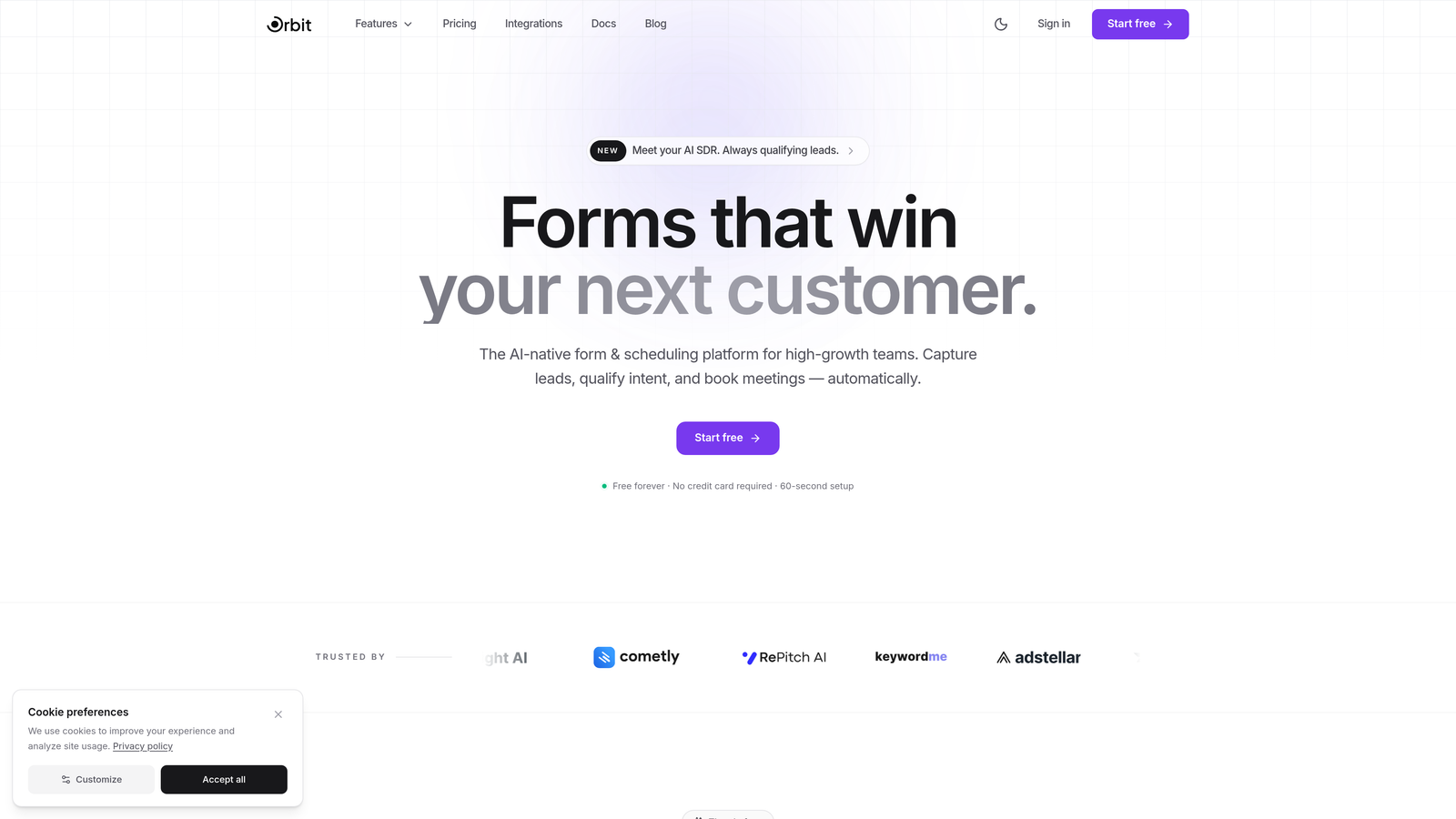
Orbit AI represents the new generation of form builders built specifically for teams who view forms as a conversion optimization tool, not just a data collection method.
Where This Tool Shines
What sets Orbit AI apart is its intelligent lead qualification engine that works automatically as prospects fill out forms. Instead of manually reviewing every submission, the platform scores and routes leads based on their responses, behavioral signals, and fit criteria you define.
The form building experience itself prioritizes modern design aesthetics without sacrificing functionality. Teams can create beautiful, on-brand forms that feel native to their website while leveraging AI to reduce friction and increase completion rates.
Key Features
AI-Powered Lead Scoring: Automatically qualifies prospects in real-time based on response patterns and defined criteria.
Intelligent Form Routing: Directs leads to the right team member or workflow based on their qualification level and responses.
Built-In Analytics Dashboard: Track conversion metrics, drop-off points, and lead quality trends without external tools.
Native CRM Integrations: Seamlessly connects with HubSpot, Close, and Attio for immediate lead sync and follow-up.
Workflow Automation Sequences: Trigger custom actions based on form submissions and lead scores.
Best For
Orbit AI is ideal for SaaS companies, B2B service providers, and high-growth startups where lead quality matters more than lead volume. If your team spends hours manually qualifying inbound leads or struggles with forms that look outdated compared to your modern brand, this platform solves both problems simultaneously.
Pricing
Free tier available with core features. Paid plans start at competitive SaaS pricing that scales with team size and form submission volume.
2. Typeform
Best for: Creating engaging, conversational form experiences with high completion rates
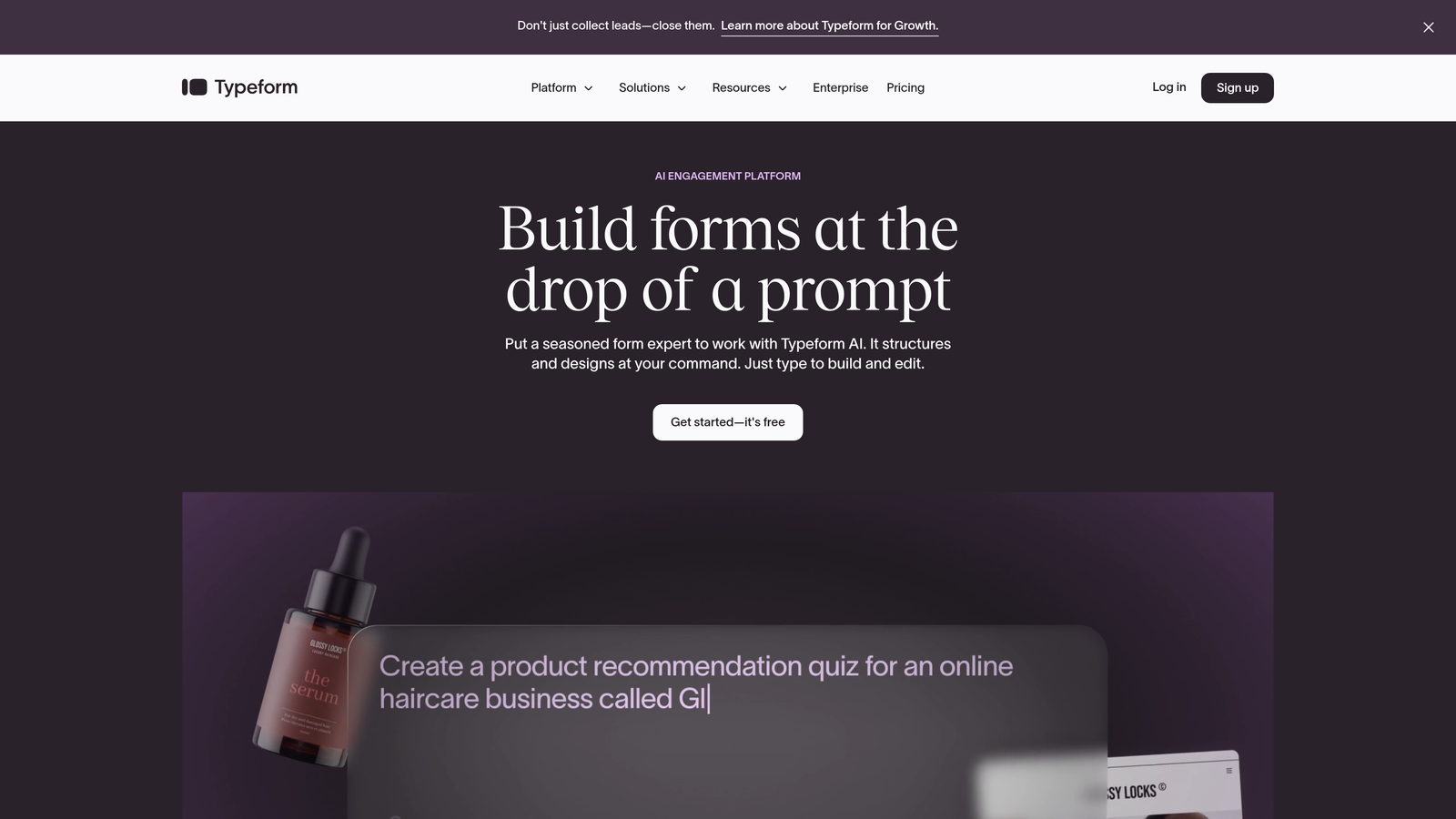
Typeform pioneered the conversational form format that presents one question at a time, creating a more human interaction that feels less like filling out paperwork.
Where This Tool Shines
The one-question-at-a-time approach dramatically reduces form abandonment by making the process feel manageable. Instead of confronting prospects with a wall of fields, Typeform creates a guided conversation that feels natural and keeps people engaged through completion.
The visual design capabilities are exceptional. You can embed rich media, customize every color and font, and create experiences that feel like an extension of your brand rather than a generic form.
Key Features
Conversational Interface: One question per screen creates a focused, engaging experience that improves completion rates.
Logic Jumps and Branching: Customize the form path based on previous answers for personalized experiences.
Rich Media Embedding: Add videos, images, and GIFs to create visually compelling forms.
Native Integrations: Connect directly with major marketing platforms, CRMs, and productivity tools.
Custom Thank-You Screens: Design branded completion pages that reinforce your message or drive next actions.
Best For
Typeform excels for brands prioritizing user experience and engagement over pure data collection efficiency. It's particularly effective for surveys, event registrations, and lead capture where you want prospects to actually enjoy the form-filling process.
Pricing
Free basic plan available with Typeform branding. Paid plans start at $25/month for removing branding and accessing advanced features like logic jumps.
3. HubSpot Forms
Best for: Teams already using HubSpot CRM who need native marketing automation integration
HubSpot Forms is the native form builder within the HubSpot ecosystem, offering seamless integration with the platform's CRM and marketing automation capabilities.

Where This Tool Shines
The killer advantage is zero-friction CRM integration. Form submissions instantly become contact records with full activity history, enabling immediate follow-up workflows without any middleware or Zapier connections. For teams already invested in HubSpot, this native integration eliminates data sync headaches entirely.
Progressive profiling is another standout feature. The system remembers returning visitors and asks different questions each time, gradually building complete contact profiles without overwhelming prospects with long forms on their first interaction.
Key Features
Direct CRM Contact Creation: Submissions automatically create or update contact records with complete attribution tracking.
Progressive Profiling: Show different fields to returning visitors to gradually build detailed contact information.
Smart Fields: Auto-populate known information for returning visitors to reduce form friction.
Built-In A/B Testing: Test different form variations directly within HubSpot to optimize conversion rates.
Workflow Trigger Automation: Launch email sequences, task assignments, or notifications based on form submissions.
Best For
HubSpot Forms is the obvious choice for teams already using HubSpot CRM or Marketing Hub. The native integration value is substantial enough that switching to a different form tool often doesn't make sense if you're committed to the HubSpot ecosystem.
Pricing
Free with HubSpot CRM. Advanced features like progressive profiling and workflow automation require paid Marketing Hub tiers starting at $45/month.
4. Jotform
Best for: Teams needing extensive templates and customization for diverse form types
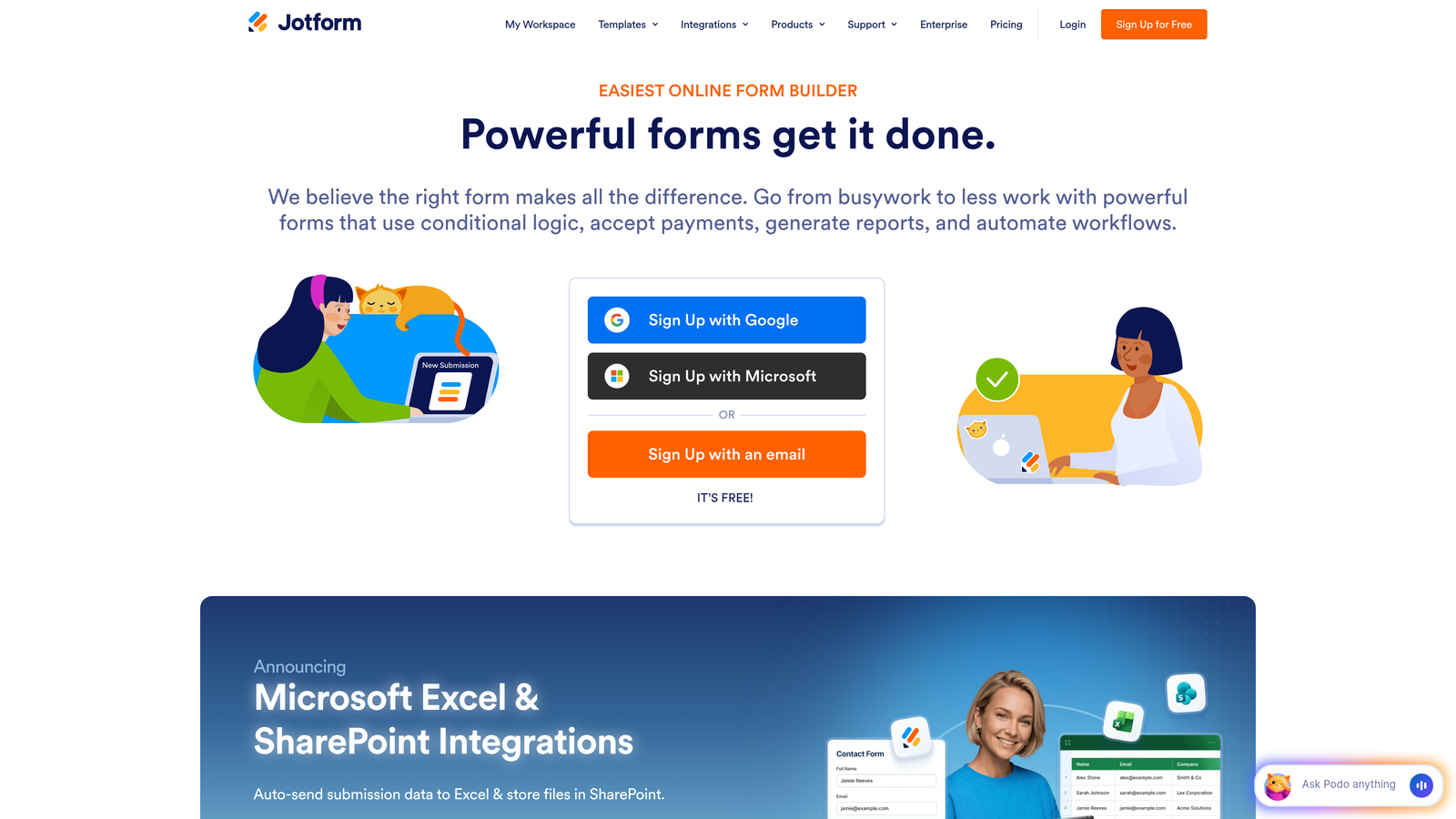
Jotform is a feature-packed form builder offering thousands of pre-built templates and extensive customization options for virtually any form use case imaginable.
Where This Tool Shines
The template library is genuinely massive. Whether you need event registration forms, job applications, order forms, or complex multi-page surveys, there's almost certainly a pre-built template that gets you 80% of the way there. This dramatically accelerates form creation for teams managing diverse form types.
The widget ecosystem adds functionality that most form builders require third-party integrations to achieve. Payment processing, appointment scheduling, file uploads, and signature capture all work natively within Jotform.
Key Features
10,000+ Form Templates: Pre-built forms for nearly every industry and use case to accelerate creation.
100+ Widget Integrations: Add advanced functionality like payments, appointments, and calculations without external tools.
PDF Form Generation: Automatically convert form submissions into formatted PDF documents.
Payment Collection: Accept payments directly through forms with integrated payment processor support.
Approval Workflows: Route submissions through approval chains for applications, requests, and registrations.
Best For
Jotform works well for organizations managing many different form types—HR departments, event coordinators, educational institutions, and agencies serving diverse clients. The breadth of features means you can handle most form scenarios with a single platform.
Pricing
Free starter plan with Jotform branding and limited submissions. Paid plans start at $34/month for removing branding and increasing submission limits.
5. Leadformly
Best for: Conversion-focused teams optimizing multi-step lead capture forms
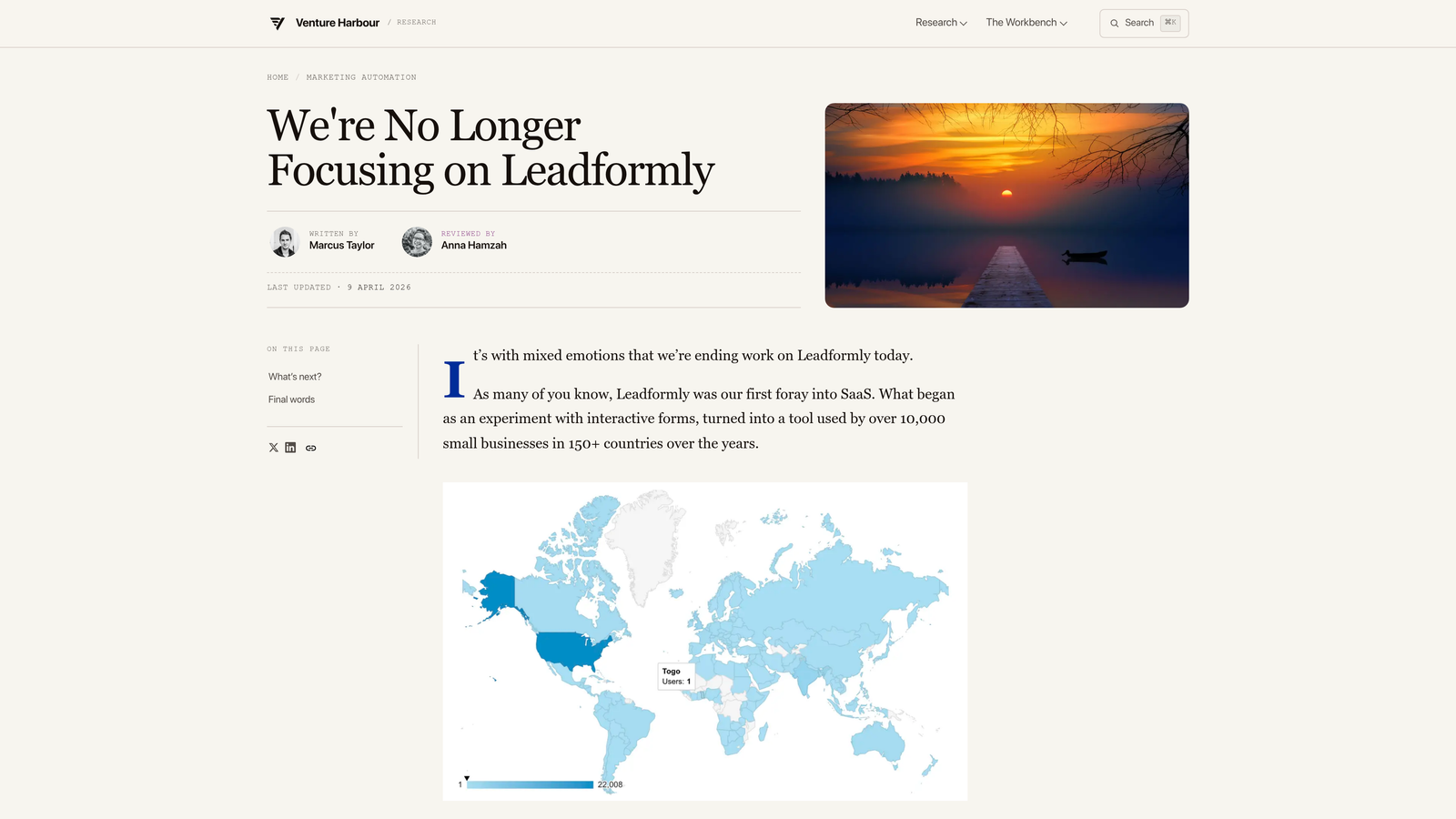
Leadformly specializes in multi-step forms designed specifically to maximize completion rates through conversion-optimized design patterns and built-in analytics.
Where This Tool Shines
The platform is built around the principle that breaking long forms into multiple steps dramatically improves completion rates. Leadformly provides the framework and best practices for implementing multi-step forms effectively, including progress indicators, smart field ordering, and micro-commitments that keep prospects moving forward.
The built-in conversion analytics go deeper than most form builders. You can see exactly where prospects drop off, which fields cause hesitation, and how different form variations perform against each other.
Key Features
Multi-Step Form Optimization: Break long forms into digestible steps with progress tracking to improve completion rates.
Built-In Conversion Analytics: Track drop-off points, field-level engagement, and completion funnels.
Lead Scoring Functionality: Assign point values to responses to prioritize high-intent prospects.
A/B Testing Tools: Test different form variations, field orders, and step configurations.
CRM Integrations: Connect with major CRM platforms for automatic lead routing and follow-up.
Best For
Leadformly is ideal for B2B companies with complex sales processes requiring detailed qualification information. If you need to collect 10+ data points but worry about form abandonment, the multi-step approach with conversion optimization makes this platform worth considering.
Pricing
Plans start around $37/month for basic features, with higher tiers offering advanced analytics and increased form limits.
6. Paperform
Best for: Design-focused brands creating forms that feel like landing pages
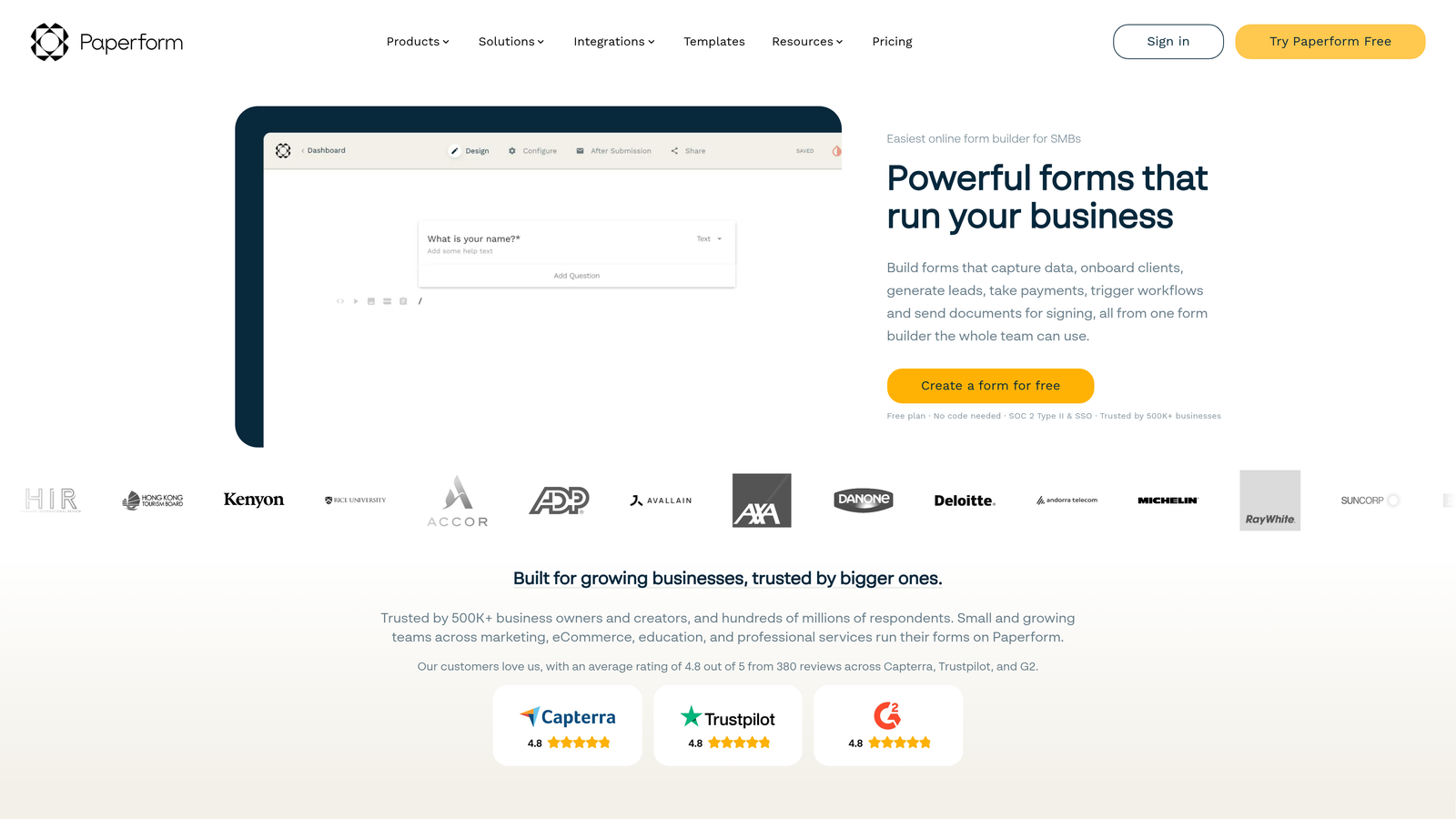
Paperform takes a unique approach by embedding forms within content-rich pages, creating branded experiences that feel more like interactive landing pages than traditional forms.
Where This Tool Shines
The content-first design philosophy lets you weave form fields naturally into explanatory text, images, videos, and branded elements. Instead of a form feeling separate from your content, it becomes part of a cohesive narrative that guides prospects through the conversion process.
The visual customization controls are exceptionally granular. You can match every aspect of your brand guidelines—fonts, colors, spacing, imagery—creating forms that feel native to your website rather than embedded third-party tools.
Key Features
Content-Embedded Form Design: Mix form fields with rich text, images, and videos for landing page-style experiences.
Rich Media Support: Embed videos, image galleries, and custom HTML to create engaging form pages.
E-Commerce and Payment Capabilities: Collect payments and process orders directly through forms.
Custom Branding Controls: Fine-tune every design element to match your brand guidelines perfectly.
Calculation Fields: Build quote calculators, pricing estimators, and dynamic forms that compute values based on inputs.
Best For
Paperform excels for design-conscious brands, creative agencies, and businesses where brand consistency is paramount. It's particularly effective for service businesses creating quote request forms or consultative sales processes requiring context and education.
Pricing
Plans start at $24/month for basic features, with higher tiers offering advanced customization and increased submission limits.
7. Formstack
Best for: Enterprise teams needing advanced automation, compliance, and collaboration features
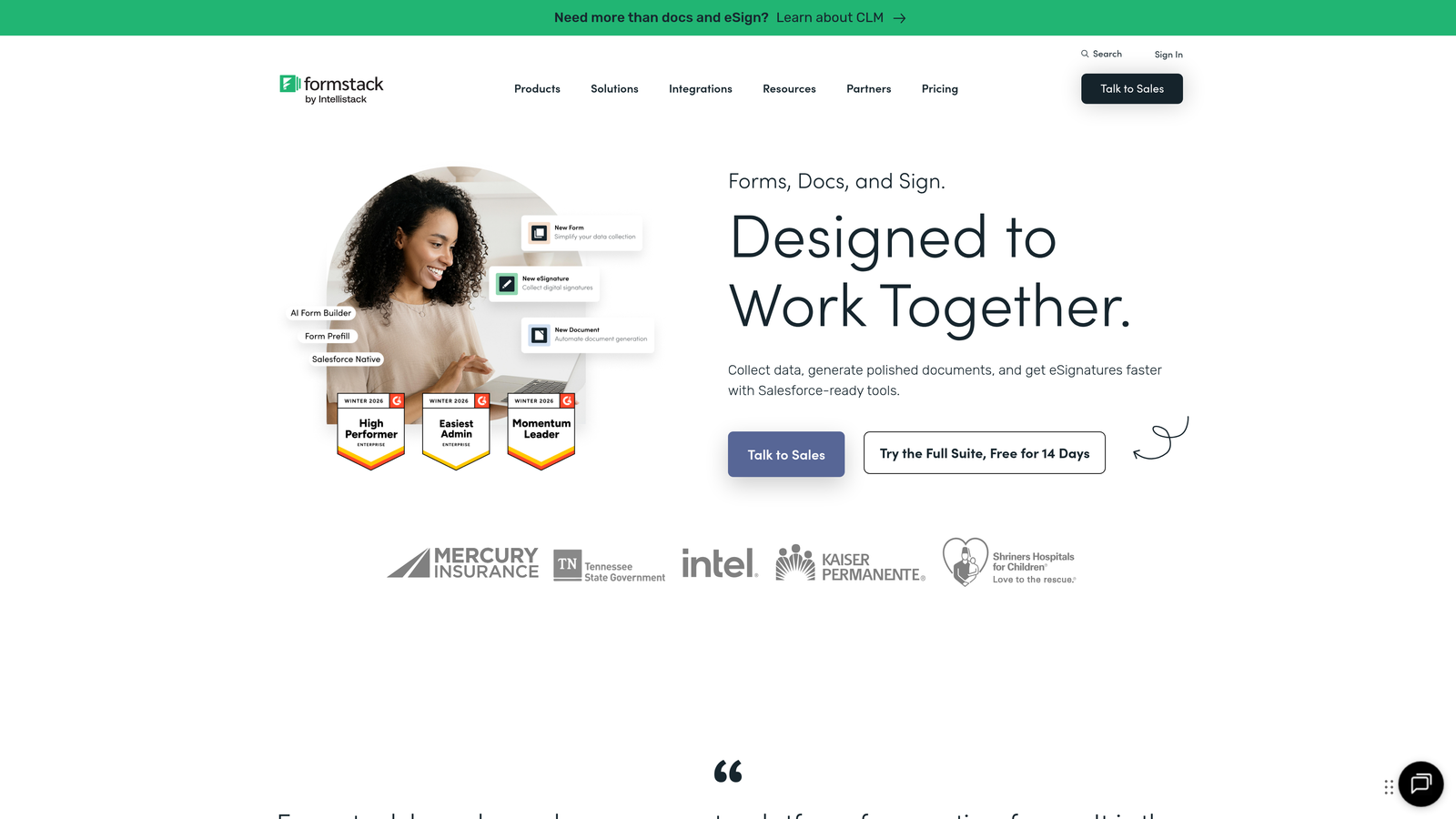
Formstack is an enterprise-grade platform offering sophisticated workflow automation, security compliance options, and team collaboration tools for organizations with complex requirements.
Where This Tool Shines
The compliance and security features are enterprise-ready. Formstack offers HIPAA-compliant forms for healthcare organizations, advanced encryption, and audit trails that meet regulatory requirements most SMB-focused tools can't address.
The document generation capabilities extend beyond simple form collection. You can automatically generate contracts, proposals, and formatted documents from form data, streamlining processes that typically require manual data entry and formatting.
Key Features
Advanced Conditional Logic: Create complex form paths with multiple conditions and dependencies.
HIPAA Compliance Options: Meet healthcare data security requirements with encrypted forms and BAA agreements.
Document Generation: Automatically create formatted PDFs and documents from form submission data.
Electronic Signatures: Collect legally binding signatures directly within forms.
Team Collaboration Tools: Manage form access, track changes, and coordinate across teams with role-based permissions.
Best For
Formstack targets enterprise organizations, healthcare providers, financial services, and any business with strict compliance requirements or complex multi-department workflows. The platform handles scenarios where security, auditability, and advanced automation justify the higher price point.
Pricing
Plans start at $50/month for basic features. Enterprise pricing with compliance features and advanced capabilities available on request.
8. Gravity Forms
Best for: WordPress sites needing deep CMS integration and developer extensibility
Gravity Forms is the leading WordPress form plugin, offering native integration with the WordPress ecosystem and extensive developer extensibility through add-ons and custom code.
Where This Tool Shines
The WordPress integration is genuinely native—not a third-party embed. Forms live in your WordPress database, respect your theme's styling, and integrate with WordPress user roles and permissions. For teams committed to WordPress, this native approach eliminates the friction of managing external form platforms.
The developer ecosystem is robust. Hundreds of official and third-party add-ons extend functionality, and developers can use WordPress hooks and filters to customize virtually any aspect of form behavior and appearance.
Key Features
Native WordPress Integration: Forms stored in WordPress database with full theme and plugin compatibility.
Extensive Add-On Ecosystem: Hundreds of add-ons for CRM integration, payment processing, and advanced functionality.
Developer Hooks and Filters: Customize form behavior and appearance through WordPress development patterns.
Conditional Logic: Show or hide fields, sections, and pages based on user selections and conditions.
Entry Management in WordPress: Review, edit, and manage form submissions directly in WordPress admin.
Best For
Gravity Forms is the clear choice for WordPress-based businesses, agencies managing client sites on WordPress, and developers who need full control over form functionality. If your website lives on WordPress and you want forms that feel like a native part of your CMS rather than an external tool, this is the platform to choose.
Pricing
Annual licenses start at $59/year for basic features and one site. Higher tiers offer more sites and premium add-ons.
9. Unbounce Smart Builder
Best for: Teams optimizing both landing page design and form placement for maximum conversions
Unbounce Smart Builder combines AI-powered landing page creation with integrated form capabilities, optimizing both page layout and form placement to maximize conversion rates.
Where This Tool Shines
The AI-powered layout recommendations analyze your content and automatically suggest high-converting page structures and form placements. Instead of guessing where to position your form or what layout will work best, the platform uses conversion data from thousands of landing pages to guide your design.
Smart Traffic is a standout feature that automatically routes visitors to the landing page variant most likely to convert them based on their attributes and behavior. This goes beyond traditional A/B testing by personalizing the experience for each visitor segment.
Key Features
AI-Powered Layout Recommendations: Get data-driven suggestions for page structure and form placement.
Landing Page + Form Combo Builder: Design complete conversion experiences with integrated forms.
Smart Traffic Optimization: Automatically route visitors to the highest-converting page variant for their profile.
Built-In A/B Testing: Test different page and form variations without external tools.
Popup and Sticky Bar Forms: Deploy forms in multiple formats beyond standard embedded placement.
Best For
Unbounce works best for marketing teams running paid advertising campaigns who need dedicated landing pages optimized for specific offers or campaigns. If you're driving traffic from ads and want to optimize the entire post-click experience—not just the form itself—this platform delivers that holistic approach.
Pricing
Plans start at $99/month for basic features and limited conversions, with higher tiers offering increased limits and advanced optimization features.
Making the Right Choice for Your Team
The right lead generation form software depends entirely on your specific workflow, technical environment, and conversion goals. Here's how to narrow down your decision based on what matters most to your team.
For AI-first teams focused on lead quality: Orbit AI delivers intelligent qualification and routing that saves hours of manual lead review while maintaining the modern design aesthetic high-growth teams expect. If you're tired of sorting through unqualified leads or want forms that actively help your sales process, start here.
For WordPress-committed organizations: Gravity Forms provides the native integration and developer control that makes forms feel like a natural extension of your CMS rather than a bolted-on tool. The add-on ecosystem means you can extend functionality as needs evolve without switching platforms.
For HubSpot users: HubSpot Forms eliminates integration headaches entirely. The native CRM connection and progressive profiling capabilities make it the logical choice if you're already invested in the HubSpot ecosystem.
For design-conscious brands: Paperform and Typeform both prioritize user experience and visual appeal, though in different ways. Typeform excels at conversational engagement, while Paperform creates landing page-style experiences that blend content and forms seamlessly.
For enterprise compliance needs: Formstack addresses security, compliance, and workflow automation requirements that most SMB-focused tools can't handle. If HIPAA compliance, document generation, or complex approval workflows are requirements, this platform justifies its premium positioning.
The common thread across successful implementations is starting with clarity about what you're actually trying to achieve. Are you optimizing for lead volume or lead quality? Do you need extensive customization or would templates accelerate deployment? Is native integration with your existing stack more valuable than standalone features?
Most platforms offer free trials or freemium tiers. Take advantage of these to test with real traffic and real prospects. What looks great in a demo might not match your actual workflow, and conversion rates are the ultimate measure of form software effectiveness.
Transform your lead generation with AI-powered forms that qualify prospects automatically while delivering the modern, conversion-optimized experience your high-growth team needs. Start building free forms today and see how intelligent form design can elevate your conversion strategy.


