

Healthcare providers face a unique challenge when it comes to digital forms: every patient intake sheet, consent document, and referral request must balance usability with strict regulatory compliance. A clunky PDF or paper-based process doesn't just frustrate patients, it slows down care delivery and introduces real risk around protected health information (PHI).
The right form software eliminates these friction points by combining HIPAA-compliant data handling, intuitive design, and seamless integration with EHR and practice management systems. We evaluated dozens of platforms to identify the top options for healthcare organizations in 2026. Our selection criteria focused on HIPAA compliance capabilities, ease of use for both staff and patients, integration depth with healthcare-specific systems, mobile accessibility, and pricing transparency.
Whether you run a solo practice or a multi-location health system, this list has a solution that fits.
1. Orbit AI
Best for: High-growth healthcare teams that need AI-powered patient intake with intelligent routing and qualification
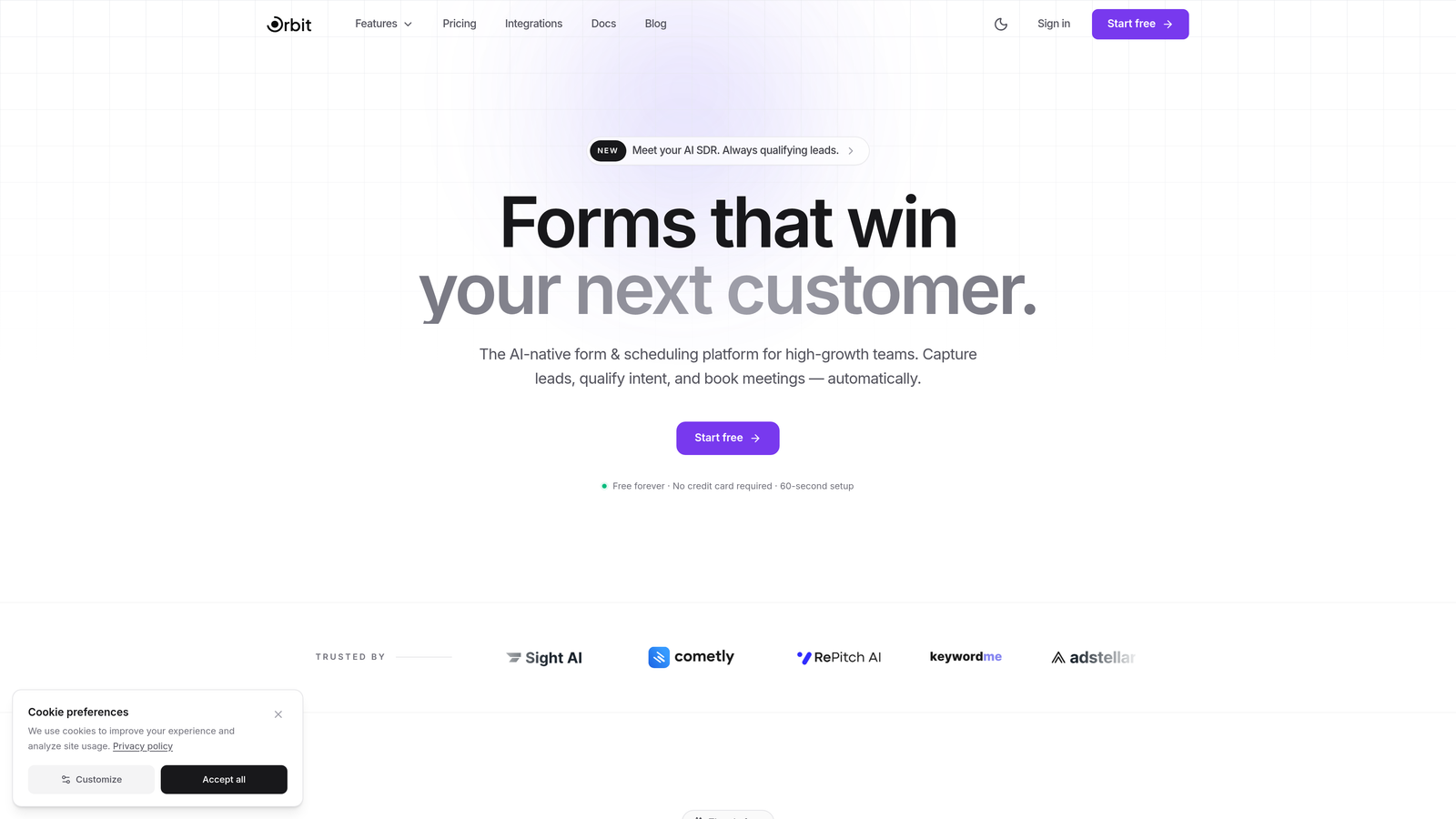
Orbit AI is an AI-powered form builder designed for teams that want more than just a data collection tool. Where most form platforms stop at capturing information, Orbit AI goes further by intelligently qualifying incoming patient inquiries and routing them to the right provider or department automatically.
Where This Tool Shines
For healthcare organizations in growth mode, the intake process is often a bottleneck. New patient inquiries come in, staff manually review them, and routing decisions happen slowly. Orbit AI changes this by applying AI-driven qualification logic at the point of submission, so the right team member gets the right inquiry without manual triage.
The platform also stands out for its modern, conversion-optimized design approach. Patient-facing forms look polished and professional, which matters for first impressions, and the AI agents can engage with respondents in real time to answer questions or guide them through complex intake flows.
Key Features
AI-Powered Lead Qualification: Intelligently scores and routes patient inquiries based on form responses, reducing manual triage work for front desk and intake teams.
Conversion-Optimized Form Builder: Modern, beautiful design options that improve completion rates for patient-facing intake and registration forms.
Real-Time AI Agents: AI agents that engage with form respondents during completion, answering questions and keeping patients moving through the form.
Workflow Automation: Automated follow-up sequences and routing workflows that trigger based on form responses, reducing administrative overhead.
Integrations Marketplace: Connects with CRMs and healthcare tools through an apps marketplace, enabling data to flow into existing practice management systems.
Best For
Healthcare practices and health-tech companies in growth mode that need to handle high volumes of patient inquiries efficiently. Particularly well-suited for multi-specialty groups, telehealth platforms, and any organization where routing the right patient to the right provider quickly is a competitive advantage.
Pricing
Visit orbitforms.ai/pricing for current plan details. A free tier is available to get started.
2. Jotform
Best for: Healthcare teams that want the largest library of ready-made templates with HIPAA compliance
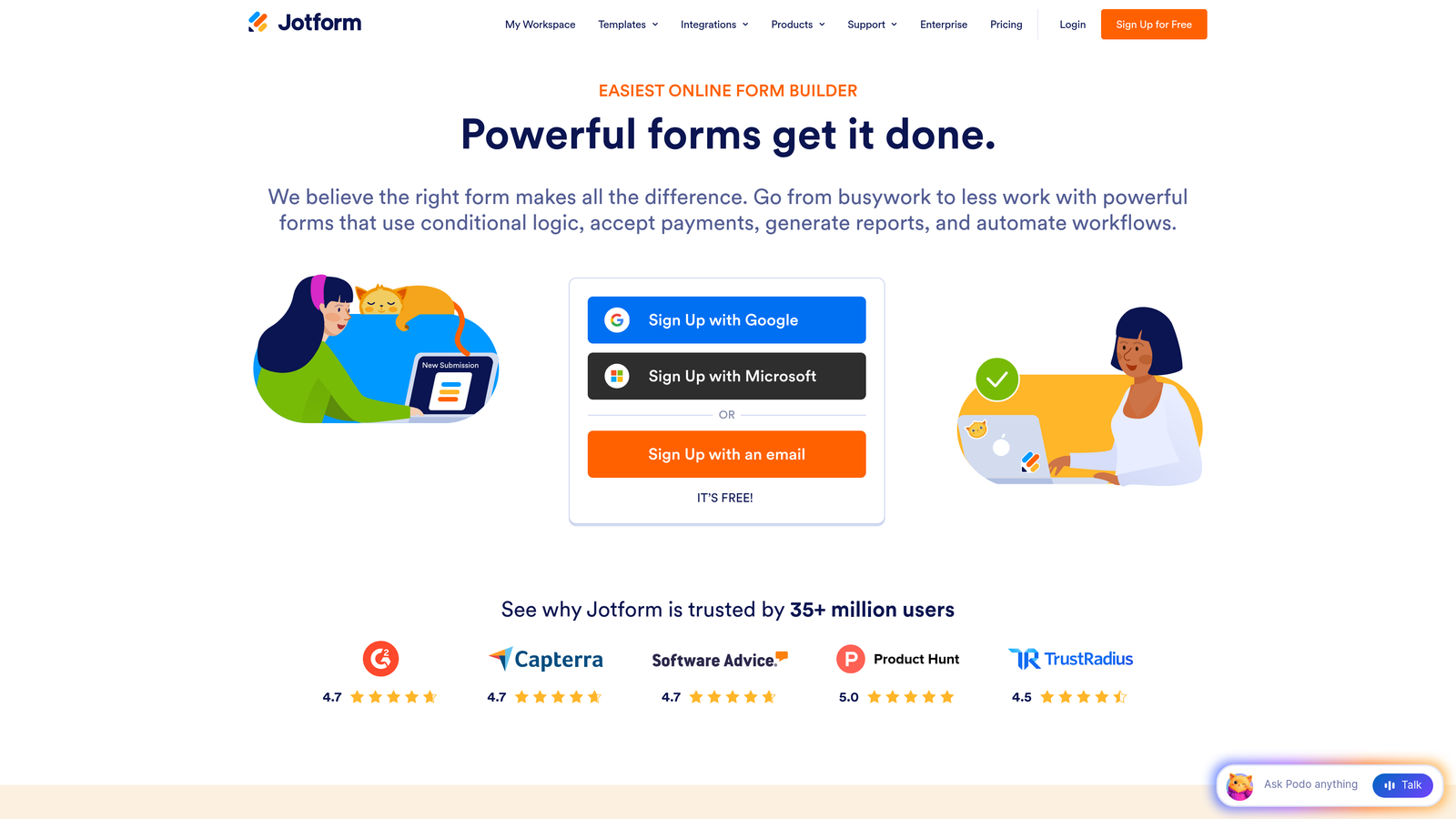
Jotform is one of the most widely used form builders in healthcare, largely because of its enormous template library and accessible drag-and-drop interface that requires no technical background to use.
Where This Tool Shines
If your team needs to launch a patient intake form, consent document, or referral request quickly, Jotform's 600+ healthcare-specific templates are a genuine time-saver. You can find a template that's close to what you need, customize it in minutes, and have it live the same day.
HIPAA compliance is available on paid plans, with a Business Associate Agreement (BAA) offered on the Gold tier and above. The platform also supports offline form completion, which is useful for in-office tablet setups where internet connectivity isn't guaranteed.
Key Features
600+ Healthcare Templates: Patient intake, consent forms, referral documents, and more, all customizable without coding.
HIPAA Compliance with BAA: Available on Gold plan and above, covering the legal requirements for handling PHI.
Conditional Logic: Drag-and-drop conditional logic that adapts forms based on patient responses for more relevant intake flows.
EHR Integrations: Native connections to common EHR and practice management platforms.
Offline Capability: Forms can be completed without an internet connection and synced when connectivity is restored.
Best For
Small to mid-sized practices that want a proven, easy-to-use platform with extensive healthcare templates. Ideal for teams who need HIPAA compliance without a steep learning curve or lengthy setup process.
Pricing
Free tier available. HIPAA-compliant plans start at approximately $39/month on the Gold plan. Enterprise options available for larger organizations.
3. Formstack
Best for: Healthcare organizations that need forms, document generation, and e-signatures in one connected platform
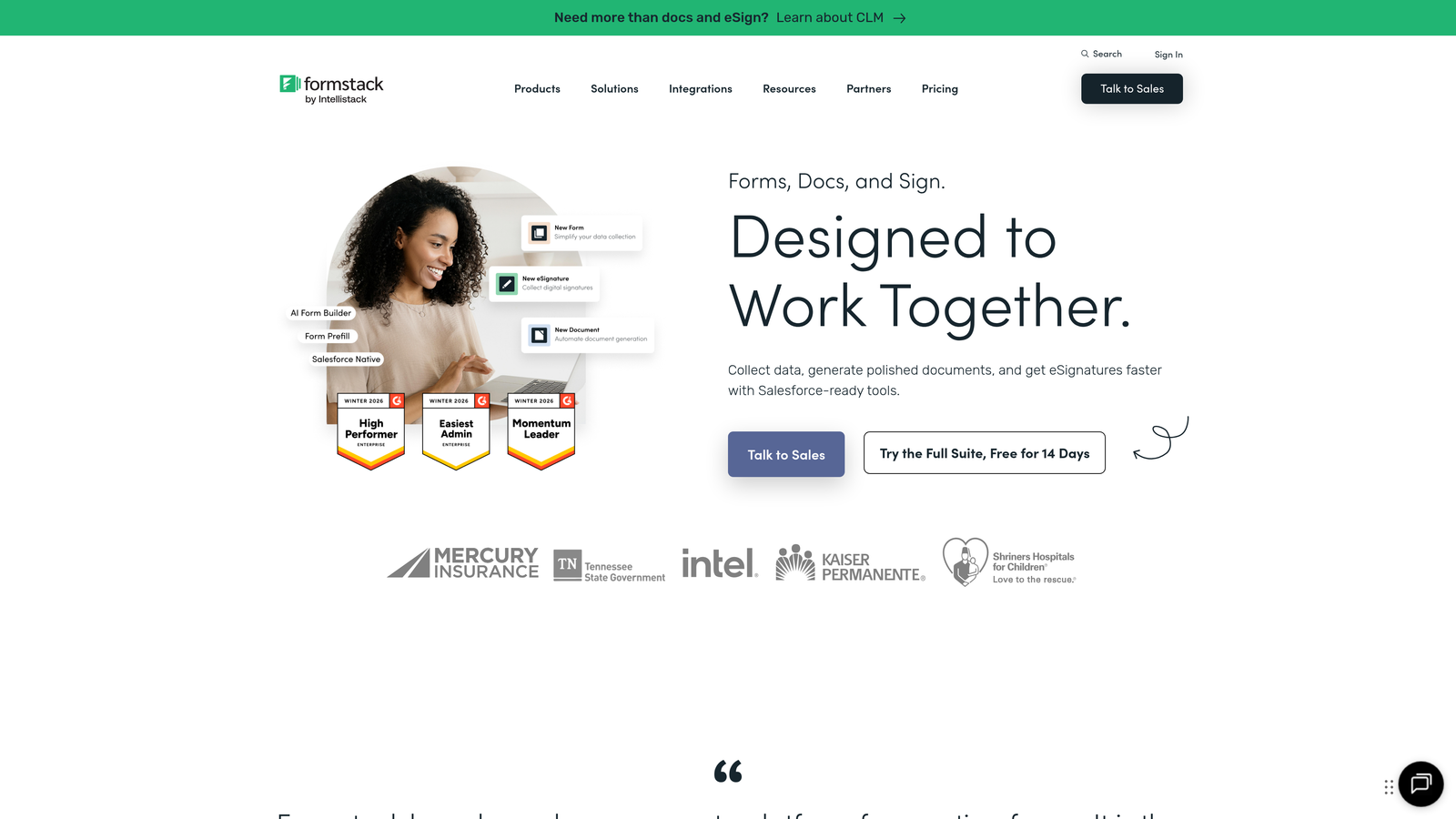
Formstack goes beyond basic form building by combining HIPAA-compliant data collection with document generation and electronic signature workflows, making it a strong choice for practices that deal with complex consent and authorization paperwork.
Where This Tool Shines
Most form tools stop at collecting data. Formstack takes that data and can automatically populate documents, route them for signature, and store completed records, all within a single platform. For healthcare workflows involving consent forms, treatment authorizations, or referral letters, this end-to-end capability reduces manual document handling significantly.
The platform's advanced conditional logic and calculation fields also make it well-suited for complex clinical intake forms where the questions shown depend heavily on previous answers.
Key Features
HIPAA-Compliant Forms with BAA: Included on healthcare plans, covering PHI requirements for digital form data.
Document Generation: Automatically creates populated documents from form submission data, eliminating manual data re-entry.
Native E-Signatures: Built-in electronic signature collection for consent forms and authorization documents.
Advanced Logic and Calculations: Sophisticated conditional logic and calculation fields for complex medical history and clinical intake forms.
Broad Integrations: Connects with Salesforce, Microsoft 365, and a range of healthcare platforms.
Best For
Mid-size to large healthcare organizations that need a workflow platform rather than just a form tool. Particularly valuable for teams managing high volumes of consent, authorization, and referral documentation.
Pricing
HIPAA-compliant plans are available; contact Formstack directly for healthcare-specific pricing. Pricing is based on the combination of features and modules required.
4. Google Forms (with HIPAA Configuration)
Best for: Budget-conscious practices already on Google Workspace that need a simple, compliant intake solution
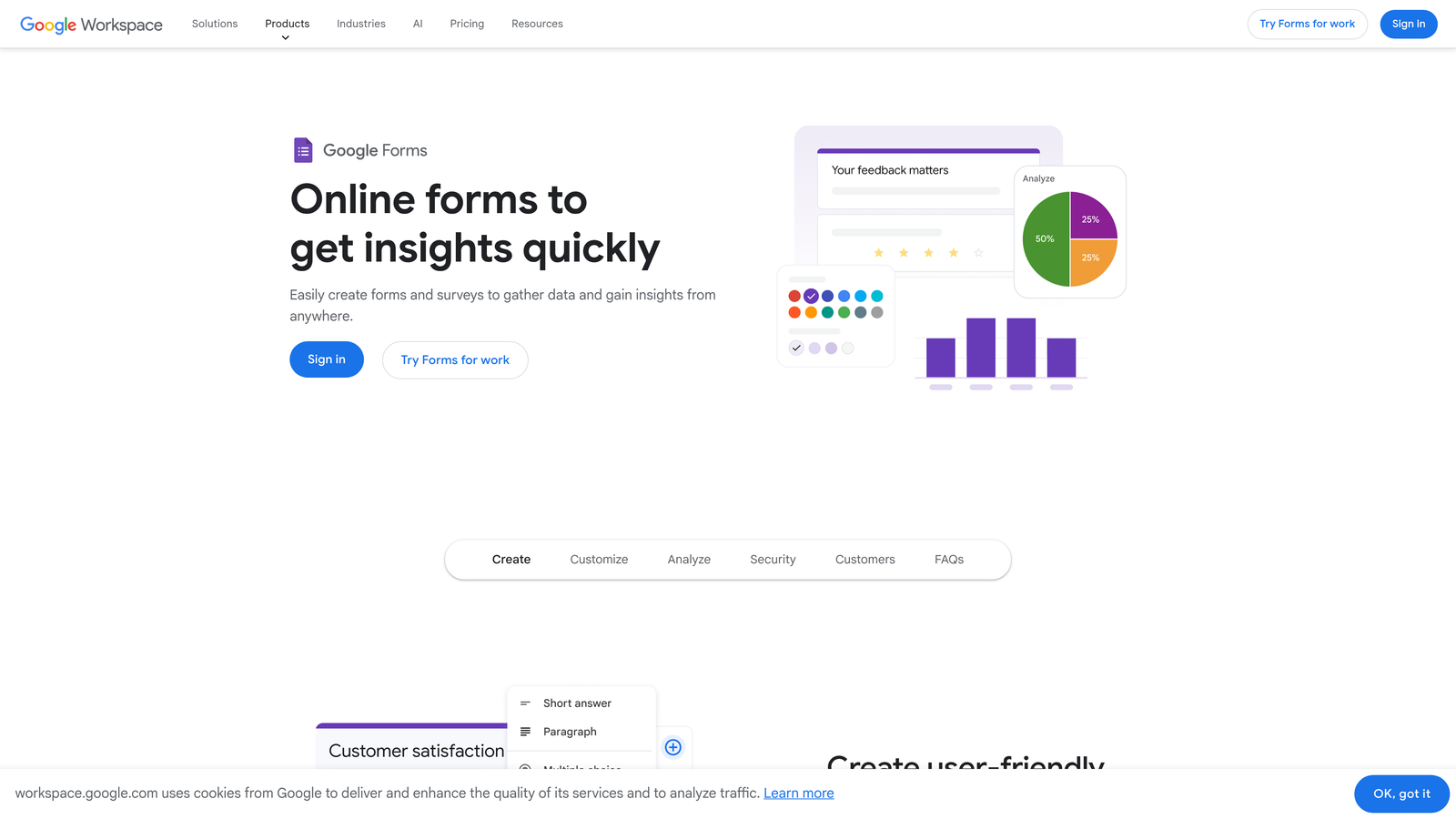
Google Forms is not a healthcare-specific tool, but it can be configured for HIPAA compliance for organizations already using Google Workspace, making it the most accessible entry point for practices with tight budgets.
Where This Tool Shines
The biggest advantage here is familiarity. Most healthcare staff already know how to use Google products, which means training time is essentially zero. When used within a Google Workspace account that includes a signed BAA, Google Forms becomes a legitimate option for collecting PHI, with data flowing automatically into Google Sheets for easy review.
It's worth being clear about the limitations: Google Forms is basic compared to every other tool on this list. There's no native e-signature, limited conditional logic, and no healthcare-specific templates. But for a solo practitioner or small clinic with simple intake needs, it gets the job done at minimal cost.
Key Features
No Additional Cost: Included with existing Google Workspace subscriptions, making it effectively free for current subscribers.
Familiar Interface: Staff typically need no training, reducing implementation friction.
Basic Conditional Logic: Simple question branching to adapt forms based on responses.
Google Sheets Integration: Automatic data collection into spreadsheets for easy review and filtering.
BAA Available: Signed through the Google Workspace admin console, enabling HIPAA-compliant use.
Best For
Solo practitioners or very small practices with simple intake needs and an existing Google Workspace subscription. Not recommended for organizations requiring e-signatures, complex workflows, or EHR integration.
Pricing
Included with Google Workspace, which starts at $7.20/user/month. The BAA must be configured separately through the admin console.
5. Typeform
Best for: Patient-facing forms where completion rate and experience are the top priorities
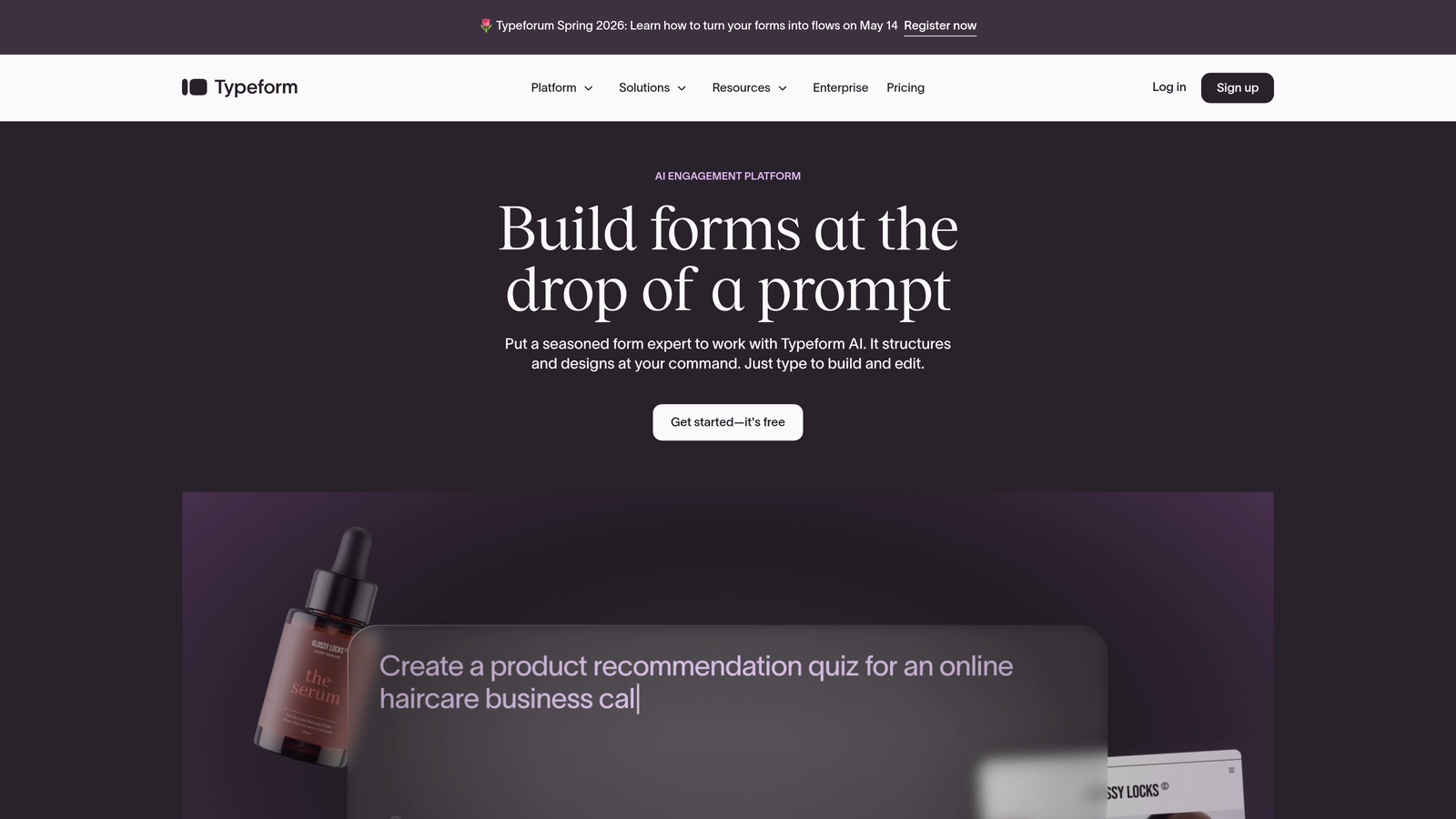
Typeform takes a fundamentally different approach to form design: instead of presenting all questions at once, it delivers one question at a time in a conversational format that feels less like a medical form and more like a natural interaction.
Where This Tool Shines
For patient-facing intake, the experience matters. A long, dense form can cause patients to abandon the process before completing it, which creates gaps in clinical information and administrative headaches. Typeform's conversational format has a well-documented reputation for improving form completion rates, which is a meaningful advantage for pre-appointment intake workflows.
The platform's design customization is also best-in-class. Forms can be fully branded to match a practice's visual identity, which reinforces trust with patients who may be cautious about submitting personal health information online.
Key Features
Conversational One-Question Format: Presents questions sequentially to reduce overwhelm and improve completion rates.
HIPAA Compliance with BAA: Available on Enterprise plans for organizations handling PHI.
Logic Jumps and Branching: Personalized form paths based on patient responses, so each patient sees only relevant questions.
Brand Customization: Full visual customization to match practice branding and build patient trust.
CRM and Automation Integrations: Connects with major CRMs and workflow automation platforms.
Best For
Healthcare organizations that prioritize patient experience and form completion rates. Particularly effective for telehealth platforms, mental health practices, and any setting where a warm, non-clinical tone is important.
Pricing
HIPAA compliance is available on the Enterprise plan. Contact Typeform directly for enterprise pricing details.
6. IntakeQ
Best for: Healthcare practices that want a purpose-built intake platform with scheduling and secure messaging built in
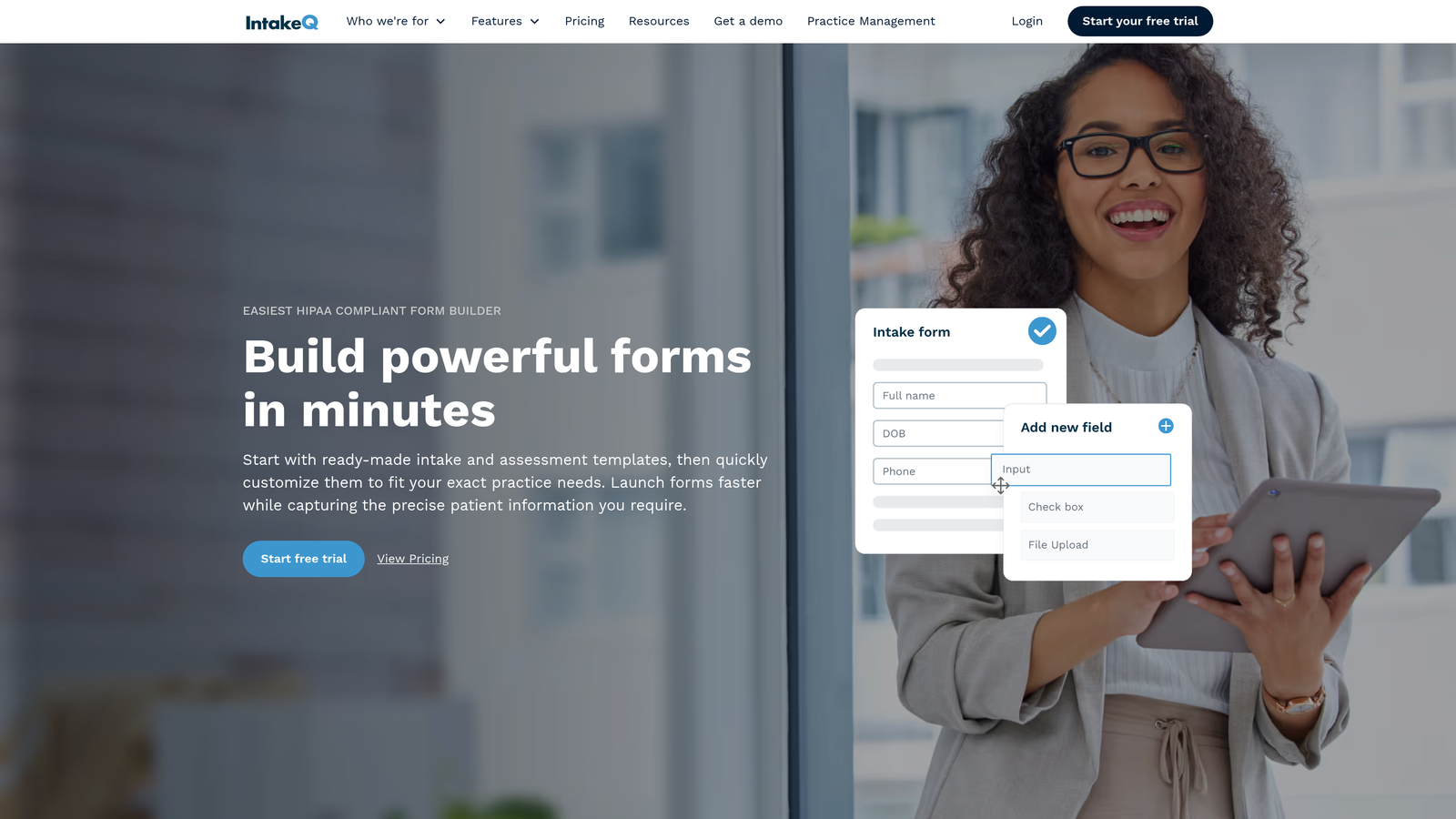
IntakeQ is built specifically for healthcare, which means HIPAA compliance isn't an add-on feature at a higher price tier. It's the foundation the entire platform is built on, alongside appointment scheduling, secure patient messaging, and document management.
Where This Tool Shines
Unlike general-purpose form builders that offer healthcare as a configuration option, IntakeQ was designed from the ground up for clinical intake workflows. This shows in features like insurance card capture, document upload portals, and pre-appointment form automation that triggers based on appointment type, capabilities that would require significant setup work in a general-purpose tool.
The secure patient messaging portal is a particularly valuable addition for practices that communicate with patients about intake questions or follow-up documentation, keeping all PHI within a compliant channel.
Key Features
Purpose-Built HIPAA Compliance: Included at all plan levels, not reserved for higher tiers.
Appointment Scheduling with Form Automation: Automatically sends relevant intake forms to patients based on their scheduled appointment type.
Secure Patient Messaging: HIPAA-compliant messaging portal for communicating with patients about forms and documentation.
Insurance Card and Document Capture: Patients can upload insurance cards and supporting documents directly through the intake portal.
EHR/EMR Integrations: Connects with common electronic health record systems for data transfer.
Best For
Solo practitioners through mid-size practices that want a complete intake management system without piecing together multiple tools. Especially well-suited for practices that rely heavily on pre-appointment paperwork.
Pricing
Starts at approximately $49.90/month for solo practitioners. Higher tiers available for practices with multiple providers.
7. Cognito Forms
Best for: Practices that collect patient fees alongside intake information and need built-in payment processing
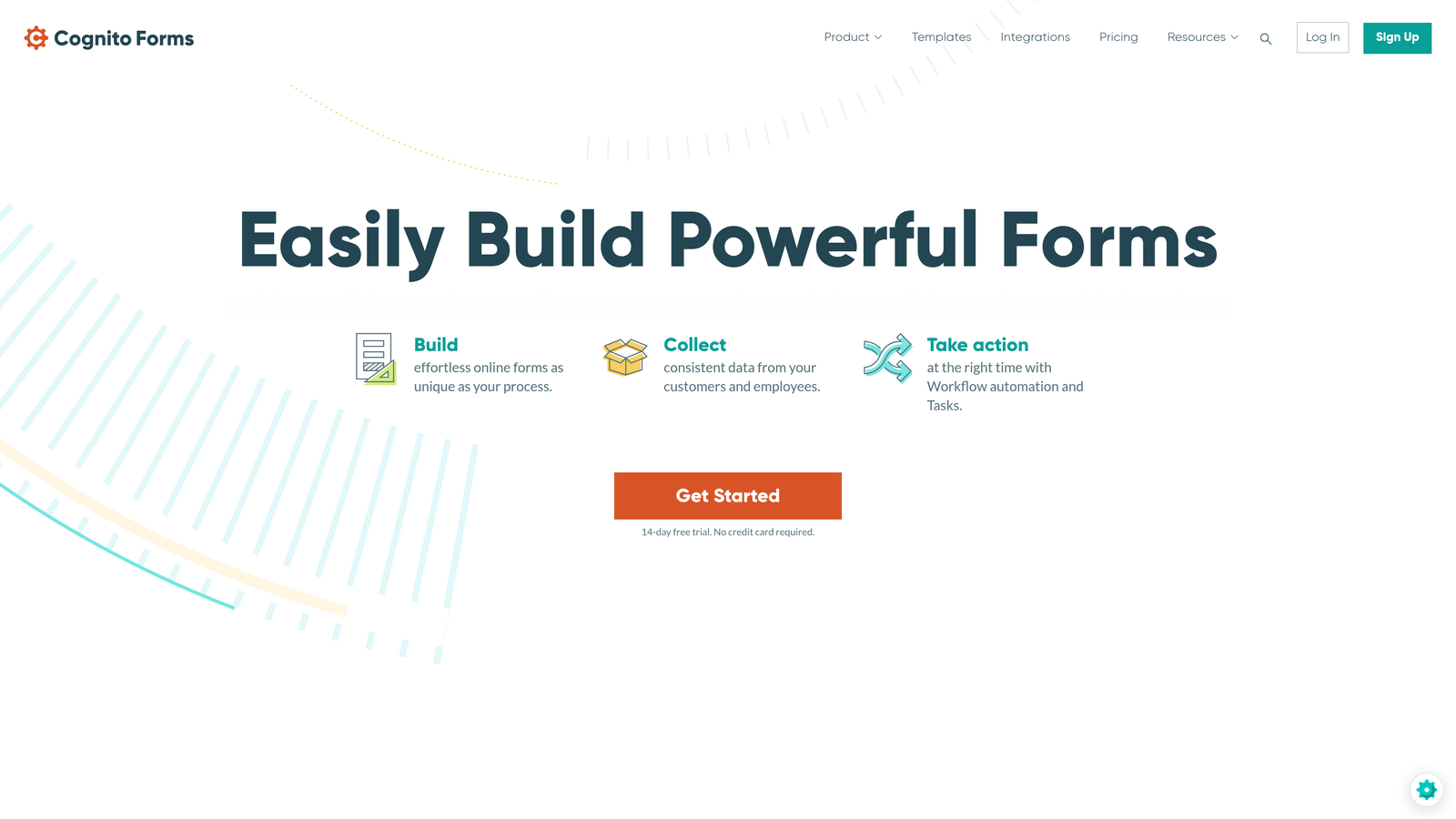
Cognito Forms is a versatile form builder that combines HIPAA compliance with native payment processing, making it a practical choice for practices that collect copays, deposits, or fees as part of the intake process.
Where This Tool Shines
Most form builders require a third-party payment integration to collect fees. Cognito Forms handles this natively with support for Stripe, Square, and PayPal, and notably charges no platform transaction fees on top of the processor's standard rates. For practices that regularly collect payments through intake forms, this can represent meaningful savings.
The platform also handles complex form structures well. Repeating sections, which allow patients to add multiple medications, allergies, or family history entries, are built in natively and work without any custom coding.
Key Features
HIPAA Compliance with BAA: Available on Team plan and above, with data encryption at rest and in transit.
Built-In Payment Processing: Native support for Stripe, Square, and PayPal with no additional platform transaction fees.
Repeating Sections: Patients can add multiple entries for medications, conditions, or family history without form redesign.
Advanced Calculations: Calculation fields useful for scoring, fee calculation, or conditional total displays.
Data Encryption: End-to-end encryption for all form data, both in transit and at rest.
Best For
Practices that want to combine intake data collection with payment processing in a single form experience. Also well-suited for organizations with complex medical history forms that require repeating entry sections.
Pricing
HIPAA-compliant Team plan starts at approximately $29/month. Higher tiers available for larger teams.
8. FormAssembly
Best for: Large healthcare organizations with Salesforce Health Cloud environments requiring enterprise-grade compliance
FormAssembly is an enterprise-grade form platform built for organizations where Salesforce is the system of record and compliance requirements go beyond standard HIPAA, extending to FedRAMP and GDPR.
Where This Tool Shines
No other platform on this list matches FormAssembly's depth of Salesforce integration. Forms can prefill from existing Salesforce records, submissions can create or update records automatically, and approval workflows can route through Salesforce processes. For large health systems or healthcare organizations running Salesforce Health Cloud, this eliminates significant manual data work.
The compliance profile is also uniquely comprehensive. HIPAA, FedRAMP, and GDPR coverage in a single platform is rare and specifically relevant for healthcare organizations operating in regulated or government-adjacent environments.
Key Features
Best-in-Class Salesforce Integration: Deep bidirectional sync with Salesforce and Salesforce Health Cloud, including record prefill and automatic record creation.
Multi-Framework Compliance: HIPAA, FedRAMP, and GDPR compliance for organizations with complex regulatory requirements.
Form Prefill: Pulls existing patient or contact data from Salesforce to pre-populate forms, reducing data entry burden.
Advanced Workflow Routing: Approval processes and conditional routing for complex multi-step intake and authorization workflows.
Enterprise Security: Single sign-on (SSO), audit trails, and enterprise-level access controls.
Best For
Large health systems, hospital networks, and healthcare organizations where Salesforce is the primary data platform. Also appropriate for government-adjacent healthcare organizations requiring FedRAMP compliance.
Pricing
HIPAA-compliant Compliance Cloud plan available; contact FormAssembly directly for enterprise pricing. Custom pricing based on organizational needs and scale.
9. Phreesia
Best for: Healthcare organizations that want a complete end-to-end patient intake and registration platform
Phreesia is in a different category from every other tool on this list. Rather than a form builder you configure for healthcare, it's a full patient intake management platform that handles the entire registration workflow from digital check-in through insurance verification and copay collection.
Where This Tool Shines
For practices dealing with high patient volumes, the administrative overhead of intake, insurance verification, and payment collection adds up quickly. Phreesia automates all of these simultaneously. Patients complete digital check-in on their own devices, insurance eligibility is verified in real time, clinical screening questionnaires are administered automatically, and copay estimates are presented at the point of service.
The EHR integration depth is also unmatched in this list. Direct integrations with Epic, Cerner, and Athenahealth mean that intake data flows into clinical records without manual transfer, reducing both administrative time and transcription errors.
Key Features
End-to-End Intake Workflow: Covers the full patient registration process from digital check-in through payment collection.
Real-Time Insurance Verification: Automatically checks patient eligibility at the time of check-in, reducing claim denials.
Clinical Screening Questionnaires: Standardized tools including PHQ-9, GAD-7, and other validated clinical screeners administered during intake.
Point-of-Service Payment Collection: Copay estimation and payment processing integrated directly into the check-in flow.
Deep EHR Integrations: Direct connections with Epic, Cerner, Athenahealth, and other major EHR platforms.
Best For
Mid-size to large medical practices, multi-specialty groups, and health systems that need a comprehensive intake management platform rather than a standalone form tool. Particularly valuable for high-volume practices where intake efficiency has a direct impact on patient throughput.
Pricing
Custom pricing based on practice size and the specific modules required. Contact Phreesia directly for a quote tailored to your organization.
Which Platform Is Right for Your Practice?
The best form software for your healthcare organization depends on where your biggest friction point actually lives. Let's cut through the options with a quick use-case guide.
If your priority is AI-powered intake with intelligent routing, Orbit AI is the standout choice. It's built for organizations that need to qualify and route patient inquiries at scale, not just collect data.
For teams that need the fastest path to launch with ready-made templates, Jotform's library of 600+ healthcare forms is hard to beat. For enterprise organizations running Salesforce, FormAssembly's integration depth is in a class of its own.
Budget-conscious practices already on Google Workspace will find that a properly configured Google Forms setup covers basic needs at minimal cost. For the best patient-facing experience, Typeform's conversational format consistently delivers higher completion rates.
If you want a healthcare-native platform without the enterprise price tag, IntakeQ covers scheduling, messaging, and intake in one purpose-built tool. For practices that also collect fees during intake, Cognito Forms' built-in payment processing is a practical advantage. And for organizations that need a complete end-to-end intake operation, Phreesia operates at a level no general-purpose form builder can match.
For high-growth healthcare teams ready to modernize patient intake with intelligent automation, Orbit AI brings something the other platforms don't: AI-driven qualification and routing built directly into the form experience. Start building free forms today and see how intelligent form design can transform how your team handles patient inquiries from the first touchpoint forward.


