

Marketing teams live and die by their forms. Whether you're capturing leads, qualifying prospects, or running post-campaign surveys, the form tool you choose directly impacts conversion rates, data quality, and how fast your pipeline moves.
But not all form builders are built for marketing workflows. Many are generic, clunky, or lack the integrations growth teams actually need. This list cuts through the noise. We evaluated tools based on conversion-focused design capabilities, lead qualification features, native integrations with marketing stacks, and ease of use for non-developers.
Whether you're a lean startup team or scaling a demand gen engine, there's a tool here for you. We've also included our own platform, Orbit AI, as the top pick — not because it's ours, but because it's genuinely built for exactly this use case. For deeper context on what makes a form perform, check out our guide on web form design best practices and how to increase form submissions.
1. Orbit AI
Best for: High-growth SaaS and marketing teams that need AI-powered lead qualification built in.
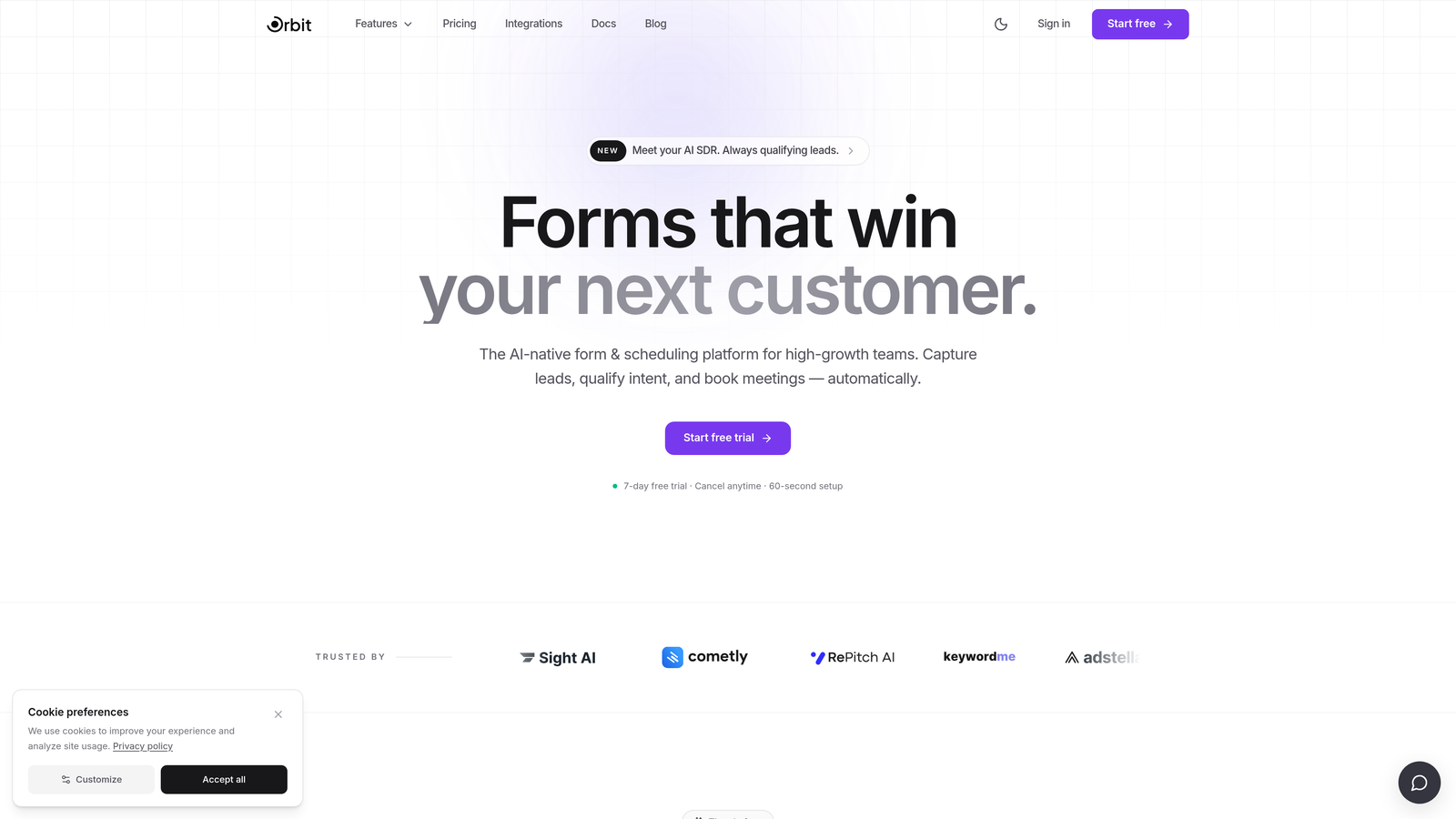
Orbit AI is an AI-powered form builder designed specifically for marketing teams who care about lead quality, not just lead volume.
Where This Tool Shines
Most form builders are passive — they collect data and hand it off. Orbit AI takes an active role in your pipeline by automatically scoring and routing leads based on how prospects respond. That means your sales team spends less time triaging and more time closing.
The platform is also built with conversion optimization as a core design principle, not an afterthought. Templates are tailored for SaaS and demand gen use cases, mobile-first layouts are standard, and multi-step flows with conditional logic require zero coding. It's the kind of tool that feels like it was built by someone who has actually run a growth team.
Key Features
AI Lead Qualification: Automatically scores and routes leads based on form responses, so high-intent prospects reach the right rep immediately.
Conversion-Optimized Templates: Pre-built templates designed for SaaS and demand gen workflows, not generic use cases.
Multi-Step and Conditional Logic: Build sophisticated form flows without touching a line of code.
Modern, Brandable Design: Mobile-first layouts with full brand customization to match your visual identity.
Native CRM and MAP Integrations: Connects directly with the CRMs and marketing automation platforms your team already uses.
Best For
Marketing teams at high-growth SaaS companies who need more than a form — they need a qualification layer built into their lead capture. Particularly strong for demand gen teams running inbound programs where lead quality directly affects pipeline efficiency.
Pricing
Visit orbitforms.ai for current pricing details and plan options.
2. Typeform
Best for: Brand-conscious teams wanting polished, conversational form experiences that feel nothing like a form.
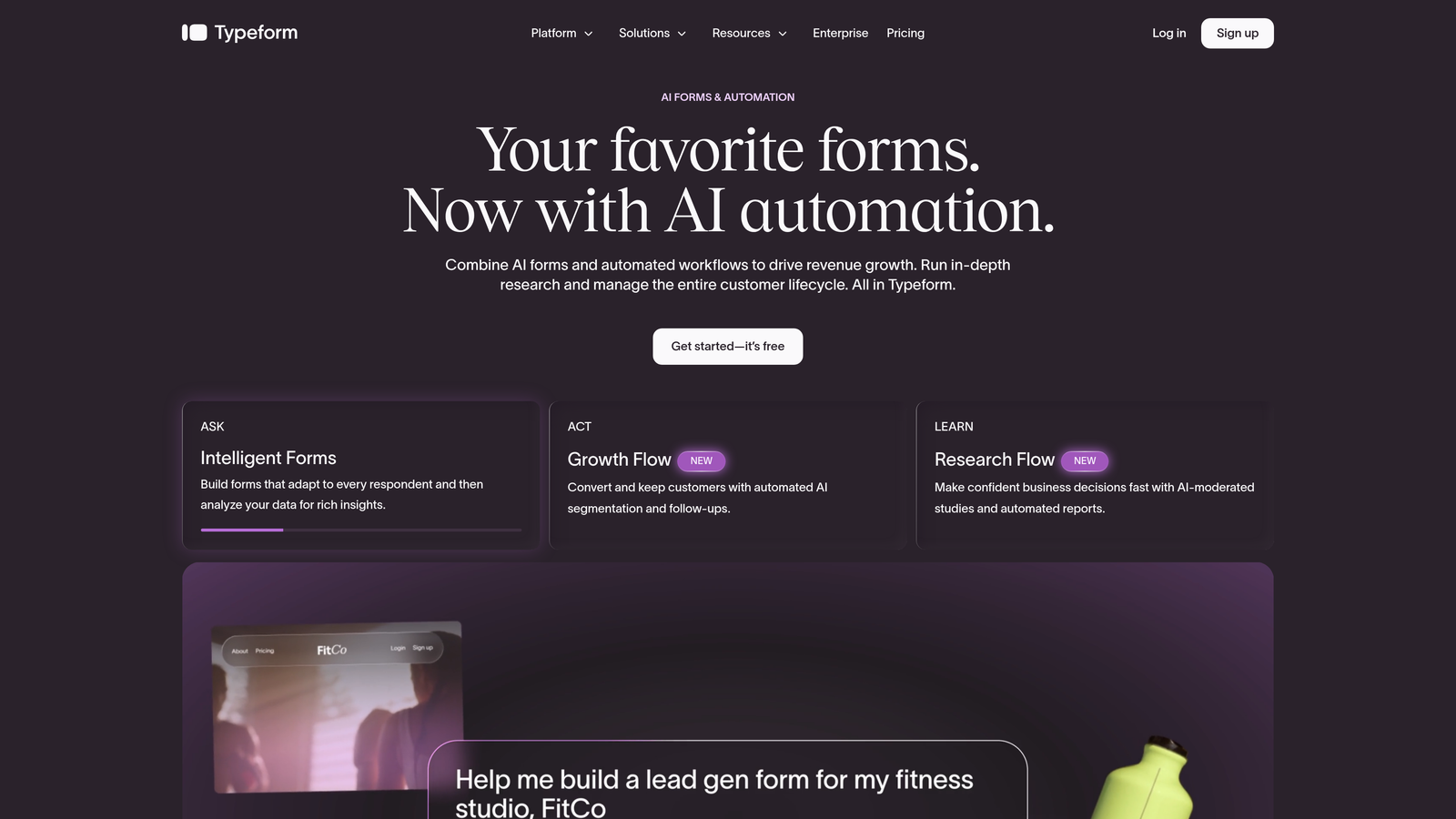
Typeform is a conversational form builder known for its one-question-at-a-time interface and premium visual design.
Where This Tool Shines
Typeform's core insight is that showing respondents one question at a time reduces cognitive load and tends to drive higher completion rates compared to traditional long-form layouts. The result feels more like a conversation than a data collection exercise.
It's particularly well-suited for brand-forward companies where the form experience needs to match the quality of the rest of the customer journey. The tradeoff is that Typeform has faced criticism for pricing increases over the years, and teams on tight budgets may find better value elsewhere.
Key Features
Conversational Format: One-question-at-a-time UX reduces friction and generally improves completion rates.
Logic Jumps: Conditional branching routes respondents through personalized paths based on their answers.
Rich Integrations: Native connectors with HubSpot, Salesforce, Zapier, and Slack.
Media Embedding: Add video and images directly within form questions for richer context.
Drop-Off Analytics: Built-in dashboard shows where respondents abandon the form so you can optimize.
Best For
Marketing teams at design-forward companies, particularly for customer research, NPS surveys, and branded lead capture where the form experience itself is part of the brand impression.
Pricing
Free tier available; paid plans start at approximately $25/month. Verify current pricing at typeform.com.
3. HubSpot Forms
Best for: Teams already running on HubSpot who want zero-friction contact capture and native workflow triggers.
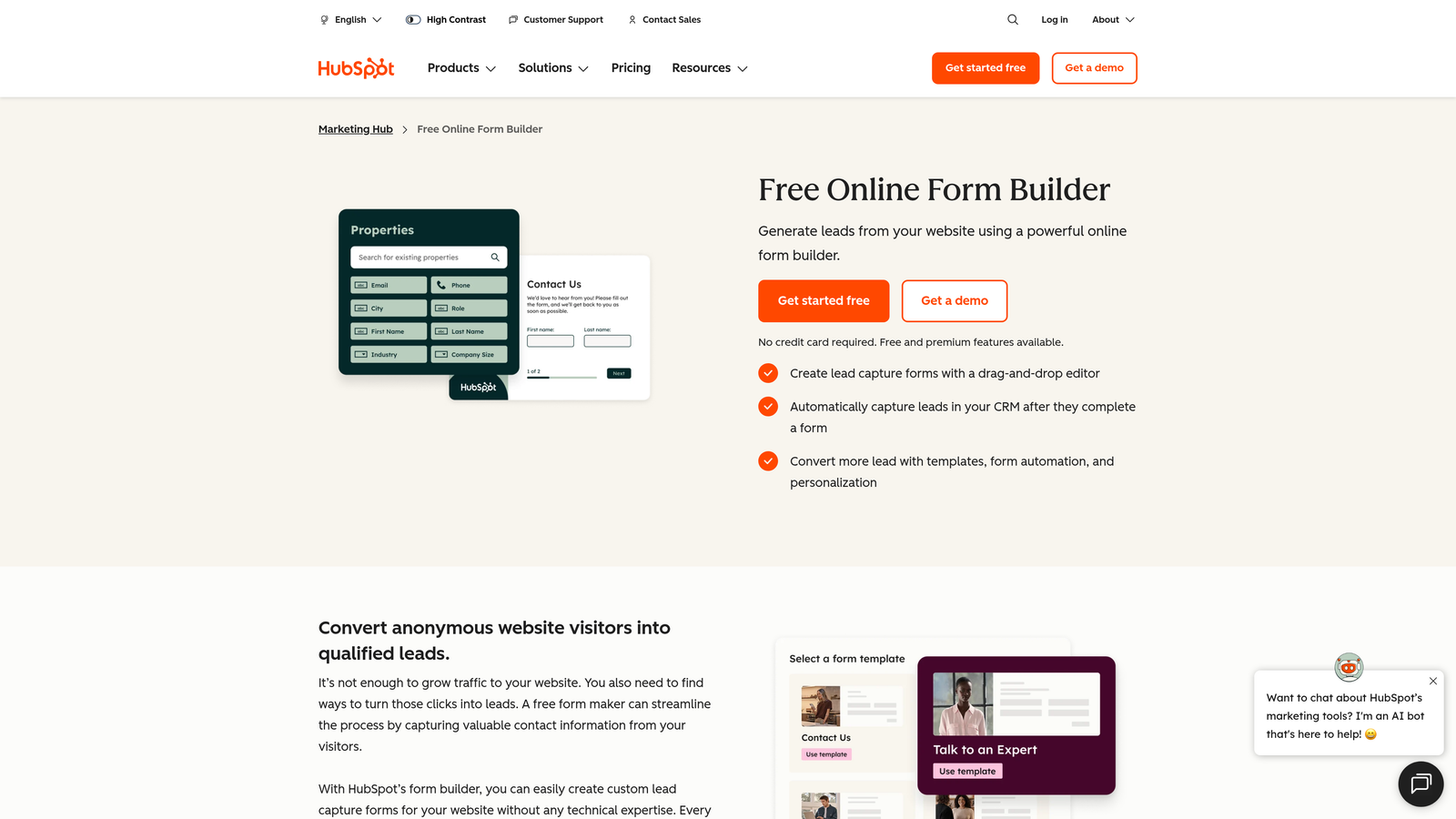
HubSpot Forms is a native form builder built directly into the HubSpot CRM platform, offering seamless contact capture and automation.
Where This Tool Shines
If your marketing team lives in HubSpot, this is the path of least resistance. Form submissions sync instantly to contact records, trigger email sequences, and feed into list segmentation without any middleware. The integration is genuinely seamless because it's all one system.
The standout feature for returning visitors is progressive profiling, which pre-fills fields HubSpot already knows about a contact and surfaces new questions instead. It's a smart way to gather richer data over time without making prospects fill out the same fields repeatedly.
Key Features
Native CRM Sync: Submissions automatically create or update contact records in HubSpot with no integration setup required.
Progressive Profiling: Pre-fills known fields and asks new questions to enrich contact data over time.
Workflow Triggers: Form submissions can instantly fire HubSpot workflows, email sequences, and internal notifications.
Flexible Placement: Supports embedded forms, pop-ups, and slide-in banners across your site.
Free to Start: Basic form functionality is included in HubSpot's free CRM tier.
Best For
Marketing teams that are already invested in the HubSpot ecosystem. If you're not using HubSpot, the design limitations and platform dependency make it harder to justify as a standalone choice.
Pricing
Free with HubSpot CRM; advanced features like progressive profiling unlock in paid Marketing Hub tiers. Verify at hubspot.com.
4. Jotform
Best for: Marketing agencies and teams needing a broad template library, payment collection, and multi-client flexibility.
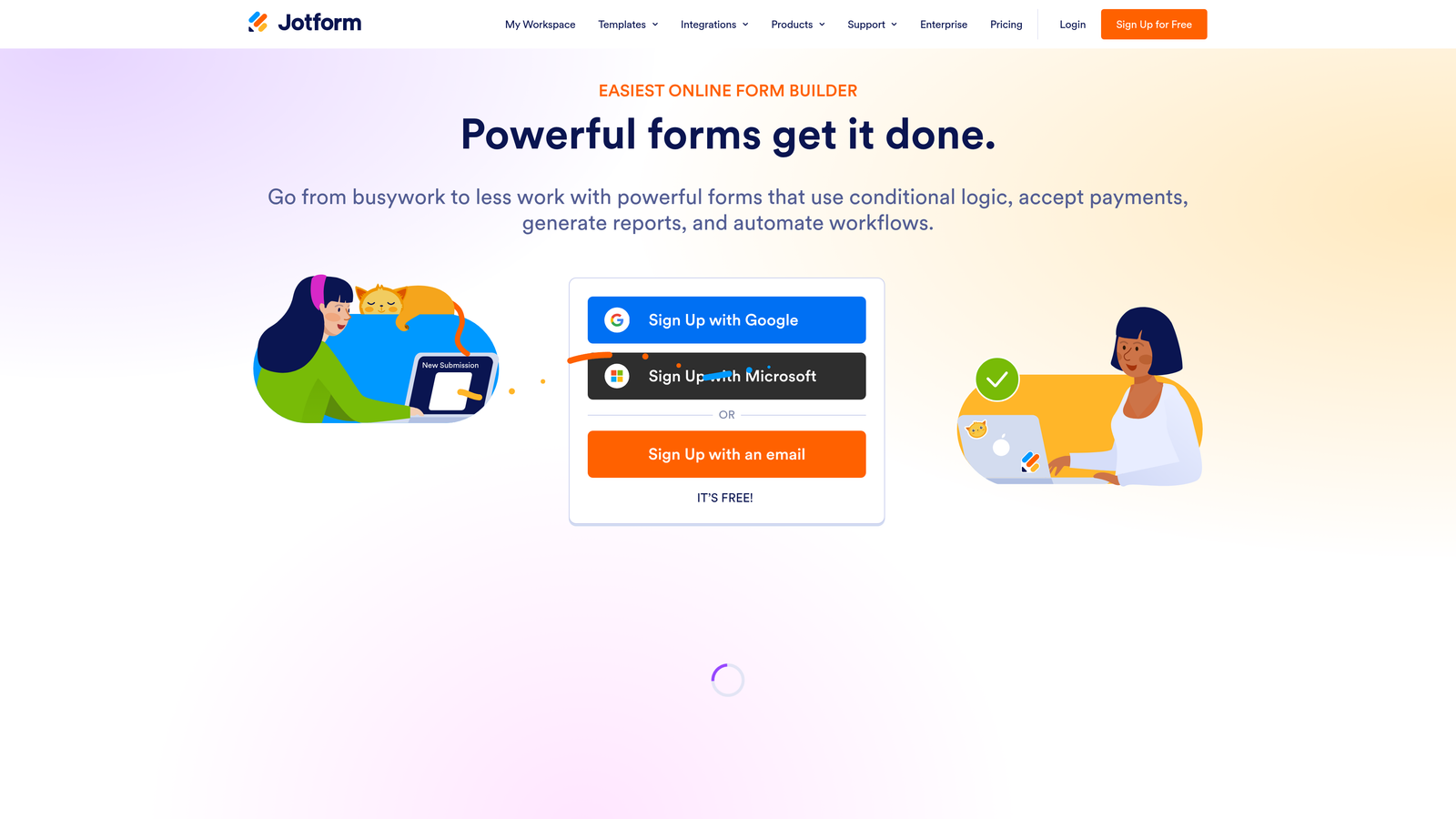
Jotform is a feature-rich form builder with one of the largest template libraries in the market and strong payment processing capabilities.
Where This Tool Shines
Jotform's depth is its biggest selling point. With over 10,000 templates spanning virtually every industry and use case, it's rare to encounter a form scenario this platform can't handle. For marketing agencies managing forms across multiple clients and campaigns, that breadth is genuinely valuable.
The platform also handles payment collection more robustly than most form tools, with native integrations for Stripe, PayPal, and Square. This makes it a natural fit for event registrations, product pre-orders, and any lead capture that includes a transactional component.
Key Features
10,000+ Templates: One of the largest template libraries available, covering nearly every industry and use case.
Payment Integrations: Native support for Stripe, PayPal, and Square within form submissions.
Advanced Conditional Logic: Complex branching and calculation fields for sophisticated form flows.
Team Collaboration: Form approval workflows and multi-user access for agency and team environments.
White-Label Options: Agencies can remove Jotform branding for client-facing deployments.
Best For
Marketing agencies managing forms for multiple clients, and in-house teams that need a versatile tool capable of handling everything from lead capture to event registration and payment collection.
Pricing
Free tier available; paid plans start at approximately $34/month. Verify current pricing at jotform.com.
5. Tally
Best for: Startups and lean teams that want a fast, intuitive form builder with a genuinely capable free plan.
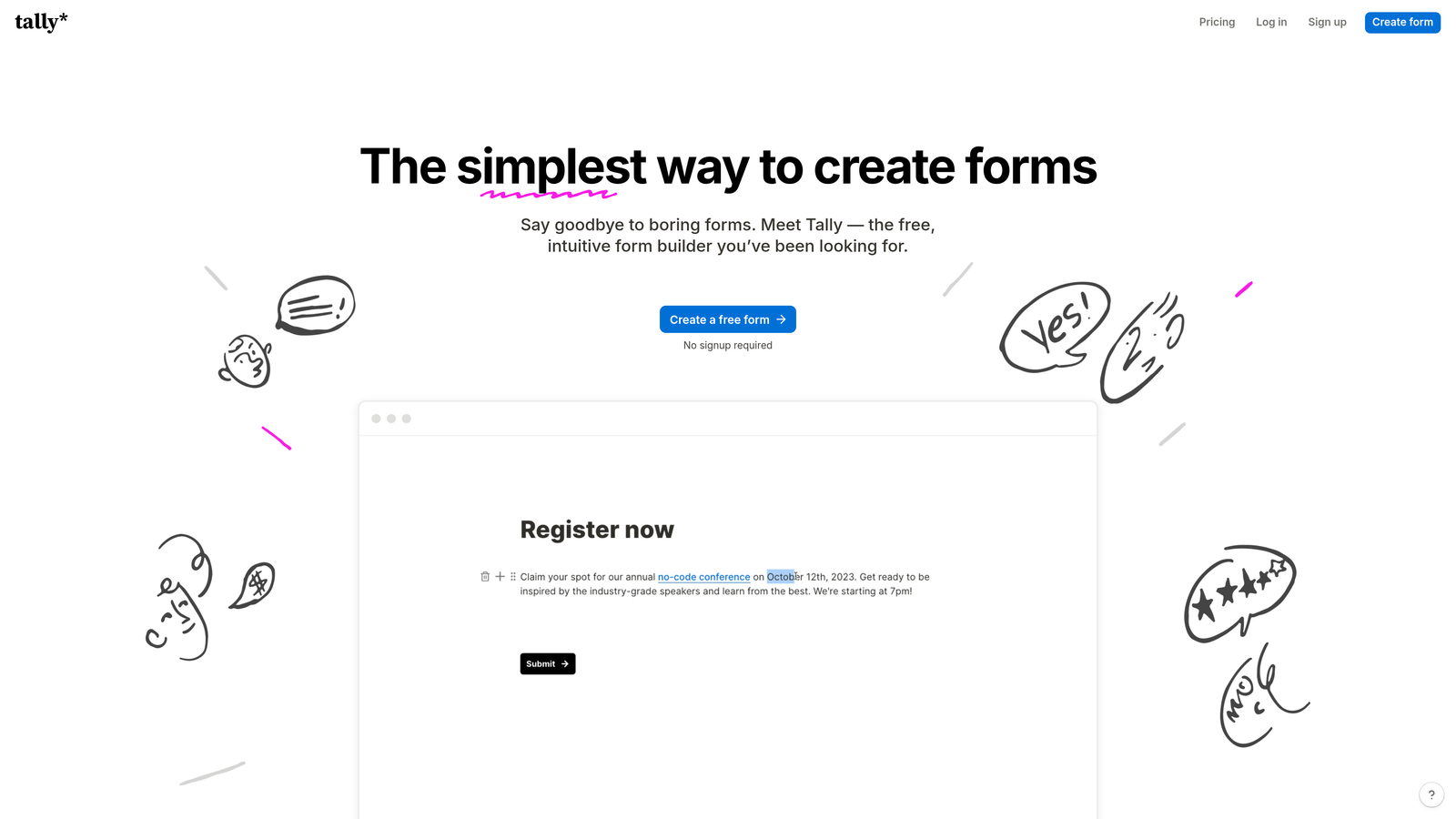
Tally is a lightweight, Notion-inspired form builder with a block-based editor and one of the most generous free tiers in the category.
Where This Tool Shines
Tally's block-based editor feels immediately familiar to anyone who has used Notion. You build forms the same way you'd write a document, which makes the learning curve nearly flat. For teams that need to spin up forms quickly without a lengthy onboarding process, that speed is a real advantage.
The free plan is notably generous: unlimited forms and unlimited submissions, which is rare in this space. It's become a favorite among startup teams and indie builders who need capable tooling without committing to a paid subscription from day one.
Key Features
Unlimited Free Forms: No submission caps or form limits on the free plan, making it unusually accessible.
Block-Based Editor: Intuitive Notion-style interface that most users can learn in minutes.
Conditional Logic: Multi-step forms and branching logic available even on the free tier.
Clean Embeds: Forms embed smoothly into websites and Notion pages without styling conflicts.
Zapier and Make Integrations: Connect to your marketing stack via automation platforms.
Best For
Early-stage startups, lean marketing teams, and individual contributors who need reliable form functionality without the cost or complexity of enterprise tools. Also a strong option for internal forms and quick research projects.
Pricing
Free tier is highly capable; Pro plan at approximately $29/month. Verify current pricing at tally.so.
6. Unbounce Smart Builder
Best for: Paid acquisition teams who want form and landing page optimization in a single, AI-powered platform.
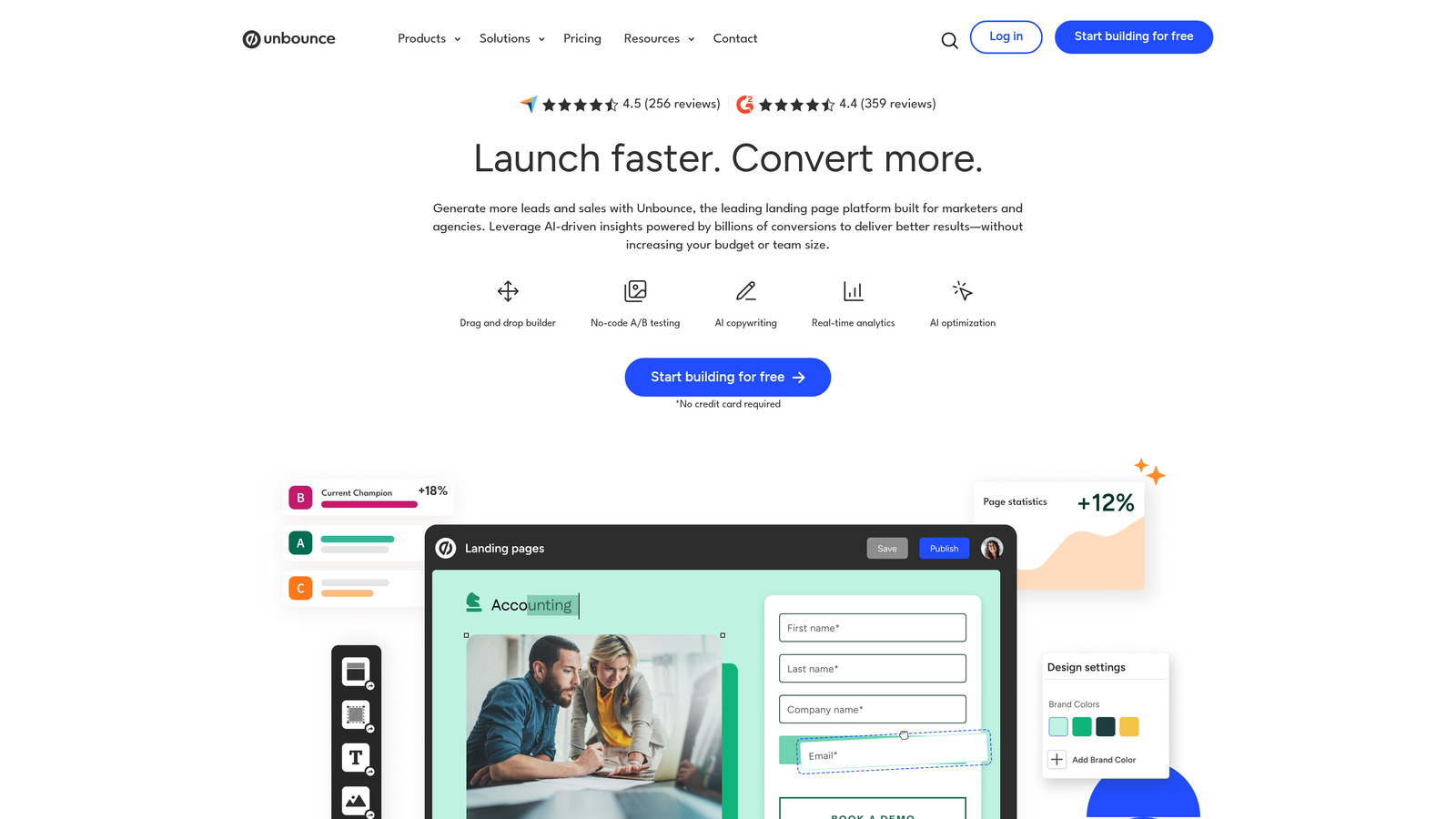
Unbounce is a landing page platform with embedded form capabilities and AI-powered traffic optimization built for performance marketing teams.
Where This Tool Shines
Unbounce occupies a different category from the other tools on this list. Rather than a standalone form builder, it's a full landing page platform where forms are embedded components. For paid acquisition teams, that distinction matters: you're optimizing the entire conversion unit, not just the form in isolation.
The AI Smart Traffic feature is genuinely useful for PPC teams, automatically routing visitors to the page variant most likely to convert based on their attributes. Combined with dynamic text replacement for ad personalization, it's a strong stack for teams running high-volume paid campaigns.
Key Features
AI Smart Traffic: Automatically routes visitors to the highest-converting page variant based on visitor data.
Integrated Form and Page: Forms are built natively within landing pages, eliminating tool fragmentation.
A/B and Multivariate Testing: Built-in testing tools for optimizing form and page performance together.
Dynamic Text Replacement: Personalizes page and form copy to match paid search keywords automatically.
Marketing Stack Integrations: Native connections with HubSpot, Marketo, Salesforce, and Zapier.
Best For
Performance marketing and demand gen teams running paid search or social campaigns who want a unified platform for landing page creation, form capture, and conversion optimization rather than separate tools stitched together.
Pricing
Plans start at approximately $99/month. Verify current pricing at unbounce.com.
7. Gravity Forms
Best for: WordPress-based marketing sites that need advanced conditional logic and a deep plugin ecosystem.
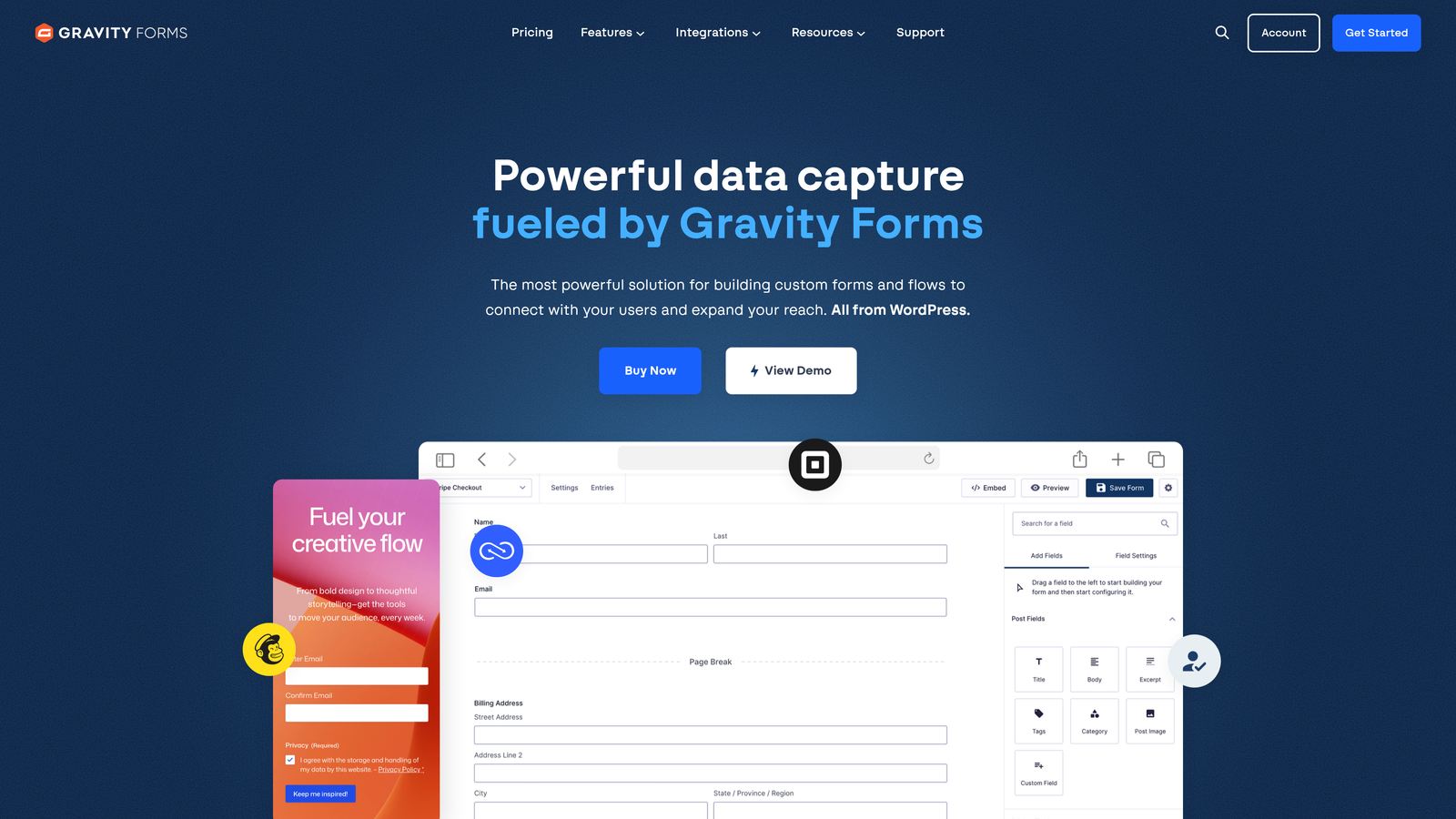
Gravity Forms is the leading WordPress form plugin for marketing sites, offering powerful logic capabilities and extensive add-on support.
Where This Tool Shines
Gravity Forms is a WordPress plugin, not a SaaS platform — and that distinction is important. If your marketing site runs on WordPress, Gravity Forms integrates at a depth that SaaS tools simply can't match. It works natively with your theme, your other plugins, and your hosting environment.
The conditional logic and multi-page form capabilities are among the most advanced available in the WordPress ecosystem. For developers, the hooks and filters architecture makes it highly extensible. For marketers, the add-on library covers payments, CRM integrations, and email marketing without requiring custom development.
Key Features
Deep WordPress Integration: Works natively with WP themes, plugins, and the broader WordPress ecosystem.
Advanced Conditional Logic: Complex multi-page form flows with sophisticated branching rules.
Add-On Ecosystem: Official add-ons for Stripe, Mailchimp, HubSpot, Zapier, and many others.
User Registration and Post Submission: Extends beyond lead capture into content and membership workflows.
Developer-Friendly Architecture: Extensive hooks and filters for custom functionality without modifying core files.
Best For
Marketing teams whose primary web presence is built on WordPress and who need a powerful, extensible form solution that integrates deeply with their existing site infrastructure.
Pricing
Annual license starting at approximately $59/year. Verify current pricing at gravityforms.com.
8. Paperform
Best for: Teams who want forms that feel like branded landing pages, blending content and capture in one experience.
Paperform is a document-style form builder that lets you mix written content, media, and form fields into a single cohesive branded experience.
Where This Tool Shines
Paperform's document editor is genuinely different from anything else on this list. Instead of building a form, you're essentially writing a page that happens to include form fields. Text, images, video, and input fields all coexist in a single canvas, which creates a richer, more contextual experience for respondents.
This makes it particularly well-suited for product launches, event registrations, and branded lead capture where you want to tell a story alongside the form. It's not the right tool for every use case, but for the scenarios it fits, the output looks and feels noticeably more polished than a standard form.
Key Features
Document-Style Editor: Freely mix text, images, video, and form fields in a single canvas without layout constraints.
Conditional Logic and Calculations: Dynamic form flows and calculated fields for more complex capture scenarios.
Payment Collection: Native support for Stripe, Braintree, and PayPal within the form experience.
Native Marketing Integrations: Direct connections with Mailchimp, ActiveCampaign, and Zapier for broader stack connectivity.
Branded Experience: Full visual customization to create form pages that match your brand identity.
Best For
Marketing teams running product launches, event registrations, or branded campaigns where the form experience itself needs to carry narrative weight alongside the data capture.
Pricing
Plans start at approximately $24/month. Verify current pricing at paperform.co.
9. Google Forms
Best for: Internal data collection, quick team surveys, and low-stakes research where design and branding don't matter.
Google Forms is a free, no-frills form tool from Google, best suited for internal use cases rather than customer-facing lead generation.
Where This Tool Shines
Google Forms does exactly what it promises: it's free, it's fast to set up, and it automatically pipes responses into Google Sheets. For internal surveys, team event RSVPs, or quick research projects where you just need answers collected, it's hard to argue with the price point.
The honest caveat for marketing teams is that Google Forms is not a lead generation tool. There's minimal design customization, no branding options to speak of, and no native integrations with CRMs or marketing automation platforms. Use it where it fits, and reach for a purpose-built tool for anything customer-facing.
Key Features
Completely Free: No cost, no submission limits, no plan tiers — available with any Google account.
Google Sheets Integration: Responses automatically populate a connected spreadsheet in real time.
Basic Branching Logic: Simple conditional sections for routing respondents to different questions.
Unlimited Responses: No caps on form submissions regardless of volume.
Google Workspace Native: Seamless sharing and collaboration within existing Google environments.
Best For
Internal team surveys, event RSVPs, quick research polls, and any scenario where design, branding, and CRM integration are not requirements. Not recommended as a primary lead capture tool for external marketing campaigns.
Pricing
Completely free with any Google account.
Which Tool Is Right for Your Marketing Team?
The right form tool depends on what your team is actually trying to accomplish. Here's a quick way to think through the decision.
For lead generation and qualification: Orbit AI is the strongest choice for teams that care about lead quality, not just volume. The built-in AI qualification layer sets it apart from tools that simply collect submissions and leave the routing to you.
For teams already on HubSpot: HubSpot Forms is the obvious starting point. The native integration and progressive profiling make it the most efficient option if you're already in that ecosystem.
For paid acquisition teams: Unbounce Smart Builder is worth the higher price point if you're running significant paid traffic. Optimizing the form and the landing page together, with AI traffic routing, is a meaningful advantage for performance marketers.
For brand-conscious experiences: Typeform remains a strong option for companies where the form experience itself is part of the brand impression, particularly for customer research and NPS programs.
For budget-constrained teams: Tally's free plan is genuinely capable for most early-stage needs. Google Forms covers internal use cases at no cost. Gravity Forms is excellent value for WordPress sites at roughly $59 per year.
The broader trend worth noting is that marketing teams are increasingly prioritizing lead quality over lead volume. Tools with built-in qualification logic, conversational multi-step flows, and mobile-first design are becoming the standard expectation rather than a premium feature. If your current form tool is passive — collecting data without helping you act on it — that's worth reconsidering.
For more on building forms that actually convert, explore our guides on web form design best practices and how to increase form submissions. And if you're ready to see what AI-powered qualification looks like in practice, start building free forms today and experience the difference intelligent form design makes for your pipeline.


