

When you need a lead capture form live by end of day, the last thing you want is to spend an hour fighting a clunky editor. Speed in form building isn't just about how fast the final form loads — it's about how quickly you can go from a blank screen to a published, conversion-ready form that actually works.
For high-growth teams running rapid experiments, startup founders who need lead capture yesterday, and developers who want minimal setup overhead, the right platform can compress a 30-minute build into something that takes seconds. The tools on this list were selected based on intuitive UI, drag-and-drop or AI-assisted building, template availability, publish speed, and the real-world performance of the forms they produce.
Whether you're optimizing for building effective web forms from scratch or looking to reduce form completion time for your audience, the platforms below represent the fastest paths from idea to live form in 2026.
1. Orbit AI
Best for: High-growth teams that need AI-generated, conversion-optimized forms live in seconds.
Orbit AI is an AI-powered form builder that generates conversion-ready forms from a simple text prompt, with built-in lead qualification designed for teams that move fast.
Where This Tool Shines
The core differentiator here is the AI generation layer. Instead of starting with a blank canvas or hunting through templates, you describe what you need and Orbit AI builds the form structure for you. For growth teams running multiple campaigns simultaneously, that shift from manual configuration to prompt-driven creation is a genuine time multiplier.
Beyond speed of creation, Orbit AI bakes lead qualification directly into the form experience. That means you're not just capturing submissions — you're scoring and segmenting prospects automatically, so your sales team receives qualified leads rather than raw, unfiltered data.
Key Features
AI Form Generation: Describe your form in plain text and get a fully structured, conversion-optimized form in seconds.
Built-in Lead Qualification: Automatically score and qualify leads based on responses, without needing a separate tool or manual review.
Conversion-Optimized Templates: Pre-built designs engineered for completion rates, not just aesthetics.
Conditional Logic and Dynamic Fields: Show or hide fields based on previous answers to keep forms lean and relevant.
CRM and Marketing Tool Integrations: Connect directly to popular CRMs and marketing platforms to keep your pipeline moving without manual data entry.
Best For
Orbit AI is purpose-built for growth marketers, demand generation teams, and SaaS founders who need forms that do more than collect data. If lead qualification is part of your workflow and speed-to-publish is non-negotiable, this is the platform built around your use case.
Pricing
Free tier available. Paid plans are priced competitively for SaaS teams. Visit orbitforms.ai for current plan details and feature breakdowns.
2. Typeform
Best for: Teams that want polished, conversational forms with high completion rates.
Typeform is a conversational form builder known for its one-question-at-a-time format and premium visual design that makes forms feel like a dialogue.

Where This Tool Shines
Typeform's editor is genuinely fast to work with. The drag-and-drop interface is clean, and the template library covers most common use cases, so you're rarely starting from zero. The one-question format also tends to reduce respondent overwhelm, which can translate into better completion rates for longer forms.
Where Typeform earns its place on a speed list is in its setup-to-publish workflow. The interface guides you through building logically, and the preview updates in real time, so there's no guesswork about how your form will look and behave when live.
Key Features
Conversational UX: One question at a time keeps respondents focused and engaged throughout the form.
Rich Media Support: Add images, GIFs, and video to form questions without leaving the editor.
Logic Jumps: Branch respondents to different questions based on their answers with a visual logic builder.
Native Integrations: Direct connections to Zapier, HubSpot, Slack, Mailchimp, and more out of the box.
Built-in Analytics: View completion rates, drop-off points, and response trends from the native dashboard.
Best For
Typeform works best for marketing teams prioritizing brand experience and response quality over volume. It's particularly strong for surveys, lead capture forms, and onboarding questionnaires where presentation matters.
Pricing
Free plan available with limited responses. Paid plans start at approximately $25 per month, with higher tiers unlocking more responses and advanced features.
3. Jotform
Best for: Teams that need a wide template library and rich feature set without a steep learning curve.
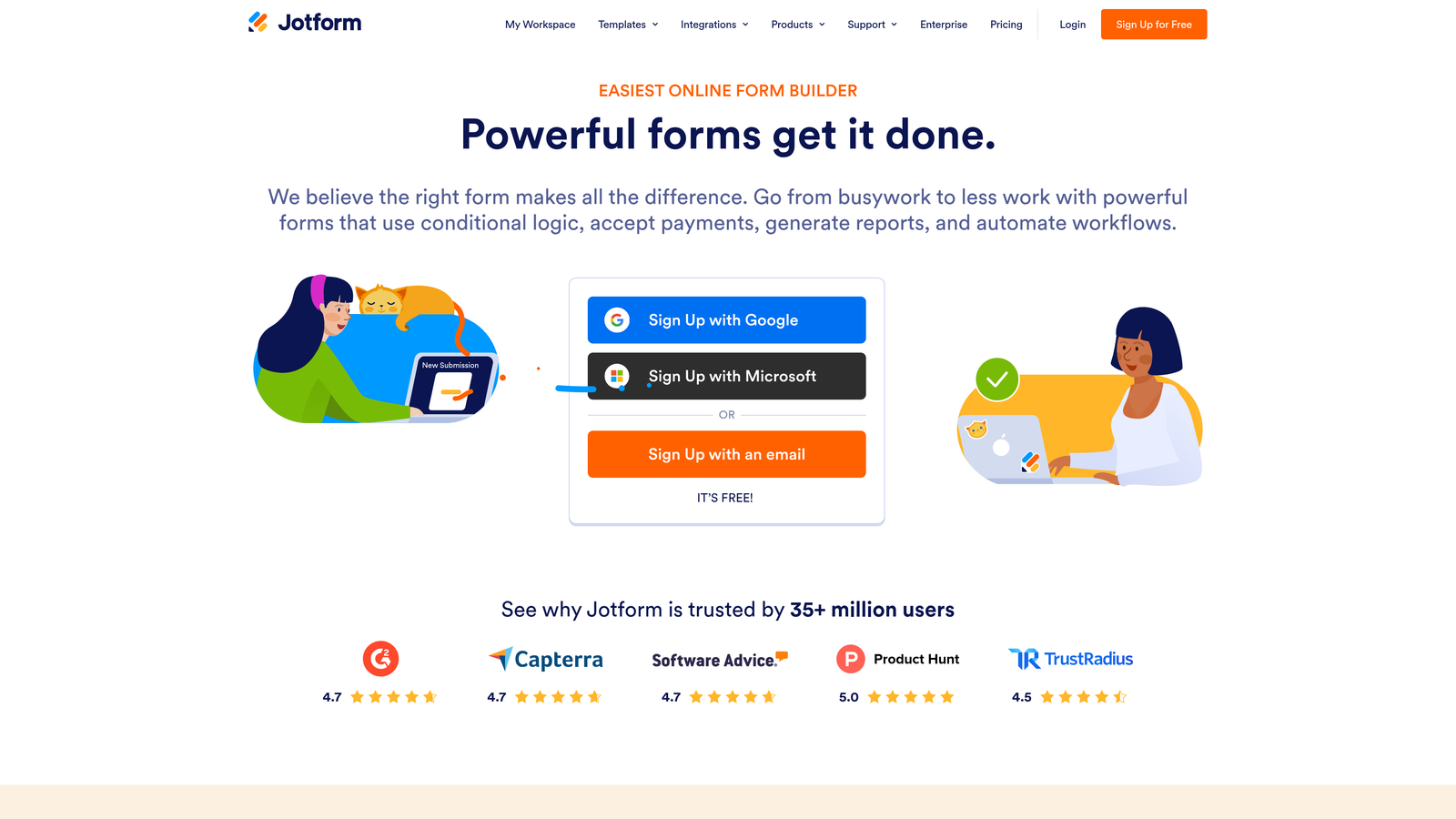
Jotform is a feature-rich form builder with over 10,000 templates, making it one of the fastest ways to launch professional forms by customizing an existing design.
Where This Tool Shines
Jotform's template library is arguably the most extensive in the market. Whatever form type you need — registration, payment, survey, application, booking — there's almost certainly a polished template ready to customize. This alone can cut build time dramatically compared to starting from scratch.
The platform also handles complex form requirements well. Payment collection, file uploads, calculations, and conditional logic are all available without needing third-party add-ons, making it a strong all-rounder for teams with varied form needs.
Key Features
10,000+ Templates: Extensive library covering virtually every form type, all customizable with the drag-and-drop editor.
Widgets Library: Add specialized inputs like signature fields, rating scales, appointment pickers, and more.
Payment Integrations: Accept payments via Stripe, PayPal, Square, and others directly through forms.
Conditional Logic and Calculations: Build dynamic forms that respond to user input and perform real-time calculations.
PDF and Report Generation: Automatically generate formatted PDFs from form submissions.
Best For
Jotform suits operations teams, small businesses, and nonprofits that need a reliable, feature-complete form builder without a developer. The template depth makes it especially fast for teams that build many different form types regularly.
Pricing
Free plan includes up to 5 forms and 100 monthly submissions. Paid plans start at approximately $34 per month with higher submission limits and additional features.
4. Tally
Best for: Individuals and small teams who want an ultra-simple builder with a generous free tier.
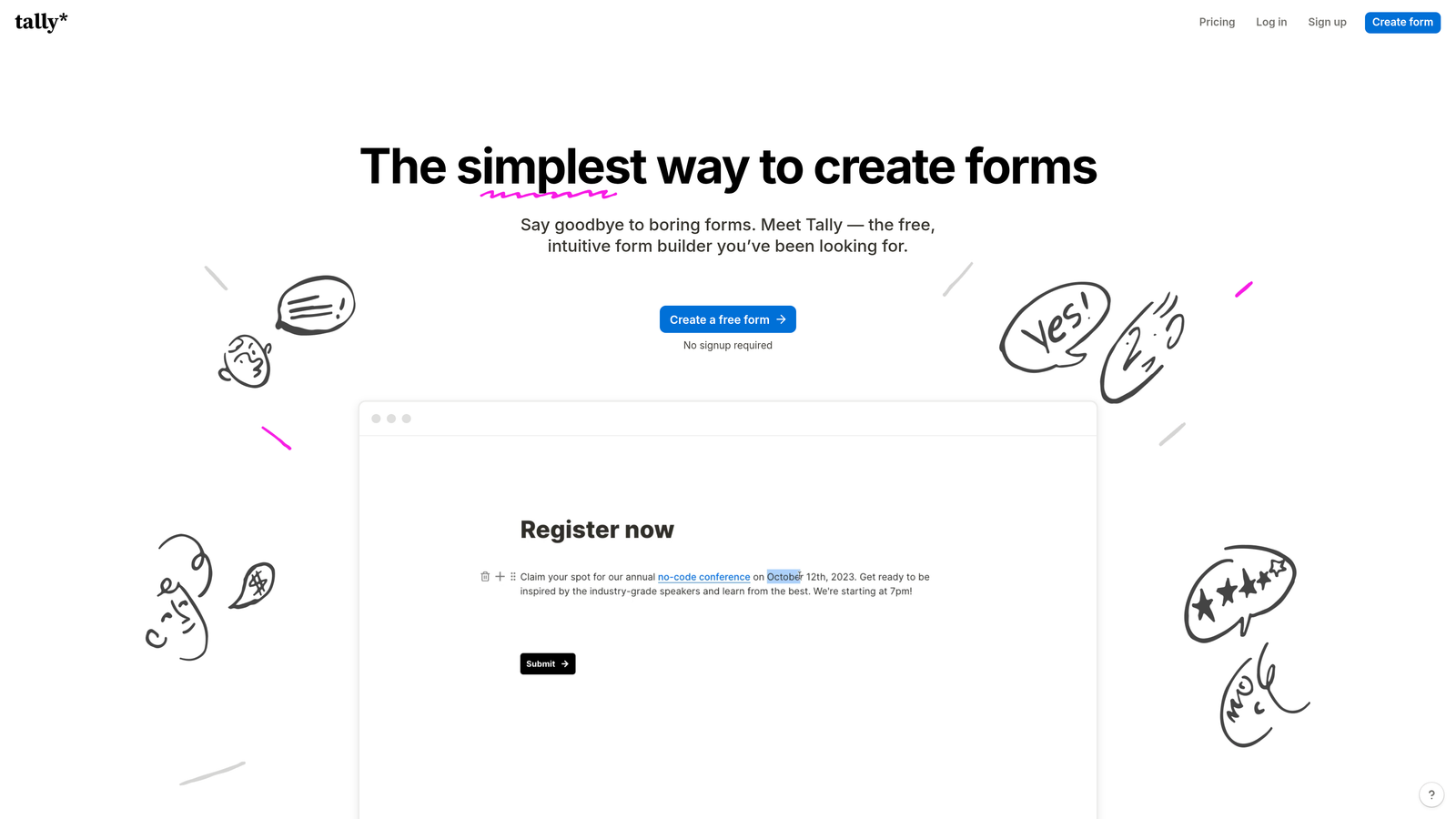
Tally is a minimalist form builder that works like a text document, letting you create forms simply by typing, with no visual editor to learn.
Where This Tool Shines
Tally's document-style editor removes almost all friction from the form creation process. If you can write a Google Doc, you can build a Tally form. There's no drag-and-drop canvas to manage, no component library to navigate — you type, and the form takes shape. For simple to moderately complex forms, this is genuinely the fastest manual creation experience available.
The free plan's generosity is also worth highlighting. Unlimited forms and unlimited submissions on the free tier makes Tally a compelling choice for early-stage startups and freelancers who need professional-looking forms without a monthly commitment.
Key Features
Document-Style Editor: Create forms by typing, just like writing in a text document — no canvas or component dragging required.
Unlimited Free Forms: No caps on the number of forms or submissions on the free plan.
Conditional Logic and Hidden Fields: Build branching logic and pass data via URL parameters without upgrading.
Custom Domains and Branding: White-label forms with your own domain and remove Tally branding on paid plans.
Flexible Integrations: Connect via Zapier, webhooks, or native connectors to popular tools.
Best For
Tally is ideal for solo operators, indie hackers, and early-stage startups that need clean, functional forms quickly without a budget for paid tools. It also works well for internal forms and quick surveys where brand customization isn't the priority.
Pricing
Free plan with unlimited forms and submissions. Pro plan at approximately $29 per month for custom domains, branding removal, and advanced features.
5. Google Forms
Best for: Anyone needing a completely free, no-setup form with automatic Google Sheets integration.
Google Forms is a free, no-frills form builder accessible to anyone with a Google account, with automatic response collection in Google Sheets.

Where This Tool Shines
The speed advantage of Google Forms comes from zero friction at the account level. If you have a Google account, you have Google Forms. No new signup, no trial to activate, no credit card. Open the app and you're building in seconds. For internal surveys, quick polls, and event registrations, it's hard to beat the time-to-first-form.
The automatic Google Sheets pipeline is also a genuine productivity feature. Every submission flows directly into a spreadsheet without any configuration, which is useful for teams already living in the Google Workspace ecosystem.
Key Features
Completely Free: No submission limits, no paid tiers required for core functionality.
Auto Google Sheets Integration: Responses populate a linked spreadsheet automatically with zero setup.
Real-time Collaboration: Multiple team members can edit a form simultaneously, just like a Google Doc.
Section Branching: Basic conditional logic to route respondents to different sections based on answers.
Add-on Ecosystem: Extend functionality with Google Workspace add-ons for notifications, data processing, and more.
Best For
Google Forms is the right choice for internal use cases, educational settings, and anyone who needs a functional form immediately without any cost or setup. It's not built for brand-forward lead capture, but for raw speed and zero cost, nothing else comes close.
Pricing
Completely free, included with any Google account and Google Workspace subscription.
6. Fillout
Best for: Teams building forms that need to read from and write to existing databases like Airtable, Notion, or Salesforce.
Fillout is a modern form builder with deep native integrations into Airtable, Notion, Salesforce, and other databases, making it fast to build forms that connect directly to your existing data layer.

Where This Tool Shines
Most form builders treat integrations as an afterthought, routing data out via Zapier after the fact. Fillout flips this by making database connections a first-class feature. If your team runs on Airtable or Notion, you can build forms that pull existing records, update them on submission, and maintain relational data integrity — without any middleware configuration.
The breadth of built-in field types also speeds up form creation. Scheduling fields, payment collection, and file uploads are all native, so you're not hunting for third-party add-ons to handle common requirements.
Key Features
Native Database Integrations: Direct, no-middleware connections to Airtable, Notion, Salesforce, and Supabase.
Built-in Scheduling and Payments: Scheduling, payment, and file upload fields included without additional integrations.
Conditional Logic and Multi-page Forms: Build complex, branching multi-step forms with a visual logic editor.
Custom Themes and Branding: Apply your brand colors, fonts, and logo across all forms.
Quiz and Calculator Types: Create scored quizzes and calculation-based forms natively.
Best For
Fillout is purpose-built for operations teams and product teams that have already invested in a database tool like Airtable or Notion and need forms that integrate seamlessly rather than duplicating data into a separate system.
Pricing
Free plan available. Paid plans start at approximately $19 per month, with higher tiers for more responses and advanced features.
7. Paperform
Best for: Teams that want a form and landing page in one, without a separate website builder.
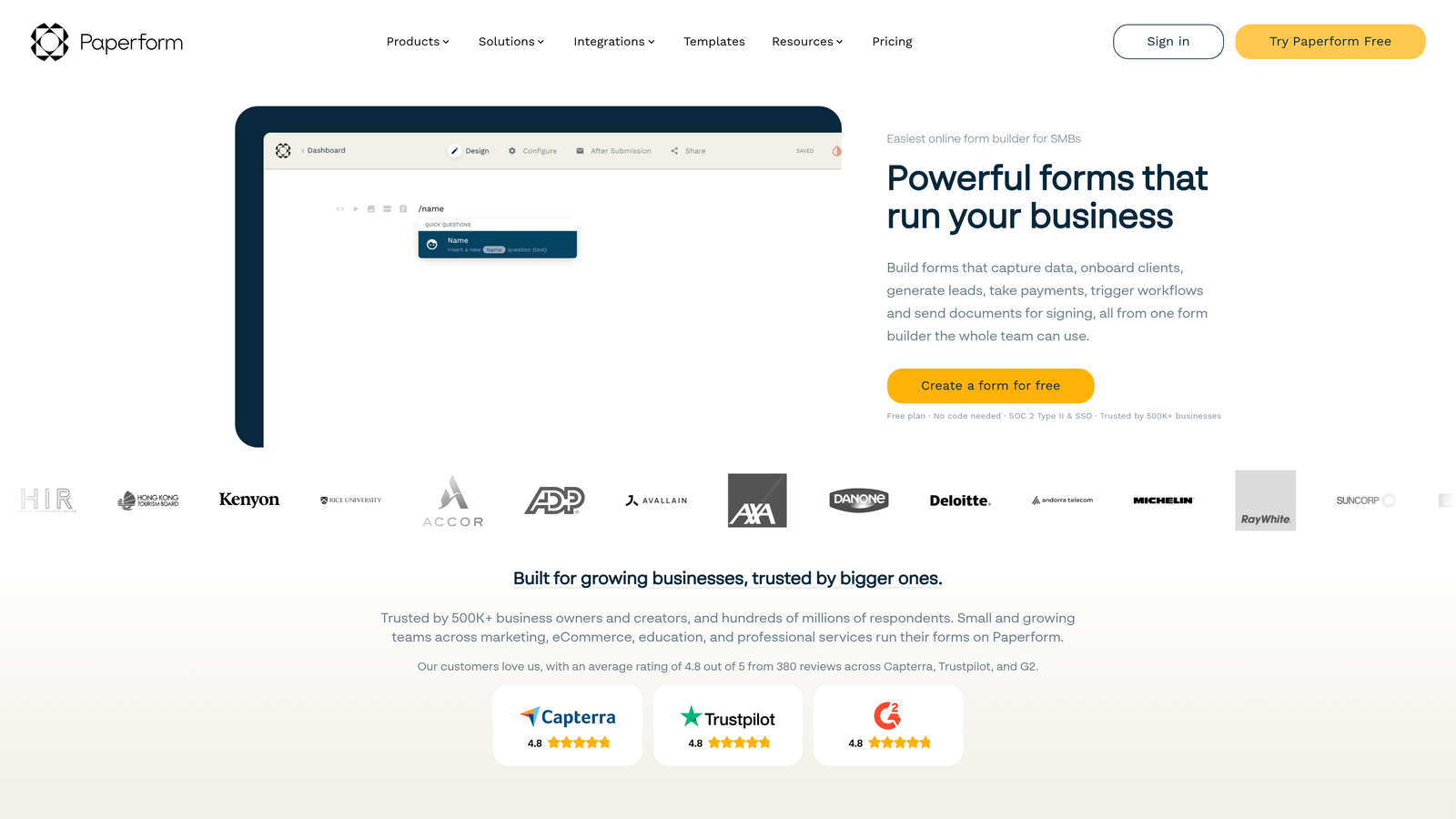
Paperform is a hybrid form and landing page builder with a rich content editor, enabling teams to create full-page form experiences without touching a separate CMS.
Where This Tool Shines
Paperform occupies a useful middle ground between a form builder and a lightweight landing page tool. You can place images, video, and formatted text alongside your form fields in a single editor, creating a complete page experience rather than just a data collection widget. For teams running campaigns without a dedicated landing page builder, this can eliminate an entire tool from the stack.
The built-in payment processing is also a standout. Stripe, Square, and Braintree are all supported natively, so product waitlists, event registrations with paid tickets, and service bookings can all be handled from a single Paperform without additional configuration.
Key Features
Rich Content Editor: Mix images, video, and formatted text with form fields in a single page layout.
Native Payment Processing: Accept payments via Stripe, Square, and Braintree directly within forms.
Conditional Logic and Calculations: Build dynamic pricing, conditional field visibility, and calculated outputs.
Custom Success Pages: Configure post-submission redirects and branded confirmation pages.
1,000+ Integrations: Connect via Zapier and native connectors to a wide range of tools.
Best For
Paperform works well for small business owners, consultants, and marketing teams that need a polished form-plus-page experience for campaigns, events, or service bookings without managing a separate landing page tool.
Pricing
Plans start at approximately $24 per month. A 14-day free trial is available with no credit card required.
8. Formspark
Best for: Developers who want to handle form submissions from existing HTML without building backend infrastructure.
Formspark is a backend-only form service that lets you point any existing HTML form to a Formspark endpoint to start receiving submissions instantly, with no server setup required.
Where This Tool Shines
Formspark solves a specific developer pain point: you have a static site or custom-built frontend and you need form submissions handled without spinning up a backend service. Point your form's action attribute to a Formspark endpoint and you're done. No server, no database, no email configuration from scratch.
For developers, this is genuinely the fastest path to a working form on a custom site. The entire setup can happen in minutes, and Formspark handles spam protection, email notifications, and webhook forwarding so you don't have to build any of that logic yourself.
Key Features
Frontend-Agnostic: Works with any HTML form — static sites, React, Vue, Next.js, or plain HTML.
Built-in Spam Protection: Botpoison and reCAPTCHA integrations to filter out automated submissions.
Email Notifications and Webhooks: Get notified on submission and forward data to any endpoint automatically.
File Upload Support: Handle file attachments without additional storage configuration.
Simple REST API: Manage and retrieve submissions programmatically via a clean REST API.
Best For
Formspark is built for developers and technical teams working on static sites, JAMstack projects, or custom web applications who need form handling without the overhead of building and maintaining a backend service.
Pricing
Free tier includes 250 submissions. Paid plans start at approximately $8 per month for higher submission volumes.
9. HubSpot Free Form Builder
Best for: Teams already using HubSpot CRM who want zero-friction form-to-contact automation.
HubSpot's Free Form Builder is a form tool embedded within HubSpot's free CRM, automatically creating or updating contact records with every submission and requiring no integration setup whatsoever.
Where This Tool Shines
The speed advantage here is entirely about the CRM connection. For teams already in the HubSpot ecosystem, there's no Zapier zap to configure, no field mapping to set up, and no API credentials to manage. A form submission creates or updates a contact record immediately, with all submitted data mapped to the correct CRM properties automatically.
This makes HubSpot's form builder uniquely fast not just to build, but to operationalize. The moment your form is live, your sales team has actionable CRM data without any additional configuration work.
Key Features
Automatic CRM Contact Creation: Every submission creates or updates a HubSpot contact record with zero configuration.
Drag-and-Drop Editor: Build forms with dependent fields and custom properties from the HubSpot interface.
Progressive Profiling: On paid tiers, show different fields to returning visitors to gradually enrich contact data.
Embedded and Standalone Options: Deploy forms as embedded widgets or as standalone HubSpot-hosted pages.
Native HubSpot Analytics: Form performance data flows directly into HubSpot's reporting dashboards.
Best For
HubSpot's form builder is the obvious choice for any team running their sales and marketing operations in HubSpot. It's also a strong entry point for early-stage companies that want to start with a free CRM and form builder in a single platform.
Pricing
Free with any HubSpot CRM account. Advanced features like progressive profiling are available in Marketing Hub Starter, starting at approximately $20 per month.
Which Platform Is Right for Your Team?
The fastest form builder isn't a single answer — it depends on where speed matters most in your workflow. Here's a quick breakdown to help you match the tool to your situation.
If you need the fastest path from idea to live, qualified lead capture form, Orbit AI is the standout choice. The AI generation layer removes the manual configuration work entirely, and the built-in lead qualification means your forms are doing more work from the moment they go live. It's built specifically for the high-growth team use case.
For the best free option with no submission limits, Tally is the top pick for its document-style simplicity and unlimited free tier. Google Forms is the right call if you're already in the Google Workspace ecosystem and need something live in the next five minutes with zero friction.
Formspark is the clear winner for developers. If you have a custom frontend and just need form submissions handled reliably without building backend infrastructure, it's the fastest solution by a significant margin.
For brand-forward experiences where presentation drives completion rates, Typeform remains the benchmark. And if your team lives in HubSpot, the HubSpot Free Form Builder eliminates integration overhead entirely, making it the fastest path to CRM-connected lead capture.
The throughline across all of these tools is that speed comes from alignment. A powerful platform that doesn't match your workflow will always feel slow, while the right tool for your context can have a form live in minutes. Start with your workflow, then pick the builder that fits it.
If lead qualification and conversion optimization are central to your growth strategy, explore the best lead capture tools for startups and learn proven tactics to improve your form conversion rates to get more from every form you build.
Transform your lead generation with AI-powered forms that qualify prospects automatically while delivering the modern, conversion-optimized experience your high-growth team needs. Start building free forms today and see how intelligent form design can elevate your conversion strategy.


