

Choosing the right online form builder plan is more than picking a price tier. It's about finding a platform that fits how your team captures leads, qualifies prospects, and converts visitors into customers. With so many plans ranging from free tiers to enterprise packages, the differences in submission limits, integrations, branding controls, and AI capabilities can make or break your lead generation workflow.
This guide compares six form builder platforms across their plan structures, standout features, and ideal use cases so you can stop second-guessing and start building forms that actually perform. Whether you're a startup looking for an affordable entry point or a high-growth SaaS team that needs AI-powered lead qualification baked in, there's a plan on this list built for you. We've also included notes on our own platform, Orbit AI, so you can see exactly where it fits.
1. Orbit AI
Best for: High-growth SaaS teams that need native AI lead qualification and conversion-optimized forms.
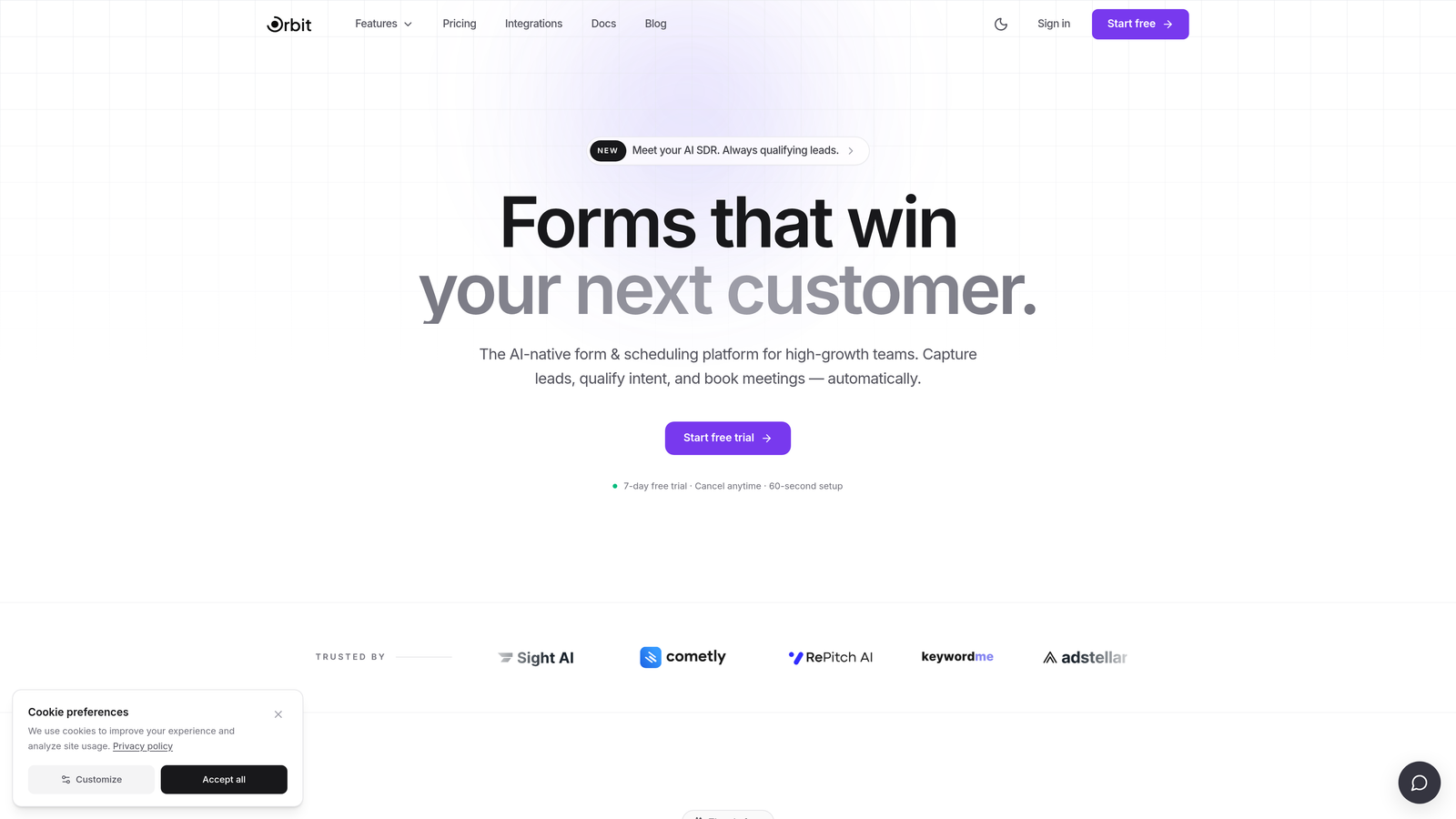
Orbit AI is an AI-powered form builder with built-in lead qualification and scoring, designed specifically for teams focused on conversion optimization.
Where This Tool Shines
Most form builders treat lead qualification as an afterthought, leaving teams to stitch together third-party scoring tools, CRM workflows, and Zapier automations after the fact. Orbit AI bakes qualification directly into the form experience itself. Leads are scored and segmented automatically as they move through the form, without any additional setup required.
This is particularly valuable for SaaS sales and marketing teams that need to prioritize follow-up quickly. Instead of dumping every submission into a CRM and hoping someone reviews it, Orbit AI surfaces the highest-quality leads immediately, giving your team a meaningful head start on conversion.
Key Features
Built-in AI Lead Qualification: Scores and segments leads automatically without requiring third-party tools or manual setup.
Conversion-Optimized Templates: Pre-built form templates designed specifically for SaaS lead generation use cases.
Conditional Logic and Smart Routing: Routes leads based on their score, ensuring high-value prospects reach the right team member instantly.
Full Design Customization: Beautiful, on-brand form design with complete control over colors, fonts, and layout to match your brand identity.
Real-Time Lead Analytics: Live lead data and reporting that keeps sales and marketing aligned on pipeline quality and conversion performance.
Best For
Orbit AI is built for high-growth SaaS companies, conversion-focused marketing teams, and sales organizations that want lead qualification to happen at the point of capture rather than downstream. If you're tired of manually sorting through form submissions to find your best prospects, this platform was designed to solve exactly that problem.
Pricing
Check current plan options and pricing directly at orbitforms.ai. Pricing details are updated regularly and are best reviewed on the official pricing page.
2. Typeform
Best for: Teams that prioritize polished, conversational form experiences and strong brand presentation.
Typeform is a conversational form builder known for its one-question-at-a-time UX and visually engaging design.

Where This Tool Shines
Typeform's defining characteristic is its format. By presenting one question at a time, it creates a more natural, dialogue-like experience that can improve form completion rates, particularly for longer surveys and multi-step lead generation forms. The design quality is consistently high, which matters when your form is the first impression a prospect has of your brand.
At higher plan tiers, Typeform offers meaningful brand customization including custom fonts, colors, and domains. The conditional logic and branching capabilities on paid plans are also solid, allowing teams to build dynamic forms that adapt based on user responses.
Key Features
Conversational One-Question Format: Presents questions sequentially to create a more engaging, dialogue-style experience for respondents.
Conditional Logic and Branching: Advanced branching available on paid plans to create personalized form paths based on answers.
Brand Customization: Custom fonts, colors, and domain support at higher plan tiers for a fully on-brand experience.
Native Integrations: Connects with popular CRMs, email marketing platforms, and Zapier for flexible workflow automation.
Rich Media Support: Embed videos and images within forms to create more immersive and informative form experiences.
Best For
Typeform works well for marketing teams running surveys, quizzes, and lead generation campaigns where form aesthetics and completion rates are top priorities. It's a strong choice for brands where the form experience itself is part of the customer journey. Teams with simpler needs may find the free plan's response limits restrictive.
Pricing
A free plan is available with limited monthly responses. Paid plans are offered at multiple tiers with increasing response limits and features. Verify current plan names and pricing at typeform.com before making a decision.
3. Jotform
Best for: Teams that need a broad feature set, extensive templates, and support for payments or e-signatures.
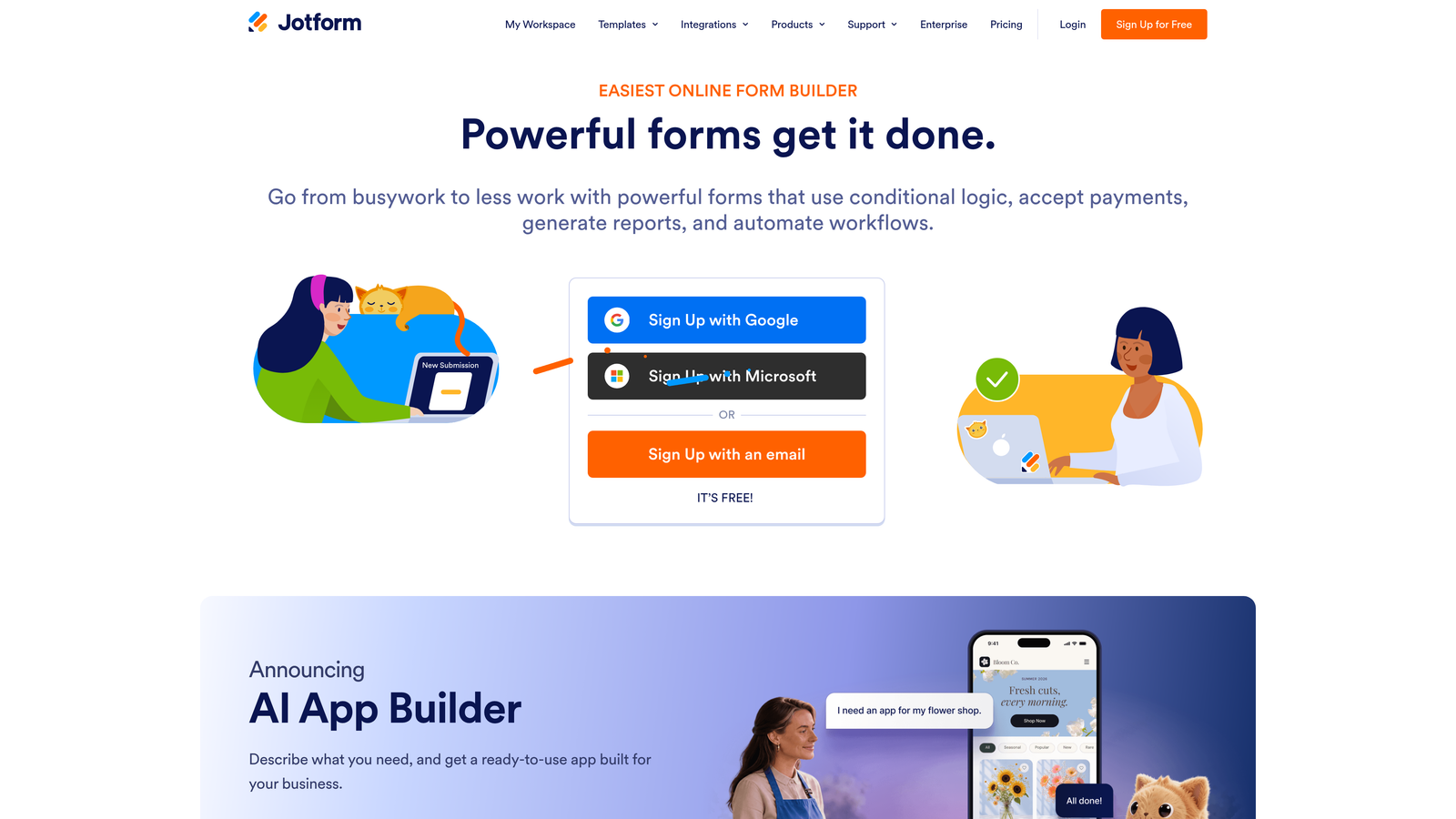
Jotform is a feature-rich form builder with one of the largest template libraries available and strong support for complex field types and workflows.
Where This Tool Shines
Jotform's depth is its biggest advantage. With thousands of pre-built templates spanning virtually every industry and use case, teams can get up and running quickly without starting from scratch. The platform supports an unusually wide range of field types, from standard text inputs to file uploads, e-signatures, and payment collection.
For organizations that need to collect payments, generate PDFs from form submissions, or gather legally binding signatures, Jotform handles all of this natively. The availability of HIPAA-compliant plans also makes it a viable option for healthcare-adjacent use cases where data compliance is non-negotiable.
Key Features
Thousands of Templates: One of the largest template libraries in the form builder market, covering a wide range of industries and use cases.
Native Payment Integrations: Supports Stripe, PayPal, Square, and other payment processors directly within forms.
E-Signature and PDF Generation: Collect legally binding signatures and automatically generate PDFs from form submission data.
Extensive Integrations: Broad third-party integration support plus API access for custom workflow connections.
HIPAA-Compliant Plans: Compliance-ready plans available for healthcare organizations with strict data handling requirements.
Best For
Jotform is a strong fit for SMBs, agencies, and organizations that need a versatile platform capable of handling many different form types. It's particularly well-suited for teams that need payment collection, document workflows, or compliance features without investing in a more complex enterprise platform.
Pricing
A free plan is available with limits on submissions and storage. Multiple paid tiers offer increasing capacity and features. Verify current plan names and pricing at jotform.com before committing.
4. Paperform
Best for: Small business owners and creators who want forms that look and feel like styled landing pages.
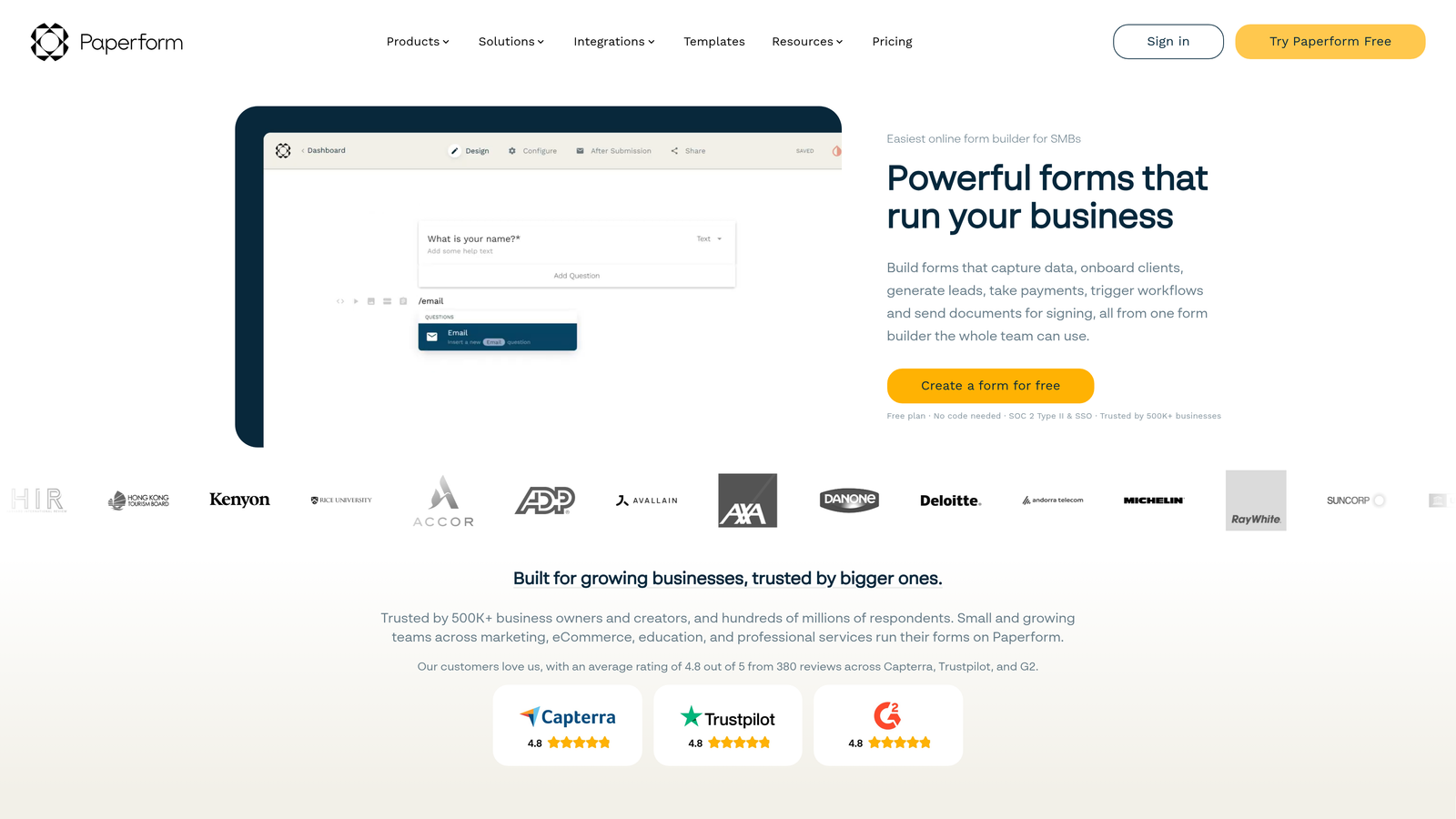
Paperform takes a freeform page-builder approach to forms, allowing teams to create visually rich, landing-page-style experiences without any developer involvement.
Where This Tool Shines
Where most form builders constrain you to a structured field layout, Paperform gives you a blank canvas. You can place fields, text blocks, images, and video anywhere on the page, creating forms that feel more like branded landing pages than traditional data collection tools. This makes it particularly effective for product sales, event registrations, and service bookings where visual presentation influences conversion.
The platform also handles a surprising amount of business logic natively. Calculation fields let you build pricing configurators and quote generators, while built-in scheduling and product sales features reduce the need for additional tools in your stack.
Key Features
Freeform Page Editor: Place fields, text, images, and video anywhere on the page for complete layout control.
Built-in Payments and Sales: Accept payments, sell products, and collect bookings within a single form without third-party plugins.
Calculation Fields: Build dynamic quote generators, pricing configurators, and score calculators using formula-based fields.
Custom Domain and Branding: Full branding control with custom domain support for a seamless on-brand experience.
Conditional Logic and Multi-Page Forms: Create branching, multi-step form experiences that adapt based on user input.
Best For
Paperform works best for small business owners, coaches, consultants, and creators who want their forms to double as polished landing pages. It's a strong option for anyone selling products or services directly through a form and who values design flexibility over enterprise-grade workflow automation.
Pricing
Paperform does not offer a permanent free plan. A trial period is available. Paid plans start at published rates. Verify current plan options and pricing at paperform.co.
5. Tally
Best for: Indie makers, startups, and developers who need unlimited forms and responses on a budget.
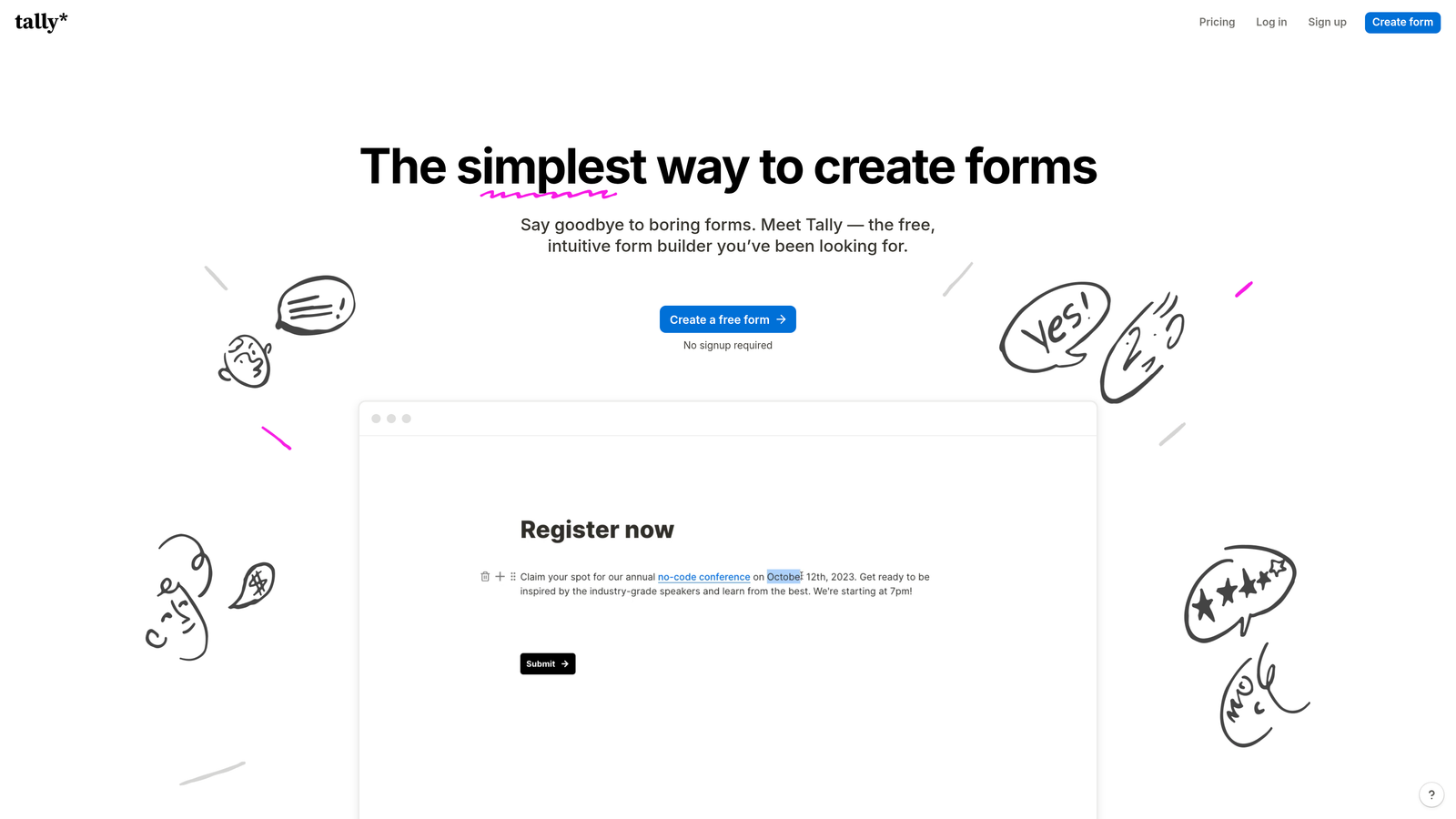
Tally is a Notion-inspired form builder with a notably generous free plan that includes unlimited forms and unlimited responses.
Where This Tool Shines
Tally's free plan is genuinely one of the most generous in the market. Unlimited forms and unlimited responses without a submission cap is rare, and for early-stage teams or solo builders who don't want to worry about hitting monthly limits, this is a meaningful advantage. The Notion-style block editor also makes form creation feel intuitive if your team already lives in Notion.
The tradeoff is that Tally branding appears on free plan forms, and more advanced features like custom domains and branding removal require the Pro plan. That said, even the free tier includes conditional logic, which many competitors reserve for paid plans.
Key Features
Unlimited Free Forms and Responses: The free plan includes unlimited forms and unlimited responses with Tally branding displayed.
Block-Based Editor: Clean, Notion-inspired interface that makes form building feel familiar and fast for users of modern productivity tools.
Conditional Logic on Free Plan: Branching and conditional logic available without requiring a paid upgrade.
Pro Plan Branding Removal: Upgrade to Pro to remove Tally branding and unlock custom domain support and advanced features.
Simple Embed and Sharing: Straightforward publish and embed options that make it easy to deploy forms across websites and tools.
Best For
Tally is ideal for indie hackers, early-stage startups, developers, and teams that need a capable form builder without a monthly cost. It's also a great fit for internal tools and prototyping where branding is less critical. Teams that need deep CRM integrations or advanced lead qualification will likely need a more robust platform.
Pricing
The free plan includes unlimited forms and unlimited responses with Tally branding. A Pro plan is available for teams that need branding removal and advanced features. Verify current pricing at tally.so.
6. Formstack
Best for: Mid-market and enterprise teams that need workflow automation, document generation, and compliance features.
Formstack is an enterprise-grade form and workflow automation platform with built-in document generation, e-signatures, and compliance capabilities.
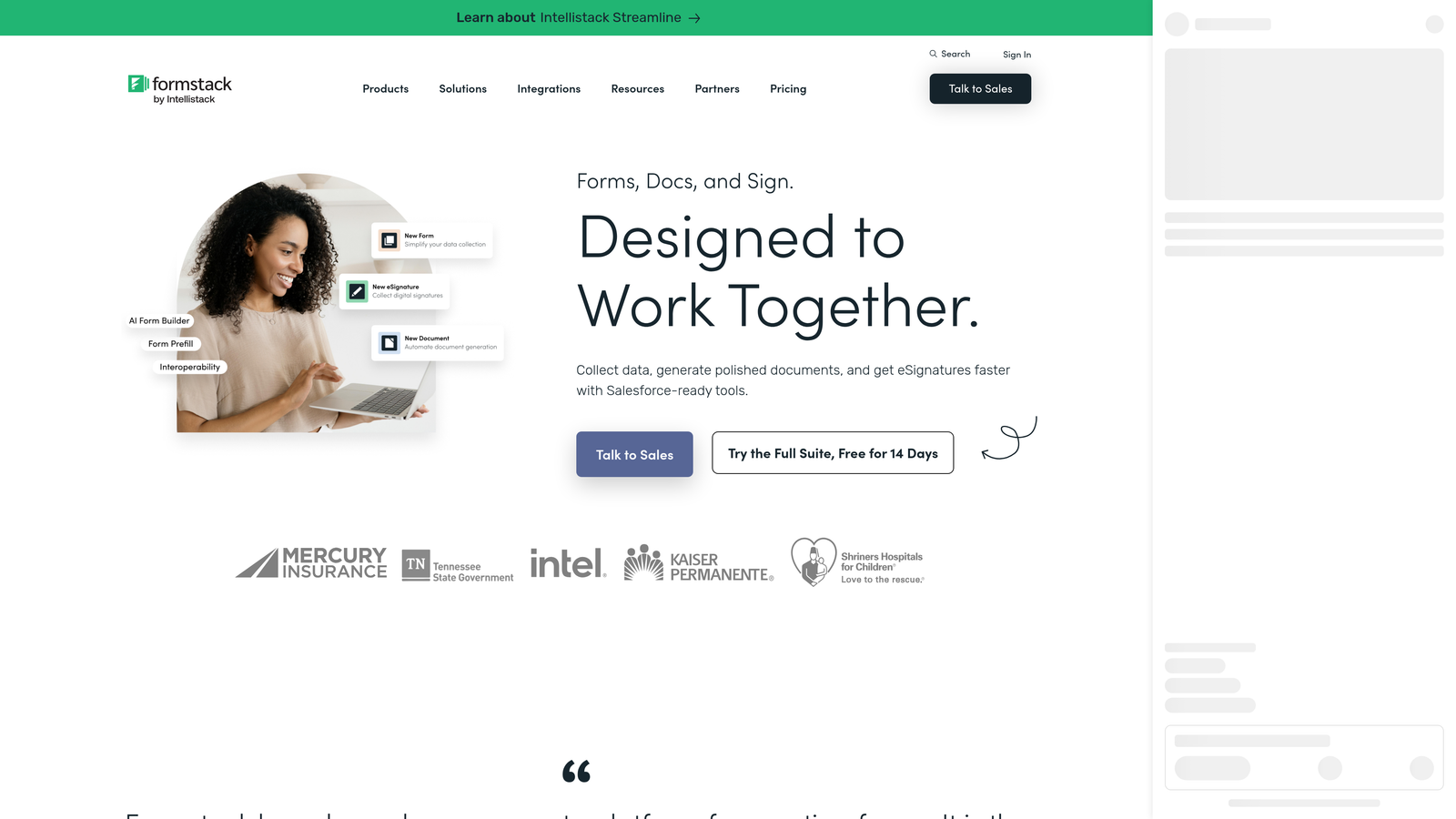
Where This Tool Shines
Formstack is built for organizations where forms are just one piece of a larger data and document workflow. The platform goes well beyond form creation, offering automated document generation from form submissions, e-signature collection, and advanced workflow routing with approvals and conditional notifications. For teams managing complex internal processes, this end-to-end capability is a significant advantage.
Compliance is another area where Formstack stands out. HIPAA, GDPR, and SOC 2 compliance options, combined with enterprise SSO and granular team permission controls, make it a viable choice for regulated industries and larger organizations with strict security requirements.
Key Features
Advanced Workflow Automation: Build multi-step approval workflows with conditional routing and automated notifications triggered by form submissions.
Formstack Documents: Automatically generate polished documents, contracts, and reports from form submission data.
Formstack Sign: Collect e-signatures within automated workflows without switching to a separate tool.
Compliance Options: HIPAA, GDPR, and SOC 2 compliance available for organizations in regulated industries or with strict data governance requirements.
Enterprise Access Controls: SSO support and team permission controls for large organizations managing multiple users and form owners.
Best For
Formstack is best suited for mid-market and enterprise organizations that need forms to feed into larger document and approval workflows. It's a strong fit for HR teams, legal departments, healthcare organizations, and operations teams that need compliance-ready data collection with automated downstream processes.
Pricing
Formstack is positioned at a higher price point than most consumer-focused form builders, reflecting its enterprise feature set. Current plan pricing is available at formstack.com. Verify before making a purchasing decision, as plan structures can change.
Which Form Builder Plan Is Right for You?
The right platform depends entirely on what your team actually needs from a form builder. Here's a quick breakdown to help you decide.
If you're a high-growth SaaS team that needs AI-powered lead qualification built into the form itself, Orbit AI is the clear starting point. It's the only platform on this list where lead scoring and segmentation happen natively, without stitching together additional tools after the fact.
If brand presentation and conversational UX are your top priorities, Typeform delivers consistently polished experiences. For teams that need maximum versatility across payments, signatures, and field types, Jotform covers the most ground. If you want your forms to look like landing pages and support direct sales or bookings, Paperform gives you the most design freedom.
On a tight budget with no submission limits? Tally's free plan is hard to beat for early-stage teams. And if your organization needs end-to-end workflow automation with compliance baked in, Formstack is built for that level of complexity.
For teams where lead generation and conversion are the core mission, the ability to qualify leads at the point of capture rather than downstream is a genuine competitive advantage. Transform your lead generation with AI-powered forms that qualify prospects automatically while delivering the modern, conversion-optimized experience your high-growth team needs. Start building free forms today and see how intelligent form design can elevate your conversion strategy.


