

Building forms shouldn't drain your budget—especially when you're scaling fast and every dollar counts. Whether you're collecting leads, processing orders, or gathering customer feedback, the right form builder can transform your conversion rates without requiring enterprise-level investment. We've tested dozens of options to find the sweet spot between powerful features and accessible pricing. This list focuses on tools that deliver genuine value under $50/month, with several offering robust free tiers. Here's what actually works for teams watching their bottom line.
1. Orbit AI
Best for: Teams that need AI-powered lead qualification alongside conversion-optimized form building
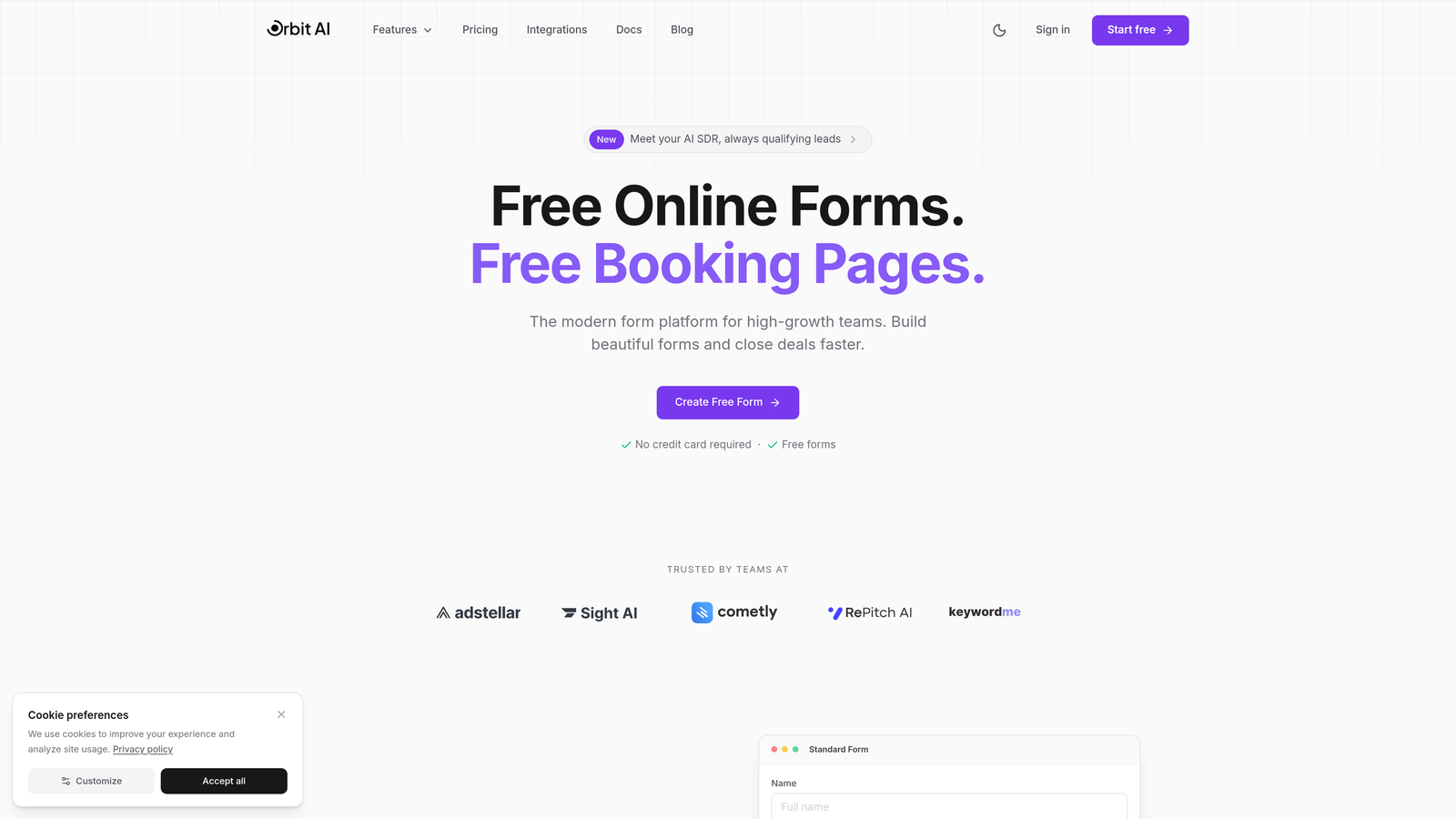
Orbit AI brings intelligent lead qualification directly into your form-building workflow, helping high-growth teams separate hot prospects from tire-kickers automatically.
Where This Tool Shines
The standout feature here is AI-powered lead scoring that happens in real-time as prospects fill out your forms. Instead of manually reviewing every submission later, you get instant qualification insights that help your sales team prioritize follow-ups intelligently.
The platform's conversion-focused approach means every template is designed with optimization in mind. You're not just collecting data—you're building experiences that guide prospects toward meaningful engagement while capturing the information your team actually needs.
Key Features
AI Lead Qualification: Automatic scoring and routing based on prospect responses and behavior patterns.
Conversion Templates: Pre-built forms optimized for lead generation, product interest, and customer feedback.
CRM Integrations: Native connections to major platforms ensure qualified leads flow directly into your existing workflows.
Workflow Automation: Trigger follow-up sequences, notifications, and internal processes based on form submissions.
Real-Time Analytics: Track conversion rates, drop-off points, and lead quality metrics in a unified dashboard.
Best For
Growing SaaS teams, B2B companies with sales-led growth motions, and marketing teams that need to prove form ROI. If you're tired of sifting through unqualified leads or want to automate your initial prospect vetting, this delivers immediate value.
Pricing
Free tier available for testing the platform. Paid plans start at $29/month, making AI-powered lead qualification accessible without enterprise pricing.
2. Tally
Best for: Teams wanting unlimited forms without paying a cent
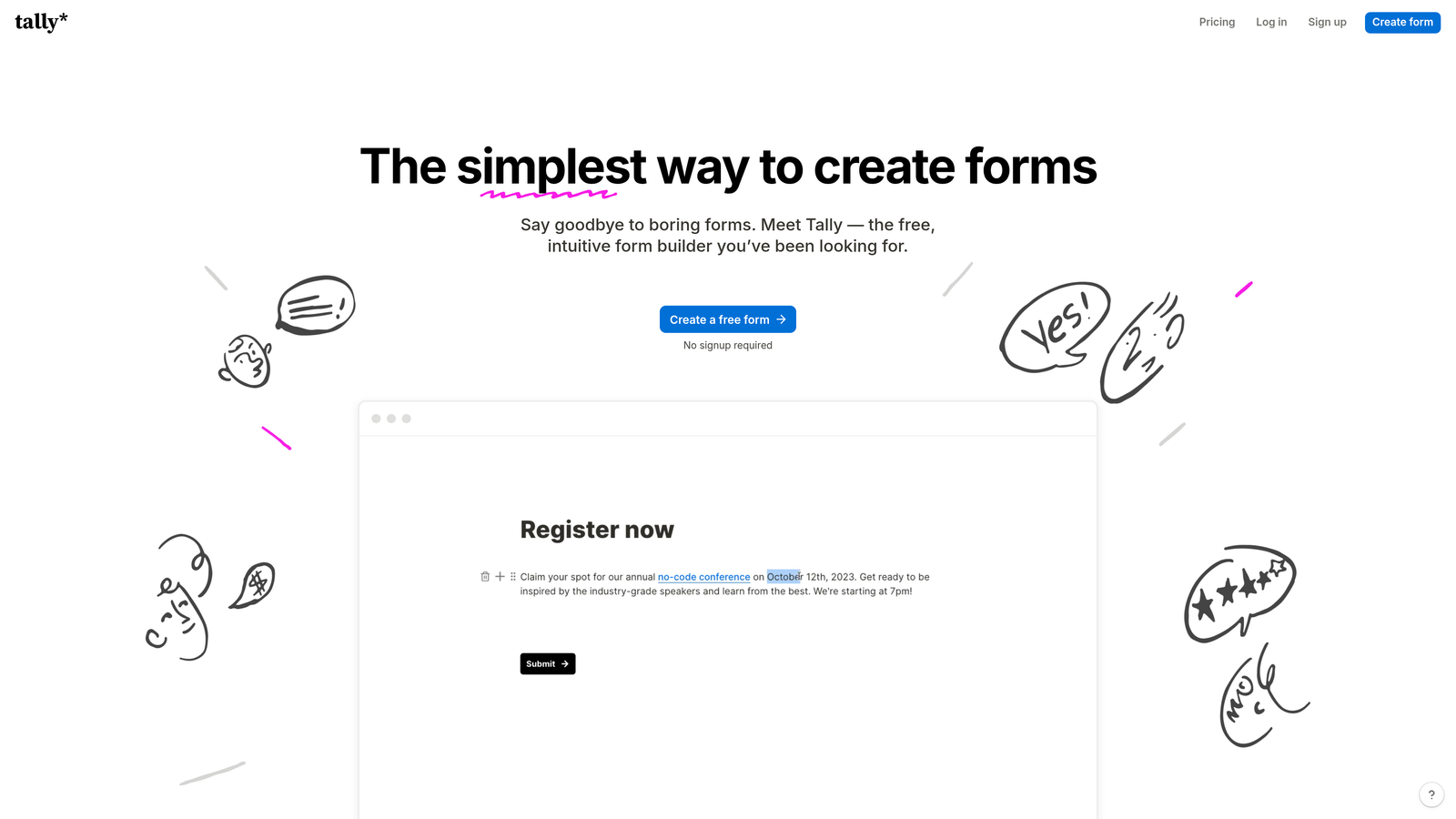
Tally offers a Notion-like building experience with genuinely unlimited forms and submissions on the free tier.
Where This Tool Shines
The completely free unlimited approach is rare in this space. Most "free" plans cap you at 5-10 forms or 100 submissions monthly. Tally removes those constraints entirely, making it ideal for teams running multiple campaigns, testing different approaches, or managing forms across departments.
The interface feels instantly familiar if you've used Notion. You build forms by typing and adding blocks, which creates a surprisingly fast workflow once you get the hang of it. No dragging, dropping, or wrestling with complex builders.
Key Features
Unlimited Free Forms: No caps on form count or monthly submissions on the free plan.
Block-Based Building: Notion-style interface that speeds up form creation for regular users.
Conditional Logic: Show or hide questions based on previous answers without upgrading.
File Uploads: Accept document submissions and media uploads from respondents.
Payment Collection: Integrate Stripe for collecting payments directly through forms.
Best For
Startups with zero budget, teams running high-volume campaigns, or anyone who needs multiple forms across different projects without worrying about hitting plan limits.
Pricing
Free for core features including unlimited forms. Pro plan at $29/month adds custom domains, remove Tally branding, and advanced integrations.
3. Jotform
Best for: Teams needing extensive templates and pre-built integrations
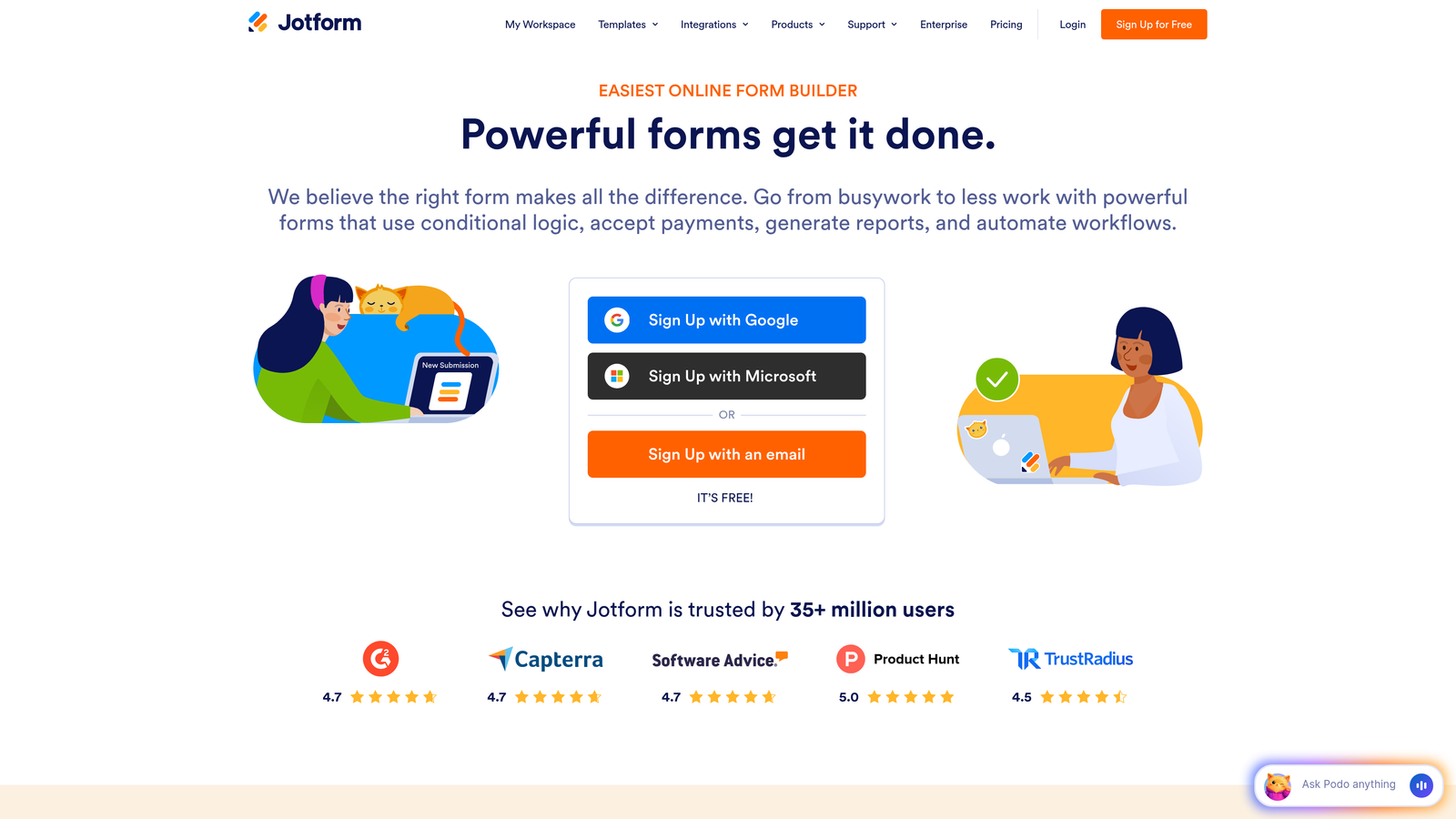
Jotform provides over 10,000 templates and hundreds of integrations, covering virtually every form use case imaginable.
Where This Tool Shines
The template library is genuinely massive. Need a medical consent form? Event registration with payment? Employee onboarding checklist? There's probably a pre-built template that gets you 80% of the way there. This dramatically cuts setup time when you're launching new campaigns or processes.
PDF generation stands out as particularly useful. You can automatically convert form submissions into formatted PDFs—perfect for contracts, applications, or reports that need professional presentation. Many competitors charge extra for this feature or don't offer it at all.
Key Features
10,000+ Templates: Pre-built forms for nearly every industry and use case to accelerate deployment.
PDF Generation: Automatically create formatted PDF documents from form submissions.
Payment Processing: Accept payments through multiple processors including PayPal, Stripe, and Square.
Approval Workflows: Route submissions through multi-step approval processes with notifications.
Mobile App: Manage forms, view submissions, and receive notifications on iOS and Android.
Best For
Teams that value speed over customization, businesses handling complex workflows with approvals, or anyone who prefers starting from templates rather than blank canvases.
Pricing
Free tier includes 5 forms with 100 monthly submissions. Bronze plan at $34/month provides 25 forms and 1,000 submissions.
4. Typeform
Best for: Creating engaging, conversational form experiences that boost completion rates
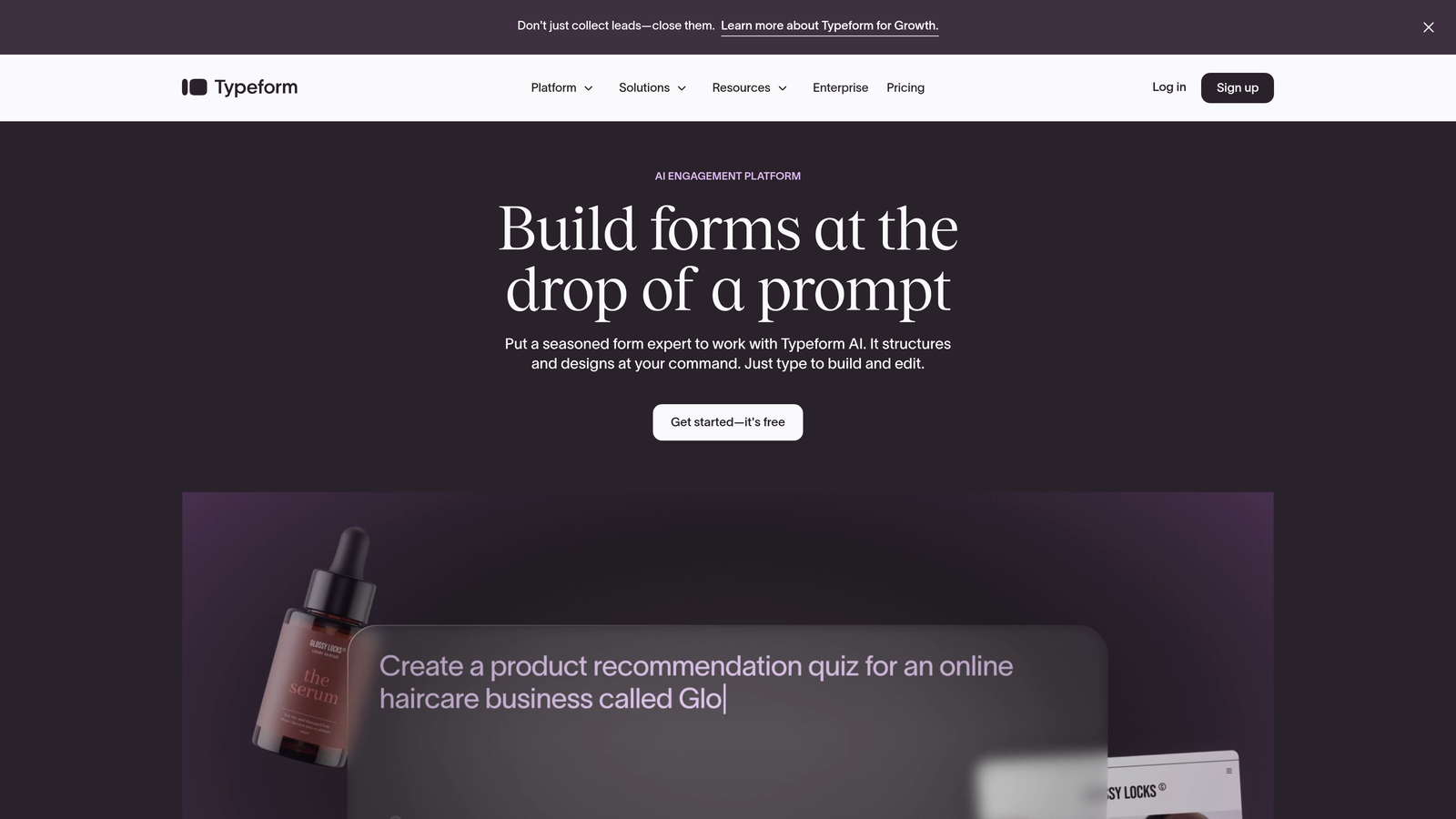
Typeform pioneered the one-question-at-a-time format that feels more like a conversation than an interrogation.
Where This Tool Shines
The conversational interface genuinely improves completion rates for longer forms. Instead of confronting users with a wall of questions, you present one at a time with smooth transitions. This psychological shift reduces abandonment, particularly for surveys or qualification forms with 10+ questions.
Design quality sets Typeform apart from budget competitors. Forms look polished and modern without requiring design skills. The aesthetic consistency helps maintain brand perception—important when forms represent your first touchpoint with prospects.
Key Features
One-Question Format: Present single questions with animations for a conversational flow.
Logic Jumps: Branch to different questions based on previous answers for personalized experiences.
Media Embedding: Include videos, images, and GIFs to create richer, more engaging forms.
Calculator Features: Build forms that perform calculations and display results to respondents.
HubSpot Integration: Native connection ensures seamless data flow to your CRM.
Best For
Marketing teams focused on brand experience, companies running customer research or feedback programs, or anyone who needs higher completion rates on longer forms.
Pricing
Free tier is quite limited. Basic plan at $25/month includes 100 responses monthly and removes Typeform branding.
5. Google Forms
Best for: Simple data collection with zero budget and Google Workspace integration
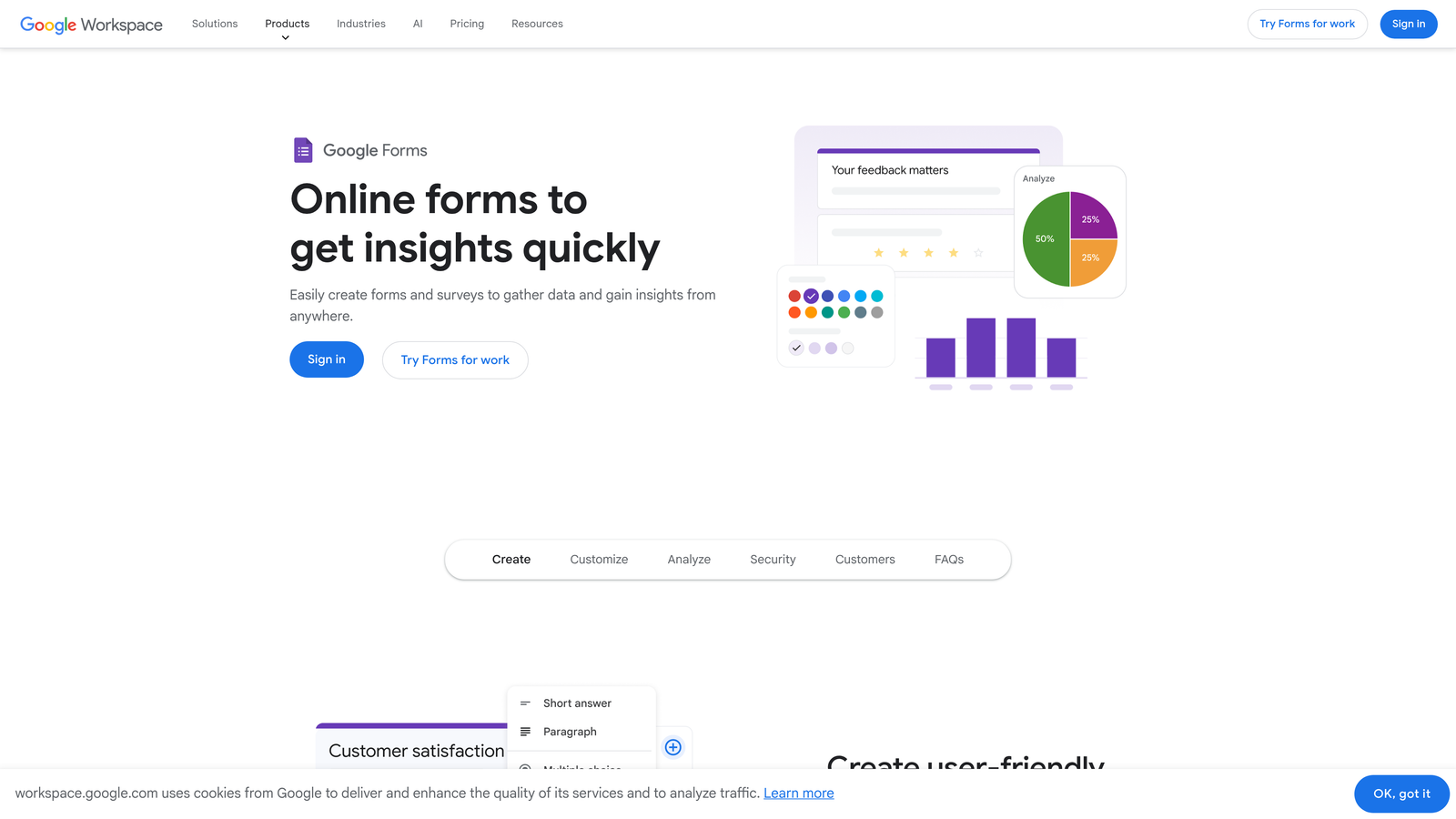
Google Forms offers completely free form building with automatic spreadsheet syncing for Google Workspace users.
Where This Tool Shines
The completely free, no-limits approach makes this unbeatable for basic use cases. You get unlimited forms, unlimited responses, and automatic data organization in Google Sheets. For internal surveys, event RSVPs, or simple lead capture, it handles the job without costing a penny.
Real-time collaboration mirrors Google Docs functionality. Multiple team members can build forms simultaneously, leave comments, and make edits—all tracked with version history. This collaborative approach streamlines form creation for distributed teams.
Key Features
Completely Free: No caps on forms, responses, or features with any Google account.
Real-Time Collaboration: Multiple users can edit forms simultaneously with change tracking.
Automatic Sheets Sync: Responses flow directly into Google Sheets for analysis and reporting.
Basic Logic: Show or hide sections based on previous answers for simple branching.
Quiz Features: Create graded quizzes with automatic scoring and feedback.
Best For
Teams already using Google Workspace, internal surveys and feedback collection, educational institutions, or anyone needing basic forms without budget allocation.
Pricing
Completely free with a Google account. No paid tiers or premium features.
6. Fillout
Best for: No-code teams building on Airtable or Notion who need form integration
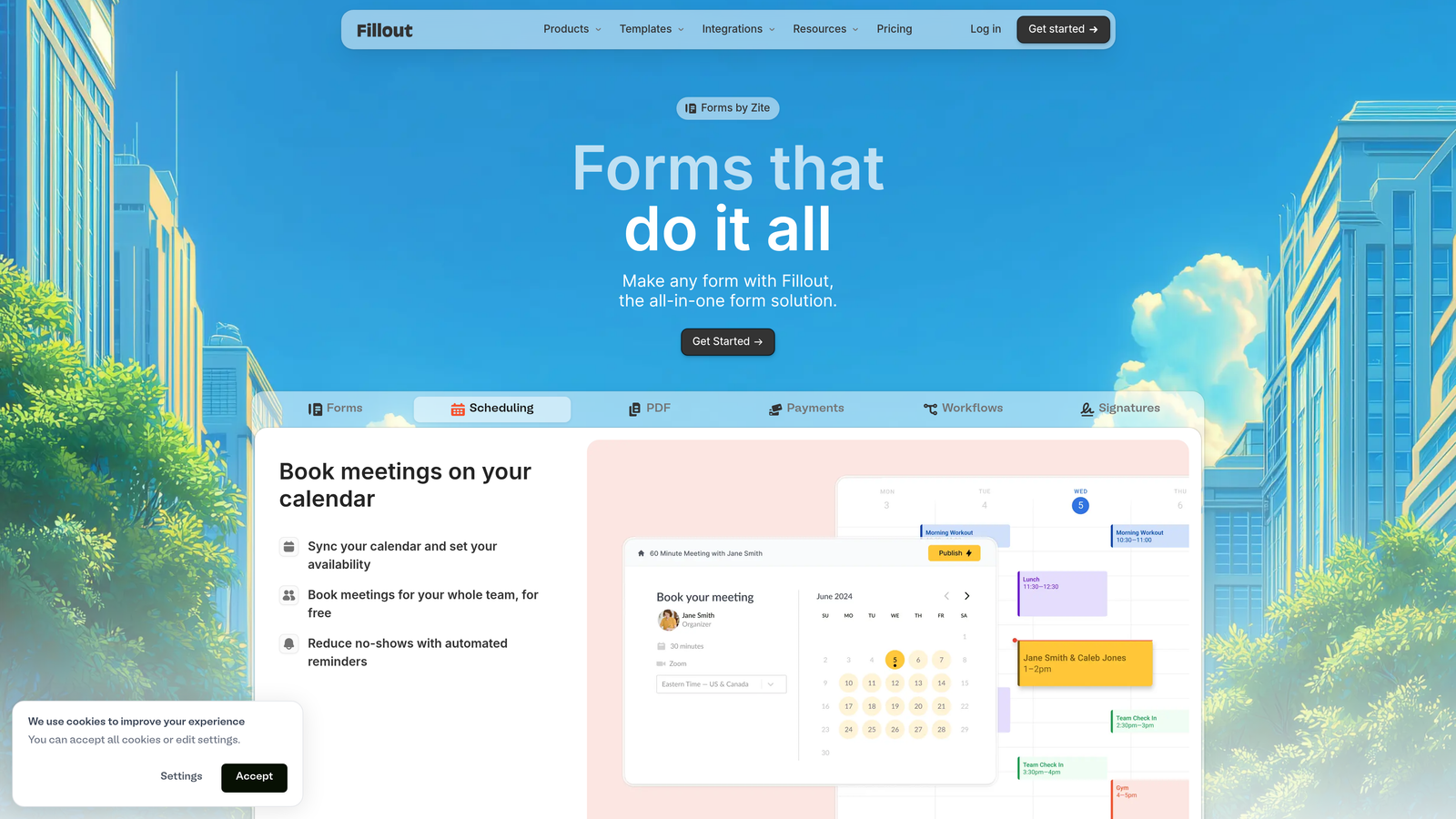
Fillout specializes in deep database integrations, particularly with Airtable and Notion, for no-code workflows.
Where This Tool Shines
The native Airtable and Notion sync goes beyond simple zapier connections. You can create forms that write directly to your database tables, update existing records, or pull information from your bases to pre-populate fields. This tight integration eliminates data transfer delays and reduces manual work.
Multi-page forms with progress bars help manage longer data collection without overwhelming respondents. The visual progress indicator reduces abandonment by showing users exactly how much remains, while logical page breaks make complex forms feel manageable.
Key Features
Native Database Sync: Direct integration with Airtable and Notion for seamless data flow.
Scheduling Integration: Build forms that include calendar booking functionality.
Multi-Page Forms: Split long forms across pages with progress tracking.
Conditional Logic: Show or hide questions based on previous responses.
Custom Thank-You Pages: Create personalized confirmation experiences based on submission data.
Best For
No-code teams building workflows in Airtable or Notion, operations teams managing complex data collection, or anyone who needs forms to integrate tightly with existing databases.
Pricing
Free tier available with basic features. Starter plan at $15/month includes advanced integrations and removes branding.
7. Paperform
Best for: Creating beautifully branded, document-style form experiences
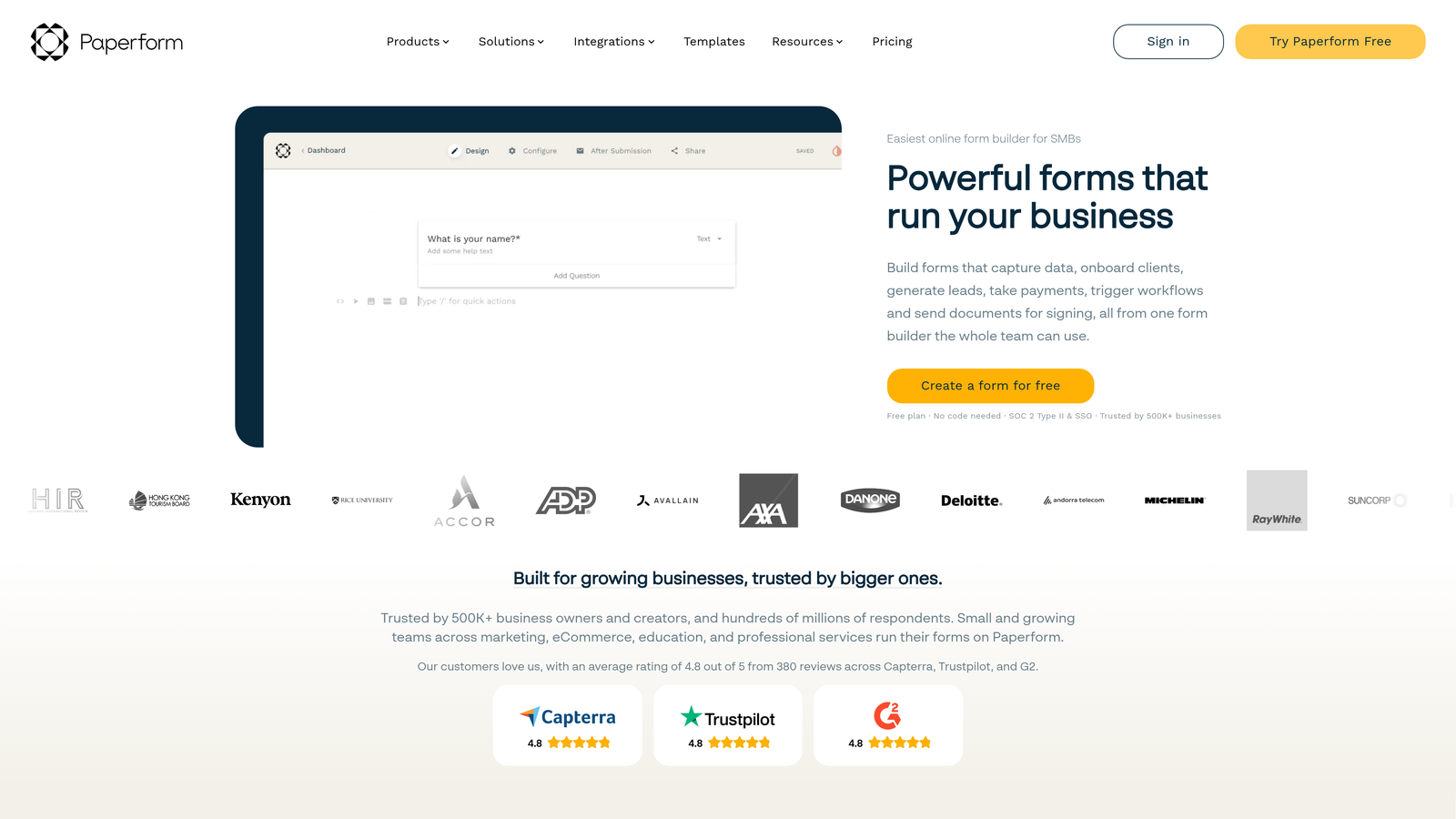
Paperform treats forms as designed documents rather than traditional web forms, offering extensive customization for brand-conscious teams.
Where This Tool Shines
The document-style layout creates form experiences that feel less like data entry and more like interactive content. You can mix questions with explanatory text, images, and formatting to create forms that actually communicate your brand personality. This approach works particularly well for applications, bookings, or any form where context matters.
Design customization goes deeper than most competitors. You control fonts, colors, spacing, and layout with precision that rivals dedicated landing page builders. For teams with strong brand guidelines, this level of control ensures forms match your visual identity perfectly.
Key Features
Document-Style Layout: Build forms that look like interactive documents rather than traditional web forms.
Advanced Customization: Control fonts, colors, spacing, and layout with granular precision.
Payment Integration: Accept payments and bookings directly through forms.
Calculations: Perform complex calculations and display results to users in real-time.
Custom Success Pages: Design unique confirmation experiences based on submission data.
Best For
Design-forward companies, service businesses handling bookings and payments, or marketing teams that need forms to match high-quality brand experiences.
Pricing
Essentials plan at $24/month includes unlimited forms and 1,000 monthly submissions.
8. Formstack
Best for: Growing teams needing enterprise features without enterprise pricing
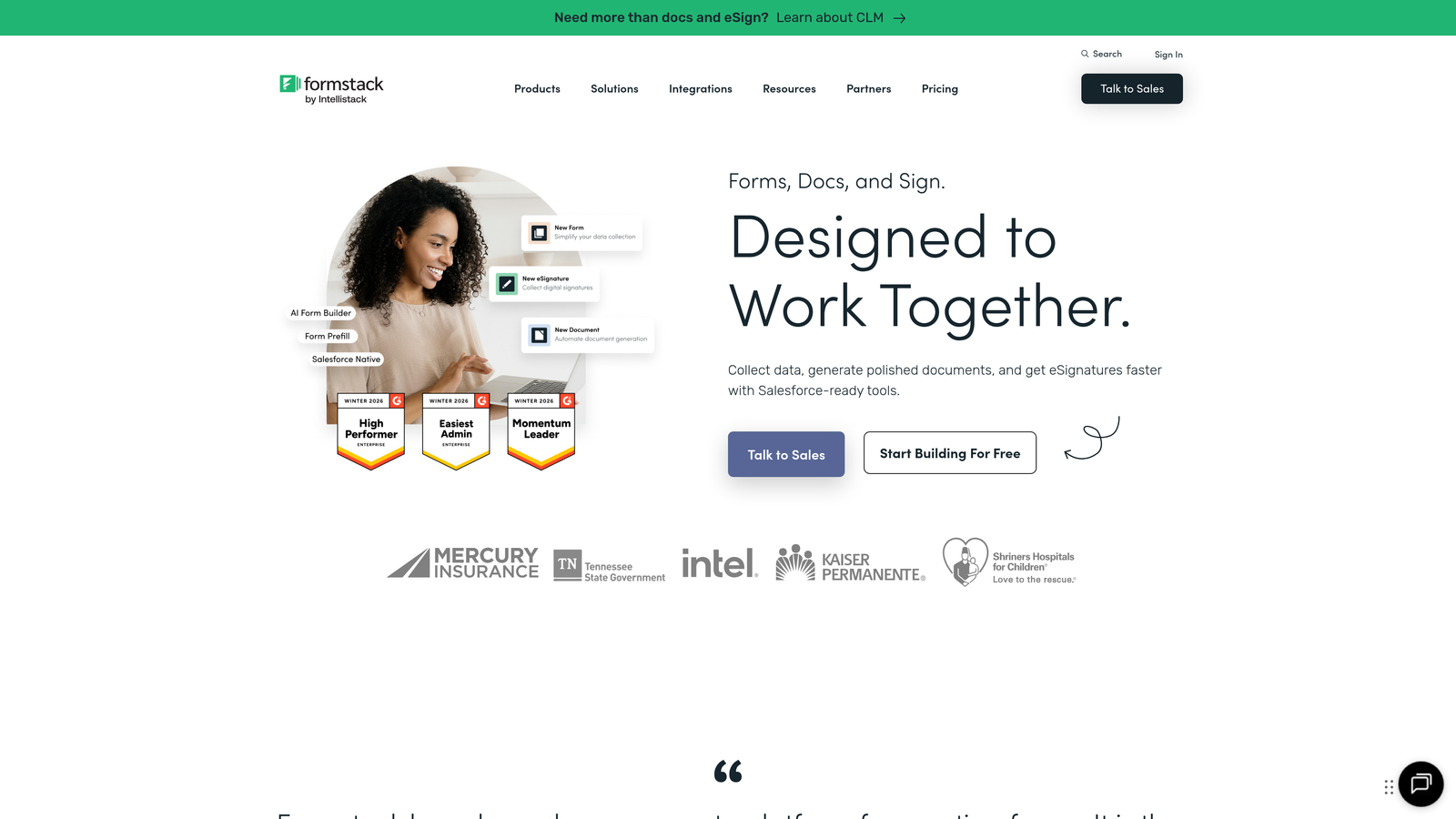
Formstack bridges the gap between simple form builders and full enterprise solutions with advanced workflow automation.
Where This Tool Shines
Advanced approval workflows handle complex business processes that most affordable tools can't touch. You can route submissions through multi-step approval chains, require electronic signatures at specific stages, and trigger different actions based on approval outcomes. This makes Formstack viable for HR processes, procurement, or any workflow requiring formal approvals.
The HIPAA compliance option at this price point is notable. Most healthcare-compliant form solutions start well above $100/month. Formstack offers this capability on plans starting at $50/month, making it accessible for smaller healthcare providers or businesses handling protected health information.
Key Features
Approval Workflows: Route submissions through multi-step approval processes with notifications and tracking.
Electronic Signatures: Collect legally binding signatures directly within forms.
Advanced Logic: Build complex conditional flows and perform calculations based on user input.
HIPAA Compliance: Healthcare-grade security and compliance features for protected data.
Salesforce Integration: Native connection ensures seamless data flow to Salesforce CRM.
Best For
Healthcare organizations, businesses with formal approval requirements, teams using Salesforce, or companies needing enterprise capabilities while staying under $100/month.
Pricing
Starter plan at $50/month (annual billing) includes 5 forms and basic workflows. HIPAA compliance available on higher tiers.
9. 123FormBuilder
Best for: Security-conscious teams needing HIPAA compliance at accessible prices
123FormBuilder emphasizes security and compliance features, making healthcare-grade data protection accessible to smaller organizations.
Where This Tool Shines
HIPAA-compliant forms at this price point address a specific pain point for healthcare providers, insurance companies, and any business handling protected health information. The platform provides business associate agreements, encryption, and audit trails required for compliance without forcing you into enterprise pricing tiers.
Payment processing integration handles transactions securely while maintaining compliance standards. You can collect payments, process orders, or handle donations while ensuring all data handling meets security requirements. This combination of commerce and compliance is relatively rare in affordable form builders.
Key Features
HIPAA Compliance: Healthcare-grade security with business associate agreements and audit trails.
Payment Processing: Secure payment collection through major processors with PCI compliance.
Electronic Signatures: Collect legally binding signatures with full audit trails.
Conditional Logic: Create dynamic forms that adapt based on user responses.
Data Encryption: End-to-end encryption for sensitive information in transit and at rest.
Best For
Healthcare providers, insurance companies, financial services firms, or any organization handling sensitive personal information with compliance requirements.
Pricing
Free tier available for basic forms. Gold plan at $24.99/month includes advanced features. HIPAA compliance available on higher-tier plans.
Making the Right Choice
The right affordable form builder depends on what you're actually trying to accomplish. If lead qualification and conversion optimization drive your decision, Orbit AI delivers AI-powered capabilities that help sales teams focus on high-value prospects without manual sorting. For teams with zero budget and unlimited form needs, Tally's completely free unlimited tier is hard to beat.
Consider your integration requirements carefully. Teams deeply invested in Google Workspace might find Google Forms sufficient for internal needs, while Airtable or Notion power users will appreciate Fillout's native database sync. If you're running Salesforce or need approval workflows, Formstack bridges the gap between simple tools and enterprise platforms.
Compliance matters more than you might think. Healthcare organizations, financial services, or any business handling sensitive personal data should prioritize tools offering HIPAA compliance—both Formstack and 123FormBuilder provide this at accessible price points. Don't assume compliance is only an enterprise concern.
Design and brand experience separate good forms from great ones. Typeform's conversational approach and Paperform's document-style layouts both improve completion rates while maintaining brand consistency. If your forms represent first touchpoints with prospects, investing in better design experiences pays dividends in conversion rates.
The sweet spot for most growing teams falls between $25-50/month. This range typically includes unlimited forms, advanced conditional logic, payment processing, and meaningful integrations. Free tiers work well for testing or low-volume needs, but you'll likely outgrow them as campaigns scale and requirements become more sophisticated.
Start building free forms today and see how intelligent form design can elevate your conversion strategy. The right form builder transforms data collection from administrative necessity into strategic advantage—choose the tool that matches your team's growth trajectory and budget constraints.


