

Choosing a form platform sounds simple until you're staring at a pricing page wondering whether "unlimited responses" actually means unlimited, or whether the feature you need is locked behind a plan that costs three times what you budgeted. Pricing models across the form builder market vary wildly: some platforms give away generous free tiers, others charge per response, and enterprise bundles can run several hundred dollars per month before you've even customized a single field.
For high-growth teams, the stakes are real. Pick a plan that's too restrictive and you'll hit submission caps right when a campaign takes off. Overpay for enterprise features you won't use for another two years and you're burning budget that could go toward acquisition. The right subscription plan scales with your momentum, not against it.
This guide breaks down the top form platform subscription plans available in 2026, evaluated on four criteria: value at each pricing tier, scalability as your team grows, feature accessibility (are the good features locked behind the most expensive plans?), and pricing transparency. Whether you're comparing the best online form builders from scratch or looking for a Typeform alternative with better pricing, this breakdown covers the options worth your attention.
1. Orbit AI
Best for: High-growth teams prioritizing AI-powered lead qualification and conversion optimization
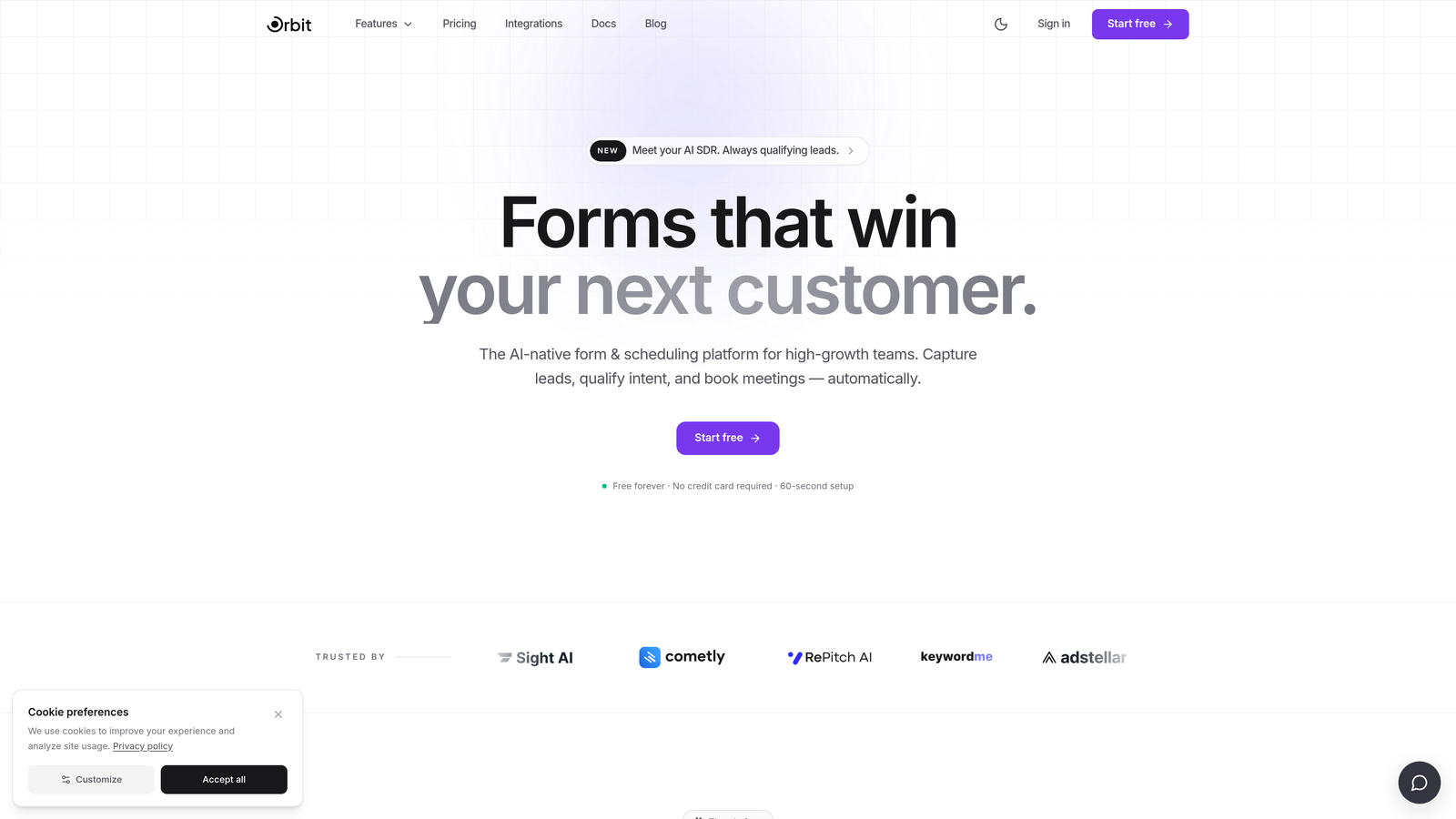
Orbit AI is an AI-native form builder built specifically for teams where lead quality matters as much as lead volume.
Where This Tool Shines
Most form platforms treat qualification as an afterthought, something you bolt on with a Zapier workflow or a third-party enrichment tool. Orbit AI builds lead qualification directly into the form experience itself, so you're not just collecting responses, you're routing and scoring prospects as they engage.
The platform is also designed with conversion in mind from the ground up. Templates are modern and optimized for completion rates, not just aesthetically clean. For teams running demand generation or inbound sales motions, this combination of intelligent qualification and polished UX is a meaningful differentiator compared to generic form tools.
Key Features
AI-Powered Lead Qualification: Built directly into the form builder, not a third-party add-on, so qualification logic runs natively without additional tools.
Conversion-Optimized Templates: Pre-built form designs engineered for completion rates, giving teams a strong starting point without custom design work.
Modern Form Design: Clean, professional aesthetics out of the box that match the experience standards high-growth SaaS teams expect.
Flexible Subscription Tiers: Plan structure built to scale with growing teams, so you're not forced into enterprise pricing before you're ready.
Lead Generation Focus: The entire platform is oriented around helping teams capture and qualify better leads, not just collect data.
Best For
Orbit AI is the strongest fit for SaaS teams, growth marketers, and demand generation professionals who need forms that do more than collect responses. If lead qualification, routing, and conversion optimization are core to your workflow, this platform is built specifically for that use case rather than adapted to it.
Pricing
Visit orbitforms.ai for current subscription plan details and tier breakdowns. The platform offers flexible plans designed to scale with team growth.
2. Typeform
Best for: Teams wanting polished, conversational forms with strong brand customization
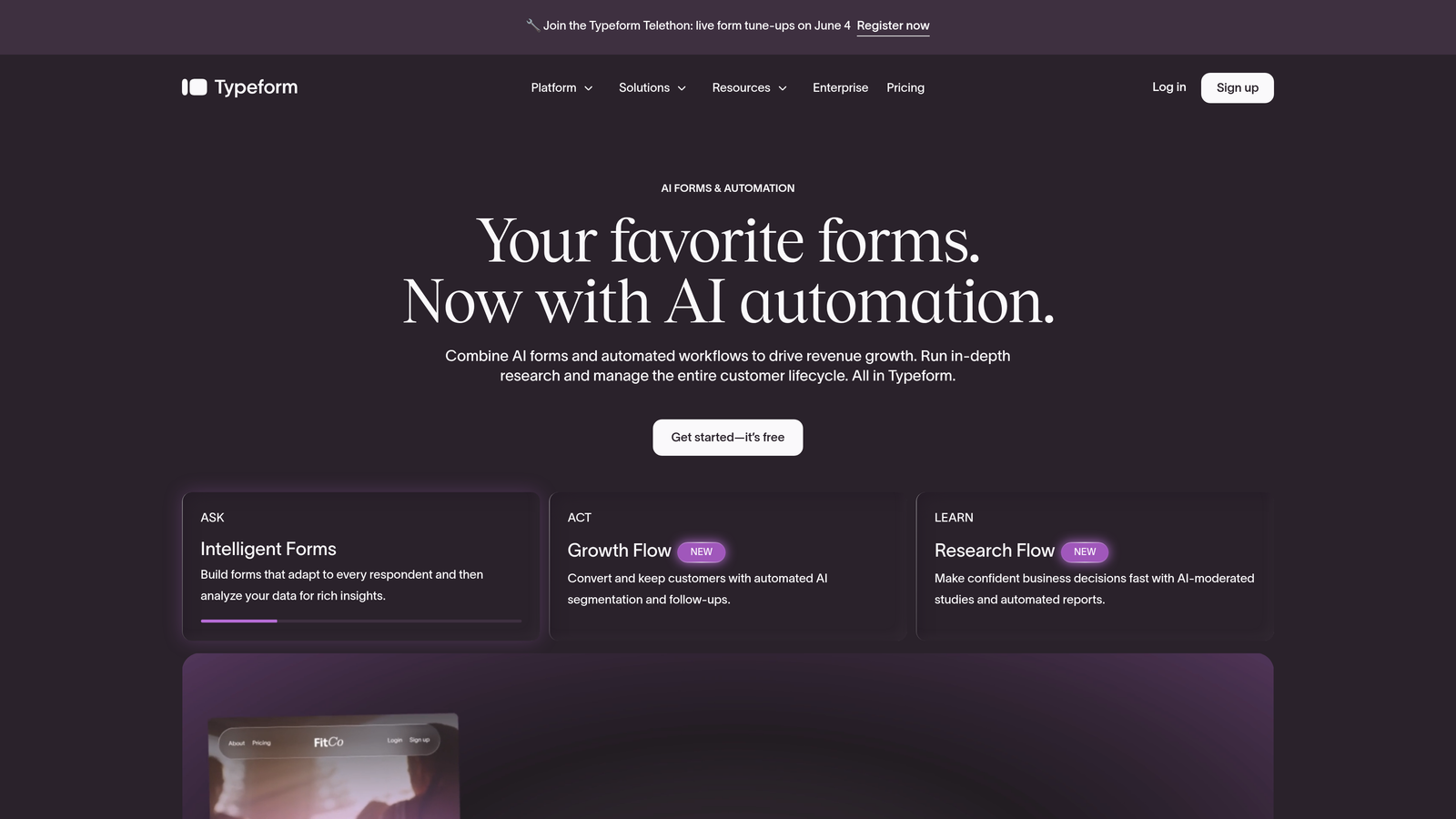
Typeform is the conversational form builder that popularized the one-question-at-a-time format, known for its premium design and smooth respondent experience.
Where This Tool Shines
Typeform's format genuinely increases engagement for the right use cases. Surveys, research forms, and brand-forward lead capture all benefit from the conversational flow, which feels less like filling out a form and more like having a structured conversation. The design quality is consistently high without requiring much customization effort.
The integration ecosystem is solid, connecting cleanly with HubSpot, Salesforce, Slack, and most major marketing stacks. For teams already invested in those tools, Typeform slots in without friction.
Key Features
Conversational One-Question Format: The signature UX that presents questions sequentially, reducing form abandonment in the right contexts.
Design and Branding Controls: Strong customization options for colors, fonts, backgrounds, and branded experiences on paid plans.
Logic Jumps and Conditional Branching: Route respondents through different question paths based on their answers.
Marketing and CRM Integrations: Native connections to HubSpot, Salesforce, Mailchimp, and hundreds more via Zapier.
Best For
Typeform works well for marketing teams running surveys, customer research, and brand-aligned lead capture. Teams with high response volumes should model costs carefully since Typeform's pricing scales by responses, and mid-tier plans have caps that can become restrictive during active campaigns.
Pricing
Free tier available with limited responses. Paid plans start around $25/month (Basic) with response limits that increase at each tier. Higher-volume teams will need to step up to Growth or Business plans at significantly higher price points.
3. Jotform
Best for: Teams needing a broad feature set including payments, PDFs, and compliance-ready forms
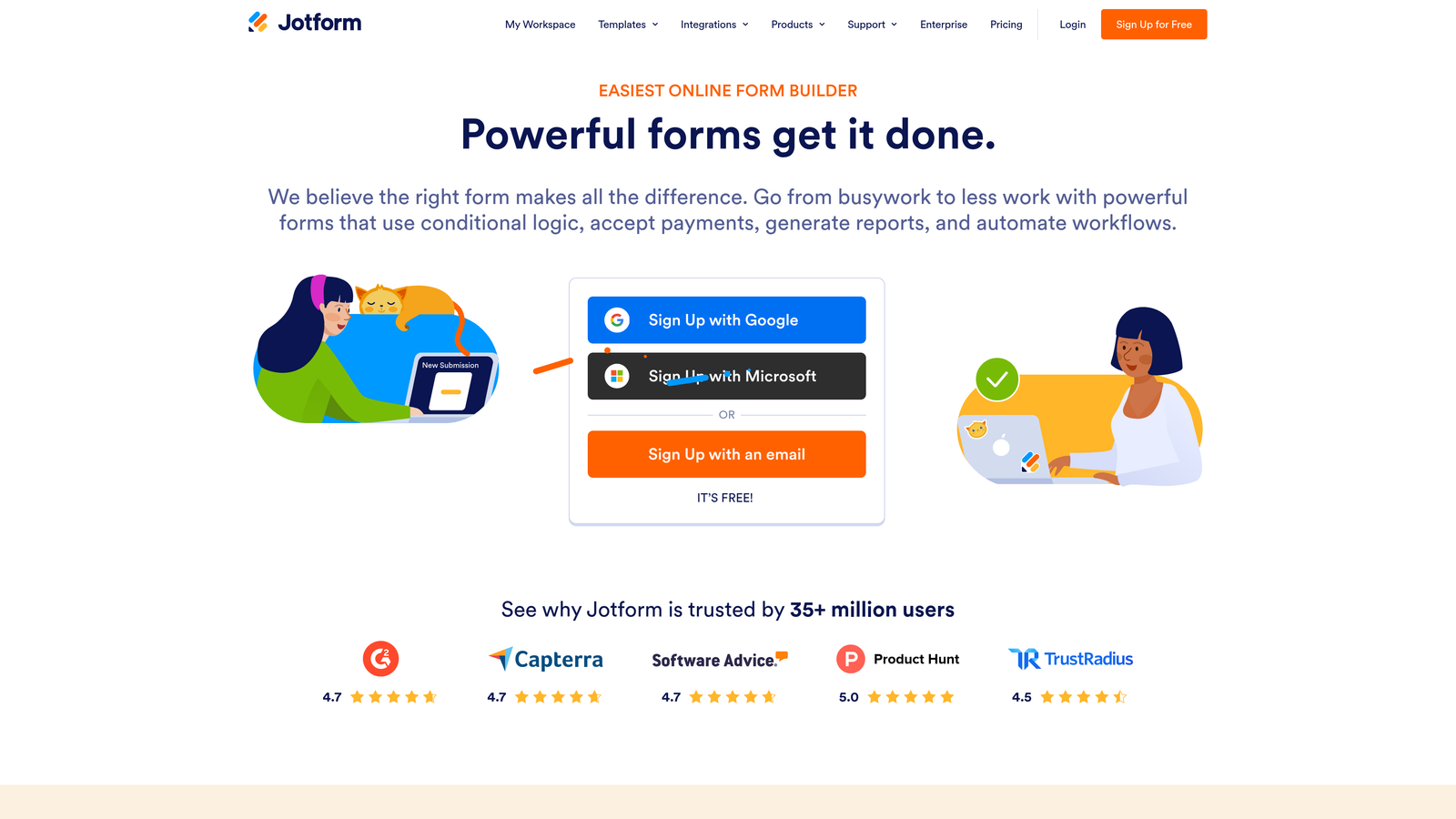
Jotform is one of the most feature-complete form builders on the market, with a library of over 10,000 templates and plans that span from individual freelancers to enterprise organizations.
Where This Tool Shines
Jotform's breadth is its biggest advantage. The platform handles use cases that would require separate tools elsewhere: payment collection, PDF generation, approval workflows, and HIPAA-compliant forms are all available within a single subscription. For teams with diverse form needs across departments, that consolidation has real value.
The free Starter plan is genuinely useful, not just a trial. It includes core features and a meaningful number of monthly submissions, making it a legitimate option for smaller teams or early-stage projects before upgrading.
Key Features
10,000+ Templates: One of the largest template libraries available, covering virtually every industry and use case.
Payment Collection: Built-in support for Stripe, PayPal, Square, and other processors directly within forms.
PDF Generation and Approval Workflows: Automatically generate PDF documents from submissions and route them through approval chains.
HIPAA-Compliant Plans: Available for healthcare and regulated industries that need compliant data handling.
Best For
Jotform suits teams and organizations with varied form use cases across multiple departments, particularly where payment processing, document generation, or compliance requirements are involved. It's also a strong choice for teams that want a capable free tier before committing to a paid plan.
Pricing
Free Starter plan available. Paid plans run from approximately $34/month (Bronze) to $99+/month (Gold), with Enterprise pricing available for larger organizations requiring custom limits and dedicated support.
4. Tally
Best for: Individuals and small teams who want a capable free plan with no submission caps
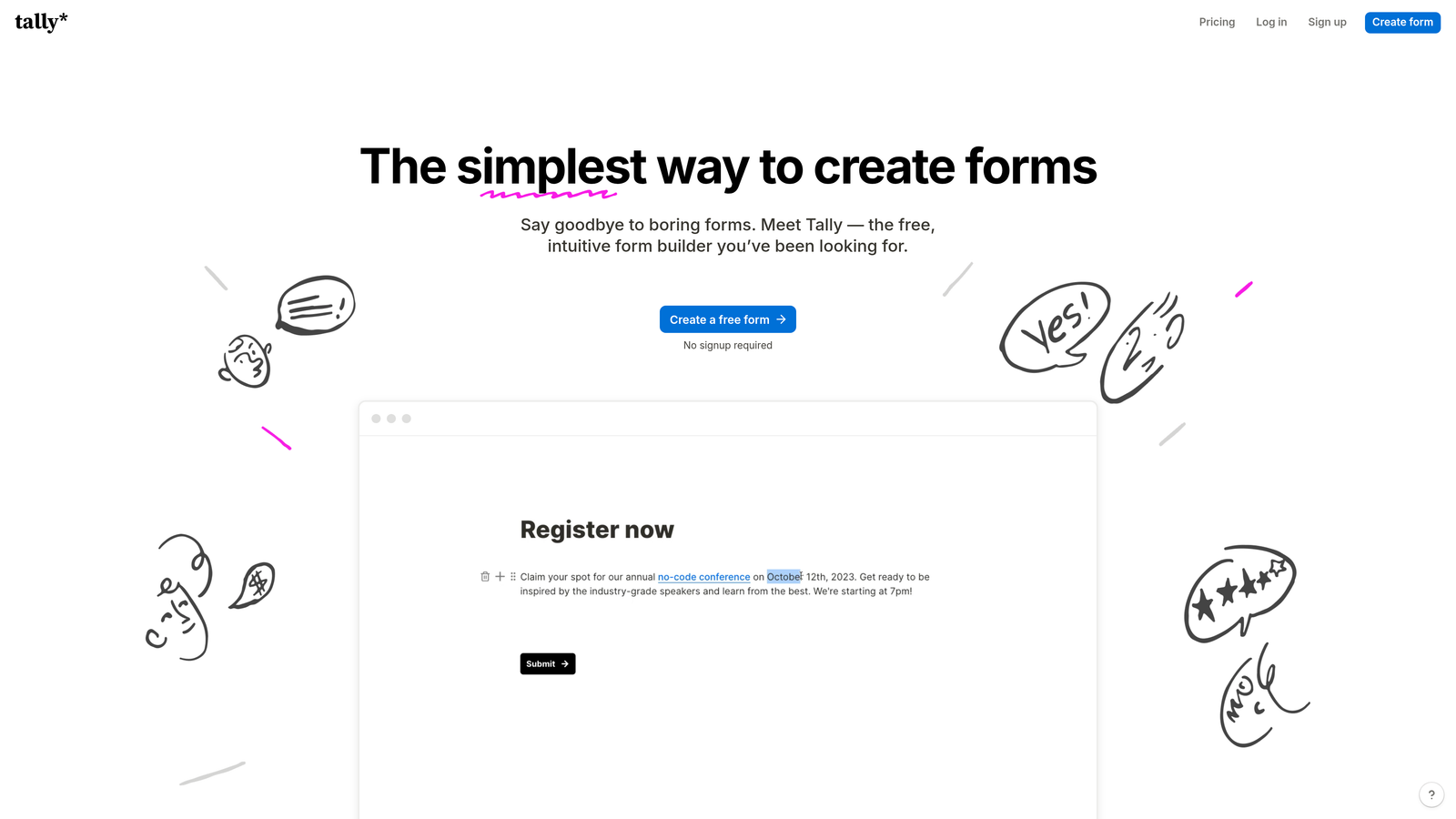
Tally stands out in a crowded market by offering unlimited forms and unlimited submissions on its free plan, which is genuinely rare among form platforms.
Where This Tool Shines
The free tier is the headline, and it delivers. Most platforms either cap responses, limit forms, or remove key features on free plans. Tally's free offering includes conditional logic, calculator fields, and basic integrations without a submission ceiling. For bootstrapped teams or projects where volume is unpredictable, this removes a real source of anxiety.
The editor has a Notion-like block interface that feels immediately familiar to modern teams. Building forms is fast and intuitive without a learning curve, which matters when you need to ship something quickly.
Key Features
Unlimited Free Submissions: No response caps on the free plan, a significant differentiator from most competitors.
Block-Based Editor: Clean, Notion-inspired interface that makes form building fast and approachable.
Conditional Logic: Available on the free plan, allowing branching paths without upgrading.
Custom Domains and Branding: Available on the Pro plan for teams that need white-labeled form experiences.
Best For
Tally is ideal for individuals, early-stage startups, and small teams that need a reliable form tool without worrying about hitting submission limits. The Pro plan is a reasonable upgrade for teams that need custom branding and more advanced collaboration features.
Pricing
Free plan with unlimited forms and submissions. Pro plan at $29/month adds custom branding, custom domains, file uploads, and team management features.
5. Paperform
Best for: Teams looking to consolidate forms, landing pages, and payments into one subscription
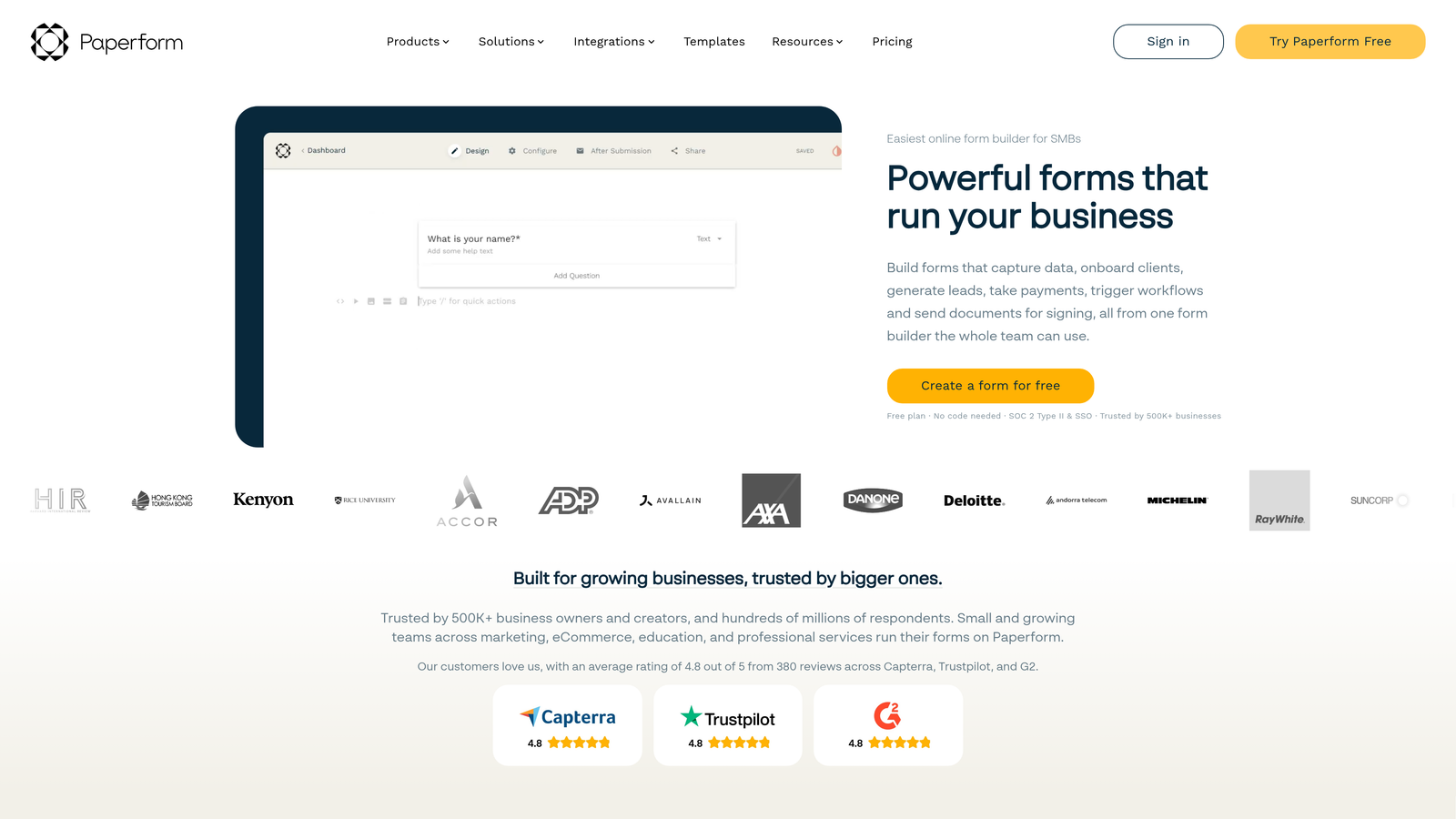
Paperform positions itself as more than a form builder, combining form creation, landing page functionality, payment processing, and appointment scheduling into a single platform.
Where This Tool Shines
The consolidation angle is compelling for small teams managing multiple tools. Instead of maintaining separate subscriptions for a form builder, a landing page tool, and a payment processor, Paperform bundles all three. Forms can include rich content blocks like images, video, and formatted text, making them function more like mini landing pages than traditional data collection forms.
The calculation and scoring fields are particularly useful for teams building quote generators, product configurators, or assessment tools where dynamic outputs depend on respondent inputs.
Key Features
Multi-Tool Platform: Combines form builder, landing page creator, and payment processor in one subscription.
Rich Content Blocks: Embed images, video, and formatted text within forms to create richer respondent experiences.
Calculation and Scoring Fields: Build dynamic outputs that respond to user inputs in real time.
Appointment Scheduling: Native scheduling functionality built into the platform without third-party tools.
Best For
Paperform works well for small businesses, consultants, and marketing teams that want to reduce their tool stack. It's especially useful for teams building interactive forms that need to function as standalone pages with payment or booking capabilities.
Pricing
Plans start around $24/month (Essentials) and scale to $159+/month (Agency) based on number of forms, submissions, and advanced features. No permanent free tier, though trials are available.
6. Formstack
Best for: Enterprise teams in compliance-heavy industries needing forms, documents, and e-signatures in one platform
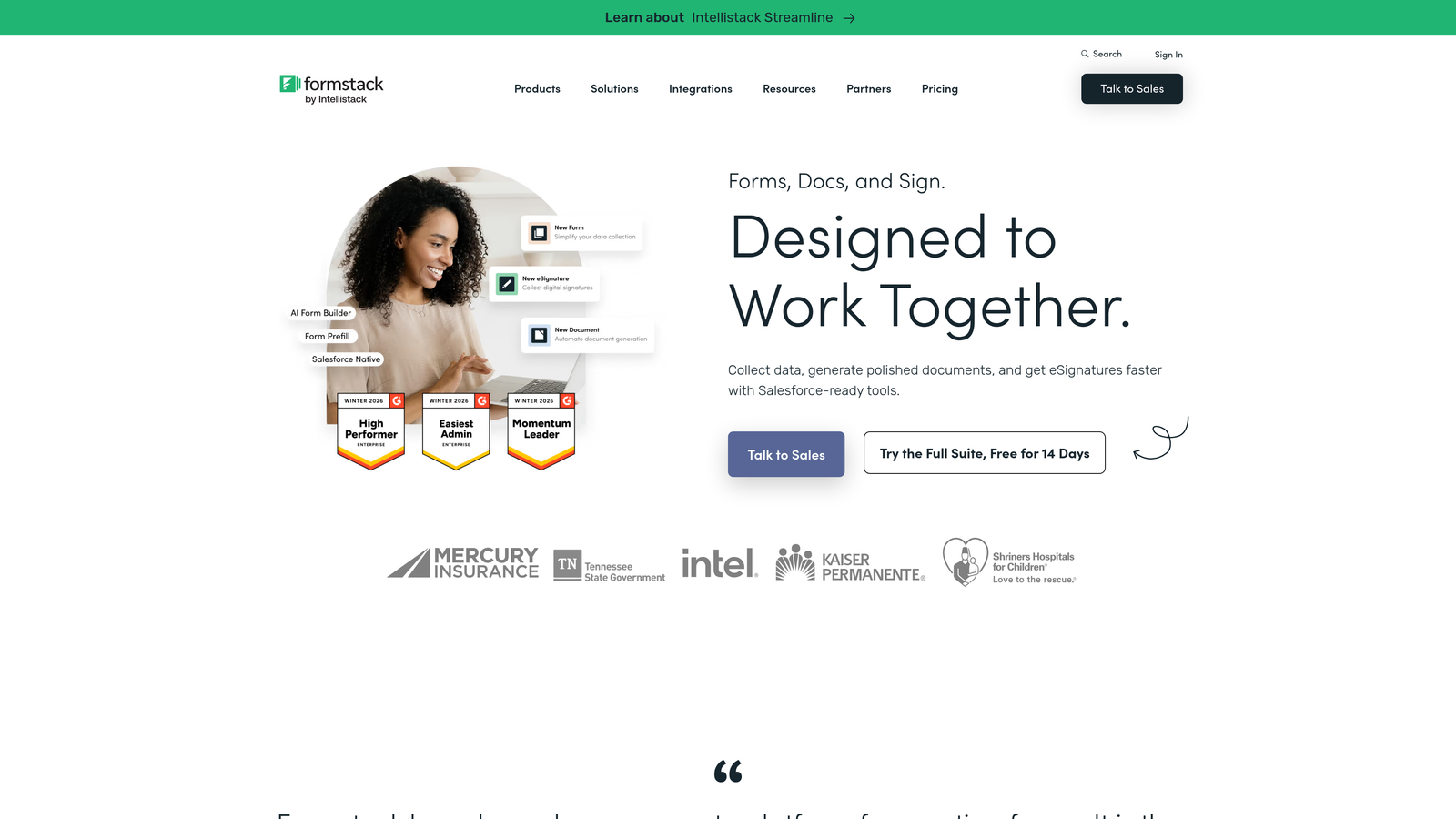
Formstack is an enterprise-grade platform that goes well beyond form building, bundling document generation and electronic signature capabilities alongside its core form product.
Where This Tool Shines
Formstack's strength is its unified approach to data collection, document creation, and signature workflows. For industries like healthcare, financial services, and legal, where compliance requirements shape every workflow, having HIPAA, GDPR, and SOC 2 compliance baked into the platform rather than bolted on is a genuine advantage.
The Salesforce-native integration option is notable for sales and revenue operations teams. Rather than syncing data between systems, Formstack can operate directly within Salesforce, which reduces data latency and integration maintenance overhead.
Key Features
Forms, Documents, and Sign Bundle: Three products unified into one platform for end-to-end data collection and document workflows.
Compliance-Ready Infrastructure: HIPAA, GDPR, and SOC 2 compliance built into the platform for regulated industries.
Advanced Workflow Automation: Multi-step approval workflows and routing logic for complex organizational processes.
Salesforce-Native Option: Deep Salesforce integration that operates within the CRM rather than alongside it.
Best For
Formstack is best suited for mid-market and enterprise organizations in regulated industries, particularly healthcare, finance, and legal. Teams that need document generation and e-signatures alongside form collection will find the bundled platform more efficient than managing separate tools.
Pricing
Plans start around $50/month for the core Forms product. Bundled platform pricing that includes Documents and Sign varies based on module combination and team size. Enterprise pricing is available by quote.
7. Google Forms
Best for: Teams already in the Google ecosystem that need a zero-cost, no-frills form solution
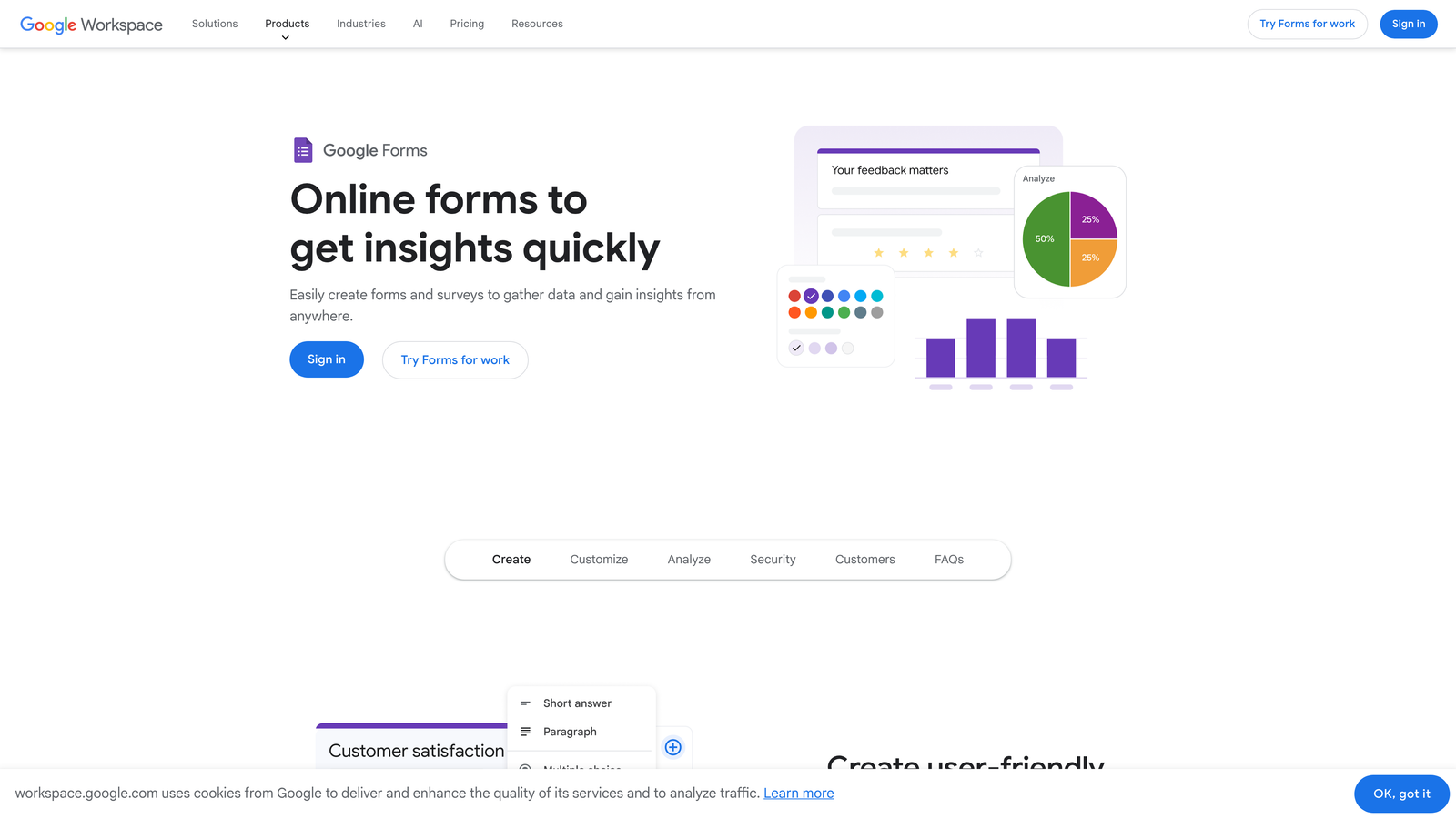
Google Forms is the completely free form builder included with every Google account, with no submission limits, no paid tiers required, and seamless integration with Google Sheets.
Where This Tool Shines
The value proposition is straightforward: it costs nothing and works immediately. For internal surveys, event registrations, feedback collection, and simple data gathering, Google Forms handles the job without any setup overhead. The real-time Google Sheets integration means every response flows directly into a spreadsheet that multiple team members can access and analyze simultaneously.
Collaboration on form editing is also native, following the same multi-user model as Google Docs and Sheets. For distributed teams already living in Google Workspace, that familiarity removes friction entirely.
Key Features
Completely Free: No submission caps, no response limits, no paid upgrade required for core functionality.
Google Sheets Integration: Responses populate automatically into linked spreadsheets for instant analysis.
Real-Time Collaboration: Multiple editors can work on forms simultaneously, following familiar Google Workspace patterns.
Basic Conditional Logic: Section branching and basic skip logic available without any additional cost.
Best For
Google Forms is the right choice for internal use cases, educational settings, and teams that need a functional form tool with zero budget. It's not built for conversion optimization or lead qualification, but for straightforward data collection within Google-centric workflows, it's hard to beat free.
Pricing
Free with any Google account. Google Workspace plans starting around $7/user/month add organizational admin controls, enhanced storage, and enterprise security features but don't significantly extend Forms functionality itself.
8. HubSpot Forms
Best for: Teams already using HubSpot CRM who want native form-to-contact automation
HubSpot Forms is a form builder natively embedded within HubSpot's CRM and Marketing Hub, offering free basic forms with advanced capabilities tied to paid Marketing Hub tiers.
Where This Tool Shines
The native CRM integration is the core value here. When a form submission comes in, HubSpot automatically creates or updates a contact record, associates the submission with deal and company records, and can trigger workflows without any third-party sync required. For teams running their entire go-to-market motion in HubSpot, this eliminates a significant layer of integration complexity.
Progressive profiling is a standout feature on paid tiers. Rather than showing returning visitors the same fields they've already filled out, HubSpot forms can surface new questions to gradually enrich contact records over time. This is particularly valuable for B2B teams building detailed prospect profiles.
Key Features
Native CRM Contact Creation: Submissions automatically create or update HubSpot contact records without any integration setup.
Progressive Profiling: Smart fields that show new questions to returning visitors, progressively enriching contact data.
Free Basic Forms: Core form functionality available with the free HubSpot CRM plan.
Marketing Automation Triggers: Form submissions can initiate workflows, sequences, and nurture campaigns on paid tiers.
Best For
HubSpot Forms is the natural choice for teams already invested in the HubSpot ecosystem. If you're not using HubSpot CRM, the value proposition diminishes significantly since the advanced features are priced as part of a broader Marketing Hub subscription rather than a standalone form tool.
Pricing
Free basic forms with HubSpot CRM. Advanced features require Marketing Hub Starter at $20/month through Marketing Hub Enterprise at $3,600/month, making the full feature set one of the more expensive options in this comparison when evaluated as a standalone form solution.
9. Fillout
Best for: Teams using Notion, Airtable, or Smartsheet who want native database-connected forms
Fillout is a modern form builder that differentiates itself through native integrations with popular database and productivity tools, making it a strong alternative for teams already working in those ecosystems.
Where This Tool Shines
The native Notion, Airtable, and Smartsheet integrations are genuinely deeper than what most competitors offer through generic Zapier connections. Fillout can read from and write to those databases directly, enabling use cases like dynamic dropdown fields populated from an Airtable base or form submissions that update existing Notion database records rather than just appending new rows.
The platform covers a broad range of field types including scheduling, payments, and file uploads, which means teams can build sophisticated multi-purpose forms without layering in additional tools. The UI is clean and modern, sitting comfortably between Typeform's polish and Tally's simplicity.
Key Features
Native Database Integrations: Deep connections to Notion, Airtable, and Smartsheet that go beyond basic Zapier-style syncing.
Scheduling and Payment Fields: Built-in appointment scheduling and payment collection without third-party tools.
Conditional Logic and Multi-Page Forms: Flexible branching and multi-step form structures for complex data collection flows.
Custom Domains and Branding: White-label form experiences available on paid plans for professional presentation.
Best For
Fillout is an excellent fit for product and operations teams that live in Airtable or Notion and want forms that connect natively to those workspaces. It's also worth evaluating for teams looking for a Typeform alternative with more flexible pricing and broader integration coverage.
Pricing
Free tier available with core features. Paid plans start around $19/month, with higher response limits, advanced features, and custom branding unlocked at paid tiers. Pricing is competitive relative to comparable platforms.
Finding the Right Plan for Your Team's Growth Stage
The honest answer is that no single form platform is the best choice for every team. The right subscription plan depends on where you are right now and where you expect to be in twelve months.
If budget is the primary constraint, Tally's free plan with unlimited submissions is the most generous starting point in the market. Google Forms works for purely internal use cases with zero investment. Both are legitimate starting points, not just stopgaps.
For teams in compliance-heavy industries like healthcare or financial services, Formstack's bundled platform with HIPAA and GDPR compliance built in justifies its higher price point. Jotform's HIPAA-compliant plans are also worth evaluating at a lower entry price.
Teams running their go-to-market motion in HubSpot will find HubSpot Forms the path of least resistance, provided they're already paying for Marketing Hub. If you're not in that ecosystem, the pricing structure makes it hard to justify as a standalone form solution.
For high-growth teams where lead generation and qualification are core priorities, the calculus is different. The question isn't just "how much does the plan cost" but "how much work does the form do after submission." Most platforms in this list are excellent at collecting data. Fewer are built to qualify and route leads intelligently without additional tools or enterprise-tier upgrades.
This is where Orbit AI makes its case. AI-powered lead qualification built natively into the form experience means your forms are doing active work for your pipeline, not just feeding a spreadsheet. For teams focused on conversion optimization, that's a meaningful difference from platforms where qualification requires bolted-on integrations.
If you want to improve what happens after someone submits a form, explore how to improve lead quality and how to increase form submissions with smarter form design strategies.
Start building free forms today and see how intelligent form design can transform your lead generation. When your forms qualify prospects automatically and deliver a conversion-optimized experience, the right leads find their way to your team faster, and the wrong ones stop wasting everyone's time.


