

If you're evaluating form builders, the smartest move is to test before you commit. Free trials let you experience the builder's actual interface, integrations, and conversion performance with your own data, not just a marketing page.
But not all free trials are created equal. Some cap features heavily, others expire in days, and a few lock your data behind a paywall when the trial ends. This guide cuts through the noise.
We've rounded up the best form builders that offer genuinely useful free trials, tools worth your time if you're serious about lead generation, conversion optimization, or scaling data collection. Whether you're a SaaS team qualifying inbound leads, a marketing agency running campaigns, or a founder building your first pipeline, there's a tool here that fits. We've listed Orbit AI first because it's the most conversion-focused option, but every tool on this list earned its spot.
1. Orbit AI
Best for: High-growth SaaS and B2B teams that need forms to qualify and route leads automatically.
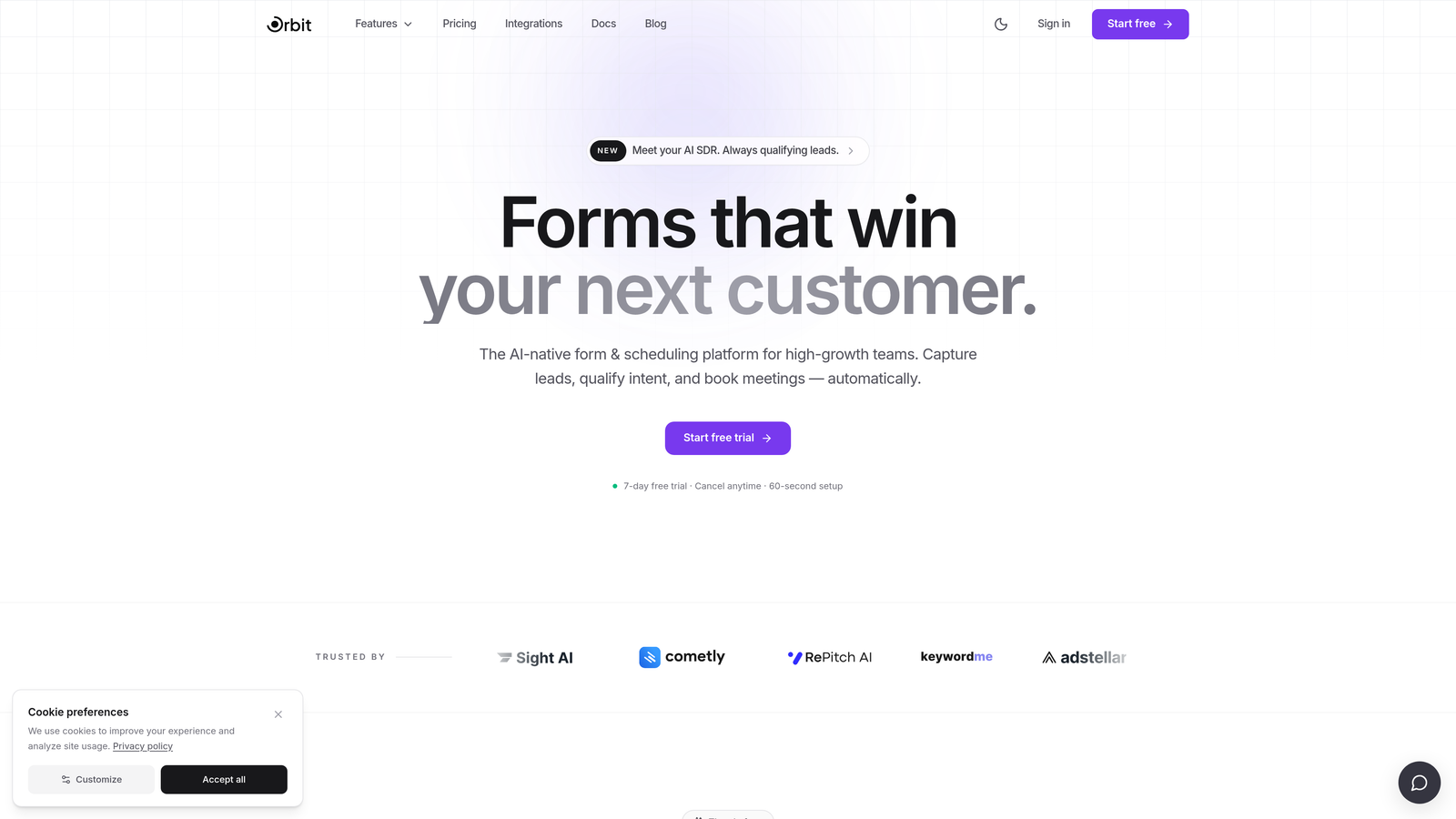
Orbit AI is an AI-powered form builder designed for teams that want their forms to do more than collect data.
Where This Tool Shines
Most form builders are passive. They capture submissions and hand them off to your CRM as a raw list. Orbit AI is different: it qualifies and scores leads at the point of capture, so your sales team receives pre-filtered, prioritized prospects instead of a pile of unvetted contacts.
This makes it particularly valuable for SaaS teams running inbound campaigns where lead quality matters more than volume. The conversion-optimized templates are built with B2B buying journeys in mind, and the multi-step form flows keep completion rates high without sacrificing the depth of data you need to qualify effectively.
Key Features
AI Lead Qualification and Scoring: Automatically scores incoming leads based on your criteria, built directly into the form experience so no manual triage is needed.
Conditional Logic and Multi-Step Flows: Build branching form paths that adapt based on user responses, keeping forms relevant and reducing drop-off.
Conversion-Optimized Templates: Pre-built templates designed specifically for B2B and SaaS use cases, not generic survey forms.
CRM and Marketing Automation Integrations: Connect directly to your existing stack so qualified leads flow into the right pipelines automatically.
Real-Time Lead Routing: Route leads to the right rep or workflow the moment they submit, based on qualification criteria you define.
Best For
Orbit AI is the right choice for growth-focused teams where lead quality is a strategic priority. If you're running paid acquisition, outbound follow-up, or any funnel where a bad lead costs real money, the AI qualification layer pays for itself quickly. Less suited for simple internal surveys or one-off data collection.
Pricing
Free trial available. Visit orbitforms.ai for current plan details and trial terms, as pricing is updated regularly.
2. Typeform
Best for: Teams that want a polished, conversational form experience with high completion rates.
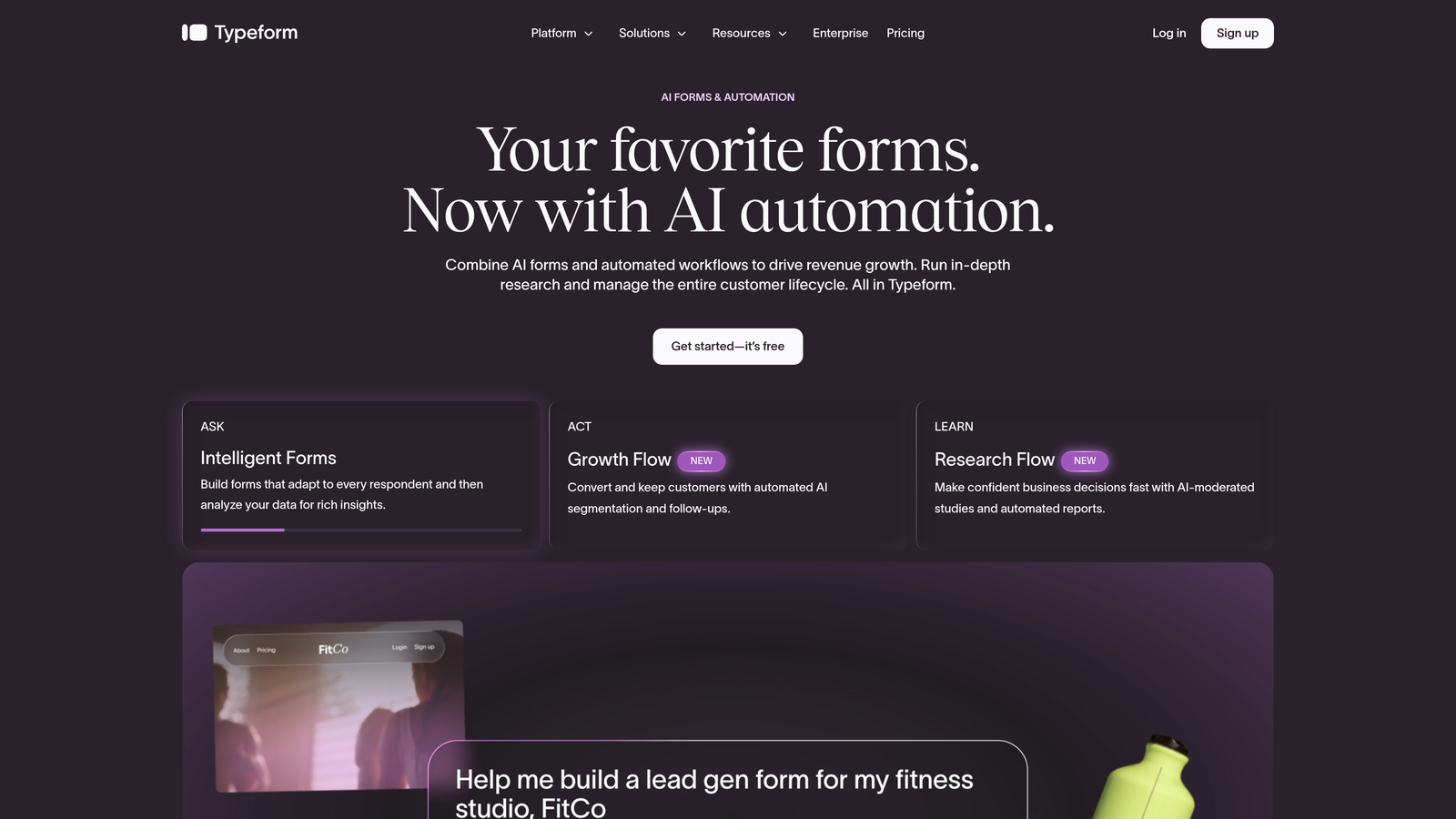
Typeform is a conversational form builder known for its one-question-at-a-time UX that makes forms feel less like forms and more like dialogue.
Where This Tool Shines
Typeform's signature format, presenting one question at a time in a clean, full-screen layout, genuinely changes how respondents experience a form. It removes the visual overwhelm of a traditional multi-field form and keeps users engaged through the process.
The trade-off is that Typeform is more of a UX-first tool than a conversion-intelligence tool. It excels at surveys, research forms, and brand-forward lead capture, but it doesn't offer the kind of AI-driven lead scoring that high-volume B2B teams need.
Key Features
Conversational Single-Question Format: Presents one question at a time, reducing cognitive load and improving completion rates for longer forms.
Logic Jumps and Branching: Route respondents to different questions based on their answers, keeping the experience relevant.
Native Integrations: Direct connections to HubSpot, Salesforce, Zapier, Slack, and more without needing middleware.
Video and Image Embedding: Add visual context directly within questions to enrich the form experience.
Analytics with Drop-Off Tracking: See exactly where respondents abandon your form so you can optimize accordingly.
Best For
Typeform works well for marketing teams, agencies, and product teams that prioritize brand experience and completion rate. It's a strong choice for customer research, NPS surveys, and top-of-funnel lead capture where aesthetics matter.
Pricing
Free plan available with limited responses and Typeform branding. Paid plans start around $25/month. Verify current pricing at typeform.com.
3. HubSpot Forms
Best for: Teams already using HubSpot CRM who want zero-friction form-to-contact automation.
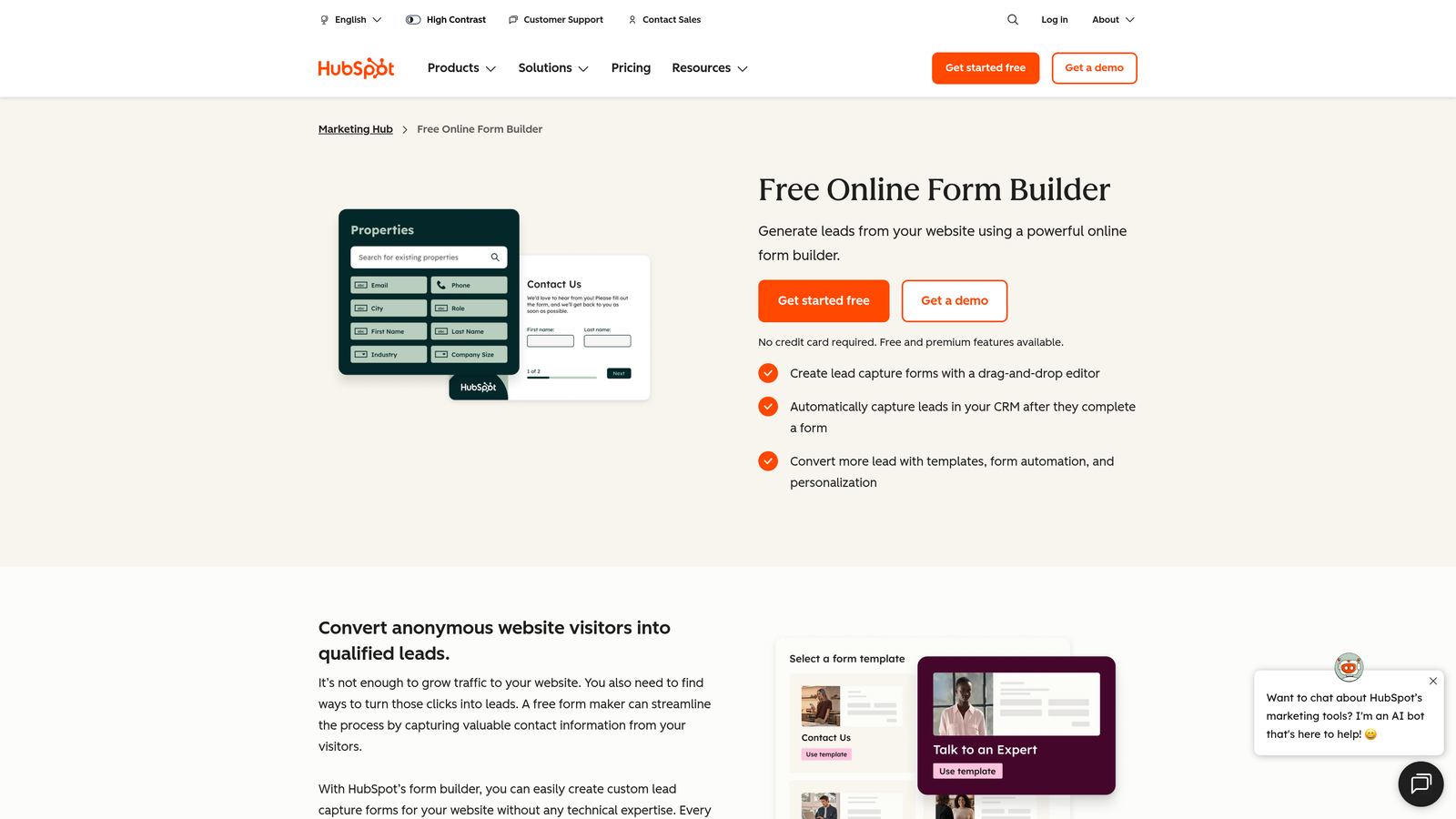
HubSpot Forms is a native form builder included in HubSpot's free CRM tier, with seamless contact and deal creation built directly into the HubSpot ecosystem.
Where This Tool Shines
The biggest advantage here is tight native integration. When a lead submits a HubSpot form, a contact record is created, list segmentation happens automatically, and your CRM pipeline updates in real time. No Zapier zap required, no manual CSV imports, no sync delays.
For teams already paying for HubSpot, this is essentially a free form builder with enterprise-grade CRM connectivity. For teams not using HubSpot, the value proposition is much weaker since the forms themselves are fairly standard.
Key Features
Free with HubSpot CRM: No additional cost if you're already on HubSpot's free or paid tier, making it the most cost-efficient option for existing HubSpot users.
Automatic Contact Creation and List Segmentation: Every submission instantly creates or updates a contact record with automatic list assignment.
Multiple Form Types: Build pop-up, embedded, and standalone forms from a single interface.
Progressive Profiling: Automatically shows new fields to returning contacts so you enrich records over time without repeating questions.
A/B Testing: Available on Marketing Hub paid plans for optimizing form performance.
Best For
HubSpot Forms is the obvious choice for teams already invested in the HubSpot ecosystem. If you're not using HubSpot CRM, you'd likely be better served by a standalone form builder with more design flexibility.
Pricing
Free with HubSpot's free CRM. Advanced features like A/B testing require Marketing Hub paid plans. Details at hubspot.com.
4. Jotform
Best for: Teams that need a feature-complete builder with deep template libraries and payment support.
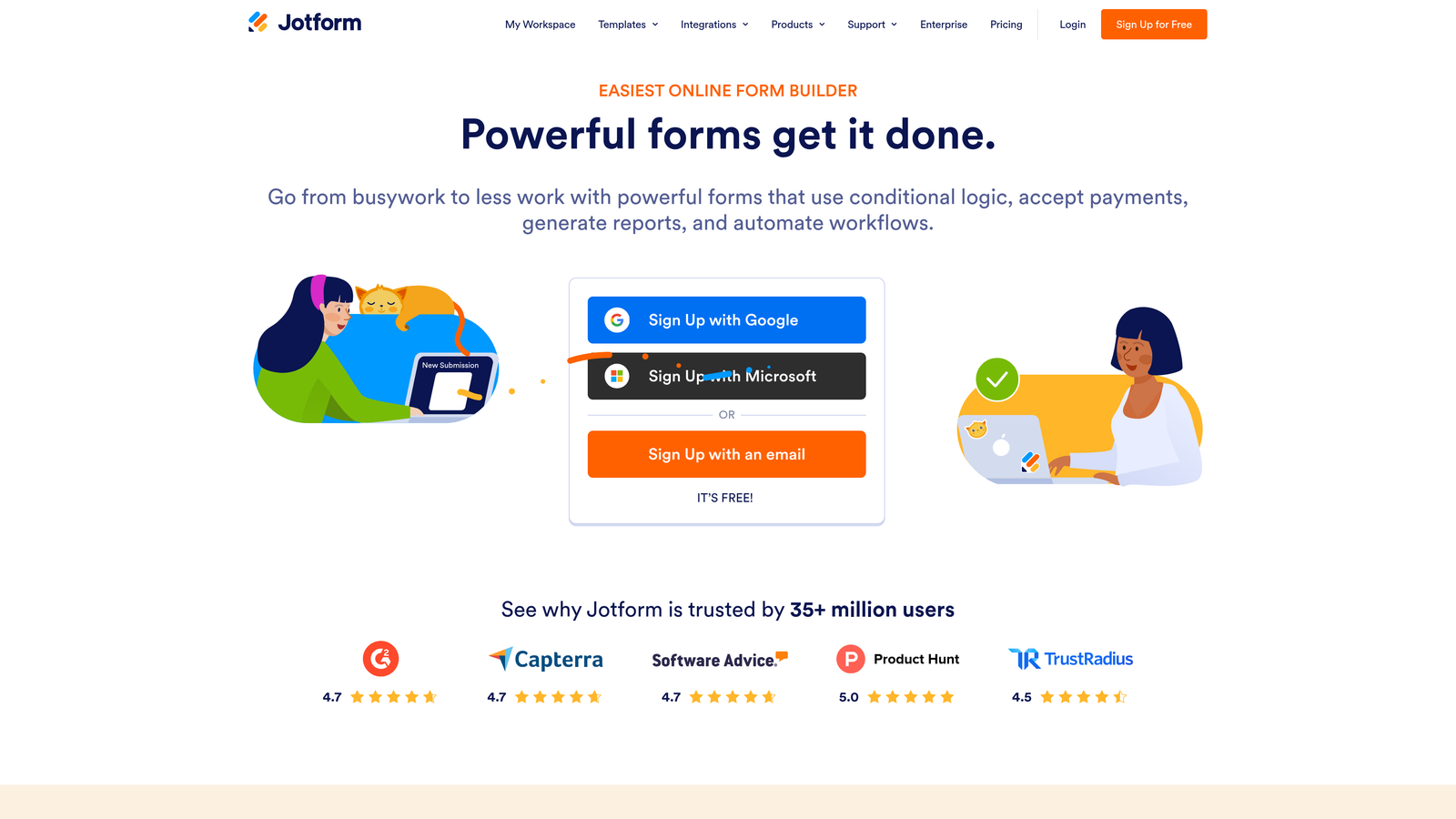
Jotform is one of the most feature-complete form builders available, with thousands of templates and deep support for payments, conditional logic, and approval workflows.
Where This Tool Shines
Jotform's sheer breadth is its defining characteristic. With over 10,000 templates spanning industries from healthcare to e-commerce to legal, you're unlikely to encounter a use case it hasn't already templated. This makes it especially fast to deploy for teams managing diverse form needs across departments.
The approval workflow and PDF generation features push Jotform beyond simple data collection into lightweight business process automation, which sets it apart from most builders in this list.
Key Features
10,000+ Templates: Extensive template library covering virtually every industry and use case, significantly reducing setup time.
Payment Integrations: Native support for Stripe, PayPal, and Square for collecting payments directly within forms.
Advanced Conditional Logic: Show, hide, or calculate fields based on user inputs with granular control over form behavior.
PDF Generation and E-Signatures: Automatically generate formatted PDFs from submissions and collect legally-binding signatures.
Team Collaboration and Approval Workflows: Route submissions through multi-step internal approval processes before they're acted on.
Best For
Jotform suits operations teams, agencies managing multiple clients, and businesses that need forms for payments, contracts, or internal approvals. It's less optimized for pure lead generation or AI-assisted qualification.
Pricing
Free plan includes up to 5 forms and 100 submissions per month. Paid plans start around $34/month. Verify current pricing at jotform.com.
5. Tally
Best for: Founders, indie hackers, and content teams who need unlimited forms without paying anything.
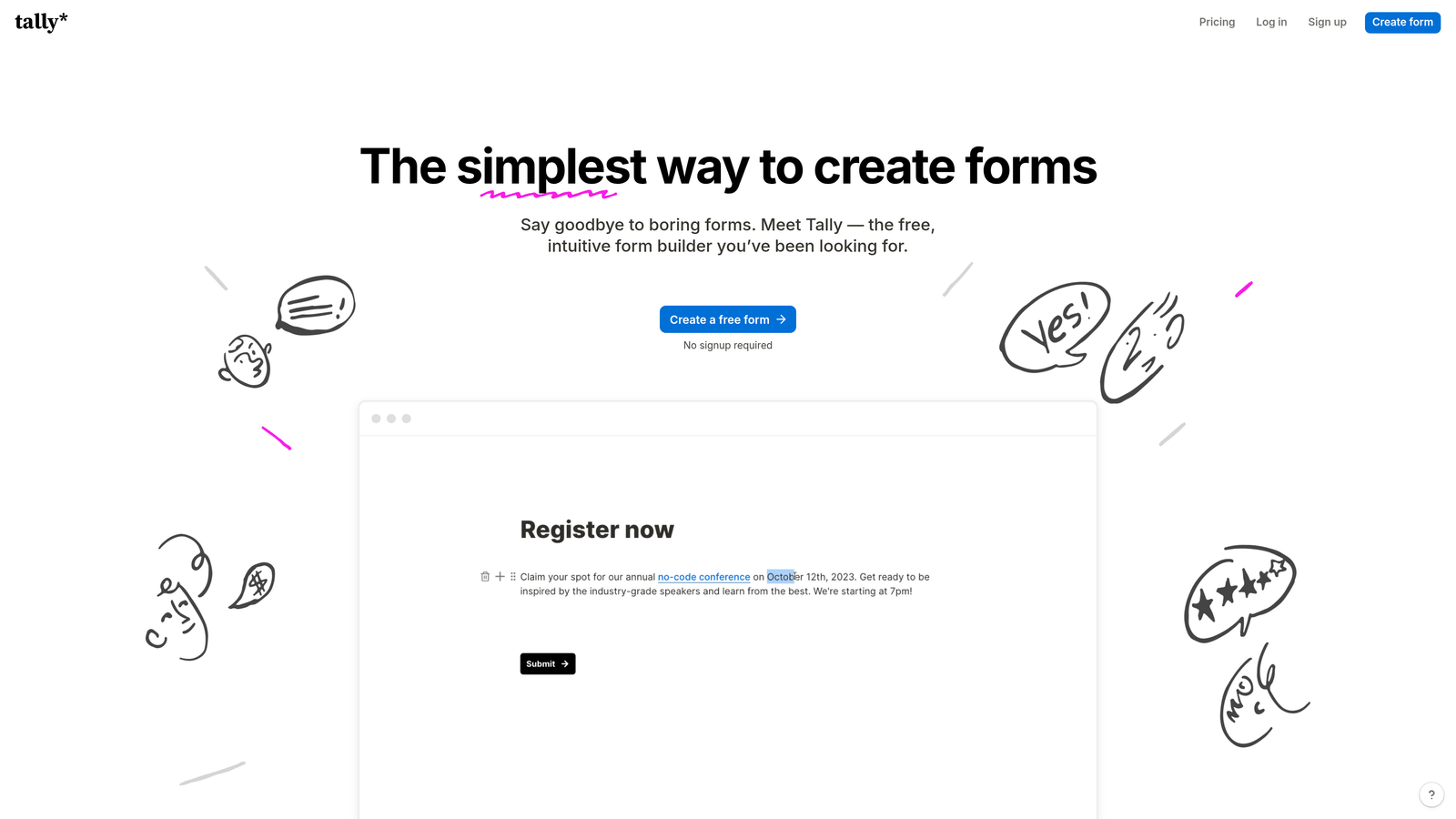
Tally is a Notion-inspired form builder with a genuinely unlimited free plan: no submission caps, no form limits, no hidden restrictions.
Where This Tool Shines
Tally's free plan is legitimately generous in a way that's rare in this category. While most tools use their free tier as a forcing function toward paid upgrades, Tally lets you run unlimited forms with unlimited submissions at no cost. For early-stage teams or those with tight budgets, this is a meaningful differentiator.
The block-based editor will feel immediately familiar to anyone who uses Notion, which lowers the learning curve considerably. The interface is clean and minimal, which also means it's not the right tool for complex enterprise workflows.
Key Features
Unlimited Free Plan: No caps on forms, submissions, or responses, making it genuinely free rather than a limited trial.
Block-Based Editor: Notion-style editing experience that's intuitive for teams already using modern productivity tools.
Conditional Logic on Free Tier: Branching logic is available without upgrading, which is uncommon among free plans.
Zapier and Make Integrations: Connect to your broader tool stack via automation platforms even on the free plan.
Tally Pro for Branding: The paid tier adds custom domains, hidden fields, and white-labeling for teams that need a branded experience.
Best For
Tally is ideal for solo founders, small teams, and early-stage startups that need functional forms fast without a budget commitment. It's not the right fit for teams that need AI qualification, advanced analytics, or enterprise integrations.
Pricing
Free plan with unlimited usage. Tally Pro starts around $29/month. Verify current pricing at tally.so.
6. Paperform
Best for: Teams that want forms to function as branded landing pages with rich media and payment support.
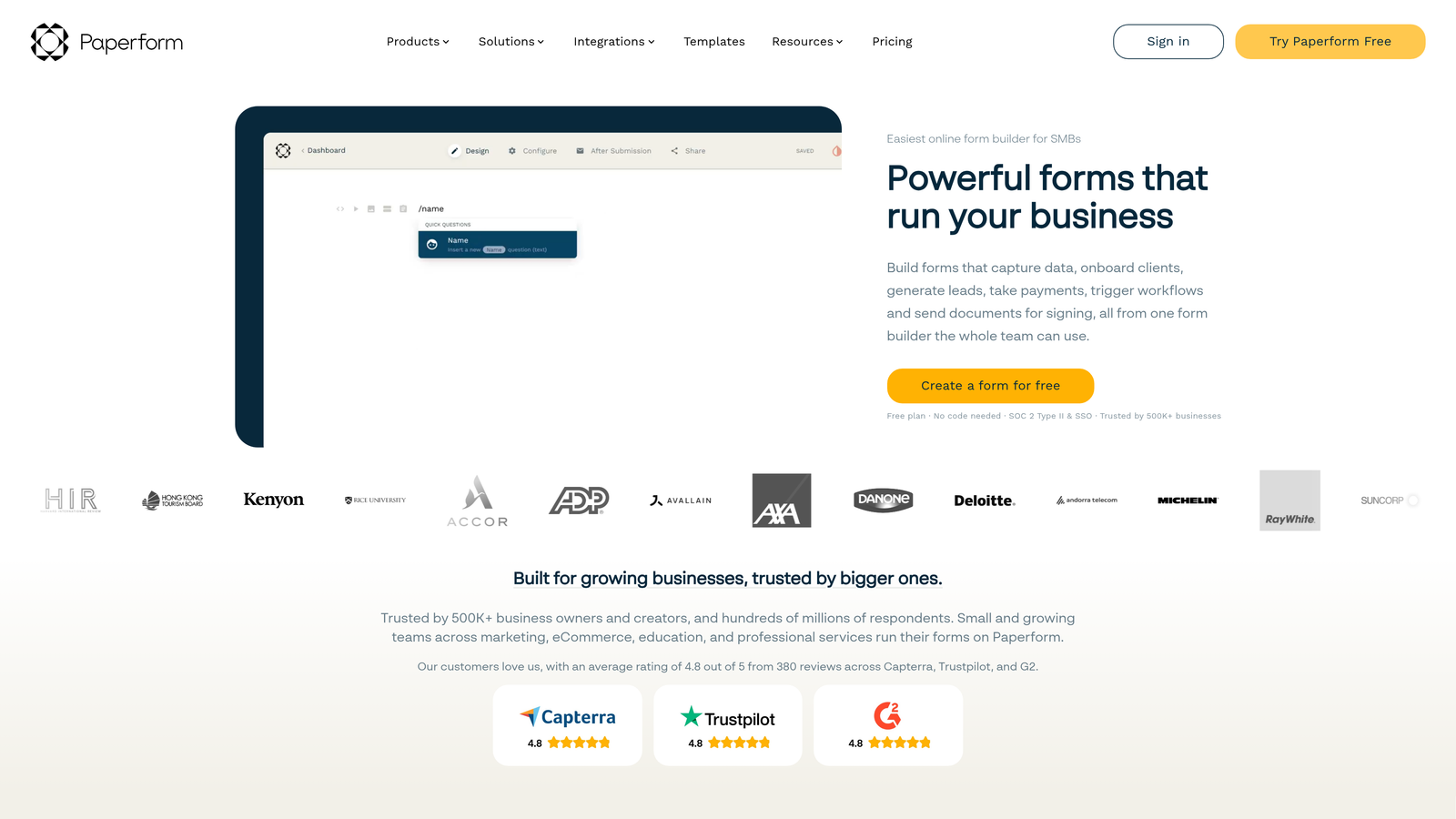
Paperform is a form builder that doubles as a lightweight landing page tool, letting teams embed rich media, product listings, and branded content directly into the form experience.
Where This Tool Shines
Paperform occupies an interesting niche: it's not quite a form builder and not quite a landing page builder, but it does both reasonably well. You can embed images, video, product listings, and formatted text alongside your form fields, creating an experience that feels more like a branded page than a data collection form.
This makes it particularly strong for service businesses, coaches, and product sellers who want to present context and pricing within the form itself rather than directing users from a landing page to a separate form.
Key Features
Rich Content Within Forms: Embed text, images, and video directly in the form body to provide context alongside questions.
Built-In Payments: Accept payments for products and services directly within the form without a separate checkout page.
14-Day Free Trial: Full access to paid plan features during the trial period, giving a genuine evaluation window.
Conditional Sections and Smart Fields: Show or hide entire sections based on previous answers for a dynamic, relevant experience.
Booking and Scheduling Integrations: Connect with scheduling tools to allow appointment booking directly from form submissions.
Best For
Paperform works well for service businesses, consultants, coaches, and e-commerce teams that want a hybrid form and landing page experience. Less suited for pure B2B lead generation or CRM-heavy workflows.
Pricing
14-day free trial on all paid plans. Paid plans start around $24/month. Verify current pricing at paperform.co.
7. Gravity Forms
Best for: WordPress-native teams that need deep CMS integration and a mature add-on ecosystem.
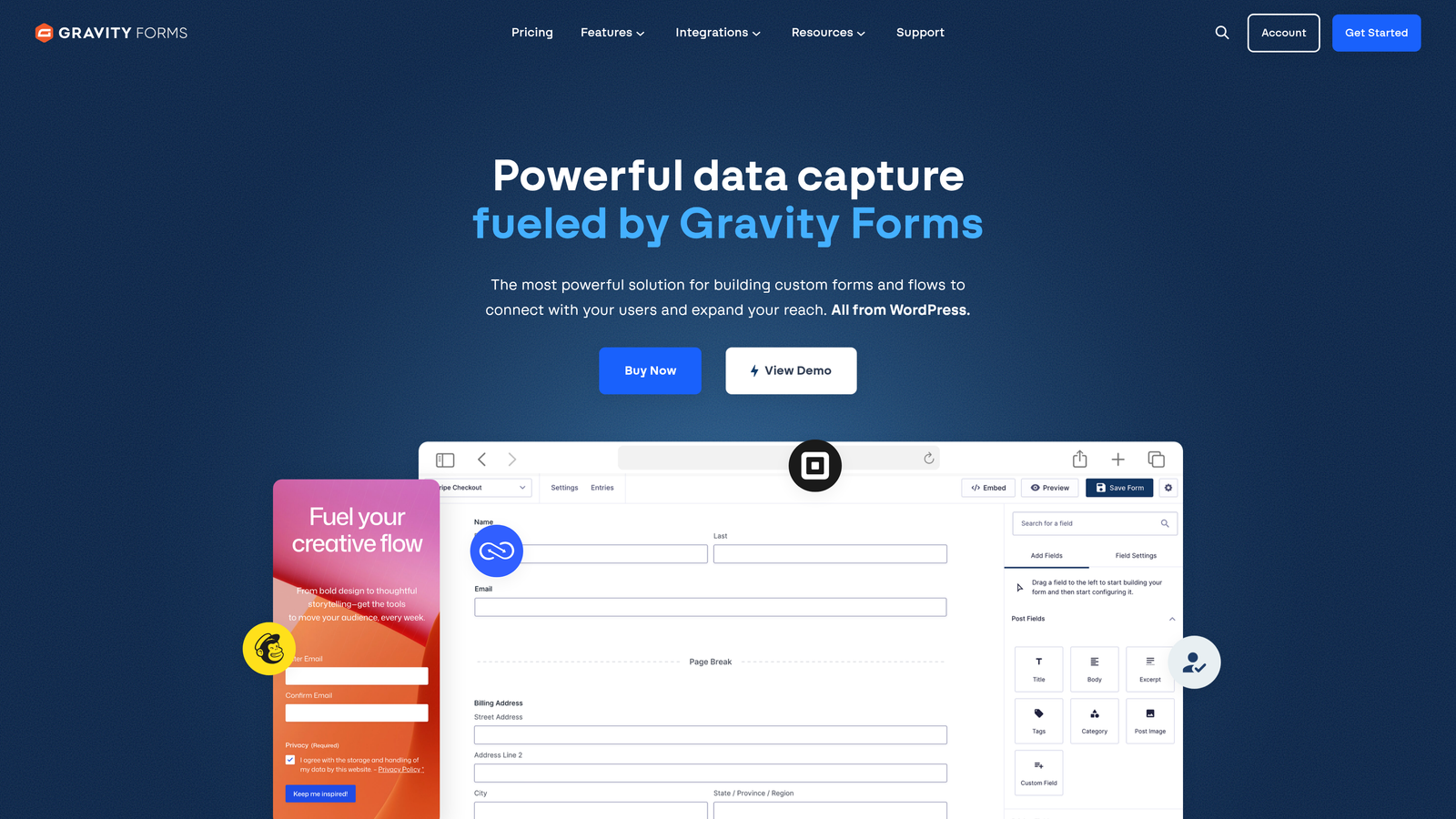
Gravity Forms is the go-to form plugin for WordPress, with a deep add-on ecosystem and developer-friendly architecture for complex form requirements.
Where This Tool Shines
If your website runs on WordPress, Gravity Forms is in a category of its own. It integrates directly with your WordPress installation, meaning forms have full access to your CMS data, user accounts, and custom post types. This enables capabilities that SaaS form builders simply can't replicate, like creating WordPress posts or registering users from form submissions.
The add-on library covers payments, CRM integrations, email marketing, and more. The architecture is developer-friendly enough to support custom solutions, which makes it popular with agencies building client sites.
Key Features
WordPress-Native Integration: Full access to WordPress CMS features including user registration and custom post creation from form submissions.
Conditional Logic and Multi-Page Forms: Build complex, branching multi-step forms with granular display logic.
Extensive Add-On Ecosystem: Official and third-party add-ons for Stripe, Mailchimp, HubSpot, Zapier, and many more.
File Uploads and Advanced Field Types: Support for file uploads, signatures, calculations, and other complex field types out of the box.
14-Day Money-Back Guarantee: Functions as a risk-free trial equivalent for evaluating the plugin before committing long-term.
Best For
Gravity Forms is purpose-built for WordPress teams. If you're not on WordPress, it's irrelevant. If you are, it's one of the most capable options available, especially for teams with developer resources to leverage its extensibility.
Pricing
No free plan. Starts around $59/year for a single site license. 14-day money-back guarantee. Verify current pricing at gravityforms.com.
8. Formstack
Best for: Enterprise and mid-market teams that need form-to-document workflows with compliance requirements.
Formstack is an enterprise-grade platform combining form building with document generation, e-signatures, and approval workflow automation.
Where This Tool Shines
Formstack goes well beyond form building. It's designed for organizations where a form submission triggers a chain of downstream processes: generating a document, routing it for approval, collecting a signature, and archiving the result. This makes it particularly valuable in regulated industries where data handling and audit trails matter.
The HIPAA-compliant options and Salesforce native integration make it a natural fit for healthcare, financial services, and legal teams that need both power and compliance coverage in a single platform.
Key Features
Form-to-Document Workflow Automation: Automatically generate formatted documents from form submissions and route them through approval workflows.
Built-In E-Signatures: Collect legally-binding signatures without needing a separate tool like DocuSign.
HIPAA-Compliant Data Handling: Compliance options for healthcare and other regulated industries that need secure data management.
Salesforce Native Integration: Deep integration with Salesforce for enterprise teams running complex CRM workflows.
14-Day Free Trial: Full platform access during the trial to evaluate the complete workflow automation capabilities.
Best For
Formstack is the right choice for enterprise teams in regulated industries that need more than a form builder. It's overkill for simple lead capture but ideal for organizations where forms are part of a larger compliance or document management workflow.
Pricing
14-day free trial available. Enterprise pricing applies. Verify current plan details at formstack.com.
9. Google Forms
Best for: Internal surveys, quick data collection, and teams already working entirely within Google Workspace.
Google Forms is Google's completely free, no-setup-required form tool, best for internal data collection and teams already living in Google Workspace.
Where This Tool Shines
There's no simpler path from "I need a form" to "I have a form" than Google Forms. No account setup beyond a Google account, no pricing decisions, no integrations to configure. You build it, share the link, and responses populate a Google Sheet automatically.
For internal use cases, that simplicity is genuinely powerful. Employee surveys, event registrations, internal feedback forms, and quick polls don't need AI qualification or CRM routing. They need to work reliably and be easy to share, and Google Forms delivers on both.
Key Features
100% Free, No Trial Required: Permanently free with a Google account, with no submission limits or hidden upgrade prompts.
Native Google Sheets Integration: All responses automatically populate a connected spreadsheet for instant analysis.
Basic Branching Logic: Show different sections based on answers, covering simple conditional use cases.
Unlimited Forms and Responses: No caps on how many forms you create or how many responses you collect.
Instant Sharing: Share via link, embed in a website, or send directly from your Google account in seconds.
Best For
Google Forms is the right tool for internal data collection, educational settings, and teams that need something functional immediately at no cost. It's not appropriate for brand-sensitive external forms, lead generation, or any use case requiring CRM integration or conversion optimization.
Pricing
Completely free with any Google account. No paid tier or upgrade path.
Which Tool Is Right for You
Nine tools is a lot to evaluate, so here's a quick way to narrow it down based on what you actually need.
If lead quality is your priority: Start with Orbit AI. It's the only tool on this list that qualifies and scores leads at the point of capture, which means your sales team spends time on real prospects, not inbox noise. If you're running any kind of inbound pipeline where a bad lead has a real cost, the AI qualification layer is worth evaluating first.
If you're already on HubSpot: HubSpot Forms is the obvious starting point. It's free, deeply integrated with your CRM, and covers most standard lead capture needs without adding another tool to your stack.
If you need enterprise workflow automation: Formstack is built for exactly this. Document generation, e-signatures, approval routing, and compliance coverage make it the right choice for mid-market and enterprise teams in regulated industries.
If you're on WordPress: Gravity Forms has no real competitor in that context. Its CMS-native architecture and add-on ecosystem are purpose-built for WordPress teams.
If budget is the constraint: Tally's genuinely unlimited free plan is the most honest free offering in this space. Google Forms works too, but Tally gives you more design control and conditional logic without the cost.
The right form builder isn't just the one with the most features. It's the one that fits your stack, your team's workflow, and the specific job you need forms to do. For high-growth teams where forms are part of an active lead generation strategy, that job is qualification, not just collection.
Transform your lead generation with AI-powered forms that qualify prospects automatically while delivering the modern, conversion-optimized experience your high-growth team needs. Start building free forms today and see how intelligent form design can elevate your conversion strategy.


