

Marketing teams need forms that convert—not forms that require developer tickets. In 2026, the best marketing campaigns move fast: testing new lead magnets, launching event registrations, capturing webinar signups, and qualifying prospects in real-time. Waiting days for engineering resources to build or modify a form kills momentum and costs opportunities.
No-code form builders have become essential marketing infrastructure precisely because they eliminate technical bottlenecks. Modern marketers need tools that integrate seamlessly with their CRM, adapt to campaign requirements instantly, and deliver the kind of polished, conversion-optimized experiences that today's buyers expect.
The right form builder does more than collect information—it qualifies leads, routes prospects intelligently, and provides the analytics you need to optimize continuously. We've evaluated the top no-code form builders based on ease of use, marketing-specific features, integration capabilities, lead qualification tools, and design flexibility. Here are the best options for different marketing needs.
1. Orbit AI
Best for: High-growth marketing teams focused on conversion optimization and intelligent lead qualification
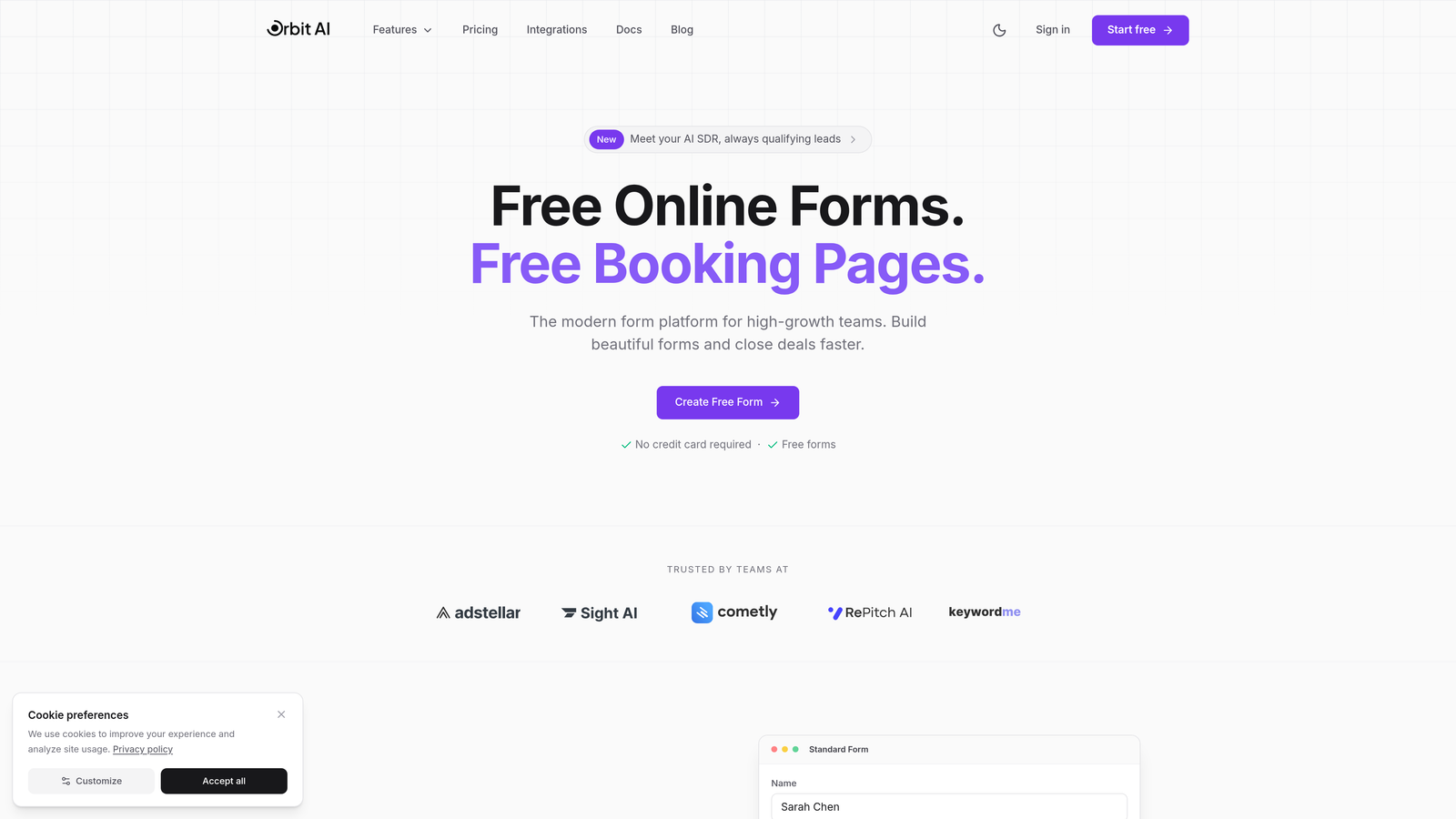
Orbit AI is an AI-powered form builder platform designed specifically for marketing teams that need to qualify leads automatically while maintaining beautiful, conversion-optimized form experiences.
Where This Tool Shines
Orbit AI stands out by combining intelligent lead qualification with modern form design. The platform uses AI to score and route leads in real-time, meaning your sales team receives pre-qualified prospects while marketing can focus on optimization rather than manual lead review.
The conversion-focused approach extends throughout the platform. Every template and feature is built with marketing performance in mind, from multi-step forms that reduce abandonment to conditional logic that personalizes the experience based on previous answers.
Key Features
AI-Powered Lead Qualification: Automatically scores and qualifies leads based on responses, routing high-value prospects to sales immediately.
Conversion-Optimized Templates: Pre-built form templates designed specifically for marketing use cases like lead magnets, event registrations, and demo requests.
Native Marketing Integrations: Connects directly with major CRMs, email platforms, and marketing automation tools without middleware.
Intelligent Form Routing: Routes submissions to the right team members based on qualification criteria, territory, or custom rules.
Real-Time Analytics Dashboard: Tracks conversion rates, abandonment points, and lead quality metrics to inform continuous optimization.
Best For
Marketing teams at high-growth companies who need to scale lead generation without sacrificing lead quality. Particularly valuable for B2B marketers running multiple campaigns who need intelligent routing and qualification built into their forms rather than bolted on afterward.
Pricing
Visit the Orbit AI pricing page for current plan details and features tailored to different team sizes and marketing needs.
2. Typeform
Best for: Creating engaging, conversational forms that maximize completion rates through interactive experiences
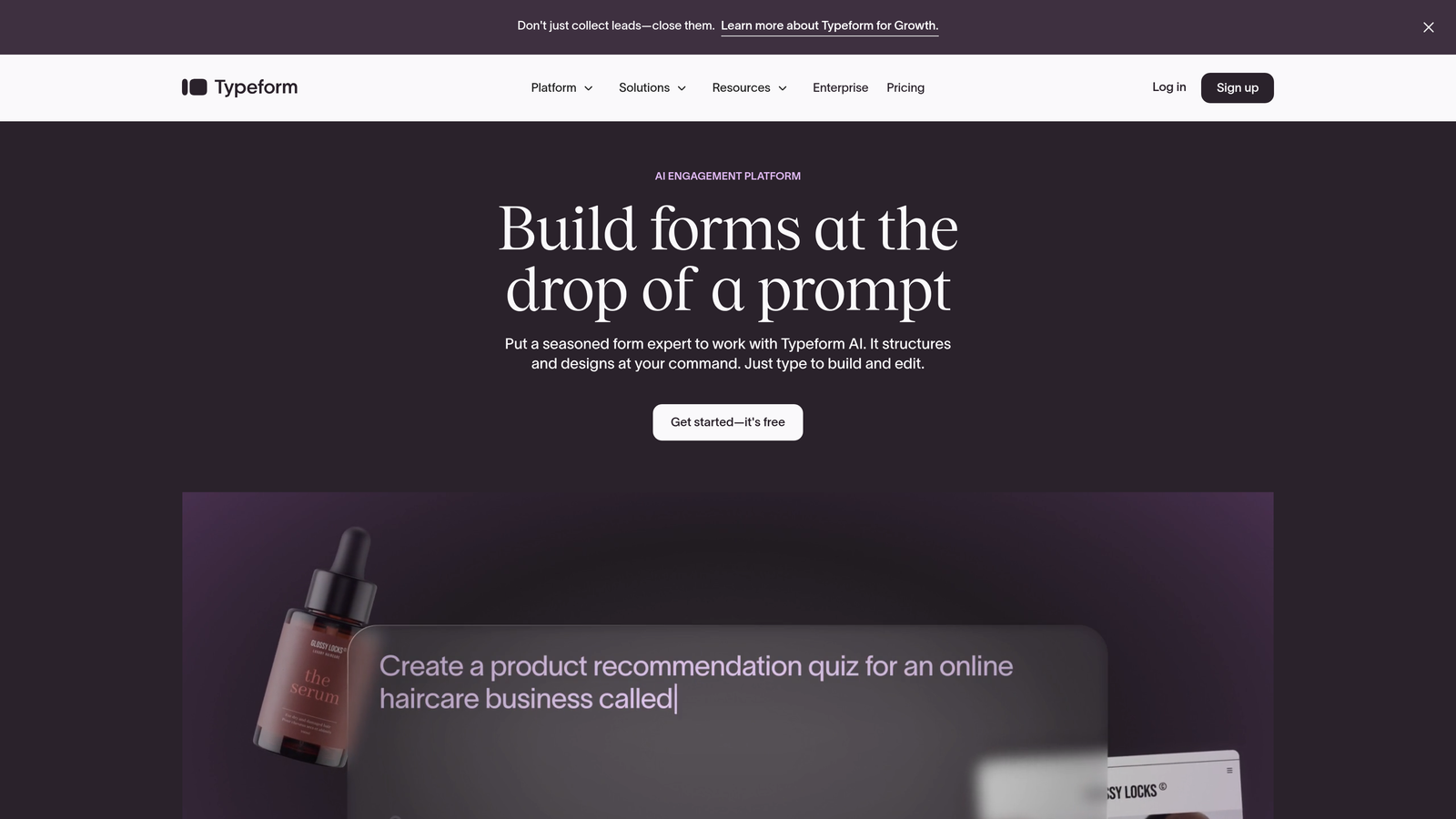
Typeform is a conversational form builder that presents questions one at a time, creating an interactive experience that feels more like a conversation than a traditional form.
Where This Tool Shines
Typeform's signature one-question-at-a-time format reduces cognitive load and creates a more engaging experience. This approach consistently drives higher completion rates compared to traditional all-at-once forms, making it particularly effective for surveys, quizzes, and lead qualification flows where engagement matters.
The platform excels at brand customization, allowing marketing teams to create forms that feel like natural extensions of their website. From custom backgrounds to branded color schemes, Typeform makes it easy to maintain visual consistency across every touchpoint.
Key Features
Conversational Format: One-question-at-a-time presentation that feels interactive and reduces form abandonment.
Extensive Brand Customization: Custom themes, backgrounds, fonts, and colors to match your brand identity perfectly.
Logic Jumps and Branching: Show different questions based on previous answers to create personalized form experiences.
Rich Media Embedding: Include videos, images, and GIFs within forms to increase engagement and provide context.
Marketing Tool Integrations: Native connections to popular platforms like HubSpot, Mailchimp, Salesforce, and Google Sheets.
Best For
Marketing teams prioritizing engagement and completion rates, particularly for lead magnets, customer feedback surveys, event registrations, and interactive quizzes that need to feel polished and on-brand.
Pricing
Free tier available with basic features; paid plans start at $25/month with advanced logic, integrations, and customization options.
3. Jotform
Best for: Teams needing versatile forms with extensive templates and a robust free tier
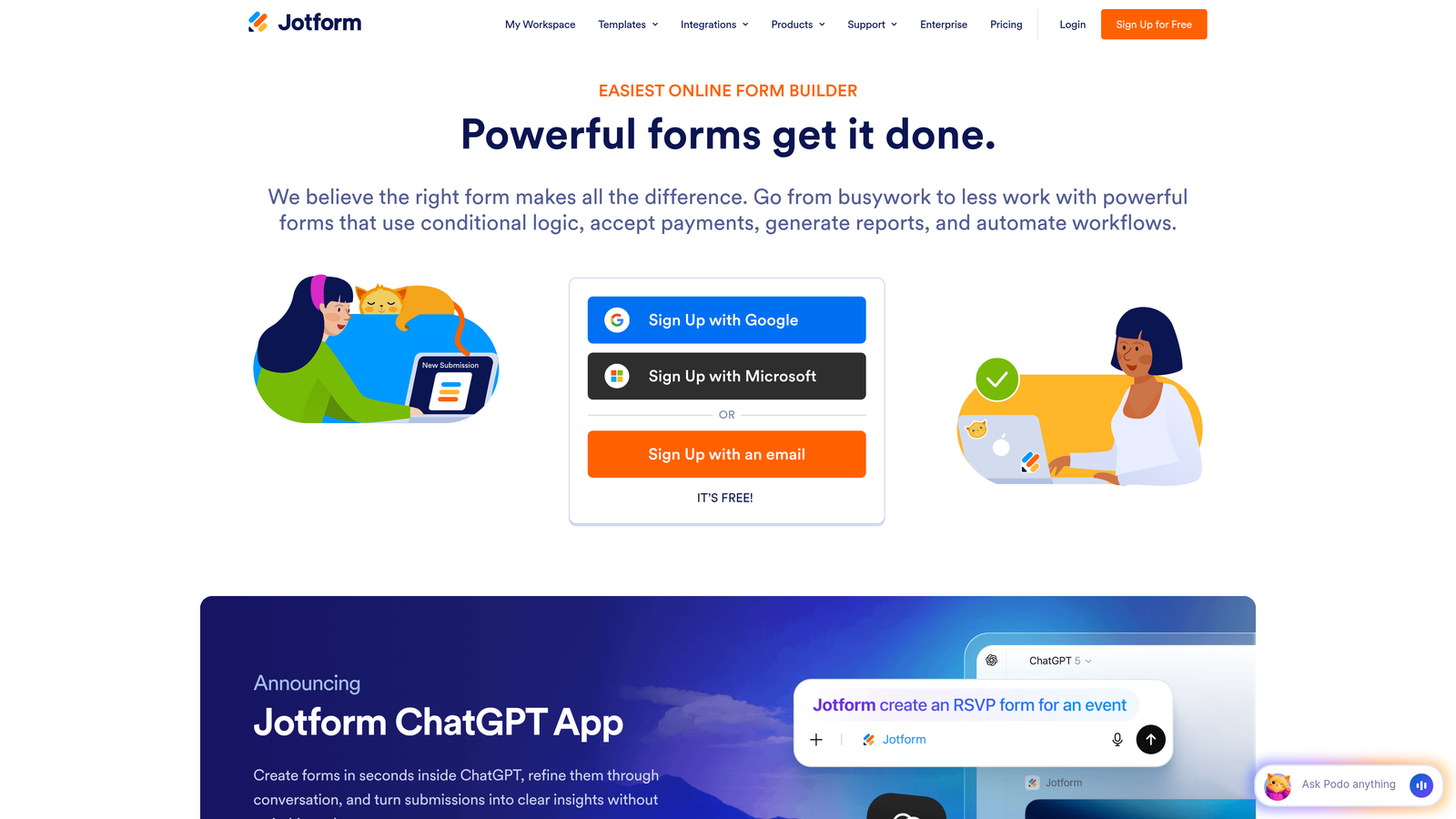
Jotform is a comprehensive form builder offering thousands of templates and widgets, making it suitable for virtually any marketing form requirement from simple contact forms to complex multi-page applications.
Where This Tool Shines
Jotform's massive template library means you're rarely building from scratch. With over 10,000 pre-built templates covering everything from event registrations to product orders, marketers can launch new forms in minutes rather than hours.
The platform's widget ecosystem extends functionality far beyond basic forms. Need to collect payments? Add a product catalog? Generate PDFs? Jotform's extensive widget library handles these requirements without requiring custom development or third-party tools.
Key Features
10,000+ Form Templates: Pre-built templates for virtually every marketing use case, customizable to match your needs.
Drag-and-Drop Builder: Intuitive interface with hundreds of widgets for adding functionality without coding.
Payment Collection: Built-in payment processing through multiple gateways for selling products or collecting deposits.
PDF Generation: Automatically generate branded PDF documents from form submissions, useful for quotes and proposals.
Conditional Logic: Show or hide fields, perform calculations, and create dynamic forms based on user responses.
Best For
Marketing teams that need versatility and want a single platform capable of handling diverse form requirements, from simple lead capture to complex event registrations with payment processing.
Pricing
Free tier includes up to 5 forms with 100 monthly submissions; paid plans start at $34/month with unlimited forms and increased submission limits.
4. HubSpot Forms
Best for: HubSpot users who need native CRM integration and progressive profiling capabilities
HubSpot Forms is the native form builder within HubSpot's marketing platform, offering seamless integration with HubSpot CRM and marketing automation tools.

Where This Tool Shines
For teams already using HubSpot, the native forms integration is unbeatable. Every submission automatically creates or updates contact records, triggers workflows, and feeds into your lead scoring model without any middleware or manual data transfer.
Progressive profiling is where HubSpot Forms truly differentiates itself. The platform remembers what information you've already collected from returning visitors and automatically shows different questions, gradually building complete contact profiles without asking the same questions twice.
Key Features
Native HubSpot Integration: Seamless connection to HubSpot CRM with automatic contact creation and property updates.
Progressive Profiling: Automatically show different questions to returning visitors to build complete profiles over time.
Built-In Lead Scoring: Form submissions automatically contribute to HubSpot's lead scoring model for prioritization.
Automatic Segmentation: Contacts are automatically added to lists and workflows based on form submission behavior.
A/B Testing: Test different form variations to optimize for conversion rates within the HubSpot platform.
Best For
Marketing teams already invested in the HubSpot ecosystem who want native integration, progressive profiling, and the ability to trigger complex automation workflows directly from form submissions.
Pricing
Free with HubSpot CRM; advanced features like progressive profiling and A/B testing available in paid Marketing Hub plans.
5. Tally
Best for: Teams wanting a simple, fast form builder with unlimited forms on the free plan
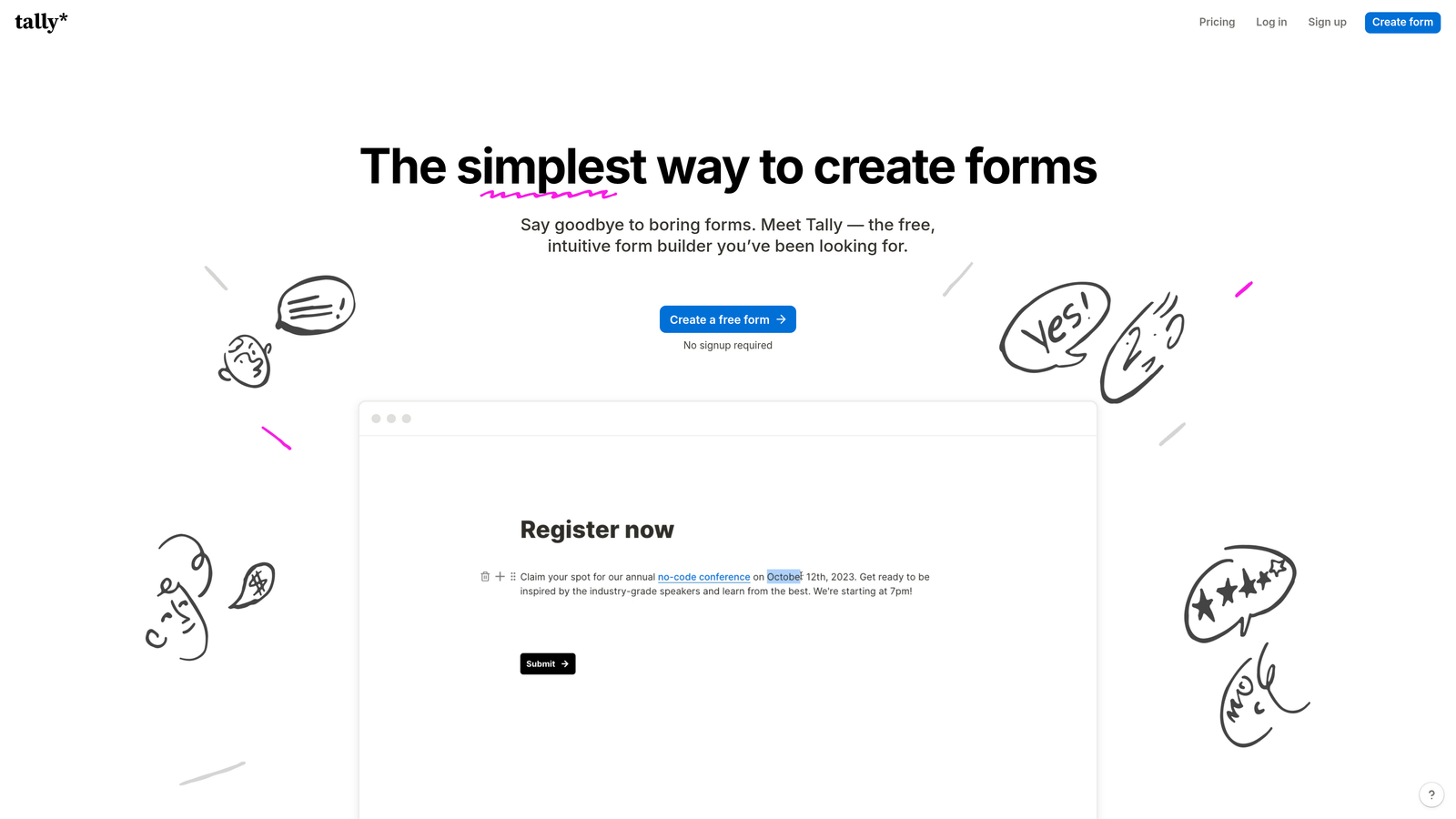
Tally is a Notion-inspired form builder that prioritizes speed and simplicity, offering unlimited forms even on its generous free tier.
Where This Tool Shines
Tally's block-based editor feels instantly familiar to anyone who's used Notion. You build forms by simply typing and adding blocks, making it remarkably fast to create professional forms without wrestling with complex interfaces or settings.
The unlimited forms on the free plan make Tally particularly attractive for agencies or marketing teams running numerous campaigns. You can create dedicated forms for every campaign, landing page, or lead magnet without worrying about hitting form limits or triggering upgrade requirements.
Key Features
Notion-Style Block Editor: Intuitive building experience using familiar block-based editing that requires no learning curve.
Unlimited Forms on Free Plan: Create as many forms as needed without paid plan requirements, ideal for multi-campaign strategies.
Conditional Logic: Show or hide questions based on previous answers to create personalized form flows.
Custom Thank-You Pages: Design branded confirmation pages with custom messaging and next steps.
Integration Options: Connect to marketing tools via Zapier, webhooks, or direct integrations with popular platforms.
Best For
Marketing teams and agencies that need to create many forms quickly, prefer simple interfaces over complex feature sets, and want to minimize software costs without sacrificing professional functionality.
Pricing
Free tier with unlimited forms and responses; Pro plan from $29/month adds custom domains, file uploads, and advanced features.
6. Paperform
Best for: Creating document-style forms that double as landing pages for brand-conscious campaigns
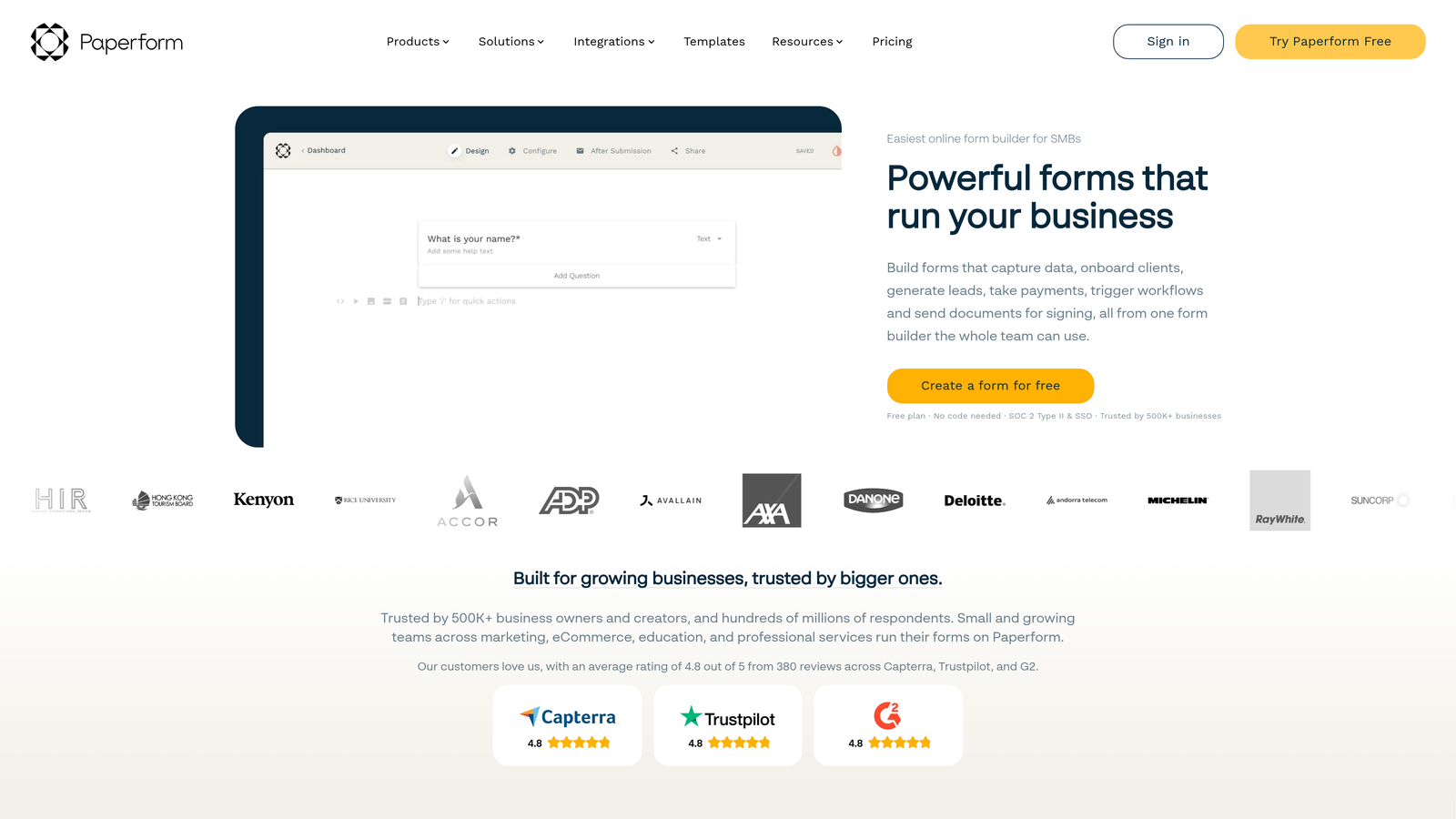
Paperform is a unique form builder that creates forms resembling beautifully designed documents or landing pages rather than traditional web forms.
Where This Tool Shines
Paperform's document-style approach means your forms can serve double duty as landing pages. Instead of sending traffic to a landing page with a form embedded, the form itself becomes the landing page—reducing friction and potentially improving conversion rates.
The platform's e-commerce capabilities are particularly robust. You can create product catalogs, collect payments, manage inventory, and handle subscriptions all within the form builder, making it ideal for marketing teams selling digital products or event tickets.
Key Features
Document-Style Form Creation: Build forms that look like designed documents or landing pages rather than traditional forms.
Built-In Payment Processing: Accept payments through multiple gateways including Stripe, PayPal, and Square.
Product Catalog Features: Create product listings with images, descriptions, and inventory management within forms.
Advanced Conditional Logic: Create complex branching paths and calculations based on user inputs.
Custom Domains and Branding: Host forms on your own domain with complete white-labeling capabilities.
Best For
Marketing teams focused on aesthetics and brand presentation, particularly those selling products, tickets, or services directly through forms and needing a solution that looks more like a landing page than a data collection tool.
Pricing
Plans start at $24/month with unlimited forms, submissions, and payment processing capabilities included.
7. Fillout
Best for: Marketers using Airtable or Notion as their database who need native integration
Fillout is a modern form builder designed specifically to work seamlessly with Airtable and Notion, making it perfect for marketing teams using these platforms as their backend systems.

Where This Tool Shines
Fillout's native Airtable and Notion integration means form submissions flow directly into your existing databases without middleware. If you're already managing campaigns, leads, or content in Airtable or Notion, Fillout eliminates the need for Zapier connections or manual data transfer.
The platform also excels at creating multi-page forms with clear progress indicators. This approach works particularly well for longer qualification forms or applications where showing progress reduces abandonment and makes complex forms feel more manageable.
Key Features
Native Airtable and Notion Integration: Direct connection to these platforms with automatic database updates and record creation.
Multi-Page Forms: Break long forms into multiple pages with progress bars to reduce abandonment.
Conditional Logic and Calculations: Create dynamic forms that adapt based on responses and perform calculations automatically.
File Uploads and Signatures: Collect documents, images, and electronic signatures within forms.
Custom Styling: Apply custom themes and branding to match your marketing materials.
Best For
Marketing teams that have built their operations around Airtable or Notion and need forms that integrate natively with these platforms rather than requiring complex integration setups.
Pricing
Free tier available with basic features; paid plans start at $15/month with advanced integrations and unlimited responses.
8. Formstack
Best for: Enterprise marketing teams with compliance requirements and complex workflow automation needs
Formstack is an enterprise-grade form builder offering advanced workflow automation, document generation, and compliance features suited for larger organizations with sophisticated requirements.
Where This Tool Shines
Formstack's workflow automation capabilities go far beyond basic form submissions. You can trigger document generation, route approvals through multiple stakeholders, update multiple systems simultaneously, and create complex conditional workflows based on form data.
For marketing teams in regulated industries, Formstack's compliance features provide peace of mind. The platform offers HIPAA and GDPR compliance options, advanced security controls, and audit trails—essential for healthcare, financial services, or any industry handling sensitive customer data.
Key Features
Advanced Workflow Automation: Create complex multi-step workflows that trigger actions across multiple systems based on form submissions.
Document Generation: Automatically create branded PDFs, contracts, or proposals from form data.
Compliance Options: HIPAA and GDPR compliance features with advanced security controls and data handling.
Approval Workflows: Route submissions through approval chains with notifications and tracking.
Enterprise Security: Advanced user permissions, SSO, audit logs, and data encryption for enterprise requirements.
Best For
Large marketing teams or enterprise organizations that need robust compliance features, complex workflow automation, and enterprise-grade security controls for handling sensitive customer information.
Pricing
Plans start at $50/month for basic features; enterprise pricing available for teams needing compliance features and advanced automation.
9. Google Forms
Best for: Simple data collection needs with zero budget and Google Workspace integration
Google Forms is a free, straightforward form builder integrated with Google Workspace, offering basic form functionality without any cost.
Where This Tool Shines
Google Forms delivers unbeatable value for basic data collection: it's completely free, requires no setup beyond a Google account, and integrates seamlessly with Google Sheets for instant data access. For simple surveys, event RSVPs, or basic lead capture where you don't need advanced features, it gets the job done.
The collaboration features make Google Forms particularly useful for teams already working in Google Workspace. Multiple team members can edit forms simultaneously, responses flow into shared Google Sheets, and everything lives within the familiar Google ecosystem.
Key Features
Completely Free: No cost for unlimited forms and responses, making it accessible for any budget.
Google Sheets Integration: Responses automatically populate Google Sheets for easy analysis and sharing.
Basic Conditional Logic: Show or hide questions based on previous answers for simple branching.
Collaboration Features: Multiple users can edit forms simultaneously with real-time updates.
Simple Quiz Functionality: Create self-grading quizzes with automatic scoring for educational content.
Best For
Marketing teams with zero budget for form tools, simple data collection needs, or those already deeply integrated into Google Workspace who value seamless ecosystem integration over advanced marketing features.
Pricing
Completely free with any Google account, including unlimited forms and responses.
Making the Right Choice
The best no-code form builder for your marketing team depends on your primary workflow and integration requirements. If intelligent lead qualification is your priority and you're focused on conversion optimization, Orbit AI delivers AI-powered qualification that saves time while improving lead quality. For engagement-focused campaigns where completion rates matter most, Typeform's conversational format consistently drives better results.
HubSpot users should strongly consider HubSpot Forms for the native integration and progressive profiling capabilities that build richer contact profiles over time. Teams on tight budgets have excellent options: Tally offers unlimited forms on its free plan, while Google Forms handles basic collection needs at zero cost.
Enterprise teams with compliance requirements or complex workflow automation needs will find Formstack's advanced features worth the investment. If you're managing campaigns in Airtable or Notion, Fillout's native integration eliminates middleware complexity. For brand-conscious teams selling products or services, Paperform's document-style approach creates beautiful forms that double as landing pages.
The key is matching your tool choice to your actual workflow. Consider where your leads need to go after submission, what systems you're already using, and whether you need basic collection or advanced qualification. The right form builder becomes invisible infrastructure—it just works, integrating seamlessly with your marketing stack and enabling your team to move faster.
Transform your lead generation with AI-powered forms that qualify prospects automatically while delivering the modern, conversion-optimized experience your high-growth team needs. Start building free forms today and see how intelligent form design can elevate your conversion strategy.


