

Your visitors are bouncing—not because your offer isn't compelling, but because your form looks broken on their phone. With mobile traffic now dominating most websites, a form that doesn't adapt seamlessly across devices isn't just an inconvenience; it's a conversion killer. The right responsive form builder platform eliminates this friction entirely, automatically adjusting layouts, input fields, and button sizes to create a smooth experience whether someone's on a 27-inch monitor or a 5-inch smartphone.
Here are the top responsive form builder platforms that excel at creating beautiful, high-converting forms across every device.
1. Orbit AI
Best for: High-growth teams needing AI-powered lead qualification alongside responsive design
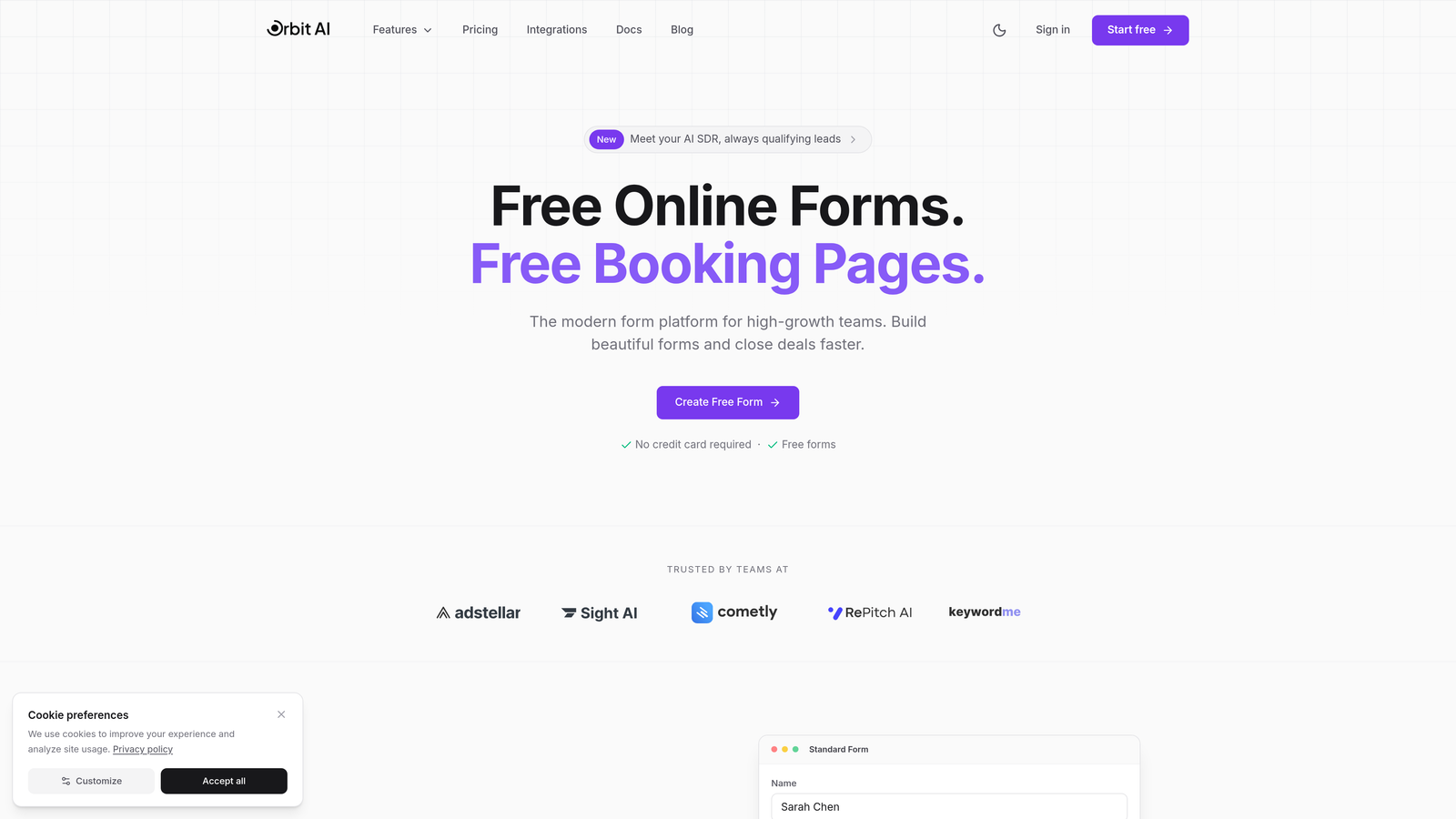
Orbit AI combines modern responsive form building with intelligent lead qualification, automatically scoring and routing prospects while delivering a seamless mobile experience.
Where This Tool Shines
What sets Orbit AI apart is its dual focus on form responsiveness and lead intelligence. While most platforms stop at making forms look good on mobile, Orbit AI goes further by analyzing responses in real-time to qualify leads automatically.
The platform's AI engine learns from your conversion data to identify high-value prospects, letting your sales team focus on leads most likely to convert. This combination of beautiful responsive design and smart qualification makes it particularly powerful for teams where lead quality matters as much as quantity.
Key Features
AI-Powered Lead Qualification: Automatically scores and routes leads based on response patterns and conversion likelihood.
Fully Responsive Forms: Modern designs that adapt flawlessly across desktop, tablet, and mobile devices.
Native CRM Integrations: Connects seamlessly with major CRM platforms for automated data flow.
Workflow Automation: Trigger sequences and follow-ups based on form responses and lead scores.
Real-Time Analytics: Track conversion rates, completion times, and drop-off points across devices.
Best For
High-growth SaaS teams, marketing agencies, and businesses where lead quality directly impacts revenue. Ideal if you're tired of manually sorting through form submissions to find serious prospects.
Pricing
Check orbitforms.ai/pricing for current plans tailored to different team sizes and feature needs.
2. Typeform
Best for: Creating engaging conversational experiences with elegant responsive design
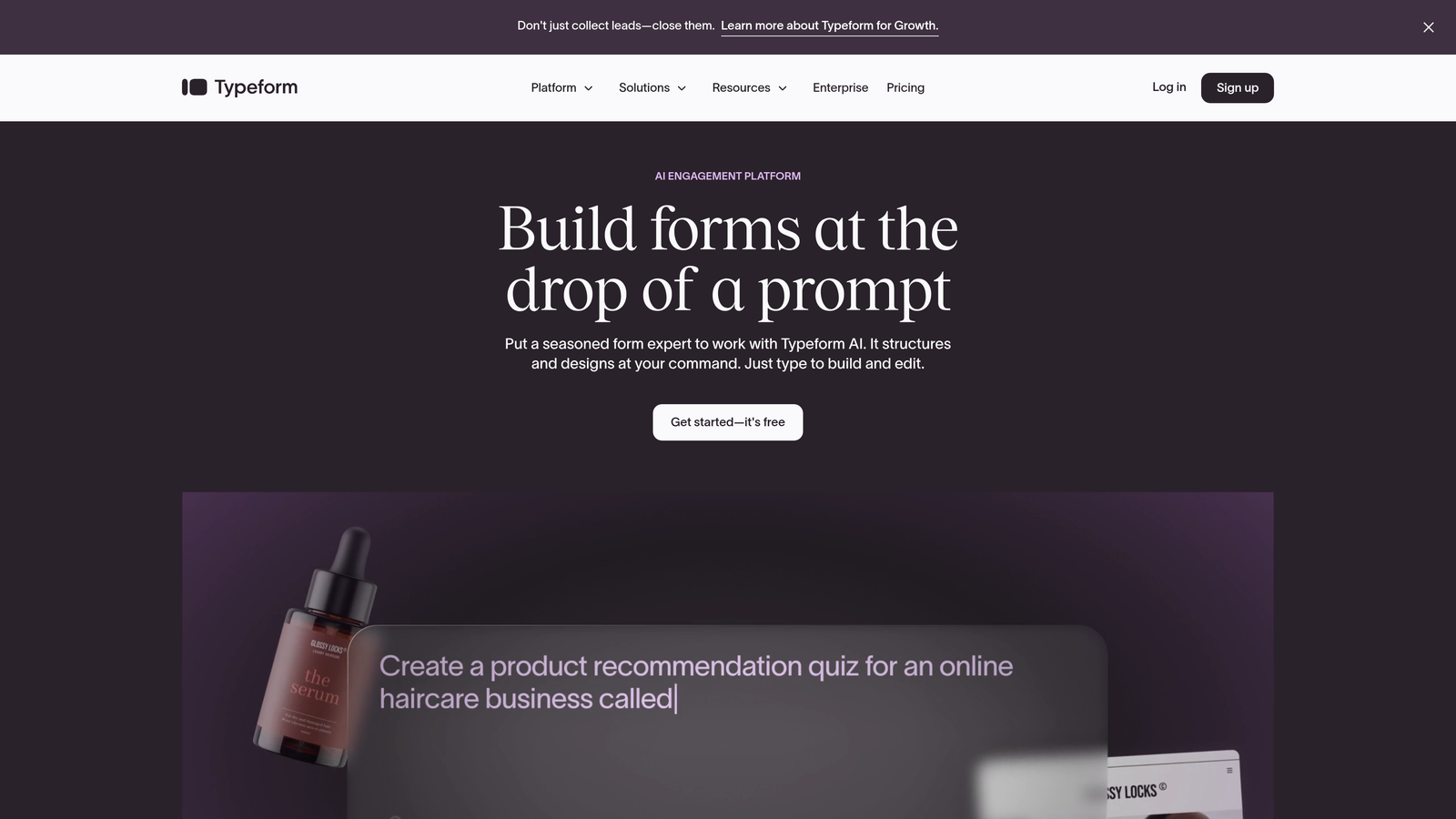
Typeform pioneered the conversational form approach, displaying one question at a time for a focused, mobile-friendly experience.
Where This Tool Shines
Typeform's signature one-question-at-a-time format feels natural on mobile devices, eliminating the overwhelming wall of fields that kills completion rates. The interface feels more like a conversation than a form, which significantly improves engagement.
The platform's responsive design is practically flawless. Whether someone's filling out your form on a phone during their commute or at a desktop in the office, the experience remains consistently polished and intuitive.
Key Features
Conversational Interface: One question per screen creates a focused, mobile-optimized experience.
Logic Jumps: Show or hide questions based on previous answers for personalized paths.
Rich Media Support: Embed videos and images natively within your forms.
Integration Marketplace: Connect with hundreds of tools through native integrations and Zapier.
Built-In Analytics: Track completion rates, drop-off points, and response times.
Best For
Brands prioritizing user experience and engagement over data density. Perfect for surveys, quizzes, and lead capture where you want to make a memorable impression.
Pricing
Free tier available with Typeform branding; paid plans start at $25/month with additional responses and features.
3. Jotform
Best for: Teams needing extensive template variety and customization options
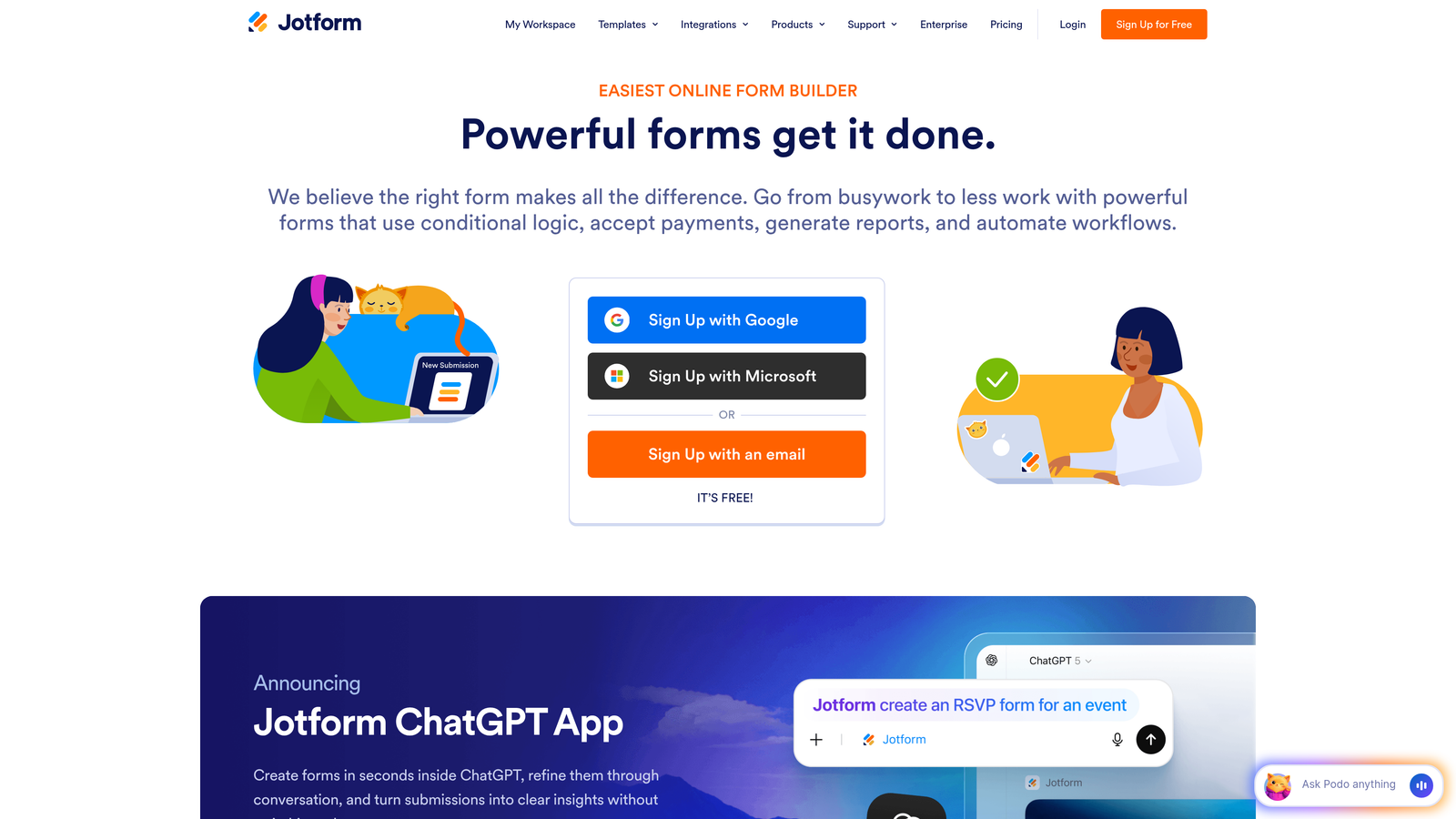
Jotform offers one of the largest template libraries in the industry, with over 10,000 pre-built responsive forms ready to customize.
Where This Tool Shines
Jotform's massive template collection means you're rarely starting from scratch. Need a responsive event registration form? There are dozens already built. Looking for a mobile-friendly order form? Pick from hundreds.
The drag-and-drop builder makes customization straightforward, and all templates automatically adapt to different screen sizes. The platform also handles complex use cases like payment collection and PDF generation without requiring external tools.
Key Features
10,000+ Templates: Pre-built responsive forms for virtually every use case imaginable.
Drag-and-Drop Builder: Intuitive interface for customizing forms without coding.
Payment Processing: Accept payments directly through forms with multiple gateway options.
PDF Generation: Automatically create PDF documents from form submissions.
Team Collaboration: Share forms and manage permissions across team members.
Best For
Small to medium businesses needing versatility across multiple departments. Excellent if you want one platform handling everything from HR forms to customer surveys.
Pricing
Free tier with submission limits; paid plans from $34/month unlock additional features and higher submission caps.
4. Tally
Best for: Teams wanting Notion-style simplicity with generous free tier limits
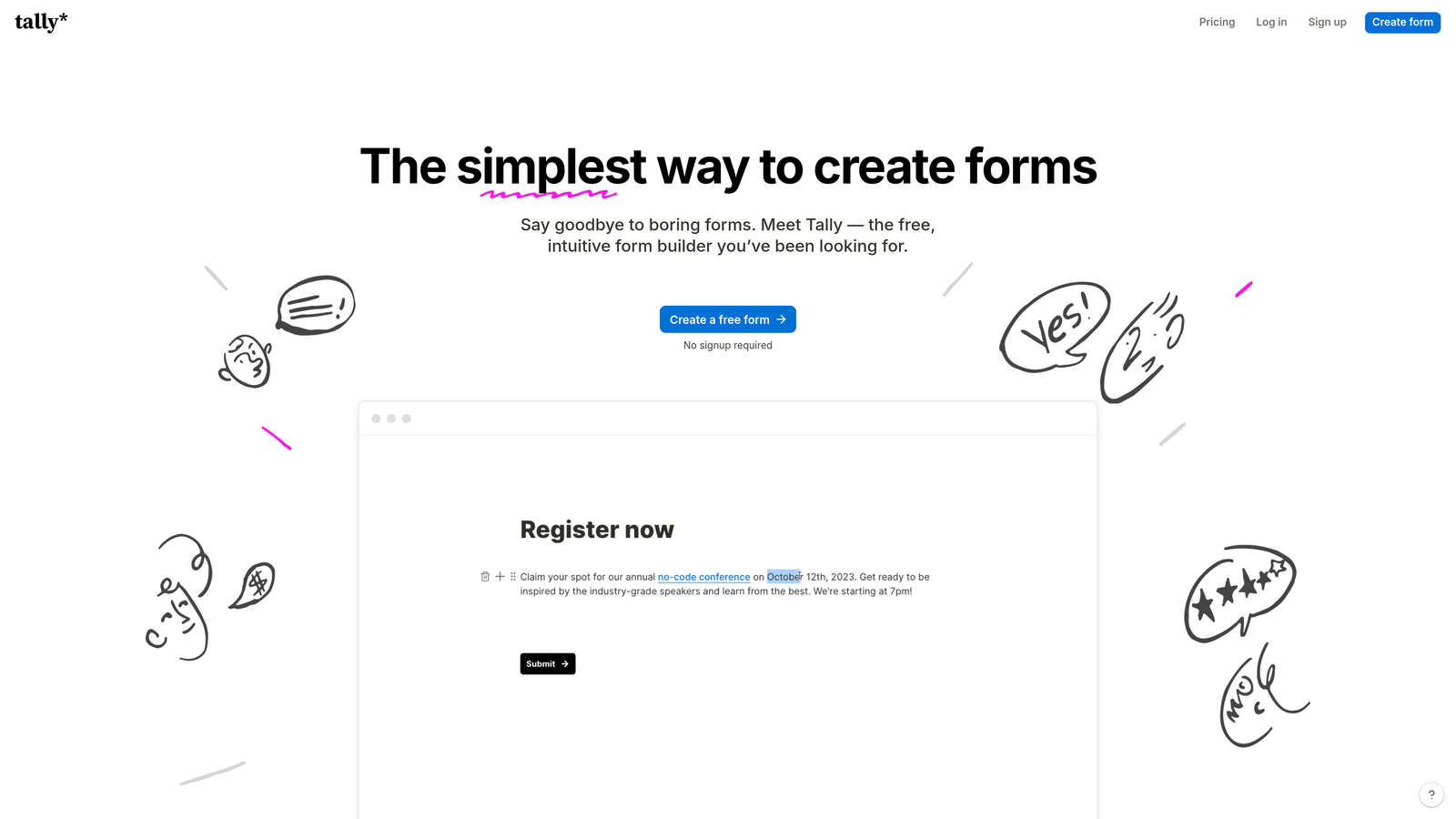
Tally brings a minimalist, block-based approach to form building, producing clean responsive forms without complexity.
Where This Tool Shines
If you've used Notion, Tally will feel instantly familiar. The block-based editor lets you build forms by simply adding question blocks, which automatically stack beautifully on mobile devices.
The standout feature is the genuinely unlimited free tier. While most platforms restrict forms or responses, Tally lets you create unlimited forms with unlimited responses, making it incredibly attractive for budget-conscious teams who still need solid responsive design.
Key Features
Block-Based Editor: Notion-style interface that makes form building feel effortless.
Unlimited Free Tier: Create unlimited forms with unlimited responses at no cost.
Clean Responsive Output: Forms render beautifully across all devices without customization.
Conditional Logic: Show or hide fields based on user responses.
Webhook Support: Connect to other tools via webhooks and Zapier integration.
Best For
Startups, solopreneurs, and teams already using Notion who want a similarly simple approach to forms. Ideal if budget is tight but quality can't be compromised.
Pricing
Generous free tier with core features; Pro plan at $29/month adds custom domains and advanced features.
5. Paperform
Best for: Creating rich landing page experiences that blend content with responsive forms
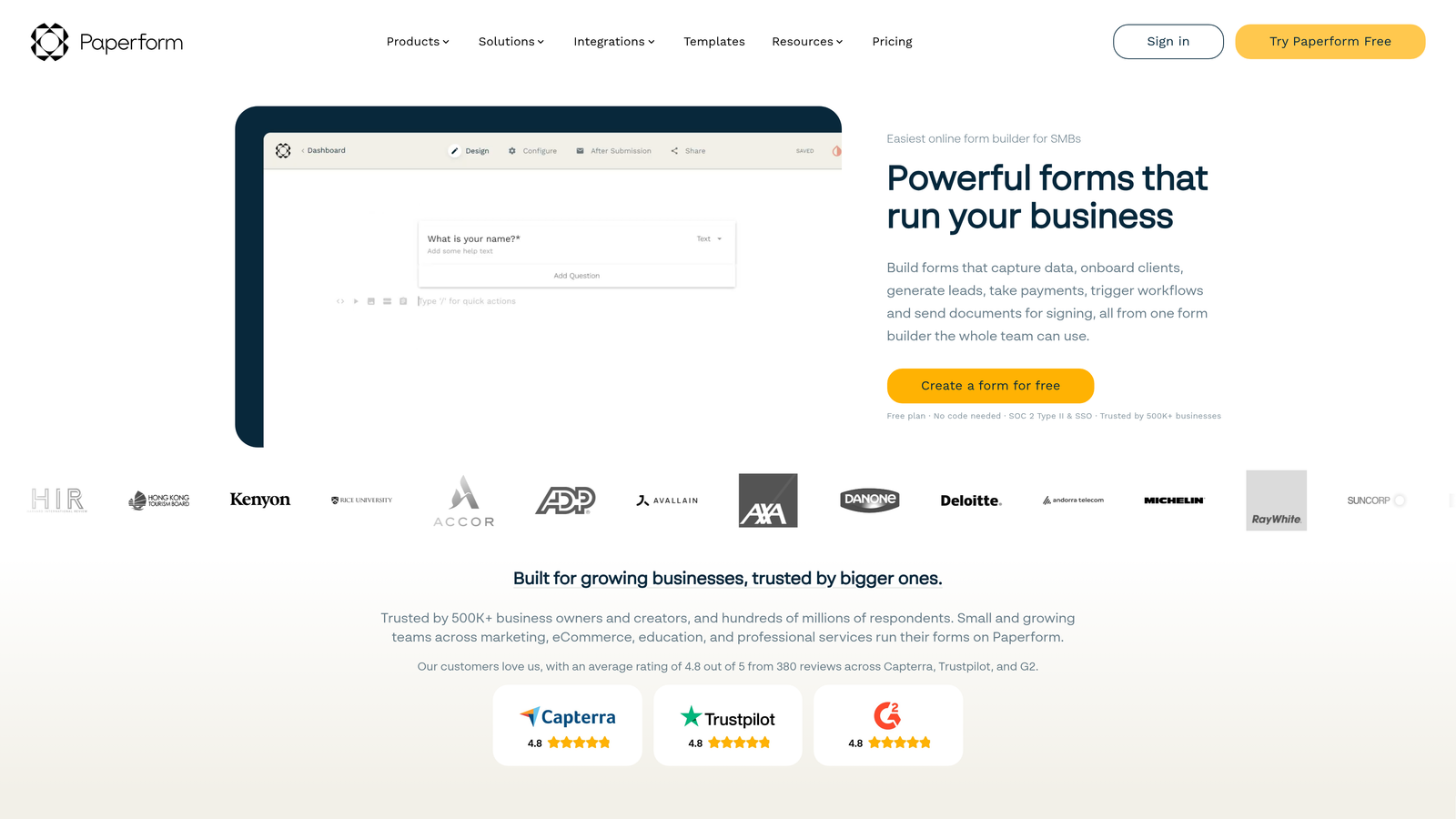
Paperform blurs the line between landing pages and forms, letting you embed rich content alongside form fields.
Where This Tool Shines
Paperform treats forms as full-page experiences rather than isolated data collection tools. You can weave explanatory text, images, videos, and form fields together to create engaging, story-driven pages that remain perfectly responsive.
This approach works particularly well for complex offerings that need context. Instead of dropping users into a cold form, you can guide them through your value proposition while collecting information seamlessly.
Key Features
Rich Content Embedding: Mix text, images, videos, and form fields in a single responsive layout.
E-Commerce Capabilities: Sell products and accept bookings directly through forms.
Advanced Logic: Create complex conditional paths based on multiple variables.
Custom Branding: Full control over colors, fonts, and styling to match your brand.
Analytics Dashboard: Track form performance and conversion metrics in real-time.
Best For
Businesses selling services or products that require education before conversion. Perfect for consultants, coaches, and agencies who need to explain while they collect.
Pricing
Plans start at $24/month with increasing submission limits and features at higher tiers.
6. Cognito Forms
Best for: Complex forms requiring calculations and advanced payment processing
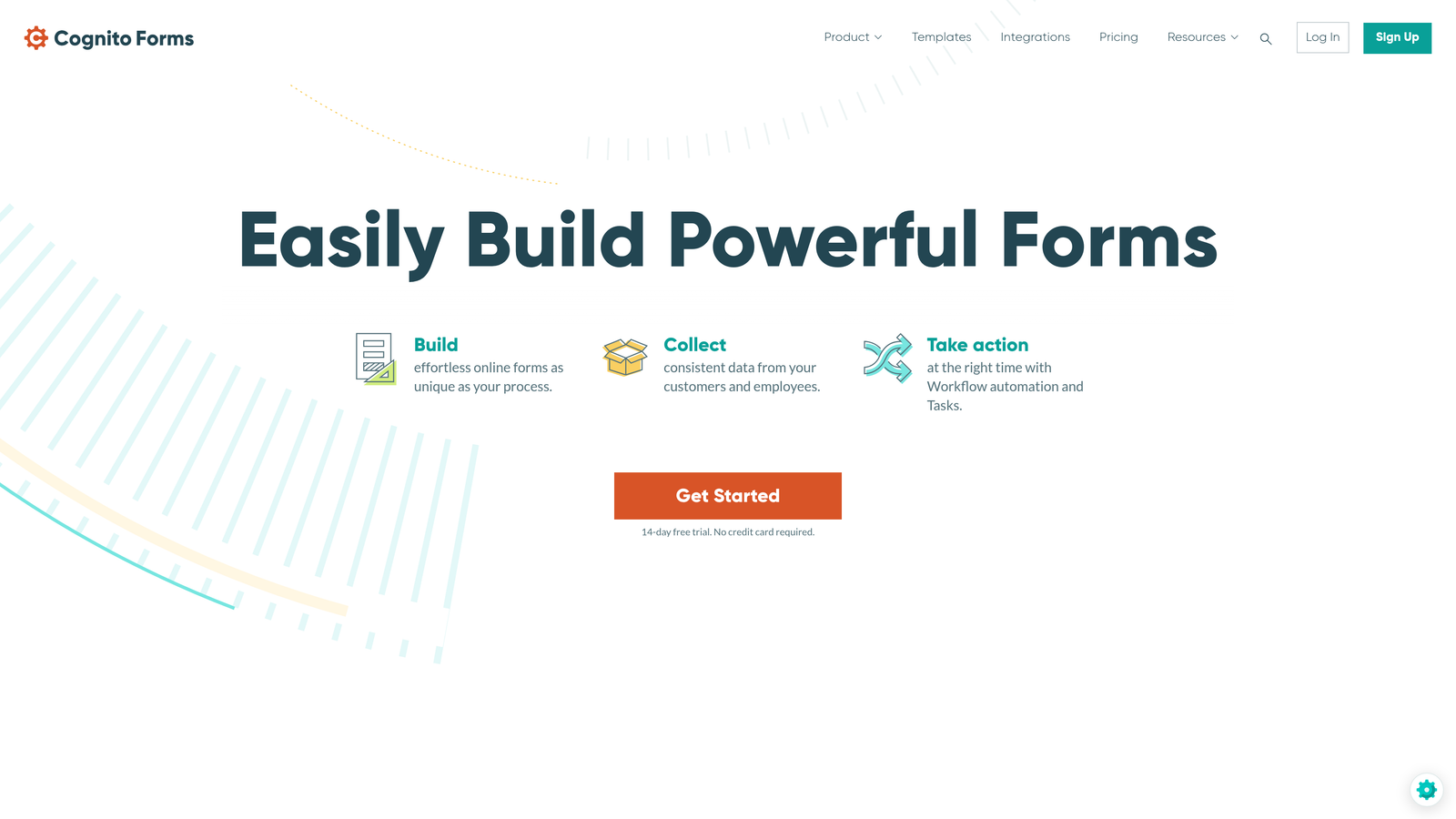
Cognito Forms excels at handling mathematical calculations and payment collection while maintaining responsive design.
Where This Tool Shines
Cognito Forms stands out when you need forms that calculate. Whether you're building a quote calculator, order form with dynamic pricing, or registration form with variable fees, the platform handles complex math automatically.
The calculation fields update in real-time as users fill out the form, providing instant feedback that works seamlessly on mobile devices. This makes it particularly valuable for businesses with pricing that depends on multiple variables.
Key Features
Advanced Calculations: Perform complex math operations based on user inputs.
Multiple Payment Gateways: Accept payments through Stripe, Square, and PayPal.
Repeating Sections: Let users add multiple entries within a single form submission.
Document Generation: Automatically create PDFs from form data.
HIPAA Compliance: Optional compliance features for healthcare organizations.
Best For
Organizations with complex data collection needs, particularly those requiring calculations or handling sensitive information. Strong choice for healthcare, finance, and professional services.
Pricing
Free tier available; paid plans from $15/month scale with submission volume and features.
7. Formstack
Best for: Enterprise teams needing compliance, security, and workflow automation
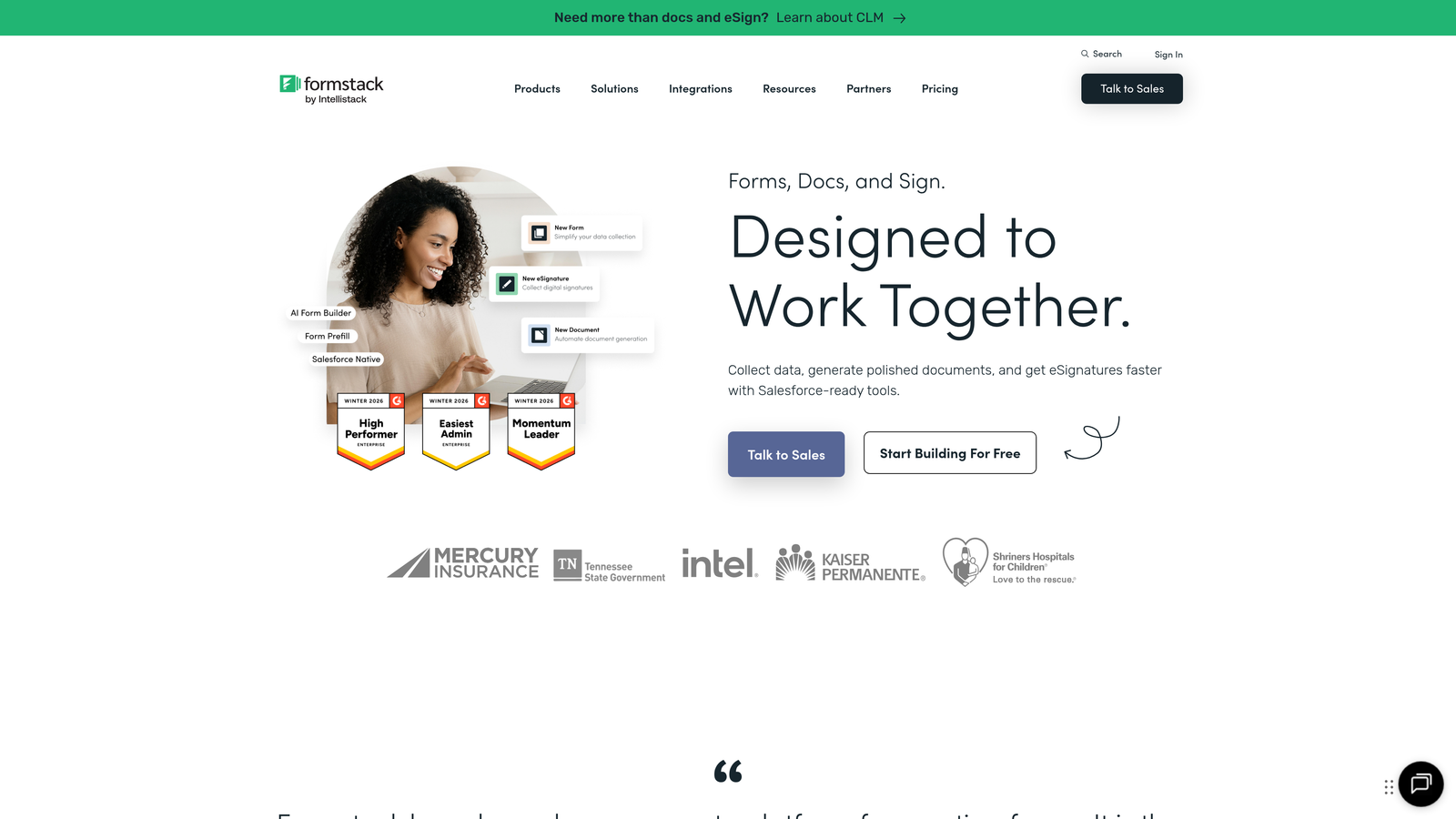
Formstack delivers enterprise-grade form building with robust compliance features and advanced automation capabilities.
Where This Tool Shines
Formstack takes responsive form building into enterprise territory with features that matter to regulated industries. The platform offers HIPAA and GDPR compliance out of the box, along with advanced security controls that most competitors can't match.
The workflow automation goes beyond simple email notifications. You can build complex approval chains, route submissions based on multiple criteria, and trigger actions across your entire tech stack—all while maintaining responsive design across devices.
Key Features
Workflow Automation: Build multi-step approval processes and automated routing.
Compliance Ready: HIPAA and GDPR compliance features built-in.
E-Signature Integration: Collect legally binding signatures within forms.
Document Generation: Create custom documents from form submissions automatically.
Enterprise Security: Advanced encryption, SSO, and access controls.
Best For
Large organizations in regulated industries like healthcare, finance, and government. Essential if compliance and security are non-negotiable requirements.
Pricing
Plans from $50/month for small teams; enterprise pricing available for larger organizations with custom needs.
8. Google Forms
Best for: Simple data collection with zero budget and Google Workspace integration
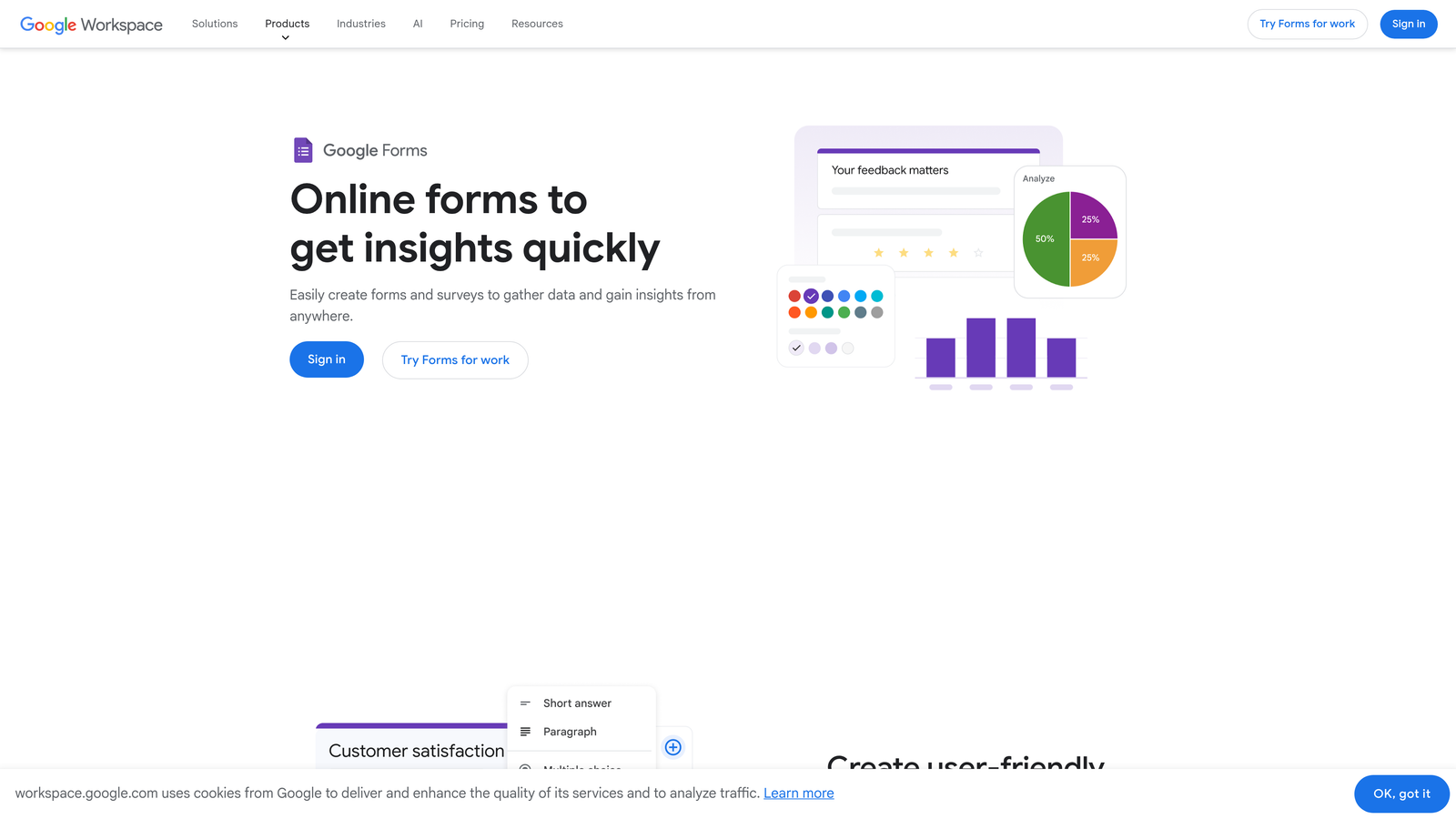
Google Forms offers straightforward form building that's completely free and integrates seamlessly with Google Sheets.
Where This Tool Shines
Google Forms proves you don't need a paid platform for basic responsive forms. The interface is deliberately simple, which actually works in its favor—there's almost no learning curve, and the responsive design just works without configuration.
The Google Sheets integration is the killer feature for data-driven teams. Responses flow automatically into spreadsheets where you can analyze, visualize, and share them using familiar Google Workspace tools.
Key Features
Completely Free: No limits on forms, responses, or features.
Google Sheets Integration: Automatic response collection in spreadsheets.
Basic Logic: Show or hide sections based on answers.
Collaborative Editing: Multiple team members can edit forms simultaneously.
Simple Responsive Design: Clean, functional layout that works across all devices.
Best For
Small businesses, nonprofits, educators, and anyone already using Google Workspace. Perfect for internal forms, surveys, and simple lead capture where advanced features aren't necessary.
Pricing
Completely free with a Google account.
9. HubSpot Forms
Best for: Marketing teams already using HubSpot CRM and marketing automation
HubSpot Forms integrates directly with HubSpot's CRM and marketing platform, creating responsive forms that feed into your entire marketing ecosystem.
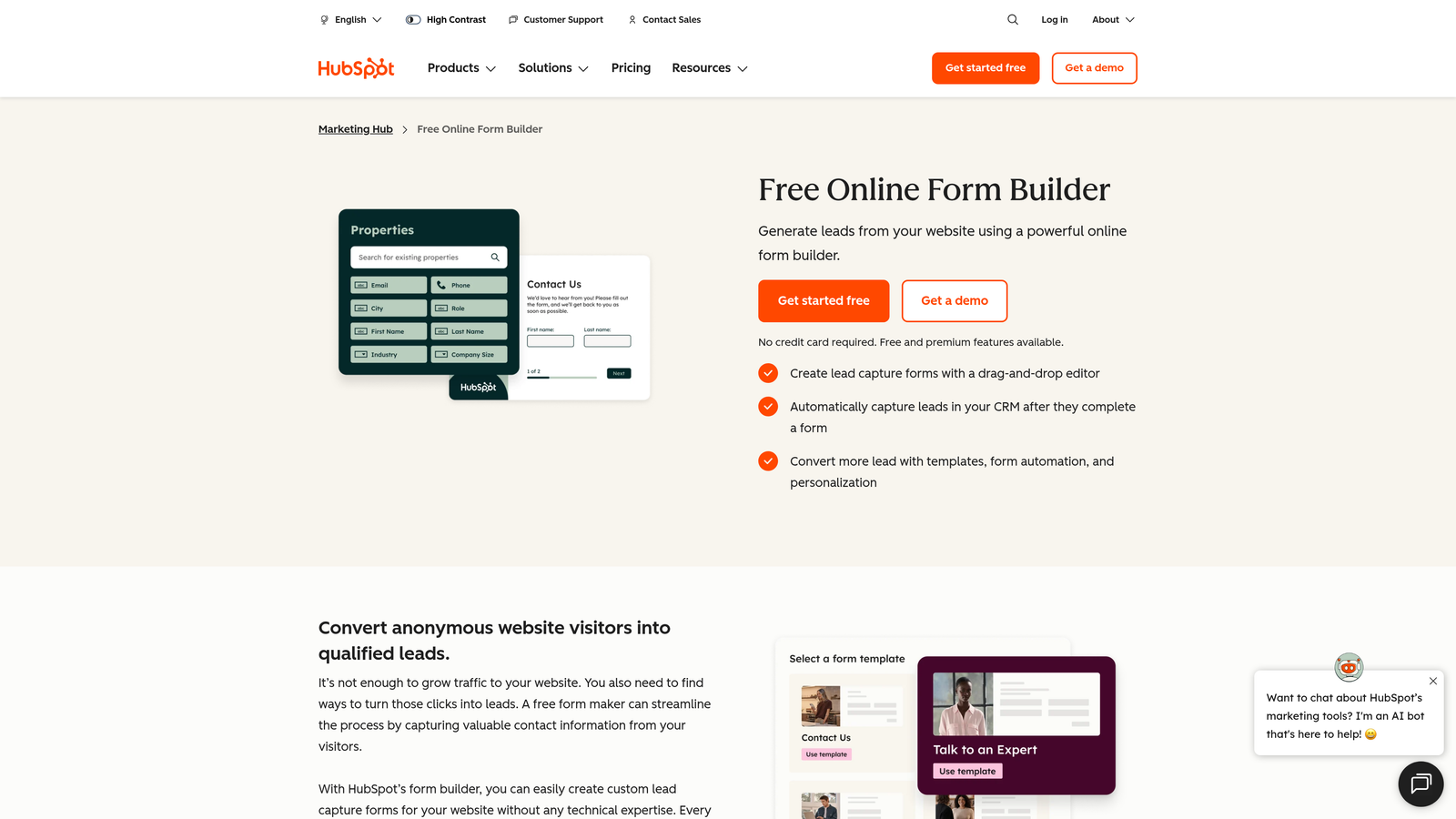
Where This Tool Shines
HubSpot Forms becomes incredibly powerful when you're already in the HubSpot ecosystem. Every form submission automatically creates or updates a contact record, triggers marketing workflows, and feeds into your reporting dashboard.
The progressive profiling feature is particularly clever for responsive forms. Instead of showing returning visitors the same fields, HubSpot automatically asks new questions each time, building richer profiles without overwhelming mobile users with long forms.
Key Features
Native CRM Integration: Automatic contact creation and updating in HubSpot CRM.
Progressive Profiling: Show different fields to returning visitors to gradually build complete profiles.
Smart Fields: Pre-populate known information to reduce friction for returning users.
A/B Testing: Test different form variations to optimize conversion rates.
Marketing Automation: Trigger email sequences and workflows based on form submissions.
Best For
Marketing teams committed to the HubSpot ecosystem. Makes less sense as a standalone tool, but becomes essential if HubSpot is your CRM and marketing hub.
Pricing
Free with HubSpot CRM; advanced features require paid Marketing Hub subscriptions.
Finding Your Perfect Match
The best responsive form builder depends on where your priorities lie. For teams obsessed with conversion optimization and lead quality, Orbit AI's AI-powered approach delivers responsive design alongside intelligent qualification. If engagement and brand experience matter most, Typeform's conversational style shines. Budget-conscious teams can start with Google Forms or Tally, while enterprises needing compliance and workflow automation should explore Formstack.
Think about your specific use case. Are you collecting simple contact information, or do you need complex calculations and payment processing? Will your forms live on existing pages, or do you need standalone landing page experiences? How important is integration with your existing CRM and marketing tools?
Whatever you choose, prioritize platforms that treat responsive design as a core feature—not an afterthought. Your mobile visitors will thank you with higher completion rates.
Transform your lead generation with AI-powered forms that qualify prospects automatically while delivering the modern, conversion-optimized experience your high-growth team needs. Start your free trial today and see how intelligent form design can elevate your conversion strategy.


