

Wufoo helped pioneer online form building over a decade ago, but if you're a high-growth team in 2026, you've probably noticed it's starting to show its age. The design options feel dated, the analytics are basic, and when you're trying to qualify leads automatically or integrate with modern CRM workflows, you hit walls fast.
The good news? The form builder landscape has evolved dramatically. Today's alternatives offer AI-powered lead qualification, conversion-optimized designs, and the kind of native integrations that actually make your sales and marketing teams happy.
Here are the top Wufoo alternatives worth considering, whether you're optimizing for conversions, need enterprise-grade compliance, or just want something that doesn't look like it's from 2010.
1. Orbit AI
Best for: High-growth teams who need AI-powered lead qualification and conversion optimization
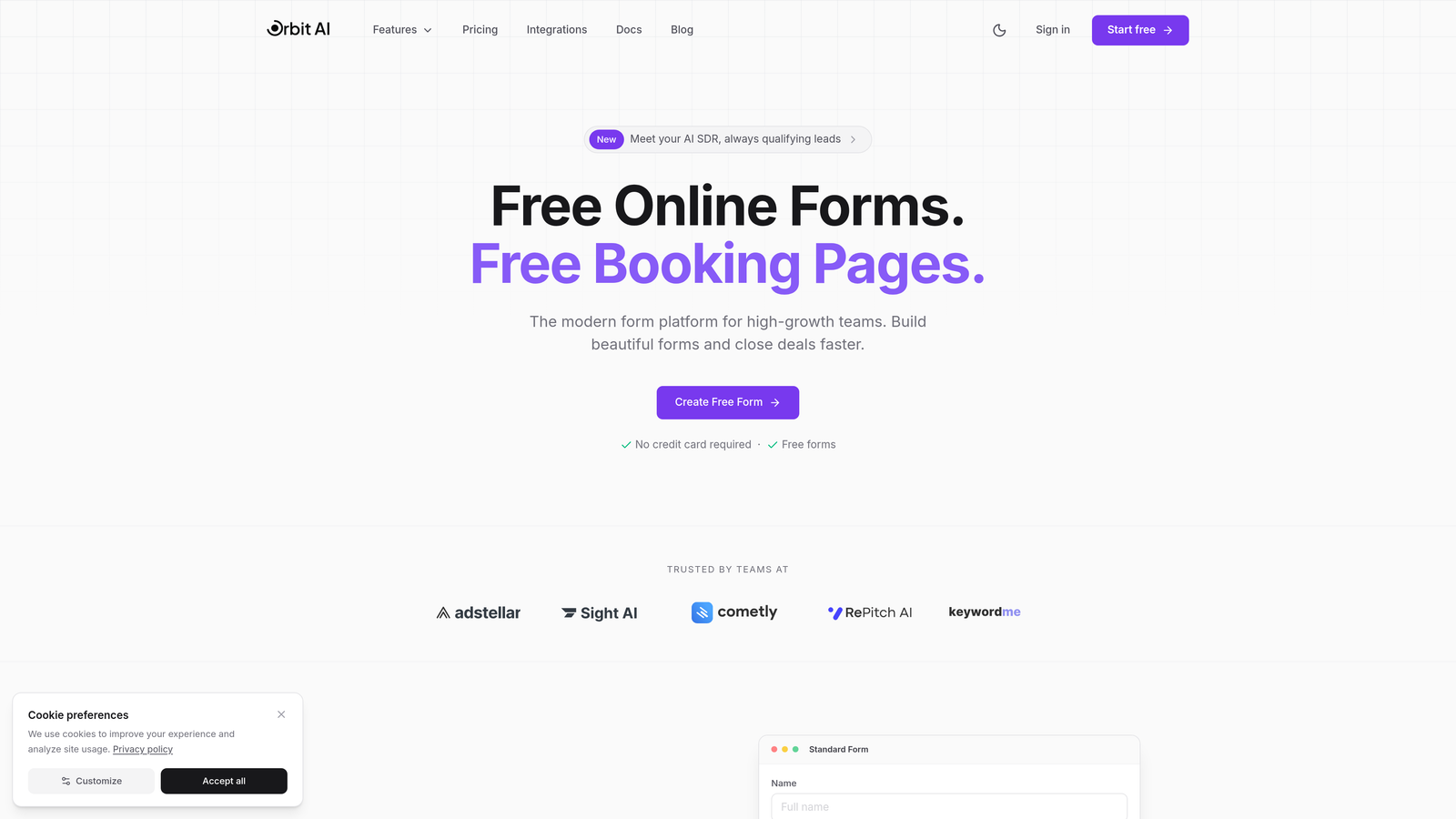
Orbit AI is a modern form builder designed specifically for teams that care about what happens after someone fills out a form—not just collecting responses.
Where This Tool Shines
The standout feature is AI-powered lead qualification that happens automatically as prospects fill out your forms. Instead of every submission landing in the same bucket, Orbit AI scores and routes leads based on their responses, so your sales team focuses on the opportunities that actually matter.
The platform is built for conversion optimization from the ground up. You get modern, beautiful templates that actually look good on mobile, plus analytics that show you where people drop off and which form variations perform best.
Key Features
AI Lead Qualification: Automatically score and route leads based on their responses and engagement patterns.
Conversion-Optimized Design: Modern templates and a builder focused on reducing friction and boosting completion rates.
Native CRM Integrations: Direct connections to HubSpot, Salesforce, Pipedrive, and other tools your team already uses.
Workflow Automation: Trigger actions, send notifications, and update records based on form submissions without Zapier.
Real-Time Analytics: Track completion rates, drop-off points, and lead quality metrics in one dashboard.
Best For
Growing B2B companies and SaaS teams who need more than basic form collection—specifically those focused on improving lead quality and sales pipeline efficiency. If you're spending time manually qualifying leads or frustrated with forms that look amateur, this is worth exploring.
Pricing
Visit the pricing page for current plans tailored to different team sizes and feature needs.
2. Typeform
Best for: Creating engaging, conversational form experiences with high completion rates
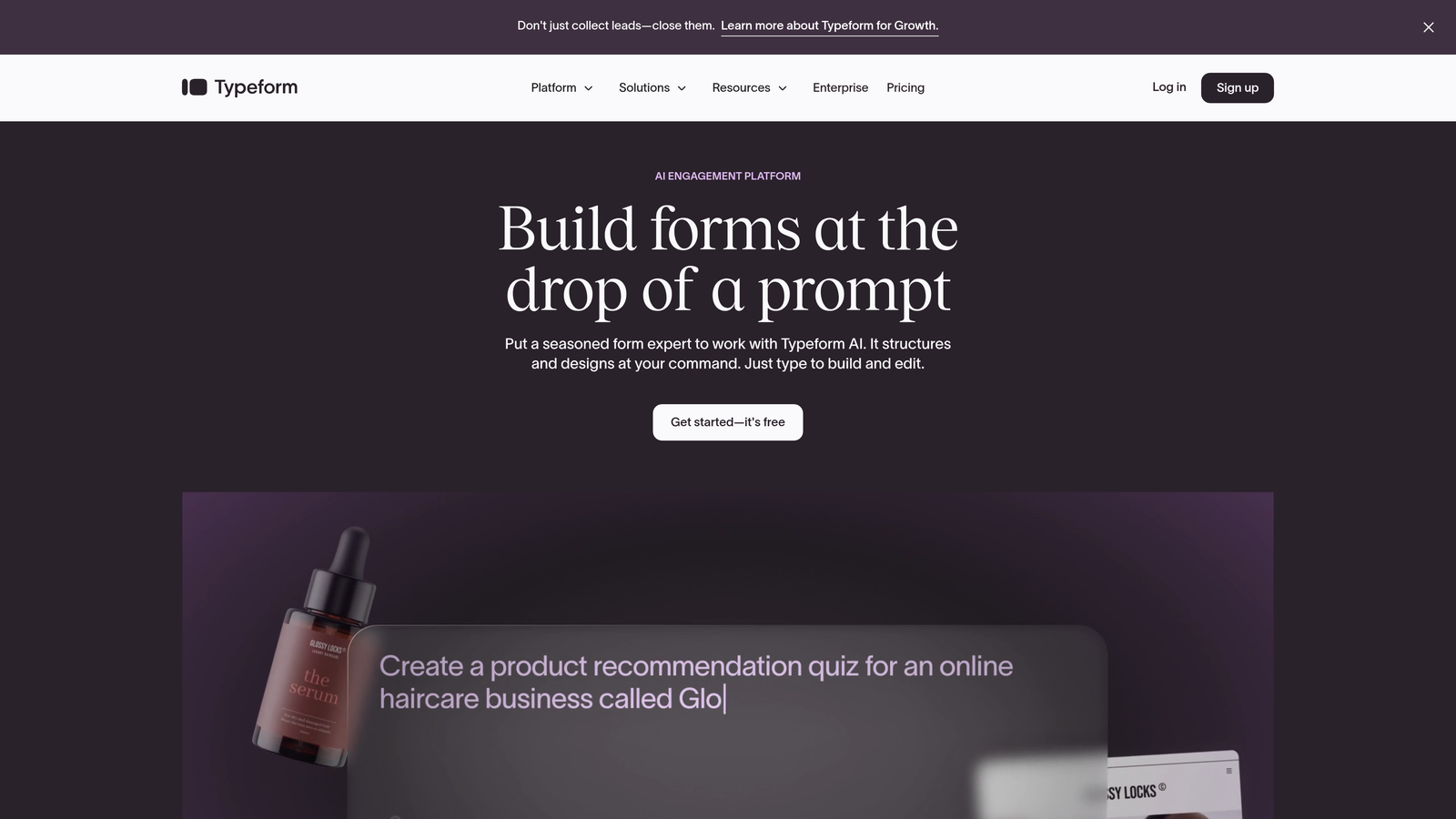
Typeform pioneered the one-question-at-a-time format that feels more like a conversation than an interrogation.
Where This Tool Shines
If you've ever abandoned a long form because it looked overwhelming, you understand Typeform's appeal. By showing one question at a time with smooth transitions, it psychologically reduces the burden of form-filling. People engage more because they're not staring at a wall of fields.
The visual customization is genuinely impressive. You can embed videos, images, and GIFs throughout the form experience, making it feel branded and polished rather than utilitarian.
Key Features
Conversational Interface: One-question-at-a-time format that keeps respondents focused and engaged.
Logic Jumps: Show different questions based on previous answers to create personalized paths.
Rich Media Support: Embed videos, images, and GIFs to make forms visually engaging.
Custom Branding: Full control over colors, fonts, and backgrounds to match your brand.
Integration Ecosystem: Connects with most major marketing and CRM platforms.
Best For
Marketing teams running surveys, lead gen campaigns, or customer feedback initiatives where engagement and completion rates matter more than collecting data quickly. Works especially well for consumer-facing brands that need personality in their forms.
Pricing
Free tier available with Typeform branding. Paid plans start around $25 per month and remove branding while adding features like logic jumps and integrations.
3. Jotform
Best for: Teams who want extensive template options and don't want to build from scratch
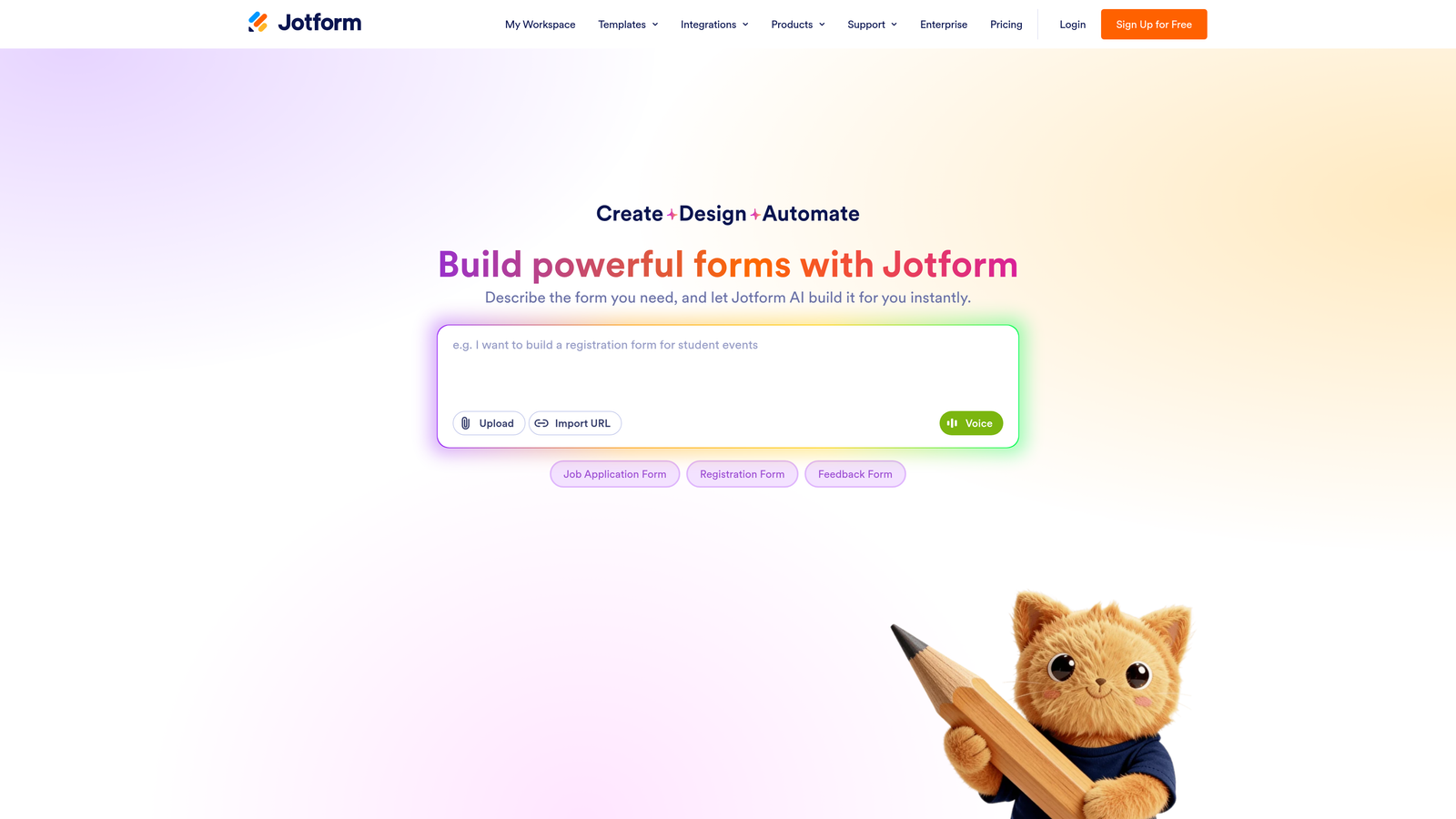
Jotform is the Swiss Army knife of form builders, offering over 10,000 templates for virtually any use case you can imagine.
Where This Tool Shines
The sheer variety of pre-built templates means you're rarely starting from zero. Need a rental application? Event registration? Medical intake form? There's probably a template that's 80% of the way there already.
The widget marketplace adds functionality that would require custom development elsewhere. Payment processing, appointment scheduling, e-signatures—Jotform has widgets for all of it, and they actually work reliably.
Key Features
10,000+ Templates: Pre-built forms for almost every industry and use case imaginable.
Drag-and-Drop Builder: Intuitive interface that doesn't require technical knowledge.
Payment Integrations: Accept payments directly through forms via PayPal, Stripe, Square, and others.
PDF Generation: Automatically convert submissions into PDFs for records or client delivery.
Mobile App: Manage forms and view submissions from iOS or Android devices.
Best For
Small businesses and agencies managing multiple clients or departments who need different types of forms regularly. The template library saves significant time, and the payment features work well for service businesses collecting deposits or fees.
Pricing
Free tier supports basic forms with limits on submissions and storage. Paid plans start around $34 per month with higher limits and advanced features.
4. Tally
Best for: Startups and creators who need unlimited forms without paying for premium features yet
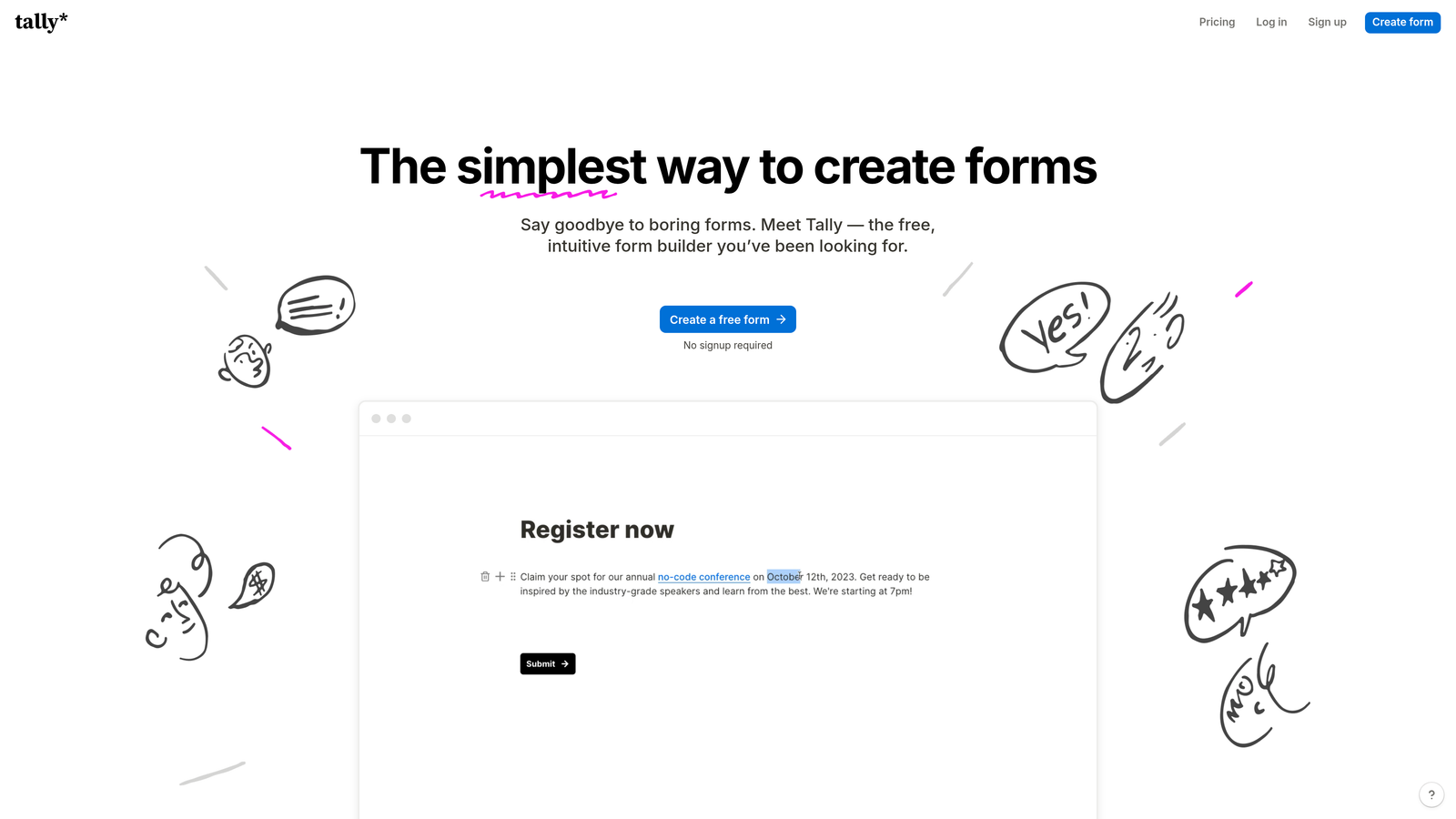
Tally takes a Notion-inspired approach to form building, offering a generous free tier that's hard to beat for early-stage teams.
Where This Tool Shines
The free plan is genuinely useful—unlimited forms, unlimited submissions, and no Tally branding. For bootstrapped startups or creators just starting to build an audience, this removes a significant expense without forcing you into a crippled product.
The block-based editor feels familiar if you've used Notion. You're essentially building a document and turning it into a form, which makes the creation process intuitive and fast.
Key Features
Unlimited Free Forms: No artificial limits on form creation or submission counts on the free tier.
Block Editor: Notion-style building experience that's simple and flexible.
No Branding Required: Remove Tally branding even on free plans for a clean, professional look.
Basic Integrations: Connect to tools like Google Sheets, Notion, and Slack.
Conditional Logic: Show or hide questions based on previous answers.
Best For
Early-stage startups, solopreneurs, and content creators who need professional forms but aren't ready to add another monthly subscription. Also great for teams already using Notion who want a consistent interface across tools.
Pricing
Genuinely functional free tier. Pro plan starts at $29 per month and adds features like file uploads, payment collection, and priority support.
5. Paperform
Best for: Creating branded, document-style forms with built-in e-commerce capabilities
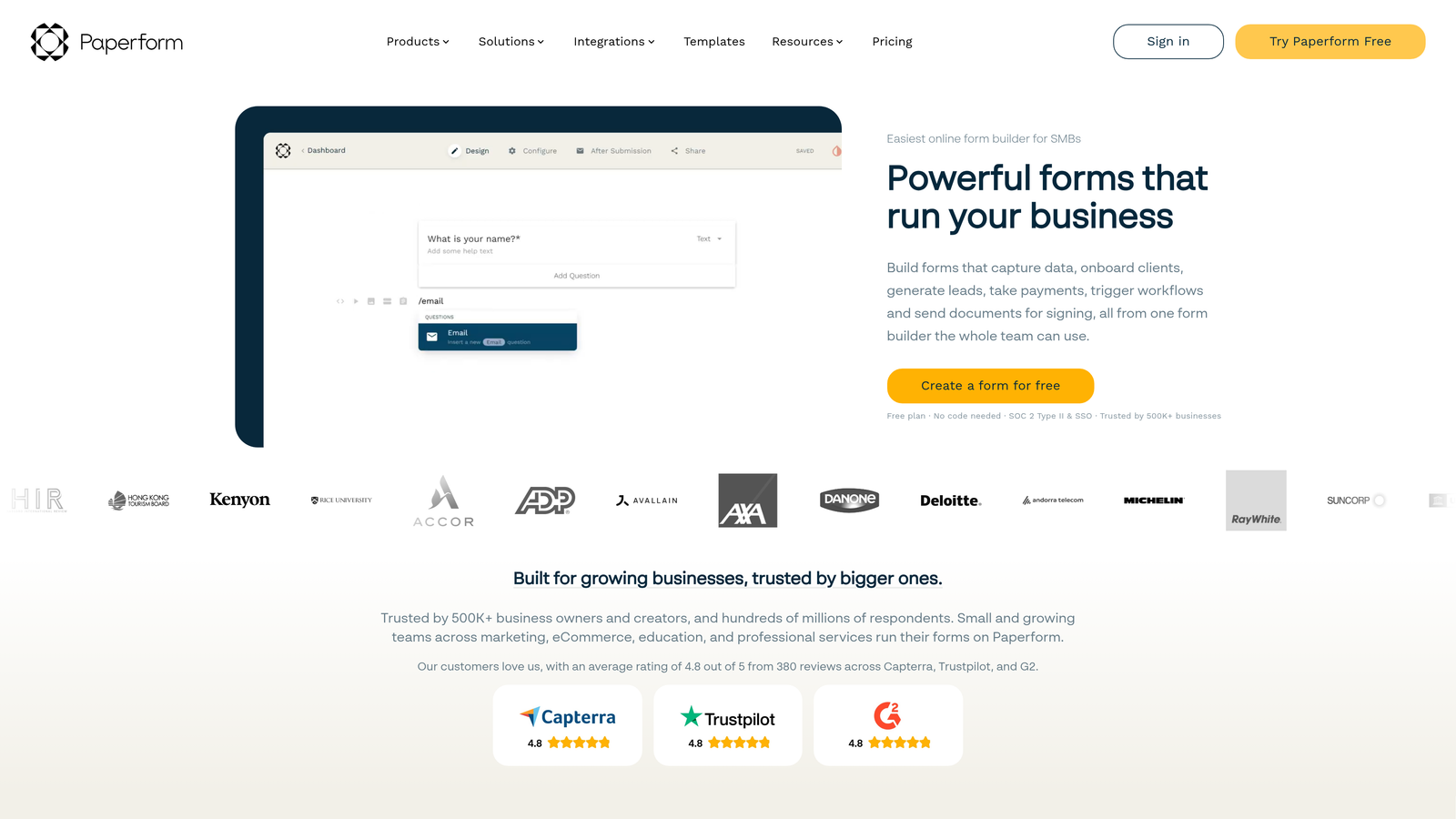
Paperform approaches forms as interactive documents rather than traditional field-and-button layouts, giving you more creative control over presentation.
Where This Tool Shines
If you want your forms to feel like an extension of your website rather than a generic form tool, Paperform delivers. The document-style editor lets you mix text, images, and form fields in ways that feel more like a landing page than a contact form.
The e-commerce features are surprisingly robust. You can build product catalogs, calculate prices based on selections, and process payments—all without needing a separate shopping cart solution.
Key Features
Document-Style Editor: Build forms that look like branded content pages rather than traditional forms.
Payment Processing: Accept payments via Stripe or PayPal with product catalogs and price calculations.
Conditional Logic: Show or hide content based on user responses for personalized experiences.
Custom Branding: Full control over fonts, colors, and styling to match your brand identity.
Booking Features: Schedule appointments and manage availability directly through forms.
Best For
Service businesses, consultants, and creative agencies who want forms that reinforce their brand rather than looking generic. Particularly useful if you're selling services or products directly through forms and want a seamless, branded checkout experience.
Pricing
Plans start around $24 per month for basic features. Higher tiers add more submissions, payment options, and advanced customization.
6. Formstack
Best for: Enterprise teams needing compliance, security, and advanced workflow automation
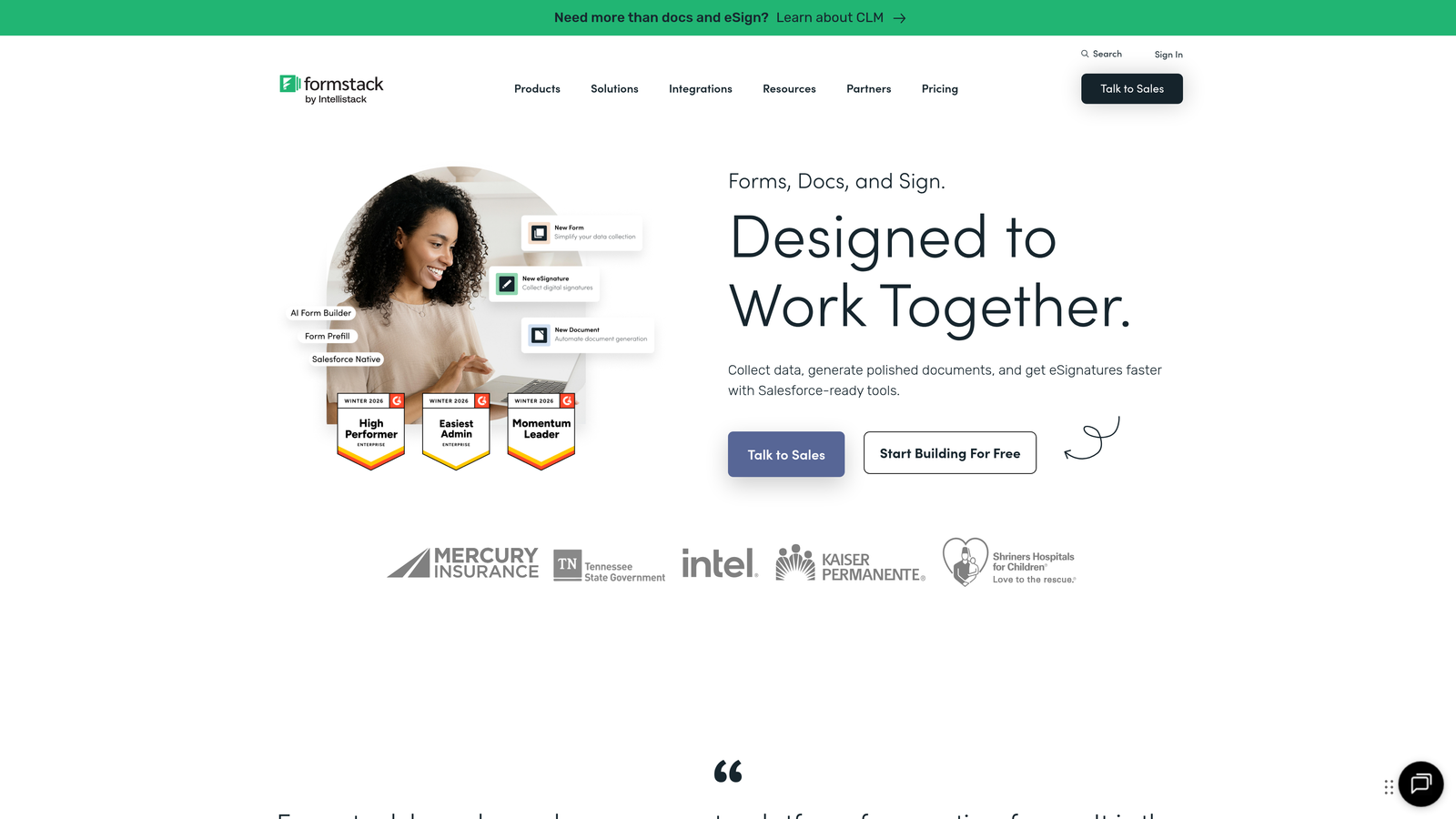
Formstack is built for organizations where data security, compliance, and complex workflows aren't nice-to-haves—they're requirements.
Where This Tool Shines
If you're in healthcare, finance, or any regulated industry, Formstack's HIPAA and GDPR compliance features actually matter. You get business associate agreements, encrypted data storage, and audit trails that satisfy compliance officers.
The workflow automation goes deeper than most competitors. You can trigger multi-step processes, generate documents, route approvals, and integrate with enterprise systems in ways that simple form builders can't handle.
Key Features
Compliance Options: HIPAA and GDPR-compliant data handling with proper documentation and encryption.
Advanced Conditional Logic: Create complex form paths and calculations based on multiple variables.
Document Generation: Automatically create PDFs, contracts, or reports from form submissions.
E-Signature Integration: Collect legally binding signatures directly within form workflows.
Enterprise Security: SSO, advanced permissions, and audit logs for regulated environments.
Best For
Large organizations, healthcare providers, financial services firms, and any business where compliance and security are non-negotiable. Also suitable for teams managing complex approval workflows that need more than basic form-to-email automation.
Pricing
Plans start around $50 per month for basic features. Enterprise pricing available with custom security, compliance, and support requirements.
7. Google Forms
Best for: Simple data collection when budget is zero and you need Google Sheets integration
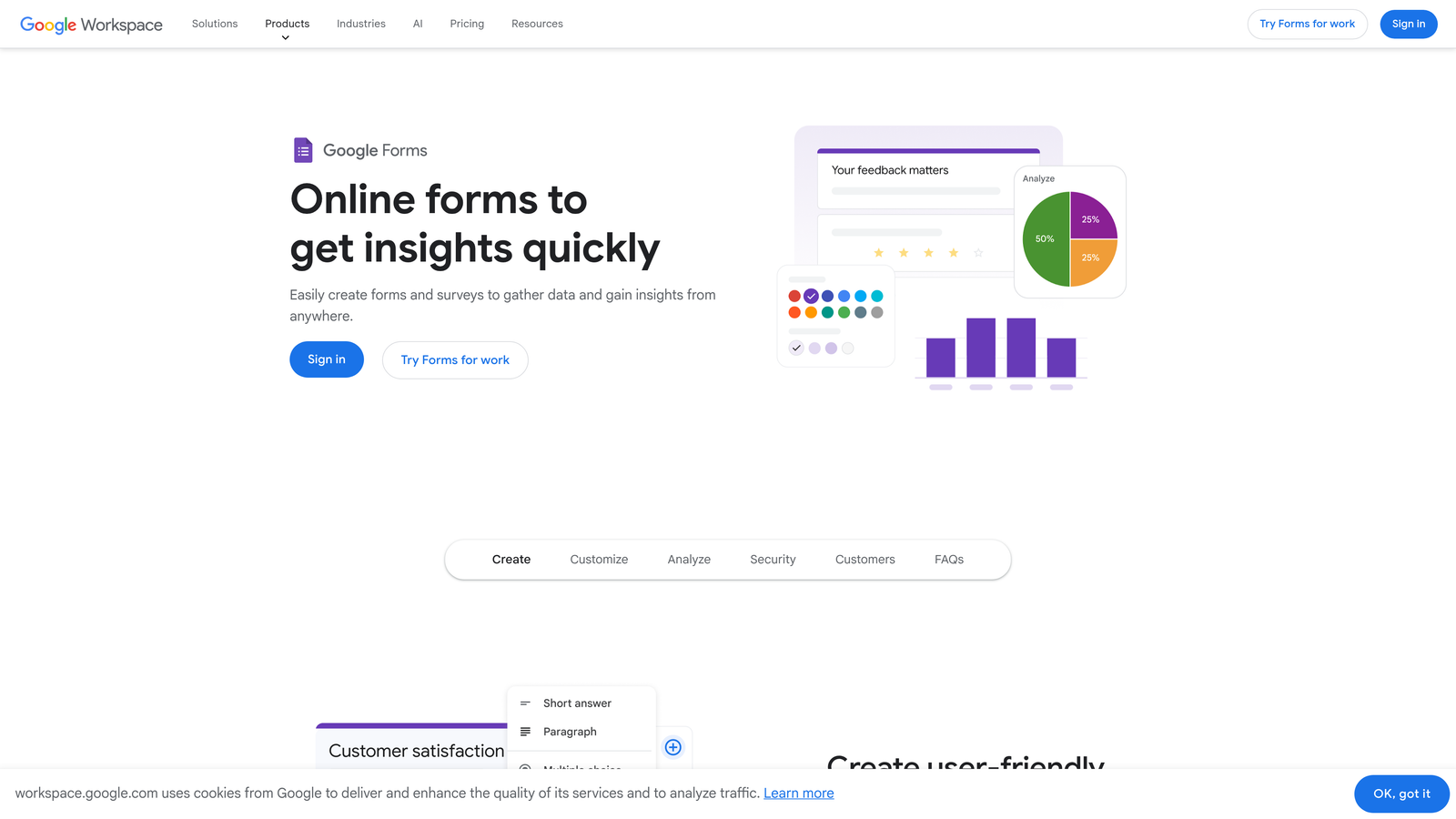
Google Forms is the no-frills option that gets the job done when you just need to collect information without spending money.
Where This Tool Shines
It's completely free, and if your organization already uses Google Workspace, there's zero setup friction. Responses flow directly into Google Sheets, where you can analyze, filter, and share data using tools your team already knows.
The collaboration features work like other Google products. Multiple team members can edit forms simultaneously, leave comments, and manage responses together in real-time.
Key Features
Completely Free: No limits on forms, questions, or responses with a Google account.
Google Sheets Integration: Responses automatically populate spreadsheets for easy analysis.
Real-Time Collaboration: Multiple users can build and edit forms simultaneously.
Basic Conditional Logic: Show or skip questions based on previous answers.
Quiz Functionality: Create quizzes with automatic grading and feedback.
Best For
Schools, nonprofits, internal team surveys, and any situation where you need basic form functionality without budget. Works well for organizations already embedded in the Google ecosystem who want data in Sheets anyway.
Pricing
Free with any Google account. No paid tiers or premium features—what you see is what you get.
Making the Right Choice
Your ideal Wufoo alternative depends on what you're actually trying to accomplish with your forms. If you're a high-growth team focused on lead quality and conversion optimization, Orbit AI delivers AI-powered qualification that turns forms into actual pipeline tools rather than just data collection. For teams prioritizing engagement and completion rates, Typeform's conversational approach consistently outperforms traditional layouts.
Need extensive templates and don't want to build from scratch? Jotform's library saves hours. Working with a tight budget? Tally offers unlimited forms for free without feeling like a compromised product. If your forms need to feel like branded documents with e-commerce built in, Paperform excels. Enterprise teams requiring compliance and complex workflows should evaluate Formstack. And for basic internal data collection, Google Forms remains unbeatable at its price point.
The form builder you choose shapes how prospects experience your brand and how efficiently your team converts interest into revenue. Think beyond just collecting information—consider what happens after someone clicks submit. Do you need AI to qualify leads automatically? Does your sales team waste time on unqualified prospects? Are your current forms converting as well as they should?
Start building free forms today and see how intelligent form design can elevate your conversion strategy. The difference between a basic form and one optimized for your growth goals shows up directly in your pipeline quality and close rates.


