

Formstack has long been a reliable workhorse for form-based data collection, but it's not the right fit for every team. Whether you're hitting walls with pricing tiers that scale steeply, finding the interface less modern than newer entrants, or simply outgrowing its lead qualification capabilities, there's a growing ecosystem of tools built for exactly what modern teams need.
This list covers the best Formstack alternatives available in 2026, spanning AI-powered form builders, enterprise-grade data collection platforms, conversational form tools, and everything in between. Each option is evaluated on ease of use, integrations, pricing transparency, and suitability for lead generation and conversion optimization.
Whether you're a SaaS team scaling your inbound pipeline, a marketing agency managing multiple clients, or an ops lead tired of paying for features you don't use — there's a better option here for you. Let's get into it.
1. Orbit AI
Best for: High-growth SaaS and B2B teams focused on lead qualification and conversion optimization.
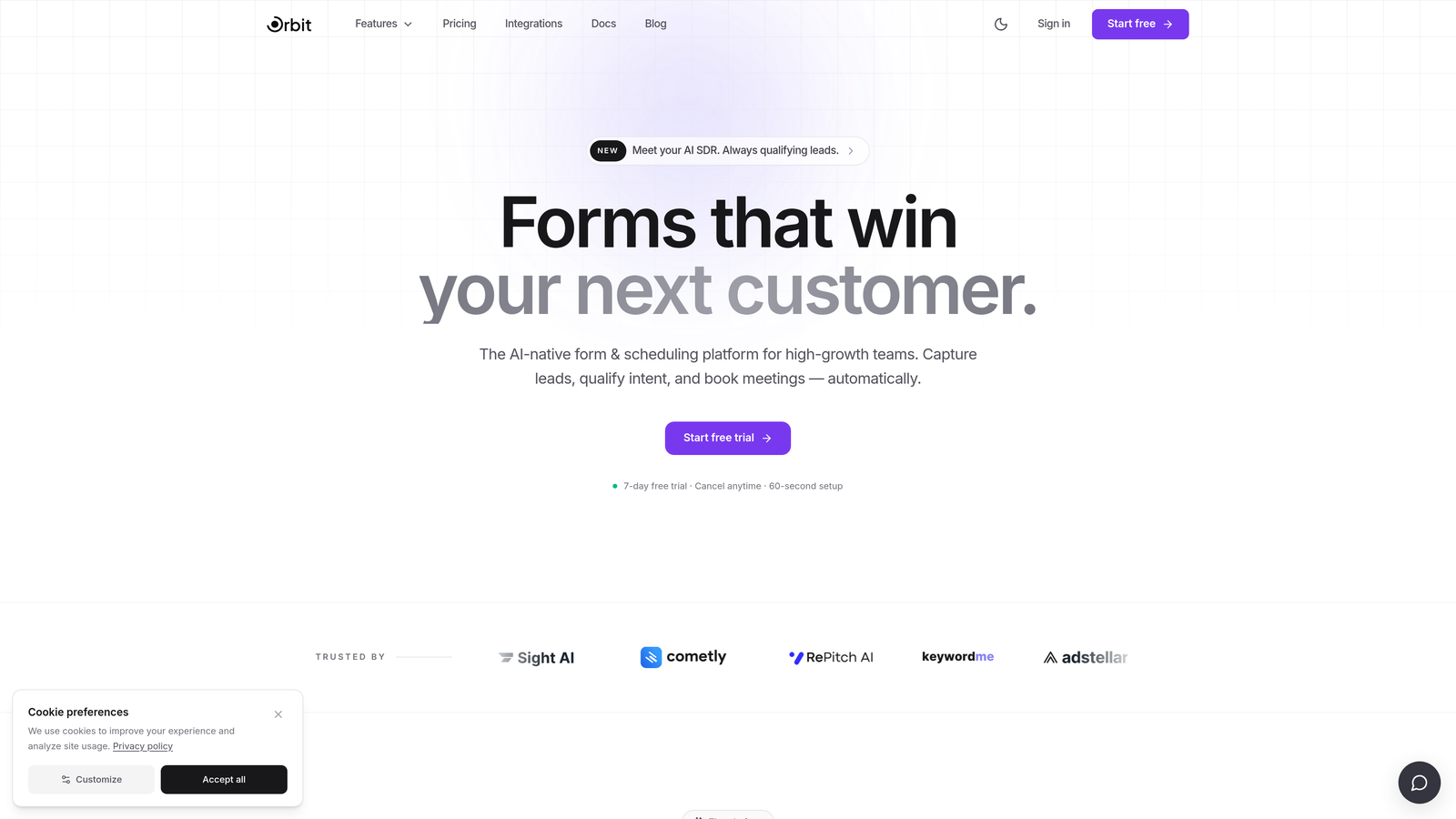
Orbit AI is an AI-powered form builder with built-in lead qualification and scoring designed for conversion-focused teams.
Where This Tool Shines
Most form builders treat qualification as an afterthought, leaving teams to manually sort through submissions or rely on CRM workflows to do the heavy lifting. Orbit AI flips that model entirely. Lead qualification and scoring happen at the form layer itself, so your sales team receives pre-qualified leads rather than a raw list of submissions to sift through.
The platform is also built with design quality in mind. Forms don't look like forms — they look like branded, conversion-optimized experiences. For high-growth teams where first impressions directly influence pipeline quality, that distinction matters.
Key Features
AI-Powered Lead Qualification and Scoring: Automatically scores and qualifies leads based on form responses, reducing manual triage for sales teams.
Automated Lead Routing: Routes qualified leads to the right team member or workflow based on predefined criteria.
Conversion-Optimized Templates: Modern, beautiful form designs built to maximize completion rates and respondent engagement.
Conditional Logic and Dynamic Fields: Personalized form flows that adapt in real time based on what respondents enter.
Native CRM and Marketing Automation Integrations: Connects directly with the tools your revenue team already uses, keeping your stack clean.
Best For
Orbit AI is purpose-built for B2B SaaS companies, growth marketers, and demand generation teams who care as much about lead quality as lead volume. If your current form tool is producing submissions but not pipeline, this is where to look.
Pricing
Paid plans are available. Visit orbitforms.ai for current pricing details and plan options.
2. Typeform
Best for: Marketing and research teams prioritizing respondent engagement and brand-consistent form experiences.
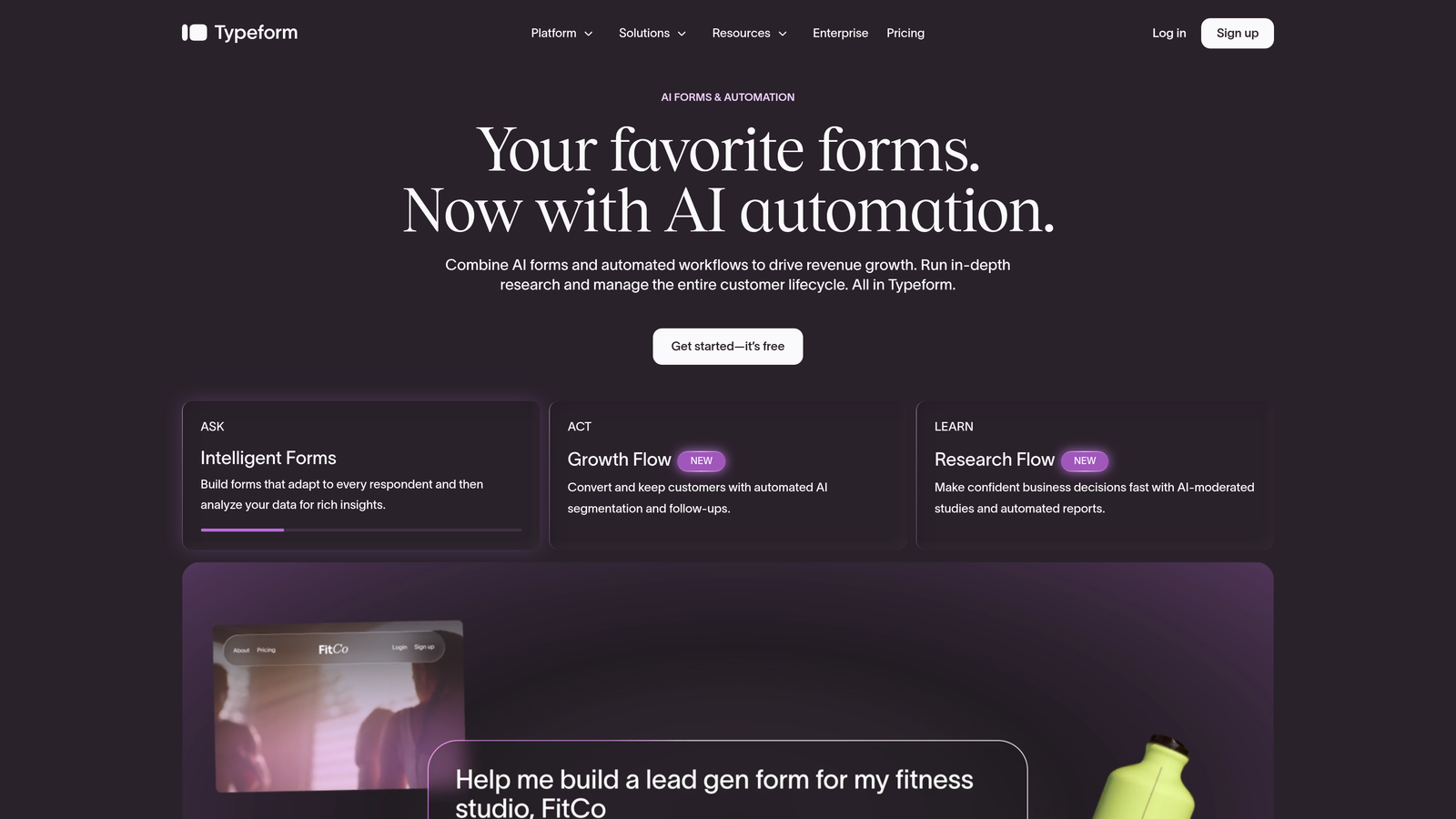
Typeform is a conversational form builder known for its one-question-at-a-time interface and high completion rates.
Where This Tool Shines
Typeform's signature UX, presenting one question at a time in a clean, full-screen layout, tends to produce noticeably higher engagement than traditional multi-field forms. For surveys, lead capture, and customer research, that format reduces abandonment and makes the experience feel more like a conversation than a data entry task.
Brand customization is also a genuine strength. You can match fonts, colors, and imagery closely to your brand identity, which matters for teams embedding forms in polished marketing experiences.
Key Features
Conversational One-Question-at-a-Time UX: Reduces cognitive load and typically improves completion rates compared to traditional form layouts.
Strong Visual Customization: Extensive branding controls including fonts, backgrounds, and color schemes.
Logic Jumps and Conditional Branching: Adapts the form path based on previous answers for a more relevant respondent experience.
CRM and Automation Integrations: Native connections to HubSpot, Salesforce, Zapier, and other common tools.
Video and Image Embedding: Supports rich media within form questions to add context or increase engagement.
Best For
Typeform works well for marketing teams running lead generation campaigns, product teams conducting user research, and agencies building client-facing survey experiences where presentation quality is important.
Pricing
Free tier available with limited responses. Paid plans start at approximately $25/month, with higher tiers unlocking more responses and advanced features.
3. Jotform
Best for: SMBs and agencies needing a feature-rich, template-heavy form builder with payment and offline capabilities.
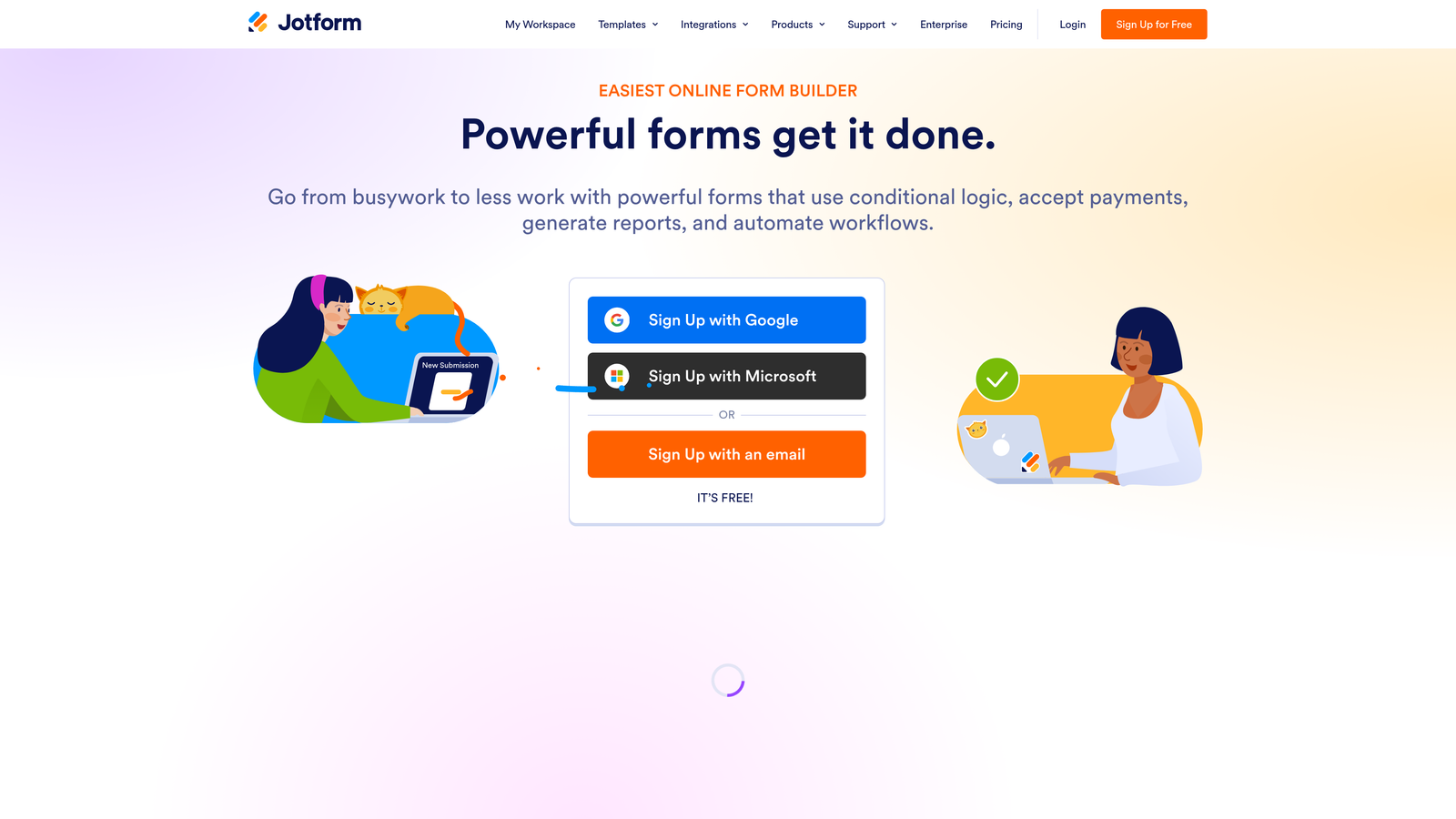
Jotform is one of the most comprehensive general-purpose form builders available, with thousands of templates and a wide add-on ecosystem.
Where This Tool Shines
Jotform's breadth is its biggest asset. With over 10,000 templates covering everything from job applications to event registrations to medical intake forms, teams can get a professional form live in minutes without starting from scratch. It's particularly well-suited to agencies managing diverse client needs across multiple industries.
The built-in payment integrations and HIPAA-compliant plan options also make Jotform one of the few tools that can serve both commercial and healthcare use cases without switching platforms.
Key Features
10,000+ Templates: Covers virtually every form use case across industries, dramatically reducing build time.
Built-In Payment Collection: Accepts payments via Stripe, PayPal, and Square directly within forms.
Offline Form Functionality: Mobile app supports data collection without an internet connection, syncing when connectivity returns.
HIPAA-Compliant Plans: Available for healthcare teams requiring compliant data handling.
Jotform Tables: Database-style submission management for organizing and filtering collected data.
Best For
Jotform suits SMBs, nonprofit organizations, agencies, and healthcare teams who need a flexible, template-rich builder with strong payment and compliance capabilities.
Pricing
Free tier available with submission limits. Paid plans start at approximately $34/month with higher submission caps and additional features.
4. HubSpot Forms
Best for: Inbound marketing teams already operating within the HubSpot ecosystem.
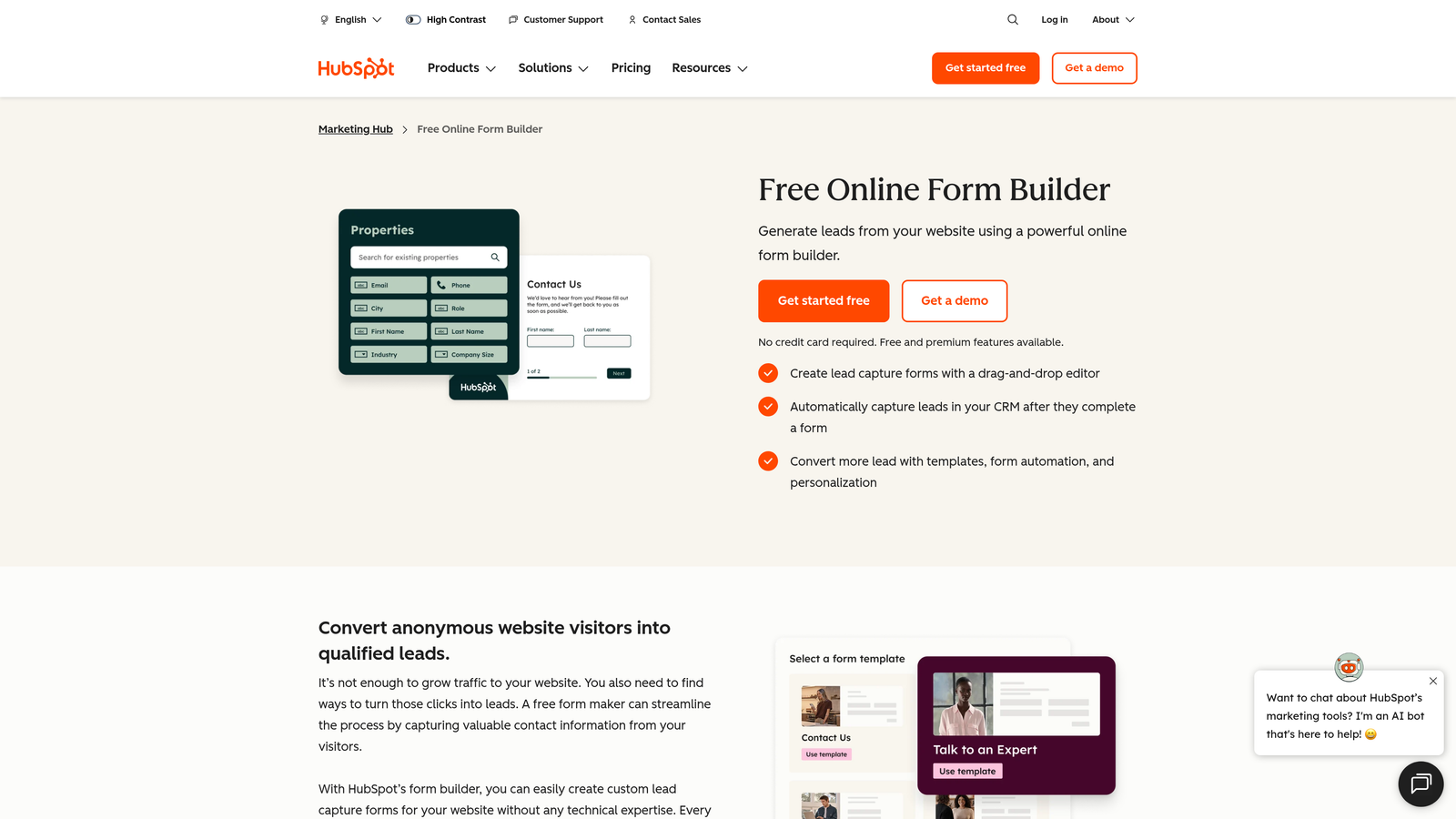
HubSpot Forms is a CRM-native form builder included in HubSpot's free and paid marketing tiers with seamless contact creation.
Where This Tool Shines
The core value proposition here is zero-friction CRM sync. Every form submission automatically creates or updates a contact record in HubSpot, triggers workflows, and feeds your pipeline without any manual data movement or third-party connectors. For teams running inbound marketing through HubSpot, that native integration is genuinely hard to replicate elsewhere.
Progressive profiling is another standout feature. Smart fields recognize returning visitors and ask new questions instead of repeating ones already answered, building richer contact profiles over time without fatiguing respondents.
Key Features
Native HubSpot CRM Sync: Submissions instantly create or update contact records with zero manual effort or integration setup.
Progressive Profiling: Smart fields adapt for known contacts, collecting new data on each visit rather than repeating questions.
Automated Follow-Up Workflows: Form submissions trigger email sequences, task creation, and pipeline updates automatically.
Embedded and Standalone Form Options: Deploy forms on your website or as standalone hosted pages.
A/B Testing: Available on higher Marketing Hub tiers for optimizing form performance.
Best For
HubSpot Forms is ideal for teams already using HubSpot as their CRM and marketing hub. It's less compelling as a standalone form tool if you're not invested in the broader HubSpot ecosystem.
Pricing
Free with any HubSpot CRM account. Advanced features require Marketing Hub paid plans starting at approximately $15/month per seat.
5. Tally
Best for: Lean startups and small teams wanting a fast, free, Notion-style form builder.
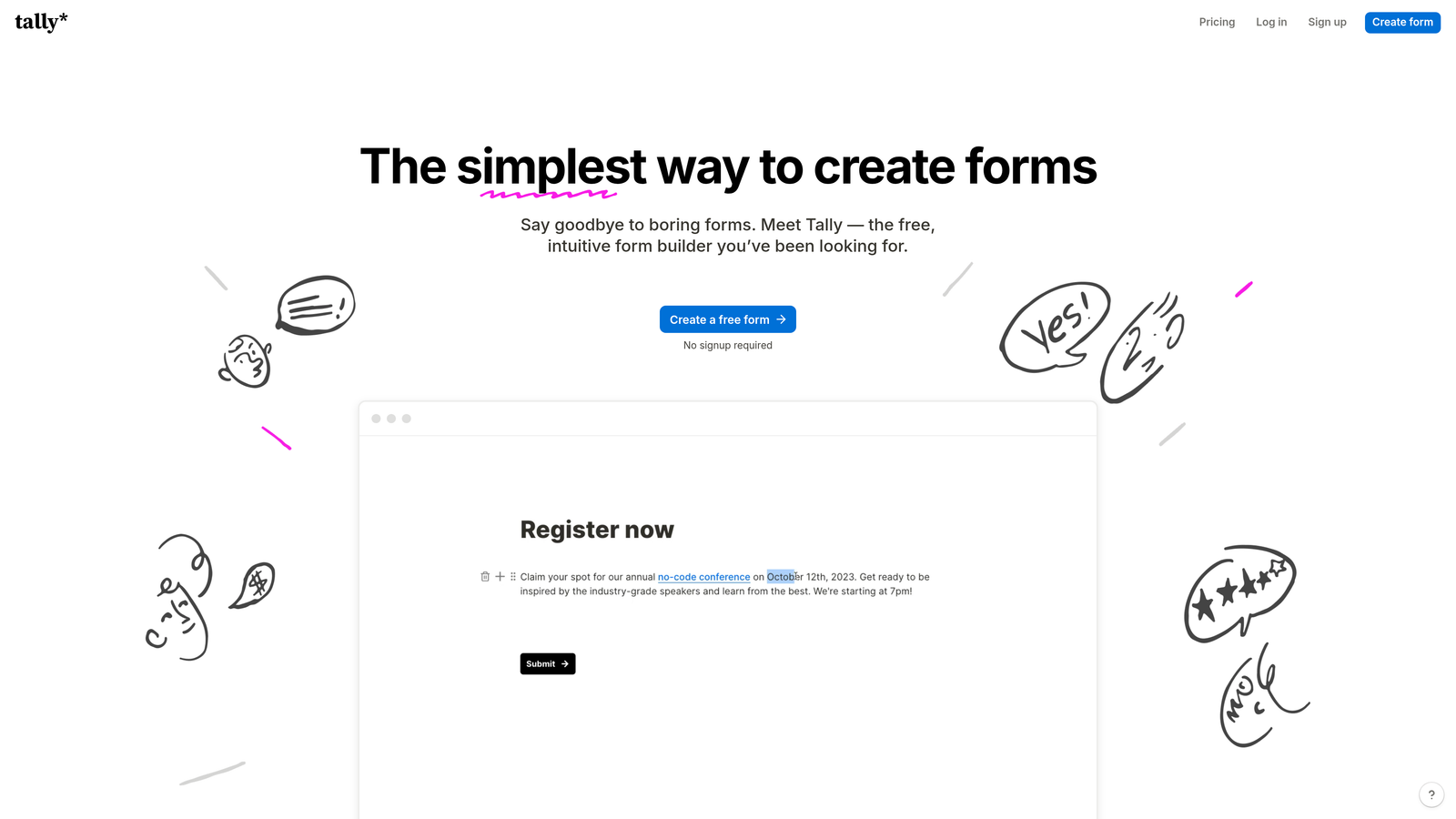
Tally is a lightweight form builder with a block-based editing experience and one of the most generous free tiers in the market.
Where This Tool Shines
Tally's free tier is genuinely remarkable: unlimited forms, unlimited responses, and no submission caps. For early-stage startups or individual operators who need a capable form tool without a budget commitment, it's hard to argue with that offer.
The Notion-style block editor also lowers the learning curve significantly. If your team already lives in Notion, Tally will feel immediately familiar. You can build multi-page forms with conditional logic quickly, without needing to learn a new interface paradigm.
Key Features
Unlimited Forms and Responses on Free Tier: No submission caps or form limits, even on the free plan.
Notion-Style Block Editor: Intuitive drag-and-drop building experience familiar to modern productivity tool users.
Conditional Logic and Multi-Page Forms: Supports branching and multi-step form flows without requiring a paid upgrade.
Custom Domains: Available on Tally Pro for branded form URLs.
Zapier and Native Integrations: Connects to common tools for automating submission handling.
Best For
Tally is best suited to startups, individual creators, and small teams that need capable forms quickly without enterprise-level complexity or cost.
Pricing
Free tier is highly capable. Tally Pro starts at approximately $29/month for custom branding, custom domains, and priority support.
6. Paperform
Best for: Small businesses, coaches, and agencies wanting forms that function as branded landing pages.
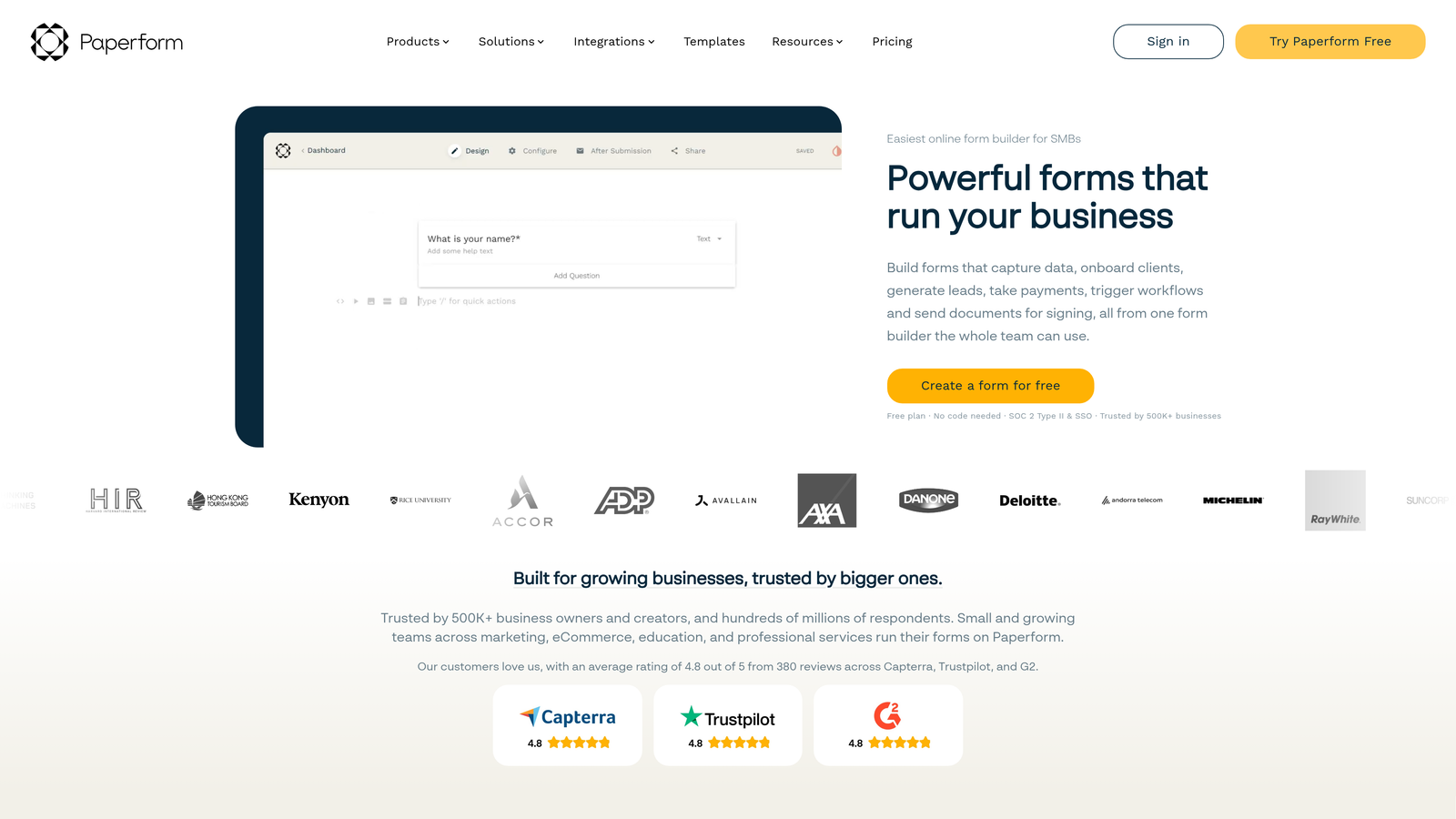
Paperform is a design-forward form builder that blends form functionality with landing page aesthetics, including product sales and appointment booking.
Where This Tool Shines
Paperform occupies an interesting niche: it's not just a form builder, it's closer to a lightweight landing page tool with form capabilities built in. You can embed product images, video, rich text, and booking calendars alongside your form fields, creating a complete customer experience in a single URL.
For service businesses, coaches, and agencies that want to sell, book, and collect information in one place without stitching together multiple tools, Paperform delivers a lot of functionality in a clean, manageable package.
Key Features
Rich Media Embedding: Add videos, images, and product listings directly within form layouts.
Built-In Appointment Scheduling and Product Sales: Handles bookings and transactions without requiring external tools.
Strong Visual Customization: Extensive branding controls for creating forms that match your visual identity closely.
Conditional Logic and Calculation Fields: Supports dynamic pricing, scoring, and adaptive form paths.
200+ Integrations: Connects via native connectors and Zapier to a wide range of business tools.
Best For
Paperform suits small businesses, consultants, coaches, and agencies who want a single tool for lead capture, bookings, and product sales with a polished visual output.
Pricing
Plans start at approximately $24/month billed annually, with higher tiers adding more submissions and team features.
7. Google Forms
Best for: Internal surveys, quick data collection, and teams operating entirely within Google Workspace.
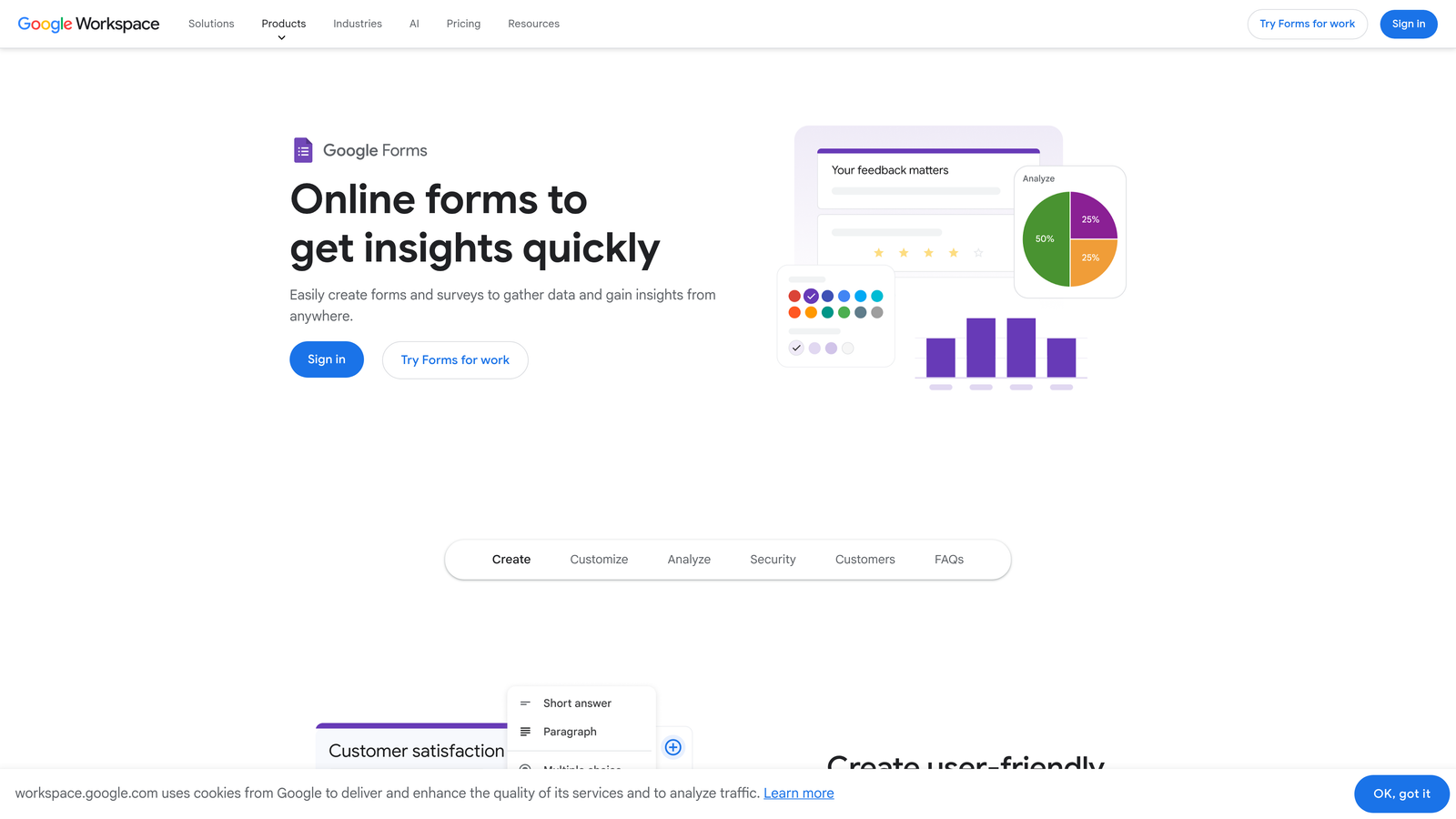
Google Forms is a completely free, no-frills form builder with deep Google Workspace integration and zero learning curve.
Where This Tool Shines
Google Forms wins on simplicity and cost. There's nothing to configure, no account to set up beyond a Google account, and no submission limits to worry about. For internal use cases — employee surveys, event sign-ups, quick polls, feedback collection — it handles the job without friction.
The native Google Sheets integration is also genuinely useful. Responses flow into a spreadsheet in real time, making it easy for teams to analyze data using tools they already know well.
Key Features
Completely Free with No Submission Limits: No paywalls, caps, or upgrade prompts — ever.
Native Google Sheets Integration: Real-time response syncing to a connected spreadsheet for easy analysis.
Basic Conditional Logic: Section branching based on multiple-choice answers.
Collaborative Editing: Multiple team members can build and edit forms simultaneously.
Zero Learning Curve: Familiar Google interface means most users are productive immediately.
Best For
Google Forms is ideal for internal operations, HR teams, educators, and anyone who needs fast, free data collection without design requirements or advanced logic.
Pricing
Completely free with any Google account. No paid tiers or submission limits.
8. Cognito Forms
Best for: Operations and HR teams managing complex data collection workflows with advanced conditional logic.
Cognito Forms is an operations-focused form builder with a powerful conditional logic engine and support for repeating sections and calculated fields.
Where This Tool Shines
Cognito Forms handles complexity that most form builders can't. Repeating sections allow respondents to add multiple entries of the same data type — think itemized expense reports, multi-product order forms, or team member lists — without requiring developers to build custom solutions. That capability alone makes it a standout for ops teams.
The calculation fields are also notably robust. You can build forms that compute totals, apply conditional pricing, or generate scores based on responses, which reduces the need for downstream spreadsheet work.
Key Features
Advanced Conditional Logic: Multi-condition rules that control field visibility, requirements, and behavior with precision.
Repeating Sections: Allows dynamic, list-based data entry where respondents can add multiple rows of information.
Built-In Calculation Fields: Computes pricing, totals, and scores directly within the form.
Payment Collection via Stripe: Supports transaction-based forms for orders and registrations.
Entry Management: Filter, sort, and export submissions with a structured data management interface.
Best For
Cognito Forms is best suited to operations managers, HR teams, and administrators who need to collect structured, complex data without relying on developer resources.
Pricing
Free tier available for individual users. Paid plans start at approximately $15/month with higher submission limits and team features.
9. Gravity Forms
Best for: WordPress-native teams needing deep CMS integration and an extensive add-on library.
Gravity Forms is the leading WordPress form plugin with deep CMS integration, developer-friendly architecture, and a comprehensive add-on ecosystem.
Where This Tool Shines
If your website runs on WordPress, Gravity Forms is the most deeply integrated option available. It hooks directly into WordPress and WooCommerce, respects your existing user roles and permissions, and connects to your CMS data in ways that hosted form tools simply can't replicate. For developer teams, the hooks, filters, and REST API make it highly extensible.
The annual licensing model is also worth noting: you pay once per year with no per-submission fees, which makes costs predictable regardless of form volume. For high-traffic WordPress sites, that pricing structure can represent significant savings over submission-based SaaS tools.
Key Features
Deep WordPress and WooCommerce Integration: Connects natively with your CMS, user database, and e-commerce store.
Extensive Add-On Library: Official and third-party add-ons for Stripe, Salesforce, Mailchimp, Zapier, and many more.
Multi-Page Forms, Conditional Logic, and File Uploads: Comprehensive form-building capabilities for complex workflows.
Developer-Friendly Architecture: Hooks, filters, and a REST API for custom integrations and functionality.
Annual License Model: Predictable flat-rate pricing with no per-submission fees.
Best For
Gravity Forms is the go-to choice for WordPress developers, agencies managing WordPress client sites, and businesses whose entire web presence is built on WordPress.
Pricing
Annual licenses start at approximately $59/year for the Basic license, scaling up to approximately $259/year for the Elite license with all add-ons included.
Which Tool Is Right for Your Team?
The right Formstack alternative depends entirely on what you're trying to accomplish. There's no single winner here — each tool on this list excels in a specific context, and the best choice is the one that aligns with your primary goal.
Here's a quick-reference guide by use case:
For lead qualification and conversion optimization: Orbit AI is the standout choice. It's the only tool on this list with AI-powered lead scoring and routing built directly into the form layer, making it purpose-built for B2B and SaaS teams who need pipeline quality, not just submission volume.
For respondent engagement and brand-consistent experiences: Typeform delivers the most polished conversational form experience, particularly for marketing campaigns and customer research where completion rates matter.
For feature breadth and template variety: Jotform covers the widest range of use cases and is a strong default for agencies and SMBs managing diverse form needs across clients or departments.
For HubSpot-native teams: HubSpot Forms is the obvious choice if you're already running your marketing and CRM through HubSpot. The native sync eliminates integration overhead entirely.
For lean teams on a budget: Tally's free tier is genuinely hard to beat for startups and small teams that need capable forms without a monthly commitment.
For WordPress sites: Gravity Forms remains the definitive solution for WordPress-native teams, particularly those with developer resources to leverage its extensibility.
The broader takeaway is this: if your current form tool is collecting submissions but not driving qualified pipeline, the problem isn't forms — it's the intelligence layer sitting behind them. Modern teams need forms that do more than capture data. They need forms that qualify, route, and convert.
Transform your lead generation with AI-powered forms that qualify prospects automatically while delivering the modern, conversion-optimized experience your high-growth team needs. Start your free trial today and see how intelligent form design can elevate your conversion strategy.


