Static forms are conversion killers. When every visitor sees the same questions regardless of their answers, you're forcing square pegs into round holes—and watching qualified leads bounce. Dynamic form builders with conditional logic solve this by creating personalized pathways that adapt in real-time, showing relevant questions based on previous responses. The result? Shorter completion times, higher-quality data, and dramatically better conversion rates.
We evaluated dozens of form builders based on logic capabilities, ease of use, integration options, and value for growing teams. Here are nine that stand out for creating intelligent, conversion-optimized forms.
1. Orbit AI
Best for: High-growth teams needing AI-powered lead qualification beyond basic conditional logic
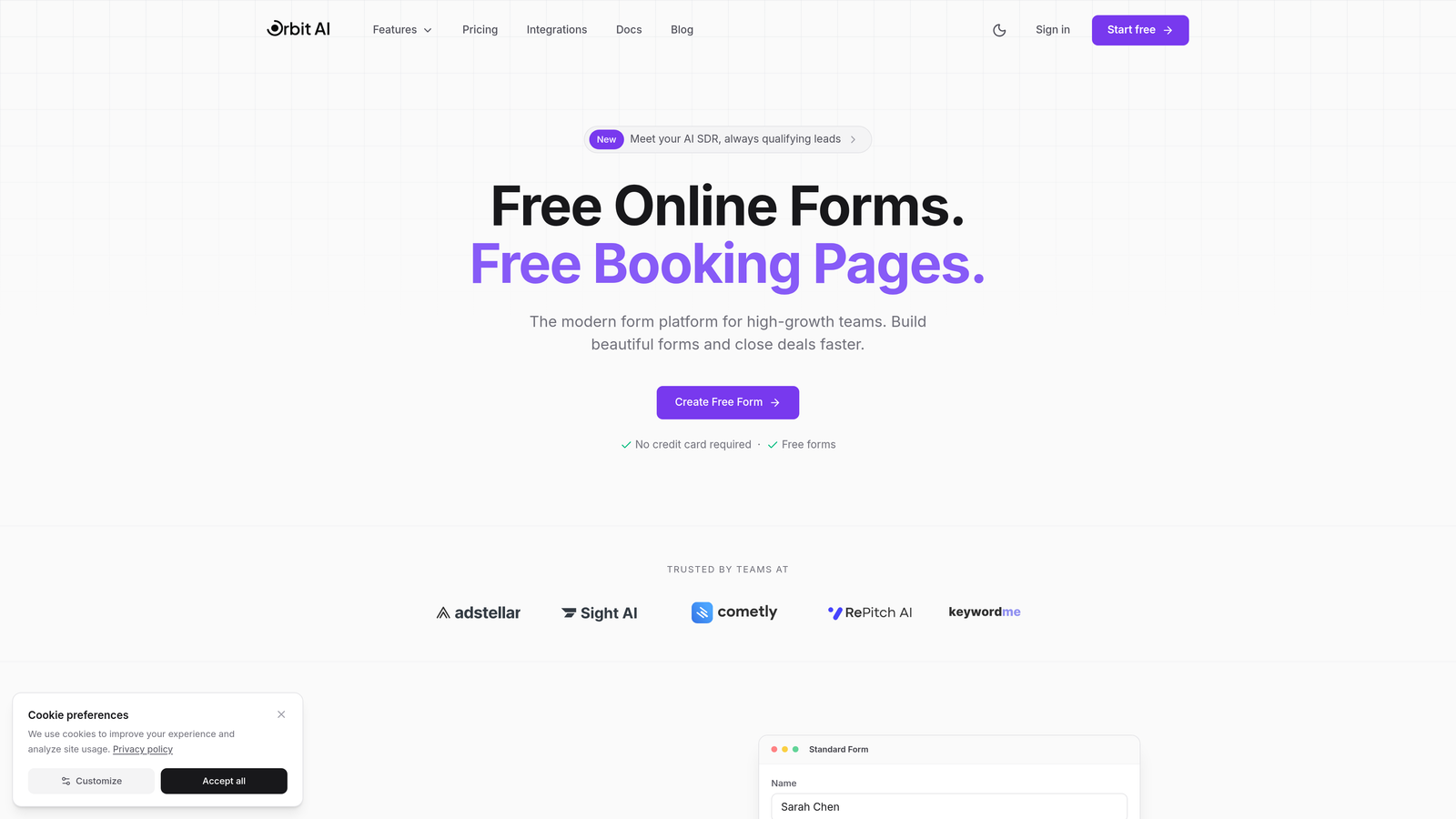
Orbit AI transforms forms from simple data collection tools into intelligent qualification engines that actively score and route leads.
Where This Tool Shines
The standout feature is the AI agent layer that sits on top of your form logic. While other tools stop at "if answer A, show question B," Orbit AI analyzes response patterns to qualify leads automatically. This means your sales team gets pre-scored prospects instead of raw form submissions.
The visual logic builder makes complex branching accessible to non-technical teams. You can create sophisticated qualification pathways without touching code, then layer AI scoring on top to prioritize follow-up.
Key Features
AI Lead Qualification: Automatically scores and routes leads based on form responses and behavioral signals.
Visual Logic Builder: Drag-and-drop interface for creating multi-branch conditional pathways without code.
Native CRM Integration: Direct connections to HubSpot, Salesforce, and Pipedrive with field mapping and automatic syncing.
Real-Time Analytics: Track conversion rates, completion times, and drop-off points for each form variation.
Automated Workflows: Trigger email sequences, Slack notifications, or CRM updates based on qualification scores.
Best For
Growing B2B companies where lead quality matters more than volume. If your sales team wastes time on unqualified prospects, or you're running paid ads where every conversion needs to count, the AI qualification layer delivers immediate ROI.
Pricing
Free tier available for teams getting started. Paid plans start at competitive rates that scale with form submissions and team size.
2. Typeform
Best for: Brand-focused teams prioritizing beautiful, conversational form experiences with logic jumps
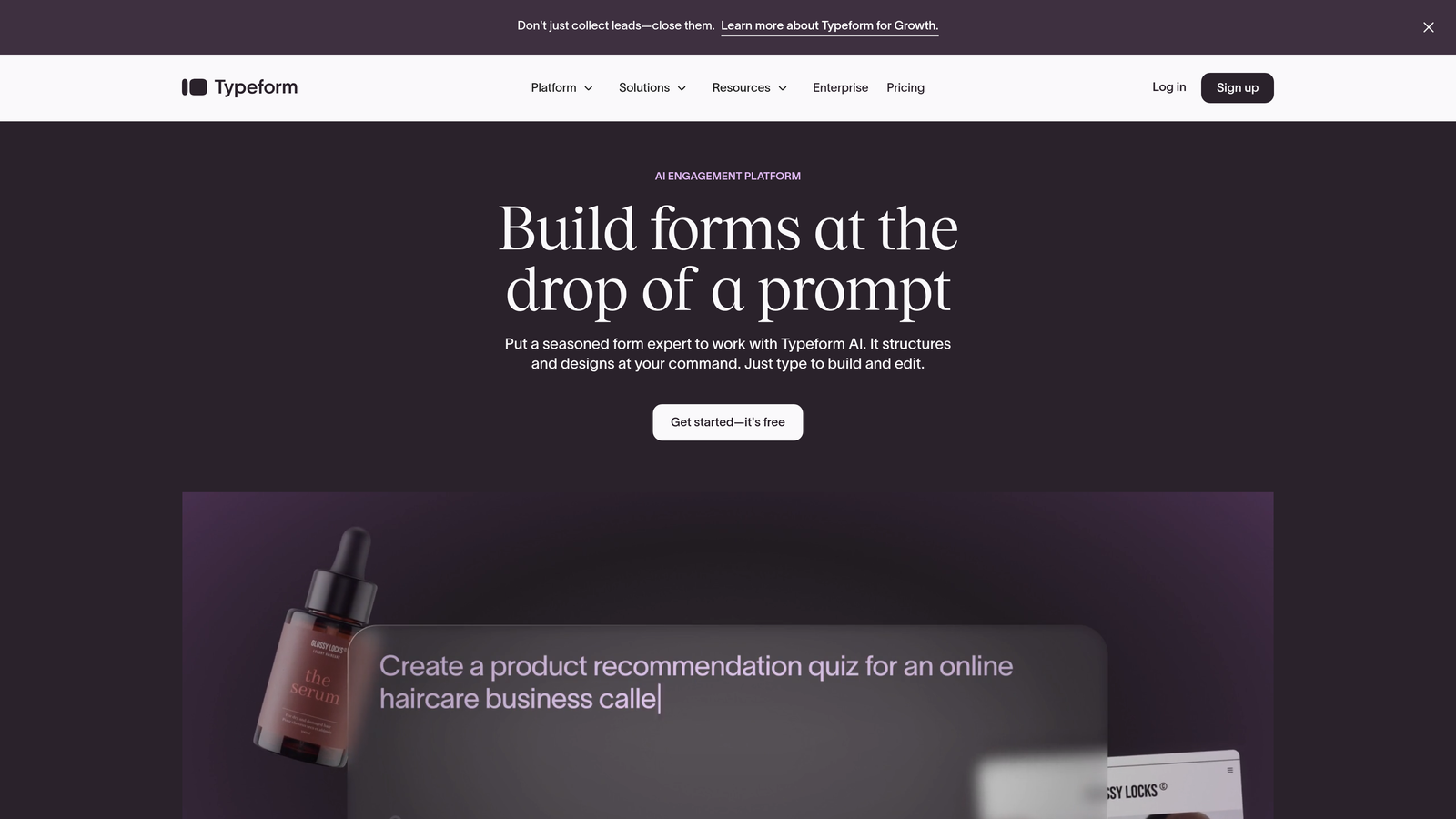
Typeform pioneered the one-question-at-a-time format that feels more like a conversation than an interrogation.
Where This Tool Shines
The conversational approach reduces cognitive load by showing one question at a time. This creates a focused, distraction-free experience that typically sees higher completion rates than traditional multi-field forms. Logic jumps feel natural because respondents never see the branching—they just answer questions that feel relevant.
Design quality is exceptional. Even the free templates look professionally crafted, and customization options let you match brand colors and typography perfectly.
Key Features
One-Question Format: Sequential question display that creates conversation-like flow and reduces form abandonment.
Logic Jumps: Route respondents to different questions based on previous answers with visual branching logic.
Design Templates: Professionally designed templates across industries with full customization options.
Rich Media Support: Embed videos, images, and GIFs directly into questions for engaging experiences.
Integration Hub: Connect to major marketing tools including HubSpot, Mailchimp, Google Sheets, and Slack.
Best For
Marketing teams where brand experience matters as much as data collection. Perfect for customer feedback surveys, lead magnets, and event registrations where you want to make a strong visual impression.
Pricing
Free tier includes 10 responses per month. Basic plan starts at $25/month for 100 responses with logic jumps included.
3. Jotform
Best for: Teams needing extensive template options and robust conditional logic for diverse use cases
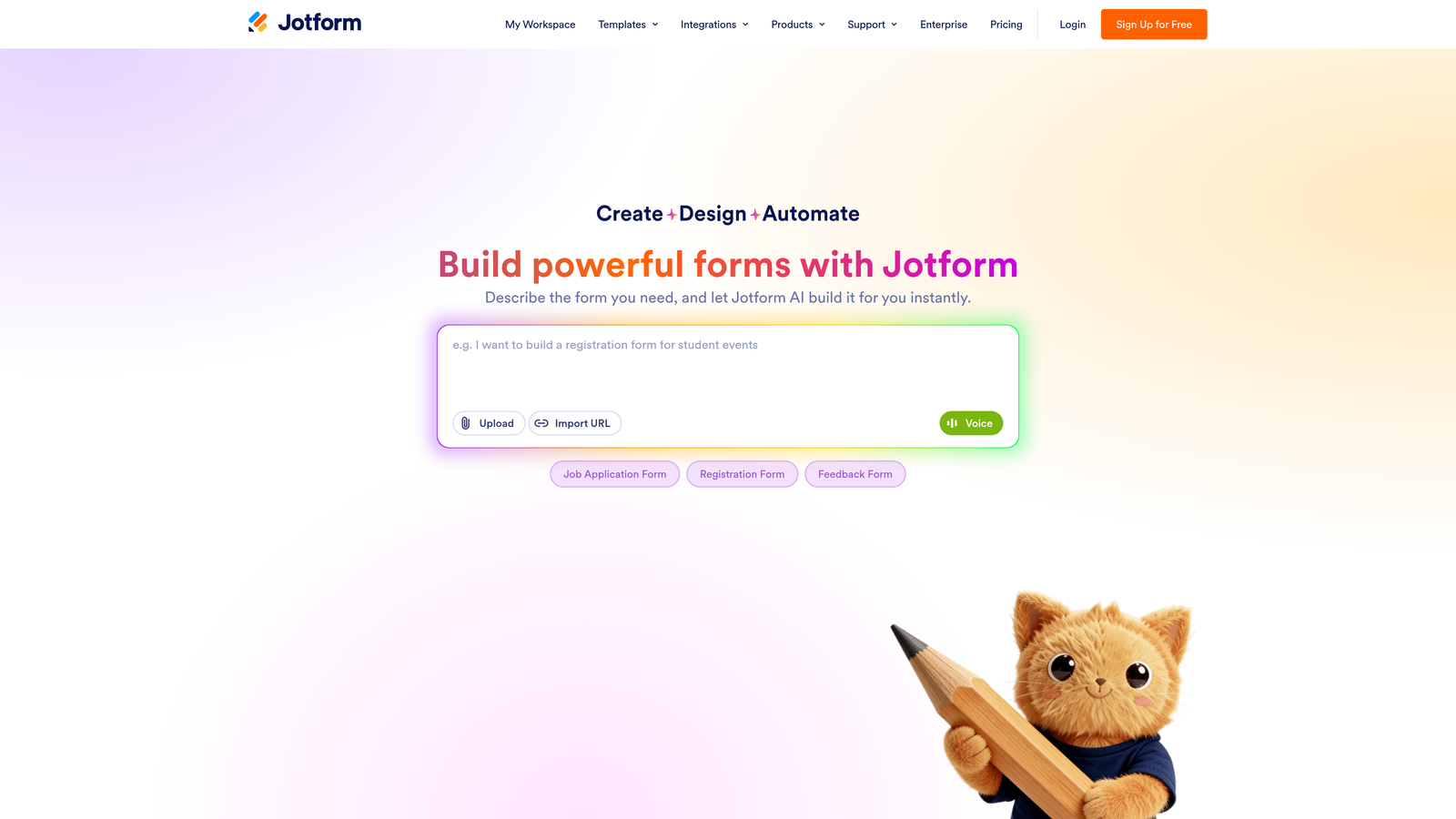
Jotform offers over 10,000 templates covering virtually every form scenario you can imagine.
Where This Tool Shines
The template library is unmatched. Whether you need a medical intake form, event registration, job application, or product order form, there's likely a pre-built template with conditional logic already configured. This dramatically reduces setup time.
Conditional logic supports multiple conditions per rule, letting you create complex "if this AND that, then show this" scenarios. The visual builder makes these complex rules manageable even for non-technical users.
Key Features
Template Library: Over 10,000 pre-built templates across industries with customizable conditional logic.
Advanced Conditional Logic: Support for multiple conditions, calculated fields, and complex show/hide rules.
Payment Integration: Accept payments through Stripe, PayPal, Square, and other processors directly in forms.
PDF Generation: Automatically generate PDF documents from form submissions with custom templates.
Mobile App: Manage forms, view submissions, and receive notifications through iOS and Android apps.
Best For
Small businesses and agencies managing diverse form needs across multiple clients or departments. The template variety and feature depth handle everything from simple contact forms to complex multi-page applications.
Pricing
Free tier includes 5 forms with 100 monthly submissions. Bronze plan starts at $34/month for unlimited forms and 1,000 submissions.
4. Tally
Best for: Budget-conscious teams wanting powerful conditional logic without subscription costs
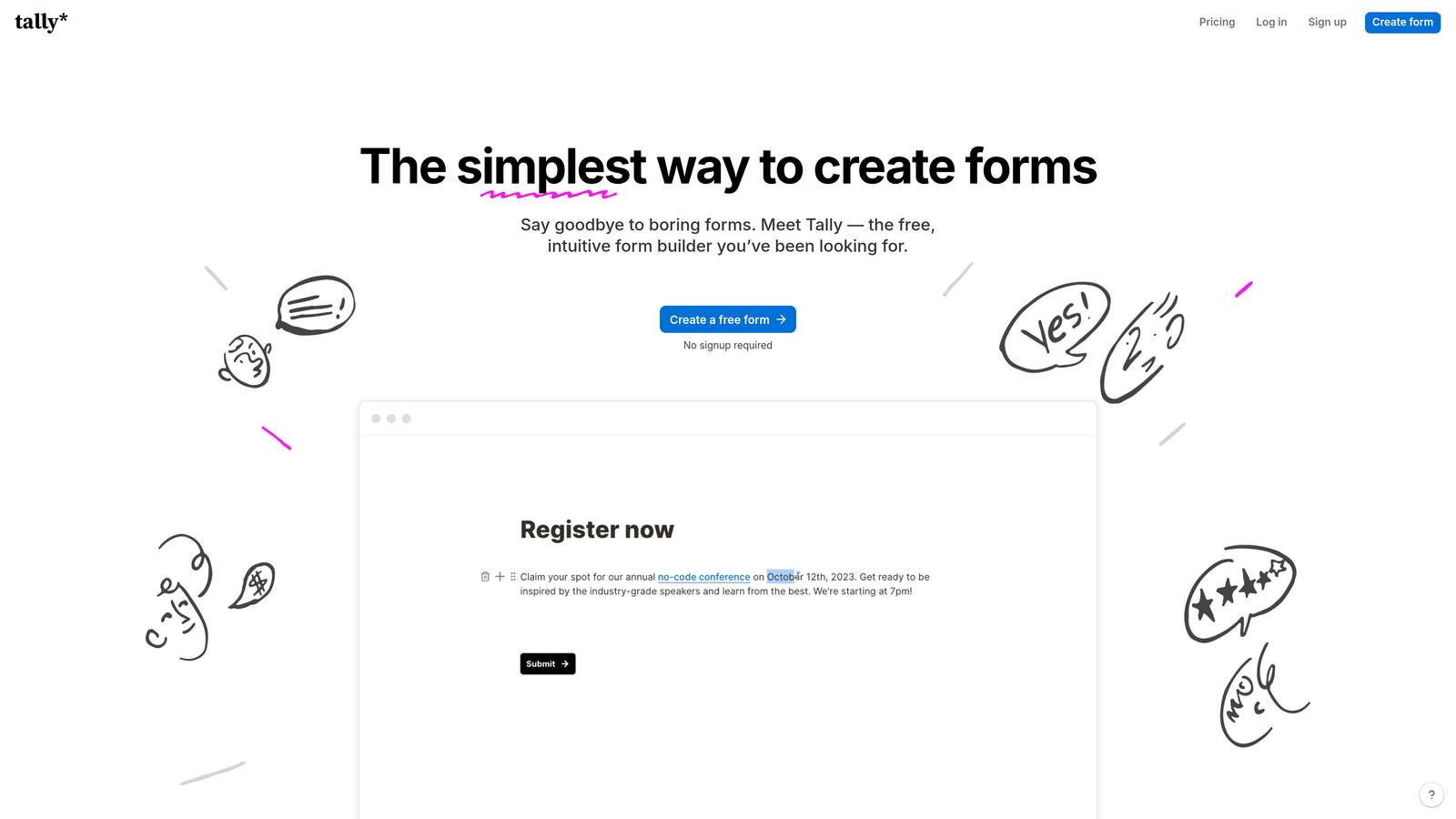
Tally stands out by offering unlimited forms and conditional logic completely free.
Where This Tool Shines
The free tier is genuinely generous—unlimited forms, unlimited responses, and conditional logic included. This makes it ideal for startups, side projects, or anyone testing form strategies without budget commitments.
The Notion-like interface feels familiar if you already use block-based tools. Building forms is as simple as typing and adding blocks, with conditional logic applied through a clean sidebar interface.
Key Features
Unlimited Free Forms: No artificial limits on form count or monthly submissions on the free tier.
Conditional Logic: Show/hide questions based on previous answers without upgrading to paid plans.
Block-Based Builder: Notion-style interface for quickly building forms by typing and adding content blocks.
File Uploads: Accept file submissions from respondents including documents and images.
Webhook Integration: Send form data to external services via webhooks for custom workflows.
Best For
Startups, indie makers, and nonprofit organizations with limited budgets but serious form needs. Also perfect for testing form strategies before committing to paid tools.
Pricing
Free tier includes most features with unlimited forms and responses. Pro plan at $29/month adds custom domains, remove branding, and priority support.
5. Fillout
Best for: Teams using Notion or Airtable who want forms that sync directly to their databases
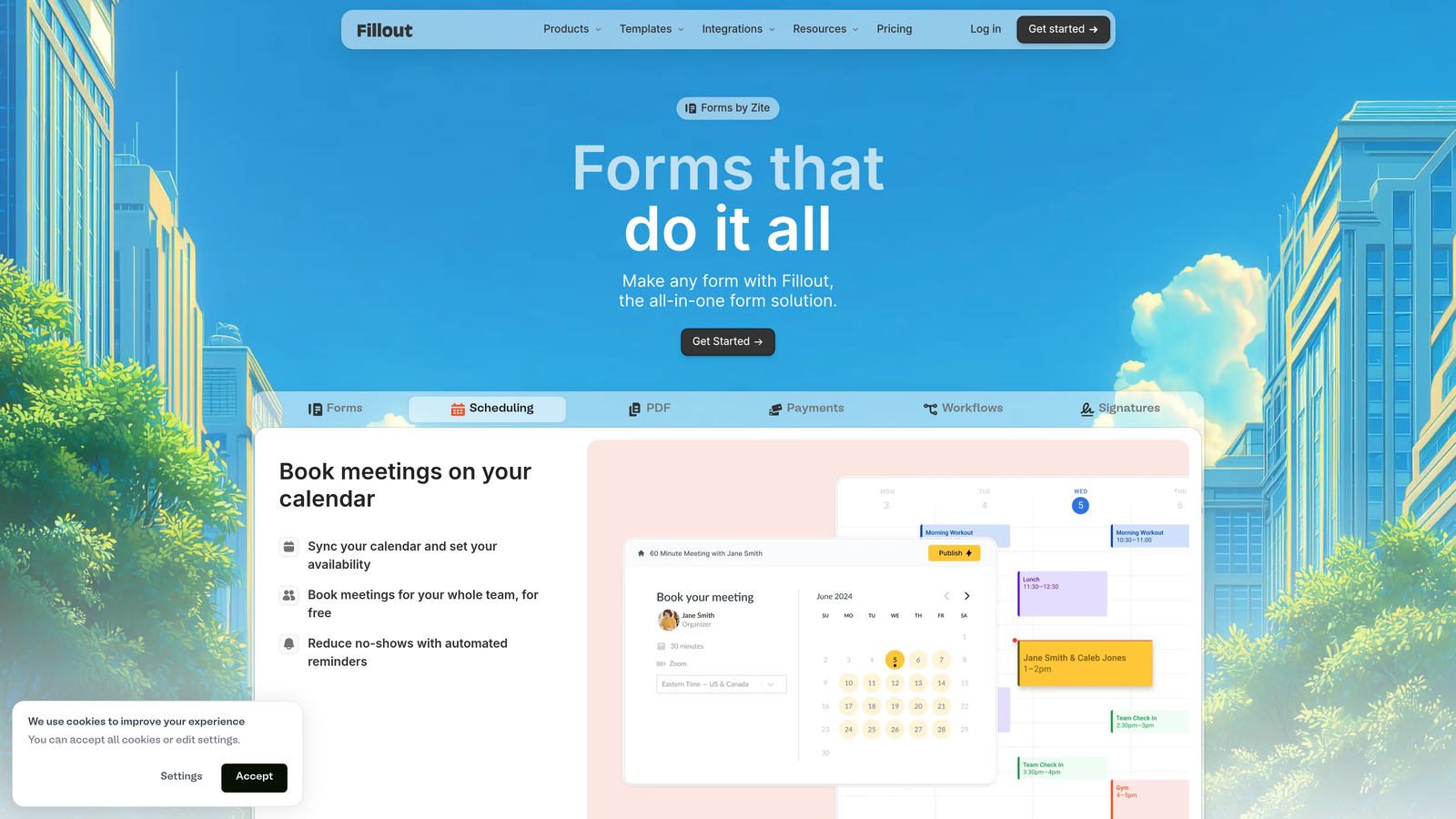
Fillout treats forms as a front-end interface for your existing Notion or Airtable workspace.
Where This Tool Shines
The native integration with Notion and Airtable means form submissions automatically create or update database records. You're not exporting CSVs or managing separate systems—everything lives in your existing workspace.
Multi-page forms with conditional logic feel polished. You can create complex onboarding flows or applications that span multiple steps, with logic determining which pages respondents see based on their answers.
Key Features
Notion/Airtable Sync: Native two-way integration that treats forms as database interfaces with automatic syncing.
Multi-Page Logic: Create multi-step forms where entire pages appear or hide based on conditional rules.
Scheduling Integration: Embed Calendly or Cal.com scheduling links directly into forms for booking appointments.
Payment Collection: Accept payments through Stripe with conditional pricing based on form responses.
Custom Domains: Host forms on your own domain for branded experiences and better deliverability.
Best For
Teams already managing workflows in Notion or Airtable who want public-facing forms without leaving their ecosystem. Perfect for client onboarding, event registrations, or application processes.
Pricing
Free tier available with basic features. Starter plan at $15/month includes unlimited forms and Notion/Airtable integration.
6. Formstack
Best for: Enterprise teams requiring HIPAA compliance and sophisticated conditional workflows
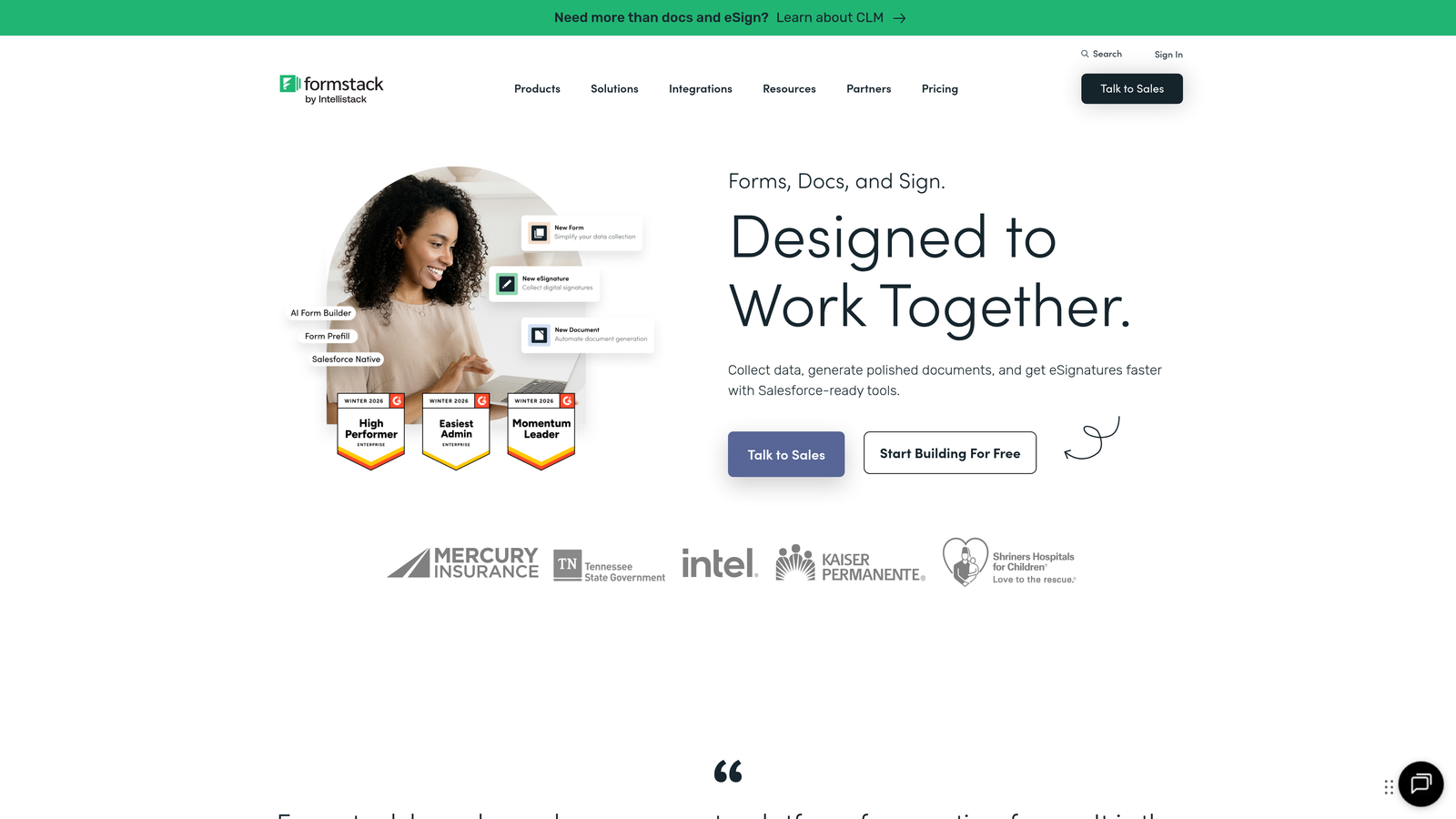
Formstack focuses on enterprise security and compliance without sacrificing advanced logic capabilities.
Where This Tool Shines
HIPAA and GDPR compliance features are built-in, not add-ons. For healthcare providers, financial services, or any organization handling sensitive data, Formstack provides the security infrastructure and audit trails required for regulatory compliance.
Conditional logic extends beyond simple show/hide to complex workflows that route submissions to different teams, trigger approval processes, or generate customized documents based on responses.
Key Features
Compliance Ready: HIPAA and GDPR compliance features including encryption, audit logs, and business associate agreements.
Advanced Workflows: Conditional routing, approval workflows, and multi-step processes triggered by form logic.
Digital Signatures: Legally binding e-signature collection integrated directly into forms.
Document Generation: Automatically create custom PDFs, contracts, or reports from form data.
Enterprise Security: Single sign-on, role-based permissions, and advanced user management features.
Best For
Healthcare organizations, financial institutions, legal firms, and enterprise companies with strict compliance requirements. The security features justify the premium pricing for regulated industries.
Pricing
Plans start at $50/month for basic features. Enterprise pricing includes compliance features, dedicated support, and custom SLAs.
7. Paperform
Best for: Teams combining forms, landing pages, and payments in conversion-focused experiences
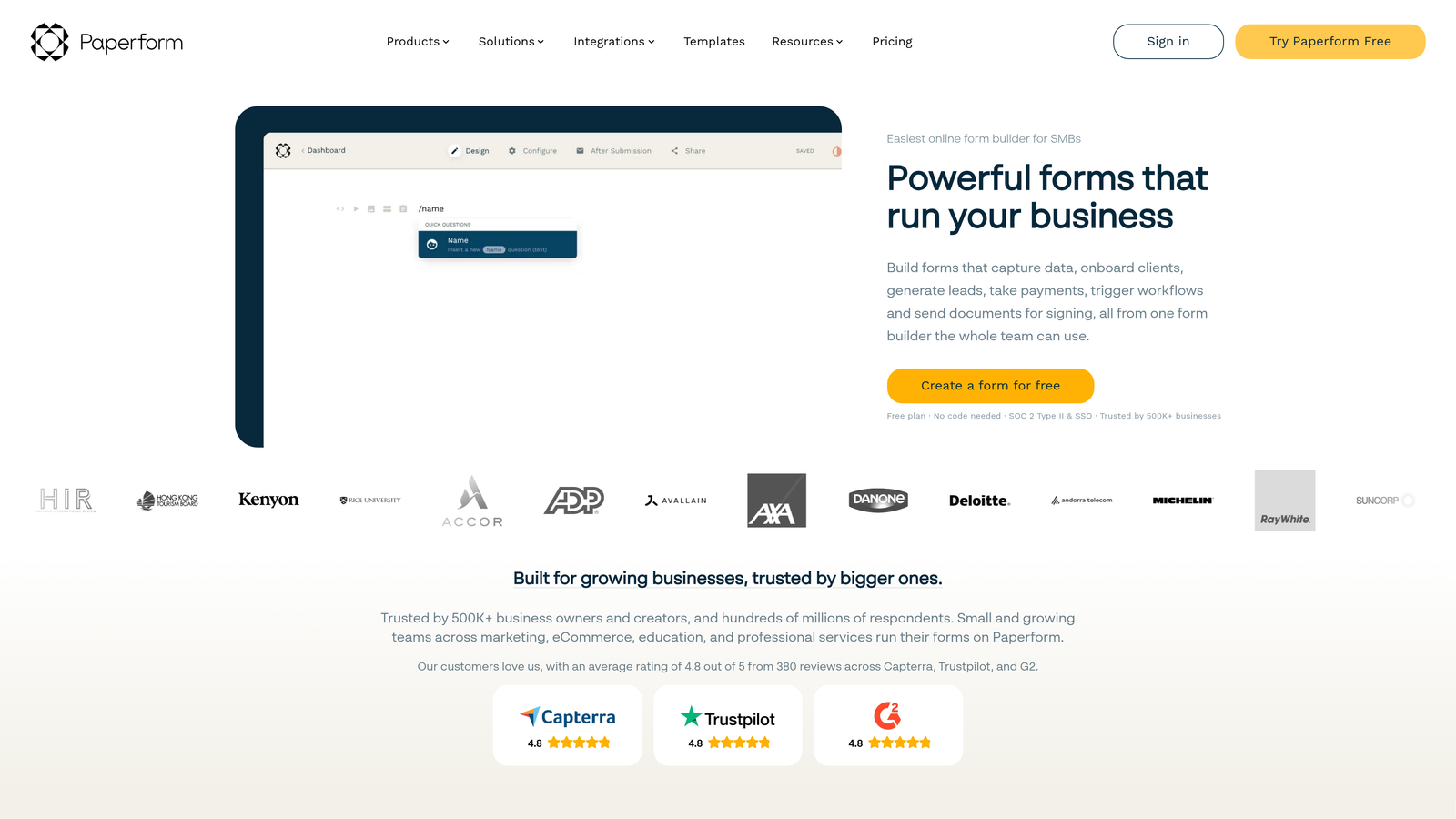
Paperform blurs the line between forms and landing pages with a unique document-style builder.
Where This Tool Shines
Forms feel more like interactive landing pages than traditional data collection tools. You can mix form fields with marketing copy, images, videos, and product catalogs to create complete conversion experiences on a single page.
Built-in payment processing means you can collect information and money in the same flow. Conditional logic can show different pricing options or products based on earlier selections, perfect for quote requests or tiered services.
Key Features
Landing Page Forms: Document-style builder that creates form-landing page hybrids with rich formatting.
Payment Processing: Native Stripe and PayPal integration with conditional pricing based on form logic.
Calculations: Perform calculations on form fields to show dynamic pricing, quotes, or totals.
Appointment Booking: Integrated scheduling features for booking calls or appointments within forms.
Product Catalogs: Display product options with images and descriptions for order forms or bookings.
Best For
Service businesses, coaches, consultants, and e-commerce sellers who want forms that convert like landing pages. Particularly strong for quote requests, service bookings, and product orders.
Pricing
Essentials plan at $24/month includes unlimited forms and submissions. Pro plan at $49/month adds advanced integrations and remove branding.
8. Feathery
Best for: Product teams building complex onboarding flows with developer-friendly customization
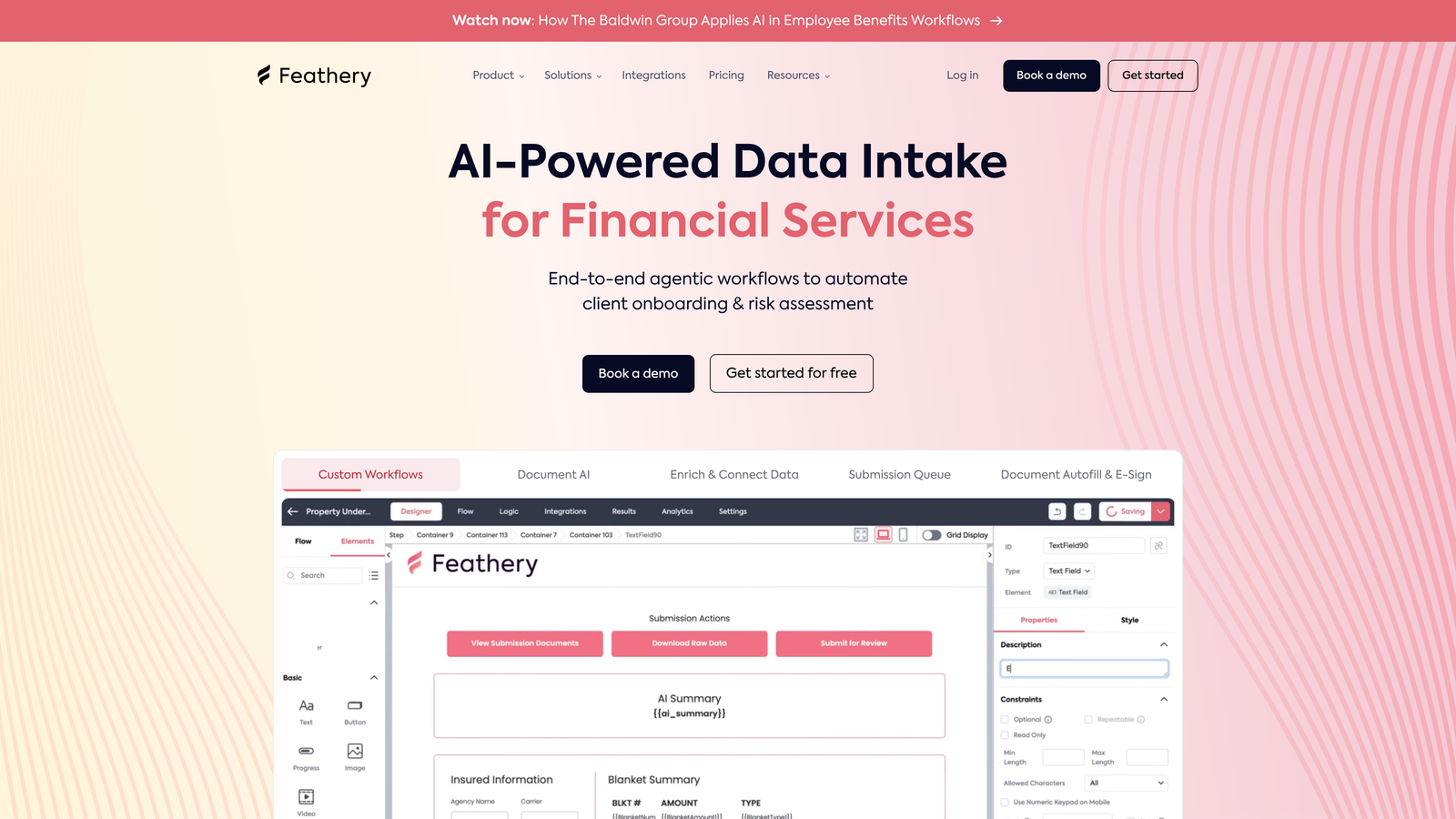
Feathery approaches forms as sophisticated user onboarding experiences with deep technical flexibility.
Where This Tool Shines
The platform is designed for complex, multi-step flows that feel like native product experiences rather than external forms. Conditional logic can create branching onboarding paths that adapt based on user type, company size, or use case.
Developer-friendly doesn't mean developer-required. The visual builder handles most scenarios, but when you need custom behavior, the API-first architecture and JavaScript customization options provide unlimited flexibility.
Key Features
Complex Flow Builder: Visual editor for creating multi-step onboarding experiences with sophisticated branching logic.
Developer Customization: JavaScript SDK and API access for custom validation, styling, and behavior.
API-First Design: Programmatic form creation and management for embedding in product workflows.
A/B Testing: Built-in experimentation tools to test different form variations and logic paths.
White-Label Options: Complete branding removal and custom styling for seamless product integration.
Best For
SaaS companies and product teams where forms are part of the core user experience. Perfect for user onboarding, account setup flows, or multi-step applications that need to feel native to your product.
Pricing
Free tier available for early-stage startups. Growth plans start at $49/month with volume pricing for enterprise implementations.
9. Cognito Forms
Best for: Teams needing powerful calculation fields and conditional pricing for quotes and orders
Cognito Forms excels at forms that require mathematical calculations and conditional visibility based on computed values.
Where This Tool Shines
Calculation capabilities go far beyond simple addition. You can create complex formulas that reference other fields, perform date math, apply conditional pricing, or calculate totals based on quantity and options selected. This makes it ideal for order forms, quote requests, or registration forms with variable pricing.
Conditional logic works with calculated fields, meaning you can show or hide sections based on computed values. For example, show a discount field only when the order total exceeds a threshold, or display additional questions when a calculated risk score is high.
Key Features
Advanced Calculations: Create complex formulas using form fields, dates, and custom functions for dynamic pricing.
Conditional Visibility: Show/hide fields and sections based on answers or calculated values.
Repeating Sections: Allow respondents to add multiple entries for line items, attendees, or product selections.
Payment Integration: Accept payments through Stripe or PayPal with calculated totals and conditional pricing.
Data Encryption: Field-level encryption for sensitive information like social security numbers or financial data.
Best For
Businesses creating order forms, quote requests, registration forms with variable pricing, or applications requiring calculations. Particularly strong for scenarios where pricing depends on multiple conditional factors.
Pricing
Free tier includes 500 entries per month with full feature access. Pro plan at $15/month increases limits and adds custom branding removal.
Making the Right Choice
Your ideal dynamic form builder depends on your primary use case and technical requirements.
For teams that need more than basic conditional logic—where AI-powered lead qualification can transform form submissions into scored, prioritized prospects—Orbit AI delivers intelligence that traditional form builders can't match. The AI layer doesn't just collect responses; it actively qualifies leads so your sales team focuses on the prospects most likely to convert.
Brand-conscious marketing teams will appreciate Typeform's conversational approach, which consistently delivers higher completion rates through its one-question-at-a-time format. The visual polish and logic jump capabilities create experiences that feel more like conversations than interrogations.
Budget-conscious startups should seriously consider Tally's generous free tier, which includes conditional logic without artificial limits. It's rare to find unlimited forms and responses at no cost, making it perfect for testing strategies before committing to paid tools.
Enterprise teams in regulated industries need Formstack's compliance features. HIPAA and GDPR requirements aren't optional, and Formstack builds these protections into the foundation rather than treating them as expensive add-ons.
Product teams building complex onboarding flows will find Feathery's developer-friendly approach invaluable. The ability to create sophisticated branching logic while maintaining the flexibility to customize with code makes it ideal for forms that need to feel like native product experiences.
The best approach is hands-on testing. Most of these tools offer free tiers or trials—start with your top two picks and build the same form in each. Test with real users, measure completion rates, and evaluate the data quality you receive. The right dynamic form builder reveals itself through actual use, not feature comparisons.
Start your free trial today and see how intelligent form design can elevate your conversion strategy. Transform your lead generation with AI-powered forms that qualify prospects automatically while delivering the modern, conversion-optimized experience your high-growth team needs.