

Formstack has long been a reliable workhorse for online forms. But if you're running a high-growth SaaS team or scaling a lead generation pipeline, you've probably started to feel the friction. Pricing tiers that punish growth. Limited AI capabilities that leave your qualification workflows stuck in the past. Form experiences that feel more like data collection than conversion optimization.
The good news: the market for Formstack alternatives has matured significantly, and the best options today are purpose-built for exactly what modern growth teams need. Whether you're building multi-step qualification flows, integrating deeply with your CRM stack, or trying to reduce form abandonment without hiring a developer, there's a better tool out there for you.
But switching platforms isn't just about picking the tool with the best landing page. The wrong choice can mean months of workflow disruption, data gaps, and a migration headache that costs more than the subscription savings. The right choice, evaluated carefully, can meaningfully improve your lead quality, conversion rates, and team efficiency.
This guide covers seven strategies for evaluating and choosing the best Formstack alternative for your team. We'll walk through the criteria that actually matter: AI-powered lead qualification, conversion-optimized design, integration depth, true pricing costs, conversational form experiences, security and compliance, and how to migrate without breaking what's already working.
Think of this less as a simple product comparison and more as a decision framework. By the end, you'll know exactly what to look for, what questions to ask, and how to make a confident switch to a platform that grows with you instead of against you.
1. Prioritize AI-Powered Lead Qualification Over Basic Form Logic
The Challenge It Solves
Most form builders, including Formstack, offer conditional logic. Show this field if the user selects that option. Skip this section if the answer is no. That's useful, but it's not qualification. High-growth teams need forms that don't just collect data — they need forms that evaluate it in real time, score leads automatically, and route prospects to the right follow-up without manual review. Legacy conditional logic simply wasn't designed for that job.
The Strategy Explained
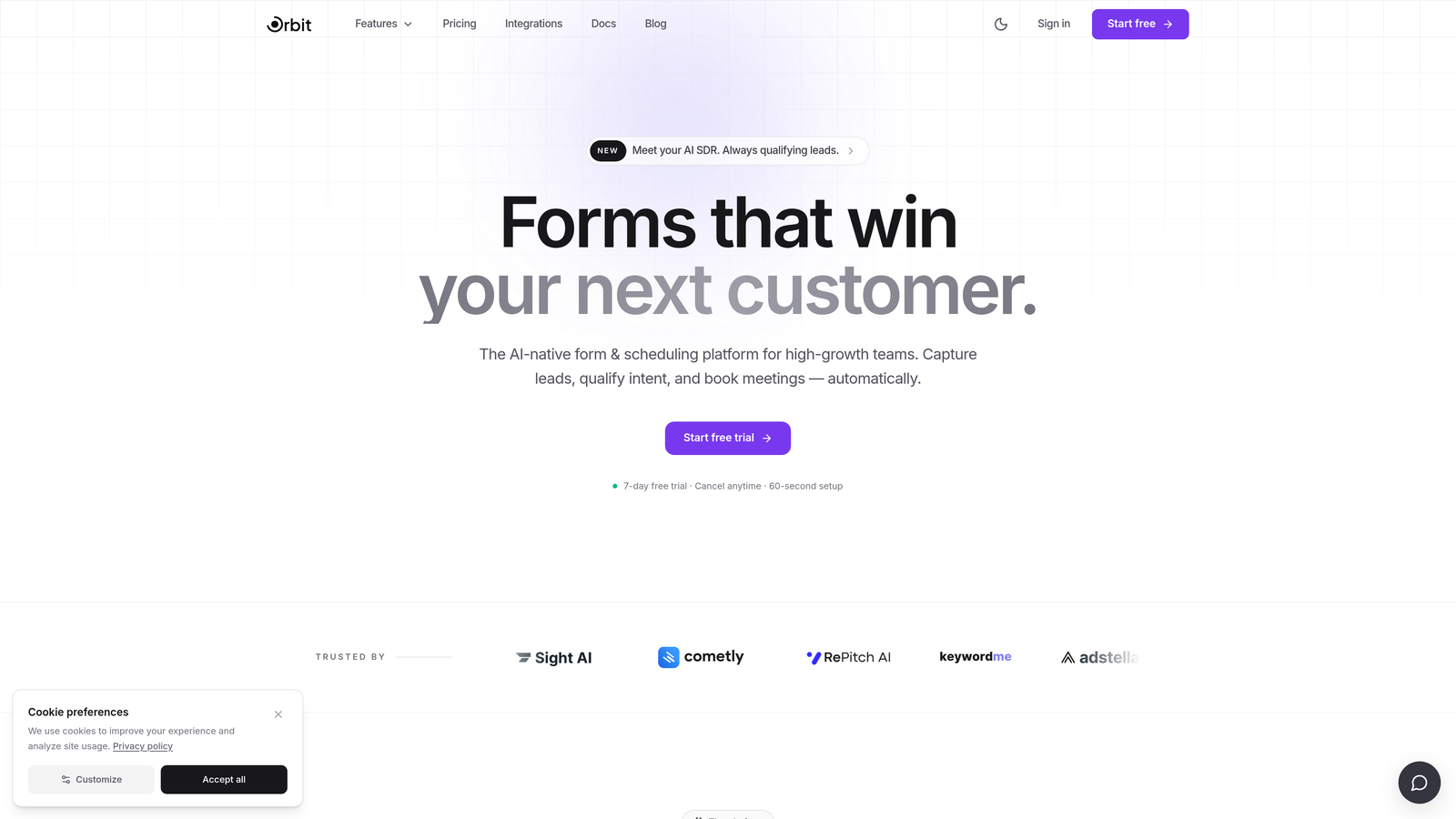
When evaluating Formstack alternatives, go beyond the feature checklist and ask: does this platform actually help me qualify leads, or does it just help me collect responses? AI-powered qualification means the form can assess intent signals, score submissions against your ideal customer profile, and trigger different downstream actions based on lead quality. Tools like Orbit AI are built specifically around this capability, integrating qualification logic directly into the form experience rather than bolting it on as an afterthought.
The shift toward AI-assisted lead scoring is one of the most significant trends in B2B growth tooling right now. Teams that automate qualification at the form level reduce the manual triage burden on sales and improve the quality of leads that reach the pipeline.
Implementation Steps
1. Map your current qualification criteria: what signals (company size, role, use case, budget range) separate a qualified lead from an unqualified one?
2. Identify which alternatives offer native lead scoring or AI qualification features, not just conditional logic. Ask vendors specifically how their qualification logic works under the hood.
3. Build a test form that mirrors your top qualification flow and evaluate whether the AI routing behaves the way your sales team would expect.
Pro Tips
Don't confuse "smart" forms with AI qualification. Many tools market conditional logic as intelligent behavior. Ask vendors for a live demo of their lead scoring in action, and test edge cases: what happens when a prospect gives ambiguous answers? The best platforms handle nuance gracefully, routing uncertain leads to a human review queue rather than dropping them entirely.
2. Evaluate Conversion-Optimized Design Capabilities
The Challenge It Solves
A form that nobody completes is just a broken funnel. Many form builders focus heavily on data collection features while treating UX as a secondary concern. The result is forms that feel like bureaucratic questionnaires: long, visually cluttered, and optimized for the builder's convenience rather than the respondent's experience. For growth teams where every submission counts, poor form UX is a direct revenue problem.
The Strategy Explained
Conversion-optimized form design isn't just about making things look pretty. It's about reducing cognitive load, building momentum through the form experience, and removing every possible reason for a prospect to abandon before submitting. Key features to evaluate include multi-step layouts that break long forms into manageable stages, progress indicators that give respondents a sense of completion, mobile-first responsiveness, and smart defaults that pre-fill or suggest answers where possible.
Industry UX research consistently identifies form length perception and unclear field labels as top drivers of abandonment. The Baymard Institute, a respected UX research organization, has documented extensively how form design decisions affect completion behavior. When evaluating alternatives, look for platforms that treat these principles as core product decisions, not optional styling choices.
Implementation Steps
1. Audit your current highest-traffic forms: where do users drop off? Use session recording tools or form analytics to identify abandonment points.
2. Test candidate platforms by rebuilding one of your underperforming forms. Compare the design flexibility, mobile rendering, and available UX features side by side.
3. Evaluate whether the platform offers built-in analytics to track field-level completion rates, so you can continuously optimize after launch.
Pro Tips
Pay attention to the default form templates each platform offers. They reveal the platform's design philosophy. If the default templates look like something from a decade ago, the platform likely hasn't invested in modern UX. Platforms like Typeform and Orbit AI tend to ship with conversion-focused defaults, which matters when your team doesn't have a designer on standby for every new form.
3. Audit Integration Depth, Not Just Integration Count
The Challenge It Solves
Every form builder's pricing page lists dozens of integrations. It's one of the easiest marketing claims to make and one of the hardest to evaluate from the outside. The real question isn't how many tools a platform connects to — it's how well those connections actually work. Shallow integrations that sync data on a delay, drop custom fields, or require constant Zapier workarounds create more operational overhead than they save.
The Strategy Explained
For growth teams, integration quality matters most in three areas: CRM sync, marketing automation, and analytics. Your form submissions need to land in your CRM with the right field mapping, in real time, without manual cleanup. Your marketing automation platform needs to receive lead data in a format it can act on immediately. And your analytics stack needs to capture form interaction data in a way that connects to your broader attribution model.
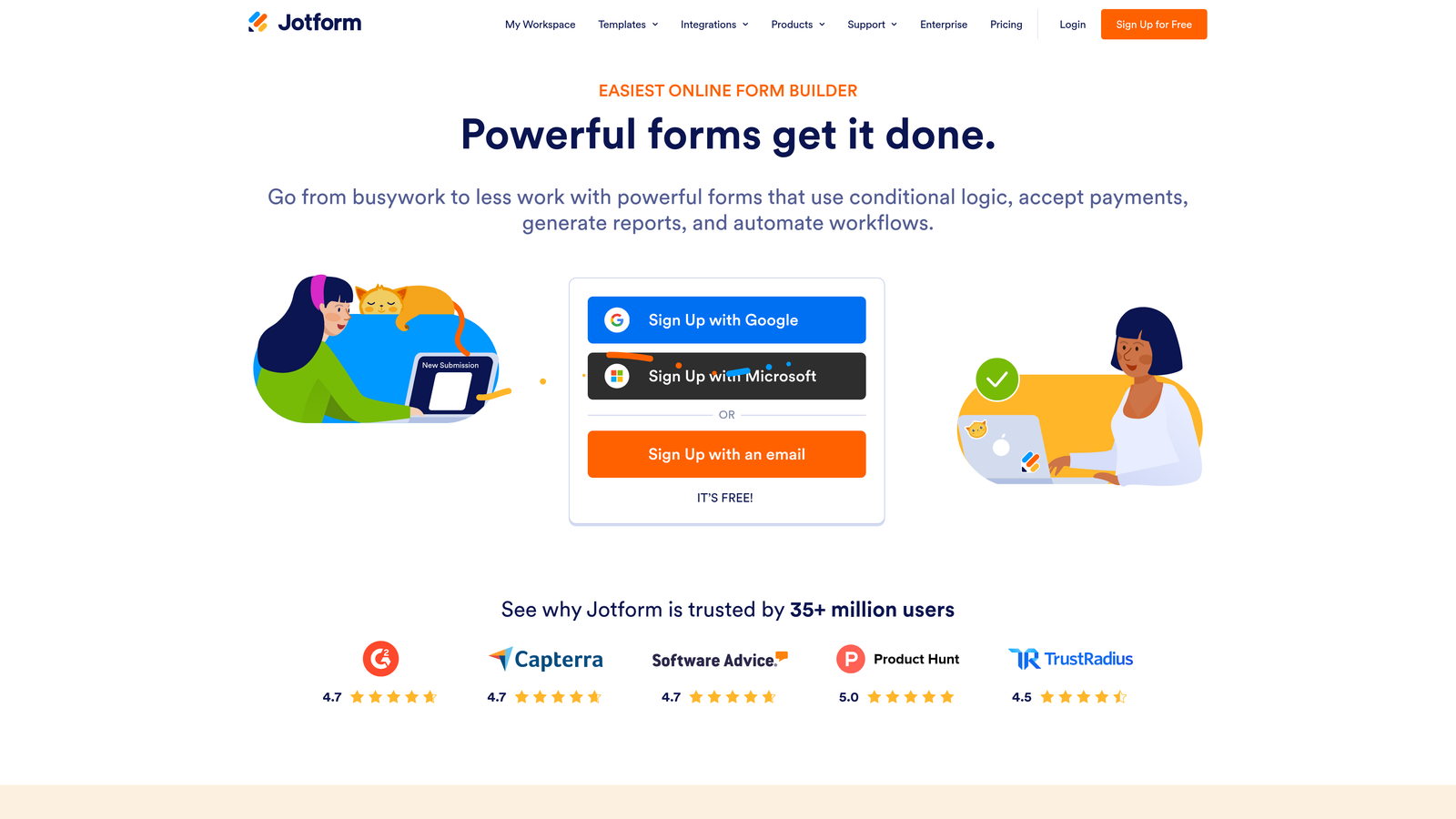
When evaluating Formstack alternatives like Jotform, Cognito Forms, or Orbit AI, go beyond the integrations list. Ask vendors whether their CRM integrations are native or Zapier-dependent. Ask whether field mapping is flexible or locked to a predefined schema. Test the integration yourself with a real submission before committing.
Implementation Steps
1. List the five to ten tools your team uses most frequently that need to receive form data: your CRM, email platform, Slack, analytics tools, and any data warehouse connections.
2. For each candidate platform, test the integration with your actual tech stack. Don't rely on vendor documentation alone — run a real submission and verify the data lands correctly.
3. Identify which integrations are native versus middleware-dependent. Native integrations are generally faster, more reliable, and easier to maintain as both platforms evolve.
Pro Tips
Webhook support is a strong signal of integration maturity. Platforms that offer flexible, configurable webhooks give your team the ability to connect to virtually any tool, even those without a pre-built integration. If a platform doesn't support webhooks or limits them to higher pricing tiers, that's a meaningful constraint for a technical growth team.
4. Compare Pricing Models Against Your Actual Usage Patterns
The Challenge It Solves
Formstack's pricing structure is a common frustration point among scaling teams. As your submission volume grows, your usage of advanced features increases, or your team adds more users, costs can escalate in ways that weren't obvious when you first signed up. Many teams only discover the true cost of their form builder when they're already locked into a workflow and switching feels painful. Evaluating alternatives proactively means understanding the full cost picture before you're in that position.
The Strategy Explained
Form builder pricing models vary widely across the market. Some platforms charge based on submission volume. Others use seat-based pricing, flat monthly rates, or feature-gated tiers. Each model has different implications depending on how your team actually uses forms. A high-volume lead generation team will have very different cost exposure on a submission-based model compared to a team running a small number of high-value qualification flows.
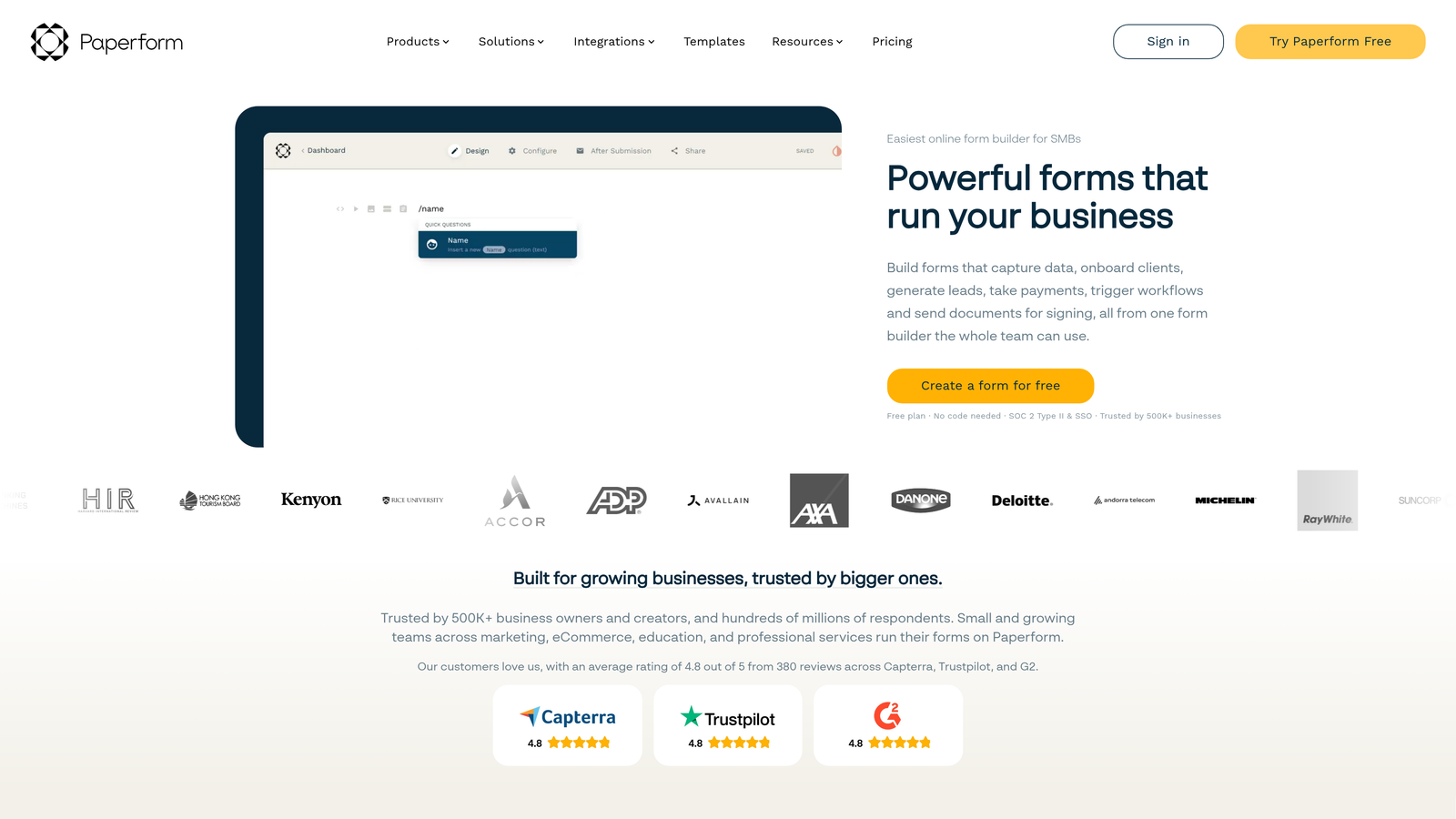
When comparing alternatives like Paperform, Gravity Forms, or Orbit AI, map your real usage against each pricing model. Submissions per month, number of active forms, team members who need access, API call volume, and any requirements for white-labeling or custom domains are all variables that can dramatically change the effective cost. For a deeper look at how pricing stacks up across the market, the cheapest Formstack alternatives are worth reviewing before you finalize your shortlist.
Implementation Steps
1. Pull your actual usage data from Formstack: monthly submissions, active forms, number of users, and any features you're currently paying for but not fully using.
2. Build a simple comparison spreadsheet. Map your usage numbers against each alternative's pricing tiers to calculate a realistic monthly cost for each option.
3. Identify hidden costs: white-label features, advanced logic, priority support, and API access are commonly gated behind higher tiers. Factor these into your comparison if your team needs them.
Pro Tips
Don't evaluate pricing based on the entry-level tier. Evaluate it based on where you expect to be in 12 to 18 months. A platform that looks affordable today can become expensive quickly if its pricing scales steeply with growth. Ask vendors directly about their pricing trajectory and whether they offer annual contracts that lock in current rates.
5. Test Multi-Step and Conversational Form Experiences
The Challenge It Solves
Single-page forms work fine for simple data collection. But for complex qualification flows where you're asking prospects about their company size, use case, current tools, budget, and timeline, a single-page form creates an overwhelming wall of fields. The result is high abandonment, especially on mobile. Multi-step and conversational form experiences address this by breaking the journey into natural, progressive stages that feel more like a conversation than an interrogation.
The Strategy Explained
Multi-step forms present one question or a small group of related questions at a time, using the prospect's previous answers to shape what comes next. Conversational forms take this further, mimicking the flow of a real dialogue with contextual transitions and personalized language. Both approaches are widely reported to outperform traditional single-page forms for completion rates, particularly for longer qualification flows. The evidence for this is well-documented in multi-step versus single-page form comparisons.
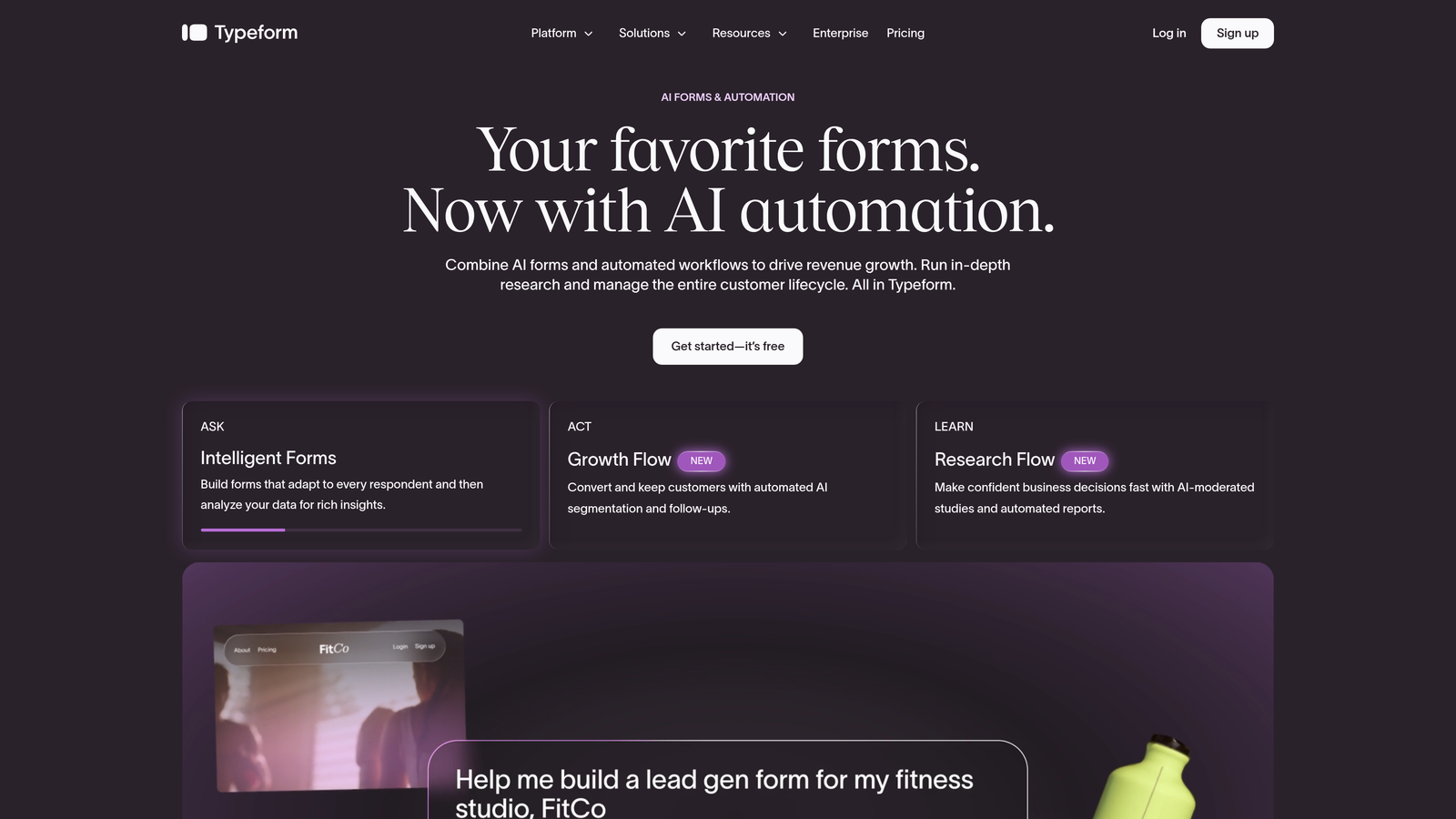
When evaluating alternatives, look for platforms that support true multi-step logic rather than just tabbed layouts. The distinction matters: a tabbed layout still shows all fields on load and can feel just as heavy. True multi-step forms load progressively, keeping the experience lightweight and focused. Typeform pioneered this format, and platforms like Orbit AI have built on it with added qualification intelligence layered into the conversational flow.
Implementation Steps
1. Identify your longest or most complex forms: these are the best candidates for a multi-step or conversational rebuild. Start with forms that have measurable abandonment problems.
2. Rebuild one of these forms in two or three candidate platforms. Evaluate the builder experience, the respondent experience on both desktop and mobile, and the logic flexibility available at each step.
3. If the platform supports A/B testing, run a head-to-head test between your current single-page form and the new multi-step version. Measure completion rates, time to complete, and downstream lead quality.
Pro Tips
Conversational form design requires more upfront copywriting investment than traditional forms. Each transition between steps should feel natural and acknowledge the previous answer. Phrases like "Great, that helps us understand your situation better" before moving to the next question add warmth without adding friction. The platforms that make this easy with built-in transition copy templates save your team significant time during setup.
6. Assess Data Security and Compliance Features
The Challenge It Solves
Security and compliance are often treated as an afterthought in the form builder evaluation process, surfaced only when a procurement or legal team asks for documentation. For growth teams collecting prospect data, customer information, or any personally identifiable information through forms, the compliance requirements are real and the consequences of getting them wrong are significant. GDPR, CCPA, and SOC 2 aren't optional frameworks for teams operating at scale.
The Strategy Explained
GDPR (enacted in 2018) governs how companies collect and process personal data from EU residents. CCPA (enacted in 2020) sets similar requirements for California residents. SOC 2 is an auditing standard that evaluates how SaaS companies manage data security, availability, and confidentiality. When evaluating Formstack alternatives, verify which of these frameworks each platform actively complies with, not just claims to support.
Beyond compliance certifications, evaluate the specific security features available: data encryption at rest and in transit, role-based access controls, audit logs that track who accessed or modified form data, and options for data residency if your organization has geographic requirements. These features matter both for your own compliance posture and for the enterprise customers you're likely trying to win.
Implementation Steps
1. Define your compliance requirements before evaluating platforms. Which regulations apply to your business and your customers' data? Do you have enterprise clients with specific security requirements?
2. Request security documentation from shortlisted vendors. Ask specifically for their SOC 2 report, their data processing agreement (DPA) for GDPR purposes, and their approach to CCPA compliance.
3. Evaluate access control features: can you restrict which team members see which form submissions? Is there an audit log? These are table-stakes features for any team handling sensitive prospect data.
Pro Tips
If you're selling into regulated industries like healthcare, finance, or legal services, your form builder needs to meet the compliance standards of those industries, not just general SaaS standards. Ask vendors directly whether they support HIPAA compliance or financial data handling requirements if relevant. Some platforms offer this as an add-on tier, which is worth factoring into your true cost comparison.
7. Run a Structured Migration and Testing Process Before Fully Committing
The Challenge It Solves
The most common mistake teams make when switching form builders is treating migration as a simple copy-and-paste exercise. Forms that look identical on the surface often have complex logic, integration dependencies, and downstream workflows that don't survive a rushed migration. Data gaps, broken CRM syncs, and lost submissions are real risks when the switchover isn't planned carefully. A structured migration process protects your pipeline while you make the transition.
The Strategy Explained
A phased migration approach means you don't cut over everything at once. Instead, you identify your highest-traffic or highest-value forms, rebuild them on the new platform first, run them in parallel with the old versions for a defined period, and measure performance before committing to a full cutover. This approach gives you real data to validate the decision and a safety net if something unexpected breaks.
The parallel-running phase is particularly valuable for lead generation forms. Running both versions simultaneously, even briefly, lets you compare submission rates, lead quality scores, and CRM sync reliability before you fully decommission the old form. It also gives your sales team time to adjust to any changes in how leads arrive in their queue.
Implementation Steps
1. Audit all your active forms and rank them by traffic volume, lead value, and integration complexity. Start your migration with the forms that are high-traffic but relatively simple to rebuild.
2. Rebuild each form on the new platform and run it alongside the existing Formstack version for two to four weeks. Track completion rates, submission volume, and CRM sync accuracy for both versions.
3. Once you've validated performance on your top forms, migrate the remaining forms in batches. Decommission Formstack forms only after confirming the replacement is performing at least as well.
Pro Tips
Document your integration mappings before you start migrating. For every form, note which CRM fields receive data, which automation workflows are triggered by a submission, and which team members receive notifications. This documentation becomes your migration checklist and prevents the most common source of post-migration issues: broken field mappings that silently drop data without throwing an error.
Your Implementation Roadmap
Choosing the right Formstack alternative isn't a single decision — it's a sequence of smaller, smarter decisions that compound into a platform choice you can feel confident about. The seven strategies above give you a structured way to work through that sequence without missing anything critical.
Start with your lead qualification needs. If AI-powered scoring and routing aren't on the table, you're evaluating tools that will create the same ceiling Formstack already has. Then audit your integrations honestly, because a beautiful form that doesn't connect reliably to your CRM is just a data collection dead end. From there, pressure-test pricing against your actual growth trajectory, not your current usage. And before you migrate anything, build the testing process that lets you validate performance with real data rather than vendor promises.
The platforms worth considering in this space include Typeform for conversational design, Jotform for breadth of features, Gravity Forms for WordPress-native teams, and Orbit AI for high-growth teams that need AI-powered qualification built directly into the form experience. Each has a different strength profile, and the right choice depends on which of the seven criteria matters most to your specific team.
If lead qualification and conversion optimization are your top priorities, Orbit AI is purpose-built for exactly that. It combines the modern, multi-step form experiences that reduce abandonment with the AI qualification intelligence that helps your sales team focus on the leads most likely to convert.
Start building free forms today and see how intelligent form design can transform your lead generation pipeline. Your next qualified lead is already filling out a form somewhere — make sure it's yours.


