

Legal intake is where client relationships begin, and where too many firms lose qualified prospects to clunky, outdated forms. A prospective client fills out a generic contact form at 11pm, gets no immediate feedback on whether their case qualifies, and moves on to the next firm that made the process feel easier. That's a real and common problem.
The best legal intake form software in 2026 goes well beyond basic data collection. The strongest tools qualify prospects at the point of submission, route inquiries to the right team member automatically, and create a polished first impression that builds trust before the first consultation ever happens. Whether you're a solo practitioner or a growing multi-practice firm, the right tool here can meaningfully change your conversion rate on inbound leads.
This list covers the top legal intake form software options available today, selected for ease of use, customization depth, lead qualification capabilities, and suitability for legal workflows. We've included both purpose-built AI platforms and flexible form builders, so you can find the right fit whether you need end-to-end pipeline automation or a lightweight intake form that simply converts. For broader context on form performance, our guide on how to build effective web forms is a useful companion read.
1. Orbit AI
Best for: High-volume legal intake with AI-powered lead qualification and automatic routing
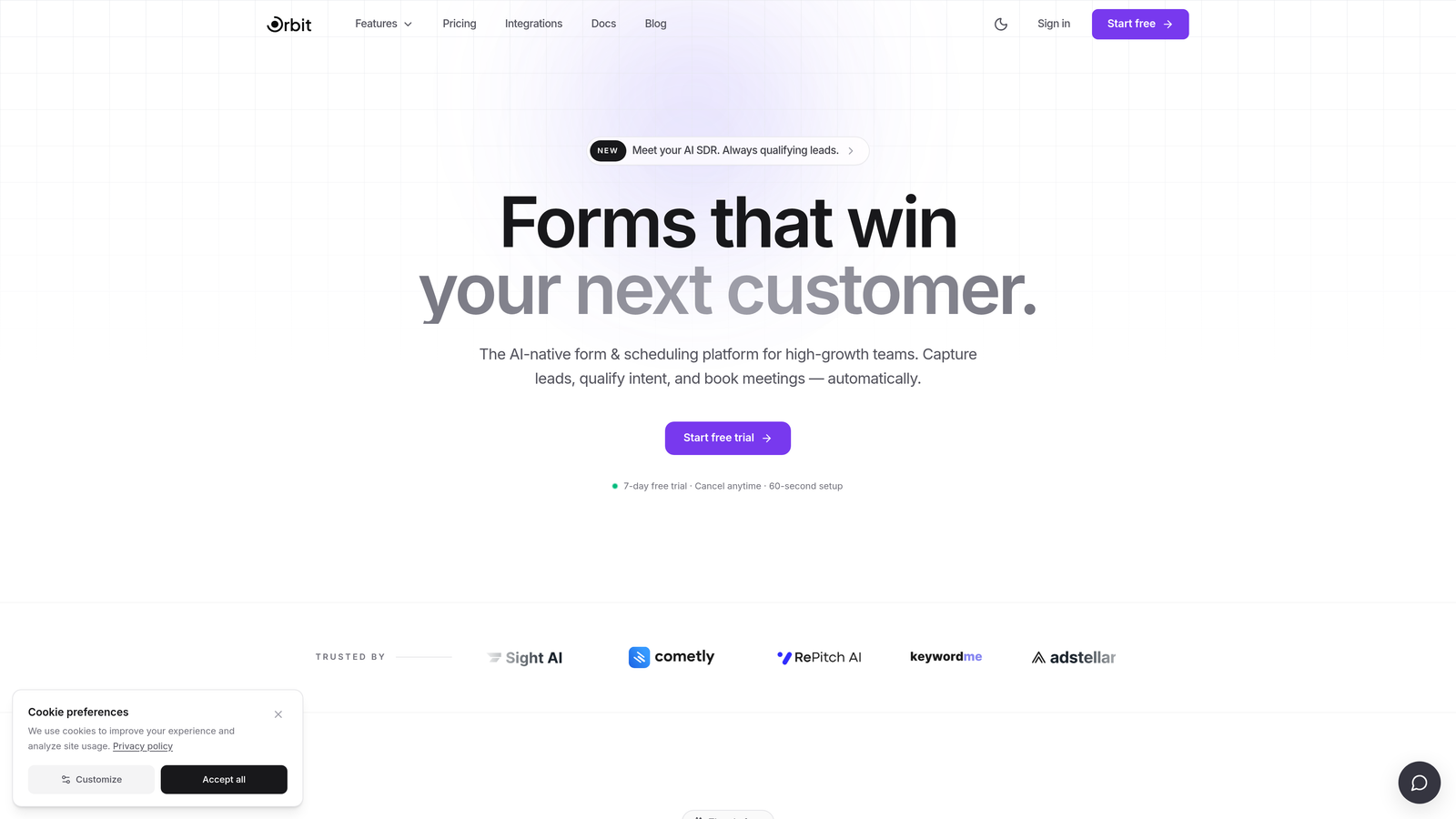
Orbit AI is an AI-powered form builder that scores and routes legal prospects automatically based on their intake responses, helping firms focus attorney time on the most qualified leads.
Where This Tool Shines
Most form builders collect data and stop there. Orbit AI's differentiator is what happens the moment a prospect hits submit: its AI qualification layer scores the lead based on case type, urgency signals, and case value indicators, then routes it to the right team member without any manual triage. For firms running paid acquisition campaigns or handling high intake volume, that's a meaningful operational advantage.
The form design itself is built with conversion in mind. The UI is modern and mobile-friendly, which matters enormously when a significant share of legal inquiries come from people searching on their phones after an accident, a dispute, or an urgent personal situation. A form that looks clinical or loads slowly on mobile loses those prospects before they finish typing.
Key Features
AI Lead Scoring: Automatically qualifies prospects at the point of intake based on their responses, so your team knows which leads to prioritize before picking up the phone.
Conditional Logic and Branching: Build case-type-specific intake flows that ask different questions depending on whether someone is inquiring about a personal injury claim, a family law matter, or a business dispute.
Conversion-Optimized Design: Modern, mobile-first UI designed to reduce drop-off on longer intake sequences, with clean layouts that reflect well on your firm's brand.
Real-Time Lead Routing: Completed intake forms are routed instantly based on qualification criteria, eliminating the manual sorting step that slows down response times.
Built for High-Volume Intake: The platform is designed for teams handling significant inbound volume, making it well-suited to firms running active digital marketing programs.
Best For
Orbit AI is the strongest fit for law firms running paid digital campaigns, firms with high inbound inquiry volume, and any practice that wants to stop spending attorney time on unqualified leads. It's particularly valuable for personal injury, mass tort, and other high-volume practice areas where intake efficiency directly affects revenue.
Pricing
Visit orbitforms.ai for current pricing plans. Plans are designed for growth-focused teams with varying intake volumes.
2. Typeform
Best for: Creating a warm, conversational intake experience that reduces drop-off on longer forms
Typeform is a conversational form platform that presents one question at a time, making longer legal intake flows feel less clinical and more approachable for prospective clients.

Where This Tool Shines
Legal intake forms can be long. Practice area, incident details, opposing parties, prior representation, timeline — the necessary questions add up quickly. Typeform's one-question-at-a-time format breaks that cognitive load into manageable steps, which typically improves completion rates on longer sequences compared to traditional multi-field forms presented all at once.
The platform's logic jumps allow you to branch the intake flow based on early answers. A prospect who selects "family law" sees a completely different set of follow-up questions than one who selects "business litigation," without the form ever feeling disjointed. That kind of tailored experience creates a better first impression of your firm.
Key Features
Conversational One-Question Format: Presents intake questions sequentially to reduce cognitive overwhelm and keep prospects moving through the form.
Logic Jumps: Branch intake flows by practice area or case type so each prospect sees only the questions relevant to their situation.
Integration Ecosystem: Connects to major CRMs and legal tools via native integrations and Zapier, so intake data flows into your existing systems.
Custom Branded Design: Clean, professional form themes that can be styled to match your firm's visual identity.
Video Question Support: Embed video questions for a richer, more personal intake experience that can help explain complex legal concepts to prospects.
Best For
Typeform works well for firms that prioritize the prospect experience and want intake to feel like a conversation rather than a questionnaire. It's a strong fit for practice areas where building immediate trust matters most, such as estate planning, family law, or immigration.
Pricing
A free plan is available with limited responses. Paid plans start at a monthly fee with higher response limits and advanced logic features. Verify current pricing at typeform.com.
3. Jotform
Best for: Legal teams that want ready-made templates and built-in e-signature support out of the box
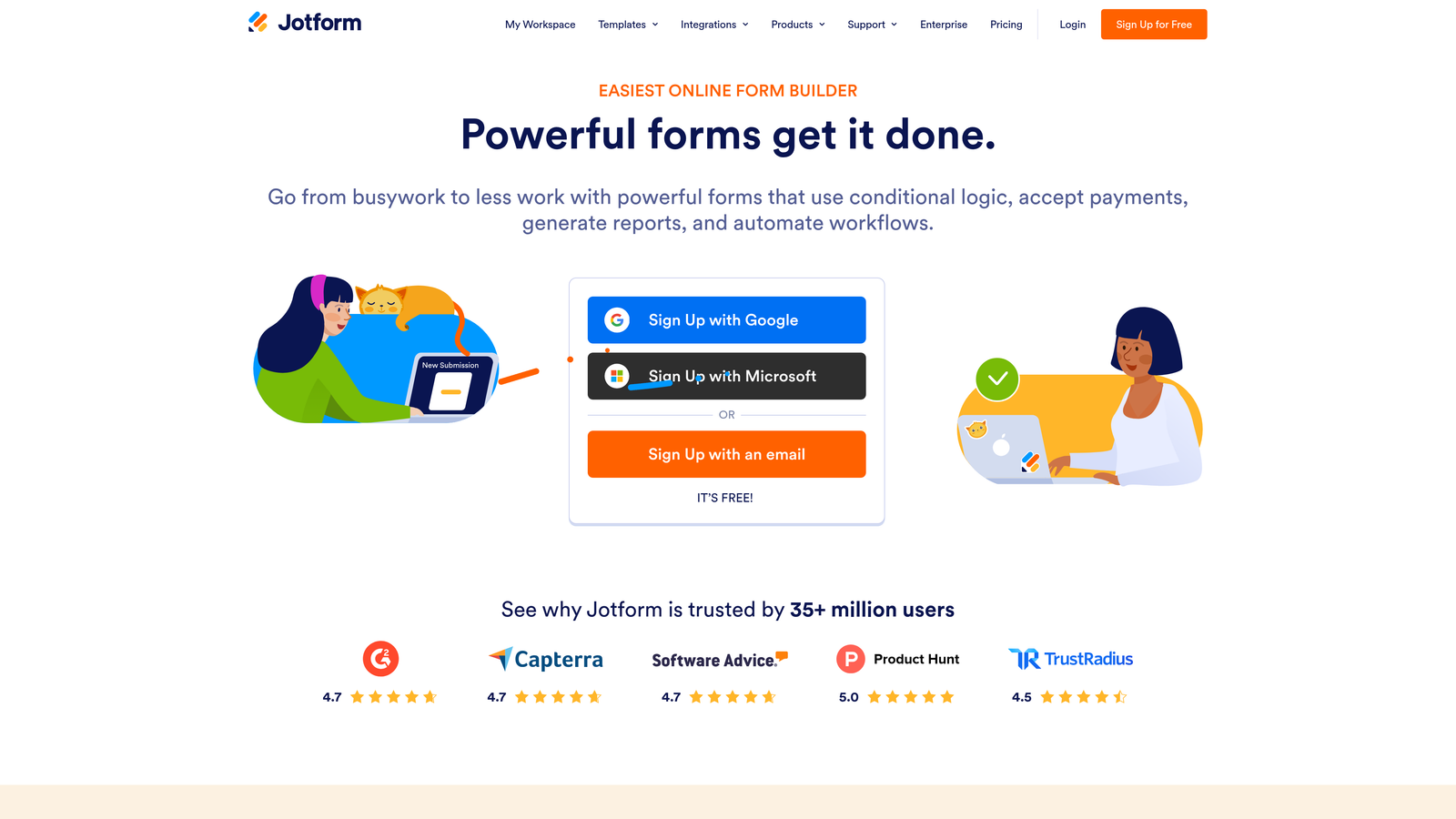
Jotform is a feature-rich form builder with one of the largest template libraries available, including legal-specific intake forms, retainer agreements, and HIPAA-compliant options for medical-legal practices.
Where This Tool Shines
If you want to go from zero to a functional legal intake form in under an hour, Jotform is probably the fastest path. Its template library includes consultation request forms, client intake sheets, retainer agreements, and more, all pre-structured for legal workflows. You're not starting from a blank canvas; you're customizing something that already understands what a law firm needs to collect.
The addition of Jotform Sign is a genuine differentiator. Being able to collect an e-signature on a retainer or engagement letter within the same platform that handled intake reduces the number of tools in your stack and the number of steps between a qualified prospect and a signed client.
Key Features
Legal-Specific Template Library: Hundreds of pre-built templates including intake forms, retainer agreements, and consultation request forms tailored to legal workflows.
Jotform Sign: Built-in e-signature collection that lets you move from intake to signed engagement letter without switching platforms.
HIPAA-Compliant Forms: Available for practices handling medical records or sensitive health data, relevant for personal injury and medical malpractice firms.
Conditional Logic and Multi-Page Support: Break long intake flows into manageable sections with branching logic based on case type or prospect answers.
CRM and Legal Tool Integrations: Connects to popular practice management and CRM tools so intake data reaches the right place automatically.
Best For
Jotform is ideal for small to mid-size firms that want a comprehensive, ready-to-use solution without heavy configuration. It's particularly well-suited to practices that need e-signature capability alongside intake, or that operate in medical-legal areas requiring HIPAA compliance.
Pricing
A free plan is available with a limited number of monthly submissions. Paid plans scale with submission volume and unlock advanced features. Verify current pricing at jotform.com.
4. Formstack
Best for: Mid-size and large firms that need intake connected to document generation and signing workflows
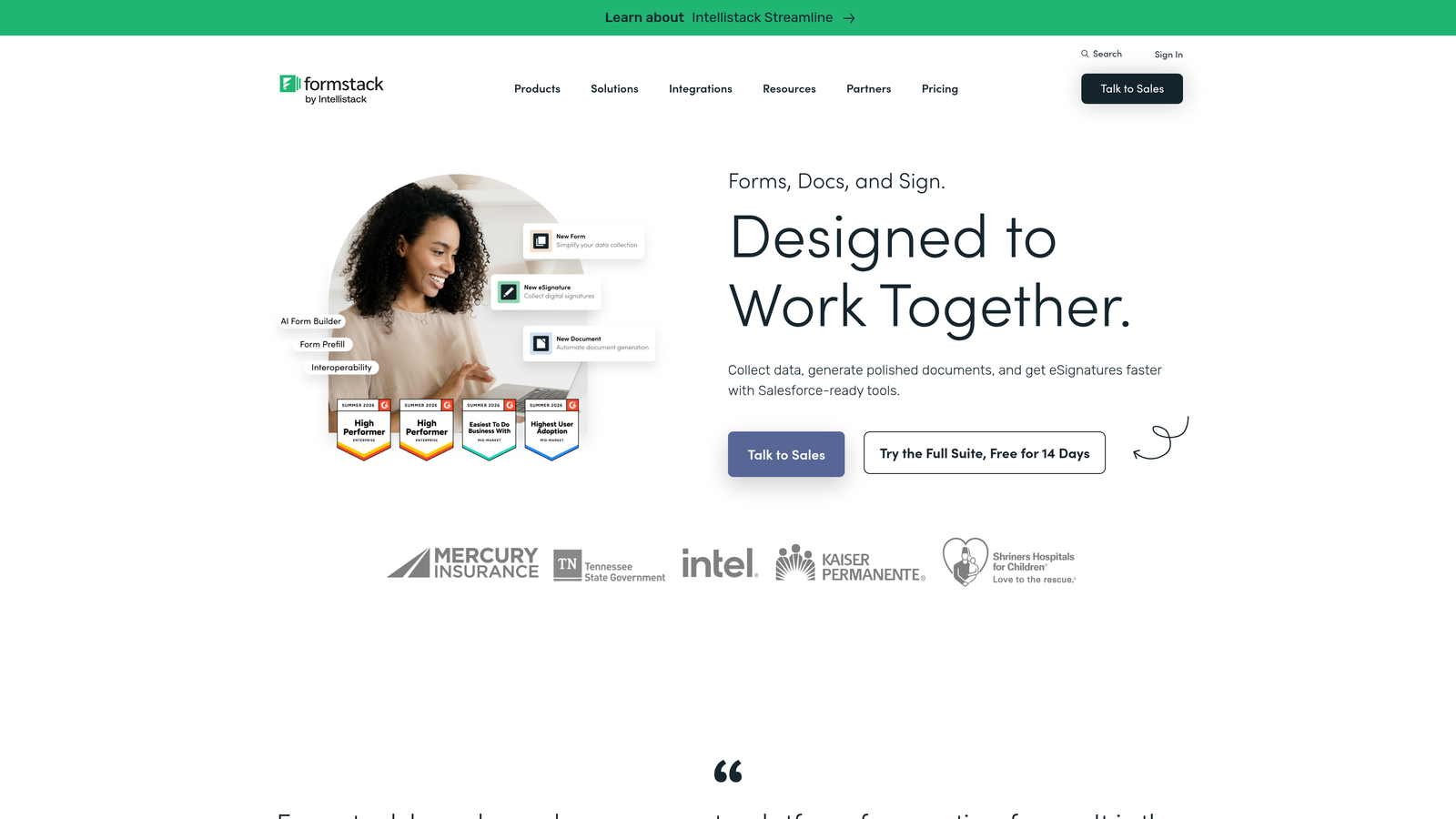
Formstack is an enterprise-grade form and workflow automation platform whose suite approach can power an end-to-end intake-to-retainer pipeline for operations-heavy law firms.
Where This Tool Shines
Formstack's real value for legal teams isn't just the form builder. It's the suite. Formstack Forms, Documents, and Sign work together, meaning a completed intake form can automatically populate a retainer agreement template and route it for e-signature without any manual data entry in between. For firms processing significant intake volume, eliminating that manual step across hundreds of matters per month adds up to real time savings.
The platform also takes compliance seriously. Data encryption, access controls, audit trails, and submission tracking are built in, which matters when you're handling sensitive client information under professional responsibility obligations. It's the kind of infrastructure that larger firms and their IT teams expect.
Key Features
Formstack Suite Integration: Connects intake forms directly to document generation and e-signature in a single workflow, reducing manual data transfer between tools.
Compliance Infrastructure: Data encryption and access controls designed for industries handling sensitive information, including legal practices.
Workflow Automation: Route completed intake forms to the right team member or trigger downstream actions automatically based on submission content.
Enterprise CRM Integrations: Pre-built integrations with Salesforce and other enterprise platforms for firms with established CRM infrastructure.
Audit Trails and Submission Tracking: Maintain detailed records of form submissions and workflow activity for compliance and record-keeping purposes.
Best For
Formstack is best suited to mid-size and large law firms with established operations teams, existing CRM infrastructure, and a need for intake to connect directly to document generation and signing. It's overkill for a solo practitioner but well-matched to a 20-plus attorney firm with complex intake workflows.
Pricing
Formstack carries a higher price point than most consumer-grade form tools, reflecting its enterprise positioning. Verify current plan pricing at formstack.com.
5. Paperform
Best for: Firms that want intake forms to double as branded, content-rich landing pages
Paperform is a form builder that blends intake questions with landing page-style content, letting firms embed explanatory text, images, and video alongside intake fields to educate and convert prospects simultaneously.
Where This Tool Shines
Legal prospects often arrive at an intake form with questions: Do I have a case? What does this process look like? What will it cost me? A standard form ignores those questions and just asks for data. Paperform lets you answer those questions within the form itself, using rich content blocks that sit alongside the intake fields. That combination of education and conversion in a single page can meaningfully reduce prospect anxiety and improve completion rates.
The ability to collect consultation deposits or retainer fees directly within the form is another practical differentiator. Firms that charge for initial consultations can gate the scheduling step behind payment, reducing no-shows and filtering for more serious prospects in a single step.
Key Features
Rich Content Blocks: Embed text explanations, images, and video directly within the form to educate prospects while they complete intake questions.
Conditional Logic: Branch question paths based on practice area or case type so each prospect sees a relevant, tailored intake experience.
Payment Collection: Accept consultation deposits or retainer fees directly within the intake form via integrated payment processing.
Custom Domain Support: Host intake forms on your own domain for a fully branded experience that reinforces firm credibility.
Integration Support: Connect to downstream tools via Zapier and native integrations to route intake data into your existing workflow.
Best For
Paperform is a strong fit for firms that invest in brand experience and want intake to feel like a natural extension of their website rather than a disconnected form. It's particularly useful for practices that charge for consultations and want to collect payment as part of the intake step.
Pricing
No free plan is available. Paid plans start at a monthly fee with all core features included. Verify current pricing at paperform.io.
6. Tally
Best for: Solo attorneys and small firms testing intake workflows without committing to a paid platform
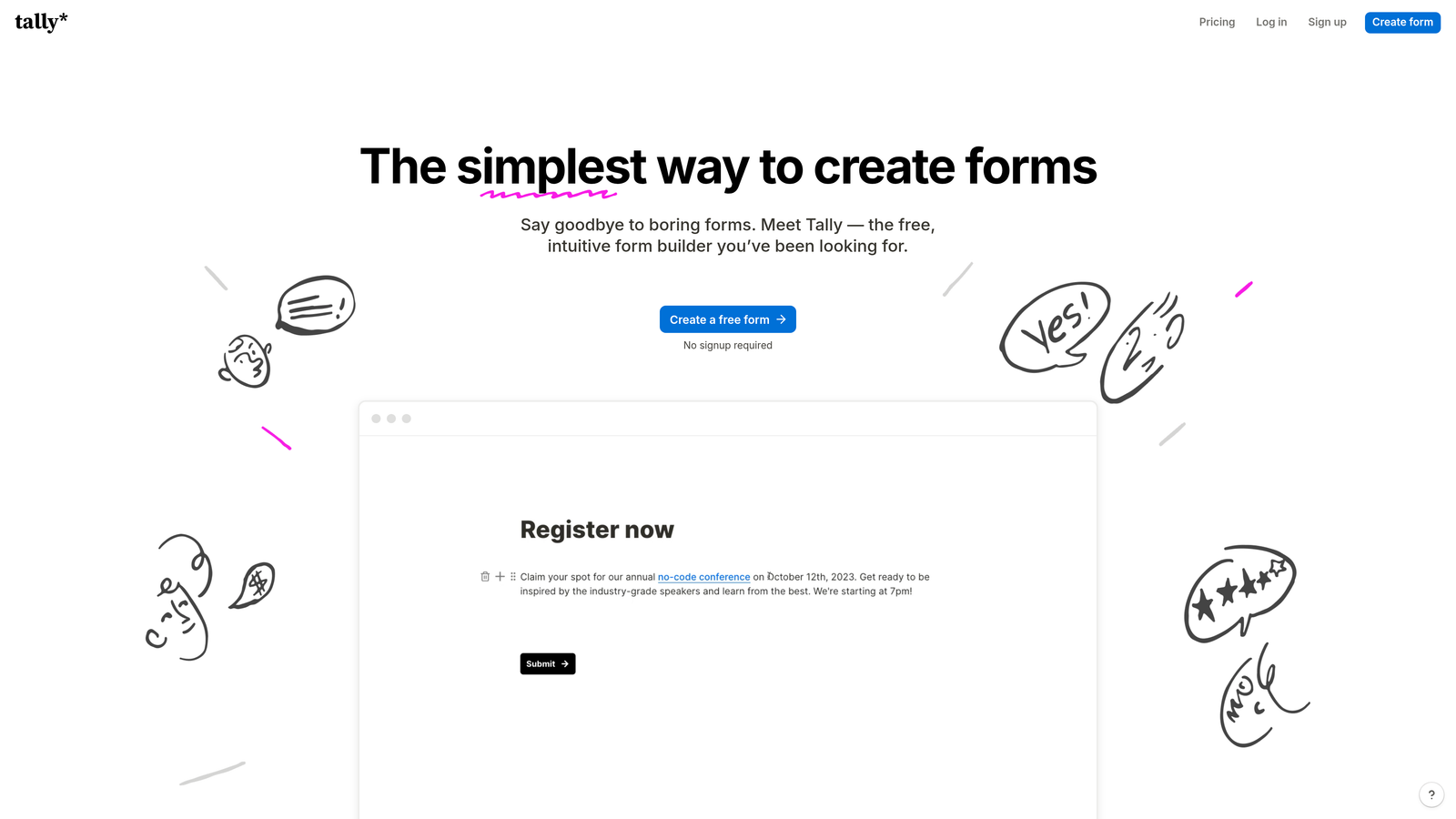
Tally is a clean, Notion-style form builder with a genuinely generous free tier that includes unlimited forms and unlimited submissions, making it a practical starting point for practices exploring digital intake for the first time.
Where This Tool Shines
Most free form tools impose submission limits that you'll hit within weeks if your intake volume is meaningful at all. Tally's free plan doesn't. Unlimited forms and unlimited submissions on the free tier means a solo practitioner or small firm can run a real intake workflow, not just a test, without paying anything. That's a genuinely unusual offer in this category.
The interface is clean and minimal, which translates to forms that look professional without requiring design effort. Mobile responsiveness is solid, and conditional logic is available on the free plan, so you can build branching intake flows by case type without upgrading. The trade-off is that advanced features like AI qualification, e-signature, and deep CRM integrations aren't part of what Tally offers.
Key Features
Unlimited Free Forms and Submissions: The free plan imposes no submission caps, making it genuinely usable for ongoing intake rather than just testing.
Conditional Logic on Free Plan: Build branching intake flows based on case type or prospect answers without needing to upgrade.
Clean, Minimal UI: Forms look professional and load quickly, with good mobile responsiveness for prospects completing intake on their phones.
Flexible Embedding: Embed forms anywhere via a simple iframe or share as a standalone link, with no technical setup required.
Tally Pro Upgrades: The paid tier adds custom domains, advanced branding options, and priority support for firms ready to invest in a more polished experience.
Best For
Tally is the right starting point for solo practitioners, newly launched practices, or any firm that wants to test a digital intake workflow before committing to a paid platform. It's also a reasonable long-term solution for very small practices with modest intake volume and no need for qualification intelligence or e-signature.
Pricing
The free plan is fully functional with no submission limits. Tally Pro is available at a low monthly fee and adds custom domains and enhanced branding. Verify current pricing at tally.so.
Finding the Right Fit for Your Firm
The honest answer is that the best legal intake form software depends heavily on where your firm is right now and what your biggest intake bottleneck actually is.
If your firm is running paid campaigns or handling high inbound volume, Orbit AI's AI-powered qualification is the strongest choice for filtering serious prospects from unqualified inquiries before any attorney time is spent. The combination of lead scoring, conditional branching, and real-time routing addresses the core operational problem that most growing firms face.
For practices where the prospect experience is the priority, Typeform's conversational format is hard to beat. It makes longer intake flows feel approachable, which matters in practice areas where trust is the first thing a prospective client is evaluating. Jotform is the go-to for teams that want legal-specific templates and e-signature support ready immediately, without significant configuration work.
Formstack suits operations-heavy firms that need intake connected to document generation and signing in a single automated workflow. Paperform is the right call when your intake form needs to double as a branded, content-rich landing page that educates prospects while it converts them. And if budget is the primary constraint, Tally delivers a clean, functional free tier that punches well above its price point for solo practitioners and small firms.
Start with your biggest intake bottleneck and work backwards. If unqualified leads are consuming attorney time, prioritize qualification intelligence. If drop-off is the problem, prioritize form experience and mobile design. If disconnected tools are creating manual work, prioritize integration depth.
Ready to see what AI-driven intake can do for your firm? Start building free forms today and explore how Orbit AI helps legal teams qualify leads faster. Or if you want to sharpen your intake strategy before you build, our guide on how to qualify leads with forms is a practical next step.


