

When your forms live on a generic subdomain like yourform.typeform.com, it quietly chips away at brand trust. For high-growth teams where every touchpoint matters, that friction adds up fast. A custom domain keeps prospects inside your branded experience from the first click through to form submission, reinforcing credibility and giving your conversion rates a real fighting chance.
This roundup covers the best form builders that let you publish forms on your own domain. Whether you need AI-powered lead qualification, polished conversational design, or enterprise-grade workflow automation, there's a tool here for your situation. We evaluated each option on custom domain flexibility, form-building capabilities, lead capture features, and overall value for growth-focused teams.
If you want to strengthen your foundation before diving in, our guide on how to build effective web forms is worth a read first.
1. Orbit AI
Best for: High-growth SaaS teams that need AI lead qualification under their own branded domain.
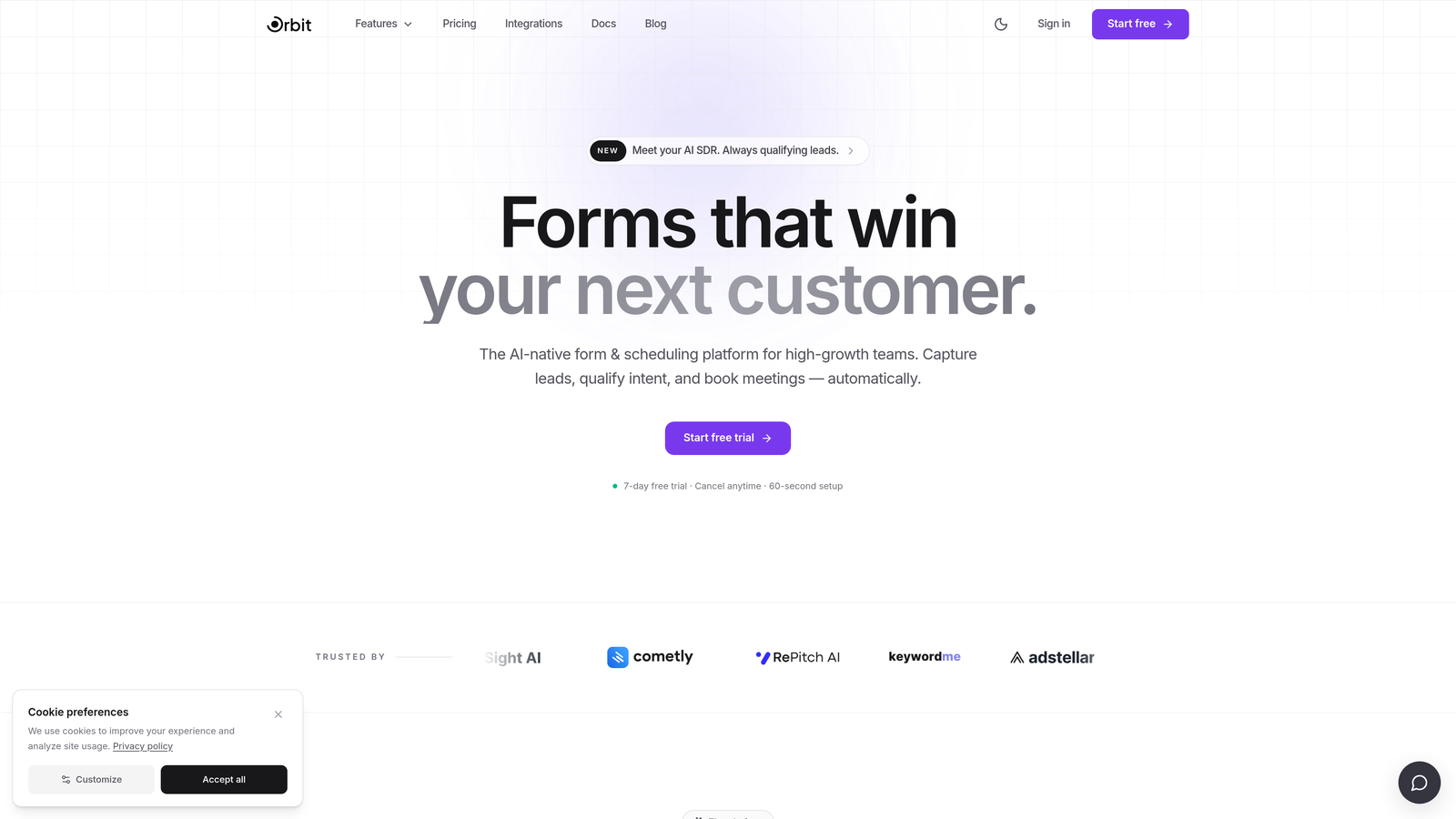
Orbit AI is an AI-powered form builder with native lead qualification and custom domain publishing, built specifically for teams focused on conversion quality over volume.
Where This Tool Shines
Most form builders treat qualification as an afterthought, something you bolt on after the form submission with a CRM workflow or manual review. Orbit AI flips that model: the AI qualification layer lives inside the form flow itself, scoring and routing leads in real time as prospects move through each question.
Pair that with full custom domain publishing, and you get a setup where your forms feel like a seamless extension of your product or marketing site rather than a third-party detour. For B2B SaaS teams where buyer trust is everything, that combination is genuinely difficult to replicate with other tools on this list.
Key Features
Custom Domain Publishing: Forms live entirely on your branded URL, with no third-party subdomain visible to prospects at any point.
AI Lead Qualification: Built directly into the form flow, scoring and routing leads in real time without requiring external automation or manual review.
Conversion-Optimized Design: Modern, clean UI built around form experiences that are designed to perform, not just look good.
Lead Generation Focus: Purpose-built for SaaS and high-growth environments, so the feature set maps directly to lead capture use cases rather than generic form building.
No-Code Configuration: Streamlined setup that doesn't require developer involvement to get forms live on your domain.
Best For
Orbit AI is the strongest fit for SaaS marketing and sales teams that care about lead quality as much as lead volume. If you're running high-intent campaigns and need your forms to do more than collect data, the combination of AI qualification and branded domain publishing makes this a standout choice.
Pricing
Visit orbitforms.ai for current pricing and plan details. A free starting point is available.
2. Typeform
Best for: Marketing teams that prioritize a polished, conversational form experience with strong brand aesthetics.
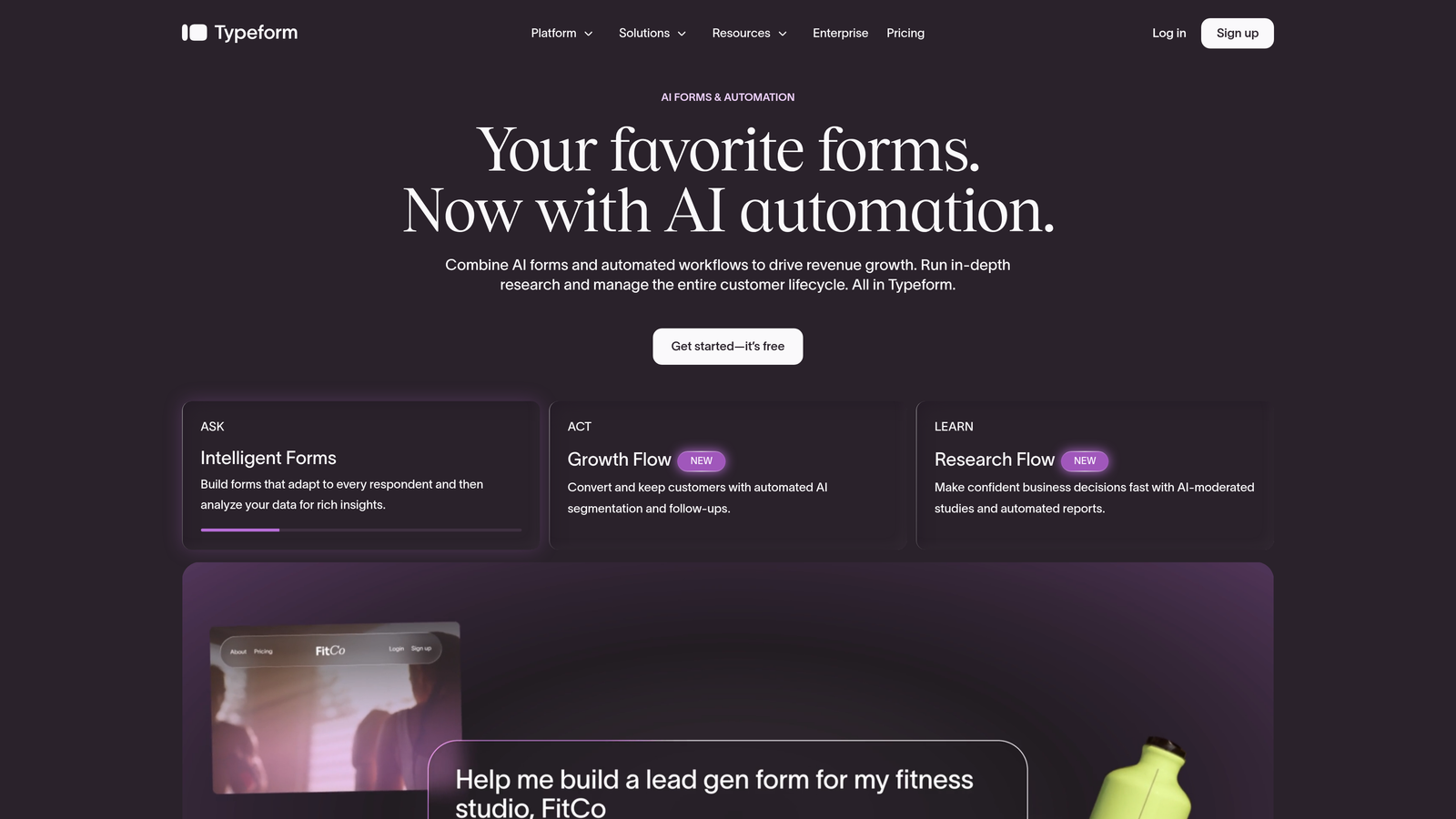
Typeform is a conversational form builder known for its one-question-at-a-time format and premium visual design.
Where This Tool Shines
Typeform's biggest strength is the experience it creates for respondents. The one-question-at-a-time format feels more like a conversation than a form, which tends to keep completion rates healthy on well-designed surveys and lead capture flows. The visual polish is genuinely best-in-class for teams that care deeply about brand presentation.
Custom domain support is available, though it's gated behind the Business plan and above. If you're already at a plan level where that's included, the setup is straightforward. Just be aware that entry-level plans won't get you there, so budget accordingly if branded URLs are a hard requirement.
Key Features
Conversational Form Flow: One-question-at-a-time format reduces cognitive load and keeps respondents engaged through the full form.
Custom Domain Support: Available on Business plan and above, allowing forms to be served from your own branded URL.
Integration Library: Connects with major CRMs, marketing automation platforms, and Zapier for flexible data routing.
Logic Jumps and Conditional Branching: Personalize the form path based on previous answers to keep questions relevant.
Visual Customization: Strong theming and brand customization options to match your design system.
Best For
Typeform works well for marketing teams, agencies, and brand-conscious businesses that want a premium respondent experience. It's less focused on AI-driven lead qualification, so teams that need intelligent scoring at the form layer may want to look at Orbit AI alongside it.
Pricing
Custom domain access starts at the Business plan tier. Pricing sits at the mid-to-high end of the market. Check typeform.com for current plan details.
3. Paperform
Best for: Teams that want landing-page-style flexibility with form fields, rich content, and payment collection in one place.
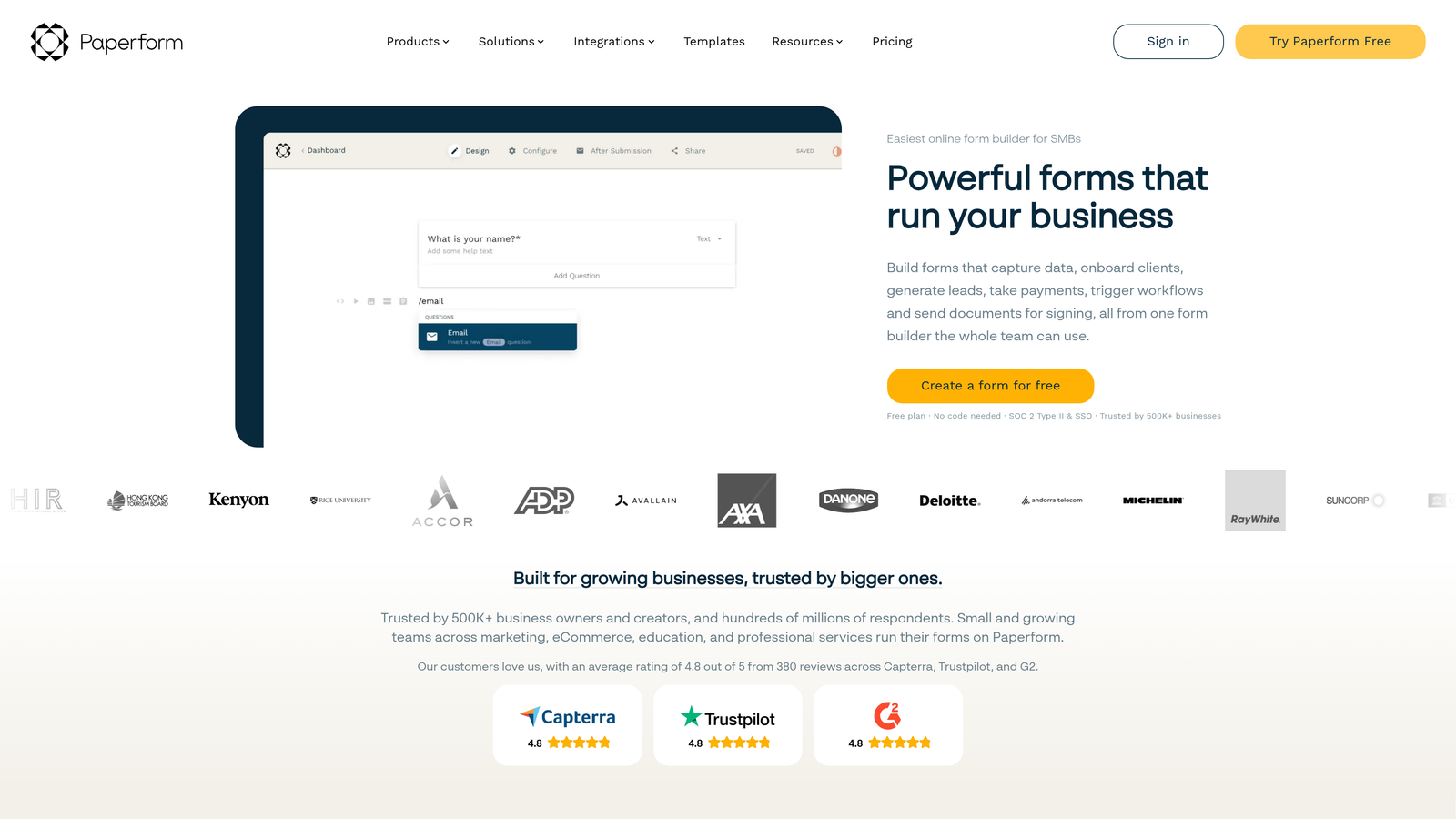
Paperform is a flexible form builder that blends form fields with rich content like text, images, and video in a single, cohesive page experience.
Where This Tool Shines
Paperform occupies an interesting niche: it's not quite a form builder and not quite a landing page tool, but it does both well enough that many teams don't need a separate solution for campaign-specific pages. You can embed images, video, and formatted text inline with your form fields, which makes it particularly useful for product launches, event registrations, and intake forms that need more context than a plain form provides.
Custom domain support is available across paid plans, and payment collection is built in natively through Stripe, PayPal, and Square. For teams running paid events, digital product sales, or service bookings alongside lead capture, that combination removes a lot of tool sprawl.
Key Features
Rich Inline Content: Embed images, video, and formatted text alongside form fields for a landing-page-style experience.
Custom Domain Support: Available on paid plans, keeping your forms within a branded URL environment.
Built-In Payment Collection: Native integration with Stripe, PayPal, and Square for collecting payments directly through forms.
Conditional Logic and Multi-Page Forms: Tailor the form path based on responses and break longer forms into manageable steps.
Template Library: A solid range of templates covering campaigns, product launches, and common business use cases.
Best For
Paperform suits teams that need more design flexibility than a standard form builder offers, particularly for campaign landing pages, event signups, and use cases where payment collection is part of the flow. It's less optimized for real-time lead qualification than Orbit AI.
Pricing
Paid plans start at an accessible price point with custom domain included. Check paperform.co for current tier pricing.
4. Jotform
Best for: Enterprise teams and regulated industries that need a deep feature set, compliance options, and extensive integrations.
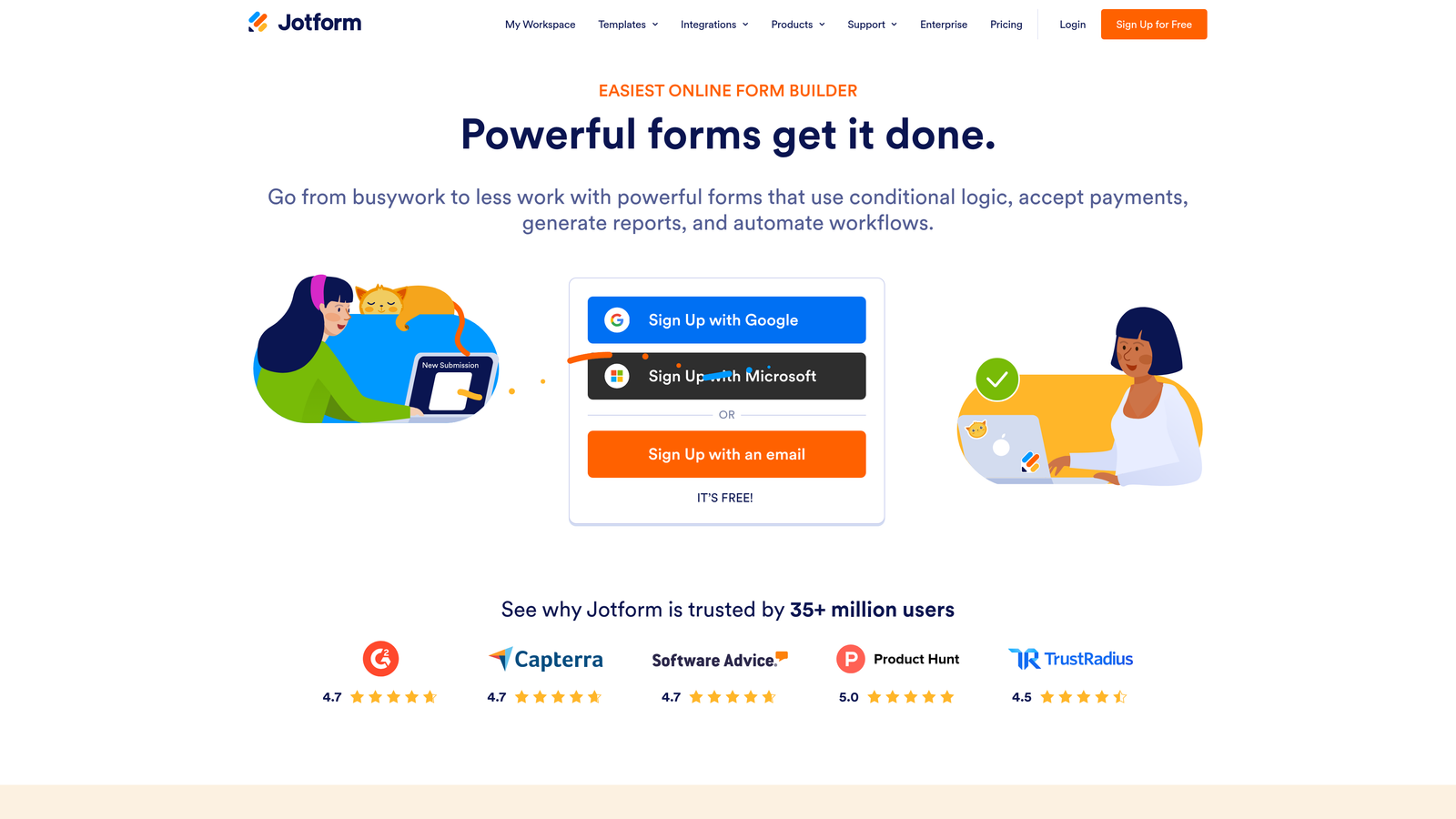
Jotform is one of the most feature-rich form builders available, with an extensive template library, broad integration support, and compliance capabilities for regulated industries.
Where This Tool Shines
If breadth of capability is your primary criterion, Jotform is hard to beat. The template library alone covers virtually every imaginable use case, and the integration depth means it can slot into almost any existing tech stack without custom development. For teams in healthcare, finance, or other regulated industries, the HIPAA-compliant options are a meaningful differentiator that most form builders simply don't offer.
Custom domain support is available from the Bronze plan and above. The platform's maturity shows in features like advanced conditional logic, calculation fields, and multi-step approval workflows, capabilities that go well beyond basic form building and make it genuinely useful for operations-heavy teams.
Key Features
Custom Domain Support: Available on Bronze plan and above, serving forms from your own branded URL.
10,000+ Templates: One of the largest template libraries in the market, covering virtually every form use case.
HIPAA-Compliant Options: Purpose-built compliance features for healthcare and regulated industry requirements.
Extensive Integration Library: Over 100 native integrations with CRMs, payment processors, and business tools.
Advanced Logic and Workflows: Conditional logic, calculation fields, and multi-step approval routing for complex form processes.
Best For
Jotform is the strongest fit for mid-market and enterprise teams, particularly in regulated industries where compliance is non-negotiable. Smaller teams or those focused purely on lead generation may find the feature depth more than they need, and the interface can feel complex relative to more focused tools.
Pricing
A free plan is available with limited submissions. Custom domain access starts at the Bronze paid tier. Check jotform.com for current pricing across all plans.
5. Tally
Best for: Early-stage teams and budget-conscious users who want branded form URLs without a large monthly commitment.
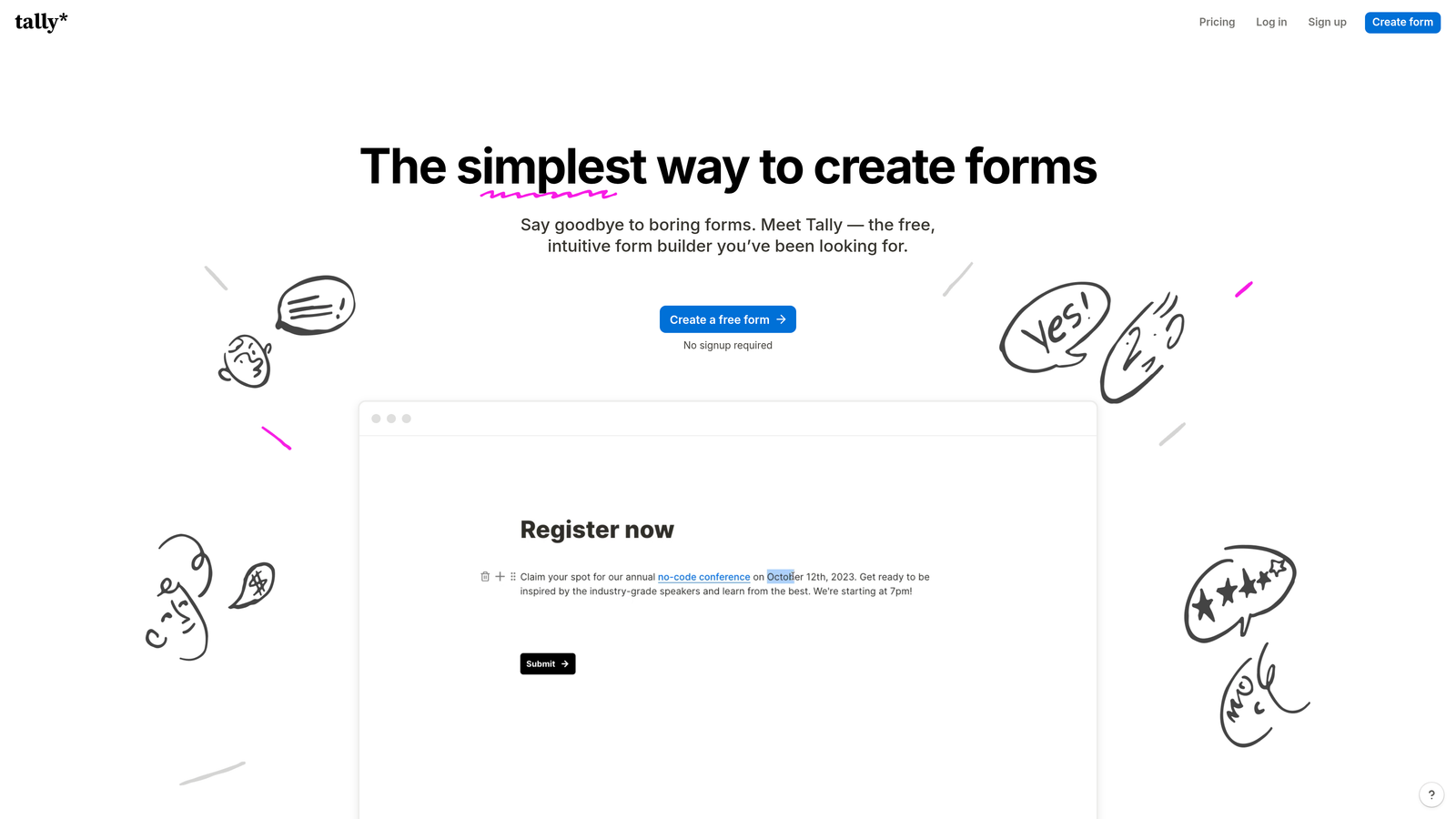
Tally is a minimalist, Notion-style form builder with a generous free plan and custom domain support on its Pro tier.
Where This Tool Shines
Tally's free plan is genuinely one of the most generous in the form builder market: unlimited forms and unlimited submissions without the typical artificial caps that push you toward an upgrade. For teams that are early in their journey or running lean, that's a meaningful advantage over tools that restrict you almost immediately.
The Notion-like block editor makes Tally feel immediately familiar if your team already lives in Notion, and the clean, distraction-free form experience tends to work well for simple lead capture and survey use cases. Custom domain support requires the Pro tier, which is affordably priced relative to most competitors on this list.
Key Features
Custom Domain on Pro: Tally Pro unlocks custom domain publishing, keeping your forms on a branded URL.
Notion-Style Block Editor: Intuitive editing experience that's immediately familiar for teams already using Notion.
Unlimited Forms and Submissions on Free: No artificial caps on the free plan, which is rare in this category.
Logic Jumps and Hidden Fields: Basic conditional logic and hidden field support for personalized form flows.
Clean, Minimalist Design: Distraction-free form experience that keeps respondents focused on completing the form.
Best For
Tally is the best entry point for startups, indie makers, and small teams that want branded form URLs without a heavy monthly spend. It lacks AI qualification and advanced lead scoring, so teams with more sophisticated conversion requirements will likely outgrow it.
Pricing
The free plan is genuinely useful. Tally Pro, required for custom domain support, is affordably priced. Check tally.so for current rates.
6. Formstack
Best for: Operations and RevOps teams that need forms embedded in automated, multi-step business workflows.
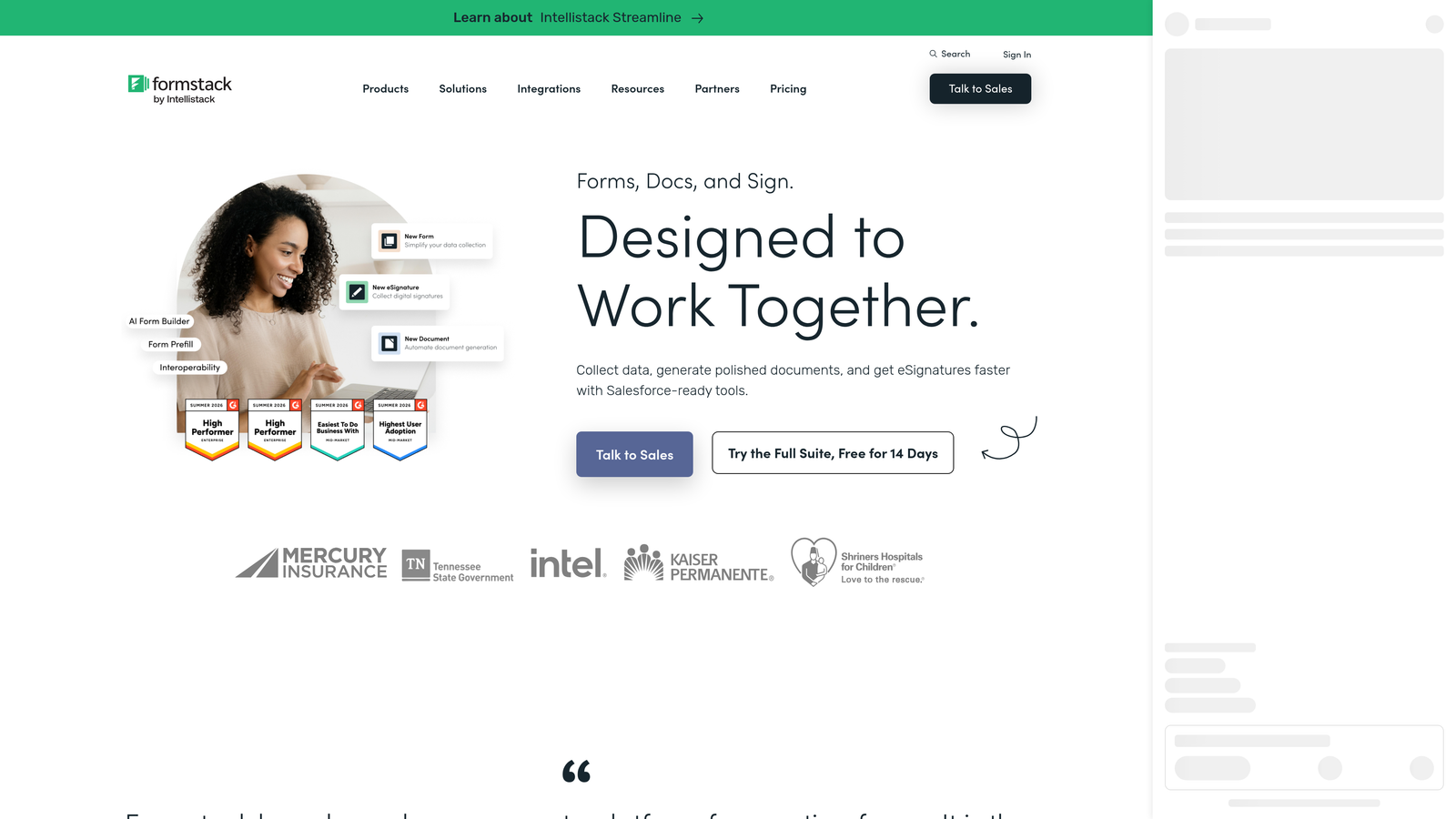
Formstack is a workflow-focused form builder designed for teams that need forms to trigger document generation, approvals, and complex data routing automatically.
Where This Tool Shines
Formstack isn't really trying to win on form aesthetics or conversational design. Its strength is what happens after submission: forms feed directly into document generation, e-signature collection, approval routing, and multi-step workflow automation. For operations teams managing contracts, onboarding processes, or internal approvals, that end-to-end automation is genuinely valuable.
Custom domain support is available on higher-tier plans, and the compliance and security features are robust enough for enterprise environments with strict data governance requirements. If your use case is primarily marketing lead capture, Formstack may be more platform than you need. But for RevOps and operations teams, it's a strong fit.
Key Features
Custom Domain Support: Available on higher-tier plans for fully branded form delivery.
Document Generation: Automatically generate documents from form submissions, reducing manual data transfer.
E-Signature Capabilities: Collect legally binding signatures as part of the form workflow.
Approval Workflow Routing: Route submissions through multi-step approval chains automatically.
Enterprise Compliance and Security: Strong data governance features for organizations with strict security requirements.
Best For
Formstack is the right choice for mid-market and enterprise operations teams where forms are the entry point to complex automated workflows. It's less suited to pure lead generation or marketing use cases where conversion optimization and lead qualification are the primary goals.
Pricing
Pricing is enterprise-oriented and reflects the platform's workflow depth. Check formstack.com for current plan details and to request a demo.
Making the Right Choice for Your Team
Every tool on this list handles custom domain publishing, but they diverge sharply on what they're actually built to do. Here's a quick way to think through the decision.
If AI lead qualification under your own brand is the priority, Orbit AI is the clear choice. It's the only tool here that combines real-time AI scoring at the form layer with full custom domain publishing, specifically designed for high-growth SaaS teams where lead quality matters as much as volume.
For design-first conversational forms, Typeform delivers the most polished respondent experience in the market. Paperform suits teams that want landing-page-style flexibility with payment collection built in. Jotform wins on raw feature depth, especially for enterprise teams in regulated industries. Tally is the best free entry point if budget is the binding constraint. Formstack excels when workflow automation, document generation, and approval routing are the core requirements.
Whatever tool you choose, hosting forms on your own domain is a non-negotiable for serious conversion optimization. It removes friction, builds trust, and keeps your brand consistent from the first impression through to form completion. Generic subdomains quietly signal a less professional experience, particularly in B2B contexts where buyers are evaluating you carefully at every step.
For more on improving your results, explore our guides on how to increase form submissions and how to improve lead quality. Both cover practical strategies that work regardless of which tool you're using.
Ready to put it all together? Start building free forms today and see how intelligent form design with AI-powered qualification can elevate your conversion strategy from the ground up.


