

Healthcare providers face unique challenges when collecting patient information online. Between HIPAA compliance requirements, the need for secure data transmission, and creating forms that elderly or less tech-savvy patients can easily complete, choosing the right contact form solution matters more than in most industries. A poorly designed form can lead to compliance violations, frustrated patients, and missed appointments.
This guide evaluates top contact form solutions specifically suited for healthcare practices, clinics, and medical organizations. We've prioritized HIPAA compliance, ease of use for both staff and patients, integration with healthcare systems, and overall value. Whether you're a small private practice or a multi-location healthcare network, you'll find an option that fits your needs.
1. Orbit AI
Best for: Healthcare practices wanting AI-powered lead qualification and modern patient experiences
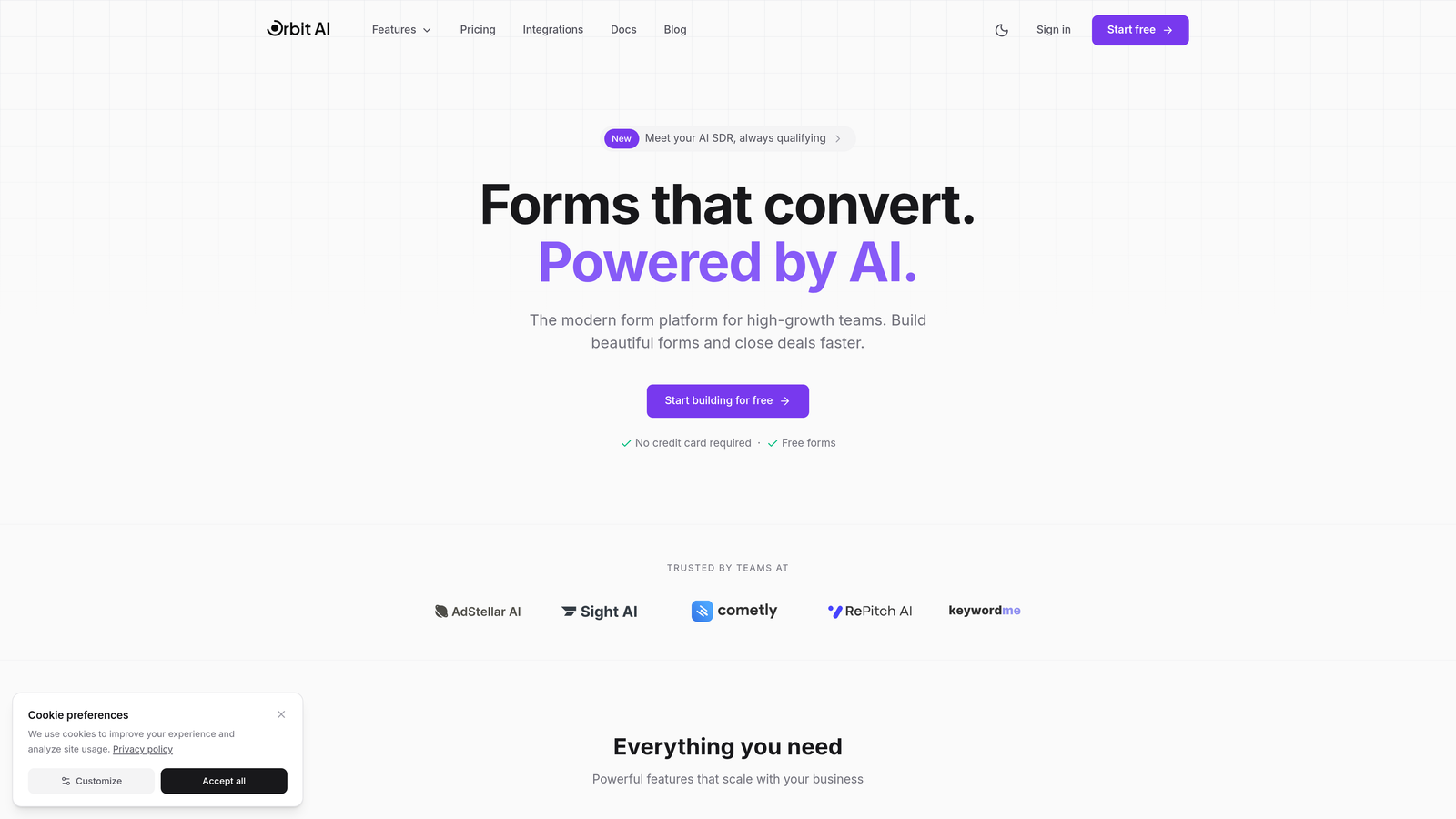
Orbit AI is an AI-powered form builder platform designed for high-growth teams seeking conversion-optimized forms with intelligent lead qualification capabilities.
Where This Tool Shines
Orbit AI stands out for its intelligent approach to patient inquiry management. The platform's AI-powered lead qualification automatically prioritizes incoming patient requests based on urgency, service type, and other custom criteria you define. This means your front desk staff sees the most critical inquiries first—emergency consultations before general questions, new patient appointments before billing inquiries.
The modern, conversion-optimized form designs create a professional first impression that builds patient trust from initial contact. The platform focuses on reducing friction in the patient journey, which translates to higher form completion rates and fewer abandoned submissions.
Key Features
AI-Powered Lead Qualification: Automatically scores and prioritizes patient inquiries so your team focuses on high-value submissions first.
Conversion-Optimized Designs: Modern form templates built specifically to maximize completion rates and create positive patient experiences.
Workflow Automation: Route submissions to the right department or staff member automatically based on form responses.
Analytics Dashboard: Track form performance, completion rates, and patient inquiry trends to optimize your intake process.
Integration Capabilities: Connect with popular CRMs and tools to streamline your patient management workflow.
Best For
Orbit AI works well for healthcare practices focused on growth and patient experience optimization. It's particularly valuable for multi-location practices or specialty clinics that receive high volumes of patient inquiries and need intelligent routing and prioritization to manage them efficiently.
Pricing
Contact Orbit AI directly for healthcare-specific pricing tailored to your practice size and needs.
2. JotForm
Best for: Practices needing extensive templates and flexible customization options
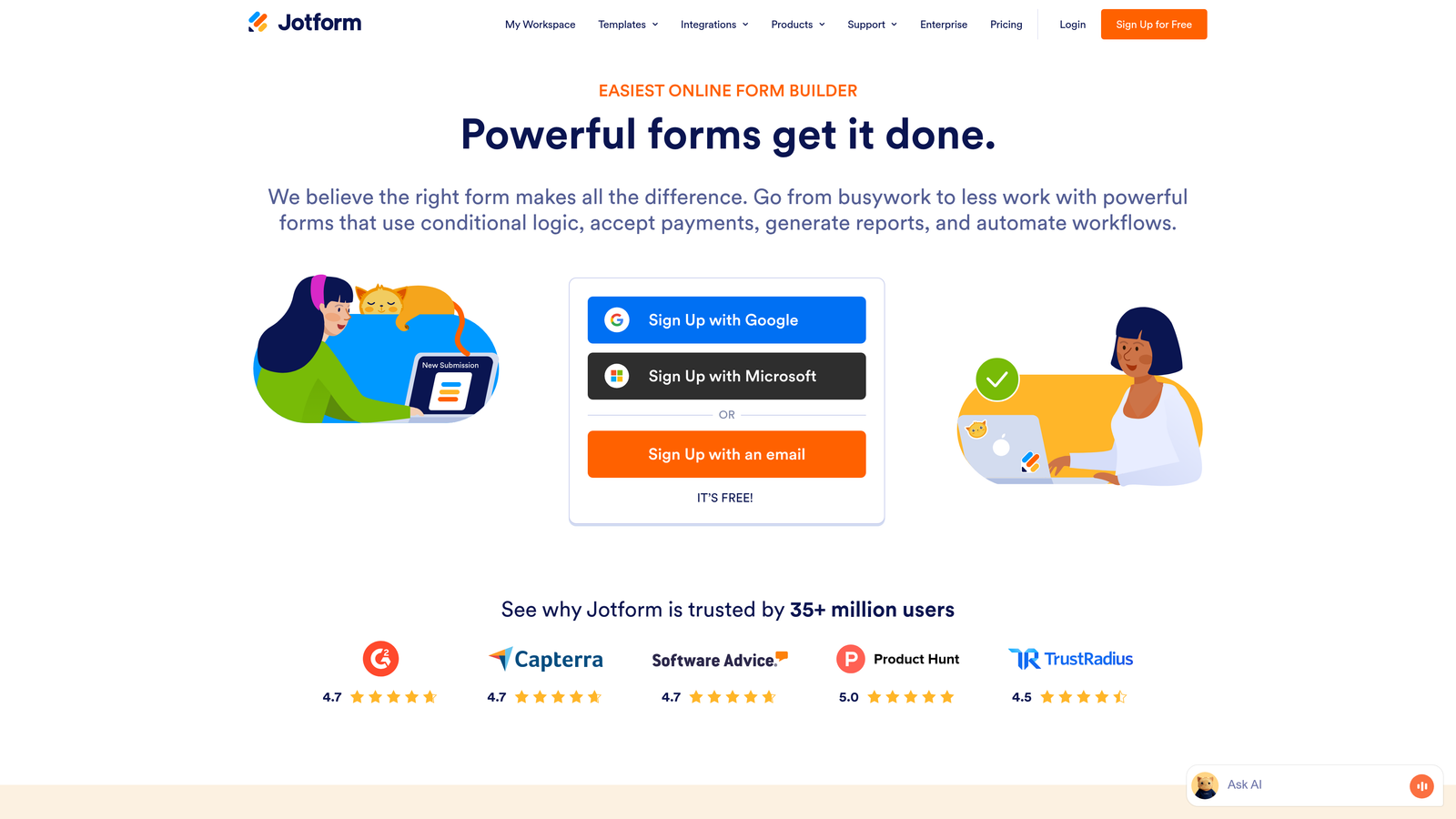
JotForm is a popular form builder offering over 10,000 templates including extensive medical-specific options with HIPAA compliance available on eligible plans.
Where This Tool Shines
JotForm's massive template library means you'll likely find a pre-built form for almost any healthcare scenario—patient intake, appointment requests, medical history, consent forms, and more. This saves significant setup time compared to building forms from scratch. The drag-and-drop builder makes customization straightforward even for non-technical staff.
The platform's payment collection capabilities are particularly useful for practices that collect co-pays, deposits, or payment for services at the time of booking. Patients can submit their information and payment in a single, seamless experience.
Key Features
Extensive Template Library: Over 10,000 form templates including hundreds designed specifically for healthcare and medical practices.
HIPAA Compliance: Signed Business Associate Agreement available on Gold and Enterprise plans to ensure compliant PHI handling.
Drag-and-Drop Builder: Intuitive form creation interface that requires no coding knowledge.
Payment Integration: Accept payments directly through forms via multiple payment processors.
Mobile Responsive: Forms automatically adapt to any device for optimal patient experience.
Best For
JotForm suits practices of all sizes that want quick deployment with minimal technical expertise. It's especially valuable for practices that need diverse form types and appreciate having pre-built templates as starting points rather than creating everything from scratch.
Pricing
Free tier available with basic features. HIPAA-compliant plans start at $34/month with the Gold plan.
3. Formstack
Best for: Enterprise healthcare organizations requiring advanced workflow automation
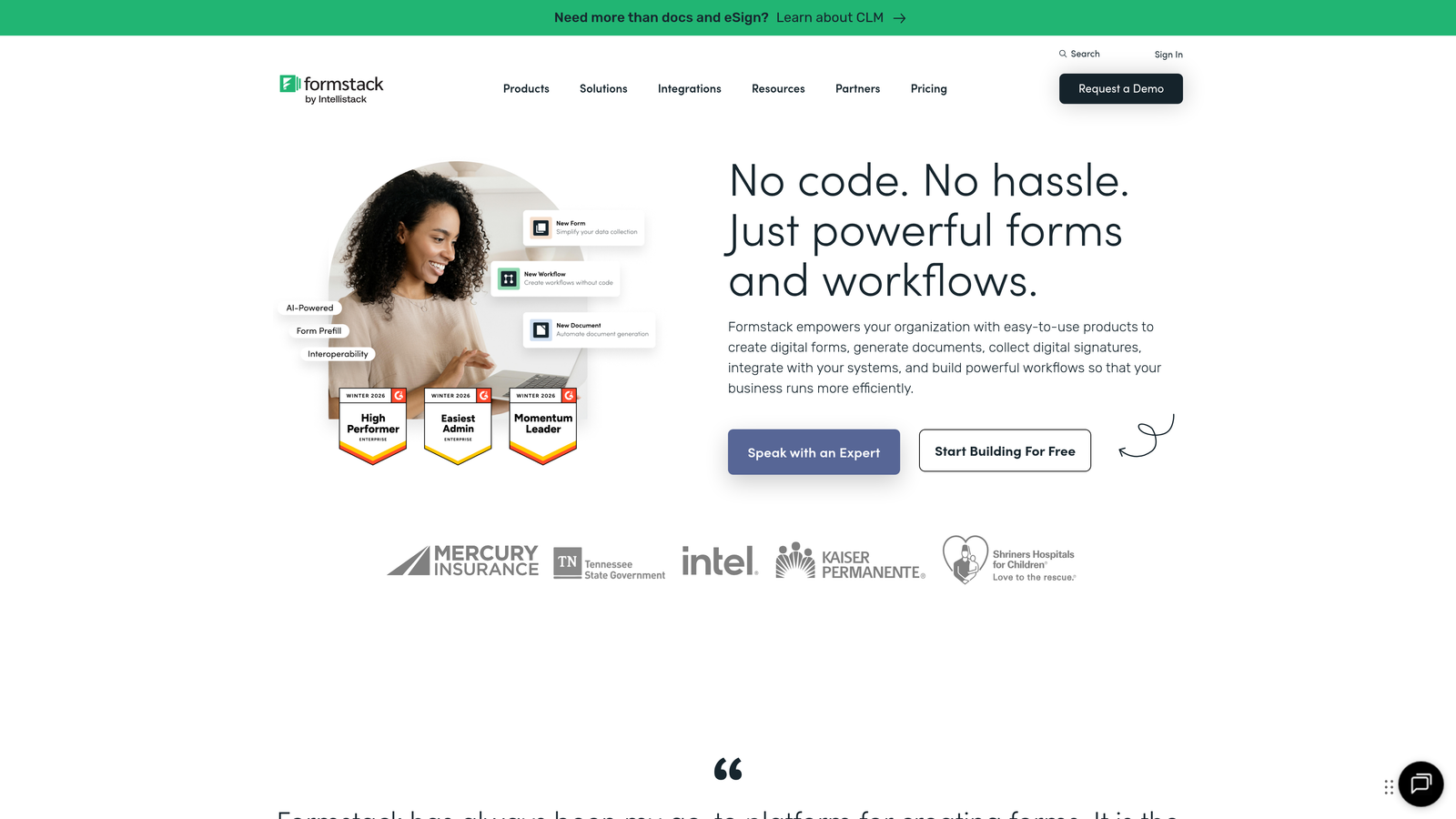
Formstack is an enterprise-grade form solution with robust compliance features and sophisticated workflow automation capabilities.
Where This Tool Shines
Formstack excels at complex workflow automation that enterprise healthcare organizations require. The platform can automatically generate documents from form submissions—think patient summaries, referral letters, or treatment plans populated with submitted data. This eliminates manual data entry and reduces errors.
The advanced conditional logic capabilities let you create intelligent forms that adapt based on patient responses. A form might show different questions for new versus returning patients, or display relevant fields based on the type of appointment requested.
Key Features
HIPAA Compliance with BAA: Full HIPAA compliance with signed Business Associate Agreement for secure PHI collection.
Document Generation: Automatically create PDFs, patient summaries, and other documents from form data.
Advanced Conditional Logic: Build sophisticated forms that adapt intelligently based on patient responses.
Workflow Automation: Create approval processes and multi-step workflows for complex patient intake scenarios.
Healthcare System Integrations: Connect with Salesforce, EHR systems, and other healthcare technology platforms.
Best For
Formstack is ideal for larger healthcare organizations, hospital systems, or multi-location practices that need enterprise-level features and sophisticated automation. Smaller practices may find the feature set and pricing more than they require.
Pricing
Plans start at $83/month for the Forms plan. Healthcare-specific plans with compliance features are priced higher based on organizational needs.
4. Typeform
Best for: Practices prioritizing patient engagement and form completion rates
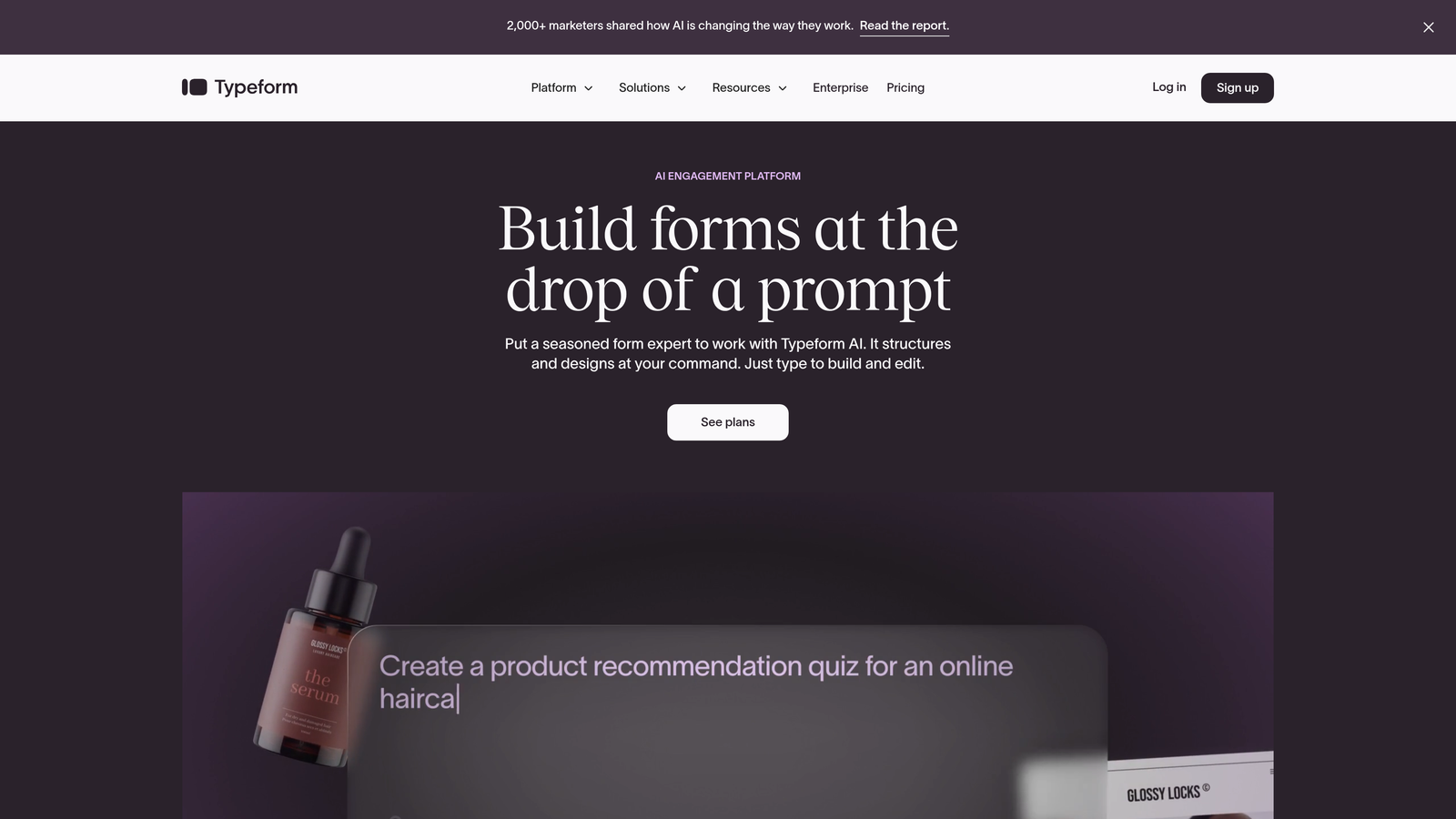
Typeform is a conversational form builder known for its engaging one-question-at-a-time format that drives higher completion rates.
Where This Tool Shines
Typeform's conversational approach transforms the typical form experience into something that feels more like a guided conversation. Instead of confronting patients with a long, intimidating form, they see one question at a time. This reduces cognitive load and makes the process feel less overwhelming, particularly valuable when collecting detailed medical histories.
The platform's design-forward approach creates forms that look modern and professional, building patient confidence in your practice's technological capabilities. The ability to embed images and videos lets you provide visual guidance or explanations alongside questions.
Key Features
Conversational Format: One-question-at-a-time interface that feels more engaging and less overwhelming than traditional forms.
High Completion Rates: The engaging design approach typically achieves better completion rates than standard multi-field forms.
Logic Jumps: Create personalized form paths based on patient responses for relevant question flow.
Media Embedding: Include images, videos, and GIFs to provide context or instructions.
HIPAA Compliance: Available on enterprise plans with appropriate safeguards and BAA.
Best For
Typeform works well for practices that struggle with form abandonment or want to create a more patient-friendly intake experience. It's particularly effective for lengthy medical history forms that might otherwise feel overwhelming.
Pricing
Basic plans start at $25/month. HIPAA compliance requires enterprise-level plans with custom pricing.
5. Google Forms
Best for: Small practices with basic needs and tight budgets
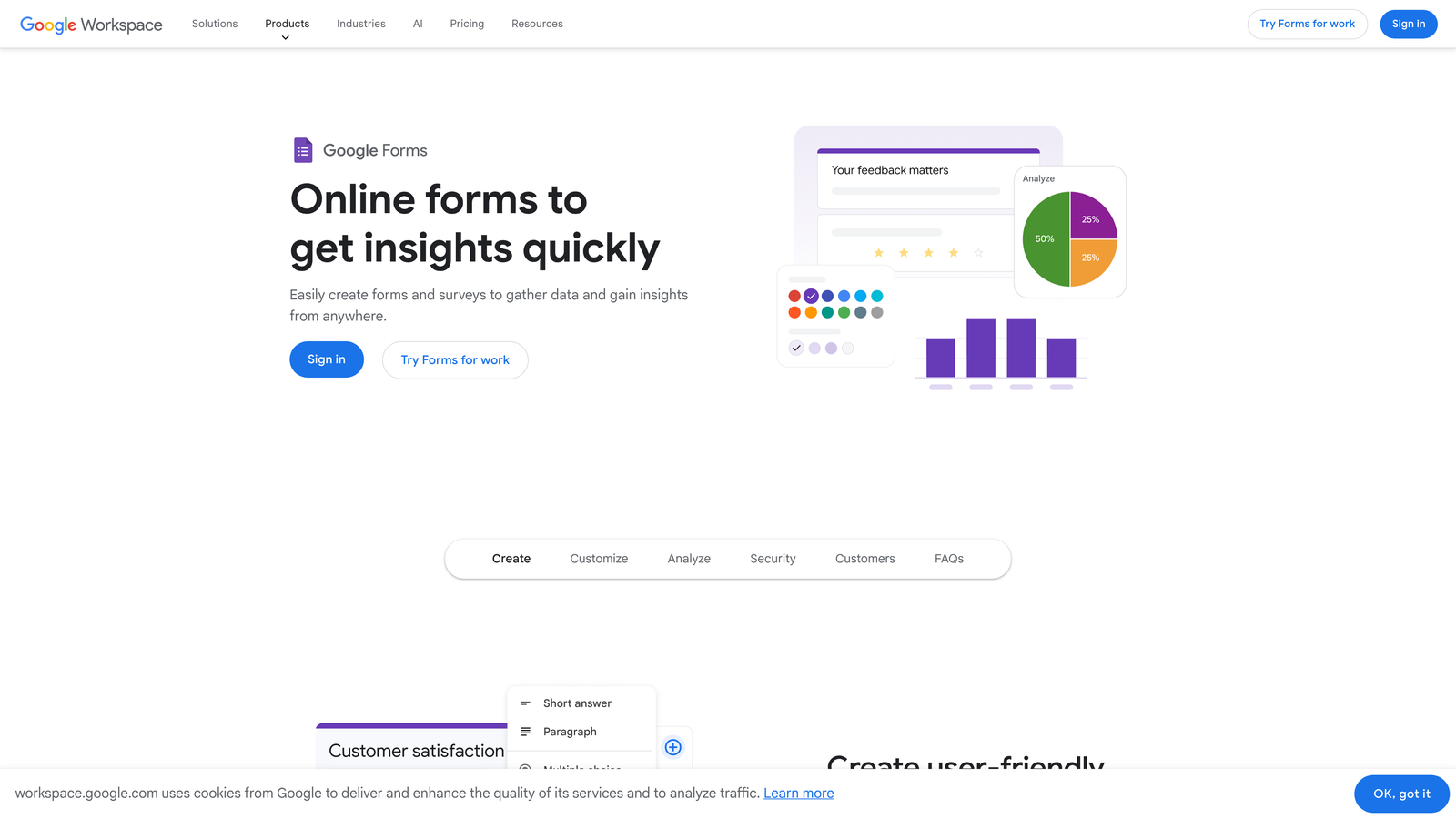
Google Forms is a free form builder suitable for basic healthcare needs when paired with appropriate security measures through Google Workspace.
Where This Tool Shines
Google Forms offers the most accessible entry point for practices just beginning to digitize their patient intake. The platform is free with any Google account and requires no technical expertise to create functional forms. The seamless integration with Google Sheets means responses automatically populate a spreadsheet for easy viewing and basic analysis.
For practices already using Google Workspace, the collaboration features let multiple staff members work on forms together and share access to responses. The simplicity means minimal training time for staff.
Key Features
Free to Use: No cost with a standard Google account, making it accessible for any practice size.
Simple Interface: Straightforward drag-and-drop form creation with minimal learning curve.
Google Sheets Integration: Responses automatically populate a spreadsheet for easy data management.
Basic Conditional Logic: Show or hide questions based on previous answers.
Collaboration Tools: Multiple team members can edit forms and access responses.
Best For
Google Forms suits very small practices with basic form needs and limited budgets. However, practices must carefully evaluate whether their use case involves PHI collection—if so, they need a Google Workspace account with appropriate HIPAA safeguards, not a free consumer account.
Pricing
Free with Google account. Google Workspace plans start at $6/user/month and can be configured for HIPAA compliance.
6. Cognito Forms
Best for: Budget-conscious practices needing HIPAA compliance with payment processing
Cognito Forms is an affordable HIPAA-compliant form builder with integrated payment processing capabilities.
Where This Tool Shines
Cognito Forms delivers HIPAA compliance at a price point that makes it accessible for smaller practices. The Team plan at $24/month includes BAA signing and appropriate security measures—significantly less expensive than many enterprise alternatives. This makes compliance achievable even for solo practitioners or small clinics with limited technology budgets.
The integrated payment processing eliminates the need for separate payment tools. Patients can complete intake forms and submit co-pays or deposits in a single secure transaction, streamlining the administrative process for both patients and staff.
Key Features
Affordable HIPAA Compliance: BAA available on Team plan at $24/month, making compliance accessible for small practices.
Integrated Payments: Built-in payment processing for collecting co-pays, deposits, or service fees.
Calculations and Logic: Perform calculations and create conditional form flows based on patient responses.
Document Uploads: Allow patients to upload insurance cards, referrals, or other required documents.
E-Signatures: Collect legally binding electronic signatures for consent forms and agreements.
Best For
Cognito Forms is ideal for small to medium practices that need HIPAA compliance without enterprise pricing. It's particularly valuable for practices that want to collect payments at the time of form submission without managing multiple tools.
Pricing
Free tier available for basic use. HIPAA-compliant Team plan starts at $24/month.
7. FormAssembly
Best for: Healthcare organizations deeply integrated with Salesforce
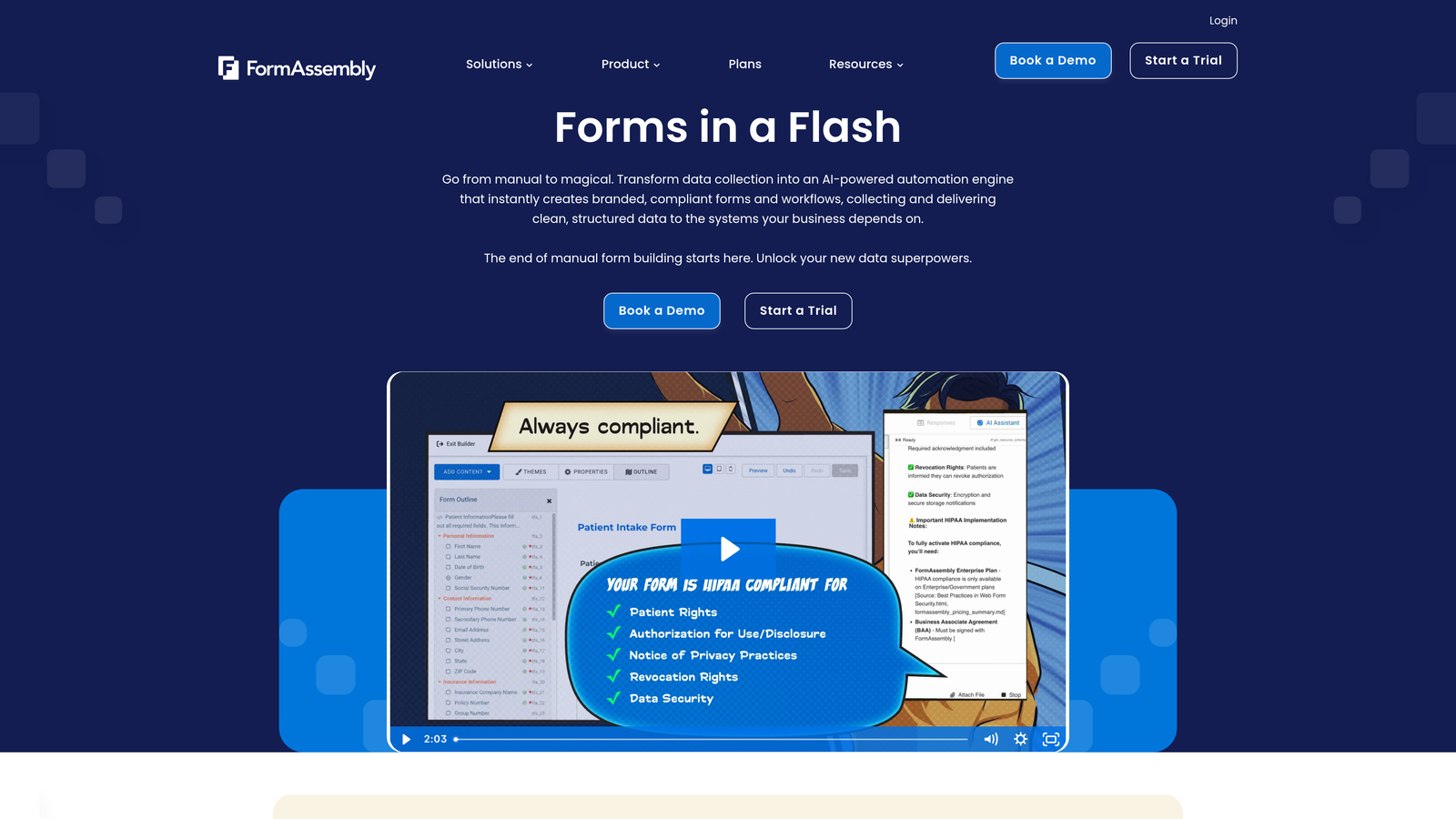
FormAssembly is an enterprise form solution with native Salesforce integration and comprehensive compliance credentials.
Where This Tool Shines
FormAssembly's native Salesforce integration is unmatched in depth and functionality. The platform can prefill forms with existing patient data from Salesforce records, eliminating redundant data entry for returning patients. Submissions flow directly into Salesforce objects with field mapping that you control, creating a seamless data flow between patient intake and your CRM.
The platform's compliance credentials extend beyond HIPAA to include GDPR and PCI compliance, making it suitable for healthcare organizations with complex regulatory requirements or international patient populations.
Key Features
Native Salesforce Integration: Deep, bidirectional integration that goes far beyond basic API connections.
Multiple Compliance Standards: HIPAA, GDPR, and PCI compliance for organizations with diverse regulatory requirements.
Form Prefilling: Automatically populate forms with existing patient data from Salesforce to reduce redundant entry.
Advanced Workflow Automation: Create sophisticated routing and approval processes for complex scenarios.
Enterprise Security: Bank-level encryption, role-based access controls, and comprehensive audit trails.
Best For
FormAssembly makes the most sense for healthcare organizations already invested in Salesforce who want to leverage that investment for patient intake. Organizations not using Salesforce should consider other options with simpler integration requirements.
Pricing
Plans start at $99/month for basic features. Compliance-enabled plans with HIPAA safeguards are priced higher based on organizational needs.
8. Pabau
Best for: Aesthetics clinics and specialty practices wanting all-in-one practice management
Pabau is a comprehensive practice management platform built specifically for healthcare and aesthetics clinics with integrated contact forms and patient management.
Where This Tool Shines
Pabau takes a holistic approach by combining contact forms with complete practice management functionality. Instead of integrating separate tools, you get intake forms, online booking, patient records, treatment documentation, and marketing tools in one unified platform. This eliminates the data silos and integration headaches that come with cobbling together multiple point solutions.
The platform is purpose-built for healthcare workflows, meaning the forms and features reflect how medical and aesthetics practices actually operate. You're not adapting a general business tool to healthcare—you're using software designed for your specific needs from the ground up.
Key Features
Purpose-Built for Healthcare: Designed specifically for medical and aesthetics practices rather than adapted from general business software.
Integrated Patient Management: Forms connect directly to comprehensive patient records and treatment histories.
Online Booking System: Patients can schedule appointments and complete intake forms in a single flow.
Treatment Documentation: Document treatments, procedures, and consent forms within the same platform.
Marketing Tools: Built-in patient communication, email marketing, and retention features.
Best For
Pabau works best for aesthetics clinics, dermatology practices, dental offices, and other specialty healthcare providers who want to consolidate their technology stack into a single platform. It's less suitable for practices that only need forms without the broader practice management features.
Pricing
Custom pricing based on practice size, number of providers, and feature requirements. Contact Pabau for a quote.
9. IntakeQ
Best for: Practices prioritizing EHR integration and purpose-built healthcare intake
IntakeQ is a healthcare-focused intake form solution with strong EHR integrations and comprehensive patient portal features.
Where This Tool Shines
IntakeQ focuses exclusively on healthcare intake, which means every feature reflects deep understanding of clinical workflows. The platform integrates with major EHR systems, allowing patient intake data to flow directly into clinical records without manual transfer. This eliminates transcription errors and saves significant administrative time.
The secure patient portal extends beyond initial intake to provide ongoing communication channels. Patients can complete pre-visit forms, update information, and communicate securely with your practice—all within a HIPAA-compliant environment designed specifically for healthcare interactions.
Key Features
Healthcare-Specific Design: Built exclusively for medical intake rather than general form creation, with features that match clinical needs.
EHR Integrations: Direct connections to popular EHR and practice management systems for seamless data flow.
Secure Patient Portal: HIPAA-compliant portal for ongoing patient communication beyond initial intake.
Appointment Reminders: Automated reminder system to reduce no-shows and improve practice efficiency.
Online Scheduling: Patients can book appointments while completing intake forms in a unified experience.
Best For
IntakeQ suits practices that want purpose-built healthcare software rather than adapting general form builders. It's particularly valuable for practices with existing EHR systems who want seamless integration between patient intake and clinical records.
Pricing
Plans start at $49.90/month for solo practitioners, with pricing scaling based on the number of practitioners and features needed.
Making the Right Choice for Your Practice
Choosing the right contact form solution depends on your practice's specific requirements and existing technology ecosystem. For practices wanting intelligent lead qualification and modern patient experiences, Orbit AI offers AI-powered capabilities that help prioritize patient inquiries while delivering conversion-optimized form designs that patients actually complete.
JotForm and Formstack excel for organizations needing extensive templates and workflow automation. JotForm's massive template library provides quick deployment for practices that want pre-built starting points, while Formstack's enterprise features suit larger organizations with complex automation needs.
Budget-conscious practices should consider Cognito Forms, which delivers HIPAA compliance at an accessible price point while including payment processing capabilities. Google Forms can work for very basic needs, but practices must ensure they're using Google Workspace with appropriate HIPAA safeguards if collecting any protected health information.
For organizations deeply invested in Salesforce, FormAssembly's native integration provides unmatched data flow between patient intake and your CRM. Practices wanting purpose-built healthcare solutions should evaluate IntakeQ and Pabau—both offer specialized features that general form builders lack, with IntakeQ focusing on intake and EHR integration while Pabau provides comprehensive practice management.
Whichever solution you choose, verify HIPAA compliance directly with the vendor and obtain a signed Business Associate Agreement before collecting any protected health information. Consult with legal counsel to ensure your implementation meets all regulatory requirements for your specific practice type and location.
The right form solution will improve patient experience from first contact, streamline your intake process, reduce administrative burden, and keep your practice compliant. Transform your lead generation with AI-powered forms that qualify prospects automatically while delivering the modern, conversion-optimized experience your high-growth team needs. Start building free forms today and see how intelligent form design can elevate your conversion strategy.


