

Forms are often the first real interaction a prospect has with your brand, yet most teams treat them as an afterthought. For high-growth teams focused on lead generation and conversion optimization, the right form software can mean the difference between a pipeline full of qualified leads and a graveyard of abandoned submissions.
Professional form software has evolved well beyond simple contact forms. Modern platforms compete on design quality, automation depth, and intelligence. The best tools today don't just collect data: they actively contribute to lead qualification, route submissions intelligently, and integrate seamlessly with the CRMs and automation stacks your team already relies on.
This guide covers the top professional form software options in 2026, evaluated on features, design quality, AI capabilities, integrations, and pricing. Whether you're building lead capture forms, multi-step qualification flows, or customer surveys, there's a tool here that fits your stack. We'll start with the platform built specifically for conversion-focused teams, then walk through the strongest alternatives on the market today.
1. Orbit AI
Best for: High-growth teams that need forms to actively qualify and route leads automatically.
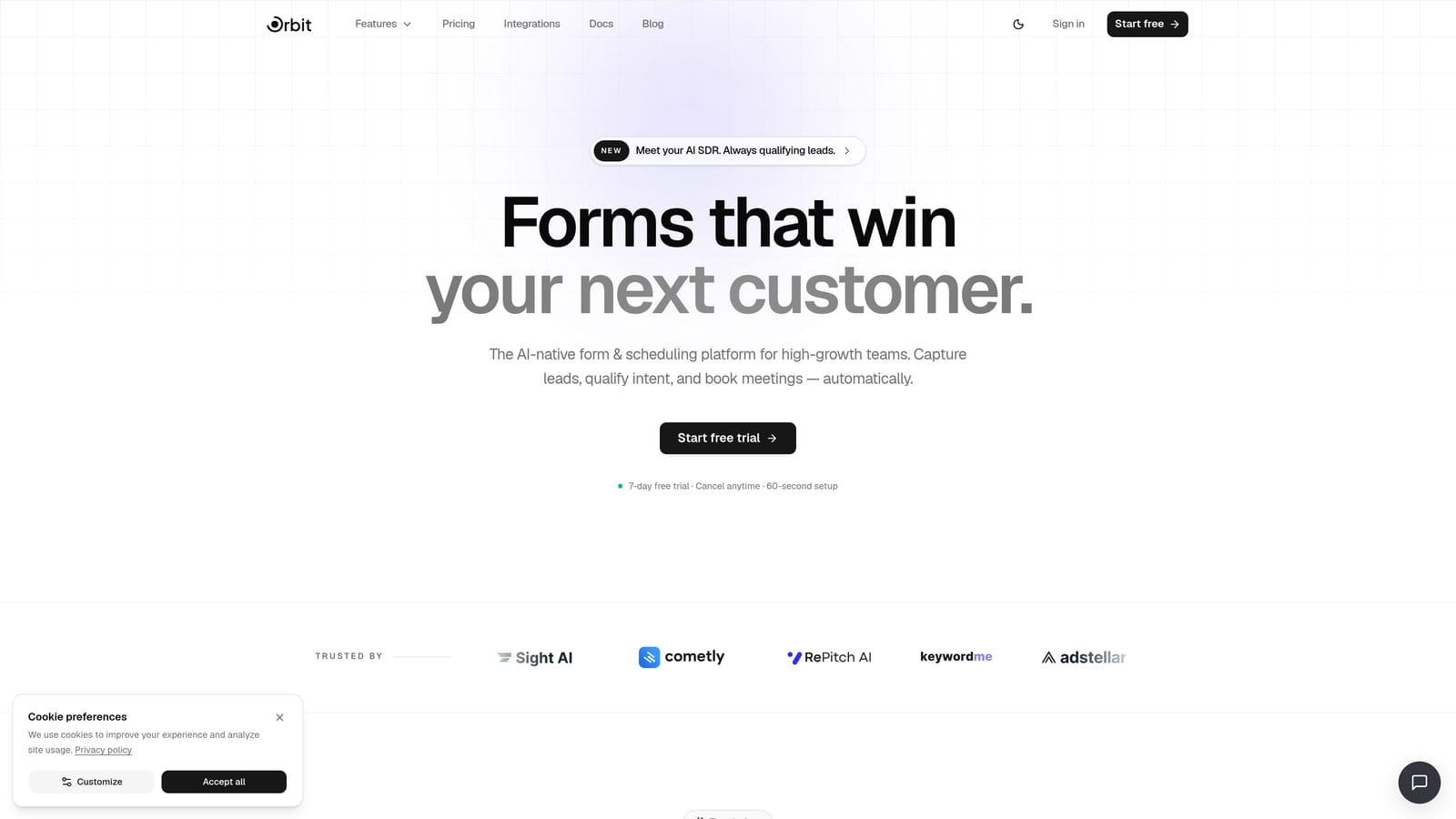
Orbit AI is an AI-powered form builder platform built for teams where lead quality matters as much as lead volume.
Where This Tool Shines
Most form builders stop at data collection. Orbit AI goes a step further by embedding an AI qualification layer directly into the form experience. When a prospect submits a form, the platform automatically scores that submission, routes the lead based on predefined criteria, and can trigger follow-up sequences without manual intervention. For sales and marketing teams managing high submission volumes, this removes a significant bottleneck.
The design quality is also a genuine differentiator. Orbit AI is built around conversion-optimized form design, which means the forms themselves are modern, visually polished, and structured to reduce drop-off. You're not choosing between beautiful forms and intelligent forms: you get both in the same platform.
Key Features
AI-Powered Lead Qualification: Automatically scores incoming submissions so your team focuses on the highest-value prospects first.
Conversion-Optimized Design: Modern, beautiful form UI designed to maximize completion rates and reflect your brand professionally.
Multi-Step and Conditional Logic: Build progressive profiling flows that reveal questions based on previous answers, reducing friction for respondents.
Built-In AI Agents: Automate lead routing and follow-up sequences directly from form submissions without needing a separate automation tool.
Conversion Analytics: Reporting focused on the metrics that matter most: completion rates, drop-off points, and lead quality over time.
Best For
Orbit AI is the natural fit for SaaS companies, growth teams, and marketing operations professionals who need their forms to function as an active part of the lead qualification process, not just a passive data collection step. If you're running high-volume inbound and need to prioritize fast, teams building serious pipeline will find the AI qualification layer particularly valuable.
Pricing
Visit orbitforms.ai/pricing for current plans and free trial options. A free plan is available to get started.
2. Typeform
Best for: Teams that want a polished, conversational form experience with strong brand customization.
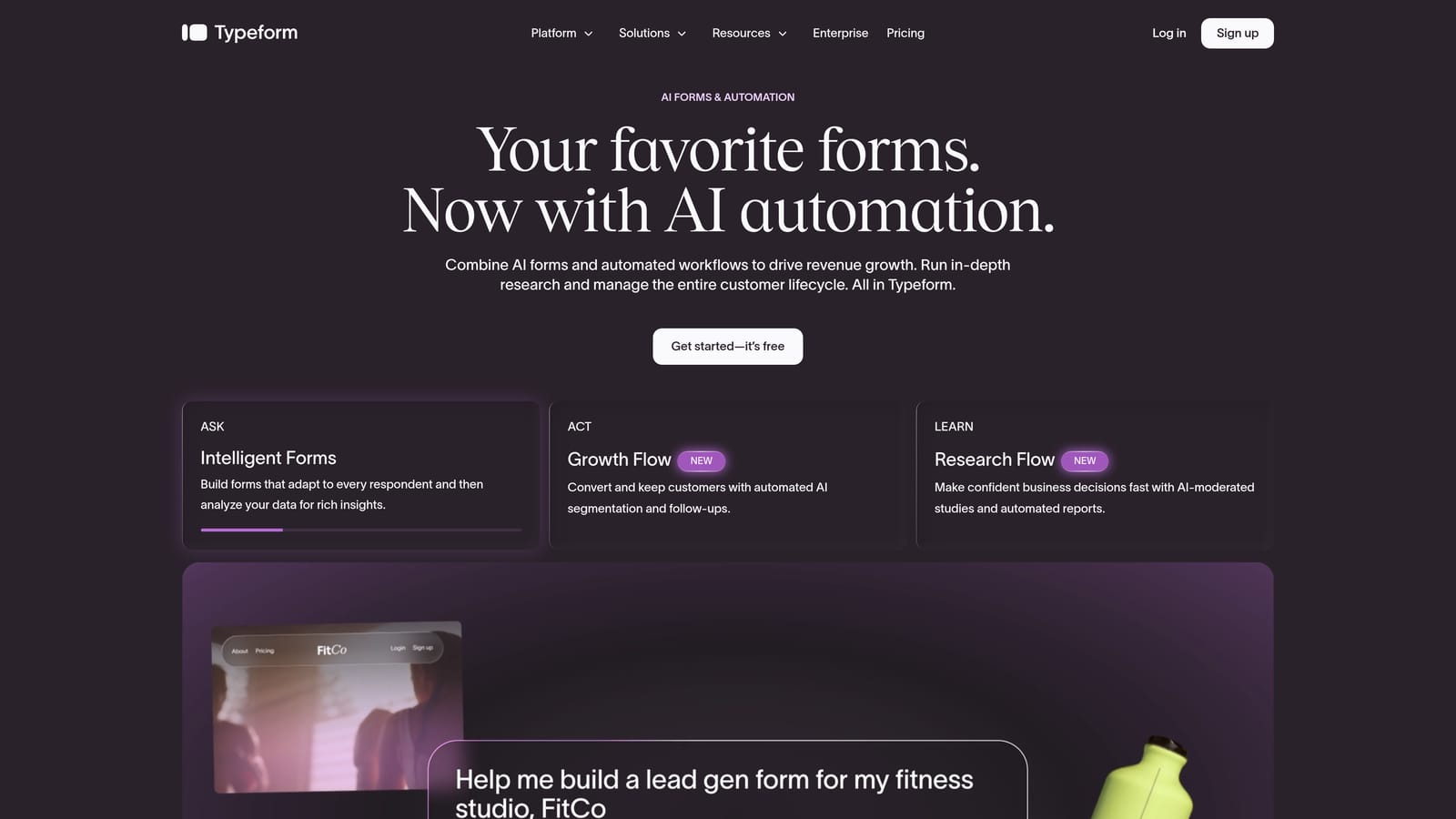
Typeform is a conversational form builder known for its distinctive one-question-at-a-time format and high-quality visual design.
Where This Tool Shines
Typeform built its reputation on making forms feel less like forms. The one-question-at-a-time format creates a focused, almost interview-like experience that tends to feel more engaging than a traditional multi-field page. For brand-conscious teams, this matters: the form experience becomes an extension of how the company presents itself.
Typeform has also invested in AI-assisted form creation features in recent product updates, allowing users to generate form structures from prompts. While it doesn't offer the same depth of AI lead qualification as purpose-built platforms, the integration ecosystem with HubSpot, Salesforce, and Zapier means data flows cleanly into whatever stack you're running.
Key Features
Conversational Format: One-question-at-a-time presentation that improves respondent focus and can increase completion rates.
Brand Customization: High-quality design controls including custom fonts, colors, backgrounds, and logo placement.
Logic Jumps: Conditional branching that tailors the form path based on how respondents answer earlier questions.
Integration Ecosystem: Native connections to HubSpot, Salesforce, Zapier, Slack, and other common tools.
AI-Assisted Creation: Generate form drafts and question sets using AI prompts to speed up the build process.
Best For
Typeform works well for marketing teams, agencies, and brand-focused companies that prioritize the respondent experience and need solid integration with existing CRM and automation platforms. It's a strong choice when the form itself needs to reflect a premium brand identity.
Pricing
A free plan is available with limited features. Paid plans are available at a monthly subscription with advanced logic and integrations unlocking at higher tiers. Check typeform.com for current pricing.
3. Jotform
Best for: Teams that need a vast template library, broad integrations, and compliance-ready plans.
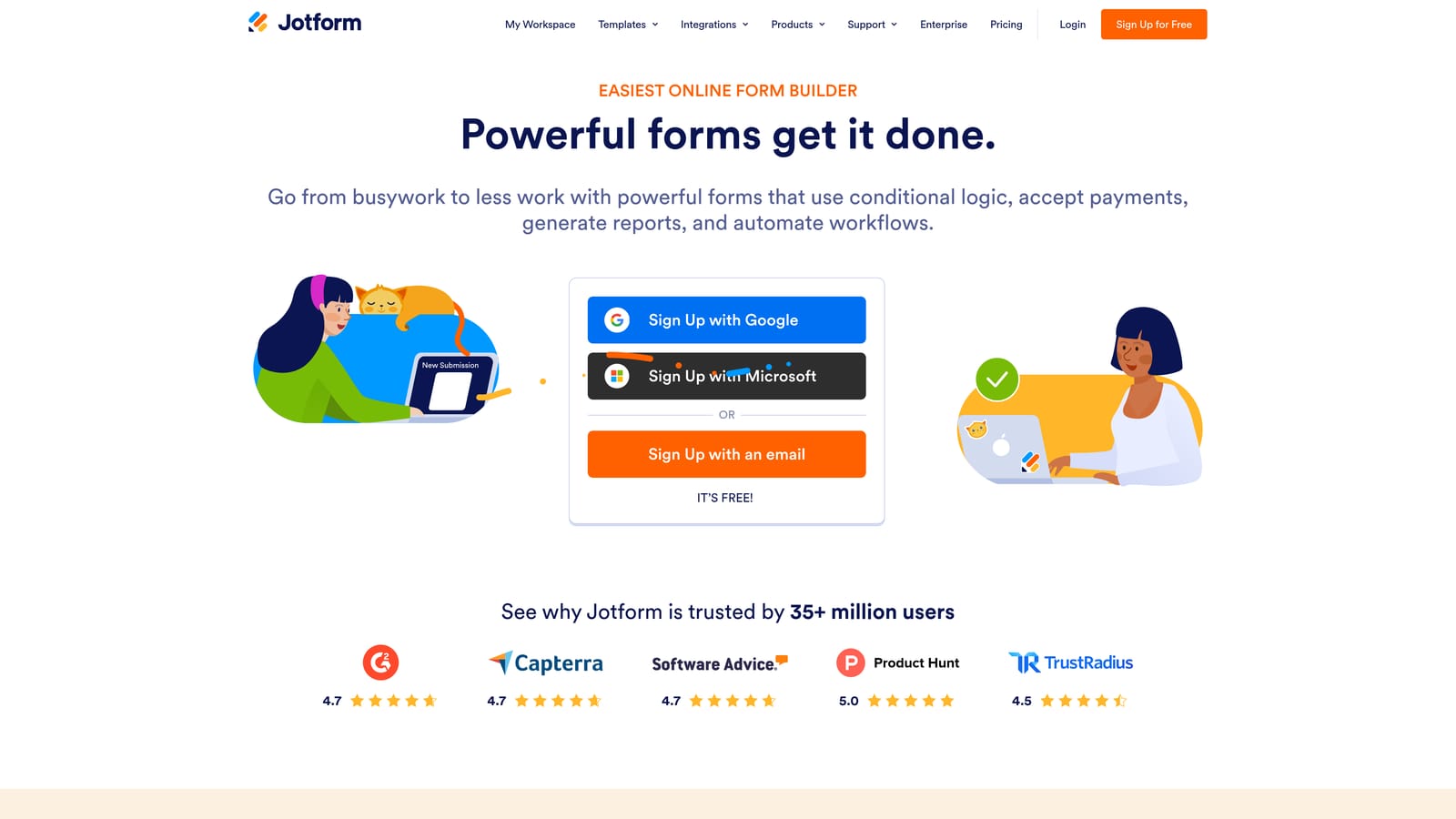
Jotform is a feature-rich form platform with one of the largest template libraries available and a broad ecosystem of connected tools.
Where This Tool Shines
If breadth is what you need, Jotform delivers. The platform hosts thousands of templates covering an enormous range of use cases, from simple contact forms to complex multi-section applications. For teams that need to move quickly or support diverse departments with different form requirements, this library dramatically reduces setup time.
Beyond the core form builder, Jotform has expanded into a broader platform with Jotform Tables for database-style data management, Jotform Sign for e-signatures, and Jotform Apps for building lightweight apps around form data. For regulated industries, HIPAA-compliant plans are available, which is a meaningful differentiator when healthcare or sensitive data is involved.
Key Features
Extensive Template Library: Thousands of pre-built templates spanning virtually every industry and use case, reducing time to launch.
Platform Extensions: Jotform Tables, Sign, and Apps extend the platform beyond basic form collection into data management and workflow.
HIPAA-Compliant Plans: Purpose-built compliance options for healthcare teams and regulated industries handling sensitive data.
Payment Collection: Built-in support for Stripe, PayPal, and other payment processors directly within forms.
Wide Integration Ecosystem: Connects with CRMs, project management tools, cloud storage, and automation platforms.
Best For
Jotform suits teams and organizations that need to support multiple departments with varied form requirements, particularly in healthcare, education, or operations contexts where compliance and template volume are priorities.
Pricing
A free plan is available. Paid plans scale with submission volume and feature access. Check jotform.com for current pricing details.
4. Paperform
Best for: Teams that want to blend rich content with form fields in a single, document-style experience.
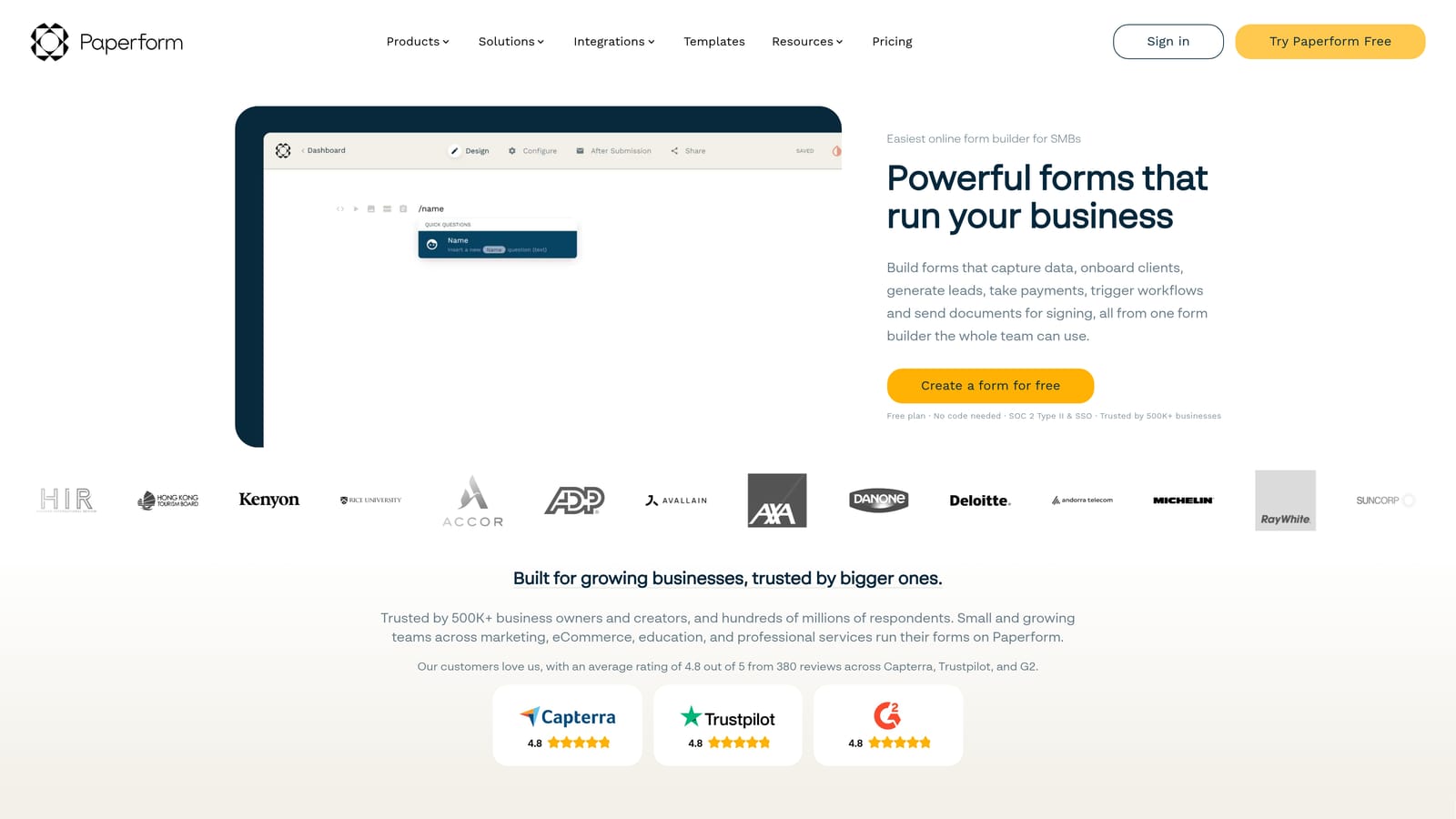
Paperform is a flexible form builder with a document-editor interface that lets teams combine text, images, video, and form fields in one seamless page.
Where This Tool Shines
Paperform takes a fundamentally different approach to form design. Rather than presenting a standalone form, it gives you a document-style editor where you write content and embed form fields inline, much like a landing page that also happens to collect data. This makes it particularly effective for forms that need to educate or persuade respondents as they fill things out, such as product order forms, event registrations, or service intake pages.
The platform also includes built-in scheduling and booking functionality, payment processing, and product sales support, which means teams handling appointments or transactions don't need separate tools for those workflows.
Key Features
Document-Style Editor: Freely mix written content, images, and video with form fields in a single, flowing page layout.
Built-In Payments: Accept payments and sell products directly through forms without a separate e-commerce integration.
Scheduling and Booking: Native appointment booking functionality included within the platform.
Conditional Logic and Calculations: Dynamic fields that respond to answers and perform calculations in real time.
Custom Domain and White-Label: Publish forms on your own domain and remove Paperform branding for a fully branded experience.
Best For
Paperform is a strong fit for small businesses, consultants, and creative teams that need forms to function more like landing pages, particularly when payments, bookings, or rich content are part of the flow. It's less suited for high-volume lead qualification workflows.
Pricing
No free plan is available. Paid plans start at a monthly subscription. Check paperform.co for current pricing.
5. Tally
Best for: Teams and individuals who want a simple, generous free tier with a minimal, Notion-style experience.
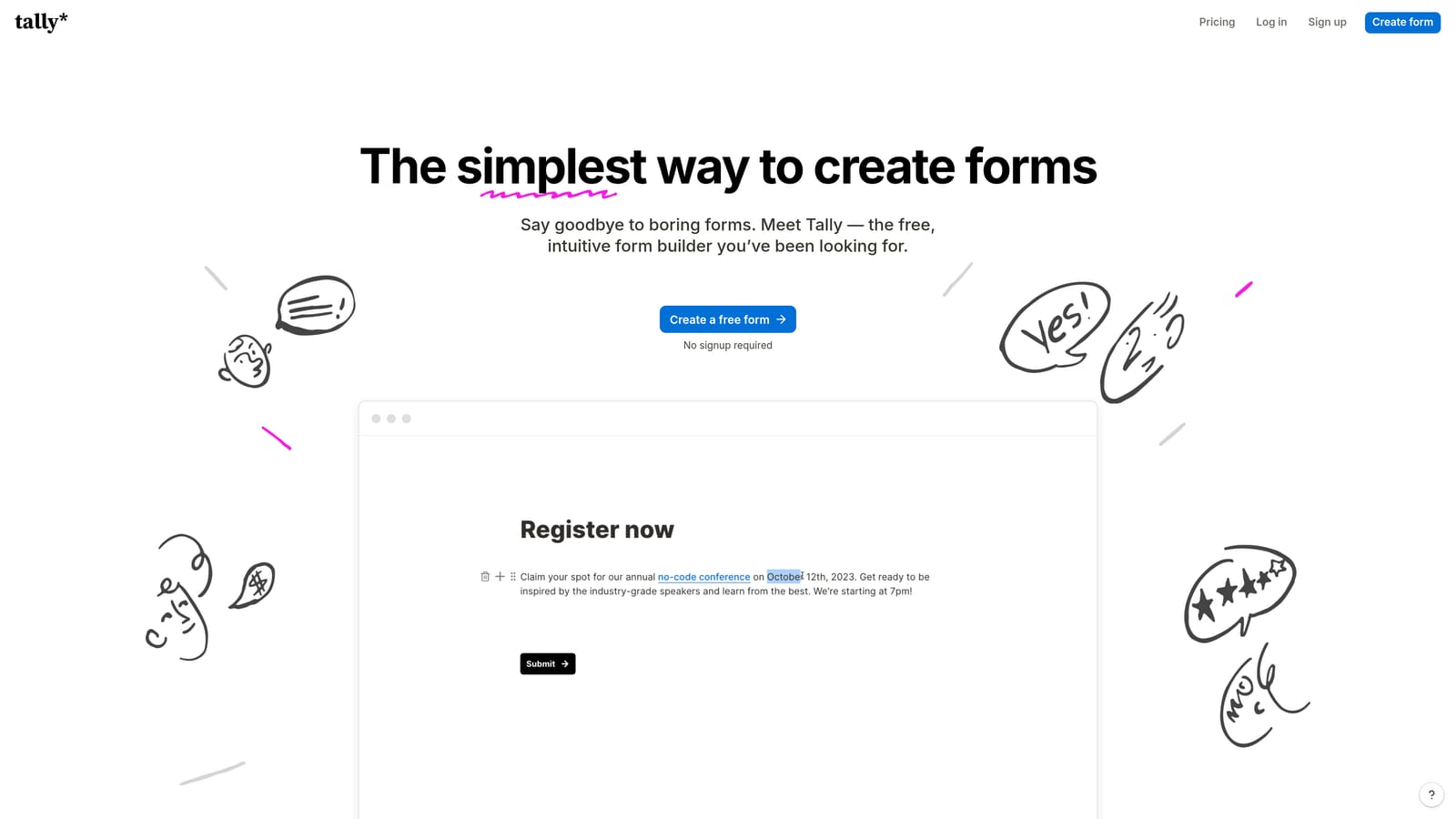
Tally is a Notion-inspired form builder with a block-based editor and one of the most generous free plans in the market.
Where This Tool Shines
Tally's biggest draw is its free tier: unlimited forms and unlimited responses at no cost. For early-stage teams, freelancers, or anyone who needs functional forms without a budget commitment, this is hard to match. The block-based editor will feel immediately familiar to anyone who uses Notion, which keeps the learning curve minimal.
The platform handles the fundamentals well: conditional logic, multi-page forms, and clean embed options that drop into websites without visual clutter. Integration with Notion, Airtable, Google Sheets, and Zapier covers most common data routing needs. Where Tally trails more advanced platforms is in analytics depth and enterprise features like white-labeling, which are reserved for the paid Tally Pro tier.
Key Features
Notion-Style Block Editor: Familiar, low-friction interface that makes building forms feel as natural as writing a document.
Unlimited Free Forms and Responses: No submission caps or form limits on the free plan, which is genuinely rare in this category.
Conditional Logic: Multi-page forms with branching logic to create personalized paths for different respondents.
Integration Library: Connects with Notion, Airtable, Google Sheets, Zapier, and a growing list of other tools.
Clean Embed Design: Minimal, distraction-free form design that fits naturally into websites and product pages.
Best For
Tally is ideal for early-stage startups, solo operators, and small teams that need reliable, attractive forms without a paid subscription. It's also a practical choice for internal forms, feedback surveys, and lightweight data collection where enterprise features aren't required.
Pricing
Free plan available with unlimited forms and responses. Tally Pro is available at a monthly subscription with advanced features. Check tally.so for current pricing.
6. Formstack
Best for: Enterprise teams that need forms, document generation, workflow automation, and compliance in one platform.
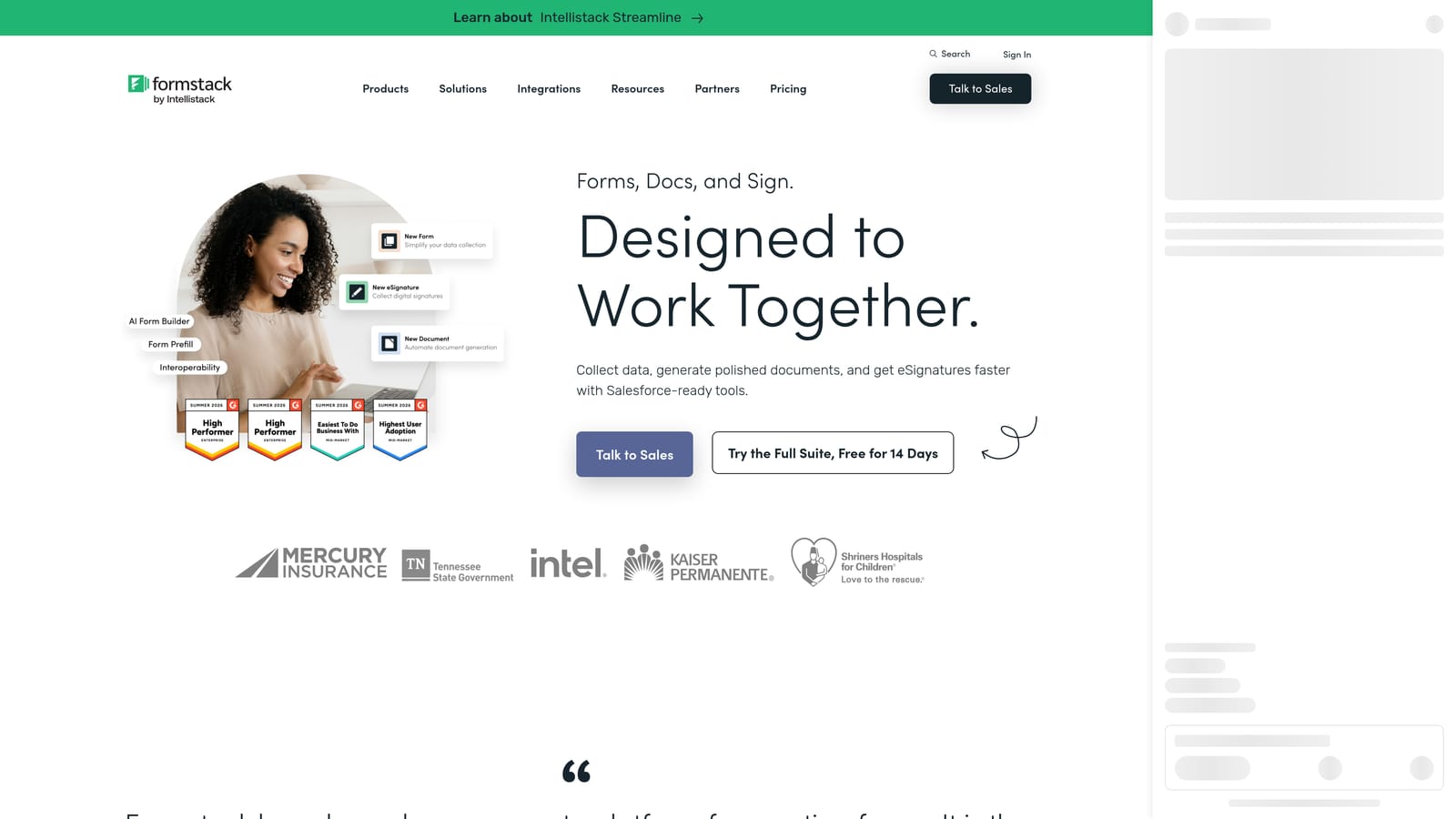
Formstack is an enterprise-grade platform combining forms, document generation, and workflow automation for teams with complex process and compliance requirements.
Where This Tool Shines
Formstack is built for organizations where forms are just one part of a larger process. The platform connects form submissions to document generation, approval routing, and e-signatures in a way that most form builders simply don't support. For HR, legal, finance, and operations teams managing structured workflows, this end-to-end capability is the core value proposition.
Compliance is another area where Formstack stands out. HIPAA, SOC 2, and GDPR compliance support makes it a credible option for regulated industries where data handling requirements are non-negotiable. The Salesforce-native integration also makes it a natural fit for enterprise sales teams that need form data flowing directly into their CRM without middleware.
Key Features
Advanced Workflow Automation: Approval routing and multi-step workflows that connect form submissions to structured business processes.
Document Generation and E-Signatures: Generate documents from form data and collect legally binding signatures within the same platform.
Compliance Credentials: HIPAA, SOC 2, and GDPR compliance support for regulated industries and enterprise data requirements.
CRM Prefill and Integration: Pull existing CRM data into forms and push submissions back, with a native Salesforce integration for enterprise teams.
Conditional Logic: Dynamic form behavior based on respondent answers, with the ability to route workflows accordingly.
Best For
Formstack suits enterprise organizations and regulated industries where forms are part of a broader document and approval workflow. It's particularly strong for HR, legal, healthcare administration, and enterprise sales operations teams that need compliance, process automation, and document generation alongside data collection.
Pricing
Enterprise pricing reflects the platform's advanced feature set. Check formstack.com for current plan details and pricing tiers.
Which Tool Is Right for Your Team?
The right professional form software depends entirely on what you need forms to do. Here's a quick breakdown to help you match the tool to the use case.
AI-driven lead qualification: Orbit AI is the clear choice. If your team needs forms to actively score, route, and follow up with leads automatically, no other platform on this list is built specifically for that outcome. The combination of AI qualification and conversion-optimized design makes it the strongest option for high-growth teams running serious inbound pipelines.
Conversational brand experience: Typeform delivers the most polished respondent experience in the category. If your form needs to feel like a premium brand touchpoint and integrate cleanly with your existing CRM stack, Typeform is the natural fit.
Template volume and broad integrations: Jotform wins on sheer breadth. For teams supporting multiple departments or working in regulated industries that need HIPAA compliance, Jotform's depth and flexibility are hard to beat.
Content-rich, flexible forms: Paperform is the right call when your form needs to function more like a landing page, blending copy, media, and input fields in a single document-style experience.
Budget-friendly simplicity: Tally's unlimited free tier makes it the obvious starting point for early-stage teams, solo operators, or anyone who needs functional, attractive forms without a monthly commitment.
Enterprise workflow and compliance: Formstack is built for organizations where forms connect to document generation, approval routing, and strict compliance requirements. It's the enterprise-grade option on this list.
If you're a high-growth team focused on lead generation and conversion, the smartest move is to start with a platform designed specifically for that problem. Start building free forms today with Orbit AI and see how intelligent form design, AI lead qualification, and conversion-focused analytics can transform the way your team captures and converts prospects.


