

Survey tools and form builders sound interchangeable, but they're built for fundamentally different jobs. Survey tools are designed to gather opinions and measure sentiment at scale. Form builders are engineered to capture, qualify, and convert leads. For high-growth teams, choosing the wrong category can mean collecting a lot of data while converting very little of it.
This guide cuts through the confusion by comparing the top tools across both categories, with a focus on what actually matters for conversion optimization: design flexibility, lead qualification logic, integrations, and speed to deploy. Whether you're replacing a legacy tool or building your first lead capture workflow, these options represent the best of what's available in 2026, covering both dedicated form builders and hybrid tools so you can make a genuinely informed choice for your stack.
Survey Tools vs. Form Builders: Why the Distinction Matters
Before diving into the tools, it's worth understanding why this category distinction actually matters for your team's results. Survey tools optimize for response volume, question variety (think Likert scales, NPS, and matrix questions), and aggregate reporting. They're built to measure sentiment.
Form builders, on the other hand, optimize for data capture, lead qualification, conditional logic, and integration with CRMs and marketing automation stacks. They're built to convert visitors into contacts and contacts into qualified leads.
For high-growth B2B and SaaS teams, this difference is significant. Using a survey tool for lead capture typically means sacrificing conversion-oriented features like real-time lead scoring, CRM sync, and progressive profiling. With that framing in mind, here are the top tools across both categories.
1. Orbit AI
Best for: High-growth teams that need AI-powered lead qualification built directly into their form flow.
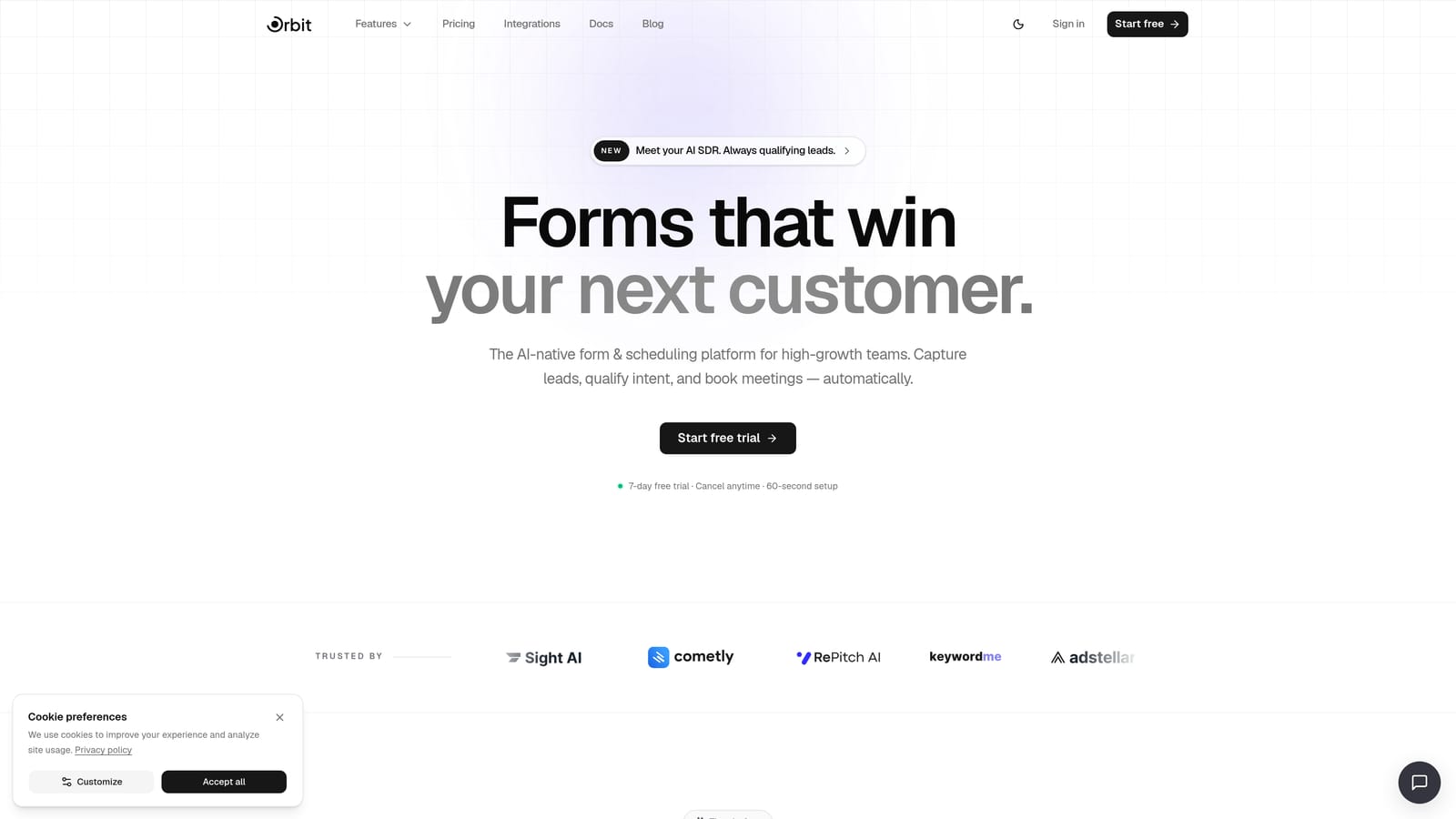
Orbit AI is an AI-powered form builder with native lead qualification logic designed specifically for conversion-focused teams.
Where This Tool Shines
What separates Orbit AI from most form builders is where the intelligence lives. Rather than pushing raw form responses into a CRM and relying on separate automation rules to score and segment leads, Orbit AI embeds qualification logic directly inside the form experience. As a respondent moves through the form, they're being evaluated in real time, so your team receives leads that are already scored and segmented by the time they hit your pipeline.
This matters most for teams running high-volume lead generation where manual review isn't scalable. The modern, branded templates also mean you don't have to choose between a form that looks good and one that converts well. Both come standard.
Key Features
AI-Powered Lead Qualification: Lead scoring logic is embedded directly in the form flow, qualifying respondents in real time without separate CRM rule configuration.
Conversion-Optimized Templates: Modern, branded form designs built specifically to reduce drop-off and improve completion rates.
Real-Time Lead Scoring: Prospects are scored as they complete the form, so your sales team receives pre-qualified leads rather than raw contact data.
Conditional Logic and Progressive Profiling: Ask smarter follow-up questions based on previous answers, capturing richer data without overwhelming respondents.
Built-In Analytics and Workflow Automation: Track form performance and trigger downstream actions without requiring a separate automation layer.
Best For
Orbit AI is the strongest fit for SaaS companies, B2B marketing teams, and growth-focused organizations running lead generation at scale. If your primary goal is converting form submissions into qualified pipeline rather than collecting survey responses, this is the tool built for that job.
Pricing
Visit orbitforms.ai/pricing for current plan details. Pricing is structured to support teams at different stages of growth.
2. Typeform
Best for: Teams who want a polished, conversational experience for both lead capture and research use cases.
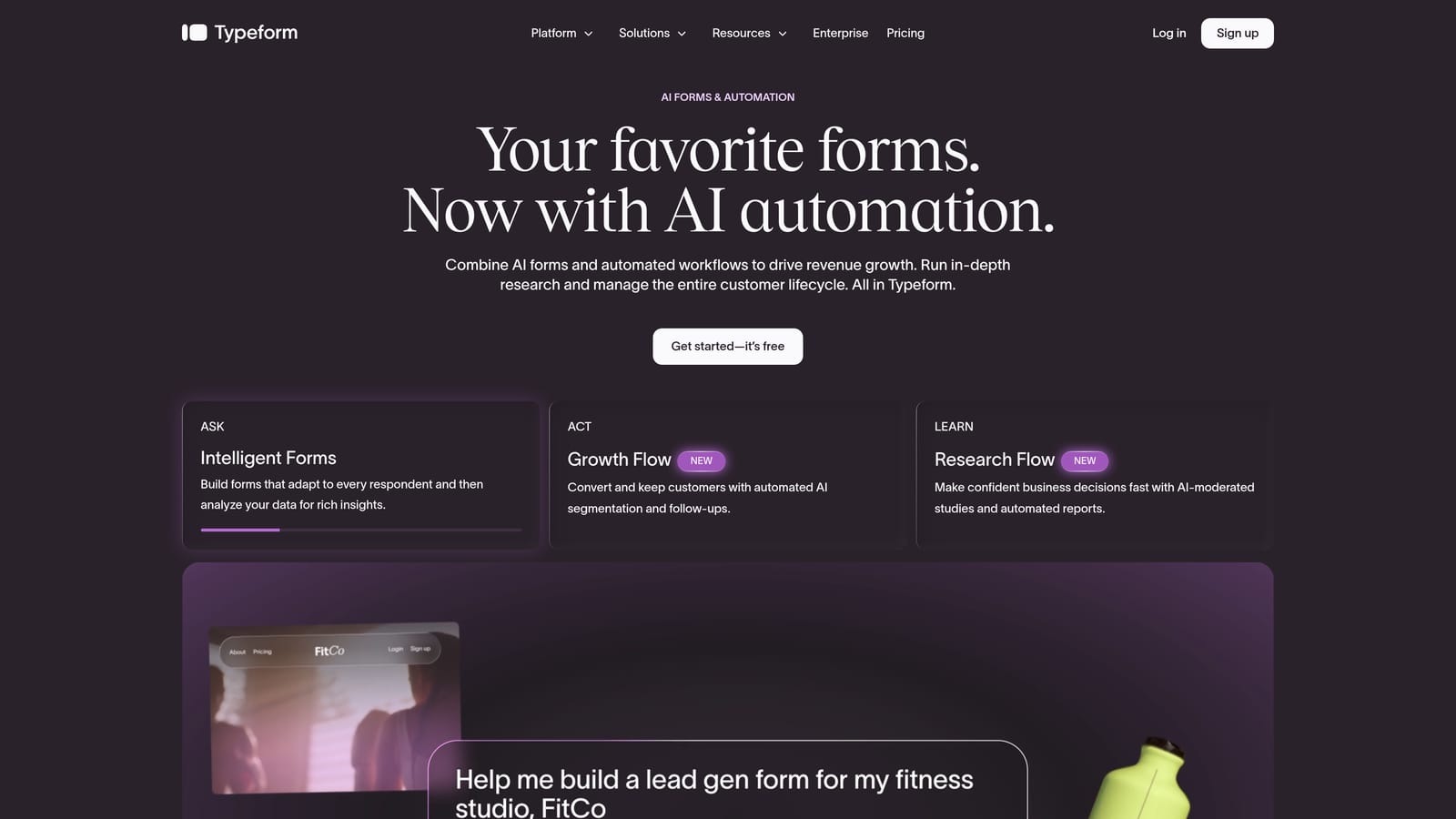
Typeform is a conversational form and survey hybrid known for its one-question-at-a-time format that sits at the intersection of both categories.
Where This Tool Shines
Typeform's signature format, presenting one question at a time rather than a full page of fields, can meaningfully reduce form fatigue on longer sequences. This makes it genuinely useful for both research-style surveys and lead capture flows where you need respondents to stay engaged through multiple questions.
The brand customization options are strong, and the overall aesthetic is consistently polished. For teams that care deeply about how their forms look and feel as an extension of their brand, Typeform delivers. Where it starts to show limitations is in advanced lead qualification logic, where dedicated form builders with AI-native features have a clear edge.
Key Features
Conversational One-Question Format: Presents questions sequentially to reduce cognitive load and improve completion rates on longer forms.
Logic Jumps and Conditional Branching: Personalizes question paths based on previous answers, keeping forms relevant to each respondent.
Strong Brand Customization: Themes, custom domains, and visual controls make it easy to match your brand identity.
Native CRM and Marketing Integrations: Connects with popular tools across the marketing stack without requiring middleware.
Video and Image Support: Embed visual media directly within questions for richer, more engaging form experiences.
Best For
Typeform is a strong choice for marketing and research teams who need a single tool that handles both feedback surveys and lead capture. It's particularly well-suited to teams where brand presentation is a priority and form length is moderate to long.
Pricing
Free plan available with limited responses. Paid plans start at $25 per month billed annually, with pricing scaling based on response volume and feature access.
3. Jotform
Best for: Teams managing diverse form needs across multiple departments and use cases.
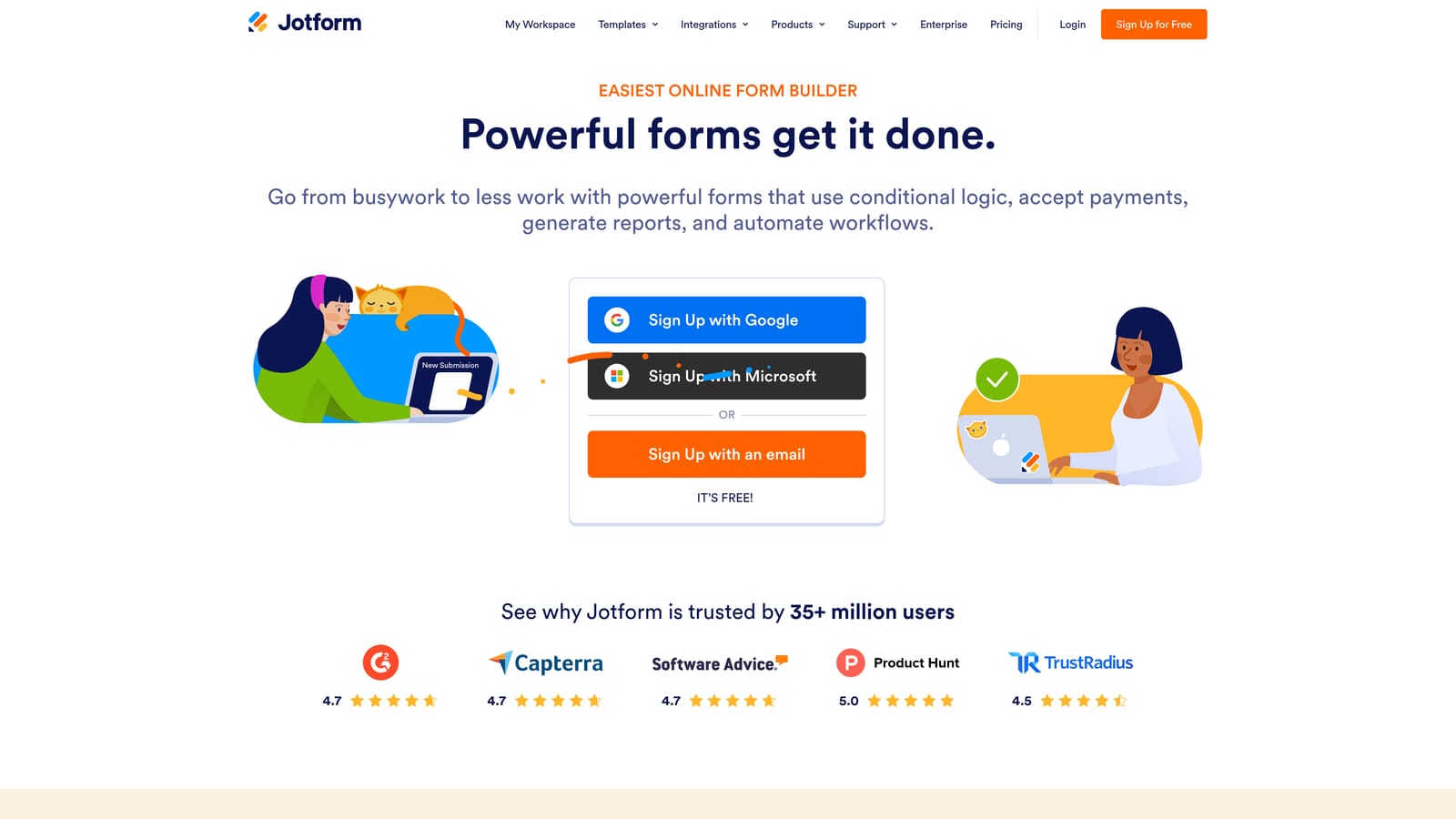
Jotform is a high-volume form builder with one of the largest template libraries in the market, covering use cases across marketing, HR, payments, legal, and operations.
Where This Tool Shines
Jotform's greatest strength is breadth. With over 10,000 templates spanning dozens of industries, it's the tool most likely to have a starting point for whatever form you need to build, whether that's a payment collection form, a medical intake form, or a lead generation page. For organizations where multiple departments need form capabilities, Jotform can serve as a centralized solution rather than requiring separate tools for each team.
The trade-off is depth. Jotform covers a huge range of use cases competently, but teams with sophisticated lead qualification needs or highly specific conversion requirements may find themselves bumping against its limitations faster than they would with a purpose-built lead capture tool.
Key Features
10,000+ Templates: One of the largest template libraries available, spanning dozens of industries and use cases.
Built-In Payment Collection: Native integrations with Stripe, PayPal, and Square for forms that need to accept payments directly.
Conditional Logic and Calculation Fields: Supports dynamic form behavior and numeric calculations within the form itself.
HIPAA-Compliant Forms: Available on higher-tier plans for healthcare and regulated industry use cases.
Extensive Third-Party Integrations: Connects with CRMs, cloud storage platforms, and project management tools across a broad ecosystem.
Best For
Jotform is ideal for SMBs and mid-market organizations that need one tool to handle form requirements across multiple departments. It's also a strong choice for teams with payment collection, HR, or compliance-related form needs.
Pricing
Free plan available with usage limits. Paid plans start at $34 per month billed annually, with higher tiers unlocking HIPAA compliance and increased submission volumes.
4. Tally
Best for: Lean teams and early-stage startups that need clean, functional forms without a subscription.
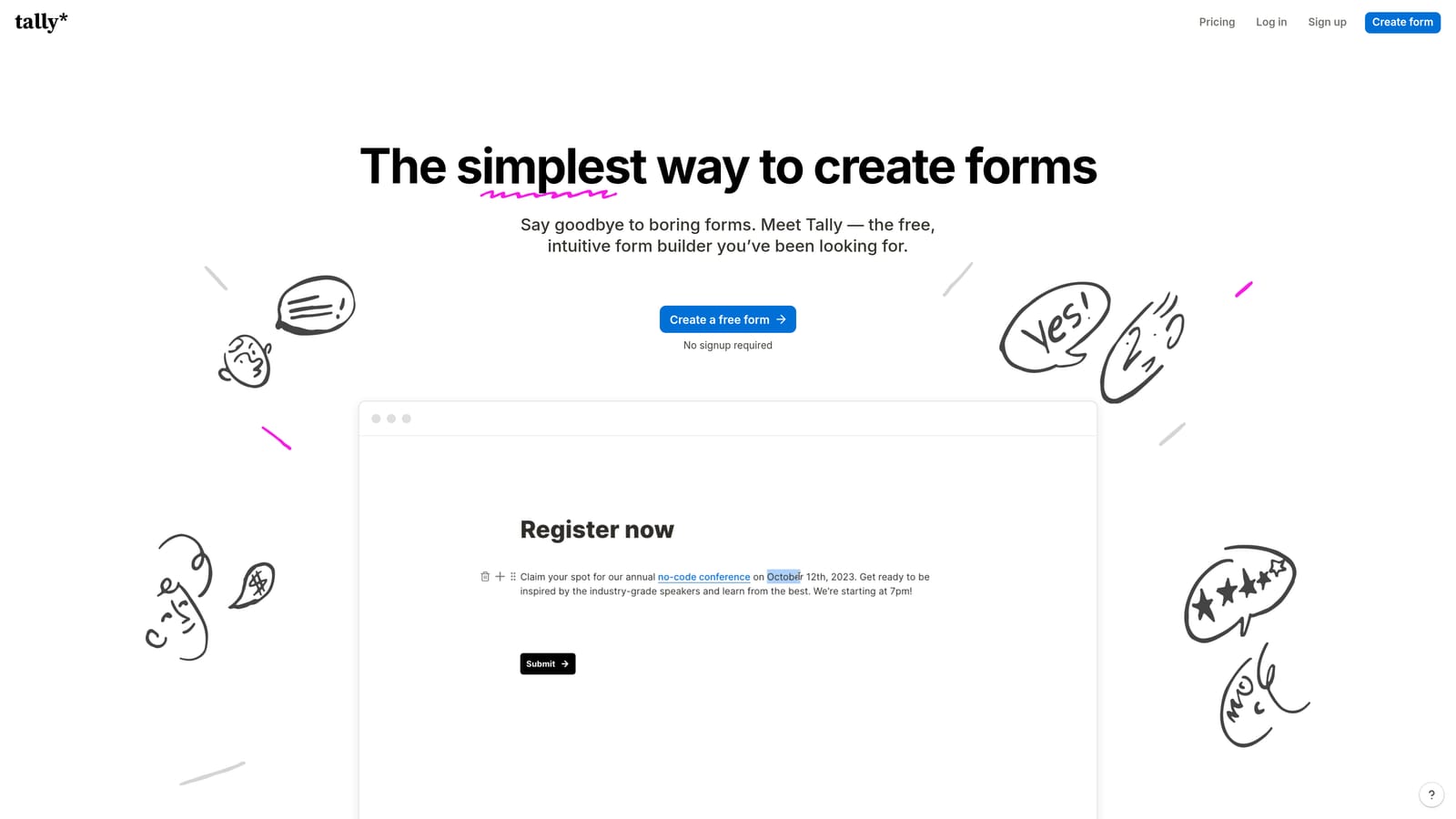
Tally is a minimalist, Notion-inspired form builder with a generous free tier designed for teams who need fast, functional forms without complexity.
Where This Tool Shines
Tally's block-based editor feels immediately intuitive for anyone familiar with Notion or similar tools. You can build a clean, functional form in minutes without navigating a complex interface or sitting through onboarding. The free plan is genuinely useful, offering unlimited forms and responses, which is rare in this category.
For teams at the early stage or running lightweight use cases, Tally removes almost every barrier to getting a form live. Where it naturally falls short is in advanced lead qualification and conversion optimization. It doesn't offer the kind of AI-powered scoring or progressive profiling that dedicated lead generation tools provide, so teams with serious pipeline goals will likely outgrow it.
Key Features
Unlimited Forms and Responses on Free Plan: One of the most generous free tiers in the category, with no hard response caps.
Notion-Like Block Editor: Intuitive building experience that requires minimal learning curve for anyone familiar with modern document tools.
Conditional Logic and Hidden Fields: Supports basic dynamic form behavior without requiring a paid plan.
Clean Website and Notion Embeds: Forms embed neatly into websites and Notion pages without visual friction.
Zapier and Webhook Integrations: Connects to broader tools via Zapier and native webhooks for basic automation needs.
Best For
Tally is the right choice for early-stage startups, individual creators, and lean teams that need functional forms quickly and cost-effectively. It's less suited to teams where lead qualification and conversion optimization are primary requirements.
Pricing
Generous free tier with unlimited forms and responses. Tally Pro is available at $29 per month billed annually, unlocking additional customization and branding options.
5. Paperform
Best for: Teams who want forms that feel more like a sales page than a traditional data capture form.
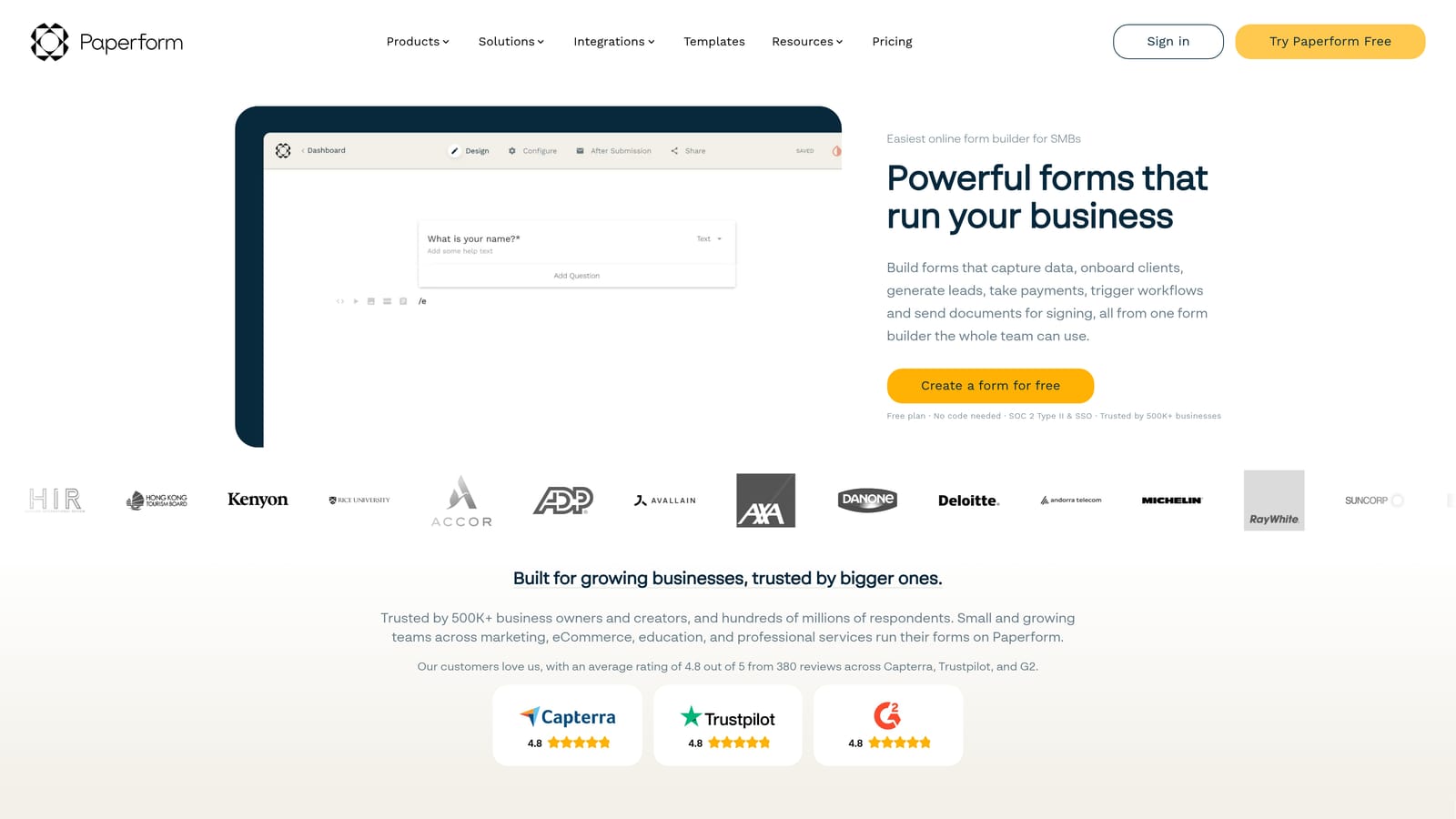
Paperform is a hybrid form and landing page builder that lets teams mix rich content with form fields on a single page.
Where This Tool Shines
Paperform's defining characteristic is its ability to blend narrative content with form fields. You can write copy, embed images, add video, and include form fields all on the same page, creating an experience that feels more like a guided sales journey than a traditional form. This is particularly useful for teams selling products, running event registrations, or using forms at the bottom of a content-rich funnel.
The built-in payment capabilities add practical utility for teams that need to collect money alongside information. For pure lead generation with qualification logic, Paperform is functional but not purpose-built for that workflow the way AI-native form builders are.
Key Features
Rich Content and Form Field Mixing: Combine text, images, and video with form fields on a single page for a more engaging, story-driven experience.
Built-In Payment and Product Sales: Accept payments and sell products directly through the form without requiring a separate checkout tool.
Conditional Logic and Calculation Fields: Supports dynamic question paths and numeric calculations within the form experience.
Custom Domains and Visual Branding: Strong visual customization options to match your brand identity closely.
CRM, Email, and Zapier Integrations: Connects with major marketing platforms and CRMs for downstream automation.
Best For
Paperform suits marketing teams, consultants, and small businesses that want forms with a storytelling dimension. It's particularly strong for product sales, event registrations, and use cases where context and narrative matter before the ask.
Pricing
Plans start at $29 per month billed annually. There is no permanent free plan, though a trial period is available.
6. Formstack
Best for: Enterprise organizations that need forms integrated into multi-step approval workflows and compliance frameworks.
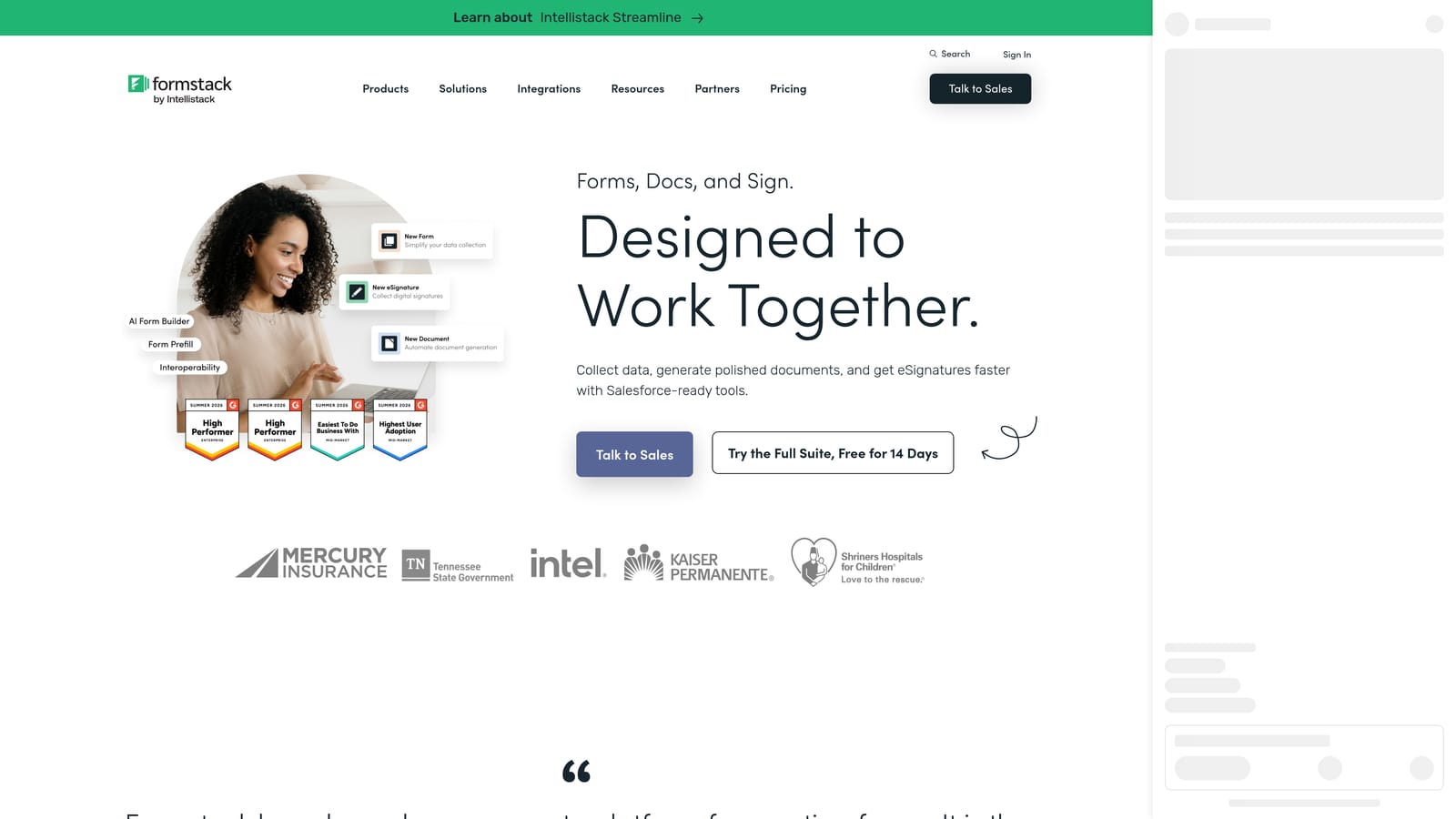
Formstack is an enterprise-grade form builder with workflow automation, document generation, and compliance features built for regulated industries and complex organizational processes.
Where This Tool Shines
Formstack operates in a different tier than most form builders. Where consumer-grade tools optimize for speed and simplicity, Formstack is built for organizations where forms are part of a larger operational process, including multi-step approvals, document generation, e-signature collection, and compliance documentation. If your organization has data governance requirements or needs forms to trigger approval chains across teams, Formstack is designed for exactly that.
The complexity is a genuine trade-off. Setup takes longer and the learning curve is steeper than lighter-weight alternatives. For enterprise teams with IT support and specific compliance needs, that trade-off is worthwhile. For growth-stage teams focused on lead capture velocity, it's likely more infrastructure than necessary.
Key Features
Workflow Routing and Multi-Step Approvals: Forms can trigger structured approval processes across teams and departments.
Document Generation and E-Signature: Generate documents from form data and collect legally valid signatures within the same workflow.
HIPAA and GDPR Compliance Features: Built-in compliance controls for healthcare, legal, and other regulated industries.
Salesforce and Enterprise CRM Integrations: Deep integrations with enterprise CRM platforms for organizations with complex data requirements.
Advanced Field Types: Includes calculations, data lookup, and other advanced field types suited to complex operational forms.
Best For
Formstack is the right choice for enterprise organizations, healthcare providers, financial services firms, and any team where forms are embedded in regulated workflows requiring audit trails and approval chains.
Pricing
Plans start at $83 per month billed annually. Enterprise pricing is available for larger organizations with custom requirements.
Choosing the Right Tool for Your Use Case
The survey tools vs. form builders debate doesn't have a single right answer. It depends on what you're actually trying to accomplish with the forms you deploy.
If your primary goal is lead generation and pipeline qualification, the tools that will serve you best are purpose-built for conversion. Orbit AI is the strongest choice here, particularly for SaaS and B2B teams that need leads scored and segmented automatically rather than manually processed after the fact. Typeform is a solid alternative for teams that need a hybrid tool covering both lead capture and research without committing to two separate platforms.
For teams managing diverse form needs across departments, Jotform's template breadth and payment support make it a practical centralized solution. Tally is the clear winner for lean teams and startups where budget and simplicity are the primary constraints. Paperform earns its place for teams that want forms with a storytelling dimension, particularly where content context matters before the call to action. And Formstack is the natural choice for enterprise organizations with compliance requirements and multi-step approval workflows that go well beyond standard lead capture.
The most important question to ask before choosing is whether you need a tool that collects data or one that qualifies it. For high-growth teams, that distinction often determines how much of your form traffic actually converts into pipeline.
Transform your lead generation with AI-powered forms that qualify prospects automatically while delivering the modern, conversion-optimized experience your high-growth team needs. Start building free forms today and see how intelligent form design can elevate your conversion strategy.


