

Most form builders let you collect data. The best ones help you qualify leads, reduce abandonment, and drive revenue. For high-growth teams, the difference between a generic form and a conversion-optimized one can be significant, both in lead quality and pipeline velocity.
This comparison evaluates six advanced form builders on what actually matters: AI capabilities, conditional logic depth, lead qualification features, integration flexibility, and design quality. Whether you're running a SaaS onboarding flow, a B2B lead gen campaign, or a complex multi-step survey, this guide will help you find the right tool for your stack.
We've assessed each platform on its core strengths, ideal use cases, and pricing transparency so you can make a confident, informed decision.
1. Orbit AI
Best for: High-growth teams that need forms to qualify leads and feed clean data into revenue workflows.
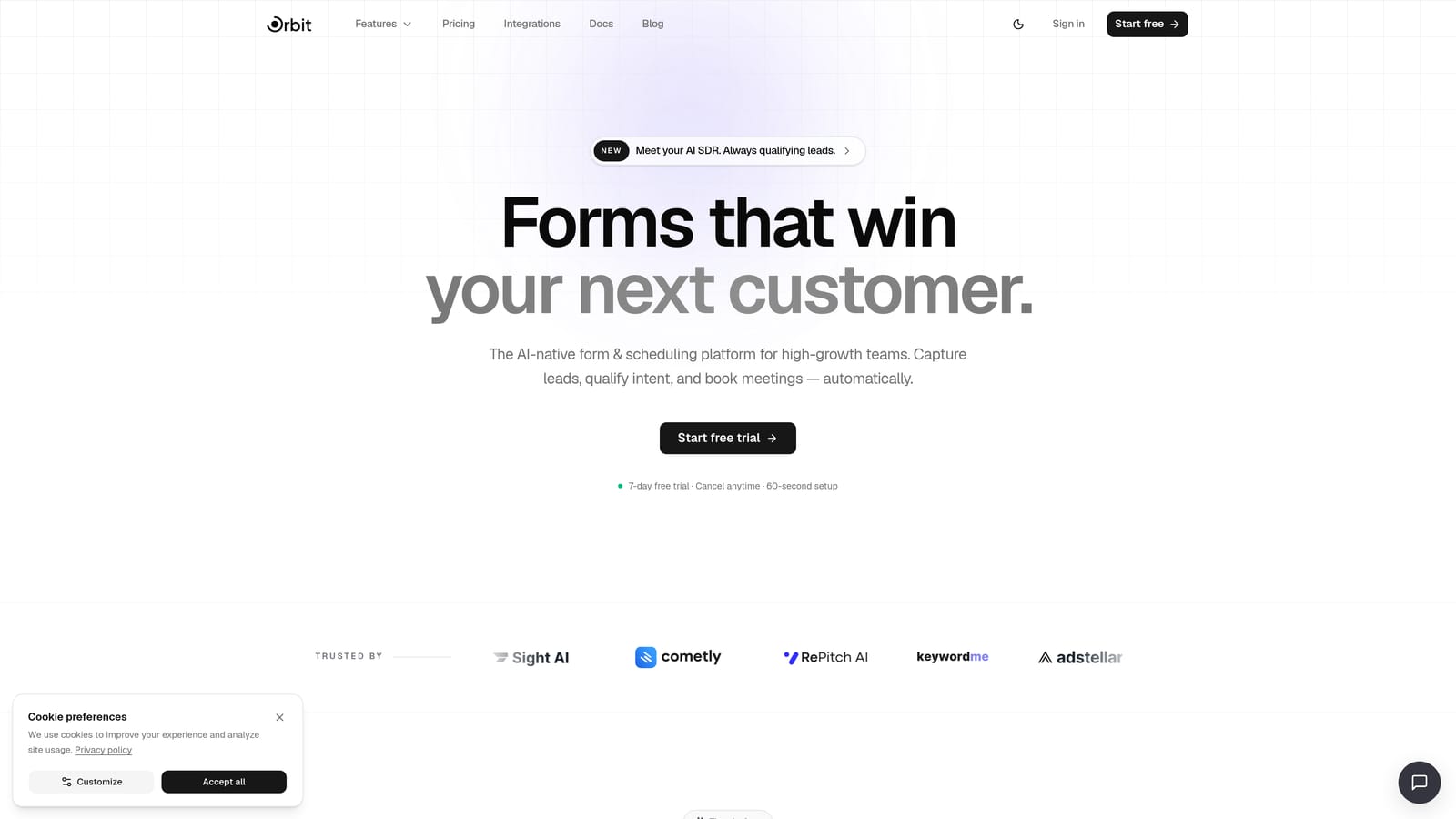
Orbit AI is an AI-powered form builder built specifically for teams that need forms to do more than collect responses.
Where This Tool Shines
Most form builders treat qualification as an afterthought. You collect responses, export them to a CRM, then apply scoring rules downstream. Orbit AI flips that model by embedding lead qualification directly inside the form experience itself. By the time a prospect hits submit, your system already knows whether they're a strong fit, a nurture candidate, or outside your ICP.
This native qualification approach is particularly valuable for SaaS teams running high-volume inbound campaigns. Rather than routing everyone into the same pipeline and sorting later, Orbit AI enables intelligent routing at the point of capture, which keeps your sales team focused on the leads that actually matter.
Key Features
AI Lead Qualification: Scores and routes leads based on form responses without requiring a separate CRM workflow.
Conversational Multi-Step Forms: Conversion-optimized templates designed to reduce friction and improve completion rates across onboarding and lead gen flows.
Workflow Automation: Built-in automation and follow-up sequences that trigger based on lead scores or specific response conditions.
Analytics Dashboard: Tracks form performance and lead quality in one place, giving teams visibility into where drop-off happens and which form variants convert best.
AI Agents: Intelligent response handling and routing that goes beyond static conditional logic, adapting to user inputs in real time.
Best For
Orbit AI is the strongest fit for SaaS companies, B2B marketing teams, and growth-focused operators who need their forms to function as a qualification layer, not just a data collection endpoint. If your team is tired of manually scoring leads after the fact, this is built for you.
Pricing
Visit orbitforms.ai/pricing for current plan details. Pricing is structured to scale with team size and usage volume.
2. Typeform
Best for: Brand surveys, NPS campaigns, and research teams prioritizing visual design and completion rates.
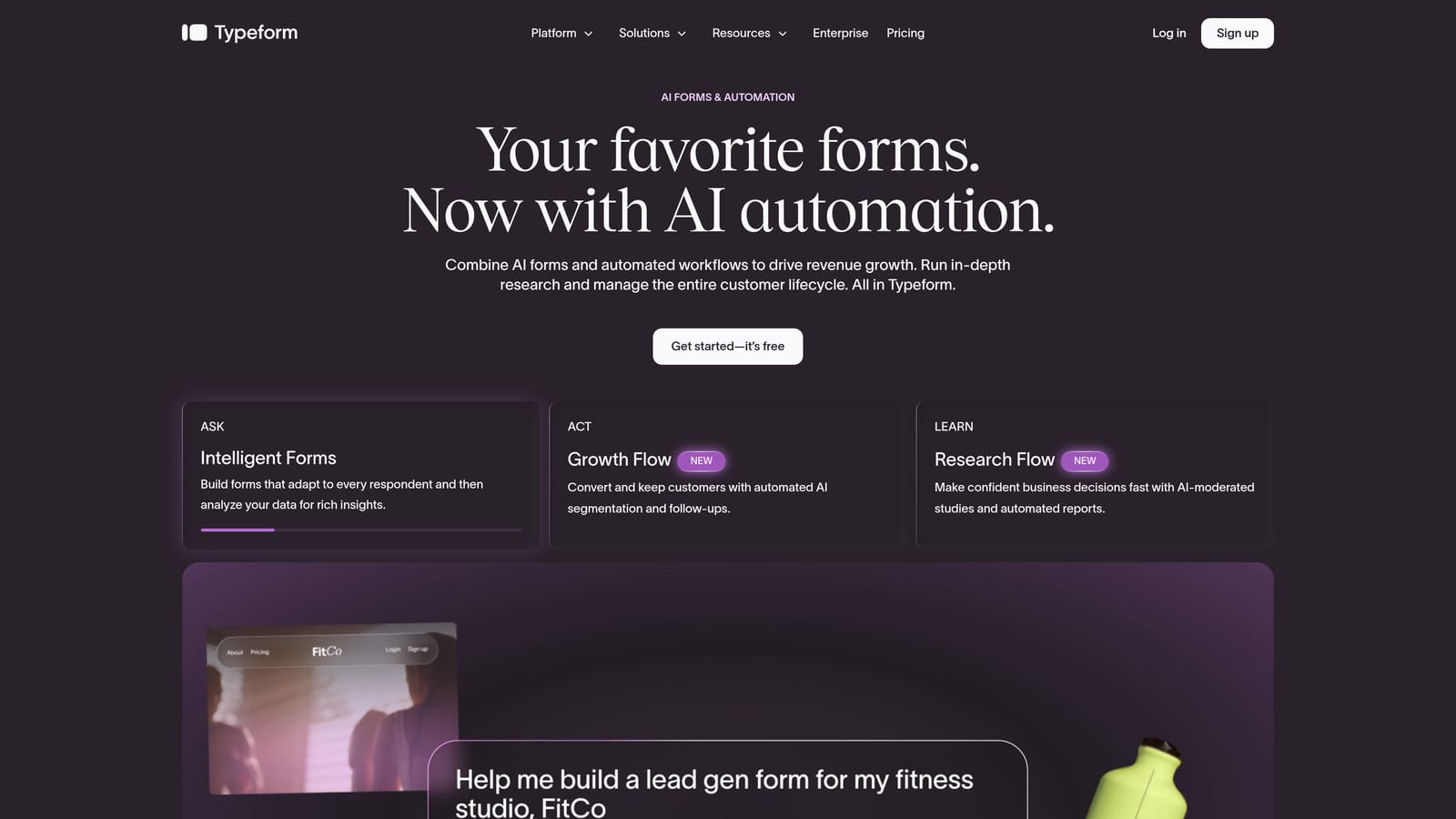
Typeform is a conversational form builder known for its one-question-at-a-time format and premium aesthetic that consistently earns high marks for user experience.
Where This Tool Shines
Typeform's core strength is its ability to make forms feel less like forms. The sequential, single-question interface reduces cognitive overload, which tends to improve completion rates on longer surveys and research instruments. For brand-conscious teams, the visual polish is genuinely impressive out of the box.
Logic Jumps provide solid conditional branching, and the newer Typeform AI feature adds response analysis capabilities that give teams a layer of insight beyond raw data. That said, Typeform's AI features are still maturing compared to platforms built with qualification as a primary use case.
Key Features
One-Question-at-a-Time UI: Sequential format that reduces friction and keeps respondents focused throughout longer forms.
Logic Jumps: Conditional branching that adapts the form path based on previous answers.
Typeform AI: Response analysis capabilities for extracting insights from open-ended answers.
Brand Customization: Strong theming, custom fonts, and embed options that align with brand guidelines.
Integration Library: Native connections to HubSpot, Salesforce, Zapier, and a wide range of marketing tools.
Best For
Typeform is ideal for marketing and research teams running surveys, NPS programs, or audience research where design quality and completion rates are the primary metrics. Teams needing deep lead qualification logic or complex revenue workflows may find it limiting at scale.
Pricing
A free tier is available with limited responses. Paid plans start at approximately $25 per month. Verify current pricing at typeform.com/pricing, as limits and tiers change periodically.
3. Jotform
Best for: Operations-heavy teams across healthcare, education, and logistics that need versatility and offline capability.
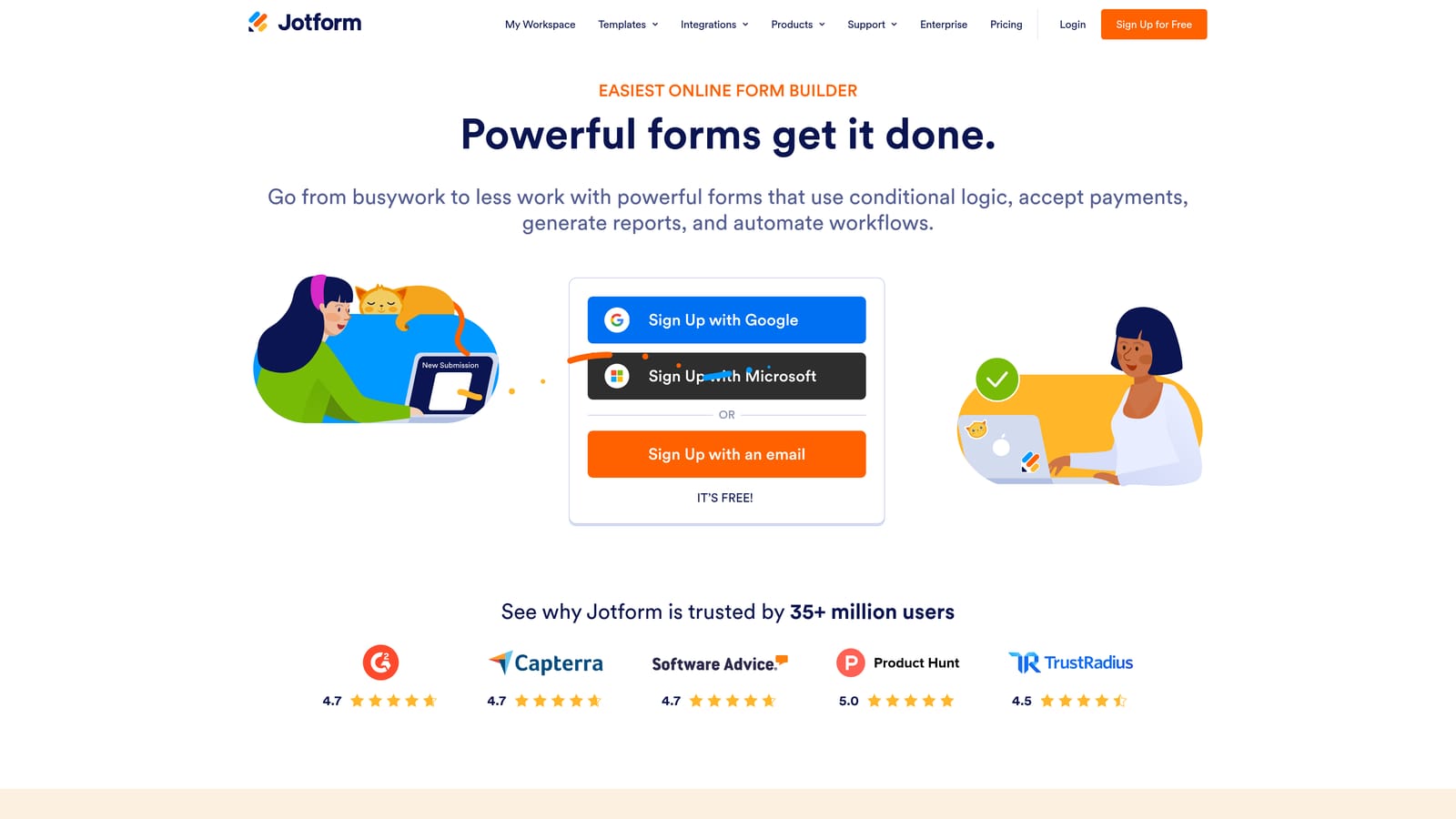
Jotform is a highly versatile form builder with one of the largest template libraries in the market and robust features for teams that need forms to handle complex operational workflows.
Where This Tool Shines
Jotform's breadth is its defining characteristic. With over 10,000 templates spanning virtually every industry vertical, teams can get a functional form up quickly without starting from scratch. The platform's offline mobile capability is a genuine differentiator for field teams, healthcare workers, or anyone collecting data in environments without reliable internet access.
Jotform Tables adds a built-in data management layer that reduces reliance on exporting to spreadsheets, and the approval workflow functionality makes it useful for internal processes beyond just lead capture. The interface can feel dated compared to newer entrants, and the AI features are newer additions that are still developing in maturity.
Key Features
10,000+ Templates: One of the largest template libraries available, covering virtually every industry and use case.
Offline Form Collection: Mobile app with offline capability for field data collection without internet connectivity.
Jotform Tables: Built-in data management and organization layer that reduces the need for external spreadsheets.
Payment Collection: Native payment processing and approval workflow support for transactional forms.
HIPAA-Compliant Plans: Compliance-ready options for healthcare teams handling protected health information.
Best For
Jotform suits operations teams, healthcare organizations, educational institutions, and any team that values template variety and offline functionality over cutting-edge design or AI-driven qualification. It's a workhorse platform built for reliability across a wide range of scenarios.
Pricing
A free tier is available with Jotform branding on forms. Paid plans start at approximately $34 per month. Check current details at jotform.com/pricing.
4. Paperform
Best for: Small teams and creative agencies that want design flexibility and built-in payment capabilities without enterprise complexity.
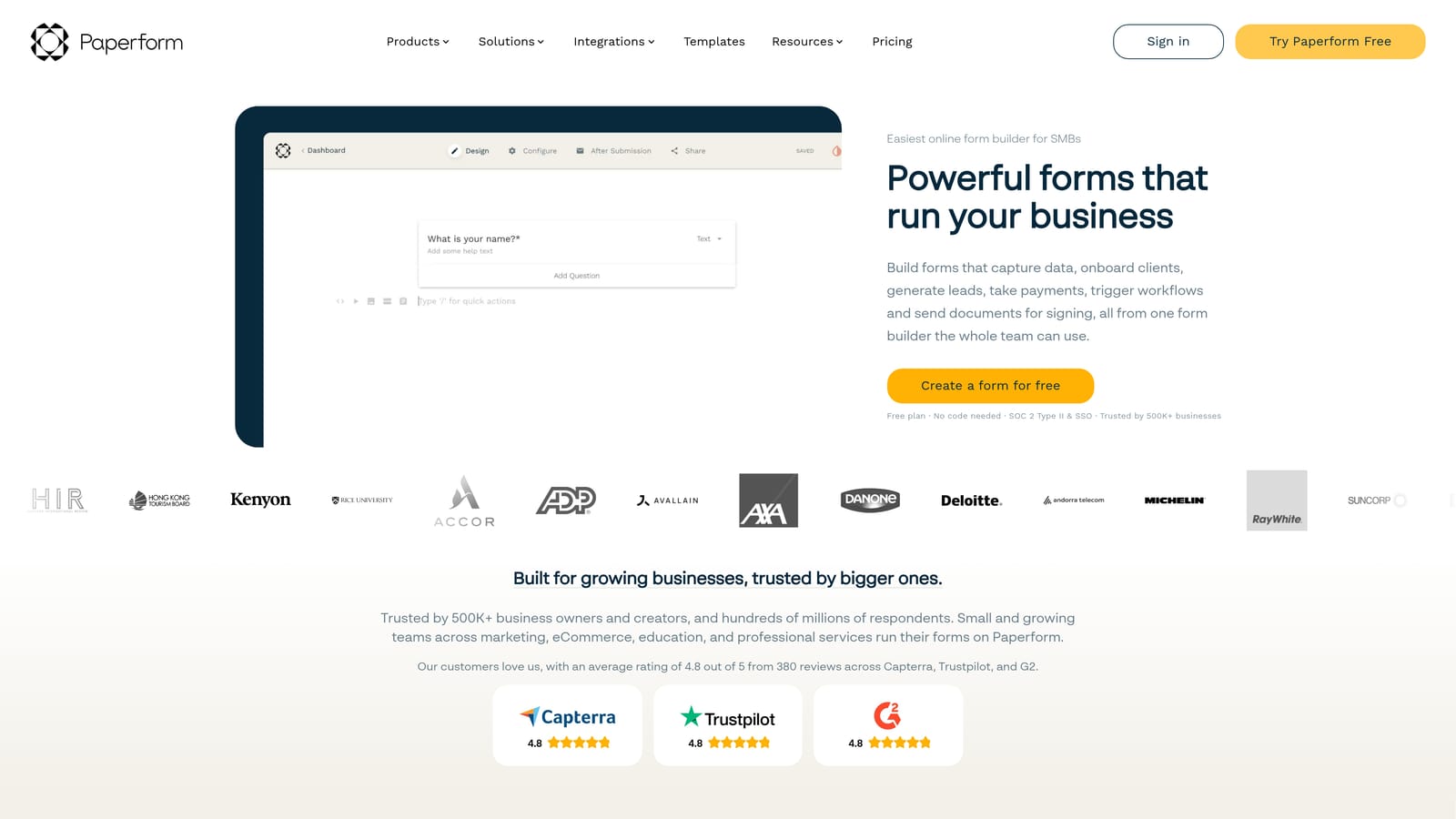
Paperform is a flexible form builder with a document-style editor that blends content and form fields naturally, making it feel less like a form tool and more like a rich landing page builder.
Where This Tool Shines
Paperform's editor is genuinely different from most form builders. Rather than working in a structured field-by-field interface, you write content and drop in form fields where they make sense, much like composing a document. This creates a more natural reading experience for respondents and gives designers and content-forward teams much more creative control.
The conditional logic is solid, and the built-in payment and product selling capabilities make it well-suited for teams that want to handle transactions without bolting on a separate tool. Where Paperform falls short is in its integration ecosystem, which is narrower than Jotform or Typeform, and it lacks the enterprise-grade compliance features that regulated industries require.
Key Features
Document-Style Editor: Freeform page editor that blends content and form fields for a natural, readable respondent experience.
Conditional Logic and Calculations: Strong branching logic and calculation fields for dynamic pricing, scoring, or personalized paths.
Built-In Payments: Native product selling and payment collection without requiring a third-party integration.
White-Labeling and Custom Domains: Full brand control including custom domain support for a seamless on-brand experience.
Pre-Built Templates: A curated library covering common business use cases for faster setup.
Best For
Paperform is a strong fit for freelancers, small agencies, and creative teams that want design control and built-in payments in one tool. It's less suited for large enterprise deployments or teams with complex compliance requirements.
Pricing
No free tier is available. Paid plans start at approximately $24 per month. Verify current pricing at paperform.co/pricing.
5. Formstack
Best for: Enterprise teams in regulated industries that need HIPAA, GDPR, and SOC 2 compliance built into their form infrastructure.
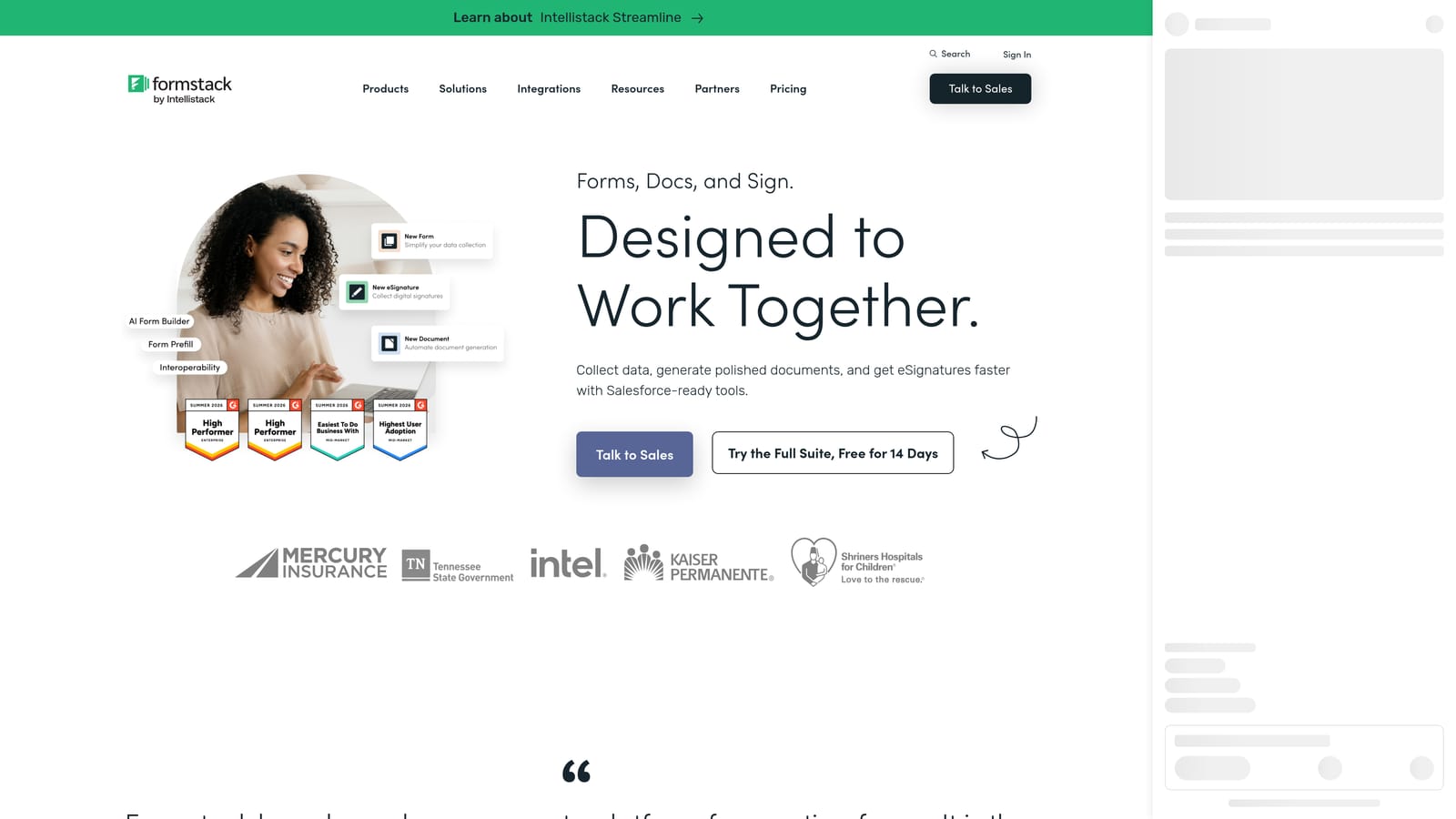
Formstack is an enterprise-grade form and document platform built for organizations where compliance, security, and data governance are non-negotiable requirements.
Where This Tool Shines
Formstack's core advantage is its compliance posture. HIPAA, GDPR, and SOC 2 readiness are built in rather than bolted on, which matters enormously for healthcare, legal, and financial services teams that can't afford to compromise on data handling. The Formstack Documents feature extends the platform beyond forms into automated document generation, which adds meaningful value for teams managing contracts, intake packets, or compliance records.
The native Salesforce integration is deep and reliable, making Formstack a natural fit for enterprise organizations already invested in the Salesforce ecosystem. The trade-off is cost and design: Formstack's interface is functional but not design-forward, and the pricing reflects its enterprise positioning.
Key Features
HIPAA, GDPR, and SOC 2 Compliance: Built-in compliance infrastructure for regulated industries handling sensitive data.
Formstack Documents: Automated document generation that populates templates from form submissions.
eSignature Collection: Native signature capture integrated directly into form workflows.
Salesforce Integration: Deep, native Salesforce data routing for enterprise CRM workflows.
Conditional Logic and Multi-Page Forms: Standard advanced logic capabilities for complex data collection flows.
Best For
Formstack is purpose-built for enterprise teams in healthcare, legal, financial services, and other regulated sectors where compliance is the primary constraint. Smaller teams or those without compliance requirements will likely find the price-to-value ratio difficult to justify.
Pricing
Business plans start at approximately $83 per month, with enterprise pricing available on request. Verify current details at formstack.com/pricing.
6. Tally
Best for: Early-stage startups, indie makers, and budget-conscious teams that need clean, functional forms without spending anything.
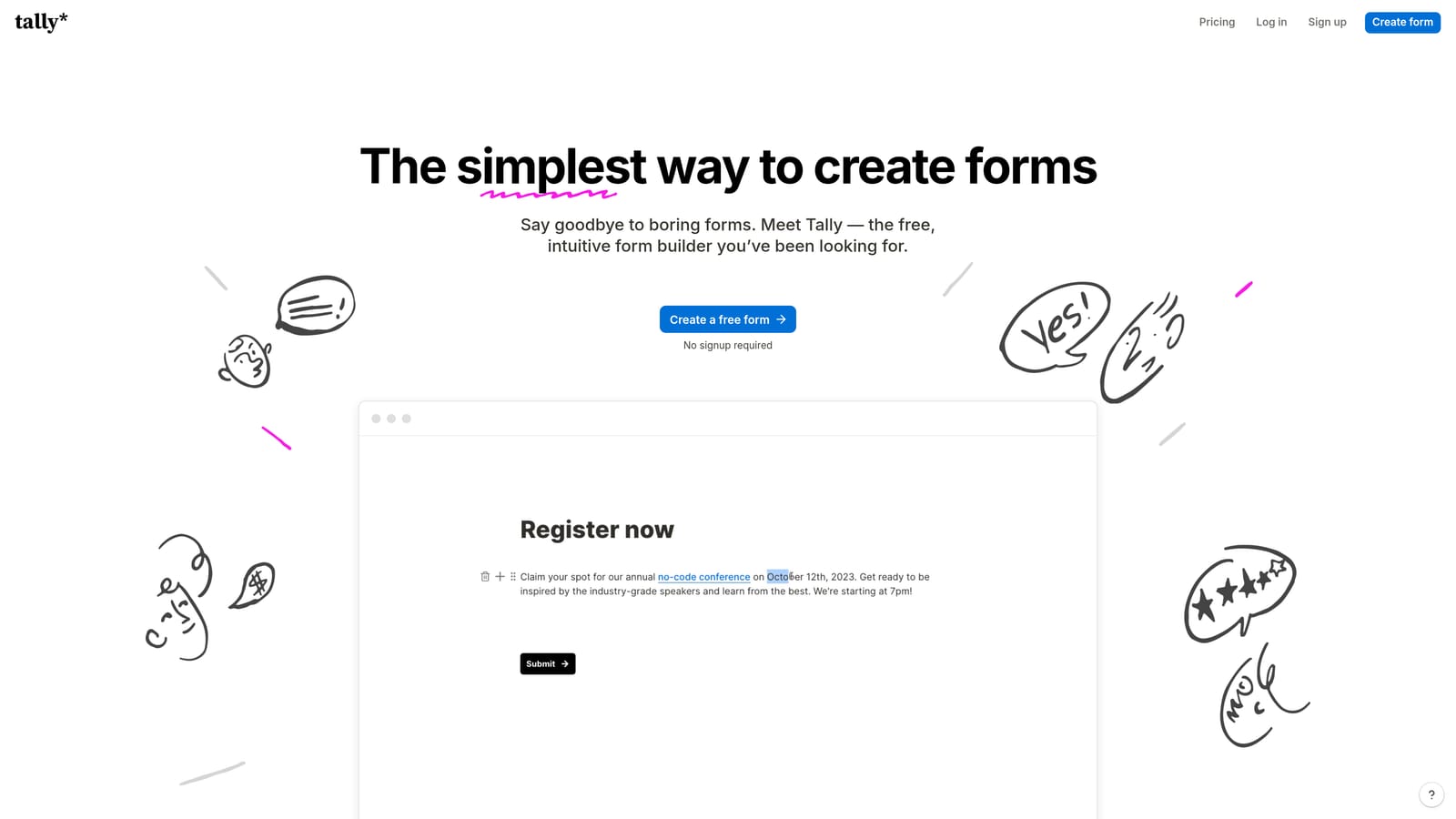
Tally is a lightweight, Notion-style form builder with one of the most genuinely generous free plans in the market, designed for teams that need fast, simple forms without friction or cost.
Where This Tool Shines
Tally's free tier is the real story here. Unlimited forms and unlimited responses without a credit card is an unusual offer in a market where most tools impose tight caps on the free plan. The block-based editor will feel immediately familiar to anyone who uses Notion, which means the learning curve is minimal and setup is fast.
The design output is clean and minimalist by default, which works well for internal tools, waitlist signups, feedback forms, and lightweight lead capture. Where Tally shows its limits is in advanced conditional logic, native integrations, and anything approaching enterprise or compliance requirements. It's a starter tool that excels in its lane.
Key Features
Unlimited Free Forms and Responses: A genuinely unlimited free tier that doesn't gate basic functionality behind a paywall.
Notion-Style Block Editor: Familiar block-based interface for fast form creation without a steep learning curve.
Clean Minimalist Design: Polished default output that looks professional without requiring design customization.
Zapier and Make Integration: Basic automation connectivity for routing responses into other tools in your stack.
Easy Embedding: Straightforward embed options for websites, Notion pages, and other surfaces.
Best For
Tally is the right call for early-stage startups, solo founders, and internal teams that need functional forms quickly and cheaply. Teams with complex lead qualification needs, enterprise compliance requirements, or advanced automation workflows will outgrow it fast.
Pricing
The free tier includes unlimited forms and responses. The Pro plan is approximately $29 per month. Check current pricing at tally.so/pricing.
Which Tool Is Right for Your Team?
Every tool in this comparison has a genuine use case, but the differences between them are meaningful enough to matter when you're choosing something that will sit at the front of your revenue pipeline.
Orbit AI is the strongest choice for growth-focused teams that need lead qualification to happen at the point of capture, not downstream in a CRM. The native AI scoring and intelligent routing make it the most conversion-forward option in this comparison.
Typeform earns its place for survey-heavy teams and brand-conscious marketers where completion rate and design polish are the primary metrics. It's less suited for complex qualification workflows.
Jotform wins on versatility and template breadth, making it the go-to for operations teams, healthcare organizations, and anyone who needs offline capability or payment collection built in.
Paperform is the right fit for small creative teams and freelancers who want design control and built-in payments without enterprise overhead.
Formstack is the clear choice for regulated industries where HIPAA, GDPR, and SOC 2 compliance are non-negotiable. It's purpose-built for that context and priced accordingly.
Tally is the best free option in the market for early-stage teams and indie makers who need clean, functional forms without a budget.
Here's a quick decision guide based on your situation:
Pick Orbit AI if: You're a SaaS or B2B team that needs forms to qualify and route leads automatically, not just collect them.
Pick Typeform if: Your primary use case is surveys, NPS, or research, and brand experience is a top priority.
Pick Jotform if: You need a versatile, template-rich platform with offline capability and payment collection across multiple teams or departments.
Pick Paperform if: You're a small team or freelancer who wants creative design control and built-in transactions in one lightweight tool.
Pick Formstack if: You operate in a regulated industry and compliance infrastructure is the primary requirement.
Pick Tally if: You're early-stage, budget-constrained, or building internal tools that don't require advanced logic or integrations.
If lead generation and conversion are central to your growth strategy, the form you put in front of prospects is doing more work than most teams realize. Start building free forms today with Orbit AI and see how intelligent form design, built-in lead qualification, and AI-powered routing can change what your forms actually deliver for your pipeline.


