

Not all form builders are created equal. If your forms are doing more than collecting names and emails — think qualifying leads, segmenting audiences, triggering automations — you need something built for the job.
The right customizable form builder gives you control over the look, logic, and flow of every form while connecting seamlessly to your CRM and marketing stack. This list covers nine of the best options available in 2026, evaluated on design flexibility, conditional logic, integration depth, and how well they support conversion-focused use cases.
Whether you're building a multi-step lead capture form, a product feedback survey, or a gated content request, there's a tool here for your team. We've included Orbit AI at #1 because it's our product, but every tool on this list earns its place on its own merits.
1. Orbit AI
Best for: High-growth SaaS and B2B teams that need AI-powered lead qualification built into every form
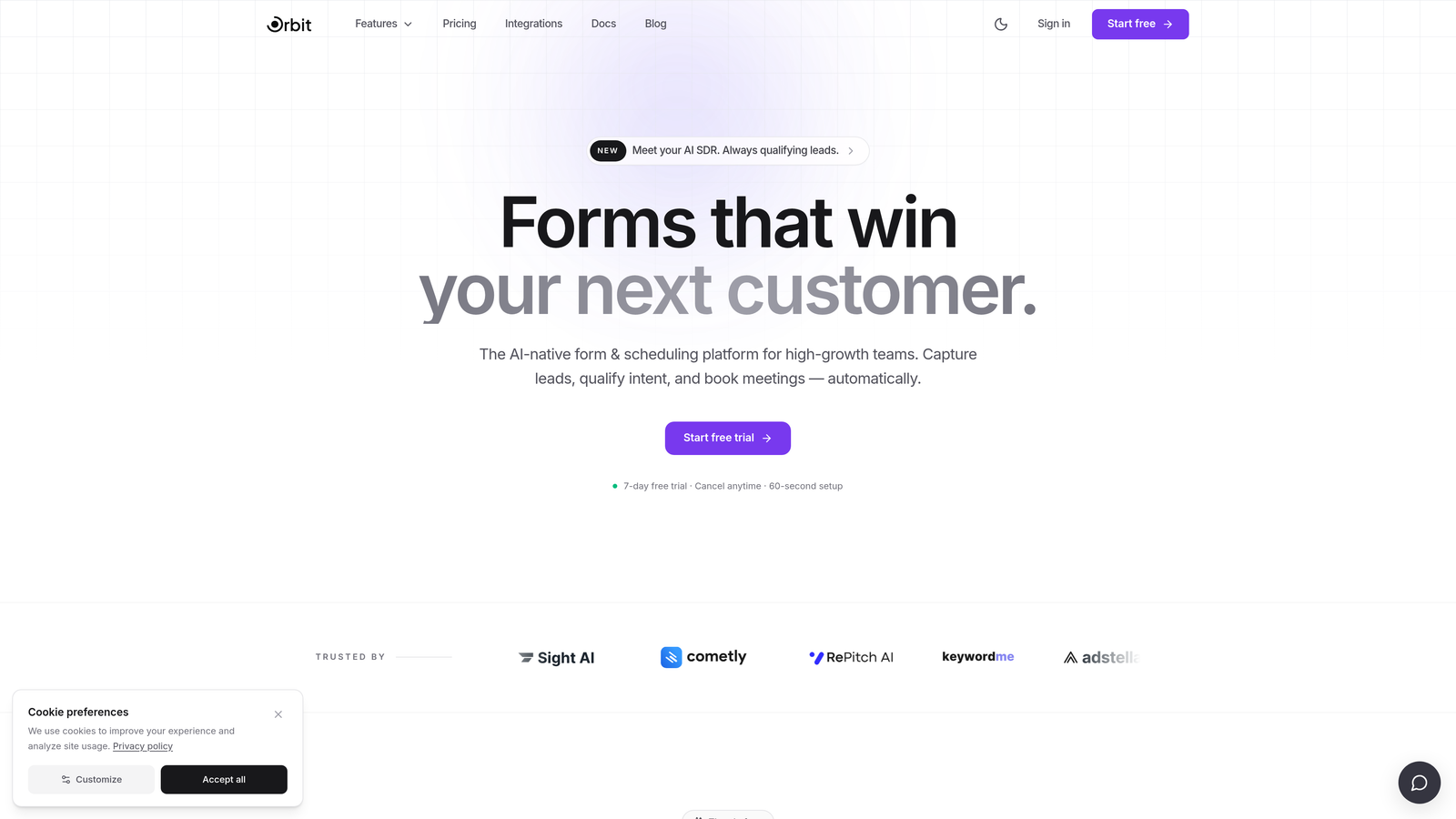
Orbit AI is an AI-native form builder that combines conversion-optimized design with intelligent lead qualification at the point of capture.
Where This Tool Shines
Most form builders collect data and hand it off to your CRM for qualification later. Orbit AI flips that model by qualifying leads the moment they submit a form. The AI layer evaluates responses in real time, routes high-intent prospects to the right workflow, and filters out poor-fit submissions before they clutter your pipeline.
Beyond the AI layer, Orbit AI is a genuinely modern form builder. Multi-step forms, conditional branching, and polished design controls make it easy to build forms that feel like a natural extension of your brand rather than an afterthought bolted onto a landing page.
Key Features
AI-Powered Lead Qualification: Scores and routes leads automatically based on form responses, reducing manual CRM triage.
Multi-Step Form Builder: Build multi-step flows with full design control, including typography, color, and layout customization.
Conditional Logic and Smart Branching: Show or hide fields, sections, and steps based on what respondents have already answered.
Native CRM Integrations: Connects directly to major CRM platforms for automated lead routing without requiring extra middleware.
Conversion-Focused Templates: Pre-built templates designed specifically for SaaS and B2B lead generation use cases.
Best For
Orbit AI is built for revenue-focused teams that want more from their forms than basic data collection. If you're running lead generation campaigns, qualifying inbound demo requests, or building segmented onboarding flows, this is the tool designed with your use case in mind.
Pricing
Paid plans available with options suited to growing teams. Visit orbitforms.ai for current pricing details.
2. Typeform
Best for: Top-of-funnel lead capture where completion rate and brand experience are the priority
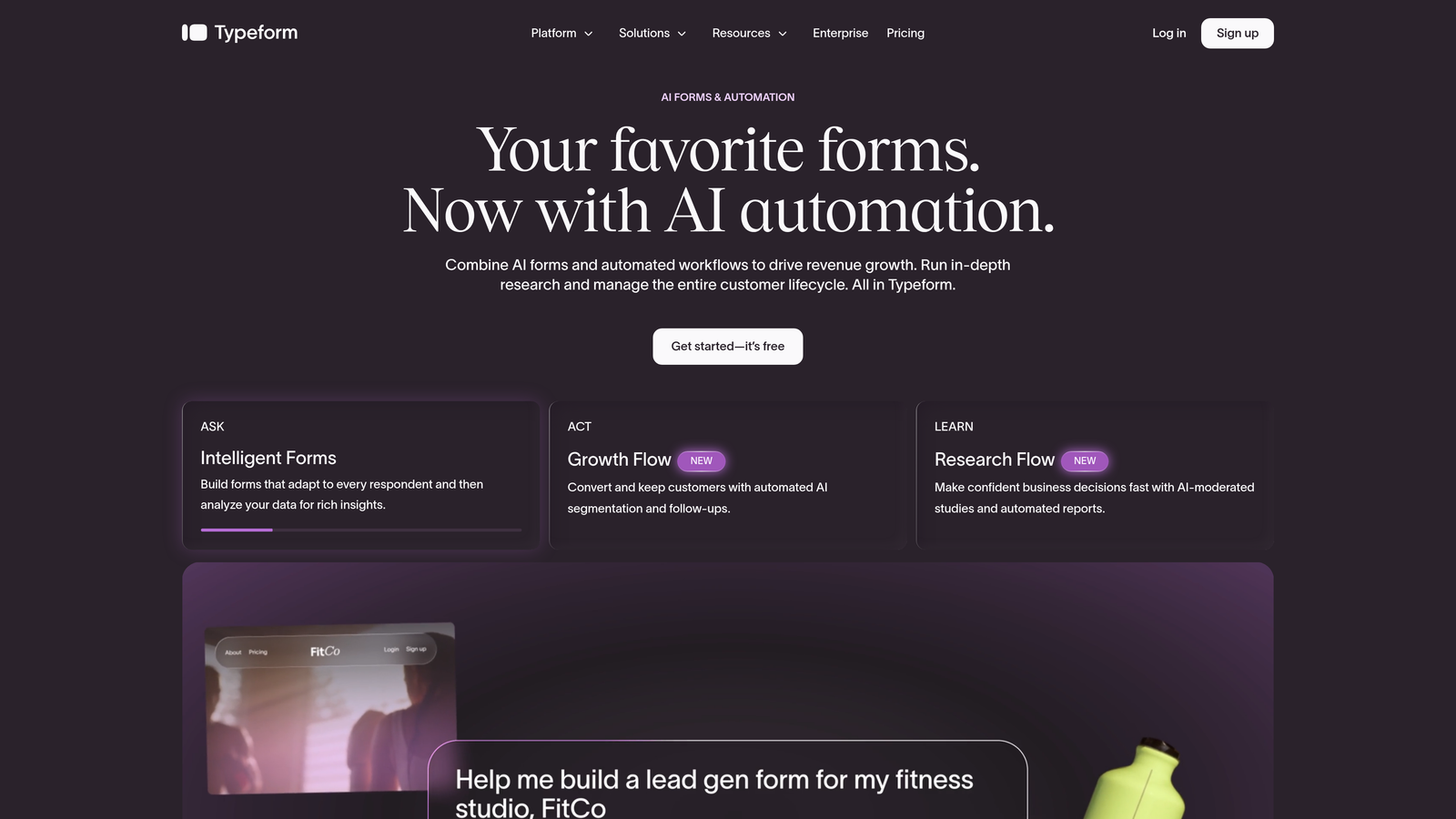
Typeform is a conversational form builder that presents one question at a time, creating an engaging experience that tends to feel less like a form and more like a conversation.
Where This Tool Shines
Typeform's one-question-at-a-time format remains one of the most effective approaches for keeping respondents engaged through longer forms. When you need someone to answer ten questions without bouncing, the pacing of Typeform's UX genuinely helps.
Design customization is strong: custom fonts, background images, video backgrounds, and branded themes let you create forms that feel like part of your website rather than a third-party embed. The HubSpot and Salesforce integrations are solid, making it a reasonable choice for teams already invested in those platforms.
Key Features
Conversational Format: One-question-at-a-time flow reduces cognitive load and tends to improve completion on longer forms.
Logic Jumps: Route respondents to different questions or endings based on their answers.
Custom Themes: Full control over fonts, colors, and background media to match your brand.
CRM Integrations: Native connections to HubSpot, Salesforce, and Zapier for downstream automation.
VideoAsk Integration: Add video questions to forms for a more personal, high-touch experience.
Best For
Typeform works well for teams prioritizing respondent experience on top-of-funnel forms, customer research surveys, and NPS collection. Teams looking for deeper AI-assisted qualification or more aggressive pricing may want to evaluate alternatives.
Pricing
Free plan available with limited responses. Paid plans start at $25/month.
3. Jotform
Best for: SMBs and agencies that need a wide variety of form types with payment and document capabilities
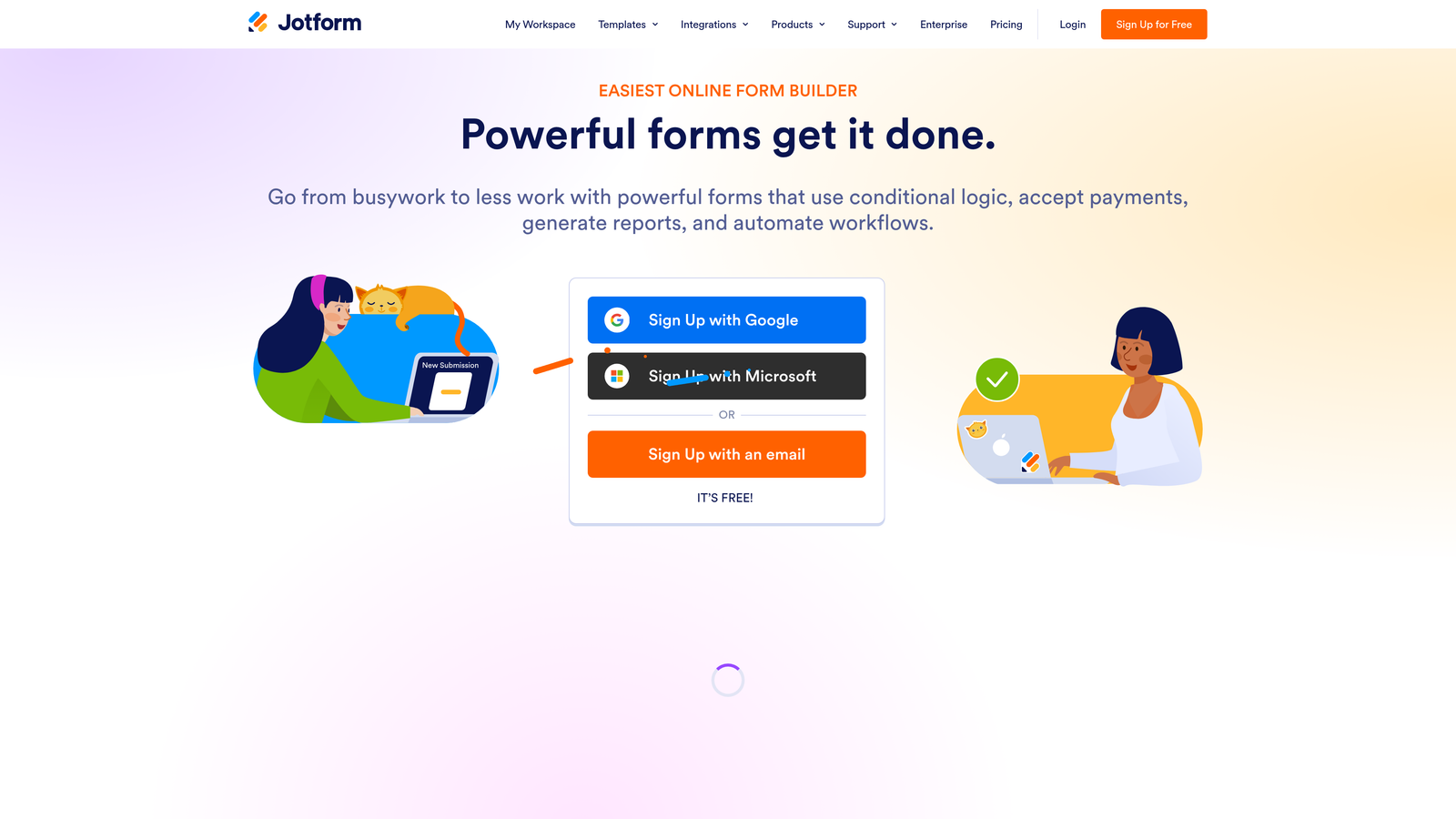
Jotform is one of the most feature-rich form builders on the market, offering an enormous template library alongside payment processing, e-signatures, and PDF generation in a single platform.
Where This Tool Shines
If breadth is what you need, Jotform is hard to beat. With over 10,000 templates spanning industries from healthcare to real estate to e-commerce, you can get a working form live in minutes for almost any use case. The template quality is generally high, and they're all fully customizable once you start.
The platform's integration marketplace is extensive, and the addition of payment processing via Stripe, PayPal, and Square makes it a practical choice for teams that need to collect payments alongside form data without adding another tool to the stack.
Key Features
10,000+ Templates: One of the largest template libraries available, covering virtually every industry and use case.
Payment Processing: Native integrations with Stripe, PayPal, and Square for collecting payments directly through forms.
E-Signature and PDF Generation: Collect legally binding signatures and auto-generate PDFs from form submissions.
Conditional Logic: Show, hide, or require fields based on prior responses.
150+ App Integrations: Broad marketplace covering CRMs, email platforms, project management tools, and more.
Best For
Jotform suits agencies managing diverse client form needs, SMBs that need payment-enabled forms, and teams that want a single platform handling forms, documents, and signatures without custom development.
Pricing
Free plan available with a generous submission limit. Paid plans start at $34/month.
4. HubSpot Forms
Best for: Teams already using HubSpot who want seamless CRM sync without managing a separate form tool
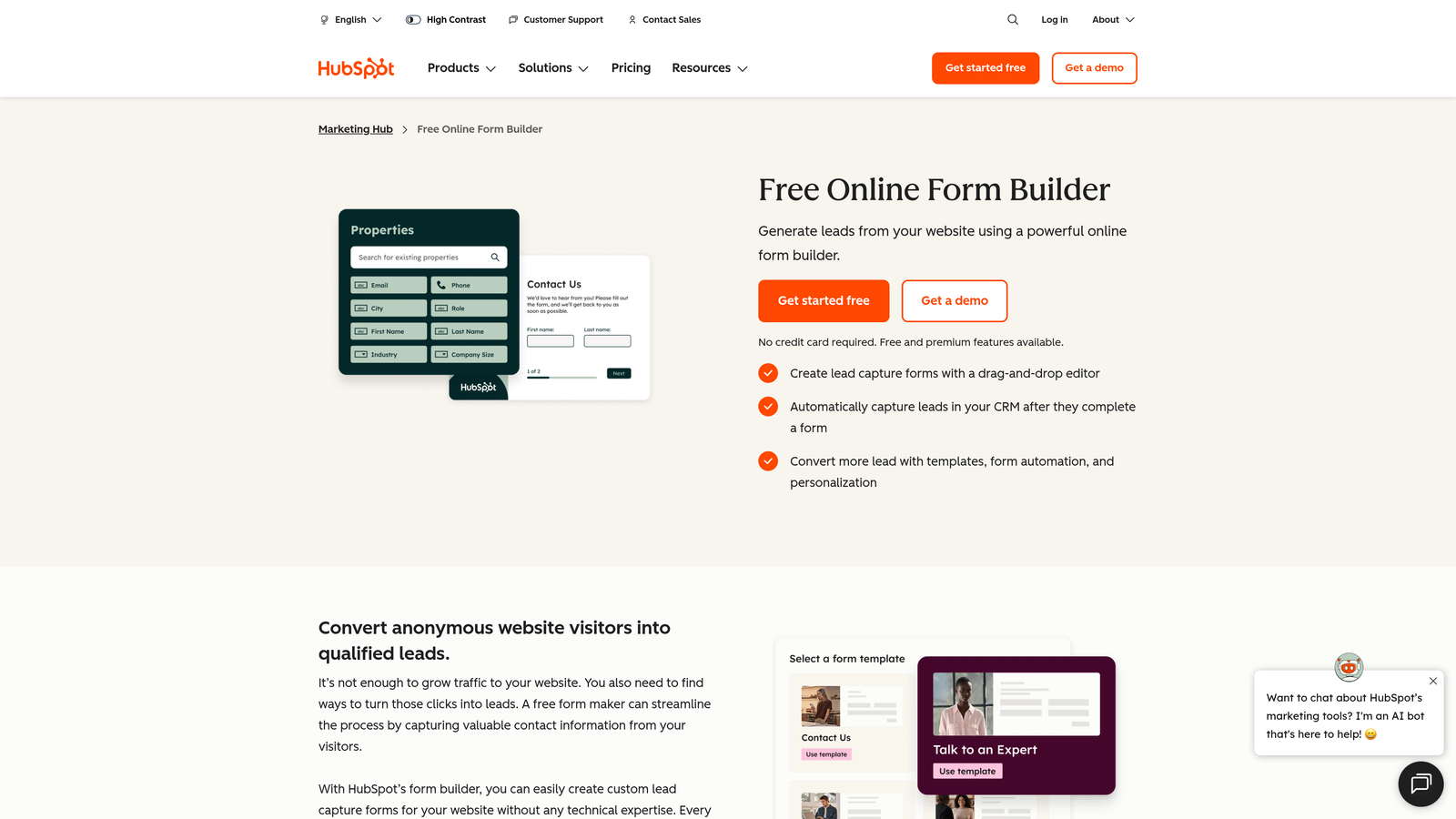
HubSpot Forms is the native form builder within HubSpot's marketing platform, offering deep CRM integration and a standout progressive profiling feature that most standalone form tools can't match.
Where This Tool Shines
Progressive profiling is the feature that sets HubSpot Forms apart from the field. Instead of showing returning visitors the same form they've already filled out, HubSpot automatically replaces known fields with new ones — so each interaction adds new data to the contact record rather than duplicating what you already have. For teams running content-gated campaigns, this is genuinely valuable.
The CRM sync is also a major draw. Every submission maps directly to HubSpot contact records with no middleware required, and smart fields can auto-populate data for known contacts to reduce friction.
Key Features
Progressive Profiling: Shows returning visitors new questions rather than repeating fields already answered, enriching contact data over time.
Instant CRM Sync: Submissions flow directly into HubSpot contact records with full field mapping.
Embedded and Pop-Up Options: Deploy forms inline, as pop-ups, or as slide-ins without additional tools.
Smart Fields: Auto-populate known data for returning contacts to reduce form friction.
A/B Testing: Test form variants through HubSpot's broader marketing tools.
Best For
HubSpot Forms is the obvious choice for teams already running their marketing in HubSpot. Outside that ecosystem, the design customization is limited and the value proposition weakens considerably.
Pricing
Available free with HubSpot's free tier. Advanced features require Marketing Hub paid plans starting at $15/month per seat.
5. Tally
Best for: Startups and indie teams that need unlimited forms and a clean editing experience on a tight budget
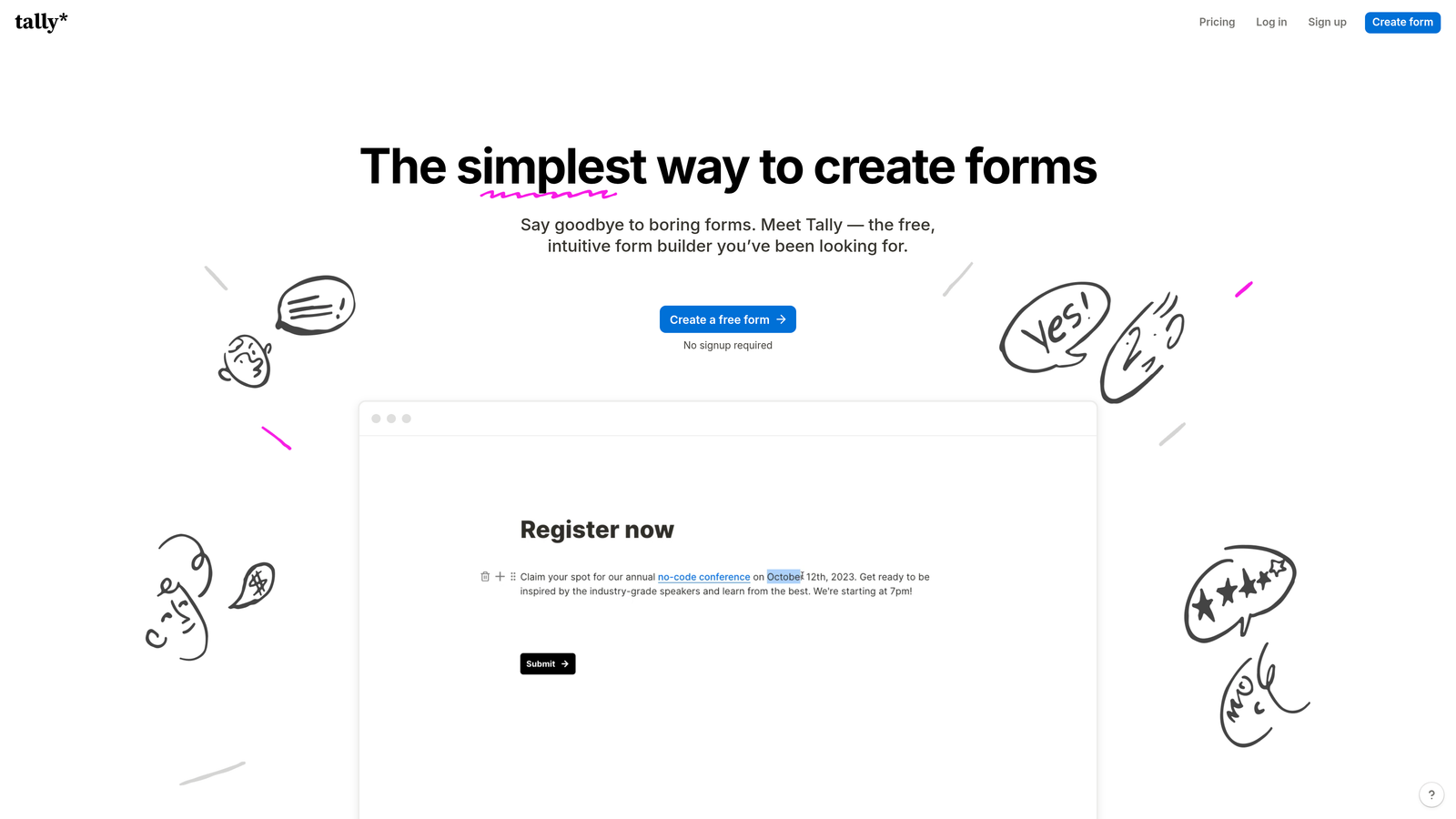
Tally is a minimalist form builder with a Notion-style block editor, offering unlimited forms and unlimited responses on its free plan — a genuinely rare offering in this category.
Where This Tool Shines
Tally's free plan is its headline feature, and it's legitimately generous. Most form builders cap free-tier responses at a few hundred per month; Tally removes that ceiling entirely. For early-stage teams or those running high-volume surveys on a limited budget, that alone makes it worth considering.
The block-based editor will feel immediately familiar to anyone who uses Notion. It's clean, fast, and low-friction. Conditional logic works well for straightforward branching, and native integrations with Notion and Airtable make it a natural fit for teams already working in those tools.
Key Features
Unlimited Forms and Responses (Free): No caps on forms or submissions, even on the free plan.
Block-Based Editor: Notion-style editing interface that's intuitive and fast to work with.
Conditional Logic: Show or hide fields and sections based on prior responses.
Calculated Fields: Perform basic math operations within forms for scoring or pricing estimates.
Native Notion and Airtable Integrations: Send responses directly to your Notion databases or Airtable bases.
Best For
Tally is a strong pick for startups, indie hackers, and small teams that prioritize simplicity and cost. It's less suited for enterprise use cases or teams that need advanced design customization and deep CRM routing.
Pricing
Generous free plan available. Tally Pro is $29/month for additional customization and features.
6. Paperform
Best for: Creators and service businesses that want forms to look and feel like branded landing pages
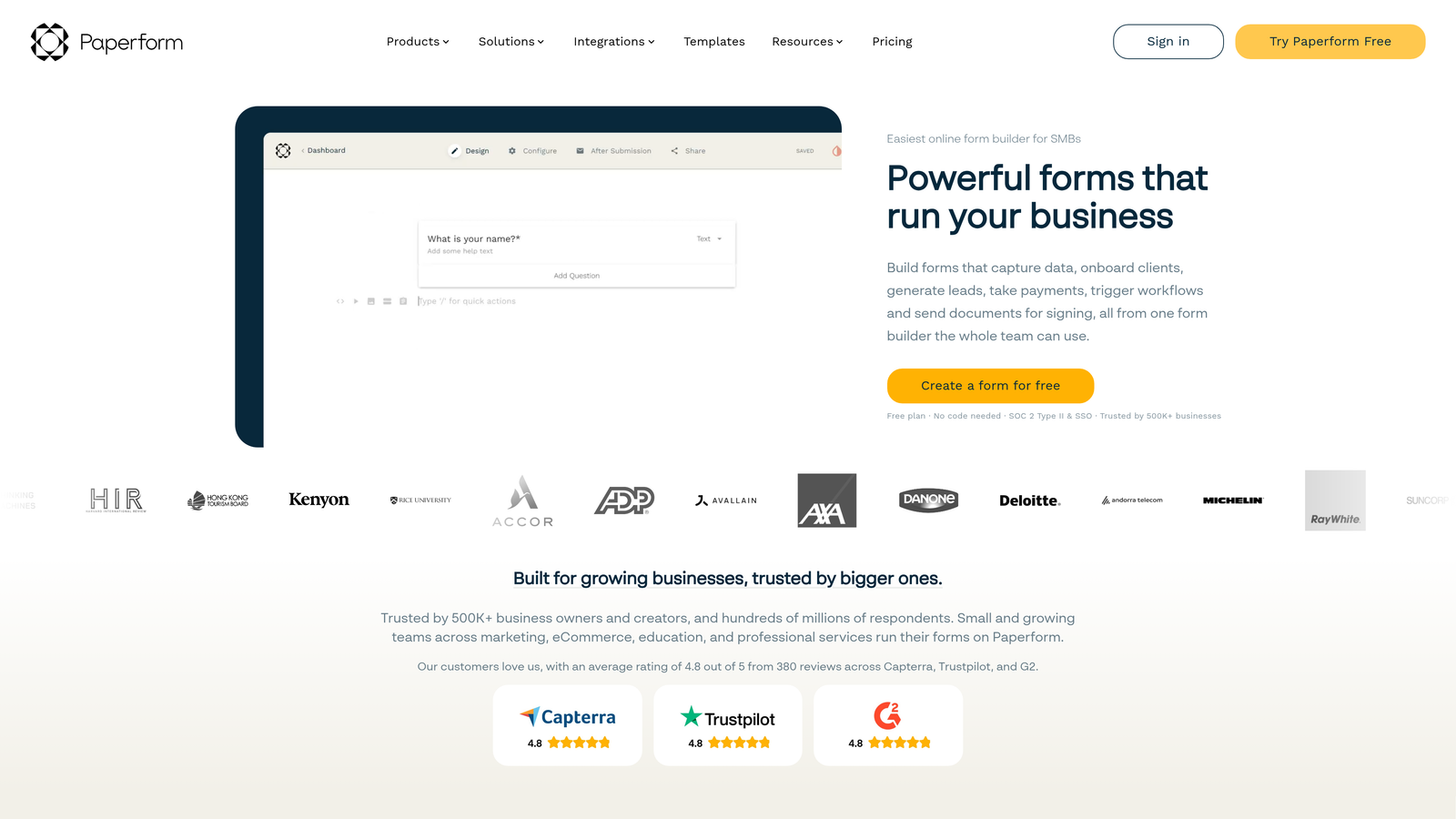
Paperform is a design-first form builder that lets you create full-page form experiences with rich media, product listings, and payment processing built in.
Where This Tool Shines
Paperform occupies a unique space between form builder and landing page tool. Its freeform layout editor lets you position elements freely across the page, embed images and video inline with questions, and create forms that genuinely look like designed content rather than a standard field stack. For service businesses, coaches, and creators selling directly through forms, this visual flexibility is a real differentiator.
Built-in payment processing means you can sell products, accept bookings, and collect form data in a single flow without stitching together multiple tools. Custom domain support with SSL rounds out the professional presentation.
Key Features
Freeform Layout Editor: Position elements freely on the page for full design control beyond standard form layouts.
Rich Media Embedding: Add images, video, and product listings inline within form content.
Built-In Payments: Accept payments and sell products directly through forms without a separate tool.
Conditional Sections: Show or hide entire sections of a form based on respondent answers.
Custom Domain with SSL: Host forms on your own domain for a fully branded experience.
Best For
Paperform is best for coaches, consultants, creators, and service businesses that want forms to double as branded sales pages. It's less focused on B2B lead generation pipelines and CRM-heavy workflows.
Pricing
Plans start at $24/month. No permanent free plan is available.
7. Gravity Forms
Best for: WordPress sites that need advanced form logic, developer extensibility, and deep ecosystem integrations
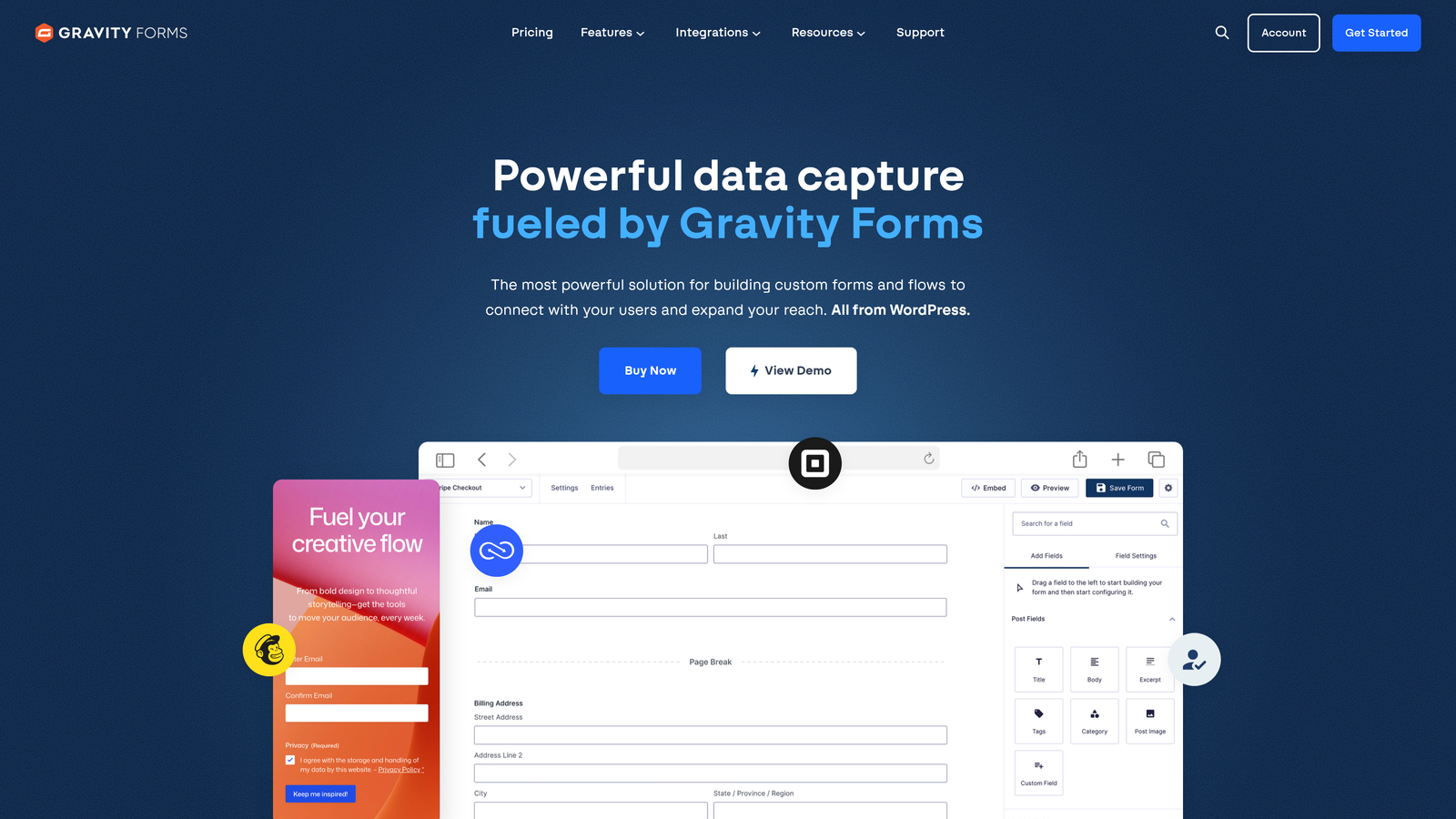
Gravity Forms is the leading WordPress form plugin for teams that need serious customization, developer-level extensibility, and a mature add-on ecosystem.
Where This Tool Shines
If your site runs on WordPress and you need more than surface-level form functionality, Gravity Forms is the standard choice for a reason. The plugin integrates deeply with WordPress via hooks and filters, giving developers precise control over every aspect of form behavior, data handling, and output. It's the kind of tool that grows with your technical requirements rather than hitting a ceiling.
The add-on library covers most major CRMs, payment processors, and marketing platforms. User registration, post creation from form submissions, and entry management directly within the WordPress admin make it a powerful hub for sites where forms drive real business processes.
Key Features
Deep WordPress Integration: Hooks and filters throughout for developer-level customization of form behavior and data.
Conditional Logic and Multi-Page Forms: Build complex multi-step forms with granular conditional rules.
Extensive Add-On Library: Official add-ons for Stripe, Mailchimp, HubSpot, Salesforce, and many more.
User Registration and Post Creation: Create WordPress users or posts directly from form submissions.
Entry Management Dashboard: Review, filter, and manage all submissions within the WordPress admin interface.
Best For
Gravity Forms is the right call for WordPress-based teams with technical resources who need extensible, enterprise-capable forms. It's not suitable for non-WordPress environments, and it requires a paid annual license to use.
Pricing
Annual license starts at $59/year for the basic plan. The Elite plan, which includes all add-ons, is $259/year.
8. Microsoft Forms
Best for: Internal surveys, quizzes, and event registrations within Microsoft 365 environments
Microsoft Forms is a simple, zero-setup form and survey tool included with every Microsoft 365 subscription, making it a zero-cost option for organizations already in the Microsoft ecosystem.
Where This Tool Shines
The value proposition here is straightforward: if your organization already pays for Microsoft 365, you have Microsoft Forms. There's nothing to set up, no additional cost, and responses flow directly into Excel and SharePoint with no configuration required. For internal use cases like employee surveys, training quizzes, and event registrations, it's a practical and frictionless option.
Real-time response analytics and automatic grading in quiz mode make it a reasonable choice for HR teams, educators, and operations teams running recurring internal processes. The key limitation is design: customization options are minimal, and it's not suitable for external-facing marketing forms where brand consistency matters.
Key Features
Included with Microsoft 365: No additional cost for organizations already subscribed to Microsoft 365.
Excel and SharePoint Export: Responses flow instantly into Excel spreadsheets and SharePoint for easy analysis.
Quiz Mode: Automatic grading with point values for knowledge checks and assessments.
Basic Branching Logic: Simple conditional routing based on answer selections.
Real-Time Analytics: Built-in response charts and summary views update as submissions come in.
Best For
Microsoft Forms is best for internal organizational use within Microsoft 365 environments. It's not the right tool for external lead generation, branded marketing forms, or any use case requiring meaningful design control.
Pricing
Included with Microsoft 365 subscriptions, which start at $6/user/month.
9. Formstack
Best for: Regulated industries that need enterprise-grade compliance, document generation, and workflow automation
Formstack is an enterprise data collection platform that goes well beyond forms, combining form building with document generation, e-signatures, and robust compliance certifications in a single platform.
Where This Tool Shines
Formstack is built for organizations where data governance is non-negotiable. HIPAA, SOC 2, and GDPR compliance tools are core to the platform, not add-ons, which makes it a serious option for healthcare, legal, financial services, and other regulated industries where most form builders simply aren't appropriate.
The platform's workflow automation and approval routing capabilities let teams build multi-step processes where form submissions trigger document generation, route for internal approval, and collect e-signatures — all within one system. The Salesforce native app and deep CRM integrations make it a strong fit for enterprise revenue operations teams.
Key Features
Compliance Certifications: HIPAA, SOC 2, and GDPR compliance tools built into the platform for regulated industries.
Workflow Automation: Approval routing and multi-step workflows triggered by form submissions.
Document Generation and E-Signatures: Create documents and collect signatures as part of a connected form workflow.
Salesforce Native App: Deep CRM integration with field mapping, object creation, and workflow triggers.
Advanced Data Governance: Field-level encryption and granular data access controls for sensitive information.
Best For
Formstack is the right choice for enterprise teams in regulated industries that need compliance, document workflows, and governance built into their data collection process. The pricing reflects its enterprise positioning and is best justified by organizations with complex, compliance-sensitive requirements.
Pricing
Forms plans start at $83/month. Full platform pricing is available on request.
Which Tool Is Right for Your Team
The right customizable form builder depends less on which tool has the most features and more on what your forms are actually doing for your business.
If you're a high-growth SaaS or B2B team running lead generation campaigns, Orbit AI is the standout choice. The combination of AI-powered lead qualification, multi-step design flexibility, and native CRM routing addresses the full conversion workflow rather than just the data collection piece.
For teams prioritizing respondent experience and brand polish on top-of-funnel forms, Typeform remains a strong performer. If you need breadth across form types including payments and documents, Jotform covers more ground than almost anyone else. Teams running on HubSpot should start with HubSpot Forms before looking elsewhere, and startups on a tight budget will find Tally's free plan hard to argue with.
For WordPress-heavy environments, Gravity Forms is the developer-grade standard. Regulated industries with compliance requirements should look seriously at Formstack. And if your organization runs on Microsoft 365 and you need internal surveys without any additional spend, Microsoft Forms is already waiting for you.
The common thread across every high-performing option here is intentionality: the best form builders aren't just data collection tools, they're part of your conversion and qualification infrastructure. Transform your lead generation with AI-powered forms that qualify prospects automatically while delivering the modern, conversion-optimized experience your high-growth team needs. Start building free forms today and see how intelligent form design can elevate your conversion strategy.


