

When you're running a small business, every dollar spent on software needs to pull its weight. Form builders are no exception, but pricing models vary wildly. Some charge per submission, others per seat, and a few bury their best features behind enterprise paywalls.
This guide cuts through the noise and compares the top form builders for small businesses based on real cost structures, feature depth, and who each tool actually serves best. Whether you need a simple contact form, a lead qualification funnel, or a payment-enabled intake form, there's a right tool for your budget. We've evaluated each option on pricing transparency, free plan limitations, scalability, and the features that matter most to small teams.
1. Orbit AI
Best for: High-growth SaaS and service teams that want intelligent lead qualification built into their forms.
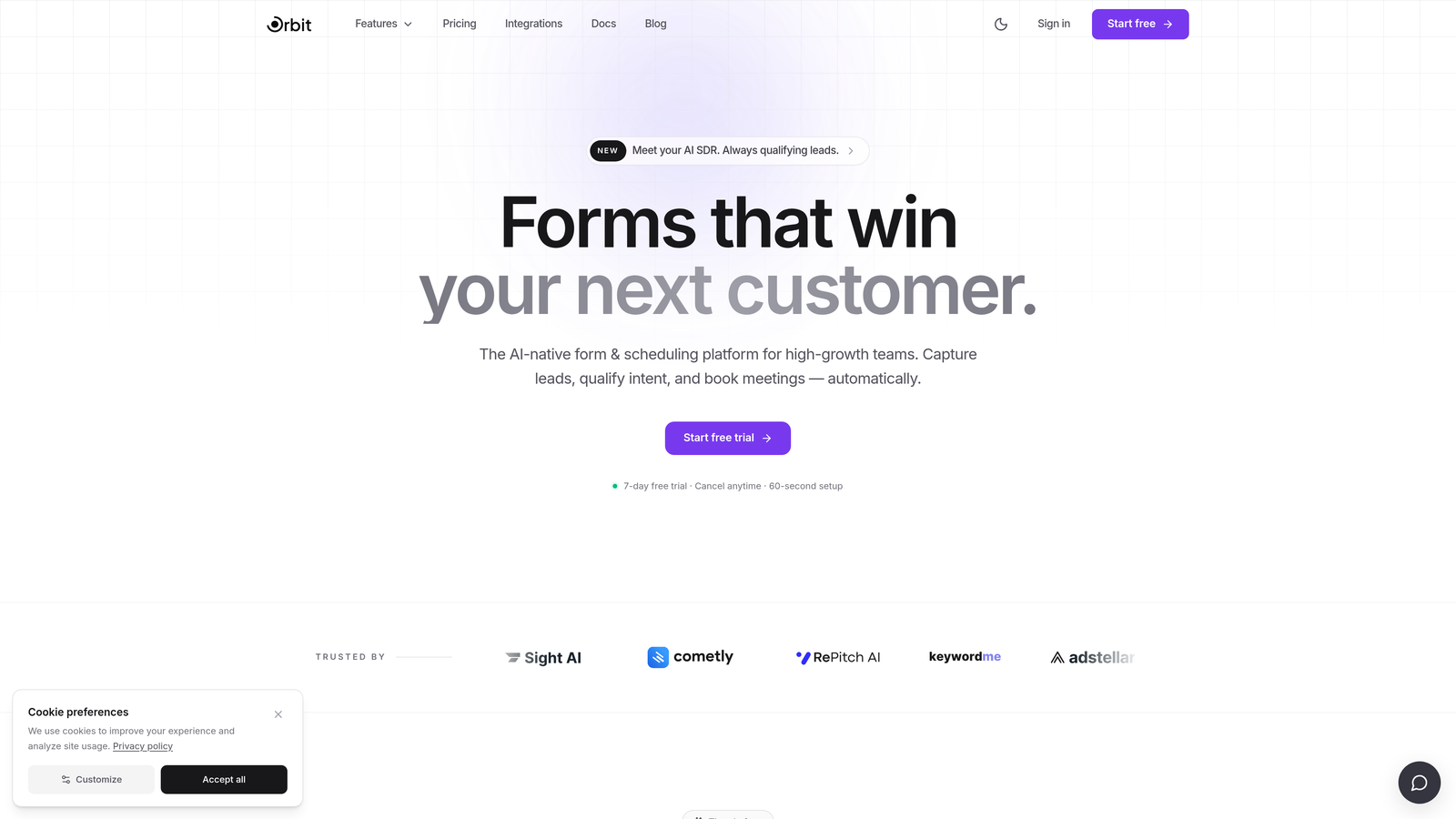
Orbit AI is an AI-powered form builder designed to do more than collect data — it qualifies your leads automatically as they move through the form flow.
Where This Tool Shines
Most form builders treat qualification as an afterthought, something you bolt on with a CRM rule or a manual review process after the fact. Orbit AI flips that model. The lead scoring and qualification logic lives inside the form itself, so by the time a submission lands in your pipeline, you already know how strong that lead is.
For small teams that can't afford to waste sales time on unqualified prospects, this is a meaningful differentiator. The form design is modern and conversion-optimized, which means you're not trading aesthetics for intelligence.
Key Features
AI-Powered Lead Qualification: Scores and filters leads directly within the form flow, so your team focuses on the best prospects first.
Conversion-Optimized Templates: Modern, responsive designs built specifically to improve completion rates and reduce drop-off.
Multi-Step Forms with Conditional Logic: Guide respondents through personalized paths based on their answers.
CRM and Sales Tool Integrations: Syncs qualified leads directly to your existing stack for a seamless handoff.
Built for High-Growth Teams: Designed around the workflows of SaaS and service businesses that care about lead quality, not just volume.
Best For
Orbit AI is the right fit for SaaS companies, agencies, and service businesses that generate leads through their website and need to separate strong prospects from noise without adding manual work. If lead quality is a bottleneck in your sales process, this tool addresses it at the source.
Pricing
Visit orbitforms.ai for current pricing plans. Pricing details are updated directly on the site.
2. Typeform
Best for: Brands that want a polished, conversational form experience with strong visual customization.
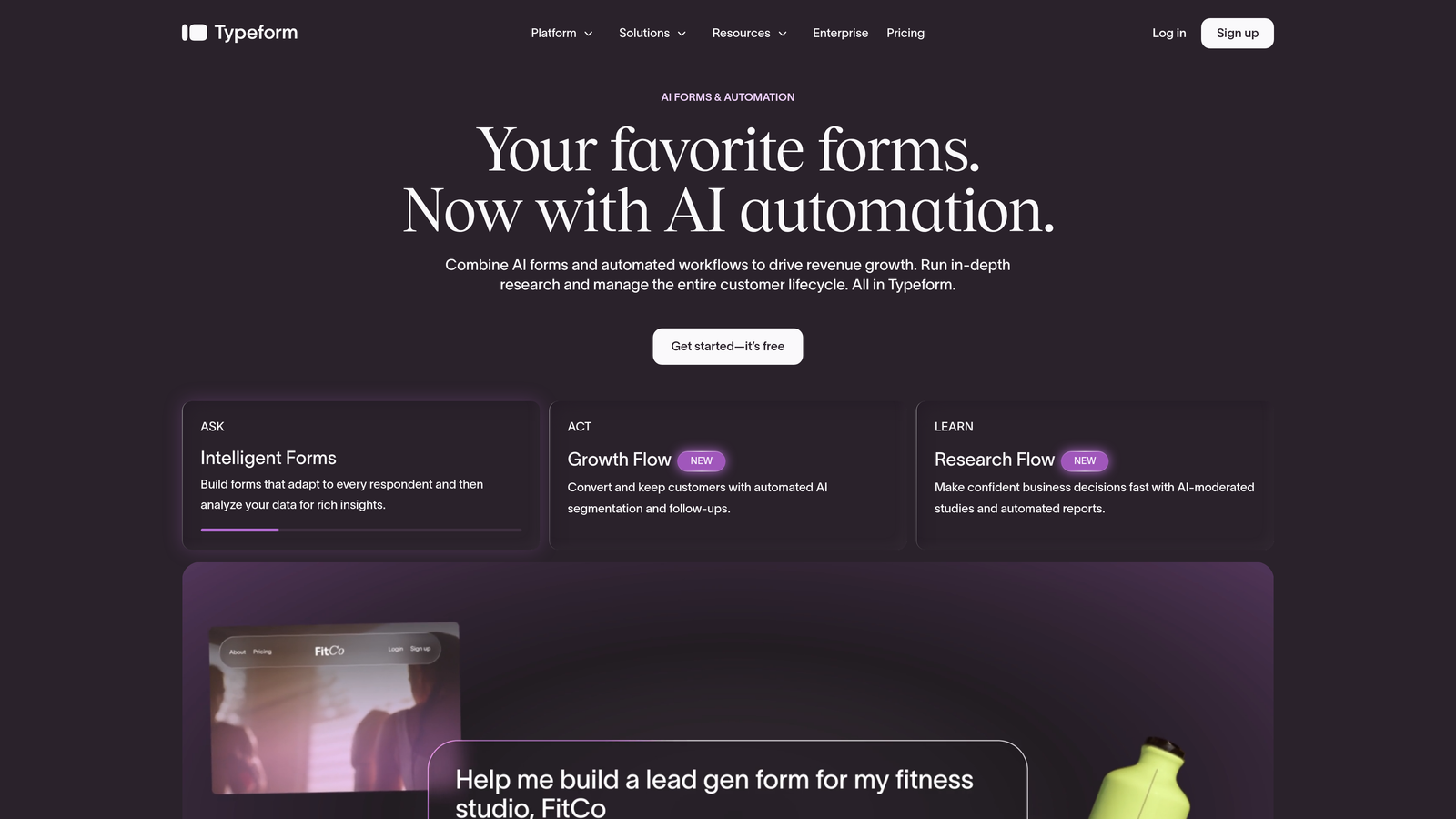
Typeform is a conversational form builder known for its one-question-at-a-time interface and premium design aesthetics.
Where This Tool Shines
Typeform's signature UX feels less like filling out a form and more like having a conversation. That format tends to reduce friction and improve completion rates, particularly for longer surveys or multi-step intake flows. If brand presentation matters to you, Typeform gives you more visual control than most tools in this category.
The trade-off is cost. The free plan has significant response limits, which can become a real constraint for small businesses with growing traffic. Once you hit those limits, you're pushed toward paid tiers fairly quickly.
Key Features
Conversational Interface: One-question-at-a-time flow that feels approachable and reduces form abandonment.
Visual Branding Controls: Custom fonts, colors, background images, and layouts for on-brand forms.
Logic Jumps: Conditional branching that personalizes the form path based on previous answers.
500+ Integrations: Native connectors plus Zapier support for connecting to your CRM, email platform, and more.
Free Plan: Available with limited monthly responses — check typeform.com for current limits.
Best For
Typeform works well for businesses that prioritize the respondent experience and have the budget for a paid plan. It's a strong choice for surveys, onboarding flows, and brand-forward lead capture forms. Less ideal if you're on a tight budget or need high-volume submissions on a free tier.
Pricing
Free plan available; paid plans start around $25-29/month. Verify current pricing at typeform.com.
3. Google Forms
Best for: Teams that need completely free, unlimited data collection with zero setup complexity.
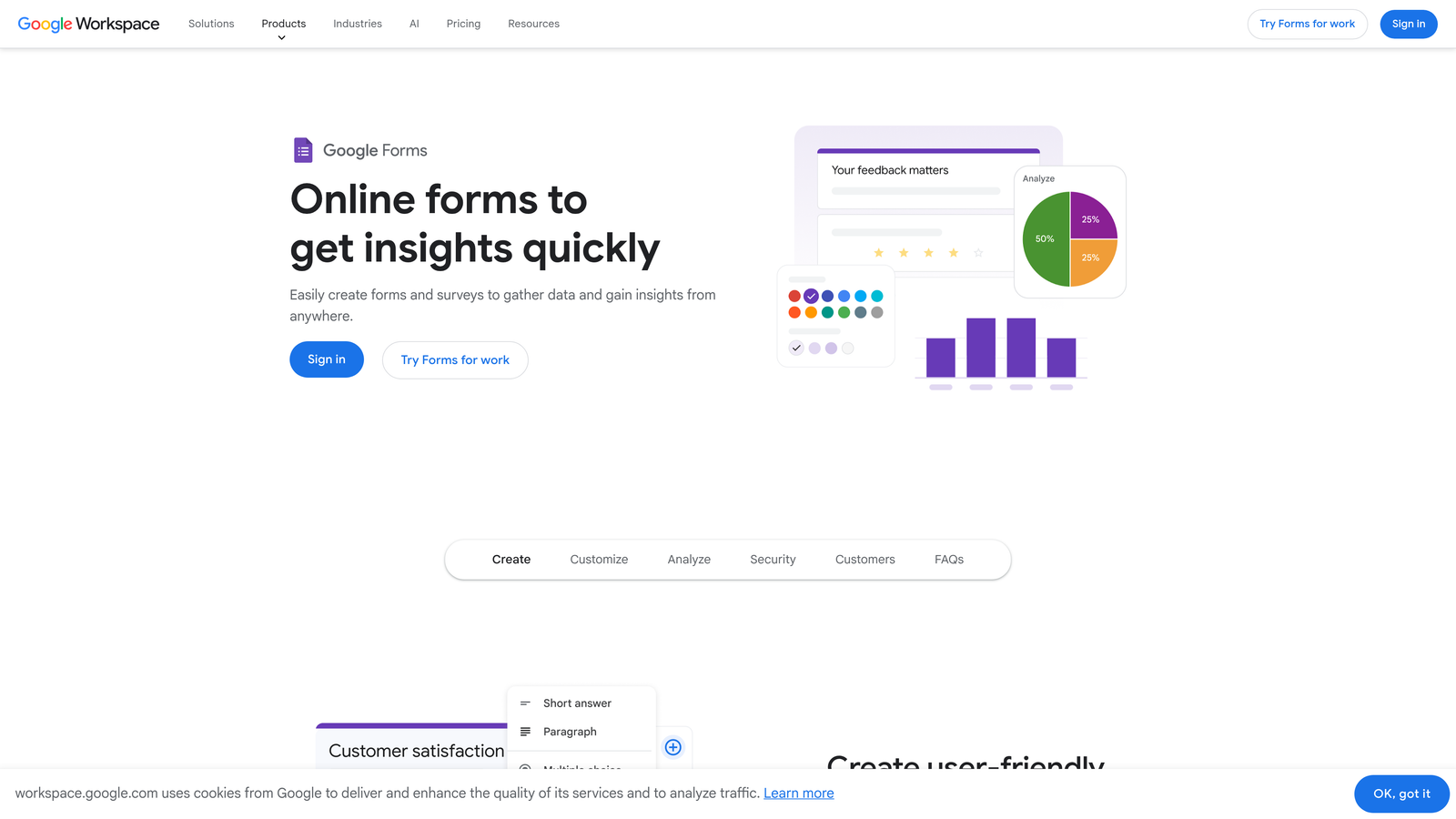
Google Forms is a free, no-frills form builder with unlimited responses and native Google Sheets integration.
Where This Tool Shines
The value proposition is simple: it's free, it works, and it never caps your submissions. For small businesses that need basic intake forms, event registrations, or internal surveys, Google Forms removes every barrier to entry. If your team already uses Google Workspace, the native Sheets sync makes response management effortless.
Where it falls short is everything beyond basic data collection. Design options are minimal, conditional logic is limited, and there's no native CRM integration or payment support. It's a utility tool, not a growth tool.
Key Features
Completely Free: No response limits, no paid tiers, no credit card required.
Google Sheets Sync: Responses auto-populate into a connected spreadsheet in real time.
Basic Conditional Logic: Simple branching based on multiple-choice answers.
Google Workspace Integration: Works seamlessly within Gmail, Drive, and Docs ecosystems.
Minimal Design Customization: Basic color and header options only — no advanced branding controls.
Best For
Google Forms is best for businesses that need simple, reliable data collection without any budget. Internal team surveys, event sign-ups, and basic contact forms are ideal use cases. It's not the right tool if you need conversion optimization, lead qualification, or payment collection.
Pricing
Completely free. There is no paid tier for Google Forms.
4. Jotform
Best for: Small businesses that need a feature-rich platform with payment support and industry-specific templates.
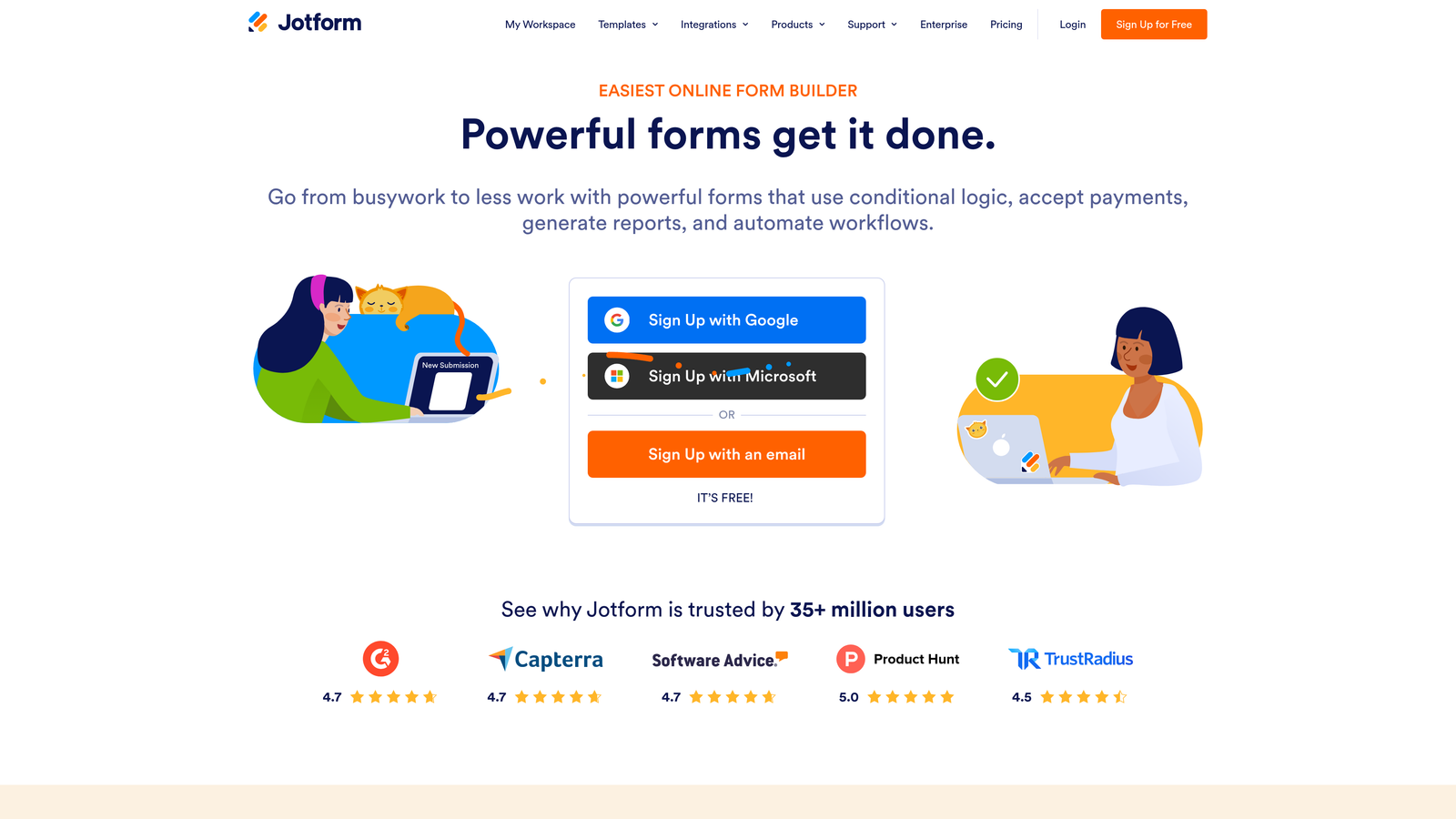
Jotform is one of the most comprehensive form builders on the market, with thousands of templates and deep workflow support.
Where This Tool Shines
Jotform's template library is genuinely impressive — with templates covering healthcare intake, legal agreements, event registration, e-commerce orders, and more. If you need a starting point that's close to finished, you'll likely find it here. The native payment integrations with Stripe, PayPal, and Square make it a practical choice for businesses that collect fees through their forms.
The downside is that the free plan is restrictive at 100 monthly submissions and 5 forms. For a growing business, you'll hit those limits faster than expected, and the jump to a paid plan is a noticeable cost increase.
Key Features
10,000+ Templates: Industry-specific templates that cover nearly every small business use case imaginable.
Native Payment Integrations: Collect payments directly through forms via Stripe, PayPal, and Square.
Approval Workflows: Route form submissions through multi-step approval processes.
HIPAA-Compliant Plans: Available for healthcare businesses that need data compliance.
Free Plan: 5 forms and 100 monthly submissions — adequate for very early-stage use.
Best For
Jotform is a strong fit for small businesses in regulated industries, service businesses that collect payments, and teams that want to start from a polished template rather than building from scratch. The feature depth is best utilized by businesses with moderately complex form needs.
Pricing
Free plan available; paid plans start around $34/month. Verify current pricing at jotform.com.
5. Tally
Best for: Early-stage teams and indie businesses that want unlimited forms and submissions without paying anything.
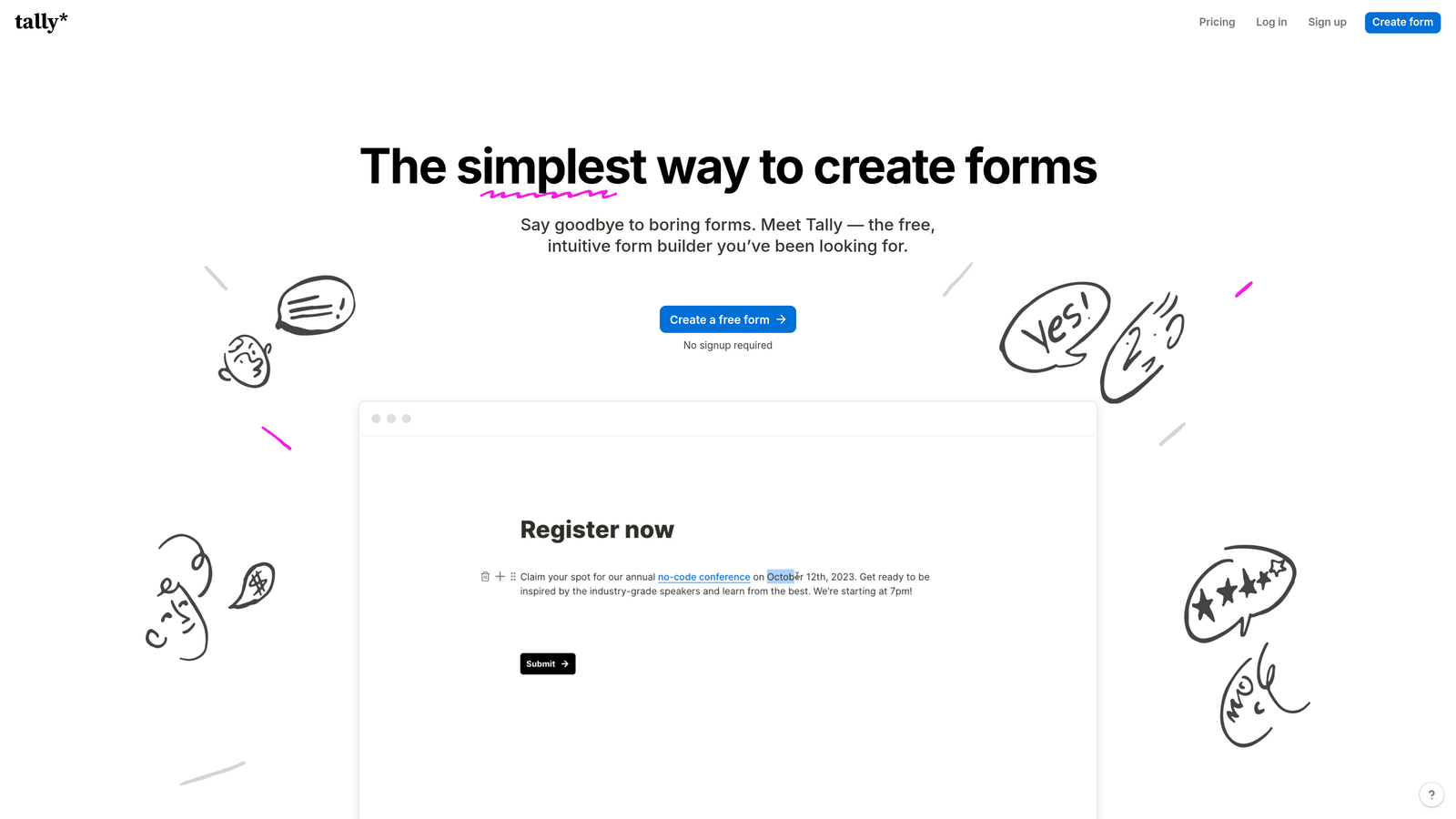
Tally is a freemium form builder with one of the most generous free tiers in the category: unlimited forms and unlimited submissions at no cost.
Where This Tool Shines
Tally's free plan is genuinely unusual. While most tools cap submissions or forms on their free tier, Tally lets you create as many forms as you want and collect as many responses as you need. The editor has a clean, Notion-like feel that makes building forms fast and intuitive, even for non-technical users.
The Pro plan is where you unlock custom domains, remove Tally branding, and access more advanced integrations. But for many small businesses, the free tier handles everything they need without any upgrade pressure.
Key Features
Unlimited Free Forms and Submissions: No caps on the free plan — a rare and meaningful advantage for growing businesses.
Clean Block-Based Editor: Notion-style interface that's fast to learn and comfortable to use.
Conditional Logic and Multi-Page Forms: Build branching flows and multi-step experiences on the free plan.
Pro Plan Upgrades: Custom domains, branding removal, and enhanced integrations for teams that need them.
Zapier and Native Integrations: Connect to your existing tools without leaving the platform.
Best For
Tally is an excellent starting point for bootstrapped businesses, freelancers, and early-stage startups that need capable forms without a recurring software expense. It's also a smart fallback for teams that want a secondary form tool without adding to their budget.
Pricing
Free plan with unlimited submissions; Pro plan around $29/month. Verify current pricing at tally.so.
6. Paperform
Best for: Service businesses that want forms, landing pages, payments, and scheduling in a single platform.
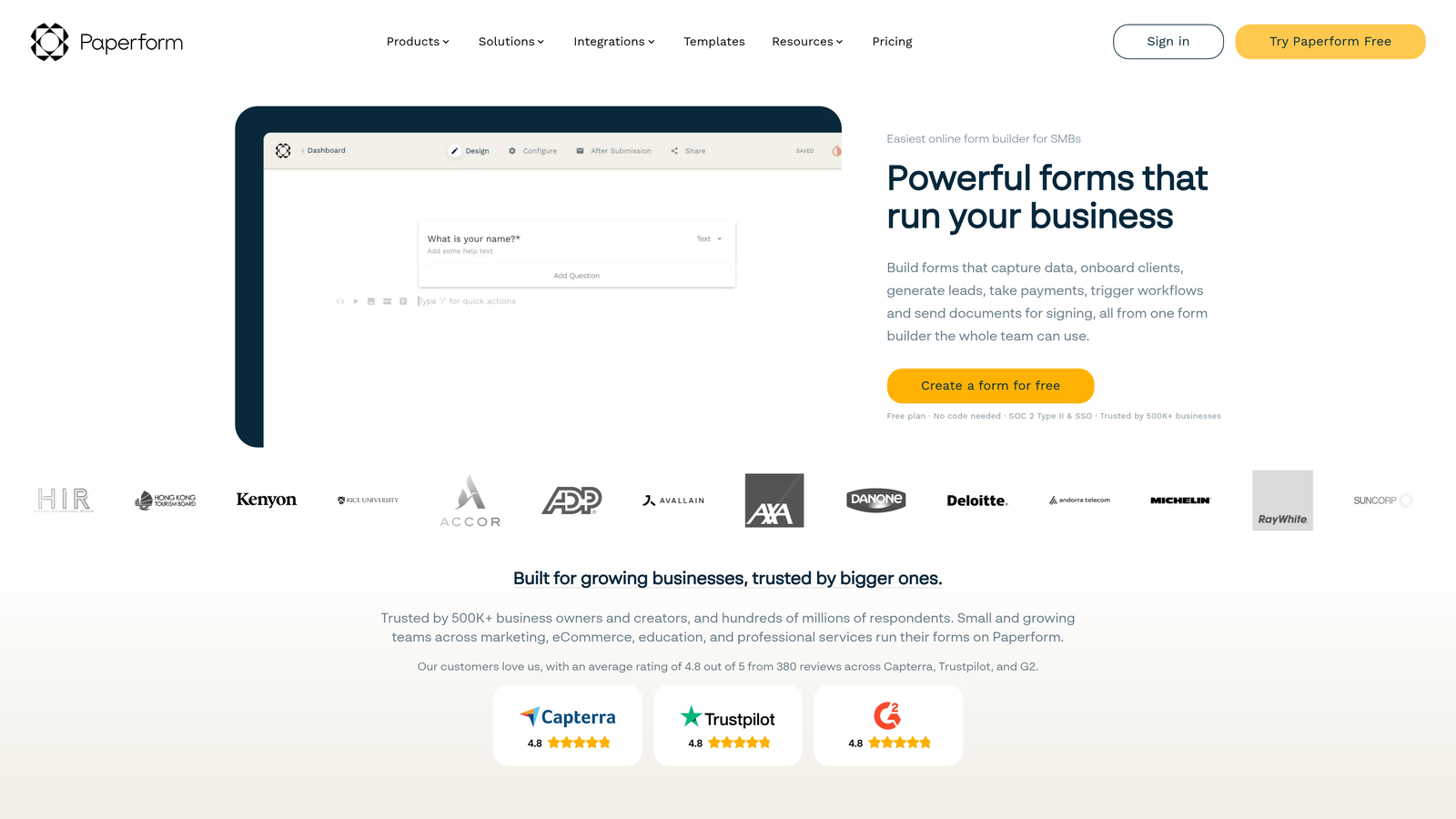
Paperform is a hybrid platform that combines form building, landing page creation, payment collection, and appointment scheduling.
Where This Tool Shines
Paperform's biggest differentiator is scope. Instead of managing separate tools for your intake form, payment page, and appointment booking, Paperform handles all three in one place. Each form can function as a full landing page with rich content blocks, images, and descriptive text — making it feel more like a polished web page than a traditional form.
The design flexibility is strong without requiring any CSS knowledge, and the native Stripe integration supports both one-time payments and subscriptions. For a small service business trying to minimize their software stack, this is a compelling consolidation play.
Key Features
Form-as-Landing-Page Design: Rich content blocks let you build forms that look and function like full web pages.
Native Payment Collection: Stripe integration supports one-time payments and recurring subscriptions.
Built-In Scheduling: Appointment booking functionality without needing a separate Calendly subscription.
Design Flexibility: Strong visual customization without requiring technical skills.
Conditional Logic and Calculation Fields: Handle complex pricing calculations and dynamic form paths.
Best For
Paperform is ideal for consultants, coaches, service providers, and small agencies that want to replace multiple tools with one platform. If you're currently paying separately for a form builder, a landing page tool, and a scheduling app, Paperform's pricing often makes the consolidation worthwhile.
Pricing
Plans start around $24/month (Essentials). Verify current pricing at paperform.co.
7. HubSpot Forms
Best for: Small businesses already using or planning to use HubSpot's free CRM.
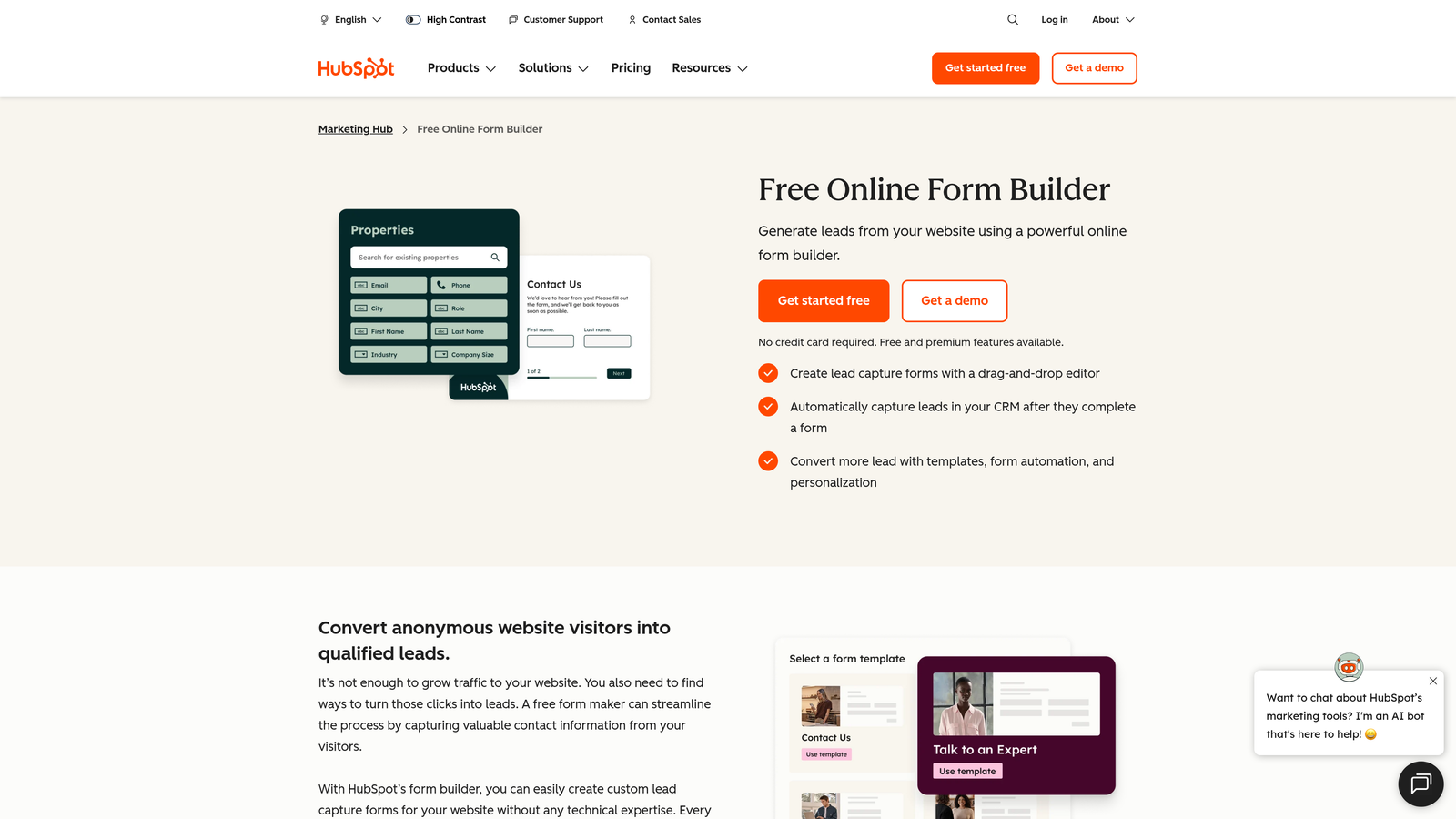
HubSpot Forms is a form builder included in HubSpot's free CRM tier, with direct contact sync and marketing automation hooks.
Where This Tool Shines
The core value of HubSpot Forms isn't the form builder itself — it's the native CRM integration. Every submission automatically creates or updates a contact record in HubSpot, and you can trigger automated follow-up workflows without any third-party connectors. For businesses that are already invested in the HubSpot ecosystem, this is a frictionless way to capture leads directly into your pipeline.
On its own, the form builder is fairly basic. Design customization is limited on the free tier, and the real power only emerges when you connect it to HubSpot's broader marketing and sales tools.
Key Features
Free with HubSpot CRM: No separate subscription needed if you're already on HubSpot's free plan.
Direct Contact Sync: Submissions automatically create and update contact records in your CRM.
Multiple Form Types: Supports embedded, pop-up, and standalone form formats.
Workflow Automation: Connect forms to HubSpot sequences for automated lead nurturing.
Limited Free-Tier Design: Customization options are constrained without a paid Marketing Hub plan.
Best For
HubSpot Forms makes the most sense for businesses that are already using HubSpot as their CRM or are considering adopting it. As a standalone form builder, it's underwhelming. As part of a broader HubSpot setup, it's a seamless piece of a powerful system.
Pricing
Free with HubSpot's free plan; advanced features require paid Marketing Hub tiers. Verify current pricing at hubspot.com.
8. Cognito Forms
Best for: Budget-conscious businesses that need advanced conditional logic and calculated fields without paying premium prices.
Cognito Forms is a form builder known for its powerful logic capabilities and very competitive pricing.
Where This Tool Shines
Cognito Forms punches above its weight class when it comes to logic and calculation features. You can build forms with complex conditional rules, dynamic field calculations, and repeating sections that let respondents add multiple entries of the same data type. These are capabilities that typically require a more expensive tool.
The interface is functional rather than beautiful, and it doesn't have the visual polish of Typeform or Orbit AI. But if your priority is form intelligence at a low cost, Cognito Forms delivers that reliably.
Key Features
Advanced Conditional Logic: Complex branching rules that adapt the form based on multiple conditions simultaneously.
Calculated Fields: Automatically compute totals, pricing, scores, or other values based on form inputs.
Repeating Sections: Allow respondents to add multiple entries within a single form submission.
Stripe Payment Integration: Collect payments directly through forms.
Free Plan: 1 form and 500 entries per month — a reasonable starting point for low-volume use.
Best For
Cognito Forms is a smart choice for small businesses with complex form logic needs and limited budgets. Order forms with dynamic pricing, multi-item quotes, and conditional approval flows are where it excels. Teams that prioritize a polished UI may find it lacking, but the functionality-to-cost ratio is hard to beat.
Pricing
Free plan available; paid plans start around $15/month. Verify current pricing at cognitoforms.com.
9. Gravity Forms
Best for: WordPress-powered small businesses that want deep site integration and no per-submission limits.
Gravity Forms is a WordPress-native form plugin with a large add-on ecosystem and an annual license model instead of monthly SaaS fees.
Where This Tool Shines
If your business runs on WordPress, Gravity Forms is the category standard for a reason. It integrates directly into your WordPress admin, works within your existing theme, and never imposes submission limits regardless of your plan. The add-on library extends the platform with payment processors, CRM connectors, email marketing tools, and more.
The annual license model is also a meaningful financial consideration. At around $59/year for the Basic plan, you're paying a fraction of what monthly SaaS tools cost over the same period. The trade-off is that it requires a WordPress site — it's not a standalone platform.
Key Features
Deep WordPress Integration: Lives inside your WordPress dashboard and works natively with your theme and plugins.
No Per-Submission Limits: Collect unlimited entries on any plan without worrying about overage costs.
Extensive Add-On Library: Official and community add-ons for payments, CRMs, marketing automation, and more.
Conditional Logic and Multi-Page Forms: Full support for complex, multi-step form experiences.
Annual License Pricing: One predictable annual fee instead of recurring monthly SaaS charges.
Best For
Gravity Forms is the right call for small businesses that are committed to WordPress and want a powerful, cost-effective form solution that lives entirely within their existing infrastructure. It's not the right fit for businesses on other platforms or those who prefer a no-code SaaS experience.
Pricing
Annual license starting around $59/year (Basic plan). Verify current pricing at gravityforms.com.
Which Form Builder Is Right for Your Small Business?
The honest answer is that the best form builder depends on what you're actually trying to accomplish — and how your usage patterns map to each tool's pricing model.
If you need a completely free solution with no submission caps, Google Forms and Tally are both strong options, with Tally offering significantly more design and logic capability. If you're deep in the WordPress ecosystem, Gravity Forms offers the best long-term value at its annual license price. For complex logic on a tight budget, Cognito Forms is hard to beat at $15/month.
For service businesses that want to consolidate their software stack, Paperform handles forms, payments, and scheduling in one place. And if you're already using HubSpot as your CRM, adding HubSpot Forms costs you nothing extra.
But if your primary goal is lead quality — not just lead volume — Orbit AI is the tool built specifically for that outcome. The AI-powered qualification layer means your forms don't just collect data; they filter and score prospects automatically, so your team spends time on the leads most likely to convert.
For high-growth teams that treat their forms as part of their revenue engine rather than a data collection utility, that distinction matters. Start building free forms today and see how intelligent form design can elevate your conversion strategy.


