

A no code form builder lets you design and publish professional web forms — lead capture, surveys, applications, payments — from a visual editor, with zero programming. The market splits into recognizable tiers: genuinely free tools (Tally, Google Forms), design-led builders (Typeform, Paperform), template workhorses (Jotform), database-native tools (Fillout), calculation specialists (Cognito Forms), compliance-grade platforms (Formstack, 123FormBuilder), and lead-generation platforms with qualification built in.
Eleven platforms are worth your attention in 2026. Judge them on the thing you'll actually feel three months in — not how the editor demos, but where submissions end up and what the plan costs once you outgrow the entry tier.
1. OrbitForms
Best for: Teams that need forms to qualify leads, not just collect them
OrbitForms is a no code builder aimed at lead generation rather than general data collection. The drag-and-drop editor covers both standard and conversational forms, and the difference-maker sits behind the form: AI agents analyze responses as they arrive, score leads against your criteria, and route the good ones to sales while everyone else enters a nurture sequence.
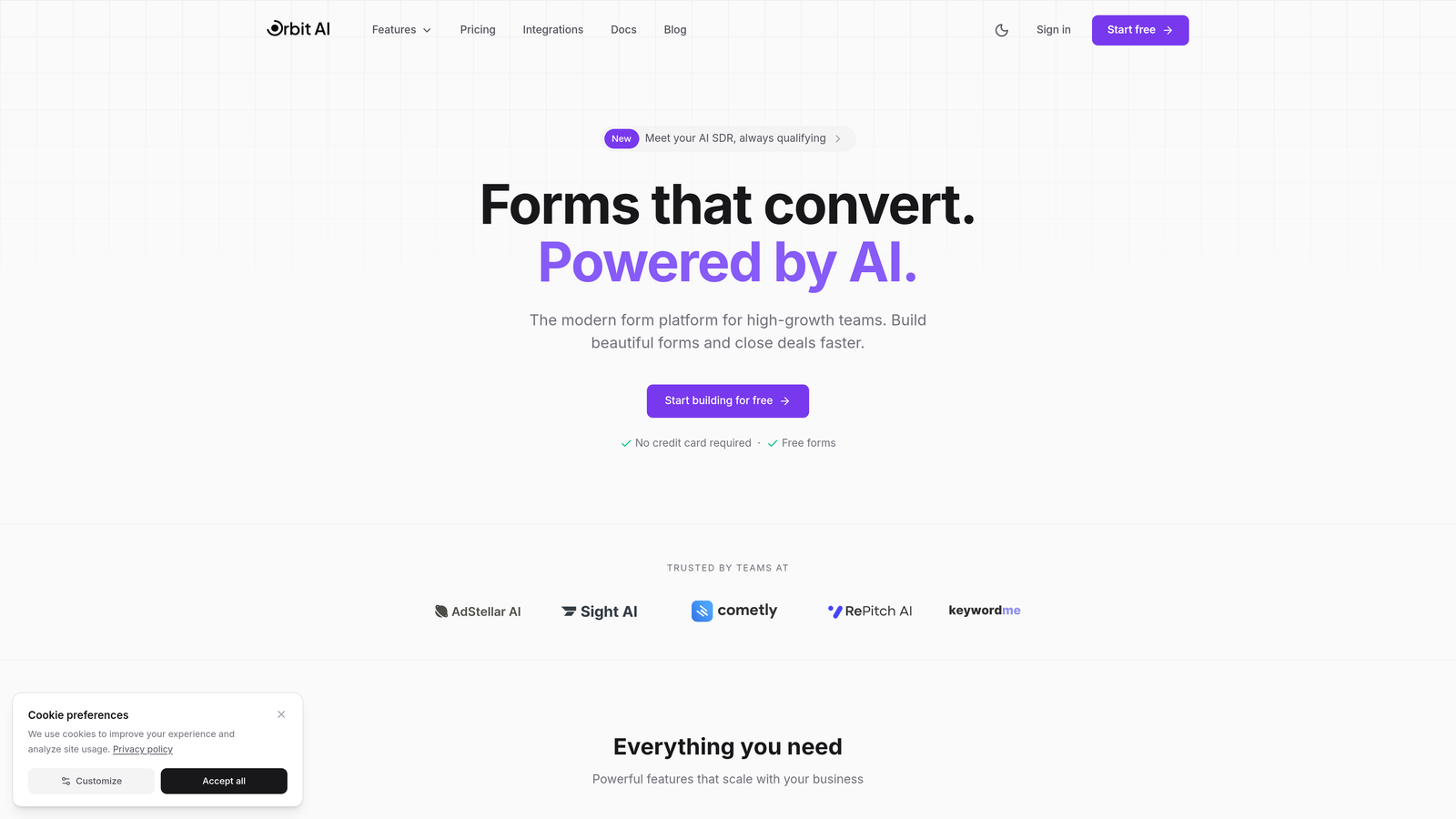
The surrounding pieces are native rather than bolted on: a meeting scheduler, email sequences, workflow automation, analytics, and about 30 CRM integrations (Salesforce, HubSpot, Pipedrive, Zoho). Conversion-focused templates get a working form live fast.
If your forms are internal surveys or event RSVPs, this is more machinery than you need — pick something free below. If form submissions are revenue, the qualification layer is the point. Pro is $29/month ($23/month billed annually); no free plan, and every plan starts with a 7-day free trial, card required.
2. Typeform
Best for: Long forms where completion rate is the metric that matters
Typeform made the one-question-at-a-time format famous, and it still earns its keep on longer surveys and qualification flows where a wall of fields would send people away. Logic jumps trim irrelevant questions; media embedding keeps the thing feeling alive; and the visual customization is deep enough that forms read as part of your site rather than an add-on.
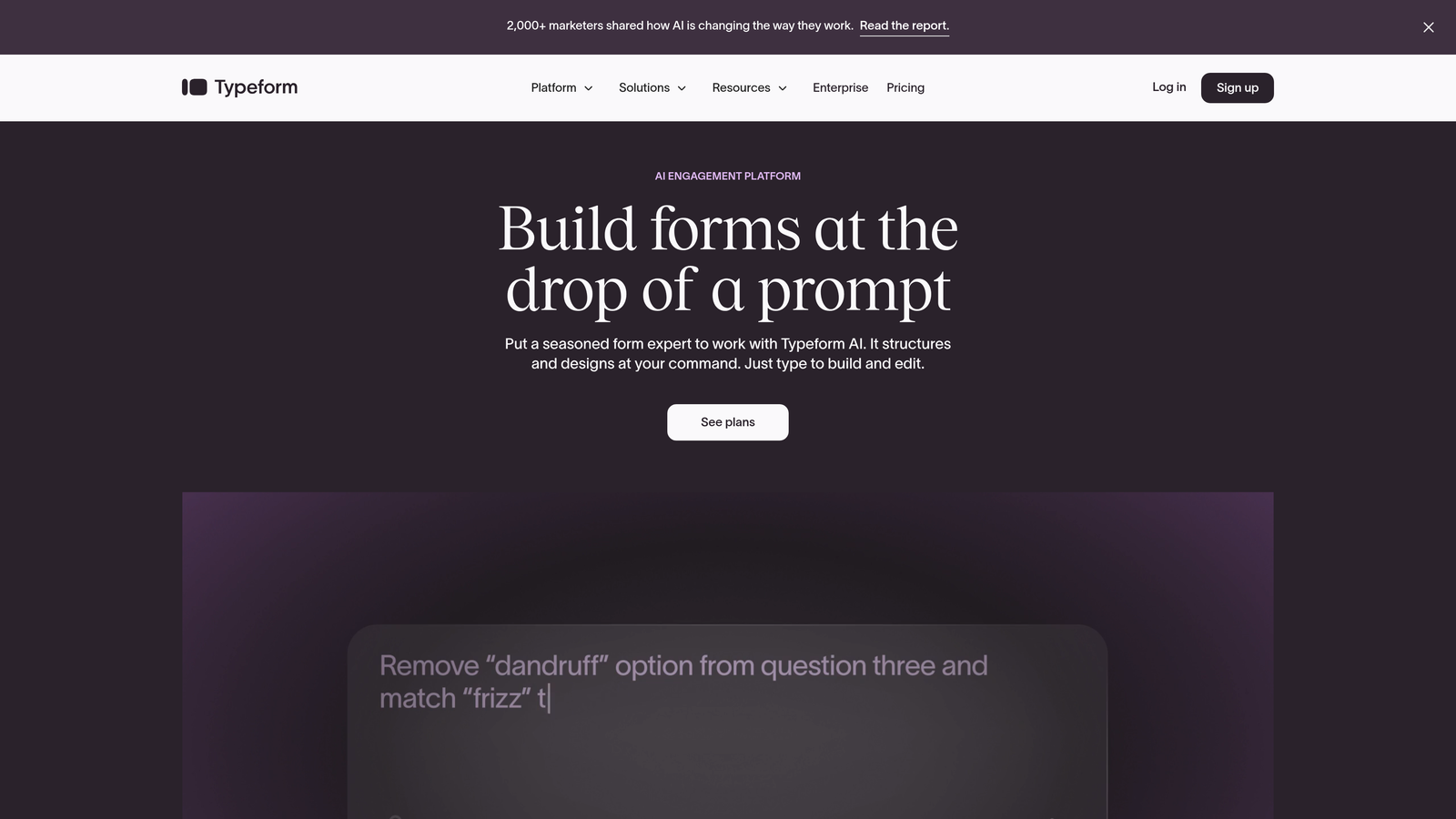
The format is a poor fit for short forms — three fields presented one at a time is slower, not friendlier. Free tier available; the Basic plan starts at $25/month. If you like the style but not the price, we've compared the best Typeform alternatives separately.
3. Jotform
Best for: Teams that build many different kinds of forms and want a template for each
Jotform's 10,000+ template library means you almost never start from a blank canvas — application forms, event registrations with payment, service intake, all pre-built and customizable in minutes. The widget system pushes past basic fields into signatures, appointment scheduling, file uploads, and calculations, and PDF generation turns submissions into documents automatically.
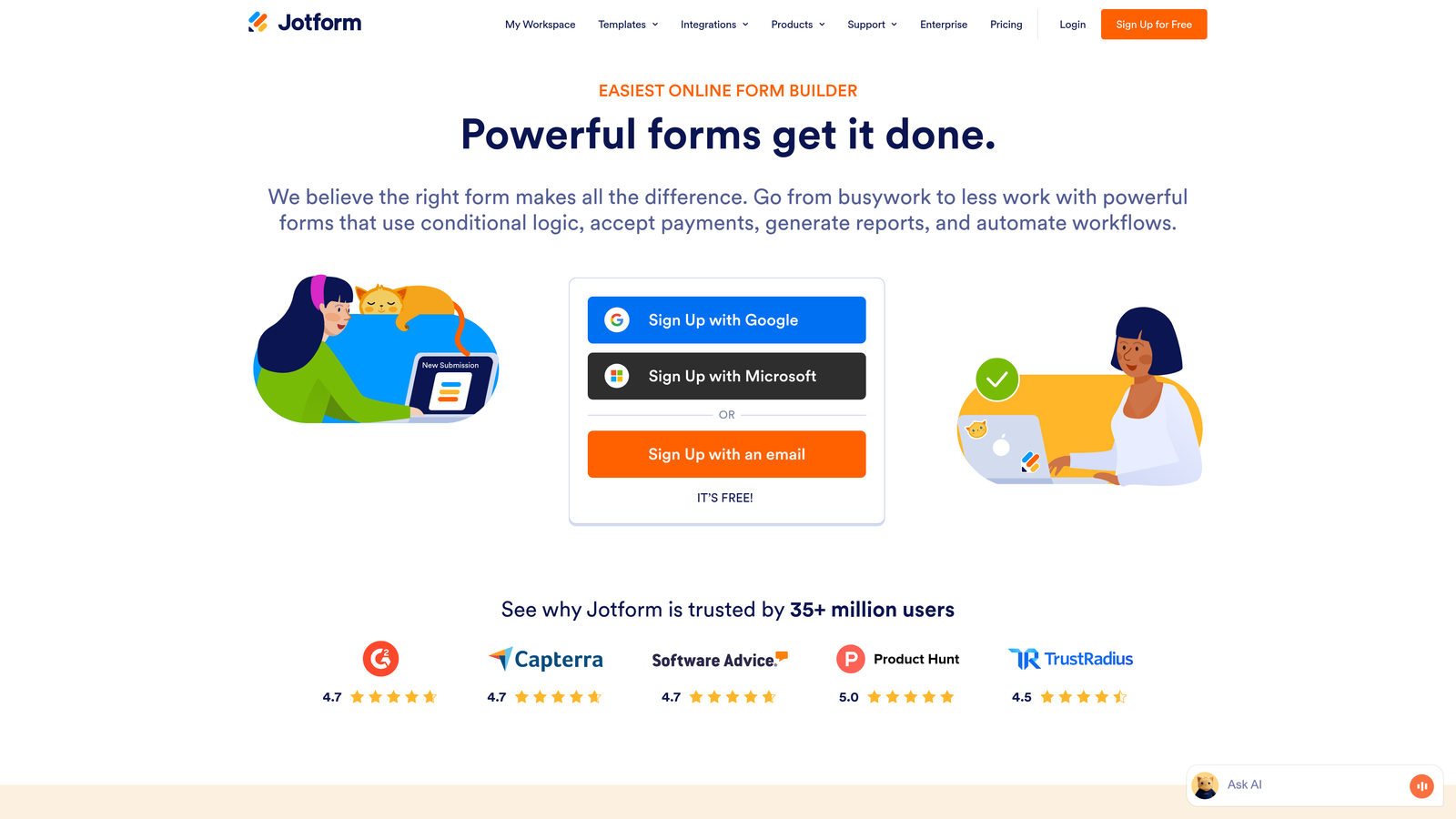
Payments run through PayPal, Square, or Stripe. The breadth cuts both ways — the interface carries more options than most users will touch. Free tier covers 5 forms; the Bronze plan starts at $34/month with 25 forms and higher limits.
4. Tally
Best for: Anyone who wants professional forms without a subscription
Tally's free plan is the most generous in the category and it isn't close: unlimited forms, unlimited submissions, conditional logic included, and no Tally branding on your forms. Most competitors gate at least one of those behind payment.
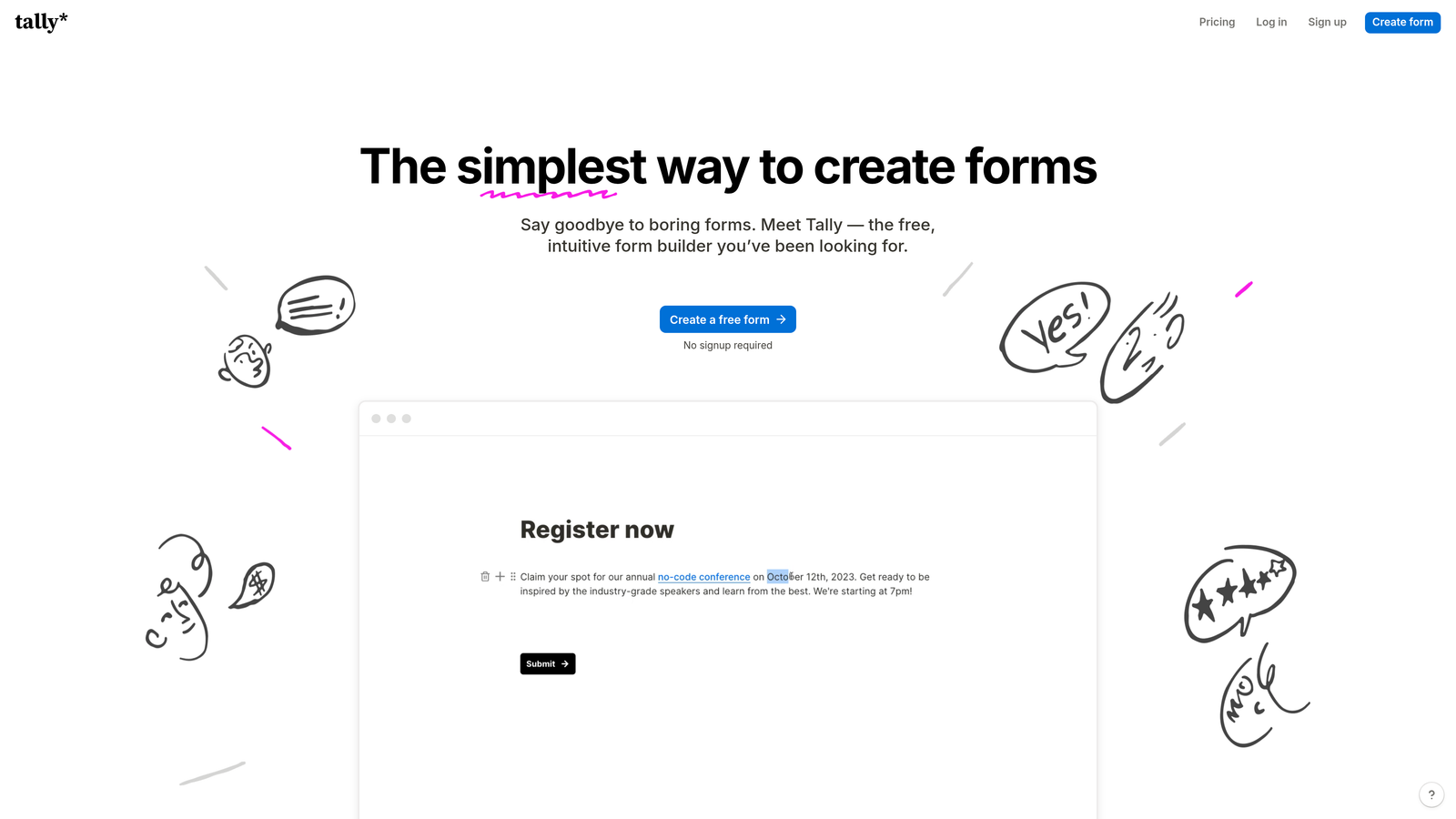
The editor works like Notion — you add blocks (questions, text, images) to a page — which makes it immediately comfortable for Notion users and pleasantly minimal for everyone else. The Pro plan at $29/month adds extras like custom domains. For a startup watching every dollar, start here; you can migrate later if you need qualification or compliance features. More free options in our roundup of free form builder tools.
5. Fillout
Best for: Teams whose real database is Airtable or Notion
Fillout inverts the usual architecture: instead of storing submissions in the form tool and syncing outward, it writes directly to your Airtable or Notion tables. Forms can pre-fill from existing records and update them, so customers can correct their own information and employees can file requests against real data — no copy-paste layer, no drift between systems.
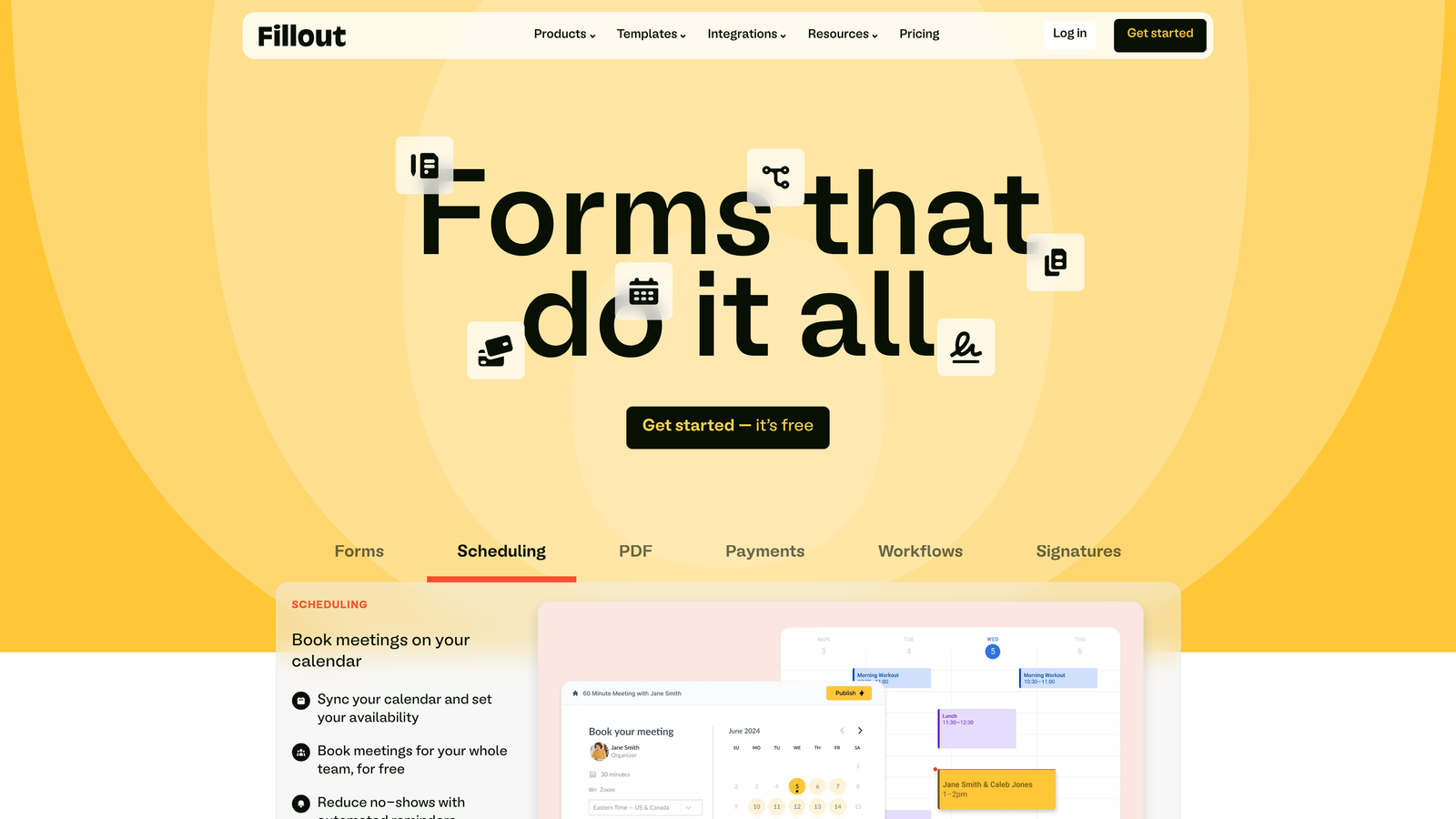
Multi-page forms with progress indicators and built-in scheduling round it out. If your operations don't live in one of those databases, Fillout's main advantage evaporates. Free tier available; the Starter plan begins at $15/month.
6. Paperform
Best for: Forms that need to sell — bookings, products, event registrations
Paperform builds forms that behave like landing pages: rich text, images, video, and even product catalogs sit inline with the questions. That matters when the form has to persuade as well as collect — an event registration that explains the event, a booking page that shows the work.
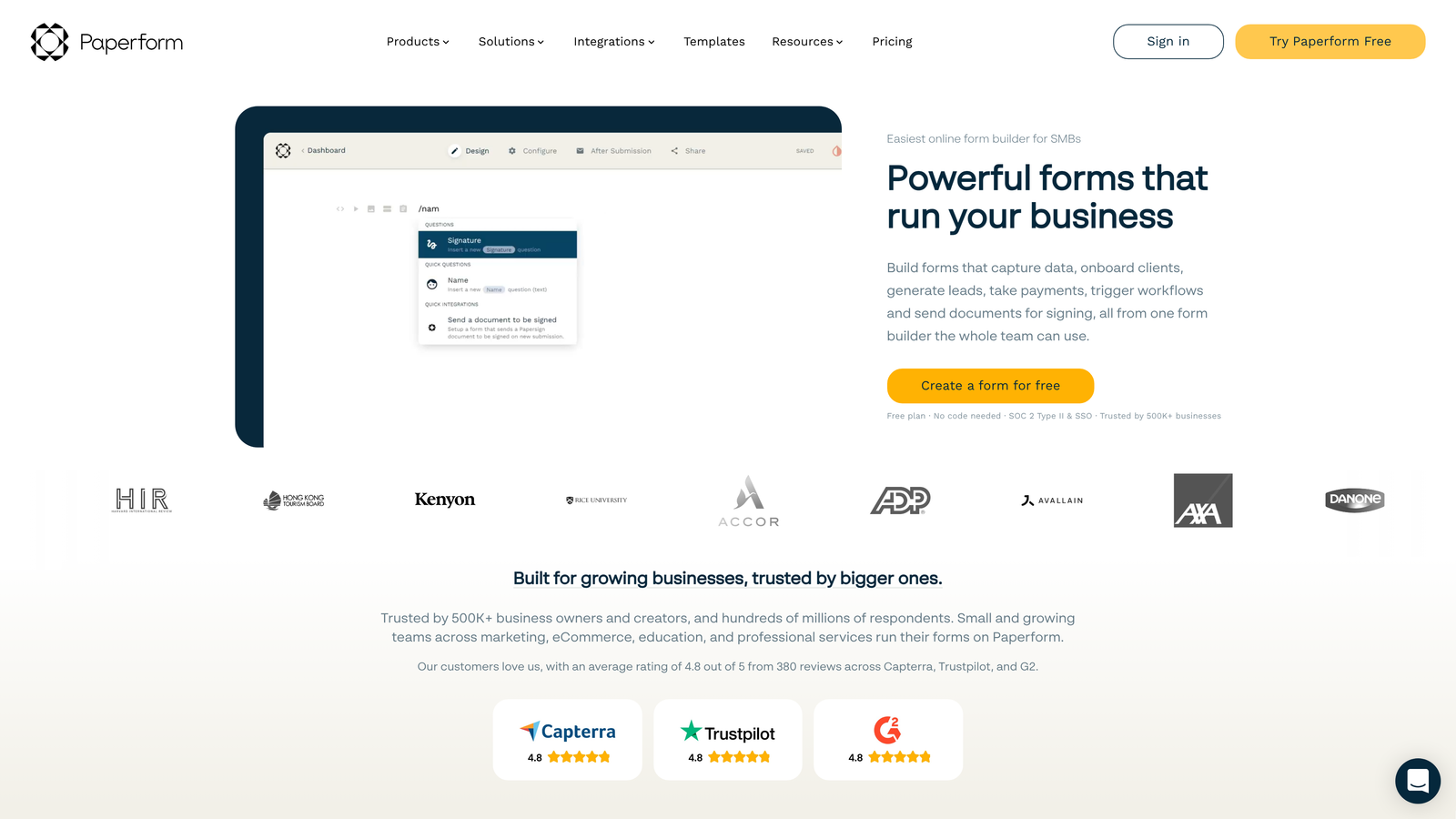
Payments, appointment scheduling, quantity selectors, and custom thank-you pages are built in, which can genuinely replace a separate landing-page tool for coaches, consultants, and small e-commerce shops. No free tier — the Essentials plan starts at $24/month.
7. Cognito Forms
Best for: Forms that do math — quotes, orders, scored applications
Cognito Forms is the calculation specialist. Order forms with quantity pricing, applications with scoring logic, registrations with conditional fees — its formula engine handles what would be a spreadsheet exercise anywhere else. Repeating sections let respondents add as many entries as they need (family members, line items, project phases) inside one submission.
Electronic signatures and multi-stage approval workflows make it a quiet favorite of HR departments and schools. At $15/month for Pro (free tier available), it undercuts most tools with half its logic capability.
8. Google Forms
Best for: Internal surveys and quick data collection at zero cost
Google Forms is free with any Google account, has no submission limits, and pipes responses straight into Google Sheets. For internal polls, RSVPs, and quick feedback, that's the whole requirement. Real-time collaborative editing — the same as Google Docs — makes it easy to iterate on questions with colleagues.
The limits are equally clear: minimal branding, basic conditional logic, and nothing that qualifies, routes, or follows up on a submission. Use it where function beats polish; replace it where the form faces customers.
9. Formstack
Best for: Regulated industries and enterprise workflow automation
Formstack exists for the requirements consumer form tools ignore: HIPAA and PCI compliance options, SSO, granular permissions, and audit trails. Its workflow engine builds multi-step approval chains, generates documents from submission data, and routes forms across departments on complex conditions.
That's the buy-in — and the bill: the Starter plan begins at $50/month, with compliance features in higher tiers. Right for healthcare and financial services; wrong for anyone who just needs a nice contact form.
10. 123FormBuilder
Best for: Small businesses selling through forms
123FormBuilder makes order forms and payment collection unusually painless for a non-technical audience: product catalogs, tax and shipping calculations, invoices, and gateway connections to PayPal, Stripe, and Authorize.net. HIPAA compliance appears on higher tiers, and multi-language support helps if you sell across borders.
Free tier for basics; the Gold plan starts at $24.99/month with payment processing included. A sensible middle option when Jotform feels crowded and Paperform feels design-first.
11. Wufoo
Best for: Simple, stable forms — especially alongside SurveyMonkey
Wufoo has been building forms since 2006 and now lives inside the SurveyMonkey ecosystem. It is deliberately unflashy: a simple drag-and-drop builder, payment collection, file uploads, and basic reporting, with none of the feature sprawl of newer platforms.
That stability is the pitch. If you already use SurveyMonkey, the shared account and easy data movement between the two tools is a real convenience. Free tier available; the Starter plan begins at $14.08/month.
How to pick a no code form builder
Start with the job, not the feature grid. Leads that need qualifying: OrbitForms. Long surveys where completion is everything: Typeform. Data that belongs in Airtable or Notion: Fillout, no contest. Zero budget: Tally first, Google Forms for internal work. Regulated data: Formstack. Selling things: Paperform or 123FormBuilder. Quotes and calculated pricing: Cognito Forms.
Then test two finalists with a real form you actually need — not the demo form. An hour of hands-on building reveals more about the editor, the integrations, and the submission workflow than any comparison table, this one included. Most of these tools have free tiers or trials, so the experiment costs you nothing but the hour.
If the form you're building exists to produce pipeline, start a 7-day free trial of OrbitForms and let the qualification run itself.
Frequently Asked Questions
What is a no code form builder?
A no code form builder is software that lets you create and publish web forms through a visual, drag-and-drop editor instead of writing HTML or JavaScript. Modern platforms also handle what happens after submission — notifications, CRM sync, payments, and conditional logic — without any programming.
What is the best free no code form builder?
Tally offers the most generous free plan: unlimited forms and submissions with conditional logic and no vendor branding. Google Forms is also completely free and works well for internal surveys, though it offers little branding control and no lead qualification or follow-up automation.
Can no code form builders accept payments?
Yes. Jotform, Paperform, Cognito Forms, and 123FormBuilder all process payments through gateways like Stripe, PayPal, and Square directly inside the form. If payment collection is central to your use case, compare gateway fees and per-plan limits before choosing.
Are no code form builders suitable for regulated industries?
Some are. Formstack and 123FormBuilder offer HIPAA compliance options, and several platforms carry SOC 2 certification and GDPR tooling. Verify that the specific plan you're buying includes the compliance feature — it's frequently reserved for higher tiers.


