

Your form is often the final handshake between your brand and a potential lead—and first impressions matter. Clunky, outdated forms kill conversions faster than slow load times. Modern form design tools have evolved far beyond basic input fields, now offering AI-powered qualification, conditional logic, and designs that actually match your brand aesthetic.
Whether you're building a simple contact form or a multi-step lead qualification flow, the right tool can dramatically impact your conversion rates. We've tested and evaluated the top form builders on the market, focusing on design flexibility, user experience, integration capabilities, and conversion optimization features. Here are the best modern form design tools worth your attention in 2026.
1. Orbit AI
Best for: High-growth teams needing AI-powered lead qualification with conversion-optimized design
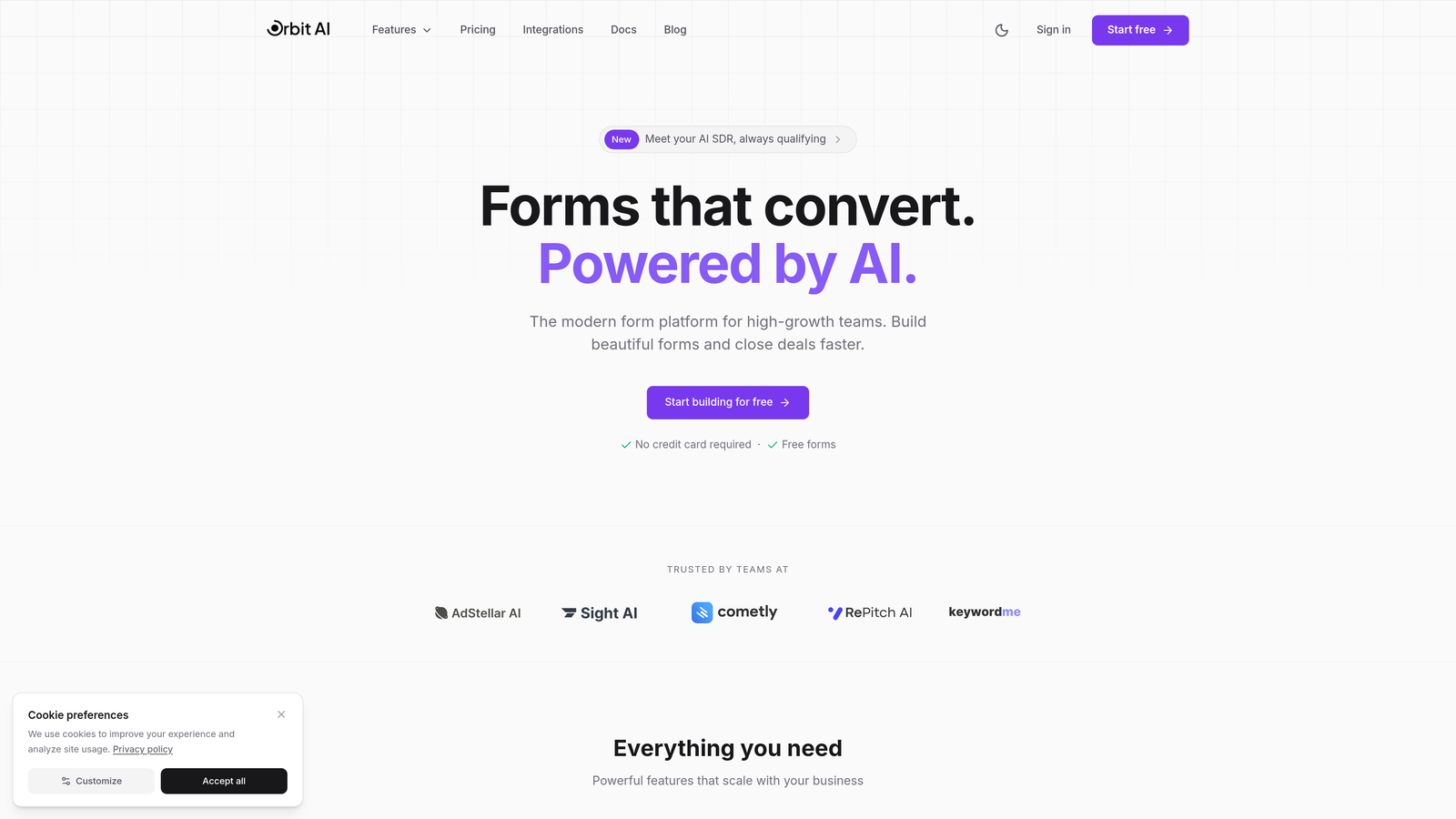
Orbit AI combines modern design aesthetics with intelligent lead qualification, built specifically for teams that view forms as a strategic conversion tool rather than just data collection.
Where This Tool Shines
The platform's AI-powered lead qualification sets it apart from traditional form builders. Instead of collecting responses and manually sorting through leads later, Orbit AI scores and qualifies prospects in real-time based on their responses, routing high-value leads immediately while nurturing others appropriately.
The design templates are built with conversion optimization in mind—clean, modern aesthetics that match contemporary brand standards without requiring custom CSS work. Multi-step flows reduce form abandonment by breaking complex forms into digestible sections.
Key Features
AI-Powered Lead Qualification: Automatically scores and routes leads based on response patterns and qualification criteria you define.
Modern Templates: Conversion-optimized designs that look professional out of the box and adapt to your brand identity.
Conditional Logic: Create dynamic forms that adapt based on user responses, showing relevant questions while hiding unnecessary fields.
Native Integrations: Connect directly to major CRMs, email platforms, and marketing tools without middleware.
Real-Time Analytics: Track conversion rates, abandonment points, and form performance with actionable insights.
Best For
Teams focused on lead quality over quantity, particularly B2B companies and agencies where qualifying prospects early saves significant time. Ideal for marketing teams that want sophisticated lead scoring without building complex automation workflows.
Pricing
Free tier available for testing. Paid plans start at $29/month with access to AI qualification features and advanced integrations.
2. Typeform
Best for: Creating engaging, conversational form experiences that feel human
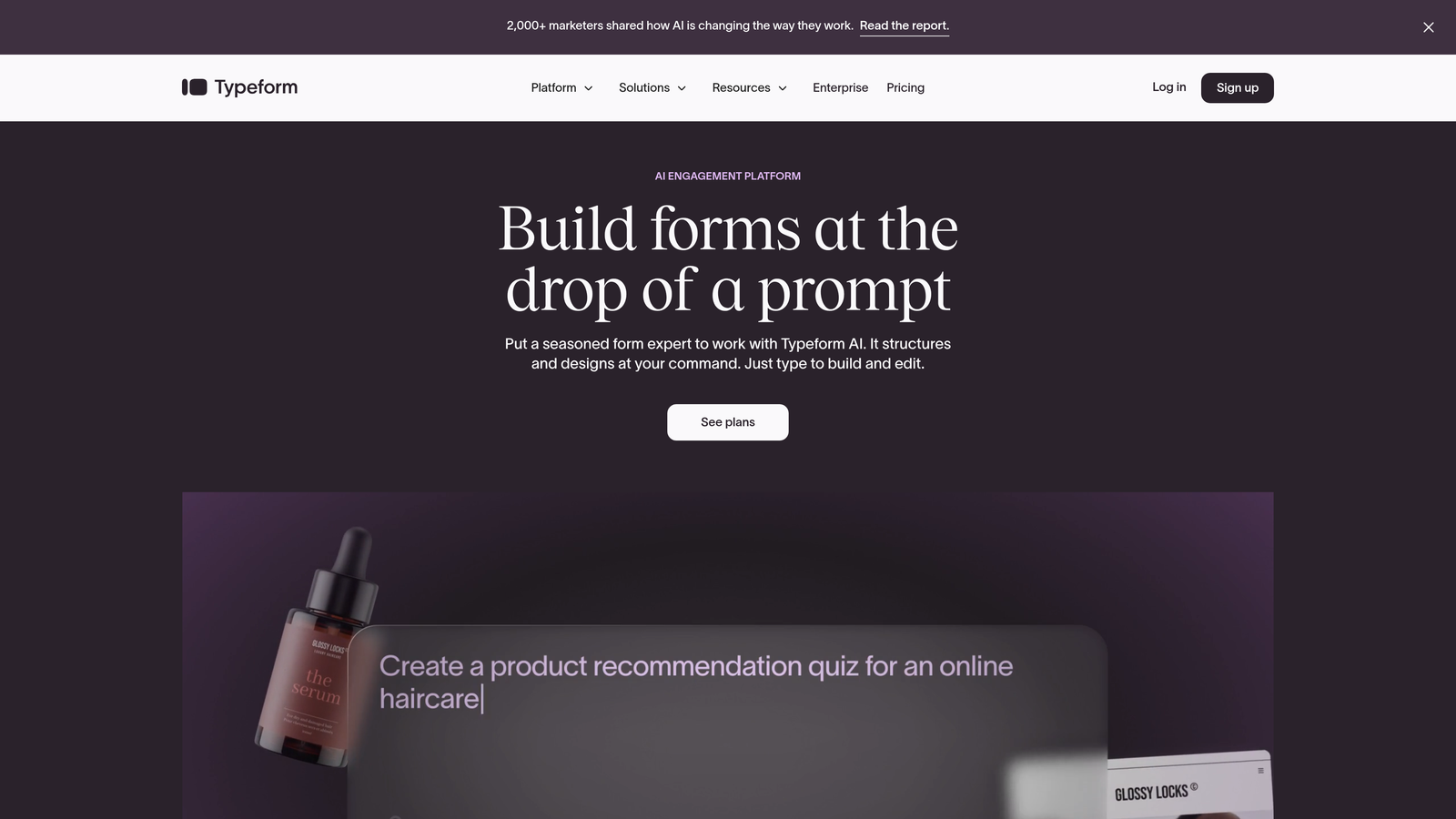
Typeform pioneered the one-question-at-a-time approach that transforms traditional forms into conversations.
Where This Tool Shines
Typeform's conversational format significantly reduces the psychological burden of long forms. By presenting one question at a time with smooth transitions, users feel less overwhelmed and are more likely to complete the entire flow.
The platform excels at creating engaging experiences for surveys, quizzes, and lead capture where user experience directly impacts completion rates. The design quality is consistently high across all templates.
Key Features
Conversational Interface: One question per screen with smooth transitions creates a natural flow that feels less like a form and more like a dialogue.
Beautiful Templates: Professionally designed themes that require minimal customization to look polished and on-brand.
Logic Jumps: Branch users to different questions based on their previous answers, creating personalized paths through your form.
Rich Media Support: Embed videos, images, and GIFs to make forms more engaging and visually appealing.
Integration Library: Connect to hundreds of tools including all major CRMs, email platforms, and automation services.
Best For
Brands prioritizing user experience and engagement over rapid data collection. Perfect for customer feedback, lead qualification surveys, and interactive content where completion rates matter more than speed.
Pricing
Free tier with limited responses. Basic plan starts at $25/month with increased response limits and logic jumps.
3. Tally
Best for: Startups and indie makers wanting professional forms without subscription costs
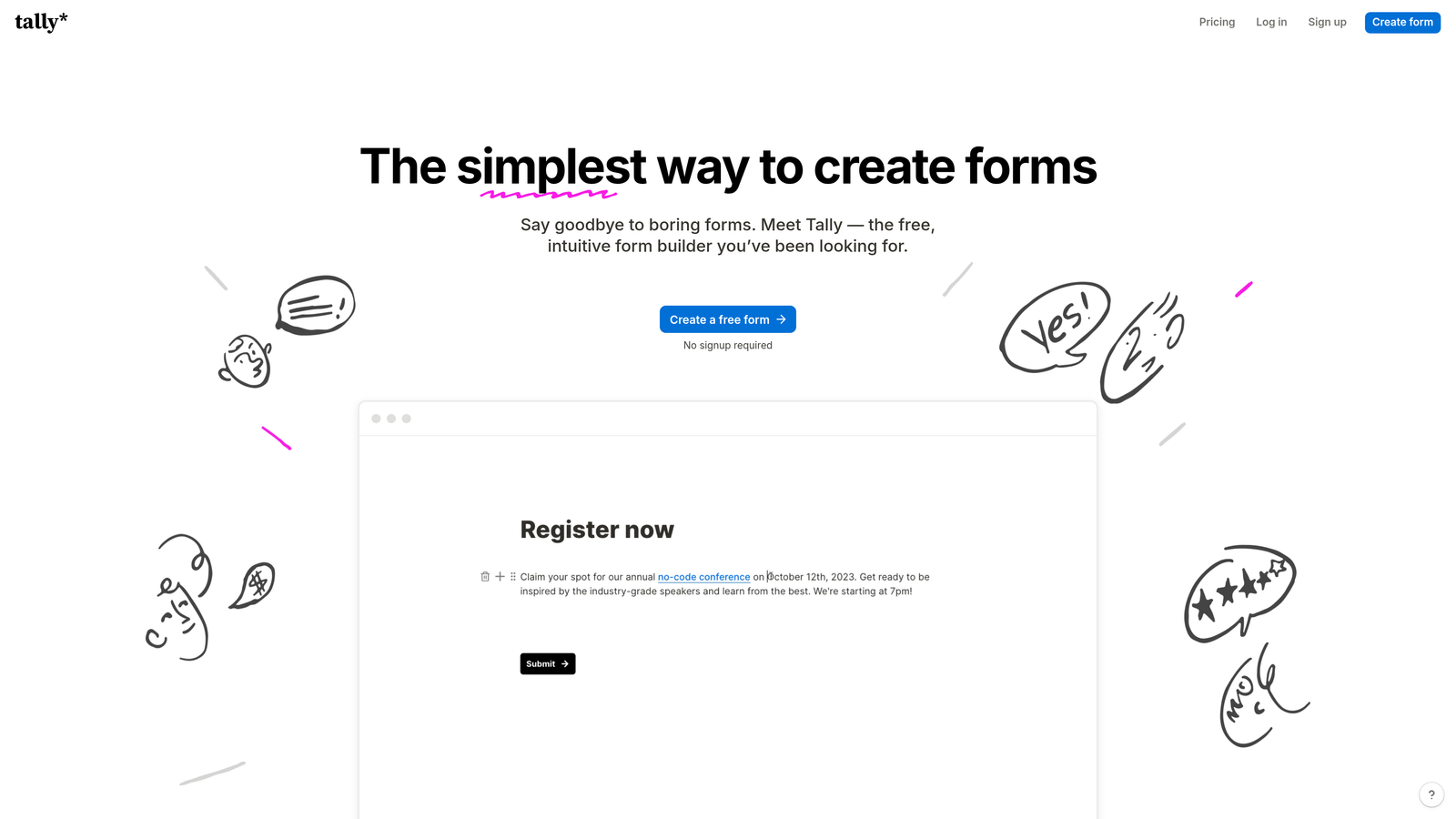
Tally brings a Notion-like editing experience to form building with an impressively generous free tier.
Where This Tool Shines
Tally's free tier includes features that competitors lock behind paid plans—unlimited forms, conditional logic, and custom branding. This makes it particularly attractive for bootstrapped startups and solo entrepreneurs who need professional results without monthly fees.
The block-based editor feels familiar to anyone who's used Notion, reducing the learning curve significantly. Forms can be embedded, shared via link, or published to custom domains even on the free plan.
Key Features
Generous Free Tier: Unlimited forms and submissions with most core features included at no cost.
Block-Based Editor: Notion-style interface makes form building intuitive and fast for users familiar with modern productivity tools.
Conditional Logic: Show or hide questions based on previous answers without needing a paid plan.
Custom Domains: Connect your own domain to forms for professional branding even on free accounts.
Notion Integration: Direct connection to Notion databases for teams managing workflows in that ecosystem.
Best For
Budget-conscious teams, indie makers, and startups in early stages who need professional forms without immediate subscription costs. Excellent for Notion-heavy teams wanting seamless workflow integration.
Pricing
Robust free tier with most features. Pro plan at $29/month adds file uploads, custom code, and priority support.
4. Jotform
Best for: Finding industry-specific templates and deep customization options
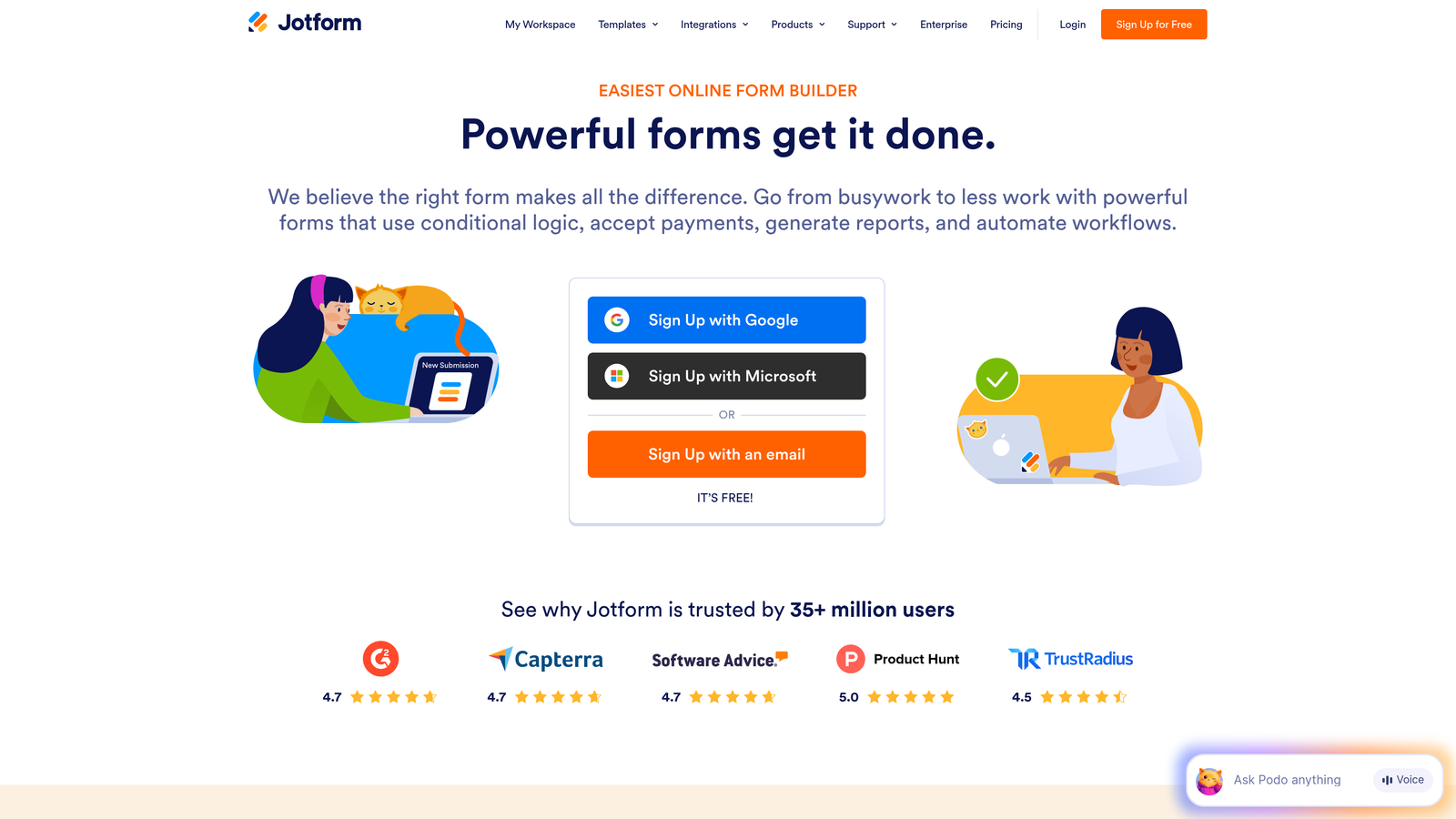
Jotform offers one of the largest template libraries in the industry with over 10,000 pre-built forms.
Where This Tool Shines
The sheer breadth of templates means you can find a starting point for virtually any use case—from healthcare intake forms to event registrations to job applications. This dramatically reduces build time when you need industry-specific functionality.
Jotform's widget ecosystem adds functionality that goes beyond standard form fields, including payment collection, appointment scheduling, and e-signature capabilities. HIPAA compliance options make it viable for healthcare organizations with strict data requirements.
Key Features
10,000+ Templates: Pre-built forms for every industry and use case, from simple contact forms to complex applications.
Drag-and-Drop Builder: Intuitive interface with extensive widget library for adding specialized functionality.
Payment Integration: Accept payments directly through forms via PayPal, Stripe, Square, and other processors.
PDF Generation: Automatically create PDF documents from form submissions, with e-signature support for contracts and agreements.
HIPAA Compliance: Enterprise plans include features required for healthcare data handling and compliance.
Best For
Organizations needing industry-specific forms quickly, particularly in healthcare, education, and professional services. Ideal when payment collection or document generation is part of your form workflow.
Pricing
Free tier with limited submissions. Bronze plan starts at $34/month with increased limits and payment integrations.
5. Fillout
Best for: Teams working with databases like Airtable and Notion
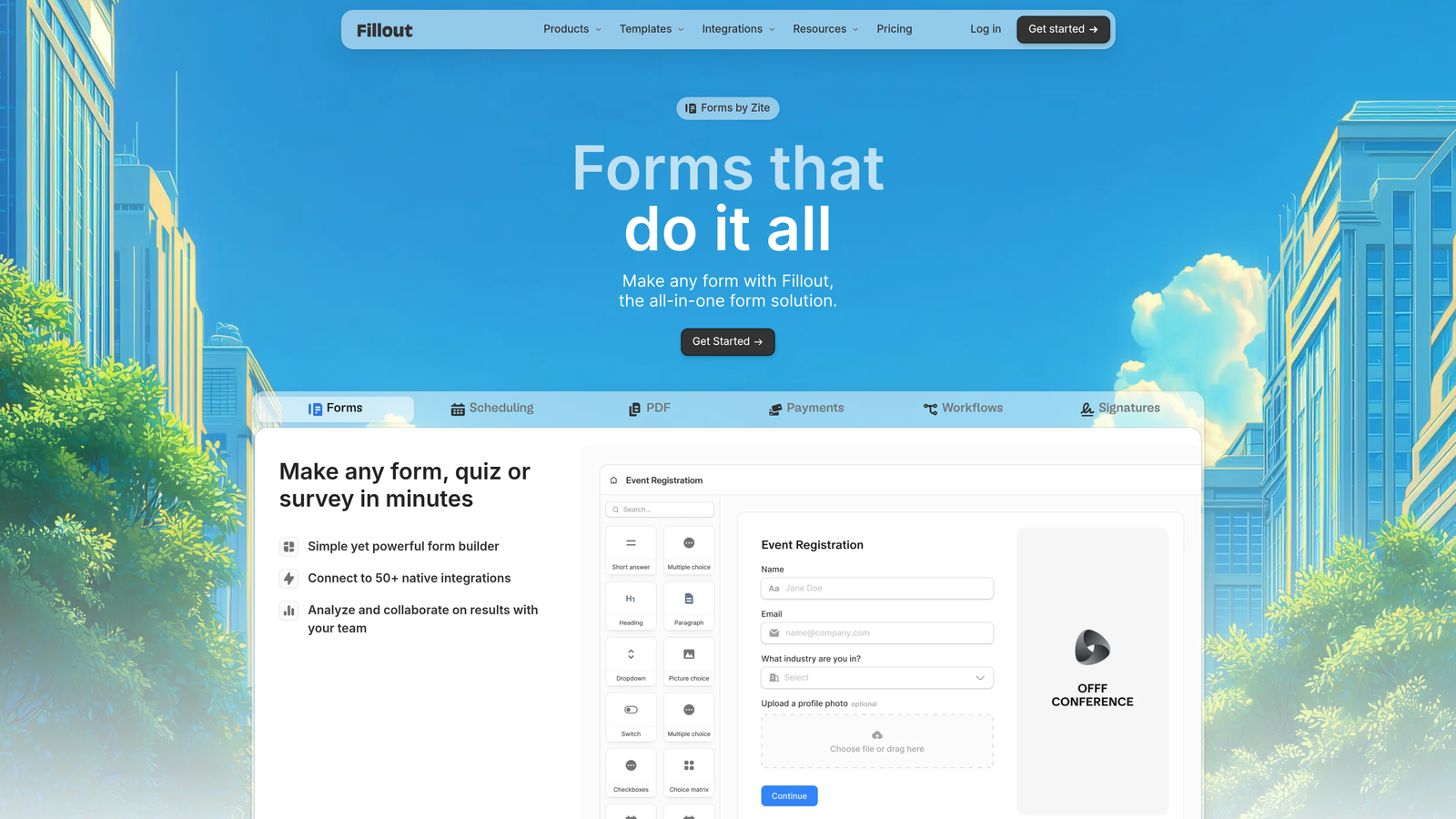
Fillout is designed specifically for database-connected workflows, with native integrations to Airtable and Notion.
Where This Tool Shines
Fillout treats databases as first-class citizens rather than afterthoughts. Forms can read from and write to Airtable bases or Notion databases directly, enabling workflows where form submissions automatically populate project trackers, CRM systems, or content calendars.
The scheduling features integrate seamlessly with database workflows, making it easy to build booking systems where availability is managed in Airtable and appointments flow directly into your operational database.
Key Features
Native Database Integration: Connect forms directly to Airtable and Notion databases for seamless two-way data flow.
Database-Connected Forms: Pre-populate form fields from database records or update existing records based on submissions.
Scheduling Features: Built-in appointment booking with availability management and calendar integration.
Multi-Step Forms: Break complex forms into sections with progress indicators to reduce abandonment.
Custom Branding: Add custom CSS for complete design control when default styling isn't enough.
Best For
Teams that manage operations in Airtable or Notion and want forms that integrate natively with their existing databases. Perfect for agencies, consultants, and operational teams building custom workflows.
Pricing
Free tier available with basic features. Starter plan begins at $15/month with database integrations and scheduling.
6. Paperform
Best for: Creating landing page-style experiences that blend content with forms
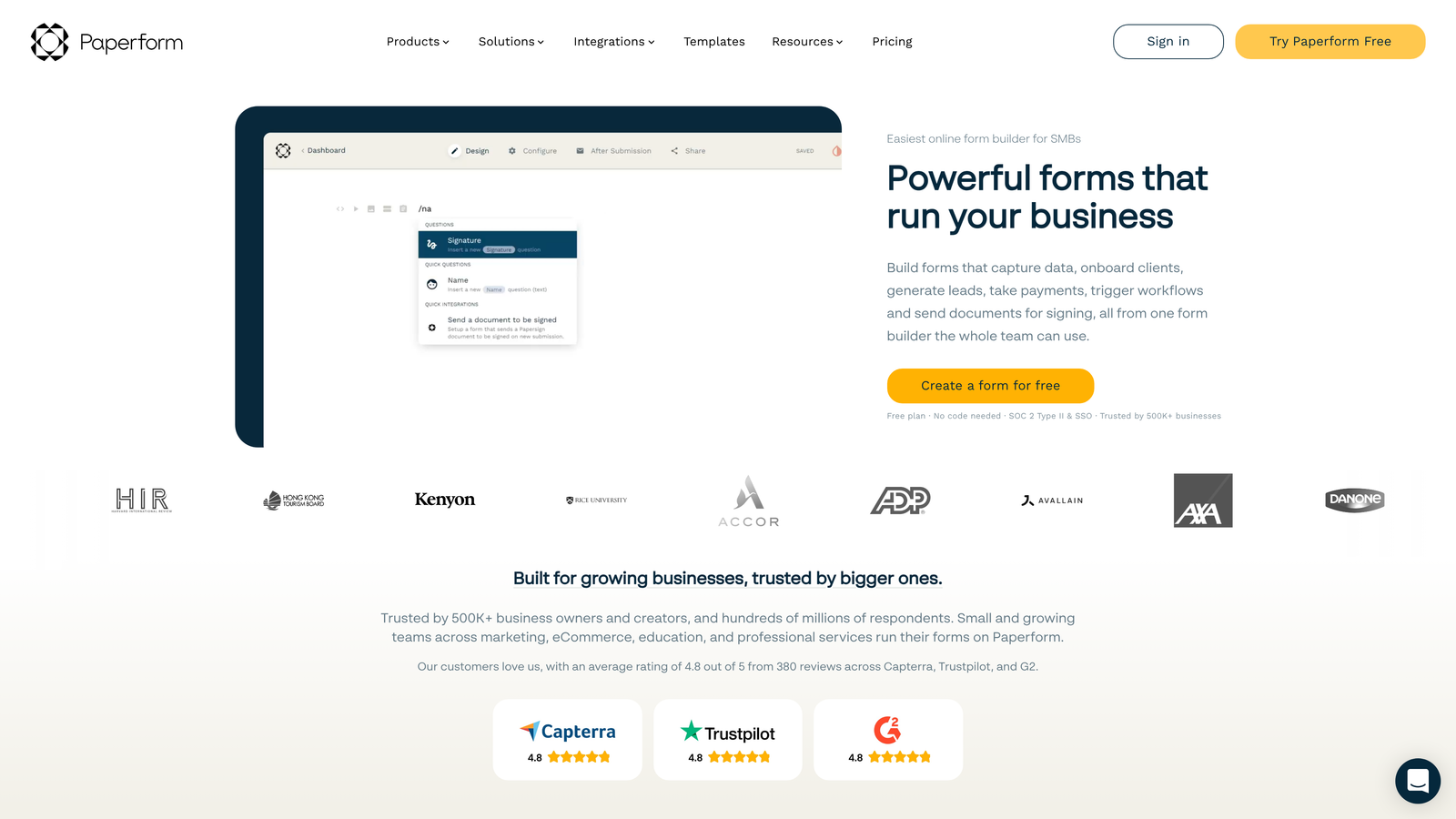
Paperform blurs the line between forms and landing pages, allowing rich media and content alongside form fields.
Where This Tool Shines
Paperform lets you build experiences that feel more like interactive landing pages than traditional forms. You can embed videos, add product showcases, include pricing tables, and weave form fields throughout the content—creating cohesive experiences that inform and collect data simultaneously.
The e-commerce capabilities are particularly strong, making it viable for selling products, accepting donations, or processing event registrations with payment collection built directly into the form experience.
Key Features
Landing Page Design: Combine rich media, text content, and form fields in a single flowing experience.
Rich Media Embedding: Add videos, images, product galleries, and interactive elements throughout your forms.
E-commerce Features: Sell products, accept donations, and process payments with built-in shopping cart functionality.
Advanced Calculations: Perform complex calculations based on user inputs for pricing, scoring, or conditional logic.
Custom Success Pages: Design personalized thank-you experiences based on user responses and actions.
Best For
Brands that need forms to do double duty as landing pages, particularly for product launches, event registrations, and e-commerce applications where context and persuasion matter as much as data collection.
Pricing
Essentials plan starts at $24/month with all core features and payment processing.
7. Formspark
Best for: Developers wanting complete design control with hassle-free backend handling
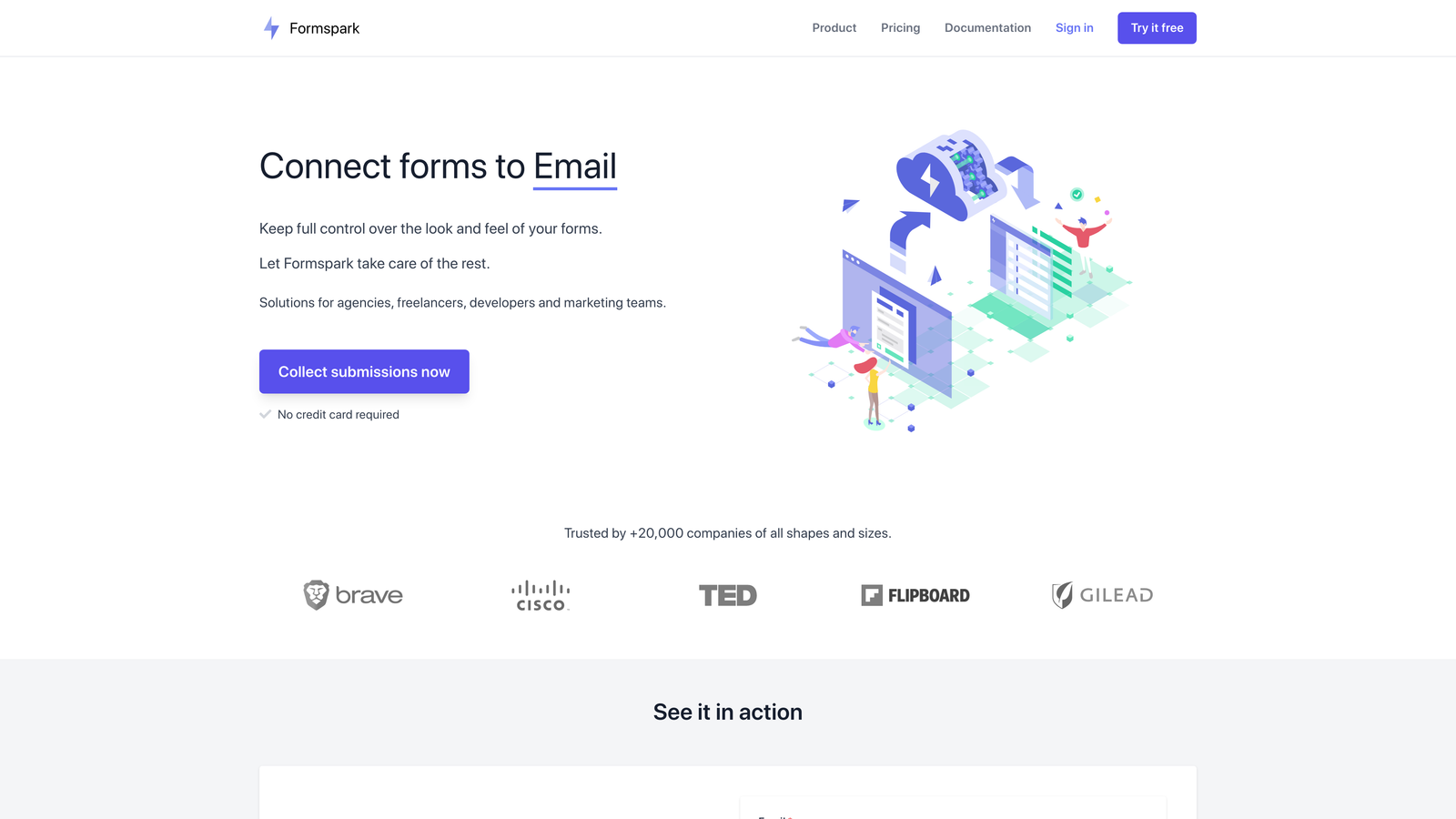
Formspark provides a headless form backend, letting developers build custom form designs while offloading submission handling, spam protection, and notifications.
Where This Tool Shines
Formspark gives developers complete freedom over HTML and CSS while handling everything that happens after form submission—validation, spam filtering, file uploads, and notification routing. This is ideal when you're building custom websites where design consistency matters more than drag-and-drop convenience.
The spam protection through Botpoison is particularly effective, filtering out bot submissions without forcing users through CAPTCHA challenges that hurt conversion rates.
Key Features
Headless Backend: Build forms with any HTML/CSS framework while Formspark handles submission processing behind the scenes.
Complete Design Control: No design constraints or templates—implement exactly the form design your site requires.
Spam Protection: Integrated Botpoison filtering blocks bots without CAPTCHA friction that reduces conversions.
Webhook Integration: Send form data to any endpoint, with Zapier support for connecting to thousands of tools.
File Upload Handling: Accept file uploads with storage and delivery managed by Formspark.
Best For
Developers building custom websites where form design must match exact specifications. Perfect for agencies creating bespoke client sites or product teams with strict design systems.
Pricing
Free tier for basic use. Paid plans start at $8/month with increased submission limits and features.
8. Reform
Best for: Minimalist design focus with maximum conversion optimization
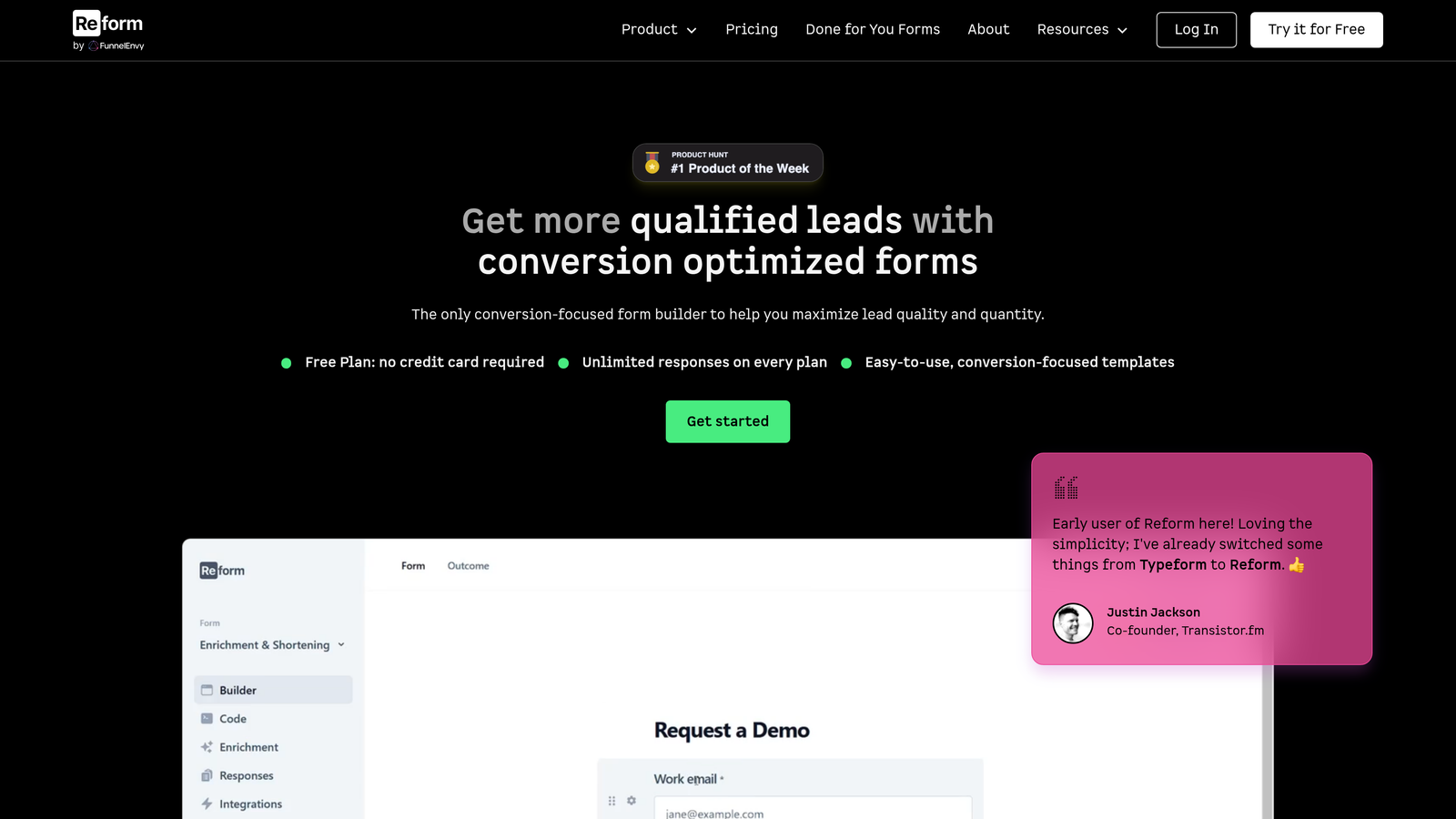
Reform strips away visual clutter to create ultra-clean forms that prioritize conversion rates above all else.
Where This Tool Shines
Reform's minimalist approach removes every element that doesn't directly contribute to form completion. The result is fast-loading, mobile-optimized forms that feel effortless to complete—particularly valuable for design-conscious brands where aesthetic quality reflects brand positioning.
The platform's focus on performance means forms load quickly and work smoothly across devices, reducing technical abandonment that plagues heavier form builders with complex JavaScript frameworks.
Key Features
Minimalist Design: Clean, distraction-free interfaces that focus user attention on completing the form.
Smart Conditional Logic: Show or hide fields based on responses without cluttering the interface.
Custom Typography: Use your brand fonts and styling to maintain design consistency across your site.
Performance Optimization: Fast loading times and smooth mobile experiences that reduce technical abandonment.
Webhook Integrations: Connect to your existing tools and workflows through flexible webhook configurations.
Best For
Design-forward brands where form aesthetics reflect brand quality, particularly in creative industries, premium services, and B2B companies targeting sophisticated audiences.
Pricing
Free tier available for testing. Pro plan starts at $19/month with custom branding and advanced features.
9. HubSpot Forms
Best for: Teams already running marketing and sales through HubSpot CRM
HubSpot Forms is the native form builder within HubSpot's marketing platform, designed for seamless CRM integration.
Where This Tool Shines
For teams already using HubSpot CRM, the native forms integration eliminates data sync issues and enables sophisticated automation workflows. Form submissions automatically create or update contact records, trigger email sequences, notify sales reps, and feed into lead scoring models—all without third-party integrations.
Progressive profiling is particularly powerful for teams with longer sales cycles. Instead of asking the same questions repeatedly, forms can remember what they've already learned about a contact and ask new questions each time, gradually building complete profiles without form fatigue.
Key Features
Deep CRM Integration: Form submissions flow directly into HubSpot CRM with automatic contact creation and updates.
Progressive Profiling: Ask different questions to returning visitors, gradually building complete contact profiles over multiple interactions.
Smart Fields: Pre-populate form fields with known contact information to reduce friction for returning visitors.
A/B Testing: Test different form variations to optimize conversion rates with built-in analytics.
Automation Triggers: Launch email sequences, assign leads to sales reps, or update lifecycle stages based on form submissions.
Best For
Marketing and sales teams already operating within the HubSpot ecosystem who want forms tightly integrated with their CRM, automation workflows, and reporting dashboards.
Pricing
Free with HubSpot CRM. Advanced features like A/B testing and automation require paid Marketing Hub subscriptions.
Finding Your Perfect Form Builder
The right form tool depends entirely on your workflow, technical requirements, and what happens after someone clicks submit.
Choose Orbit AI if you want AI-powered lead qualification with modern design aesthetics—particularly valuable when lead quality matters more than volume. Go with Typeform for maximum engagement and conversational experiences that feel human. Pick Tally if budget is tight but you still want professional results without feature limitations.
Select Jotform when you need industry-specific templates fast or require specialized features like payment processing and HIPAA compliance. Use Fillout for database-heavy workflows where forms need to read from and write to Airtable or Notion. Try Paperform for landing page-style experiences that blend persuasive content with data collection.
Consider Formspark if you're coding custom sites and need complete design control without backend complexity. Choose Reform for minimalist design focus where aesthetic quality reflects brand positioning. Stick with HubSpot Forms if you're already running your marketing through HubSpot and want seamless CRM integration.
The best form tool ultimately depends on how you plan to handle the leads you capture. Start with what integrates cleanly into your existing stack, then optimize for conversion based on real user behavior and completion rates.
Transform your lead generation with AI-powered forms that qualify prospects automatically while delivering the modern, conversion-optimized experience your high-growth team needs. Start building free forms today and see how intelligent form design can elevate your conversion strategy.


