

Google Forms is free, familiar, and perfectly fine for collecting RSVPs or running a quick internal poll. But if your business depends on lead generation, customer engagement, or conversion optimization, you've likely already bumped into its ceiling.
Limited design control, no real conditional logic, zero lead qualification, and branding that immediately signals "free tool" — these aren't minor inconveniences. They're gaps that cost you leads and credibility. The good news is that the form builder market has matured considerably, and there are now powerful platforms built specifically for business use cases.
We evaluated platforms based on design flexibility, lead capture capabilities, integration ecosystems, analytics, and pricing value for growing teams. Here are the top Google Forms alternatives for businesses that need more than the basics.
1. Orbit AI
Best for: High-growth teams that need AI-powered lead qualification built directly into their forms.
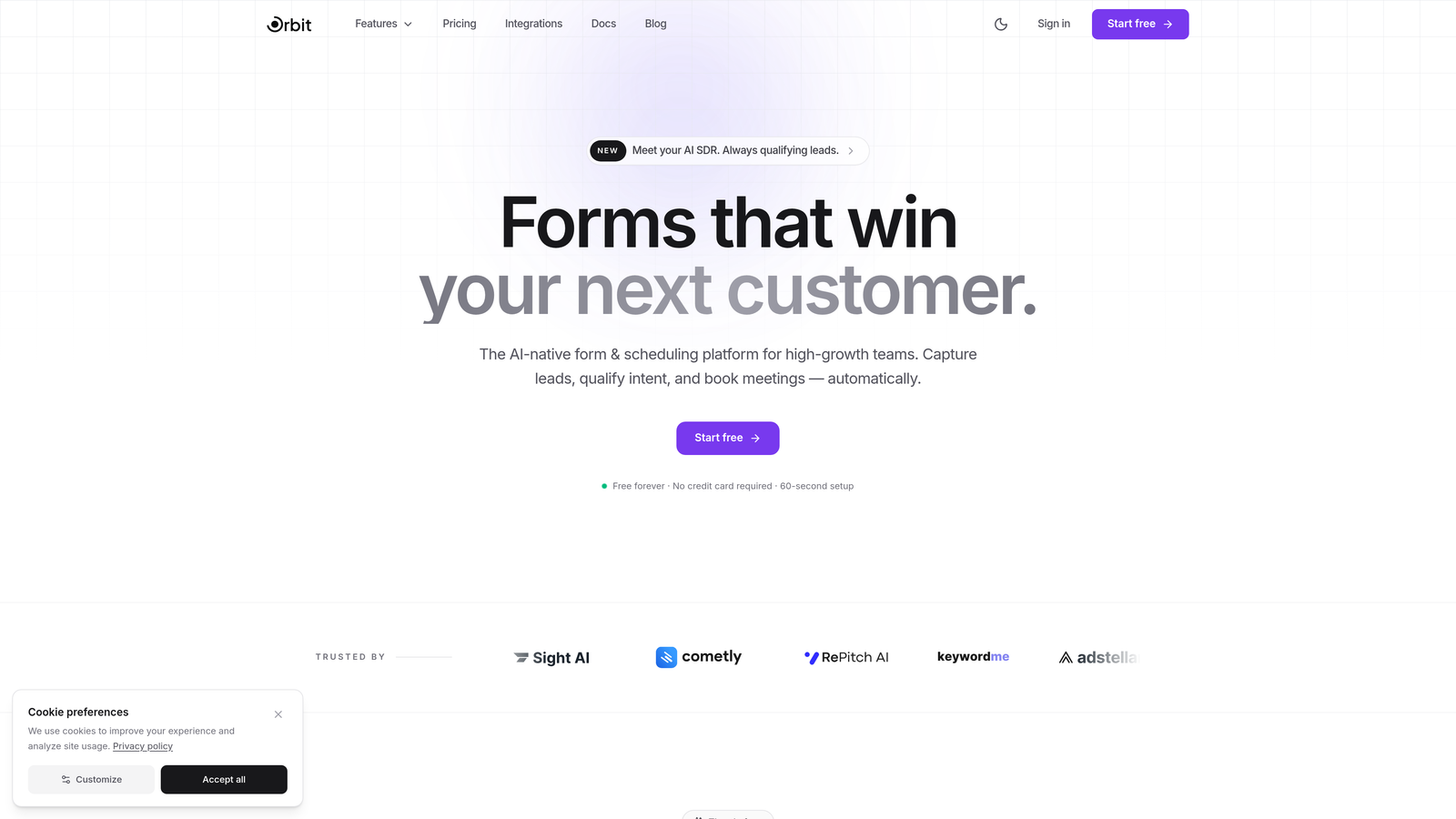
Orbit AI is an AI-powered form builder platform designed for conversion optimization and intelligent lead qualification, not just data collection.
Where This Tool Shines
Most form builders collect data and hand it off. Orbit AI goes a step further by qualifying leads at the point of submission, so your sales team isn't manually sorting through raw responses to figure out who's actually worth following up with. That's a meaningful shift for any team running volume-based lead generation.
The design side is equally strong. Forms built on Orbit AI look like they belong to your brand, not like a generic survey tool. For businesses where first impressions matter, that visual credibility is a real competitive advantage during the conversion process.
Key Features
AI-Powered Lead Scoring: Automatically qualifies and scores leads based on form responses, reducing manual triage for sales teams.
Conversion-Optimized Templates: Pre-built templates designed specifically for lead generation, not generic data collection.
Full Branding Control: Modern, beautiful form design with complete customization to match your brand identity.
Smart Conditional Logic: Dynamic form paths that adapt based on user responses, creating personalized experiences.
CRM and Marketing Integrations: Connects with popular CRMs and marketing tools to keep your lead pipeline flowing automatically.
Best For
High-growth SaaS teams, marketing agencies, and B2B businesses that need forms to do more than collect data. If lead qualification is a bottleneck in your sales process, Orbit AI directly addresses that problem at the source.
Pricing
Visit orbitforms.ai for current pricing plans. A free starting option is available.
2. Typeform
Best for: Businesses that want a polished, conversational form experience with high completion rates.
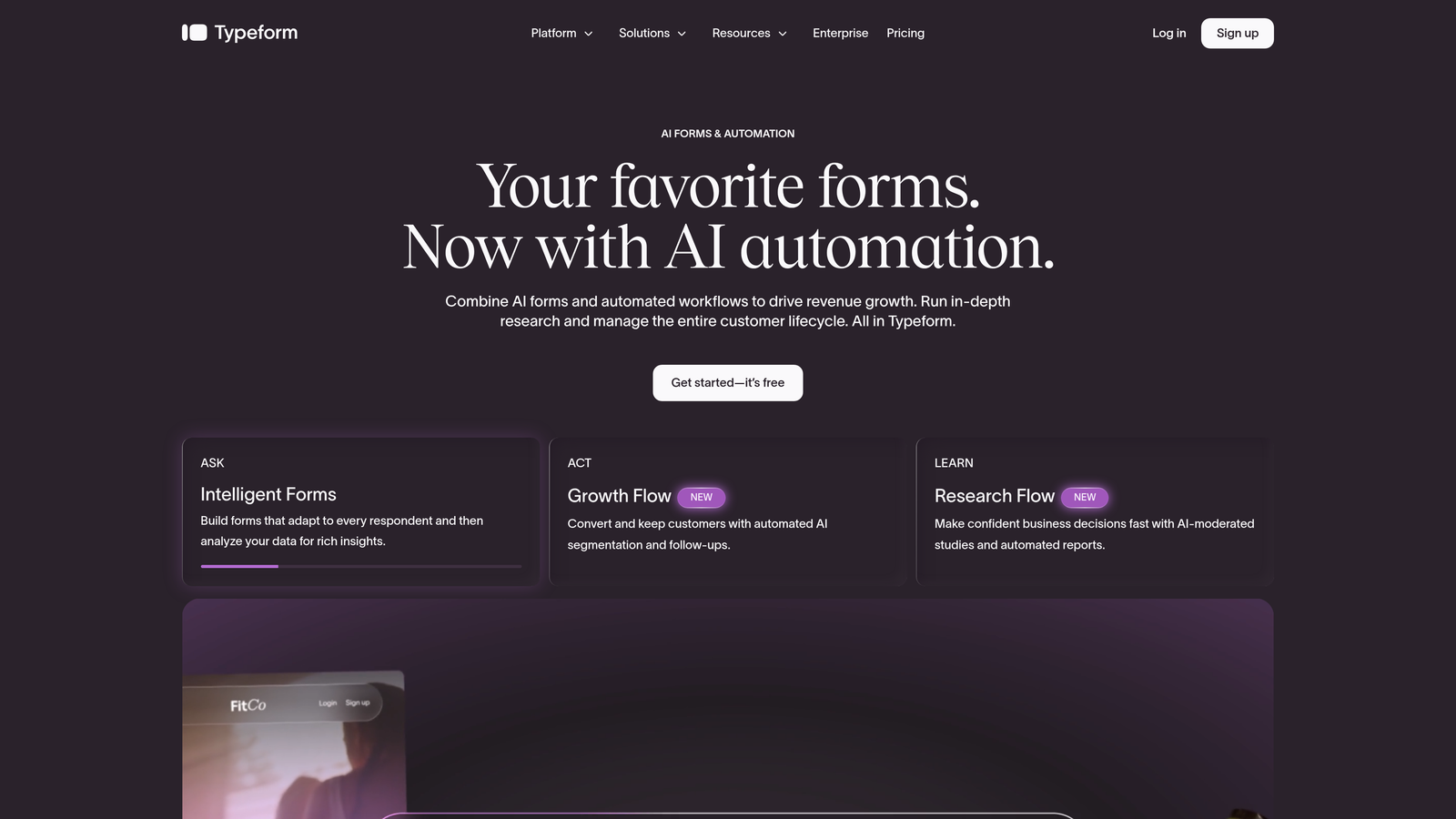
Typeform is a conversational form builder known for its one-question-at-a-time interface that keeps respondents engaged from start to finish.
Where This Tool Shines
Typeform's signature format feels less like filling out a form and more like having a conversation. That experience tends to reduce drop-off, particularly for longer surveys or multi-step lead capture flows where traditional forms lose people halfway through.
The visual quality is genuinely impressive. You can embed images, videos, and branded elements throughout the form, making it feel like an extension of your product or marketing rather than a bolted-on tool.
Key Features
Conversational Format: One-question-at-a-time interface that creates a more engaging, less overwhelming experience for respondents.
Rich Media Embeds: Add images and videos directly into questions for a fully branded, immersive form experience.
Logic Jumps: Branching paths based on answers create personalized form journeys for each respondent.
Native Integrations: Connects directly with HubSpot, Zapier, Slack, and other popular business tools.
Built-In Analytics: Response insights and completion metrics help you understand where respondents engage or drop off.
Best For
Marketing teams, agencies, and SaaS companies that prioritize user experience and brand presentation in their lead capture or research flows. Particularly strong for customer surveys and onboarding questionnaires.
Pricing
Free plan available with limited responses. Paid plans start at approximately $25/month, with higher tiers unlocking more responses and advanced features.
3. Jotform
Best for: Businesses needing a feature-rich, all-in-one form builder with payment processing and workflow automation.
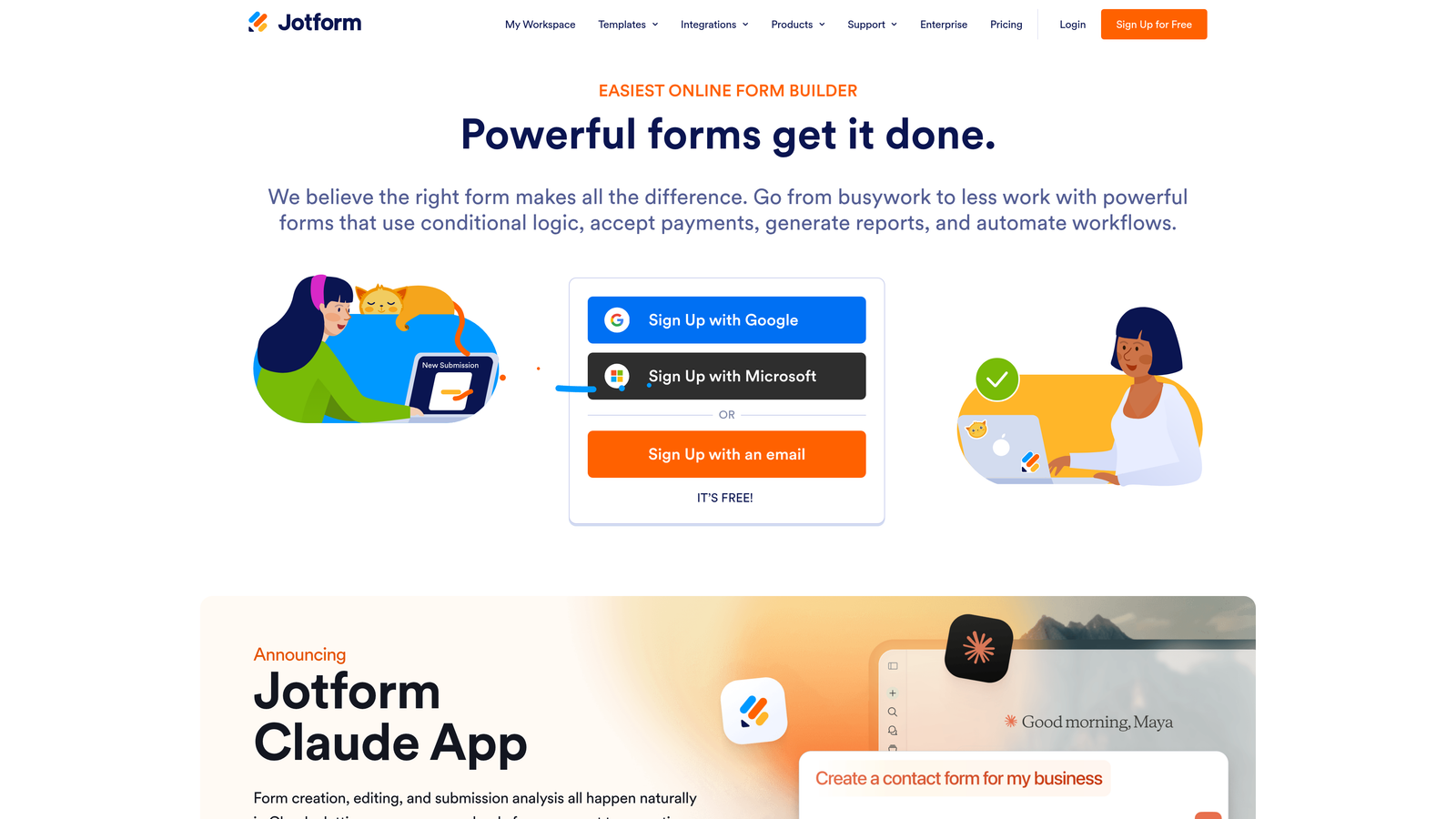
Jotform is one of the most comprehensive form builders available, offering over 10,000 templates, drag-and-drop editing, and built-in payment capabilities.
Where This Tool Shines
Jotform's depth is its defining characteristic. Whether you need a simple contact form, a multi-step application, a payment collection form, or a document approval workflow, there's almost certainly a template and feature set ready to support it. The sheer breadth of what's possible without writing code is remarkable.
For businesses in regulated industries, the HIPAA compliance option makes Jotform one of the few accessible choices that doesn't require enterprise-level procurement conversations.
Key Features
10,000+ Templates: Pre-built forms spanning virtually every industry and use case, dramatically reducing setup time.
Drag-and-Drop Builder: Intuitive visual editor with conditional logic for creating dynamic, responsive forms.
Built-In Payments: Native integrations with PayPal, Stripe, and Square for collecting payments directly through forms.
PDF Generation: Automatically generate PDF reports and approval workflows from form submissions.
HIPAA Compliance: Optional compliance features for healthcare businesses handling sensitive patient data.
Best For
Small to mid-size businesses that need a versatile, no-code solution covering a wide range of form types. Particularly well-suited for service businesses, healthcare organizations, and teams managing approval workflows.
Pricing
Free plan available with submission and storage limits. Paid plans start at approximately $34/month with significantly expanded capacity and features.
4. Tally
Best for: Startups and lean teams that need a clean, capable form builder with a generous free tier.
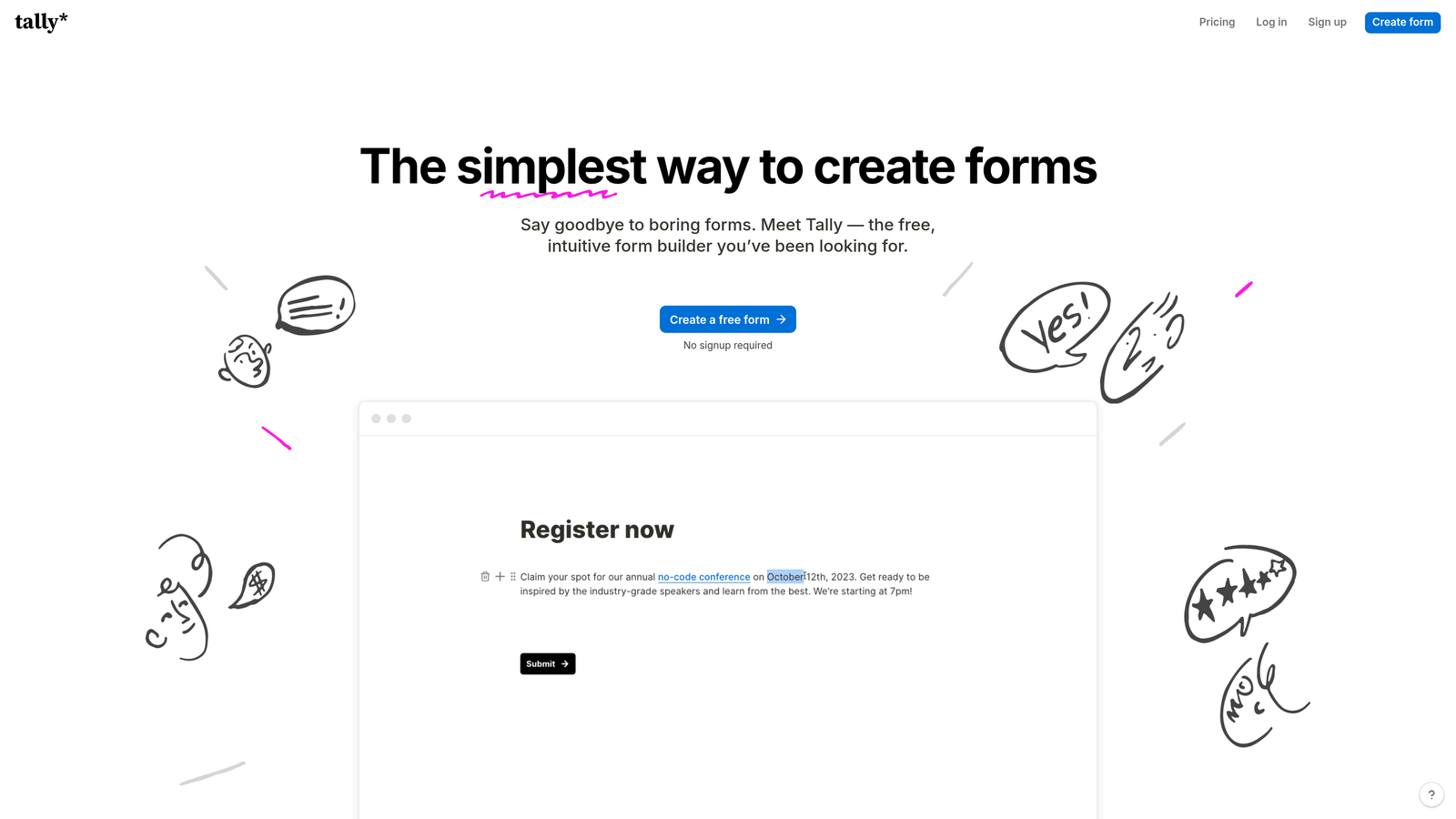
Tally is a minimalist form builder offering unlimited forms and responses on its free plan, with a Notion-like editing experience that feels immediately intuitive.
Where This Tool Shines
Tally punches well above its price point. The free tier includes unlimited forms and submissions without slapping Tally branding on your forms, which is genuinely rare in this market. For early-stage teams or solo operators, that's a compelling starting point.
The block-based editor will feel familiar to anyone who uses Notion, making the learning curve nearly flat. It's not the most feature-dense tool on this list, but what it does, it does cleanly and without friction.
Key Features
Unlimited Free Submissions: No response caps on the free plan, making it unusually generous compared to most competitors.
No Branding on Free Tier: Forms don't display Tally branding even without a paid subscription.
Block-Based Editor: Notion-style editing experience that's intuitive for teams already in that ecosystem.
Conditional Logic: Basic branching and hidden fields for creating smarter, more dynamic forms.
Flexible Integrations: Connect via webhooks, Zapier, and native integrations with popular tools.
Best For
Early-stage startups, indie makers, and lean teams that need solid form functionality without a monthly bill. Also a strong option for teams already embedded in the Notion ecosystem.
Pricing
Free plan covers core features with unlimited forms and submissions. Tally Pro is approximately $29/month, unlocking advanced features like custom domains and priority support.
5. Fillout
Best for: Data-driven teams that need forms to connect directly to Airtable, Notion, or Google Sheets workflows.
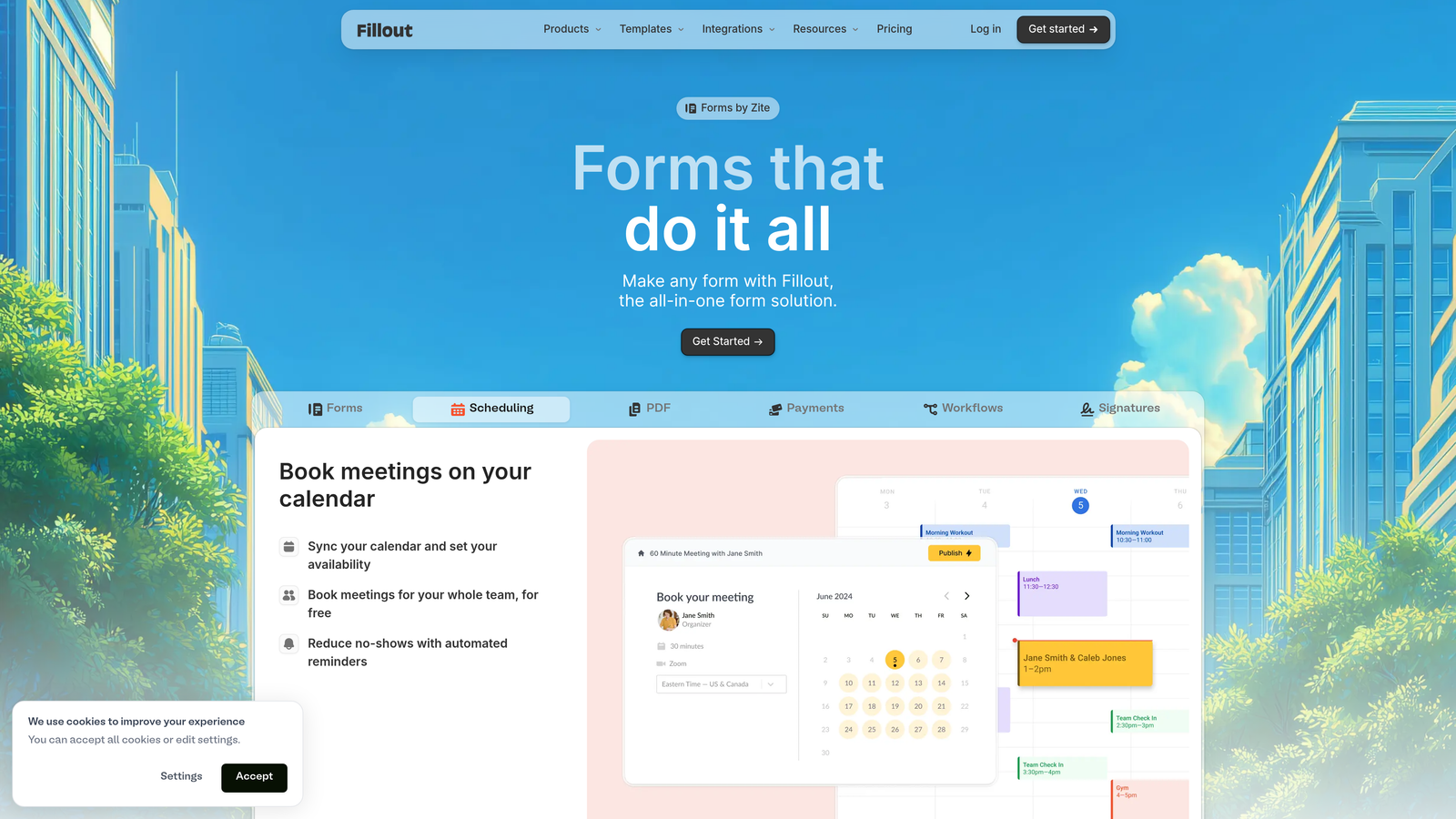
Fillout is a form builder built around deep native database integrations, making it ideal for teams whose work lives in structured data environments.
Where This Tool Shines
Where most form builders export data to a spreadsheet as a one-way handoff, Fillout can write directly into existing database records. If you're managing a CRM in Airtable or tracking projects in Notion, Fillout lets forms update those records in real time rather than creating a parallel data silo you have to reconcile later.
The depth of its scheduling, payment, and file upload fields also makes it a practical choice for service businesses that need forms to do operational work, not just collect contact information.
Key Features
Native Database Integrations: Direct connections to Airtable, Notion, and Google Sheets that go beyond simple data export.
Record Updates: Forms can update existing database records rather than only creating new entries.
Multi-Page Forms: Conditional logic and multi-step layouts for complex data collection flows.
Versatile Field Types: Scheduling, payment, and file upload fields for operationally complex use cases.
Custom Redirects: Tailored thank-you pages and post-submission redirect logic for better user experience.
Best For
Operations teams, project managers, and no-code builders who use Airtable or Notion as their primary database and want forms that integrate natively rather than through workarounds.
Pricing
Free plan available with core functionality. Paid plans start at approximately $15/month, making it one of the more affordable options with serious integration depth.
6. Paperform
Best for: Businesses that want forms and landing pages combined into a single branded experience.
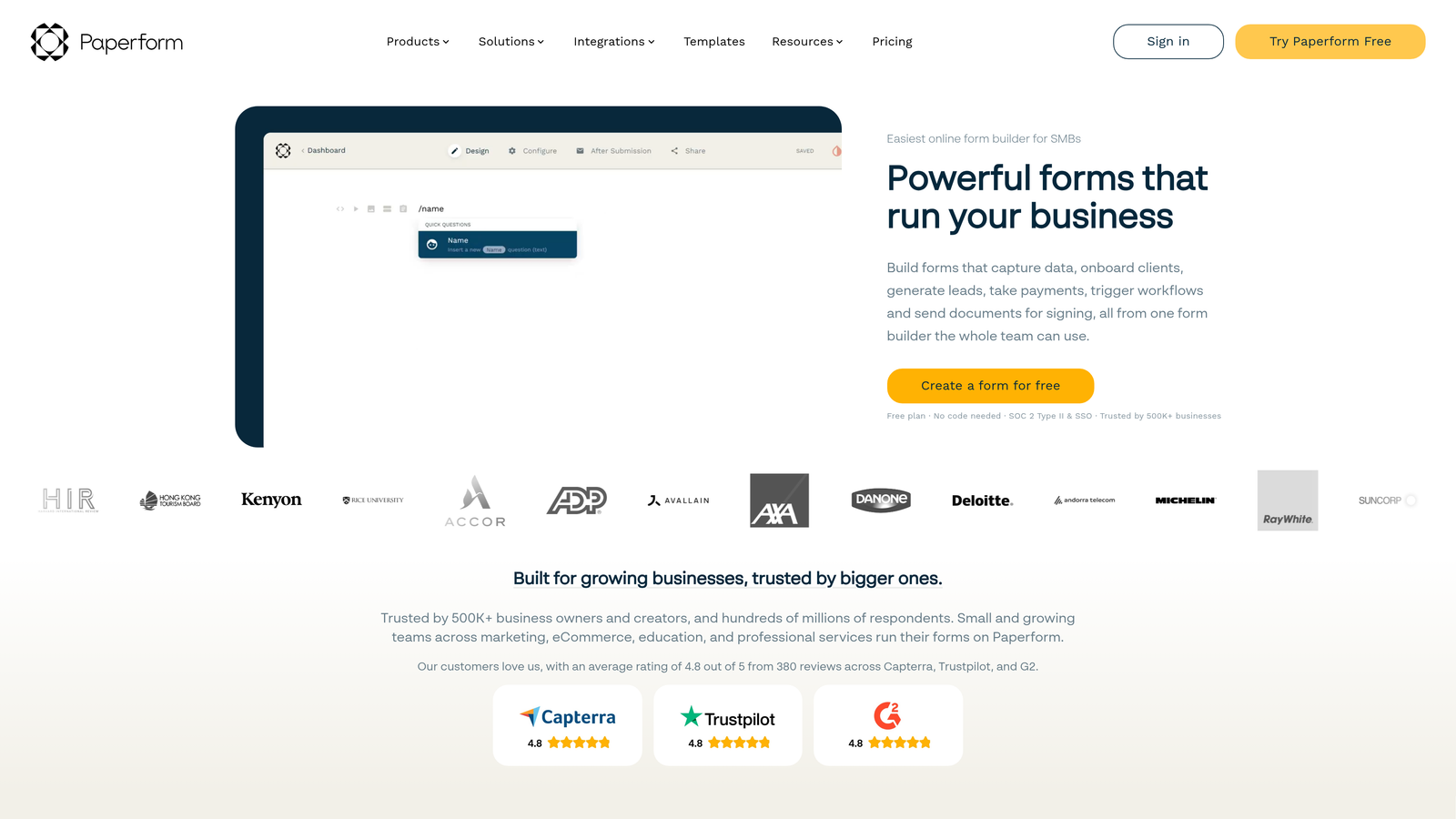
Paperform is a form builder that blends rich content, including text, images, and video, with form fields to create experiences that feel more like landing pages than traditional forms.
Where This Tool Shines
Paperform's core differentiation is the way it merges content and form fields into a single canvas. You're not building a form and then embedding it somewhere — you're building a complete branded page where the content and the form coexist naturally. That's particularly useful for product orders, event registrations, or intake forms where context matters.
Its built-in calculation engine is also worth noting. You can build pricing calculators, quote generators, and scoring tools directly within a form without needing external tools or custom code.
Key Features
Rich Content Editor: Combine text, images, and video with form fields in a single, cohesive page experience.
Built-In Payments: Native e-commerce fields for product listings and payment collection without third-party plugins.
Full Custom Branding: Themes, fonts, and color controls for a completely on-brand experience.
Advanced Calculations: Build pricing calculators and scoring tools directly within the form logic.
600+ Integrations: Broad connectivity through Zapier and direct integration partners.
Best For
Small business owners, consultants, and marketing teams who want a single tool that handles both content presentation and data collection. Strong fit for service bookings, product orders, and detailed intake processes.
Pricing
No free plan; plans start at approximately $24/month. A 14-day free trial is available to test the platform before committing.
7. Cognito Forms
Best for: Teams that need complex calculation logic, repeating sections, or advanced data structures in their forms.
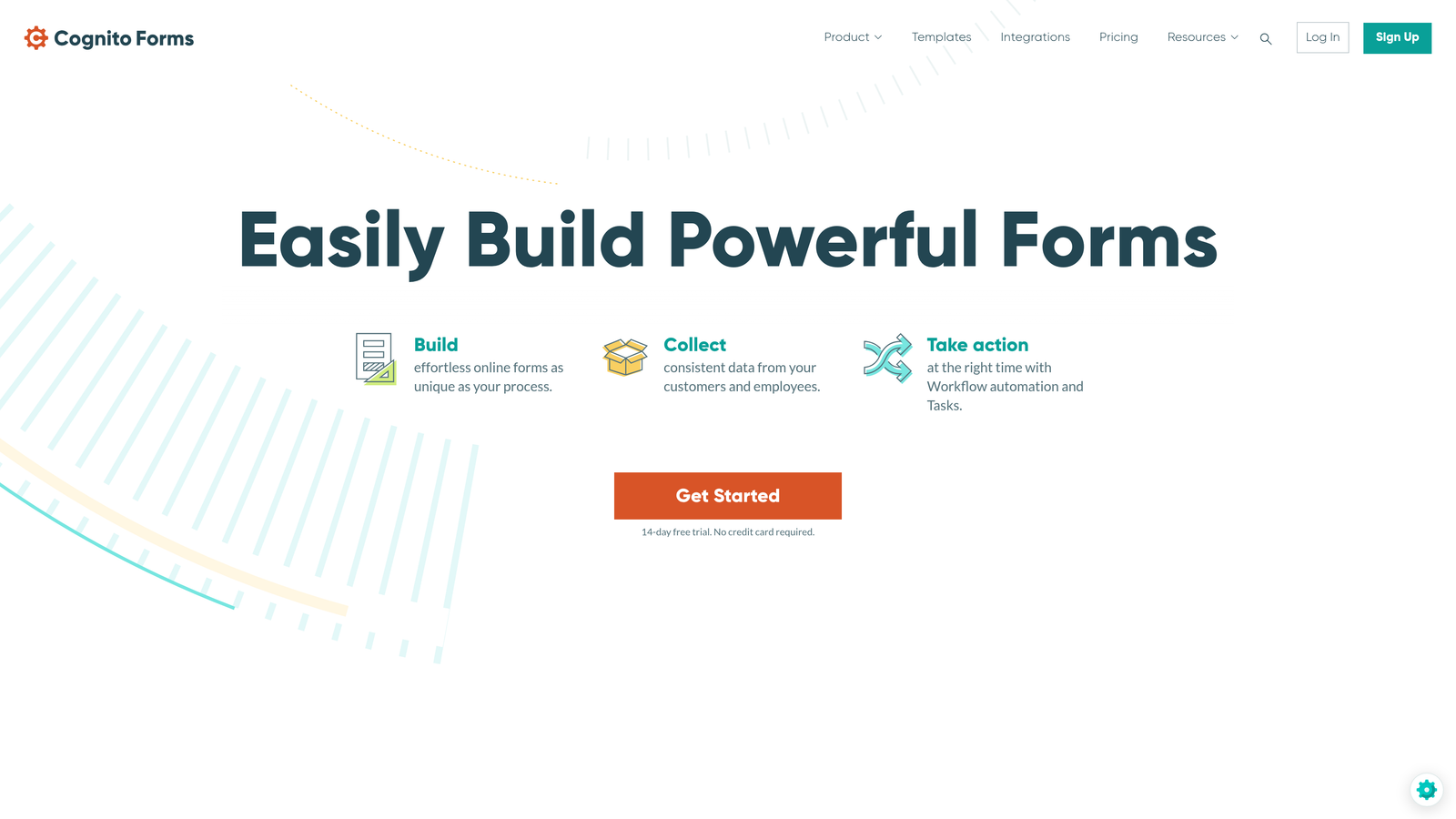
Cognito Forms is a powerful form builder designed for complex business forms that require calculation engines, dynamic repeating sections, and compliance-grade data handling.
Where This Tool Shines
Cognito Forms handles form complexity that would break most other builders. Repeating sections let respondents add multiple line items dynamically, which is essential for order forms, expense reports, or any scenario where the number of entries varies per submission. Most tools simply can't do this without custom development.
The calculation engine is similarly robust. You can build pricing logic, scoring systems, and conditional totals that update in real time as respondents fill out the form, creating an interactive experience that communicates value before submission.
Key Features
Advanced Calculations: Real-time pricing, scoring, and totals that respond dynamically to form inputs.
Repeating Sections: Allow respondents to add multiple entries within a single form submission dynamically.
Payment Processing: Integrations with Stripe, PayPal, and Square for collecting payments tied to calculated totals.
Multi-Page Workflows: Conditional logic and multi-step forms for complex data collection sequences.
Compliance Options: Data encryption and HIPAA compliance features for regulated business environments.
Best For
Operations teams, finance departments, and businesses that regularly build complex forms like order management systems, expense submissions, or multi-line quote requests. Also a solid choice for healthcare teams needing HIPAA-compliant collection.
Pricing
Free plan available with core features. Paid plans start at approximately $15/month, offering strong value for the level of complexity supported.
8. Formstack
Best for: Enterprise teams that need forms, document generation, and e-signatures in a single compliance-ready platform.
Formstack is an enterprise-grade workflow platform that combines form building with document automation and digital signatures into a unified business process suite.
Where This Tool Shines
Formstack is built for organizations where forms are just one part of a larger operational process. The ability to trigger document generation and collect e-signatures from a single platform eliminates the tool-switching that typically slows down contract workflows, onboarding processes, and compliance-heavy operations.
Its Salesforce-native integration is a genuine differentiator for enterprise teams already invested in that ecosystem. Forms built in Formstack can write directly to Salesforce objects, trigger workflows, and update records without middleware or manual data entry.
Key Features
Unified Platform: Forms, document generation, and e-signatures combined in a single workflow environment.
Advanced Workflow Routing: Approval chains and conditional routing for multi-stakeholder business processes.
Salesforce-Native Integration: Deep CRM connectivity for enterprise teams managing sales and service workflows.
Enterprise Compliance: HIPAA, GDPR, and SOC 2 compliance certifications for regulated industries.
A/B Testing: Built-in form optimization testing to improve conversion rates over time.
Best For
Mid-market and enterprise organizations in healthcare, finance, or professional services that need forms as part of a broader document and workflow automation strategy. Overkill for small teams but genuinely powerful at scale.
Pricing
Plans start at approximately $50/month, with enterprise pricing available for larger organizations. Best evaluated with a demo given the platform's breadth.
9. Microsoft Forms
Best for: Organizations already on Microsoft 365 that need simple forms tightly integrated with Teams, Excel, and SharePoint.
Microsoft Forms is a straightforward survey and form tool included at no additional cost with Microsoft 365 subscriptions.
Where This Tool Shines
If your organization runs on Microsoft 365, Forms is already in your toolkit. The integration with Teams, Excel, and SharePoint is seamless in a way that third-party tools simply can't replicate within that ecosystem. Responses flow directly into Excel for analysis, forms can be deployed inside Teams channels, and Power Automate can trigger workflows from submissions without any configuration overhead.
For internal use cases, employee surveys, event sign-ups, and simple data collection within an existing Microsoft environment, it's a perfectly capable tool that requires no additional budget or onboarding.
Key Features
Included with Microsoft 365: No additional cost for organizations already subscribed to Microsoft 365.
Deep Microsoft Integration: Native connectivity with Teams, Excel, SharePoint, and the broader Microsoft ecosystem.
Real-Time Response Tracking: Basic analytics dashboard with live response monitoring and summary charts.
Branching Logic: Simple conditional branching for surveys and quizzes.
Power Automate: Trigger automated workflows from form submissions using Microsoft's native automation platform.
Best For
Enterprise IT teams, HR departments, and internal operations within Microsoft-centric organizations. Not recommended as a primary lead generation or customer-facing form tool due to limited design customization and no branding control.
Pricing
Free with any Microsoft 365 subscription. No standalone paid tier available.
Which Google Forms Alternative Is Right for Your Business?
The right choice depends almost entirely on what your forms need to accomplish. Here's a quick framework to guide your decision.
If lead qualification is your primary problem, Orbit AI is the only tool on this list built to address it directly. Rather than collecting raw submissions and handing them to your sales team for manual triage, it qualifies leads automatically at the point of capture. For high-growth teams where sales efficiency matters, that's a meaningful operational advantage.
If user experience and form aesthetics are your priority, Typeform delivers the most polished conversational experience. It's particularly effective for customer-facing surveys and multi-step lead capture where drop-off is a concern.
For sheer versatility and template depth, Jotform is hard to beat. If you need a single tool that handles contact forms, payments, approvals, and everything in between, Jotform covers the most ground without requiring custom development.
Teams running lean on budget should look at Tally first. Its free tier is genuinely generous, and the clean editing experience makes it easy to get productive quickly without a learning curve.
If your workflow is built around Airtable or Notion, Fillout offers integration depth that other tools simply don't match. And if you're in an enterprise environment with document and signature workflows, Formstack is the most complete platform available.
The bottom line: Google Forms made sense when forms were just about collecting data. In 2026, forms are a front-line conversion tool, and the platform you choose shapes the quality of every lead that enters your pipeline.
If you're ready to move beyond basic data collection and start capturing leads that are already qualified before they reach your sales team, start building free forms today with Orbit AI and see what conversion-optimized, AI-powered forms can do for your growth strategy.


