

When your pipeline depends on hundreds or thousands of leads flowing in daily, your form builder isn't just a nice-to-have. It's critical infrastructure. The wrong tool buckles under volume, creates bottlenecks in your CRM, or worse, silently drops submissions. The right one handles massive throughput, qualifies leads on the fly, and routes them to your sales team before they go cold.
We evaluated dozens of form builders specifically through the lens of high-volume lead generation. Our selection criteria: submission capacity and reliability at scale, lead qualification and scoring capabilities, CRM and marketing automation integrations, conversion optimization features, and pricing that doesn't punish you for growing. Here are the best form builders for teams that need to capture, qualify, and convert leads at scale.
1. Orbit AI
Best for: High-growth teams that need real-time AI-powered lead qualification at scale
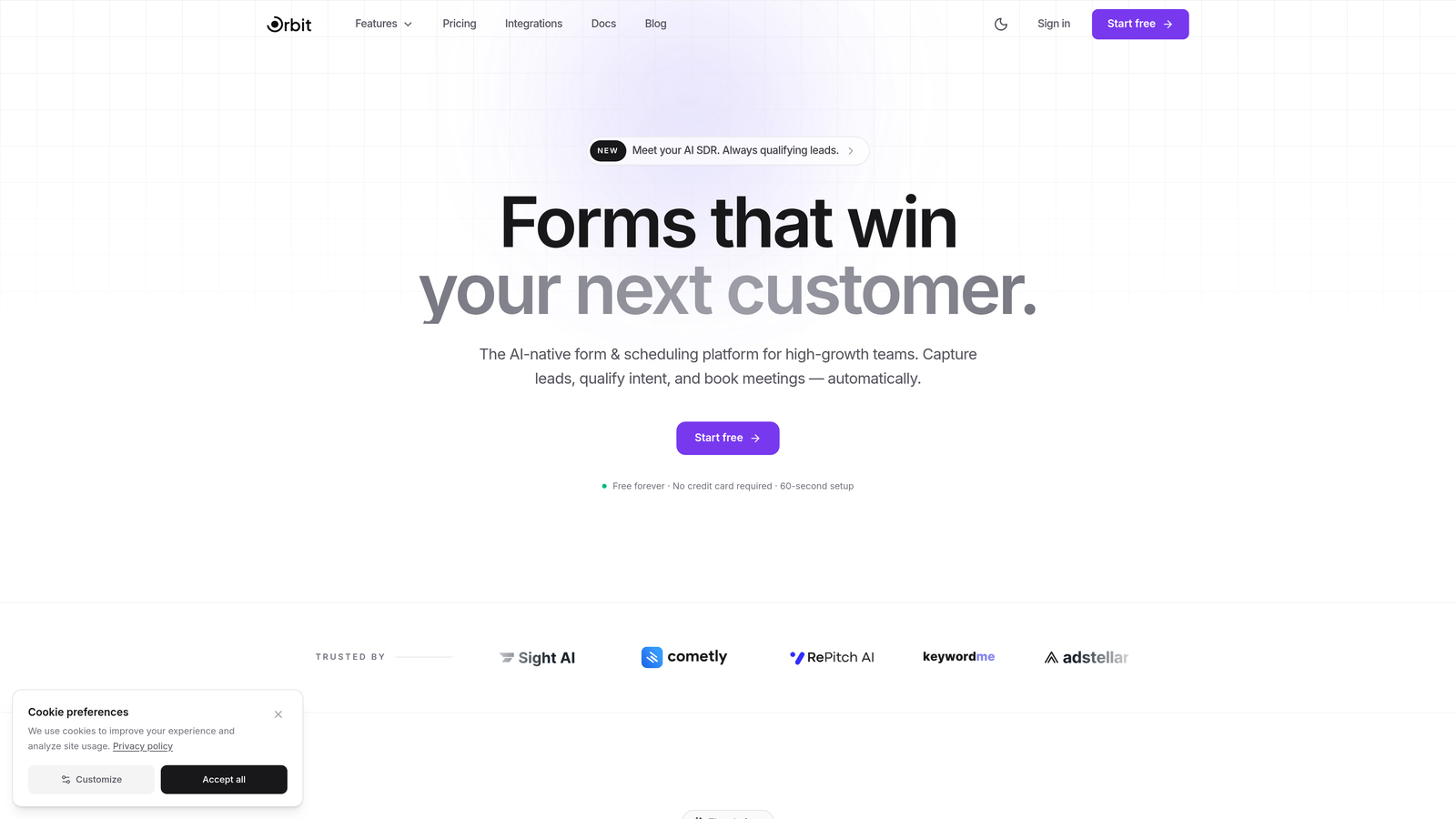
Orbit AI is an AI-powered form builder with built-in lead qualification that scores and routes leads in real time, purpose-built for teams managing large volumes of inbound leads.
Where This Tool Shines
Most form builders treat qualification as an afterthought, leaving your sales team to manually sort through submissions. Orbit AI flips that model entirely. As leads come in, the platform scores and routes them automatically, so your reps spend time on the highest-value prospects instead of triaging a spreadsheet.
The form design is genuinely modern and conversion-focused, not an afterthought bolted onto a data management tool. If you're running high-volume campaigns where every percentage point of completion rate matters, that combination of intelligent qualification and beautiful UX is a meaningful differentiator.
Key Features
AI-Powered Lead Qualification: Scores and routes incoming leads in real time based on form responses, so high-intent prospects reach your team faster.
Conversion-Optimized Templates: Pre-built templates designed specifically for lead generation, with layouts and flows tested for high completion rates.
Dynamic Conditional Logic: Forms adapt to respondent answers on the fly, creating a personalized path that keeps users engaged through completion.
CRM and Automation Integrations: Connects with major CRM and marketing automation platforms to keep your lead data flowing without manual intervention.
Mobile-Optimized Design: Every form renders beautifully on mobile, which matters when a significant share of your inbound traffic comes from phones.
Best For
Orbit AI is the natural fit for SaaS companies, agencies, and high-growth teams running serious lead generation programs where qualification speed and form conversion rates directly impact revenue. If you're processing hundreds of leads per week and need more intelligence than a basic form tool provides, this is the platform built for that problem.
Pricing
Visit orbitforms.ai for current pricing plans. A free starting option is available to explore the platform before committing.
2. HubSpot Forms
Best for: Teams already running their CRM and marketing operations inside HubSpot
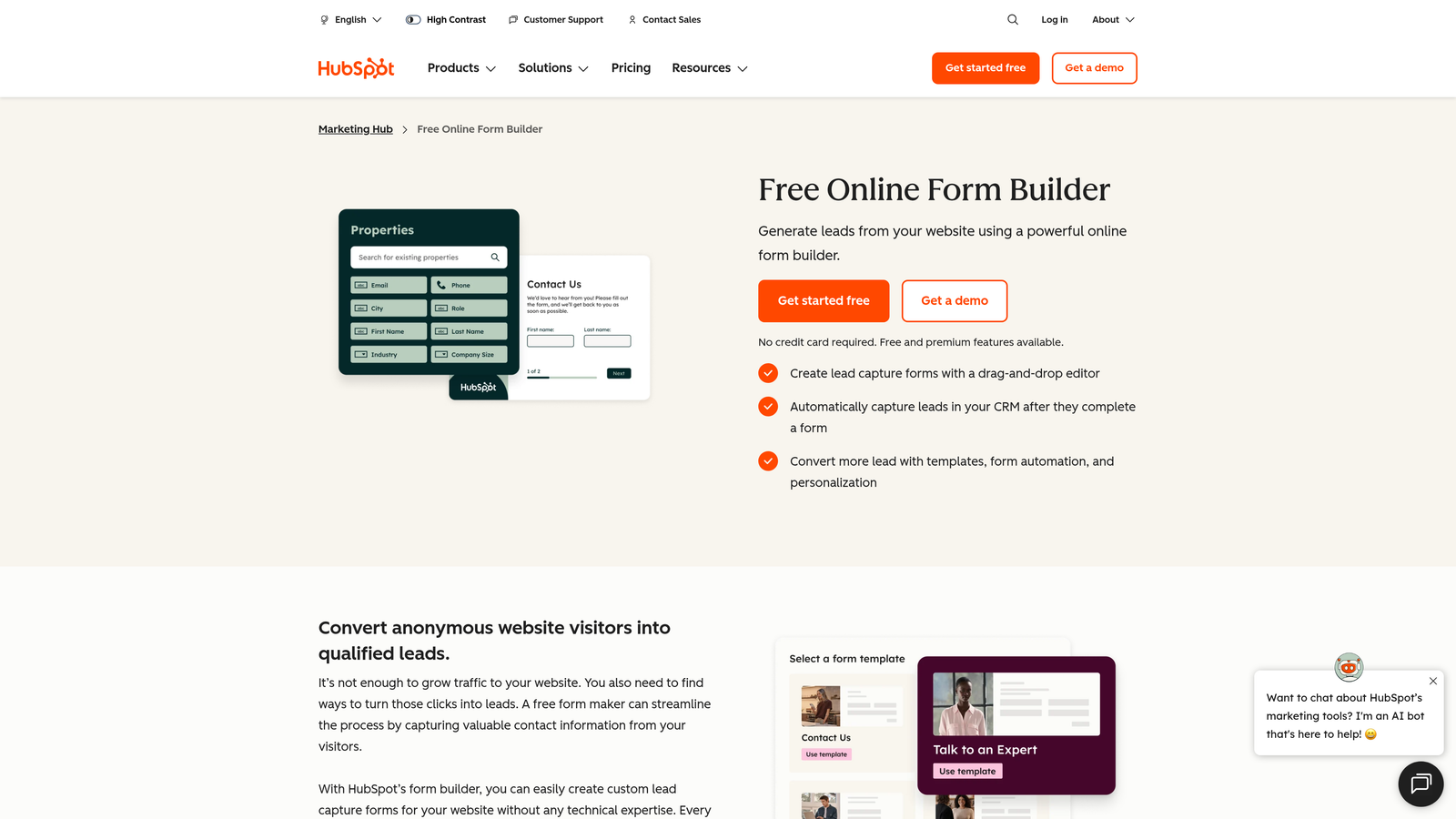
HubSpot Forms is a free form builder natively integrated with HubSpot CRM, offering seamless lead tracking from first submission through the entire customer lifecycle.
Where This Tool Shines
The biggest advantage here is the zero-gap integration with HubSpot's ecosystem. Every form submission automatically creates or updates a contact record, triggers workflows, and feeds into attribution reporting without any middleware required. For teams already living in HubSpot, that eliminates a real operational headache.
Progressive profiling is a particularly useful feature for high-volume programs. Rather than asking the same questions repeatedly, HubSpot Forms shows new fields to returning visitors, building richer contact profiles over time without increasing friction at any single touchpoint.
Key Features
Native CRM Integration: Automatically creates and updates contact records in HubSpot on every submission, with no manual syncing required.
Progressive Profiling: Shows different fields to returning visitors to gather incremental data without overwhelming first-time submitters.
Smart Fields: Pre-fills known information for recognized visitors, reducing friction and improving completion rates.
Built-In Analytics: Tracks form performance and attribution directly inside HubSpot's reporting dashboards.
Free Tier: Core form functionality is available at no cost with a HubSpot CRM account.
Best For
HubSpot Forms is the obvious choice for teams already invested in the HubSpot ecosystem. If your CRM, email marketing, and sales pipeline all live in HubSpot, using their native form builder removes integration complexity entirely. It's less compelling as a standalone tool if you're on a different CRM.
Pricing
Free with HubSpot CRM. Advanced marketing features are available in Marketing Hub plans starting at $20 per month, with higher tiers for larger contact databases and more sophisticated automation.
3. Typeform
Best for: Teams prioritizing form completion rates and a premium respondent experience
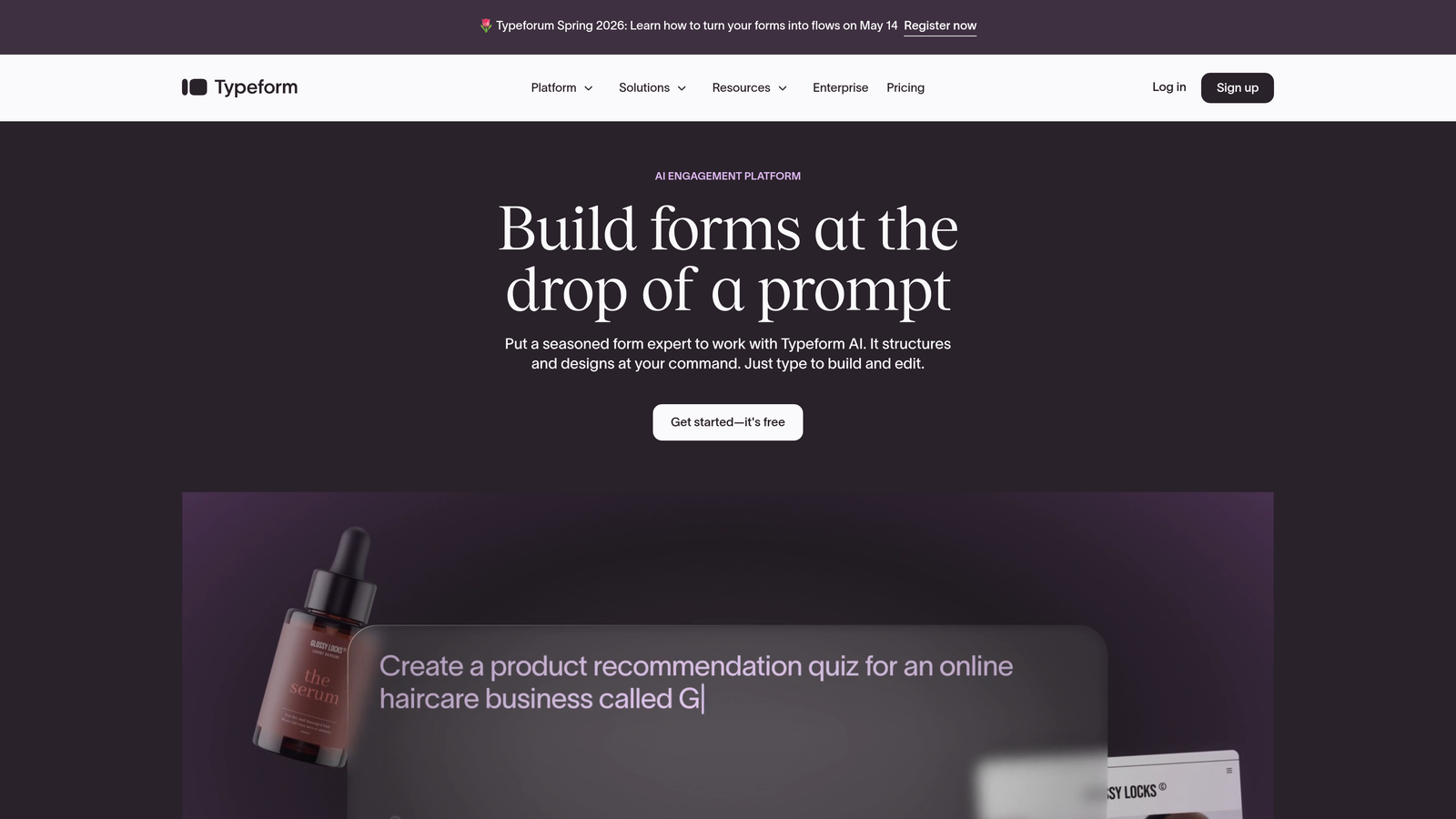
Typeform is a conversational form builder known for its one-question-at-a-time interface that drives strong completion rates, even on longer qualification forms.
Where This Tool Shines
Typeform's core insight is that traditional forms feel like paperwork, and paperwork gets abandoned. By presenting one question at a time in a clean, conversational flow, it keeps respondents focused and reduces the intimidation factor of longer qualification forms. For high-volume lead gen campaigns where form abandonment is a real cost, that UX philosophy has practical value.
The logic jump system is also well-developed, letting you build branching qualification paths that route different respondent types through tailored question sets. This means you can run a single form that qualifies enterprise prospects differently from SMB leads without building multiple separate forms.
Key Features
Conversational Format: One-question-at-a-time interface that reduces cognitive load and improves completion rates on longer forms.
Logic Jumps: Branching logic that routes respondents through different question paths based on their answers.
Native Integrations: Connects with major CRMs, email platforms, and automation tools including HubSpot, Salesforce, and Zapier.
Brand Kit Support: Customizable design that matches your brand identity across all forms.
Hidden Fields: Captures UTM parameters and other tracking data for campaign attribution without adding visible fields.
Best For
Typeform works best for teams where form completion rate is the primary challenge, particularly for longer qualification forms or high-consideration products where respondents need a frictionless experience to stay engaged through the end.
Pricing
Free plan available with limited responses. Paid plans start at $25 per month with higher response limits and advanced logic features.
4. Jotform
Best for: Teams running diverse lead generation campaigns across multiple departments or use cases
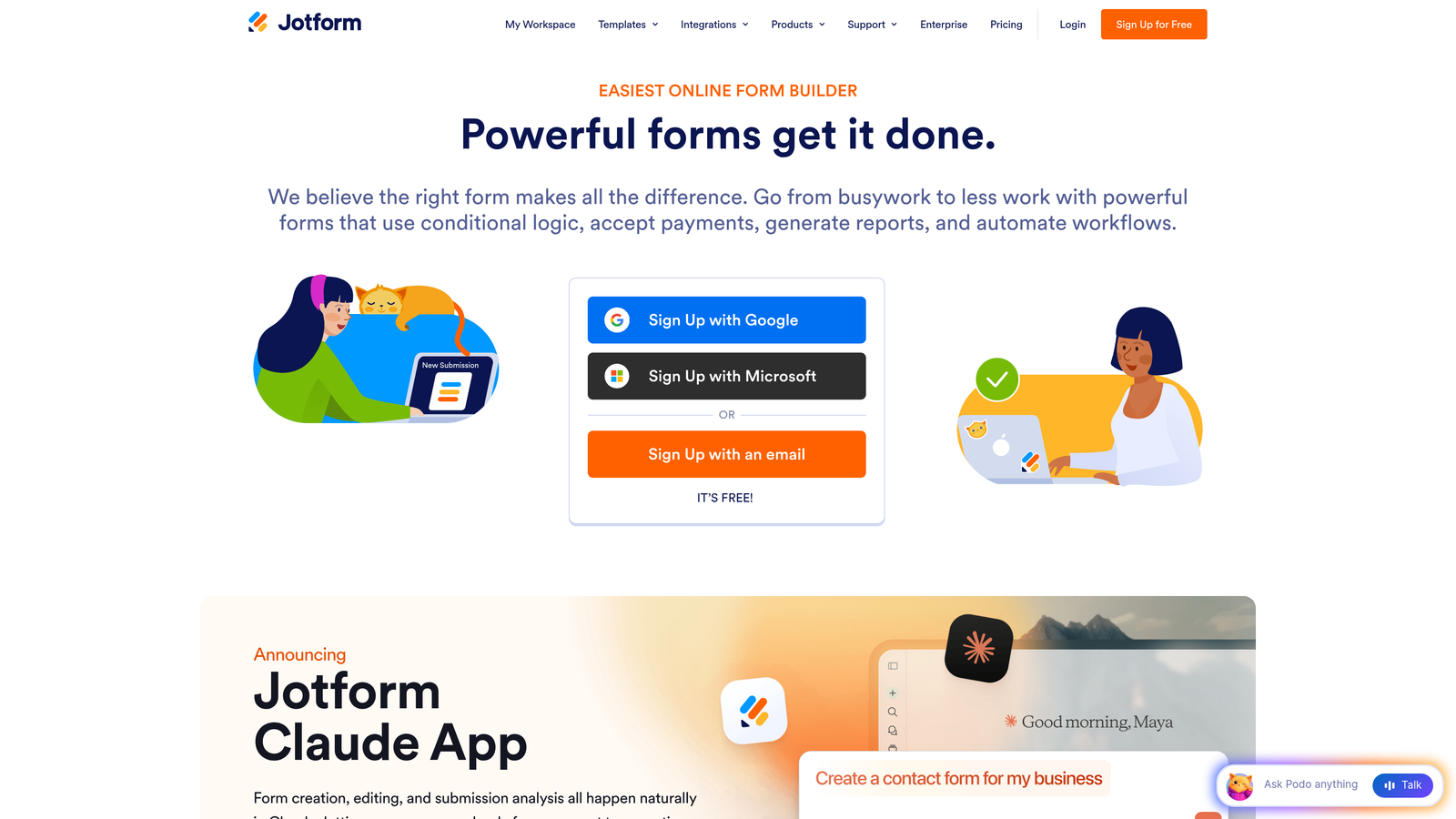
Jotform is a versatile form builder with over 10,000 templates and generous submission limits, well-suited for organizations managing varied lead capture needs at scale.
Where This Tool Shines
Jotform's depth of templates is genuinely impressive. Whether you're building a simple contact form, a detailed product qualification survey, or an event registration form, there's almost certainly a starting point in the template library. For teams managing lead gen across multiple campaigns or business units, that breadth of coverage reduces time-to-launch significantly.
Jotform Tables adds a useful layer on top of raw form submissions, giving teams a collaborative workspace to manage, filter, and act on incoming leads without immediately pushing everything into a CRM. That's a practical feature for teams that need some manual review in their lead workflow.
Key Features
10,000+ Templates: Extensive template library covering virtually every industry and use case, reducing form build time considerably.
Conditional Logic: Multi-page forms with branching logic for qualification and personalized respondent paths.
Jotform Tables: Built-in submission management workspace for reviewing, filtering, and collaborating on lead data.
100+ Integrations: Connects with CRMs, payment processors, cloud storage, and marketing platforms.
HIPAA-Compliant Plans: Available for healthcare and regulated industries that need compliant data handling.
Best For
Jotform suits organizations that need to spin up many different form types quickly, particularly those with multiple teams or departments each running their own lead capture. It's also a strong option for regulated industries that need compliance features without enterprise pricing.
Pricing
Free plan includes 100 monthly submissions. Paid plans start at $34 per month with significantly higher submission limits and additional storage.
5. Gravity Forms
Best for: WordPress-native teams that want full data ownership and deep customization
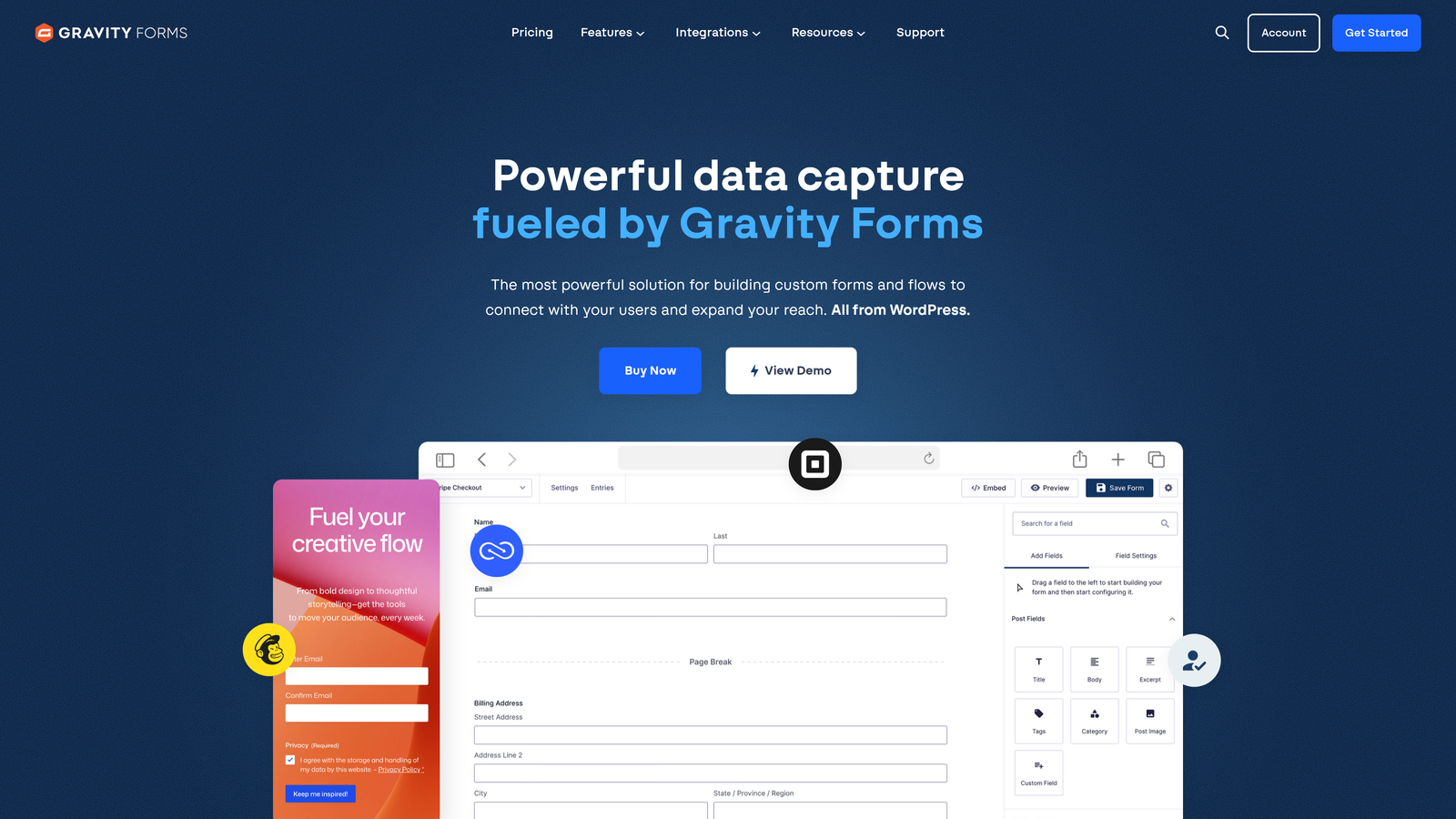
Gravity Forms is a premium WordPress form plugin offering self-hosted data control, a deep add-on ecosystem, and the flexibility to build complex lead capture workflows entirely within WordPress.
Where This Tool Shines
If your marketing site runs on WordPress and you want your form data to live on your own infrastructure rather than a third-party server, Gravity Forms is the go-to solution. There are no per-submission fees, no monthly caps, and no dependency on an external platform's uptime. For high-volume teams, that pricing model becomes increasingly attractive as submission counts grow.
The developer ecosystem around Gravity Forms is also mature. Hooks, filters, a REST API, and a large marketplace of add-ons mean you can build highly customized lead workflows that integrate with virtually any CRM or automation platform your team uses.
Key Features
Self-Hosted Data Control: All form data lives on your own WordPress installation, giving you full ownership and control.
Add-On Marketplace: Extensive library of official and third-party add-ons for CRM, email, payment, and automation integrations.
Advanced Conditional Logic: Multi-page forms with complex branching logic for sophisticated lead qualification workflows.
Developer-Friendly Architecture: Hooks, filters, and a REST API for custom integrations and workflow automation.
No Per-Submission Fees: Unlimited forms and entries on all plans, making it cost-effective at high volumes.
Best For
Gravity Forms is the right choice for WordPress-based teams with developer resources who want maximum control over their form data and the ability to build custom workflows. It's less suitable for teams without WordPress or those who prefer a no-code, hosted solution.
Pricing
Starts at $59 per year for a single site license. Higher tiers unlock additional add-ons and multi-site support.
6. Formstack
Best for: Enterprise teams with complex lead routing, approvals, and compliance requirements
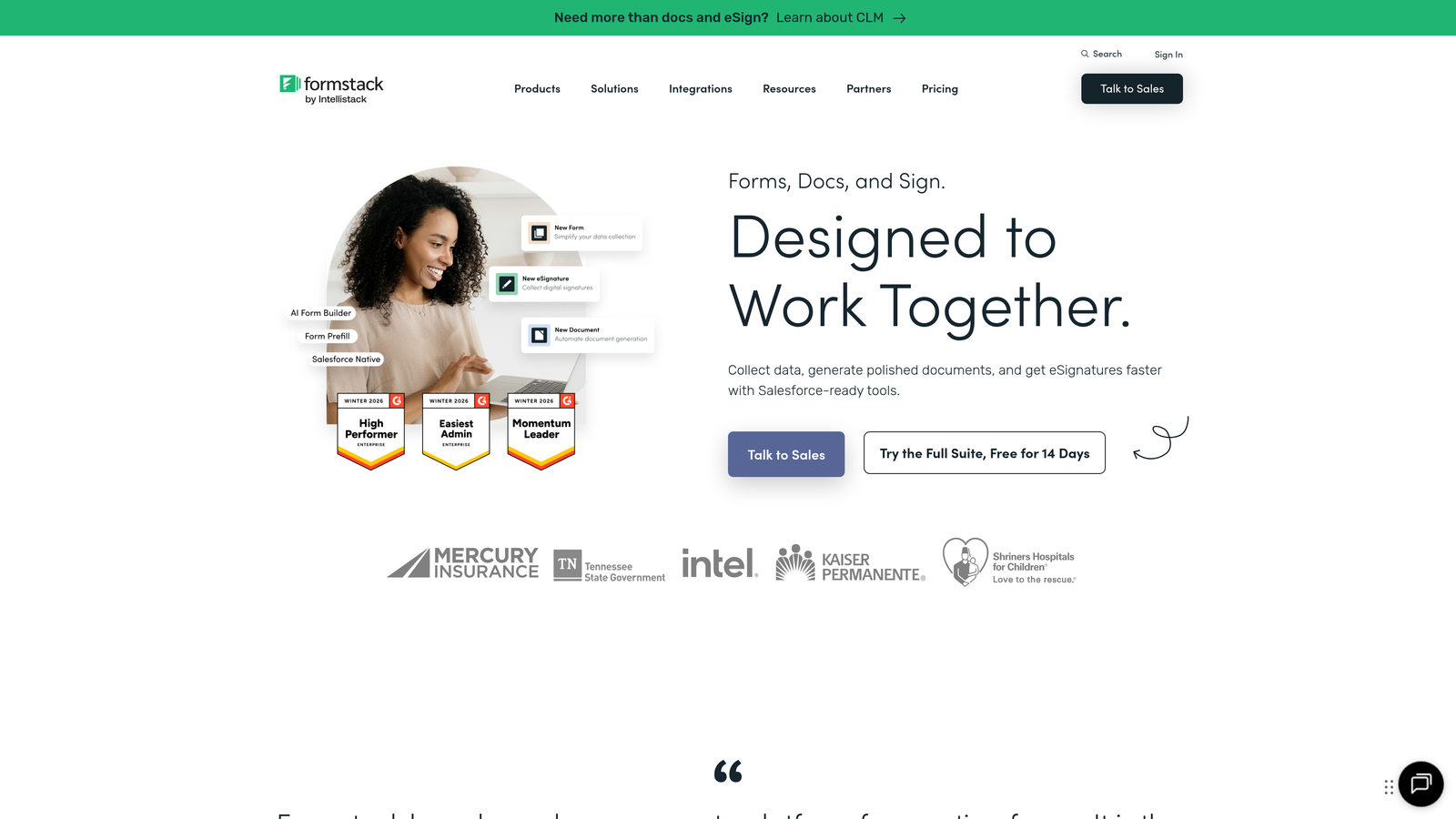
Formstack is an enterprise-grade form and workflow platform combining forms, document generation, and e-signatures with advanced routing logic for complex lead management processes.
Where This Tool Shines
Formstack goes well beyond basic form building. Its workflow automation layer lets you build multi-step approval and routing processes that most form tools simply can't handle. For organizations where a lead submission triggers a sequence of internal reviews, notifications, and document generation, that operational depth is a genuine differentiator.
The Salesforce-native integration option is worth noting for teams running their entire sales operation in Salesforce. Rather than syncing data between systems, Formstack can operate directly within the Salesforce environment, reducing data latency and integration maintenance.
Key Features
Workflow Automation: Conditional routing and approval workflows that go beyond basic form submissions into full process management.
A/B Testing: Built-in split testing for form conversion optimization.
Salesforce-Native Option: Can operate natively within Salesforce for teams deeply invested in that ecosystem.
Compliance Features: HIPAA, GDPR, and SOC 2 compliance options for regulated industries.
Document Generation: Creates documents and collects e-signatures as part of integrated lead workflows.
Best For
Formstack is built for enterprise teams where lead capture is part of a larger operational process involving approvals, compliance, and document workflows. It's overkill for straightforward lead gen, but genuinely powerful for complex, regulated environments.
Pricing
Starts at $50 per month. Enterprise plans are available for larger organizations with more complex requirements.
7. Leadformly (by Shout)
Best for: Teams focused specifically on maximizing lead capture rates through conversion-optimized form design
Leadformly is a purpose-built lead generation form builder with conversion best practices baked in, offering multi-step forms and A/B testing designed specifically for maximizing lead capture.

Where This Tool Shines
Where many form builders are general-purpose tools adapted for lead gen, Leadformly was designed from the ground up with lead capture as the primary use case. That focus shows in the feature set: multi-step forms with progress indicators, built-in conversion best practices, and lead scoring logic are all first-class features rather than add-ons.
The A/B testing capability is particularly useful for high-volume programs where small improvements in conversion rate compound meaningfully across large traffic volumes. Being able to test form variations without a separate testing tool simplifies the optimization workflow.
Key Features
Lead Generation Focus: Forms designed specifically around lead capture best practices, not adapted from general-purpose form tools.
Multi-Step Forms: Progress indicators and staged question flows that reduce abandonment on longer qualification forms.
Lead Scoring Logic: Built-in qualification and scoring based on form responses.
A/B Testing: Native split testing to optimize form performance without additional tools.
Conversion Best Practices: Pre-built guidance and templates based on lead generation optimization principles.
Best For
Leadformly is a strong fit for performance marketers and demand generation teams whose primary metric is cost per lead and who want a tool laser-focused on improving that number through better form design and testing.
Pricing
Plans start at approximately $29 per month. Check the Leadformly website for current plan details and limits.
8. Unbounce Smart Builder Forms
Best for: Paid media teams that need high-converting landing page and form combinations for campaign-specific lead capture
Unbounce is an AI-powered landing page platform with integrated form elements, built for teams that need to optimize the entire post-click experience, not just the form itself.
Where This Tool Shines
Unbounce's core strength is that it treats the form as part of a complete landing page system rather than an isolated element. For paid media campaigns where you're driving significant traffic to dedicated landing pages, being able to build, test, and optimize the page and the form together in one platform is a meaningful workflow advantage.
The Smart Traffic feature is particularly interesting for high-volume programs. Rather than manually managing A/B test splits, Smart Traffic uses machine learning to automatically route visitors to the landing page variant most likely to convert based on their attributes. Over time, that can improve lead capture rates without ongoing manual optimization effort.
Key Features
AI-Powered Smart Builder: Builds landing pages with embedded forms using AI-assisted design recommendations.
Smart Traffic: Automatically routes visitors to the best-performing page variant based on machine learning.
Drag-and-Drop Builder: No-code landing page and form creation with full design flexibility.
Pop-Up and Sticky Bar Forms: Additional form placement options beyond standard embedded forms.
CRM and Email Integrations: Connects with major marketing platforms to route captured leads downstream.
Best For
Unbounce is the right tool for paid search and social teams running campaign-specific landing pages at volume. If you're managing significant ad spend and need to optimize the full post-click funnel, not just the form, Unbounce gives you that unified environment.
Pricing
Starts at $74 per month. Higher tiers support more landing pages, higher traffic volumes, and additional team members.
9. Cognito Forms
Best for: Growing teams that need powerful form functionality at a budget-friendly price point
Cognito Forms is a feature-rich form builder offering advanced calculations, conditional logic, and payment processing at significantly lower price points than most competitors.
Where This Tool Shines
Cognito Forms punches well above its price point. Advanced calculation fields, repeating sections, and multi-page forms are available even on lower-tier plans, which is unusual in a market where many competitors gate these features behind premium pricing. For growing teams watching their software budget, that value proposition is hard to ignore.
The unlimited forms policy across all plans, including the free tier, also removes a common frustration with form tools. You can build as many forms as your campaigns require without worrying about hitting a form count cap or being pushed to upgrade purely because of volume.
Key Features
Advanced Calculation Fields: Supports complex formulas and computed fields, useful for lead scoring and dynamic pricing forms.
Unlimited Forms: No form count limits on any plan, including the free tier.
Payment Integrations: Native support for Stripe, PayPal, and Square for forms that combine lead capture with transactions.
Repeating Sections: Allows respondents to add multiple entries within a single form, useful for complex qualification scenarios.
HIPAA-Compliant Options: Available for teams in regulated industries that need compliant data handling without enterprise pricing.
Best For
Cognito Forms is the smart pick for early-stage or budget-conscious teams that need real functionality without paying enterprise rates. It's also a solid choice for teams with complex calculation or payment requirements that other tools charge significantly more to support.
Pricing
Free plan available with unlimited forms. Paid plans start at $15 per month with higher submission limits and additional features.
Which Form Builder Is Right for Your Team?
The right choice here depends less on feature lists and more on where your biggest constraint actually lives. Let's break it down by use case.
If real-time lead qualification is your priority and you're processing significant inbound volume, Orbit AI is purpose-built for that problem. The combination of AI-powered scoring, intelligent routing, and conversion-optimized design is hard to replicate by stitching together a generic form tool with separate qualification logic.
If your entire sales and marketing stack lives in HubSpot, HubSpot Forms is the path of least resistance. The native integration removes a layer of complexity that adds up at scale. Similarly, if you're a Salesforce shop running enterprise workflows, Formstack's native Salesforce option deserves serious consideration.
For teams where form completion rate is the primary lever, Typeform's conversational UX and Leadformly's conversion-first design philosophy are both worth testing. If you're running paid media campaigns and need to optimize the full post-click experience, Unbounce gives you landing page and form optimization in a single platform.
WordPress teams with developer resources will find Gravity Forms hard to beat on flexibility and total cost of ownership at high volumes. Jotform covers teams that need template variety and cross-departmental flexibility. And for teams that need serious functionality without serious pricing, Cognito Forms delivers more than its price tag suggests.
The bottom line: at high lead volumes, your form builder directly affects your pipeline. A tool that improves completion rates, qualifies leads automatically, and routes them without friction doesn't just save time. It generates revenue. Start building free forms today with Orbit AI and see how intelligent form design and real-time lead qualification can transform what your inbound program is capable of.


