

Form builders used to be simple: drag a few fields onto a page, hit publish, and hope for the best. But the landscape has shifted dramatically. Today's best form builders come loaded with AI-driven personalization, real-time lead scoring, conditional logic, and UX patterns designed to maximize completion rates and lead quality.
For high-growth teams, this matters more than ever. A form isn't just a data collection tool anymore. It's often the first real interaction a prospect has with your product, and how that interaction feels can make or break your conversion funnel.
To put this list together, we evaluated each tool based on design flexibility, conversion-focused features, integration depth, pricing transparency, and how well it serves teams that are scaling fast. Whether you're capturing leads, running onboarding flows, or building multi-step qualification workflows, here are the top modern form builders worth your attention right now.
1. Orbit AI
Best for: High-growth teams that want AI-powered lead qualification built directly into their forms.
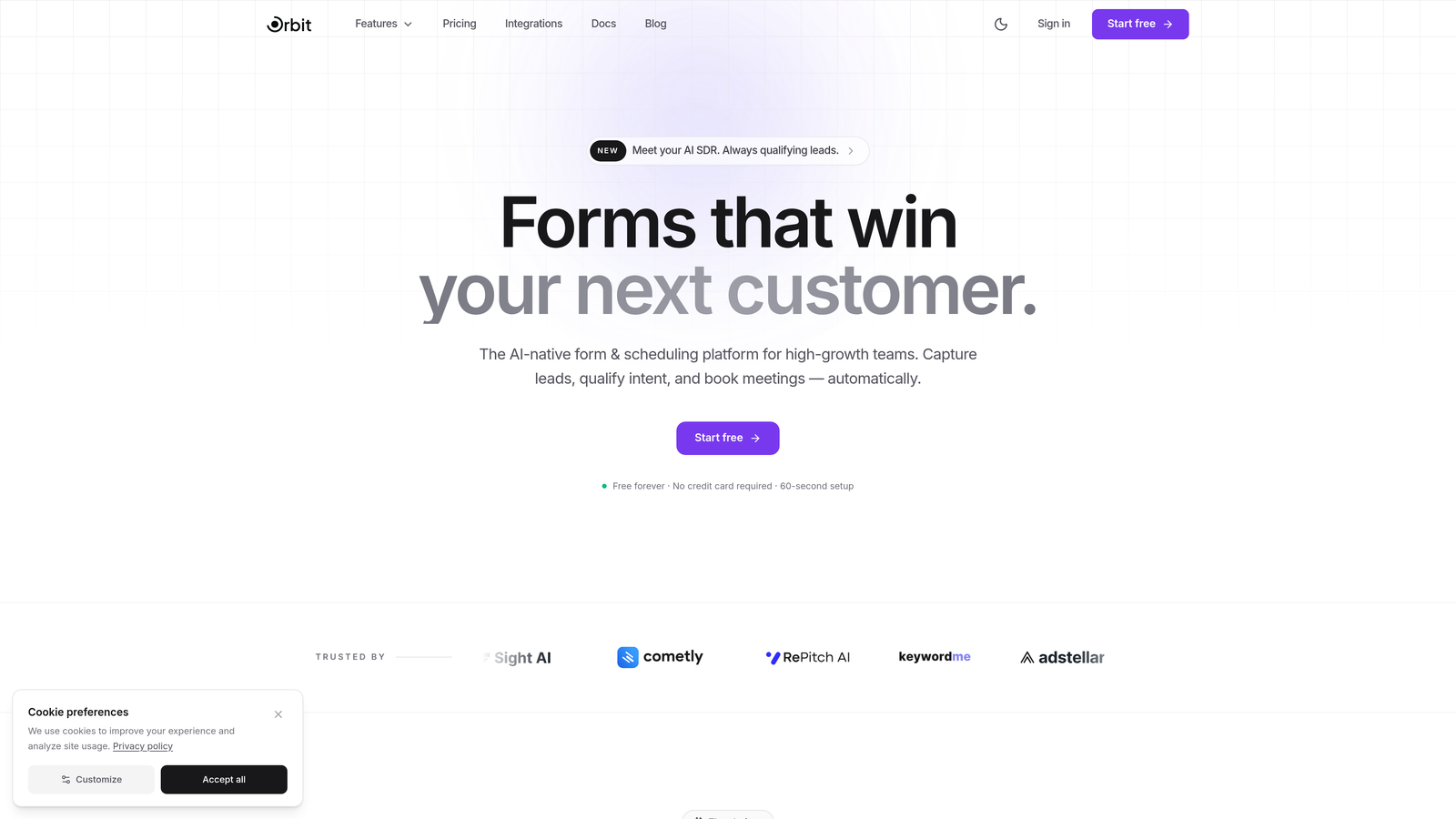
Orbit AI is an AI-powered form builder designed to qualify leads in real time while delivering polished, conversion-optimized form experiences.
Where This Tool Shines
Most form builders are passive. They collect data and hand it off. Orbit AI takes a different approach by embedding lead qualification intelligence directly into the form experience itself. As prospects move through a form, the platform scores and qualifies them in real time, giving your team a head start before a lead ever hits your CRM.
The design quality stands out too. Orbit AI's templates are visually polished in a way that feels native to modern SaaS products rather than bolted-on afterthoughts. For teams where brand perception matters, that distinction is significant.
Key Features
AI-Powered Lead Scoring: Real-time qualification runs in the background as users complete the form, surfacing your highest-intent leads automatically.
Modern Form Templates: Visually refined templates built for conversion, not just aesthetics.
Conditional Logic and Dynamic Fields: Show or hide fields based on previous answers to keep forms lean and relevant for each respondent.
Conversion Analytics Dashboard: Track drop-off points, completion rates, and lead quality metrics in one place.
CRM and Marketing Integrations: Connects with popular CRMs and marketing automation tools so qualified leads flow directly into your existing workflows.
Best For
Orbit AI is the strongest fit for SaaS companies, B2B marketing teams, and growth-focused operators who want their forms to do more than collect submissions. If lead quality is a priority alongside lead volume, this is the tool built for that exact problem.
Pricing
A free plan is available to get started. Paid plans are structured for growing teams. Visit orbitforms.ai for current pricing tiers, as plans are updated regularly.
2. Typeform
Best for: Teams that prioritize conversational UX and high engagement rates over dense data collection.
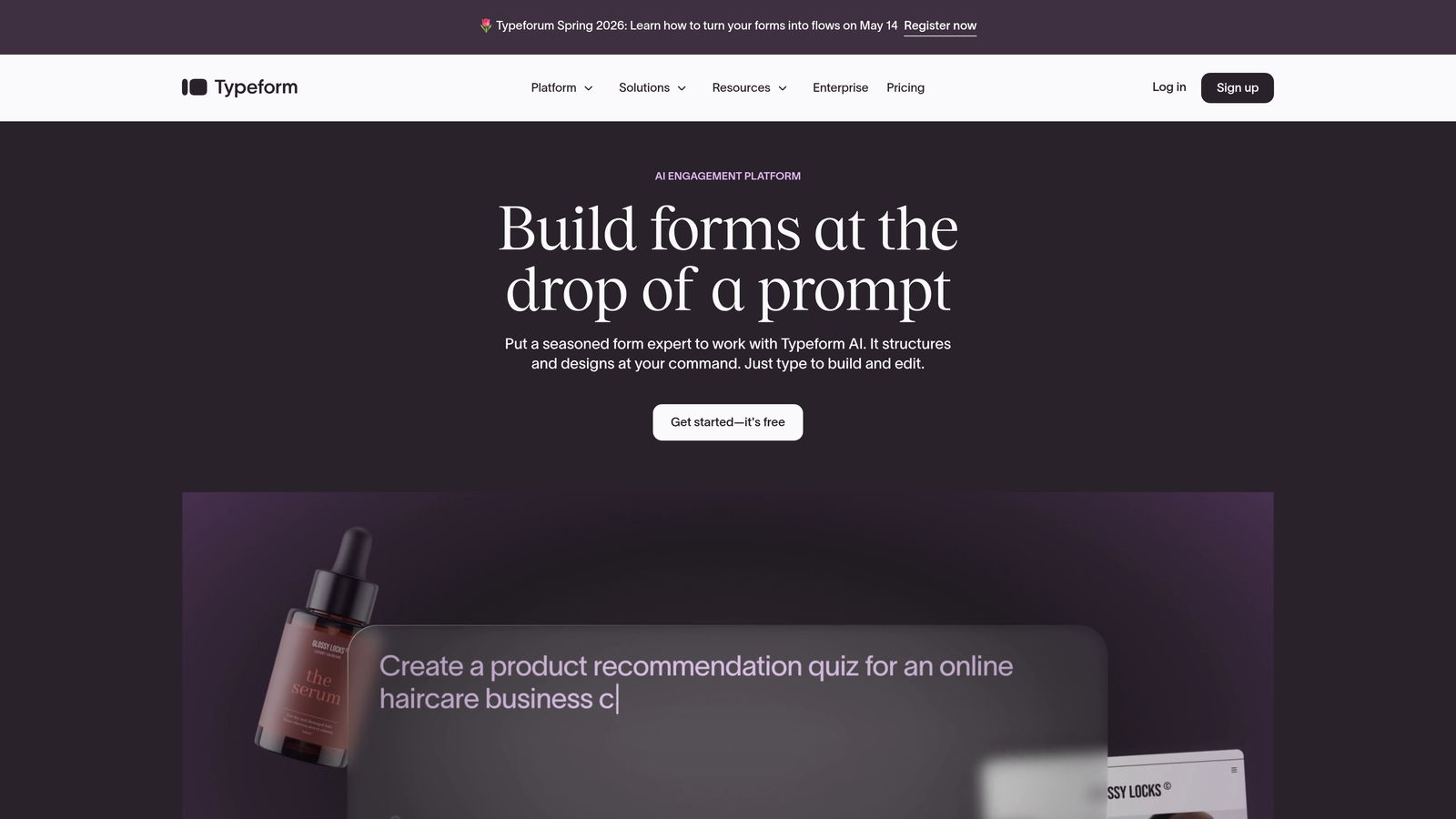
Typeform is the original conversational form builder, presenting one question at a time to create an experience that feels more like a dialogue than a form.
Where This Tool Shines
Typeform's one-question-at-a-time format reduces cognitive load and has become a recognized UX pattern for surveys, lead gen forms, and quizzes. The approach works particularly well for longer forms where a traditional layout would feel overwhelming.
Design customization is genuinely strong here. You can match your brand palette, embed video and images mid-form, and create experiences that feel like a natural extension of your product or marketing site.
Key Features
Conversational One-Question UX: Each question appears individually, creating a focused and engaging flow.
Logic Jumps and Branching: Route respondents through different paths based on their answers.
Design Customization: Full control over colors, fonts, backgrounds, and branding.
Native Integrations: Direct connections to HubSpot, Slack, Zapier, Salesforce, and more.
Video and Image Embedding: Enrich questions with visual context directly inside the form.
Best For
Typeform works well for marketing teams running lead gen campaigns, product teams collecting user feedback, and anyone building surveys or quizzes where engagement is the primary metric. It's less suited for complex multi-field data collection where speed matters more than experience.
Pricing
A free plan is available with limited monthly responses. The Basic plan starts at approximately $25/month, with higher tiers unlocking more responses, logic features, and integrations.
3. Jotform
Best for: Teams that need a wide range of templates and use cases covered under one platform.
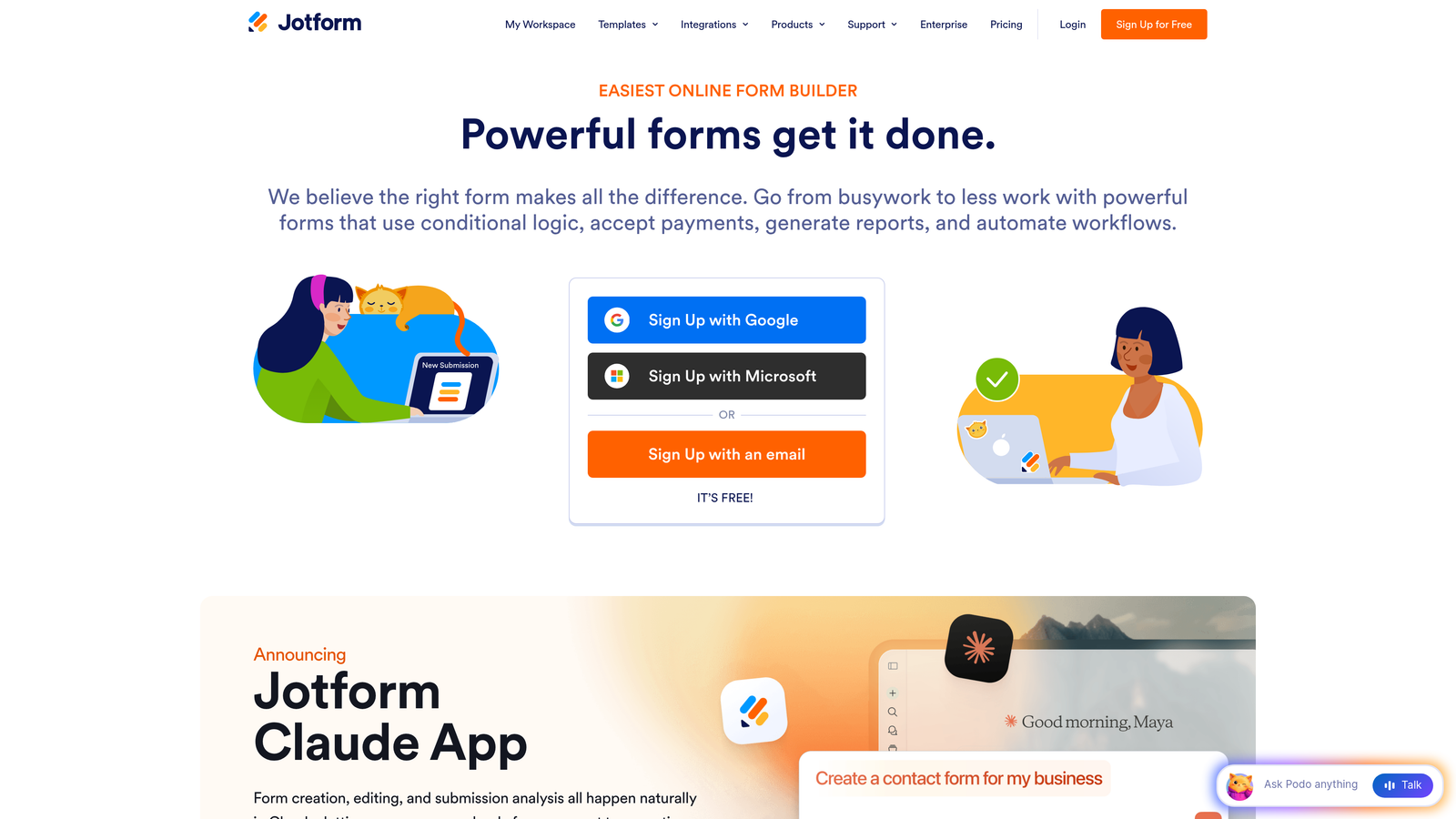
Jotform is a versatile no-code form builder with one of the largest template libraries available, covering everything from simple contact forms to complex payment and workflow scenarios.
Where This Tool Shines
If breadth is what you need, Jotform delivers. With over 10,000 templates spanning industries and use cases, it's rarely a question of whether Jotform can handle your use case. The widget library extends functionality further, covering everything from signature capture to appointment scheduling.
The platform also stands out for teams in regulated industries. HIPAA-compliant plans make Jotform one of the few mainstream form builders suitable for healthcare data collection without requiring a custom compliance setup.
Key Features
10,000+ Templates: The largest template library in the category, organized by industry and use case.
Drag-and-Drop Builder: Intuitive visual editor with an extensive widget library for added functionality.
Payment Integrations: Native support for Stripe, PayPal, and Square for collecting payments directly through forms.
PDF Report Generation: Automatically generate formatted PDF reports from form submissions.
HIPAA-Compliant Plans: Available for healthcare teams that need to handle protected health information.
Best For
Jotform suits operations teams, agencies managing multiple client forms, healthcare organizations, and small businesses that need a reliable all-in-one solution without a steep learning curve.
Pricing
A free plan covers 5 forms and 100 submissions per month. Paid plans start at approximately $34/month and scale with submission volume and feature access.
4. Tally
Best for: Individuals and small teams that want a powerful free tier with a clean, Notion-like editing experience.
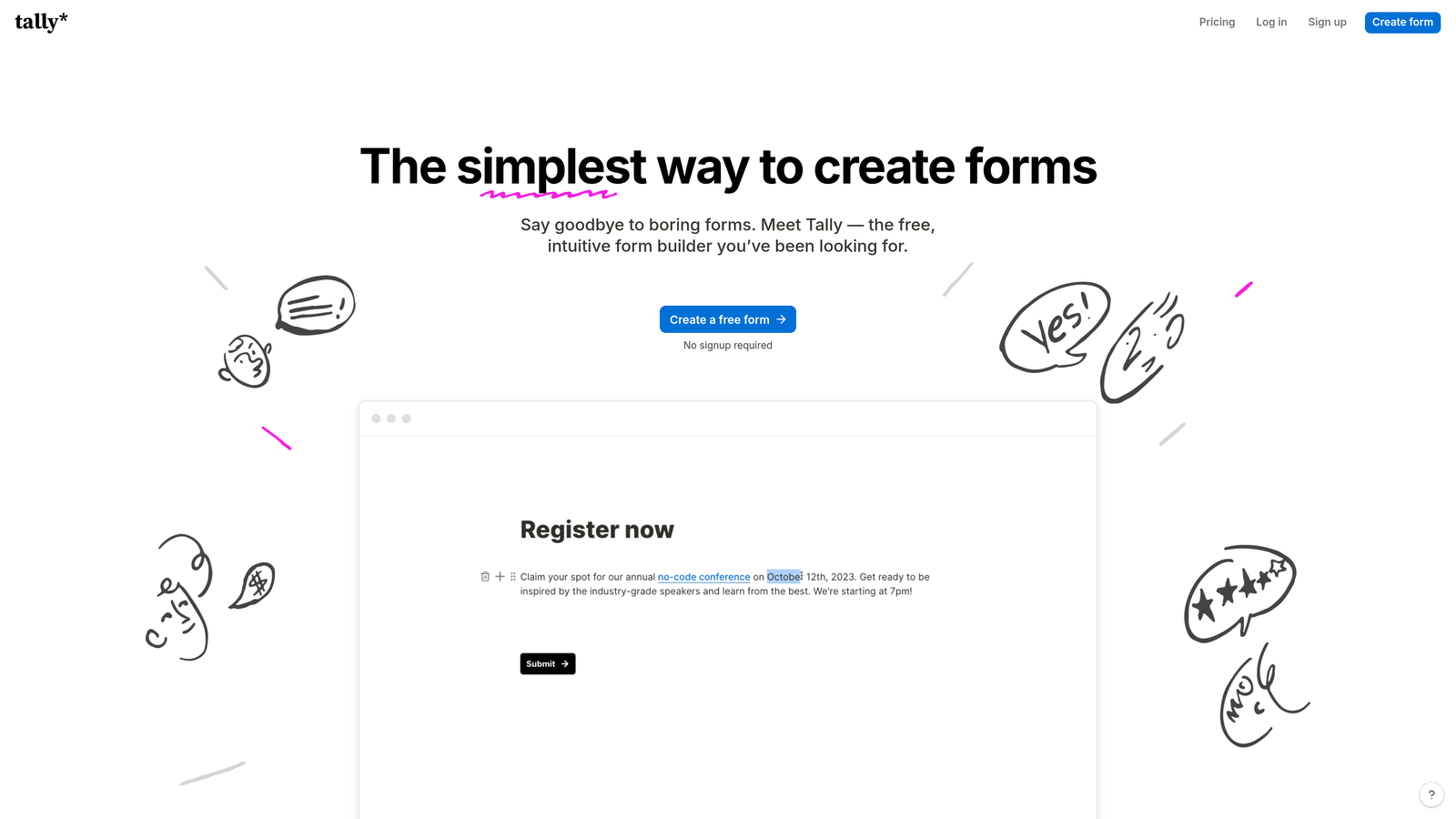
Tally is a minimalist form builder that lets you create forms inline, typing your way through the builder much like you would in a Notion document.
Where This Tool Shines
Tally's free plan is genuinely remarkable. Unlimited forms and unlimited submissions at no cost puts it in a different category from tools that gate basic functionality behind paid plans. For bootstrapped teams, freelancers, or anyone experimenting with form-based workflows, the free tier removes friction entirely.
The editing experience also deserves credit. Rather than a traditional drag-and-drop interface, Tally uses an inline editing model where you type to create fields and structure. It's fast, intuitive, and feels modern without being complex.
Key Features
Notion-Style Inline Editing: Type your form into existence rather than dragging components around a canvas.
Unlimited Free Forms and Submissions: No caps on the free plan for core form creation and collection.
Conditional Logic and Hidden Fields: Dynamic form behavior without needing a paid upgrade.
File Uploads and Payment Collection: Practical data collection features available across plans.
Custom Domains and Branding: White-label options available on the Pro plan.
Best For
Tally is ideal for solo operators, early-stage startups, content creators, and teams that want to move fast without worrying about hitting usage limits. It's also a strong choice for anyone already working heavily in Notion who wants a complementary form tool.
Pricing
The free plan covers unlimited forms and submissions. The Pro plan is approximately $29/month and adds branding controls, custom domains, and priority support.
5. Fillout
Best for: Teams that live in Airtable, Notion, or Google Sheets and need two-way database syncing rather than one-way data export.
Fillout is a form builder built around deep database integration, enabling real bidirectional sync with the tools your team already uses for data management.

Where This Tool Shines
Most form builders push data into a spreadsheet or CRM and stop there. Fillout goes further by enabling two-way sync, meaning you can pre-fill forms with existing records from Airtable, Notion, or Google Sheets, and write responses back into the same database in real time. For teams managing complex data workflows, this is a meaningful difference.
The scheduling and calendar booking form types add another dimension, making Fillout useful beyond standard lead capture into appointment-based workflows.
Key Features
Two-Way Database Sync: Native bidirectional connections with Airtable, Notion, Google Sheets, and Supabase.
Pre-Fill from Existing Records: Populate form fields automatically from your database before the user sees the form.
Scheduling and Calendar Forms: Built-in booking form types for appointment-based use cases.
Conditional Logic and Multi-Page Forms: Standard modern form behavior with solid implementation.
Quiz and Calculator Types: Specialized form types for interactive and scored experiences.
Best For
Operations teams, no-code builders, and any team managing structured data in Airtable or Notion who want form submissions to flow directly into and out of their existing database setup.
Pricing
A free plan is available. Paid plans start at approximately $19/month, making Fillout one of the more accessible options for teams needing advanced database connectivity.
6. Paperform
Best for: Teams that want to blend rich content and form fields into a single page, effectively turning forms into mini landing pages.
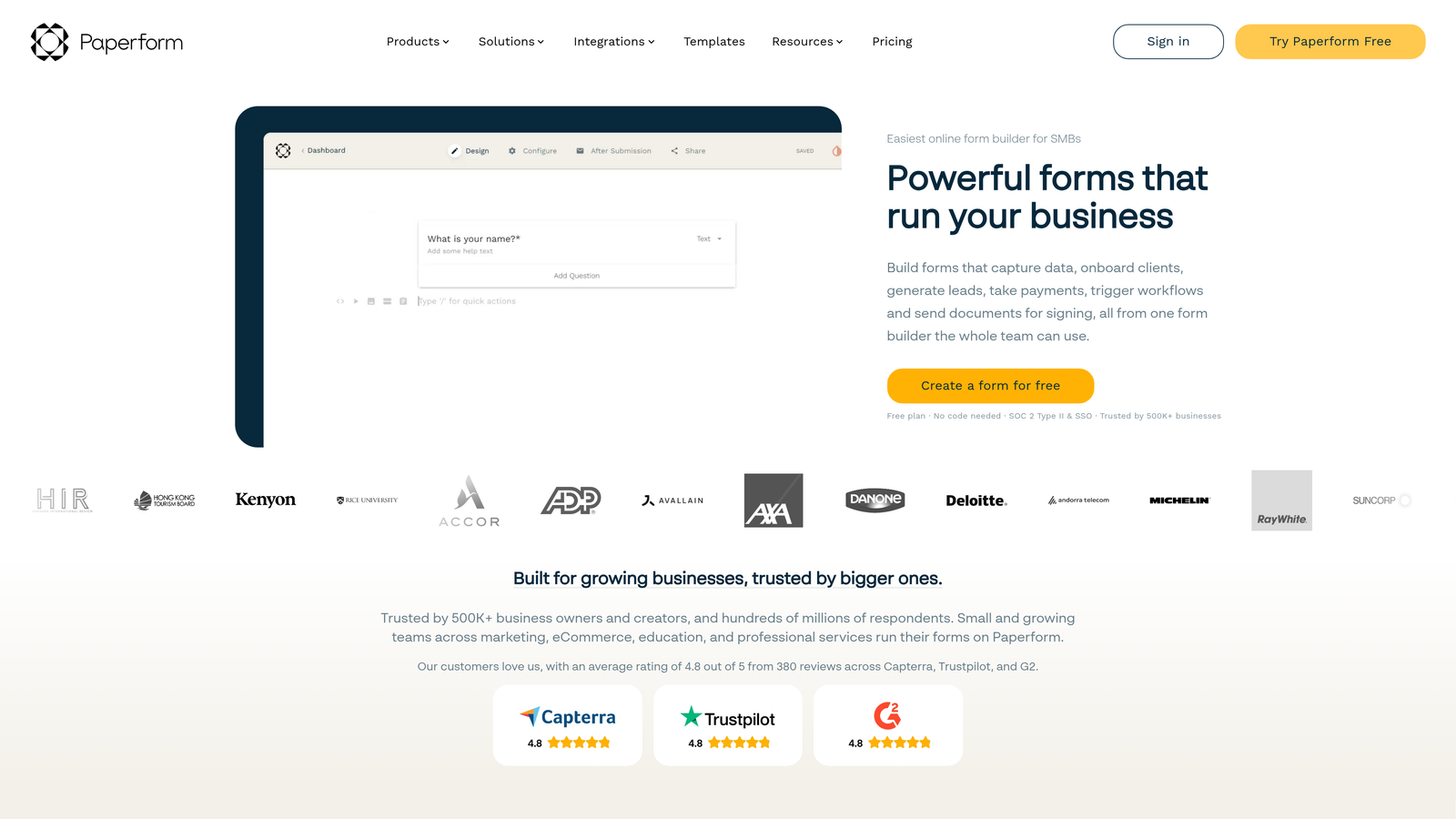
Paperform is a form builder that deliberately blurs the line between forms and content pages, letting you mix text, images, video, and form fields freely.
Where This Tool Shines
Paperform's core differentiator is its content-first approach. Rather than a form sitting on a blank background, you build an experience where copy, media, and form fields coexist on the same page. This makes it particularly effective for product order forms, event registrations, and any scenario where context around the form fields improves conversion.
The built-in calculation engine is also worth noting. You can build forms that compute pricing, scores, or custom outputs based on user inputs, which opens up use cases like quote generators and product configurators without needing a developer.
Key Features
Rich Content Blocks: Mix images, video, headings, and paragraphs alongside form fields on the same page.
Built-In Payment Processing: Accept payments directly through forms without a separate tool.
Calculations and Conditional Logic: Dynamic outputs based on user inputs, useful for pricing and scoring scenarios.
Product Catalogs and E-Commerce Forms: Lightweight product listing and ordering capabilities built in.
Custom Success Pages and Redirects: Control the post-submission experience with branded confirmation pages.
Best For
Small businesses, consultants, and marketing teams that want forms that double as landing pages. Particularly strong for e-commerce-adjacent use cases, event sign-ups, and service-based businesses that need to communicate value alongside collecting information.
Pricing
Plans start at approximately $24/month for the Essentials tier. No permanent free plan, though a trial is typically available.
7. HubSpot Forms
Best for: Teams already using HubSpot CRM who want form submissions to flow directly into contacts, workflows, and reporting without any configuration overhead.
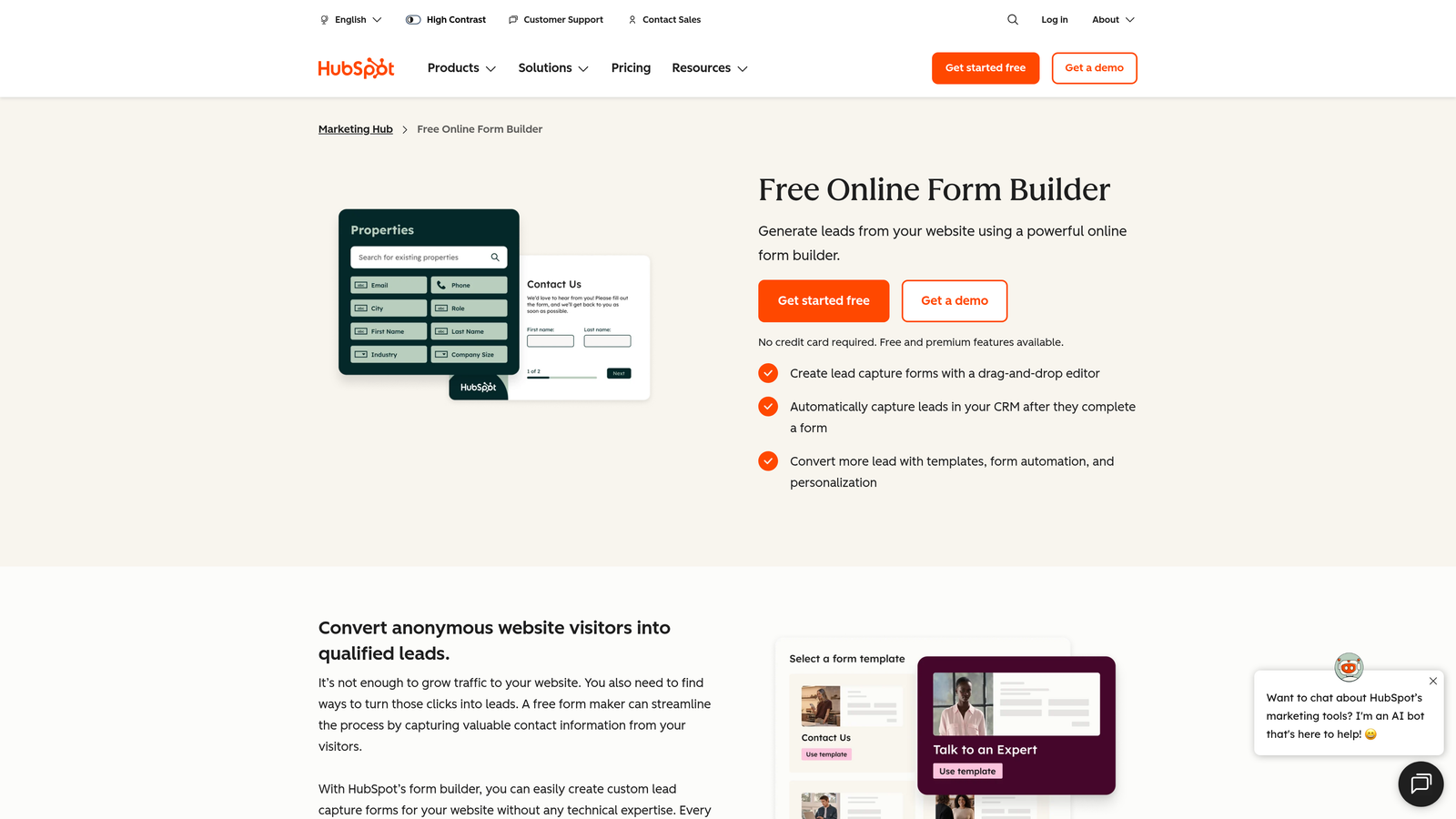
HubSpot Forms is a CRM-native form builder that creates or updates contact records automatically with every submission.
Where This Tool Shines
The main advantage here is zero friction between form submission and CRM record. When a prospect fills out a HubSpot form, a contact record is created or enriched instantly, enrollment in workflows can trigger automatically, and attribution data ties back to your marketing campaigns. For HubSpot-centric teams, this removes an entire layer of integration work.
Progressive profiling is a standout feature. Instead of asking the same questions repeatedly to returning visitors, HubSpot Forms can detect known contacts and show them new fields to gradually build a richer profile over time.
Key Features
Automatic CRM Contact Creation: Every submission creates or updates a HubSpot contact record with no manual steps.
Progressive Profiling: Show different fields to returning visitors to collect new information incrementally.
Dependent Fields and Conditional Logic: Basic but functional branching logic for tailored form experiences.
Native Analytics: Form performance data tied directly into HubSpot's reporting dashboards.
Embedded and Pop-Up Deployment: Flexible placement options including inline embeds and exit-intent pop-ups.
Best For
Marketing and sales teams running their operations on HubSpot. If you're already invested in the HubSpot ecosystem, using their native forms is the most efficient path to clean, connected data.
Pricing
HubSpot Forms are free with any HubSpot CRM account. Advanced features like smart forms and deeper automation require Marketing Hub Starter, which starts at approximately $20/month.
8. Formspark
Best for: Developers who want to build their own form frontend and just need a reliable backend to handle submissions, spam filtering, and notifications.
Formspark is a backend-only form service that handles submission processing, spam protection, and notifications without any frontend opinions.
Where This Tool Shines
Formspark occupies a specific and useful niche. If you're a developer building a custom site in React, Vue, or any static site generator, you don't want a third-party form UI dictating your design. Formspark gives you a simple form action endpoint. You build the frontend exactly as you want, and Formspark handles everything on the backend.
The spam protection setup is solid, supporting both Botpoison and reCAPTCHA so you're not left managing that layer yourself. Webhook notifications make it easy to pipe submissions into any downstream system.
Key Features
Backend-Only Architecture: Just a form action URL — your frontend, your design, no constraints.
Spam Protection: Botpoison and reCAPTCHA integration to keep submission quality high.
Email and Webhook Notifications: Flexible notification routing for any downstream workflow.
File Upload Support: Handle file attachments through the same simple endpoint.
Framework Agnostic: Works with any frontend stack including React, Vue, Next.js, Astro, or plain HTML.
Best For
Frontend developers, JAMstack builders, and engineering teams working on custom web applications who want form submission handling without adopting a full form builder platform.
Pricing
A free plan covers 250 submissions. Paid plans start at approximately $8/month, making it one of the most affordable options in this list for developer-specific use cases.
9. Feathery
Best for: Product teams building complex multi-step flows like onboarding, KYC verification, and checkout experiences.
Feathery is an advanced form and flow builder designed for product teams that need a logic engine capable of handling sophisticated user journeys, not just simple contact forms.
Where This Tool Shines
Feathery sits at the intersection of form builder and product development tool. Where most form builders handle straightforward conditional logic, Feathery is built for genuinely complex flows: multi-branch onboarding sequences, identity verification workflows, dynamic checkout experiences, and multi-step intake processes that adapt based on dozens of variables.
The developer-friendly architecture is a real differentiator. Custom code injection means product engineers can extend Feathery's logic with their own scripts, making it more of a collaborative canvas between design, product, and engineering than a standard no-code tool.
Key Features
Advanced Multi-Step Logic Engine: Handles complex branching and conditional flows beyond what standard form builders support.
Built for KYC, Onboarding, and Checkout: Purpose-designed for the high-stakes product flows where errors or friction are costly.
Custom Code Injection: Developers can extend flows with custom JavaScript for scenarios that no-code logic can't cover.
Collaboration Tools: Shared workspaces for design and product teams to build and iterate together.
A/B Testing: Test form variations to optimize conversion across different user segments.
Best For
Product managers and engineering teams at fintech, insurtech, or any SaaS company with complex user onboarding requirements. If your form logic would require a developer to build from scratch, Feathery likely saves significant time.
Pricing
A free plan is available. Growth plan pricing is available on request, reflecting the enterprise-oriented nature of the more advanced tiers.
Which Modern Form Builder Is Right for You?
The right tool here depends almost entirely on what you need your forms to do, not just what they look like.
If lead qualification is your primary goal, Orbit AI is the clear starting point. The combination of AI-powered real-time scoring, polished design, and conversion analytics puts it in a category of its own for growth-focused teams. It's the only tool on this list where qualifying your leads is a core product feature rather than something you configure afterward.
For teams that prioritize engagement and brand experience above all else, Typeform remains the gold standard for conversational form UX. And if you're already running your marketing operations in HubSpot, HubSpot Forms is the obvious choice for frictionless CRM integration.
Budget-conscious teams or solo operators will find Tally hard to beat on the free tier. Teams with complex data workflows should look closely at Fillout for its database-native approach. Developers who want full frontend control will appreciate Formspark's simplicity. And product teams building intricate onboarding flows should evaluate Feathery seriously.
The broader trend worth noting: the best modern form builders are no longer just input collectors. They're conversion tools, qualification engines, and user experience touchpoints. Choosing the right one means thinking about what happens after the submit button, not just before it.
If you're ready to put AI-powered qualification at the center of your lead generation strategy, start building free forms today with Orbit AI and see how intelligent form design can transform your conversion results.


