

Your signup form is the first real handshake between your product and a potential customer. For SaaS teams, it's not just a data collection step — it's a conversion moment, a qualification filter, and a first impression all at once. The wrong tool means leaky funnels, unqualified leads, and friction that kills growth. The right one turns curious visitors into pipeline.
This list covers the best signup form tools built (or well-suited) for SaaS products in 2026, from AI-powered lead qualification platforms to lightweight embeddable options. We evaluated each tool on conversion-focused features, SaaS-specific integrations, customization depth, and ease of use for fast-moving teams.
Whether you're building a freemium onboarding flow, a demo request form, or a gated trial signup, there's a fit here for your stack.
1. Orbit AI
Best for: High-growth SaaS teams that need lead qualification built into the form layer
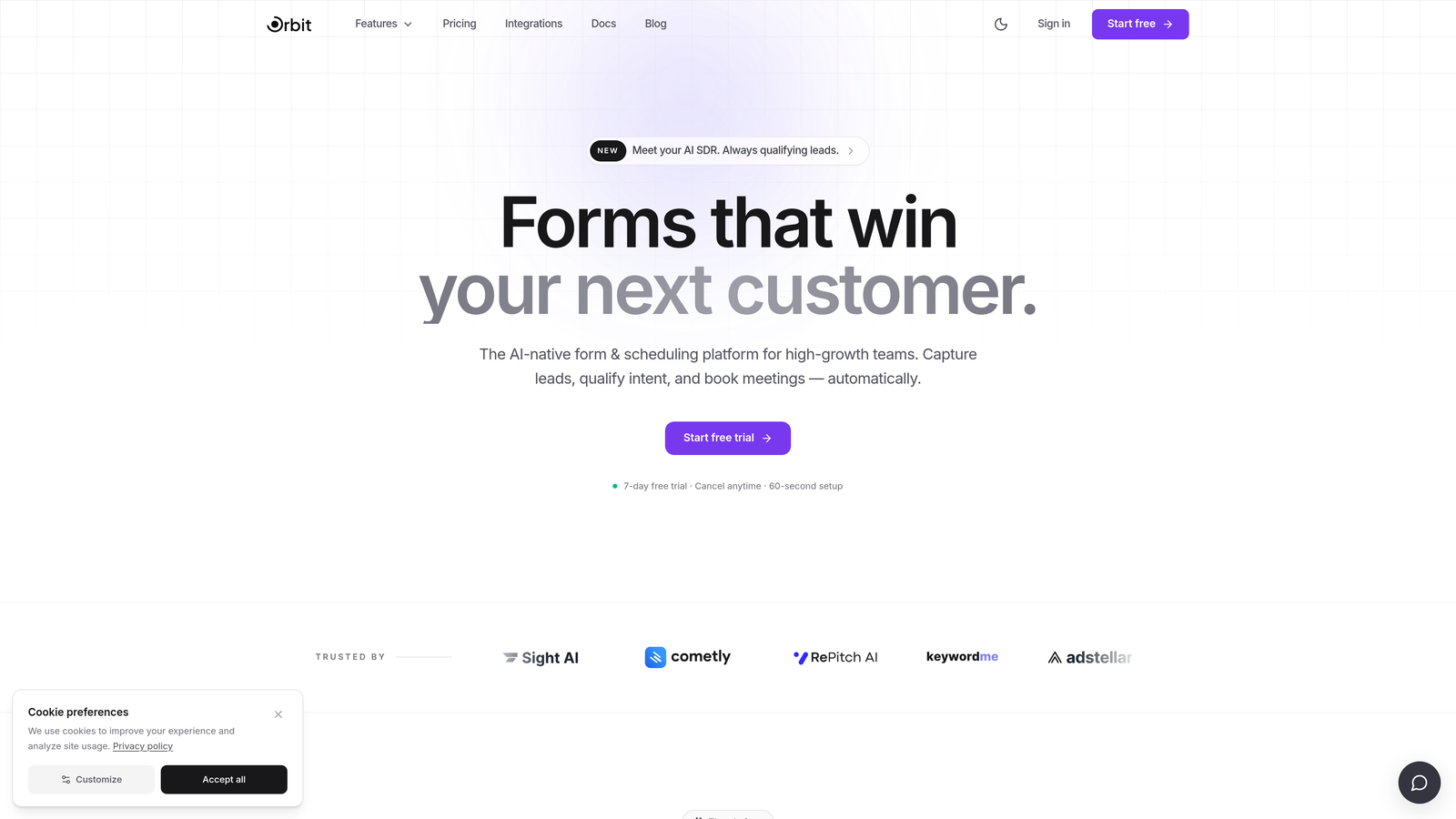
Orbit AI is an AI-powered form builder with a built-in lead qualification engine designed specifically for conversion-focused SaaS teams.
Where This Tool Shines
Most form tools stop at data collection. Orbit AI goes further by scoring and qualifying leads at the moment of submission, so your sales and marketing teams aren't wading through unqualified signups to find real pipeline. That intelligence layer is the core differentiator here.
For SaaS teams running demo request flows, trial signups, or gated content, the ability to automatically route high-intent leads to the right workflow, without manual review, is a meaningful operational advantage. The form builder itself is clean and modern, designed to match the visual standards high-growth SaaS brands expect.
Key Features
AI Lead Qualification: Scores and qualifies leads in real time at submission, so your team prioritizes the right prospects automatically.
Conversion-Optimized Templates: Pre-built form flows designed specifically for SaaS signup use cases, not generic contact forms.
Conditional Logic and Dynamic Fields: Progressive profiling through smart field logic that adapts based on what a user has already told you.
No-Code Brand Customization: Fully brandable design with modern aesthetics that don't require a developer to maintain.
CRM and Automation Integrations: Connects with CRM and marketing automation tools to route qualified leads directly into your existing workflows.
Best For
SaaS growth, marketing, and RevOps teams that care about lead quality as much as lead volume. If your current form tool is filling your CRM with unqualified signups, Orbit AI is built to solve exactly that problem.
Pricing
Visit orbitforms.ai for current pricing details and free trial options. Pricing is designed with growing SaaS teams in mind.
2. Typeform
Best for: Teams that want a conversational, low-friction signup experience
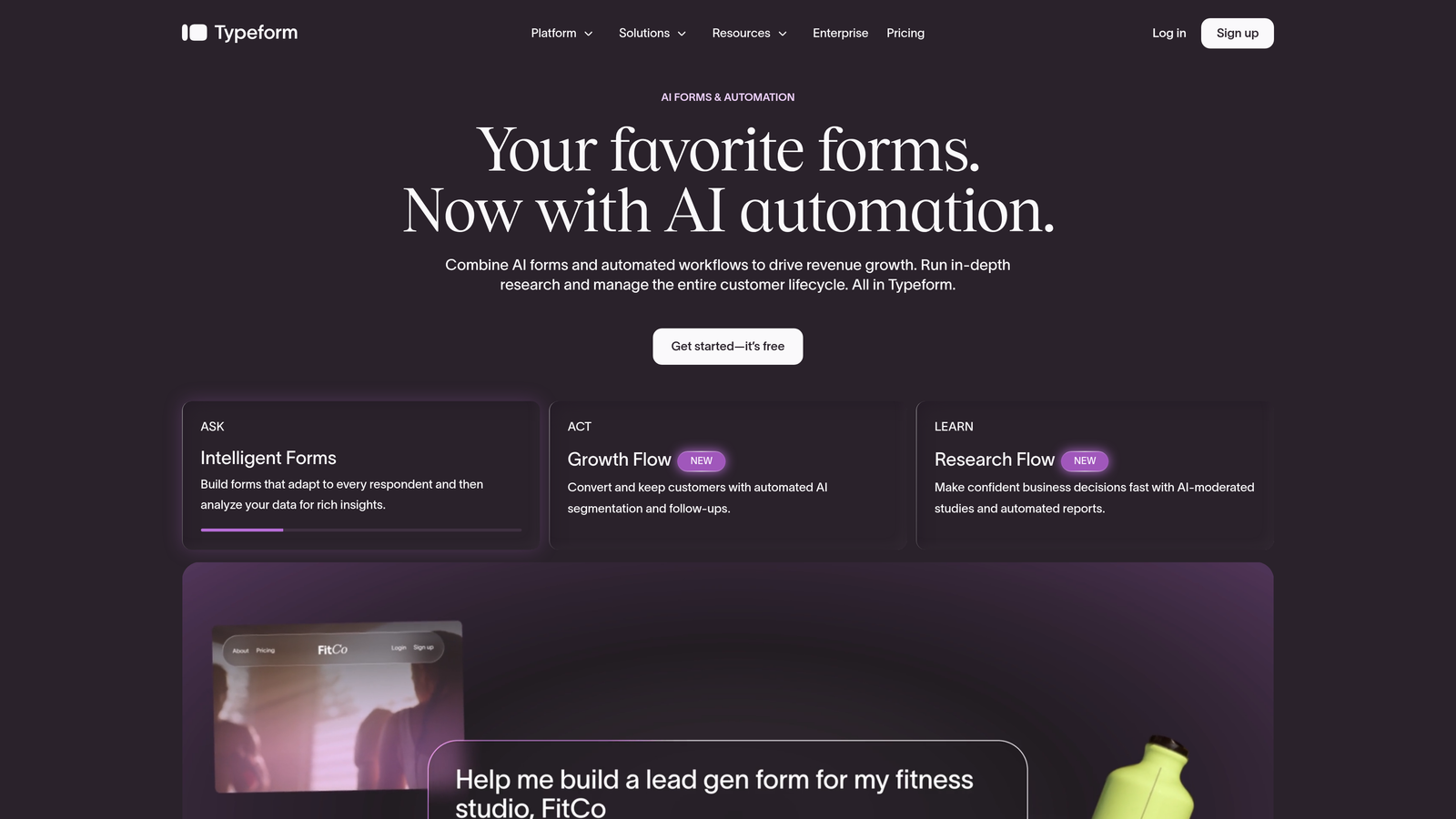
Typeform is a conversational form builder known for its one-question-at-a-time UX that reduces completion friction and feels more like a dialogue than a form.
Where This Tool Shines
Typeform's format genuinely reduces the psychological weight of filling out a form. Instead of staring at a wall of fields, users move through one question at a time, which tends to improve completion rates for longer forms. For SaaS teams running detailed demo request flows or onboarding surveys, that experience difference matters.
The trade-off is cost at scale and a lack of native lead qualification intelligence. Typeform collects beautifully but doesn't tell you which leads are worth prioritizing. You'll need to layer that logic on top through your CRM or automation workflows.
Key Features
Conversational One-Question Format: Progressive question display that reduces form fatigue and improves completion rates.
Logic Jumps: Conditional branching that routes respondents through different question paths based on their answers.
Native Integrations: Connects directly with HubSpot, Salesforce, and Zapier for lead routing and CRM sync.
Branded Templates: Visually polished templates with solid customization options for matching brand aesthetics.
Partial Submission Capture: Available on paid plans, capturing leads even when respondents don't complete the full form.
Best For
SaaS marketing teams that prioritize form experience and completion rate, particularly for longer qualification flows or survey-style onboarding. Less suited for teams that need built-in lead scoring without additional tooling.
Pricing
Free plan available with limited features. Paid plans start at approximately $25/month, with pricing scaling based on response volume and advanced features.
3. HubSpot Forms
Best for: SaaS teams already running their inbound stack on HubSpot
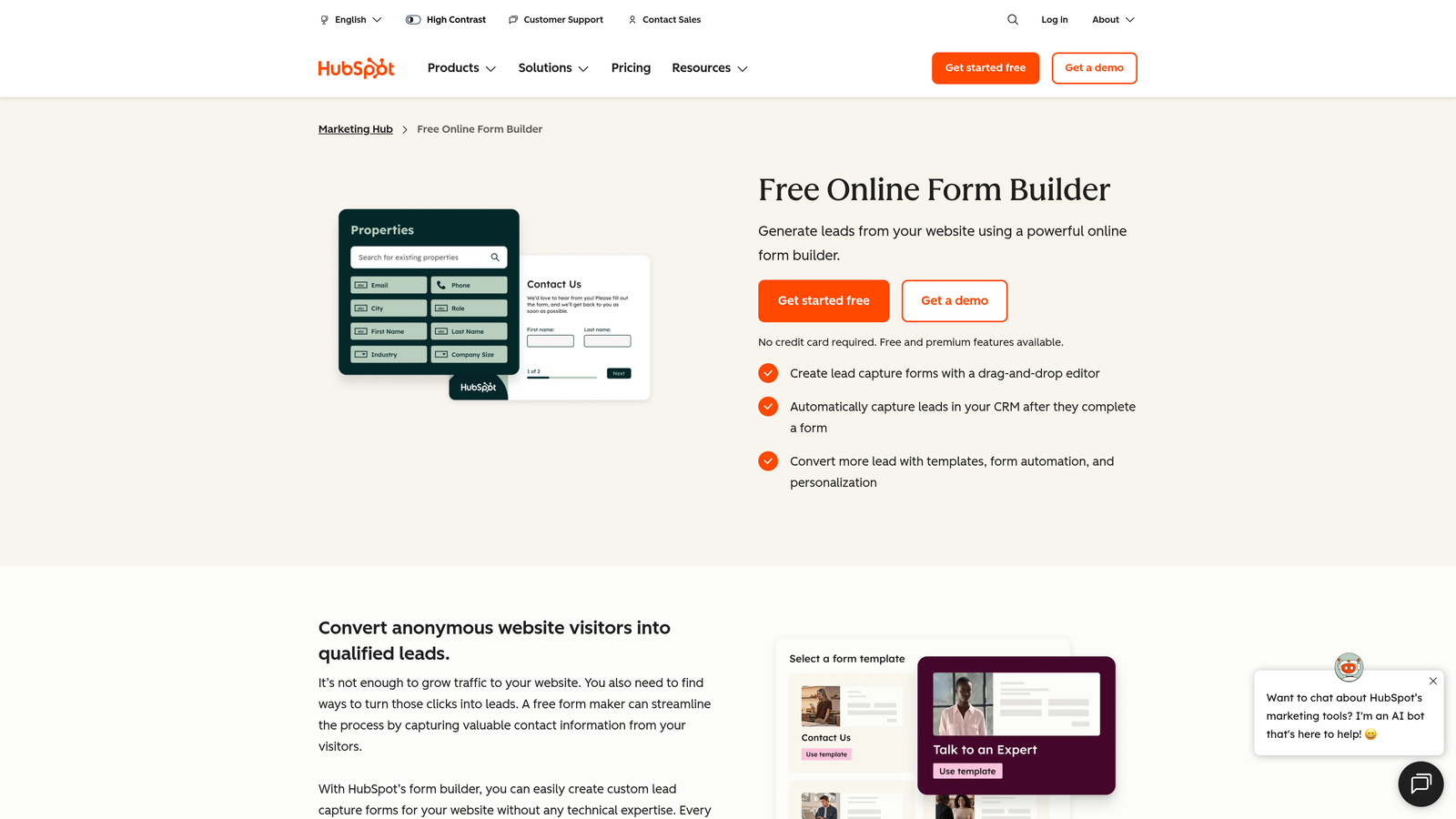
HubSpot Forms is a native form builder included with HubSpot CRM, offering seamless lead capture and sync for teams already operating within the HubSpot ecosystem.
Where This Tool Shines
The value proposition here is tight integration, not form-building sophistication. When a lead submits a HubSpot form, they land directly in your CRM with full contact enrichment, deal association, and workflow triggers. No Zapier, no sync delay, no data mapping. For HubSpot-native teams, that friction reduction is significant.
Progressive profiling is a standout SaaS-relevant feature. Returning visitors see different fields based on what HubSpot already knows about them, so you can gather richer data over time without front-loading your forms with too many questions.
Key Features
Native CRM Sync: Zero-configuration sync with HubSpot CRM, contact records, and deal pipelines.
Progressive Profiling: Automatically shows different fields to returning visitors to build richer contact profiles over time.
Smart Fields: Auto-populates known contact data so returning users don't re-enter information they've already provided.
Flexible Embedding: Embed on any website or within HubSpot landing pages and workflows.
Built-In Analytics: Form performance data tied directly to contact and deal records in HubSpot.
Best For
SaaS inbound teams already invested in HubSpot Marketing Hub. If you're not on HubSpot, the standalone form-building capabilities don't justify switching platforms. Design flexibility is also more limited than dedicated form builders.
Pricing
Free with HubSpot CRM's free tier. Advanced features like progressive profiling require paid Marketing Hub plans, which start at higher price points.
4. Tally
Best for: Early-stage SaaS teams and budget-conscious builders who need a capable free tier
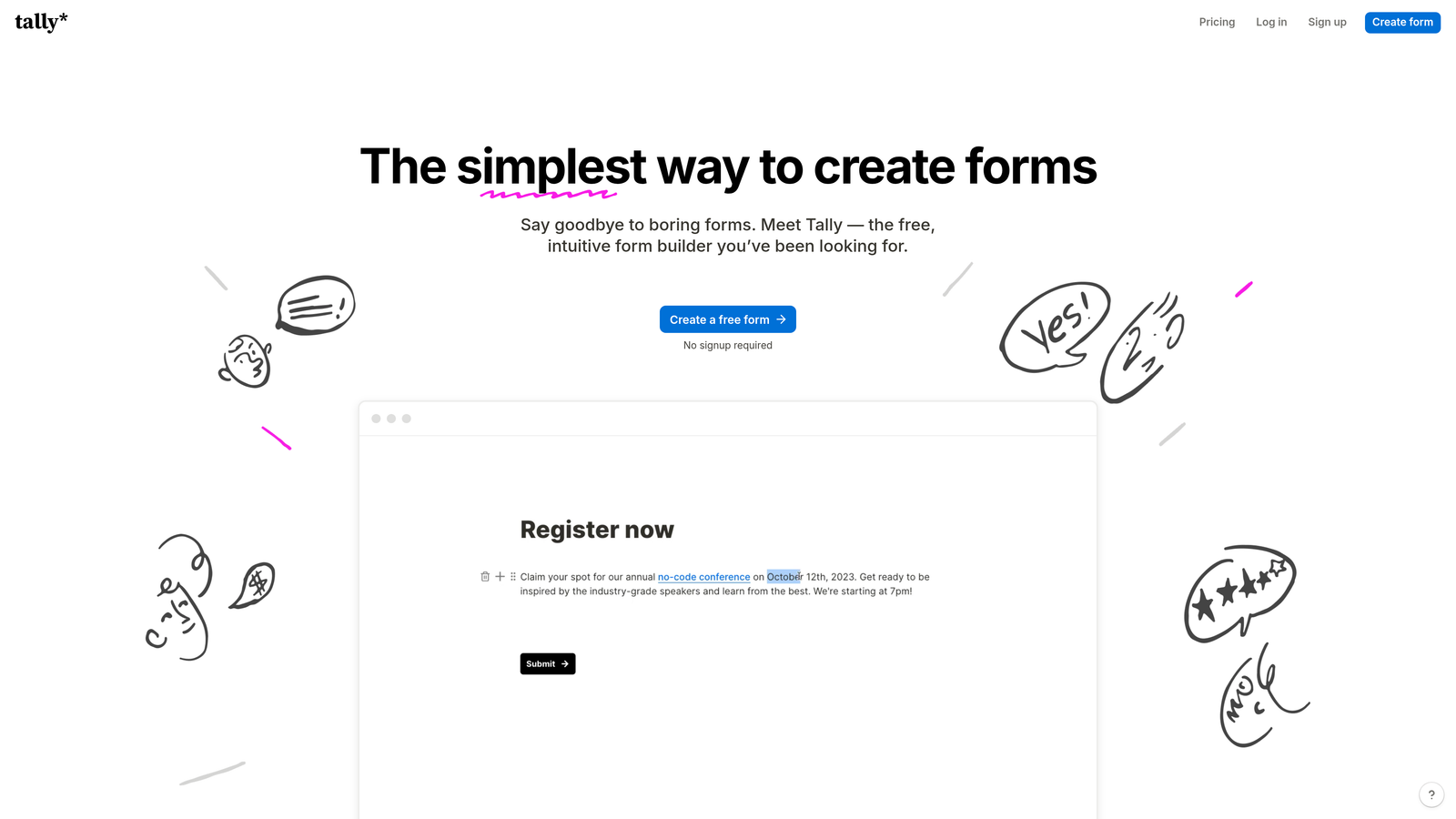
Tally is a Notion-inspired free form builder with a clean, minimal UX and one of the most genuinely generous free tiers in the category.
Where This Tool Shines
Tally's free plan is unusually capable. No branding watermarks, no submission caps, unlimited forms. For early-stage SaaS teams running beta waitlists, early access signups, or internal data collection, Tally removes all the usual free-tier frustrations.
The block-based builder UX will feel immediately familiar to anyone who uses Notion. It's fast to set up, clean to look at, and surprisingly flexible given the price point. The trade-off is that advanced logic and integrations are more limited than mature paid platforms.
Key Features
Unlimited Free Forms and Submissions: No caps on the free plan, which is genuinely rare in this category.
No Branding on Free Tier: Unlike many competitors, Tally doesn't watermark free forms with its own logo.
Notion-Like Builder UX: Block-based form building that feels intuitive for teams already living in Notion.
Conditional Logic: Basic to moderate conditional logic and calculated fields included.
Zapier and Native Integrations: Connects with Zapier, Make, and a growing set of native integrations.
Best For
Pre-seed and seed-stage SaaS teams, indie makers, and anyone who needs a capable form tool without a budget line for it. If you're scaling and need advanced lead routing or qualification, you'll outgrow Tally's free tier eventually.
Pricing
Free plan is highly capable and sufficient for most early-stage use cases. Tally Pro starts at approximately $29/month for advanced features.
5. Jotform
Best for: SaaS teams with complex multi-step forms, compliance requirements, or payment collection needs
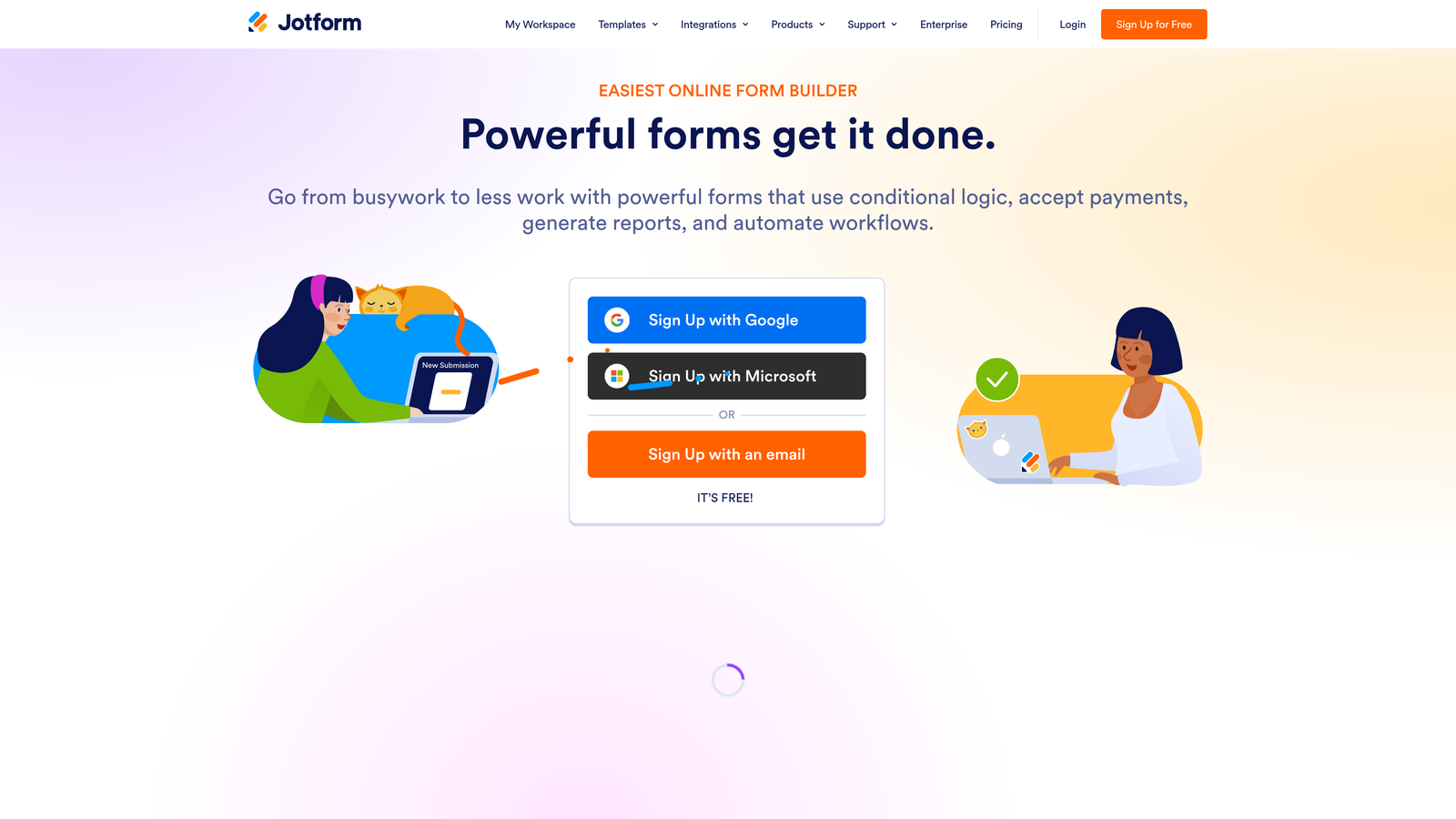
Jotform is a mature, enterprise-capable form builder with deep conditional logic, a wide integration library, and flexibility for complex SaaS signup and onboarding flows.
Where This Tool Shines
Jotform's depth is its differentiator. If you need multi-page forms with advanced branching logic, payment collection built in, or HIPAA and GDPR compliance out of the box, Jotform handles all of it without needing to stitch together multiple tools. For SaaS companies in regulated industries or those with complex onboarding flows, that matters.
The trade-off is that Jotform can feel visually dated compared to newer tools in this list. It's built for capability, not aesthetics. Teams that prioritize a polished, modern form experience may find the design ceiling lower than alternatives like Typeform or Orbit AI.
Key Features
Advanced Conditional Logic: Multi-page forms with sophisticated branching and field logic for complex qualification flows.
150+ Native Integrations: Connects with Salesforce, Slack, Google Sheets, HubSpot, and many more without Zapier middleware.
Built-In Payment Collection: Native Stripe and PayPal integration for SaaS teams collecting payment at signup.
Compliance Options: HIPAA-compliant and GDPR-ready configurations for regulated industries.
Extensive Template Library: Wide range of templates including SaaS-specific onboarding and signup flows.
Best For
Mid-market and enterprise SaaS teams with complex form requirements, compliance needs, or integrated payment flows. Overkill for simple signup forms; excellent for sophisticated multi-step qualification processes.
Pricing
Free plan available with submission limits. Paid plans start at approximately $34/month, with enterprise pricing available for larger teams.
6. Webflow Forms
Best for: SaaS teams building and managing their marketing site in Webflow
Webflow Forms is native form functionality built directly into the Webflow visual editor, making it the natural choice for design-first SaaS marketing sites.

Where This Tool Shines
If your SaaS marketing site lives in Webflow, native forms are the path of least resistance. You get pixel-perfect design control within the same editor you're already using, no embed code, no third-party script, no styling conflicts. The forms look exactly like the rest of your site because they are part of the rest of your site.
The limitation is clear: Webflow Forms is not a standalone form solution. Submissions go to email by default or route through Zapier or Make. There's no built-in CRM sync, no lead scoring, and no advanced logic. For simple contact or demo request forms on a Webflow site, it's ideal. For anything more complex, you'll likely need to embed a dedicated tool anyway.
Key Features
Visual Editor Integration: Build and style forms directly within Webflow's designer, no separate tool or embed required.
Pixel-Perfect Design Control: Full design fidelity within Webflow's layout system, including responsive behavior.
Zapier and Make Connectivity: Route form submissions to CRM, Slack, or other tools via automation platforms.
Custom Success States: Design custom confirmation messages and error states within the Webflow editor.
Responsive by Default: Inherits Webflow's responsive layout system without additional configuration.
Best For
SaaS marketing teams running their site on Webflow who need simple, on-brand forms without adding another tool to the stack. Not suitable as a primary form strategy for teams needing lead qualification, advanced logic, or detailed analytics.
Pricing
Included with all Webflow site plans. Webflow plans start at approximately $14/month, making this effectively free if you're already a Webflow customer.
7. Paperform
Best for: Teams building immersive standalone signup or demo request pages
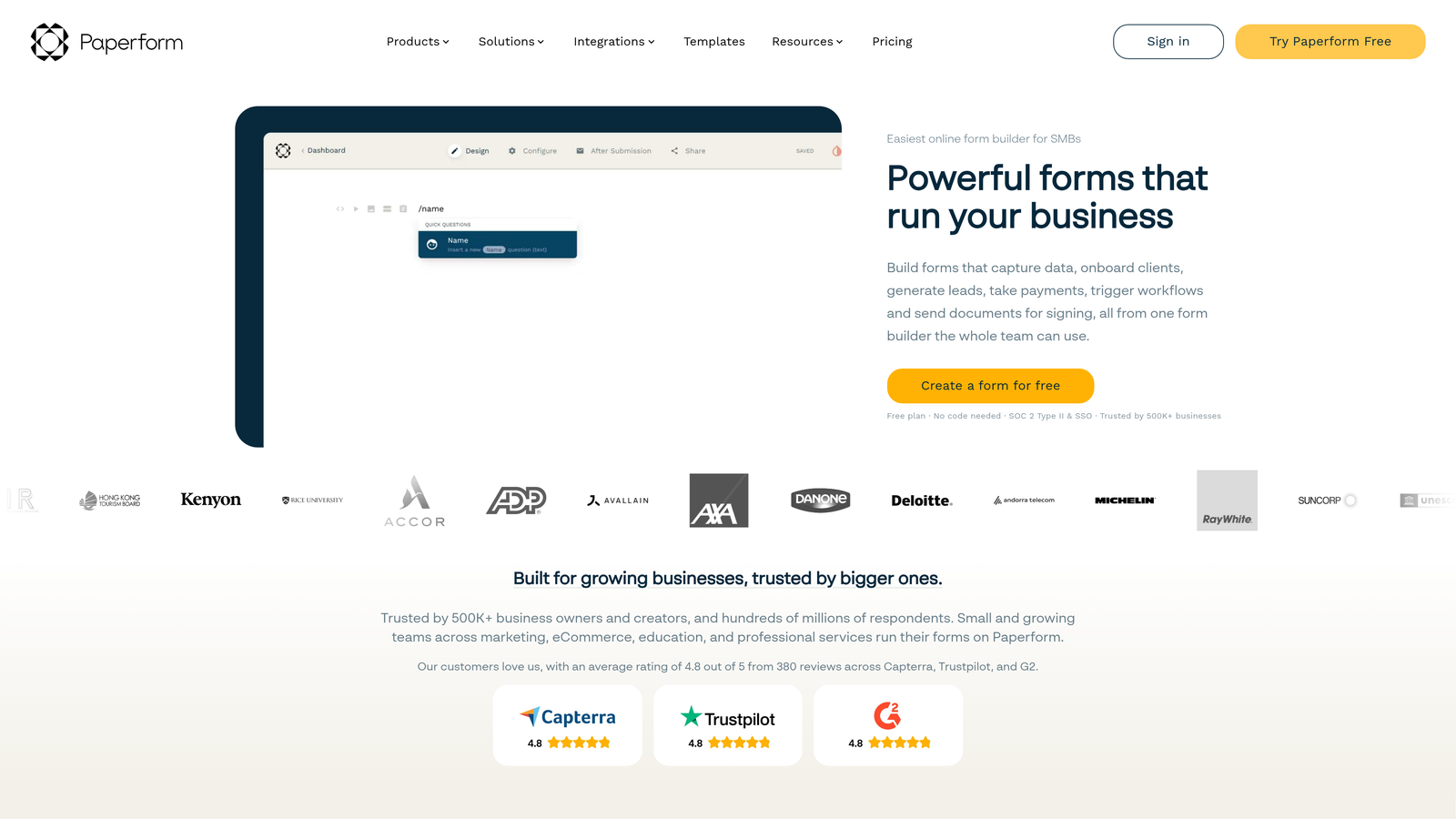
Paperform is a hybrid form and landing page builder that lets you embed rich text, images, and video alongside form fields to create more contextual signup experiences.
Where This Tool Shines
Paperform occupies a unique position: it's not quite a form builder and not quite a landing page builder. It's both. You can build a standalone page that includes your value proposition, product screenshots, social proof, and a signup form all in one URL, without needing a separate website or landing page tool.
For SaaS teams running demo request flows or trial signups where context helps conversion, that format can be genuinely useful. Instead of dropping a bare form on a page, you're building a mini-landing experience around it.
Key Features
Rich Media Embedding: Add text, images, and video directly within the form page to provide context alongside fields.
Standalone Form Pages: No website required; each Paperform is a fully functional standalone URL.
Conditional Logic: Dynamic field logic and calculated fields for adaptive form experiences.
Payment and Product Selling: Built-in payment collection for SaaS teams charging at the point of signup.
Native Integrations: Connects with HubSpot, Slack, Notion, and Zapier for lead routing and workflow automation.
Best For
SaaS teams that need a form-as-a-landing-page format for campaigns, demo requests, or trial signups where context around the form improves conversion. Less suited for embedding within an existing site design.
Pricing
Essentials plan starts at approximately $24/month. No permanent free plan, though a trial is typically available.
8. Fillout
Best for: No-code-forward SaaS teams using Notion, Airtable, or Supabase as their data layer
Fillout is a modern form builder with standout native integrations for the no-code and ops-heavy SaaS stack, particularly Notion, Airtable, and Supabase.
Where This Tool Shines
Fillout's native integrations with Notion, Airtable, and Supabase set it apart from the rest of this list. If your team's data lives in Airtable or Notion rather than a traditional CRM, Fillout connects directly without needing Zapier as middleware. Form submissions land exactly where your team already works.
It's a newer entrant compared to Jotform or Typeform, but it's grown quickly in the no-code community for good reason. The UI is clean, the free tier is competitive, and the scheduling and booking form types add versatility for SaaS teams managing demos or onboarding calls.
Key Features
Native Notion, Airtable, and Supabase Integrations: Direct sync with popular no-code databases without middleware.
Conditional Logic and Multi-Step Forms: Adaptive form flows for progressive profiling and qualification.
Scheduling and Booking Forms: Built-in form types for demo scheduling and onboarding call booking.
Modern Customizable UI: Clean design with branding customization that doesn't feel like a legacy tool.
Generous Free Tier: Unlimited forms on the free plan with competitive feature access.
Best For
No-code-forward SaaS teams and ops-heavy builders whose data lives in Notion, Airtable, or Supabase. Also a strong choice for early-stage teams that want a modern tool with a capable free tier and don't need deep CRM integration out of the box.
Pricing
Free plan available with unlimited forms. Paid plans start at approximately $15/month, making it one of the more affordable options on this list.
9. Google Forms
Best for: Internal signups, beta waitlists, and quick data collection where brand experience isn't a priority
Google Forms is Google's free, no-frills form tool, instant to set up and built into Google Workspace, but not a conversion tool by any stretch.
Where This Tool Shines
Google Forms is on this list because sometimes the right answer is the simplest one. If you need a beta waitlist up in five minutes, a quick internal survey, or a throwaway data collection form for a one-off campaign, Google Forms removes every possible barrier. No account setup beyond a Google login, no pricing decisions, no design work.
That's also its ceiling. Google Forms looks like Google Forms. There's no meaningful design customization, no lead scoring, no CRM sync, and no conversion optimization of any kind. For customer-facing signup flows where first impressions matter, it's the wrong tool. For internal or low-stakes external use, it's perfectly sufficient.
Key Features
Completely Free: No cost with any Google account, included in Google Workspace plans.
Instant Setup: No learning curve; forms can be live in minutes with zero configuration.
Google Sheets Integration: Responses automatically populate a connected Google Sheet for easy tracking and filtering.
Basic Branching Logic: Simple section-based logic for routing respondents based on answers.
Link or Embed Sharing: Share via URL or embed on any webpage with a simple iframe.
Best For
Internal team signups, early beta waitlists where speed matters more than experience, or any scenario where cost is zero and brand experience is not a factor. Not suitable for customer-facing conversion flows, lead qualification, or any use case where form design affects conversion.
Pricing
Completely free with any Google account. Included in all Google Workspace tiers at no additional cost.
Which Tool Fits Your SaaS Growth Stage
The right signup form tool depends less on feature checklists and more on where you are, what you're optimizing for, and what your stack already looks like.
If lead quality is your primary concern, not just lead volume, Orbit AI is the only tool on this list with AI-powered qualification built into the form layer itself. For high-growth teams where unqualified signups are clogging the pipeline and slowing down sales, that intelligence layer changes the economics of lead generation.
If you're early-stage and working with a tight budget, Tally is the honest recommendation. The free tier is genuinely capable, there's no branding watermark, and it's fast to set up. You can always migrate to a more sophisticated tool when the use case demands it.
If your team is already running on HubSpot, HubSpot Forms is the path of least resistance. The CRM sync and progressive profiling features are genuinely useful for SaaS inbound teams, and the free tier makes the decision easy.
For conversational, high-completion flows, Typeform remains a strong choice. For Webflow-native sites, Webflow Forms removes unnecessary complexity. For no-code stacks built on Airtable or Notion, Fillout is the natural fit. And for complex multi-step flows with compliance requirements, Jotform has the depth.
Google Forms earns its spot on this list for one reason: sometimes you need a form in five minutes and brand experience is not the point. Just don't use it as your primary customer-facing signup flow.
The broader shift in 2026 is that form building is table stakes. What separates high-performing SaaS signup flows from the rest is what happens at and after submission: qualification, routing, personalization, and integration with the rest of the revenue stack. That's the lens worth applying when making your choice.
Transform your lead generation with AI-powered forms that qualify prospects automatically while delivering the modern, conversion-optimized experience your high-growth team needs. Start building free forms today and see how intelligent form design can elevate your conversion strategy.


