

When a prospect clicks "Request a Demo," what happens next determines whether they convert or vanish. A clunky, generic form kills momentum at the worst possible moment: right when intent is highest. The best form builders for product demos do more than collect a name and email. They qualify leads on the spot, route high-value prospects to the right sales rep, and create a first impression that matches the polish of your product.
This list covers nine tools purpose-built or well-suited for demo request flows. Each was evaluated on ease of setup, conditional logic and routing capabilities, CRM integrations, lead qualification features, design flexibility, and pricing. Whether you're a lean SaaS startup or a scaling enterprise sales team, there's an option here that fits your workflow.
1. Orbit AI
Best for: High-growth SaaS teams that want AI-powered lead qualification built directly into their demo request form.
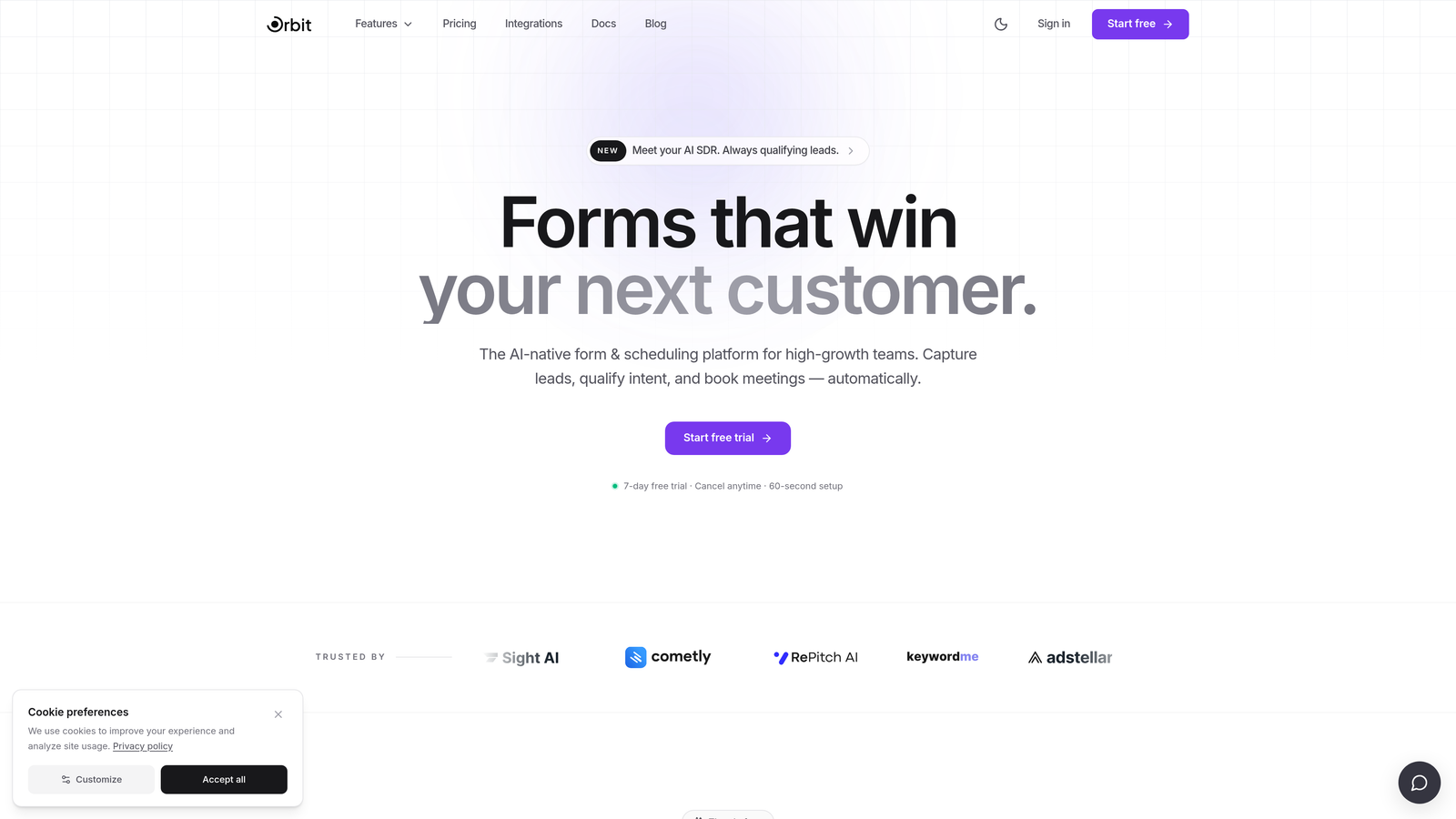
Orbit AI is an AI-powered form builder with native lead qualification and scoring, designed specifically for demo request flows where qualifying the prospect is just as important as capturing the submission.
Where This Tool Shines
Most form builders treat lead qualification as an afterthought, something you bolt on via a Zapier workflow or score manually in your CRM after the fact. Orbit AI flips that model. The qualification logic lives inside the form itself, so by the time a prospect hits submit, your sales team already knows whether they're a fit.
This matters a lot in demo request flows. When a sales rep walks into a call knowing the prospect's company size, use case, and budget range, the conversation is immediately more productive. Orbit AI's conditional logic creates dynamic, personalized paths through the form, so prospects only answer questions relevant to their situation, reducing drop-off without sacrificing the data your team needs.
Key Features
AI-Powered Lead Qualification: Qualification scoring is built into the form layer, not added via a third-party integration, so leads are assessed before they ever reach your CRM.
Conditional Logic: Dynamic form paths show or hide fields based on previous answers, creating a personalized experience for each prospect.
Conversion-Optimized Design: Modern, polished form templates designed to reduce friction and match the aesthetic of high-growth SaaS products.
Lead Routing: Automatically routes submissions to the right sales rep or team based on ICP criteria captured in the form.
CRM Integration: Syncs directly with your CRM for a seamless handoff to sales, with no manual exports or data wrangling.
Best For
SaaS teams that are serious about protecting their sales reps' time. If your pipeline is clogged with unqualified demo requests, or if you're losing high-intent prospects to a friction-heavy form experience, Orbit AI is built to solve both problems simultaneously.
Pricing
Visit orbitforms.ai for current pricing and available plans. A free starting option is available for teams ready to get started quickly.
2. Typeform
Best for: Teams that want a polished, conversational demo request experience with strong CRM and scheduling integrations.
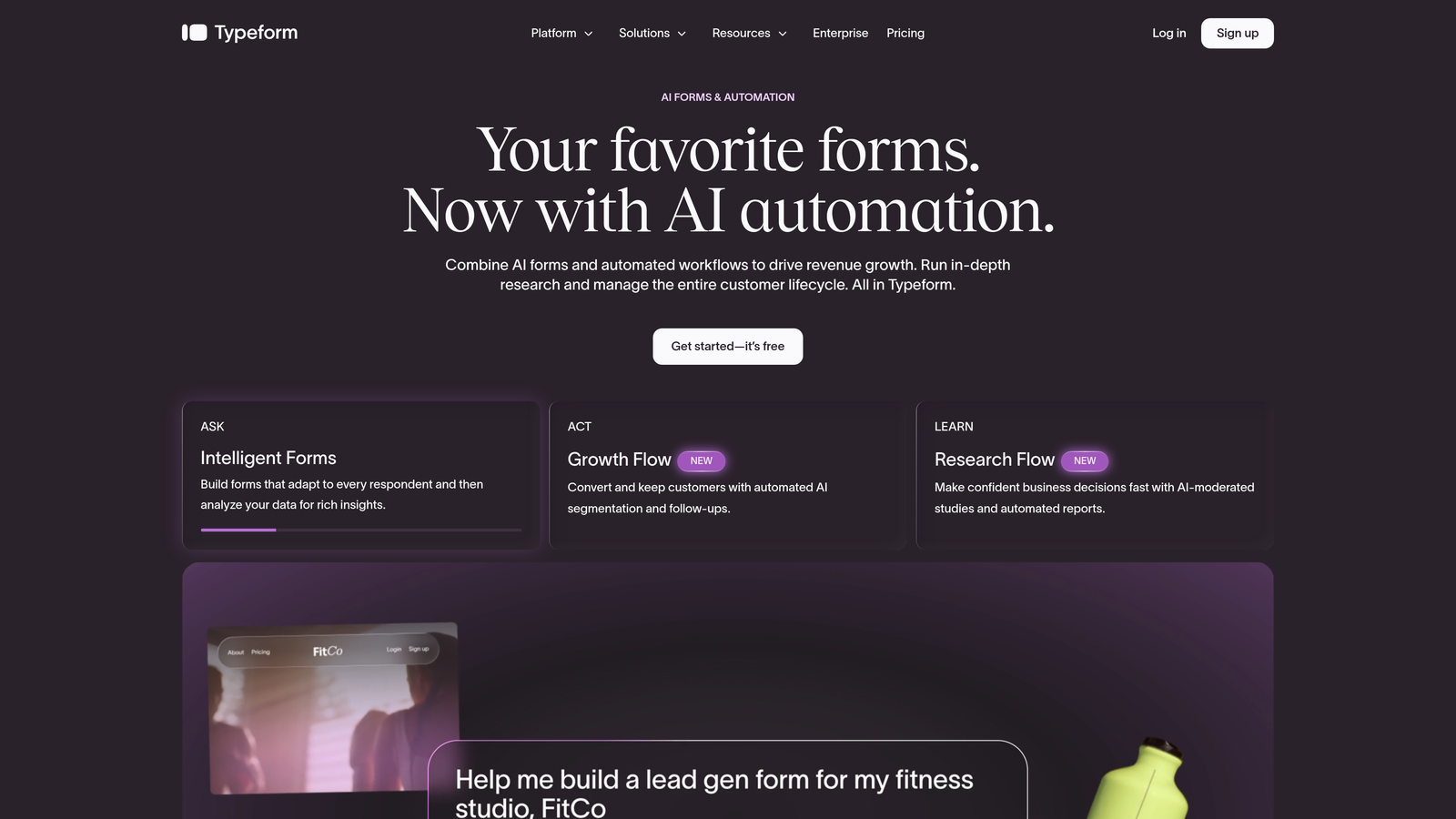
Typeform is a conversational form builder known for its one-question-at-a-time interface, widely used across B2B SaaS for demo request and lead capture flows.
Where This Tool Shines
Typeform's core UX insight is that forms feel less intimidating when they present one question at a time. For demo request flows, this translates to higher completion rates, particularly on mobile, where a wall of fields is an immediate deterrent. The experience feels more like a conversation than a form, which sets a positive tone before the demo even happens.
The integration ecosystem is mature. Native connections to HubSpot, Salesforce, and Calendly mean you can build a complete request-to-book flow without relying on Zapier as a middleman. Conditional logic and branching allow you to tailor the experience based on company size, use case, or any other qualifier you care about.
Key Features
Conversational Interface: One-question-at-a-time UX reduces form fatigue and typically improves completion rates compared to traditional multi-field layouts.
Conditional Logic and Branching: Show different questions based on previous answers to create targeted, relevant form paths for different prospect types.
Native CRM and Scheduling Integrations: Direct connections to HubSpot, Salesforce, and Calendly without requiring third-party automation tools.
Custom Branding: Adjust colors, fonts, and imagery to match your product's visual identity.
Analytics and Completion Tracking: Built-in analytics show where prospects drop off, so you can iterate on form performance over time.
Best For
Mid-market SaaS teams with an established HubSpot or Salesforce workflow who want a premium, brand-consistent demo request experience. Also a strong choice if design quality is a priority and budget allows for a paid plan.
Pricing
A free plan is available with limited responses. Paid plans start at approximately $25/month. Verify current pricing at typeform.com.
3. HubSpot Forms
Best for: Teams already running their sales pipeline in HubSpot who want zero-friction demo request capture with no integration overhead.
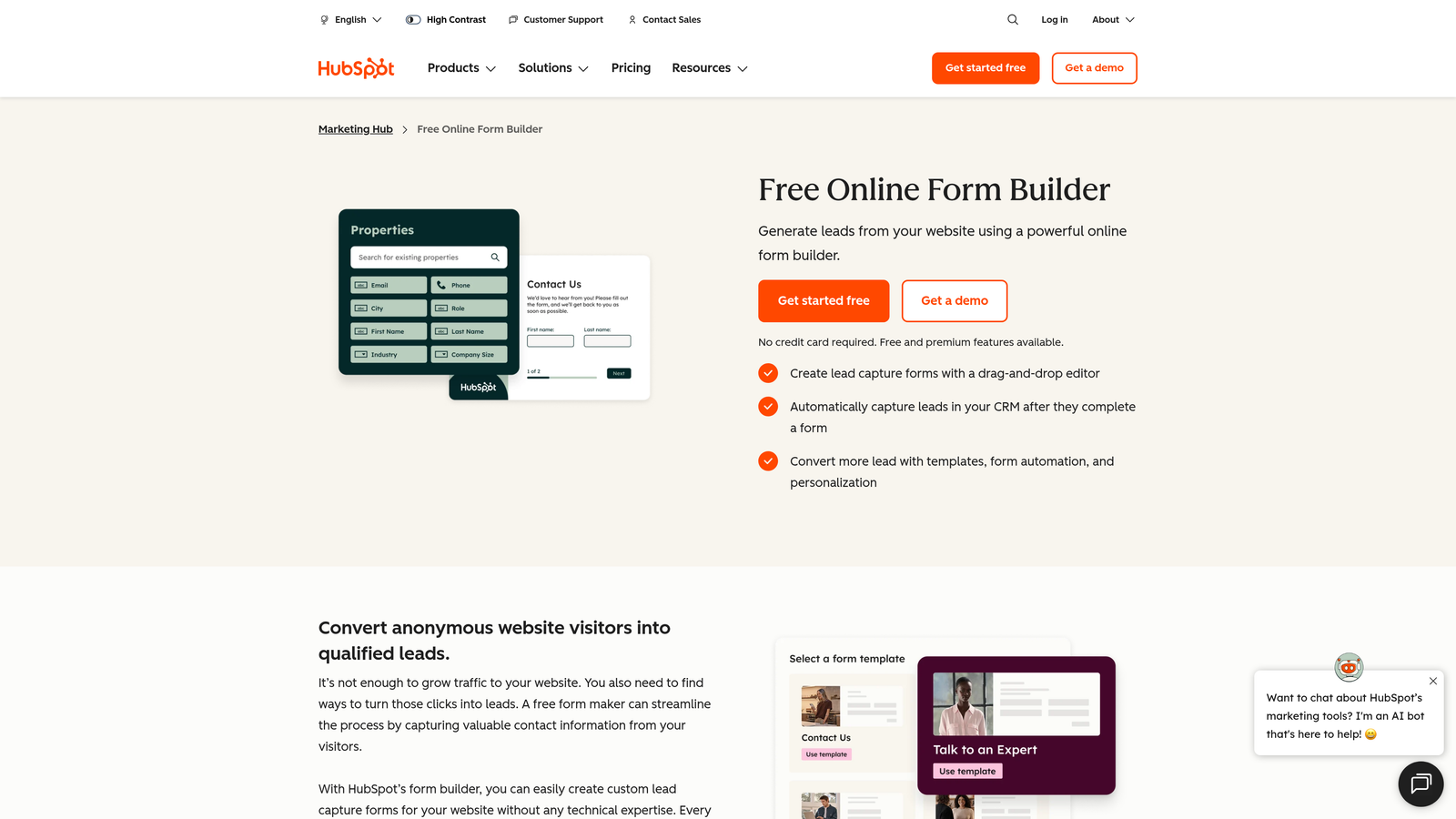
HubSpot Forms is a CRM-native form builder included with HubSpot, designed to feed demo requests directly into your HubSpot pipeline without any setup friction.
Where This Tool Shines
The biggest advantage here is native sync. When a prospect submits a demo request through a HubSpot form, that contact, their properties, and any associated deal logic flows directly into HubSpot without a single Zapier step. For teams already invested in the HubSpot ecosystem, this eliminates a meaningful source of data loss and setup complexity.
Smart fields are a particularly useful feature for demo flows: if a returning visitor fills out your form, HubSpot can pre-fill fields it already knows, reducing friction for prospects who've interacted with your brand before. Workflow automation means you can trigger follow-up sequences, internal notifications, or meeting scheduling links the moment a form is submitted.
Key Features
Native HubSpot CRM Sync: Form submissions map directly to HubSpot contacts and properties with no integration configuration required.
Smart Fields: Pre-fill known contact data for returning visitors, reducing the number of fields they need to complete.
Workflow Automation: Trigger sequences, notifications, and deal creation automatically based on form submission data.
Meeting Scheduling Integration: Embed HubSpot Meetings links in confirmation flows so prospects can book immediately after submitting.
Free Tier Available: Core form functionality is included with the HubSpot CRM free plan.
Best For
Teams that are already HubSpot shops. If your CRM, email sequences, and deal tracking all live in HubSpot, using HubSpot Forms for demo requests is the path of least resistance and the most data-coherent option available.
Pricing
Free with HubSpot CRM. Advanced features like smart fields and workflow automation are included in Marketing Hub paid tiers. Verify current pricing at hubspot.com.
4. Jotform
Best for: Teams managing multiple form types who need a flexible, integration-rich builder with a large template library to get started quickly.
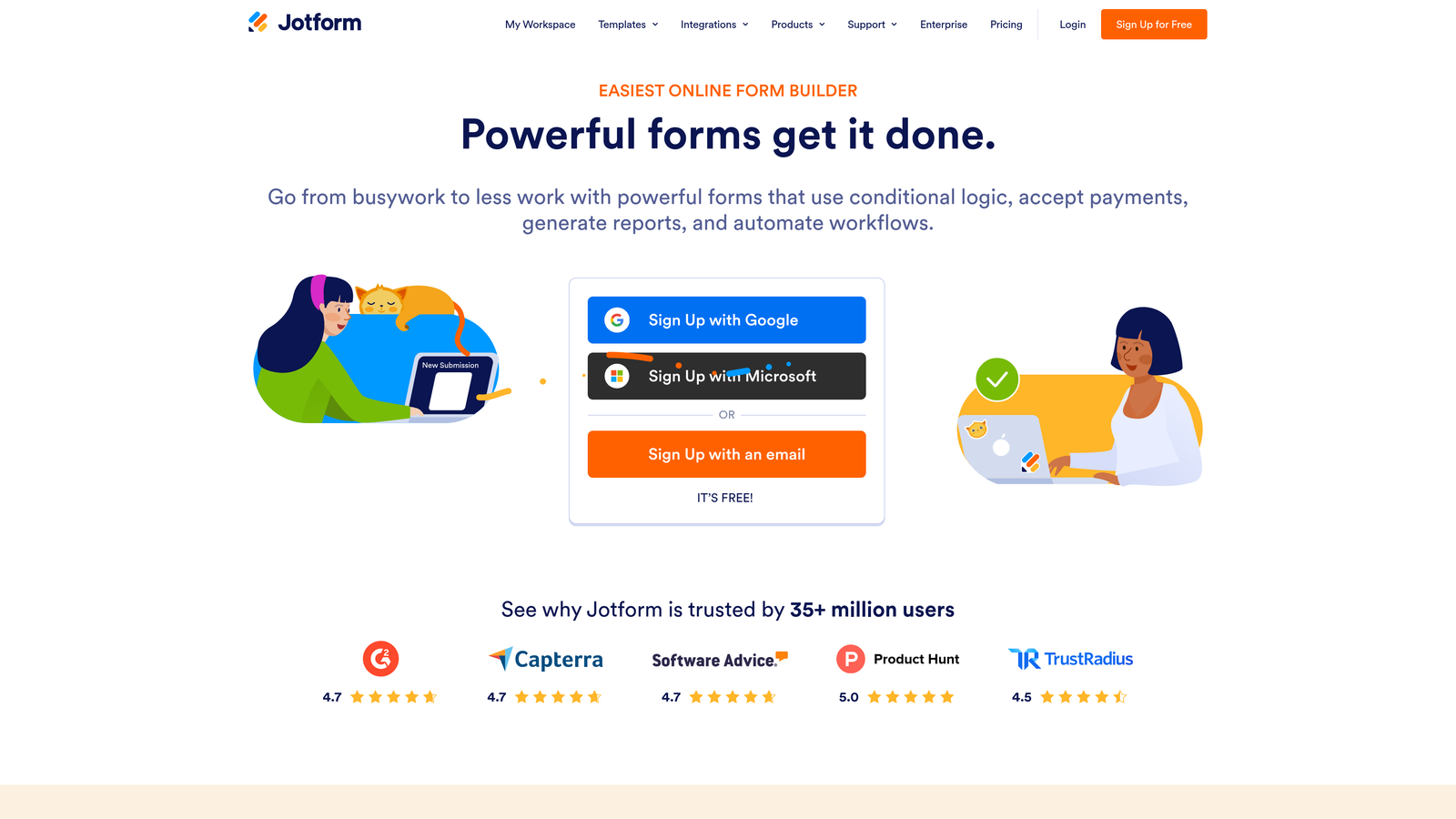
Jotform is one of the most established form builders on the market, known for its extensive template library, broad integration support, and flexibility across a wide range of form use cases.
Where This Tool Shines
Jotform's depth is its defining strength. With over 10,000 templates, you're unlikely to be starting from a blank canvas, and the drag-and-drop builder makes customization fast even for non-technical users. For operations teams juggling demo request forms alongside event registrations, onboarding surveys, and internal workflows, having one platform that handles all of it well is genuinely valuable.
The integration catalog is similarly broad. Whether your team uses Salesforce, HubSpot, Pipedrive, or a more niche CRM, Jotform likely has a native connection. Approval workflows and email notifications can be configured to alert the right rep the moment a high-priority demo request comes in.
Key Features
Extensive Template Library: Over 10,000 templates, including dedicated demo request and lead capture layouts, to accelerate setup.
150+ Native Integrations: Connects to major CRMs, scheduling tools, payment platforms, and productivity apps without requiring Zapier.
Conditional Logic and Multi-Page Forms: Build branching, multi-step demo request flows that adapt based on prospect answers.
Approval Workflows: Route submissions through internal review or notification chains before they reach sales.
Mobile-Responsive Builder: All forms render cleanly on mobile without additional configuration.
Best For
Operations-focused teams or marketing teams managing a high volume of form types across the business. Also a solid pick for teams that want a proven, well-documented platform with a large user community and extensive help resources.
Pricing
A free plan is available. Paid plans start at approximately $34/month. Pricing scales with submission volume. Verify current pricing at jotform.com.
5. Calendly (with Intake Forms)
Best for: SDR-driven teams where the primary goal is booking the call, with lightweight qualification collected before the slot is confirmed.
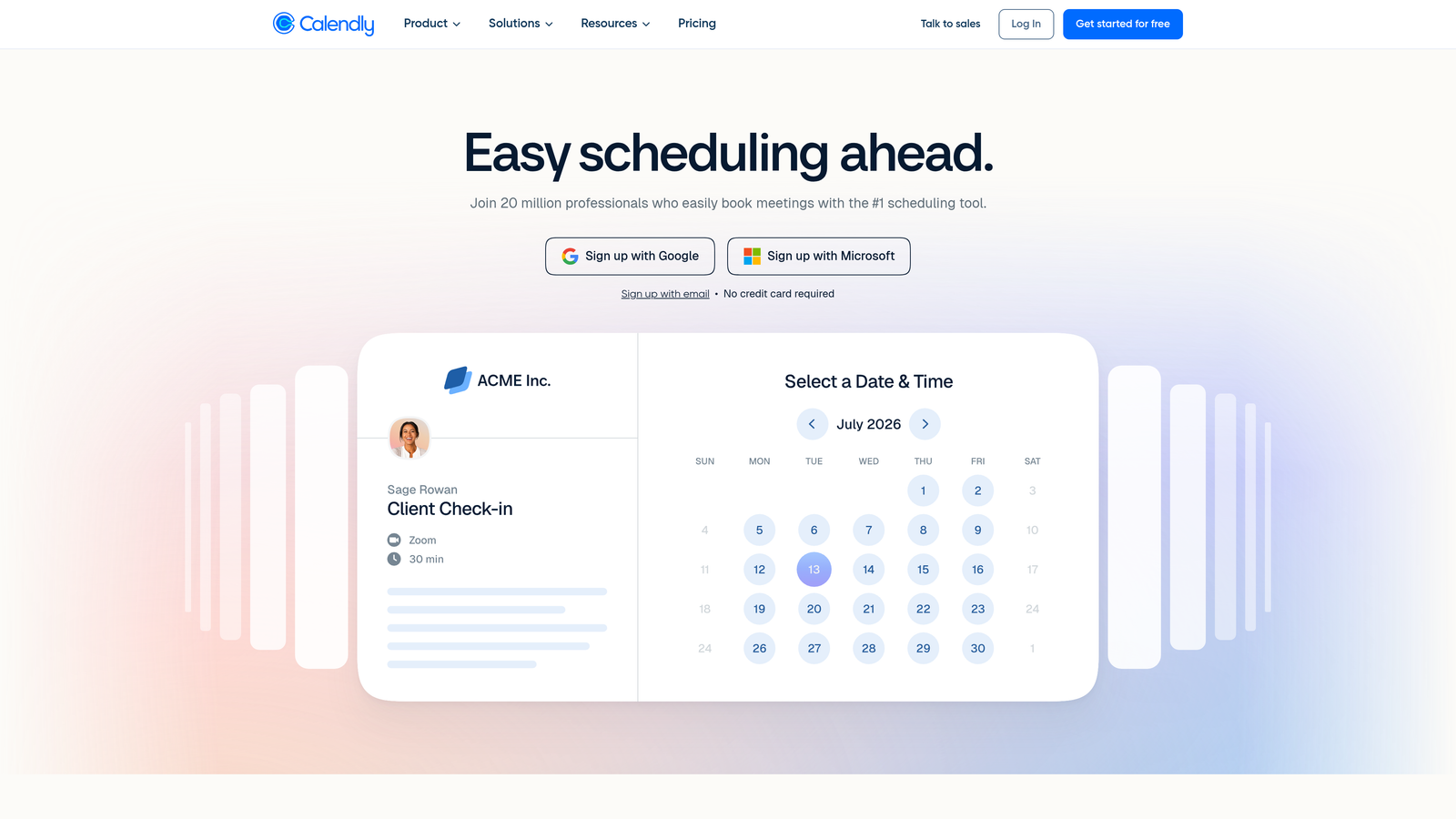
Calendly is primarily a scheduling platform, but its intake form functionality makes it a practical lightweight demo request solution for teams focused on getting meetings on the calendar fast.
Where This Tool Shines
Calendly flips the traditional demo request sequence. Instead of form first, then follow-up to schedule, Calendly lets prospects pick their time slot and answer qualifying questions in the same flow. For SDR teams that live and die by meetings booked, this is a meaningful efficiency gain: the call is on the calendar before the rep even sees the submission.
Automatic routing based on intake answers means the right rep gets the meeting without manual reassignment. For teams running round-robin scheduling across a sales team, this alone can save significant administrative overhead each week.
Key Features
Intake Questions Before Booking: Collect qualifying information as part of the scheduling flow, before the meeting slot is confirmed.
Automatic Routing: Route prospects to the right calendar or rep based on their intake answers.
Native CRM Integration: Direct connections to HubSpot and Salesforce sync meeting data and contact records automatically.
Round-Robin and Team Scheduling: Distribute demo bookings evenly across your sales team without manual coordination.
Confirmation and Reminder Automation: Automated emails reduce no-show rates for booked demos.
Best For
Sales-led teams where booking the demo is the conversion event, and deep form-based qualification is handled in the call itself. Less suited for teams that need complex conditional logic or heavily branded form experiences.
Pricing
A free plan is available. Paid plans start at approximately $10/seat/month. Verify current pricing at calendly.com.
6. Tally
Best for: Early-stage startups that need a clean, functional demo request form with a generous free tier and no branding overhead.
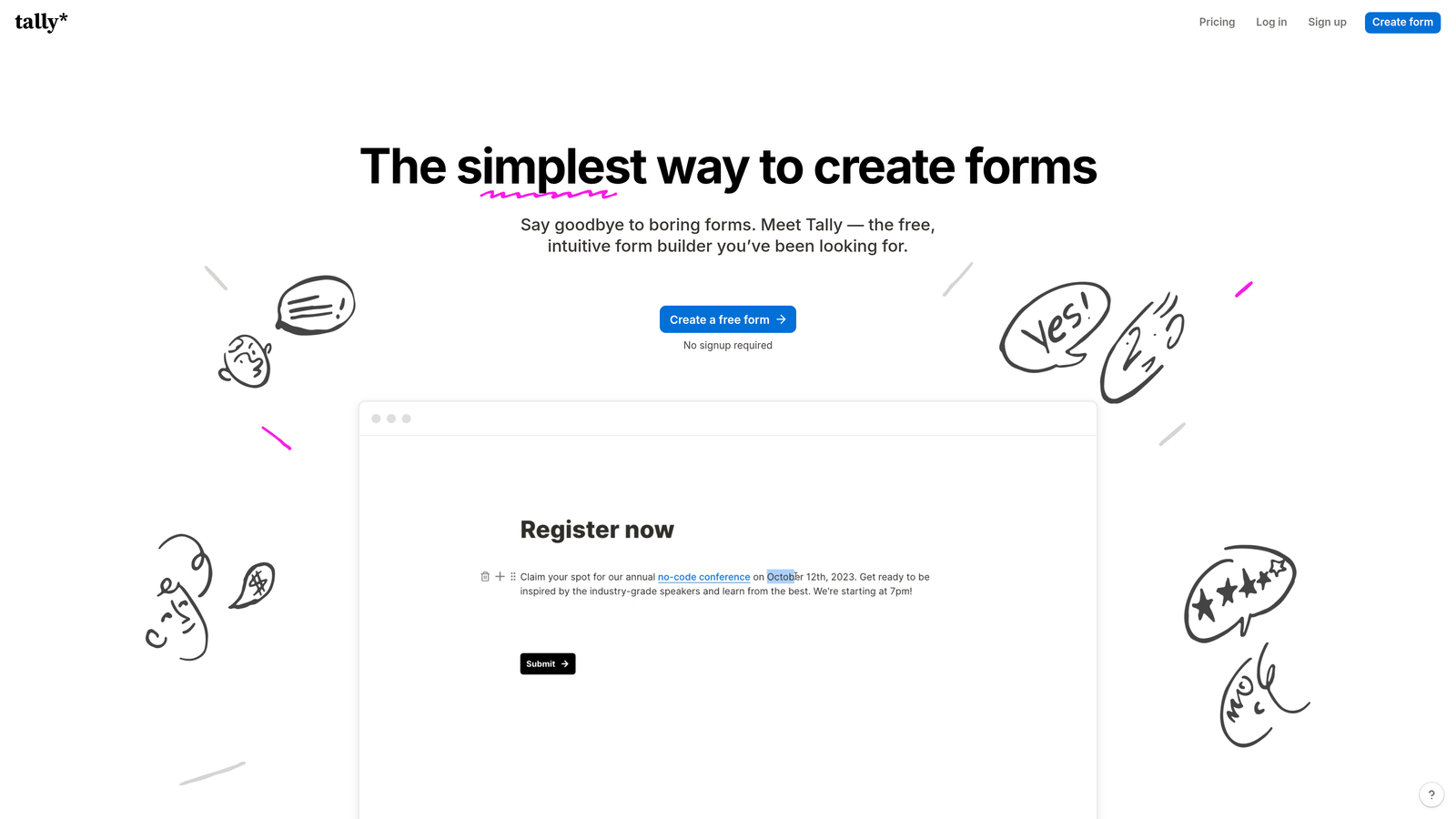
Tally is a minimalist, free-first form builder with a Notion-inspired block editor, popular with early-stage teams that prioritize simplicity and speed over enterprise feature depth.
Where This Tool Shines
Tally's free plan is genuinely generous by industry standards. You get unlimited forms, unlimited responses, and no Tally branding on your forms, which is unusual for a free tier in this category. For a pre-Series A startup that needs a demo request form live today without a budget conversation, that's a compelling starting point.
The Notion-inspired block editor feels familiar to teams already working in that environment, and the learning curve is minimal. Conditional logic, multi-step forms, and webhook support mean Tally punches above its price point for straightforward demo request use cases, even if it lacks the enterprise routing and compliance features of tools like Formstack.
Key Features
Generous Free Plan: Unlimited forms and responses with no Tally branding, making it one of the most accessible free options in the category.
Notion-Inspired Block Editor: Familiar, low-friction editing experience for teams comfortable with block-based tools.
Conditional Logic and Multi-Step Forms: Build branching demo request flows without upgrading to a paid plan.
Zapier, Make, and Webhook Support: Connect to your CRM or notification tools through standard automation platforms.
Embeddable Anywhere: Embed forms in your website, landing pages, or Notion docs with minimal setup.
Best For
Early-stage startups, indie hackers, and small teams that need a polished demo request form quickly without a budget. Also useful as a lightweight option for internal or experimental flows before committing to a more robust platform.
Pricing
Free plan available. Pro plan at approximately $29/month. Verify current pricing at tally.so.
7. Formstack
Best for: Enterprise sales organizations that need advanced routing, compliance features, and deep Salesforce integration in their demo request process.
Formstack is an enterprise-grade form platform built for organizations where compliance, complex routing, and Salesforce depth are non-negotiable requirements.
Where This Tool Shines
Formstack is built for environments where the form is just one step in a more complex operational process. HIPAA and GDPR compliance built into the platform means regulated industries, including healthcare SaaS, fintech, and legal tech, can use it for demo request flows without additional compliance overhead. That's a meaningful differentiator when the alternatives require you to self-certify compliance on top of a general-purpose tool.
The Salesforce integration goes deeper than most. Field mapping, object creation, and workflow triggers can be configured with precision, which matters when your sales operations team has built specific pipeline logic in Salesforce that needs to be respected from the first touch.
Key Features
HIPAA and GDPR Compliance: Built-in compliance features for regulated industries that need to capture demo requests without creating legal exposure.
Advanced Conditional Logic: Multi-step workflows with branching logic suited to complex enterprise qualification processes.
Native Salesforce Integration: Deep field mapping and object creation that respects existing Salesforce pipeline architecture.
Approval Routing: Internal approval chains and team collaboration features for organizations with structured review processes.
Document Generation: Generate documents from form submission data, useful for enterprise demo request confirmations or scoping documents.
Best For
Enterprise sales teams, particularly in regulated industries, that need a form platform capable of handling compliance requirements, complex routing logic, and deep Salesforce integration simultaneously. The setup investment is higher, but the operational payoff is significant at scale.
Pricing
Plans start at approximately $83/month. Enterprise pricing is available. Verify current pricing at formstack.com.
8. Fillout
Best for: Teams that want a complete form-to-book demo experience in a single tool, without stitching together a form builder and a scheduling platform.
Fillout is a modern form builder that combines a conversational, Typeform-style UX with built-in scheduling, enabling a complete request-to-booking flow without requiring a separate Calendly integration.
Where This Tool Shines
The built-in scheduling feature is Fillout's key differentiator for demo request use cases. Rather than embedding a Calendly widget or sending a follow-up link, prospects can answer qualifying questions and book their demo slot in a single, uninterrupted flow. Fewer steps between intent and booking typically means fewer drop-offs, and Fillout's progress indicators help keep prospects moving through the form.
The pricing is also notably competitive relative to Typeform, which makes Fillout worth evaluating for teams that want a similar conversational UX but are sensitive to cost. The integration catalog covers the major CRMs, including HubSpot and Salesforce, as well as Notion and Airtable for teams with more modern data stacks.
Key Features
Built-In Scheduling: Prospects can book a demo time slot within the form flow itself, eliminating the need for a separate scheduling tool.
Conditional Logic and Branching: Dynamic form paths that adapt based on prospect answers to surface the most relevant questions.
Native CRM and Tool Integrations: Direct connections to HubSpot, Salesforce, Notion, and Airtable without requiring Zapier as middleware.
Progress Indicators: Visual cues that show prospects how far they are through the form, reducing abandonment on longer qualification flows.
Competitive Pricing: More accessible price point compared to Typeform for comparable conversational form functionality.
Best For
Growth-stage SaaS teams that want a polished, end-to-end demo request experience, including scheduling, without the complexity or cost of maintaining separate tools for forms and booking. A strong Typeform alternative for budget-conscious teams.
Pricing
Free plan available. Paid plans start at approximately $15/month. Verify current pricing at fillout.com.
9. Paperform
Best for: Teams that want their demo request page to function as a branded marketing asset, not just a data collection form.
Paperform is a form builder that functions as a mini landing page, giving teams the ability to create demo request experiences that feel like a polished marketing touchpoint rather than a standard form embed.
Where This Tool Shines
Paperform sits at the intersection of form builder and landing page tool. You can embed video, images, and rich text alongside your form fields, which means the demo request experience can tell a story, reinforce your value proposition, or showcase social proof before asking the prospect to fill anything in. For teams where the demo request page is also a conversion page, this flexibility is genuinely useful.
Custom domains let you serve the form from a branded URL, which maintains brand consistency and avoids the slightly jarring experience of landing on a third-party subdomain mid-funnel. Conditional logic, multi-section layouts, and Stripe integration round out the feature set for teams that want to run paid demo or trial flows alongside standard free demo requests.
Key Features
Landing Page-Style Design: Embed rich media, video, and text content alongside form fields to create a fully branded demo request experience.
Custom Domains: Serve forms from your own branded URL rather than a third-party subdomain.
Conditional Logic and Multi-Section Layouts: Structure complex demo request flows with branching logic and organized sections.
Stripe Payment Integration: Useful for teams running paid demo, trial, or onboarding flows alongside standard requests.
Zapier and Native CRM Integrations: Connect to your CRM and notification tools through Zapier or native integrations.
Best For
Marketing-led teams and product-led growth companies that treat every prospect touchpoint as a brand moment. Also a strong fit for teams running multiple demo tiers, including paid or premium options, where payment collection within the flow adds real value.
Pricing
Plans start at approximately $24/month. Verify current pricing at paperform.co.
Which Tool Is Right for Your Demo Request Flow?
The right form builder for your demo request flow depends less on features in the abstract and more on where your biggest friction point actually lives. Here's a quick-reference breakdown by use case.
If your core problem is unqualified demos clogging your pipeline, Orbit AI is the purpose-built answer. The AI-powered qualification layer built directly into the form means your sales team gets pre-scored leads before they ever pick up the phone.
If you're deep in the HubSpot ecosystem and want zero integration overhead, HubSpot Forms is the obvious choice. It's free, it syncs natively, and it triggers your existing workflows without any additional configuration.
If booking the meeting is the conversion event and qualification happens on the call, Calendly with Intake Forms gets prospects from intent to scheduled in the fewest steps possible.
If you want a premium conversational experience with mature CRM integrations and brand customization, Typeform remains a strong benchmark. For teams that want similar UX at a lower price point with built-in scheduling, Fillout is worth a close look.
For early-stage teams working with limited budget, Tally offers a genuinely generous free tier. For enterprise organizations with compliance requirements and complex Salesforce architecture, Formstack is built for that environment. And for teams that want the demo request page to function as a full marketing asset, Paperform gives you the most design latitude of any tool on this list.
For high-growth SaaS teams where lead quality and conversion rate both matter, the combination of AI qualification, modern design, and intelligent routing makes Orbit AI the strongest starting point. Start building free forms today and see how intelligent form design can transform your demo request flow from a friction point into a genuine competitive advantage.


