

Most forms treat every respondent the same. Same questions, same order, same experience regardless of who's filling it out. The result? Frustrated users who drop off, bloated datasets filled with irrelevant answers, and lead qualification that happens after the fact instead of during the form itself.
Branching logic changes this entirely. By showing or hiding questions based on previous answers, you create a personalized path for every respondent. The result is shorter, smarter forms that feel relevant to the person completing them.
Whether you're qualifying leads, routing support tickets, building onboarding flows, or running customer surveys, the right form builder with branching logic makes a measurable difference in completion rates and data quality. Here are the top tools available in 2026, evaluated on logic depth, ease of use, integrations, and pricing.
1. Orbit AI
Best for: High-growth SaaS and B2B teams focused on lead qualification and conversion optimization
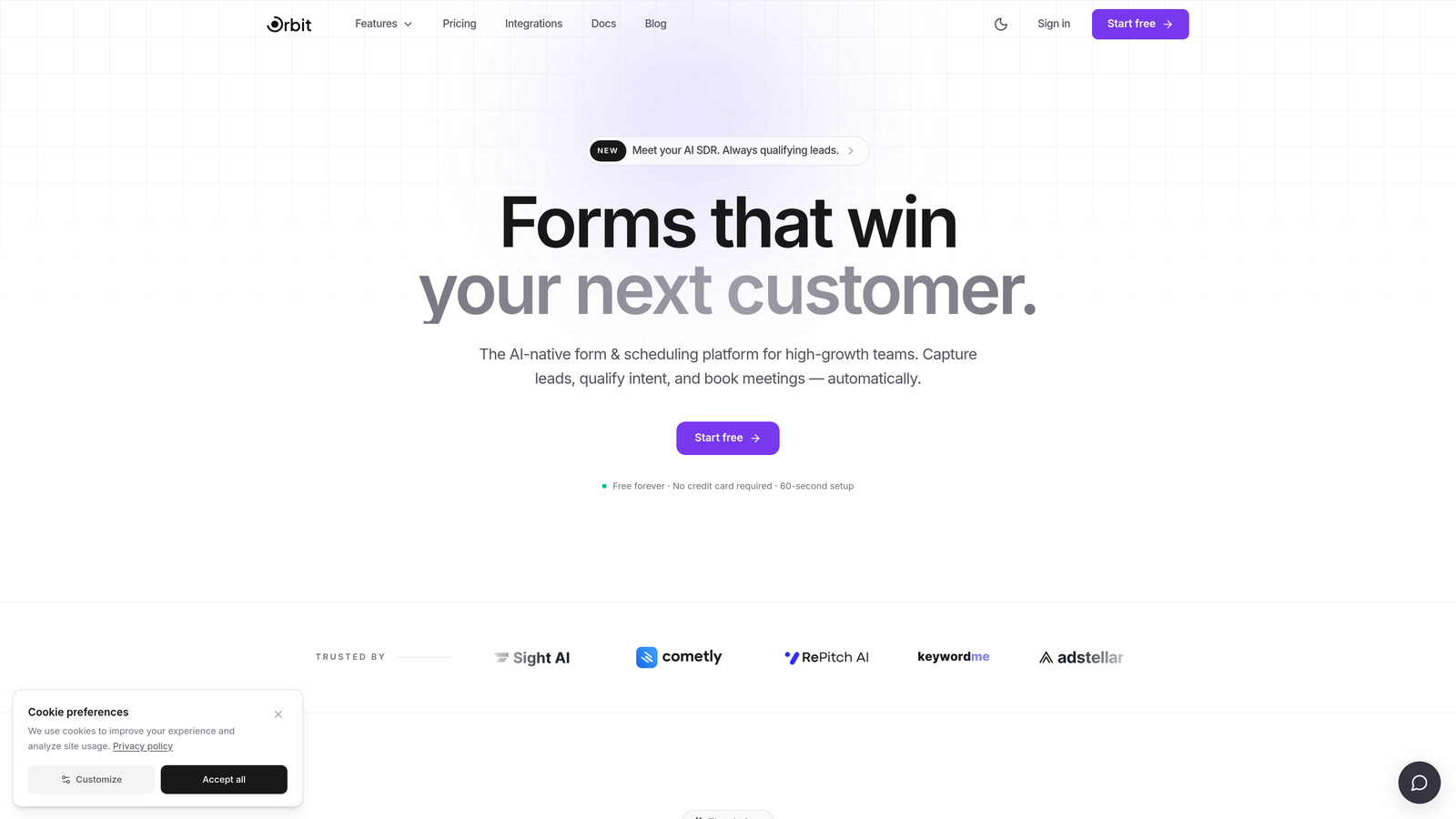
Orbit AI is an AI-powered form builder built specifically for lead generation and qualification, with branching logic that goes beyond static if/then rules.
Where This Tool Shines
Most form builders apply branching logic reactively: if the user selects option A, show question B. Orbit AI takes this further by layering AI signals into the branching flow, adapting question paths based on lead behavior and qualification signals in real time. This means your form isn't just collecting data, it's actively qualifying prospects as they move through it.
The design philosophy is equally intentional. Forms built in Orbit AI are visually modern and conversion-optimized by default, which matters when you're trying to capture attention from high-intent buyers who have seen every generic lead gen form on the internet.
Key Features
AI-Enhanced Branching: Adapts question paths dynamically based on lead signals, not just static answer rules.
Native Lead Qualification Scoring: Lead scoring is built directly into the form flow, so qualification happens during form completion rather than after export.
Conversion-Optimized Design: Modern, visually polished templates built to maximize completion rates for B2B audiences.
CRM and Marketing Automation Integrations: Connects with the tools your revenue team already uses to route qualified leads automatically.
Form Performance Analytics: Reporting focused on lead quality and conversion metrics, not just raw response counts.
Best For
Orbit AI is purpose-built for SaaS companies, B2B marketing teams, and growth-focused businesses that need forms to do more than collect data. If lead qualification is a core part of your funnel, and you want branching logic that's informed by AI rather than just manual rule-setting, this is the tool to evaluate first.
Pricing
Paid plans available. Visit orbitforms.ai for current pricing details and plan options.
2. Typeform
Best for: Teams that want a polished, conversational form experience with solid branching capabilities
Typeform is a conversational form builder known for its one-question-at-a-time format and clean, engaging user experience.

Where This Tool Shines
Typeform's Logic Jumps feature lets you branch users to different questions or sections based on their answers, and the conversational format makes even longer forms feel less overwhelming. The recall information feature is particularly useful: you can reference a respondent's earlier answers later in the form, creating a genuinely personalized experience.
Where Typeform stands out is the combination of aesthetics and logic. It's one of the most recognizable form builders in the category, and for good reason: the experience it creates for respondents is genuinely different from a standard form.
Key Features
Logic Jumps: Branch users to specific questions or endings based on their answers.
Hidden Fields and Variable Piping: Pre-populate fields and reference prior answers throughout the form for a personalized feel.
Conversational Format: One-question-at-a-time layout that reduces cognitive load and improves completion on mobile.
Integration Library: Native connections to HubSpot, Slack, Zapier, Salesforce, and many more.
Recall Information: Reference a respondent's previous answers in later questions to maintain context.
Best For
Marketing teams, agencies, and product teams that prioritize respondent experience and want branching logic with a polished, branded look. Less ideal if you need complex multi-condition logic or deep enterprise workflow automation.
Pricing
Free plan available with limitations. Paid plans start at $25/month billed annually. Pricing has increased in recent years, so check the current plans page for up-to-date details.
3. Jotform
Best for: Teams that need deep conditional logic with multi-condition rules and a large template library
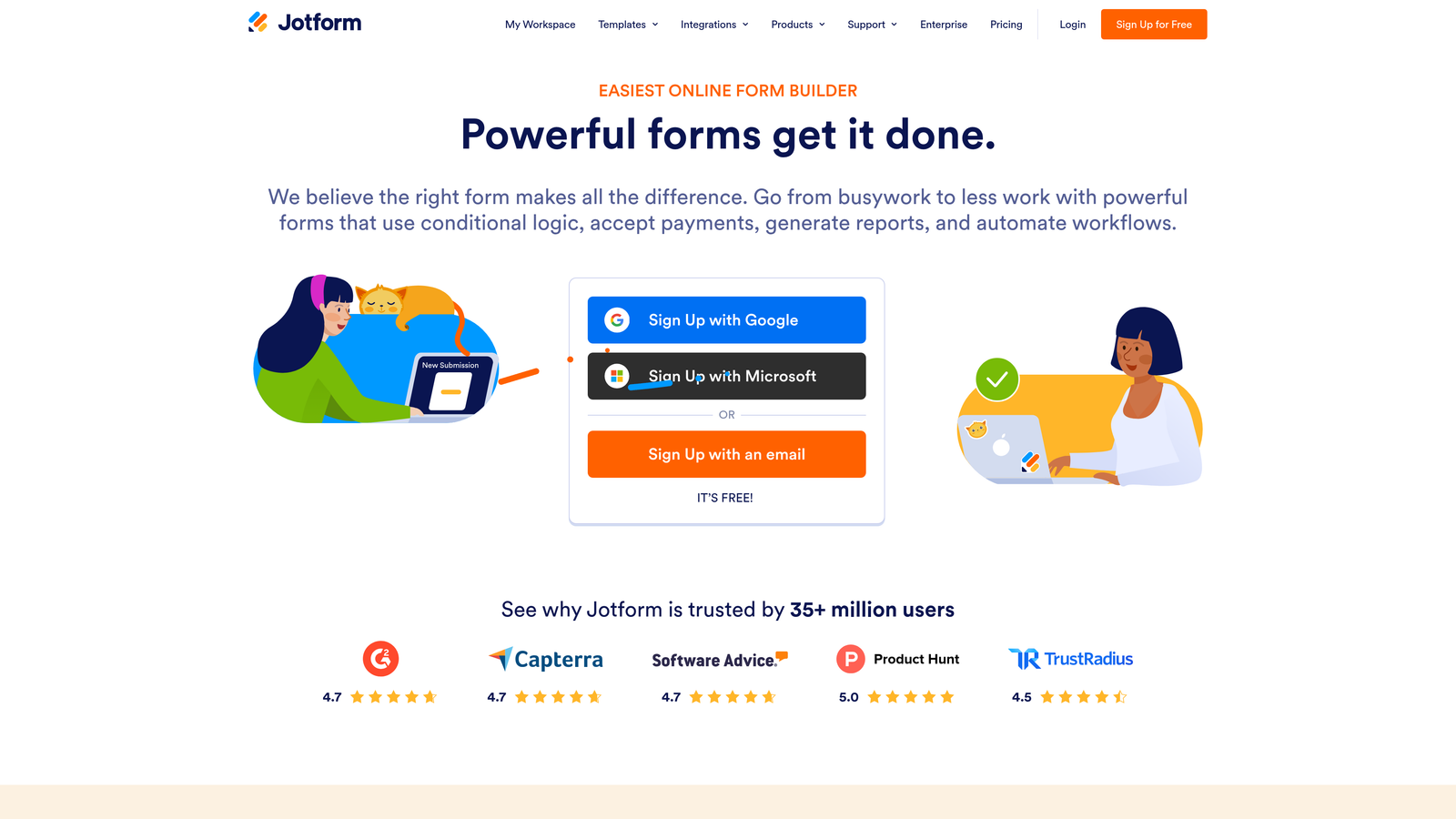
Jotform is one of the most feature-rich form builders available, with a visual conditional logic engine and thousands of ready-to-use templates.
Where This Tool Shines
Jotform's conditional logic builder is genuinely powerful. You can create AND/OR multi-condition rules, show or hide individual fields, entire pages, or full sections based on complex combinations of answers. For teams that need granular control over form behavior without writing code, this is one of the deepest logic engines in the category.
The template library is another standout. With thousands of templates spanning healthcare, HR, education, legal, and operations, you can usually find a starting point close to what you need rather than building from scratch.
Key Features
Visual Conditional Logic Builder: AND/OR multi-condition rules with a drag-and-drop interface, no coding required.
Show/Hide at Any Level: Apply logic to individual fields, pages, or entire form sections.
Calculation Fields: Perform math operations within the form for scoring, pricing, or eligibility calculations.
Payment Integrations: Built-in support for Stripe, PayPal, Square, and other payment processors.
HIPAA-Compliant Plans: Available for healthcare organizations that need compliant data collection.
Best For
Operations teams, HR departments, healthcare organizations, and anyone who needs complex multi-condition logic without developer involvement. Also a strong choice for teams that rely on a large template library to speed up form creation.
Pricing
Free plan available with submission and storage limits. Paid plans start at $34/month billed annually.
4. HubSpot Forms
Best for: Inbound marketing teams already using HubSpot CRM who want native form-to-CRM integration
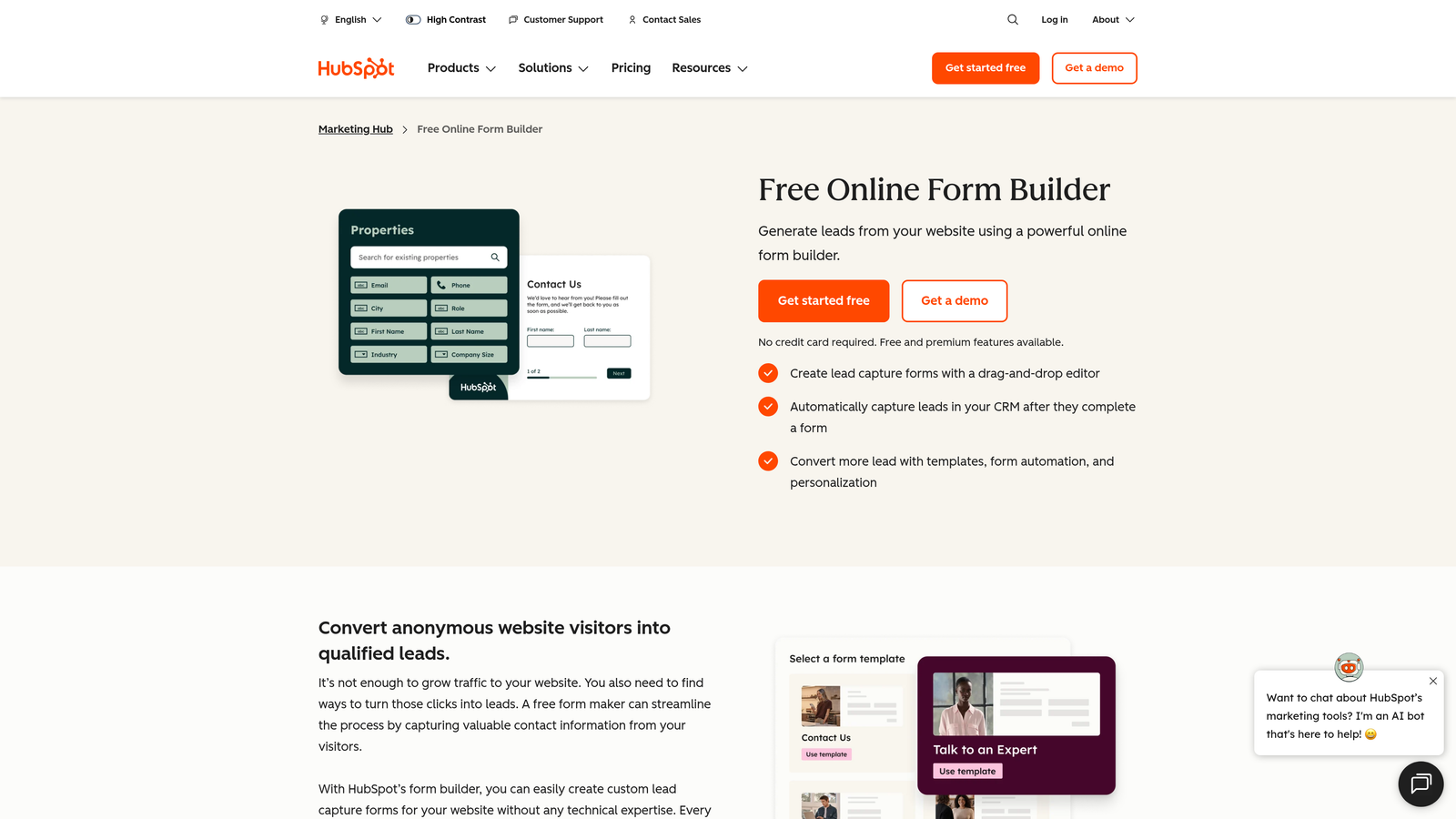
HubSpot Forms is a CRM-native form builder with progressive profiling and smart fields designed to work seamlessly within the HubSpot ecosystem.
Where This Tool Shines
HubSpot Forms' biggest differentiator isn't branching logic depth, it's CRM intelligence. Progressive profiling means that returning visitors who are already known contacts see different fields than new visitors, so you're always collecting new information rather than asking the same questions twice. Smart fields pull from existing contact properties to avoid redundancy.
For teams running their entire go-to-market motion through HubSpot, the native integration with workflows, lead routing, and lifecycle stage management is genuinely hard to replicate with a standalone form tool.
Key Features
Progressive Profiling: Automatically shows new fields to returning contacts, building richer profiles over time without repetitive questions.
Smart Fields: Pre-populate or skip fields based on existing CRM contact properties.
Native Lead Routing: Trigger HubSpot workflows, sequences, and notifications directly from form submissions.
Dependent Fields: Basic branching to show or hide fields based on previous answers.
Marketing Hub Integration: Full connection to HubSpot's email, ads, and automation tools.
Best For
Marketing and sales teams that run their operations on HubSpot and want forms that feed directly into CRM workflows. If you're not a HubSpot user, the branching logic here is more limited than dedicated form builders and the value proposition diminishes significantly.
Pricing
Free with HubSpot's free CRM tier. Advanced features require Marketing Hub, which starts at $800/month billed annually.
5. Paperform
Best for: Designers, consultants, and small teams who want forms that look like branded landing pages
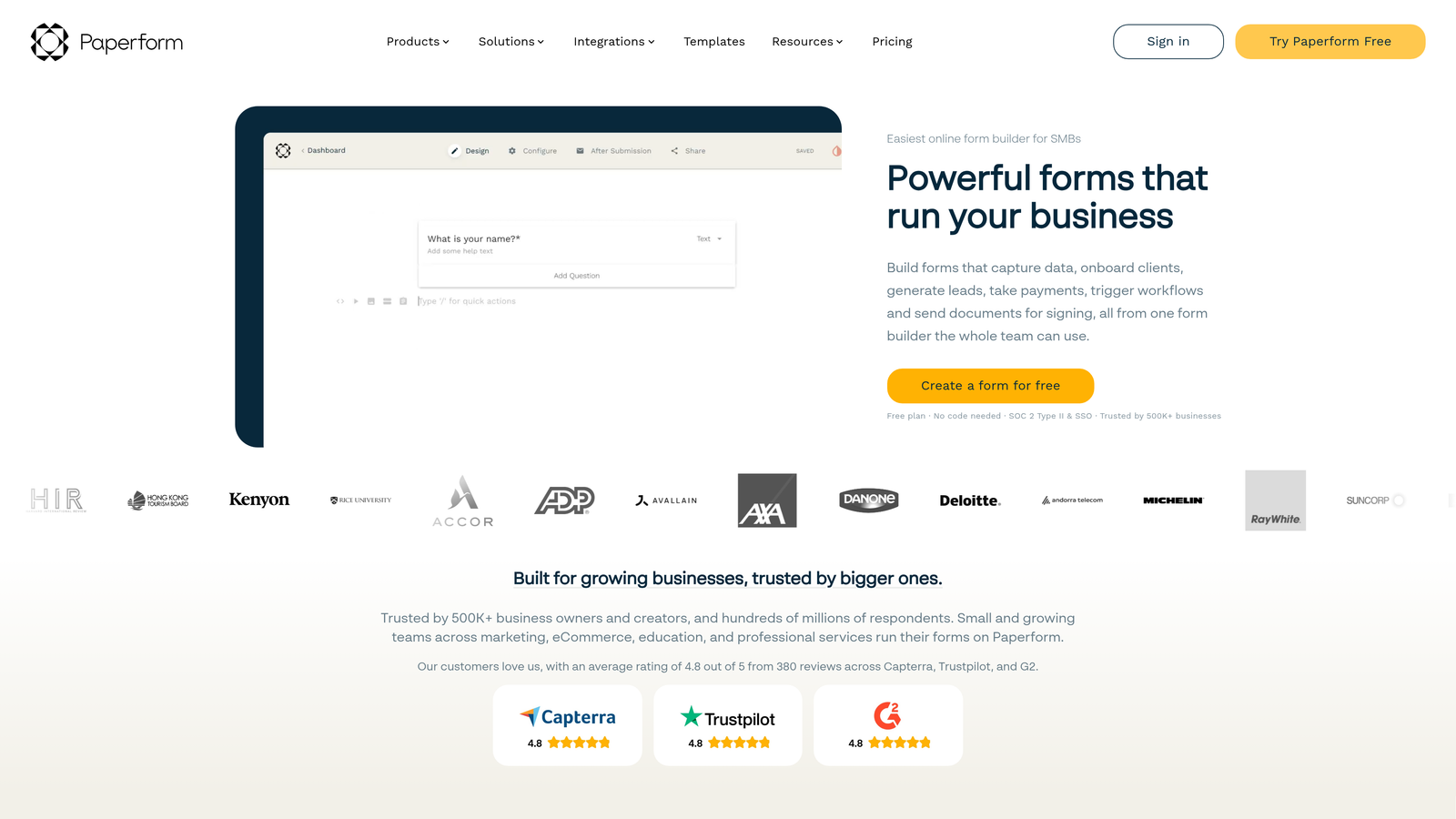
Paperform is a design-first form builder with a freeform page editor, conditional sections, and built-in calculation fields.
Where This Tool Shines
Paperform takes a fundamentally different approach to form design. Instead of a traditional field-by-field builder, you get a freeform editor that lets you mix text, images, embeds, and form fields on a page that looks more like a branded landing page than a typical form. The result is forms that feel native to your brand without requiring a developer.
Conditional sections let you show or hide entire content blocks based on answers, which is particularly useful for quote calculators, intake forms, and multi-service offerings where different respondents need to see completely different information.
Key Features
Conditional Sections: Show or hide entire content blocks and question groups based on prior answers.
Freeform Editor: Mix text, media, and form fields freely on the page for a landing page-style experience.
Calculation Fields: Build pricing calculators, scoring systems, and quote generators directly in the form.
Built-in Payments: Accept payments via Stripe and PayPal without third-party tools.
Conditional Redirects: Send respondents to different success pages or URLs based on their answers.
Best For
Consultants, agencies, service businesses, and small teams that want visually distinctive forms without a developer. Strong for quote forms, intake flows, and any scenario where design quality directly affects conversion.
Pricing
Starts at $24/month billed annually. A 14-day free trial is available, but there is no permanent free plan.
6. SurveyMonkey
Best for: Research teams and marketers who need skip logic alongside survey-specific features like question randomization and respondent panels
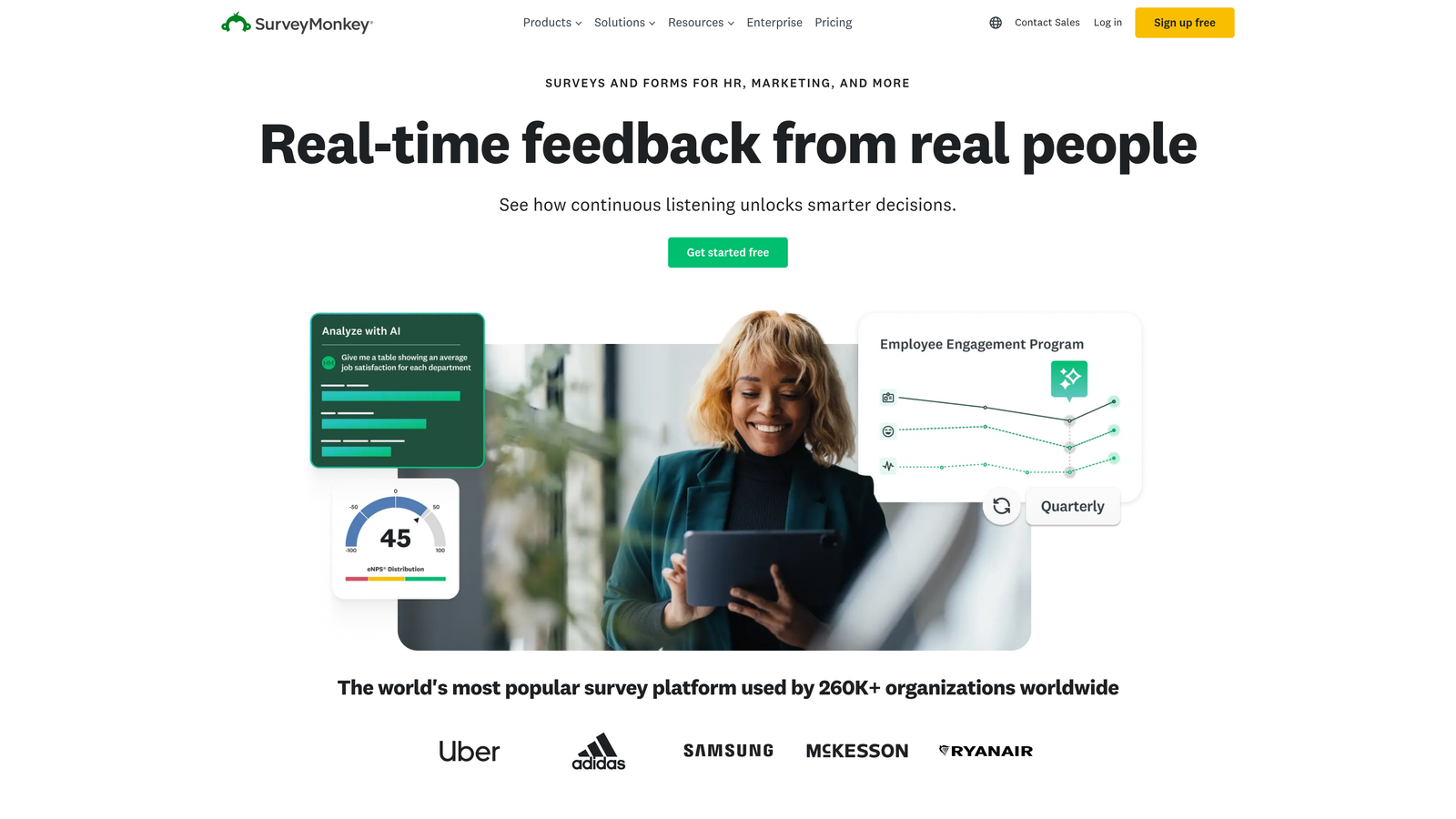
SurveyMonkey is an established survey platform with skip logic, page branching, and access to research panels for market research use cases.
Where This Tool Shines
SurveyMonkey has been in this space long enough to build a genuinely mature feature set for research-oriented use cases. Skip logic and page branching let you route respondents through different question paths, while question randomization helps reduce response bias in research contexts. These are features that matter a great deal in survey methodology but rarely appear in lead gen-focused form builders.
The respondent panel access is a unique differentiator: if you need to survey a specific demographic you don't already have in your database, SurveyMonkey can connect you with a panel of respondents that matches your criteria.
Key Features
Skip Logic and Page Branching: Route respondents to different questions or pages based on their answers, available on paid plans.
Question Randomization: Randomize question or answer order to reduce bias in research surveys.
A/B Testing: Test different question variations to optimize survey performance.
Respondent Panel Access: Purchase access to targeted survey respondents for market research projects.
Advanced Reporting: Detailed data export and analysis tools suited for research reporting.
Best For
Market researchers, product teams running customer research, and HR teams conducting employee surveys. Less suited for lead generation or conversion-focused use cases where form aesthetics and CRM integration are priorities.
Pricing
Free plan available with significant limitations. Paid plans start at $25/month. Respondent panel access is priced separately.
7. Gravity Forms
Best for: WordPress users who need robust conditional logic with full developer extensibility
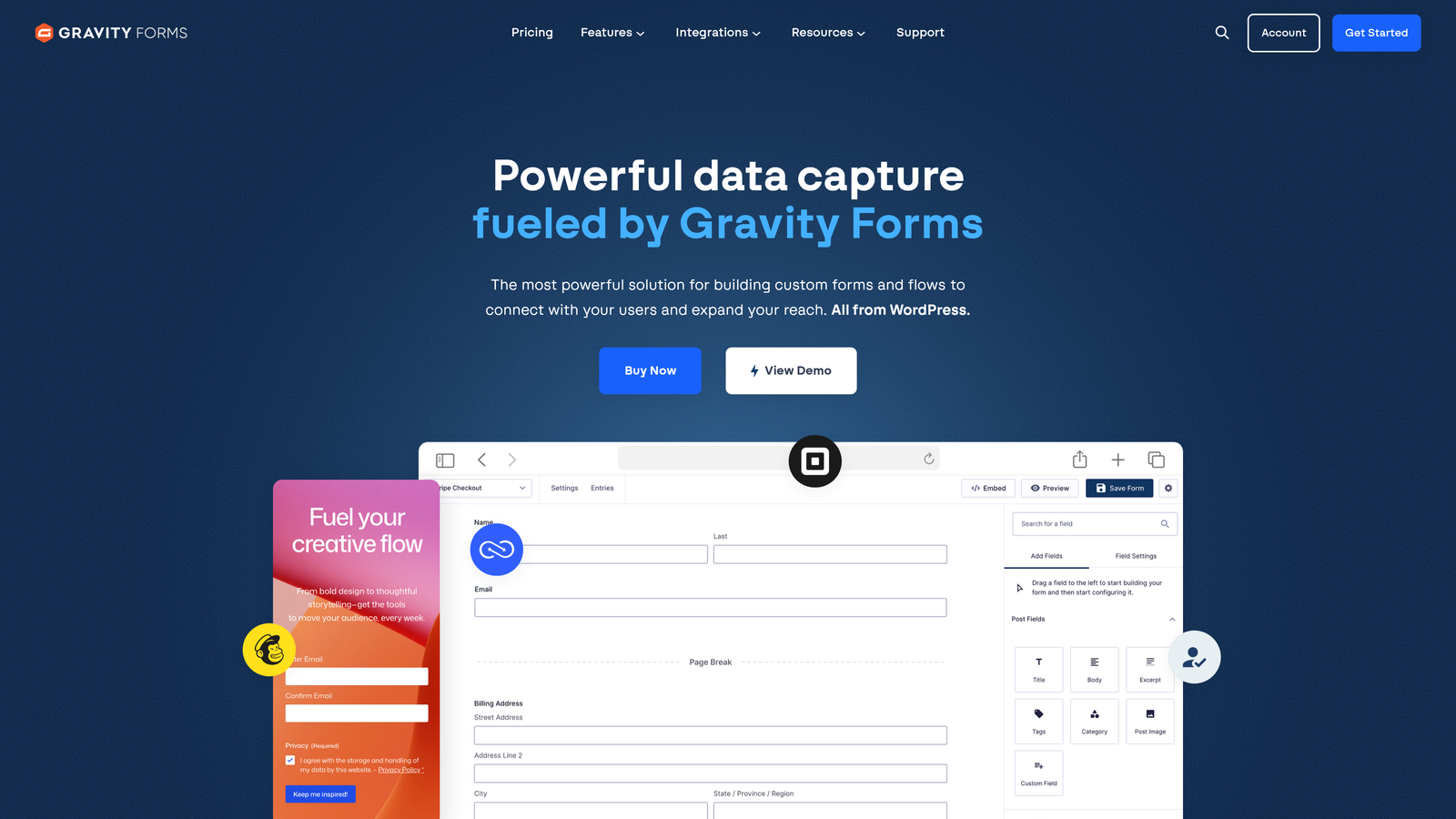
Gravity Forms is a WordPress plugin with a powerful conditional logic engine, an extensive add-on ecosystem, and deep customization options for developers.
Where This Tool Shines
If your website runs on WordPress and you need serious conditional logic without switching platforms, Gravity Forms is the go-to choice. Multi-condition rules let you show or hide fields, sections, and entire pages based on complex combinations of answers. Conditional page routing means you can build multi-step flows where the path through the form changes based on what users select.
The developer extensibility is a genuine differentiator for technical teams. Gravity Forms exposes hooks and filters throughout the form lifecycle, which means developers can build custom logic, integrations, and behaviors that no SaaS form builder could replicate out of the box.
Key Features
Multi-Condition Conditional Logic: Show or hide fields, sections, and pages using complex AND/OR rule combinations.
Add-On Ecosystem: Official add-ons for Stripe, Mailchimp, HubSpot, Zapier, Salesforce, and many more.
Developer Hooks and Filters: Extensive customization points for building bespoke form behavior and integrations.
Conditional Page Routing: Route users through different pages of a multi-step form based on their answers.
Entry Management: Built-in submission management with conditional notification routing.
Best For
WordPress site owners, developers, and agencies that need a powerful, extensible form solution within the WordPress ecosystem. Not suitable for teams not using WordPress, and requires more technical setup than SaaS alternatives.
Pricing
Starts at $59/year for a Basic license. No free plan or trial. Higher tiers unlock additional add-ons and priority support.
8. Formstack
Best for: Enterprise teams in regulated industries that need branching logic tied to workflows, document generation, and compliance
Formstack is an enterprise form and workflow platform that connects conditional logic to multi-step approvals, document generation, and e-signatures.
Where This Tool Shines
Formstack isn't just a form builder: it's a workflow platform that happens to start with a form. Branching logic here connects directly to downstream processes, so a respondent's answers can determine which approval workflow is triggered, which document gets generated, and which team member receives a notification. For organizations running complex, multi-step processes, this end-to-end capability is hard to replicate with simpler tools.
Compliance is another area where Formstack earns its price point. HIPAA and GDPR compliance features make it a viable option for healthcare organizations, financial services firms, and other regulated industries where data handling requirements are non-negotiable.
Key Features
Workflow-Connected Branching: Logic rules that trigger multi-step approvals and routing, not just field visibility changes.
Formstack Documents: Native document generation that populates templates with form submission data.
Formstack Sign: Built-in e-signature collection integrated with the form and document workflow.
Compliance Features: HIPAA and GDPR compliance tools for regulated industries.
Enterprise CRM Integrations: Native Salesforce integration and connections to other enterprise systems.
Best For
Enterprise teams in healthcare, legal, financial services, and operations-heavy organizations that need forms connected to approval workflows and document processes. The price point and complexity make it overkill for most small and mid-size teams.
Pricing
Starts at $83/month billed annually. Enterprise pricing is available for larger deployments.
9. Google Forms
Best for: Simple internal surveys, basic data collection, and anyone who needs a free, zero-setup solution
Google Forms is a free, no-frills form builder from Google with section-based branching and seamless Google Workspace integration.
Where This Tool Shines
Google Forms wins on accessibility. It's completely free, requires no account beyond a Google login, and can be set up in minutes. Section-based branching lets you route respondents to different sections of a form based on multiple choice or dropdown answers, which covers a surprising range of simple use cases without any cost or complexity.
For internal use cases where design and CRM integration aren't priorities, it's genuinely hard to beat. Team surveys, event registrations, internal request forms, and basic quizzes all work well here without any investment in tooling.
Key Features
Section-Based Branching: Route respondents to different form sections based on multiple choice or dropdown answers.
Completely Free: No cost, no submission limits, and no paid tiers required for branching features.
Google Sheets Integration: Real-time response collection directly into a connected spreadsheet.
Easy Sharing and Collaboration: Share via link or email with familiar Google Workspace permissions.
Quiz and Scoring Mode: Basic quiz functionality with automatic grading and score display.
Best For
Internal teams, educators, and anyone with simple, low-stakes data collection needs. Not suitable for lead generation, customer-facing forms where design matters, or any use case requiring CRM integration, complex multi-condition logic, or branded experiences.
Pricing
Completely free with a Google account. No paid tiers.
Which Tool Is Right for Your Team?
The best form builder with branching logic depends almost entirely on what you're trying to accomplish. Here's a quick-reference guide to help you narrow it down.
For lead generation and qualification: Orbit AI is the strongest choice for SaaS and B2B teams. The combination of AI-enhanced branching and native lead scoring means your form is doing qualification work in real time, not just collecting data for a human to sort later.
For conversational, polished experiences: Typeform remains the benchmark for respondent experience. If your brand demands a premium feel and you want branching without complexity, it's a natural fit.
For complex multi-condition logic: Jotform and Gravity Forms both offer deep conditional logic engines. Jotform is the better choice for non-technical teams; Gravity Forms is ideal if you're on WordPress and have developer resources.
For HubSpot-native teams: HubSpot Forms is the obvious choice if your entire marketing stack runs on HubSpot. The progressive profiling and workflow integration are hard to replicate externally.
For enterprise and compliance use cases: Formstack's workflow connectivity and compliance features make it the right fit for regulated industries with complex approval processes.
For simple, free forms: Google Forms covers basic branching at zero cost. It's the right tool for internal use cases where design and integrations don't matter.
If you're building forms specifically to capture and qualify leads, the real question isn't just which tool has branching logic: it's which tool turns that branching logic into a qualification engine. That's where AI-powered form builders like Orbit AI represent a meaningful step forward over traditional if/then rule builders.
Transform your lead generation with AI-powered forms that qualify prospects automatically while delivering the modern, conversion-optimized experience your high-growth team needs. Start building free forms today and see how intelligent form design can elevate your conversion strategy.


