

When your team is evaluating Cognito Forms vs JotForm, the decision rarely comes down to a simple feature checklist. Both platforms have been around for years, both handle basic form creation, and both have loyal user bases. So why does choosing between them feel so complicated?
The answer is that the right choice depends entirely on what you're trying to accomplish. Are you collecting payments? Qualifying leads? Running complex conditional logic? Building multi-step experiences that convert? Each of those goals points to a different winner — or reveals that neither platform is the right fit for a high-growth team.
This guide cuts through the noise with seven strategic frameworks to evaluate Cognito Forms and JotForm against your actual business needs. Rather than a dry feature-by-feature table, each strategy focuses on a specific use case or growth objective so you can make a decision that holds up six months from now.
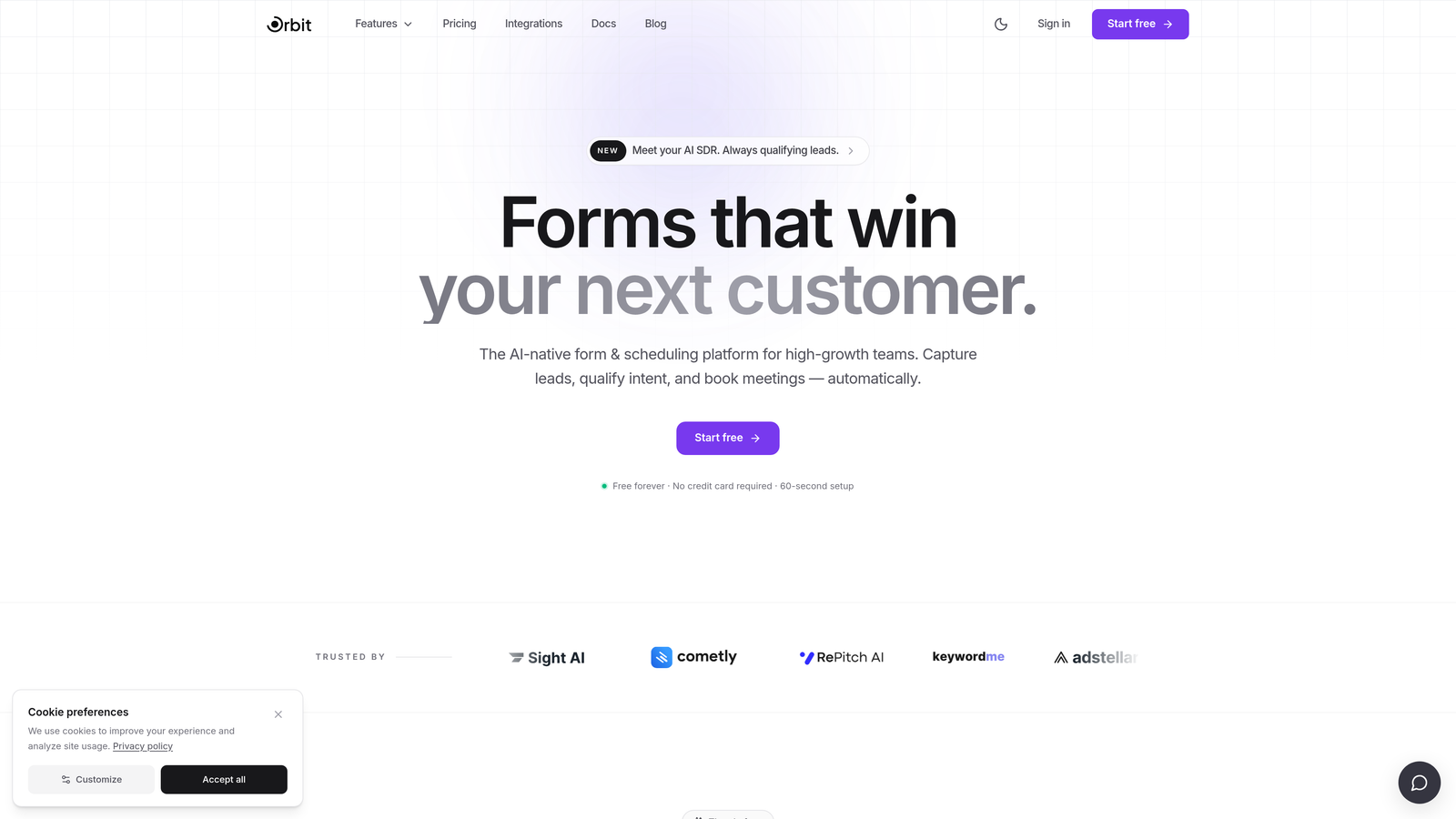
And because no honest comparison would be complete without acknowledging the limits of legacy form builders, we'll also flag the moments when a more modern, conversion-focused platform like Orbit AI's form builder deserves a spot in your evaluation.
1. Evaluate Payment and E-Commerce Capabilities Before Anything Else
The Challenge It Solves
If payment collection is a core use case for your team, you need to understand the structural differences between these platforms before you spend time evaluating anything else. Getting deep into a platform's UX and integrations, only to discover the payment model doesn't work for your business, is an expensive mistake.
The Strategy Explained
Cognito Forms includes native payment processing via Stripe across its plans without charging additional platform transaction fees beyond Stripe's standard rates. This makes it a genuinely attractive option for teams building order forms, event registration with payment, or any workflow where transactions are frequent. JotForm also supports payment processing, but the feature set and available payment gateways vary significantly depending on which plan tier you're on.
This structural difference matters more than it might initially appear. If you're projecting growth in transaction volume, a platform that layers fees on top of processor fees can meaningfully affect your unit economics over time. Verify both platforms' current pricing pages directly, as these structures do change, but the underlying philosophy differs: Cognito Forms treats payments as a core feature, while JotForm treats it more as an add-on capability.
Implementation Steps
1. List every payment scenario your forms need to handle: one-time purchases, subscriptions, variable amounts, multi-item orders.
2. Visit cognito-forms.com/pricing and jotform.com/pricing and map each scenario to the plan tier required on each platform.
3. Calculate the total cost including processor fees and any platform transaction fees at your projected monthly volume.
4. Test a live payment form on each platform's free or trial tier before committing to a paid plan.
Pro Tips
Don't just test whether payments work. Test the checkout experience your customers will see. A clunky payment flow can hurt conversion rates regardless of how clean the backend is. If your payment forms are customer-facing and high-volume, treat the buyer experience as a first-class evaluation criterion alongside the cost structure.
2. Match Conditional Logic Complexity to Your Actual Workflow
The Challenge It Solves
Conditional logic is one of those features that sounds equivalent across platforms until you actually try to build something complex. Teams that underestimate this difference end up either locked into a platform that can't handle their workflow or paying for power they'll never use.
The Strategy Explained
JotForm uses a visual, drag-and-drop conditional logic builder that's genuinely beginner-friendly. You can set up "if this field equals X, show field Y" rules without any technical background. For straightforward branching, it works well and gets teams up and running quickly.
Cognito Forms takes a different approach with expression-based conditional logic, similar to writing spreadsheet formulas. This system is considerably more powerful: you can build nested conditions, reference calculated values, and create deeply branched form paths that would be difficult or impossible to replicate in a visual builder. The trade-off is a steeper learning curve. If your team doesn't have someone comfortable with formula-style syntax, the power advantage disappears.
The key insight here is that reading feature descriptions won't tell you which approach works for your use case. You need to actually build your most complex form scenario on both platforms and see where each one breaks down. Teams dealing with long, complex web forms often discover these limitations only after committing to a platform.
Implementation Steps
1. Document your most complex conditional logic scenario in plain language before opening either platform.
2. Attempt to build that exact scenario on JotForm's free tier using the visual logic builder.
3. Attempt the same scenario on Cognito Forms using their expression-based system.
4. Note where each platform requires workarounds or simply can't execute your intended logic.
Pro Tips
Bring the person who will actually maintain the forms into this test. A developer might find Cognito Forms' expression system intuitive; a marketing manager might not. The "best" system is the one your team can build and maintain without constant technical support. Sustainability matters as much as raw capability.
3. Stress-Test Lead Qualification Features Against Your Sales Process
The Challenge It Solves
For B2B and high-growth teams, a form isn't just a data collection tool. It's often the first point of contact between a prospect and your sales process. When lead quality directly impacts pipeline, the gap between a form that collects information and a form that qualifies prospects becomes a genuine revenue issue.
The Strategy Explained
Here's where both platforms show their age relative to modern sales workflows. JotForm has a broader library of native CRM integrations, including connections to Salesforce, HubSpot, and other major platforms, which gives it an advantage for teams that need data flowing directly into their sales stack. Cognito Forms tends to rely more on middleware like Zapier or Make for CRM connectivity, which adds a layer of complexity and potential failure points.
But neither platform was designed with lead qualification as a primary use case. Neither offers intelligent lead scoring at the form level, real-time prospect routing based on qualification criteria, or AI-assisted qualification logic. They collect data and pass it downstream. What happens to that data, and how quickly your sales team can act on it, depends almost entirely on your CRM setup and the integrations you build.
For teams where this gap is a hard blocker, purpose-built platforms like Orbit AI are worth evaluating. Orbit AI was designed specifically for lead qualification and conversion optimization, with AI-powered features that act on prospect data at the form level rather than after submission.
Implementation Steps
1. Map your current lead qualification criteria: what signals indicate a high-quality lead for your sales team?
2. Identify which of those signals can realistically be captured in a form (company size, budget, use case, etc.).
3. Test how each platform routes qualified vs. unqualified submissions: can you send different confirmation emails, trigger different CRM workflows, or route to different sales reps based on form responses?
4. Measure the time between form submission and sales team follow-up in your current process, then ask whether either platform's integration options can improve that speed.
Pro Tips
Talk to your sales team before finalizing this evaluation. They'll tell you whether the leads coming from your current forms are actually useful or whether they're spending time filtering out noise. That feedback is more valuable than any feature comparison document.
4. Audit Pricing Structures Against Your Submission Volume
The Challenge It Solves
Both platforms use pricing models that can create unexpected cost spikes as your business grows. Teams that commit to a plan based on current volume, without projecting forward, often find themselves facing a significant price jump at exactly the moment their growth is accelerating.
The Strategy Explained
JotForm's pricing scales primarily around submission volume, storage, and access to certain features. As you grow the number of form submissions per month, you move up through plan tiers. Cognito Forms prices around monthly entries and the number of forms you can create, which creates a different set of constraints.
Neither model is inherently better, but they create different risks depending on your growth trajectory. A team running a high-volume lead generation campaign might hit JotForm's submission limits quickly. A team building out a large library of internal forms might hit Cognito Forms' form count limits. The key is to model both scenarios before you commit.
It's also worth noting that both platforms offer free tiers with meaningful limitations. These are useful for testing but rarely adequate for a growing business's actual needs. Don't evaluate the platforms based on free tier constraints alone.
Implementation Steps
1. Pull your current monthly form submission data, or estimate it based on your traffic and conversion rates.
2. Project that volume 12 months forward using a conservative growth assumption and an aggressive one.
3. Map both projections to the pricing tiers on each platform and calculate the annual cost at each scenario.
4. Factor in any additional costs: integrations, HIPAA compliance add-ons, API access, or white-labeling if relevant.
Pro Tips
Watch for the gap between plan tiers. Sometimes the jump from one tier to the next is disproportionately large relative to the feature or volume increase it unlocks. If your projected growth puts you near a tier boundary, it's worth negotiating with the platform's sales team before signing an annual contract. Understanding the true monthly cost of lead gen forms across tiers can prevent budget surprises down the road.
5. Test Mobile and Multi-Step Form Performance for Conversion Optimization
The Challenge It Solves
Form design has a direct relationship with completion rates, and completion rates have a direct relationship with pipeline. High-growth teams can't afford to leave conversions on the table because their forms feel clunky on mobile or present too much information at once.
The Strategy Explained
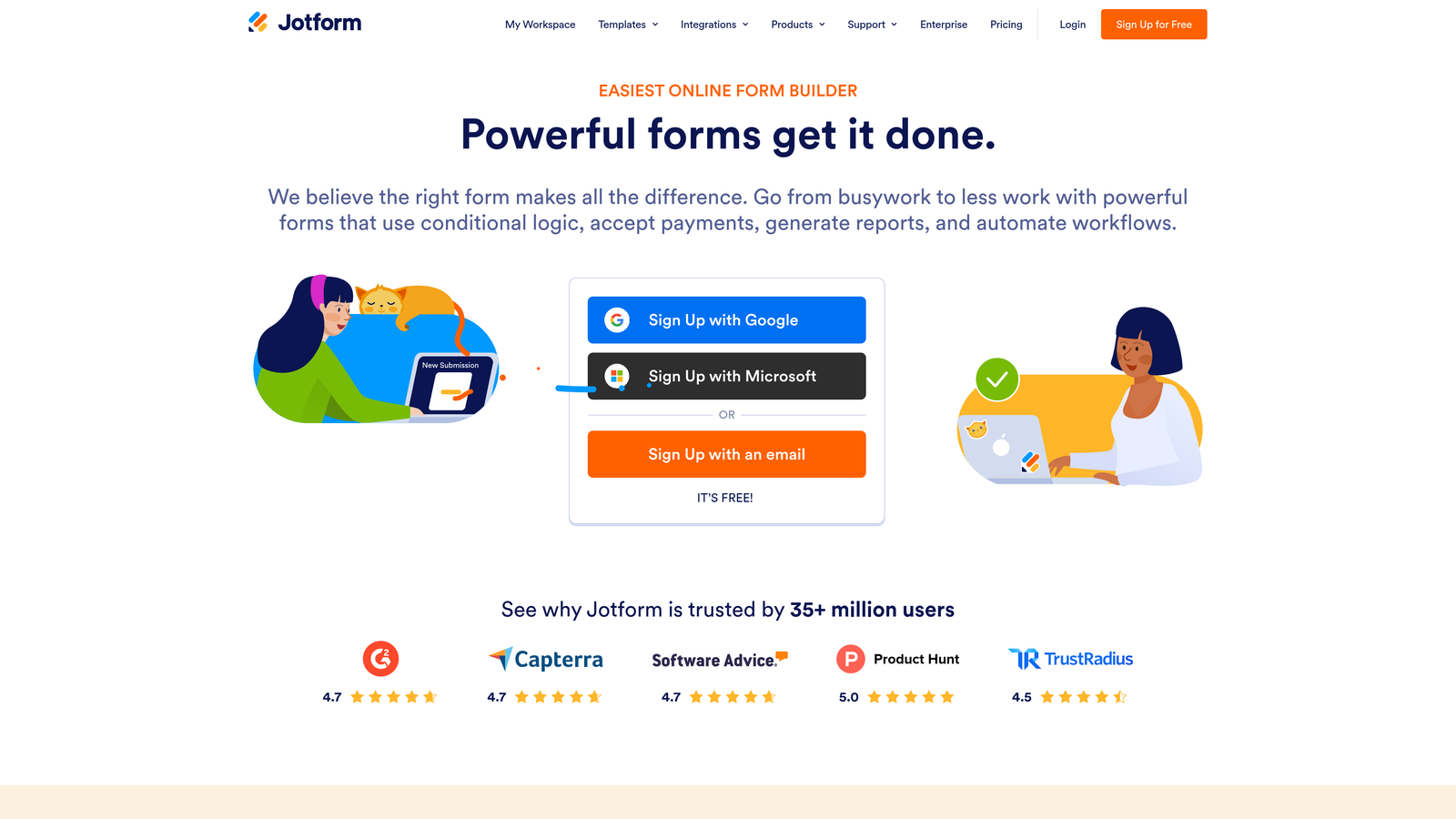
JotForm's Card Forms offer a conversational, one-question-at-a-time experience that tends to perform well on mobile devices. The format reduces the visual weight of longer forms and can make the experience feel more like a dialogue than a data entry task. Multi-step forms vs single-page forms is a well-studied debate among conversion rate optimization practitioners, who widely recommend this approach for reducing perceived form length and improving completion rates.
Cognito Forms delivers a more traditional multi-field layout. It's clean and functional, but it doesn't offer the same conversational, single-question experience out of the box. For teams where mobile completion rates are a key metric, this difference is worth testing directly rather than assuming.
The critical word there is "testing." Visual impressions of a form in a desktop editor don't tell you how real users behave on their phones. If conversion optimization is a priority, you need actual completion rate data, not a judgment call based on aesthetics. Platforms like Orbit AI are built with this principle at their core, combining modern multi-step form design with AI-powered qualification to optimize both completion and lead quality simultaneously.
Implementation Steps
1. Build the same form on both platforms, using the best mobile-optimized format each offers.
2. Test both forms on actual mobile devices across iOS and Android, not just browser emulators.
3. If possible, run a small A/B test with real traffic to compare completion rates before committing to a platform.
4. Check load times on mobile connections, as slow-loading forms have a measurable impact on abandonment.
Pro Tips
Don't just measure completion rate. Measure completion rate by device type. A form that performs well on desktop but poorly on mobile might be hiding a significant conversion problem if your audience skews toward mobile users. Review best practices for optimizing forms on mobile before drawing conclusions about which platform performs better for your audience.
6. Evaluate Data Privacy and Compliance Requirements for Your Industry
The Challenge It Solves
Compliance requirements aren't a nice-to-have evaluation criterion. For teams in healthcare, finance, legal, or any industry with regulatory obligations, a form builder that doesn't meet your compliance needs isn't an option regardless of how good its other features are. Discovering this late in the evaluation process is costly.
The Strategy Explained
Both Cognito Forms and JotForm offer HIPAA-compliant plans, but at different price points and with different feature sets included at that tier. JotForm's HIPAA compliance is available on its Gold and Enterprise plans. Cognito Forms offers HIPAA compliance on its Enterprise plan. If HIPAA is a requirement, you're already looking at higher-tier plans on both platforms, which changes the cost comparison significantly.
Beyond HIPAA, GDPR compliance, data residency options, and enterprise security requirements like SSO, audit logs, and custom data retention policies vary between the platforms. European teams or teams serving European customers need to evaluate GDPR handling carefully. Teams in regulated industries often have security requirements that go beyond standard HIPAA compliance. Healthcare organizations in particular should review form requirements specific to healthcare before committing to either platform.
This is an area where you should involve your legal or compliance team in the evaluation, not just your product or marketing team. The questions they ask will surface requirements that a standard feature comparison won't reveal.
Implementation Steps
1. Document your compliance requirements before opening either platform: HIPAA, GDPR, SOC 2, data residency, retention policies.
2. Contact both platforms' sales teams directly with your specific requirements rather than relying solely on their public documentation.
3. Request a data processing agreement (DPA) from each platform and have your legal team review it.
4. Ask about their breach notification process, uptime SLAs, and data export options in case you need to migrate later.
Pro Tips
Compliance requirements have a way of expanding over time, especially as companies grow and enter new markets. Evaluate not just whether a platform meets your current requirements, but whether it's positioned to meet requirements you might have in 18 to 24 months. Migrating form infrastructure mid-growth is painful.
7. Know When Both Platforms Fall Short for Modern Lead Generation
The Challenge It Solves
The most important strategy in this list is knowing when the comparison itself is the wrong frame. Cognito Forms and JotForm are both capable, established platforms. But they were built for a different era of digital marketing, and high-growth teams increasingly have needs that neither platform was designed to address.
The Strategy Explained
Neither Cognito Forms nor JotForm was purpose-built for AI-powered lead scoring, intelligent prospect routing, or real-time qualification logic. They were designed to collect data and pass it to other systems. For many use cases, that's completely adequate. For teams where form performance directly impacts pipeline quality and revenue, it's often not enough.
Modern B2B lead generation increasingly requires forms that do more than capture information. They need to qualify prospects in real time, route high-value leads to the right sales rep immediately, adapt the form experience based on who's filling it out, and provide conversion analytics that go beyond simple submission counts. Teams focused on B2B lead generation forms are increasingly finding that legacy form builders can't keep pace with these demands.
This is the gap that purpose-built platforms are designed to fill. Orbit AI's form builder was built specifically for high-growth teams where lead qualification and conversion optimization are primary objectives, not secondary features. If your evaluation of Cognito Forms and JotForm keeps surfacing the same gaps around AI-powered qualification and intelligent routing, that's a signal to expand your evaluation beyond these two platforms.
Implementation Steps
1. Define what "good lead quality" means for your sales team in concrete, measurable terms.
2. Assess whether either platform can enforce those quality criteria at the form level, before submission reaches your CRM.
3. Evaluate whether your current form-to-pipeline conversion rate is acceptable or whether there's meaningful room for improvement.
4. If the answer to steps 2 and 3 suggests a gap, add at least one purpose-built lead qualification platform to your evaluation alongside Cognito Forms and JotForm.
Pro Tips
Be honest about what's driving your evaluation. If the primary goal is simple data collection or internal workflows, Cognito Forms or JotForm will likely serve you well. If the primary goal is pipeline quality and conversion optimization, you're evaluating the wrong category of tools if you're only looking at these two platforms.
Your Implementation Roadmap
Here's how to turn these seven strategies into a decision you won't have to revisit in six months.
Start with your primary use case. Payments, lead generation, compliance, and workflow automation are different problems that point to different platform strengths. Identify which one is non-negotiable for your team, then use it as your first filter.
Next, use these seven strategies as a scoring rubric. Give each platform a rating on the dimensions that matter most to your team. If Cognito Forms wins on pricing and conditional logic but loses on CRM integration and mobile UX, you have a clear picture of the trade-offs rather than a vague sense that "both seem pretty good."
Pay particular attention to Strategy 3 and Strategy 7. These are the areas where both platforms most commonly fall short for high-growth B2B teams. If neither platform scores well on lead qualification and conversion optimization, that's not a failure of your evaluation process. It's a signal that you need to expand your search.
The right tool isn't the one with the most features or the longest list of integrations. It's the one that maps cleanest to your growth goals. For teams where form performance directly impacts revenue, that often means looking beyond traditional form builders entirely.
Transform your lead generation with AI-powered forms that qualify prospects automatically while delivering the modern, conversion-optimized experience your high-growth team needs. Start building free forms today and see how intelligent form design can elevate your conversion strategy.


