

If your forms are still just collecting names and emails, you're leaving serious pipeline on the table. Smart form software goes beyond basic data capture: it qualifies leads in real time, adapts questions based on responses, and feeds your CRM with clean, actionable data. The result is a sales team that spends time on prospects who actually convert, not chasing dead ends.
This list covers the best smart form tools for businesses in 2026, evaluated on AI and logic capabilities, conversion optimization features, integrations, and value for high-growth teams. Whether you're running a SaaS product, an agency, or a B2B sales operation, there's a tool here built for your workflow.
1. Orbit AI
Best for: High-growth SaaS and B2B teams who need lead qualification built into every form
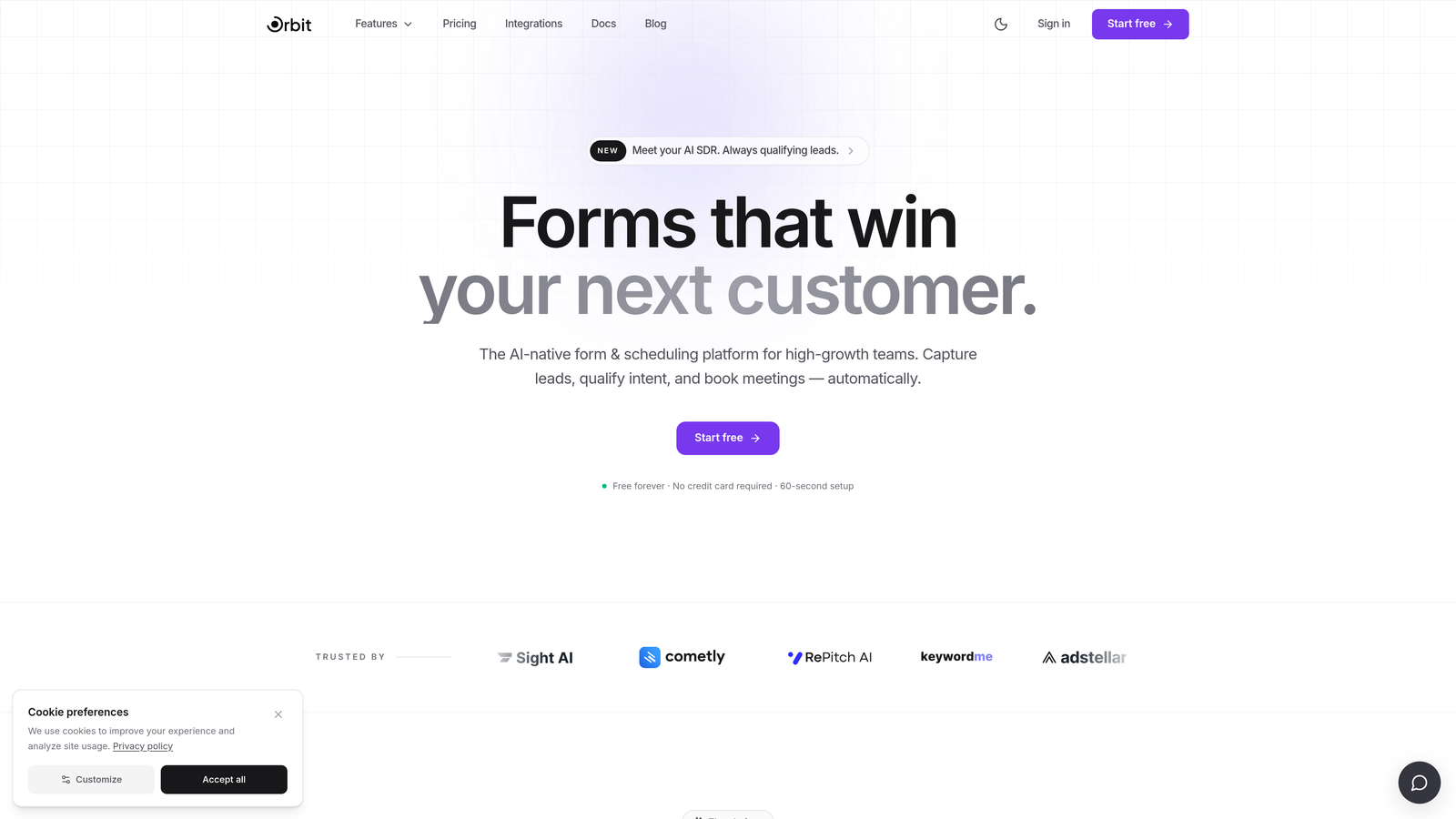
Orbit AI is an AI-powered form builder with lead qualification at its core, purpose-built for teams who care about pipeline quality, not just submission volume.
Where This Tool Shines
Most form builders treat qualification as an afterthought: you collect the data, then manually sort through it later. Orbit AI flips that model. It scores and segments leads in real time as respondents move through the form, so by the time a submission hits your CRM, you already know whether it's worth a follow-up call or a nurture sequence.
The design system is built for conversion from the ground up. Forms look polished without requiring a designer, and conditional logic branches dynamically based on user input, so each respondent sees a personalized experience rather than a generic wall of fields.
Key Features
AI-Powered Lead Qualification: Scores and segments leads in real time based on form responses, so your sales team always knows who to prioritize.
Dynamic Question Branching: Conditional logic adapts the form flow based on each answer, creating a personalized experience that improves completion rates.
Conversion-Optimized Templates: Modern, customizable form designs built specifically to reduce drop-off and increase submission rates.
CRM and Marketing Automation Integrations: Clean data handoff to your existing stack, with no manual cleanup required before leads reach your team.
Pipeline-Focused Architecture: Built for high-growth teams where lead quality directly impacts revenue, not just teams looking to collect contact details.
Best For
SaaS companies, B2B sales teams, and growth-focused marketers who need forms that do more than collect data. If lead quality is a recurring conversation in your team, Orbit AI is built around solving exactly that problem.
Pricing
Visit orbitforms.ai for current pricing and plan details. A free tier is available to get started.
2. Typeform
Best for: Teams that want a polished, conversational form experience with strong design
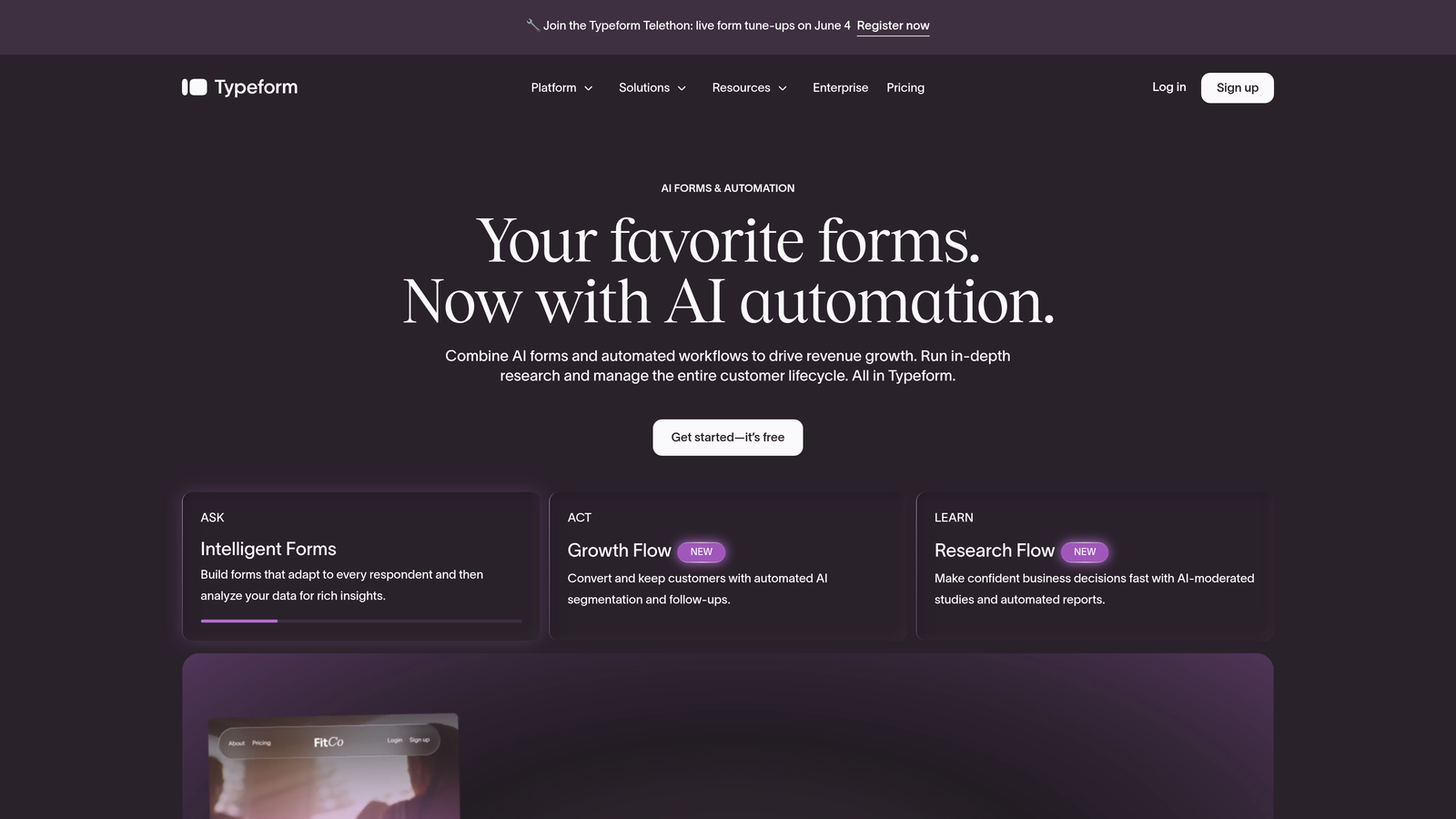
Typeform is a conversational form platform known for its one-question-at-a-time UX and visually refined design system.
Where This Tool Shines
Typeform's signature experience is its sequential question flow: one prompt at a time, full screen, no visual clutter. This approach tends to feel less intimidating than a traditional multi-field form, which can help with completion rates on longer surveys or application flows.
The integration library is extensive, connecting to HubSpot, Salesforce, Zapier, and dozens of other tools. For teams that want a beautiful form without heavy customization work, Typeform delivers a strong out-of-the-box experience.
Key Features
One-Question-at-a-Time Flow: Sequential UX reduces cognitive load and creates a more engaging respondent experience.
Conditional Logic and Branching: Route respondents through different question paths based on their answers.
Extensive Integration Library: Native connections to HubSpot, Salesforce, Zapier, and more for seamless data routing.
Custom Branding: White-label options on higher-tier plans for agencies and enterprise teams.
Video and Image Question Types: Enrich forms with media for more engaging survey and research use cases.
Best For
Marketing teams, researchers, and product teams who prioritize form aesthetics and respondent experience. Teams that need deep AI-based lead qualification may want to pair Typeform with a dedicated scoring tool or consider a platform with built-in intelligence.
Pricing
Free plan available. Paid plans start around $25/month. Verify current pricing at typeform.com.
3. HubSpot Forms
Best for: Teams already running on HubSpot CRM who want zero-friction lead capture
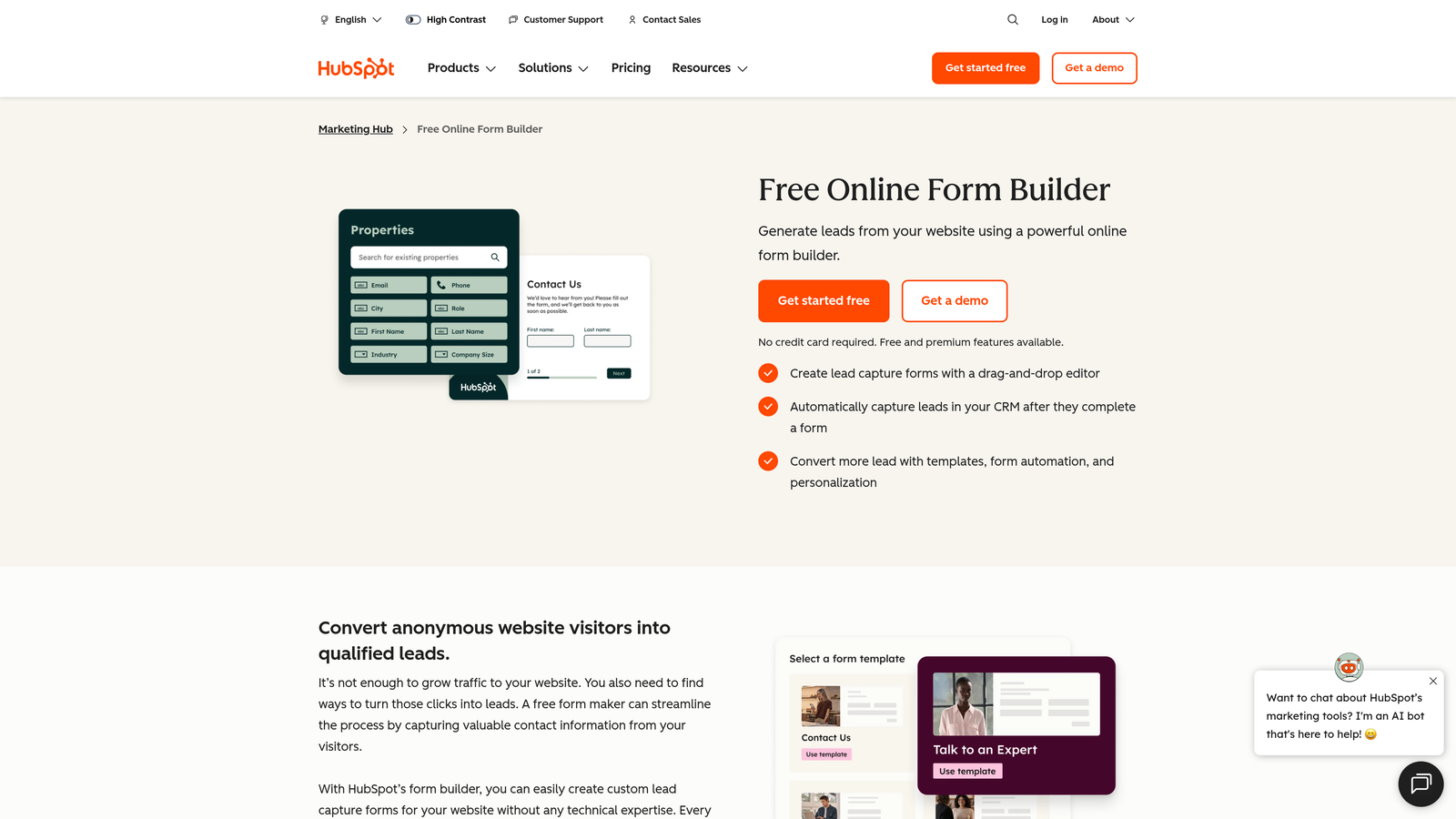
HubSpot Forms is the native form tool within HubSpot's marketing platform, featuring progressive profiling and seamless CRM sync with no configuration required.
Where This Tool Shines
The standout feature here is progressive profiling. When a known contact fills out a form, HubSpot automatically swaps out fields it already has on record and shows new questions instead. Over time, your CRM builds richer contact profiles without ever asking the same person for the same information twice.
Because it's native to HubSpot, every submission flows directly into the CRM with full attribution and lifecycle stage tracking. There's no integration to configure, no data mapping to maintain, and no risk of records getting out of sync.
Key Features
Progressive Profiling: Automatically shows new questions to returning contacts, building richer data over multiple interactions.
Native CRM Sync: Zero-configuration sync with HubSpot CRM, including contact properties, lifecycle stages, and deal attribution.
Smart Field Auto-Population: Known contact data pre-fills relevant fields, reducing friction for returning visitors.
Embedded and Popup Options: Deploy forms inline or as behavioral pop-ups without needing a separate tool.
Free with HubSpot CRM: Included at no extra cost for any team using HubSpot's free CRM tier.
Best For
Teams already invested in the HubSpot ecosystem. If you're not using HubSpot as your CRM, the value proposition drops significantly, and you'd likely be better served by a standalone form platform.
Pricing
Free with HubSpot CRM. Advanced features require a Marketing Hub subscription. Verify current pricing at hubspot.com.
4. Jotform
Best for: SMB and mid-market teams that need a feature-rich builder with payment and workflow support
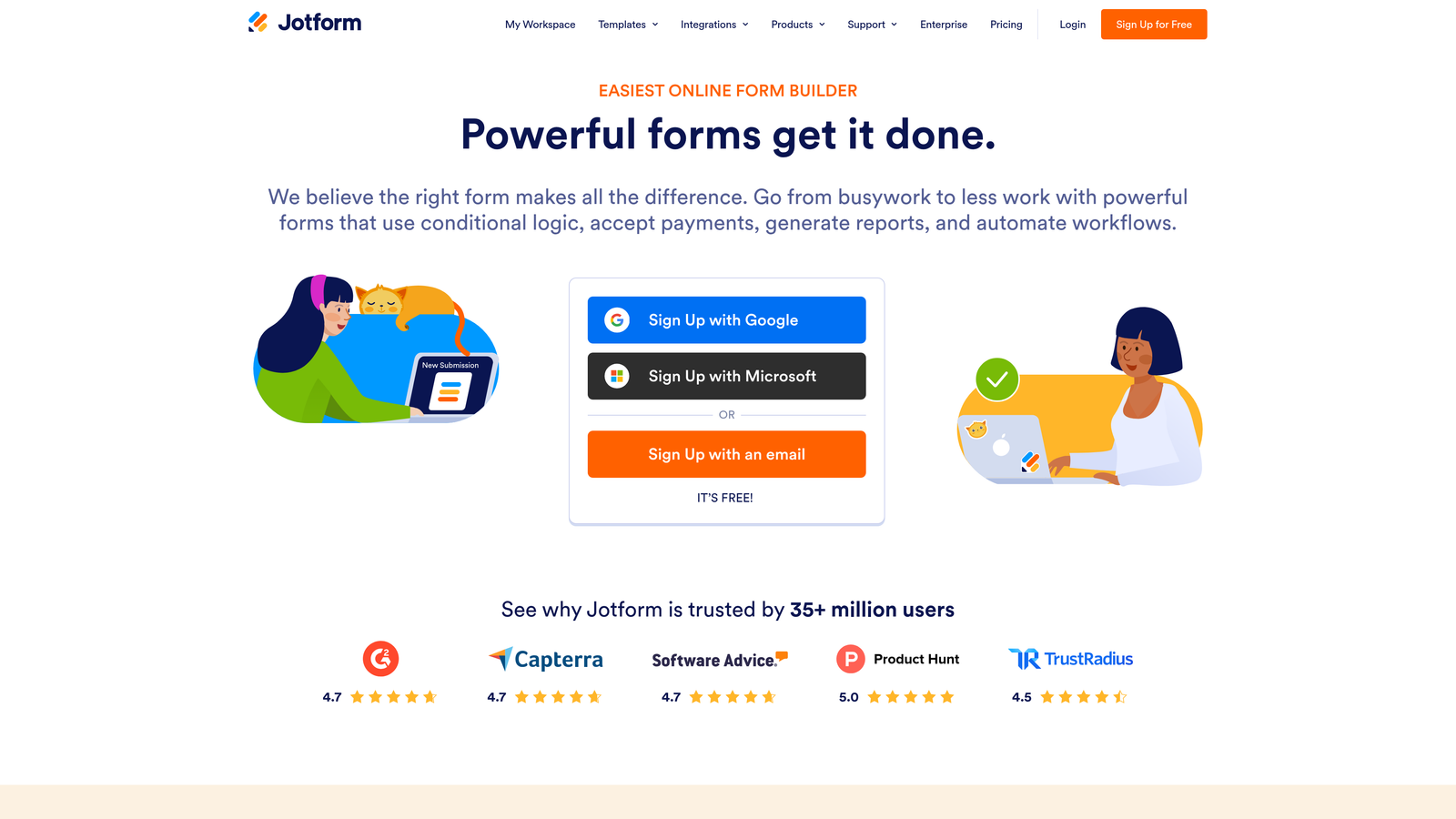
Jotform is one of the most feature-rich form builders available, covering everything from conditional logic and payment processing to approval workflows and AI-assisted form generation.
Where This Tool Shines
Jotform's depth is its defining characteristic. The template library alone covers thousands of use cases across industries, and the builder supports payment integrations, multi-step flows, file uploads, and team collaboration out of the box. For teams that need to spin up forms quickly across a variety of contexts, that breadth is genuinely useful.
The AI form builder feature lets you describe what you need and generates a starting structure automatically, which speeds up the creation process significantly for teams building forms at volume.
Key Features
Massive Template Library: Over 10,000 templates spanning dozens of industries and use cases.
Conditional Logic: Smart form flows that adapt based on respondent answers.
Payment Integrations: Native support for Stripe, PayPal, and Square directly within forms.
Approval Workflows: Route submissions through internal review and approval processes.
AI Form Builder: Generate form structures from a natural language description to accelerate creation.
Best For
SMBs, operations teams, and mid-market companies that need a versatile form tool covering multiple use cases simultaneously. Teams with complex lead qualification requirements may find Jotform's AI features less specialized than a dedicated lead intelligence platform.
Pricing
Free plan available. Paid plans start around $34/month. Verify current pricing at jotform.com.
5. Formstack
Best for: Enterprise and regulated-industry teams with compliance requirements and complex workflows
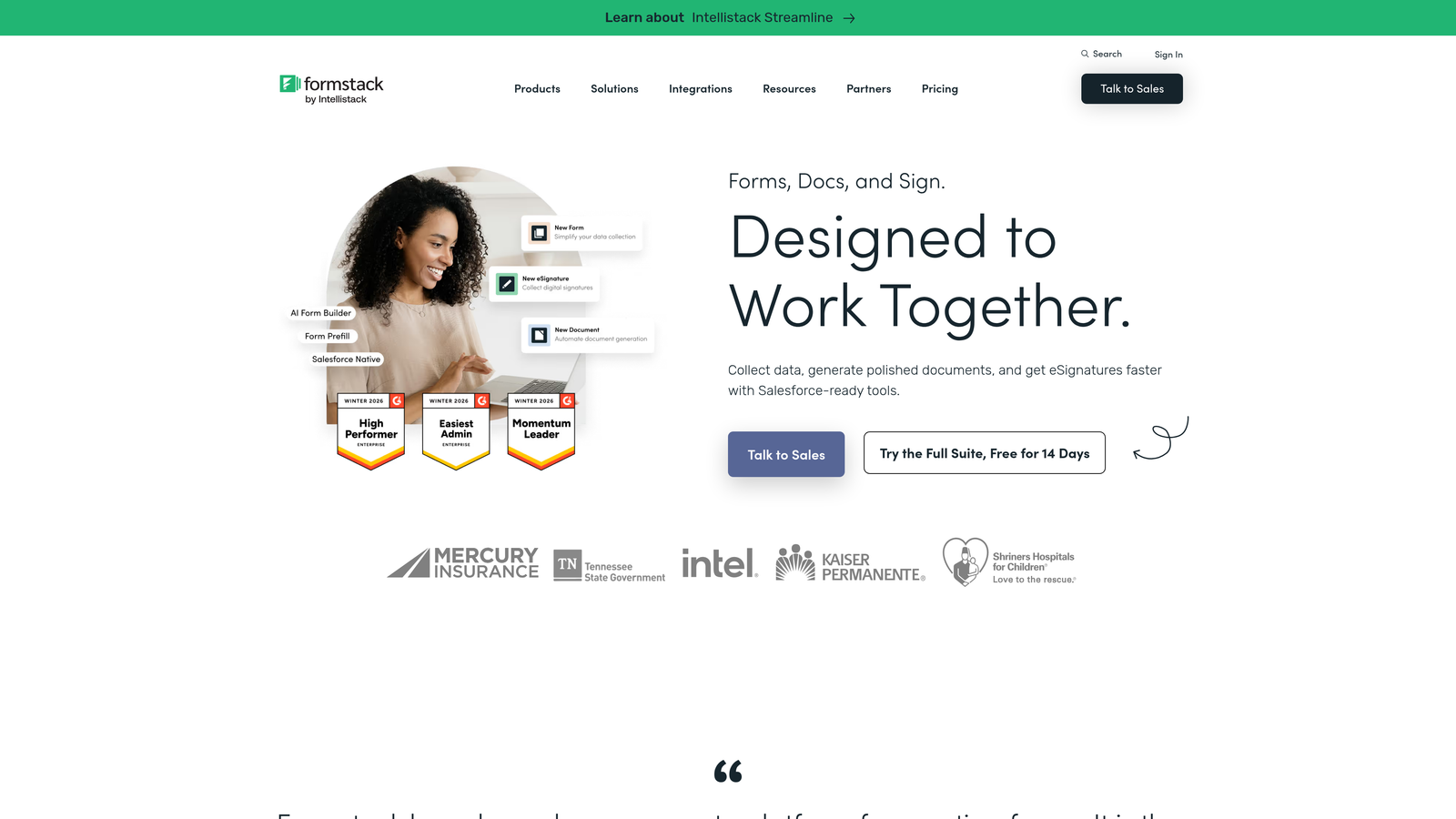
Formstack is an enterprise-grade form and workflow platform built for organizations that need HIPAA compliance, document generation, and advanced data routing alongside their form capabilities.
Where This Tool Shines
Formstack's differentiator is its compliance posture and workflow depth. HIPAA-compliant data collection makes it one of the few credible options for healthcare, legal, and financial services teams who can't compromise on data handling. The document generation feature takes form submissions and automatically populates branded documents, contracts, or reports, which eliminates significant manual work in high-volume intake scenarios.
The Salesforce native app is a genuine advantage for enterprise sales teams. It's not just an integration: it's a purpose-built app that lives inside Salesforce, so form data flows into the right objects without any middleware required.
Key Features
HIPAA Compliance: Data collection built to meet healthcare and regulated-industry compliance requirements.
Advanced Workflow Routing: Route submissions through conditional approval chains and multi-stakeholder processes.
Document Generation: Automatically populate branded documents and contracts from form submission data.
Salesforce Native App: Purpose-built Salesforce integration that operates inside the CRM, not alongside it.
Form Prefill: Pull existing data from connected sources to pre-populate fields and reduce respondent friction.
Best For
Enterprise teams in regulated industries, organizations with complex multi-step approval workflows, and Salesforce-heavy sales operations that need deep native CRM integration.
Pricing
Plans start around $83/month. Verify current pricing at formstack.com.
6. Tally
Best for: Budget-conscious teams and solo operators who want a capable free form tool
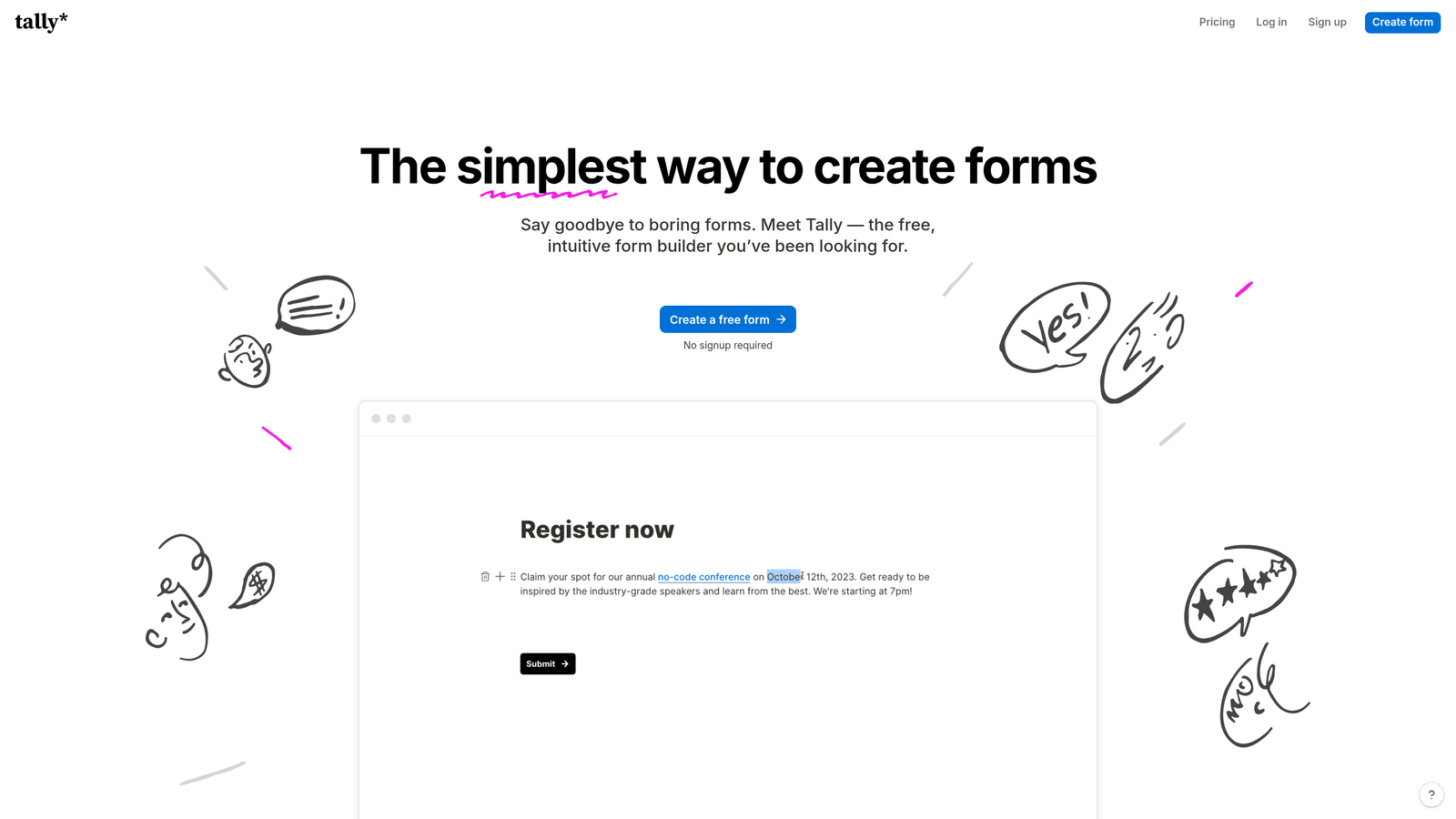
Tally is a freemium form builder with a Notion-inspired editor that offers conditional logic, integrations, and unlimited responses on a genuinely generous free plan.
Where This Tool Shines
The honest appeal of Tally is what you get for free. Unlimited forms, unlimited responses, conditional logic, file uploads, and Zapier integrations are all available without paying a cent. For early-stage teams or individuals who need functional forms without a monthly bill, that's a hard offer to argue with.
The Notion-style editor feels familiar to teams already working in document-based tools. Building a form feels more like writing a document than configuring a product, which lowers the learning curve considerably.
Key Features
Unlimited Free Tier: Unlimited forms and responses available on the free plan, with no submission caps or paywalled logic.
Notion-Style Editor: Document-based form building that's intuitive for teams already using Notion or similar tools.
Conditional Logic on Free Plan: Branching and adaptive question flows without requiring a paid upgrade.
Zapier and Make Integrations: Connect form submissions to your broader stack without native integration requirements.
File Uploads and Payments: Support for file collection and payment processing within forms.
Best For
Startups in early stages, freelancers, and internal teams that need functional forms on a tight budget. Teams that require AI-powered lead qualification or advanced conversion optimization will outgrow Tally's feature set relatively quickly.
Pricing
Free plan available. Tally Pro is around $29/month. Verify current pricing at tally.so.
7. Paperform
Best for: Small businesses that want forms, payments, and bookings in a single tool
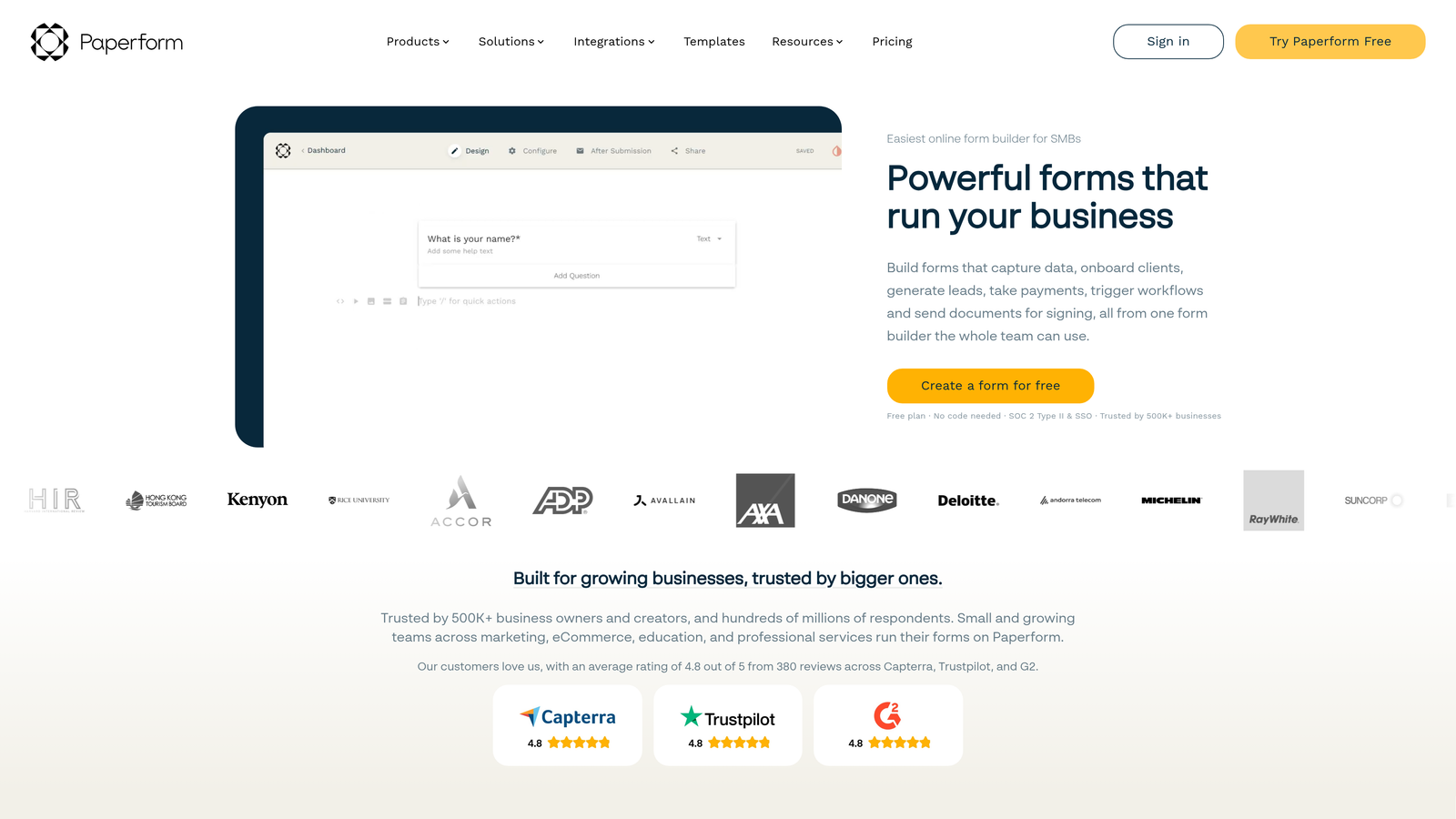
Paperform blends form and landing page functionality in a document-style editor, with built-in support for ecommerce, appointment booking, and media-rich content.
Where This Tool Shines
Paperform sits in an interesting niche: it's more than a form builder but less than a full website builder. The document-style editor lets you embed images, video, and rich text alongside form fields, so a single Paperform page can serve as a product intake form, a quote calculator, and a booking confirmation all at once.
The calculation fields are particularly useful for service businesses. You can build dynamic quote forms that show a price estimate based on respondent selections, which reduces back-and-forth with prospects and speeds up the sales cycle for straightforward services.
Key Features
Document-Style Editor: Rich media embeds alongside form fields for a more complete page experience.
Built-In Payments and Ecommerce: Accept payments directly through forms without a separate payment tool.
Appointment Booking: Scheduling and calendar integration built into the form experience.
Calculation Fields: Dynamic pricing and quote generation based on respondent selections.
Conditional Sections: Smart logic that shows or hides entire form sections based on previous answers.
Best For
Small businesses, consultants, and service providers who want to replace multiple tools with a single form-based workflow covering intake, booking, and payment collection.
Pricing
Plans start around $29/month. Verify current pricing at paperform.co.
8. Microsoft Forms
Best for: Microsoft 365 organizations needing internal forms and surveys at no additional cost
Microsoft Forms is the built-in form tool for Microsoft 365 users, with native integration across Teams, SharePoint, and Excel.
Where This Tool Shines
The value proposition is straightforward: if your organization already pays for Microsoft 365, Microsoft Forms is already included. There's no additional license to purchase, no new vendor relationship to manage, and no integration to configure between form submissions and your existing Microsoft toolchain.
For internal use cases like employee surveys, event registrations, IT request forms, or training assessments, it covers the fundamentals competently. The real-time response dashboard in Excel is familiar to anyone in the organization, which means no training required to analyze results.
Key Features
Native Microsoft 365 Integration: Direct connection to Teams, SharePoint, and Excel with no setup required.
Branching Logic: Adaptive question flows that route respondents based on their answers.
Real-Time Analytics Dashboard: Response data flows automatically into Excel for immediate analysis.
Multilingual Support: Forms can be translated and presented in multiple languages for global teams.
Included with Microsoft 365: No additional cost for existing Microsoft 365 subscribers.
Best For
Enterprise teams in Microsoft-heavy environments using forms primarily for internal purposes. For external-facing lead generation or conversion optimization, Microsoft Forms lacks the sophistication that dedicated form platforms provide.
Pricing
Included with Microsoft 365 subscriptions. Verify details at microsoft.com.
9. Growform
Best for: PPC agencies and performance marketers running high-volume lead generation campaigns
Growform is a multi-step form builder built specifically for lead generation campaigns and conversion rate optimization on paid traffic landing pages.
Where This Tool Shines
Growform is unusually focused for a form tool. Rather than trying to serve every use case, it's designed specifically for the scenario where paid traffic lands on a page and you need to convert as many visitors as possible into qualified leads. The multi-step form structure breaks what would be a long single-page form into smaller, less intimidating steps, which tends to reduce drop-off on longer qualification flows.
The tool is built with PPC campaign structure in mind, which means features like customizable progress indicators and CRO-informed defaults are baked in rather than bolted on. For agencies managing lead gen at volume, that focus pays off in measurable ways.
Key Features
Multi-Step Form Flows: Break long qualification forms into smaller steps to reduce abandonment on paid landing pages.
Built-In CRO Best Practices: Conversion optimization principles are applied by default in the form structure and design.
Progress Indicators: Customizable progress bars that keep respondents moving through longer form sequences.
Webhook and Zapier Integrations: Route completed leads to any CRM or marketing automation platform.
Designed for Paid Traffic: Purpose-built for PPC and performance marketing landing page contexts.
Best For
PPC agencies, performance marketing teams, and lead generation specialists running high-volume paid campaigns where form conversion rate directly affects cost per lead.
Pricing
Plans start around $49/month. Verify current pricing at growform.co.
Which Smart Form Tool Is Right for Your Team?
The right choice depends heavily on what problem you're actually trying to solve. Not every team needs the same thing from a form platform, and picking the wrong tool usually means either overpaying for features you won't use or hitting a ceiling on the ones you need most.
Here's a quick breakdown by team type:
High-growth SaaS and B2B teams focused on lead quality: Orbit AI is built for this exact scenario. If your pipeline health depends on knowing which leads are worth pursuing before your sales team picks up the phone, built-in AI qualification changes the game.
Teams running on HubSpot: HubSpot Forms is the obvious choice. The progressive profiling and zero-configuration CRM sync are hard to replicate with a third-party tool.
PPC agencies and performance marketers: Growform's single-minded focus on lead gen conversion makes it the strongest option for high-volume paid traffic scenarios.
Enterprise teams with compliance requirements: Formstack's HIPAA compliance and Salesforce native app put it in a category of its own for regulated industries.
Budget-conscious teams or early-stage startups: Tally's free tier is genuinely capable and worth starting with before committing to a paid platform.
Small businesses needing forms plus bookings plus payments: Paperform's all-in-one approach eliminates the need for multiple tools.
For most high-growth teams, the common thread across the best choices is this: forms should be doing qualification work, not just data collection. The more your form can tell you about a lead before your team engages, the better your pipeline looks downstream.
Transform your lead generation with AI-powered forms that qualify prospects automatically while delivering the modern, conversion-optimized experience your high-growth team needs. Start building free forms today and see how intelligent form design can elevate your conversion strategy.


