

Typeform deserves real credit. It changed how the world thinks about forms, replacing the wall-of-fields approach with a conversational, one-question-at-a-time experience that felt genuinely human. For a long time, that was enough.
But high-growth teams have different demands now. You're not just collecting responses — you're qualifying leads, routing prospects, syncing data to CRMs, and trying to squeeze every conversion out of every form submission. And that's where Typeform starts to show its limits.
Common frustrations from teams who've outgrown it include pricing that scales poorly as response volume grows, conditional logic that can't handle complex multi-path workflows, and a persistent reliance on Zapier to connect form data to sales tools. Design customization has its ceiling too, and native lead qualification? It simply doesn't exist in the product.
This guide isn't a generic alternatives roundup. Each competitor below was selected because it offers a specific, documented feature advantage in an area where Typeform underdelivers. Whether your bottleneck is lead quality, database connectivity, developer flexibility, or cost, there's a purpose-built solution here that fits.
Here's a breakdown of seven Typeform competitors worth evaluating — and the precise feature strengths that make each one worth the switch for high-growth teams focused on lead generation and conversion optimization.
1. Orbit AI — AI-Powered Lead Qualification Built Into Every Form
The Challenge It Solves
Most form builders stop at data collection. You get a spreadsheet of responses, and then someone on your team has to manually review submissions, score leads, and decide who's worth following up with. For high-growth teams moving fast, that gap between form submission and sales action is where qualified leads go cold.
The Strategy Explained
Orbit AI is built around a fundamentally different premise: forms shouldn't just collect data, they should qualify it in real time. As a prospect fills out a form, Orbit AI's AI layer analyzes responses and scores leads automatically, surfacing high-intent prospects immediately without requiring a human to sort through submissions first.
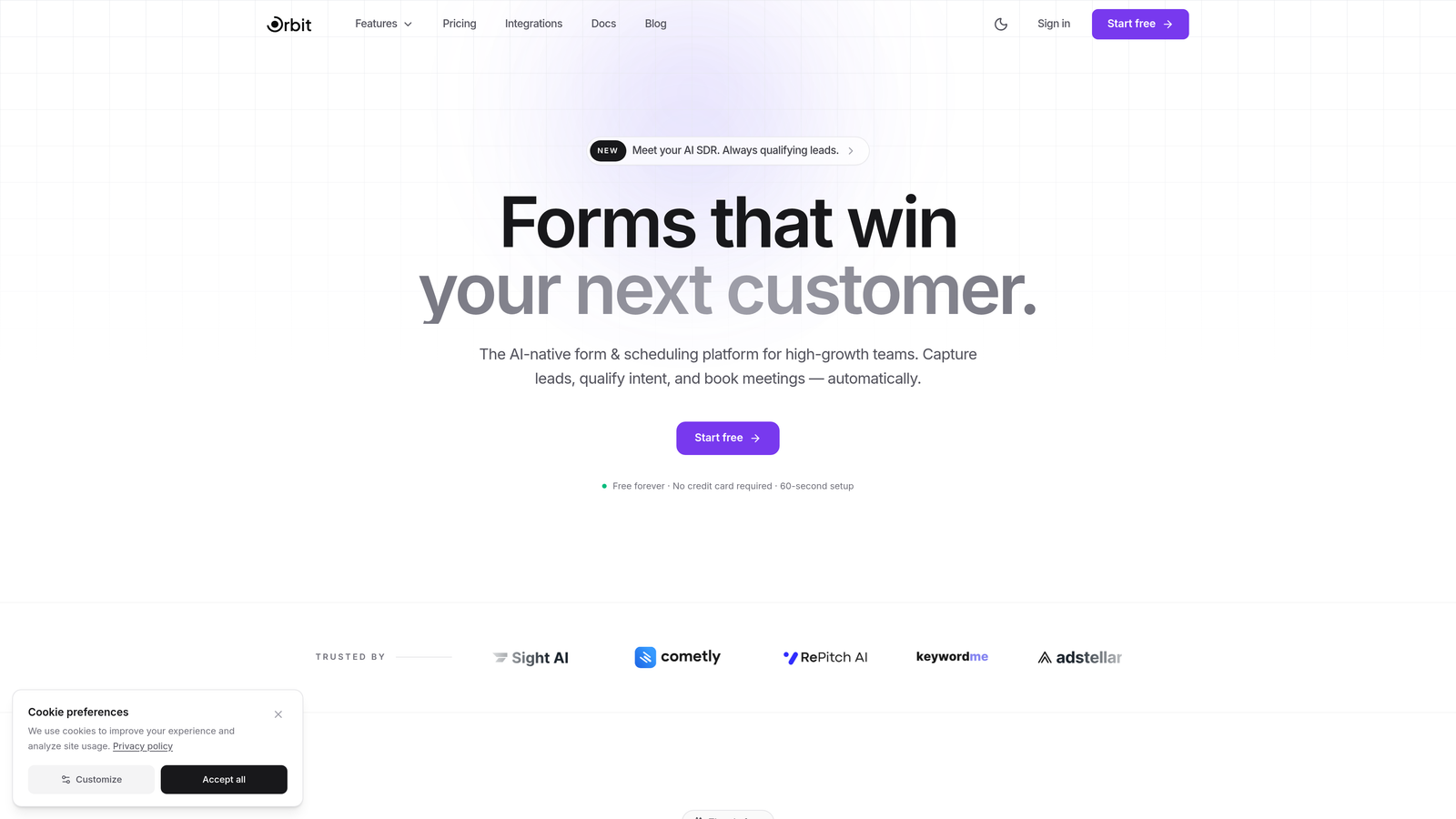
This makes Orbit AI the strongest choice for teams where lead quality is the primary bottleneck. Instead of connecting your form builder to a separate lead scoring tool via Zapier, the qualification logic lives natively inside the form itself. You design the form, define what a qualified lead looks like, and the AI handles the rest.
The platform is also built for conversion optimization, offering modern, beautiful form design that doesn't sacrifice function for aesthetics. It's the rare combination of form builder with lead scoring and lead intelligence platform in one.
Implementation Steps
1. Sign up at orbitforms.ai and create your first form using the drag-and-drop builder.
2. Define your lead qualification criteria within the AI settings — specify what signals indicate a high-quality lead based on your ideal customer profile.
3. Set up automated routing rules so high-scoring leads are immediately flagged, assigned, or pushed to your CRM without manual review.
4. Launch your form and monitor the real-time qualification dashboard to see lead scores as submissions come in.
Pro Tips
Use Orbit AI's qualification layer to segment leads into tiers rather than a binary qualified/unqualified split. A tiered scoring system lets your sales team prioritize outreach more intelligently, ensuring your fastest follow-up goes to your highest-intent prospects every time.
2. Jotform — Advanced Conditional Logic and Payment Processing
The Challenge It Solves
Typeform's conditional logic works well for simple branching — show this question if the previous answer was X. But when workflows get complex, with multiple nested conditions, skip logic across dozens of fields, and different paths converging at different endpoints, Typeform's logic builder hits a wall. Teams building sophisticated intake forms, application flows, or quote calculators need something deeper.
The Strategy Explained
Jotform is one of the most mature form builders on the market, and its conditional logic engine reflects that experience. You can build deeply nested rules, apply conditions to entire form sections rather than individual fields, and create multi-path workflows that would be impossible to replicate in Typeform.
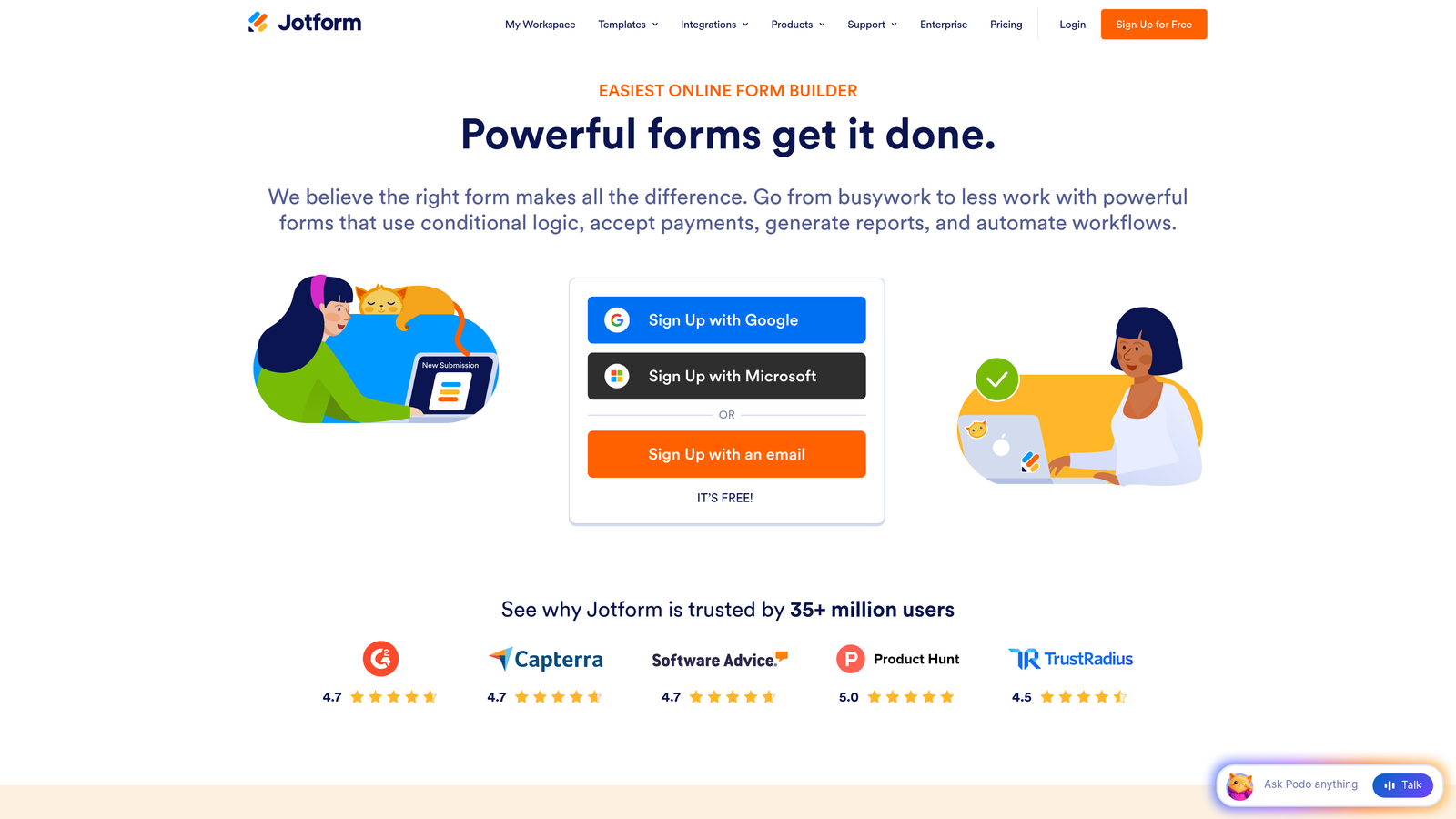
Beyond logic, Jotform's native payment processing is a standout feature. With integrations to Stripe, PayPal, Square, and others built directly into the platform, you can collect payments, deposits, and subscriptions without stitching together a separate payment tool. For teams running events, selling services, or gating content behind payment, this eliminates a meaningful layer of complexity.
Jotform also publicly advertises over 100 native integrations, covering CRMs, project management tools, and marketing platforms, which reduces reliance on middleware like Zapier.
Implementation Steps
1. Build your base form structure in Jotform's drag-and-drop editor, mapping out all possible paths before adding logic.
2. Use the conditional logic builder to create branching rules at the field and section level, testing each path thoroughly before launch.
3. Connect a payment gateway directly within Jotform's settings if your form requires transactions.
4. Set up form notifications and CRM integrations using Jotform's native integration library.
Pro Tips
Sketch your full conditional logic map on paper or in a flowchart tool before building in Jotform. Complex branching is much easier to implement when you've visualized every path first, saving significant time during the build and making QA testing far more systematic.
3. Tally — Free-Tier Power With Unlimited Forms and Responses
The Challenge It Solves
Typeform's free plan is restrictive by design. Response limits kick in quickly, and as your form volume grows, pricing scales in ways that feel punishing for lean teams. Startups, early-stage companies, and bootstrapped teams often need to run many forms simultaneously without the budget to match enterprise pricing tiers.
The Strategy Explained
Tally takes a radically different approach to pricing. Its free tier offers unlimited forms and unlimited responses, a combination that's genuinely rare in the form builder market and documented directly on Tally's pricing page. This makes it an exceptional choice for teams that need a form builder with a free plan that doesn't impose volume restrictions.
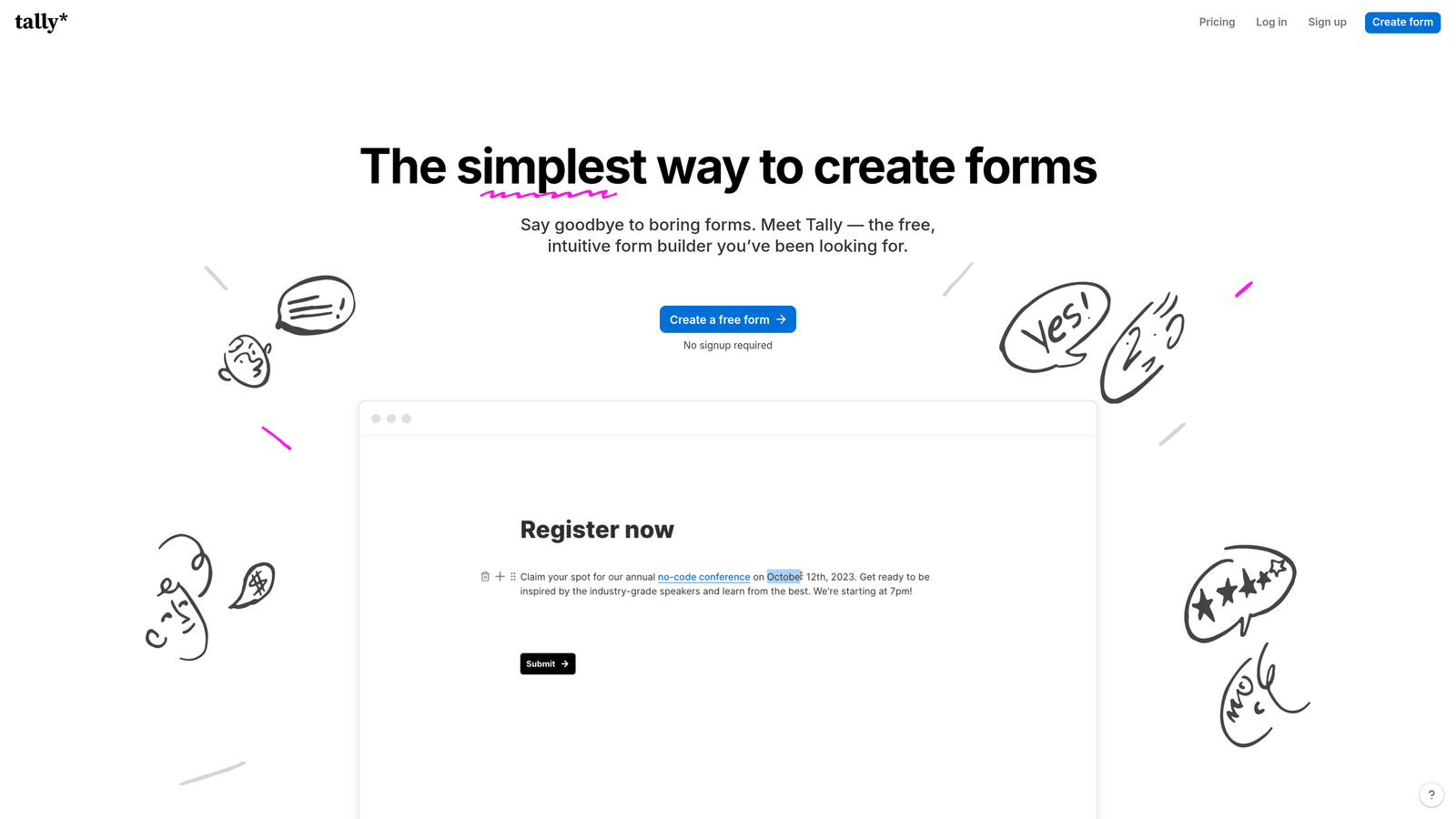
The product itself has a Notion-like editing experience, meaning the form builder feels more like a document editor than a traditional form tool. Questions are added inline, blocks are draggable, and the interface is clean enough that non-technical team members can build sophisticated forms without a learning curve.
Tally also supports conditional logic, file uploads, and integrations with tools like Notion, Airtable, and Zapier on its free plan, which makes it surprisingly capable for a no-cost option.
Implementation Steps
1. Create a free Tally account and explore the block-based editor to get comfortable with the Notion-style interface.
2. Build your form using inline question blocks, adding conditional logic where needed to create branching paths.
3. Connect Tally to your existing stack via native integrations or Zapier to route responses to the right destination.
4. Share your form via link, embed it on your site, or send it directly, all without worrying about hitting response limits.
Pro Tips
Tally's free plan is powerful, but its branding removal and advanced features like custom domains are gated behind paid tiers. Evaluate whether the free plan fully meets your needs before committing, especially if white-labeling your forms matters for your brand presentation.
4. Paperform — Content-Rich Forms That Double as Landing Pages
The Challenge It Solves
Standard form builders present a binary choice: you build a form, or you build a landing page. If you want both — a persuasive, content-rich experience that also collects information — you typically need two separate tools. For teams running product launches, service inquiries, or event registrations, this creates unnecessary friction and added cost.
The Strategy Explained
Paperform blurs the line between form and landing page in a way no other tool quite replicates. Within a single Paperform document, you can embed rich text, images, videos, product descriptions, pricing tables, and then seamlessly transition into form fields, all within one cohesive experience.
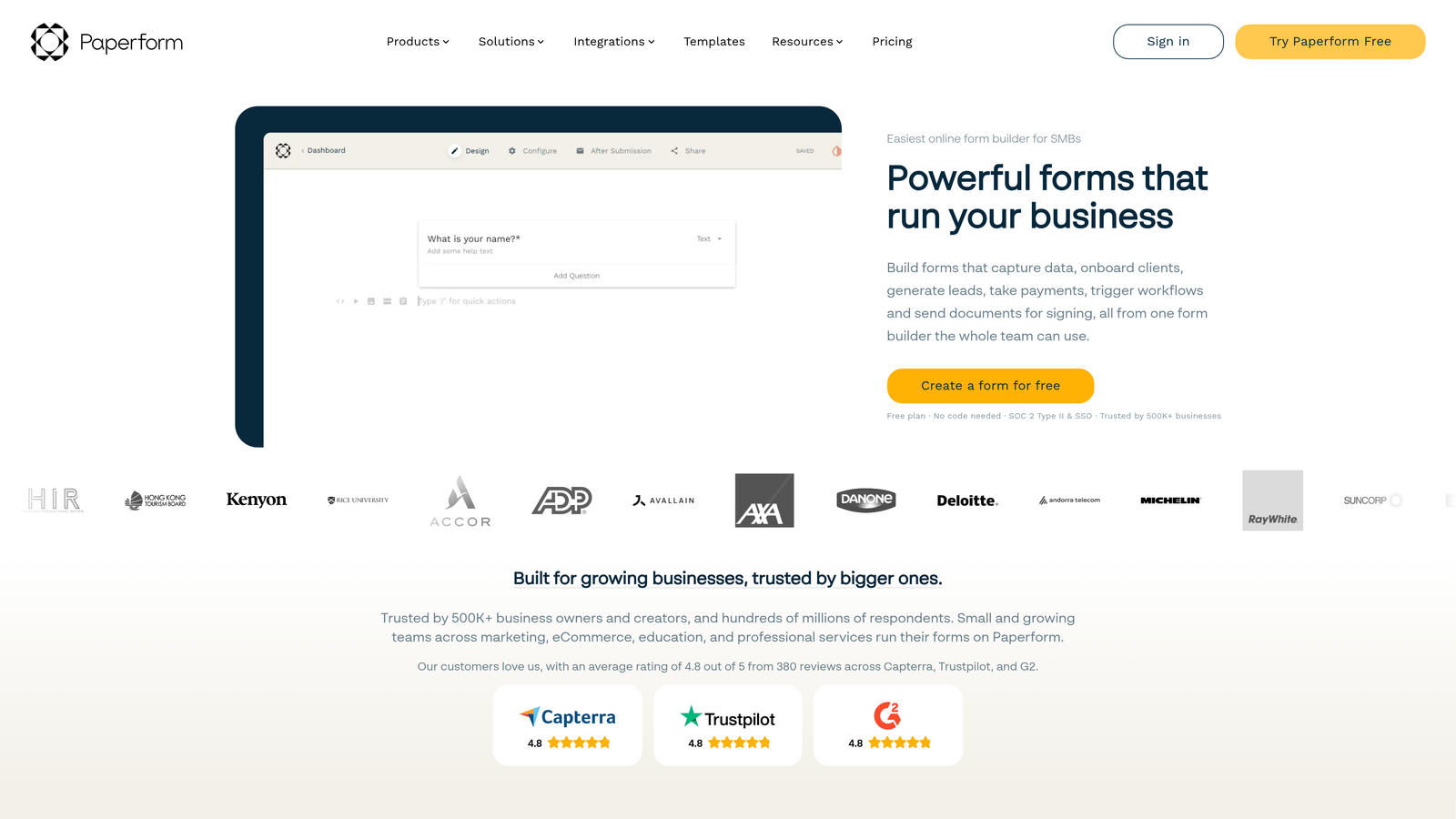
This is a core differentiator per Paperform's own marketing, and it's genuinely useful for conversion-focused teams. Rather than sending a prospect to a landing page and then a separate form, you deliver the entire persuasion and collection experience in one place. The result is a more coherent user journey with fewer drop-off points, which is essential if you want to make your forms convert better.
Paperform also supports conditional logic, payment processing, and a range of integrations, making it a capable all-in-one tool for teams that want to consolidate their conversion infrastructure.
Implementation Steps
1. Open a new Paperform document and treat the first section as your landing page, adding headlines, imagery, and persuasive copy that frames your offer.
2. Transition into form fields naturally within the same document, keeping the design consistent with the content above.
3. Apply conditional logic to show relevant questions based on earlier answers, keeping the experience personalized.
4. Connect to your payment processor or CRM and publish the form as a standalone URL or embedded experience.
Pro Tips
Use Paperform's media embedding capabilities strategically. A short product demo video or a clear pricing comparison embedded above your form fields can meaningfully reduce hesitation before submission. Think of the content blocks as your sales pitch, and the form fields as the close.
5. HubSpot Forms — Native CRM Integration for Full-Funnel Tracking
The Challenge It Solves
One of the most common complaints about Typeform is that connecting it to a CRM requires middleware. You set up a Zap, map your fields, and hope nothing breaks when Typeform updates its API or your CRM changes a field name. For sales-driven teams, this fragility in the data pipeline is a real operational risk. Lead data that doesn't flow cleanly into your CRM is lead data that gets lost.
The Strategy Explained
HubSpot Forms eliminates this problem entirely by living natively inside the HubSpot ecosystem. When a prospect submits a HubSpot form, their data flows directly into contact records, triggers workflow automations, updates deal pipelines, and enrolls contacts in sequences, all without a single third-party connector.

For teams already using HubSpot as their CRM, this is a compelling reason to consolidate. HubSpot Forms are free within the HubSpot platform, and the full-funnel visibility you get — from first form submission through every subsequent touchpoint — is difficult to replicate with a standalone form builder. If your team has struggled with CRM integration with forms breaking, this native approach eliminates that pain entirely.
The trade-off is that HubSpot Forms are less flexible in terms of design and conversational flow compared to dedicated form builders. But for teams where data integrity and CRM connectivity are the priority, that trade-off is often worth it.
Implementation Steps
1. Create or log into your HubSpot account and navigate to the Forms tool within the Marketing Hub.
2. Build your form using HubSpot's editor, mapping each field to the corresponding contact property in your CRM.
3. Set up form submission workflows to trigger follow-up emails, task assignments, or deal creation automatically.
4. Embed the form on your website using HubSpot's embed code or use HubSpot's native landing page builder for a fully integrated experience.
Pro Tips
Use HubSpot's progressive profiling feature to avoid asking the same questions twice. When a known contact fills out another form, HubSpot automatically replaces fields you already have with new questions, creating a smarter data collection experience that feels less repetitive to returning prospects.
6. Fillout — Database-Connected Forms With Airtable and Notion Integration
The Challenge It Solves
Operations-heavy teams often manage their data in tools like Airtable and Notion rather than traditional CRMs. When these teams use a standard form builder, they collect responses and then manually copy data into their operational databases, a tedious process that introduces errors and slows everything down. For teams running complex intake processes, vendor management, or internal workflows, this manual step is a genuine productivity drain.
The Strategy Explained
Fillout is built specifically around the idea that forms should connect directly to where your data actually lives. Its native integrations with Airtable and Notion are prominently featured in Fillout's own marketing, and they go beyond simple data dumping. You can read from your Airtable base to pre-populate form fields, write new records on submission, and update existing records based on form responses.

This bidirectional data flow is transformative for ops teams. Instead of treating forms as a separate data collection layer that feeds into a manual process, Fillout makes forms a live interface to your operational database. The result is faster workflows, cleaner data, and significantly less manual work — a great example of form builder workflow automation in action.
Fillout also supports conditional logic, multi-page forms, and a range of other integrations, making it a capable general-purpose form builder in addition to its database connectivity strengths.
Implementation Steps
1. Connect your Airtable base or Notion database to Fillout during the initial setup process.
2. Map your form fields directly to database columns or properties, ensuring data flows to the right place on submission.
3. Configure pre-population settings if you want existing database records to auto-fill relevant form fields for returning users.
4. Test the full data flow end-to-end before launching, verifying that new records appear correctly in your database after submission.
Pro Tips
Fillout's Airtable integration works particularly well for teams running approval workflows. Combine form submissions with Airtable automations to trigger status updates, notifications, or follow-up tasks automatically, turning your form into the first step of a fully automated operational process.
7. Feathery — Developer-Friendly Forms With Custom Logic and API Access
The Challenge It Solves
Most form builders are designed for non-technical users, which means they make compromises that frustrate engineering teams. Custom styling hits a wall. Logic that requires dynamic data from an external API isn't possible. Embedding a form deeply into a custom product experience requires hacks and workarounds. For product and engineering teams building onboarding flows, signup wizards, or complex intake processes, standard form builders simply can't keep up.
The Strategy Explained
Feathery is explicitly marketed to developers, and the product reflects that positioning. It offers full API integration, custom CSS styling, and the ability to build logic that pulls from or pushes to external data sources in real time. Engineering teams can embed Feathery forms into their product using a React SDK, giving them the flexibility of a custom-built form with the speed of a visual builder.
This makes Feathery the right choice when your form needs to behave like a product feature rather than a standalone data collection tool. Complex onboarding flows with dynamic field population, multi-step signup wizards with real-time validation, and forms that interact with your product's backend are all achievable without building from scratch.
The visual builder also means non-engineers can contribute to form design, while developers retain full control over the logic and integration layer.
Implementation Steps
1. Set up a Feathery account and explore the visual builder to design your form's structure and appearance.
2. Use the custom CSS editor to align the form's design with your product's existing design system.
3. Configure API connections to pull dynamic data into form fields or validate responses against your backend in real time.
4. Integrate Feathery into your product using the React SDK, embedding the form within your existing application flow.
Pro Tips
Feathery's power comes from its flexibility, but that flexibility requires upfront planning. Before building, document exactly which fields need external data, which validation rules require API calls, and where the form hands off data downstream. A clear technical spec saves significant debugging time during implementation.
Choosing the Right Tool for Your Team's Bottleneck
The best Typeform alternative isn't the one with the most features — it's the one that solves your specific bottleneck. Here's a quick-reference summary to help you match the right tool to your situation.
Orbit AI: Best for teams where lead quality is the primary challenge. If you're collecting form responses and then spending hours manually sorting qualified from unqualified leads, AI-powered qualification built directly into the form changes the game.
Jotform: Best for teams building complex, multi-path workflows or forms that require native payment processing. The depth of its conditional logic engine is genuinely hard to match.
Tally: Best for lean teams or early-stage companies that need to run many forms without cost constraints. The unlimited free tier is a rare and genuine advantage.
Paperform: Best for teams that want to consolidate their landing page and form into a single conversion experience. Ideal for product launches, service inquiries, and event registrations.
HubSpot Forms: Best for teams already in the HubSpot ecosystem who want zero-friction data flow from form submission to CRM without any middleware.
Fillout: Best for ops-heavy teams managing data in Airtable or Notion who want forms to function as a live interface to their operational database.
Feathery: Best for engineering teams building complex product experiences where forms need to behave like product features with full API access and custom logic.
For high-growth teams where lead generation and conversion optimization are the core focus, the most transformative upgrade isn't just switching form builders — it's adding intelligence to the form itself. That's the category Orbit AI occupies, and it's the gap none of the other tools on this list address in the same way.
When your form can qualify leads in real time, route high-intent prospects automatically, and deliver a modern conversion-optimized experience all in one, you're not just replacing Typeform — you're upgrading your entire lead generation system. Start building free forms today and see how AI-powered lead qualification can transform the way your team captures and converts leads.


