

Choosing the right lead gen form software isn't just about picking a tool. It's about picking the right plan. The difference between a Basic tier and a Growth tier can mean the difference between manual lead sorting and fully automated qualification, between one integration and a dozen, between a form that converts and one that leaks pipeline.
This roundup compares nine platforms specifically through the lens of their pricing plans and what you actually get at each tier. Whether you're a lean startup watching every dollar or a scaling team ready to invest in serious conversion infrastructure, the goal here is to help you match your budget and growth trajectory to the right tool. Selection criteria include plan flexibility, lead qualification depth, native integrations, conversion optimization features, and overall value at each price point.
If you're also thinking about the quality side of the equation, it's worth reading up on how to improve lead quality and what makes lead forms for B2B companies perform differently than standard contact forms. Both will sharpen how you evaluate the tools below.
1. Orbit AI
Best for: High-growth teams that need AI-powered lead qualification built directly into their forms
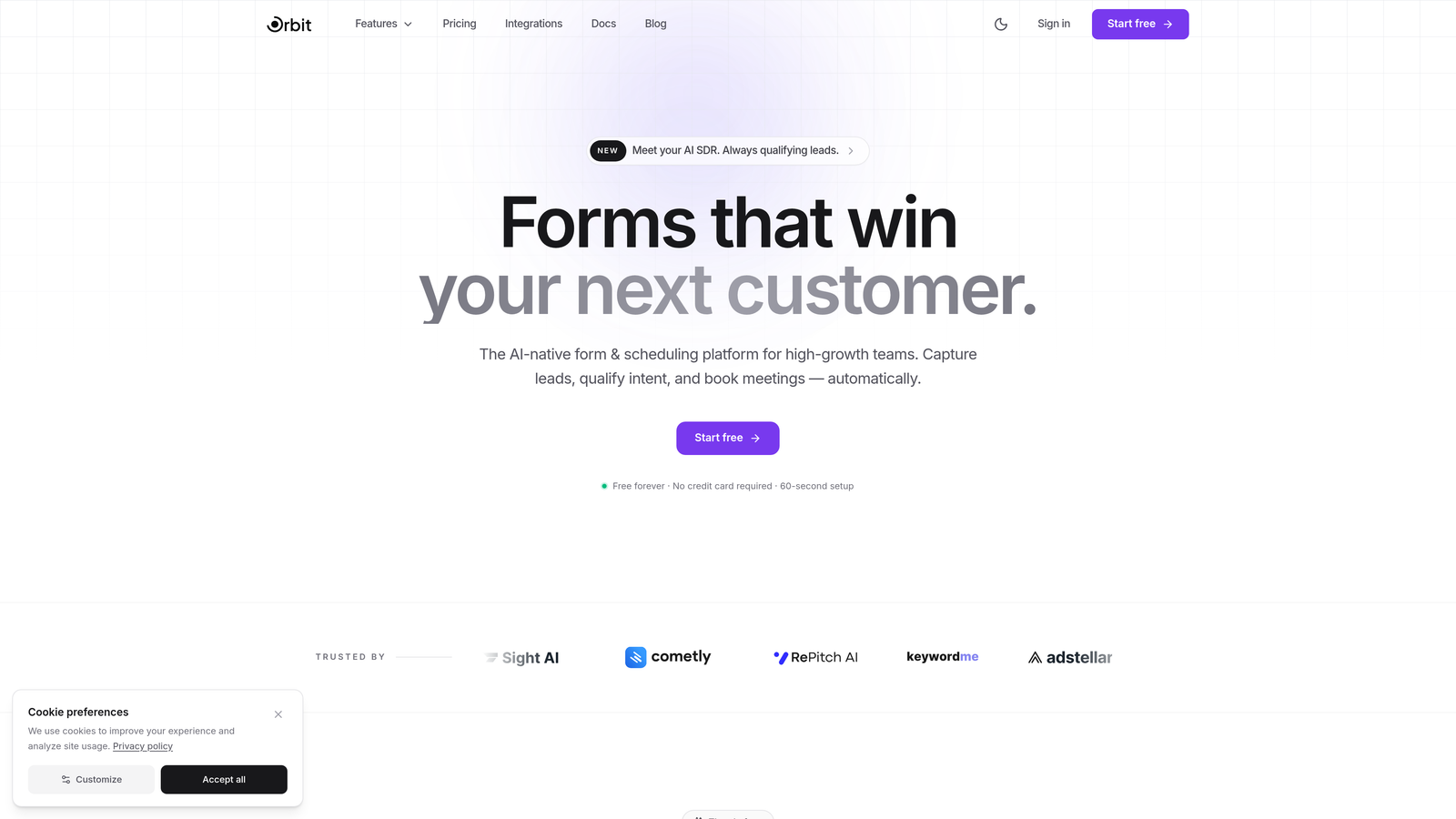
Orbit AI is an AI-powered form builder platform designed specifically for lead generation, with native lead qualification, smart routing, and conversion-optimized design baked into every plan.
Where This Tool Shines
Most form builders treat lead qualification as an afterthought, something you bolt on through a CRM workflow or a Zapier sequence after the submission lands. Orbit AI flips that model. Qualification logic lives inside the form itself, scoring and routing leads in real time based on how respondents answer, without any middleware required.
For high-growth teams where speed-to-lead and pipeline quality matter equally, this is a meaningful architectural difference. You're not just capturing data. You're generating pre-qualified, pre-routed pipeline from the moment someone hits submit.
Key Features
AI-Powered Lead Scoring and Qualification: Every form includes built-in AI scoring that evaluates responses against your ideal customer profile, qualifying leads automatically before they reach your CRM.
Smart Lead Routing: Leads are automatically routed to the right rep, team, or workflow based on qualification signals captured during the form experience.
Conversion-Optimized Templates: Templates are built specifically for lead generation use cases, not generic contact forms, with layouts and flows designed to maximize completion rates.
Dynamic Conditional Logic: Forms adapt in real time to user responses, showing or hiding fields based on what respondents select, keeping the experience relevant and friction-free.
Native CRM and Marketing Integrations: Direct integrations with popular CRMs and marketing platforms mean your lead data flows where it needs to go without extra tools or connectors.
Best For
Orbit AI is built for SaaS teams, demand generation marketers, and growth-focused businesses that want forms to do more than collect data. If lead qualification speed and pipeline quality are priorities, and you want those capabilities without stitching together a stack of separate tools, this is the platform to start with.
Pricing
Visit orbitforms.ai for current plan details and pricing tiers. Plans are structured to scale with team size and submission volume.
2. Typeform
Best for: Teams that prioritize brand experience and conversational form design
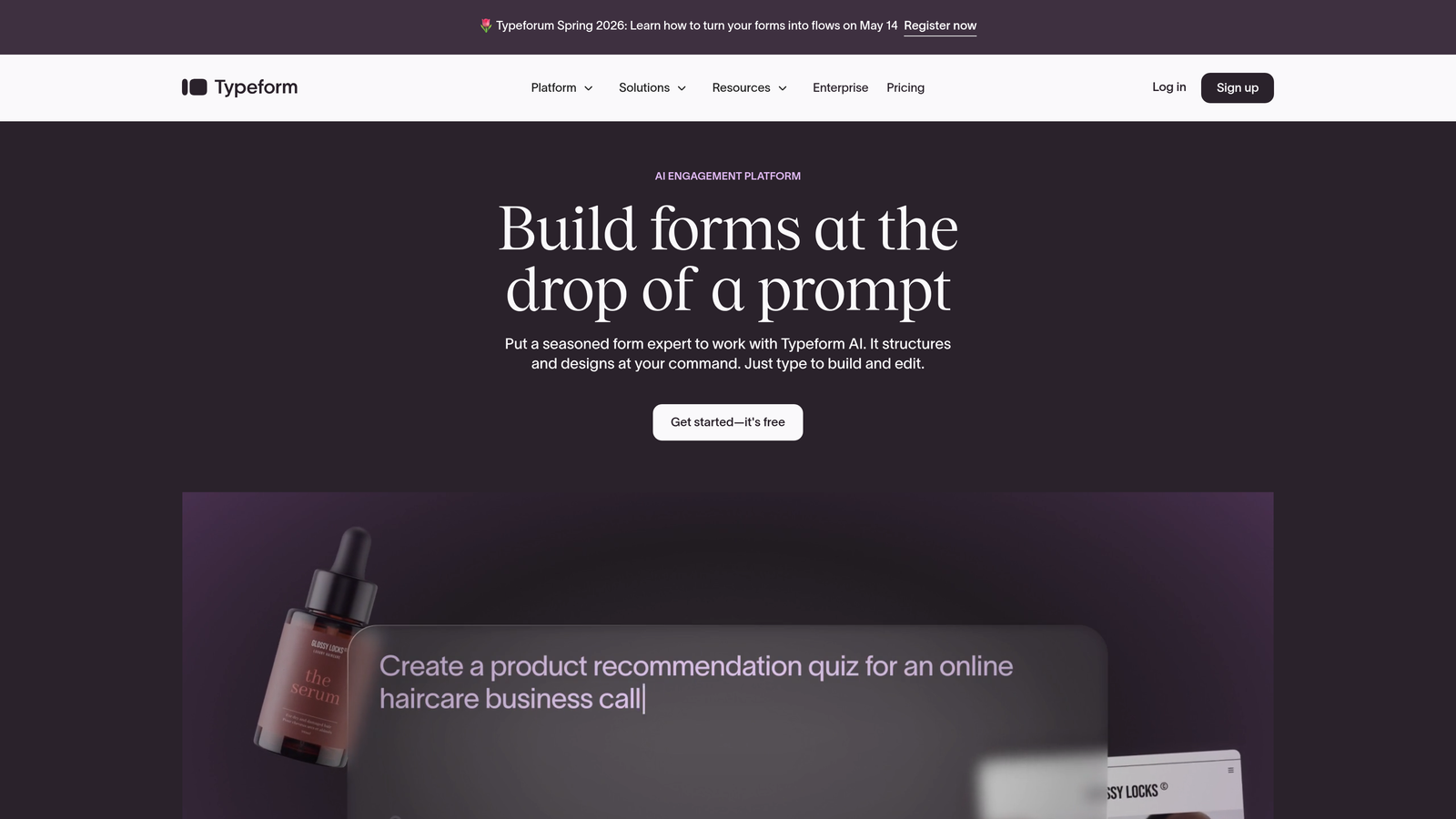
Typeform is a conversational form builder known for its one-question-at-a-time interface and polished visual design that makes forms feel less like forms.
Where This Tool Shines
Typeform's signature format, presenting one question at a time rather than a full page of fields, consistently produces higher completion rates for longer forms. When you need respondents to stay engaged through a multi-step qualification sequence, the experience feels more like a conversation than a survey.
The design customization is genuinely strong. Brand theming, custom fonts, background imagery, and smooth animations give Typeform forms a premium feel that's hard to replicate with more utilitarian builders. For teams where brand perception matters during the lead capture moment, that polish carries real value.
Key Features
Conversational One-Question Format: The signature interface presents questions sequentially, reducing cognitive load and improving completion rates on longer forms.
Design Customization and Brand Theming: Extensive visual controls let you match forms precisely to your brand identity, including fonts, colors, backgrounds, and button styles.
Logic Jumps and Conditional Branching: Route respondents through different question paths based on their answers, enabling personalized form flows without complexity.
Native Integrations: Direct connections to HubSpot, Salesforce, Slack, Mailchimp, and other popular tools reduce reliance on middleware for data routing.
Best For
Typeform works well for brand-conscious teams running lead gen campaigns where the form experience itself reflects on company quality. It's a strong fit for mid-market SaaS companies, agencies, and marketers who want polished, engaging forms without custom development.
Pricing
A free plan is available with limited responses and features. Paid plans start at approximately $25/month for the Basic tier, with higher tiers unlocking more responses, logic features, and integrations.
3. HubSpot Forms
Best for: Teams already running on HubSpot who want zero-friction CRM-connected forms
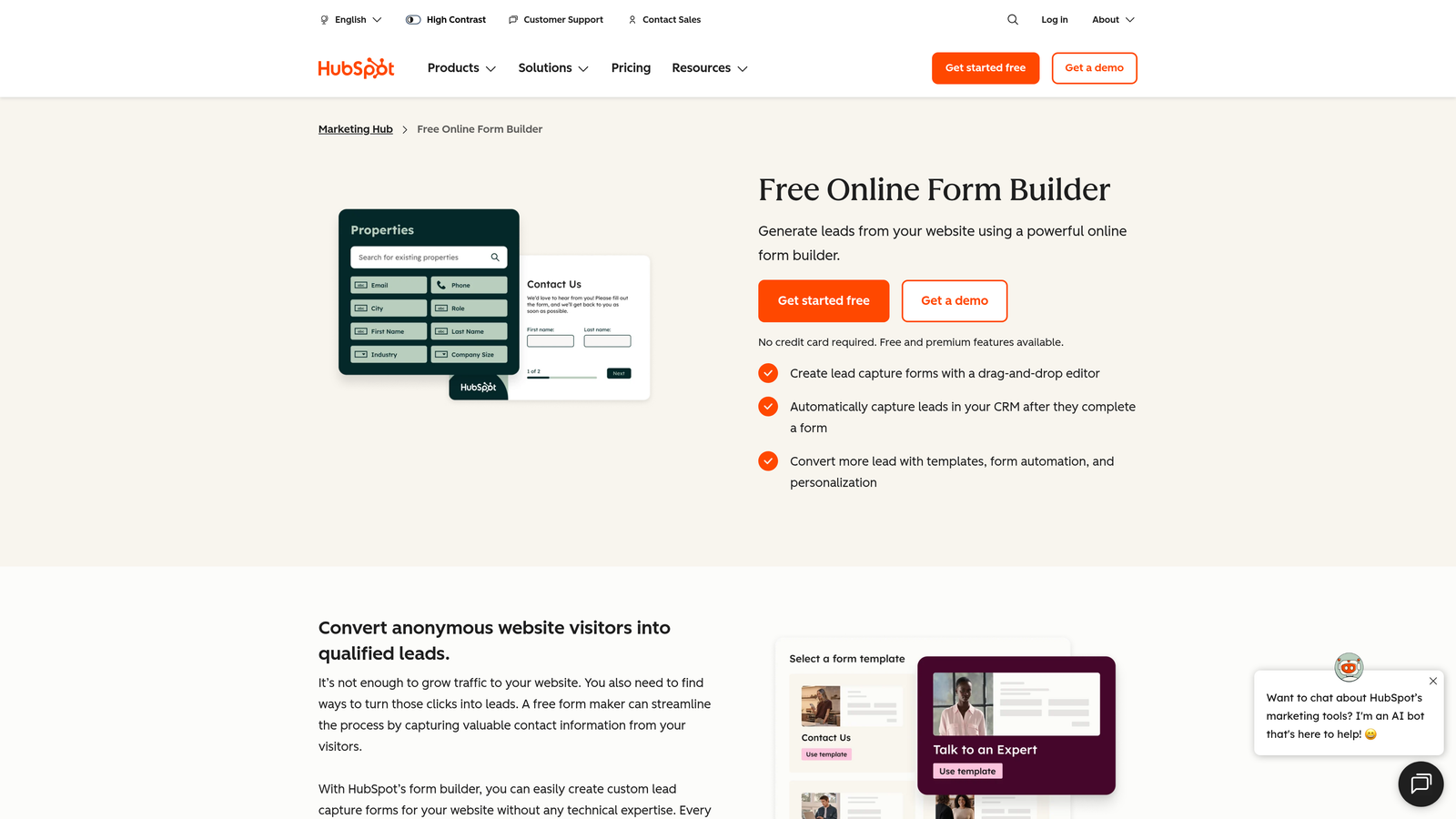
HubSpot Forms is a free form builder tightly woven into HubSpot's CRM and marketing automation ecosystem, with progressive profiling capabilities on higher tiers.
Where This Tool Shines
If your team lives in HubSpot, this is the path of least resistance. Forms create and update contact records automatically, trigger workflows, segment lists, and feed directly into your reporting without any integration work. The data just flows.
Progressive profiling is the standout feature for lead nurturing teams. Rather than asking the same questions on every form, HubSpot can surface new fields for returning contacts, gradually building a richer profile over multiple visits. For B2B teams running content-gated campaigns, this is a meaningful advantage.
Key Features
Native HubSpot CRM Integration: Every form submission automatically creates or updates a contact record, with no manual syncing or third-party connectors required.
Progressive Profiling: Available on paid Marketing Hub plans, this feature shows new questions to returning visitors, enriching contact data incrementally over time.
Dependent and Smart Fields: Show or hide fields based on contact properties or prior answers, reducing form length for known contacts.
Automatic List Segmentation: Form submissions can trigger list membership and workflow enrollment instantly, accelerating follow-up sequences.
Best For
HubSpot Forms is the obvious choice for teams already on HubSpot's platform. It's less compelling as a standalone tool, since the real value comes from its deep CRM connectivity. Best suited for inbound marketing teams running content offers, gated assets, and nurture sequences.
Pricing
The free tier includes unlimited forms with basic functionality. Advanced features like progressive profiling are included in Marketing Hub Starter, which starts at approximately $20/month.
4. Jotform
Best for: Teams that need a versatile, high-volume form builder with a generous free tier
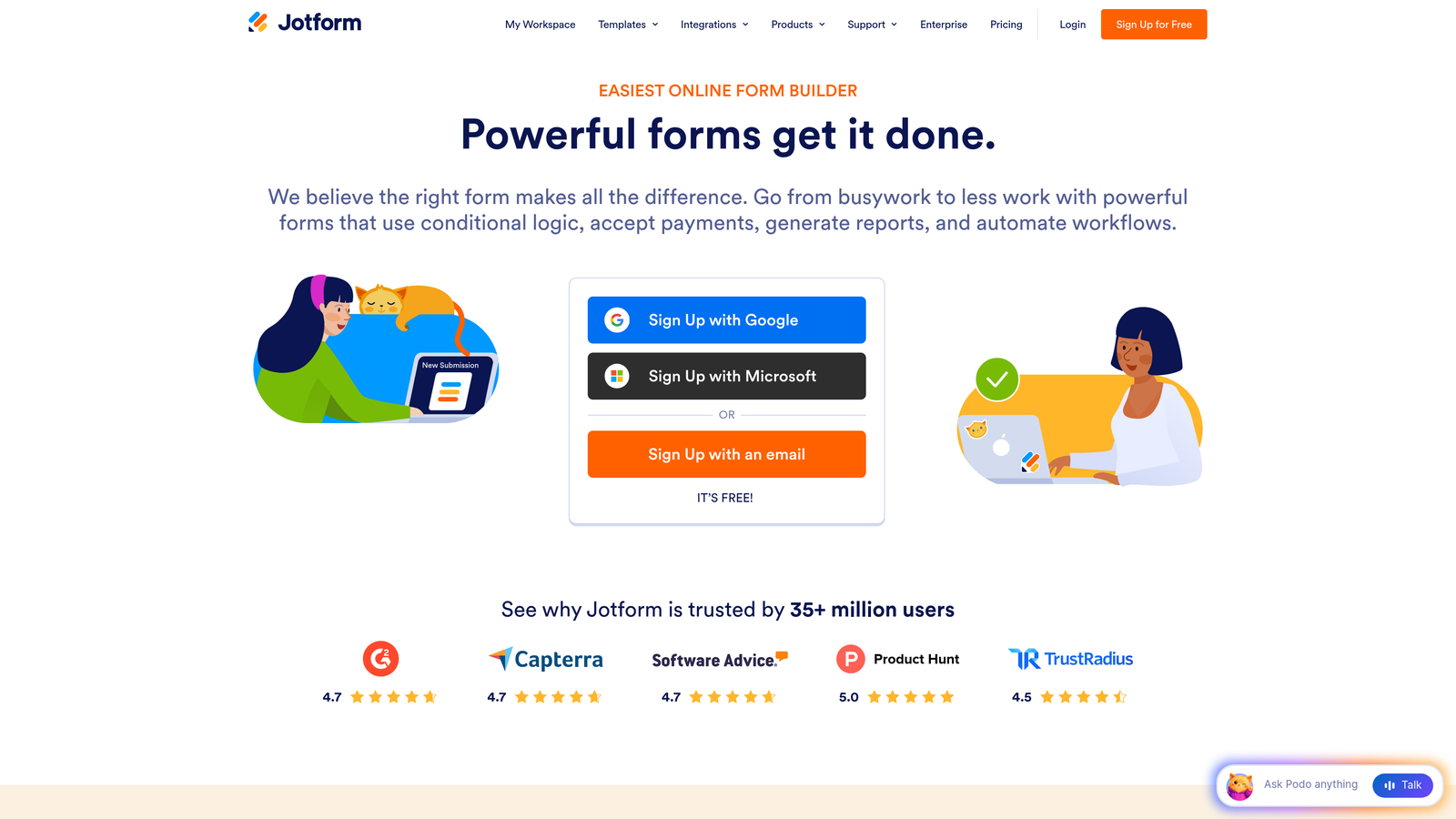
Jotform is a flexible form builder with one of the largest template libraries in the market and pricing structured around submission volume rather than per-seat fees.
Where This Tool Shines
Jotform's template library is genuinely vast, covering use cases from lead capture to event registration to payment collection. For teams that need to spin up forms quickly across different departments or campaigns, having thousands of starting points matters.
The submission-based pricing model is also worth noting. Rather than charging per user, Jotform scales pricing based on how many responses you receive. For small teams with high submission volume, this can be more economical than seat-based alternatives.
Key Features
Massive Template Library: Over 10,000 templates spanning industries and use cases give teams a fast starting point for almost any form type.
Payment Collection: Built-in integrations with Stripe, PayPal, and Square enable payment and order forms without additional plugins.
Conditional Logic and Calculations: Forms can show or hide fields and perform real-time calculations based on user inputs.
Jotform Tables: A built-in submission management interface that lets teams review, filter, and act on form data without exporting to a spreadsheet.
HIPAA-Compliant Plans: For healthcare and regulated industries, HIPAA-compliant options are available on higher tiers.
Best For
Jotform suits teams that need a reliable, multi-purpose form builder across departments. It's particularly strong for operations teams, small businesses, and organizations that need forms for varied use cases beyond pure lead generation.
Pricing
The free plan includes 5 forms and 100 submissions per month. Paid plans start at approximately $34/month (Bronze), with higher tiers increasing submission limits and unlocking advanced features.
5. Gravity Forms
Best for: WordPress-native teams that want a deep feature set without per-submission fees
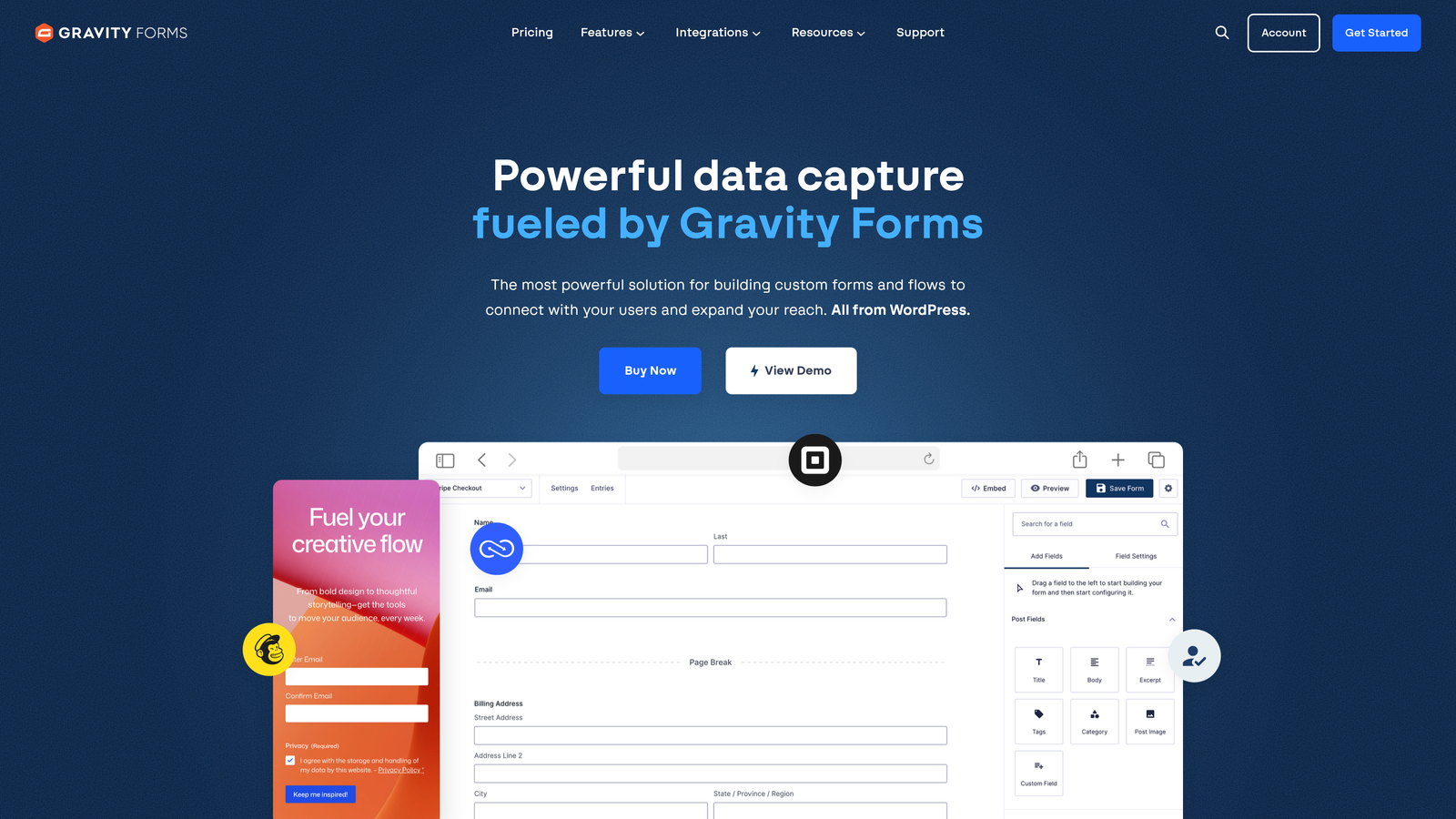
Gravity Forms is a WordPress form plugin with an extensive add-on ecosystem and an annual license model that avoids the submission-based pricing found on most SaaS platforms.
Where This Tool Shines
For teams running on WordPress, Gravity Forms is the gold standard. The plugin integrates deeply with WordPress architecture, supports custom post types, user registration, and complex multi-page workflows that would require significant development effort in other tools.
The add-on marketplace extends functionality considerably. CRM integrations, payment processors, email marketing connections, and specialized tools like conversational forms are all available as official or community add-ons. Higher license tiers unlock more of these add-ons, making plan selection a matter of which integrations your workflow requires.
Key Features
Deep WordPress Integration: Native compatibility with WordPress themes, plugins, and custom development patterns makes it the most flexible option for WordPress-first teams.
Conditional Logic and Multi-Page Forms: Build complex, branching form flows with page breaks, progress indicators, and field-level conditional rules.
Extensive Add-On Marketplace: Official add-ons for Salesforce, HubSpot, Stripe, Mailchimp, and dozens more extend the platform without requiring custom code.
Annual License Model: A flat annual fee with no per-submission charges makes cost predictable regardless of how much traffic your forms receive.
Best For
Gravity Forms is purpose-built for WordPress sites. If your lead gen infrastructure lives on WordPress and you want maximum flexibility without submission limits, it's a strong, cost-predictable choice. Less suited for teams on non-WordPress platforms.
Pricing
Annual licenses start at approximately $59/year for the Basic License. Higher tiers unlock additional add-ons and priority support.
6. Leadformly (by Zuko)
Best for: Conversion-focused teams that want field-level analytics and A/B testing on their forms
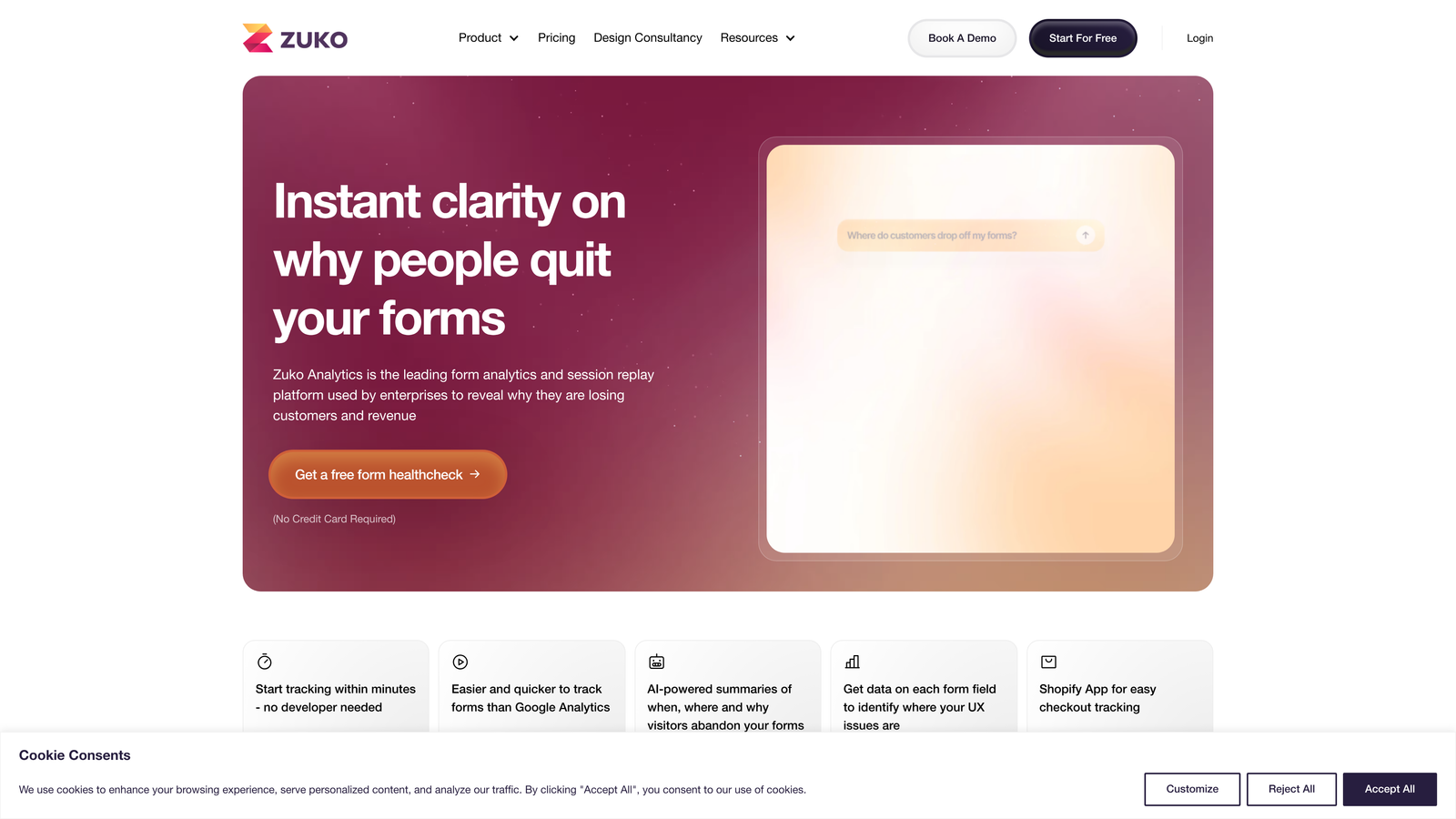
Leadformly by Zuko is a conversion-focused form analytics and optimization platform that goes beyond form building to show you exactly where respondents drop off and why.
Where This Tool Shines
Most form builders tell you how many submissions you received. Zuko tells you which specific field caused someone to abandon. That field-level drop-off data is the kind of insight that turns form optimization from guesswork into a systematic process.
For teams running paid acquisition campaigns where form conversion rate has a direct impact on cost per lead, this level of analytics visibility can justify the platform cost quickly. You're not just building forms. You're diagnosing and improving them continuously.
Key Features
Field-Level Drop-Off Analytics: See exactly where respondents abandon forms, including which specific fields cause friction and how long users spend on each one.
A/B Testing: Test different form variations against each other to identify which layouts, field orders, or copy changes improve completion rates.
Conversion-Optimized Templates: Starting templates are built around form best practices derived from aggregate performance data.
Embeddable Forms with Custom Branding: Forms embed cleanly into existing pages with branding controls that match your site design.
Best For
Zuko is a strong fit for performance marketers, CRO specialists, and demand gen teams that treat form optimization as an ongoing discipline rather than a one-time setup task. Particularly valuable for teams with significant paid traffic where conversion rate improvements have measurable ROI.
Pricing
Plans vary based on form sessions and features. Visit zuko.io for current pricing tiers and plan details.
7. Formstack
Best for: Enterprise teams that need forms as part of a broader document and workflow automation suite
Formstack is an enterprise-grade platform that extends beyond form building into document generation, e-signatures, and multi-step approval workflows, all within a compliance-ready environment.
Where This Tool Shines
Formstack's differentiator isn't the form builder itself. It's the broader workflow suite that forms feed into. If your lead capture process involves follow-up document generation, contract workflows, or multi-department approval chains, Formstack handles all of it within one platform.
Compliance is another genuine strength. HIPAA, GDPR, and SOC 2 support make Formstack one of the few form platforms that enterprise procurement and legal teams can approve without extensive security review. For regulated industries, that alone narrows the field considerably.
Key Features
Full Workflow Suite: Forms, documents, and e-signatures operate as an integrated system, enabling end-to-end process automation beyond simple data capture.
Compliance Options: HIPAA, GDPR, and SOC 2 compliance features are available, making Formstack viable for healthcare, finance, and regulated enterprise environments.
Salesforce-Native App: A dedicated Salesforce app enables form building and data management directly within the CRM, without switching platforms.
Approval Workflows and Routing: Multi-step approval chains route submissions through defined review processes before final action is taken.
Best For
Formstack suits enterprise teams in regulated industries where forms are one component of a larger process automation need. It's more platform than pure form builder, which makes it over-engineered for simple lead capture but ideal for complex operational workflows.
Pricing
Plans start at approximately $50/month for the Starter tier. Enterprise pricing is available for larger teams requiring advanced compliance and workflow features.
8. Unbounce Smart Builder
Best for: Paid acquisition teams that want AI-optimized landing pages with integrated form capture
Unbounce Smart Builder is an AI-powered landing page builder with embedded form elements and a Smart Traffic feature that automatically routes visitors to the highest-converting page variant.
Where This Tool Shines
Unbounce approaches lead capture from the landing page outward rather than the form inward. For paid search and social campaigns where the entire page experience drives conversion, this framing makes sense. The form is one element of an optimized conversion environment rather than the centerpiece.
Smart Traffic is the headline feature on higher plan tiers. Rather than running a traditional A/B test and waiting for statistical significance, Smart Traffic uses machine learning to route individual visitors to the variant most likely to convert based on their attributes. For teams with meaningful paid traffic volume, this can accelerate optimization cycles considerably.
Key Features
AI-Powered Smart Builder: The AI-assisted page builder generates layout suggestions and copy recommendations based on your campaign context and industry.
Smart Traffic Optimization: Automatically routes visitors to the highest-converting page variant based on visitor attributes, available on higher plan tiers.
Drag-and-Drop Page and Form Editor: Full visual control over landing page layout with embedded form fields, CTAs, and conversion elements.
Popups and Sticky Bars: Supplementary form capture formats that complement the primary landing page experience for retargeting and exit-intent scenarios.
Best For
Unbounce is built for paid acquisition teams running Google Ads, Meta, and other paid channels where landing page conversion rate directly impacts campaign economics. Less suited as a standalone form tool for organic or inbound lead capture.
Pricing
Plans start at approximately $74/month for the Build tier. Smart Traffic and advanced AI features are unlocked on higher plan tiers.
9. Paperform
Best for: Teams that want rich, document-style form experiences with built-in payment and content flexibility
Paperform is a document-style form builder that blends text, images, video, and form fields into a single continuous page, creating a more editorial form experience than traditional field-based builders.
Where This Tool Shines
Paperform's editor feels more like writing a document than configuring a form. You can intersperse explanatory copy, images, and video between form fields, which works particularly well for longer qualification forms where context helps respondents answer more accurately.
The built-in payment processing and white-label options on higher tiers also make Paperform a practical choice for agencies and consultants who want to deliver branded form experiences to clients without exposing the underlying tool.
Key Features
Document-Style Editor: Mix rich text, images, video, and form fields freely within a single page, creating context-rich form experiences that guide respondents through complex questions.
Conditional Logic and Calculations: Show or hide sections based on prior answers and perform real-time calculations for pricing estimators, quote forms, and similar use cases.
Built-In Payment Processing: Accept payments directly within forms without third-party payment plugins or additional setup.
Custom Branding and White-Label Options: Remove Paperform branding and apply full custom branding on higher-tier plans, suitable for agency client delivery.
Best For
Paperform suits consultants, agencies, and teams that need forms to double as rich content experiences. It's particularly effective for qualification forms, onboarding surveys, and client intake processes where context and explanation improve response quality.
Pricing
Plans start at approximately $24/month for the Essentials tier. Higher tiers unlock white-label options, more submissions, and advanced integrations.
Finding the Right Plan for Your Growth Stage
The best lead gen form software plan isn't the one with the most features. It's the one that matches where your team is right now and scales cleanly to where you're going.
If you're early-stage and watching spend carefully, Jotform's free tier or Paperform's Essentials plan give you real capability without significant investment. If you're on WordPress and want cost-predictable infrastructure, Gravity Forms' annual license model is hard to beat. If you're running HubSpot already, the free HubSpot Forms tier is a natural starting point before upgrading to Marketing Hub for progressive profiling.
For teams scaling paid acquisition, Unbounce addresses the full landing page conversion problem rather than just the form. For compliance-heavy enterprise environments, Formstack covers requirements that most other tools can't. And for teams that want systematic form optimization, Zuko's field-level analytics fill a gap that most builders leave open.
But if lead qualification speed and pipeline quality are your primary constraints, the platform architecture matters as much as the plan tier. That's where Orbit AI takes a different approach: qualification logic, smart routing, and conversion-optimized design aren't add-ons you unlock at a higher tier. They're built into the foundation.
Start building free forms today and see how intelligent form design can transform your lead generation. For high-growth teams that need forms to do more than collect data, the difference between a form that captures and a form that qualifies is the difference between a pipeline full of noise and one full of opportunity.


