

Choosing the right form builder plan isn't just about picking a tool. It's about finding a platform that fits your team's growth stage, budget, and conversion goals. Whether you're capturing leads, qualifying prospects, or running customer surveys, the plan you choose determines what features you actually get access to.
This guide breaks down the best form builder plans available in 2026, evaluated on pricing transparency, feature depth at each tier, ease of use, and how well each platform supports lead generation and conversion optimization. We've included options ranging from AI-powered platforms built for sales teams to straightforward tools for simple data collection.
If you want to go deeper on choosing the right platform, our guide on the best online form builders covers the full landscape. For teams focused on lead quality, check out how to improve lead quality with forms.
1. Orbit AI
Best for: High-growth SaaS and B2B teams focused on lead qualification and conversion optimization.
Orbit AI is an AI-powered form builder with built-in lead qualification designed for revenue-focused teams.
Where This Tool Shines
Most form builders stop at data collection. Orbit AI goes further by embedding lead qualification directly into the form layer. Instead of dumping raw submissions into your CRM for manual review, the platform scores and routes leads automatically based on criteria your team defines.
The interface is clean and modern, built to reduce friction for respondents while giving your team the signal quality it needs to prioritize follow-up. Setup is fast and requires no developer involvement, which matters when your team is moving quickly.
Key Features
AI Lead Scoring and Qualification: Automatically scores incoming leads based on form responses, reducing manual triage work for sales teams.
Conversion-Optimized Design: Modern, clean UI built to minimize form abandonment and maximize completion rates.
Conditional Logic and Dynamic Fields: Personalize form flows based on earlier answers so respondents only see what's relevant to them.
Lead Routing: Route qualified leads to the right team member or workflow based on qualification criteria automatically.
Fast Setup, No Developer Required: Built for non-technical teams who need to move quickly without relying on engineering resources.
Best For
Orbit AI is the right fit for SaaS companies, B2B sales teams, and growth-focused marketers who need more than a form. If lead quality matters as much as lead volume, and you want qualification to happen before a prospect ever hits your CRM, this platform is built for that workflow.
Pricing
Visit orbitforms.ai for current plan details. Plans are designed to scale with high-growth teams.
2. Typeform
Best for: Teams wanting conversational forms that reduce drop-off and improve survey completion rates.
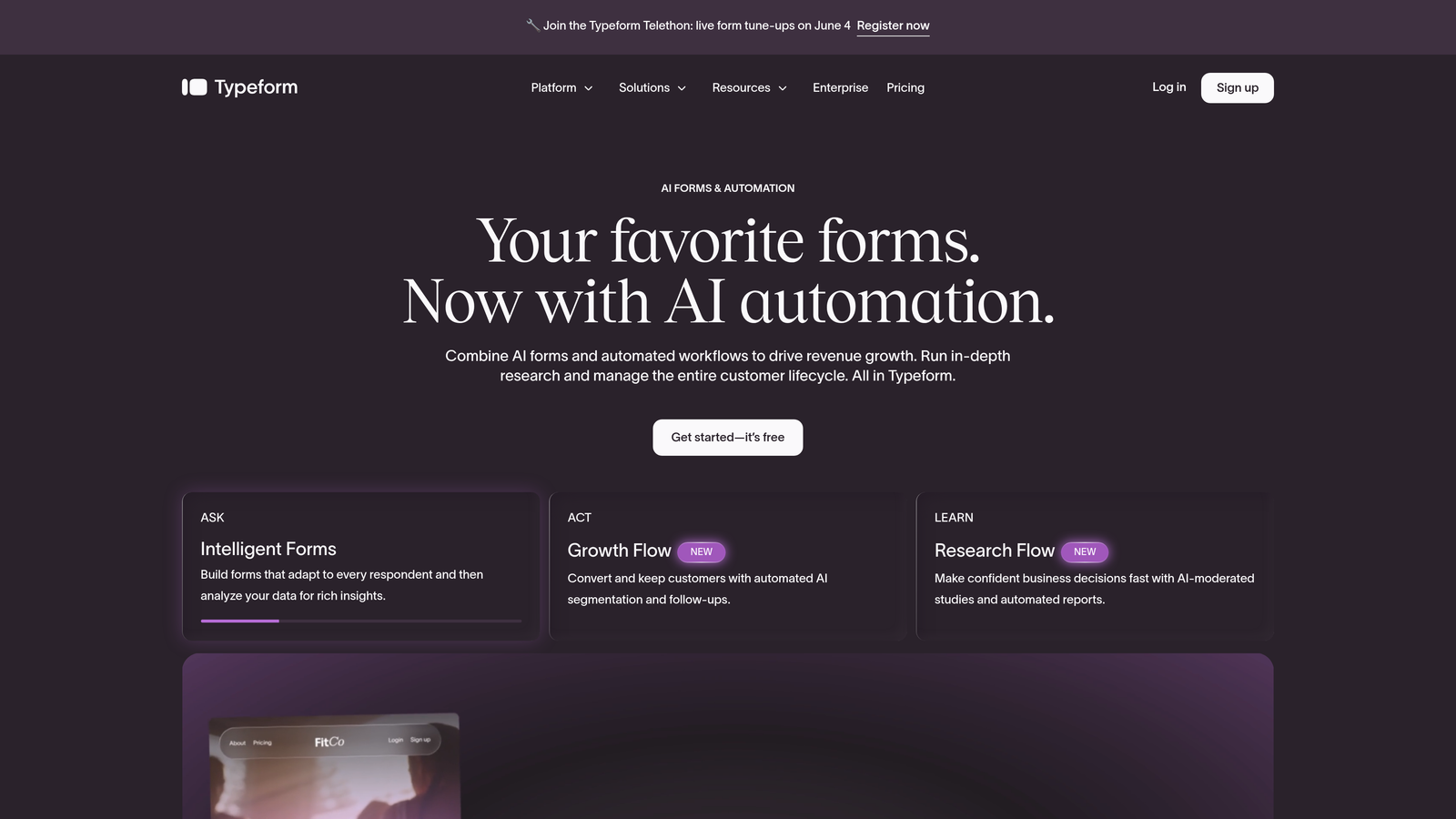
Typeform is a conversational form builder known for its one-question-at-a-time UX that reduces abandonment.
Where This Tool Shines
Typeform's signature format presents one question at a time, creating an experience closer to a conversation than a traditional form. This approach tends to keep respondents engaged longer, which is particularly valuable for multi-step lead capture flows or NPS surveys where completion rate is everything.
The platform has a strong integration ecosystem, connecting natively with tools like HubSpot, Salesforce, and Slack. For teams running onboarding flows or customer research, Typeform delivers a polished experience that reflects well on the brand presenting it.
Key Features
Conversational One-Question Format: Presents questions sequentially to maintain respondent focus and reduce form fatigue.
Logic Jumps and Conditional Branching: Directs respondents through different paths based on their answers.
CRM and Tool Integrations: Native connections to HubSpot, Salesforce, Zapier, and Slack for workflow automation.
Rich Media Support: Embed video and images within forms to create more engaging experiences.
Drop-Off Analytics: Built-in dashboard showing where respondents abandon the form so you can optimize.
Best For
Typeform works well for marketing teams running NPS surveys, product onboarding flows, or lead capture forms where brand experience matters. Teams that prioritize aesthetics and completion rates over raw data volume will find it a strong fit.
Pricing
A free plan is available with limited monthly responses. Paid plans start around $25/month. Verify current pricing at typeform.com.
3. Jotform
Best for: Agencies, SMBs, and teams needing a feature-rich builder with payment integrations at accessible price points.
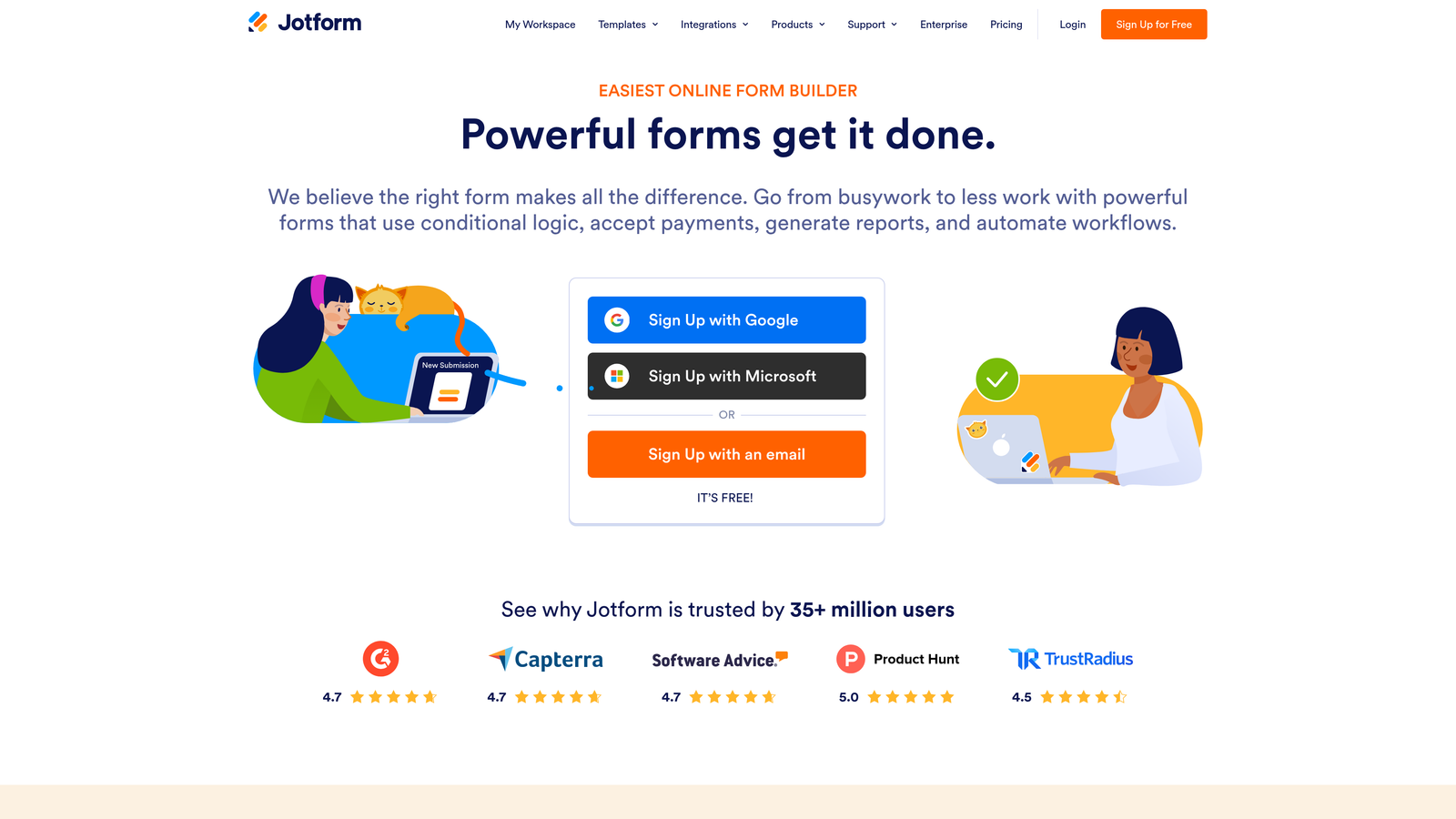
Jotform is a feature-rich form builder with an extensive template library and strong payment and workflow integrations.
Where This Tool Shines
Jotform's depth is hard to match at its price point. With over 10,000 templates spanning industries from healthcare to e-commerce, teams can get a functional form live in minutes. The drag-and-drop builder is accessible to non-technical users without sacrificing capability for more advanced workflows.
Payment collection is a genuine strength here. Jotform supports Stripe, PayPal, and Square natively, making it a practical choice for service businesses or event registrations where forms need to double as checkout experiences.
Key Features
10,000+ Templates: One of the largest template libraries available, covering virtually every industry use case.
Payment Integrations: Native support for Stripe, PayPal, and Square without requiring third-party workarounds.
Drag-and-Drop Builder: Intuitive interface that requires no coding knowledge to build complex forms.
Approval Workflows: Automated notifications and multi-step approval routing for team-based processes.
HIPAA-Compliant Plans: Available for healthcare organizations that need compliant data handling.
Best For
Jotform suits agencies managing forms for multiple clients, small businesses needing payment collection, and teams in regulated industries requiring compliance features. It's a versatile tool that punches above its price point.
Pricing
A free tier is available. Paid plans start around $34/month. Verify current pricing at jotform.com.
4. HubSpot Forms
Best for: Teams already using HubSpot CRM who want seamless lead capture without additional tooling.
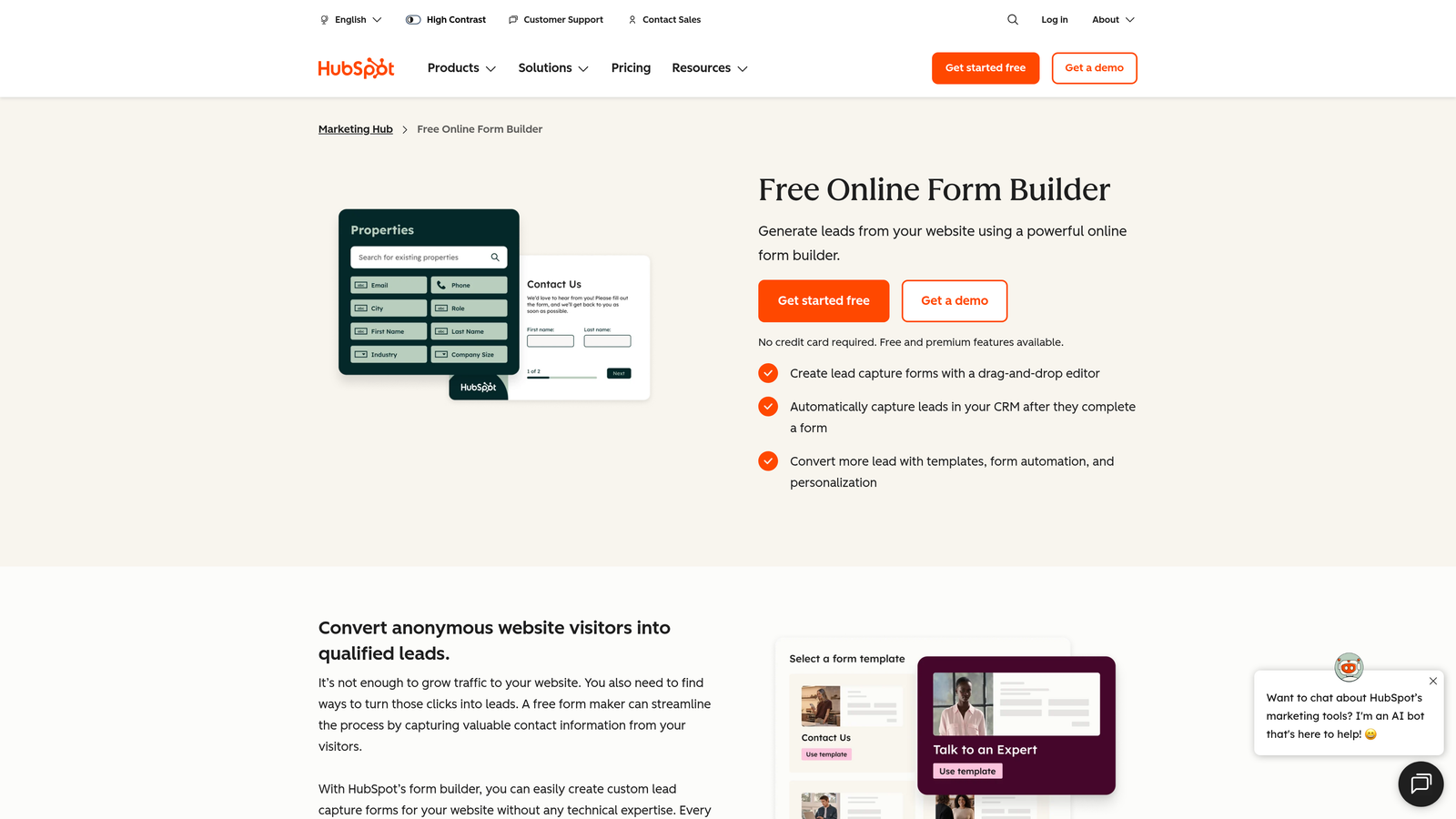
HubSpot Forms is a native form builder included with HubSpot CRM, offering seamless lead capture directly into the contact database.
Where This Tool Shines
If your team lives in HubSpot, the native forms tool removes a layer of friction that third-party integrations always introduce. Every submission creates or updates a contact record automatically, and follow-up email sequences can trigger the moment someone fills out a form.
The progressive profiling feature is particularly clever for B2B teams. Rather than asking the same questions repeatedly, HubSpot Forms hides fields that are already populated in a contact's record, allowing you to gather new data incrementally over multiple interactions.
Key Features
Native CRM Sync: Submissions create or update HubSpot contact records automatically, no integration required.
Smart Fields: Hides questions already answered by known contacts to avoid repetitive experiences.
Progressive Profiling: Builds richer contact records over time by asking new questions on repeat visits.
Automated Follow-Up: Trigger email sequences and workflows directly from form submissions.
Flexible Deployment: Embed forms on external pages or host them on HubSpot landing pages.
Best For
HubSpot Forms is the obvious choice for teams already invested in the HubSpot ecosystem. As a standalone form builder, it's limited. As part of a broader HubSpot marketing and sales setup, it's genuinely powerful.
Pricing
Free with any HubSpot account, including the free CRM tier. Advanced features are tied to Marketing Hub paid plans. Verify at hubspot.com.
5. Tally
Best for: Startups and indie teams that need a capable free plan with a clean, minimal editing experience.
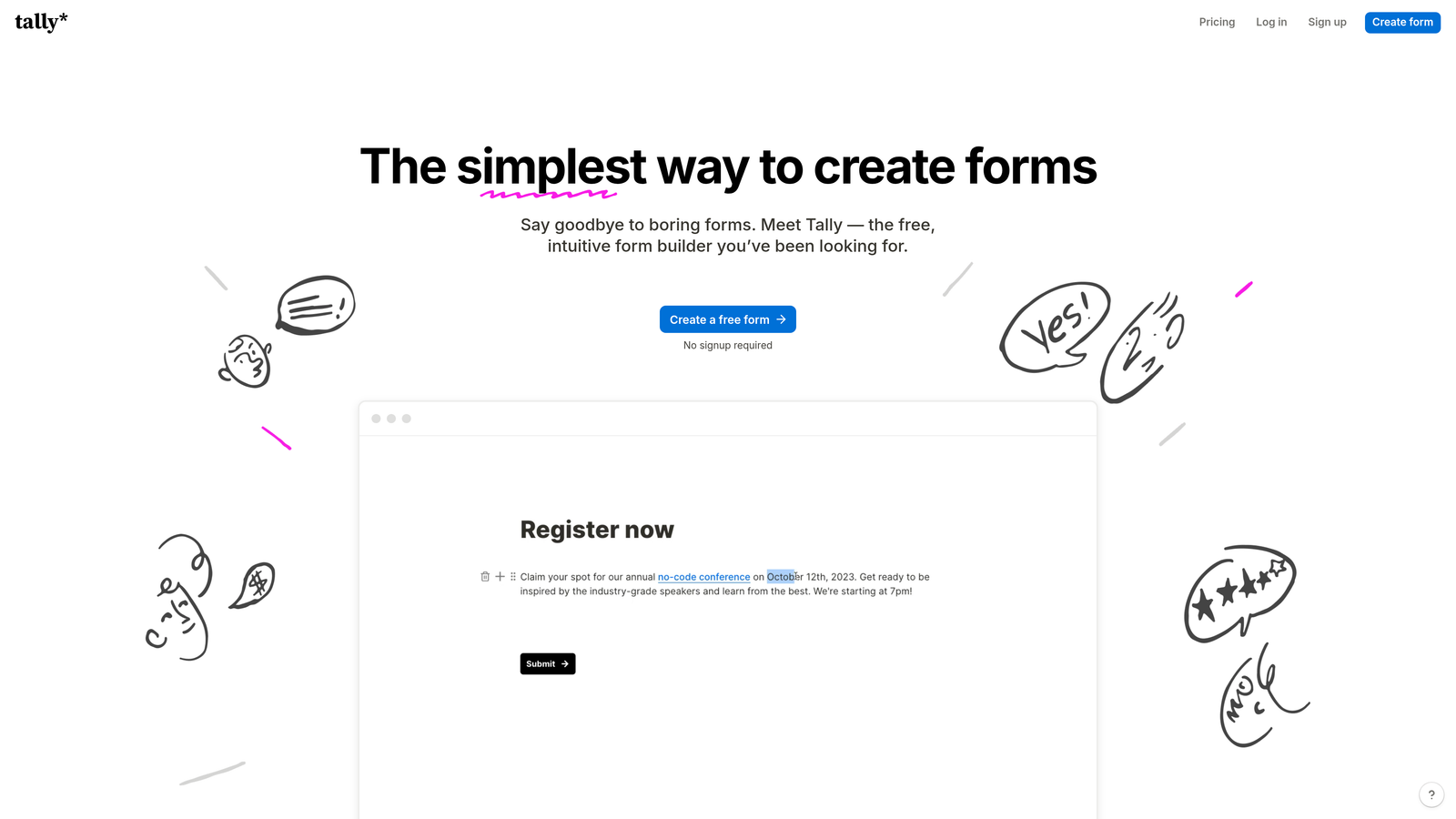
Tally is a Notion-inspired form builder with one of the most generous free plans on the market, offering unlimited forms and unlimited responses.
Where This Tool Shines
Tally's free plan is genuinely remarkable. Unlimited forms and unlimited responses without a credit card is rare in this space, and it makes Tally an easy starting point for early-stage teams that need functional forms without a budget commitment.
The editing experience feels familiar to anyone who uses Notion. The block-based interface is fast to learn and the output looks clean without requiring design effort. It's a tool that gets out of your way.
Key Features
Unlimited Free Plan: No response caps or form limits on the free tier, which is unusually generous for this category.
Notion-Like Editor: Block-based interface with minimal learning curve for teams already familiar with modern productivity tools.
Conditional Logic: Multi-page forms with branching logic available even on the free plan.
Custom Domains and Partial Submissions: Available on the Pro plan for teams needing branded links and incomplete-submission tracking.
Workflow Integrations: Connects to Zapier and a growing list of native integrations for automation.
Best For
Tally is ideal for startups, solo operators, and small teams that need capable forms without the overhead of a paid subscription. It's also a strong option for internal tools where design sophistication isn't the priority.
Pricing
The free plan covers most use cases. Pro plan is around $29/month. Verify current pricing at tally.so.
6. Google Forms
Best for: Teams needing completely free, simple forms for internal data collection within Google Workspace.
Google Forms is a completely free form and survey tool included with every Google account, best for simple internal data collection.
Where This Tool Shines
There's no simpler entry point into form building than Google Forms. It's free, it's already in your Google account, and it pipes responses directly into Google Sheets. For internal surveys, quick polls, or team feedback collection, it covers the basics without any setup friction.
Collaborative editing is a natural strength here. Multiple team members can work on the same form simultaneously, and sharing results is as easy as sharing a spreadsheet. For organizations already running on Google Workspace, it fits seamlessly into existing workflows.
Key Features
Completely Free: No subscription required, no response limits, no premium tier to worry about.
Unlimited Forms and Responses: No artificial caps on how much data you can collect.
Google Sheets Integration: Responses flow directly into a connected spreadsheet for easy analysis.
Basic Conditional Logic: Section branching allows for simple survey routing based on responses.
Collaborative Editing: Multiple contributors can build and edit forms simultaneously within Google Workspace.
Best For
Google Forms is the right call for internal use cases where design and lead generation features aren't needed. Employee surveys, event RSVPs, and quick feedback collection are where it performs well. It's not built for conversion optimization or external lead capture.
Pricing
Completely free with any Google account. There is no paid plan or premium tier.
7. Paperform
Best for: Service businesses, coaches, and agencies needing design-forward forms with advanced logic and payment collection.
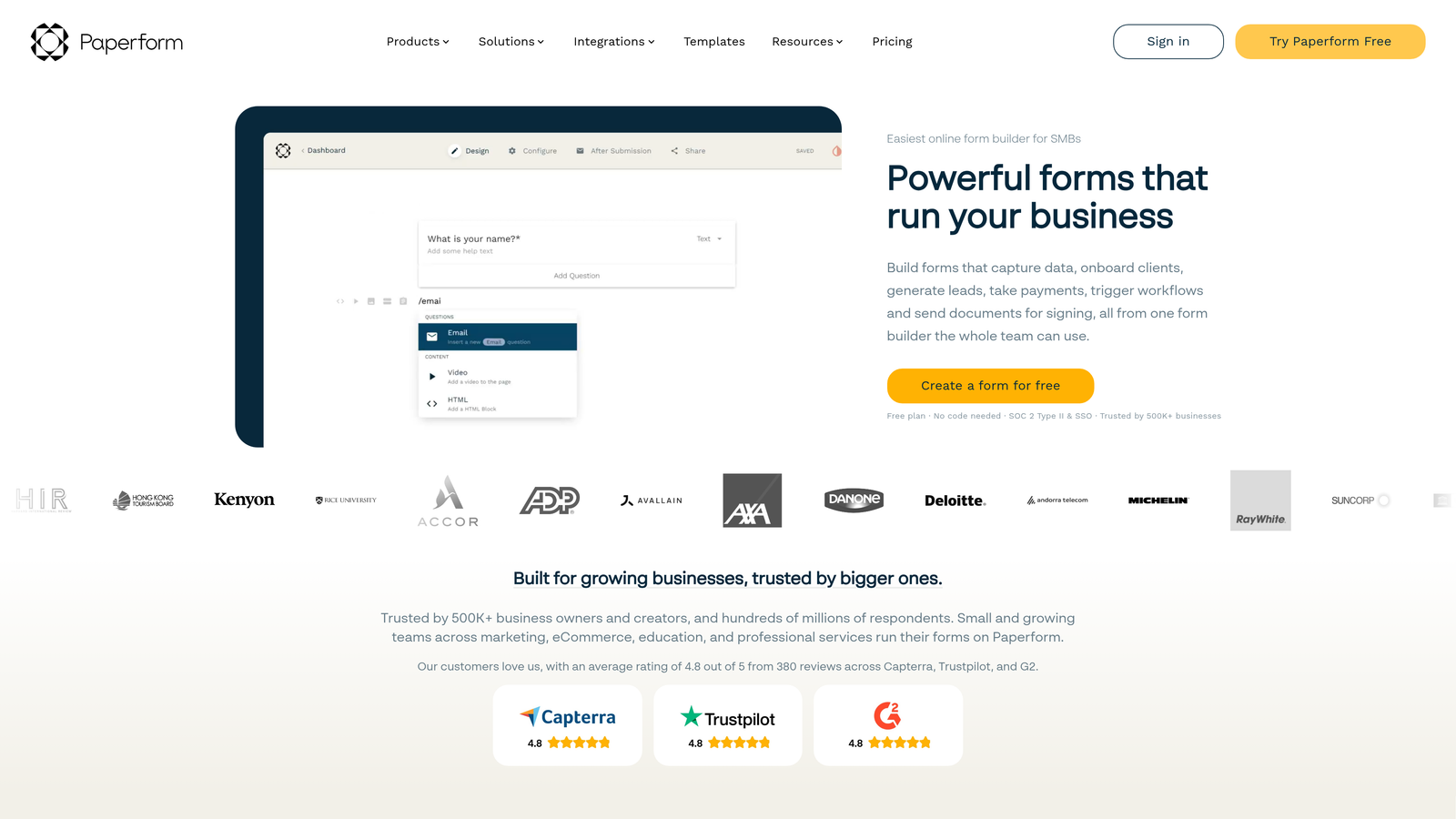
Paperform is a design-forward form builder that creates page-like, richly branded forms with strong conditional logic and calculation fields.
Where This Tool Shines
Paperform occupies a unique space: it builds forms that look and feel like landing pages. Rich text, embedded images, and video can sit alongside form fields, creating a more immersive experience than a standard form layout. For service businesses presenting proposals or intake forms, this presentation quality matters.
The calculation fields are a standout feature for teams that need pricing estimators, quote generators, or scoring tools built directly into their forms. This kind of dynamic functionality typically requires custom development elsewhere.
Key Features
Page-Like Form Design: Combine rich text, images, and video with form fields for a landing-page-quality experience.
Calculation Fields: Build pricing calculators, quote tools, or scoring logic directly within the form.
Advanced Conditional Logic: Complex branching rules that adapt the form experience based on prior responses.
Payment Collection: Native support for Stripe, Braintree, and PayPal for seamless in-form transactions.
200+ Integrations: Connect to tools via native connectors and Zapier for workflow automation.
Best For
Paperform suits coaches, consultants, agencies, and service businesses that need forms to serve as polished client-facing experiences. Teams that need pricing calculators or complex logic will find it particularly valuable.
Pricing
Essentials plan starts around $24/month. Verify current pricing at paperform.co.
8. Formstack
Best for: Enterprise teams in regulated industries requiring HIPAA compliance, deep workflow automation, and document generation.
Formstack is an enterprise-grade form and workflow platform with HIPAA compliance and deep automation, built for regulated industries.
Where This Tool Shines
Formstack goes well beyond form building. It's a workflow platform where forms are the starting point for complex approval chains, document generation, and e-signature collection. For healthcare, legal, and financial services teams, this end-to-end capability in a single compliant platform reduces the risk of piecing together multiple tools.
The Salesforce native integration is a genuine differentiator for enterprise teams. Rather than relying on Zapier middleware, Formstack connects directly to Salesforce objects, making it a strong fit for organizations where CRM data integrity is non-negotiable.
Key Features
HIPAA-Compliant Forms: Built-in compliance features for healthcare and other regulated industries handling sensitive data.
Advanced Workflow Automation: Multi-step approval routing and automated notifications for complex internal processes.
Document Generation and E-Signatures: Create and send documents directly from form submissions without switching tools.
Salesforce Native Integration: Direct connection to Salesforce objects without middleware dependencies.
Enterprise Security: SSO support and audit logging for organizations with strict access control requirements.
Best For
Formstack is built for enterprise teams in healthcare, legal, and financial services that need compliance, workflow depth, and Salesforce integration in a single platform. It's not the right fit for small teams or budget-conscious buyers.
Pricing
Higher-end pricing with enterprise plans available on request. Verify current pricing at formstack.com.
9. Microsoft Forms
Best for: Organizations running Microsoft 365 that need basic internal surveys and quizzes without additional spend.
Microsoft Forms is a basic survey and quiz tool bundled with Microsoft 365, best for internal use within Microsoft-centric organizations.
Where This Tool Shines
For organizations already paying for Microsoft 365, Microsoft Forms is a zero-friction option for internal data collection. It integrates naturally with Teams, SharePoint, and Excel, making it easy to share surveys within existing workflows and analyze results without leaving the Microsoft environment.
The quiz functionality is a practical addition for HR teams running assessments or training checks. Real-time response summaries and automatic scoring reduce the manual work involved in processing results.
Key Features
Included with Microsoft 365: No additional cost for organizations already on a Microsoft 365 subscription.
Native Microsoft Integrations: Direct connections to Teams, SharePoint, and Excel for seamless data flow.
Branching Logic: Basic conditional routing for surveys and quizzes based on respondent answers.
Real-Time Response Summaries: Automatic charts and summaries as responses come in, reducing manual analysis.
Multi-Language Support: Useful for global organizations collecting responses across different regions.
Best For
Microsoft Forms is the right tool for internal use within Microsoft-centric organizations. Employee surveys, training quizzes, and internal feedback collection are its natural territory. It has no meaningful lead generation or conversion optimization capabilities.
Pricing
Included with Microsoft 365 subscriptions at no additional cost. There is no standalone paid plan.
Which Form Builder Plan Is Right for Your Team?
The right choice depends heavily on what your team actually needs from a form builder. Not every platform is trying to solve the same problem, and the plan tiers reflect that clearly.
For teams where lead quality is the priority, Orbit AI is the standout choice. The built-in AI qualification layer means your form isn't just collecting data, it's doing the first layer of sales work automatically. That's a meaningful advantage for high-growth SaaS and B2B teams where manual lead triage is a bottleneck.
If conversational experience and completion rates are your main concern, Typeform delivers a polished format that holds respondent attention through longer flows. For teams that need breadth and payment integrations at an accessible price, Jotform offers more features per dollar than most alternatives in this list.
Budget-conscious teams should look seriously at Tally, which offers an unusually generous free plan that covers most startup use cases without any subscription. Google Forms and Microsoft Forms are the right calls when you need zero-cost internal tools and are already embedded in those ecosystems.
Enterprise teams in regulated industries have a clear answer in Formstack, where compliance, workflow depth, and Salesforce integration justify the higher price point. And for teams running on HubSpot, the native HubSpot Forms tool removes integration friction that third-party options always introduce.
The bottom line: match the platform to your actual workflow. A form builder that handles lead qualification automatically is worth far more to a B2B sales team than unlimited free responses. Start with the use case, then find the plan that serves it.
Transform your lead generation with AI-powered forms that qualify prospects automatically while delivering the modern, conversion-optimized experience your high-growth team needs. Start building free forms today and see how intelligent form design can elevate your conversion strategy.


