

When your team is serious about lead generation, the form builder you choose matters far more than most people realize. Free tiers get you started, but a proper license unlocks the advanced features, dedicated support, and scalable infrastructure that high-growth teams actually need: AI-powered qualification, conditional logic, deep CRM integrations, and compliance tools that hold up under scrutiny.
The right license depends on a few key factors. How large is your team? Do you need HIPAA or GDPR compliance? Are you looking for AI-driven lead scoring, or is a clean conversational interface your priority? And critically, does the pricing model match how you actually work, whether that's an annual SaaS subscription, a WordPress plugin license, or a usage-based plan?
To build this list, we evaluated tools across five criteria: pricing transparency, feature depth, ease of use, integration ecosystem, and scalability. Whether you're a solo marketer or running a growth team at scale, there's a form builder license here that fits your stack.
1. Orbit AI
Best for: High-growth teams that need AI-powered lead qualification built directly into every form submission.
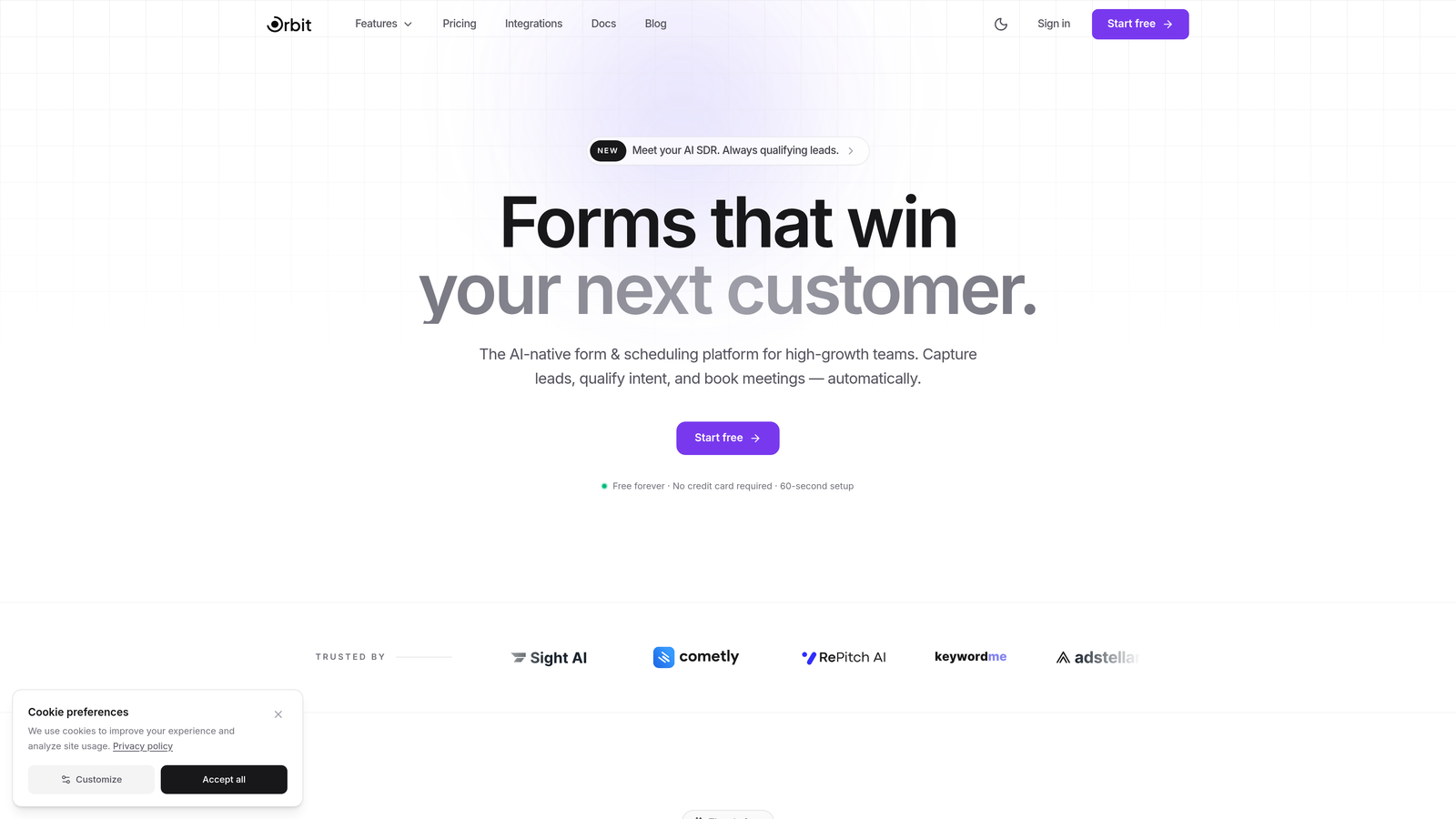
Orbit AI is an AI-powered form builder platform designed specifically for conversion optimization and intelligent lead qualification.
Where This Tool Shines
Most form builders collect data and pass it along. Orbit AI goes a step further by qualifying that data in real time, scoring leads automatically so your sales team focuses on the prospects most likely to convert. For teams running high-volume lead generation campaigns, that distinction is significant.
The platform is built with a modern design sensibility that matches what buyers expect in 2026: clean templates, fast load times, and form experiences that feel native to well-designed products rather than bolted on. If conversion rate is a metric your team tracks closely, this is built with that mindset.
Key Features
AI Lead Scoring: Every form submission is automatically qualified and scored, so your team knows exactly which leads to prioritize without manual review.
Conversion-Optimized Templates: Pre-built templates designed specifically to maximize completion rates and capture quality submissions.
Conditional Logic and Smart Routing: Route leads to different workflows, sequences, or team members based on their qualification score and responses.
CRM and Marketing Integrations: Connects with popular CRM platforms and marketing tools so qualified leads flow directly into your existing stack.
Modern Form Design: A design-forward builder that produces forms and landing pages that look great without requiring a designer.
Best For
Orbit AI is the strongest fit for B2B SaaS teams, growth marketers, and sales-led organizations that need more than a form, they need a qualification layer. If your team is tired of manually sorting through unqualified submissions, the AI scoring alone justifies the license.
Pricing
Visit orbitforms.ai for current pricing and plan details. A free tier is available to get started.
2. Typeform
Best for: Teams that prioritize a premium, conversational form experience with high visual polish.
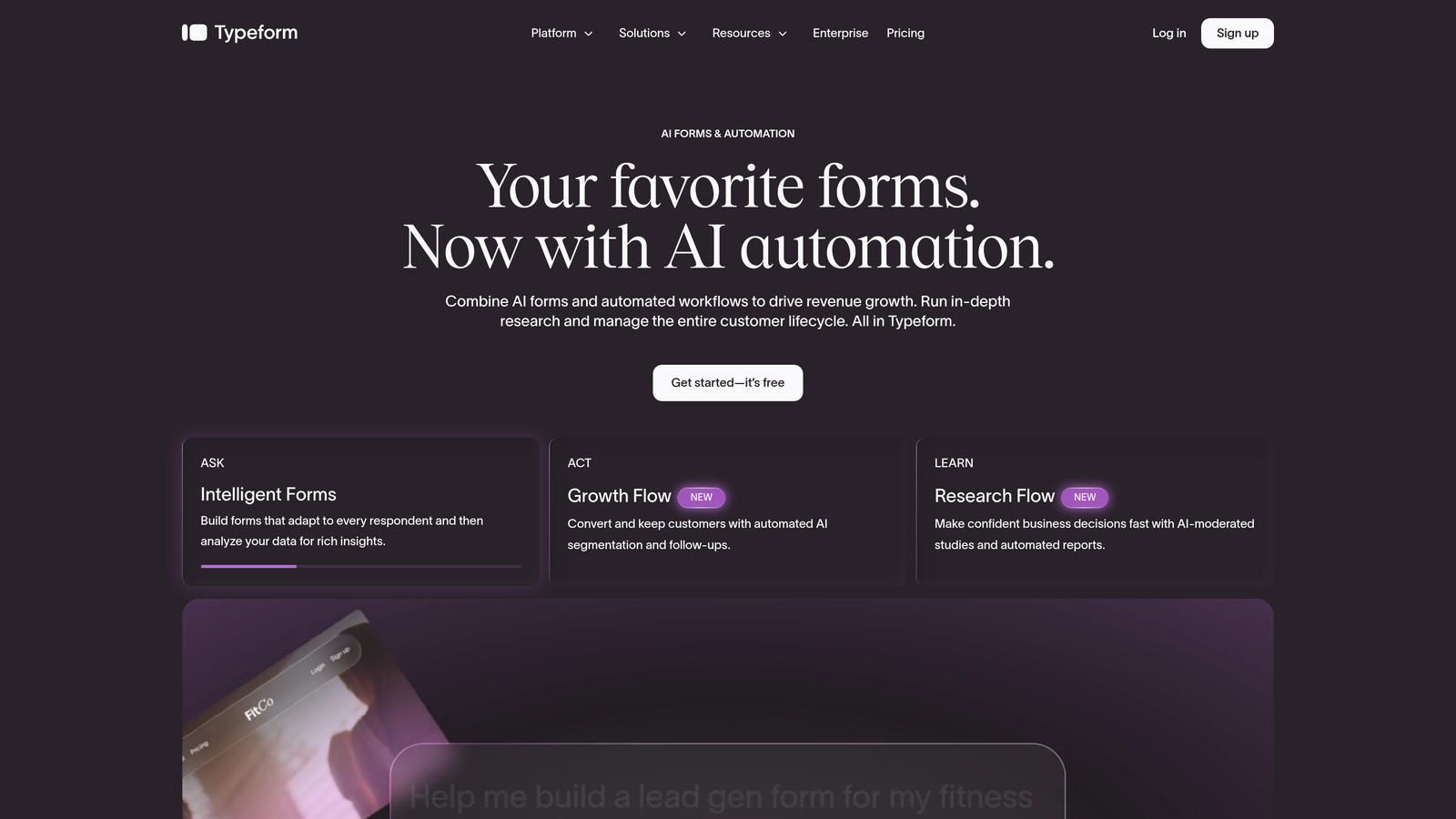
Typeform is a conversational form builder known for its one-question-at-a-time interface and beautifully branded design.
Where This Tool Shines
Typeform's signature UX, presenting one question at a time rather than a traditional multi-field layout, consistently produces higher engagement and completion rates for certain use cases, particularly surveys, quizzes, and top-of-funnel lead capture. It feels less like filling out a form and more like a conversation.
Brand customization is genuinely strong here. You can match fonts, colors, and imagery to your brand identity in a way that makes embedded forms feel like part of your product rather than a third-party widget.
Key Features
Conversational One-Question UX: Presents questions sequentially to reduce friction and improve completion rates.
Design Customization: Full control over brand colors, fonts, backgrounds, and imagery for polished, on-brand forms.
Logic Jumps and Branching: Build personalized form flows that adapt based on previous answers.
Native Integrations: Direct connections with Zapier, HubSpot, Slack, Salesforce, and dozens more tools.
Analytics Dashboard: Track drop-off rates and completion metrics per question to optimize form performance.
Best For
Typeform suits marketing teams running surveys, NPS collection, quizzes, or top-of-funnel lead capture where visual experience and engagement are the priority. It's less suited for complex multi-step workflows or teams that need deep lead qualification logic.
Pricing
Basic plan starts at $25/month billed annually. Higher tiers unlock more responses, logic features, and team collaboration tools.
3. Jotform
Best for: Teams that need a versatile, template-rich builder with built-in payment processing and no-code simplicity.
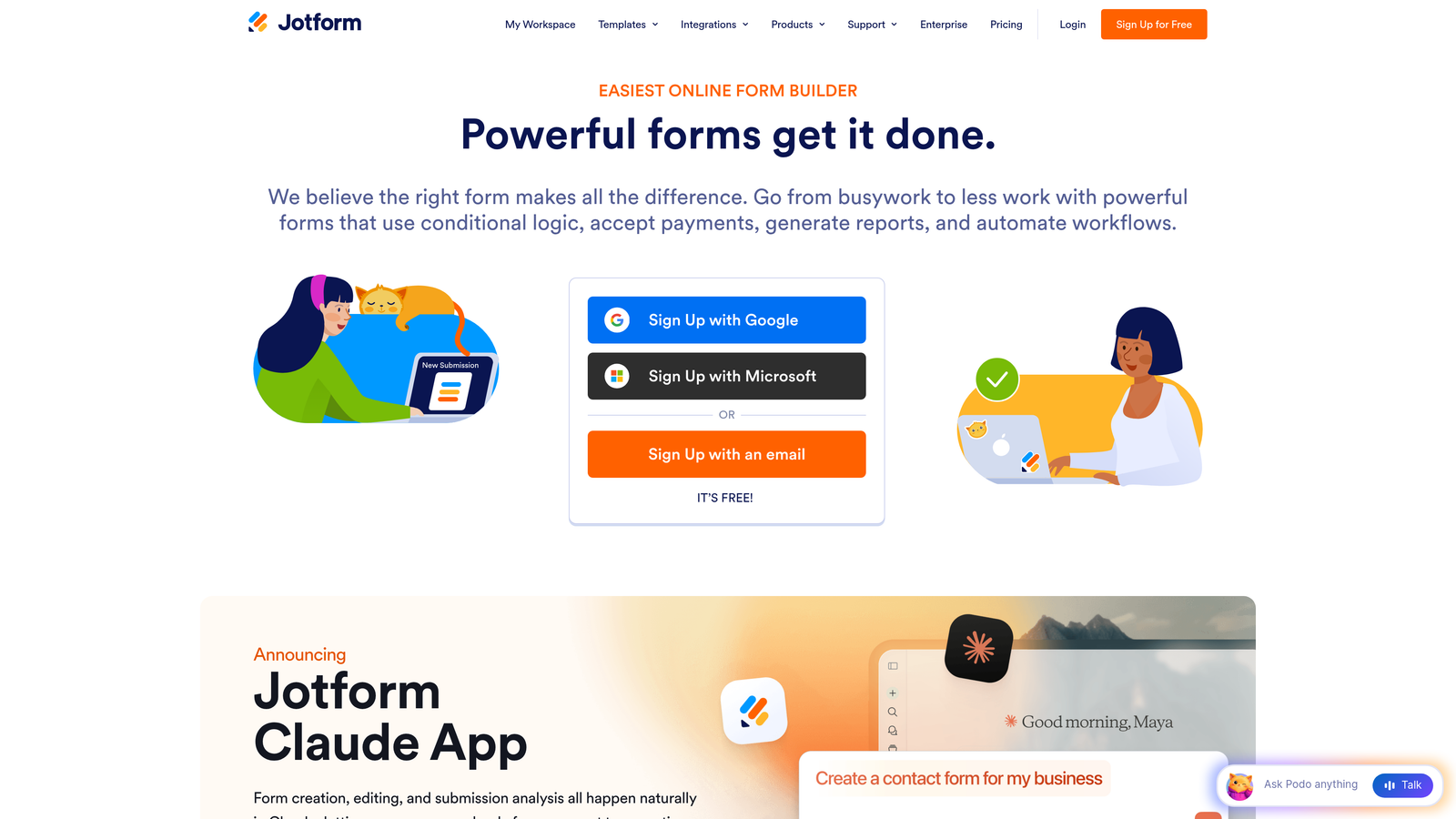
Jotform is a no-code form builder with one of the largest template libraries in the market and robust payment collection built in.
Where This Tool Shines
If breadth is what you need, Jotform delivers. With over 10,000 templates covering everything from event registrations to medical intake forms, the odds are strong that your use case already has a head start. The drag-and-drop editor is genuinely beginner-friendly, and the learning curve is minimal.
Jotform Tables adds a layer of submission management that transforms raw form responses into an organized, collaborative database, useful for teams that need to triage or act on submissions without exporting to a spreadsheet.
Key Features
10,000+ Templates: Pre-built forms for virtually every industry and use case, ready to customize and deploy.
Drag-and-Drop Builder: No coding required; intuitive field placement and form configuration.
Payment Integrations: Built-in support for Stripe, PayPal, and Square for collecting payments directly through forms.
Jotform Tables: Organize and manage form submissions in a spreadsheet-style interface for team collaboration.
HIPAA-Compliant Plans: Enterprise-grade compliance options for healthcare and regulated industries.
Best For
Jotform works well for small businesses, nonprofits, and operations teams that need a wide variety of form types without technical resources. It's especially strong for payment collection and data management use cases.
Pricing
Free tier available with limited submissions. Paid plans start at $34/month billed annually, scaling up with submission volume and feature access.
4. Gravity Forms
Best for: WordPress-powered websites that need a developer-friendly, extensible form solution with a deep add-on ecosystem.
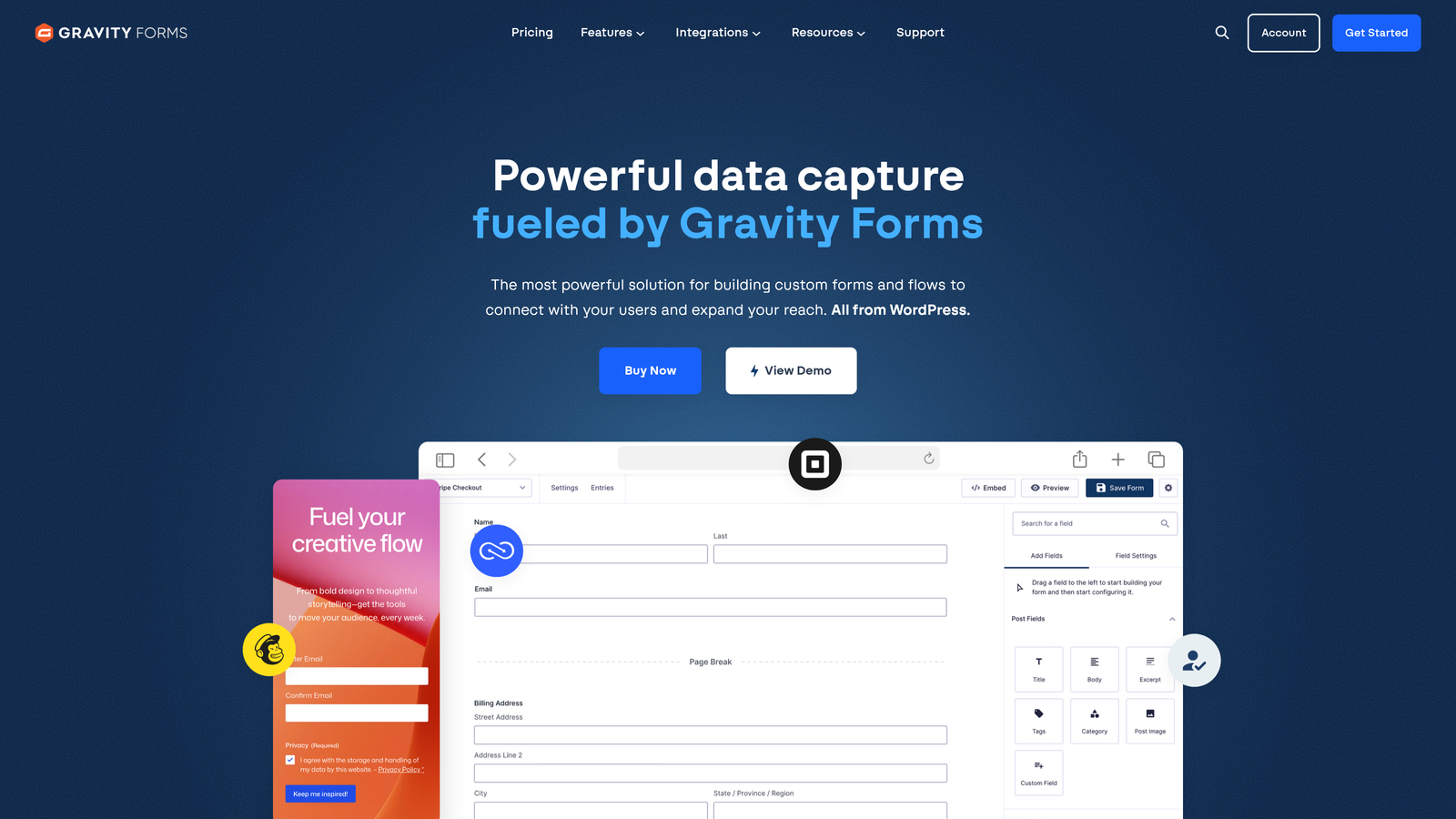
Gravity Forms is a premium WordPress form plugin with extensive customization capabilities and a mature marketplace of add-ons.
Where This Tool Shines
Gravity Forms is the gold standard for WordPress form building, and it has been for years. The add-on marketplace covers nearly every integration you'd want: Stripe, Mailchimp, Zapier, Salesforce, and more. For developers, the hooks and filters architecture means you can customize behavior at almost any point in the form lifecycle.
Gutenberg block support means it integrates cleanly with modern WordPress site-building workflows, and multi-page forms with conditional logic give you the flexibility to build complex intake flows without touching code.
Key Features
Native WordPress Integration: Built specifically for WordPress with full Gutenberg block support and seamless site embedding.
Add-On Marketplace: Extensive library of official and third-party add-ons for payments, CRMs, and marketing tools.
Advanced Conditional Logic: Show or hide fields, sections, and pages based on user responses.
Developer-Friendly Architecture: Rich hooks and filters system for deep customization without modifying core files.
Multi-Page Forms: Break long forms into manageable steps to reduce abandonment.
Best For
Gravity Forms is the right choice if your site runs on WordPress and you want a battle-tested, extensible solution. It's particularly well-suited for agencies managing multiple client sites and developers who want full control.
Pricing
Annual license starting at $59/year for the Basic plan. Higher tiers unlock priority support and access to the full add-on library.
5. Formstack
Best for: Enterprise teams that need forms, document generation, and e-signatures in a single compliant platform.
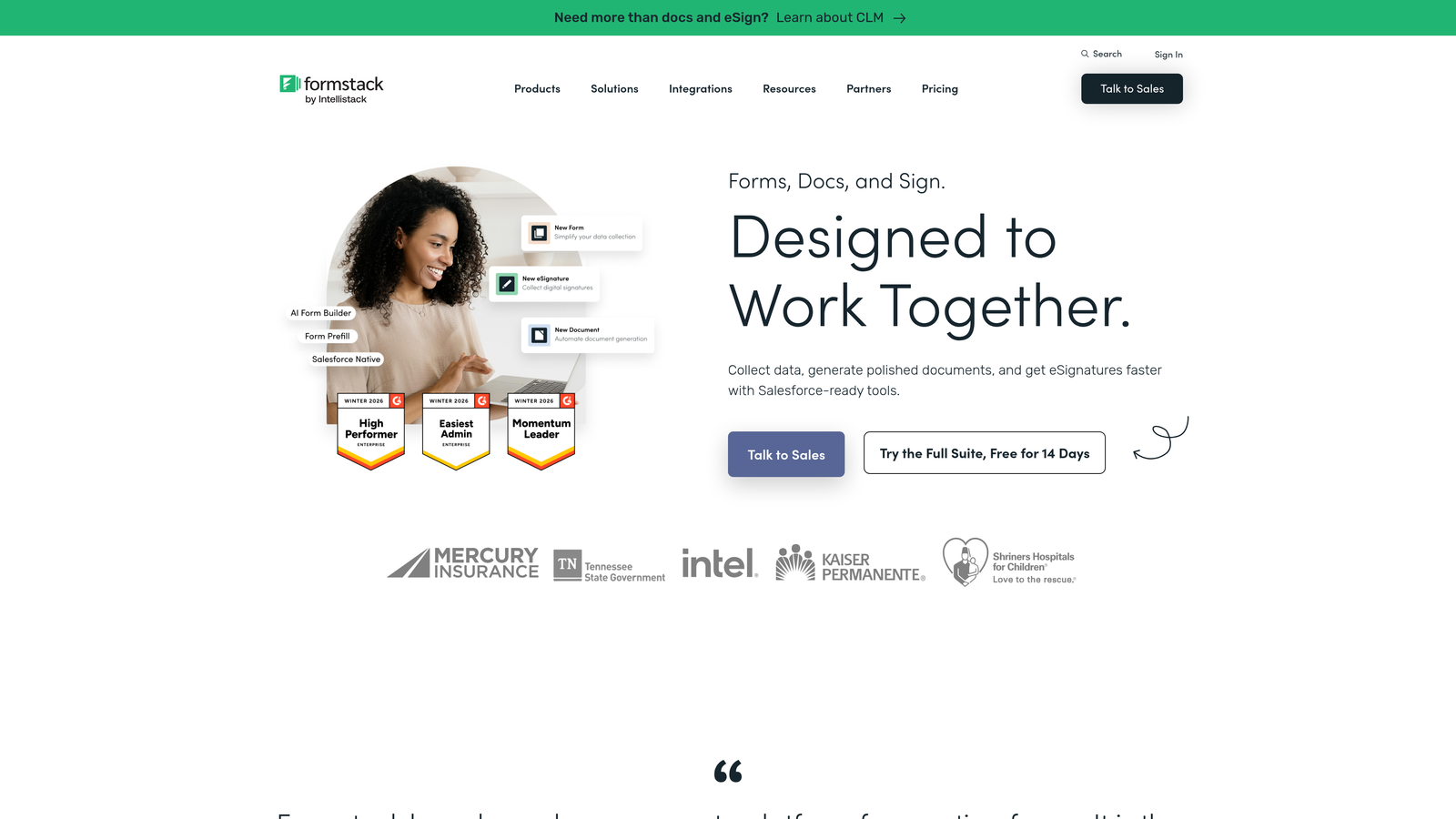
Formstack is an enterprise-grade workflow platform that combines form building with document automation and electronic signatures.
Where This Tool Shines
Formstack's real differentiator is its breadth. Where most form builders stop at data collection, Formstack extends into document generation and e-signature workflows, making it a strong fit for teams that need to turn form submissions into contracts, proposals, or signed agreements without switching tools.
Compliance is a serious focus here. HIPAA, GDPR, and SOC 2 options make Formstack viable for healthcare, legal, and financial services teams where data handling requirements are non-negotiable.
Key Features
Integrated Platform: Forms, document generation, and e-signatures available within a single connected workflow.
Workflow Automation: Build approval routing and multi-step processes that move data through your organization automatically.
Compliance Certifications: HIPAA, GDPR, and SOC 2 compliance options for regulated industries.
A/B Testing: Test form variations to identify which designs and copy drive the highest conversion rates.
Advanced Analytics: Detailed reporting on form performance, completion rates, and submission trends.
Best For
Formstack is built for mid-market and enterprise teams in regulated industries, particularly healthcare, legal, and financial services, that need end-to-end workflow automation beyond basic data collection.
Pricing
Forms plan starts at $50/month billed annually. Full platform access with documents and signatures is priced at higher tiers.
6. Paperform
Best for: Creators and small businesses that want form-meets-landing-page design with built-in e-commerce capabilities.
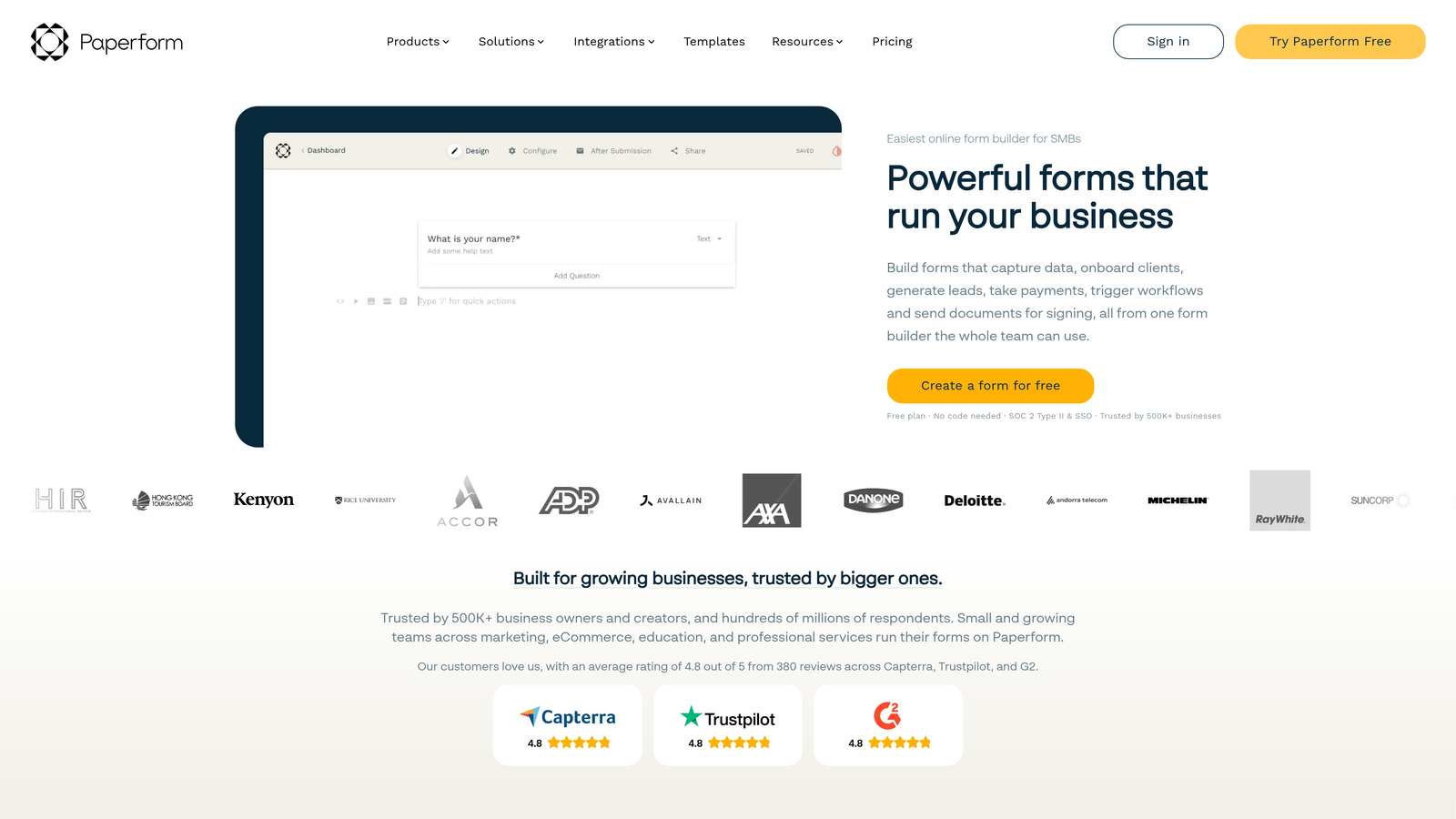
Paperform is a form builder that functions equally well as a landing page creator, with rich media support and native payment processing.
Where This Tool Shines
Paperform blurs the line between a form and a standalone page in a way that few tools match. You can embed images, video, and rich text throughout your form, making it feel more like a branded experience than a data collection exercise. For product launches, event registrations, or intake pages where first impressions matter, that flexibility is genuinely useful.
The built-in product catalog and payment processing features make it a lightweight e-commerce option for small businesses that don't need a full storefront but want to sell directly through a form or landing page.
Key Features
Landing Page Design: Embed images, video, and rich text alongside form fields for a full-page branded experience.
Built-In Payments: Accept payments and sell products directly through forms with a native product catalog.
Conditional Logic: Show or hide fields and sections dynamically based on user input.
Calculation Fields: Build pricing calculators, quote generators, and scored assessments directly in forms.
3,000+ Integrations: Connect via Zapier and direct integrations with popular marketing and CRM tools.
Best For
Paperform is a strong fit for freelancers, coaches, consultants, and small business owners who want a polished, branded form experience without the overhead of a full landing page platform or e-commerce tool.
Pricing
Essentials plan starts at $24/month billed annually. Higher tiers add more submissions, custom domains, and advanced features.
7. Cognito Forms
Best for: Budget-conscious teams that need powerful calculation fields, payment collection, and complex form logic without a high price tag.
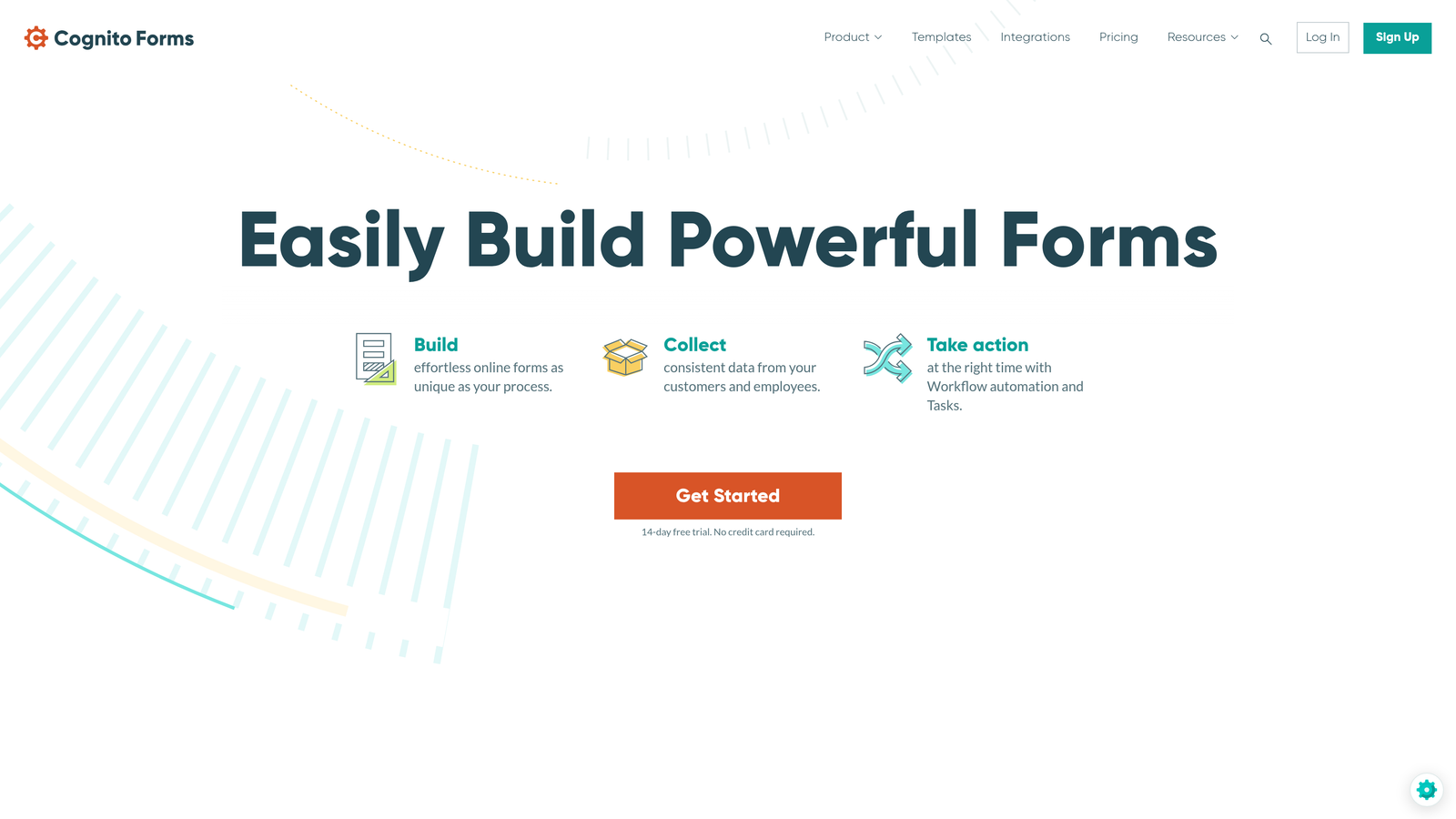
Cognito Forms is an affordable form builder with surprisingly advanced features including formula-based calculations, repeating sections, and multi-payment gateway support.
Where This Tool Shines
Cognito Forms consistently punches above its price point. The calculation and formula field capabilities are genuinely sophisticated, making it an excellent choice for quote forms, order calculators, and registration forms with dynamic pricing. Most tools charge significantly more for this level of logic.
The free plan is unusually generous, offering unlimited forms with no artificial template restrictions, which makes it a practical option for teams that want to evaluate thoroughly before committing to a paid tier.
Key Features
Advanced Calculations: Formula-based fields for dynamic pricing, scoring, and data computation within forms.
Repeating Sections: Allow respondents to add multiple entries within a single form, ideal for order forms and registrations.
Multi-Gateway Payments: Accept payments via Stripe, PayPal, and Square with built-in support.
Conditional Logic: Show, hide, and require fields based on previous responses for streamlined user experiences.
Generous Free Plan: Unlimited forms on the free tier with no template or field restrictions.
Best For
Cognito Forms is ideal for small businesses, nonprofits, and teams with tight budgets that need more than basic form functionality. It's particularly strong for order forms, event registrations, and any use case requiring dynamic calculations.
Pricing
Free plan available with unlimited forms. Pro plan starts at $15/month, making it one of the most affordable paid options in this list.
8. 123FormBuilder
Best for: Organizations in regulated industries that need HIPAA and GDPR compliance as a baseline requirement.
123FormBuilder is a compliance-focused form builder with strong data security features, HIPAA-compliant hosting, and a broad template library.
Where This Tool Shines
For teams in healthcare, finance, or any industry where data handling is heavily regulated, 123FormBuilder's compliance infrastructure is a genuine selling point. HIPAA-compliant form hosting and data storage, combined with GDPR compliance tools and end-to-end data encryption, make it a defensible choice when your legal or IT team asks hard questions about where form data lives.
The template library covers a wide range of industries, and the drag-and-drop editor keeps the barrier to entry low even for non-technical users managing compliance-sensitive workflows.
Key Features
HIPAA-Compliant Hosting: Secure form hosting and data storage that meets HIPAA requirements for healthcare organizations.
GDPR Compliance Tools: Built-in data encryption, consent management, and privacy controls for European data requirements.
2,000+ Templates: Pre-built forms across healthcare, education, legal, and business use cases.
Drag-and-Drop Builder: Accessible form creation without coding, suitable for non-technical staff managing compliance workflows.
Enterprise Integrations: Direct connections with Salesforce, Mailchimp, and other enterprise platforms.
Best For
123FormBuilder is the right fit for healthcare providers, financial services firms, and any organization where compliance documentation and data security are non-negotiable requirements for purchasing software.
Pricing
Free plan available with limited submissions. Paid plans start at $24.99/month, with HIPAA-compliant plans available at higher tiers.
9. HubSpot Forms
Best for: HubSpot users who want native CRM integration with zero friction between form submissions and contact records.
HubSpot Forms is a native form builder within the HubSpot ecosystem that feeds submissions directly into CRM contact records with automatic enrichment.
Where This Tool Shines
If your team already lives in HubSpot, the case for HubSpot Forms is straightforward: every submission automatically creates or updates a contact record, triggers workflows, and feeds into your existing lead nurturing sequences without any integration setup. The data integrity you get from a native tool is hard to replicate with third-party connectors.
Smart fields are a particularly useful feature for returning visitors. HubSpot can recognize known contacts and skip fields it already has data for, reducing form length and improving completion rates for repeat visitors.
Key Features
Native CRM Integration: Form submissions automatically populate and update HubSpot CRM contact records in real time.
Smart Fields: Dynamically hide fields for known contacts to shorten forms and reduce friction for returning visitors.
Lead Nurturing Workflows: Trigger automated follow-up sequences and internal notifications directly from form submissions.
Free Tier: Full form functionality included at no cost with the HubSpot CRM free plan.
Progressive Profiling: Gradually collect additional data across multiple form interactions without overwhelming respondents upfront.
Best For
HubSpot Forms is the obvious choice for teams already using HubSpot as their CRM. It's less compelling as a standalone purchase but becomes one of the best-value options in the market when considered as part of the broader HubSpot ecosystem.
Pricing
Free with HubSpot CRM. Advanced features and higher submission volumes are available through Marketing Hub Starter at $20/month.
Which Form Builder License Is Right for Your Team?
The form builder market in 2026 offers genuine options across every budget, use case, and technical requirement. The right license isn't about finding the most feature-rich tool; it's about matching the tool's strengths to your team's actual workflow.
If lead qualification is your primary goal, Orbit AI stands out as the only tool on this list with AI-powered scoring built directly into the submission layer. For teams running high-volume lead generation, that's a meaningful operational advantage over tools that simply collect and forward data.
If you're deep in the HubSpot ecosystem, HubSpot Forms is the path of least resistance and often the most cost-effective. If WordPress is your platform, Gravity Forms remains the benchmark. For compliance-heavy industries, Formstack and 123FormBuilder both offer the certification infrastructure that regulated teams require.
For teams on tighter budgets, Cognito Forms delivers impressive functionality at a price point well below most competitors. And for teams that prioritize design and conversational UX, Typeform and Paperform both produce form experiences that feel premium without requiring a design team.
The bottom line: once you've outgrown free tiers, investing in the right license pays for itself quickly in better data, faster qualification, and fewer manual processes. If conversion optimization and intelligent lead handling are central to your growth strategy, start building free forms today with Orbit AI and see how AI-powered qualification can transform what your forms actually do for your pipeline.


