

Lead capture forms are the front door of your pipeline, and a poorly designed one turns away the very leads you've worked hard to attract. Whether you're running paid campaigns, optimizing landing pages, or qualifying inbound traffic, the tool you use to capture leads directly affects conversion rates and lead quality.
The problem? Most form builders were built for simplicity, not strategy. They collect data but don't qualify it, route it, or help you act on it fast. This list cuts through the noise. We've evaluated nine lead capture form tools based on conversion optimization features, AI and automation capabilities, integration depth, ease of use, and pricing transparency. For context on what separates a high-performing form from a basic one, see our guide on lead capture form optimization.
1. Orbit AI
Best for: High-growth B2B teams that need lead qualification built directly into the capture experience.
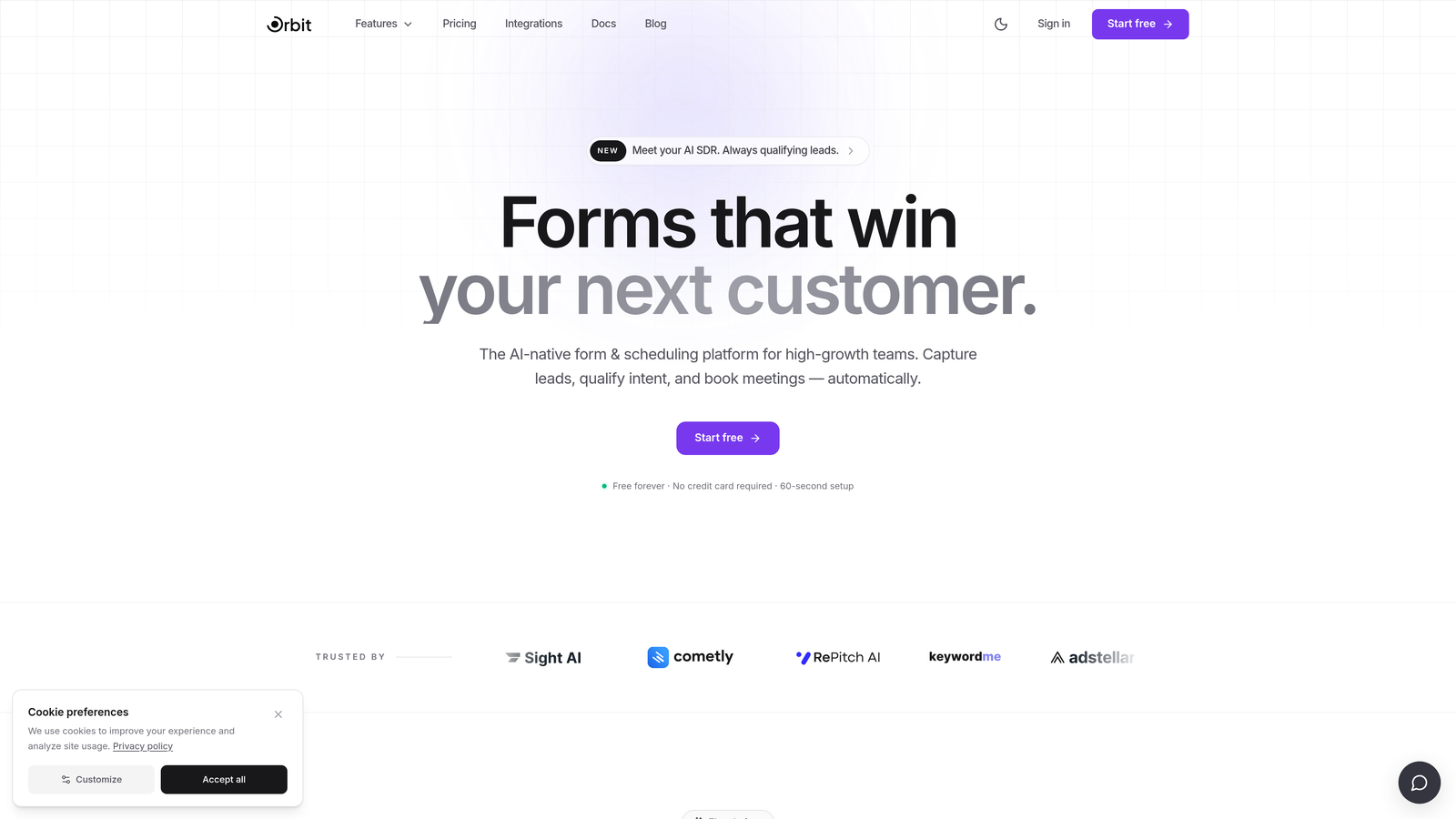
Orbit AI is an AI-powered form builder with native lead qualification and scoring, designed specifically for revenue-focused B2B teams.
Where This Tool Shines
Most form tools stop at collecting data. Orbit AI goes a step further by qualifying that data at the moment of capture. Instead of dumping raw submissions into a CRM for your team to sort through manually, Orbit AI scores and routes leads automatically based on the answers provided, meaning your sales team wakes up to a prioritized pipeline rather than an inbox full of unknowns.
The forms themselves are built with conversion in mind. Clean, modern design isn't just aesthetic here; it's strategic. Orbit AI's templates are optimized for completion rates, and the no-code builder makes it accessible to marketing and revenue ops teams without needing developer support.
Key Features
AI Lead Qualification: Scores and qualifies leads at the point of capture, before they ever hit your CRM.
Smart Lead Routing: Automatically routes qualified leads to the right rep or workflow based on scoring criteria.
Conversion-Optimized Design: Beautiful, modern form templates built specifically to maximize completion rates.
Advanced Conditional Logic: No-code builder with branching logic that adapts the form experience based on user responses.
B2B SaaS Focus: Purpose-built for high-growth revenue teams, not general-purpose form creation.
Best For
SaaS startups and scaling revenue teams who need more than a data collection tool. If lead quality and pipeline efficiency matter to your team, Orbit AI is the only tool on this list that handles qualification natively rather than pushing it downstream.
Pricing
Visit orbitforms.ai for current pricing details, as plans are updated regularly to reflect new features and team tiers.
2. Typeform
Best for: Teams that want a polished, conversational form experience to boost engagement and completion rates.
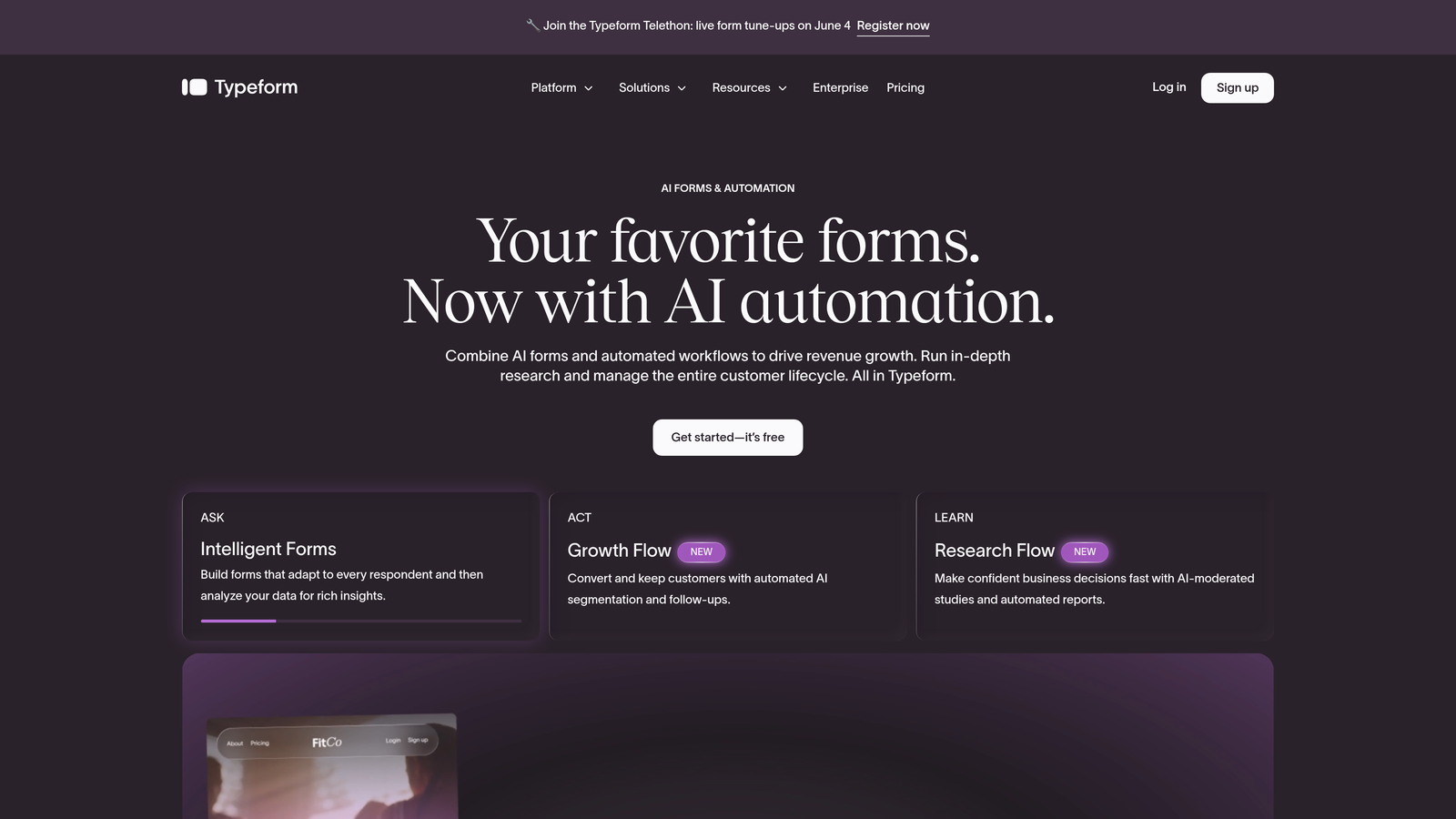
Typeform is a conversational form platform known for its one-question-at-a-time UX that drives higher engagement compared to traditional static forms.
Where This Tool Shines
Typeform's defining characteristic is its format. By presenting one question at a time, it reduces cognitive load and makes filling out a form feel more like a conversation than a chore. This approach is particularly effective for longer qualification forms where a traditional multi-field layout would cause drop-off.
The design quality is genuinely impressive. Typeform forms look great out of the box, which matters when your form is embedded on a high-traffic landing page or shared directly with prospects. Brand consistency is easy to maintain without any design expertise.
Key Features
Conversational Format: One-question-at-a-time flow that keeps respondents engaged through completion.
Logic Jumps: Dynamic branching that adapts the form path based on previous answers.
CRM Integrations: Native connections to HubSpot, Salesforce, Mailchimp, and other major platforms.
Rich Media Support: Video questions, image choices, and multimedia elements to enrich the form experience.
Design Templates: A library of polished, brand-friendly templates that are easy to customize.
Best For
Marketing teams running lead generation campaigns who want a premium form experience. Also well-suited for customer research, NPS surveys, and any scenario where engagement and completion rate are the primary goals.
Pricing
Free plan available with limited responses. Paid plans start from approximately $25/month, scaling with response volume and feature access. Verify current pricing at typeform.com.
3. HubSpot Forms
Best for: Teams already using HubSpot CRM who want seamless, zero-friction lead capture without a separate tool.
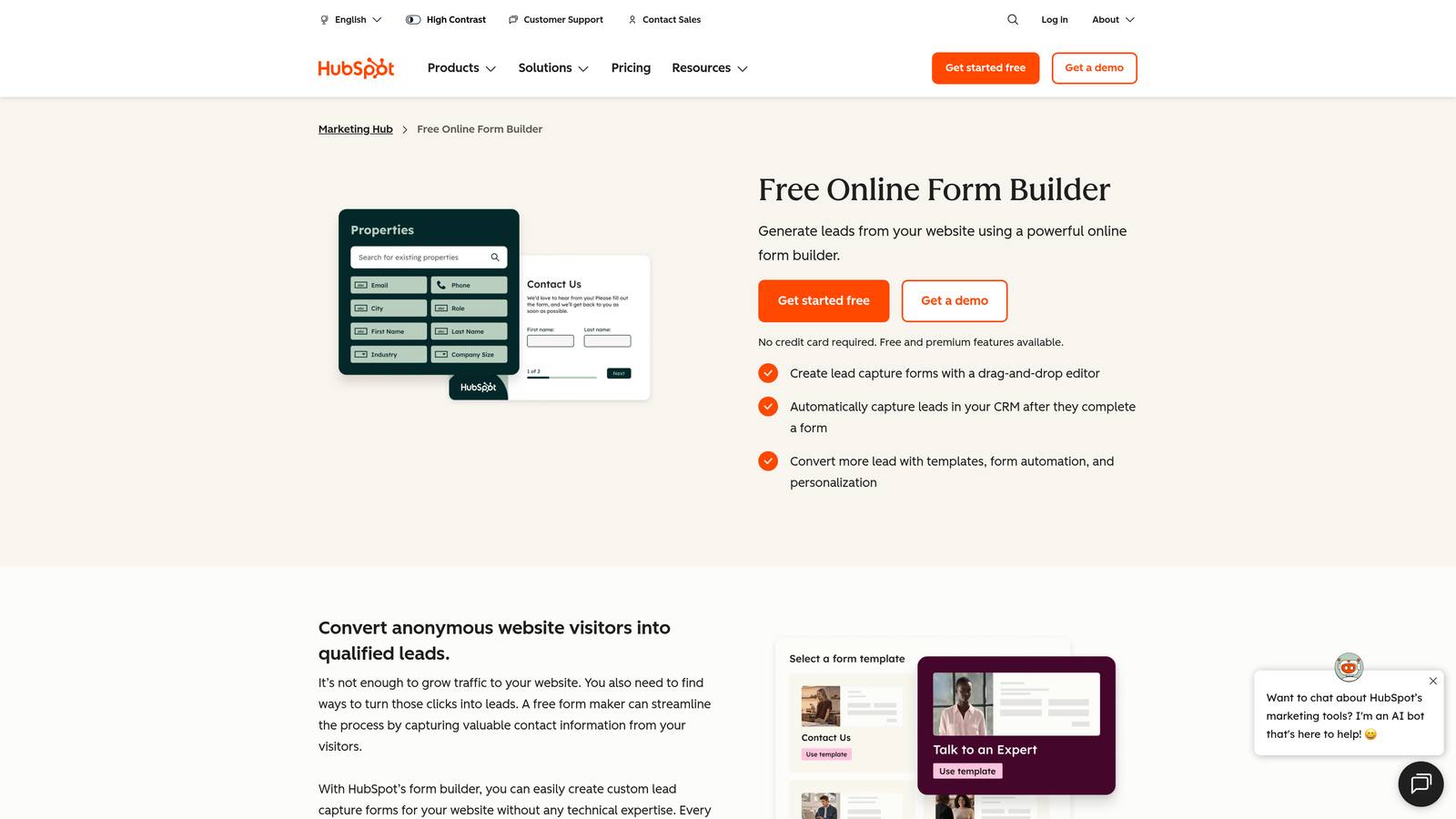
HubSpot Forms is a CRM-native form builder that automatically syncs submissions into contact records and triggers workflows instantly.
Where This Tool Shines
If you're already in the HubSpot ecosystem, this is a no-brainer. Every form submission automatically creates or updates a contact record, fires off workflows, and feeds into your reporting, all without any integration setup. The native sync removes the typical friction of getting form data into your CRM cleanly.
Progressive profiling is a standout feature. Rather than asking the same questions to returning visitors, HubSpot Forms intelligently surfaces new fields based on what's already known about a contact, reducing form fatigue while continuously enriching your data over time.
Key Features
Native CRM Sync: Every submission automatically creates or updates a HubSpot contact record in real time.
Progressive Profiling: Shows new fields to returning visitors instead of repeating questions already answered.
Workflow Triggers: Form submissions can instantly trigger email sequences, task creation, and deal pipeline updates.
Embedded and Popup Options: Flexible placement including inline, popup, and slide-in form formats.
Free Access: Included with any HubSpot account, including the free CRM tier.
Best For
Revenue ops and marketing teams running HubSpot as their primary CRM. Less compelling as a standalone tool if you're not already invested in the HubSpot platform, since its power is almost entirely dependent on that native connection.
Pricing
Free with any HubSpot account. Advanced features such as smart forms and A/B testing require Marketing Hub paid tiers, which start from approximately $800/month. Verify at hubspot.com.
4. Jotform
Best for: SMBs and agencies that need a versatile, feature-rich form builder for diverse use cases beyond just lead capture.
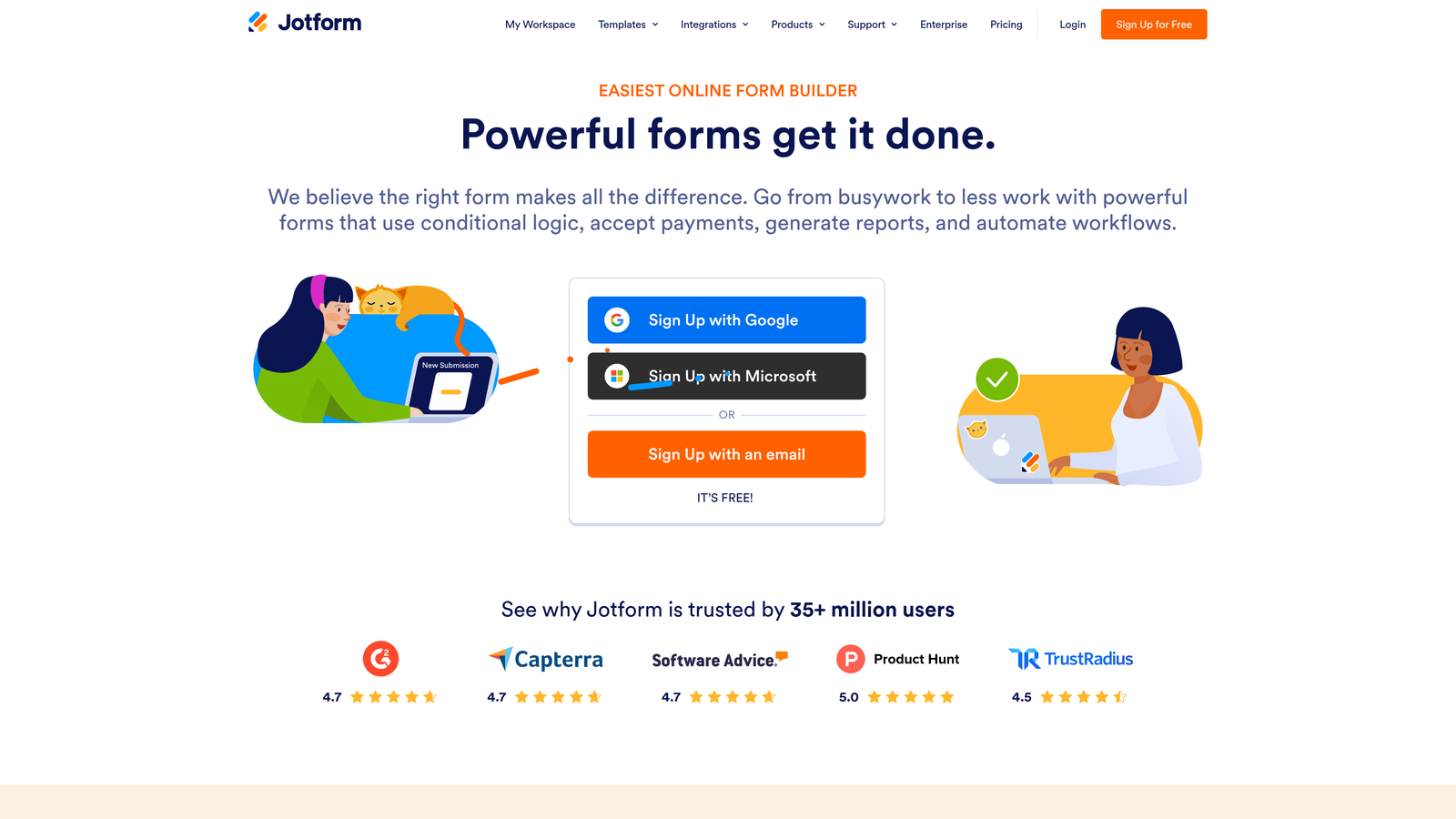
Jotform is one of the most feature-complete form builders available, supporting lead capture, payments, surveys, and more across a massive template library.
Where This Tool Shines
Jotform's breadth is its biggest selling point. With over 10,000 templates covering virtually every form use case imaginable, it's the tool teams reach for when they need something built quickly without starting from scratch. The drag-and-drop builder is intuitive enough for non-technical users while still offering conditional logic and multi-page forms for more complex workflows.
Payment integrations set Jotform apart from pure lead capture tools. If your team needs to collect payments, deposits, or subscriptions alongside lead information, Jotform handles it in a single form without requiring a separate payment tool.
Key Features
10,000+ Templates: One of the largest template libraries available, covering nearly every industry and use case.
Payment Integrations: Native support for Stripe, PayPal, and Square for collecting payments directly in forms.
HIPAA-Compliant Plan: Enterprise-grade compliance option for healthcare and sensitive data use cases.
Conditional Logic: Drag-and-drop builder with branching logic and multi-page form support.
Wide Integration Ecosystem: Connects with CRMs, email platforms, cloud storage, and project management tools.
Best For
Agencies managing forms for multiple clients, SMBs with varied form needs, and any team that needs payment collection alongside lead capture. Less focused on B2B lead qualification specifically, but hard to beat for general-purpose versatility.
Pricing
Free plan available with limited submissions. Paid plans start from approximately $34/month. Verify current pricing at jotform.com.
5. Tally
Best for: Lean startups and indie teams that need unlimited forms fast without paying for a tool they'll barely use.
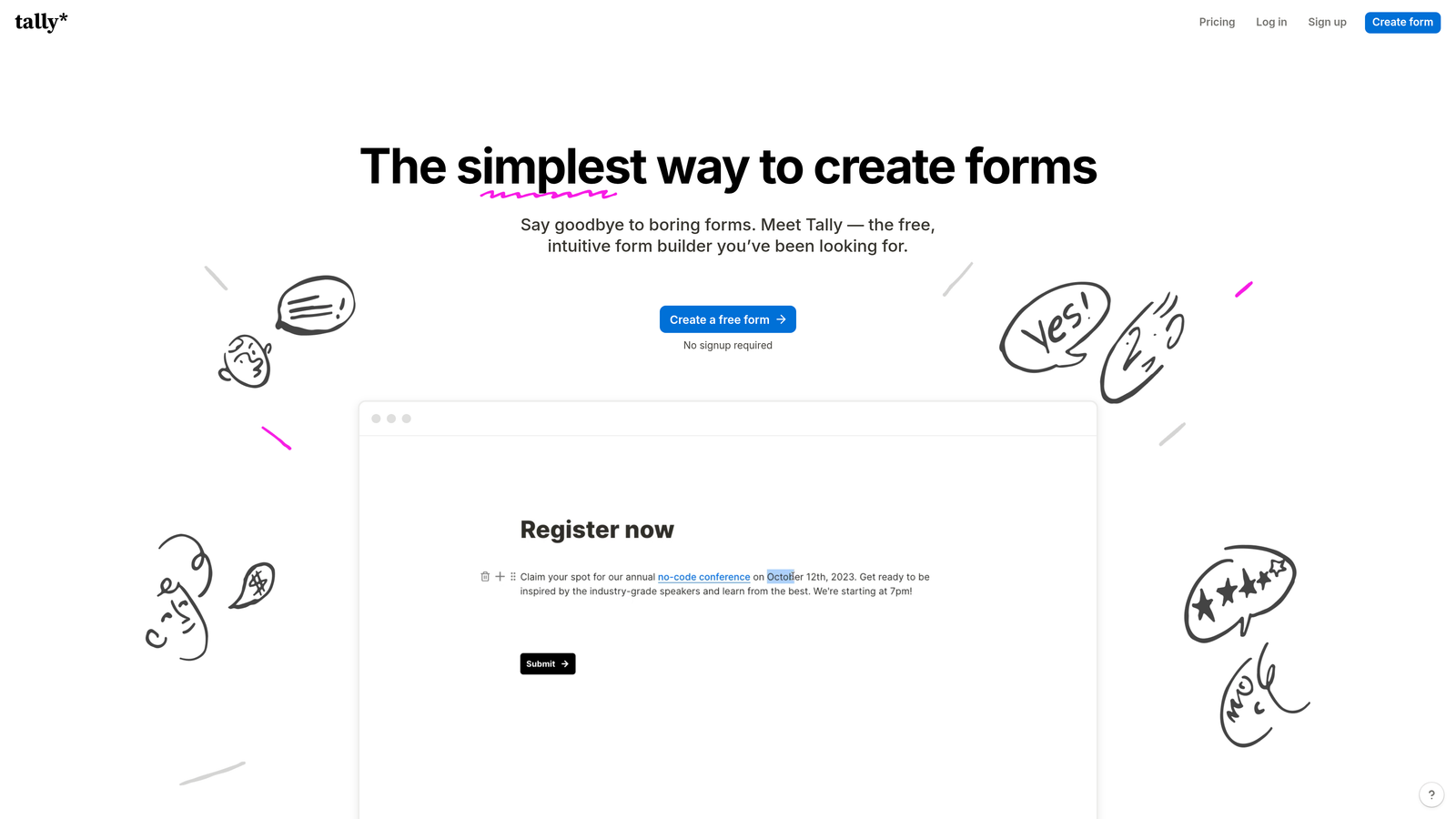
Tally is a minimalist, Notion-inspired form builder offering unlimited forms and submissions on its free plan, ideal for teams that prioritize speed over sophistication.
Where This Tool Shines
Tally's free plan is genuinely generous. Unlimited forms, unlimited submissions, and no Tally branding on paid plans make it an easy choice for early-stage teams watching their SaaS spend. The Notion-style block-based builder feels immediately familiar to anyone already working in that ecosystem.
It embeds cleanly into websites and Notion pages, which makes it a natural fit for teams whose documentation and internal tools live in Notion. Setup is fast, the interface is clean, and for straightforward lead capture without complex qualification needs, it simply works.
Key Features
Unlimited Free Plan: Unlimited forms and submissions at no cost, with no response caps.
Block-Based Builder: Notion-style interface that feels intuitive for teams already using document-style tools.
Conditional Logic: Multi-page forms and branching logic available even on the free tier.
Clean Embeds: Embeds natively into websites, Notion pages, and other platforms without friction.
Zapier Integration: Connects to hundreds of downstream tools via Zapier for basic automation workflows.
Best For
Early-stage startups, solo founders, and small teams that need functional lead capture without budget overhead. Not the right choice for teams that need AI qualification, advanced scoring, or deep CRM automation.
Pricing
Free plan with unlimited forms and submissions. Pro plan from approximately $29/month for removed branding and additional features. Verify at tally.so.
6. Unbounce
Best for: Paid acquisition teams that want a unified landing page and lead capture workflow with AI-powered traffic optimization.
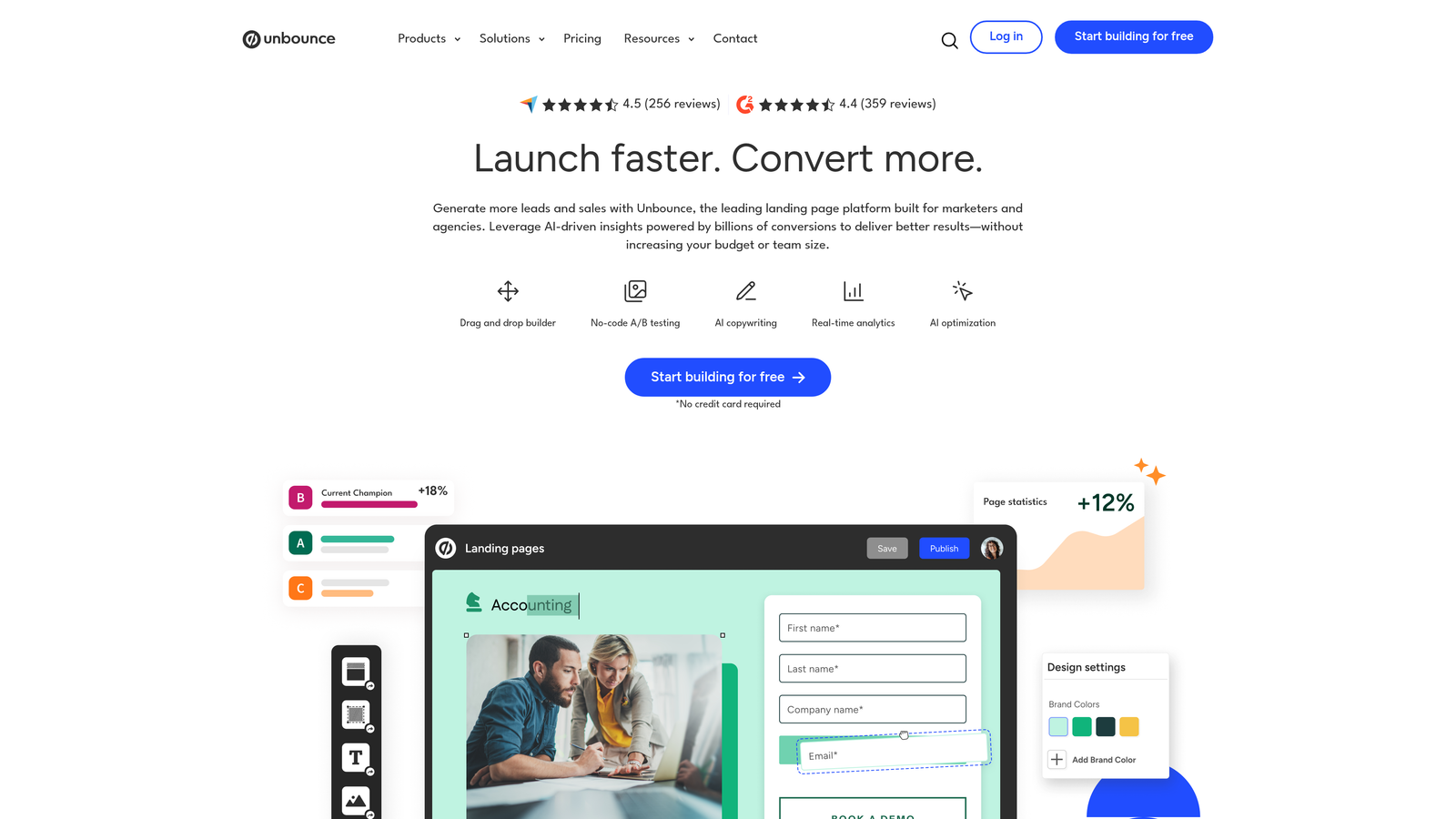
Unbounce is a landing page platform with integrated lead capture forms and AI-powered traffic routing, purpose-built for teams running paid campaigns.
Where This Tool Shines
Unbounce's Smart Traffic feature is the headline differentiator. Rather than splitting traffic manually between variants, the AI automatically routes visitors to the page most likely to convert based on their attributes. For paid traffic teams spending meaningful budgets on acquisition, this kind of optimization compounds quickly.
The unified landing page and form builder workflow is a genuine time-saver. Instead of managing a separate page builder and form tool with integration overhead between them, Unbounce handles both in one platform. This matters for teams running multiple campaigns simultaneously.
Key Features
AI Smart Traffic: Automatically routes visitors to the highest-converting landing page variant using machine learning.
Unified Page and Form Builder: Landing pages and lead capture forms built and managed in a single platform.
Popups and Sticky Bars: Additional capture formats with targeting rules for exit intent, scroll depth, and time on page.
A/B Testing: Built-in testing tools to validate copy, design, and form variations.
CRM Integrations: Connects with HubSpot, Salesforce, Mailchimp, and other major marketing platforms.
Best For
Performance marketing teams managing paid search or social campaigns who need a complete landing page and lead capture solution. Less suited for teams that only need a form tool without the broader landing page functionality.
Pricing
Plans start from approximately $99/month. Pricing scales with conversion volume and feature access. Verify current plans at unbounce.com.
7. Gravity Forms
Best for: WordPress-based businesses that need a powerful, developer-friendly form plugin with an extensive add-on ecosystem.
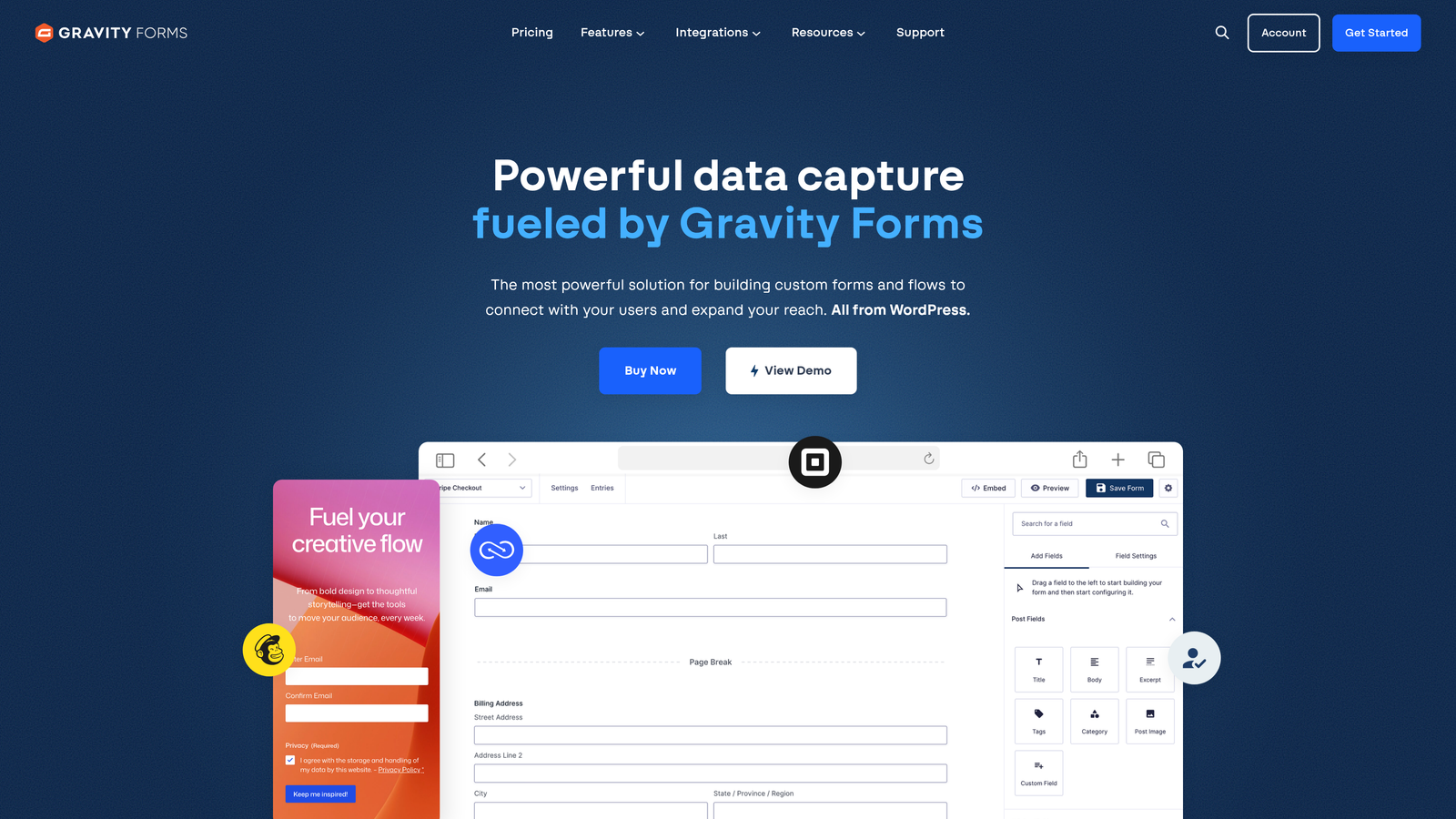
Gravity Forms is the leading WordPress form plugin, offering deep conditional logic, multi-step forms, and a broad library of integrations through its add-on marketplace.
Where This Tool Shines
For teams running WordPress, Gravity Forms is the mature, reliable choice. It's been the standard for complex form builds on WordPress for years, and its add-on ecosystem covers almost every integration need: CRM connections, payment gateways, digital signatures, file uploads, and more. The developer-friendly architecture with hooks and filters means it can be customized extensively for specific business logic.
Multi-step forms and conditional logic are robust and well-tested. If you need a form that behaves differently based on industry, company size, or any other qualifying field, Gravity Forms handles it reliably without workarounds.
Key Features
Deep WordPress Integration: Built natively for WordPress with full access to theme and plugin ecosystem compatibility.
Conditional Logic: Granular field-level and page-level logic for complex, branching form flows.
Add-On Ecosystem: Paid add-ons for CRM sync, payments, signatures, user registration, and more.
File Uploads and Signatures: Supports document collection and e-signatures directly within forms.
Developer Hooks and Filters: Extensive customization options for developers who need to extend default behavior.
Best For
WordPress site owners, agencies building client sites on WordPress, and developers who need a reliable, extensible form foundation. Not applicable for teams not on WordPress, as it requires a self-hosted WordPress installation.
Pricing
Annual license starting from approximately $59/year for a single site. Higher tiers unlock more add-ons and site licenses. Verify at gravityforms.com.
8. ActiveCampaign Forms
Best for: Teams already on ActiveCampaign who want form submissions to immediately trigger personalized automation sequences.
ActiveCampaign Forms is the built-in form builder within the ActiveCampaign platform, designed to fire automations and segmentation the moment a lead submits.
Where This Tool Shines
The real value of ActiveCampaign Forms isn't the form builder itself; it's the instant connection to ActiveCampaign's automation engine. The moment someone submits a form, they can be tagged, segmented, added to a nurture sequence, and assigned to a deal pipeline, all without any manual intervention or third-party integration setup. For teams whose entire marketing motion runs through ActiveCampaign, this is a significant efficiency gain.
The form builder covers the essentials well. Inline, floating, and modal form types give teams flexibility in placement, and conditional fields allow for basic personalization of the form experience based on user responses.
Key Features
Instant Automation Triggers: Form submissions directly fire ActiveCampaign automations without any integration middleware.
Lead Tagging and Segmentation: Automatically applies tags and list memberships based on form field responses.
Multiple Form Types: Inline, floating bar, and modal popup formats for flexible placement across pages.
CRM Contact Management: Creates and updates contact records and deal pipeline entries on submission.
Conditional Form Fields: Shows or hides fields based on previous answers for a more relevant experience.
Best For
Marketing teams running ActiveCampaign as their primary automation and CRM platform. Limited value as a standalone tool for teams not already invested in the ActiveCampaign ecosystem.
Pricing
Included with ActiveCampaign plans starting from approximately $15/month. Verify current plan details at activecampaign.com.
9. Paperform
Best for: Service businesses and consultants who need lead capture, payments, and scheduling in a single form tool.
Paperform is a multi-purpose form tool combining lead capture, payment collection, scheduling, and quiz functionality in one document-style builder.
Where This Tool Shines
Paperform's document-style builder sets it apart visually. Rather than a traditional form interface, it feels more like a well-designed landing page or proposal document, which makes it well-suited for service businesses where the form experience itself needs to reflect professionalism. You can mix text, images, and form fields freely, creating something that reads more like a guided experience than a data entry screen.
The multi-purpose functionality is genuinely useful for teams that would otherwise juggle separate tools for forms, payments, and appointment booking. Rolling those capabilities into one reduces both tool sprawl and integration overhead.
Key Features
Multi-Purpose Builder: Combines lead capture, payment collection, appointment scheduling, and quiz functionality in one tool.
Document-Style Interface: Free-text builder that blends form fields with rich content for a polished, page-like experience.
Calculator Fields: Conditional logic with calculation support for pricing estimators and quote forms.
200+ Integrations: Native integrations and Zapier support for connecting to CRMs and downstream tools.
Best For
Consultants, agencies, and service businesses that need a single tool to handle intake forms, discovery calls, and payment collection. Less specialized for high-volume B2B lead qualification workflows.
Pricing
Plans start from approximately $29/month. Verify current pricing at paperform.co.
Which Tool Is Right for Your Stack?
The right lead capture form tool depends entirely on what happens after someone hits submit. If you're just collecting emails and passing them to a newsletter sequence, almost any tool on this list will serve you. But if you're running a B2B pipeline where lead quality, routing speed, and qualification accuracy directly affect revenue, your form tool needs to do more than collect data.
Here's a quick way to think about the decision:
For AI-powered lead qualification: Orbit AI is the only tool on this list that qualifies and scores leads natively at the point of capture, making it the strongest choice for high-growth B2B and SaaS revenue teams.
For conversational engagement: Typeform is the go-to for teams that want a premium, high-completion form experience with strong design and CRM integrations.
For HubSpot-native workflows: HubSpot Forms is unmatched if you're already running HubSpot, offering zero-friction CRM sync without any additional tooling.
For paid acquisition campaigns: Unbounce gives performance marketing teams a unified landing page and form workflow with AI traffic optimization built in.
For WordPress sites: Gravity Forms remains the most reliable and extensible option for teams on self-hosted WordPress.
For lean teams on a budget: Tally's free plan is hard to argue with for early-stage teams that need functional forms without the overhead.
The broader trend is clear: form tools that stop at data collection are losing ground to tools that help teams act on that data faster. Lead qualification, smart routing, and automation triggers are quickly becoming table stakes for any team serious about pipeline efficiency.
Transform your lead generation with AI-powered forms that qualify prospects automatically while delivering the modern, conversion-optimized experience your high-growth team needs. Start building free forms today and see how intelligent form design can elevate your conversion strategy.


