

Not all form submissions are created equal. If your sales team is spending hours chasing leads that were never going to convert, you need more than a basic form builder. You need one that tells you which prospects are worth pursuing before they ever reach your pipeline.
Online form builders with lead scoring combine data collection with automatic lead qualification, so your team can focus on the opportunities most likely to close. The difference between a tool that simply collects responses and one that scores them in real time can be the difference between a bloated pipeline and a focused one.
This guide covers the top form builders evaluated on scoring flexibility, form design, CRM integrations, and how well they serve high-growth teams. Whether you're a B2B SaaS company, a marketing agency, or a fast-scaling startup, there's an option here that fits your workflow. Pricing notes and ideal use cases are included to help you make a fast, confident decision.
Native Scoring vs. Integration-Dependent Scoring: Know the Difference
Before diving into the tools, it's worth understanding the two main architectural approaches you'll encounter. This distinction will shape which tool is the right fit for your team.
Native scoring means the form builder has lead qualification logic built directly into the form experience. Responses are assigned point values, a composite score is calculated, and routing decisions happen automatically, without needing a separate CRM to do the math.
Integration-dependent scoring means the form collects data and passes it to a CRM or marketing automation platform that handles the scoring. This approach offers flexibility, but it requires more setup, more maintenance, and introduces latency between form submission and lead qualification.
For high-growth B2B SaaS teams, native scoring typically reduces tool sprawl and speeds up the qualification loop. Integration-dependent approaches suit teams that already have a mature CRM stack and want their form tool to feed into it cleanly. Keep this distinction in mind as you evaluate each option below.
1. Orbit AI
Best for: High-growth B2B and SaaS teams that want native AI-powered lead qualification without CRM dependency.
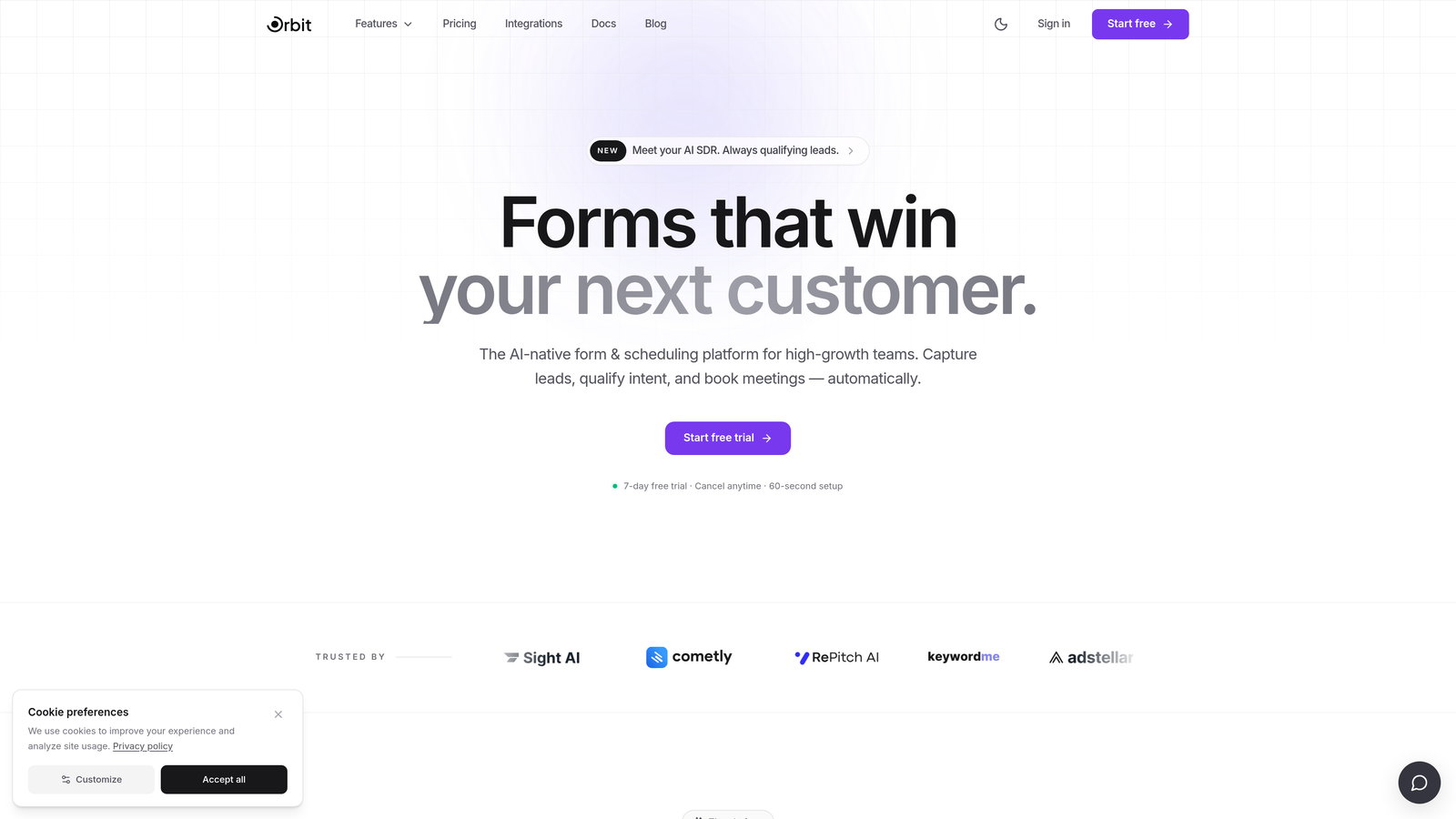
Orbit AI is an AI-powered form builder with lead scoring and qualification built natively into the form experience, designed specifically for conversion-focused B2B and SaaS teams.
Where This Tool Shines
What sets Orbit AI apart from most tools on this list is that lead scoring isn't an add-on or an integration afterthought. It's baked into the core product. When a prospect fills out your form, the AI qualification layer is already working, assigning scores based on responses and routing leads based on thresholds you define, all without requiring a CRM to do the heavy lifting.
The form design side is equally strong. Templates are modern and conversion-optimized, which matters more than it might seem. A well-designed form reduces abandonment and improves data quality, and Orbit AI is built with that conversion relationship in mind from the ground up.
Key Features
AI-Powered Lead Qualification: Native scoring built into the form experience, no CRM required to qualify and route leads.
Conversion-Optimized Templates: Modern, branded form designs built to reduce drop-off and improve submission quality.
Automatic Lead Routing: Leads are routed to the right team or sequence automatically based on score thresholds.
Conditional Logic: Form questions adapt dynamically based on prior answers, creating a personalized experience for each respondent.
CRM Integrations: Connects with major CRMs for downstream handoff when you want to pass scored leads into your existing stack.
Best For
Orbit AI is purpose-built for high-growth SaaS and B2B marketing teams that want lead qualification to happen at the form level, not three steps downstream. It's particularly strong for teams that want to reduce tool sprawl and get a fast, clean qualification loop without a complex CRM setup.
Pricing
Visit orbitforms.ai for current pricing and plan details, as tiers and features are updated regularly.
2. HubSpot Forms
Best for: Teams already operating within the HubSpot ecosystem who want seamless form-to-CRM lead scoring.
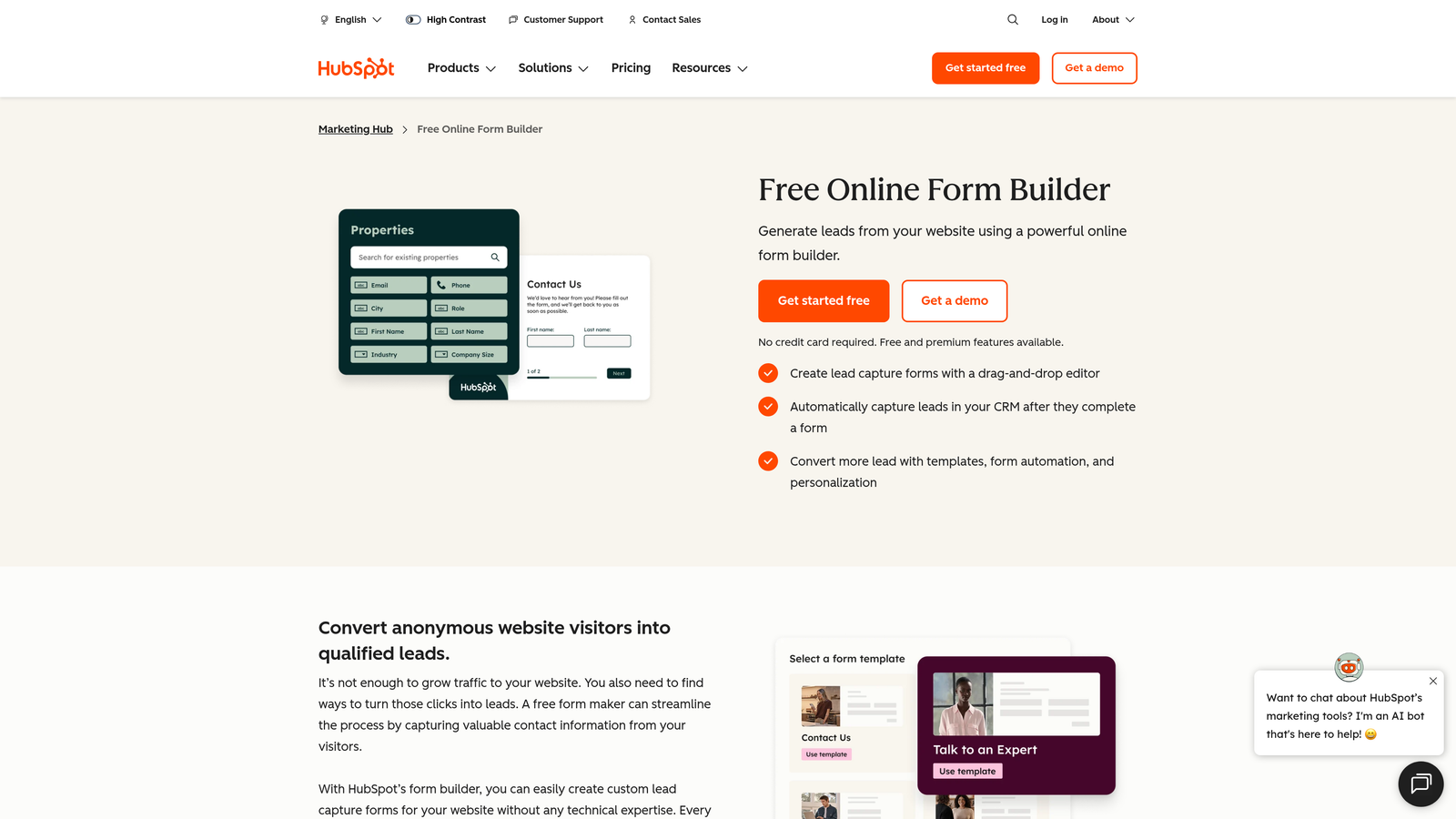
HubSpot Forms is the native form tool within HubSpot's platform, with lead scoring powered by Marketing Hub using both form data and behavioral signals.
Where This Tool Shines
If your team lives in HubSpot, the form tool is a natural extension of your existing workflow. Form submissions update contact properties instantly, and those properties feed directly into HubSpot's lead scoring engine, which can factor in demographic data, behavioral signals, and form answers simultaneously.
The smart fields feature is a practical differentiator. Known contacts won't be asked questions HubSpot already has answers to, which keeps the form experience clean and reduces friction for returning visitors. This is particularly useful for B2B teams running account-based programs.
Key Features
CRM Sync: Form answers update contact properties in real time, feeding directly into HubSpot's scoring and segmentation engine.
Marketing Hub Lead Scoring: Combines demographic data, behavioral signals, and form responses into a composite lead score.
Smart Fields: Hides questions for contacts whose information is already on file, reducing form length for known visitors.
Drag-and-Drop Editor: Accessible form builder with an extensive template library and no coding required.
Workflow Integration: Form submissions trigger automated follow-up sequences natively within HubSpot.
Best For
HubSpot Forms is the right choice if your team is already invested in the HubSpot platform and wants a tightly integrated form experience. It's less compelling as a standalone form tool, since the real power comes from the broader Marketing Hub ecosystem.
Pricing
Forms are free with HubSpot CRM. Lead scoring requires Marketing Hub Professional, which starts at approximately $800 per month. Verify current pricing at hubspot.com before making a decision.
3. Typeform
Best for: Teams prioritizing form completion rates and brand experience, with CRM-based scoring handled downstream.
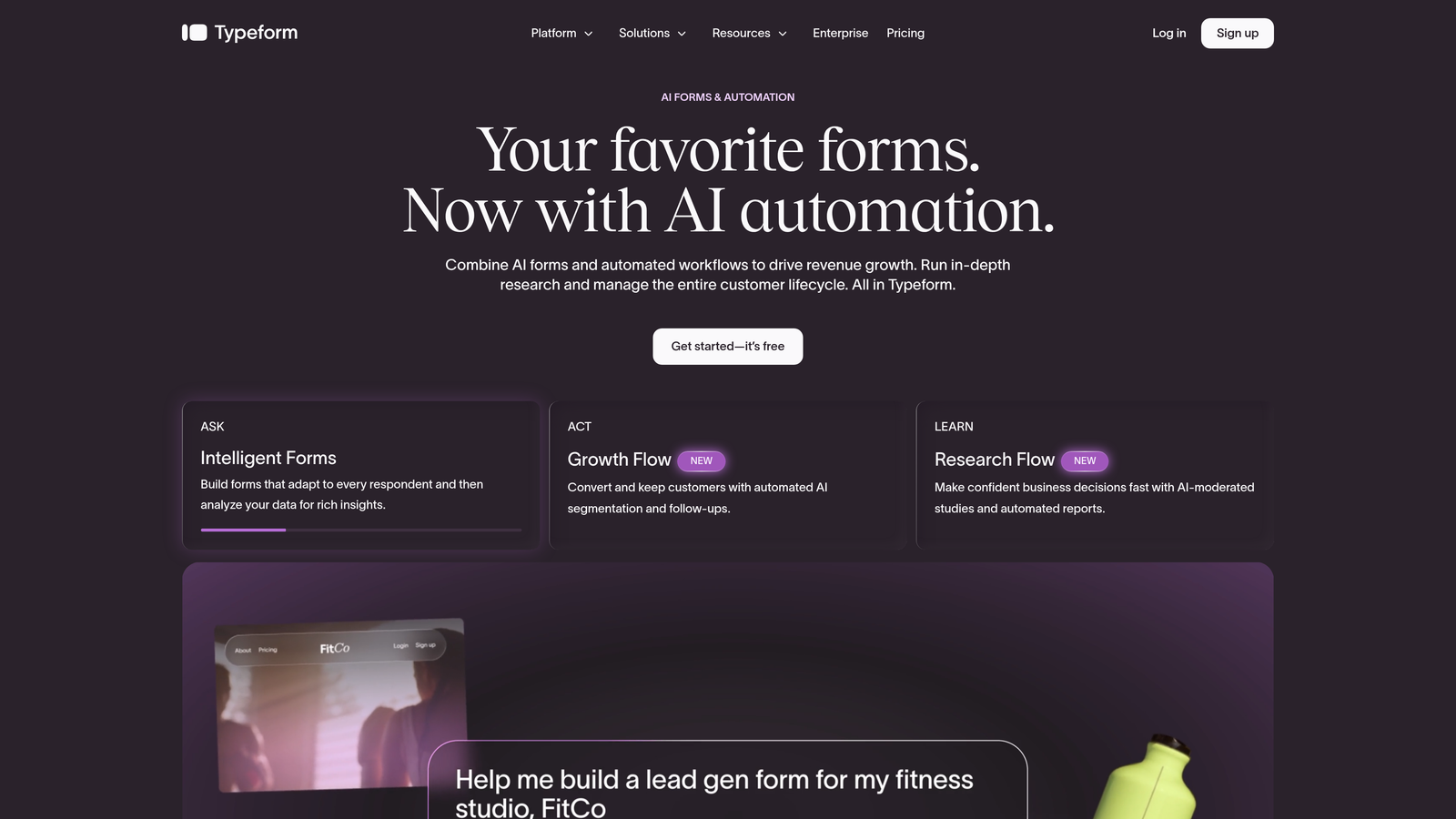
Typeform is a conversational form builder known for its one-question-at-a-time format, best paired with a CRM like HubSpot or Salesforce for lead scoring.
Where This Tool Shines
Typeform's core strength is the respondent experience. The conversational, one-question-at-a-time format feels less like filling out a form and more like having a conversation, which tends to reduce abandonment on longer qualification forms. For B2B teams asking detailed questions about company size, budget, and timeline, this UX advantage is real.
The trade-off is that Typeform doesn't score leads natively. You'll need to connect it to HubSpot, Salesforce, or a Zapier workflow to handle scoring on the back end. For teams with that infrastructure already in place, it's a smooth integration. For teams that don't, it adds setup complexity.
Key Features
Conversational Format: One-question-at-a-time flow that typically improves completion rates on longer qualification forms.
Logic Jumps: Branching paths based on user answers create a personalized form experience without showing irrelevant questions.
CRM Integrations: Native connections to HubSpot, Salesforce, and Zapier for passing data into external scoring systems.
Visual Customization: Strong brand-friendly design options with flexible themes and image/video support.
Hidden Fields: Pass UTM parameters and enrichment data into submissions for more complete lead records.
Best For
Typeform works well for marketing teams that prioritize respondent experience and already have a CRM set up for scoring. It's a strong choice for agencies creating client-facing qualification forms where design quality matters.
Pricing
Typeform starts at approximately $25 per month, with business features available on higher tiers. Verify current pricing at typeform.com.
4. Jotform
Best for: Agencies and SMBs that need a versatile form builder with a broad integration ecosystem and flexible use cases.
Jotform is a no-code form builder with an extensive template library and integration ecosystem, with lead scoring handled through CRM or automation platform connections.
Where This Tool Shines
Jotform's breadth is its biggest asset. With over 10,000 templates and integrations spanning Salesforce, HubSpot, Zoho, and more than 100 other tools, it can slot into almost any existing workflow. For agencies managing multiple clients with different CRM environments, that flexibility is genuinely valuable.
The calculation fields feature deserves a mention: you can assign numeric values to form responses and compute totals, which gives you a rough lead score directly within the form. It's not as sophisticated as purpose-built scoring engines, but it's a useful capability for teams that want lightweight qualification without a full CRM integration.
Key Features
Template Library: 10,000+ templates covering a wide range of use cases and industries.
Integration Ecosystem: Connects with Salesforce, HubSpot, Zoho, and 100+ other platforms for CRM-based scoring.
Conditional Logic: Dynamic form paths that adapt based on respondent answers.
Calculation Fields: Assign numeric values to answers and compute totals, enabling basic in-form scoring.
Jotform Approvals: Route submissions through internal review workflows before passing to sales or CRM.
Best For
Jotform is well-suited for agencies, operations teams, and SMBs that need a flexible, affordable form builder that connects to their existing CRM. It's less ideal for teams that want native, automated lead scoring without additional setup.
Pricing
Jotform offers a free tier. Paid plans start at approximately $34 per month. Verify current pricing at jotform.com.
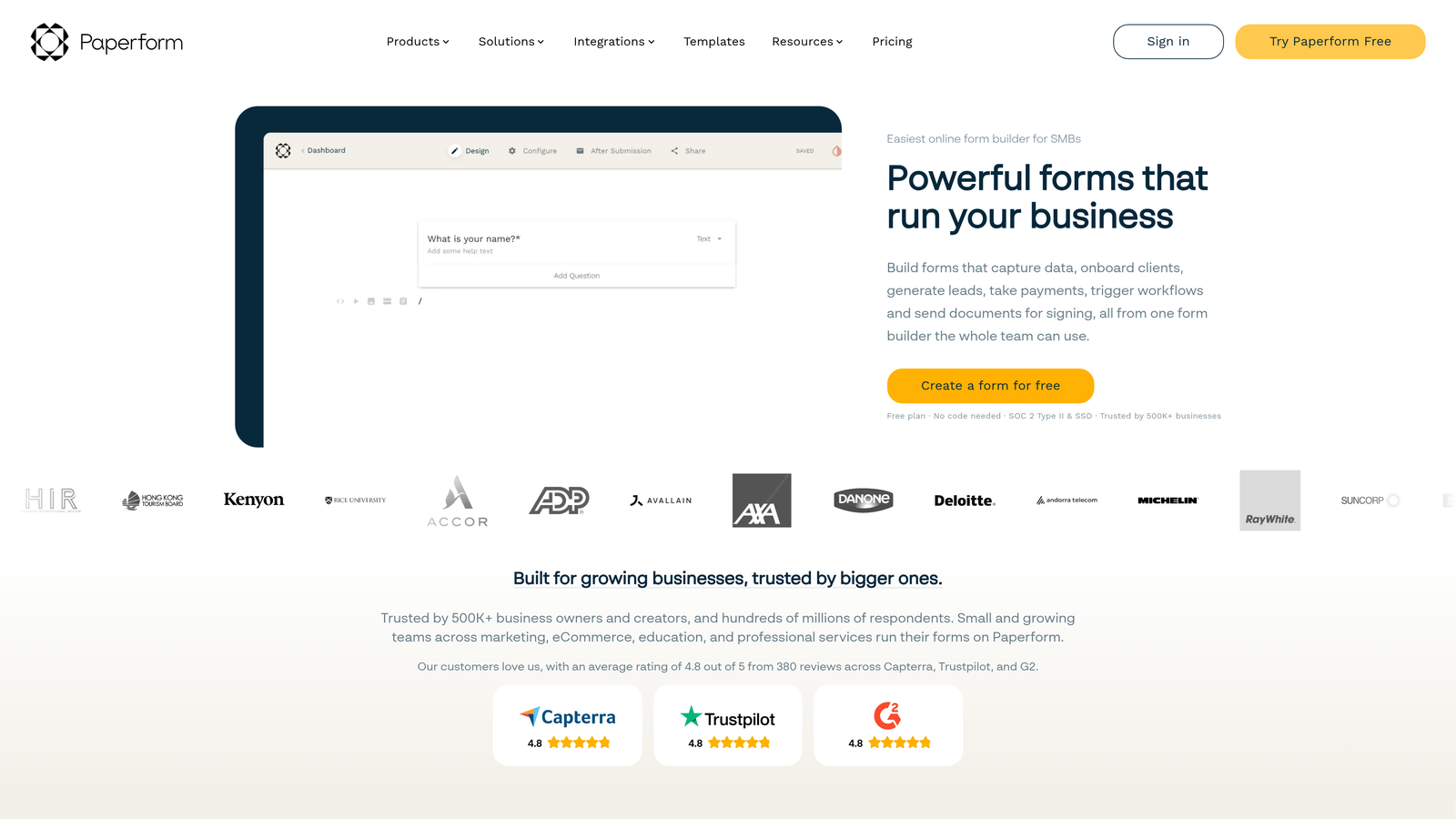
5. Paperform
Best for: Teams that want native calculation-based lead scoring without a CRM, using a flexible and content-rich form builder.
Paperform is a form builder with native calculation fields that can replicate lead scoring logic directly inside the form, without requiring a CRM for basic qualification.
Where This Tool Shines
Paperform's calculation field feature is genuinely clever for lead scoring purposes. You assign point values to individual answer options, and the form computes a running total automatically. That total can then trigger conditional sections, display personalized outcome pages, or be passed downstream to a CRM or Slack notification. It's a lightweight but effective approach to qualification for teams that don't want to maintain a complex scoring setup.
The editor also supports long-form content alongside form fields, which makes it useful for quiz-style lead qualification formats where context and explanation are part of the experience.
Key Features
Calculation Fields: Assign point values to answers and compute a composite score natively within the form.
Conditional Sections: Show or hide content and questions based on the calculated score in real time.
Outcome Pages: Display personalized results or next steps based on score ranges, creating a tailored post-submission experience.
Downstream Integrations: Connects with Zapier, HubSpot, and Slack for routing scored leads to the right destination.
Flexible Editor: Supports long-form content, images, and rich text alongside form fields for content-rich qualification flows.
Best For
Paperform is a strong fit for small to mid-sized teams that want meaningful lead scoring without a full CRM stack. It's also useful for product-led or content-driven teams that want to combine qualification with an interactive, educational form experience.
Pricing
Paperform starts at approximately $24 per month. Verify current pricing at paperform.co.
6. Marketo Forms (Adobe Marketo Engage)
Best for: Enterprise marketing operations teams running sophisticated, multi-signal lead scoring programs at scale.
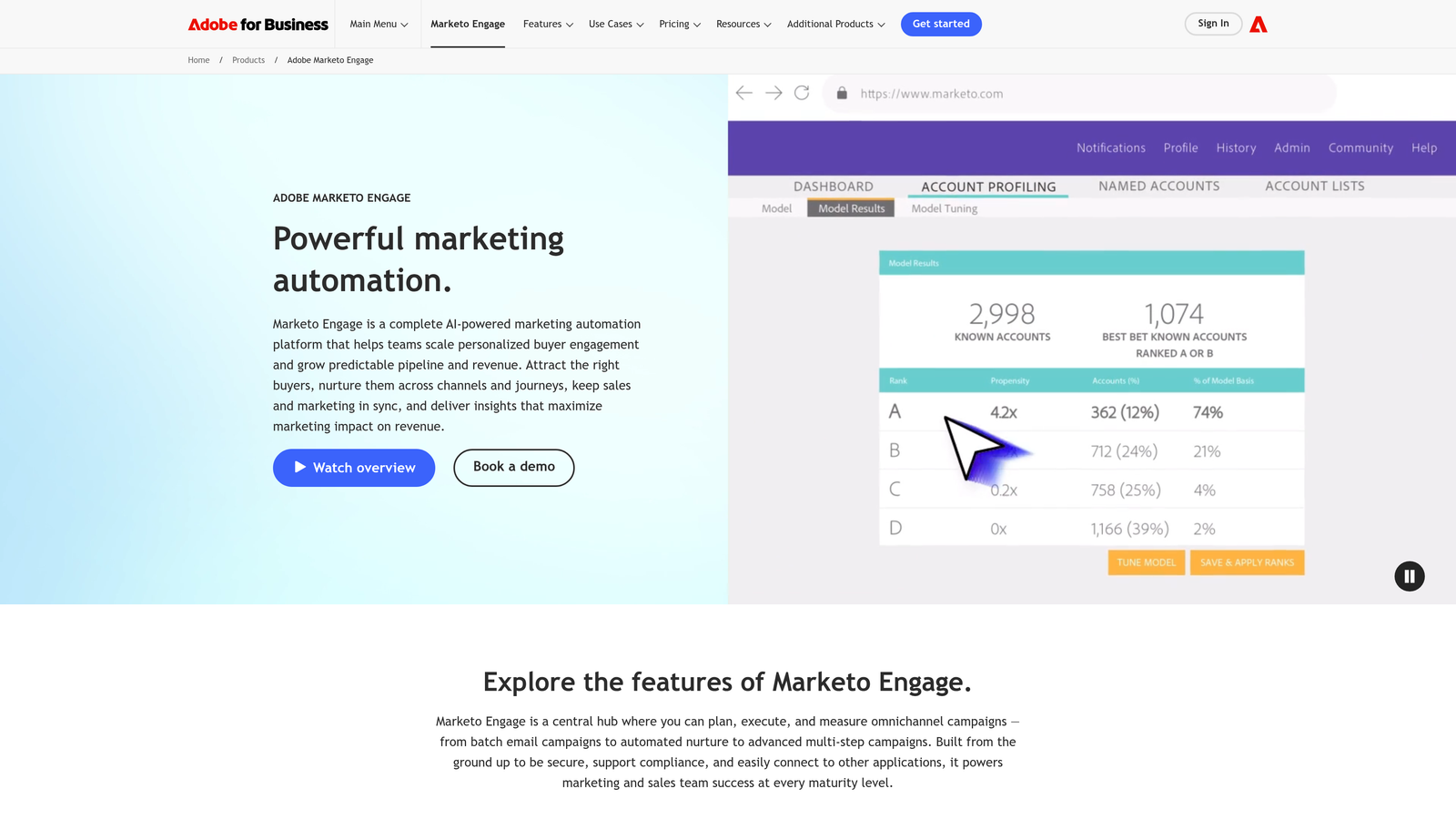
Adobe Marketo Engage is an enterprise marketing automation platform whose form and landing page tools feed directly into one of the most sophisticated lead scoring engines available.
Where This Tool Shines
Marketo's lead scoring capability goes well beyond what most form builders offer. It combines demographic scoring from form submissions with behavioral scoring based on page visits, email opens, and content downloads, creating a multi-dimensional lead score that reflects both who a prospect is and how they're engaging. For enterprise teams managing large volumes of inbound leads across complex buying cycles, this depth is genuinely useful.
The progressive profiling feature is particularly valuable for B2B teams. Rather than asking the same questions every time a known contact fills out a form, Marketo surfaces new questions to gradually enrich the contact record over time. This improves data quality without increasing form friction.
Key Features
Multi-Signal Lead Scoring: Combines form-based demographic data with behavioral signals like email engagement and page visits into a unified score.
Progressive Profiling: Asks new questions each time a known contact completes a form, enriching records without repeating fields.
Advanced Segmentation: Scoring rules based on job title, company size, engagement history, and custom attributes.
CRM Integration: Native connections to Salesforce and Microsoft Dynamics for seamless sales handoff.
Platform Reporting: Detailed reporting on form performance and lead quality within the Marketo environment.
Best For
Marketo Forms is designed for large marketing operations teams with dedicated MOps resources and complex lead scoring requirements. It's overkill for most SMBs and early-stage startups, but for enterprise teams, the depth is hard to match.
Pricing
Marketo Engage uses enterprise pricing, typically starting at $1,000 or more per month. Contact Adobe directly for a quote, as pricing varies by contract size and feature set.
7. Gravity Forms
Best for: WordPress-based teams that want a powerful form plugin with CRM integration for lead scoring within their existing site infrastructure.
Gravity Forms is the leading WordPress form plugin, with lead scoring achieved through official CRM add-ons and a large ecosystem of third-party extensions.
Where This Tool Shines
If your marketing site runs on WordPress, Gravity Forms integrates more deeply with your existing infrastructure than almost any other option on this list. It supports custom post types, user registration, and complex conditional logic, making it a genuinely powerful tool for WordPress-native teams that need sophisticated form functionality without leaving their platform.
The official add-ons for HubSpot, Salesforce, Zoho, and ActiveCampaign handle the lead scoring side by passing form data into your CRM of choice. The calculation fields feature also allows for basic in-form numeric scoring, similar to Jotform and Paperform's approach.
Key Features
Deep WordPress Integration: Supports custom post types, user registration, and native WordPress functionality out of the box.
Official CRM Add-Ons: Certified integrations with HubSpot, Salesforce, Zoho, and ActiveCampaign for CRM-based lead scoring.
Conditional Logic: Dynamic fields and sections that adapt based on respondent answers.
Calculation Fields: Assign numeric values to responses for basic in-form scoring without a CRM.
Developer Ecosystem: Large community of third-party plugins that extend functionality well beyond the core product.
Best For
Gravity Forms is the natural choice for agencies and in-house teams running WordPress sites that need a robust, extensible form solution. It's less suitable for teams not on WordPress, as the plugin architecture doesn't translate outside that environment.
Pricing
Gravity Forms starts at approximately $59 per year for a basic license. Some add-ons, including CRM integrations, may require higher-tier plans. Verify current pricing at gravityforms.com.
8. ActiveCampaign Forms
Best for: SMB and mid-market teams that want native lead scoring tightly integrated with email automation and CRM at an accessible price point.
ActiveCampaign Forms is a form builder tightly connected to ActiveCampaign's CRM and automation engine, with lead scoring as a native platform feature triggered directly by form responses.
Where This Tool Shines
ActiveCampaign's key advantage is the tight loop between form submission, lead score adjustment, and automated follow-up. When a prospect fills out a form, their lead score updates automatically, and that score change can immediately trigger a CRM deal, a sales notification, or an email sequence, all within the same platform. For teams that want this kind of automation without enterprise-level complexity or cost, it's a genuinely strong option.
The pricing structure is also worth noting. Lead scoring is available on the Plus plan and above, which makes it accessible for SMBs and growing teams that can't justify the cost of HubSpot Marketing Hub or Marketo for scoring alone.
Key Features
Native Lead Scoring: Form submissions automatically adjust lead scores within ActiveCampaign's platform, no external integration required.
Flexible Form Types: Inline, floating, and modal form placements for flexible deployment across your site.
Conditional Follow-Up: Automated sequences triggered by form answers and score thresholds within the same platform.
Built-In CRM: Deal pipelines connected directly to lead scores for seamless sales handoff.
Accessible Pricing: Lead scoring available at mid-tier pricing, making it practical for SMB and mid-market teams.
Best For
ActiveCampaign Forms is an excellent fit for SMB and mid-market teams that want native lead scoring, email automation, and CRM functionality in one platform without the enterprise price tag. It's particularly strong for teams that rely heavily on email marketing as part of their lead nurturing process.
Pricing
ActiveCampaign starts at approximately $15 per month. Lead scoring is available on the Plus plan and above. Verify current pricing at activecampaign.com.
Which Tool Is Right for Your Team
The right choice here depends less on which tool has the most features and more on where lead scoring needs to happen in your workflow.
If you want scoring to happen at the form level without a CRM dependency, Orbit AI is the strongest purpose-built option. It's designed specifically for high-growth B2B and SaaS teams that want native AI qualification baked into a modern, conversion-optimized form experience. Paperform is a lighter-weight alternative if you want calculation-based scoring without a full platform commitment.
If your team is already deep in a specific CRM ecosystem, match the form tool to that stack. HubSpot Forms is the obvious choice for HubSpot users. ActiveCampaign Forms delivers native scoring at a price point that makes sense for SMBs. Marketo Forms is built for enterprise teams with dedicated marketing operations resources.
For WordPress-native environments, Gravity Forms is the clear winner. For teams that prioritize form completion rates and respondent experience above all else, Typeform's conversational format is hard to beat, as long as you have a CRM in place to handle scoring downstream. Jotform works well for agencies and operations teams that need flexibility across multiple client environments.
The bottom line: native scoring reduces complexity and speeds up qualification. Integration-dependent scoring offers flexibility but requires more maintenance. Choose the architecture that matches your team's current stack and growth trajectory.
Transform your lead generation with AI-powered forms that qualify prospects automatically while delivering the modern, conversion-optimized experience your high-growth team needs. Start building free forms today and see how intelligent form design can elevate your conversion strategy.


