

Static forms are leaving money on the table. While traditional web forms passively collect whatever users type and dump it into a spreadsheet, modern buyers expect something smarter: forms that adapt to their answers, ask the right follow-up questions, and help your team focus on the leads most likely to convert.
Smart web form software changes the equation entirely. These tools combine conditional logic, AI-powered qualification, dynamic personalization, and real-time analytics to transform a basic data collection step into an active part of your conversion funnel.
To build this list, we evaluated each tool across five dimensions: intelligence features (conditional logic, AI, personalization), ease of use, integration ecosystem, analytics depth, and pricing flexibility. Whether you're a startup capturing your first thousand leads or an enterprise team optimizing complex multi-step flows, there's a tool here built for your situation.
Here are the top smart web form software platforms worth your attention in 2026.
1. Orbit AI
Best for: High-growth teams that want AI-powered lead qualification built directly into the form experience.
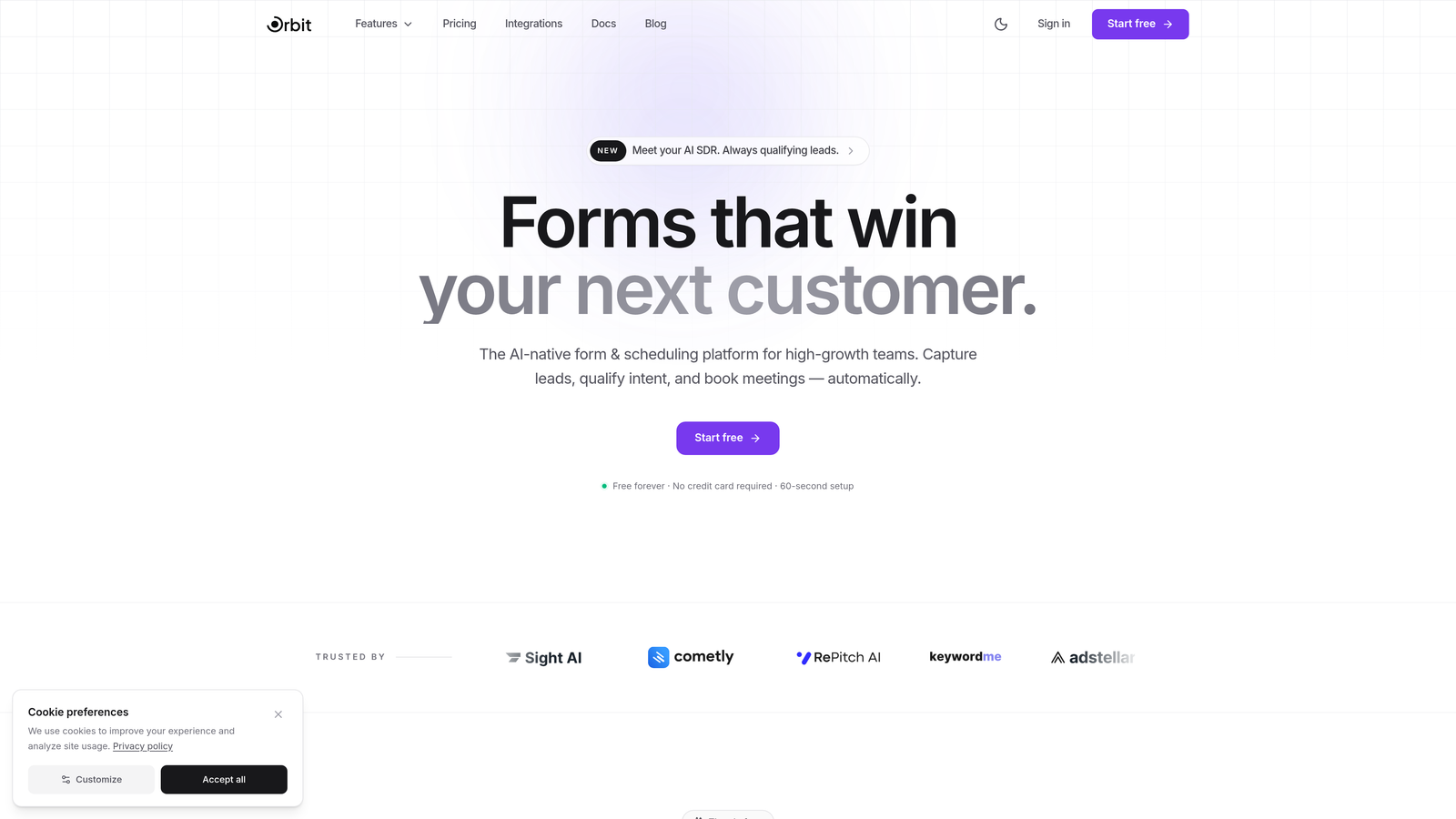
Orbit AI is an AI-powered form builder that combines conversion-optimized design with built-in lead scoring, so your forms don't just collect data — they automatically surface your best prospects.
Where This Tool Shines
Most form builders treat qualification as an afterthought, something you bolt on downstream via your CRM or a third-party scoring tool. Orbit AI flips that model. The intelligence layer lives inside the form itself, evaluating respondent inputs in real time and assigning qualification scores before a submission ever hits your pipeline.
The design quality is genuinely a differentiator here. Where many "smart" form tools sacrifice aesthetics for functionality, Orbit AI leads with visually polished templates built specifically for conversion. The result is a form experience that feels like a natural extension of a modern SaaS product rather than a bolted-on widget.
Key Features
AI-Powered Lead Qualification and Scoring: Automatically evaluates form responses against your ideal customer profile and scores leads without manual CRM rules.
Conversion-Optimized Templates: Modern, visually refined starting points designed to maximize completion rates from the first interaction.
Conditional Logic and Dynamic Fields: Forms adapt in real time based on what respondents enter, creating personalized paths for different buyer segments.
CRM and Marketing Tool Integrations: Connects seamlessly with major CRM and marketing automation platforms to route qualified leads where they need to go.
Real-Time Analytics and Submission Insights: Track drop-off points, completion rates, and lead quality metrics without leaving the platform.
Best For
Orbit AI is the right fit for SaaS teams, growth marketers, and sales-led organizations that need more than a form builder. If your team is spending significant time manually qualifying inbound leads or your current forms aren't filtering signal from noise, this is built for that exact problem.
Pricing
Visit orbitforms.ai for current plan details. A free starting option is available for teams ready to explore the platform.
2. Typeform
Best for: Teams prioritizing conversational UX and high completion rates on lead capture and survey forms.
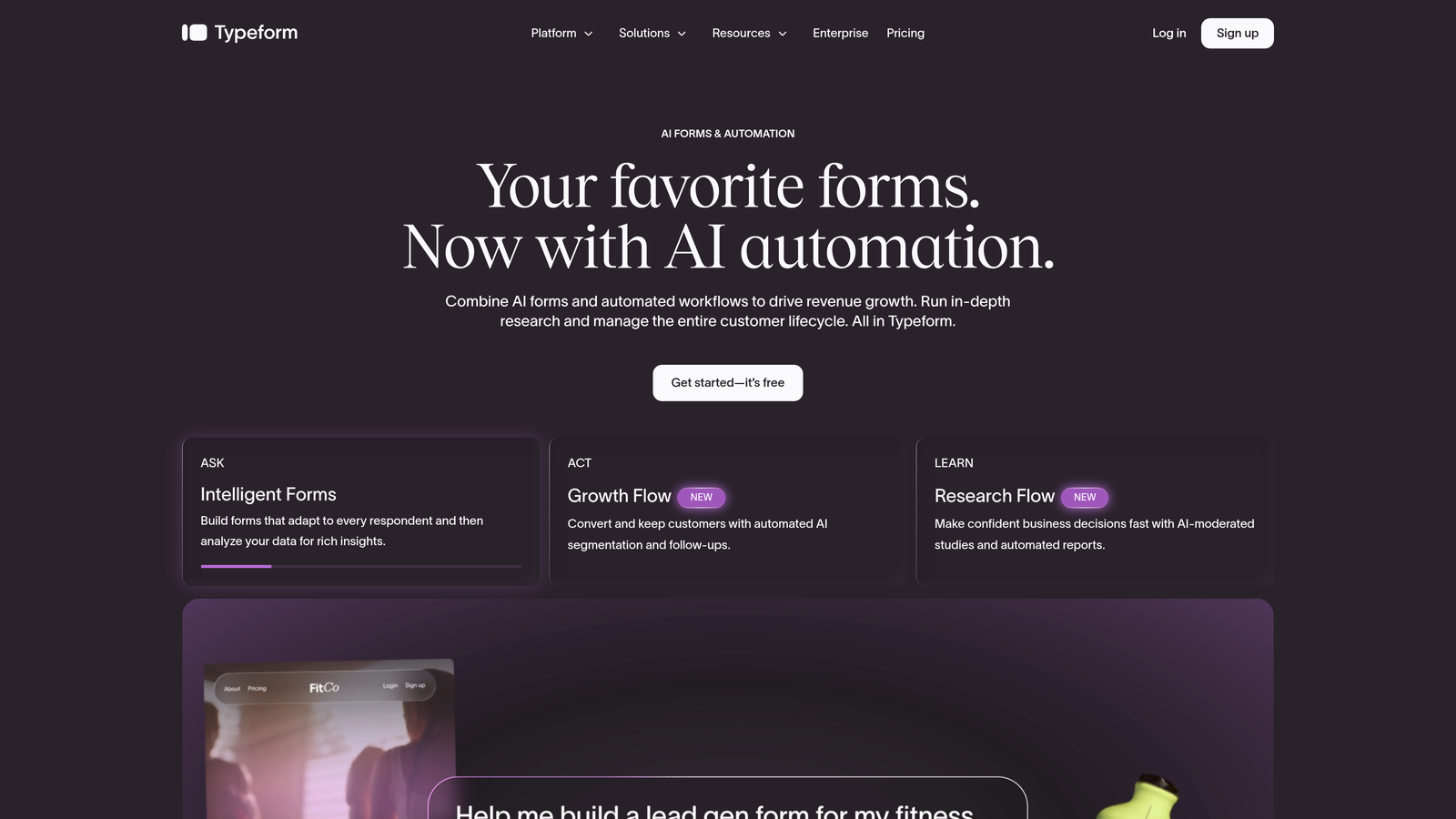
Typeform is the pioneer of the one-question-at-a-time format, delivering polished, conversational form experiences with strong logic branching and consistently high completion rates.
Where This Tool Shines
Typeform's core insight was simple but powerful: showing people one question at a time reduces cognitive overload and feels more like a conversation than an interrogation. That philosophy is baked into everything, from the clean full-screen layouts to the smooth transitions between questions.
The logic branching capabilities are mature and well-executed. You can build genuinely personalized paths based on previous answers without needing a developer, which makes it a strong choice for teams creating nuanced qualification flows or multi-segment surveys.
Key Features
Conversational One-Question UX: The signature format that reduces drop-off by presenting one field at a time in a distraction-free interface.
Logic Jumps and Branching: Route respondents to different questions or outcomes based on their previous answers.
Native CRM and Marketing Integrations: Direct connections to HubSpot, Salesforce, Mailchimp, and other major platforms.
Video and Image Embedding: Add rich media directly within the form to provide context or boost engagement.
Hidden Fields for Attribution: Capture UTM parameters and source data automatically to track where your leads are coming from.
Best For
Marketing teams focused on lead generation, customer research, and NPS surveys where completion rate and brand experience matter. Less ideal for complex enterprise workflows or heavy automation requirements.
Pricing
Free tier available with basic features. Paid plans start at approximately $25/month, with higher tiers unlocking advanced logic and integrations.
3. Jotform
Best for: Teams that need a versatile, no-code form builder with a massive template library and built-in payment processing.
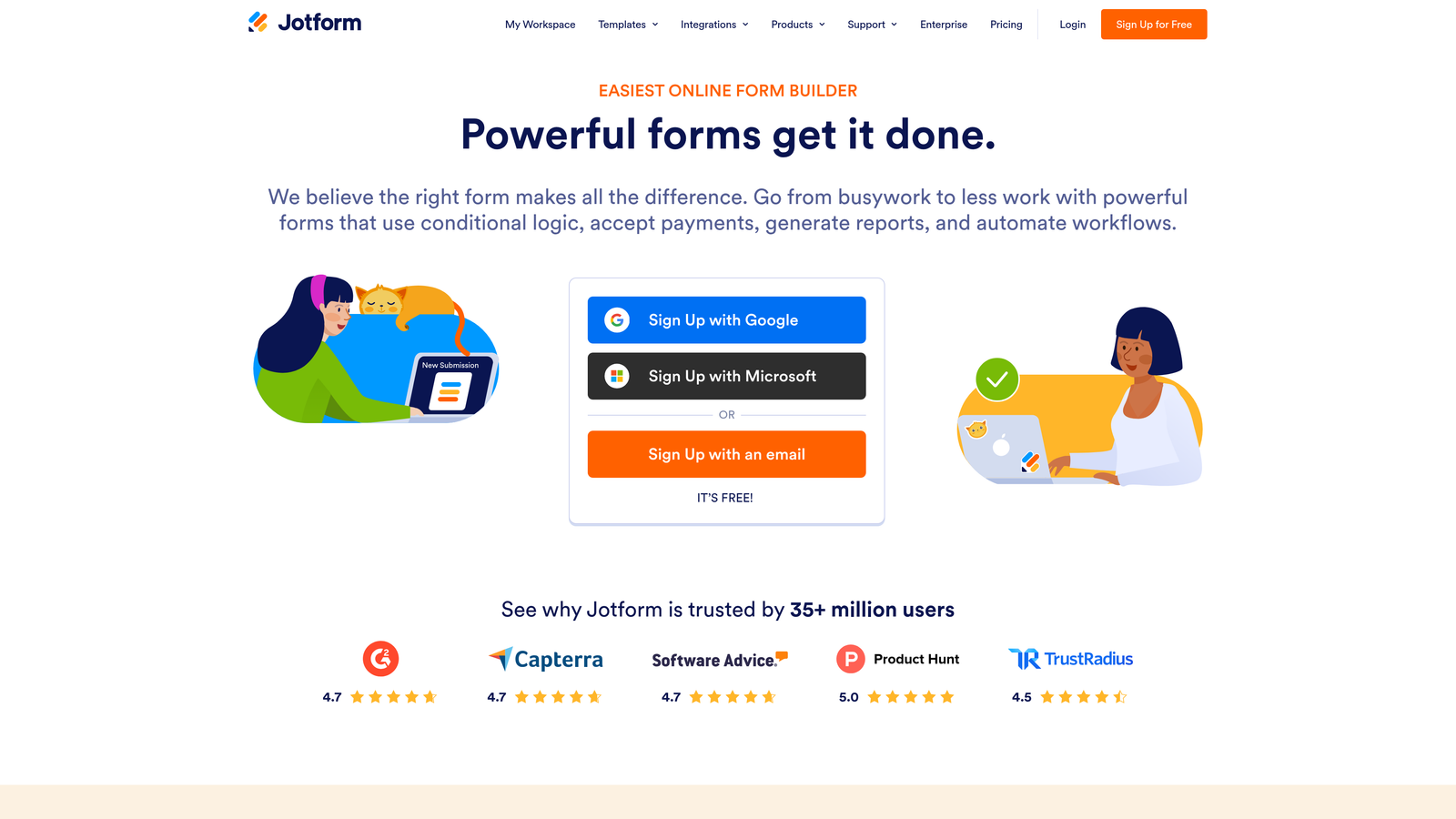
Jotform is one of the most established names in the form builder space, offering an extensive template library, conditional logic, and a generous free plan that makes it accessible to teams of any size.
Where This Tool Shines
Jotform's depth is its biggest asset. With over 10,000 templates spanning industries from healthcare to e-commerce, the odds are strong that you can find a starting point close to what you need and customize from there. The drag-and-drop builder is approachable for non-technical users while still offering enough flexibility for more complex requirements.
The built-in payment processing support across Stripe, PayPal, and Square makes it a natural fit for teams that need to collect payments alongside form data, whether for orders, registrations, or donations.
Key Features
10,000+ Form Templates: One of the largest template libraries available, covering virtually every industry and use case.
Conditional Logic and Smart Field Visibility: Show or hide fields dynamically based on respondent inputs.
Built-In Payment Processing: Accept payments via Stripe, PayPal, and Square without a third-party tool.
Jotform Tables: A built-in submission management layer that organizes responses in a spreadsheet-style view.
HIPAA-Compliant Plan: Available for healthcare teams with strict data compliance requirements.
Best For
Small businesses, nonprofits, and operations teams that need a reliable, general-purpose form builder with payment capabilities and minimal technical lift.
Pricing
Free tier supports up to 5 forms. Paid plans start at approximately $34/month with higher submission limits and advanced features.
4. HubSpot Forms
Best for: Teams already in the HubSpot ecosystem who want CRM-native smart forms with progressive profiling.
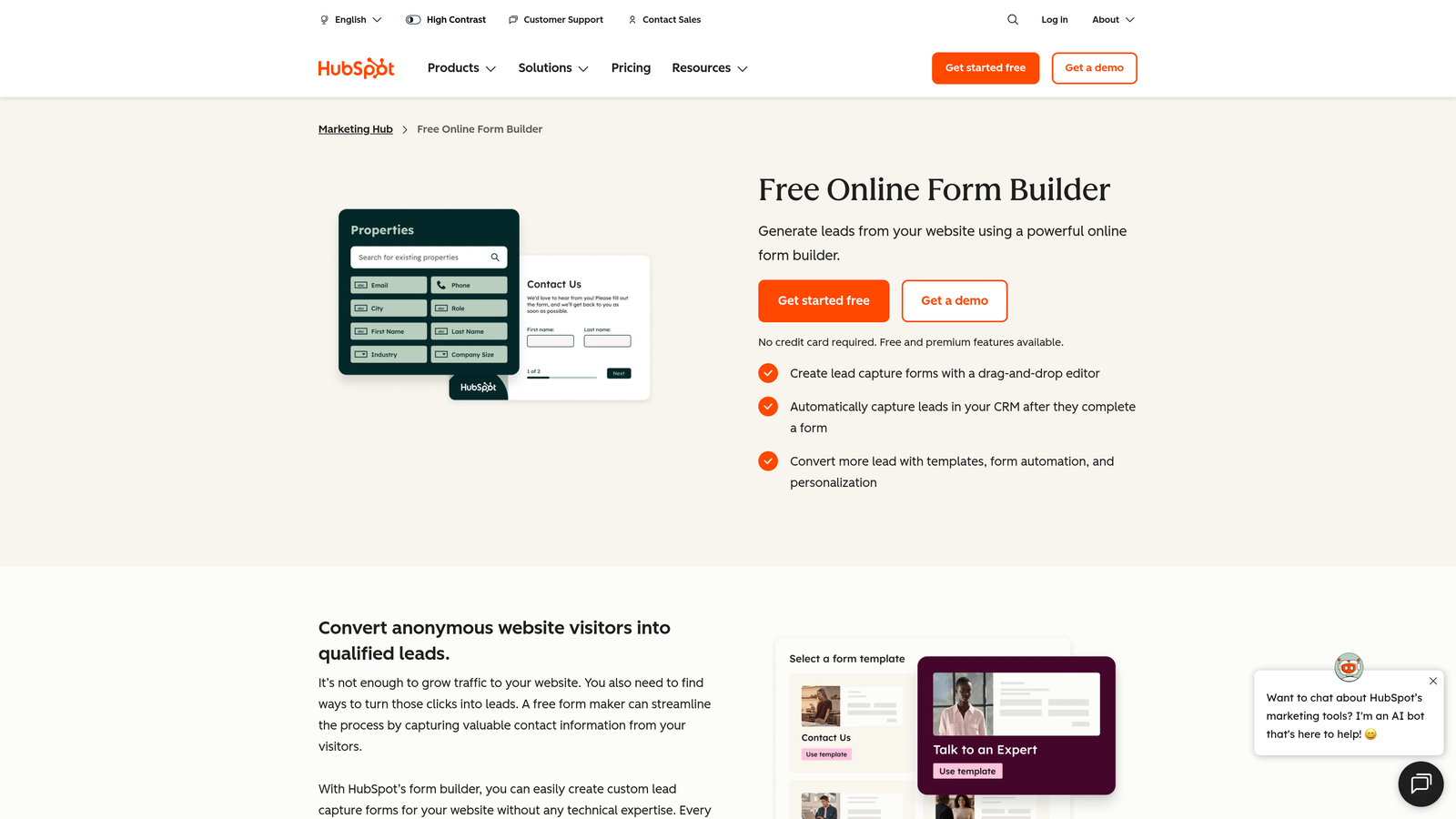
HubSpot Forms is a CRM-native form solution with progressive profiling and smart fields that adapt based on what HubSpot already knows about a contact, reducing friction for returning visitors.
Where This Tool Shines
The progressive profiling feature is genuinely smart. Instead of asking a returning contact for information you already have, HubSpot Forms automatically swaps in new fields to enrich the contact record progressively over time. This keeps forms short and conversion-friendly while building richer data profiles with each interaction.
Because it lives natively inside HubSpot, every submission automatically updates contact records, triggers workflows, and moves leads through lifecycle stages without any manual mapping or third-party sync.
Key Features
Progressive Profiling: Automatically replaces already-known fields with new questions for returning contacts, maximizing data collection without increasing form length.
Smart Fields Based on CRM Data: Fields adapt based on what HubSpot already knows about the visitor.
Automatic Lead Routing and Lifecycle Assignment: Submissions trigger CRM workflows and stage updates without manual intervention.
Embedded and Pop-Up Deployment: Flexible placement options for landing pages, blog posts, and exit-intent triggers.
Free Tier Within HubSpot CRM: Core form functionality available at no cost for HubSpot users.
Best For
Marketing and sales teams running their entire funnel through HubSpot. If you're outside the HubSpot ecosystem, the value proposition drops significantly.
Pricing
Free with HubSpot CRM. Advanced features are available in Marketing Hub Starter at approximately $20/month.
5. Formstack
Best for: Organizations that need forms as part of a broader workflow automation, document generation, and compliance-driven process.
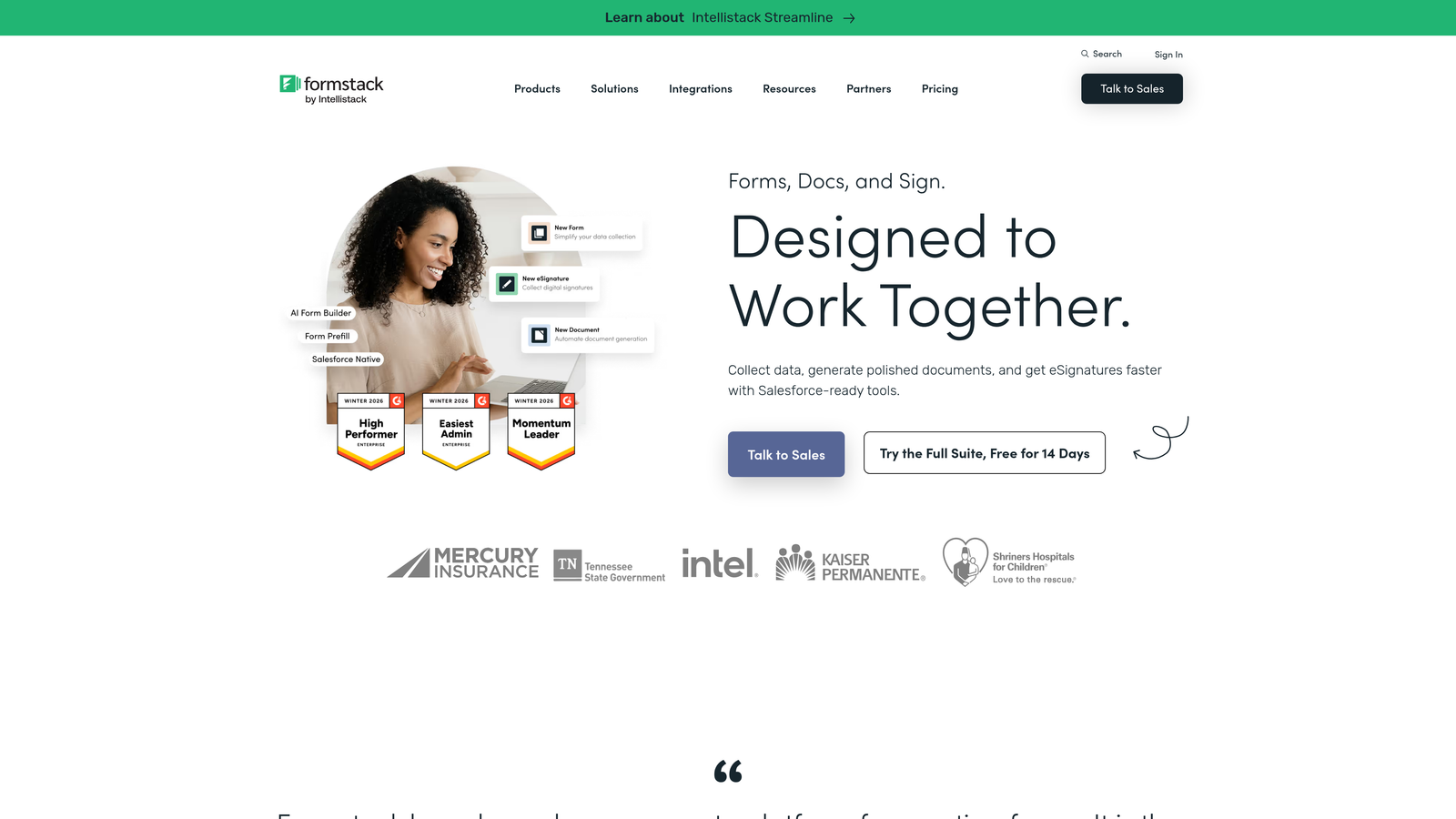
Formstack extends well beyond basic form building into a full workflow platform that connects forms to documents, e-signatures, and automated processes.
Where This Tool Shines
Formstack's differentiator is its workflow depth. While most form builders stop at submission, Formstack treats the form as the entry point to a larger automated process: triggering document generation, routing for e-signature, and feeding data into downstream systems without manual handoffs.
For compliance-heavy industries, the platform's HIPAA, GDPR, and SOC 2 compliance options provide a level of data governance that most lighter-weight form tools can't match.
Key Features
Conditional Logic with Multi-Step Wizards: Build complex, branching multi-page form flows for detailed data capture.
Workflow Automation to Documents and E-Signatures: Connect form submissions directly to document generation and signature collection in a single flow.
A/B Testing for Form Optimization: Test different form versions to identify which drives higher completion rates.
Partial Submission Capture: Recover leads even from incomplete form fills.
Enterprise Compliance Options: HIPAA, GDPR, and SOC 2 certifications available for regulated industries.
Best For
Mid-market and enterprise teams in healthcare, finance, or legal that need forms integrated into larger document and approval workflows.
Pricing
Starts at approximately $50/month for the Forms plan. Workflow and document features are available on higher tiers.
6. Paperform
Best for: Teams that want forms embedded within rich, landing-page-style content experiences rather than standalone form widgets.
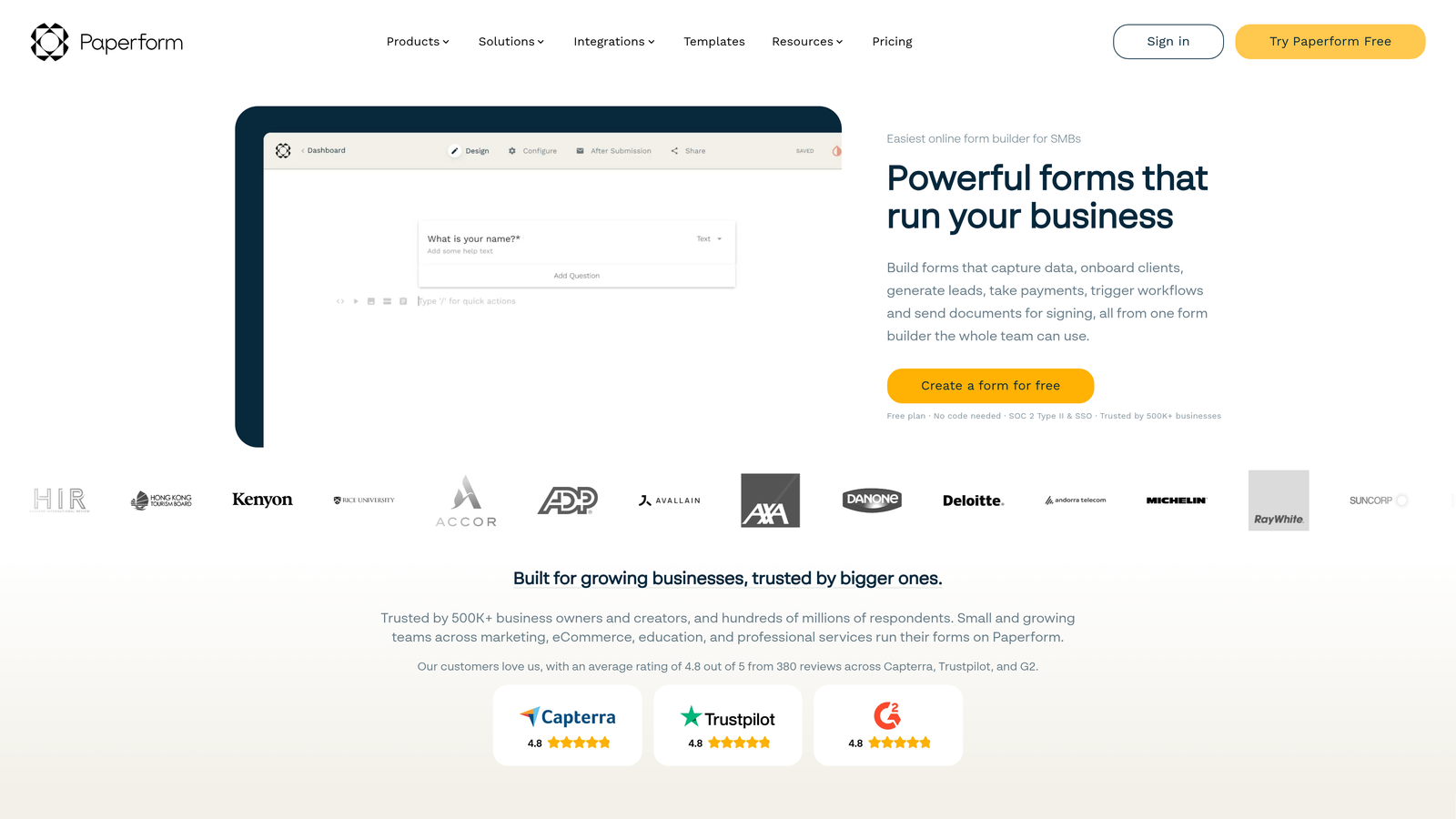
Paperform creates content-rich form experiences that blend inline text, images, video, and smart fields into a single cohesive page that reads more like a landing page than a traditional form.
Where This Tool Shines
Paperform's editor is unlike most form builders. You write copy, add images, embed video, and drop in form fields all within the same canvas. This makes it ideal for forms that need context: product order forms, event registrations, or intake flows where a little explanation goes a long way toward improving completion.
The calculation fields are a practical strength, enabling dynamic pricing, cost estimates, and quantity-based totals directly within the form without any code.
Key Features
Landing-Page-Style Editor: Combine rich content blocks with form fields in a single freeform canvas.
Conditional Logic and Calculation Fields: Dynamic field visibility and real-time calculations for pricing and estimates.
Built-In Payment and Booking: Accept payments and schedule appointments without leaving the form experience.
Custom Branding and Theme Control: Full visual customization to match your brand identity.
2,000+ Integrations: Connect via Zapier and native integrations to your existing marketing and operations stack.
Best For
Small businesses, consultants, and creative teams that need forms with storytelling context baked in, particularly for sales, booking, and intake use cases.
Pricing
Starts at approximately $29/month on the Essentials plan.
7. Feathery
Best for: Product and engineering teams that need no-code form building speed combined with developer-level customization and API-first architecture.
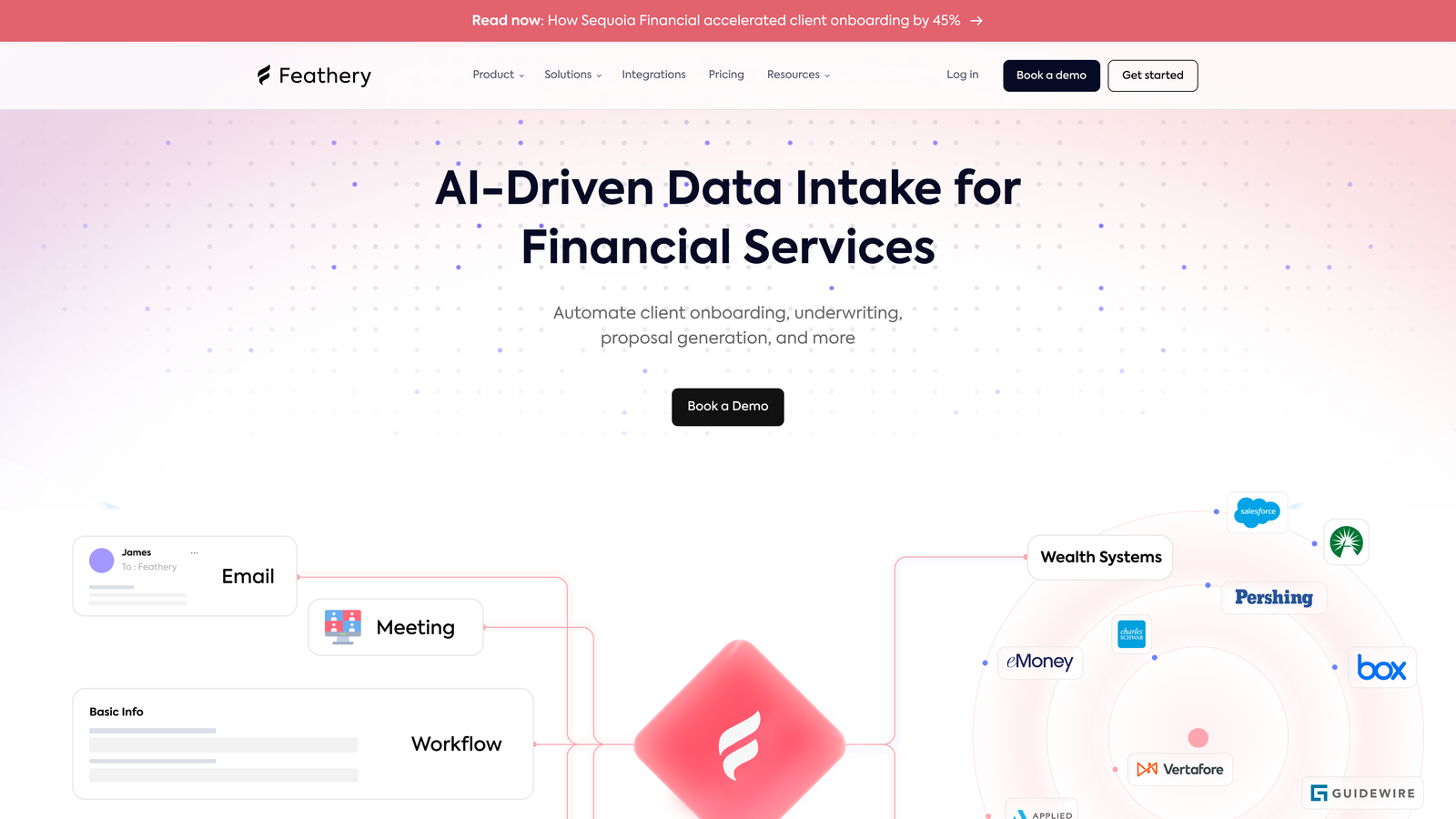
Feathery is a developer-friendly form builder that bridges the gap between no-code accessibility and advanced logic, custom code injection, and complex multi-step flows.
Where This Tool Shines
Feathery occupies a unique position in the market: it's powerful enough for engineering teams building complex onboarding wizards or multi-step signup flows, but accessible enough that product managers can own the form logic without constant developer involvement.
The API-first architecture means Feathery can be deployed headlessly, embedded within existing product surfaces, or integrated into custom tech stacks in ways that traditional form builders simply can't accommodate.
Key Features
Advanced Logic Engine: Rule-based branching that handles complex conditional scenarios beyond basic show/hide logic.
Custom Code Injection: Add JavaScript and CSS directly to extend functionality without leaving the platform.
Multi-Step Flow Builder: Design sophisticated onboarding sequences, signup wizards, and qualification flows with visual step management.
API-First Architecture: Headless deployment options for teams embedding forms within existing products or custom environments.
Collaboration Features: Built for cross-functional product and engineering teams with shared editing and version management.
Best For
SaaS product teams building onboarding flows, fintech companies with complex intake requirements, and engineering-led organizations that need form infrastructure with full customization control.
Pricing
Free tier available. Paid plans start at approximately $49/month.
8. Tally
Best for: Individuals, startups, and small teams that need unlimited forms and submissions without paying anything upfront.
Tally is a free-first form builder with a Notion-inspired editing experience, unlimited forms and responses on the free plan, and solid conditional logic that punches above its price point.
Where This Tool Shines
The free plan is genuinely generous in a way that most competitors aren't. Unlimited forms, unlimited responses, and no Tally branding on the free tier makes it a serious option for bootstrapped teams and indie projects where budget is tight but quality still matters.
The block-based editor will feel immediately familiar to anyone who uses Notion. You build forms by typing and adding blocks rather than dragging widgets around a canvas, which makes the creation experience feel natural and fast.
Key Features
Unlimited Forms and Submissions on the Free Plan: No submission caps or form limits, making the free tier genuinely usable for real projects.
Notion-Style Block Editor: Intuitive, content-first editing experience that's fast to learn and pleasant to use.
Conditional Logic and Hidden Fields: Dynamic form paths and attribution tracking without needing a paid upgrade.
File Uploads, Payments, and Signatures: Broader data collection capabilities available even on lower tiers.
Zapier, Webhooks, and Native Integrations: Connect to your existing tools without complex setup.
Best For
Freelancers, early-stage startups, and content creators who need a capable form tool without a monthly commitment. Also a strong choice for internal forms and quick research projects.
Pricing
Free plan is robust and genuinely usable. Tally Pro is approximately $29/month and adds custom domains and branding removal.
9. Cognito Forms
Best for: Teams building order forms, booking forms, and donation pages that require advanced calculation logic and built-in payment processing.
Cognito Forms is an affordable form builder with standout calculation fields, repeating sections for variable-length data capture, and native payment processing across major providers.
Where This Tool Shines
Cognito Forms does something most form builders handle poorly: math. The calculation field engine supports quantity-based pricing, dynamic totals, conditional pricing rules, and formula-driven outputs that make it genuinely powerful for order and booking scenarios where the form needs to compute something in real time.
The repeating sections feature is another practical differentiator. If you need respondents to add a variable number of items, passengers, line items, or attendees, repeating sections handle that gracefully without custom code.
Key Features
Advanced Calculation Fields: Formula-based fields that compute totals, pricing, and dynamic values based on respondent inputs.
Repeating Sections: Allow respondents to add multiple entries of the same field group, ideal for order and registration forms.
Built-In Payment Processing: Accept payments via Stripe, PayPal, and Square directly within the form.
Conditional Logic and Multi-Page Forms: Standard smart form features with solid implementation.
Data Encryption and HIPAA Compliance: Available on higher tiers for teams with data security requirements.
Best For
Small businesses, nonprofits, and event organizers that need powerful calculation and payment logic without enterprise pricing. Particularly well-suited to order forms, registration flows, and donation pages.
Pricing
Free tier available with basic features. Paid plans start at approximately $15/month, making it one of the most affordable options on this list.
Choosing the Right Smart Form Software for Your Team
Every tool on this list earns its place, but the right choice depends on where your team's priorities actually sit. Here's a quick breakdown to help you cut through the options.
Best free option: Tally's unlimited free plan is hard to beat for bootstrapped teams or anyone who needs capable forms without a monthly commitment.
Best for CRM integration: HubSpot Forms wins if you're already running your pipeline through HubSpot. The progressive profiling and automatic lifecycle updates are genuinely seamless.
Best for AI-powered lead qualification: Orbit AI is the standout choice here. If your goal is to stop manually sorting through inbound leads and let intelligent scoring do the heavy lifting at the form level, this is what it was built for.
Best for developers and product teams: Feathery's API-first architecture and custom code injection make it the clear pick for engineering-led teams building complex flows inside existing products.
Best for workflow automation: Formstack is the right call when your form is the beginning of a larger process involving documents, approvals, and e-signatures.
Best for order and payment forms: Cognito Forms' calculation engine and built-in payment processing make it the most practical choice for order, booking, and donation use cases.
If you're a high-growth team looking to move beyond passive data collection and turn your forms into active conversion and qualification tools, the smartest starting point is a platform built with that goal at its core. Start building free forms today with Orbit AI and see how intelligent form design can elevate your conversion strategy from the very first touchpoint.


